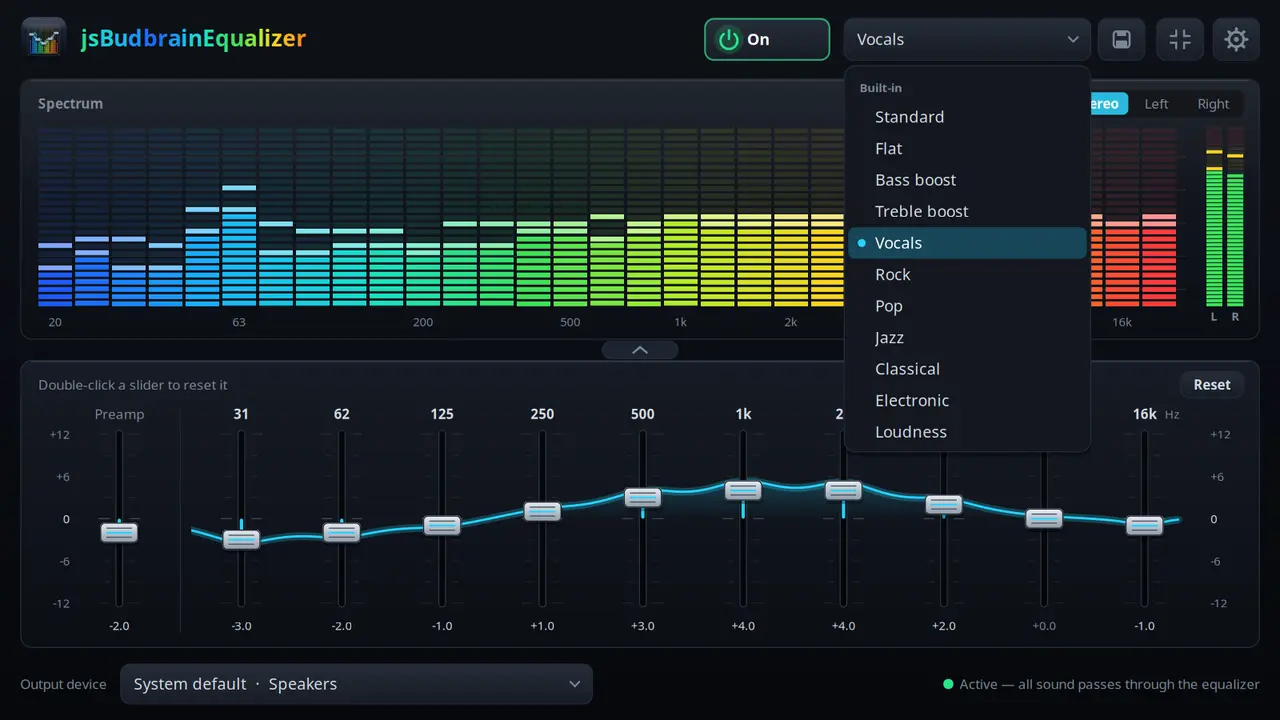
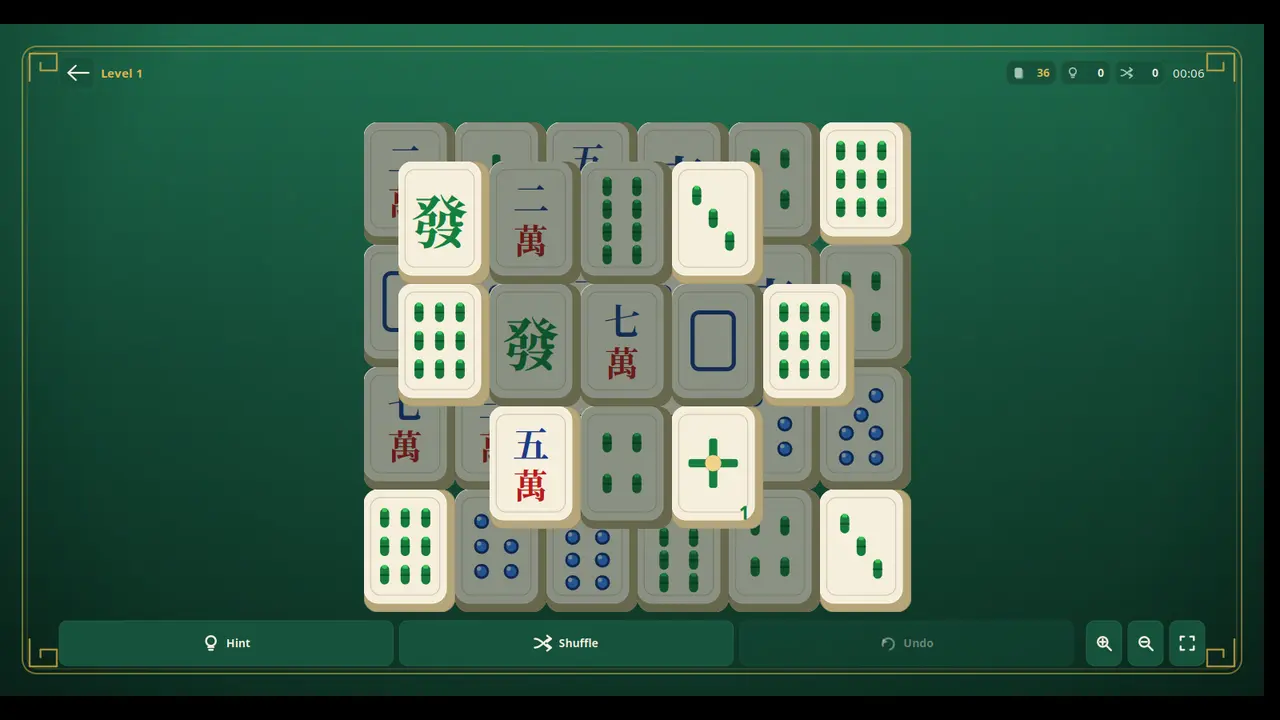
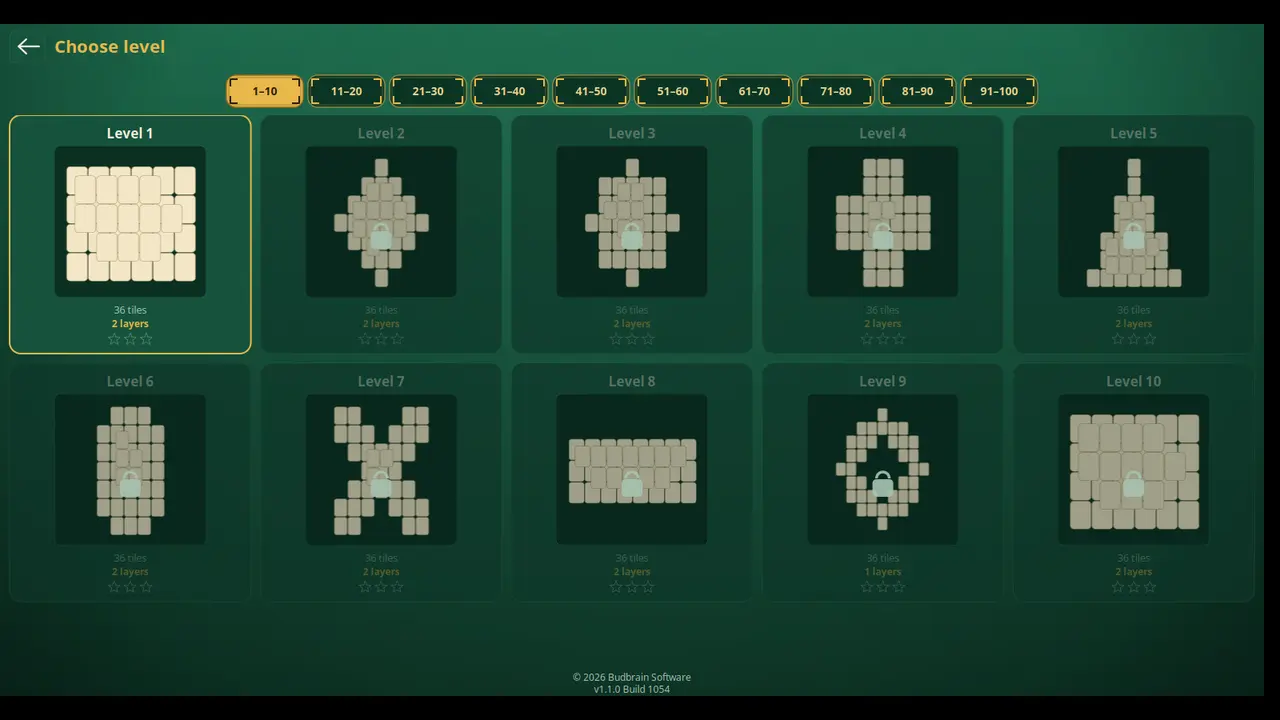
Kwa usambazaji wowote wenye Flatpak — usanidi umeorodheshwa kwa kila programu.
.deb (Debian, Ubuntu)
Kwa Debian, Ubuntu na zinazotokana nazo — moja kwa moja kwa kila programu hapa chini.
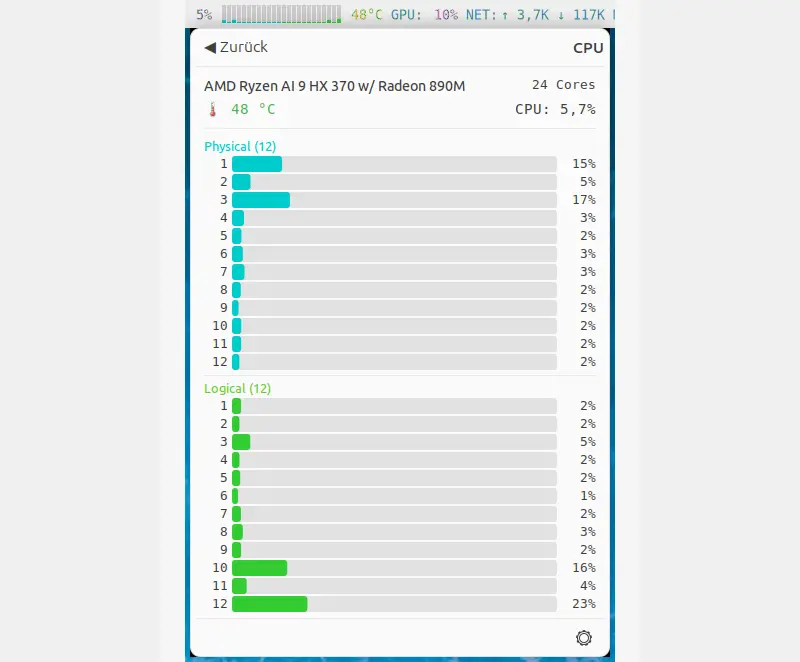
jsNetMonitor
v1.0.4 · SDL2
Huonyesha kwa moja kwa moja mtandao wako unachofanya — kila kifaa, kila muunganisho, kila programu, na kiasi kinachokusanyika kwa siku, miezi na mwaka.
Upakuaji na upakiaji wa kila kifaa kama mikunjo laini na vipimo vya kiwangoProgramu ipi inatumia mtandao – na kiasi ganiKila muunganisho wenye mwenyeji wa mbali, nchi, huduma, kasi na ucheleweshajiTrafiki yako inakokwenda: maeneo na nchi kwa mtazamo mmojaJumla ya trafiki yako kwa dakika, saa, wiki, mwezi au mwaka mzimaTrafiki kwa siku na mwezi, inayohifadhiwa kati ya kuanzisha upyaChipu ya mtandao, kiendeshi chake, firmware na maelezo ya kiungoKebo, Wi-Fi, simu, VPN na zaidiPanga vifaa upendavyo – mpangilio hukumbukwaDirisha dogo linalobaki juuNyepesi na nyeusiSDL2 · Cairo83 lugha
sudo sh -c 'for i in network-observe system-observe hardware-observe; do snap connect jsnetmonitor:$i; done'
Mwanzoni snap haiwezi kuona ni miunganisho gani ipo na programu zipi ziko nyuma yake. Bandika amri kwenye terminal mara moja, bonyeza Enter na uanzishe upya jsNetMonitor – kisha miunganisho, programu na maelezo ya chipu ya mtandao huonekana. Amri hutoa ufikiaji wa kusoma tu.
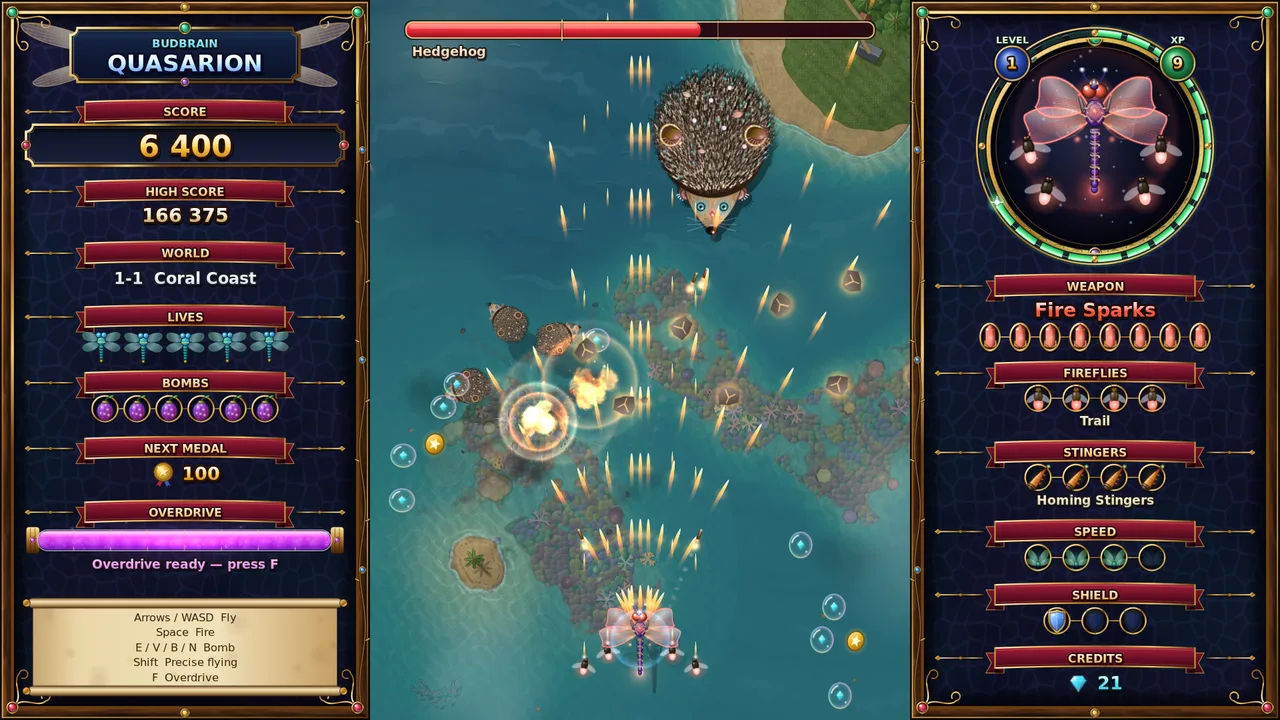
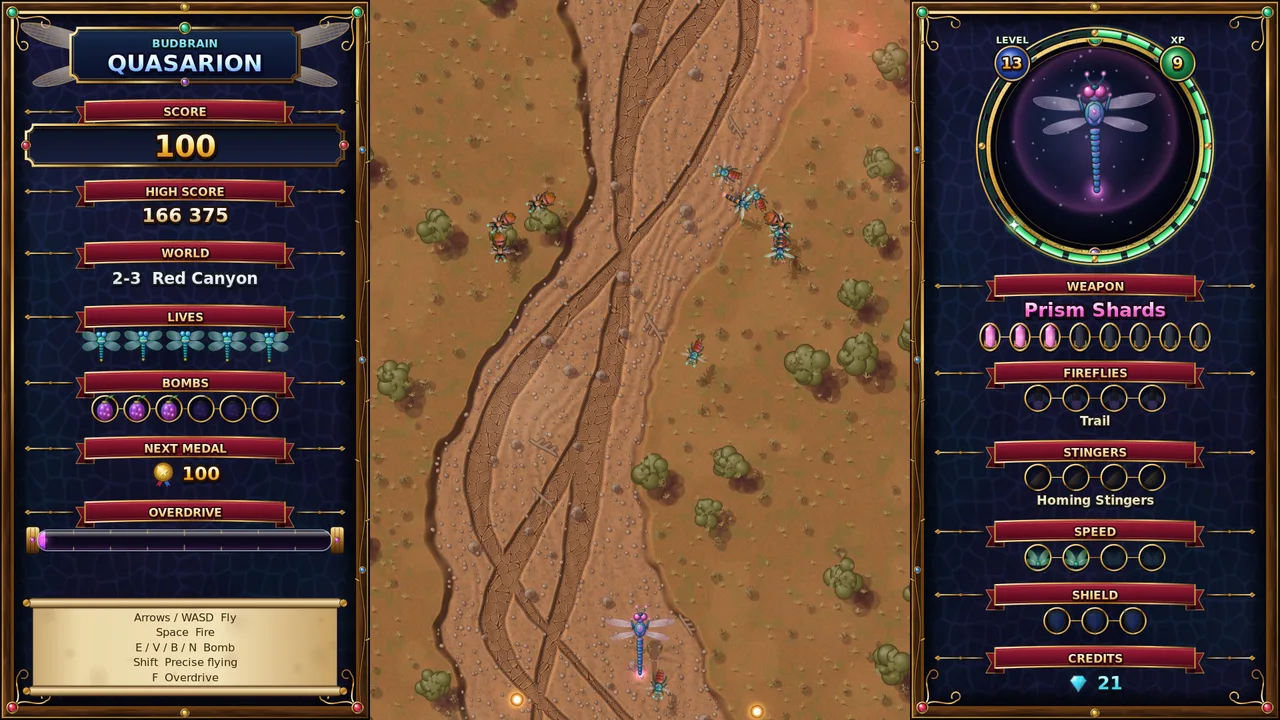
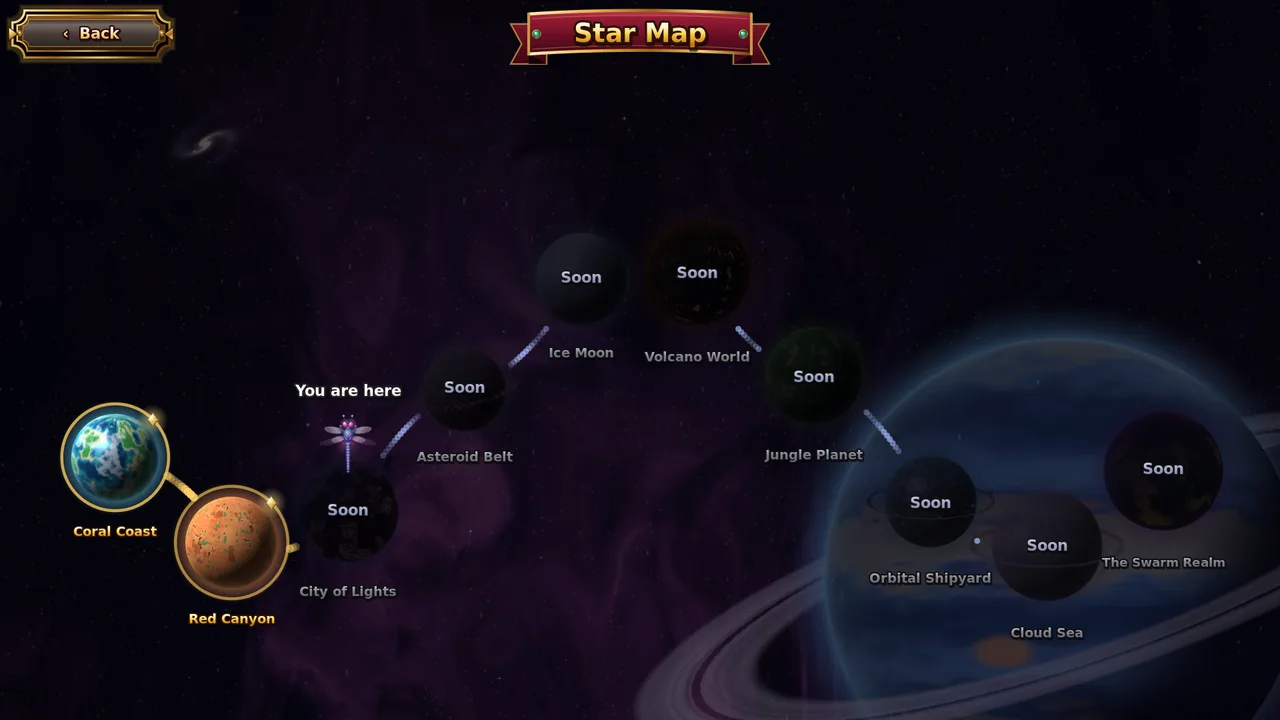
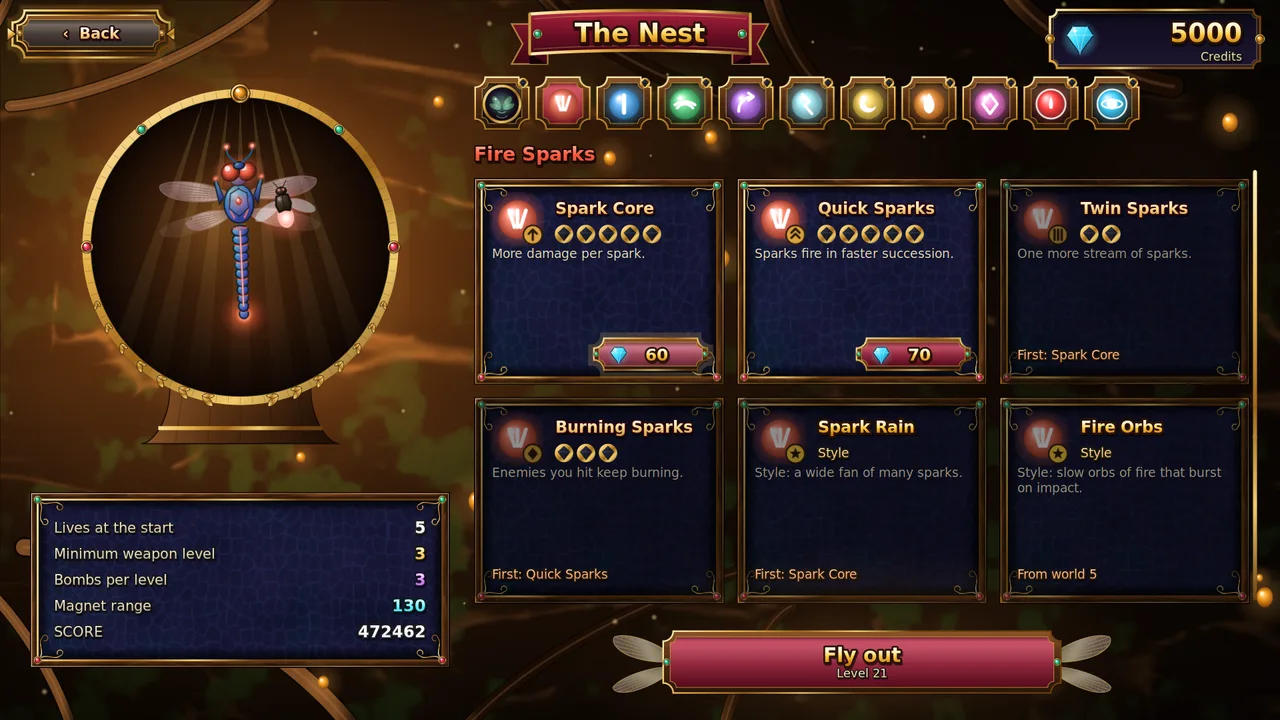
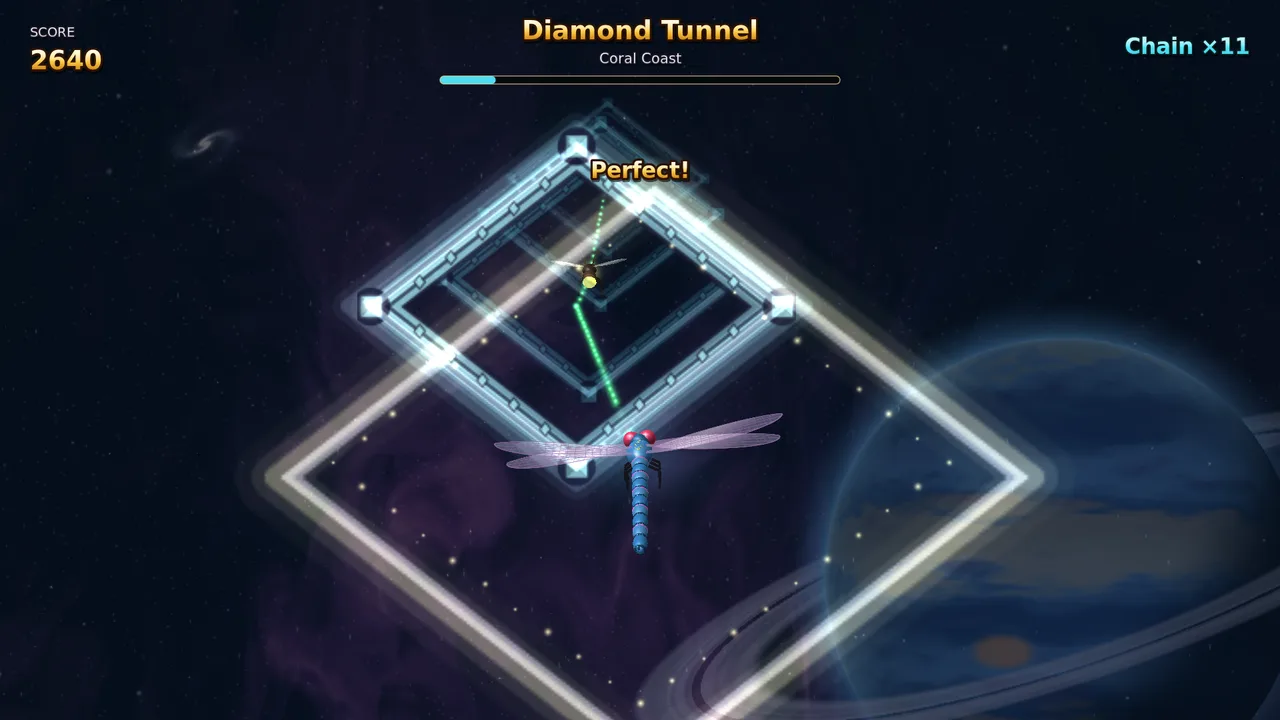
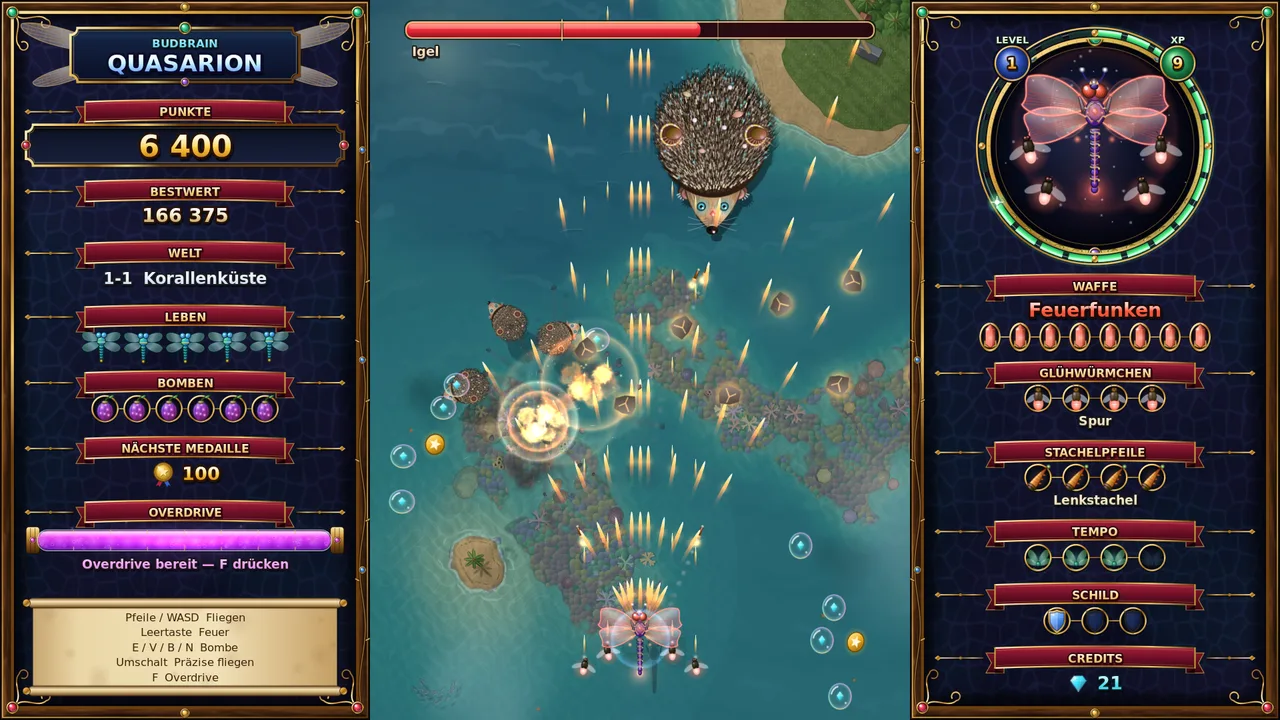
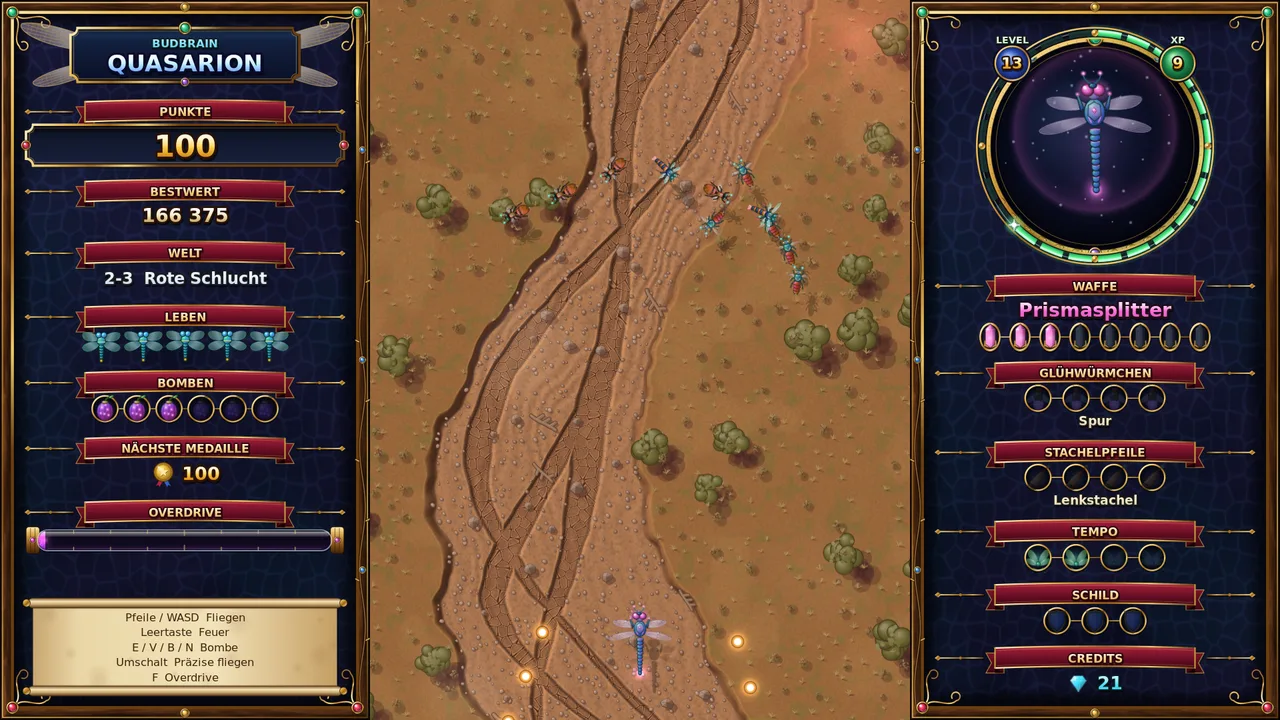
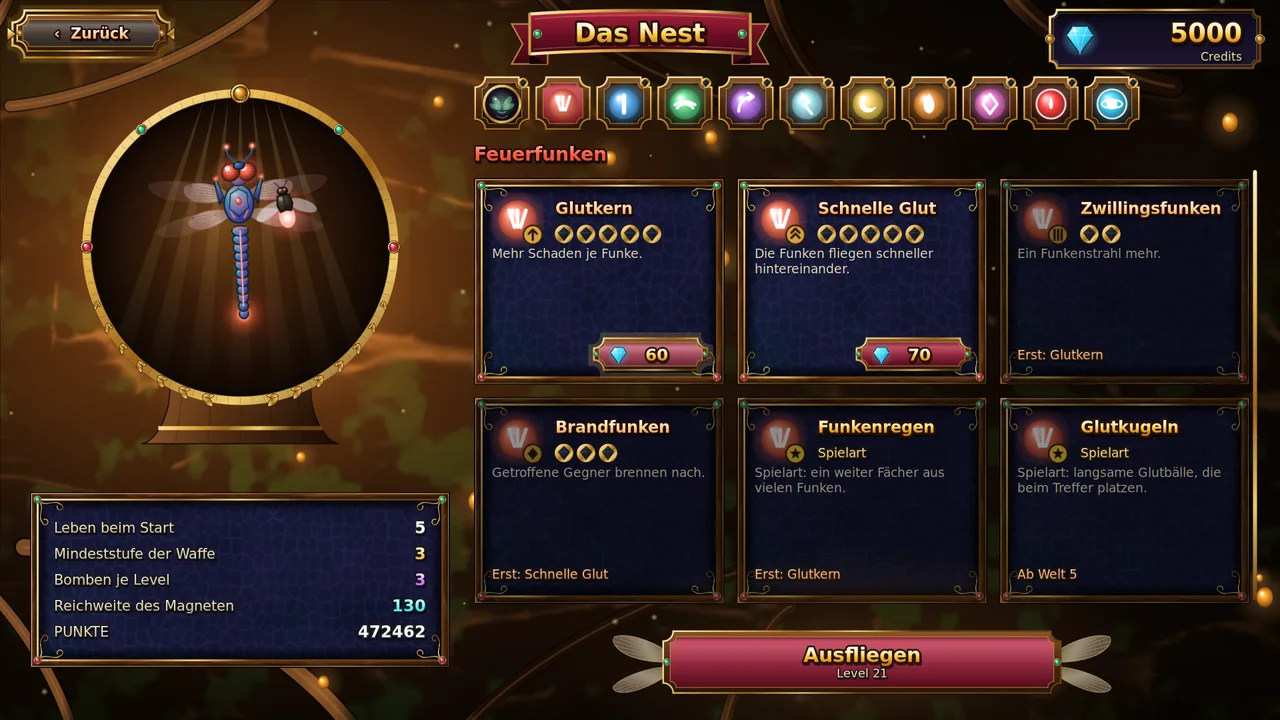
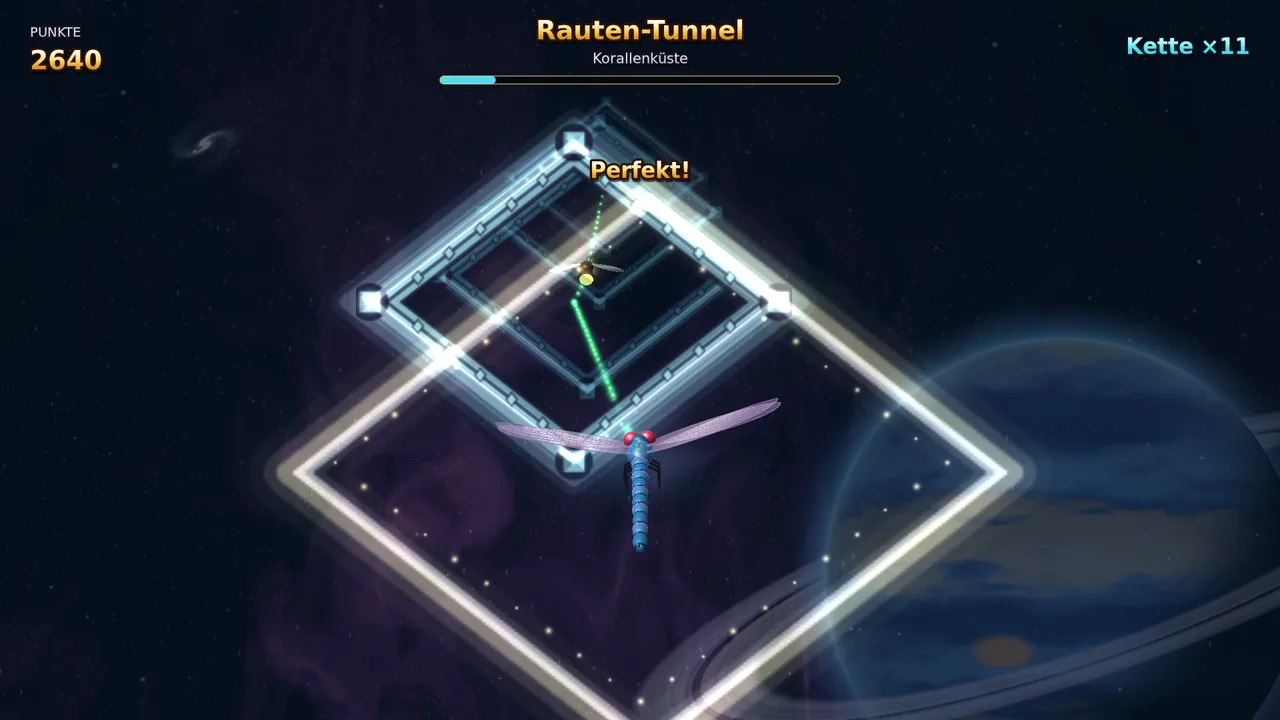
Ruka kama kerengende kupitia ulimwengu wa njozi unaong'aa na ukabiliane na wanyama wakubwa mno.
Mnyama mkubwa mno tofauti mwishoni mwa kila kiwangoAina nane za mwanga kwa kerengende wako, kila moja katika hatua naneKimulimuli wanaofuata njia ya safari yakoMaboresho kwenye kiota na mti mkubwa wa ujuzi unaokua pamoja naweHandaki la almasi kwa mdundo wa muziki baada ya kila ulimwenguViwango sita vya ugumu, kutoka Rahisi hadi WazimuKibodi, gamepad au mgusoSDL2 · Cairo83 lugha
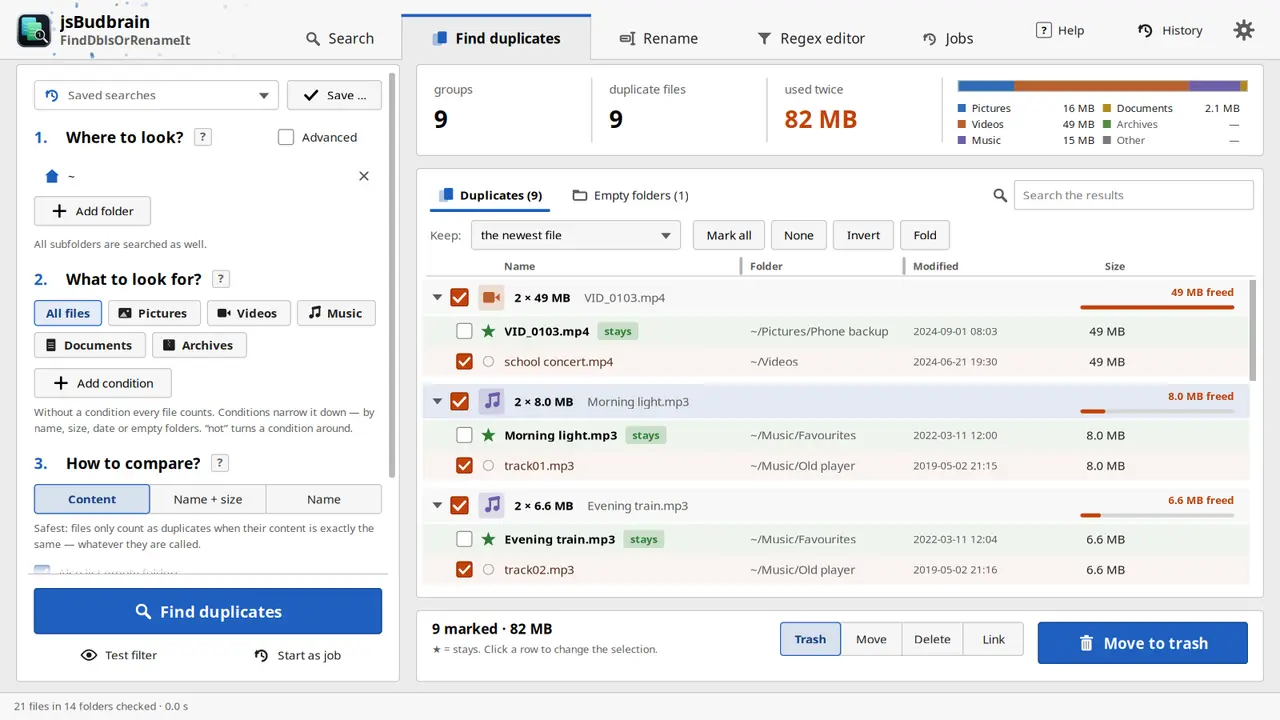
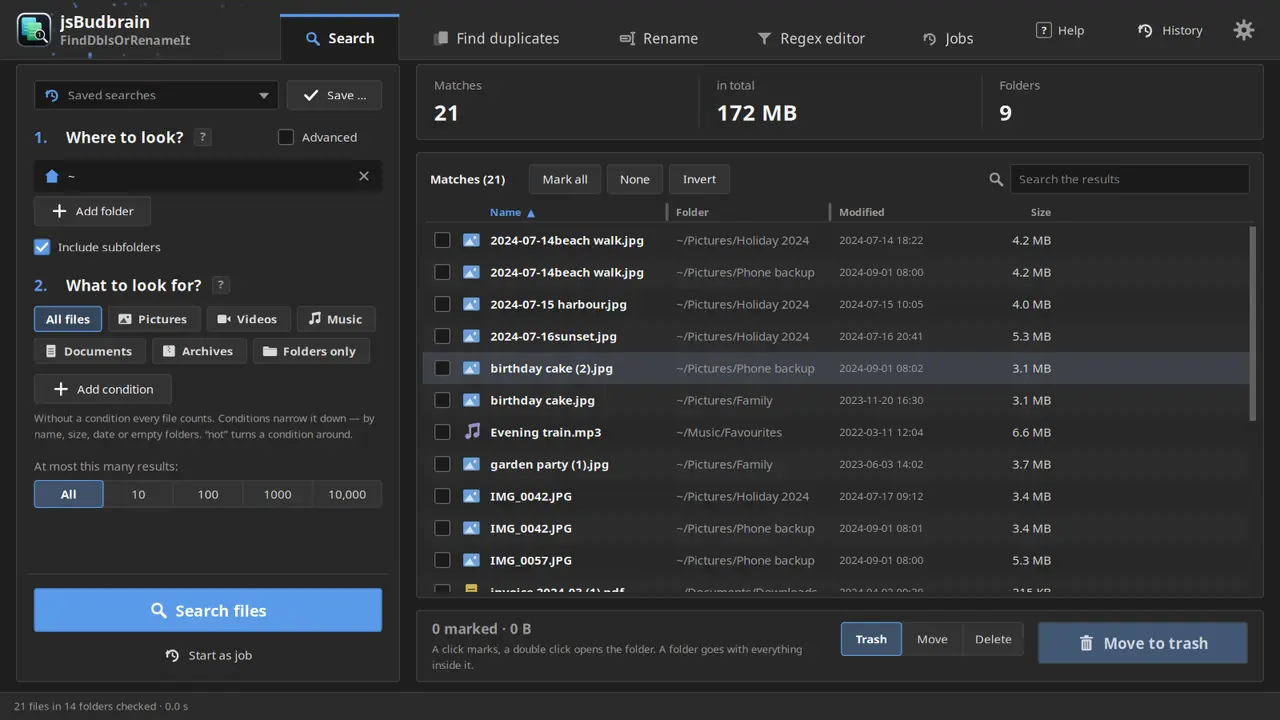
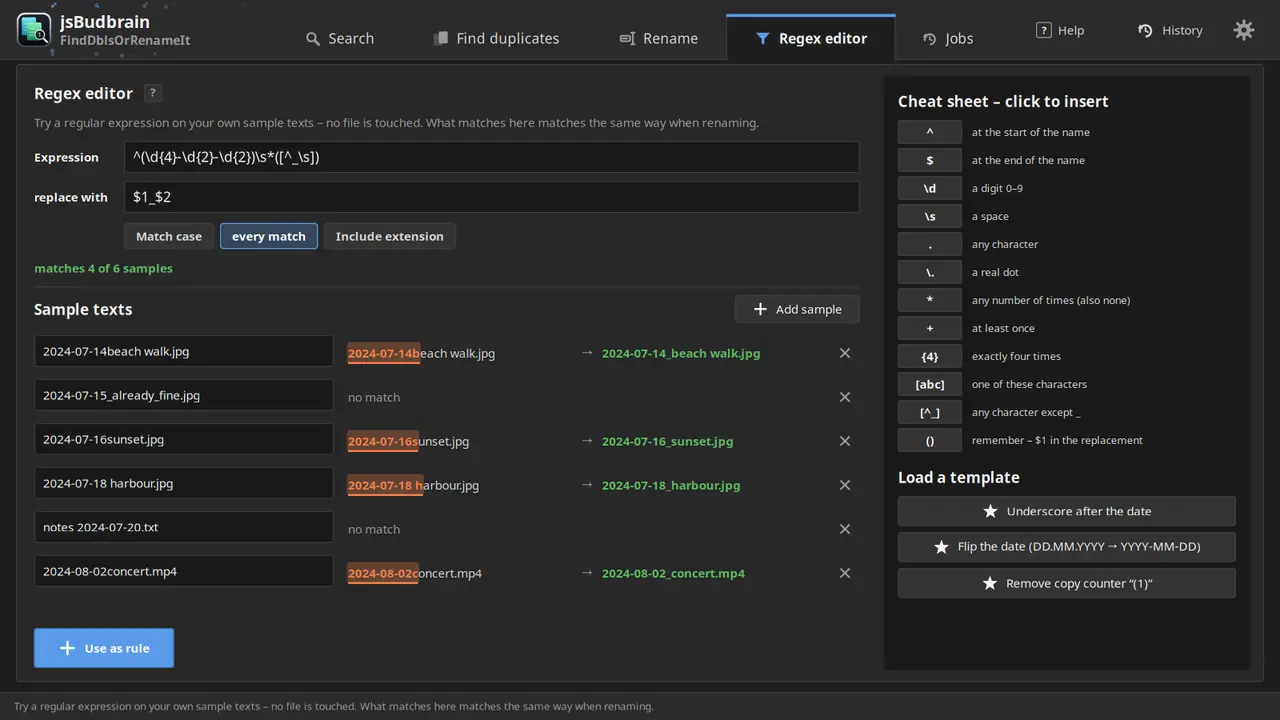
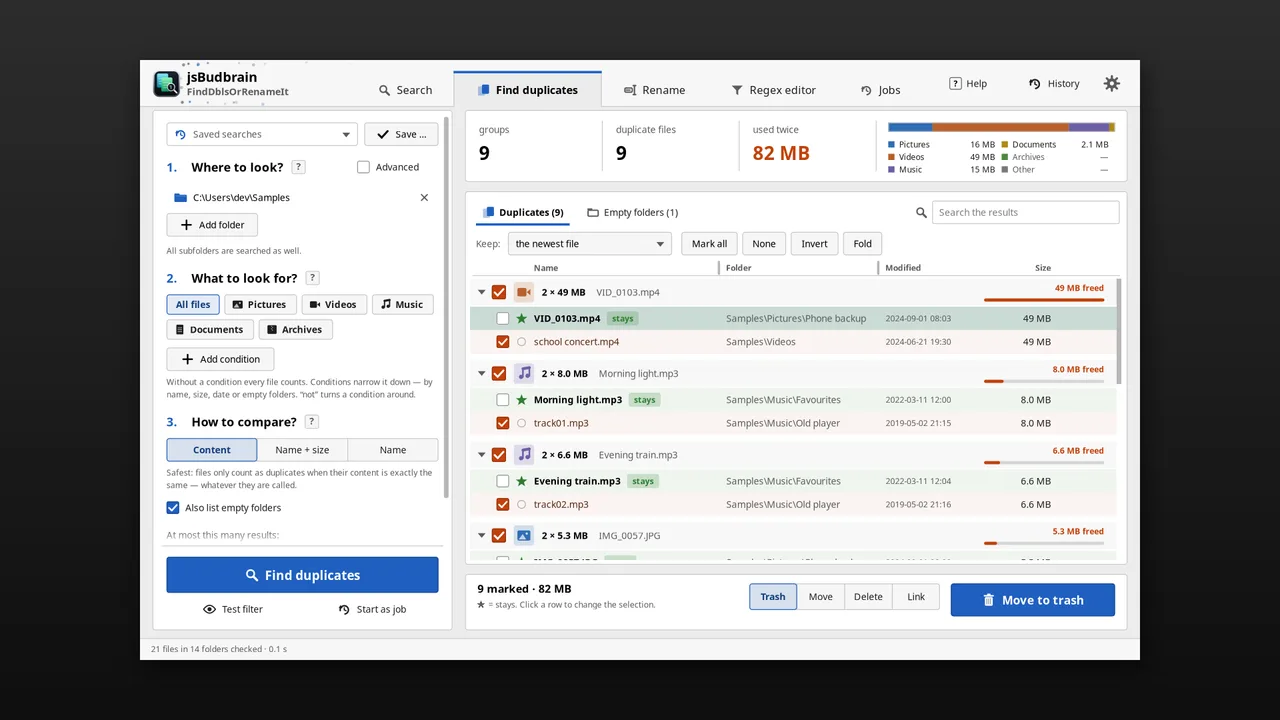
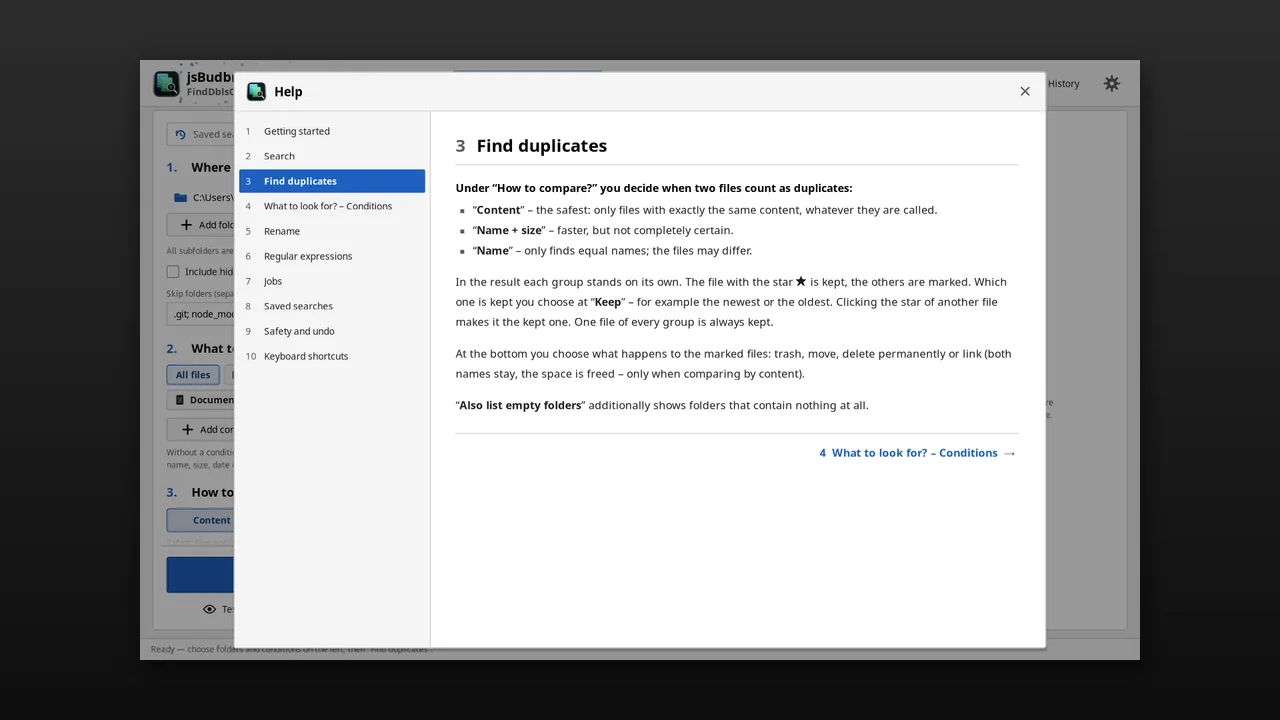
Hupata faili zinazojirudia na kuzipanga – na kubadilisha majina ya faili nyingi kwa wakati mmoja kwa kanuni zako mwenyewe, kwa onyesho la awali na kutendua.
Hupata nakala halisi kwa maudhui, bila kujali jinaFaili mpya zaidi hubaki – wewe unaamuaTupio, hamisha, futa au unganishaBadilisha majina kwa kanuni kwa onyesho la awali la moja kwa mojaTafuta faili kwa jina, aina, ukubwa au tareheHifadhi utafutaji, endesha kazi kadhaa kwa wakati mmojaTendua kuhamisha na kubadilisha majinaNyepesi na nyeusiSDL2 · Cairo47 lugha
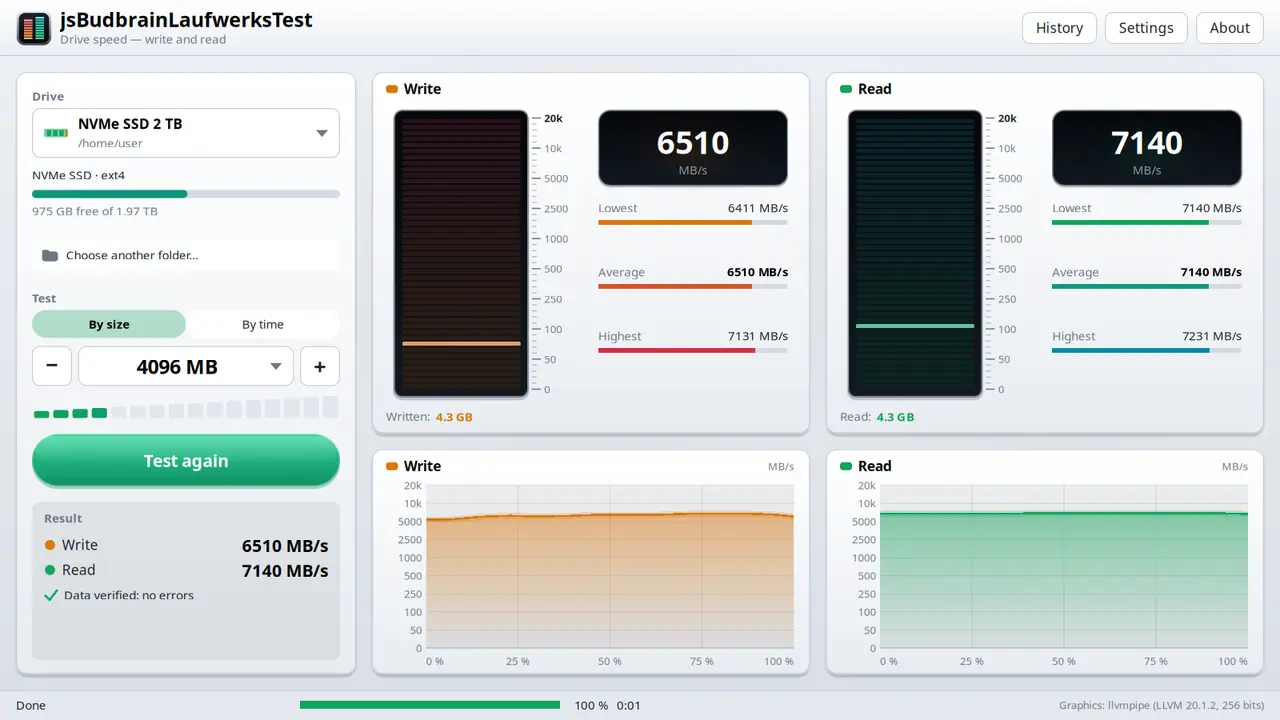
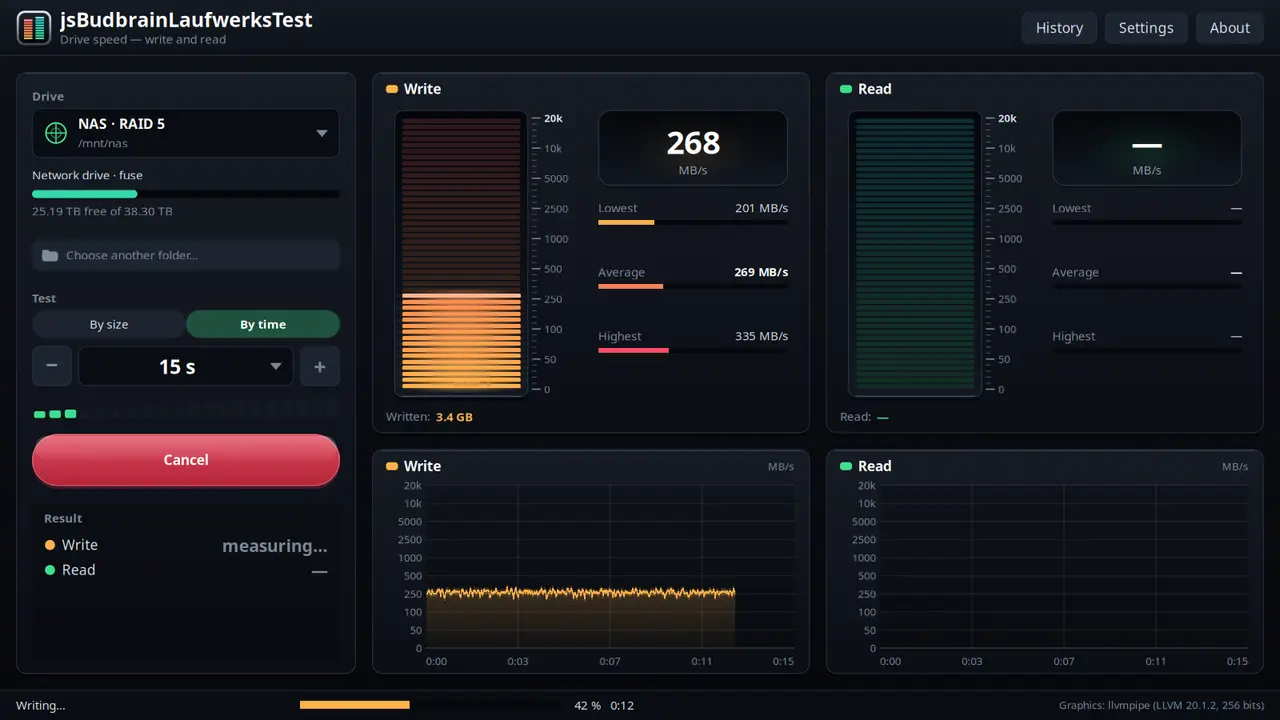
Hupima kasi ya diski kuandika na kusoma — kwa vipimo viwili vya kiwango vya moja kwa moja, chati na ukaguzi wa kila kizuizi.
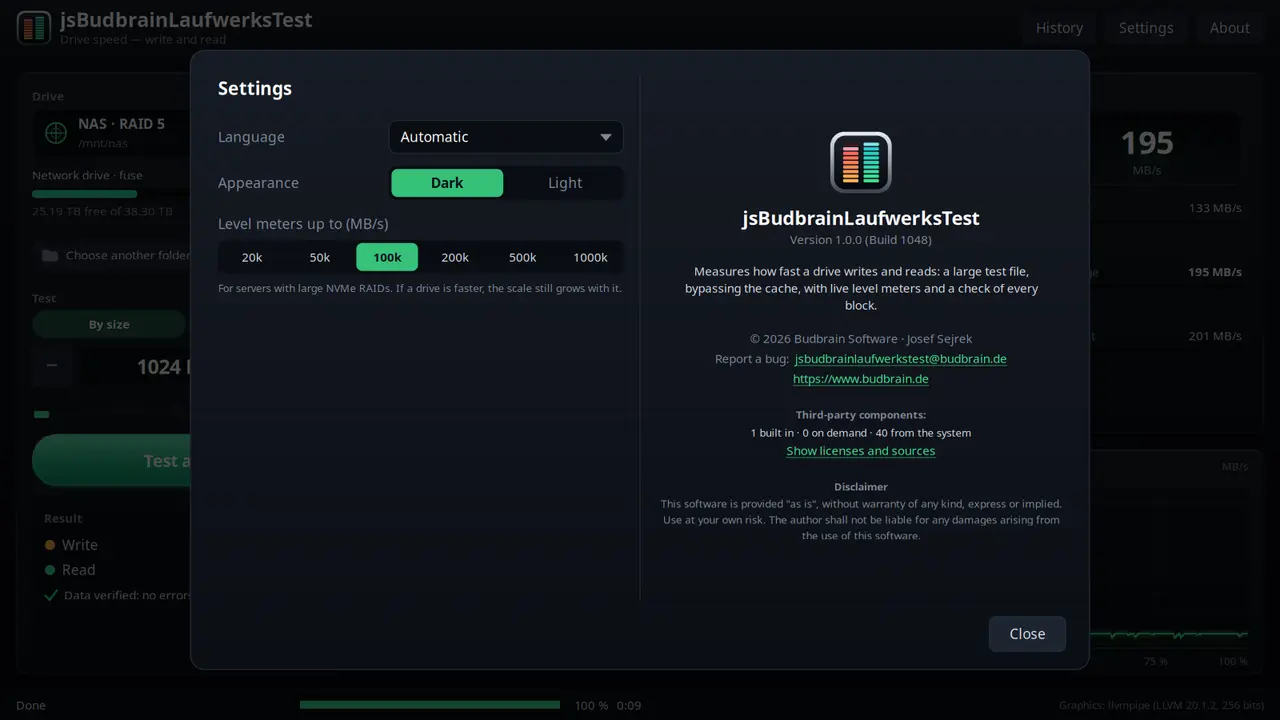
Kasi ya kuandika na kusoma ya moja kwa mojaKwa ukubwa (GB 1–16) au kwa muda (sekunde 5 – dakika 16)Kila kizuizi kinakaguliwaHuonyesha wakati diski ya kasi inapoishiwa pumziVijiti vya USB, kadi za kumbukumbu, diski za mtandaoHistoria ya majaribio yote, hifadhi kama maandishiPanua hadi MB/s 1,000,000 kwa RAID za sevaNyepesi na nyeusiSDL2 · Cairo47 lugha
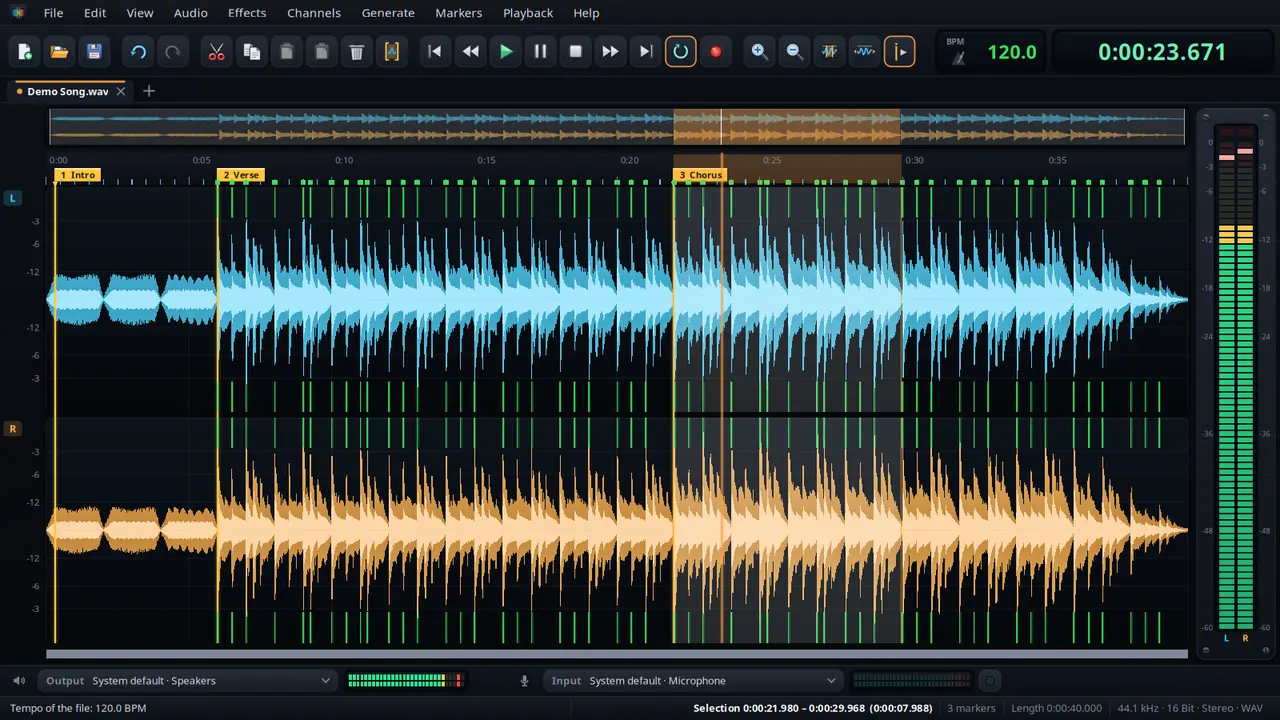
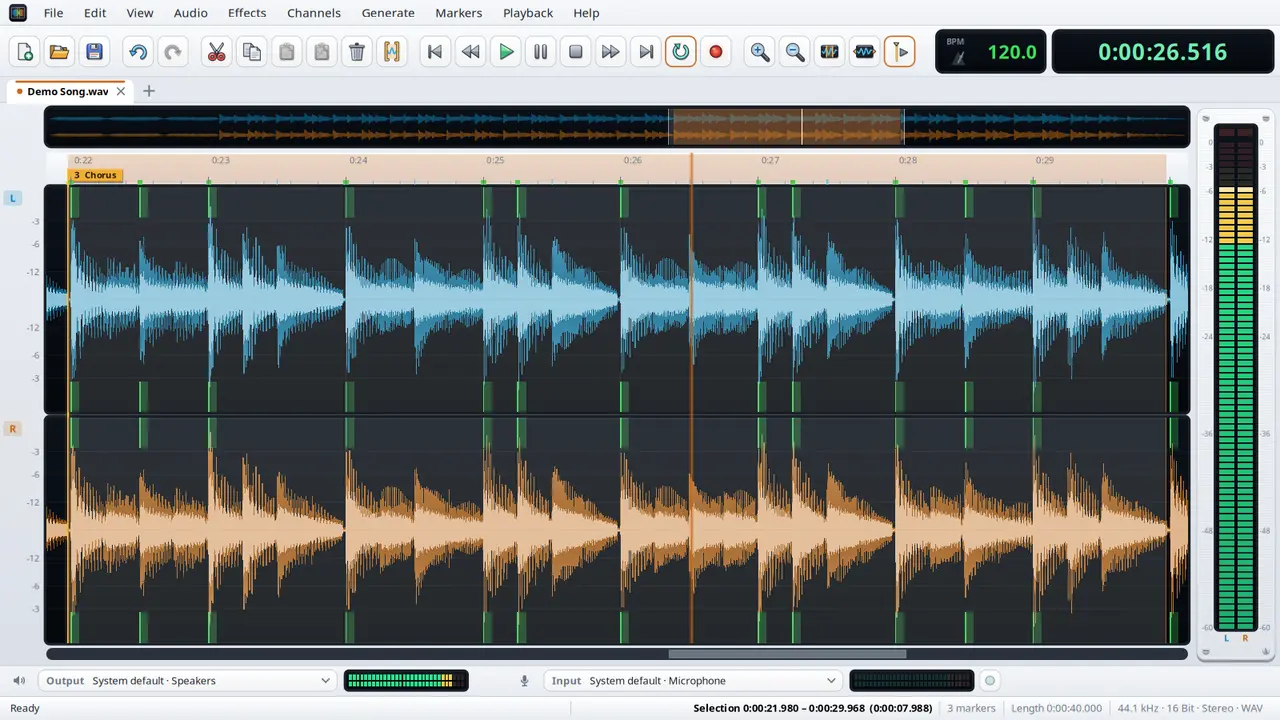
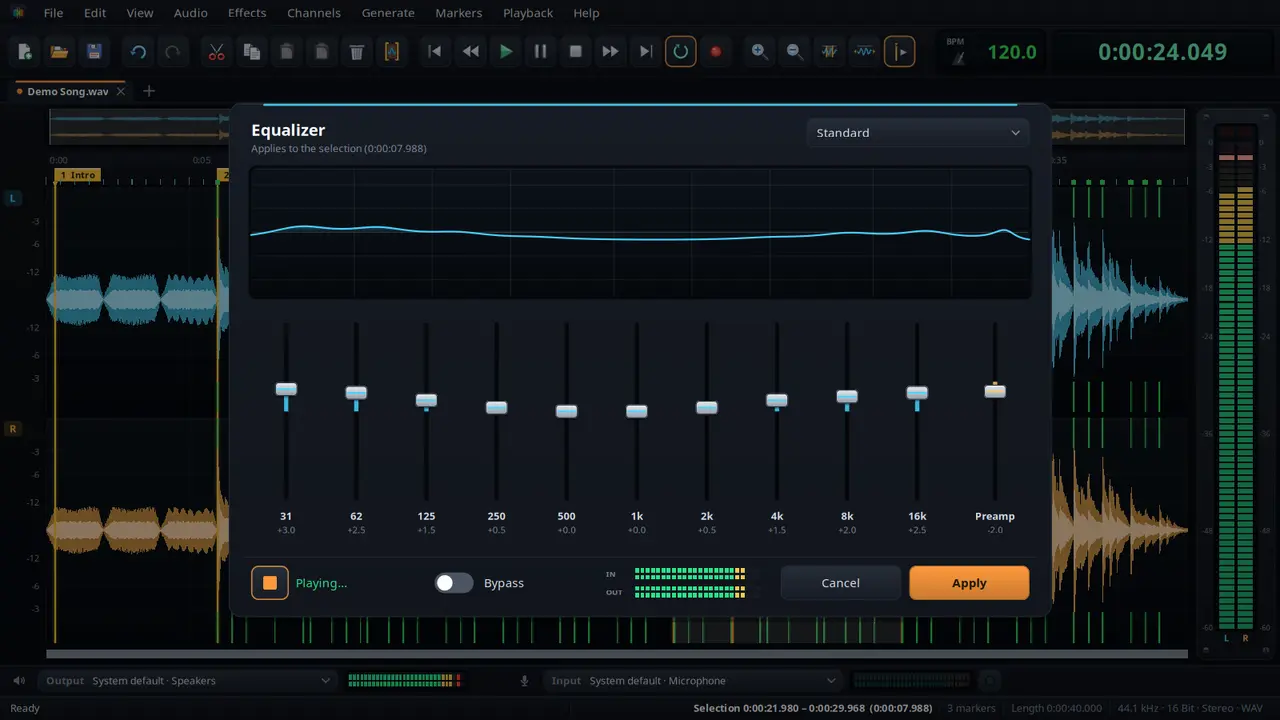
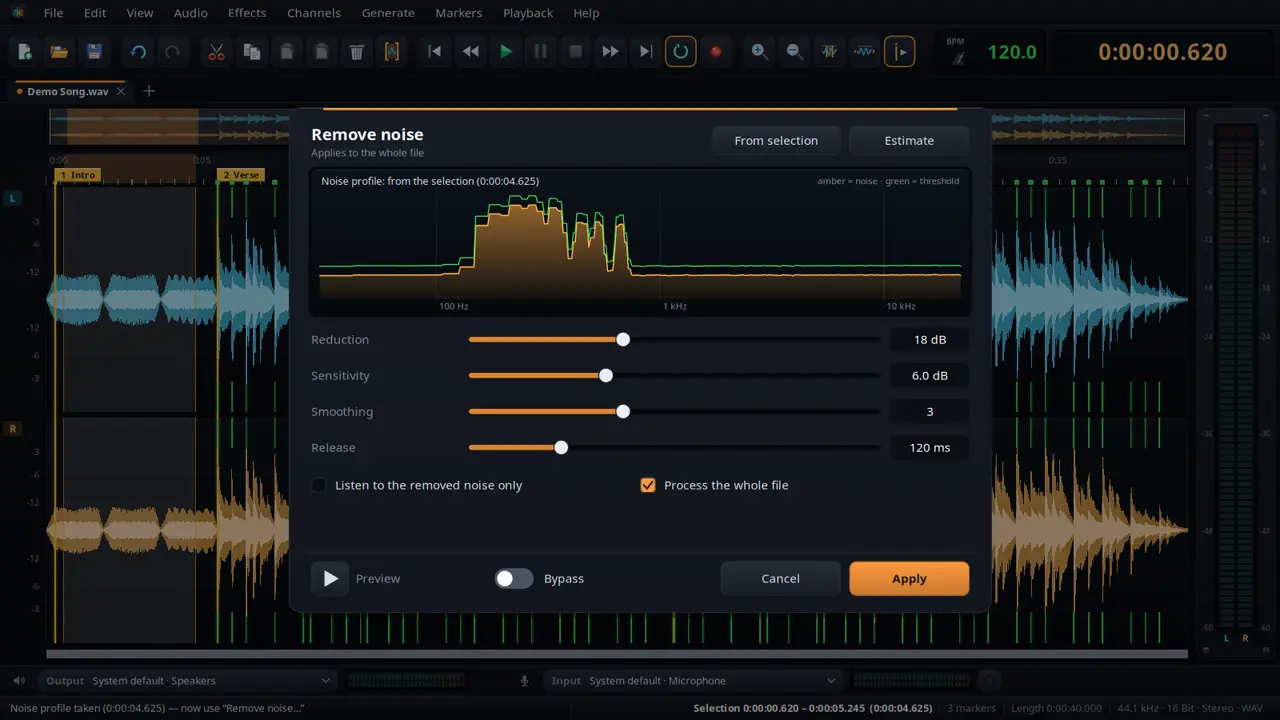
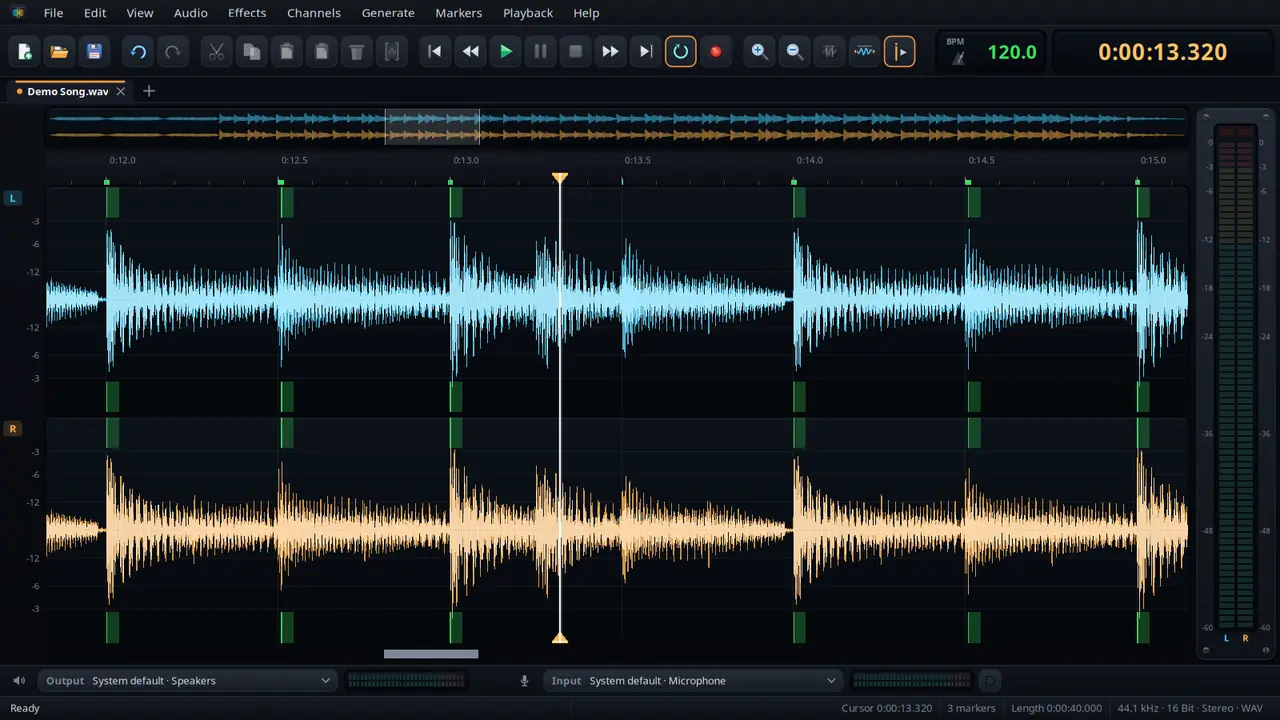
Kihariri sauti cha kukata, kusafisha na kung'arisha — chenye alama, uondoaji wa kelele, kasi na athari za programu za sauti za Budbrain.
Kata, nakili, bandika na changanyaKuza kwa gurudumu la kipanya hadi sampuli mojaWeka na uite alama majina, cheza kati yakeKutendua bila kikomo kilichowekwaUondoaji wa kelele kwa wasifu wa keleleTafuta na ubadilishe kasi, kwa ngoma ya besi na gridi ya mapigoKisawazishi, mirija & kikandamiza, kikomo na studio ya FX yenye onyesho la awali la moja kwa mojaRekodi kwa muda upendaoNyepesi na nyeusiWAV · FLAC · Ogg · Opus · MP3SDL2 · CairoPipeWire · PulseAudio47 lugha
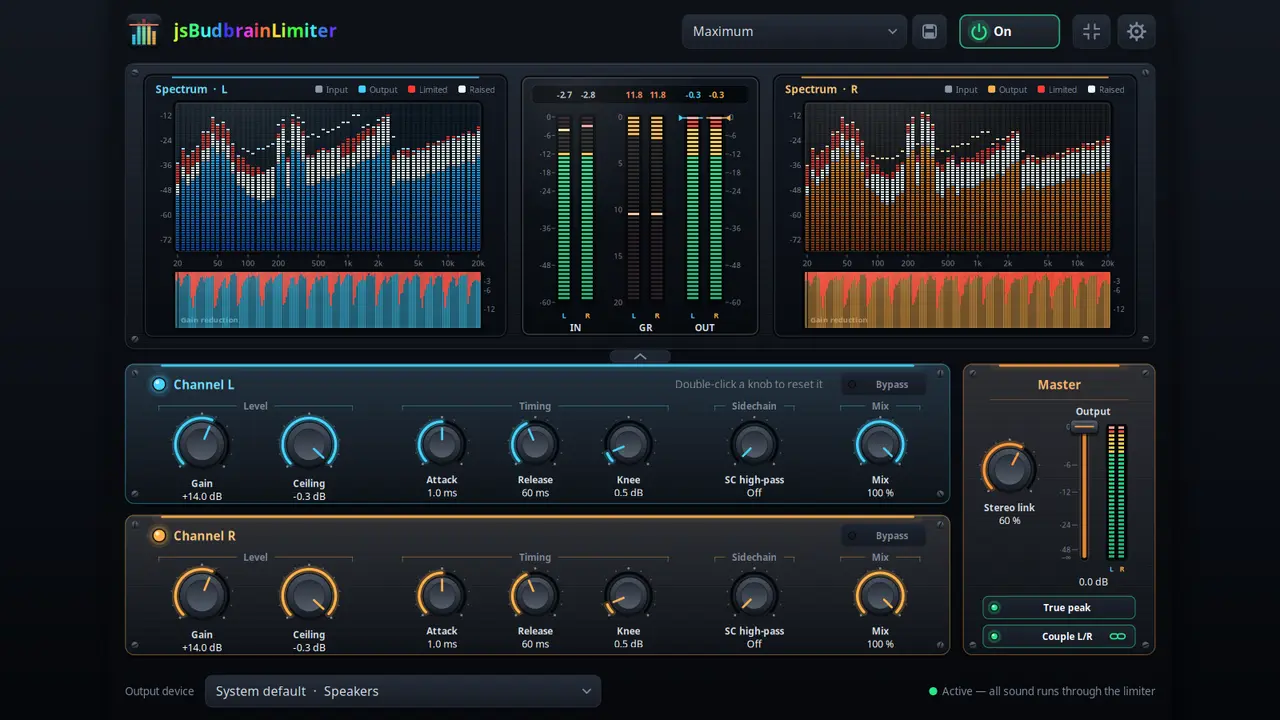
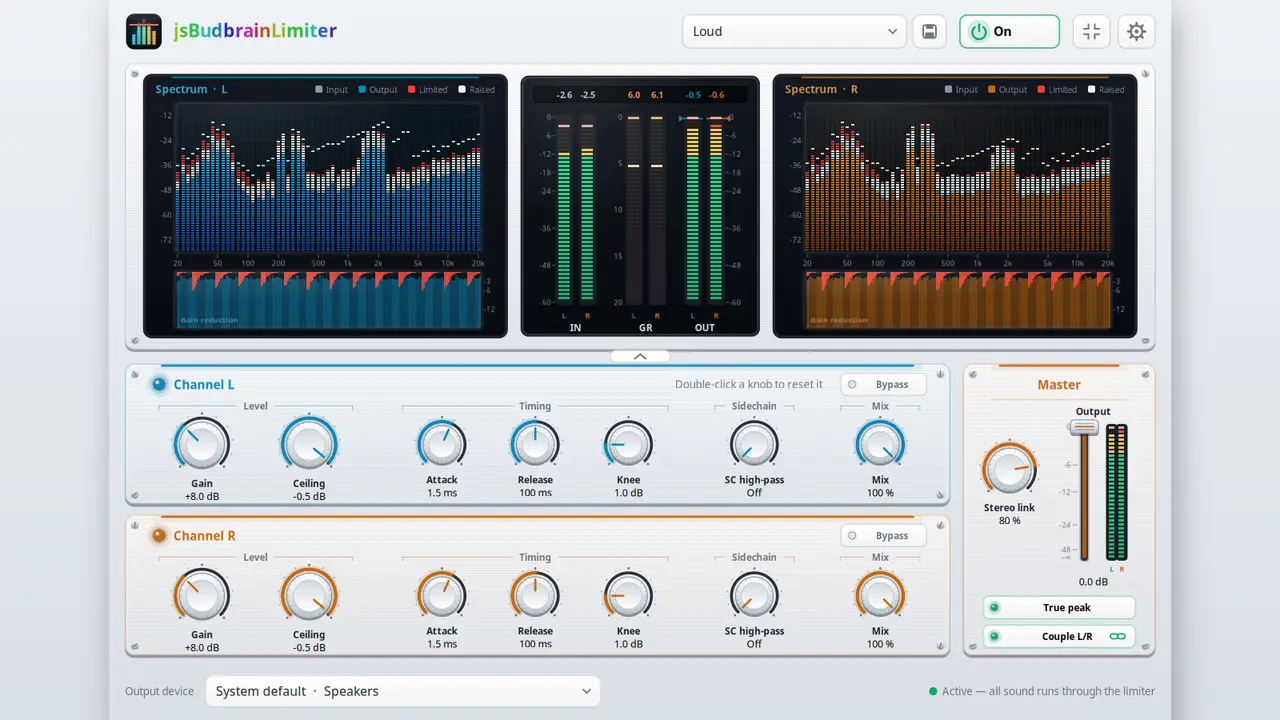
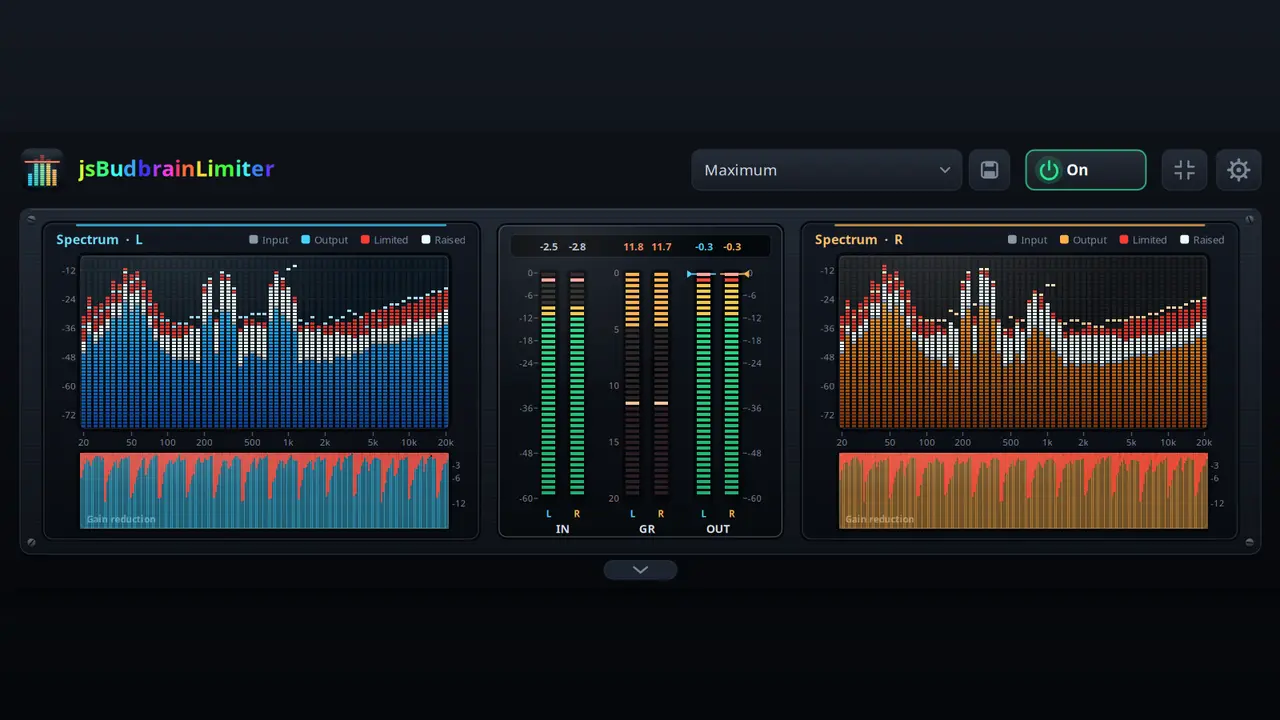
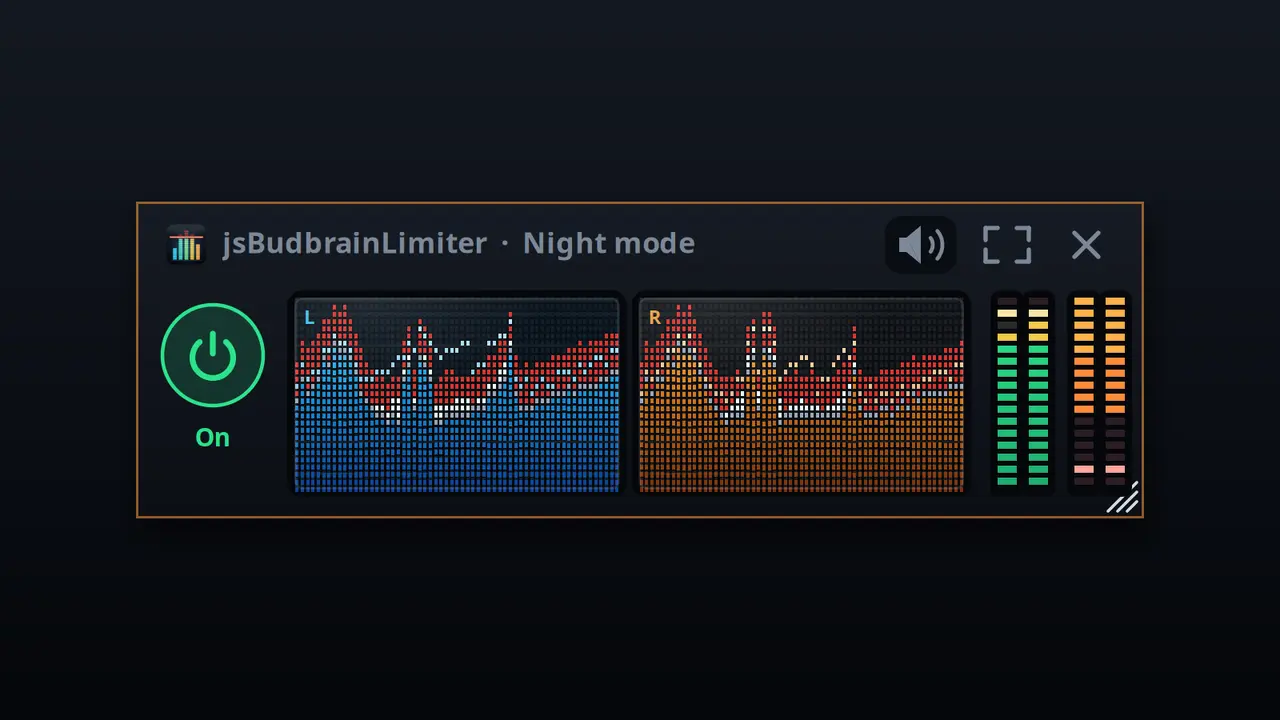
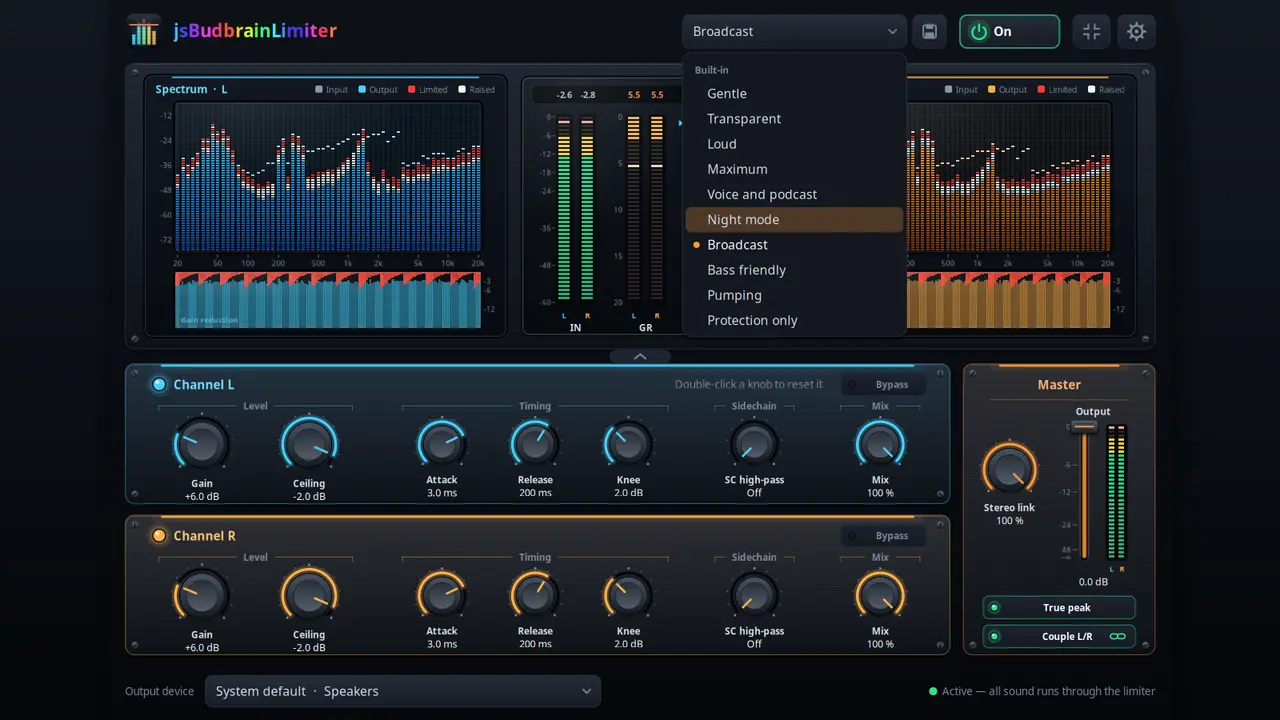
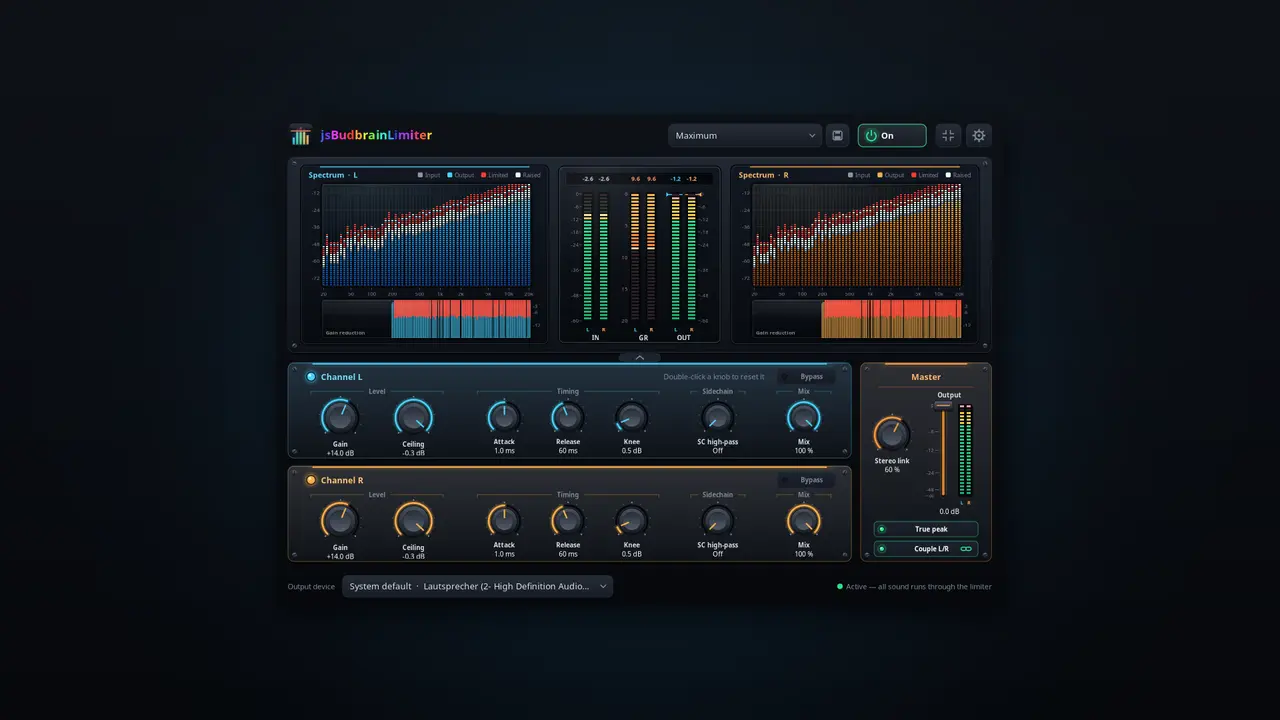
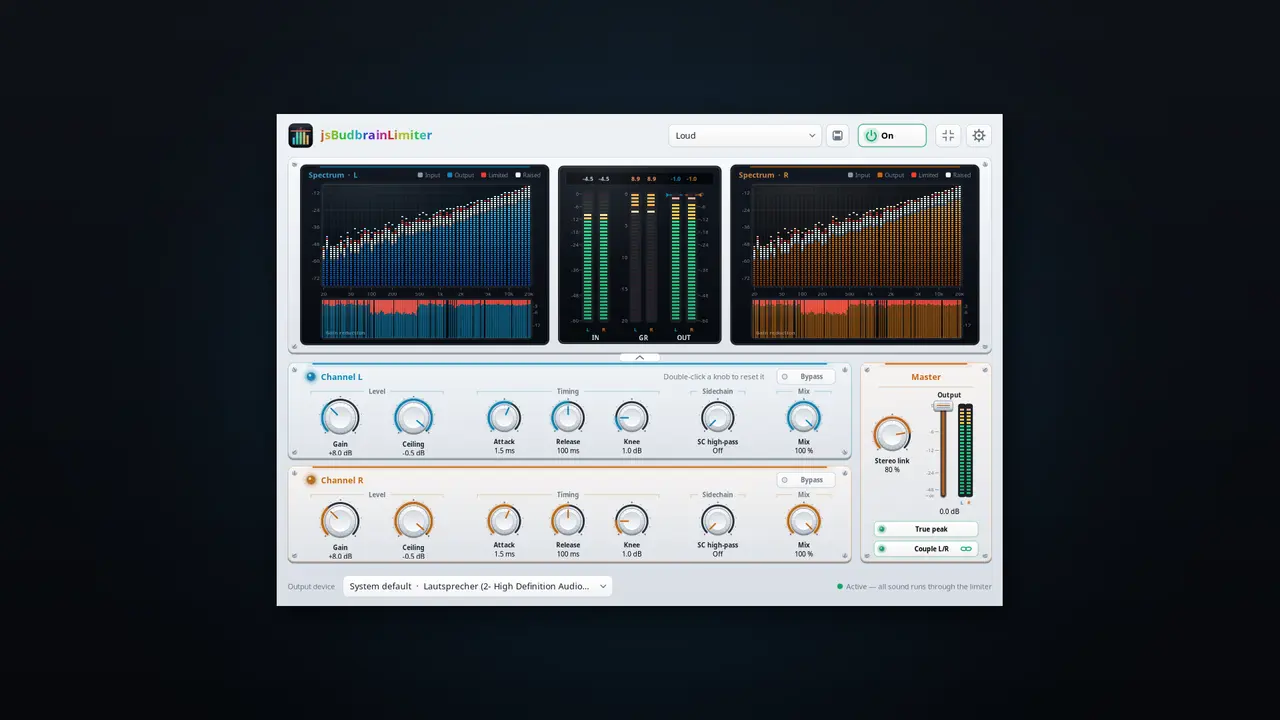
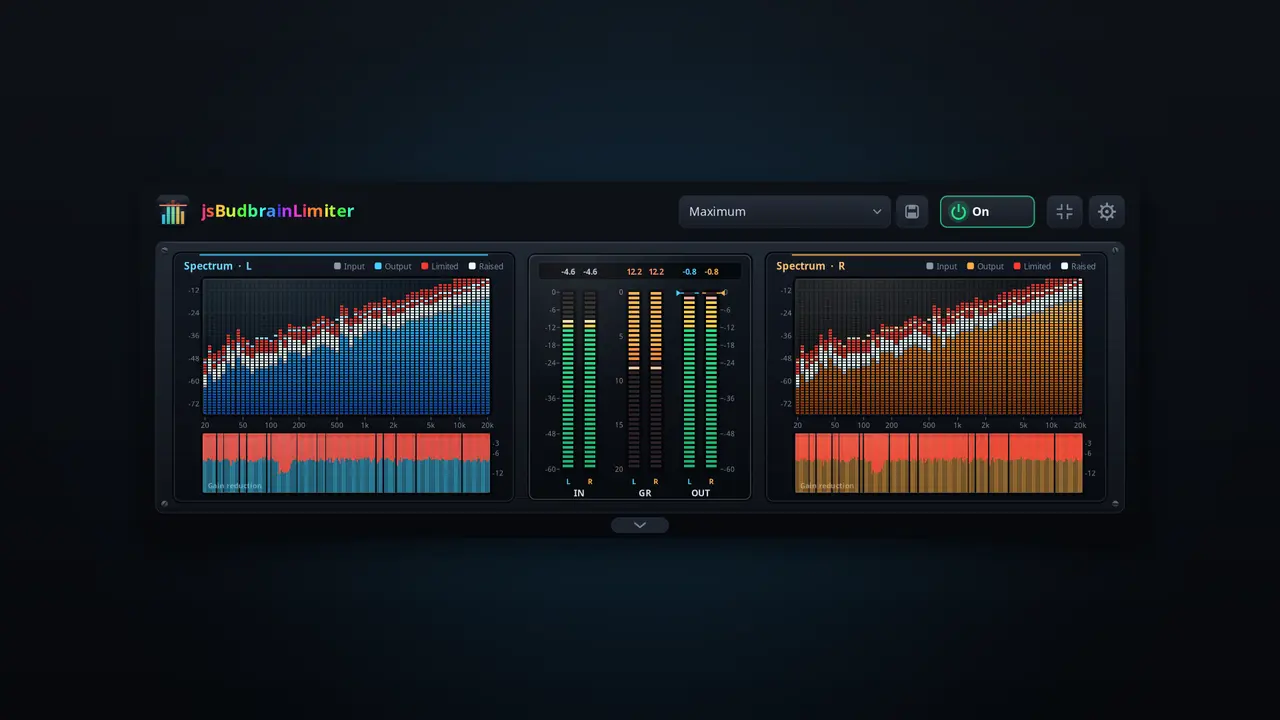
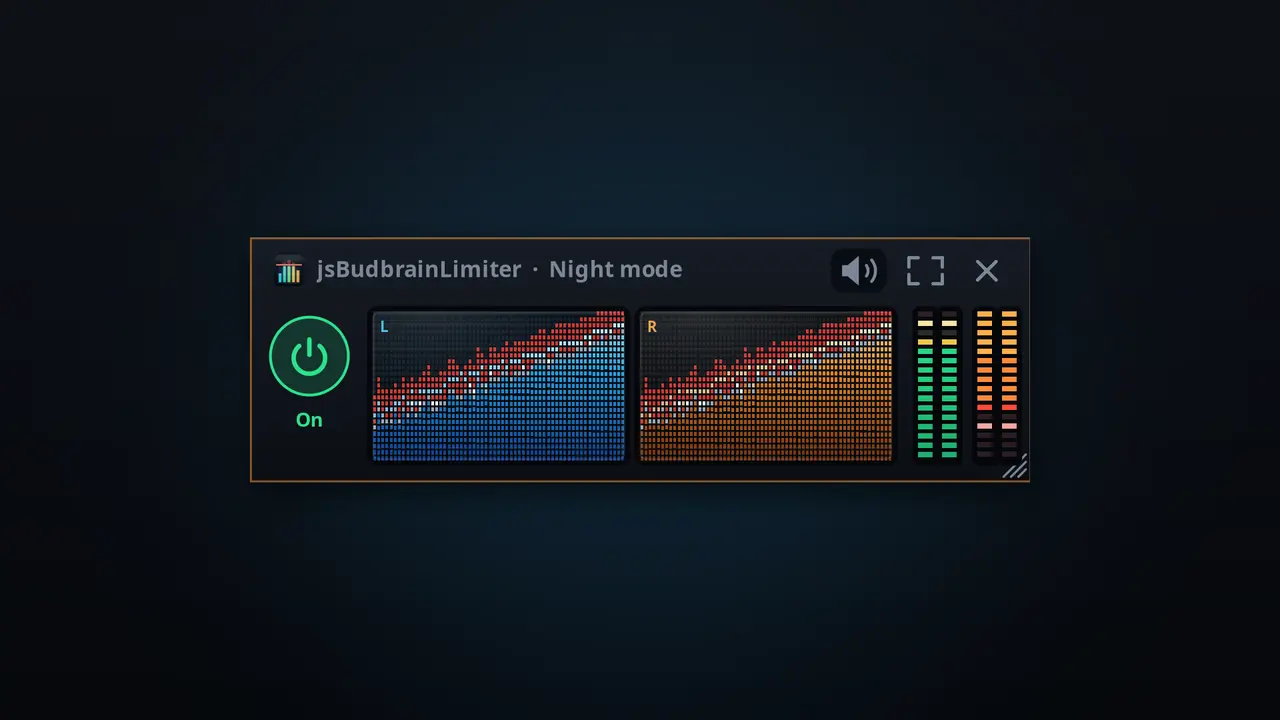
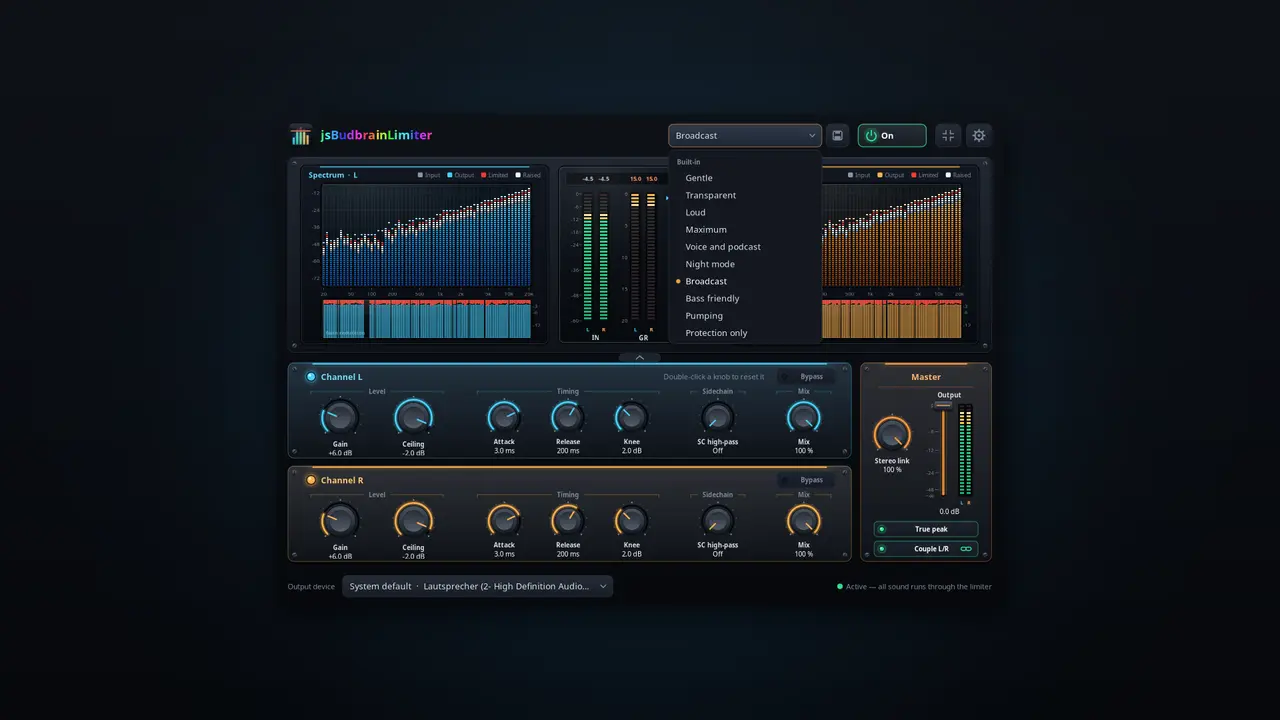
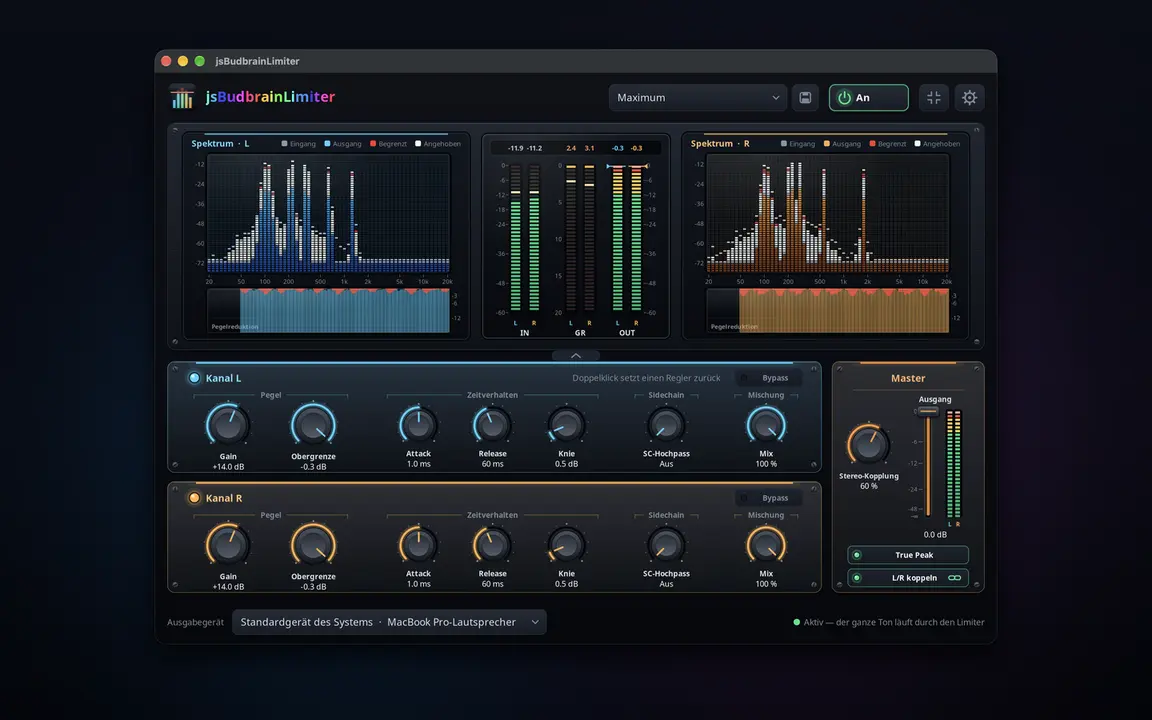
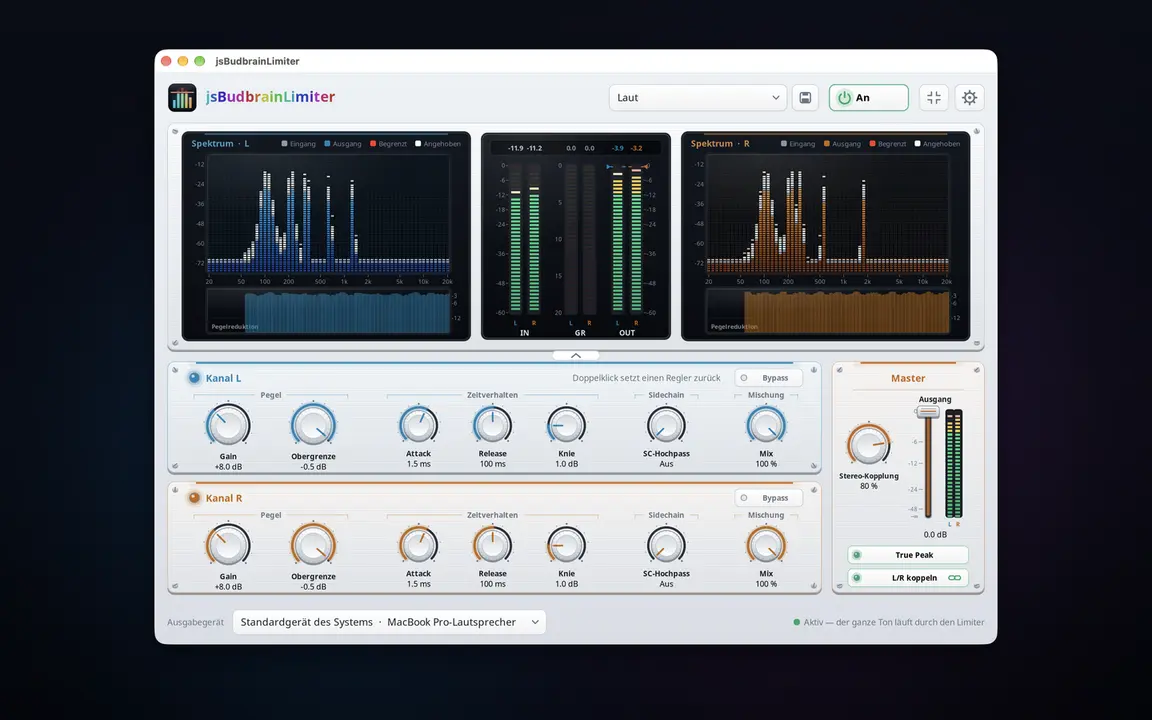
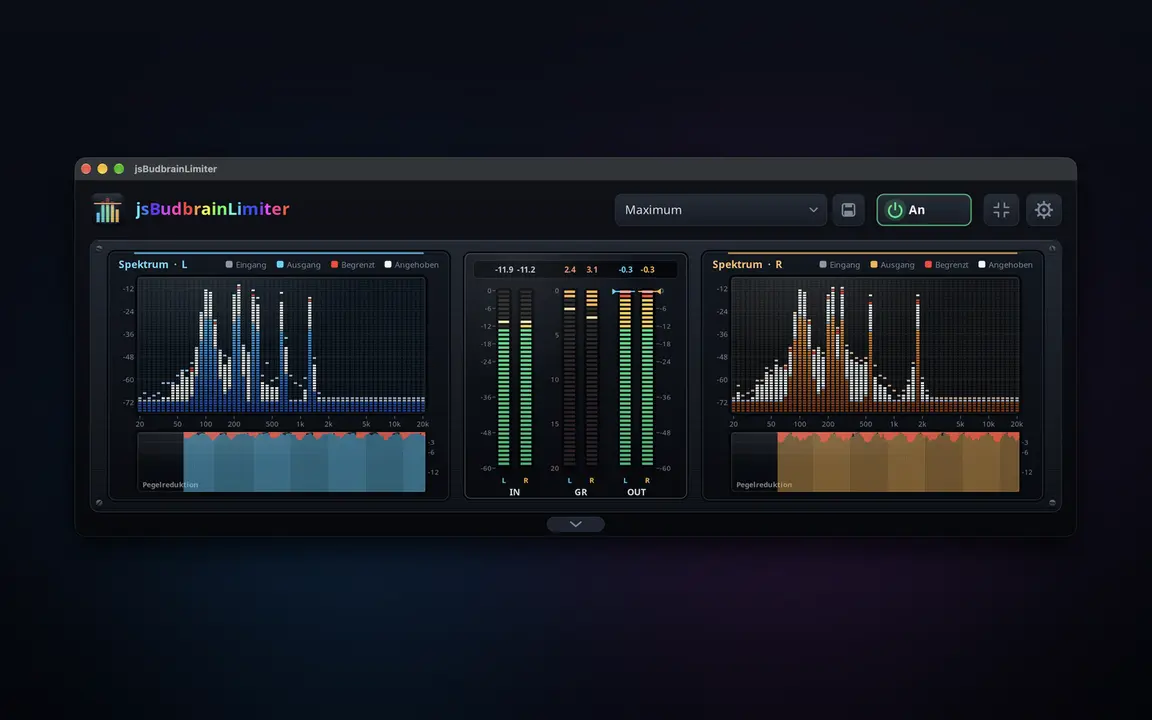
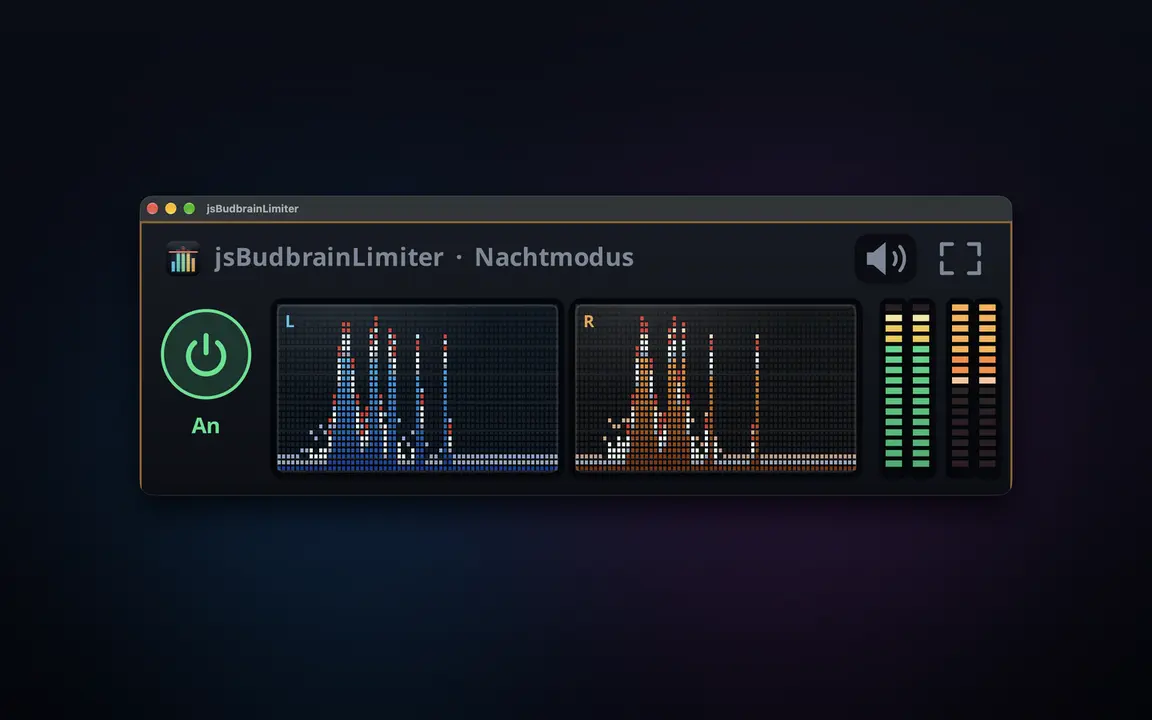
Kikomo kwa kila kitu ambacho kompyuta yako huchezesha — sauti kubwa zaidi, bila kuzidi kamwe, pamoja na maonyesho mawili ya wigo yanayoonyesha linalofanya.
Vidhibiti tofauti kwa kituo cha kushoto na cha kuliaGain, dari, attack, release, knee, high-pass ya sidechain na mchanganyikoTrue peak hunasa hata kilele fupi zaidiFader ya pato yenye vipimo vya kiwango kwa vituo vyote viwiliMaonyesho mawili ya wigo yanaonyesha kinachoinuliwa na kinachopunguzwaHistoria ya upunguzaji wa gain na usomaji wa kileleMipangilio iliyotayarishwa, pamoja na yakoHufanya kazi pamoja na jsBudbrainCompressor, jsBudbrainEqualizer na jsBudbrainsFxStudioKitufe cha kunyamazisha simu inapoliaChagua spika au vipokea sauti vyakoDirisha dogo linalobaki juuNyepesi na nyeusiSDL2 · CairoPipeWire · PulseAudio83 lugha
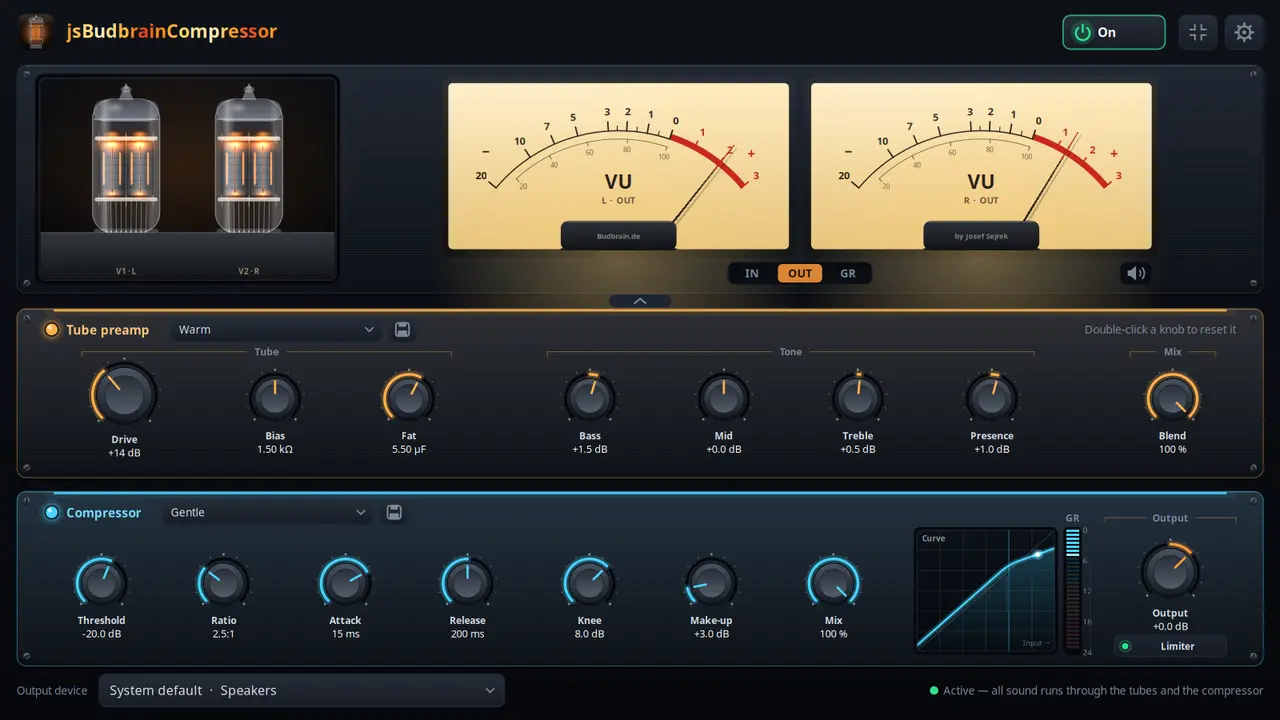
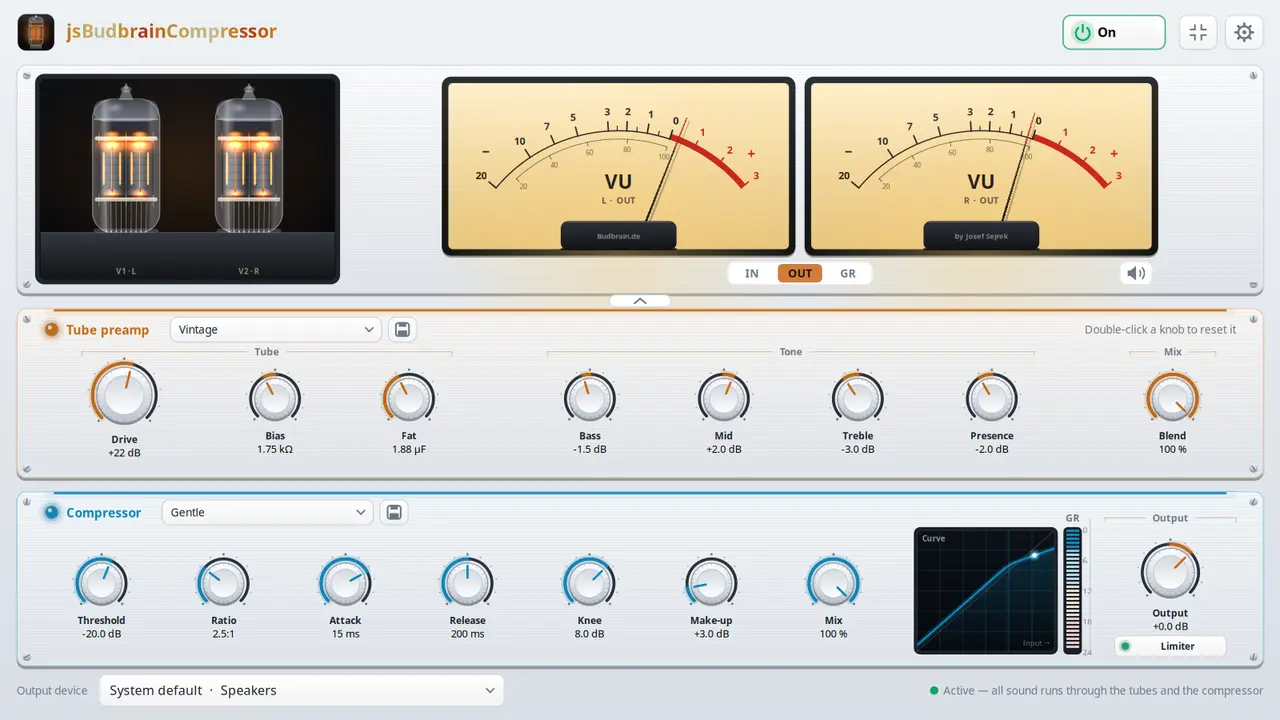
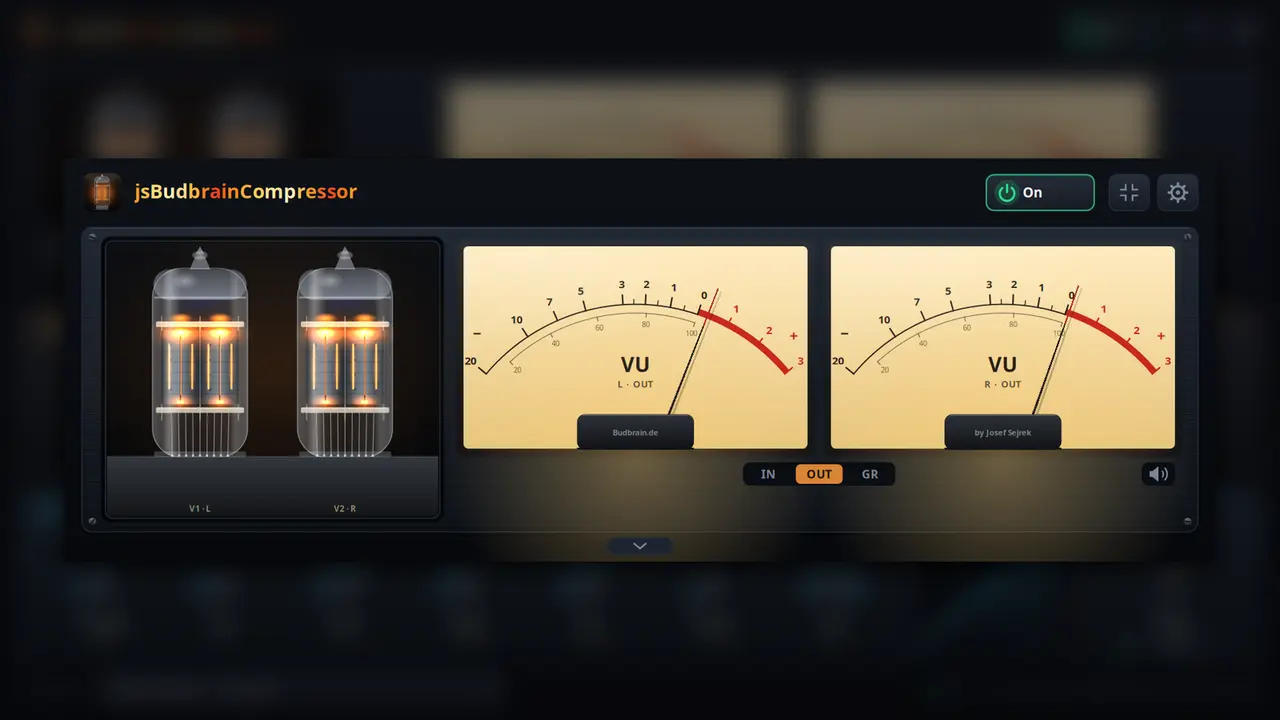
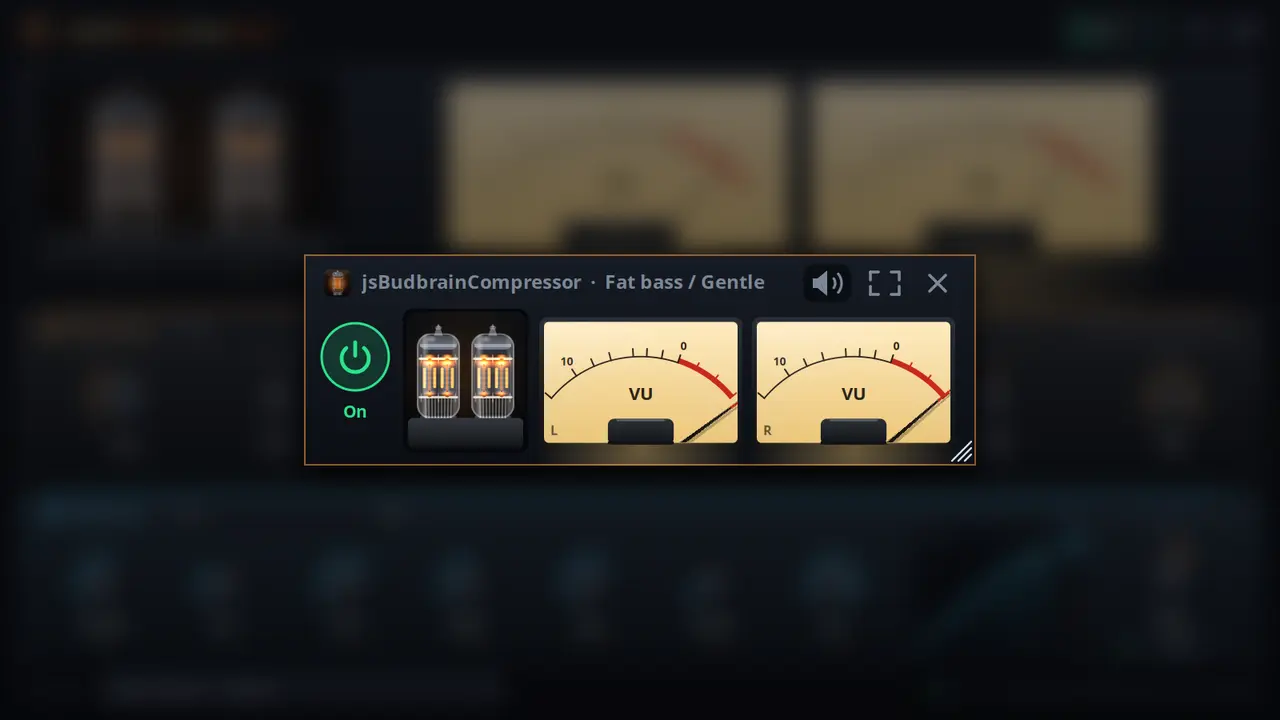
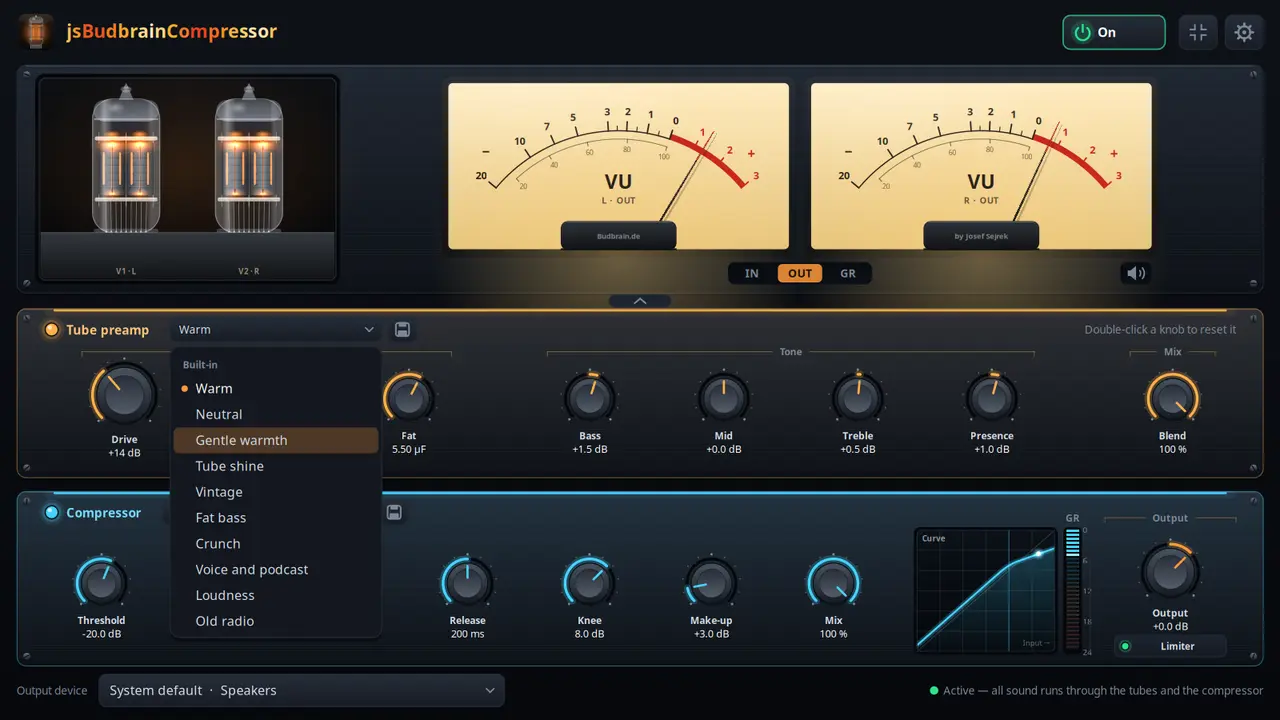
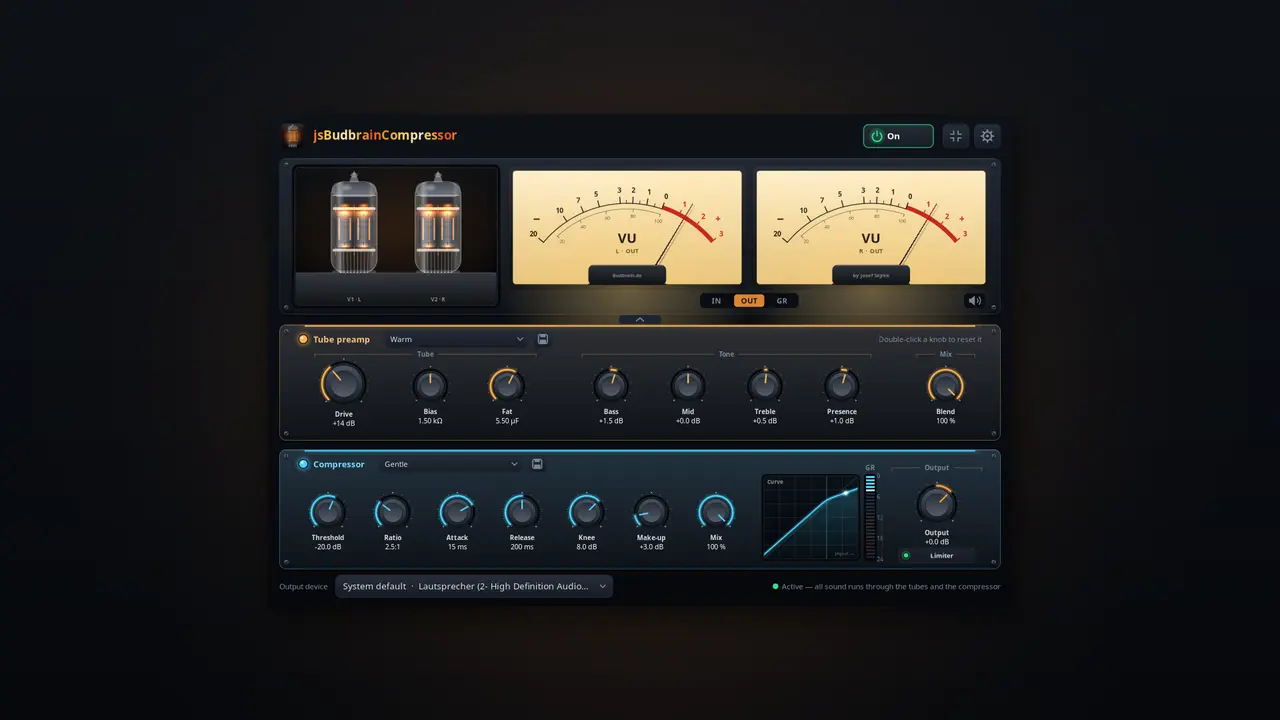
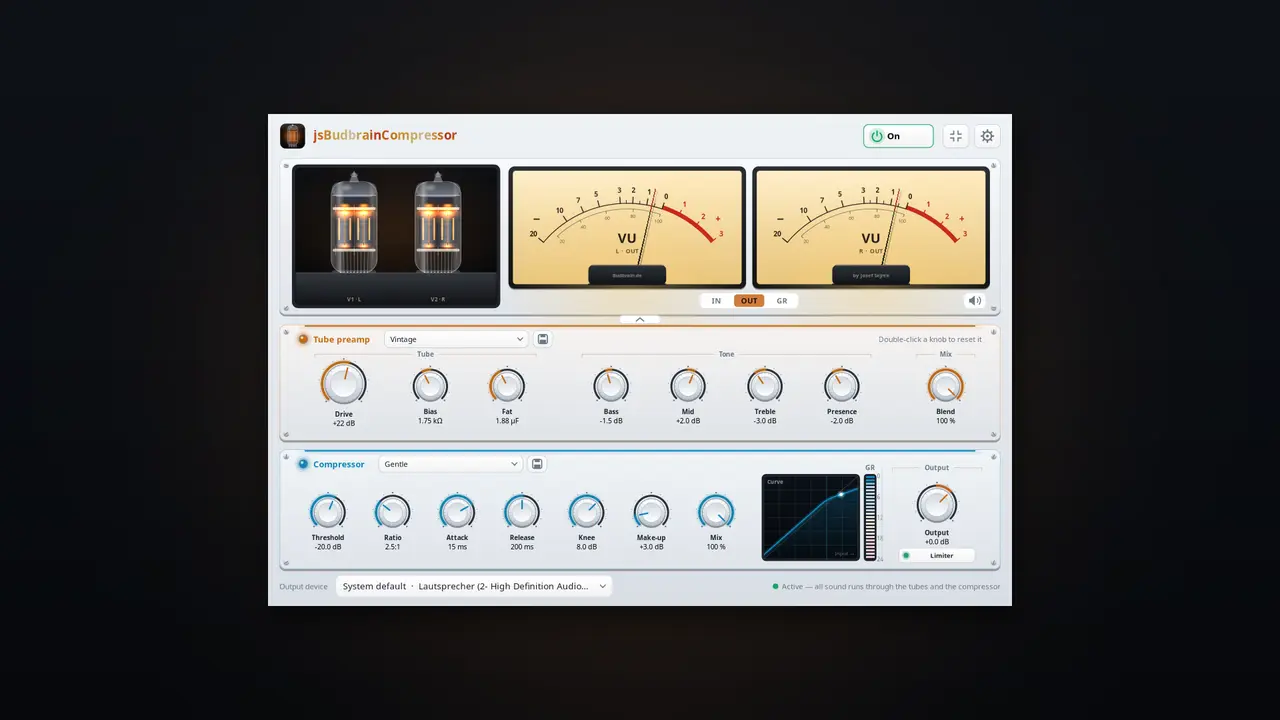
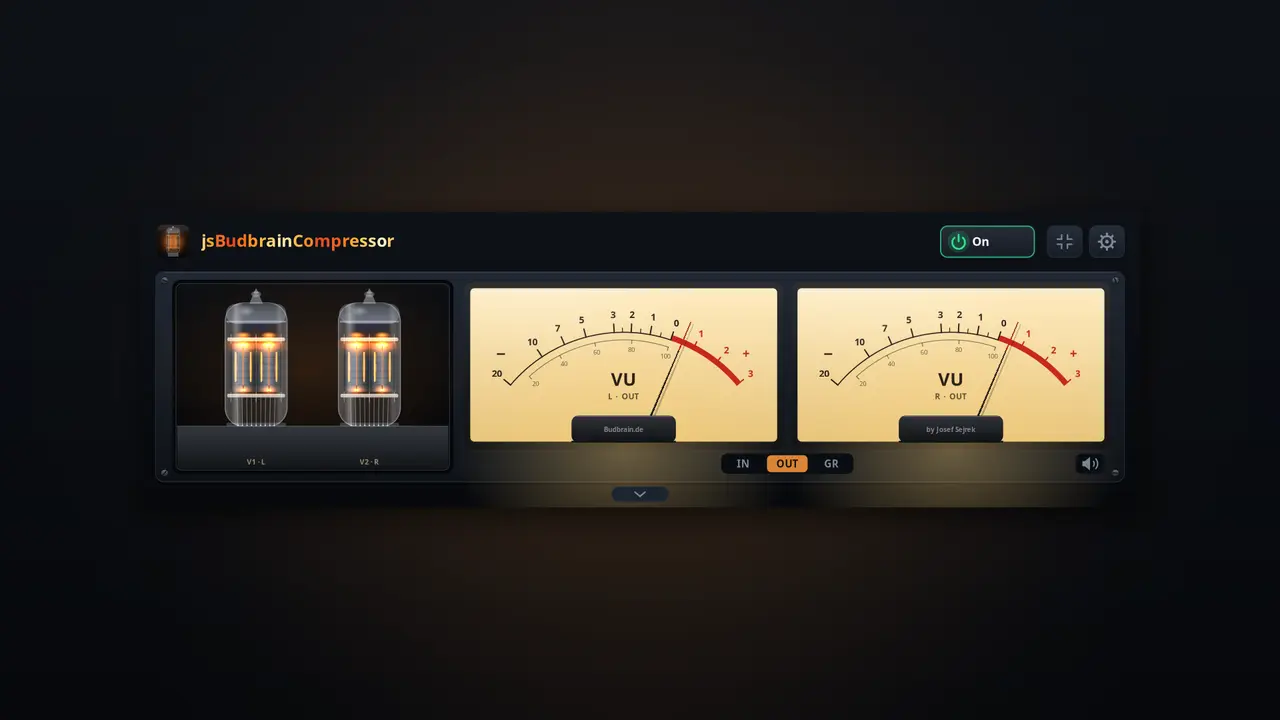
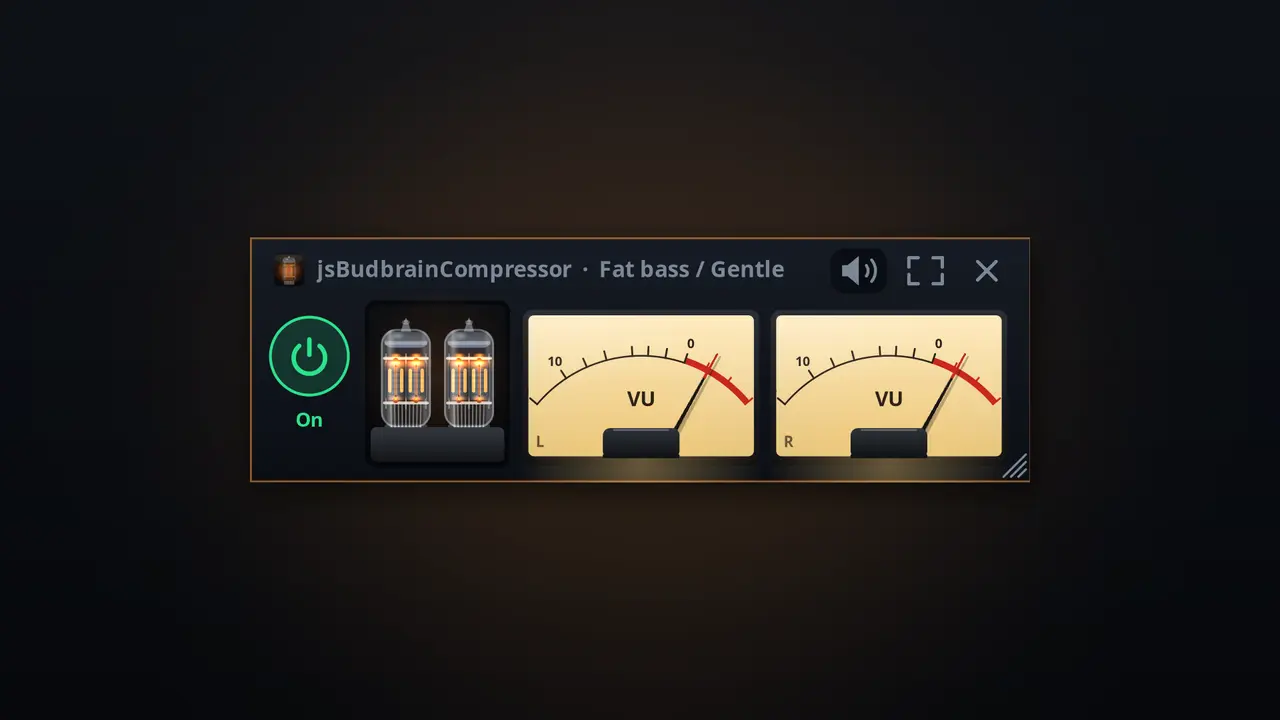
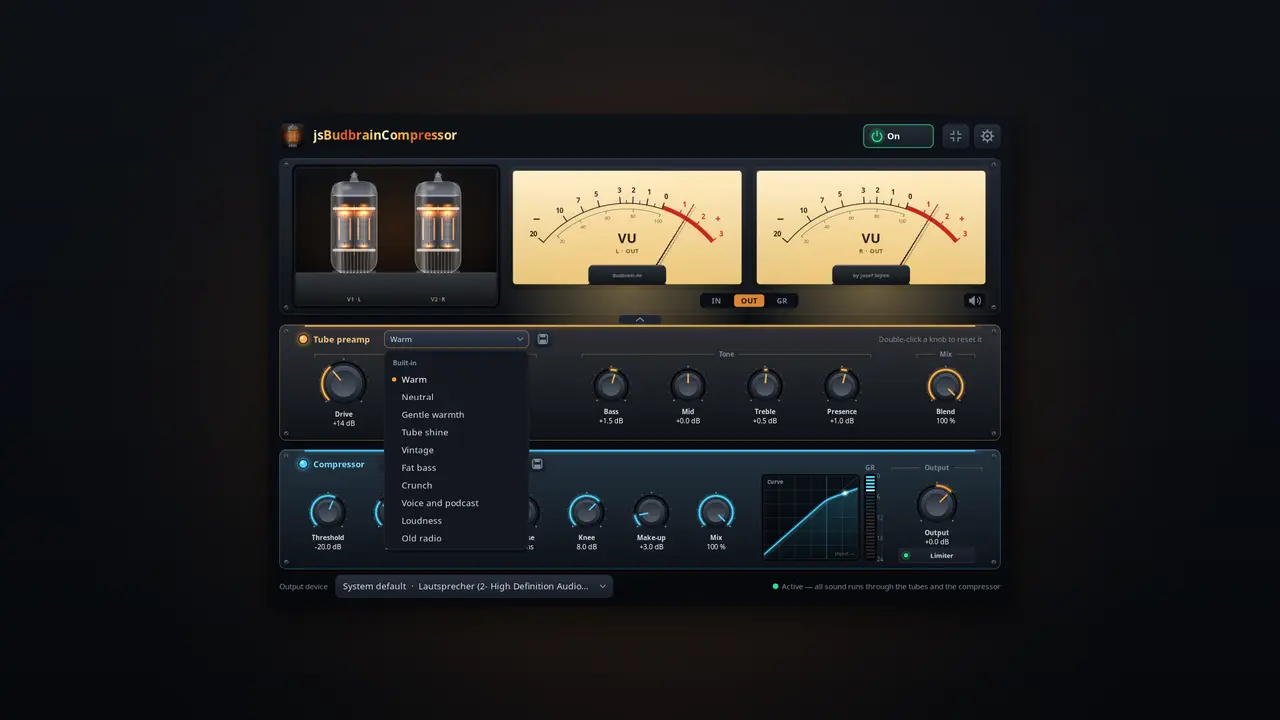
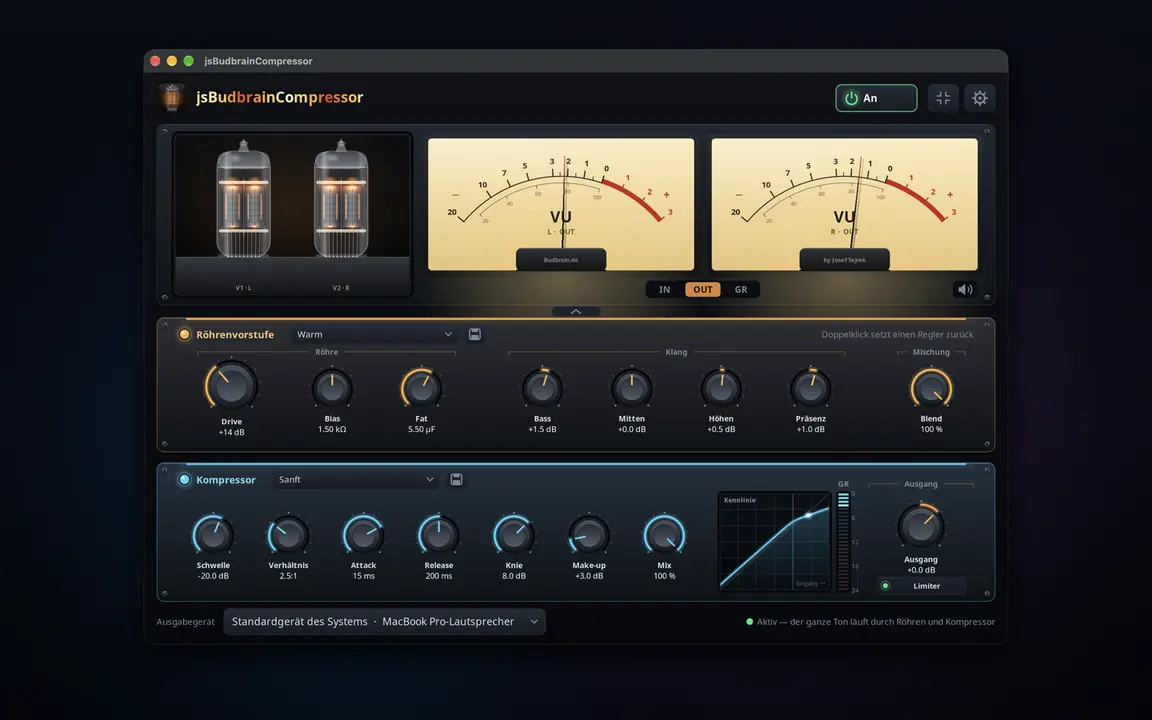
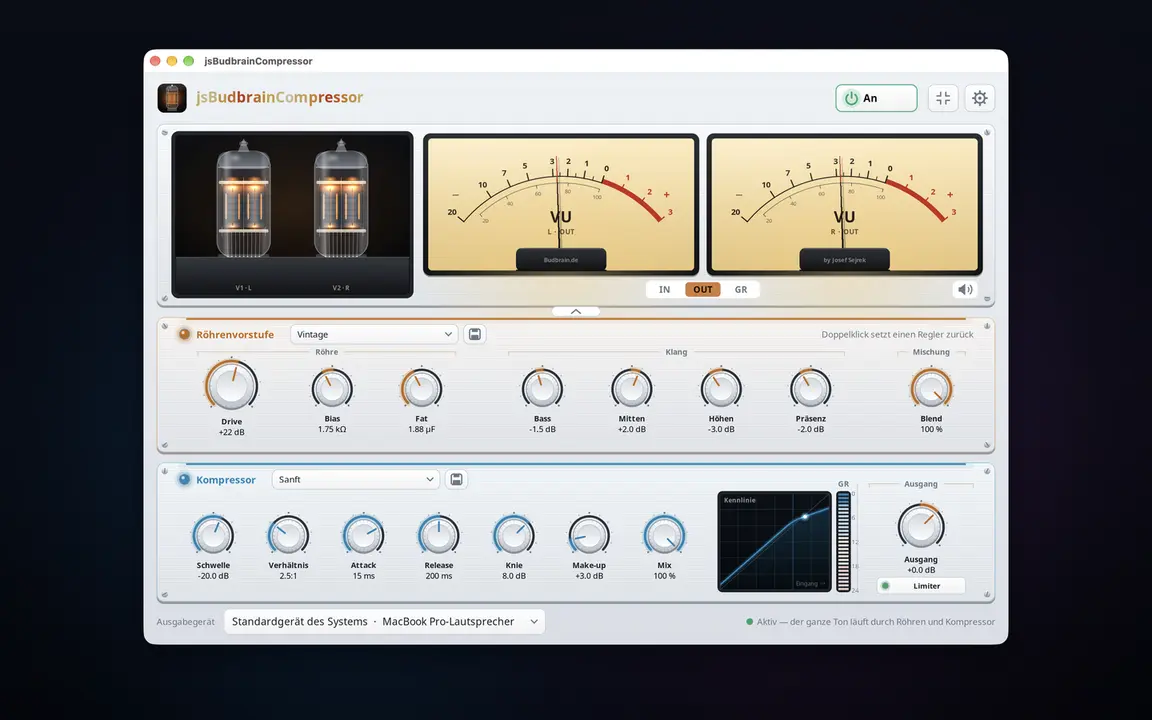
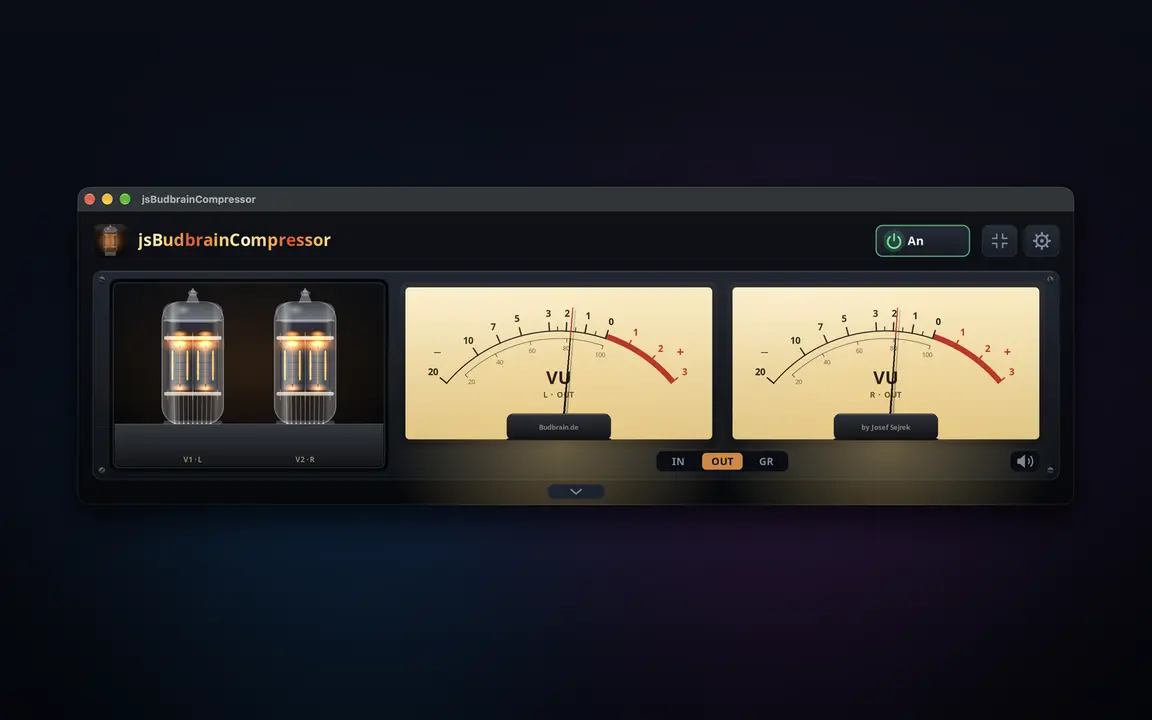
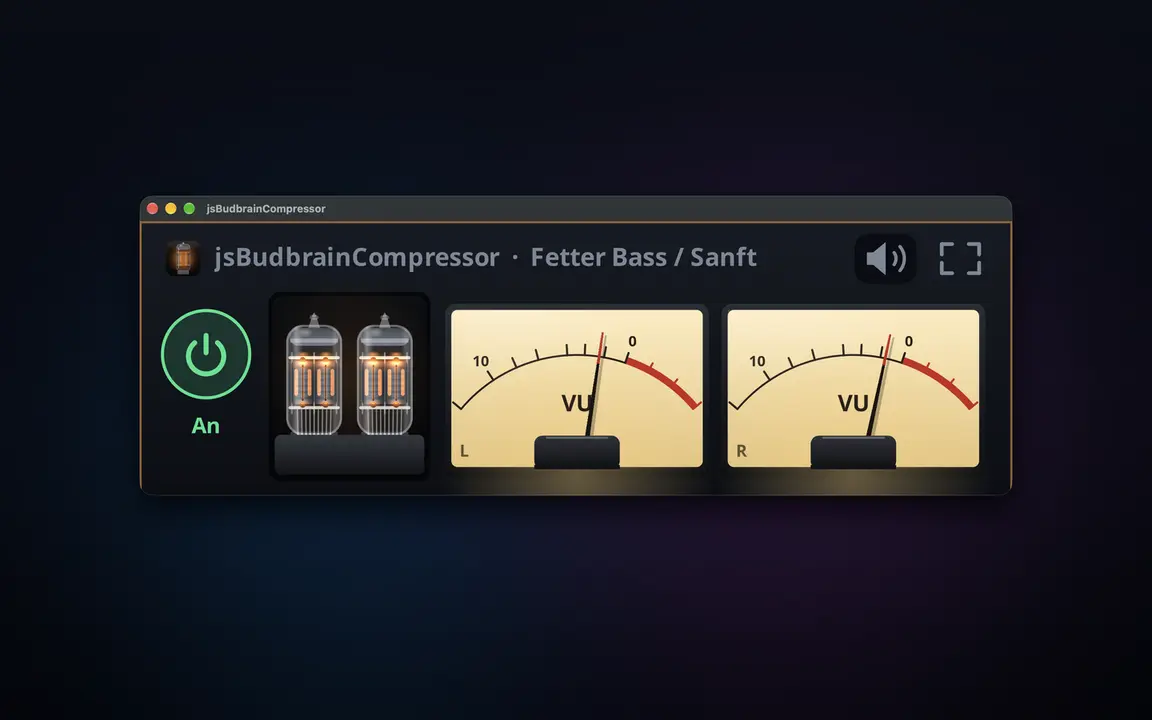
Joto la mirija na kikandamiza cha studio kwa kila kitu ambacho kompyuta yako huchezesha — chenye mirija inayong'aa na vipimo vya VU.
Preamp ya mirija ya kuigwa yenye drive, bias na fatBesi, kati, treble na presenceKikandamiza chenye kizingiti, uwiano, attack, release, knee, make-up na mchanganyikoVipimo viwili vya VU vyenye mwendo halisi wa sindanoMirija huwaka zaidi kadiri inavyofanya kazi kwa bidiiMipangilio iliyotayarishwa ya mirija na kikandamiza, pamoja na yakoKikomo hulinda masikio na spikaHufanya kazi pamoja na jsBudbrainEqualizer na jsBudbrainsFxStudioKitufe cha kunyamazisha simu inapoliaChagua spika au vipokea sauti vyakoDirisha dogo linalobaki juuNyepesi na nyeusiSDL2 · CairoPipeWire · PulseAudio83 lugha
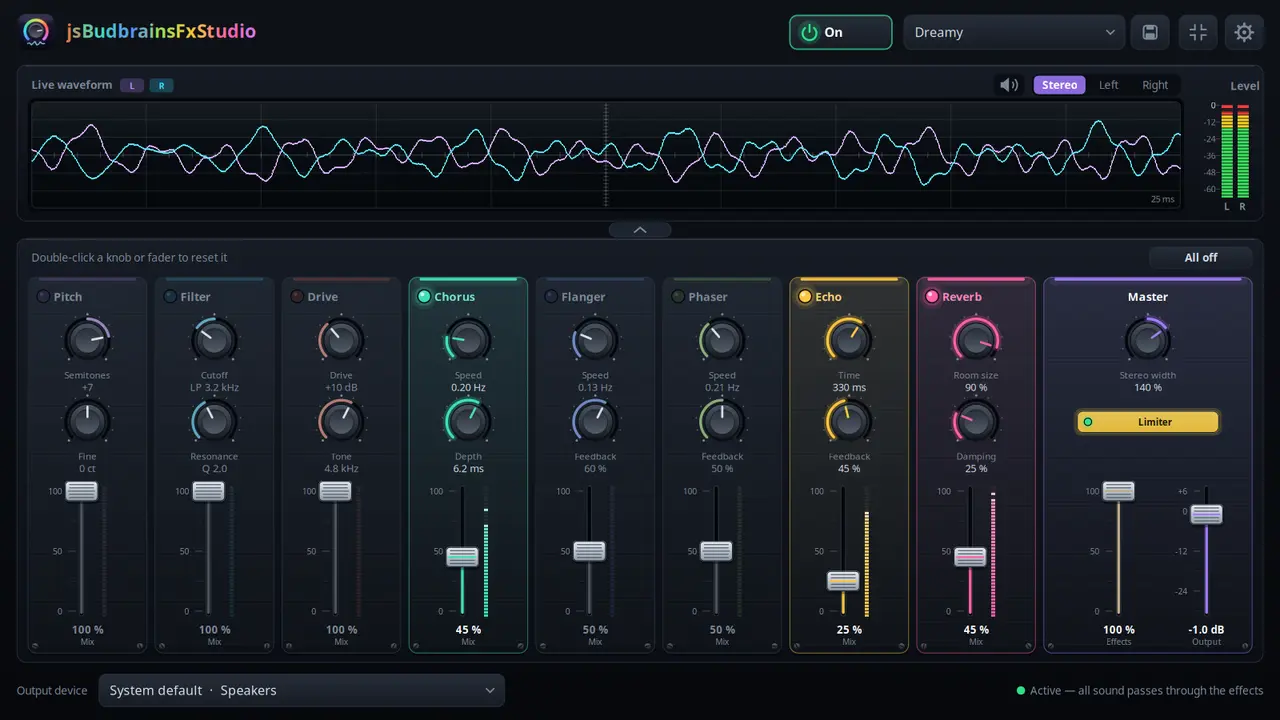
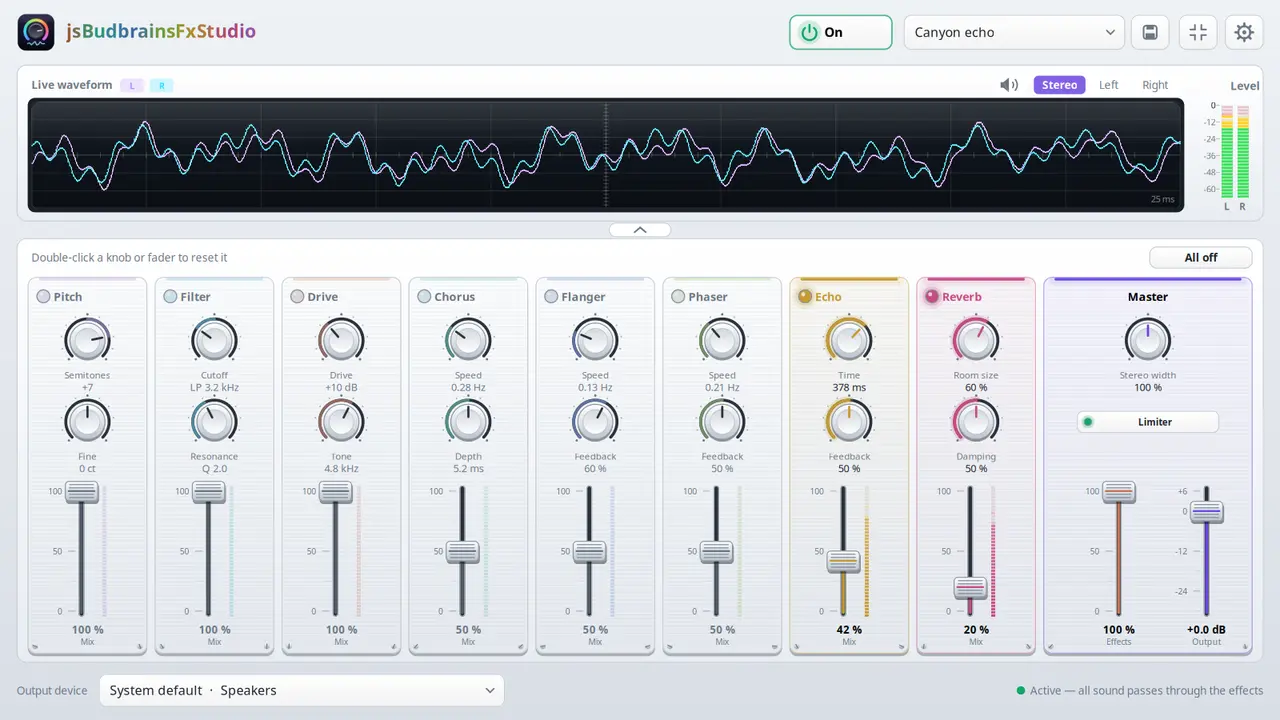
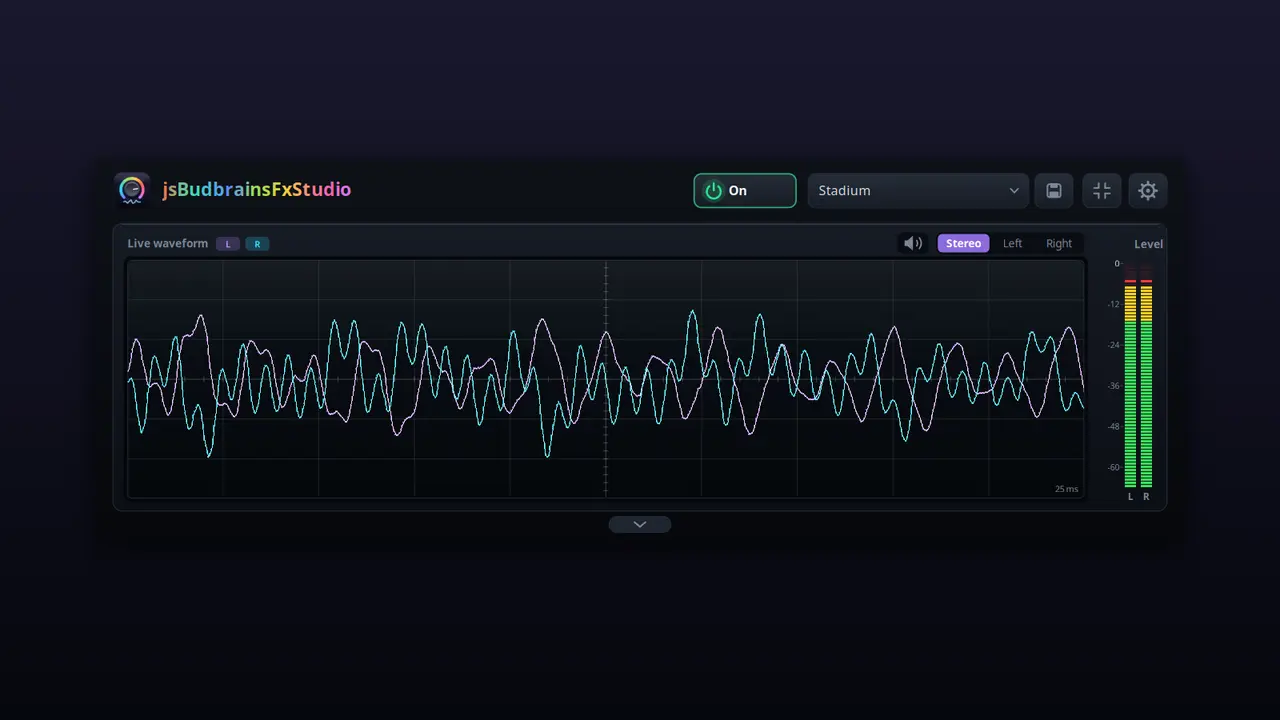
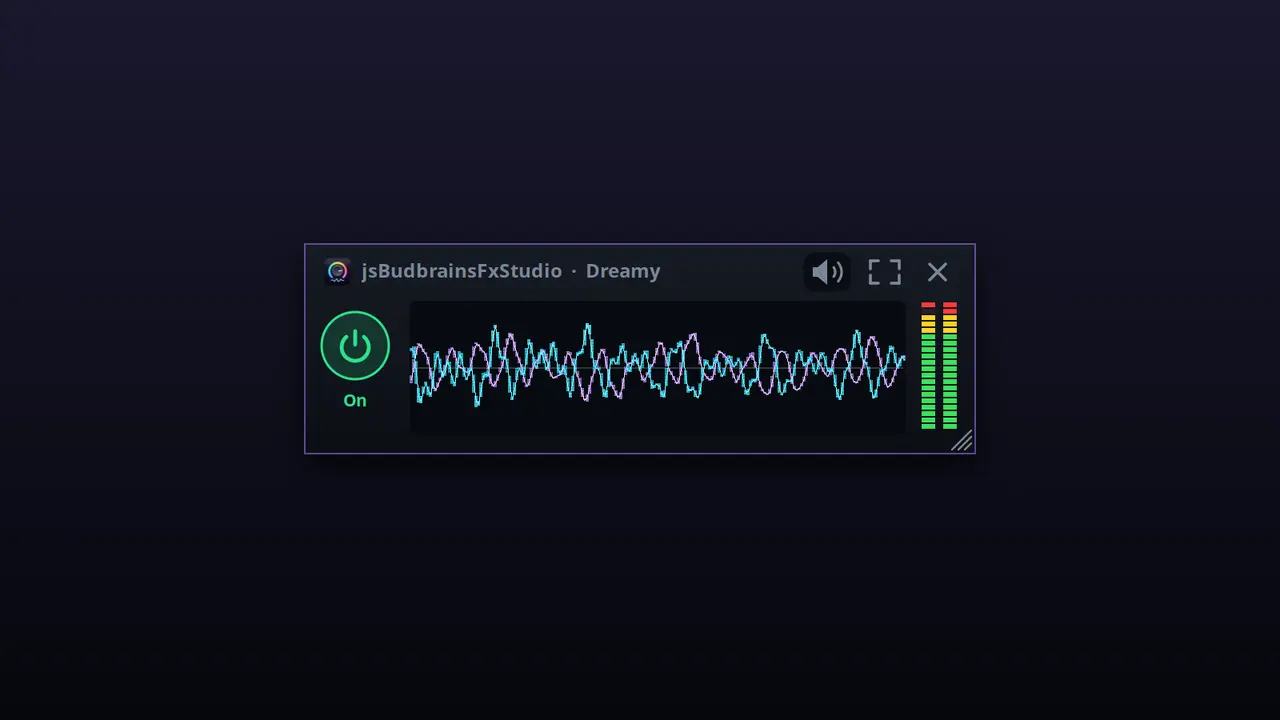
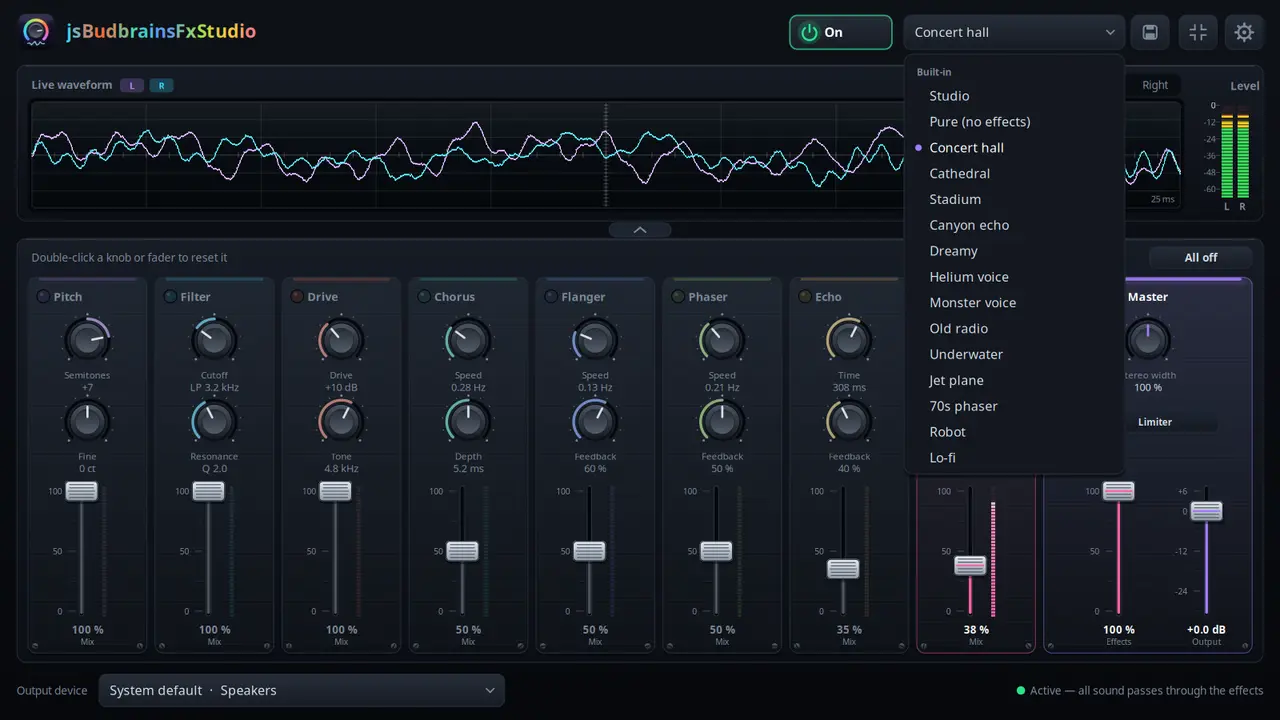
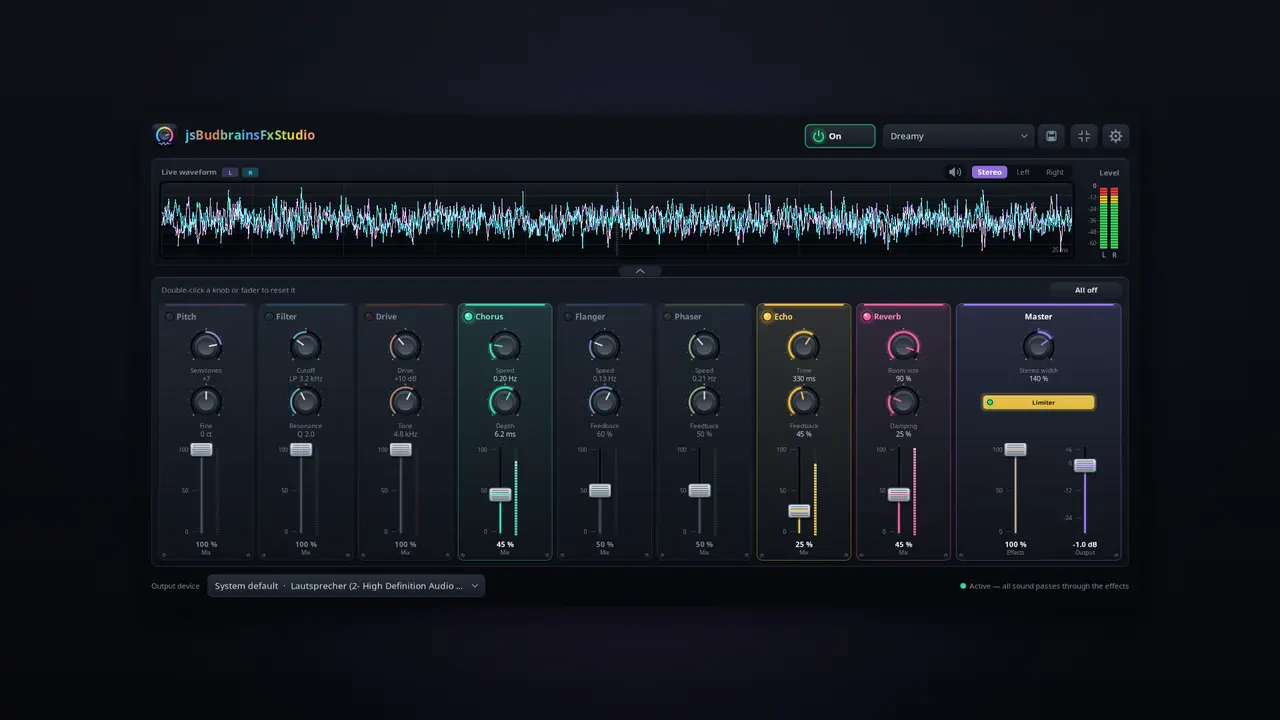
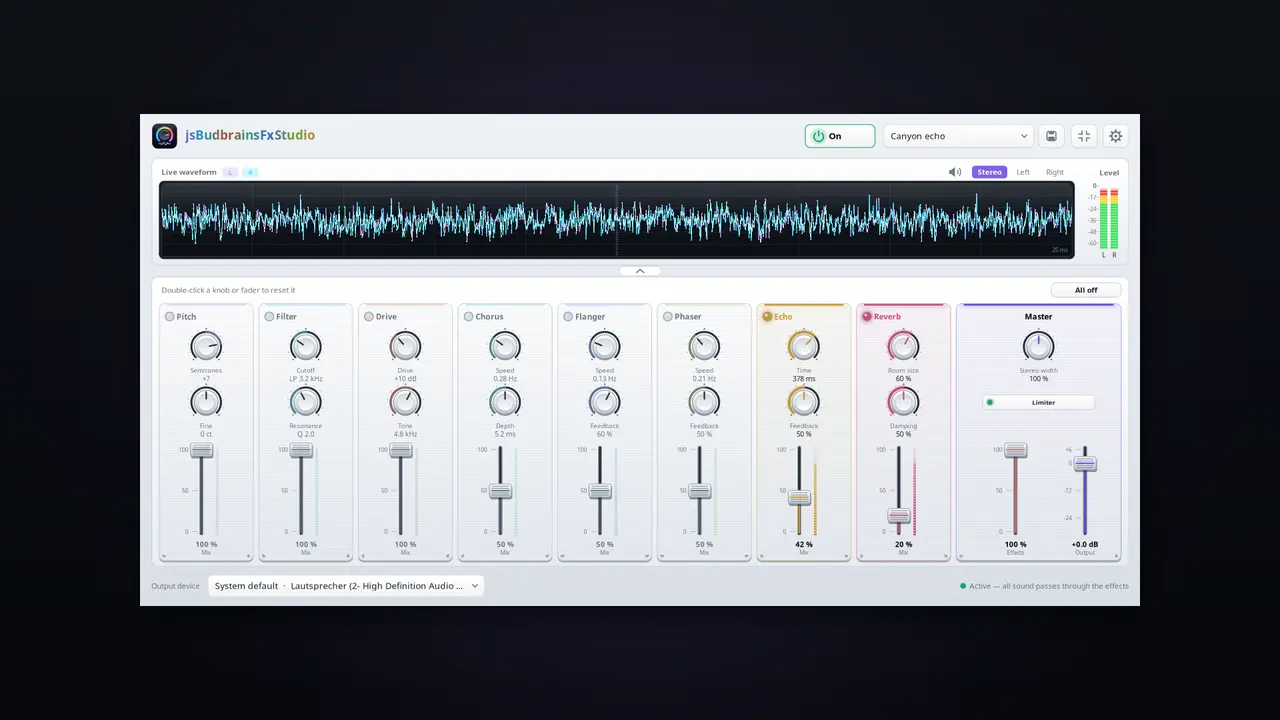
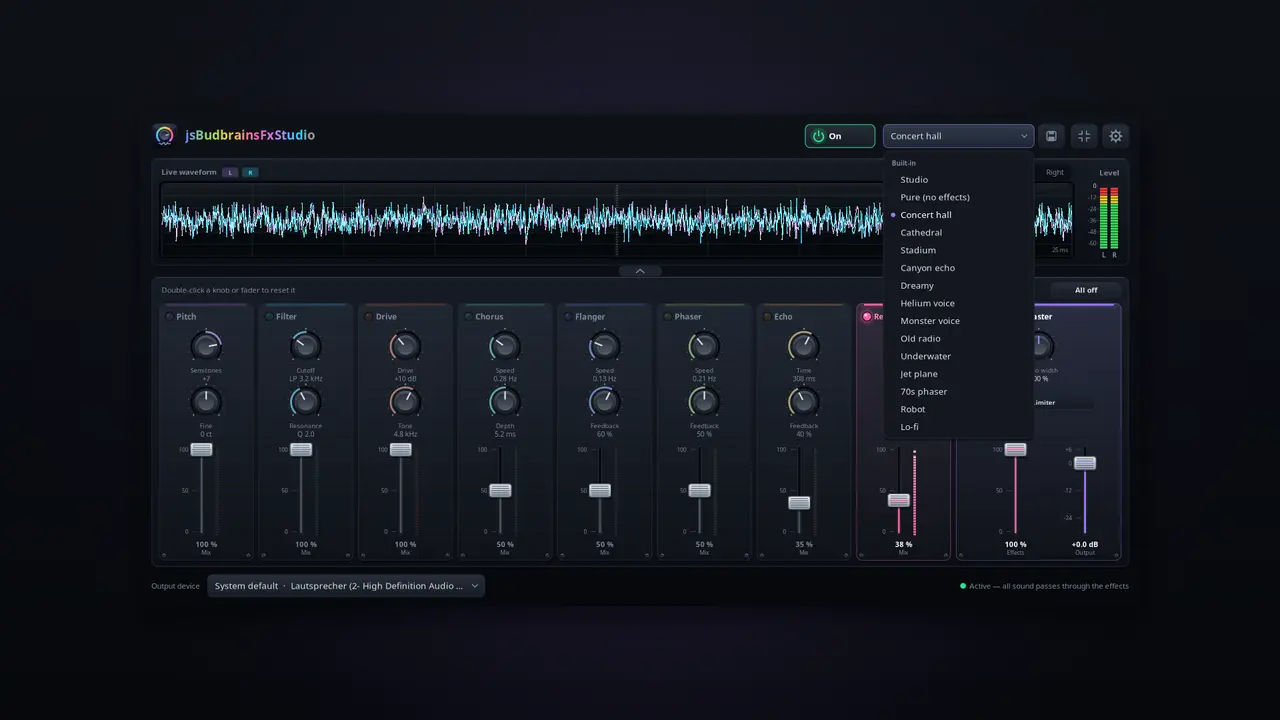
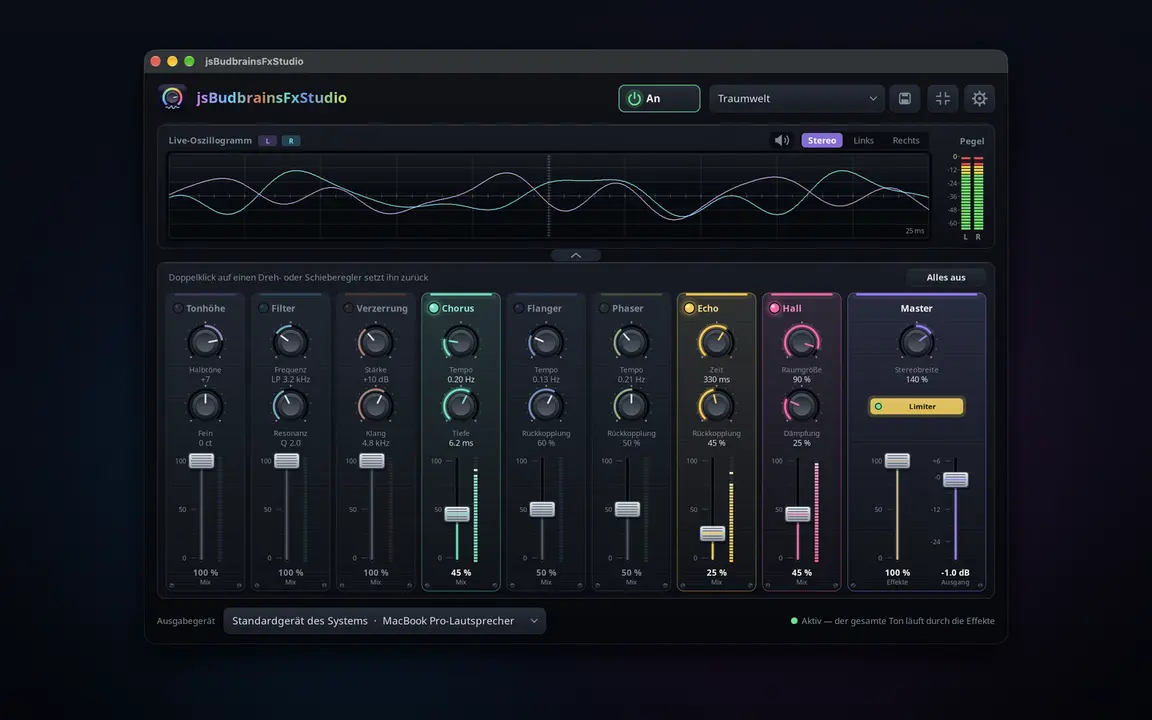
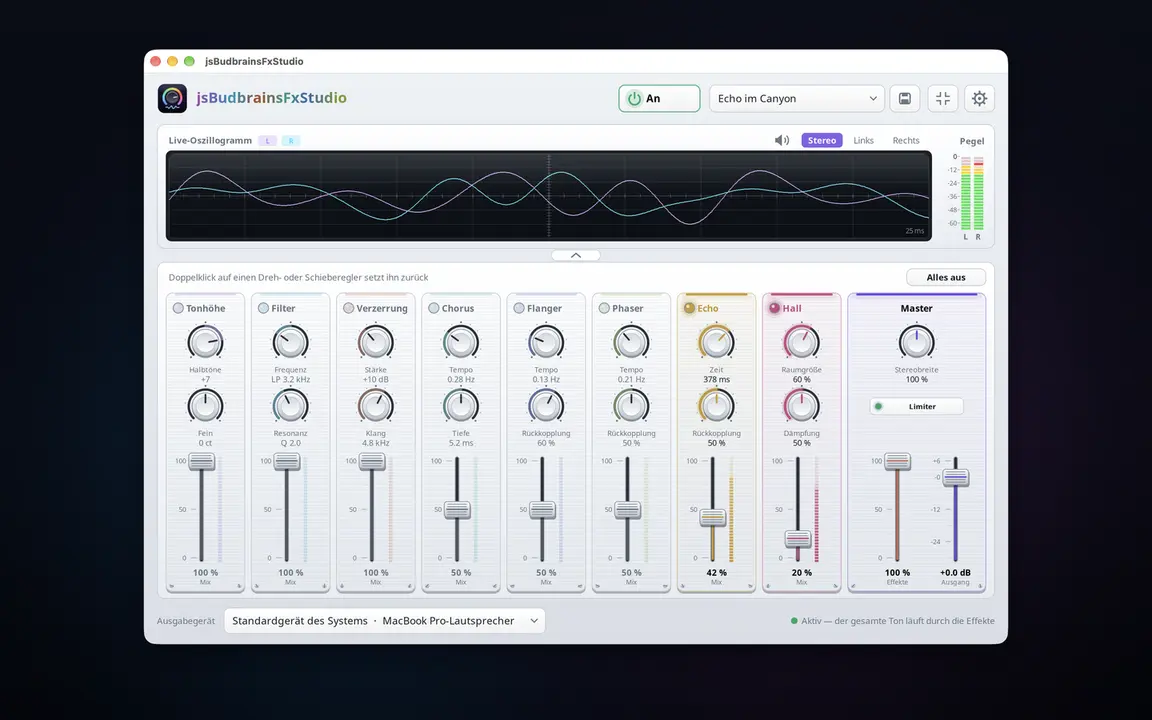
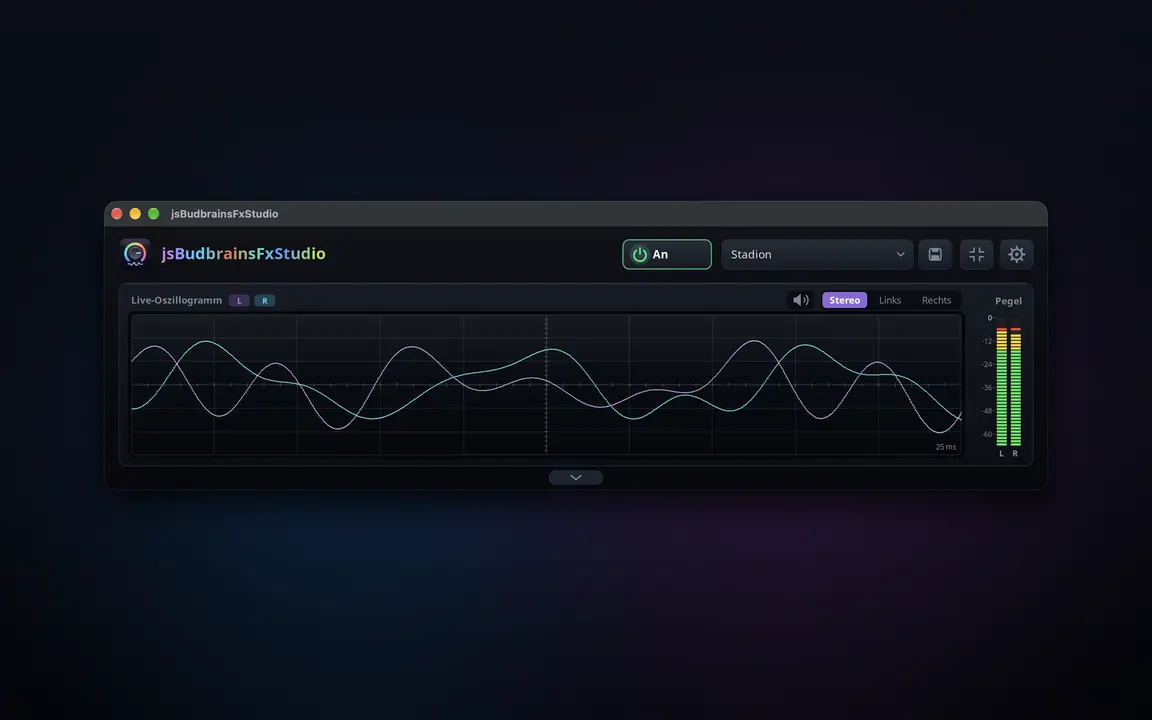
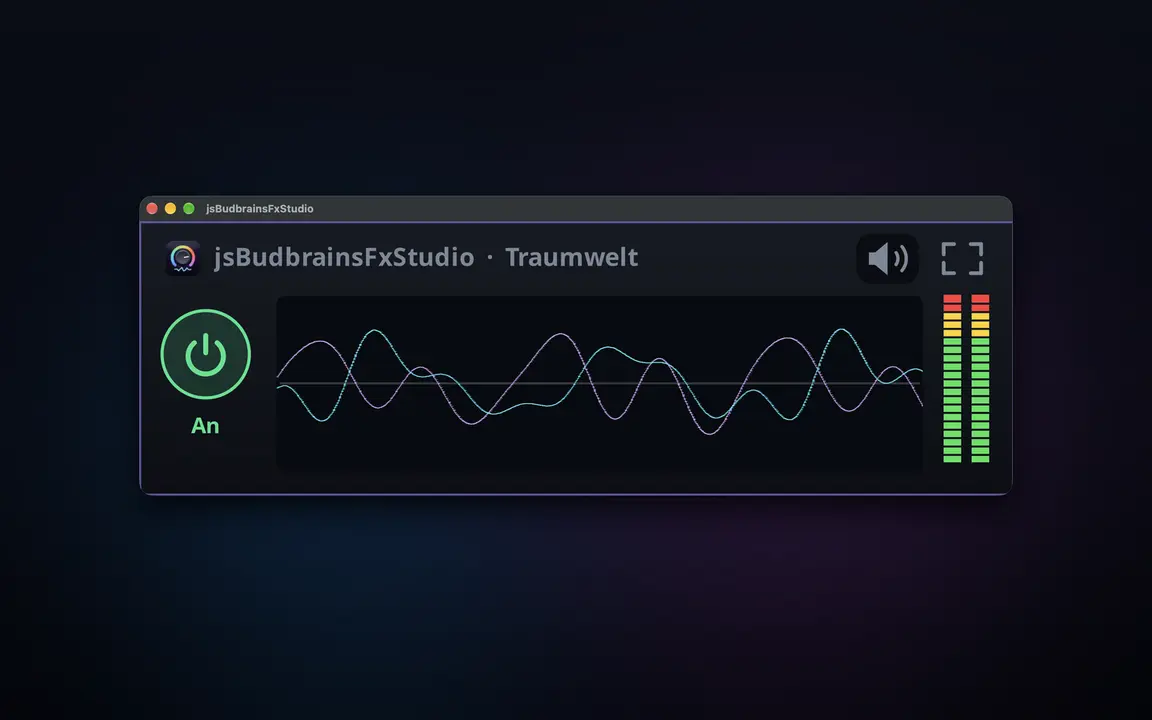
Athari za moja kwa moja kwa kila kitu ambacho kompyuta yako huchezesha — mwangwi, mwangwi wa kurudia, sauti na zaidi, zikichanganywa kwenye sauti kwa fader.
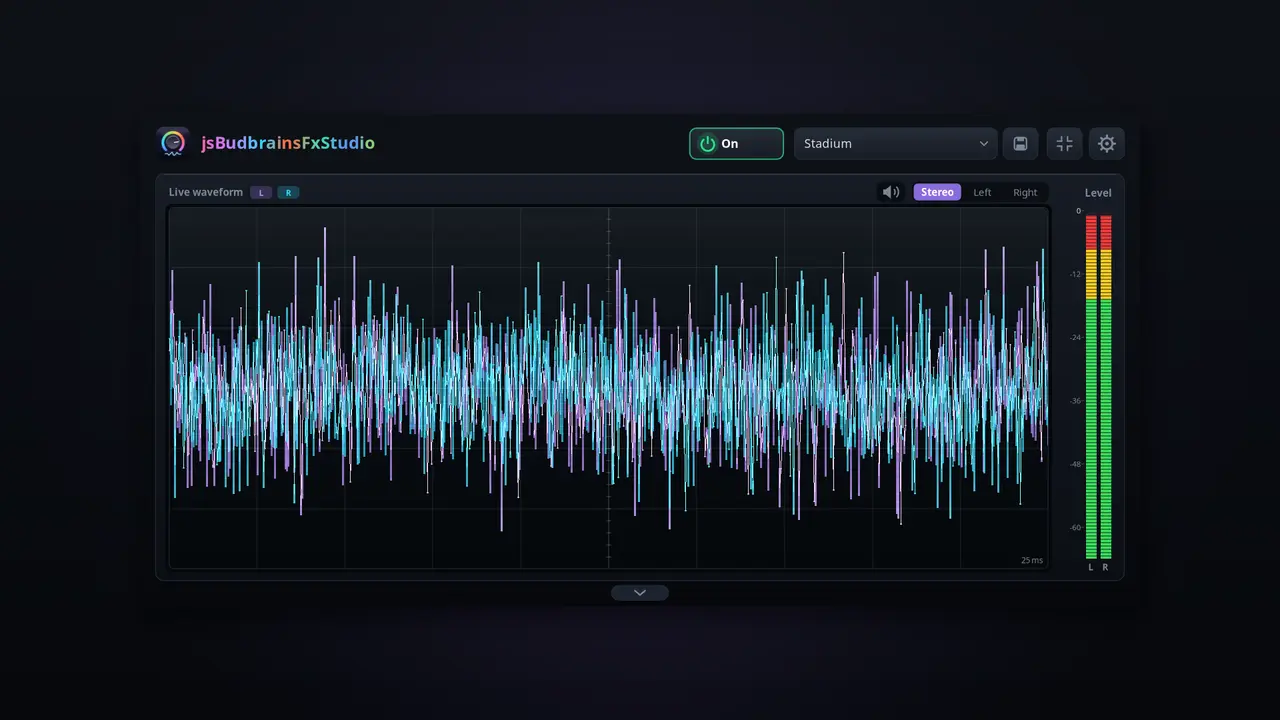
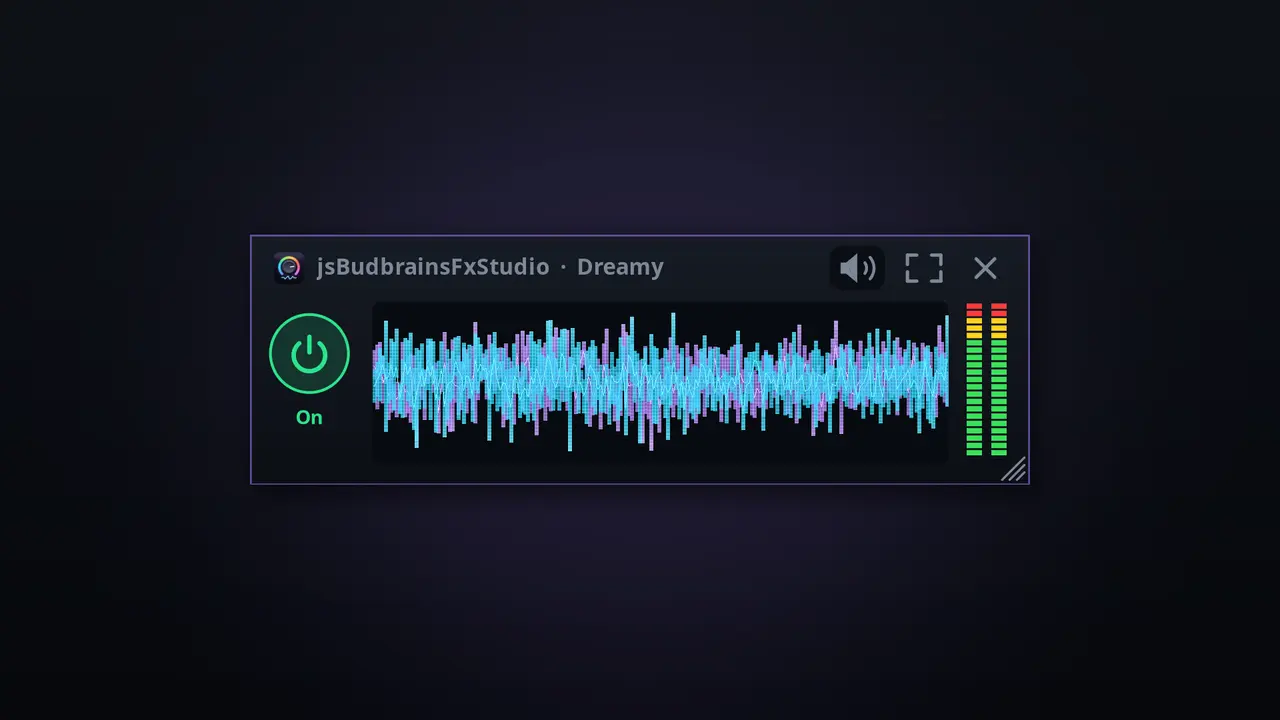
Athari nane: sauti, kichujio, drive, chorus, flanger, phaser, mwangwi, mwangwi mkubwaKila athari ina vifundo vyake na fader ya kuchanganyaFader moja huchanganya athari zote kwenye mchanganyiko mkuuUmbo la wimbi na vipimo vya kiwango vya moja kwa mojaMipangilio iliyotayarishwa kama ukumbi wa tamasha au mwangwi wa korongo, pamoja na yako“Zima vyote” kwa mbofyo mmoja — na kurudisha kwa unaofuataKikomo hulinda masikio na spikaHufanya kazi pamoja na jsBudbrainEqualizerKitufe cha kunyamazisha simu inapoliaChagua spika au vipokea sauti vyakoDirisha dogo linalobaki juuNyepesi na nyeusiSDL2 · CairoPipeWire · PulseAudio83 lugha
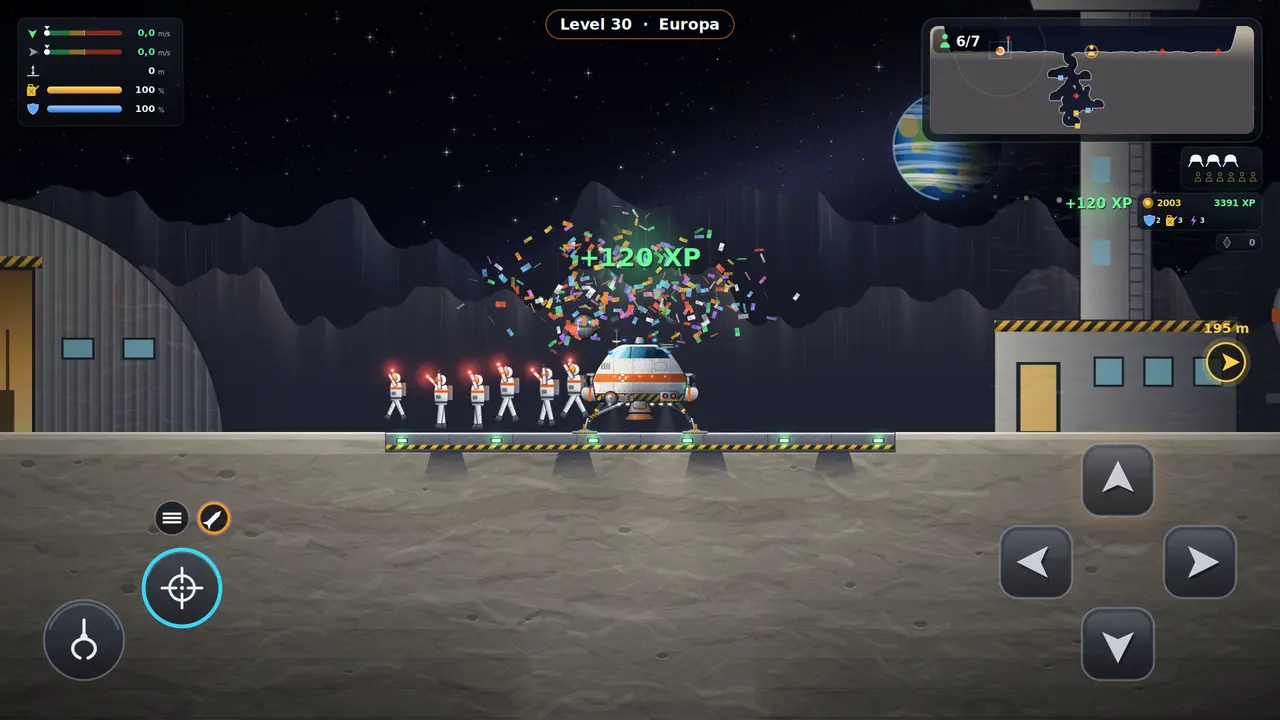
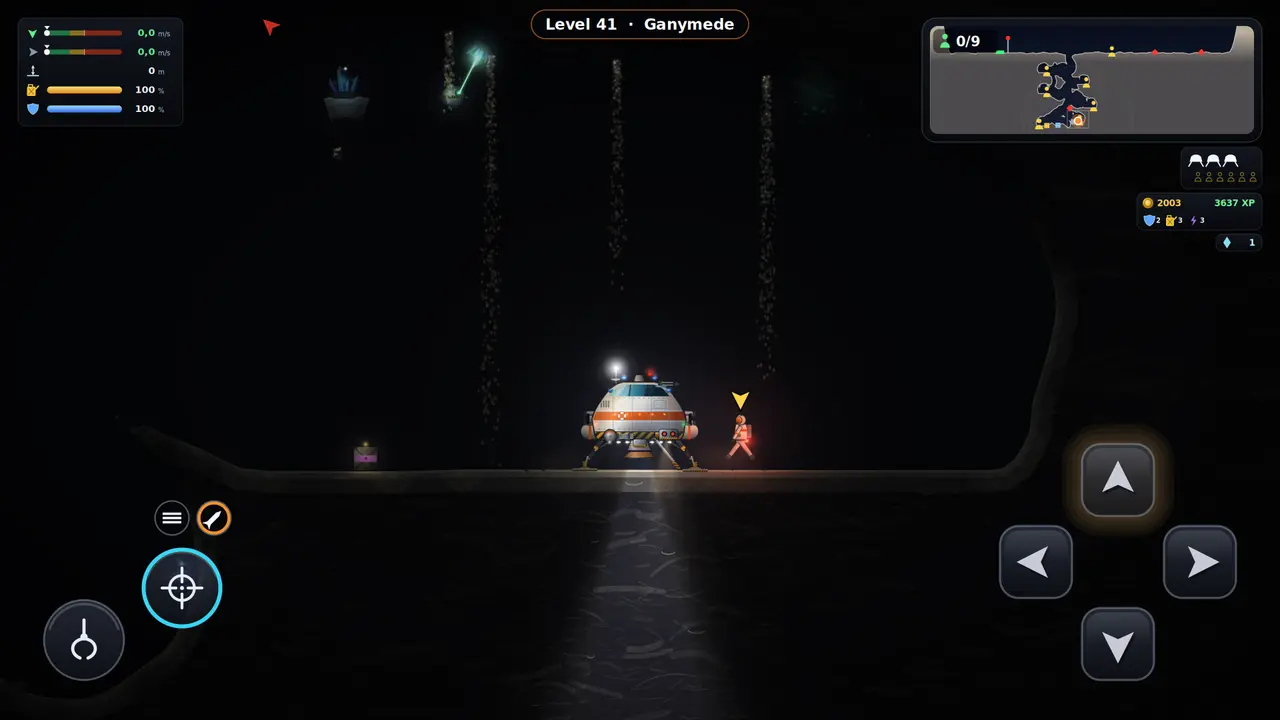
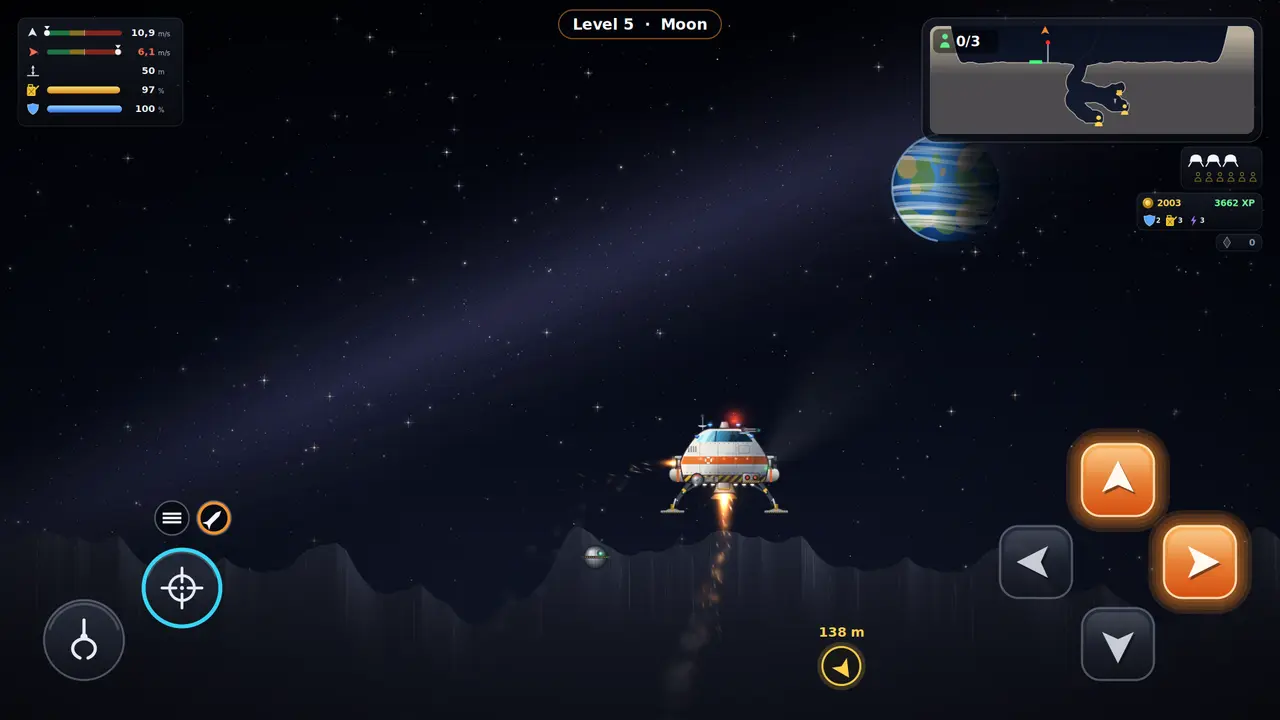
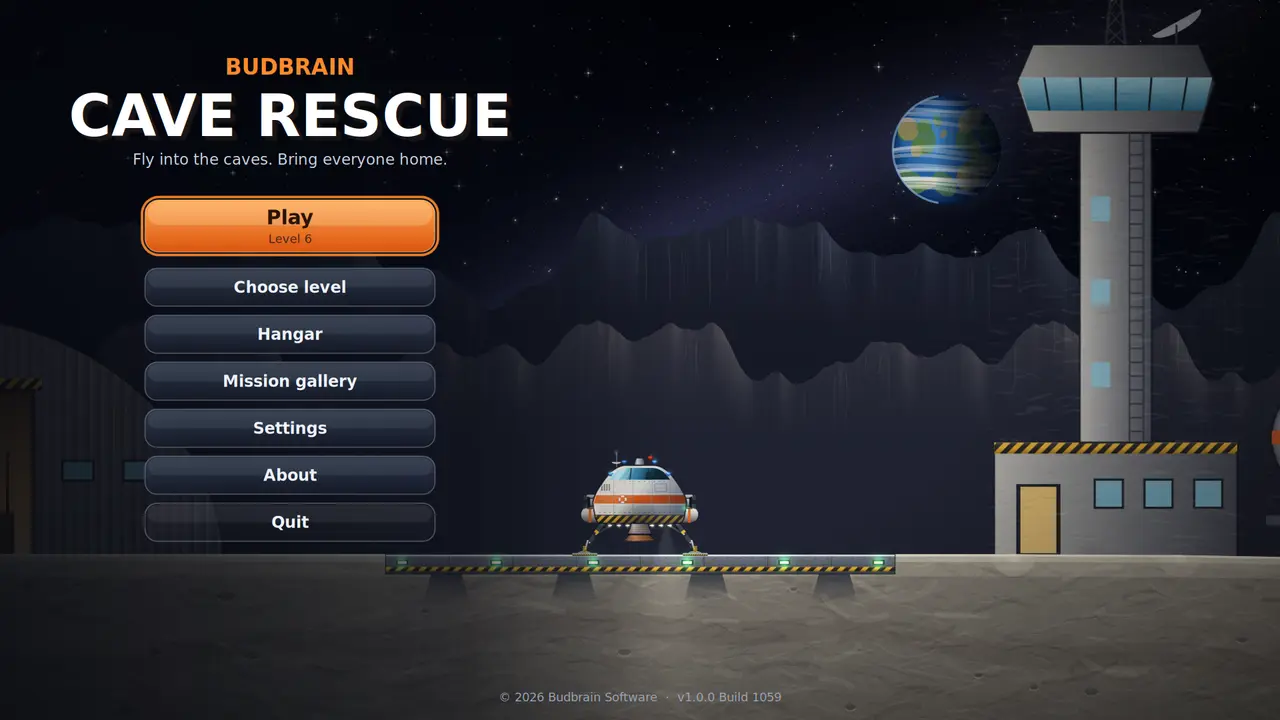
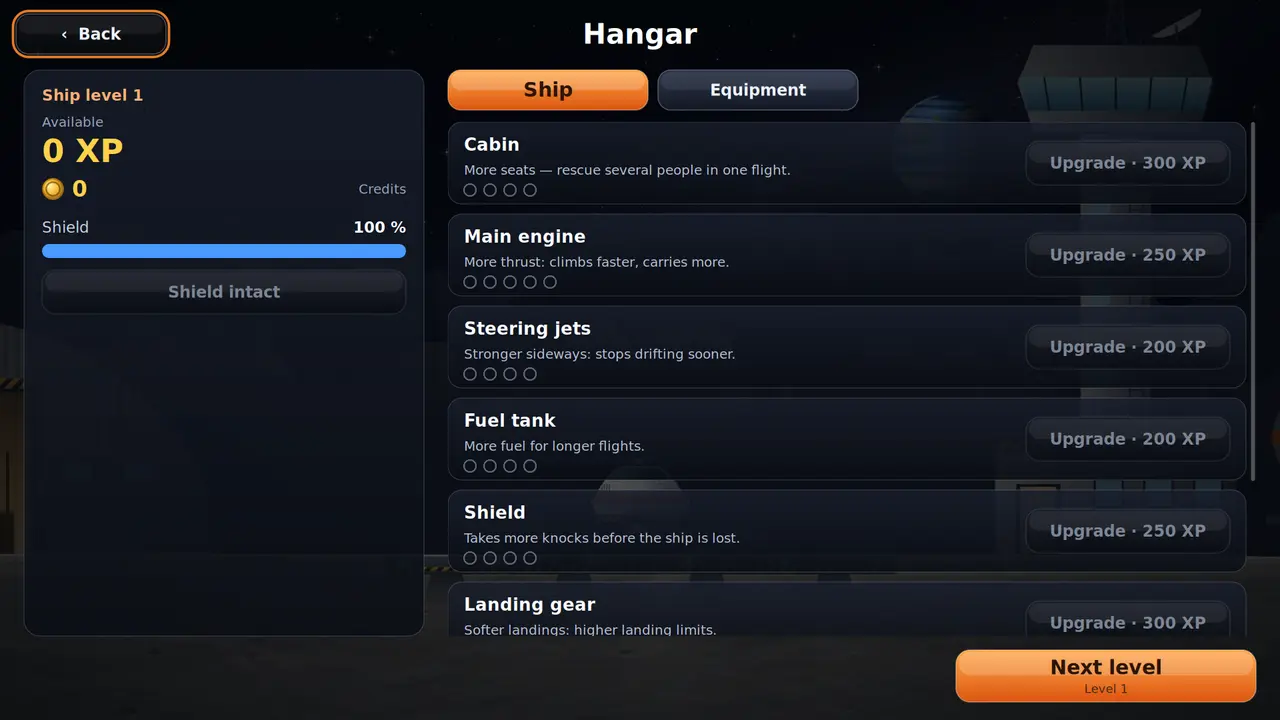
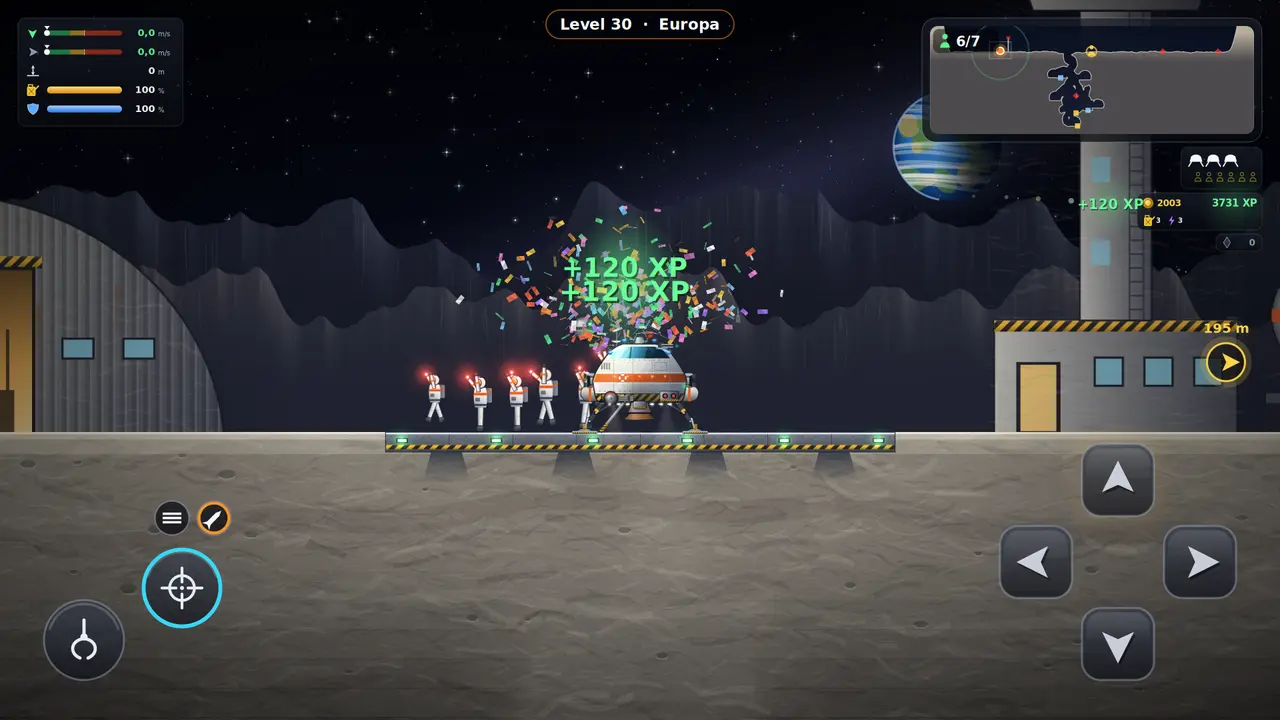
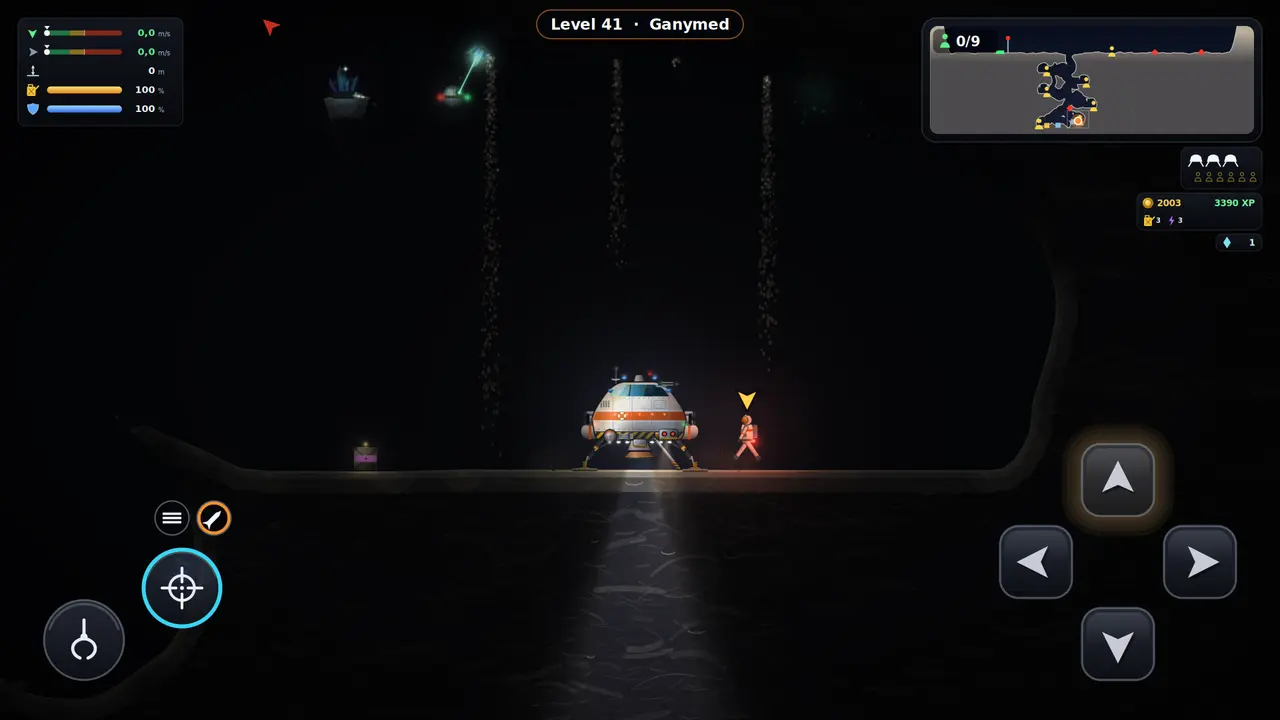
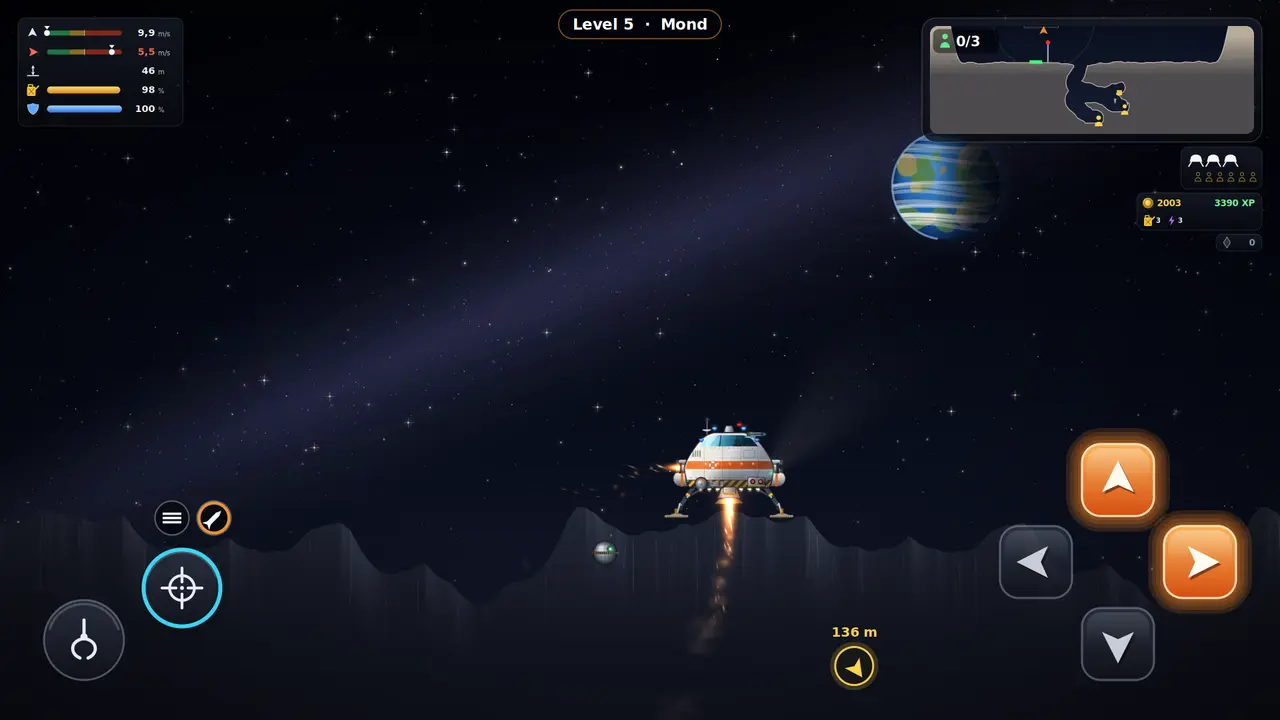
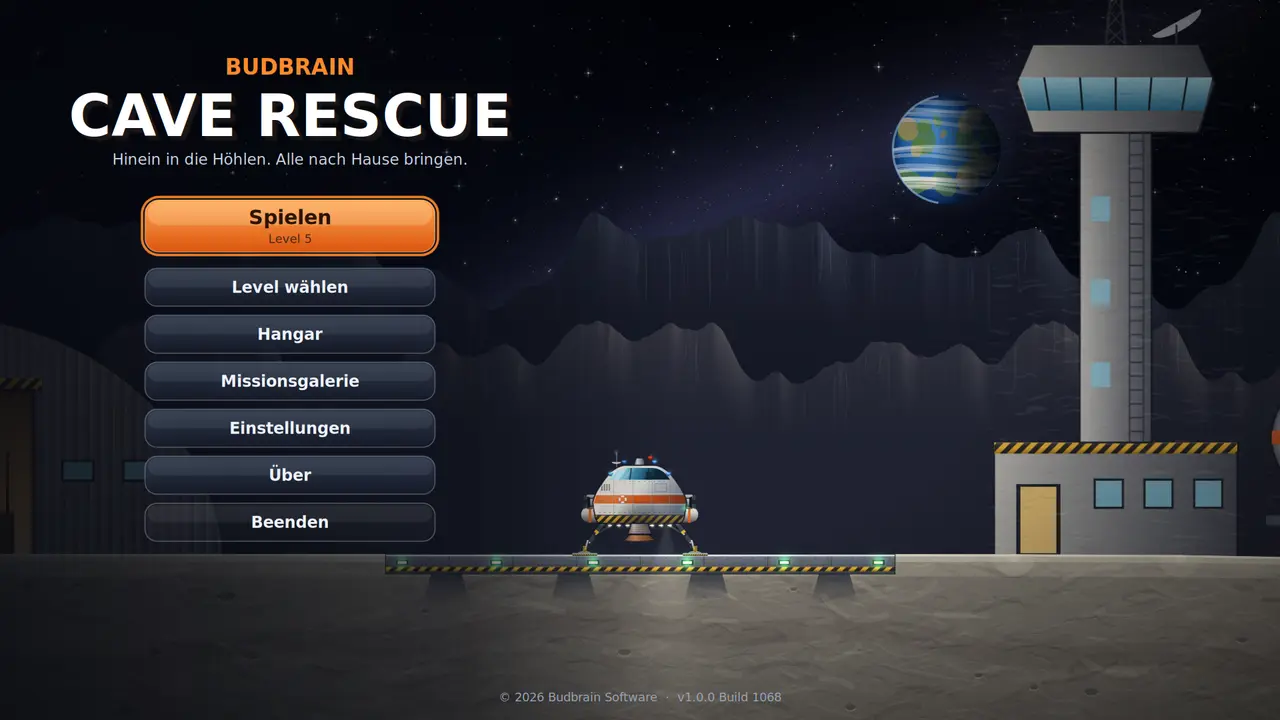
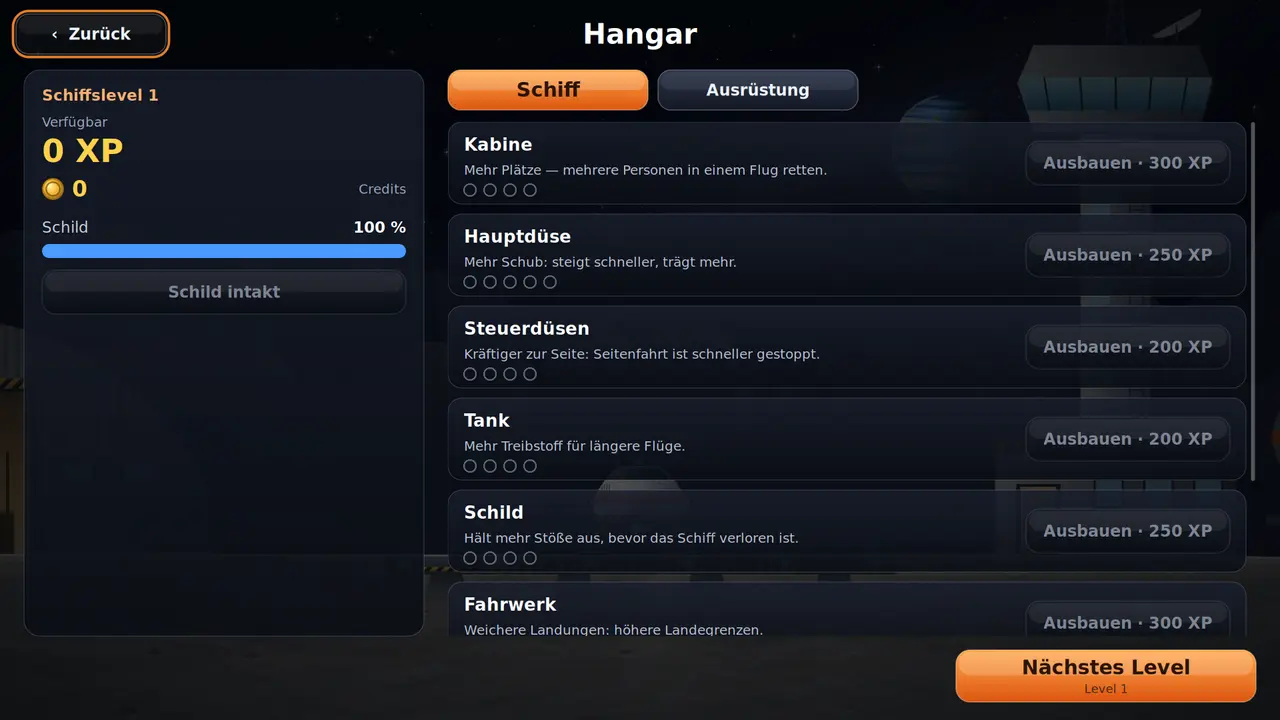
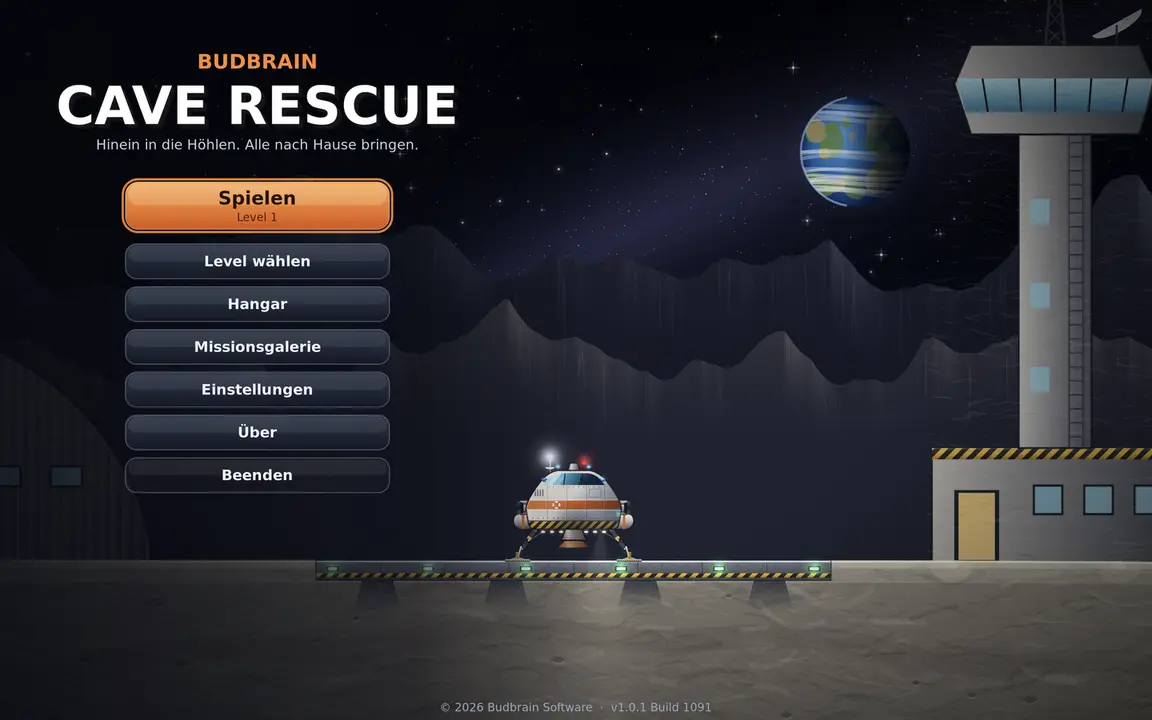
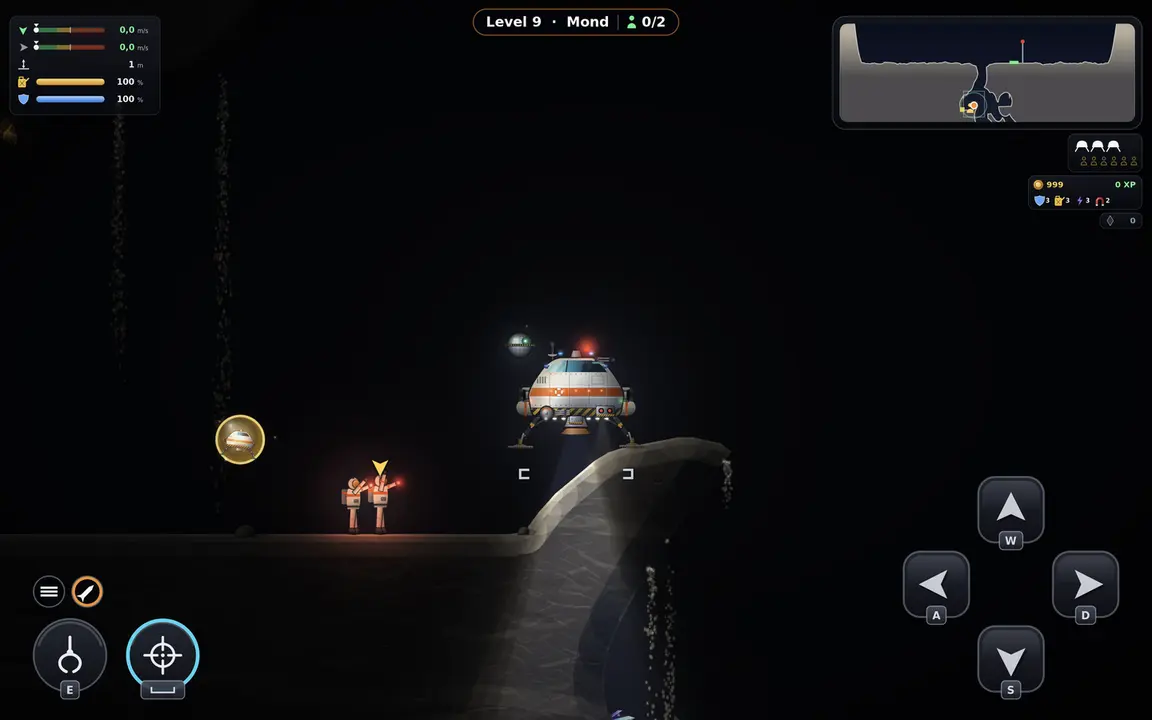
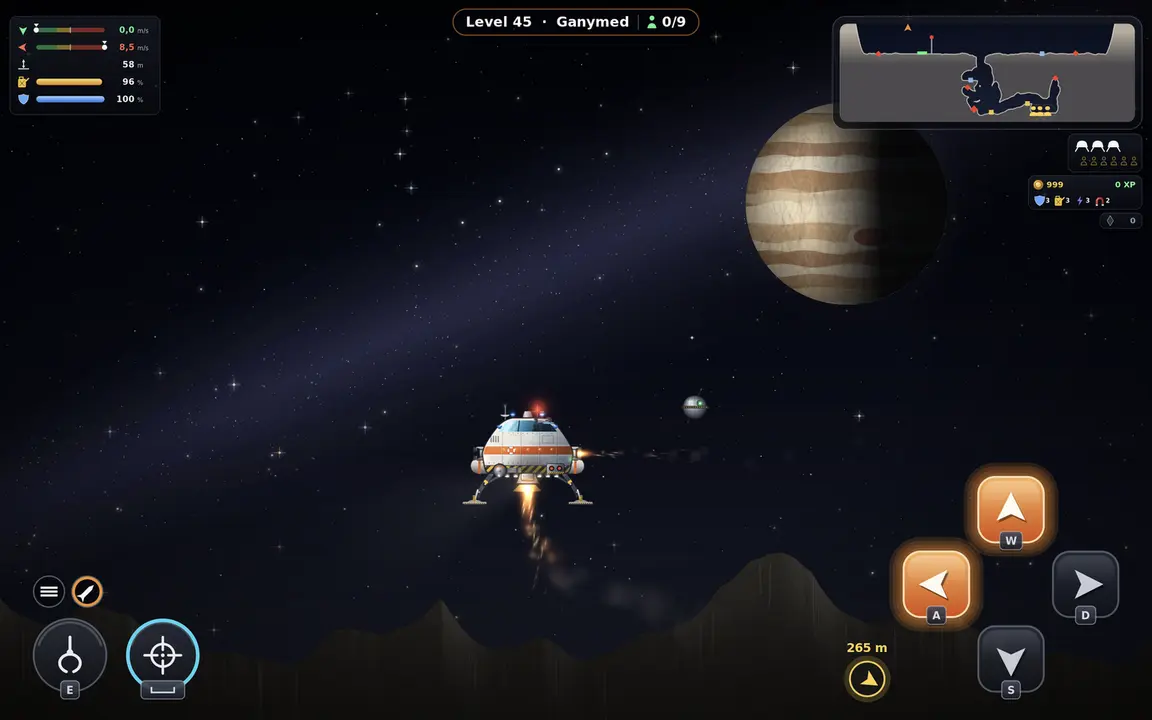
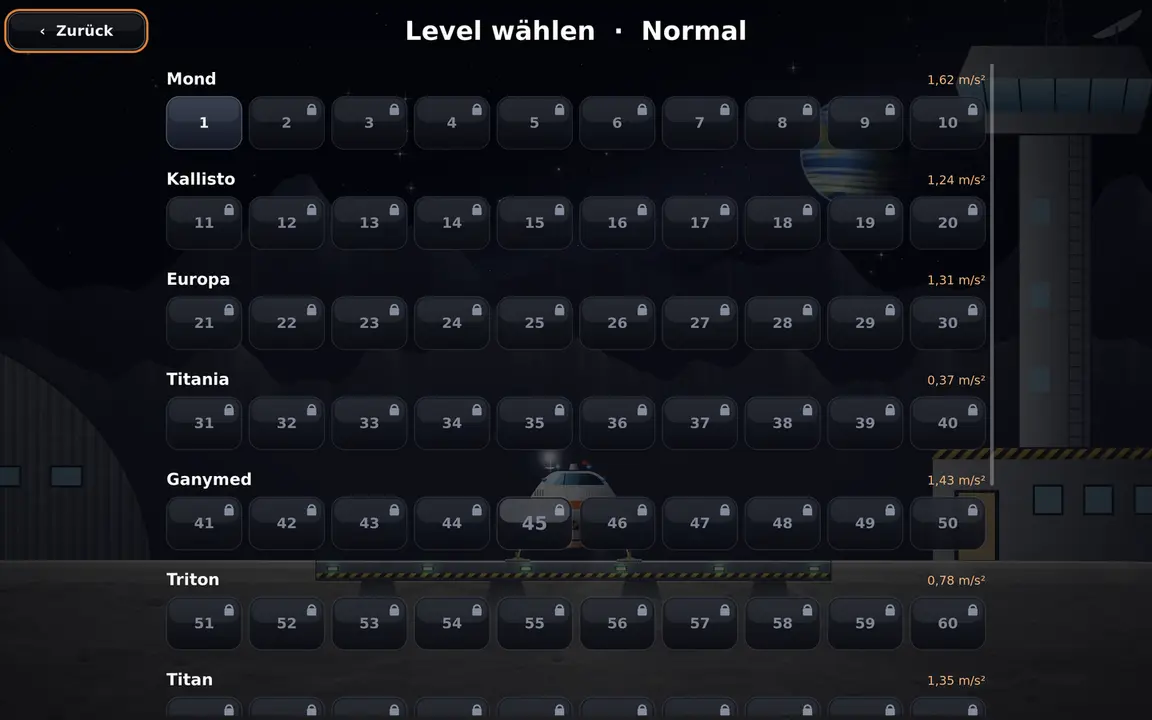
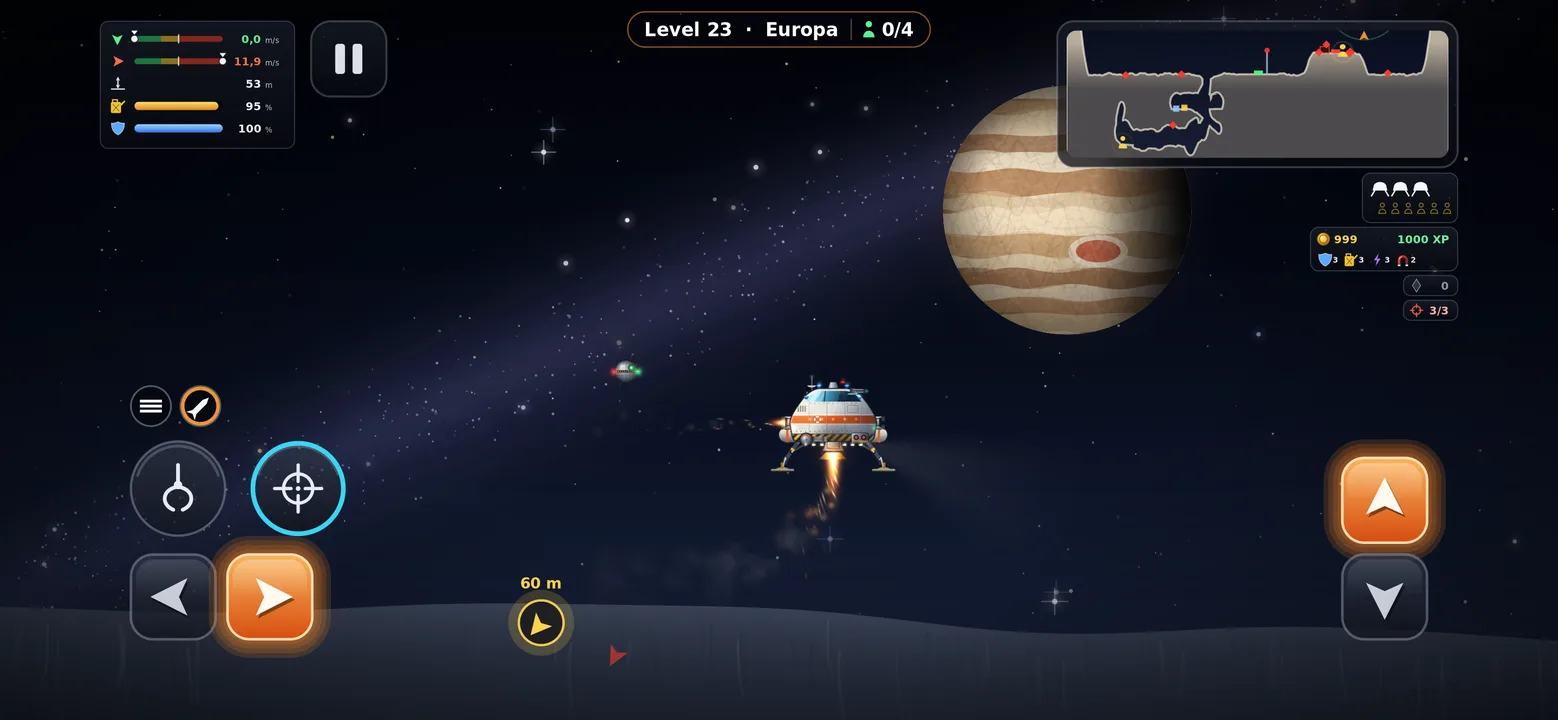
Ruka ndani ya mapango ya kina ya mwezi na uwarudishe nyumbani salama wanaanga waliokwama.
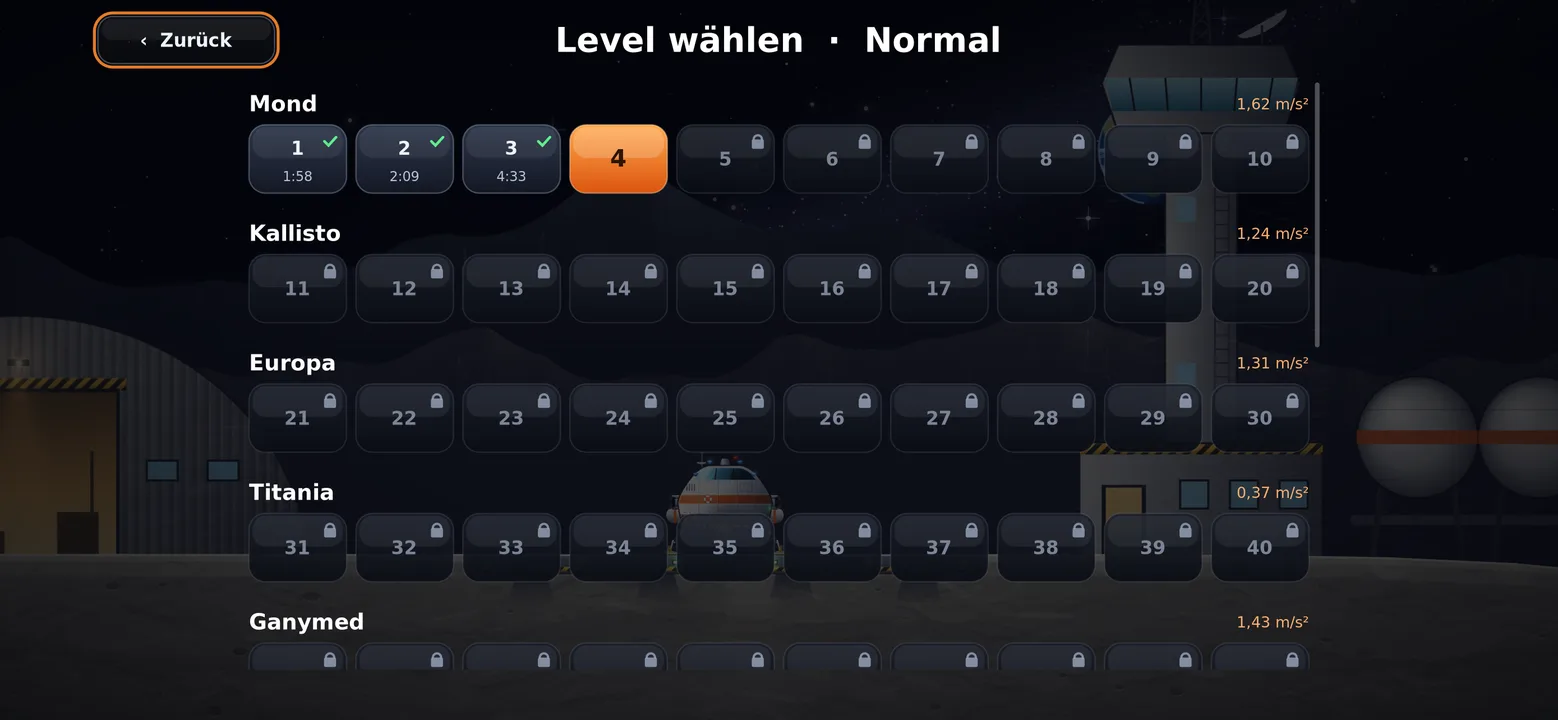
Viwango 100 katika ulimwengu kumiMvuto halisiVitufe vinne, hakuna zaidiBoresha chombo chako kwa uzoefuViwango vinne vya ugumuGhala ya misheni yenye ramani za safariKibodi, kipanya au gamepadSDL2 · Cairo44 lugha
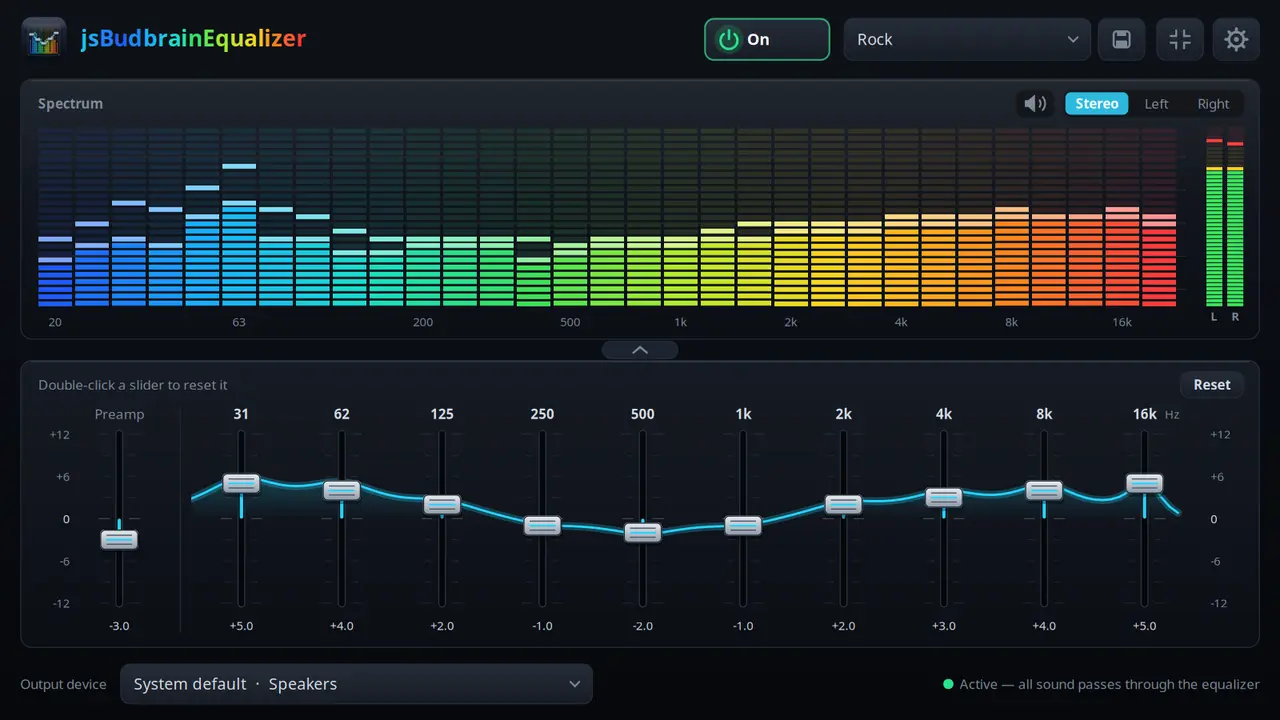
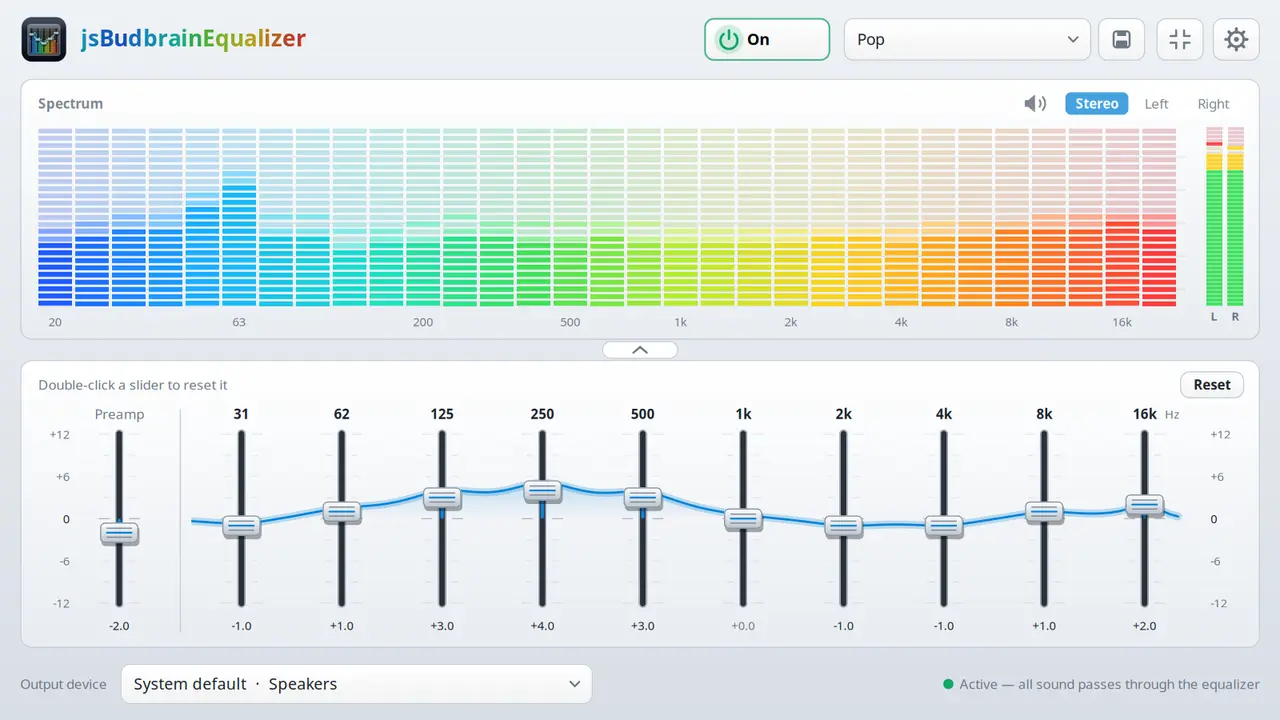
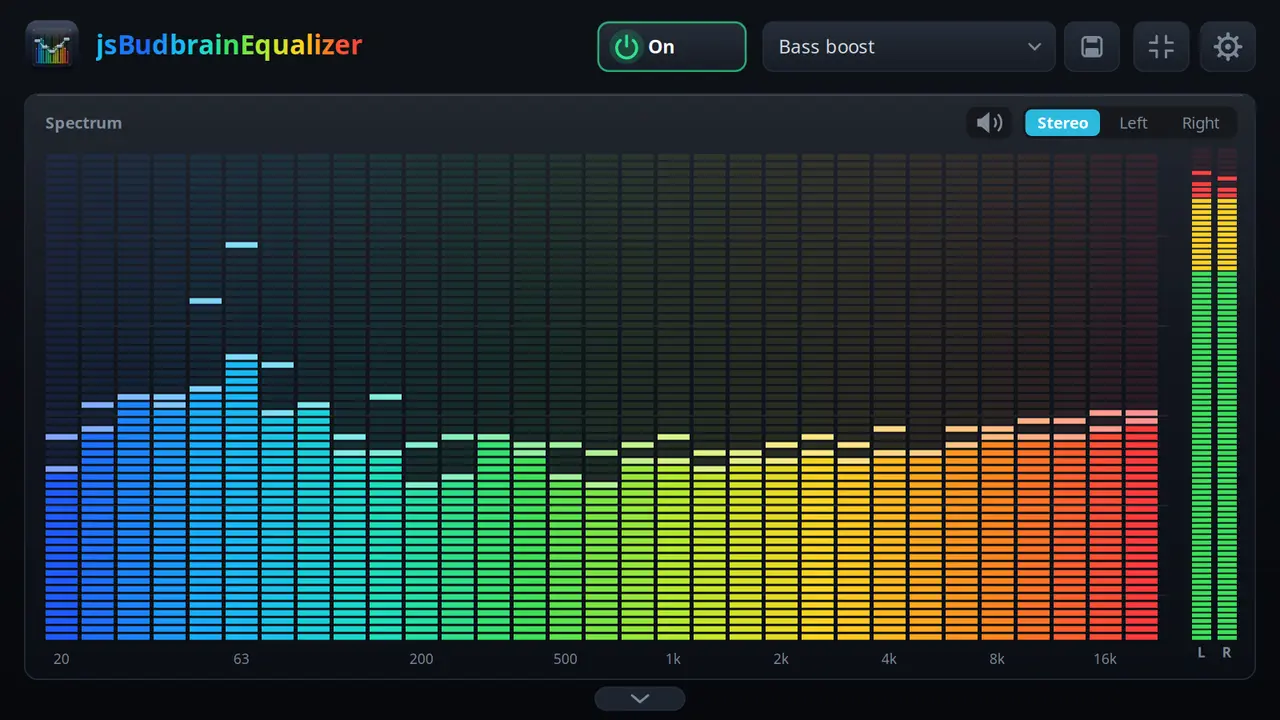
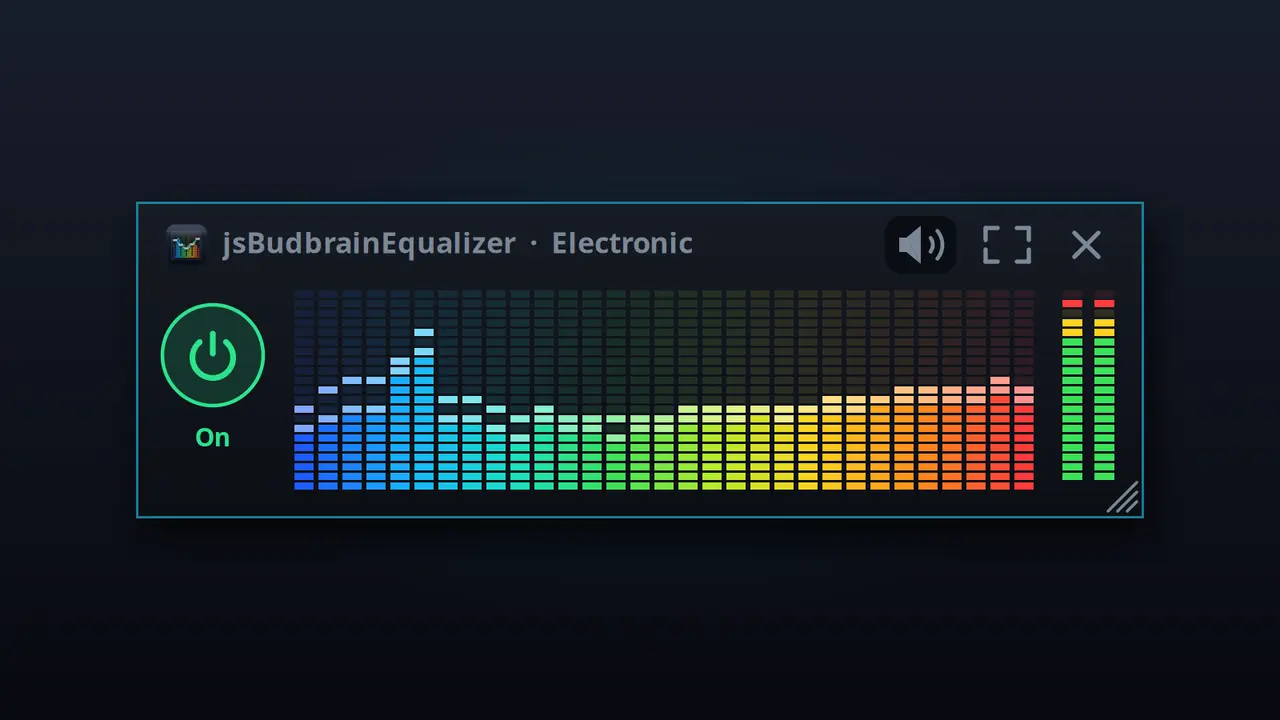
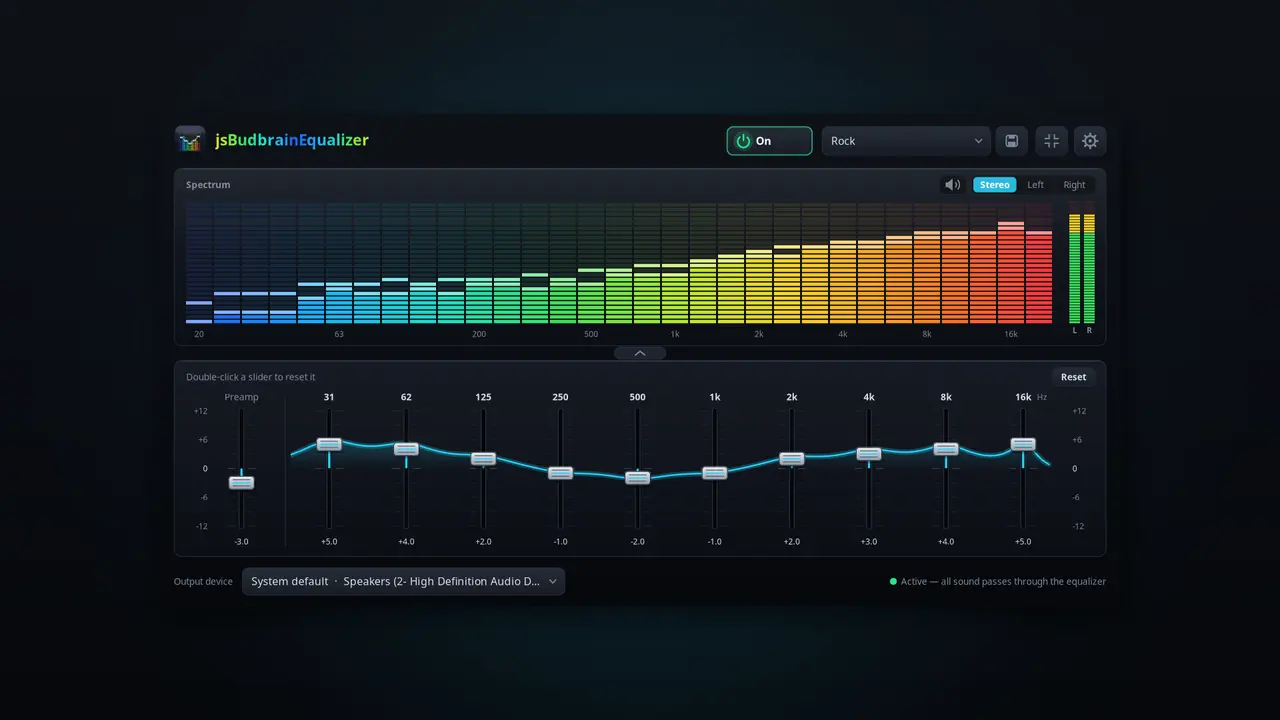
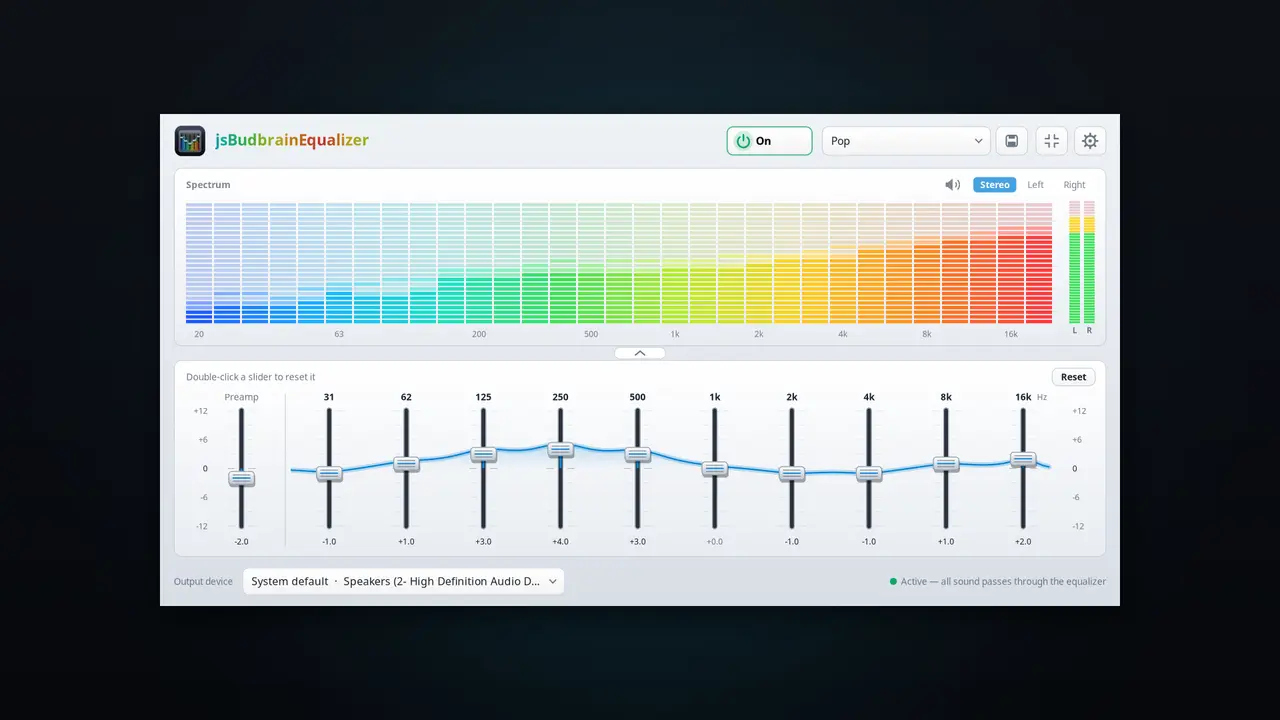
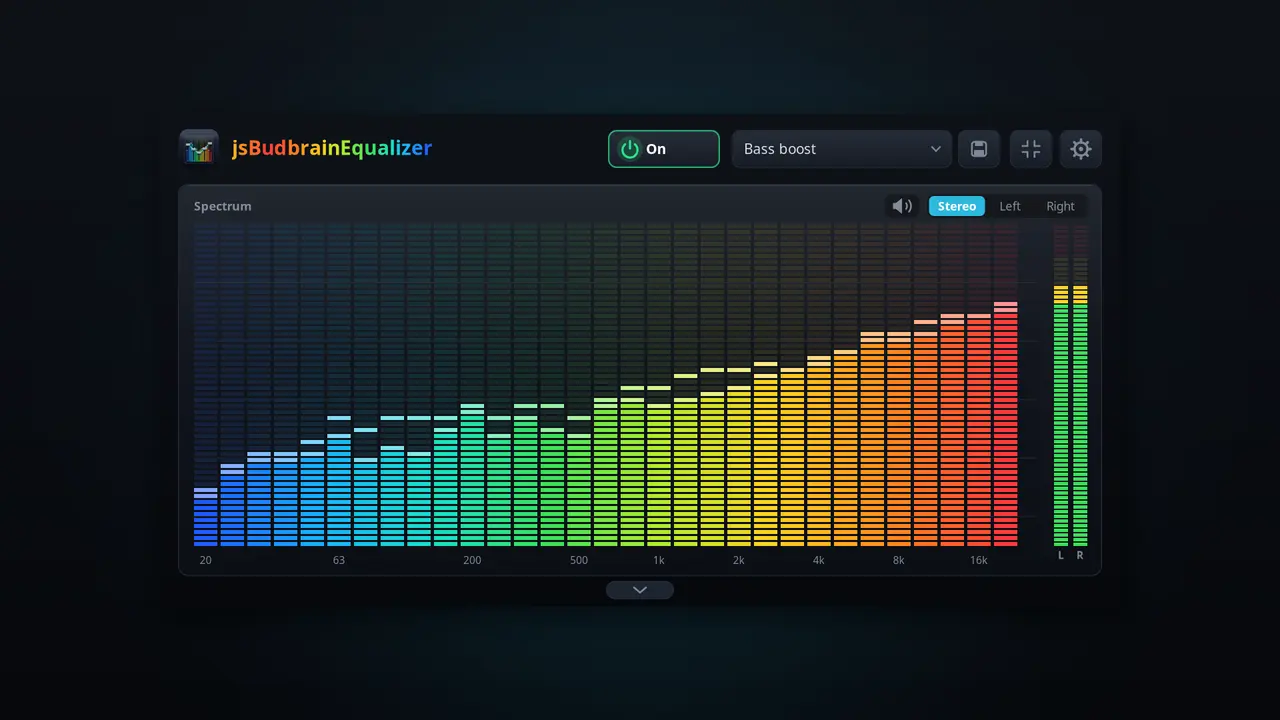
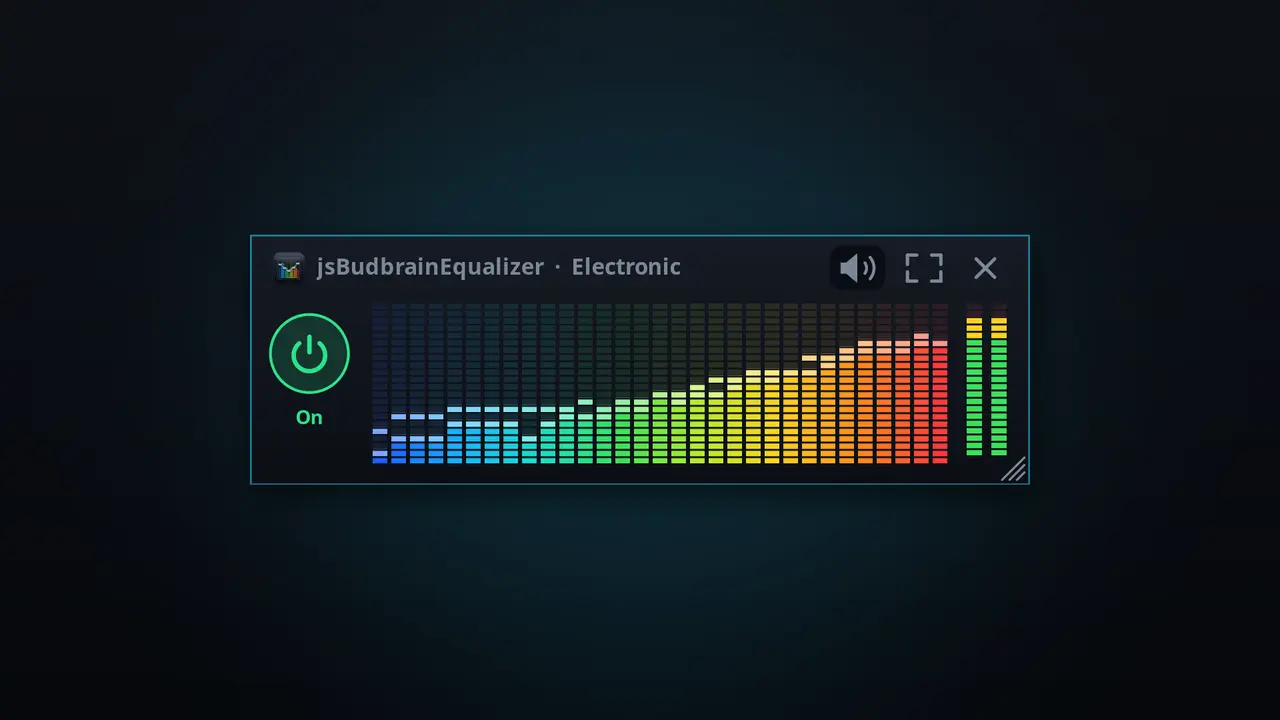
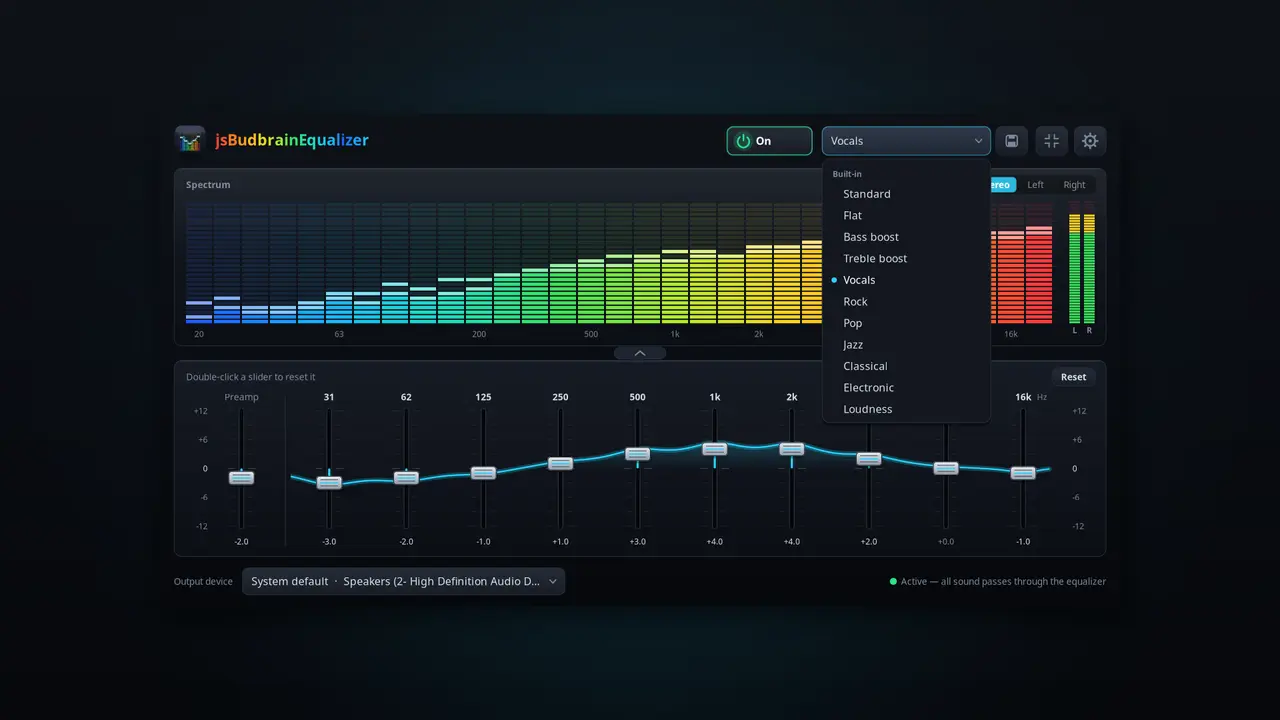
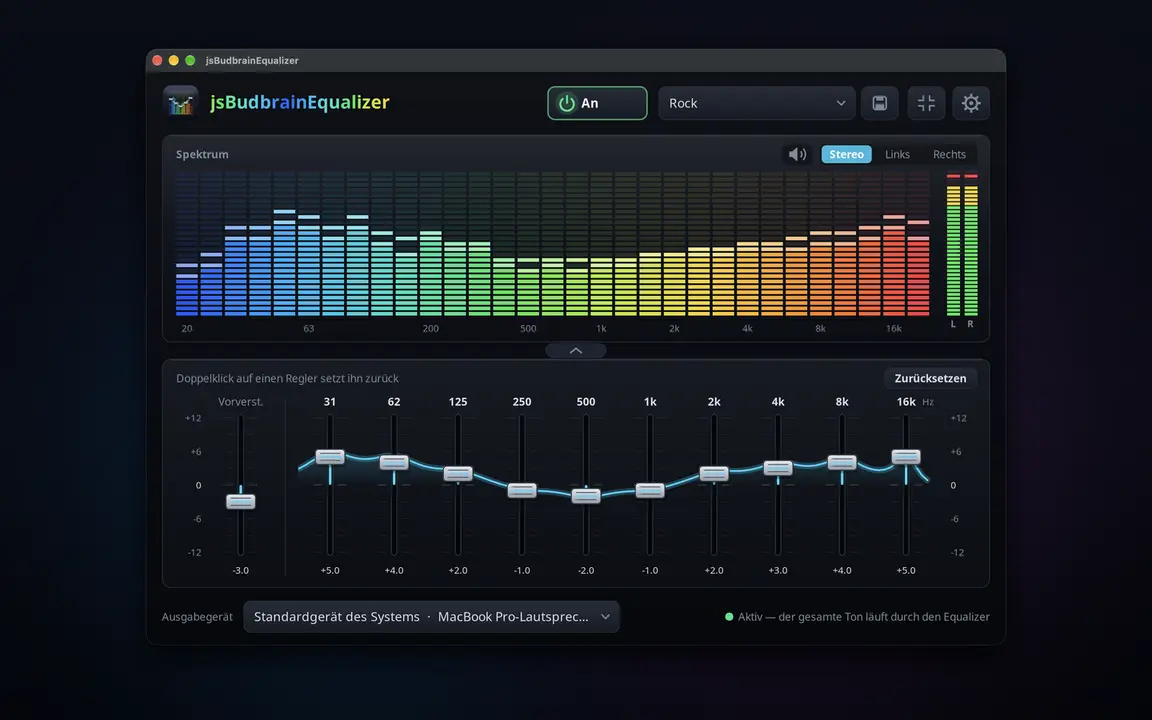
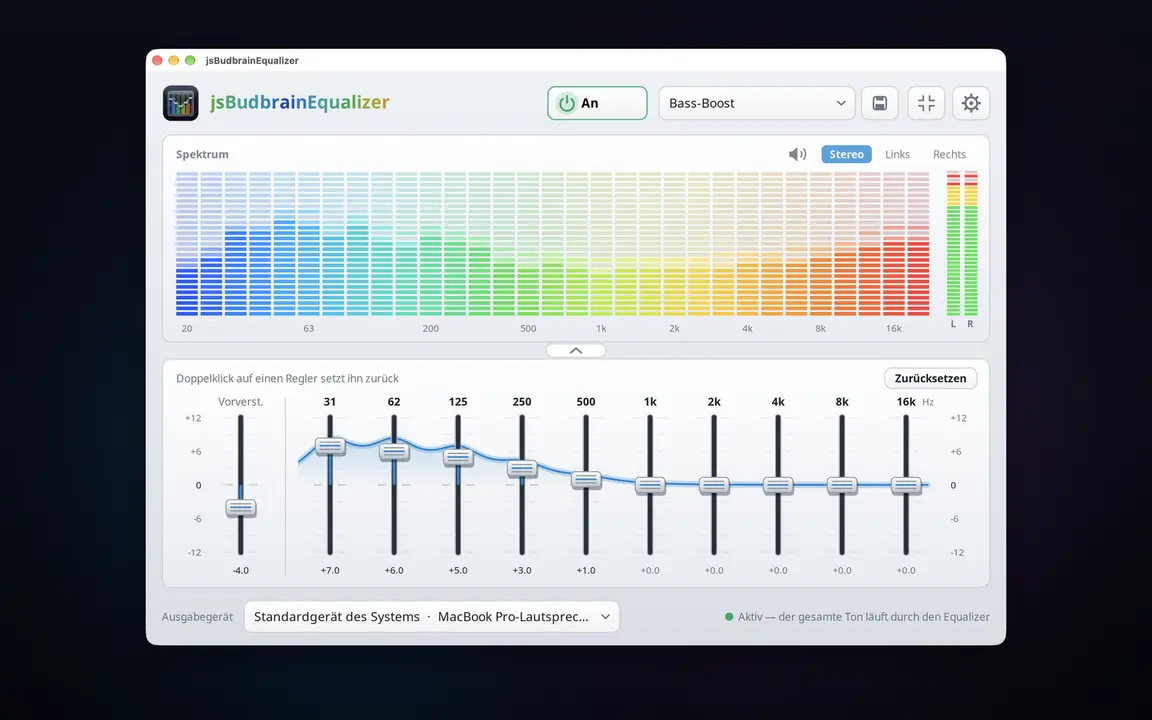
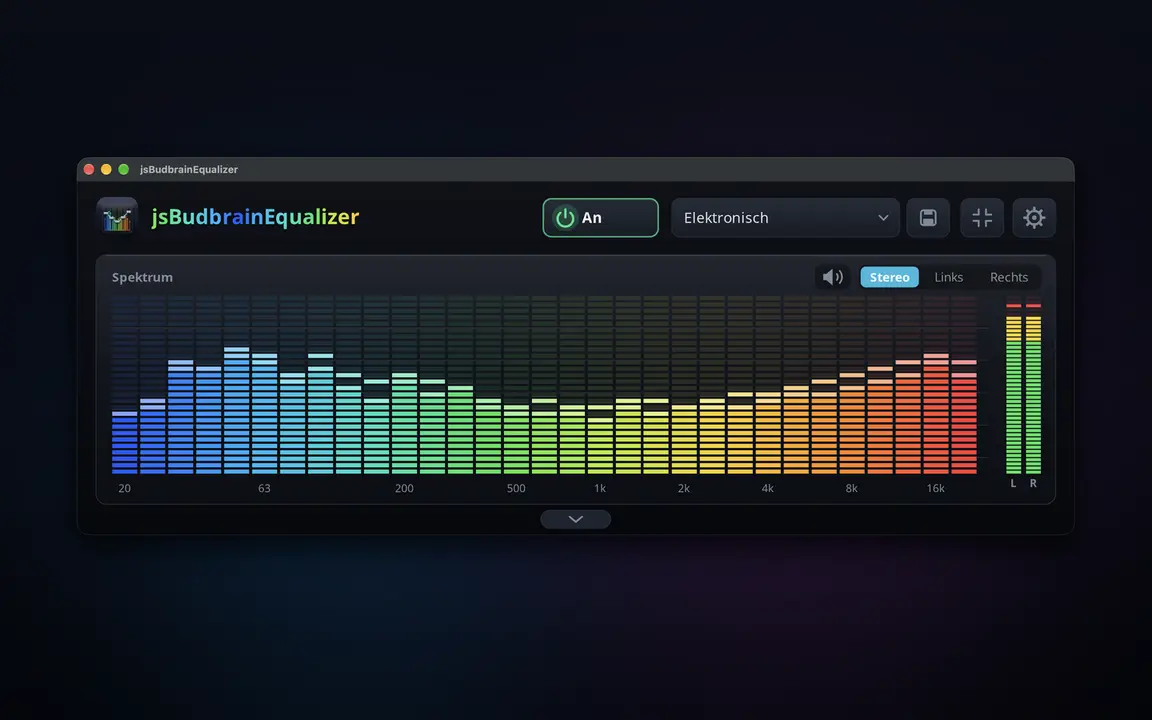
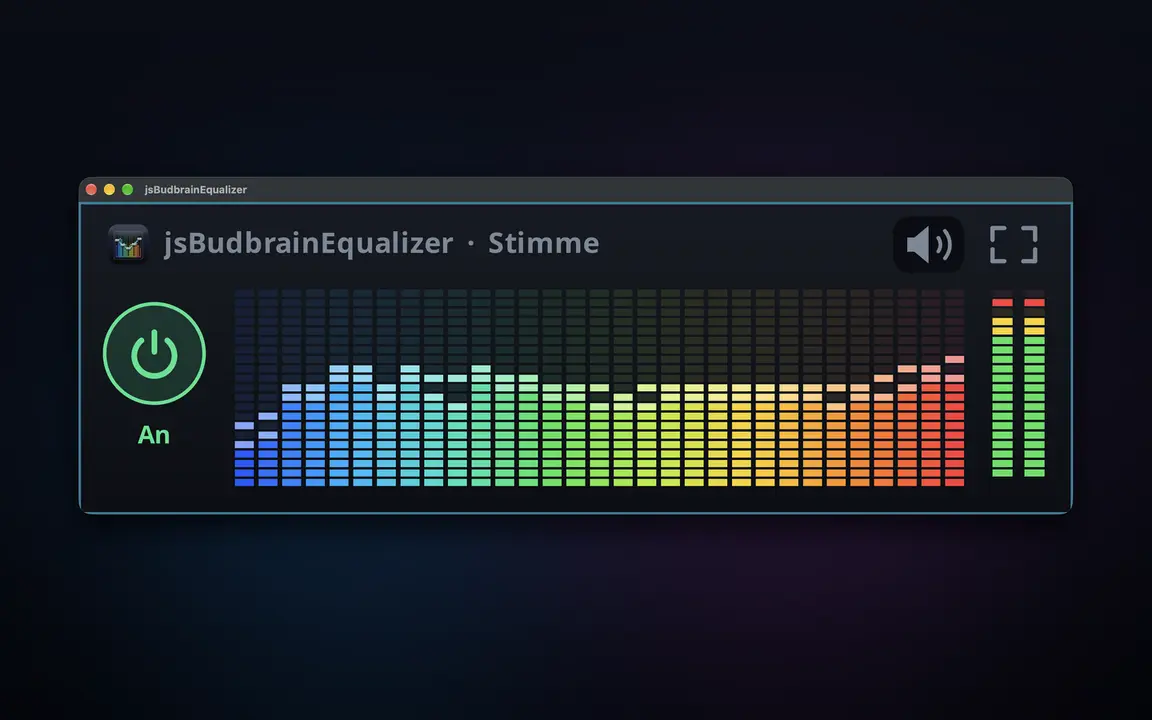
Kisawazishi kwa kila kitu ambacho kompyuta yako huchezesha — chenye wigo wa moja kwa moja.
Vitelezi kumi, kutoka besi ya kina hadi treble angavuOnyesho la moja kwa moja la kinachochezwa — kushoto, kulia au vyoteMipangilio ya sauti iliyotayarishwa na yako mwenyewe, iliyohifadhiwa kwa jinaKitufe cha kunyamazisha simu inapoliaChagua spika au vipokea sauti vyakoKunja vitelezi, acha onyesho pekeeDirisha dogo linalobaki juuHuanza unapoingia, ukipendaNyepesi na nyeusiSDL2 · CairoPipeWire · PulseAudio83 lugha
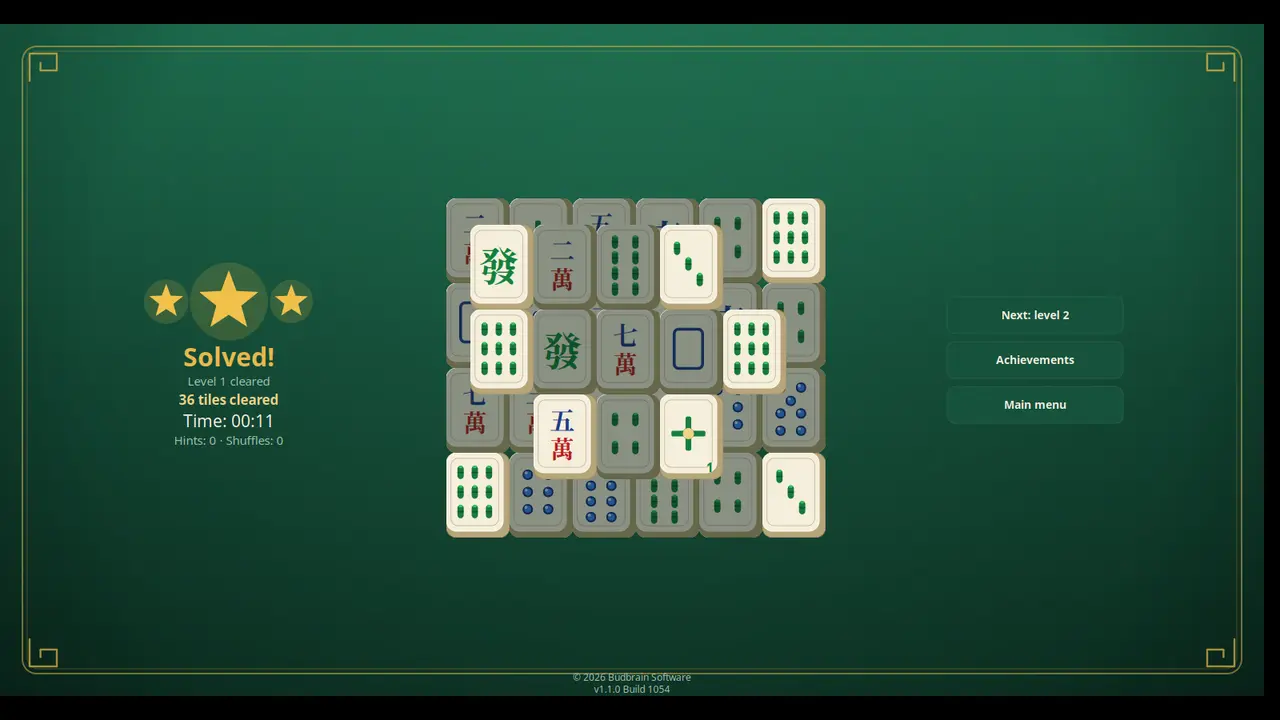
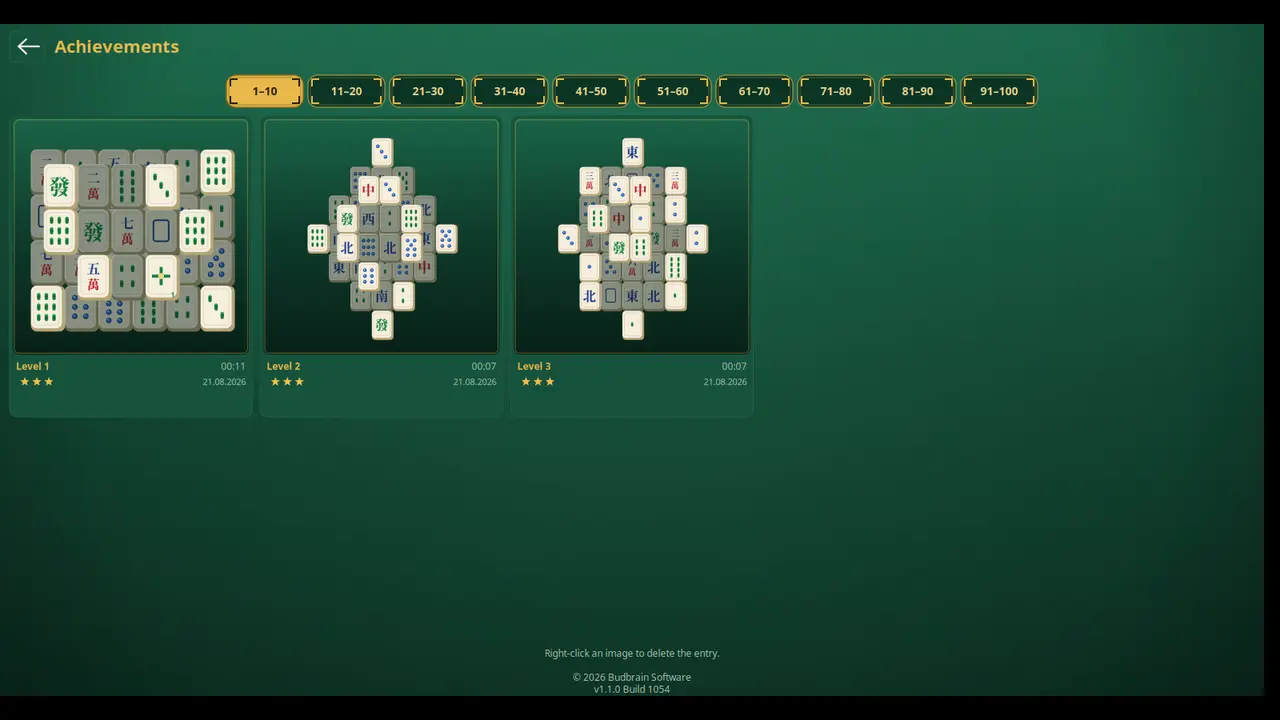
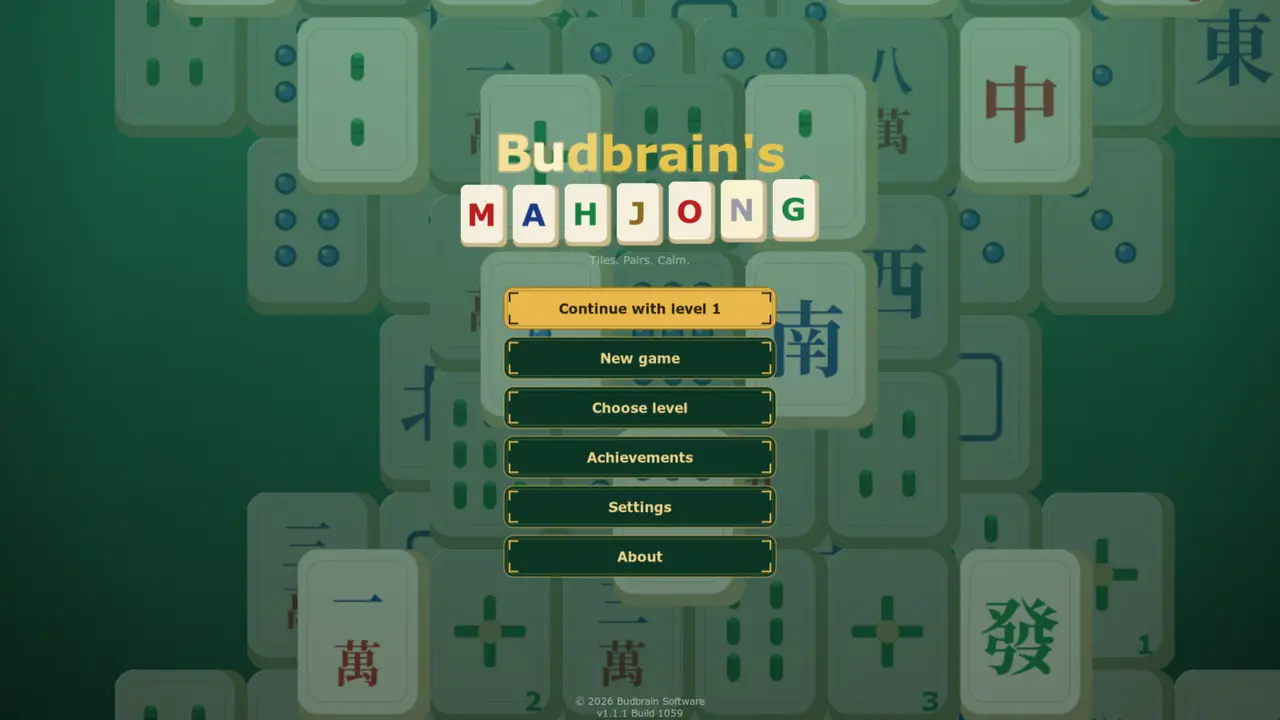
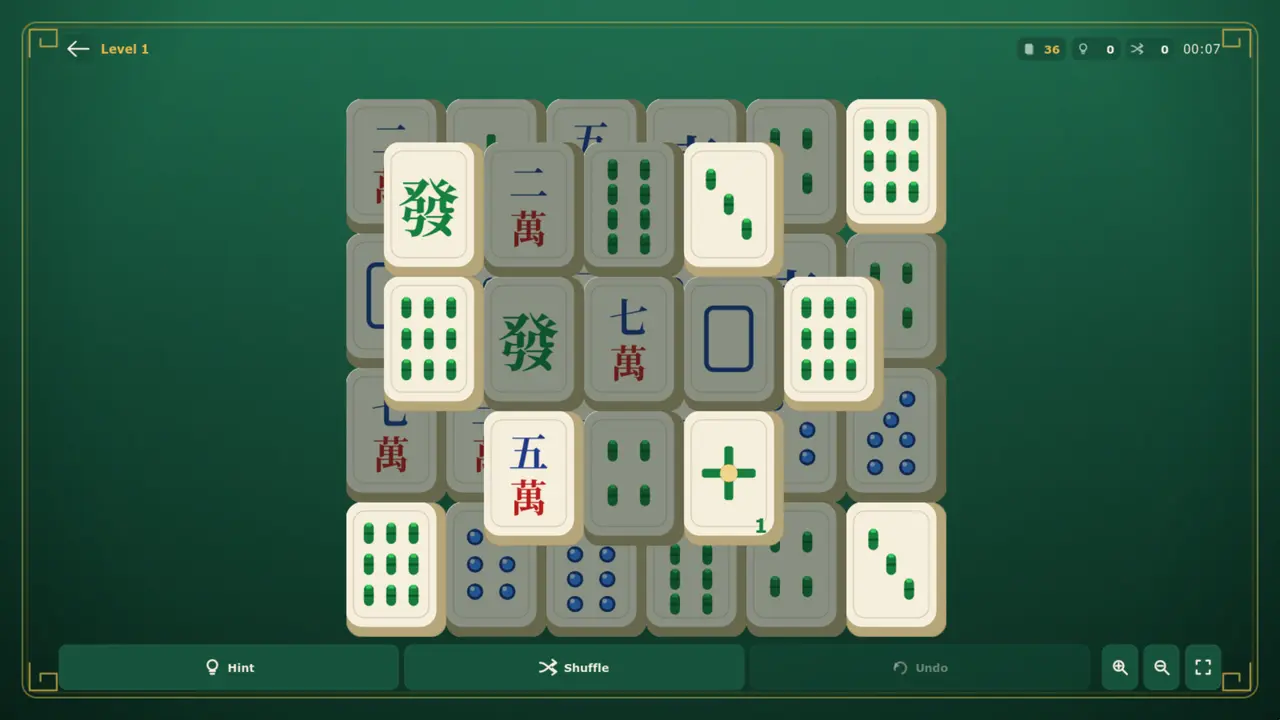
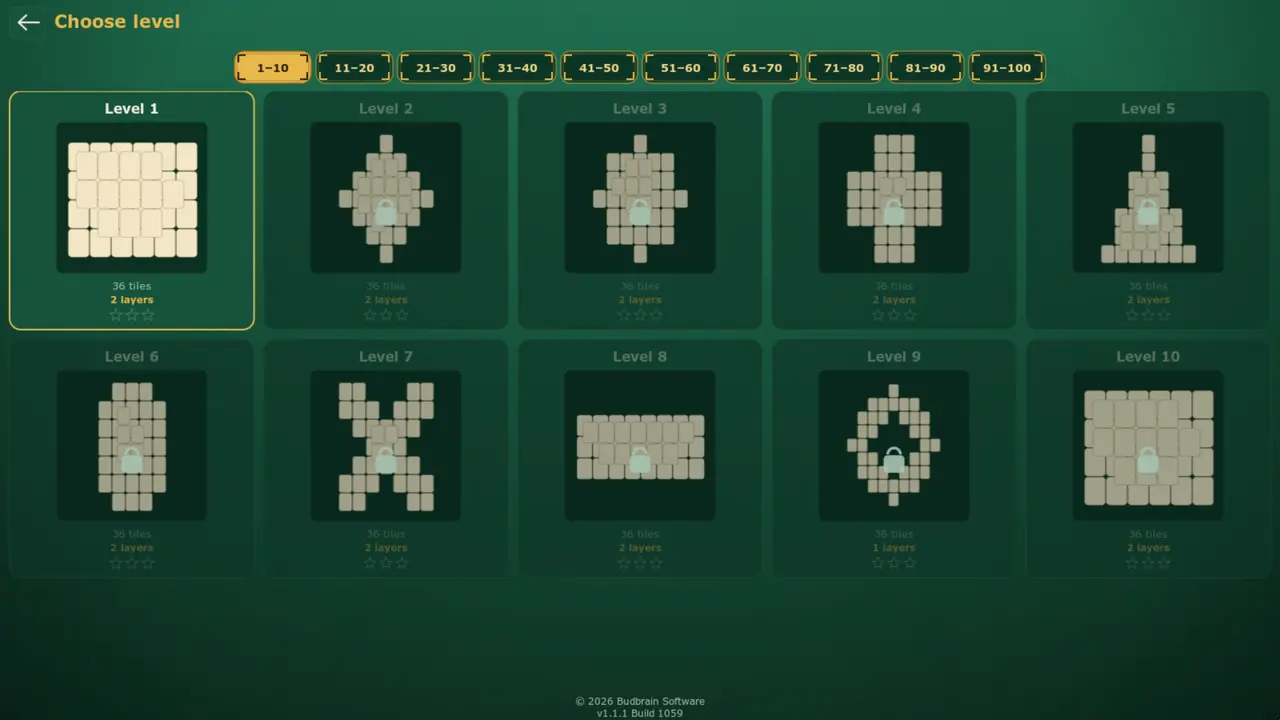
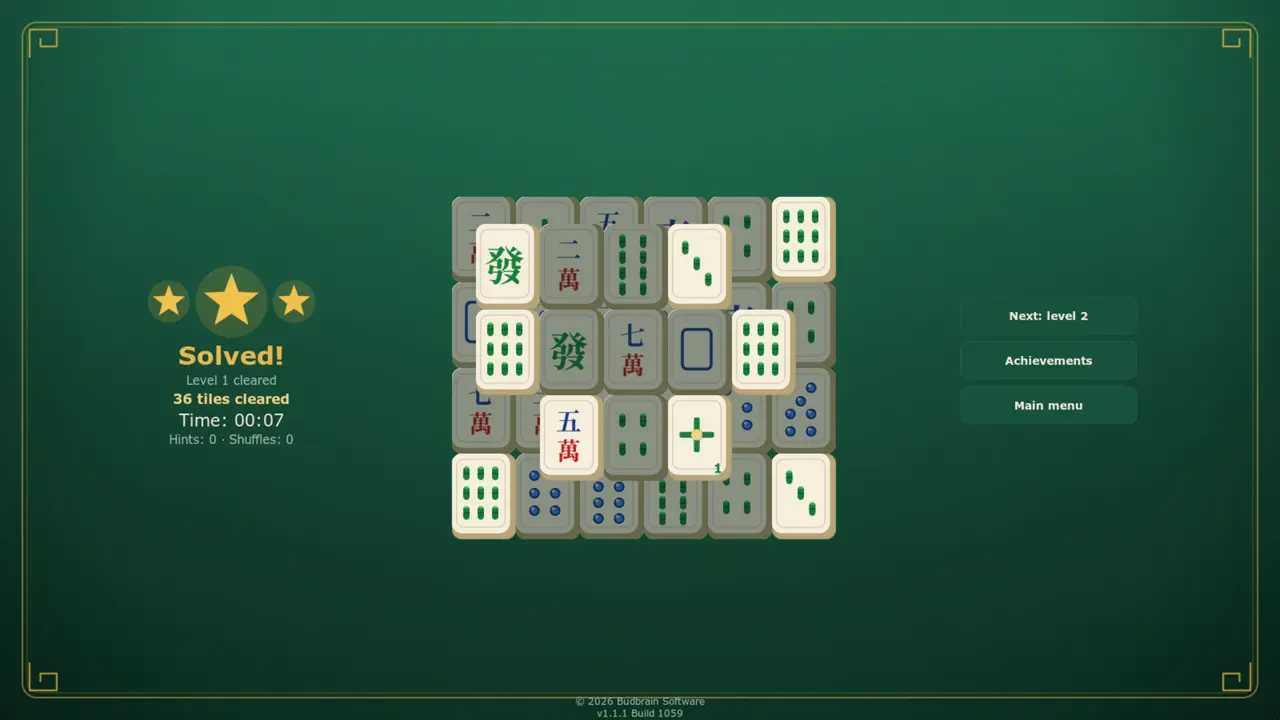
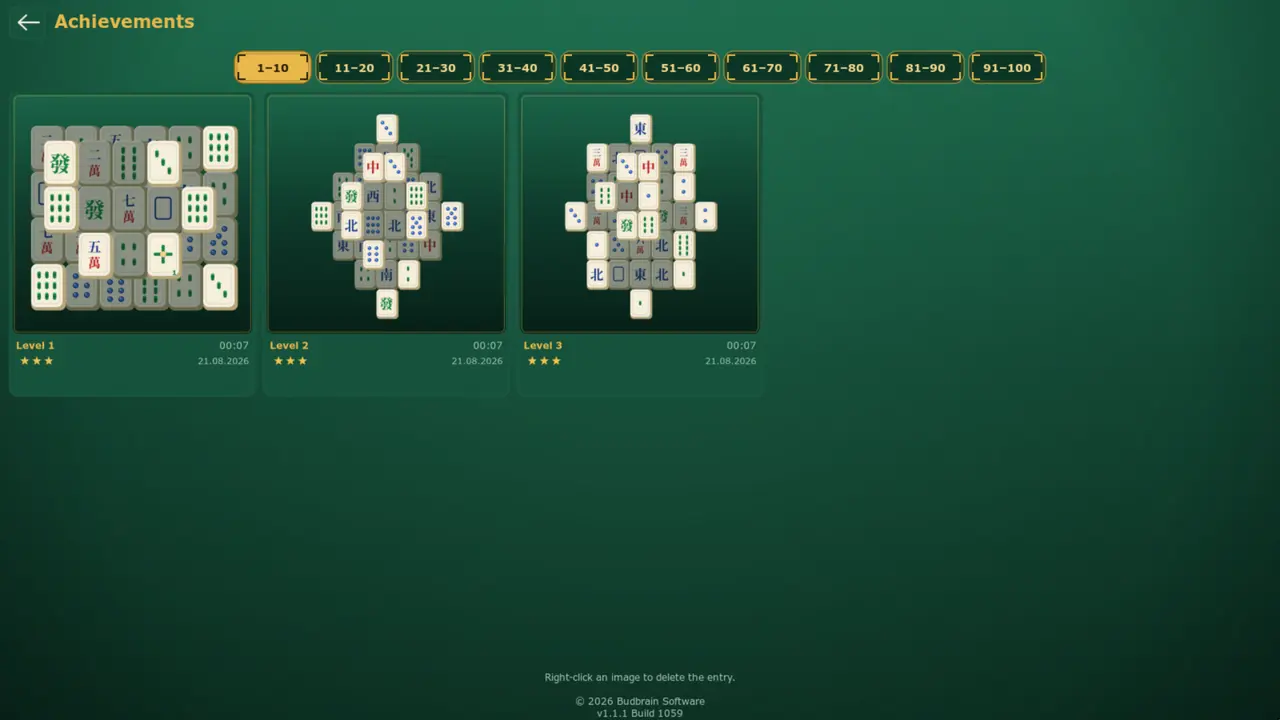
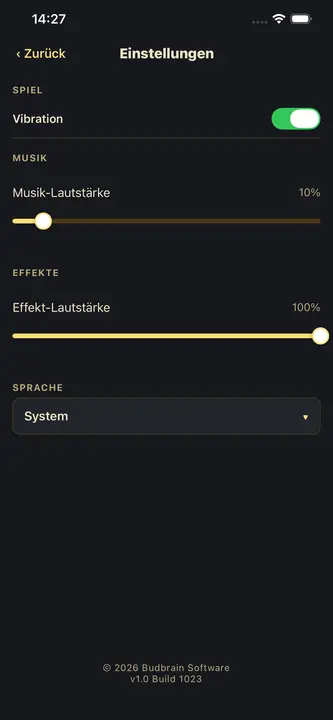
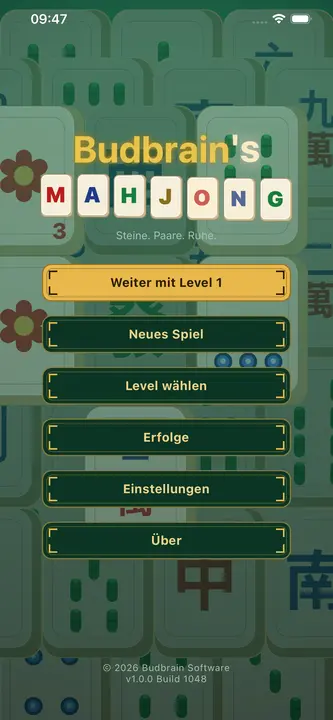
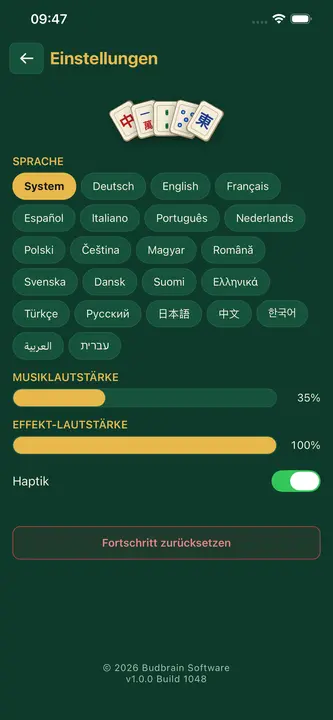
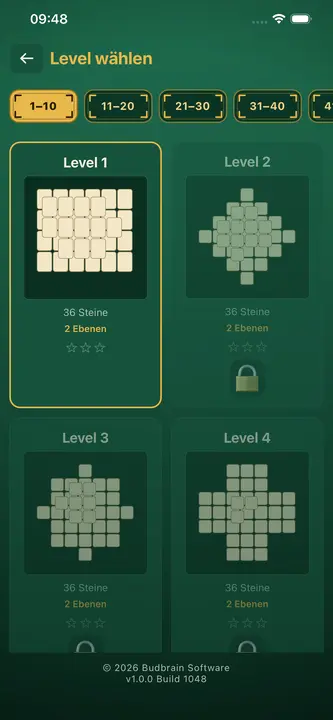
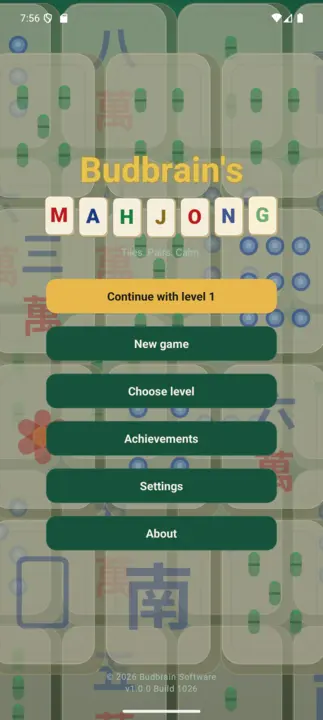
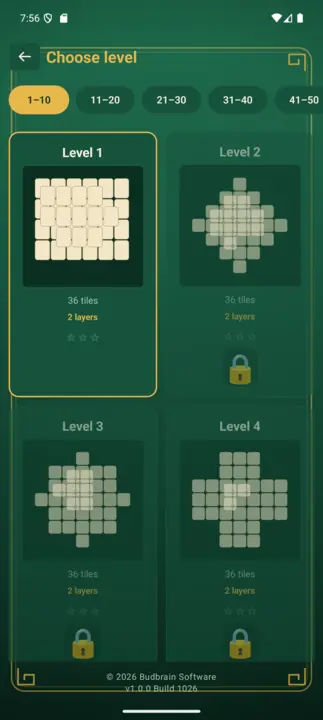
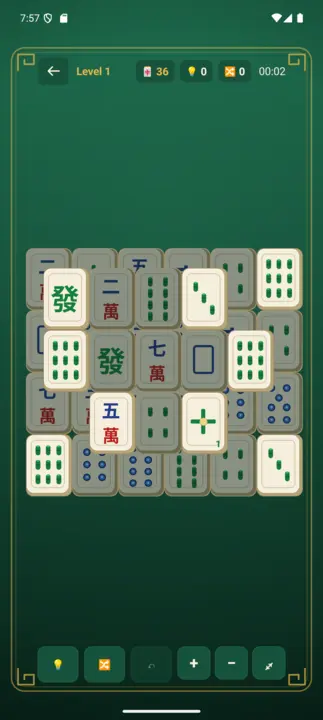
Mahjong solitaire yenye viwango mia moja: vigae viwili vinavyofanana na huru hupotea, meza kumi zilizochorwa kwa mkono, na kila ubao unaoukamilisha huhifadhiwa kama picha.
Viwango 100Meza kumiKidokezo · Changanya · TenduaUkuta wa mafanikioOpenGLSDL2 · CairoGNOME / KDE / XFCE22 lugha
Hucheza rekodi kutoka folda — kwa nasibu au kwa mpangilio, katika nyakati unazochagua.
Hucheza rekodi kutoka folda, ikiwemo diski ya mtandaoKwa nasibu au kwa mpangilioKati ya nyakati mbili za siku pekeeSiku za wiki ulizotia alama pekeeHusawazisha rekodi za sauti tofautiHuanza unapoingia na kuendelea yenyeweMP3GTK3 · CairoPipeWire · PulseAudio44 lugha
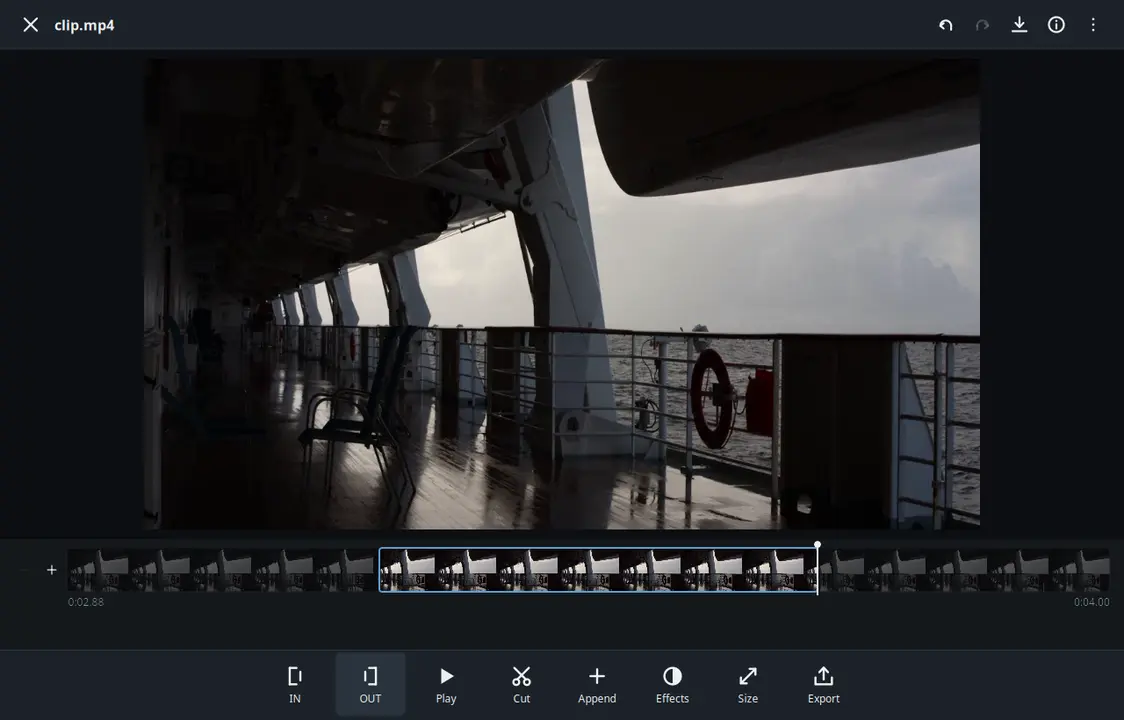
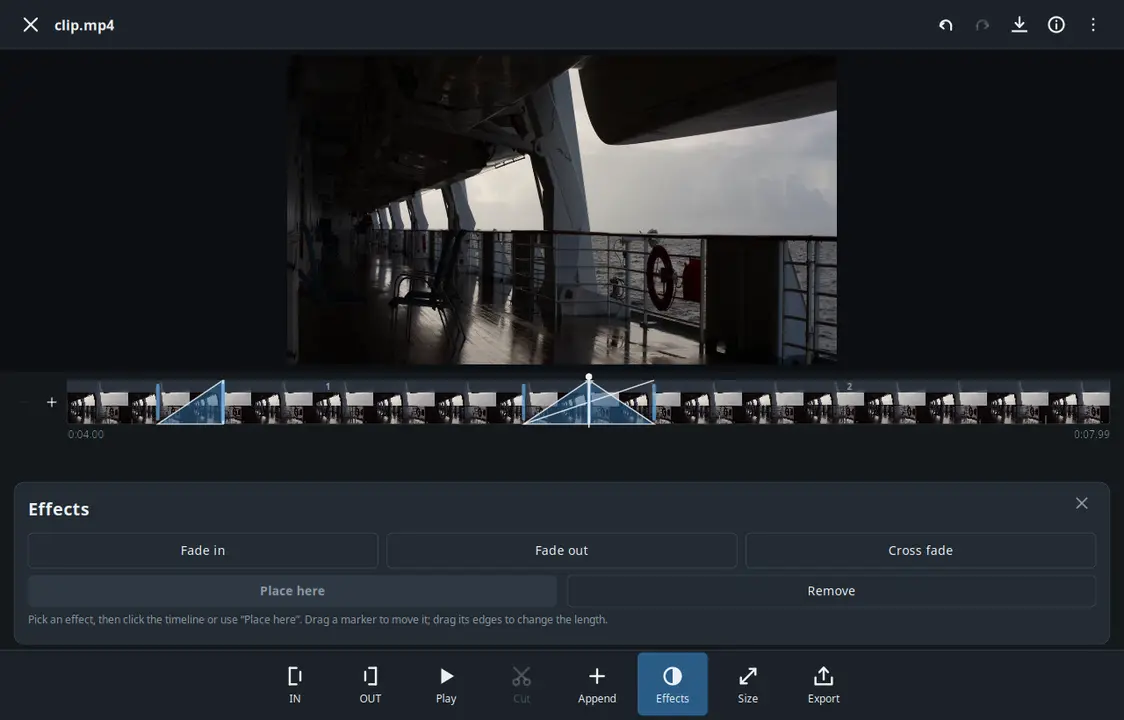
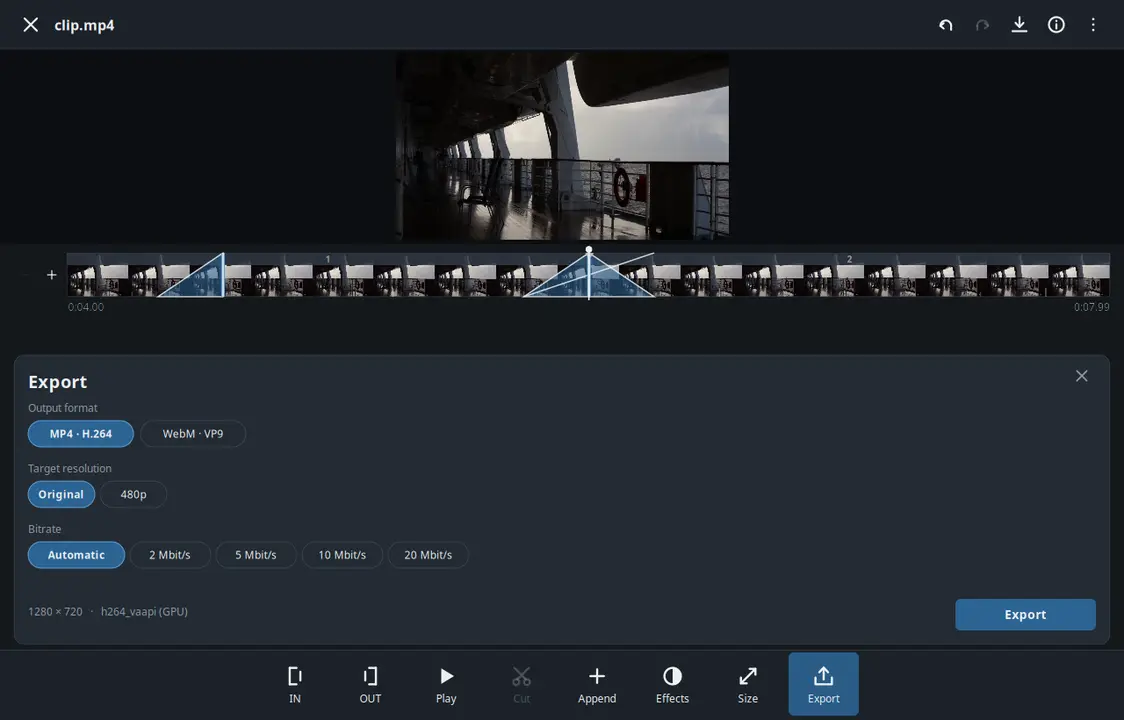
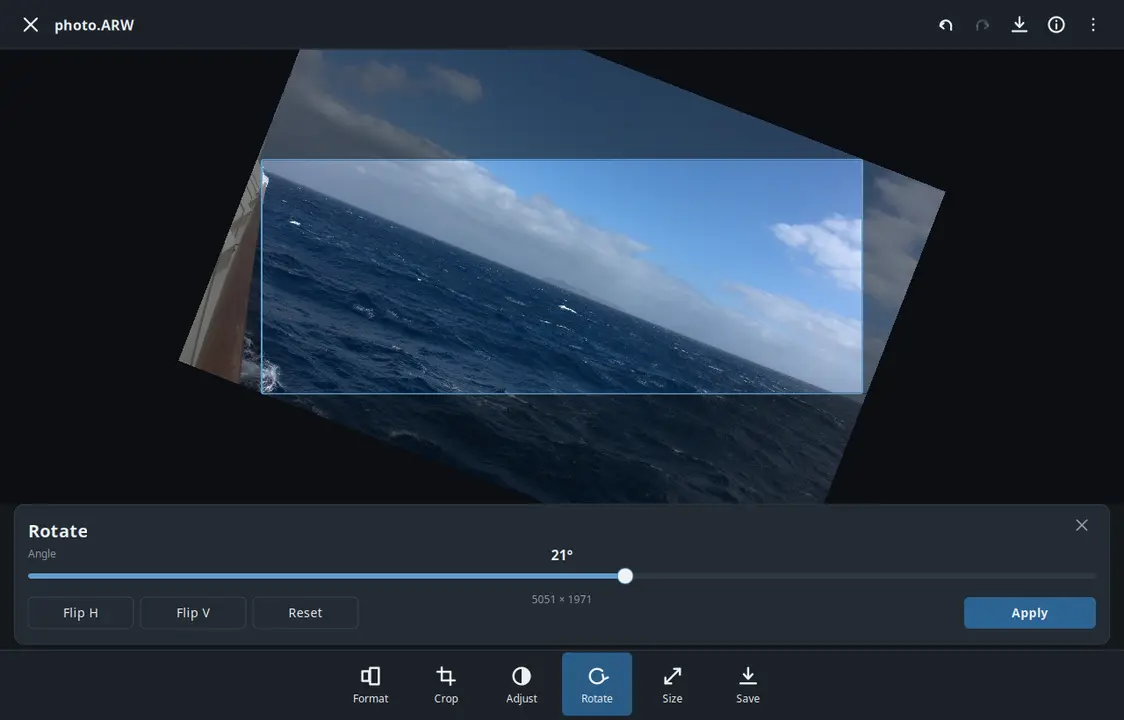
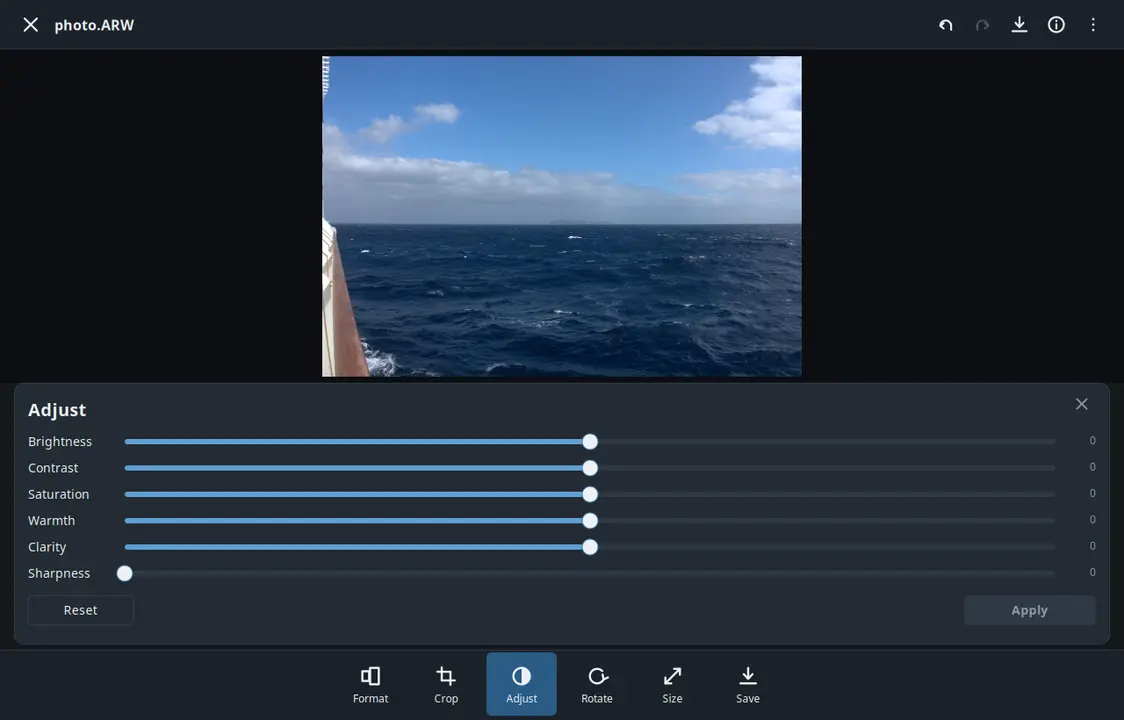
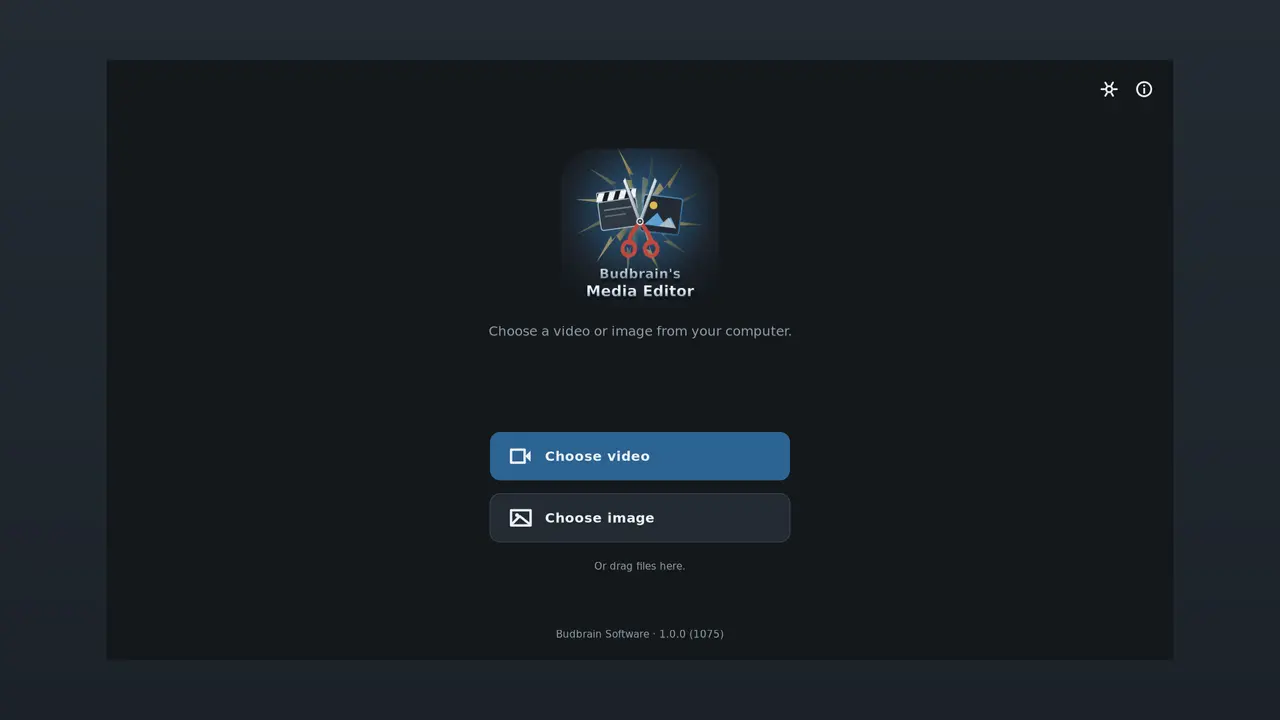
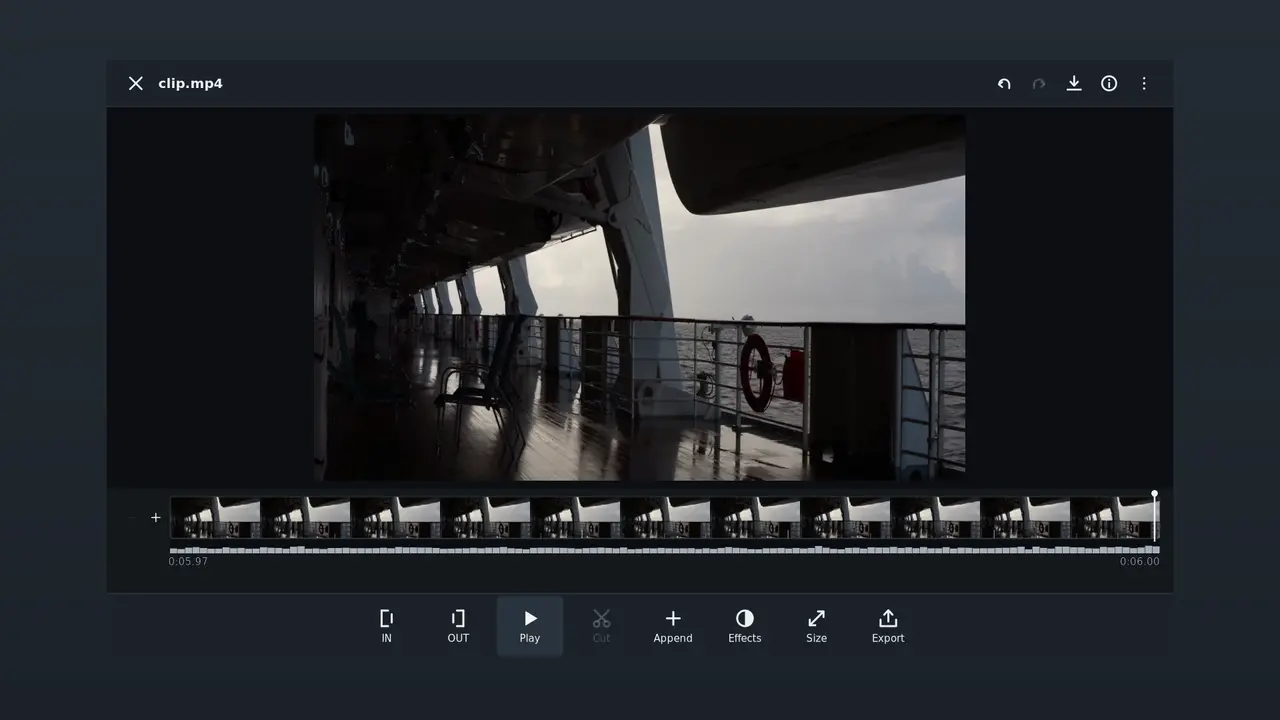
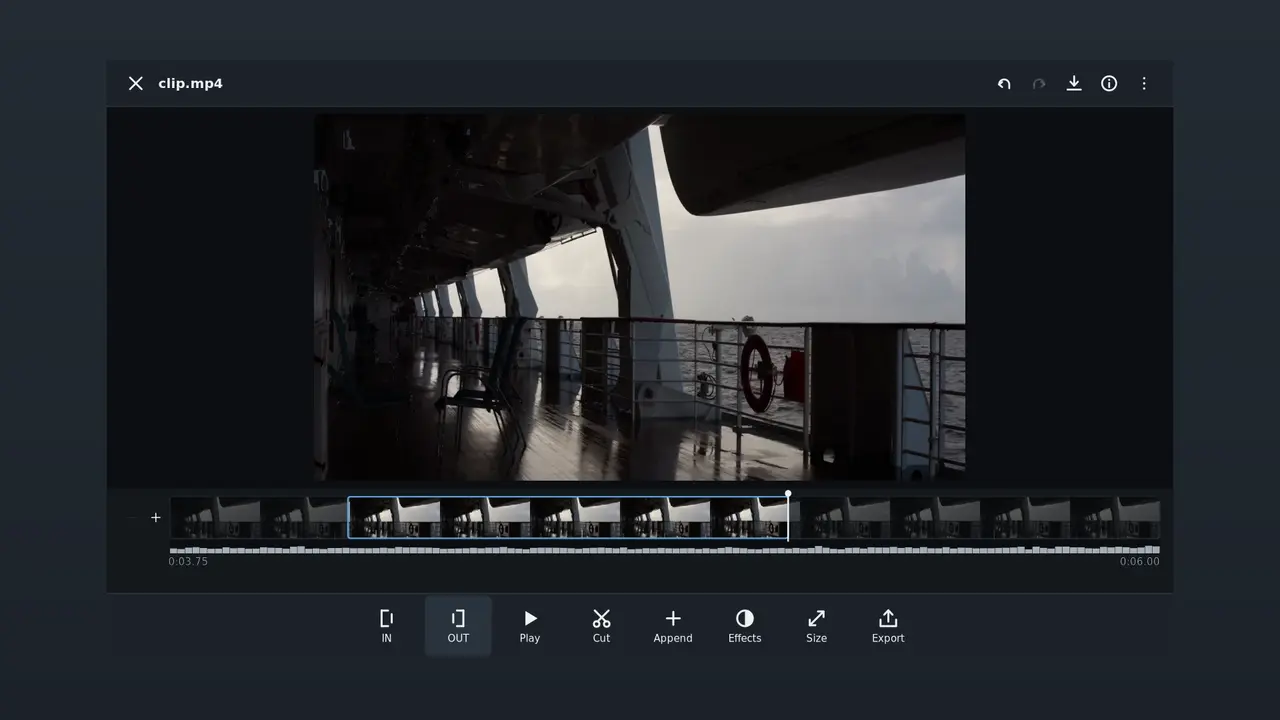
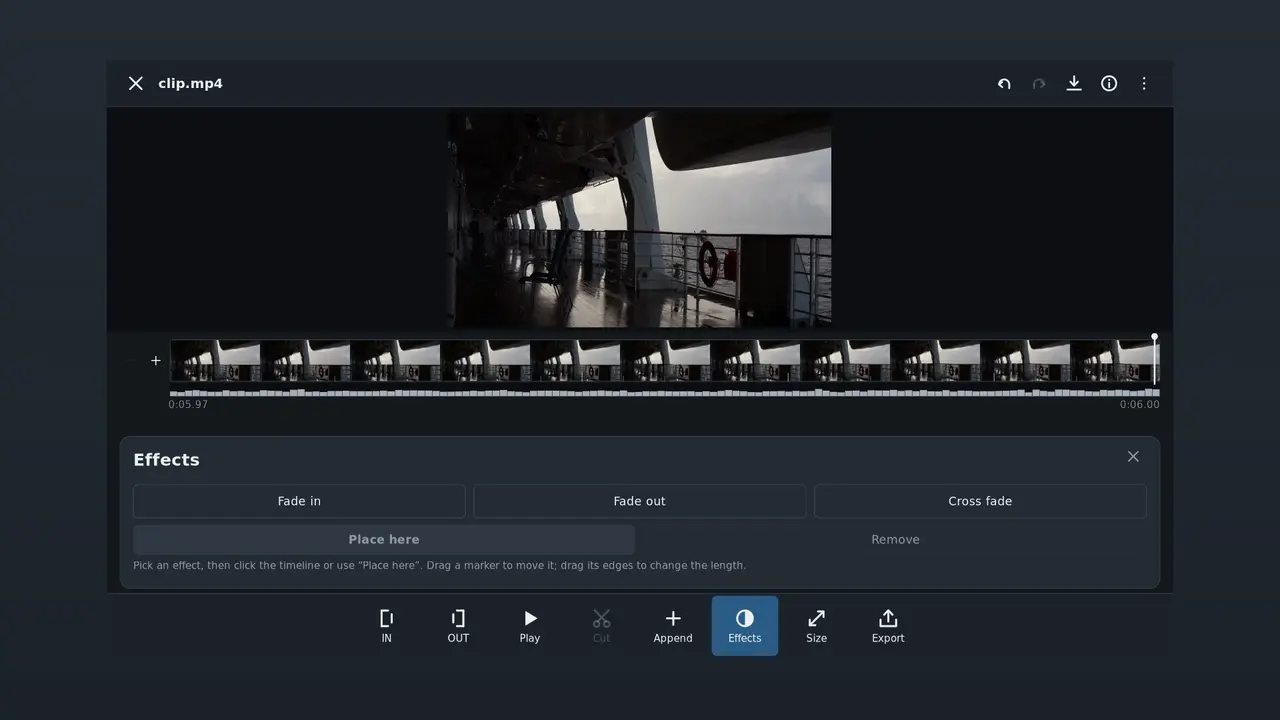
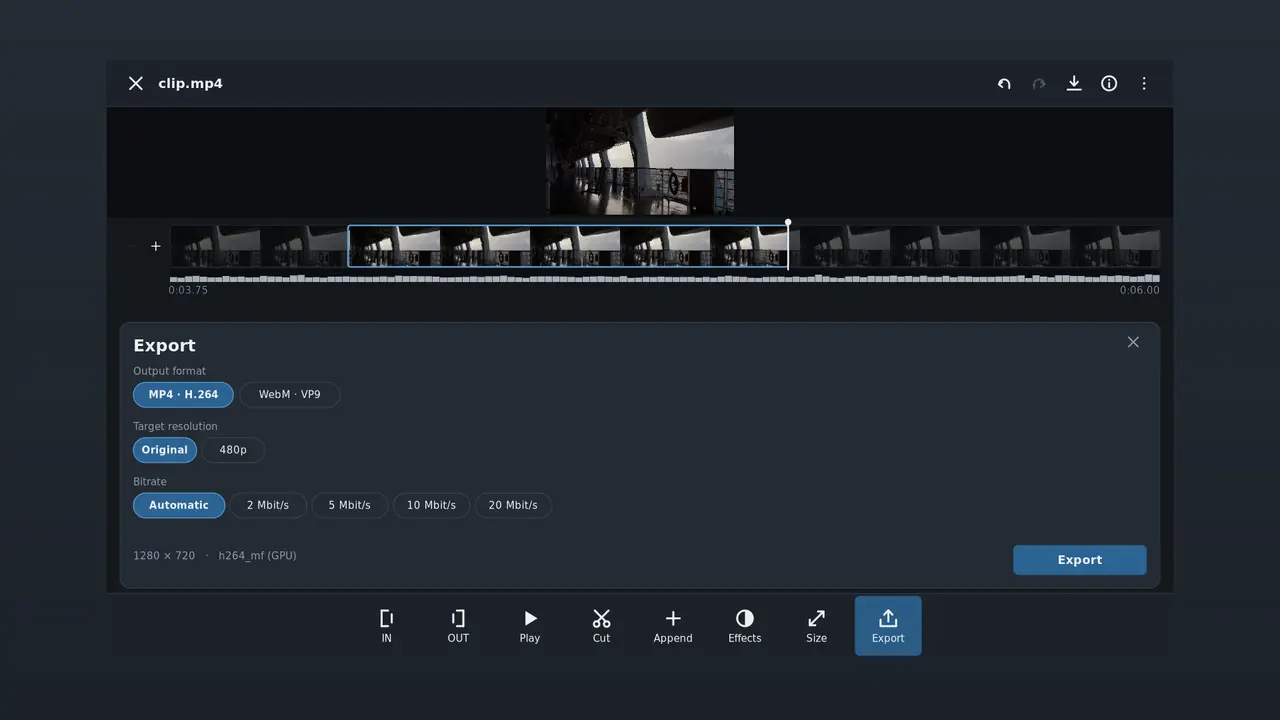
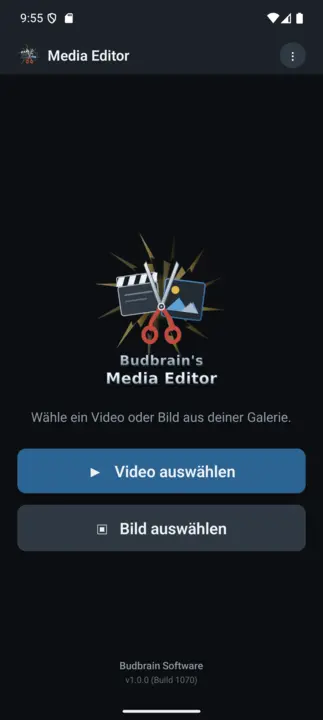
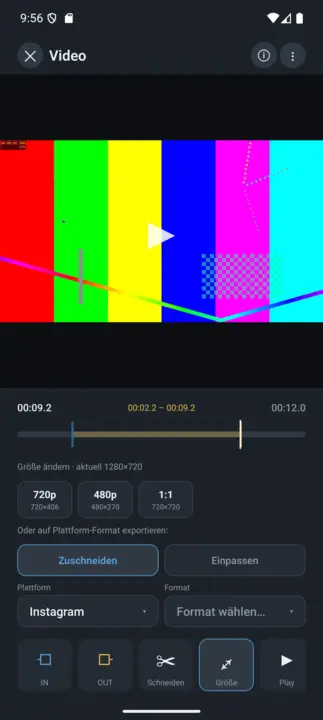
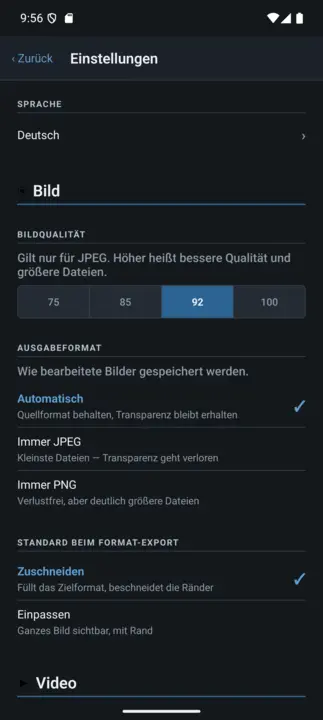
Hariri video au picha na uihifadhi. Fupisha filamu au ongeza klipu, ongeza mpito kati yake, kisha hifadhi video katika ukubwa au umbizo maalum. Nyoosha, kata na rekebisha picha, kisha zihifadhi kama JPEG, PNG au WebP.
Kata na unganishaKufifia na kufifia msetoKata na rekebisha pichaMipangilio ya awali ya usafirishaji kwa majukwaa ya kawaidaFaili ghafi za kameraFFmpeg (LGPL)VAAPI · NVENCSDL2 · CairoGNOME / KDE / XFCE44 lugha
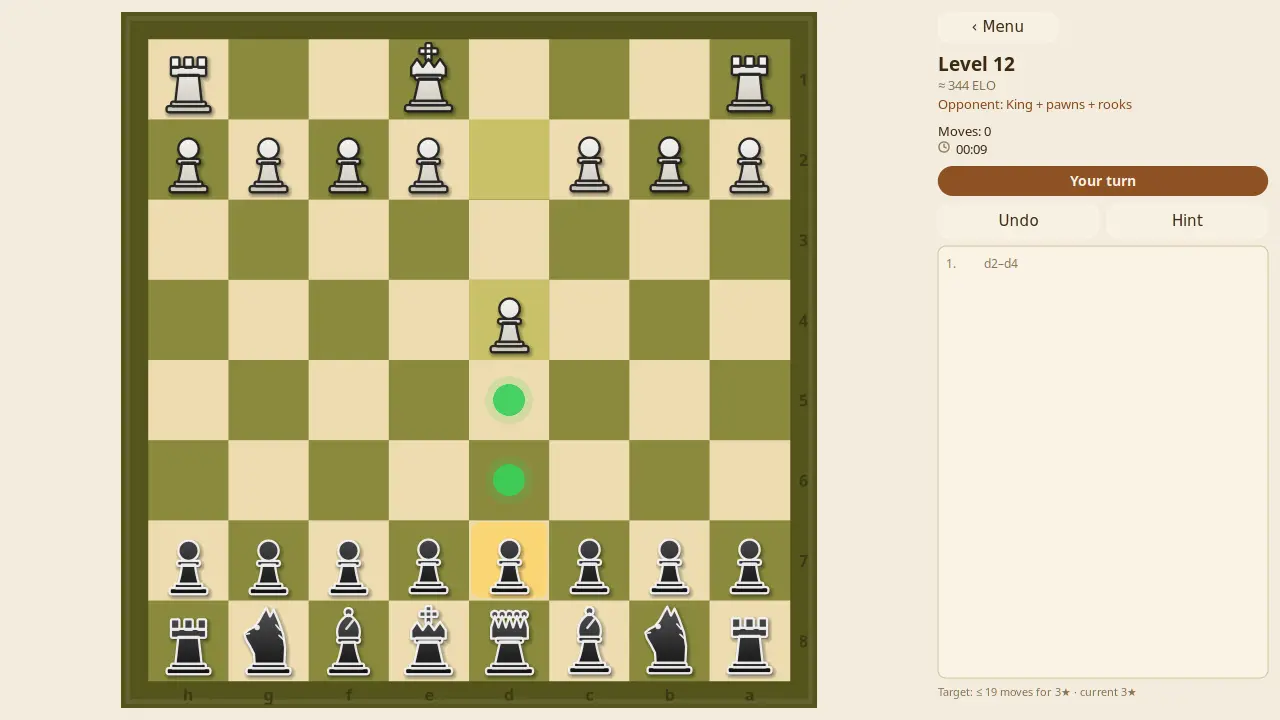
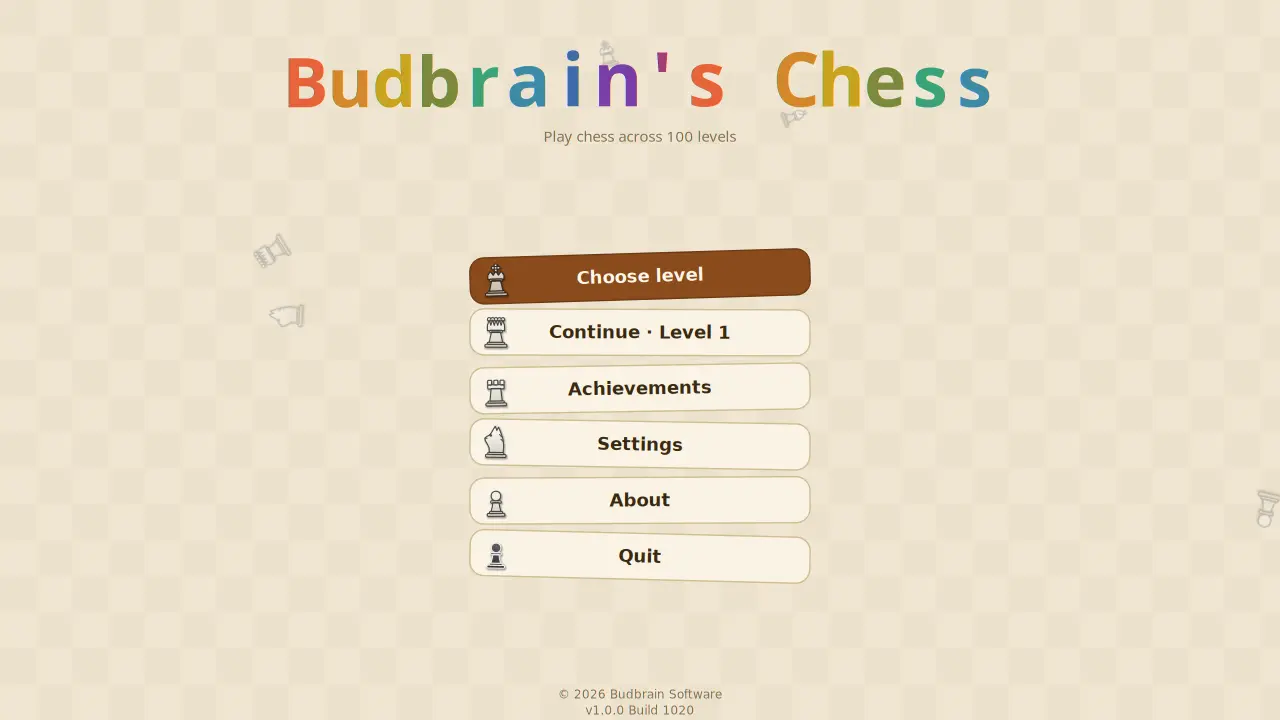
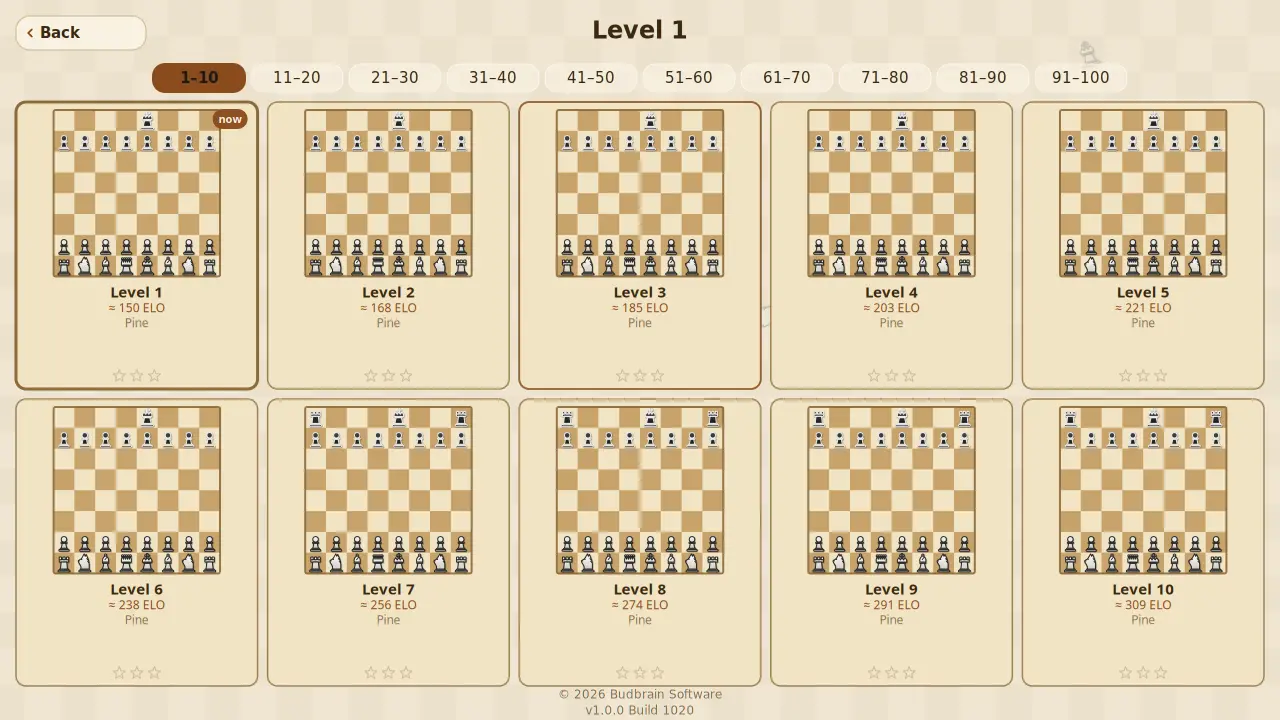
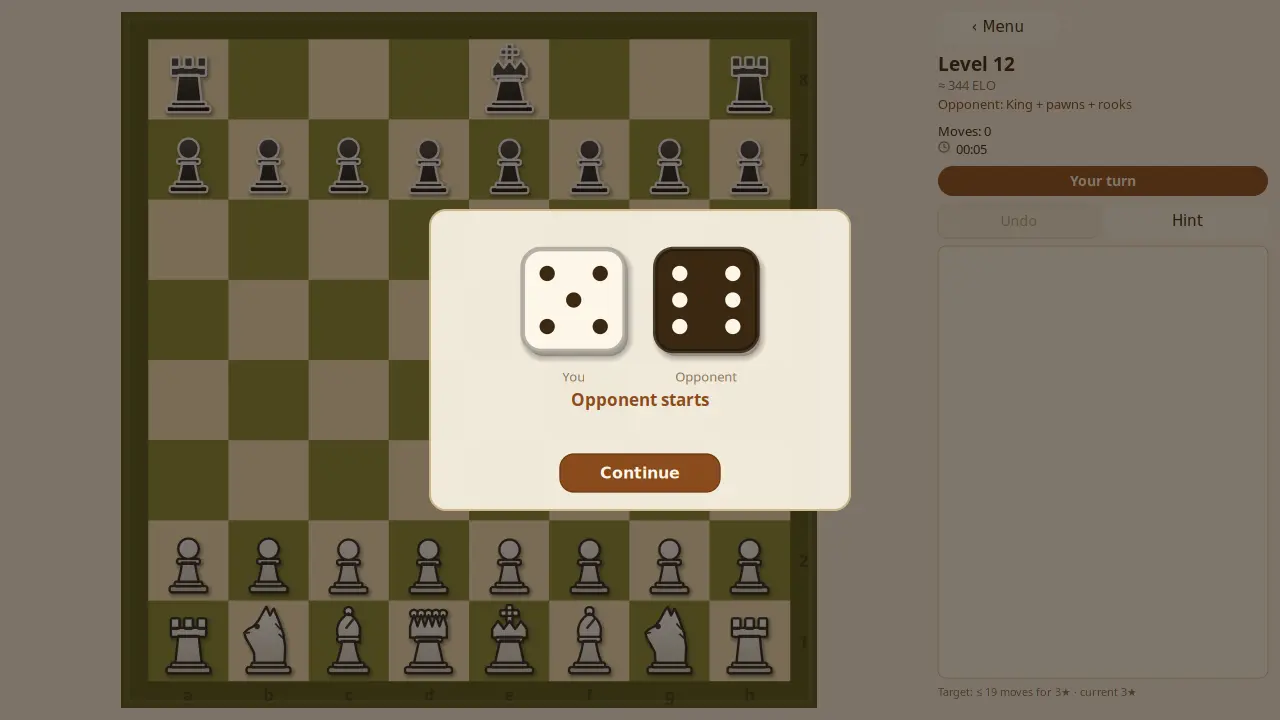
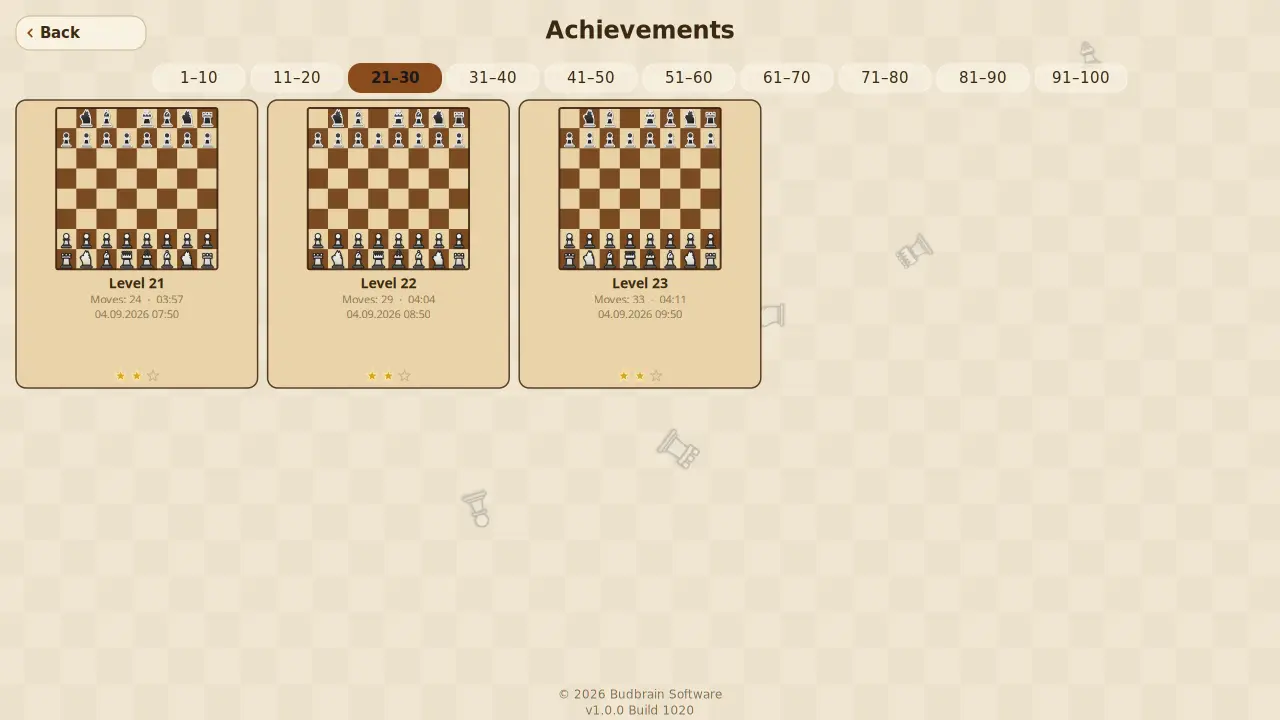
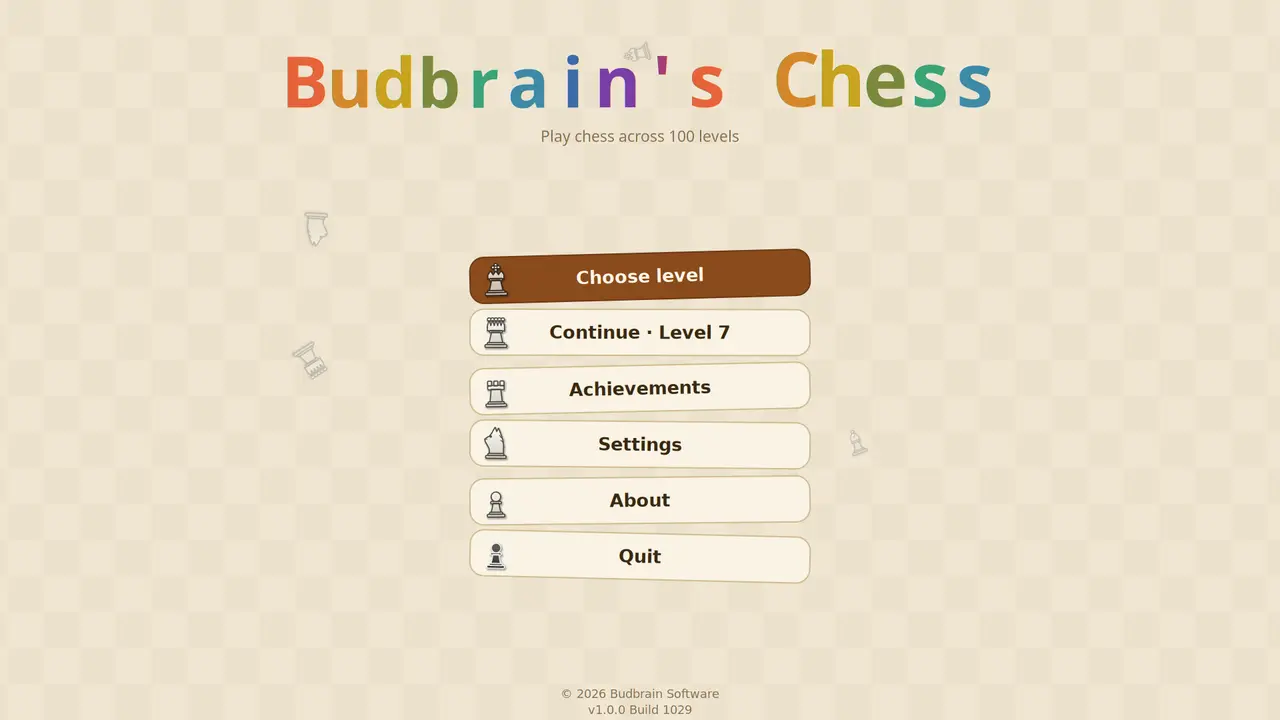
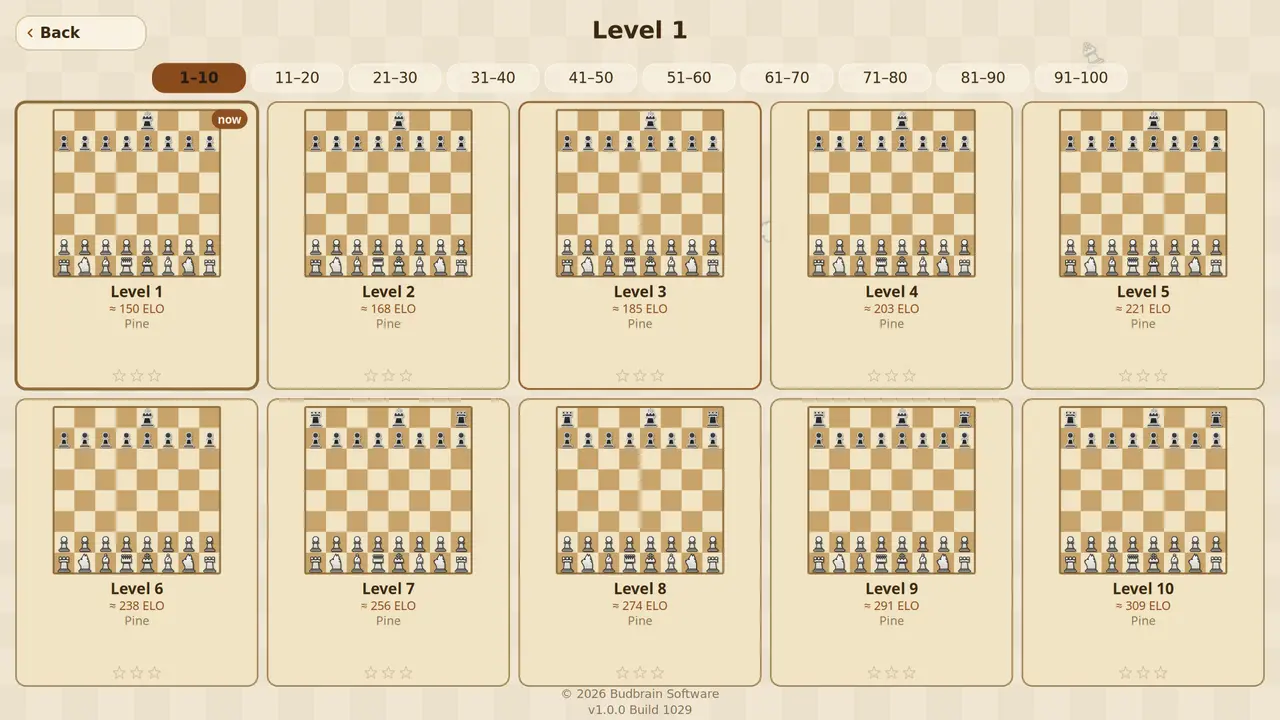
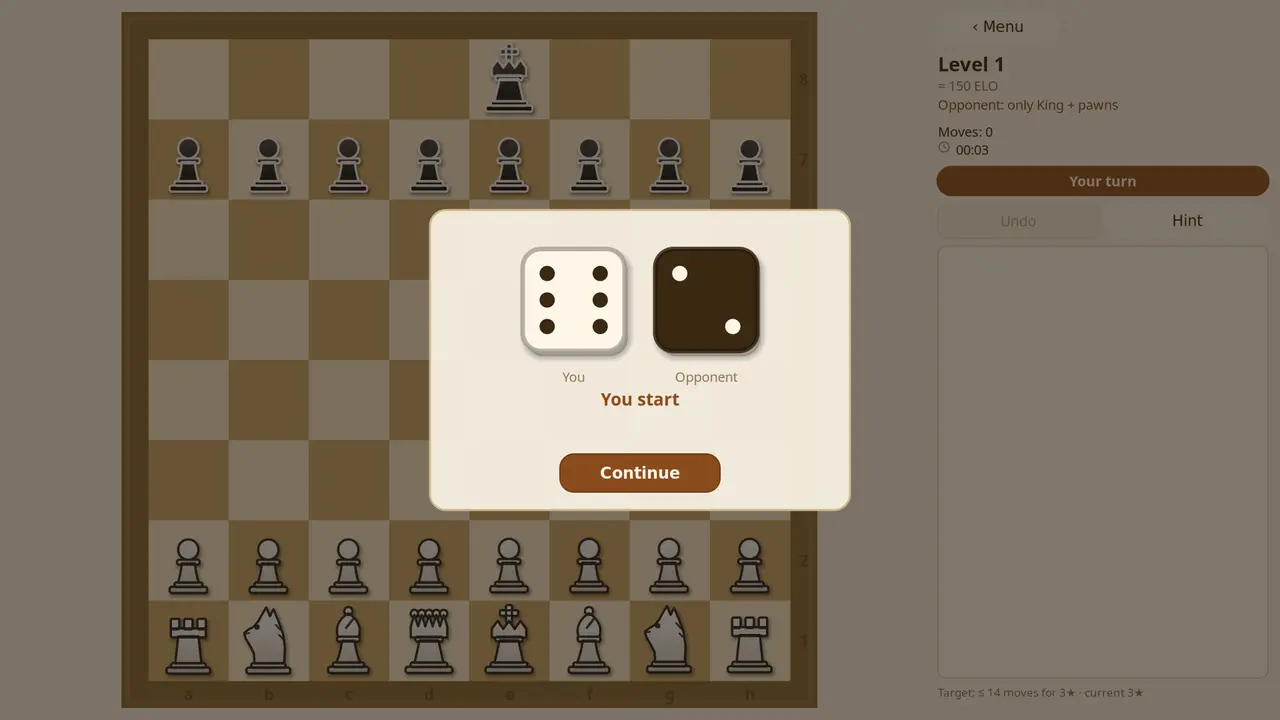
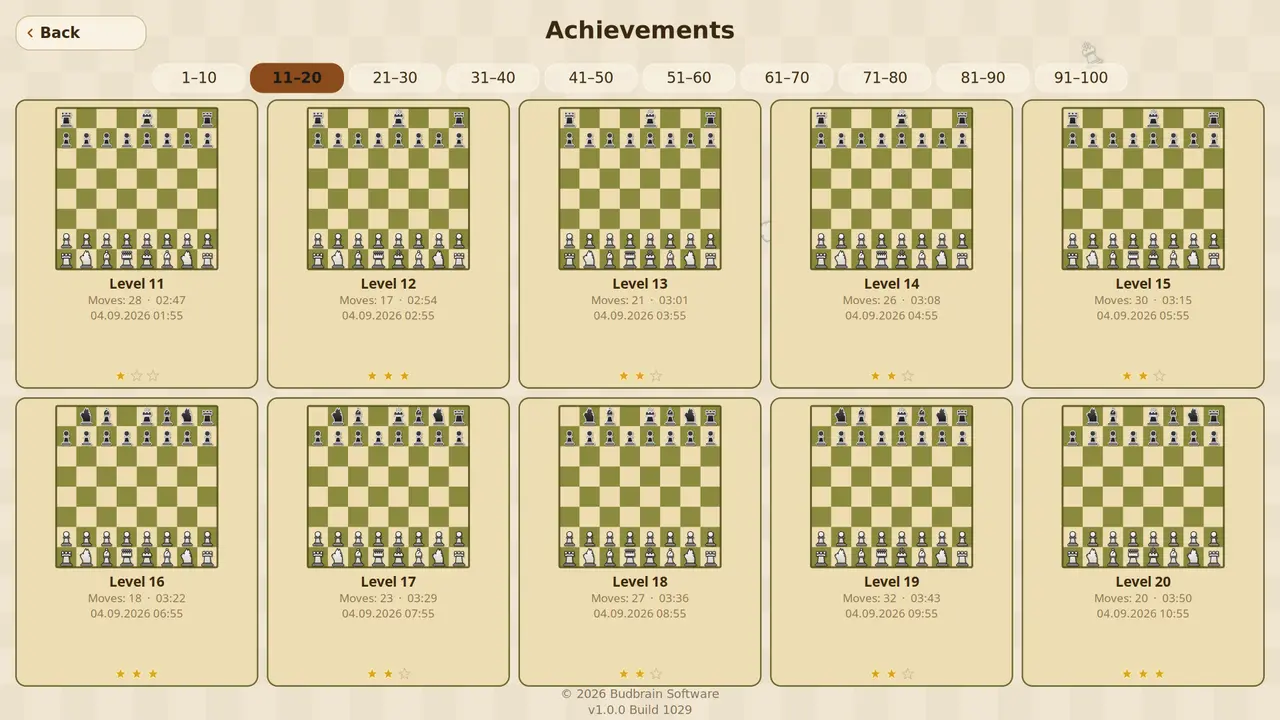
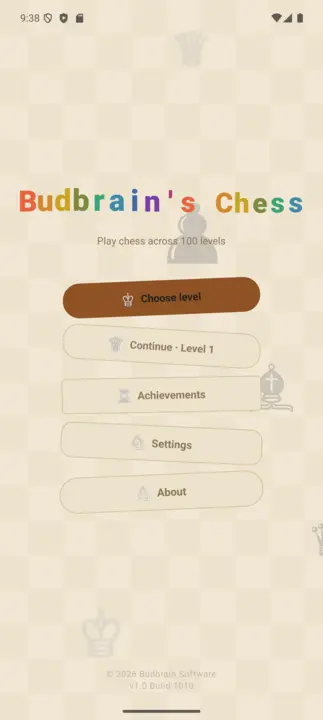
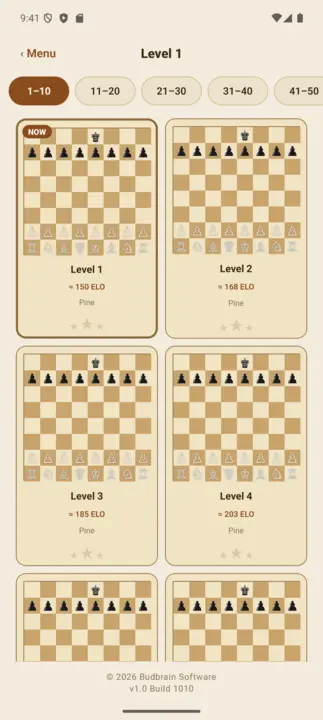
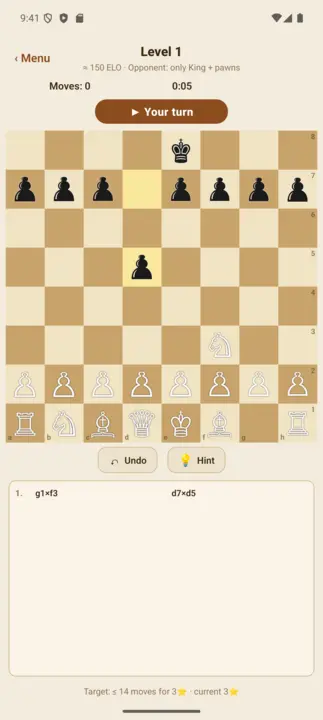
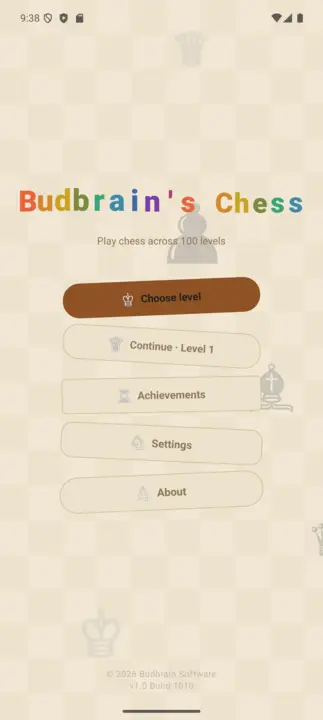
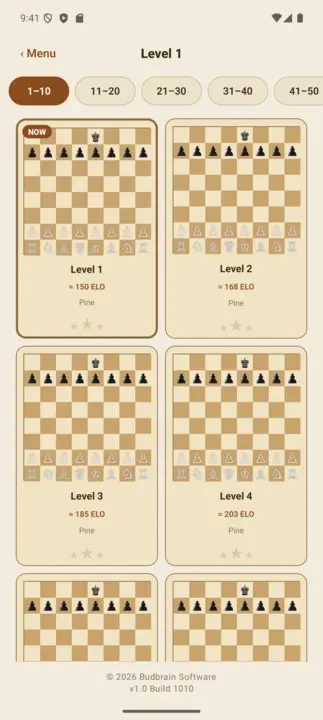
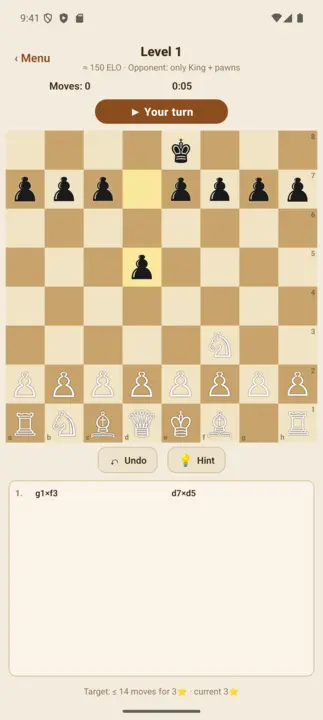
Viwango mia moja vya chesi dhidi ya kompyuta, kutoka ELO 150 hadi 1900. Katika viwango vya kwanza mpinzani hucheza na kikwazo, kisha huwa na nguvu zaidi kiwango baada ya kiwango. Kidokezo hukusaidia, vipande vilivyo hatarini humemeta, kila hatua inaweza kurudishwa — na kila mchezo unaoshinda hubaki kwenye ghala.
Viwango 100ELO 150 hadi 1900Mpinzani mwenye kikwazoKidokezo na kutenduaGhala ya michezo iliyoshindwaOpenGLSDL2 · CairoGNOME / KDE / XFCE22 lugha
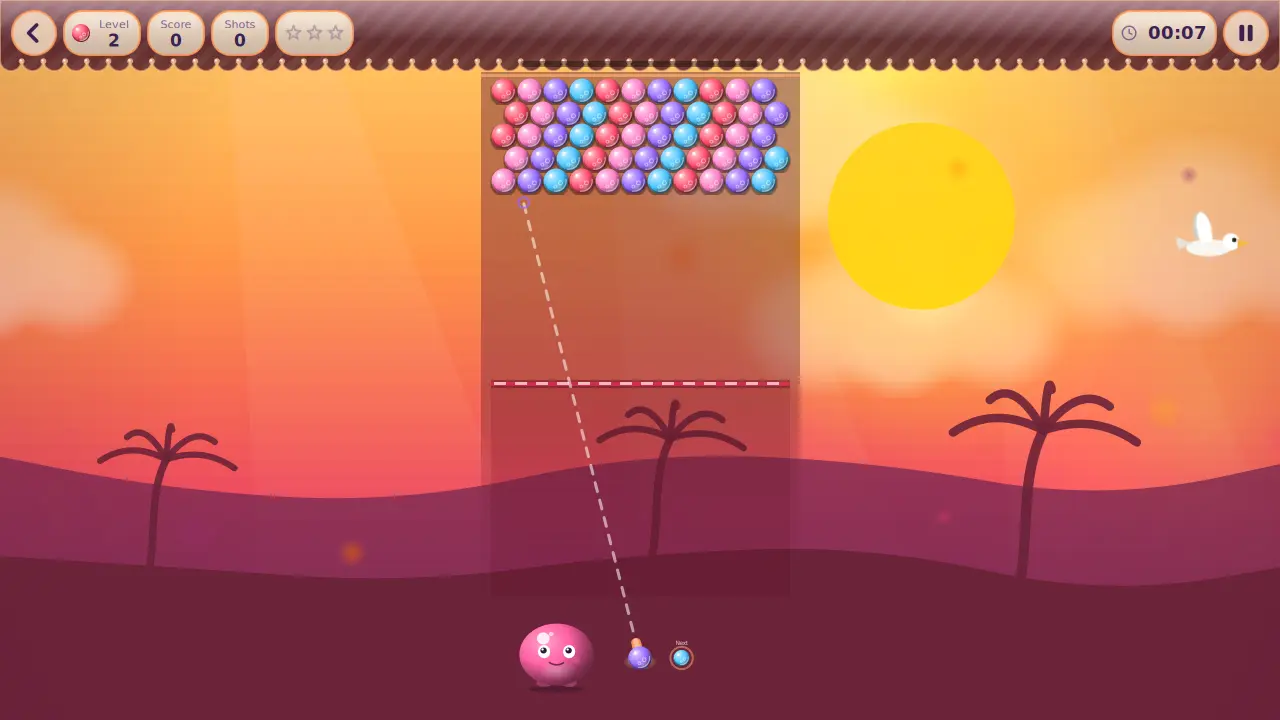
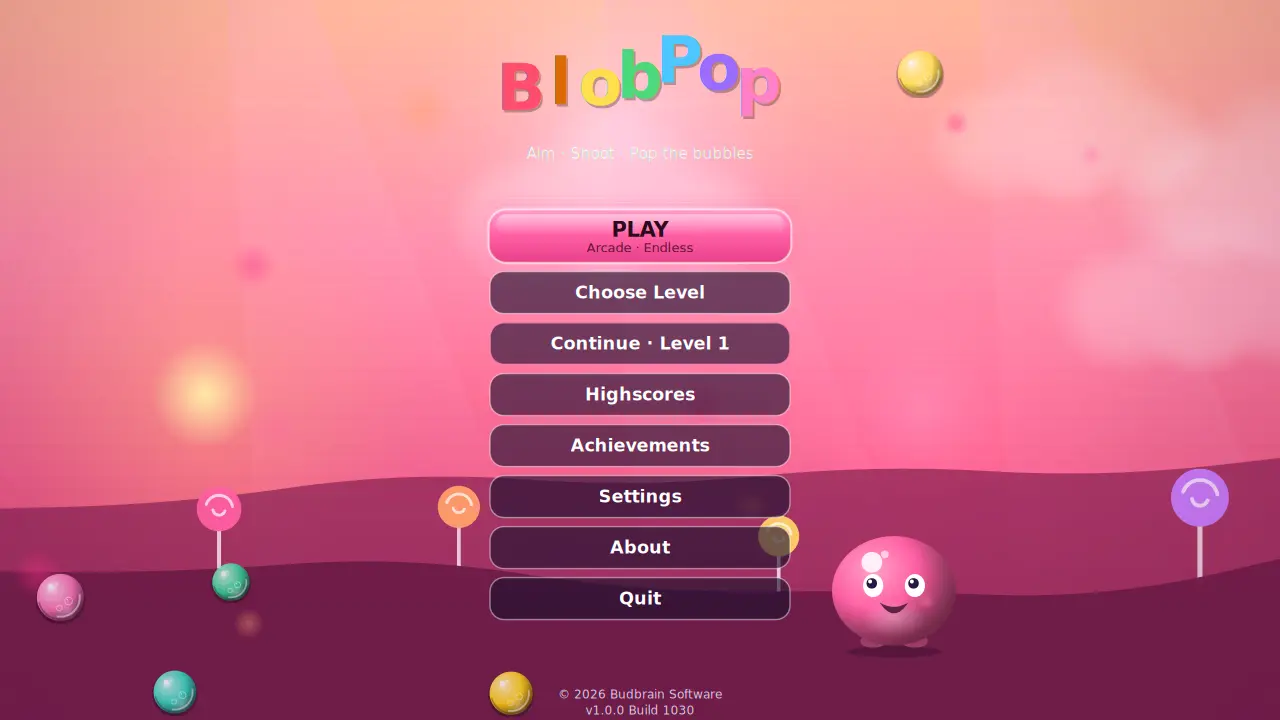
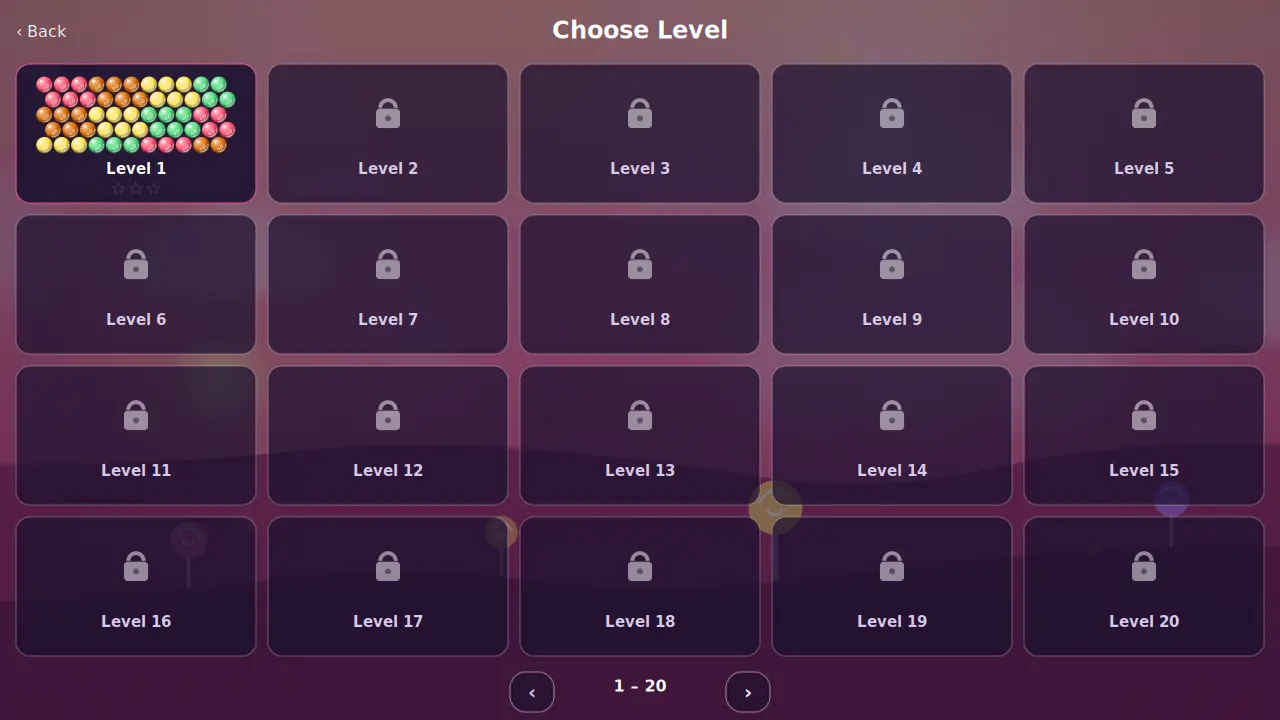
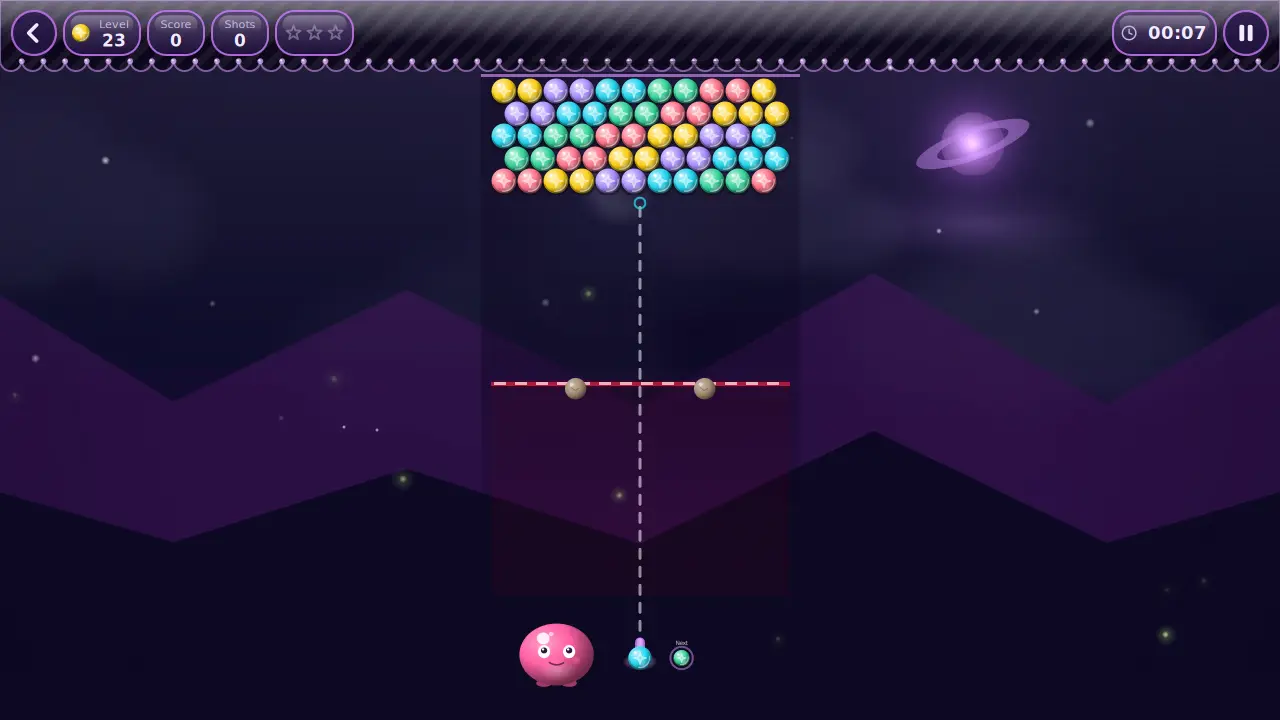
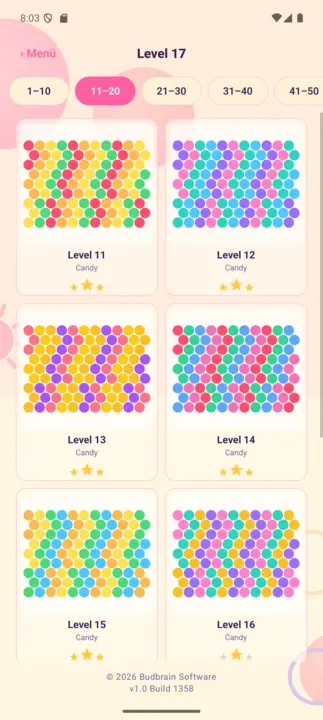
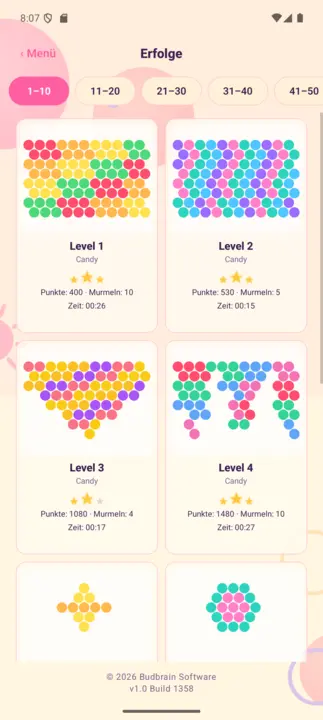
Viwango mia moja katika ulimwengu tano: lenga, bofya, kusanya tatu za rangi moja. Kila baada ya risasi chache ubao hushuka safu moja — usafishe kabla haujafika chini na utapata nyota tatu. Pamoja na hali isiyo na mwisho yenye jedwali la alama za juu.
Viwango 100Ulimwengu tanoHali isiyo na mwishoMchana na usikuJedwali la alama za juuOpenGLSDL2 · CairoGNOME / KDE / XFCE22 lugha
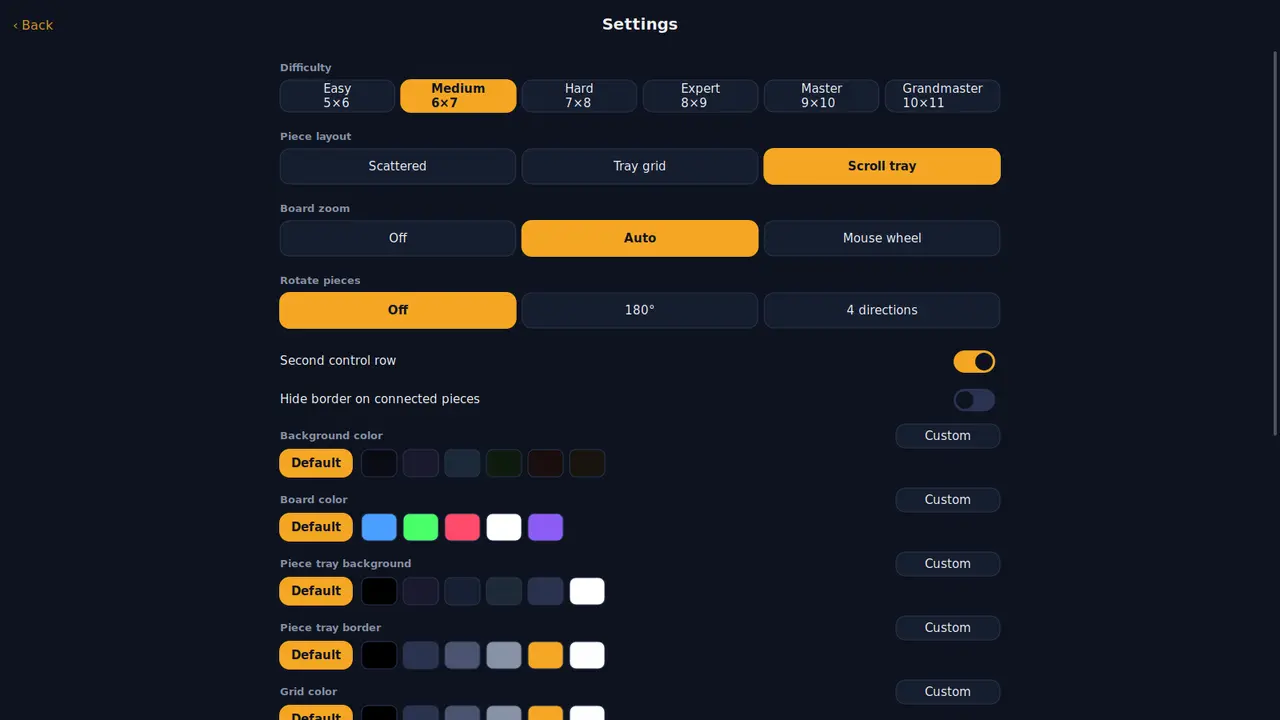
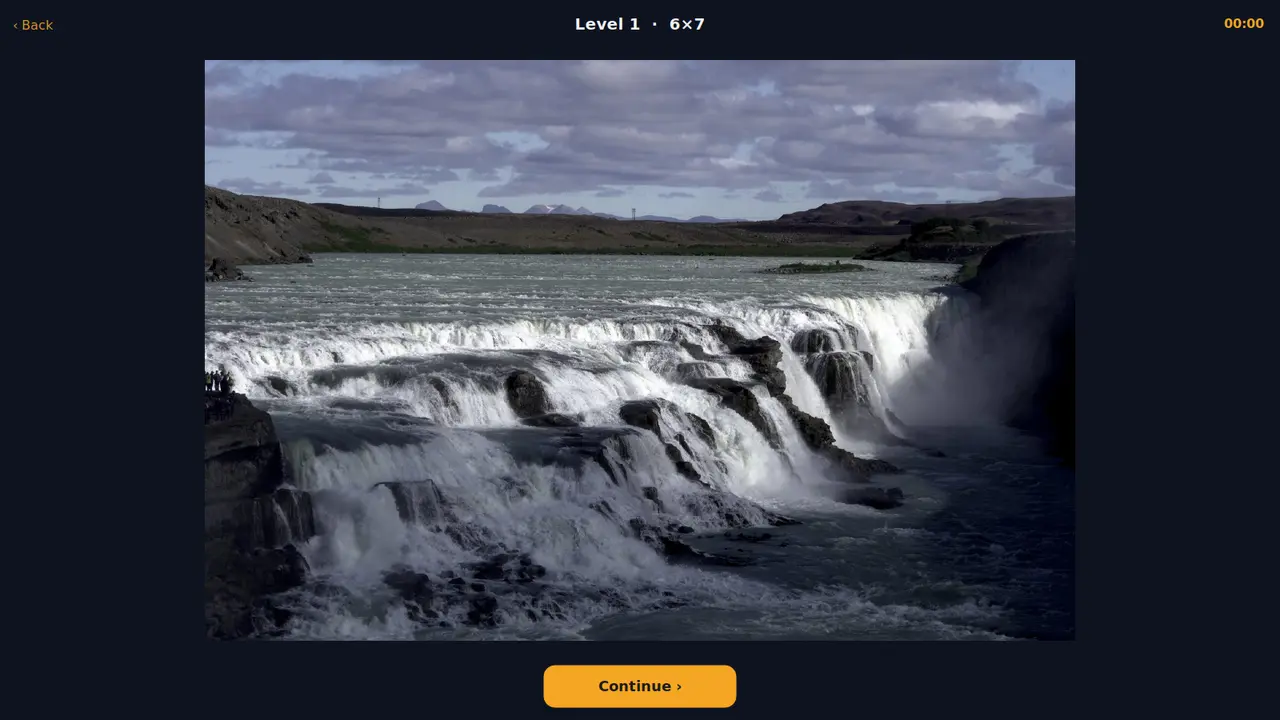
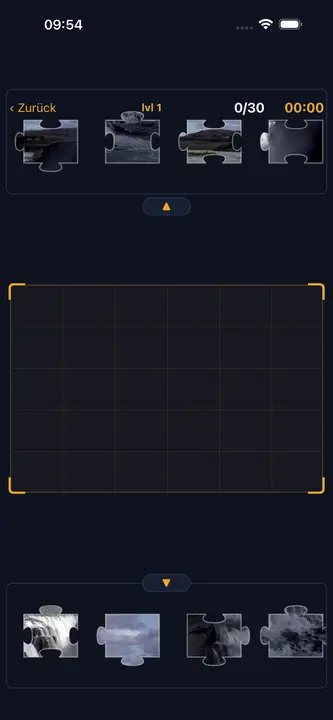
Picha arobaini kama mafumbo ya jigsaw, kila moja katika ukubwa sita kutoka vipande thelathini hadi mia moja na kumi. Kipande kilicho karibu na mahali pake huingia chenyewe — washa kuzungusha ukitaka iwe ngumu zaidi.
Picha arobainiUkubwa sitaVipande 30 hadi 110Vipande vinavyozungukaMafanikioRangi zako mwenyeweOpenGLSDL2 · CairoGNOME / KDE / XFCE22 lugha
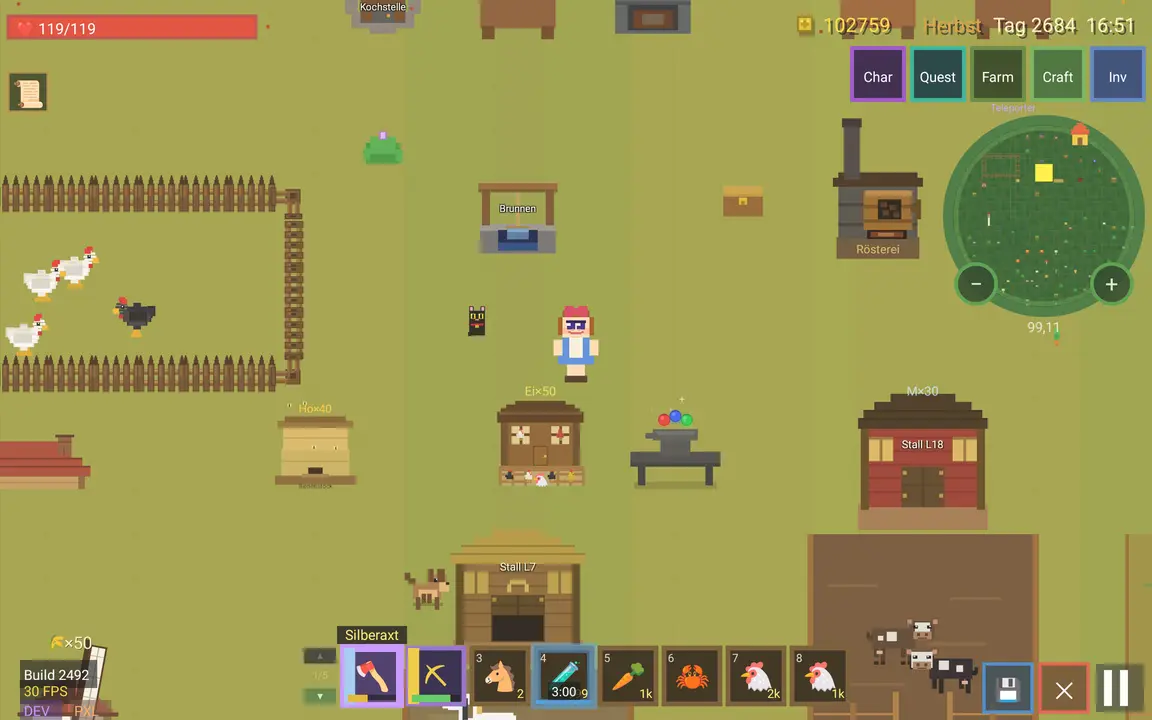
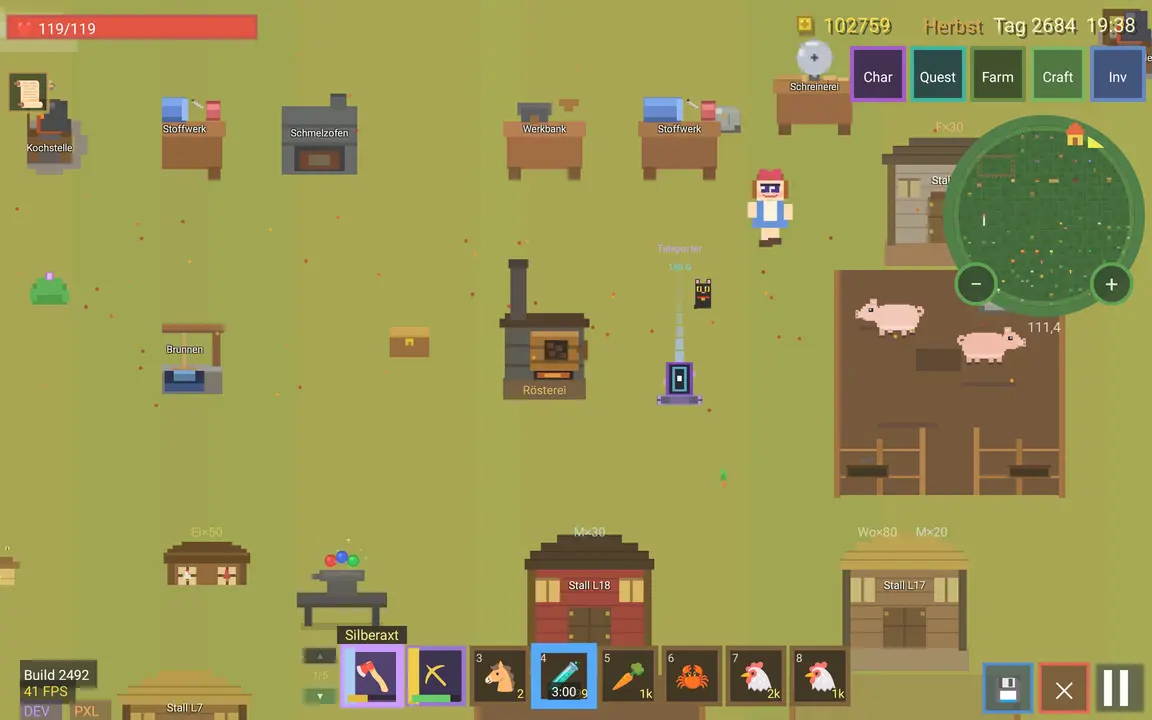
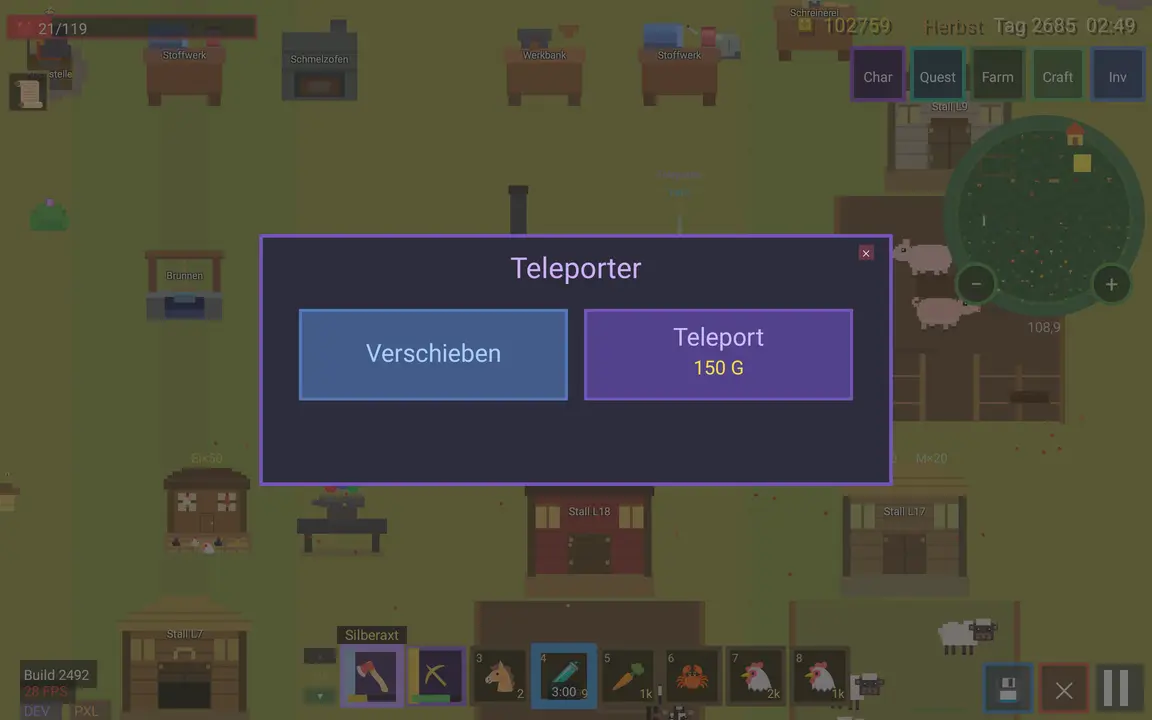
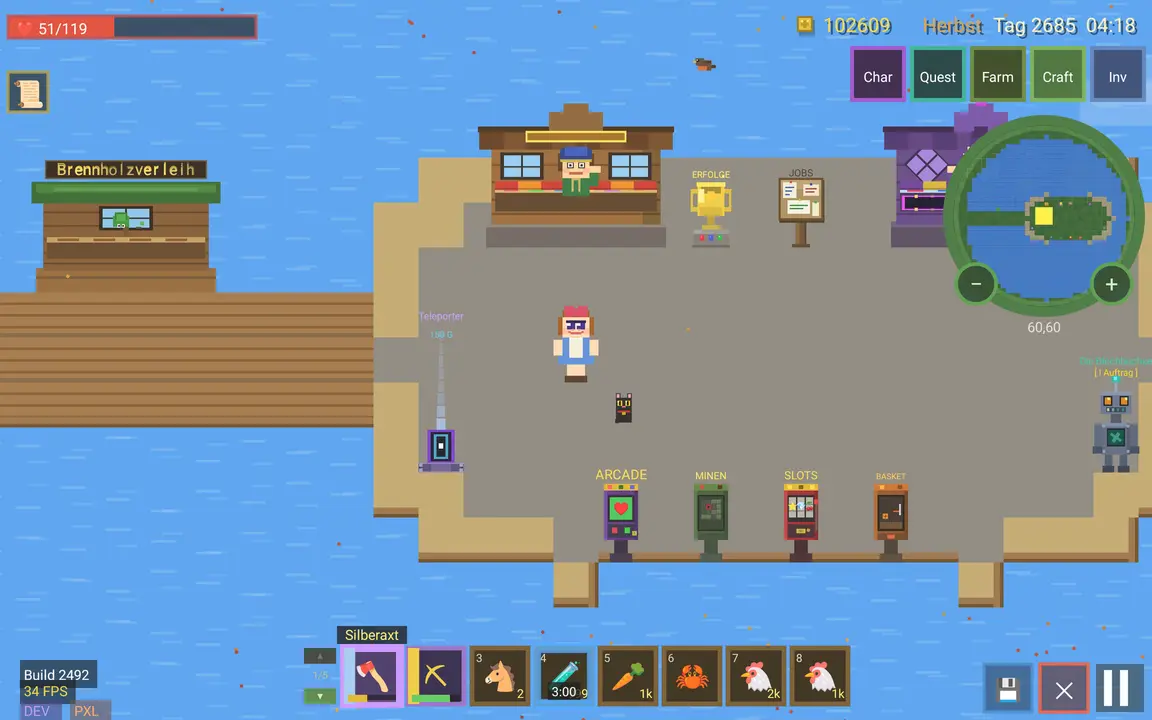
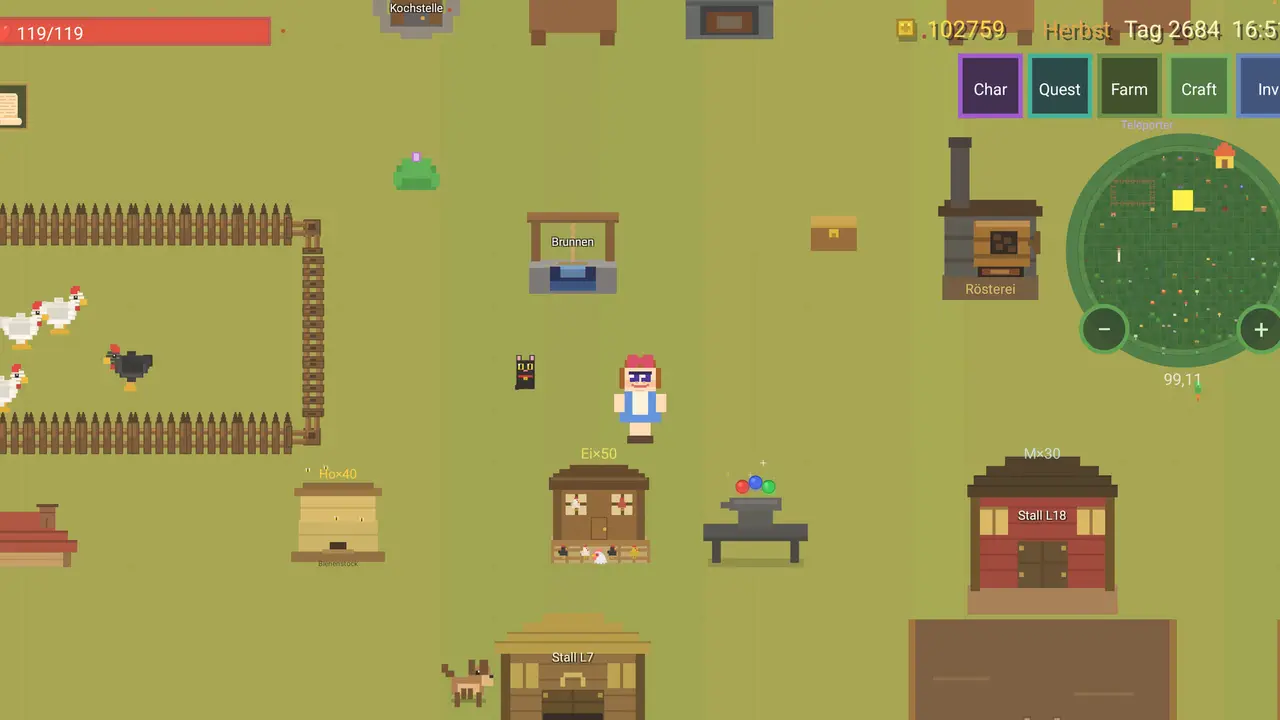
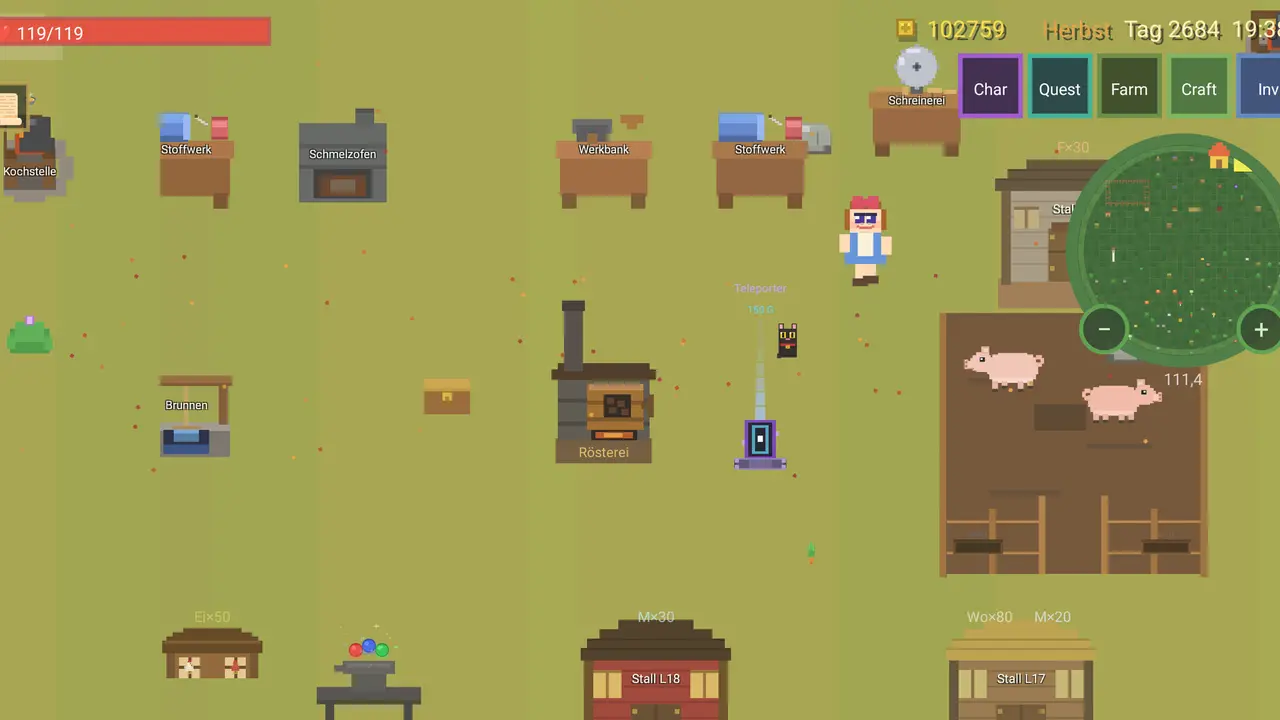
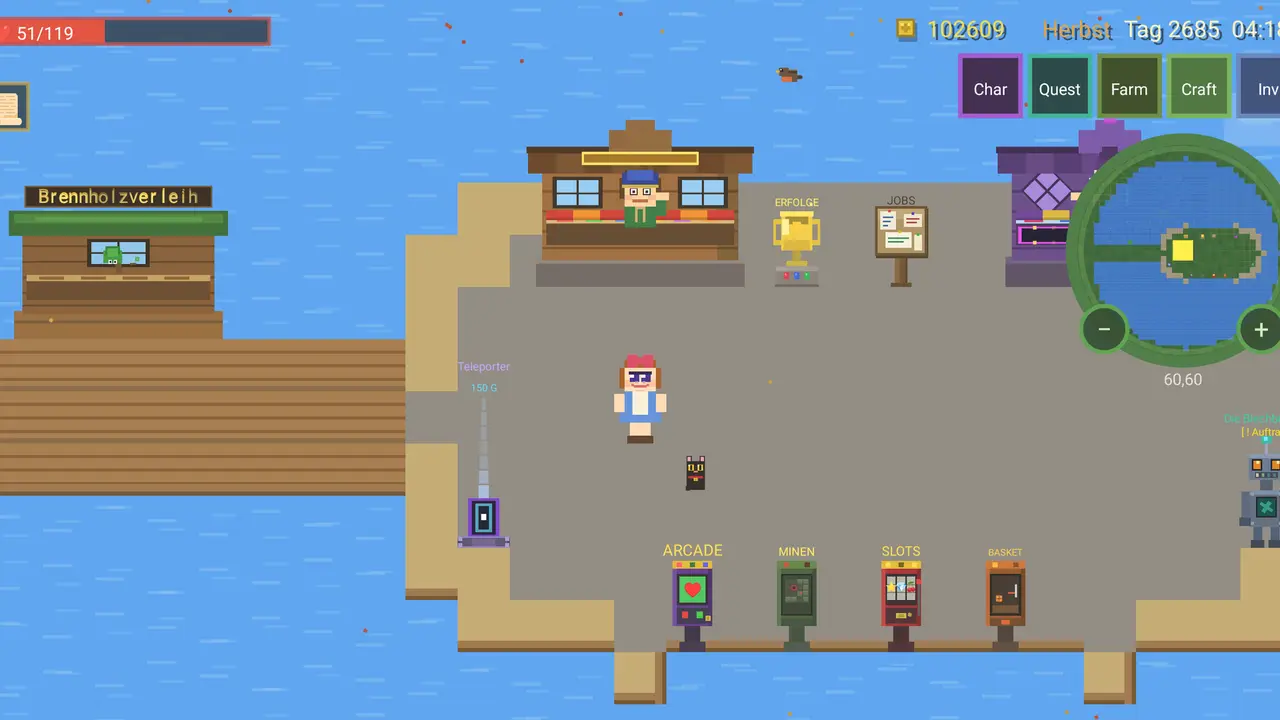
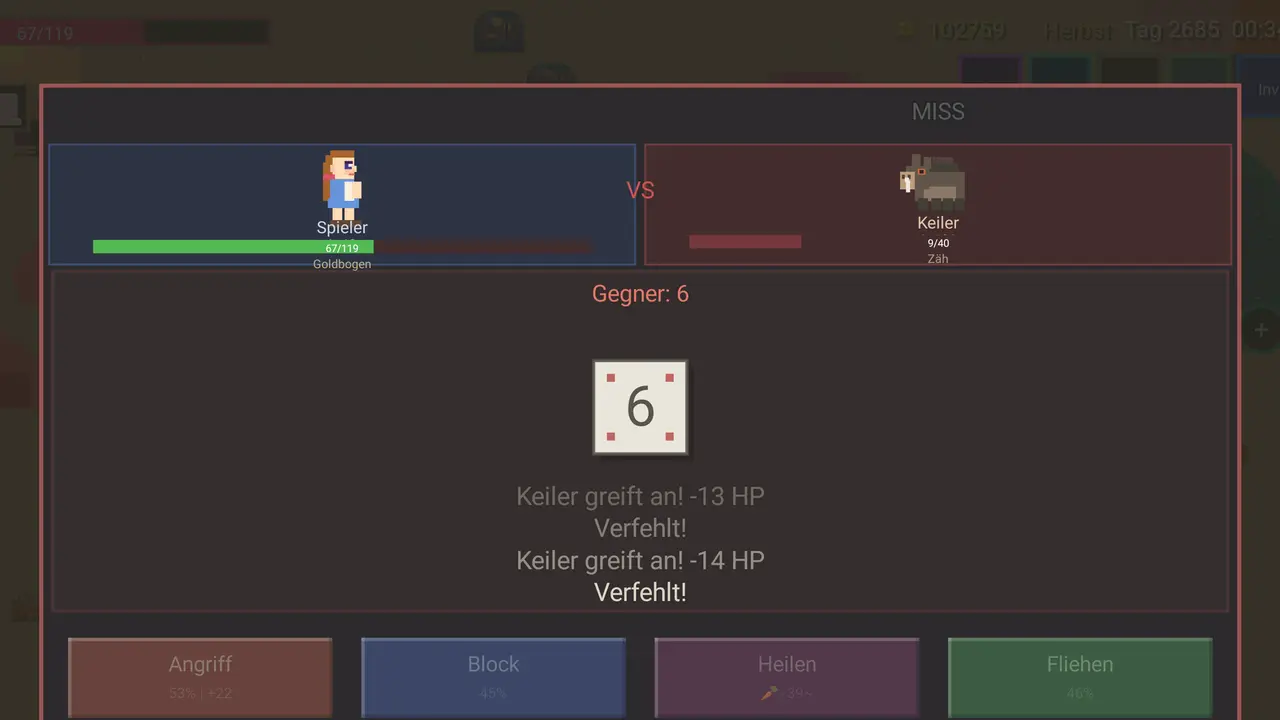
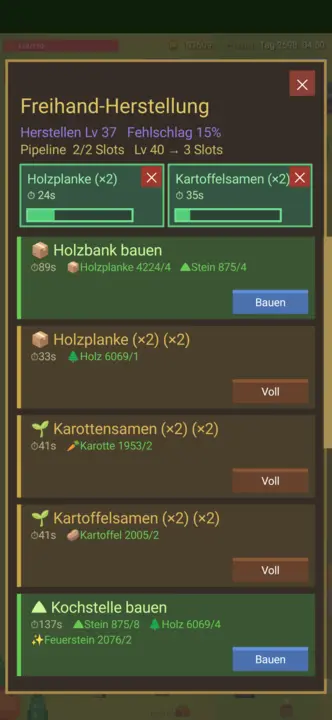
Jenga shamba kutoka kipande tupu cha ardhi: kisafishe, kipande mbegu, fuga wanyama, chimba mgodi. Zaidi ya vitu 300, mapishi 231, misimu minne — na huhifadhi yenyewe.
Zaidi ya vitu 300Mapishi 231Aina sita za wanyamaMisimu minneMgodi · uvuvi · uwindajiKipanya · kibodi · gamepadOpenGLSDL2 · CairoGNOME / KDE / XFCE22 lugha
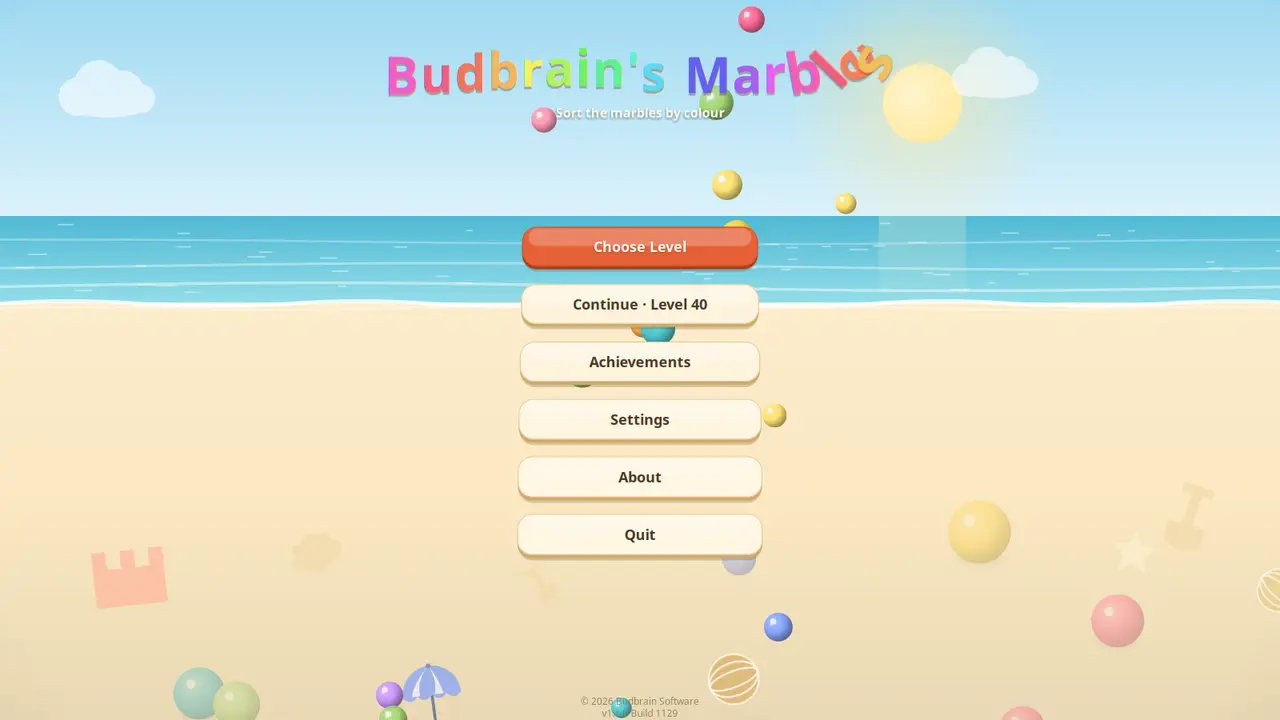
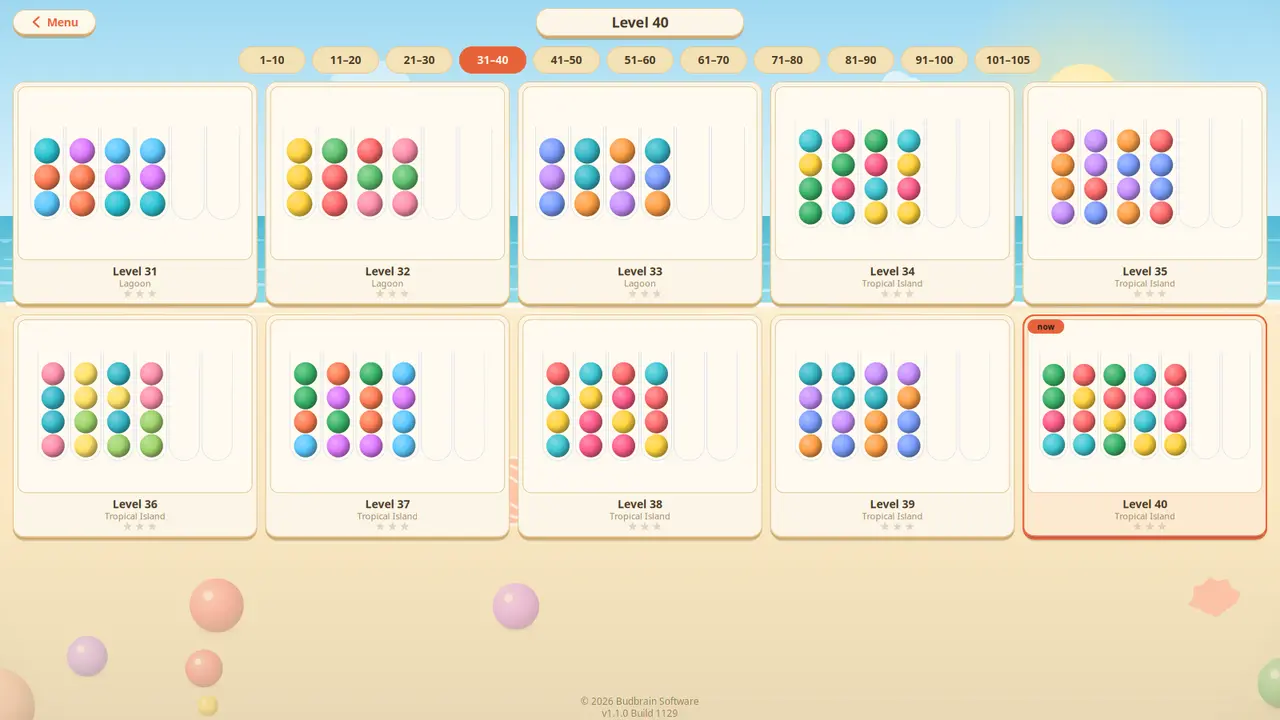
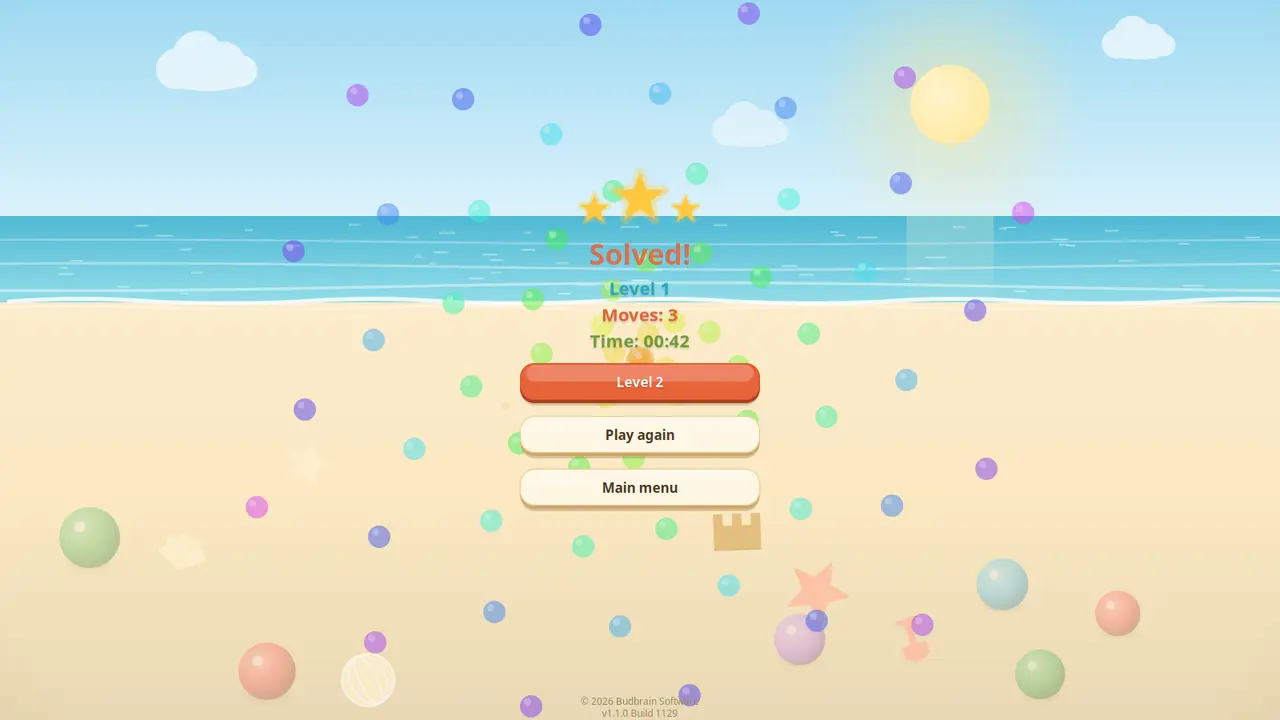
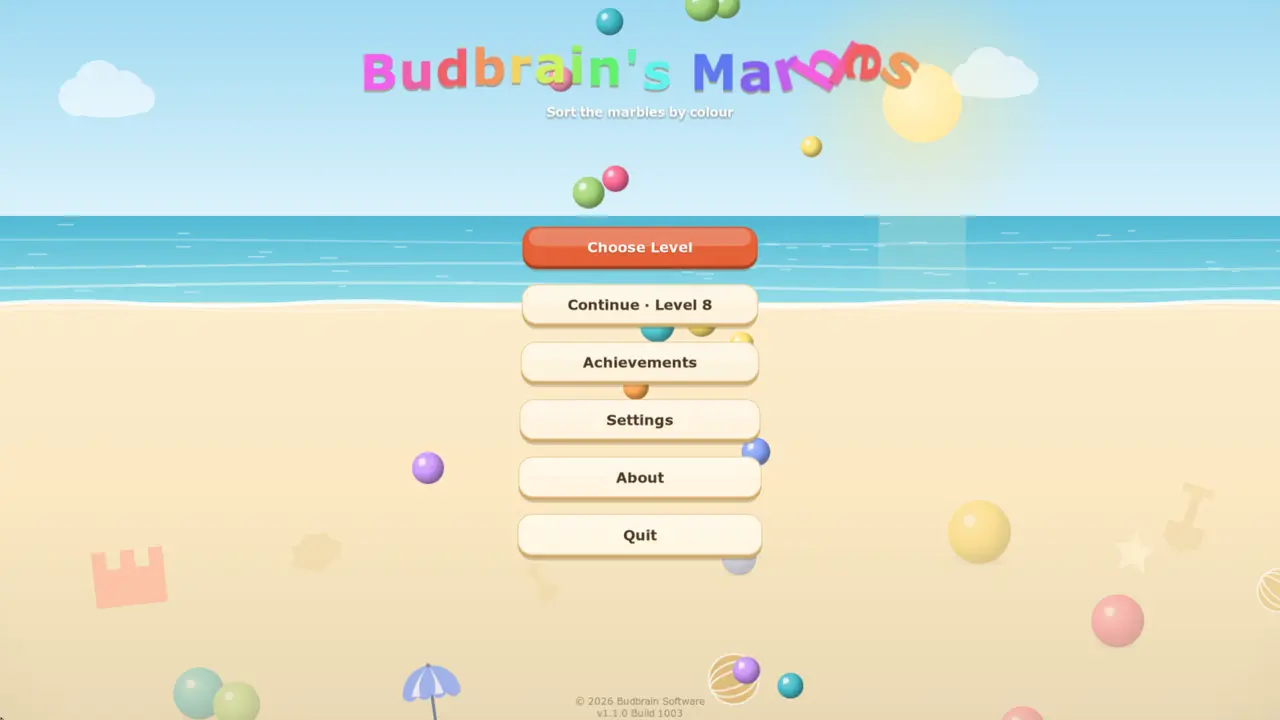
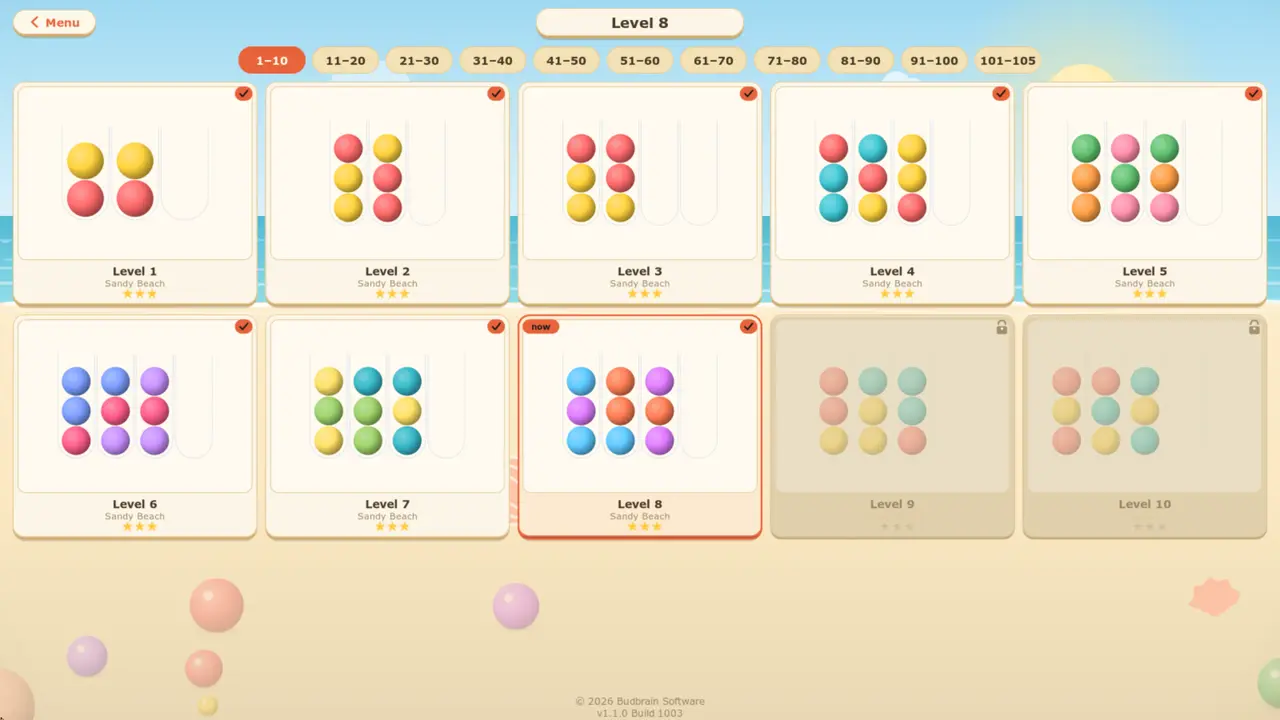
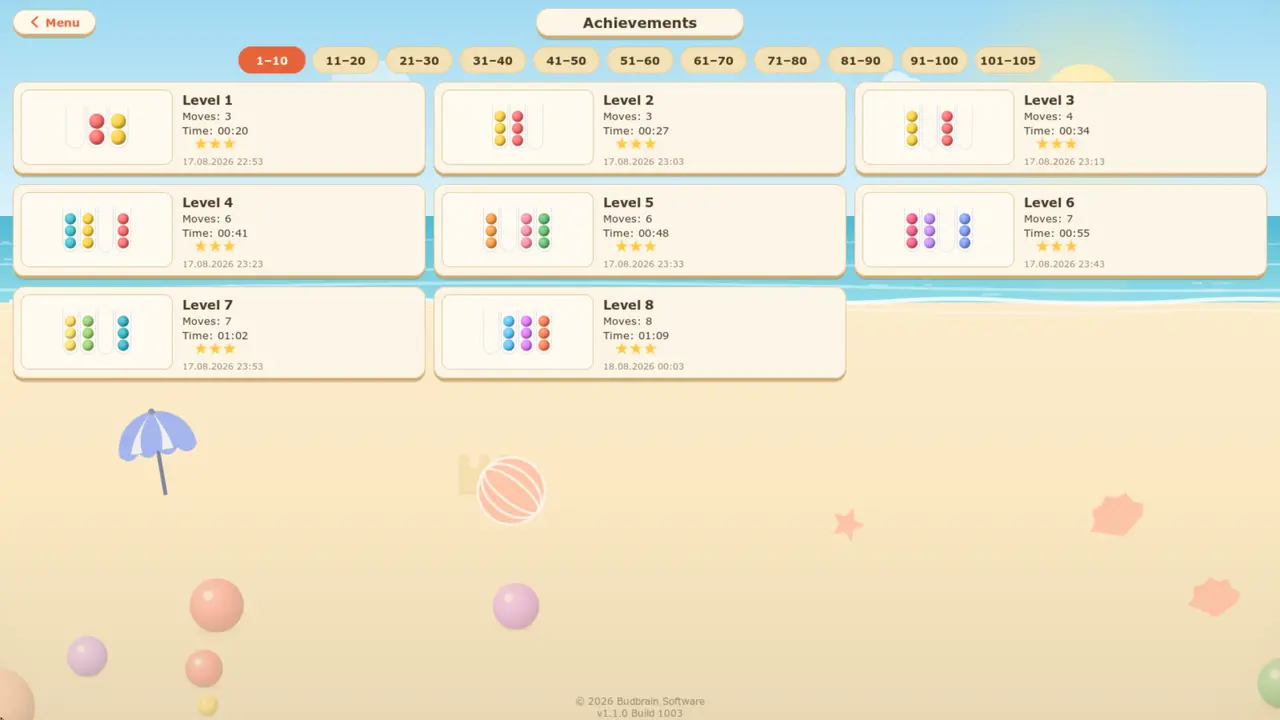
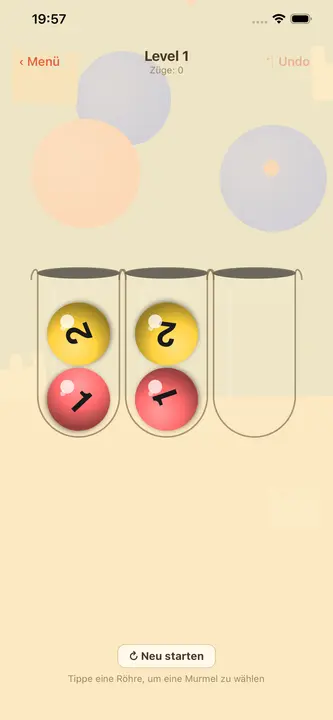
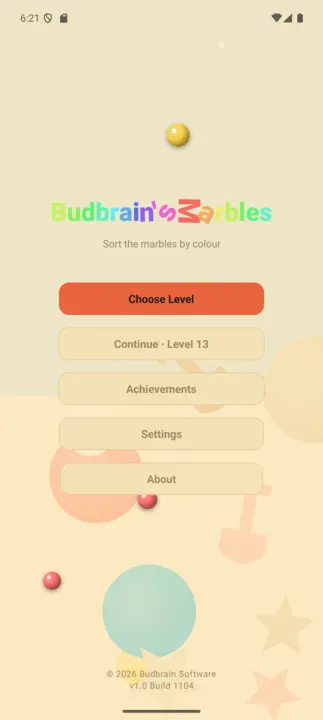
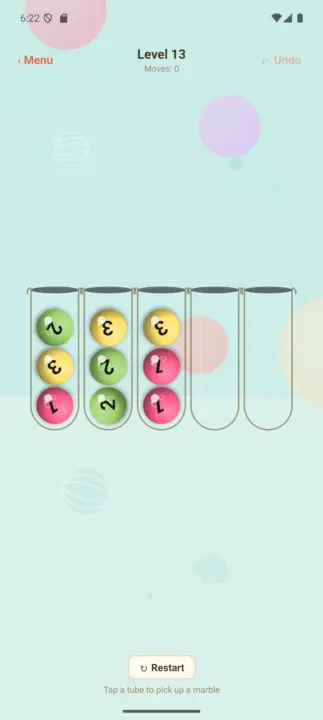
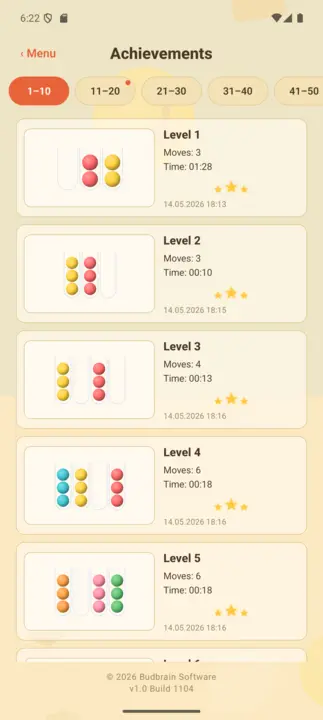
Panga marumaru kwa rangi: chagua bomba, kisha lengwa — marumaru ya juu huruka kwa mkunjo. Mafumbo mia moja na tano kwenye fukwe tano, na kila moja linaweza kutatuliwa.
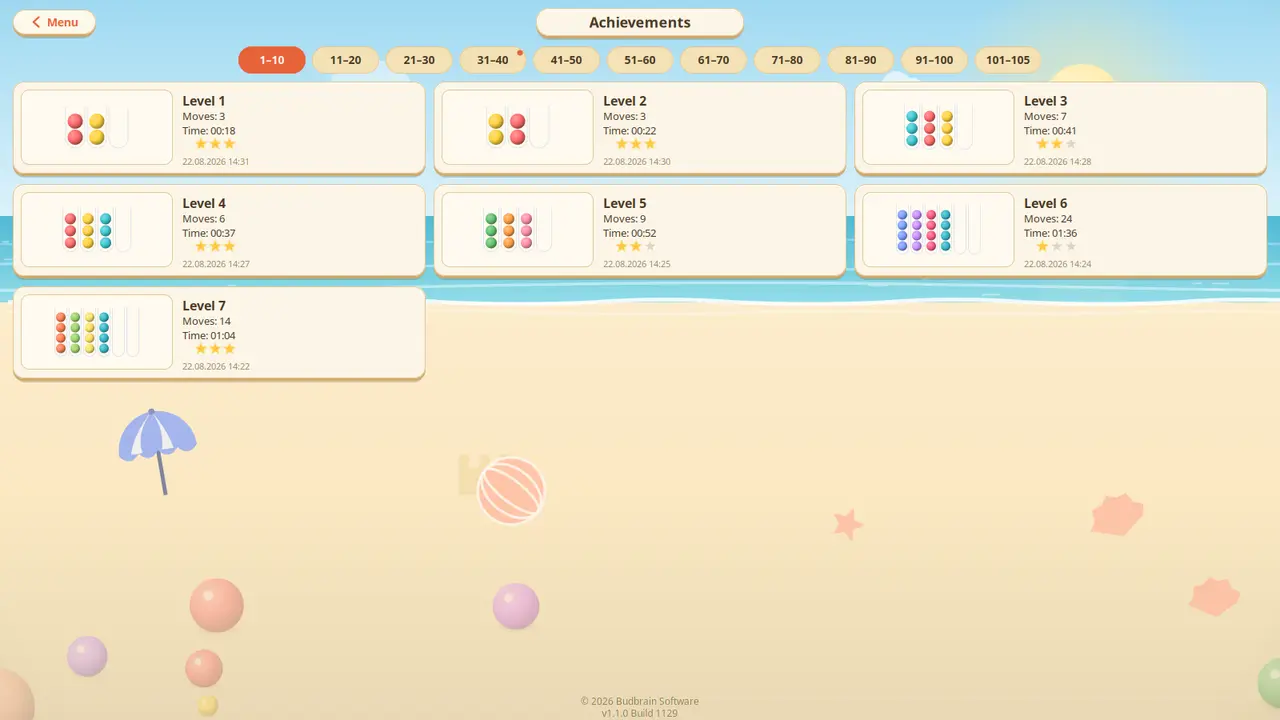
Mafumbo 105Fukwe tanoKila moja linatatulikaTendua · Anza upyaUkuta wa mafanikioOpenGLSDL2 · CairoGNOME / KDE / XFCE22 lugha
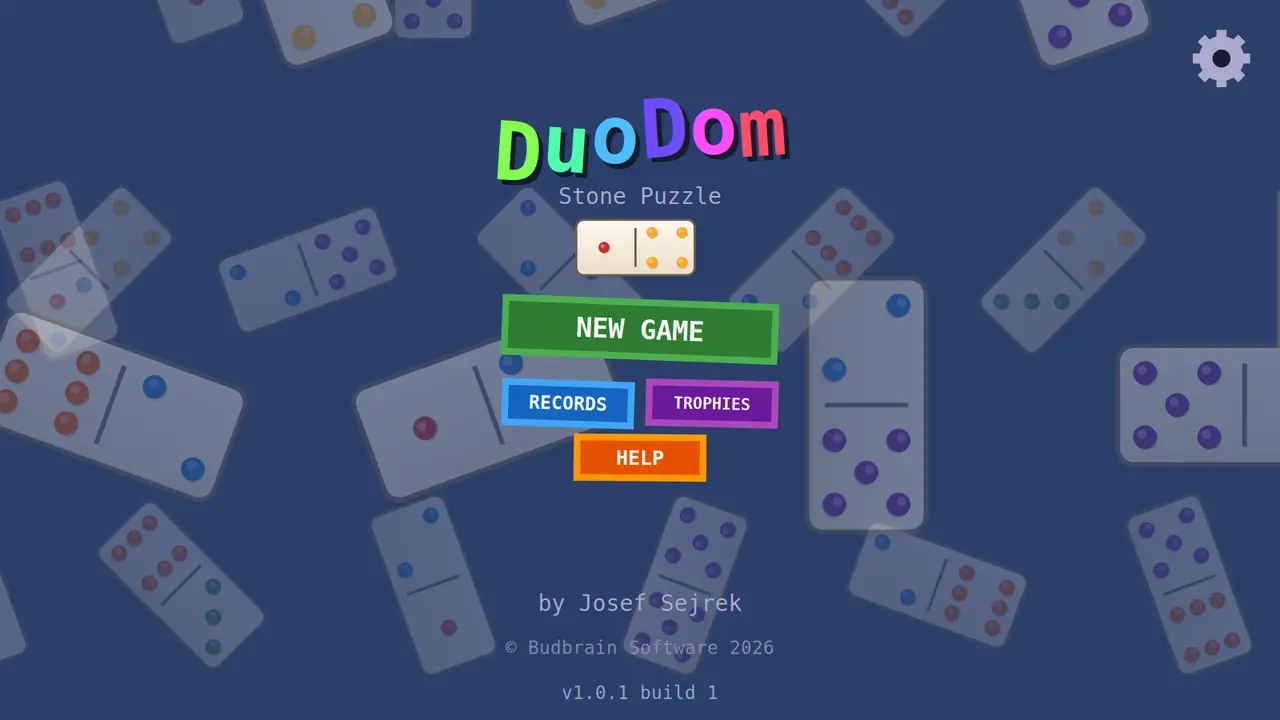
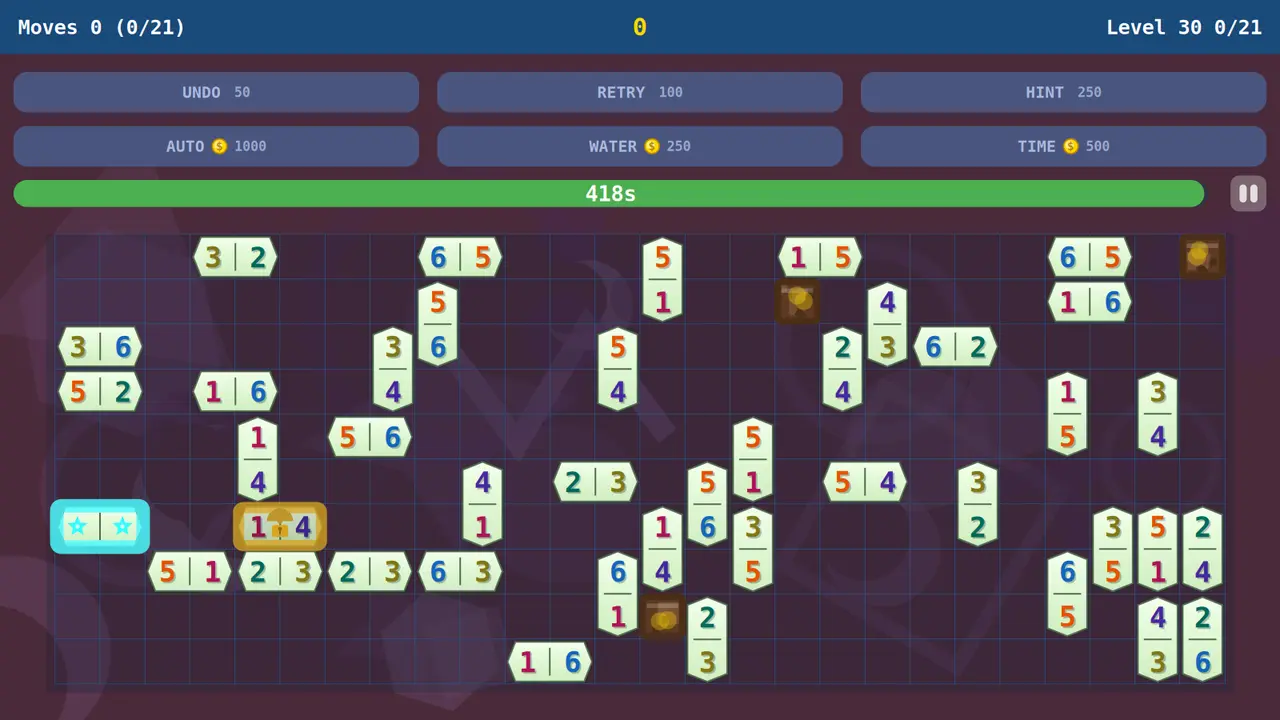
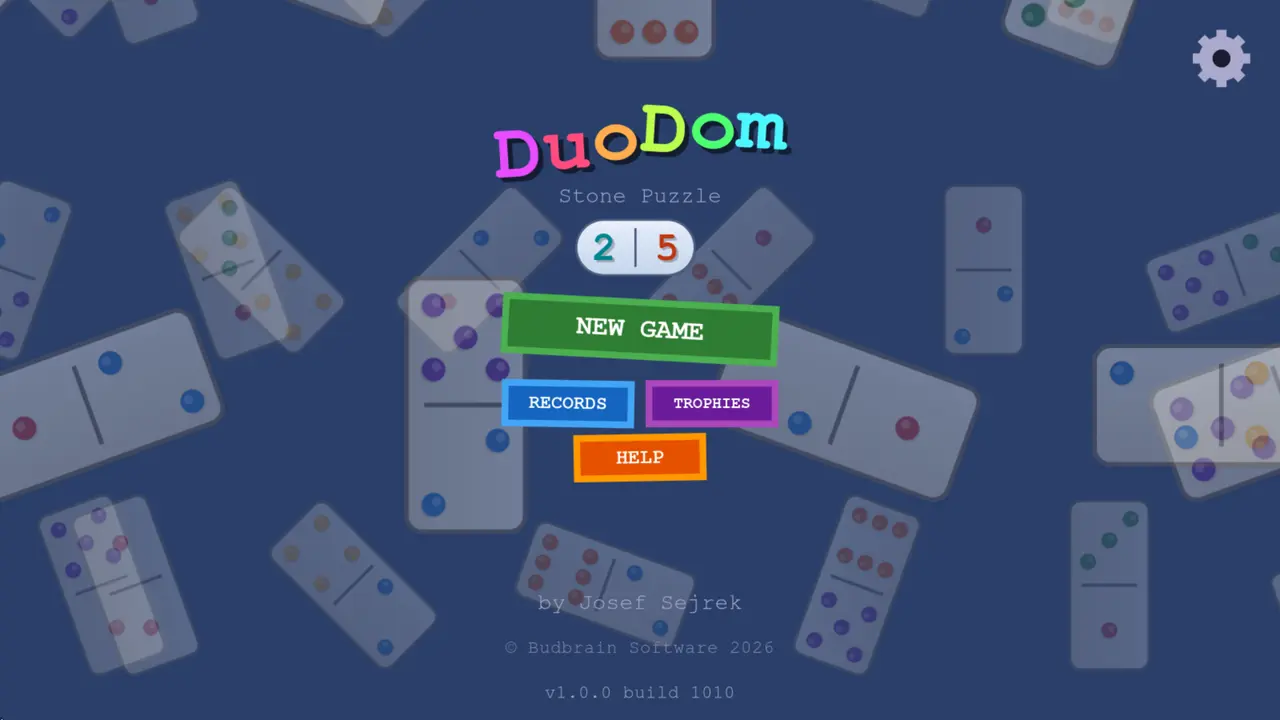
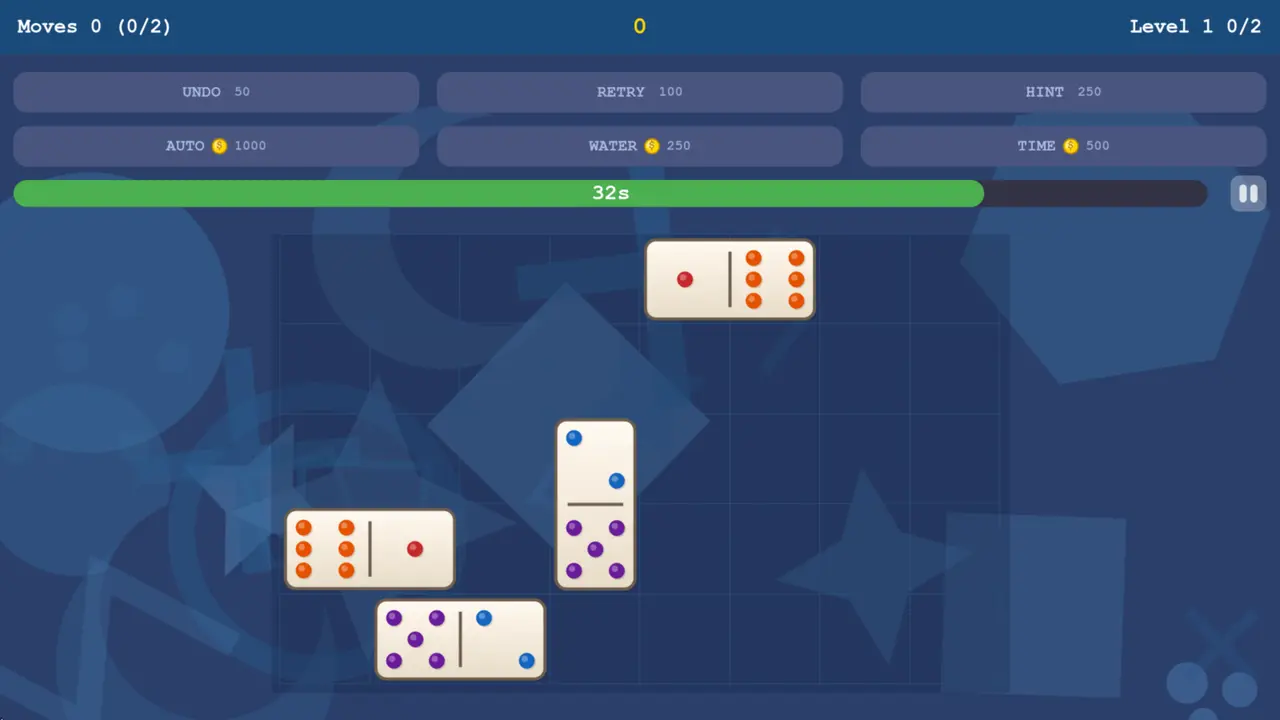
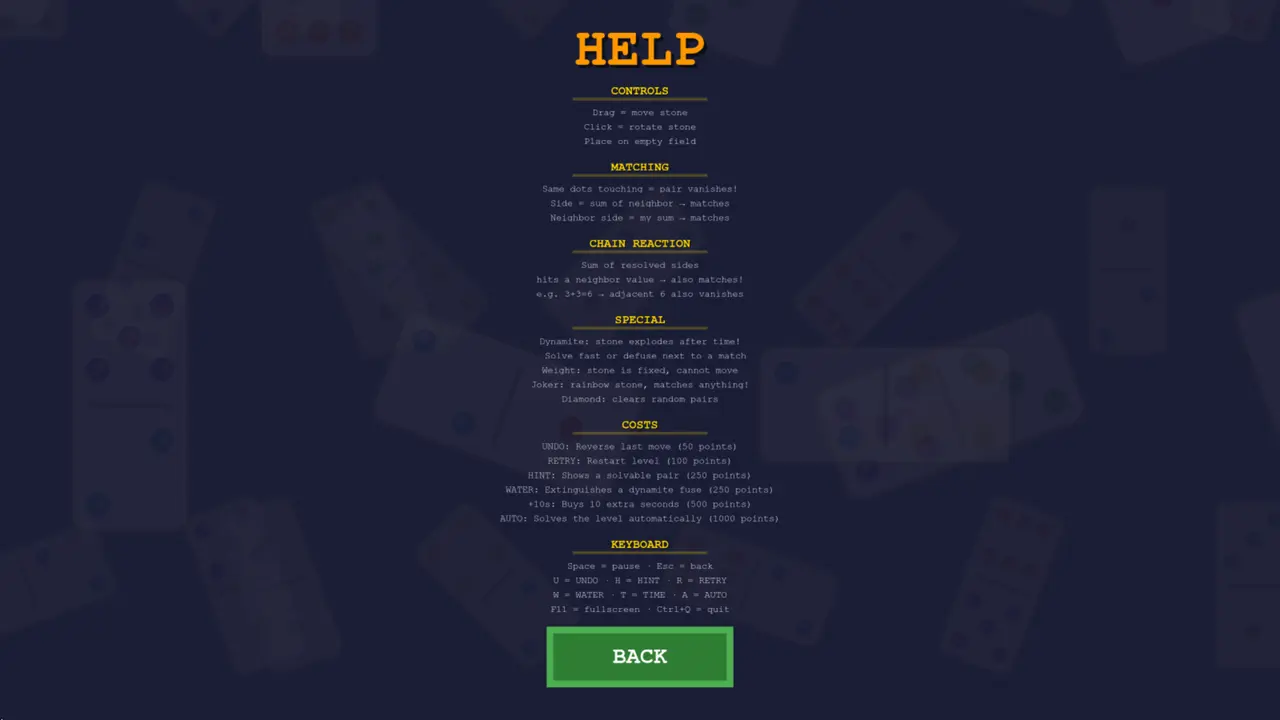
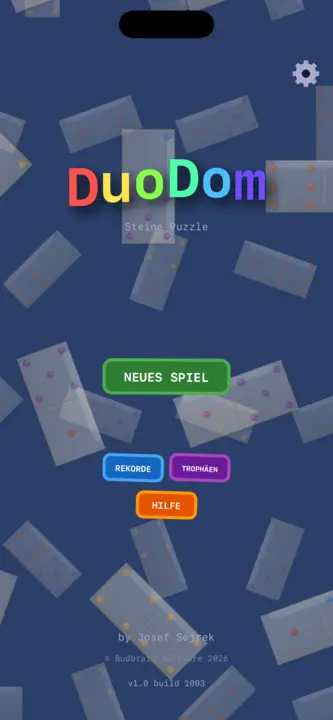
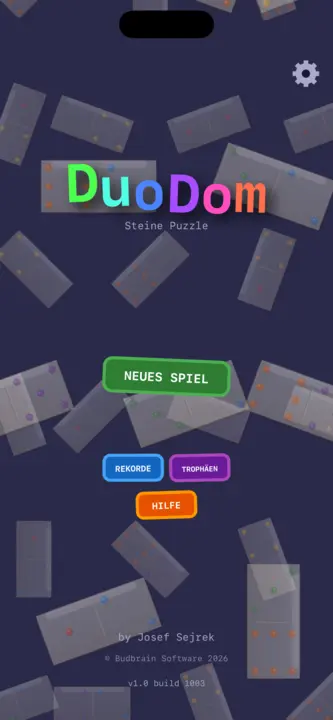
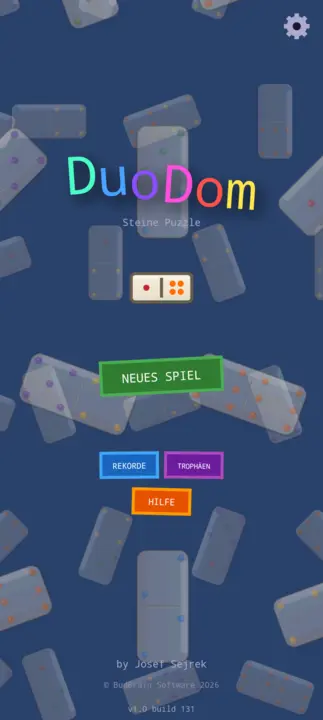
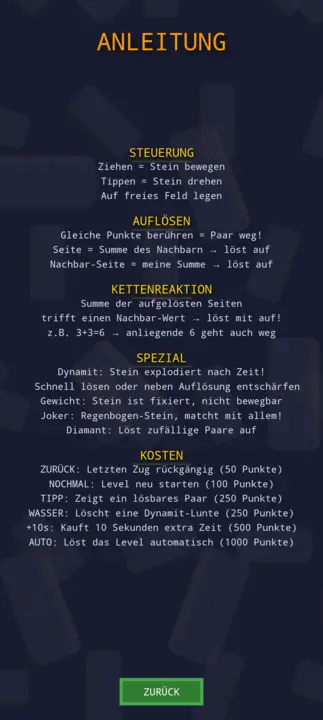
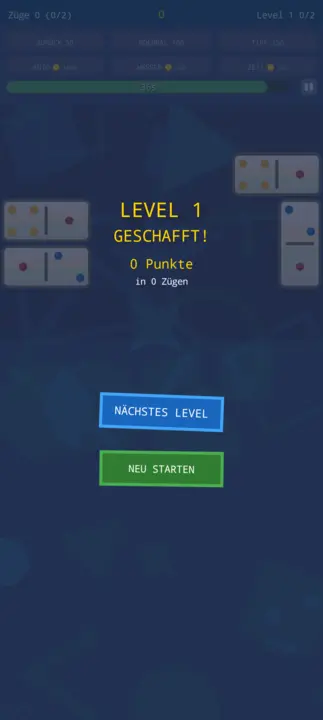
Telezesha domino pamoja: nukta zinazolingana au jumla sahihi huyeyusha jozi. Viwango visivyo na mwisho vyenye baruti, joka na almasi — na kila kimoja kinaweza kushindwa.
Viwango visivyo na mwishoAina 17 za maweBaruti · Joka · AlmasiTendua · Kidokezo · MajiVikombe na rekodiOpenGLSDL2 · CairoGNOME / KDE / XFCE20 lugha
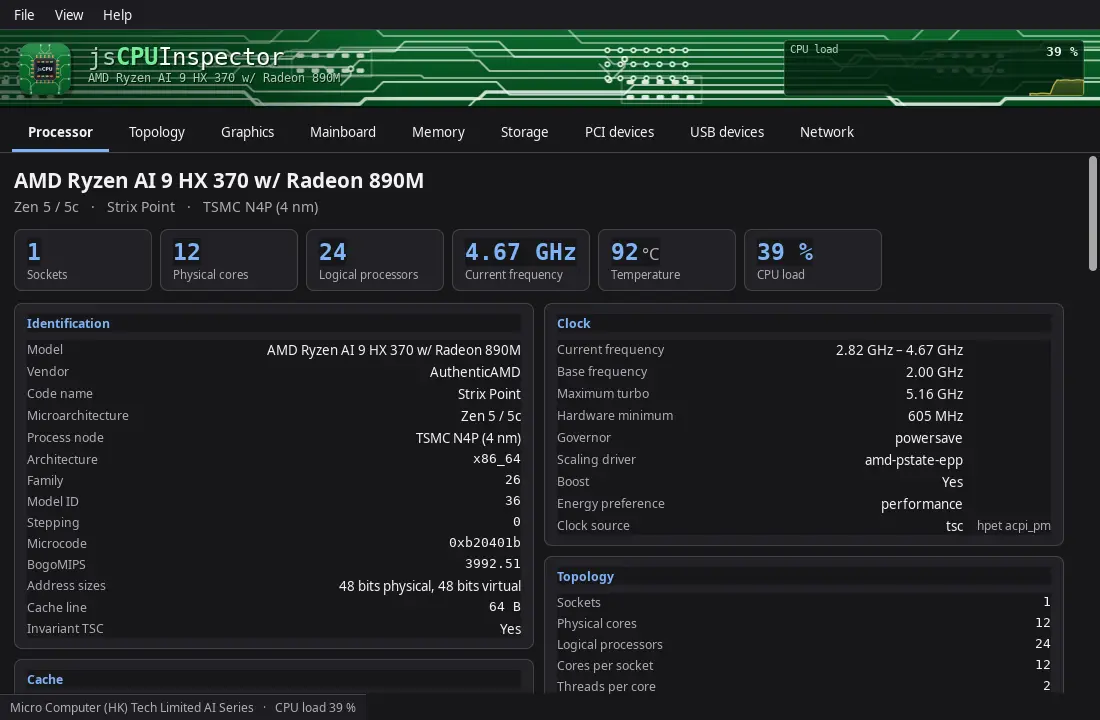
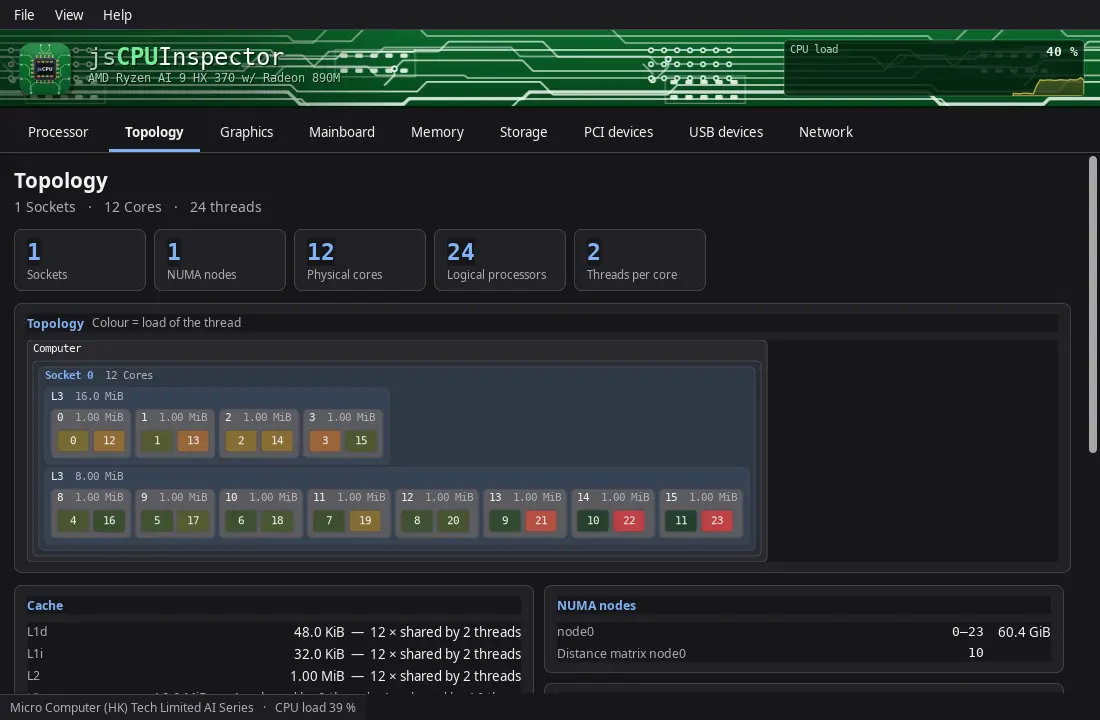
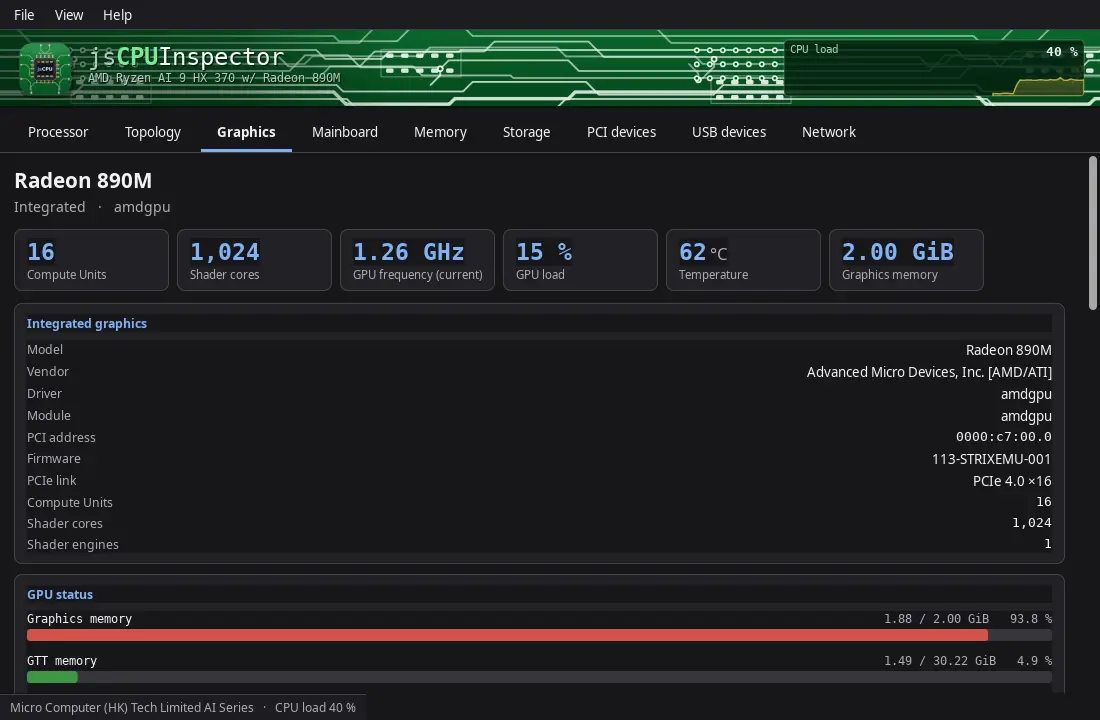
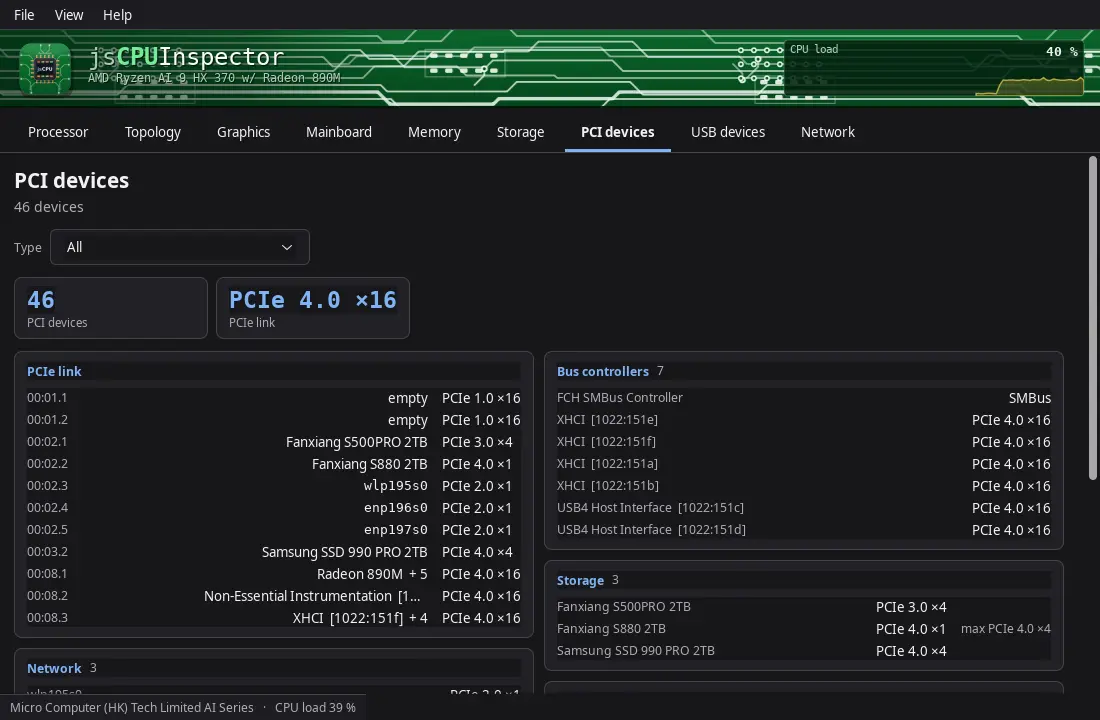
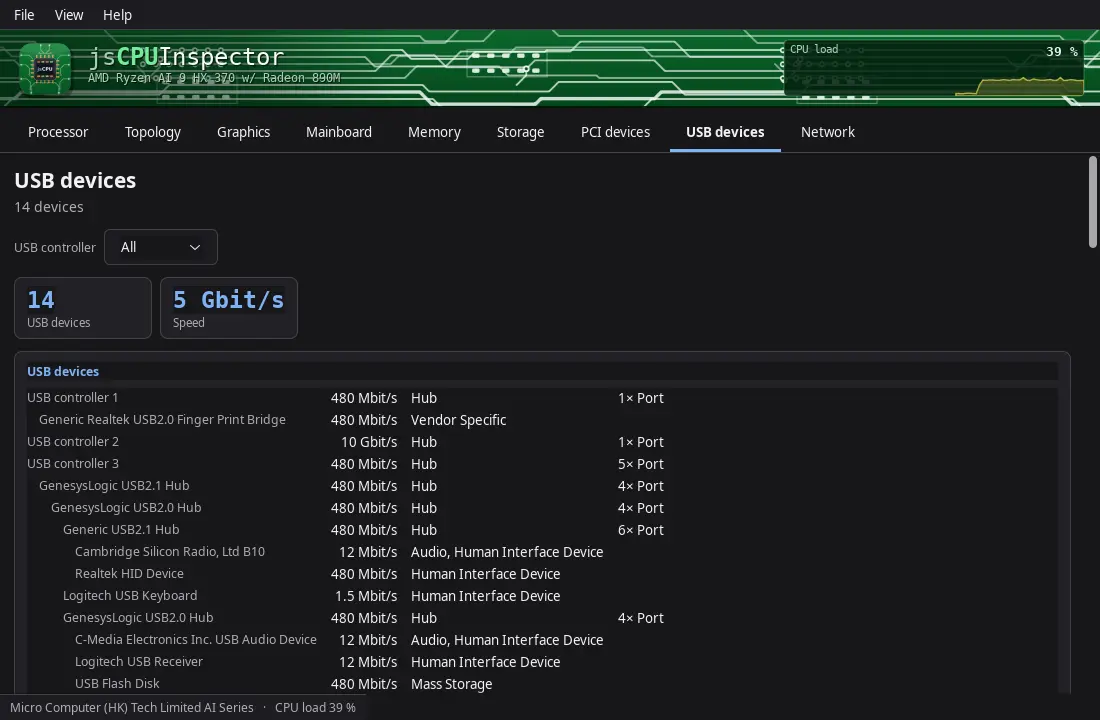
Huonyesha kila undani wa kichakataji, ubao mama na kumbukumbu: soketi, viini na nyuzi, ukubwa wa akiba, jina la msimbo na mchakato wa utengenezaji, kitengo cha michoro, BIOS na chipset, na kila nafasi ya kumbukumbu — pamoja na diski, vifaa vya PCI, USB na mtandao.
Saa na mzigo wa moja kwa moja kwa kila kiiniViwango vya akiba vilivyochorwa kwa kipimoCPUIDSMBIOSPCI · USBSMARTGTK3GNOME / KDE / XFCE83 lugha
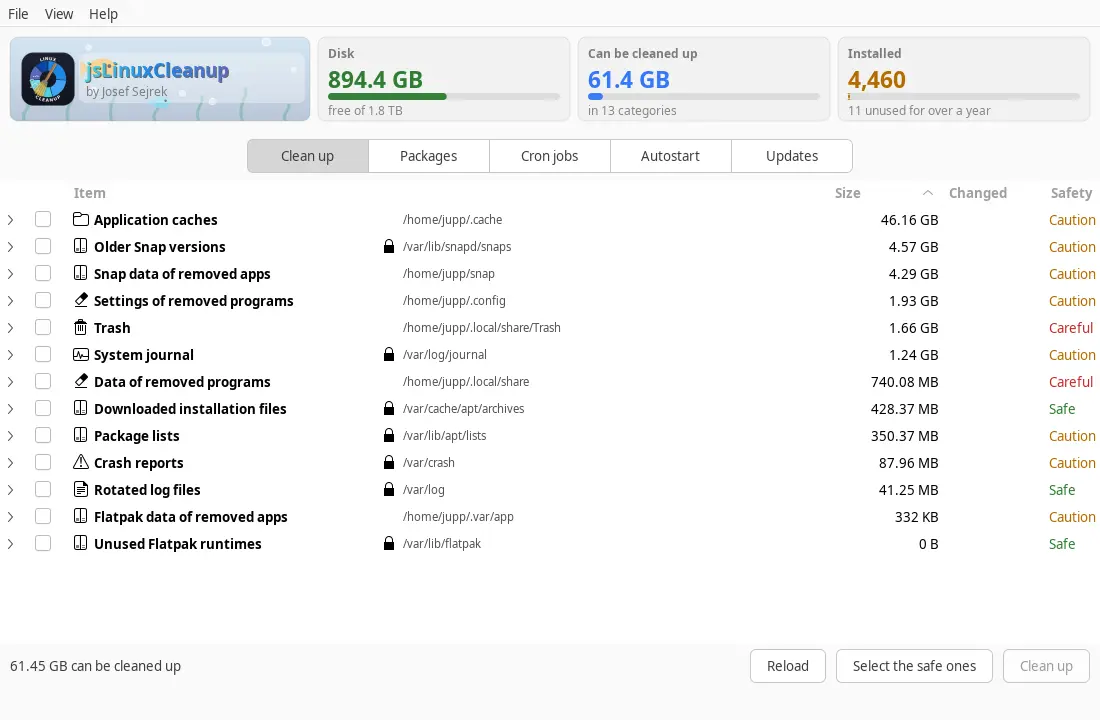
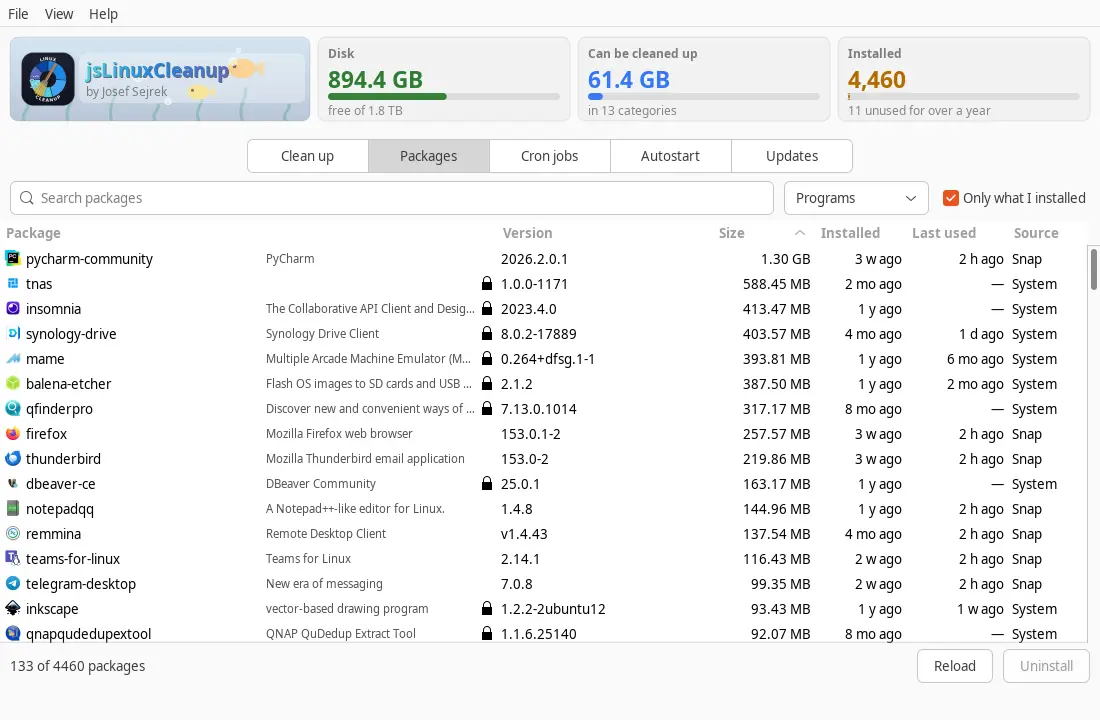
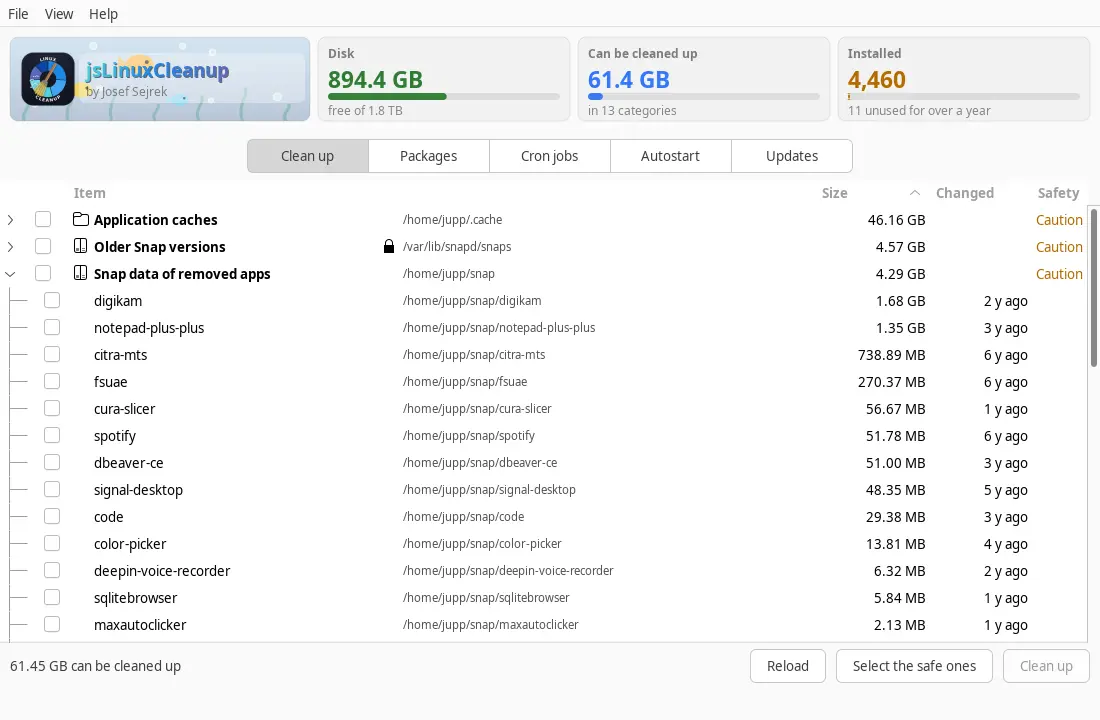
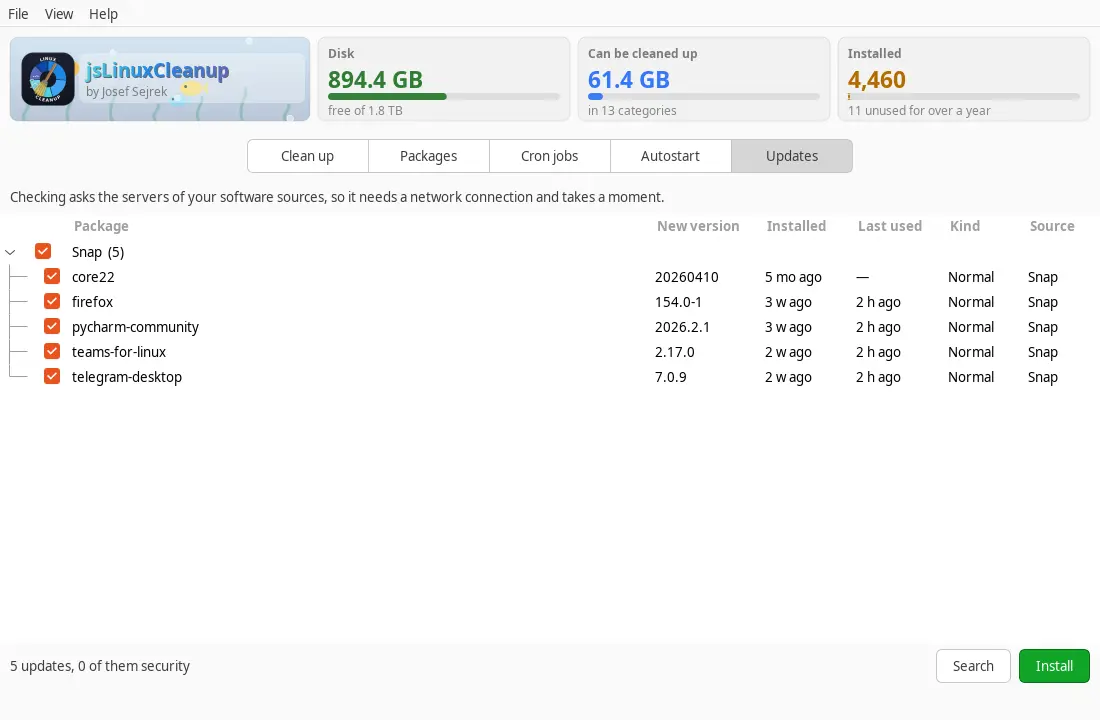
Huonyesha kinachojaza diski kimya kimya na kilichosakinishwa: kumbukumbu za matukio, akiba, tupio na matoleo ya zamani ya vifurushi, pamoja na kila programu yenye ukubwa, tarehe ya usakinishaji na matumizi ya mwisho — ikiwemo mabaki ya programu zilizoondolewa, kuanza kiotomatiki, ratiba na masasisho yanayosubiri.
apt · dnf · zypper · pacmanSnap & FlatpakjournaldIlitumika mwishoMabaki ya programu zilizoondolewaRatibaAutostartGTK3GNOME / KDE / XFCE44 lugha
Akiba kama ~/.gradle, ~/.npm au ~/.cache ziko kwenye folda fiche ambazo programu iliyofungiwa haiwezi kuziona yenyewe. Endesha amri mara moja na uanzishe upya programu.
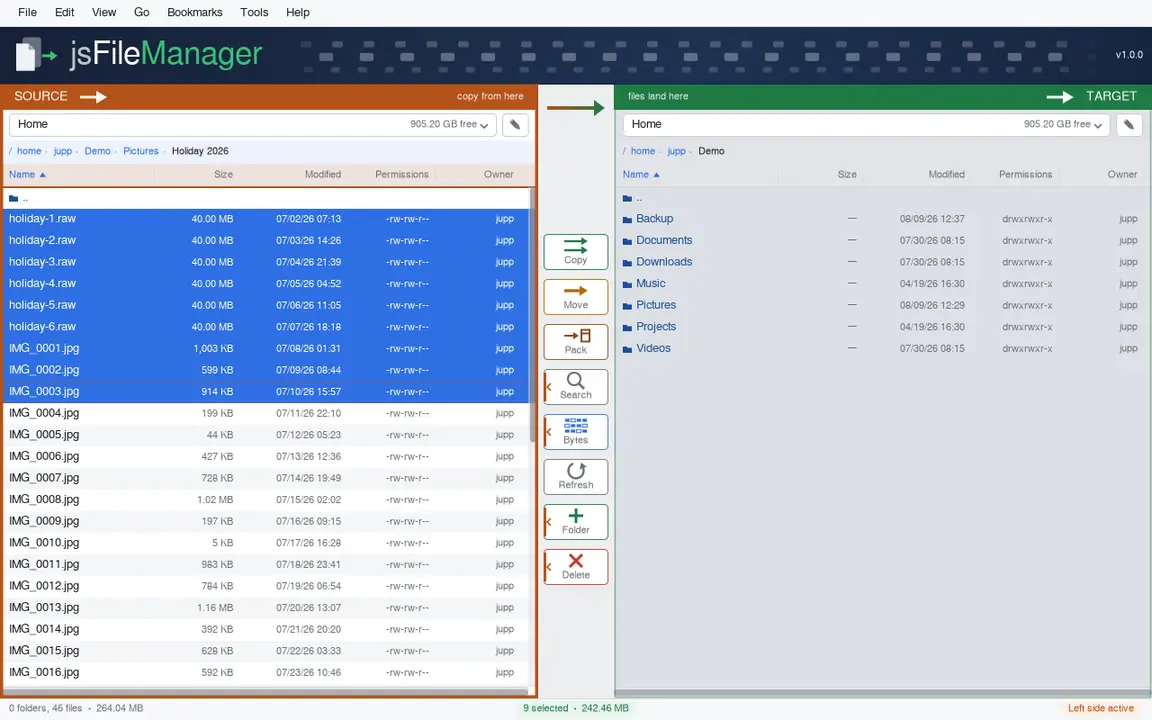
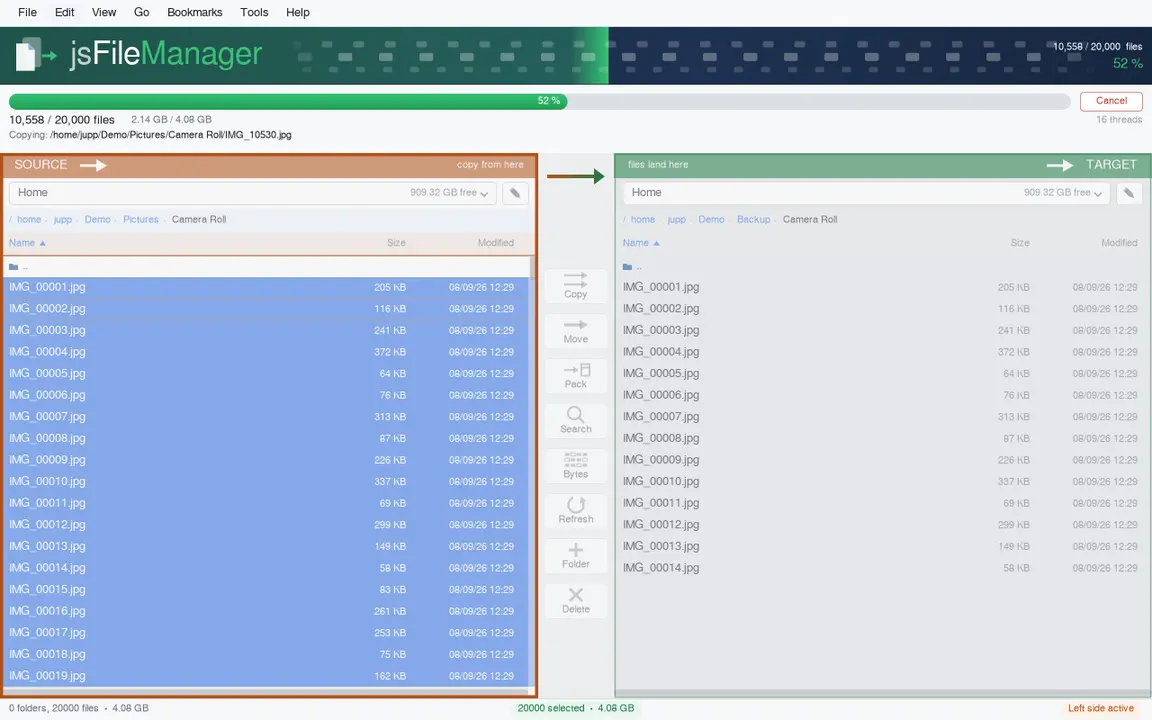
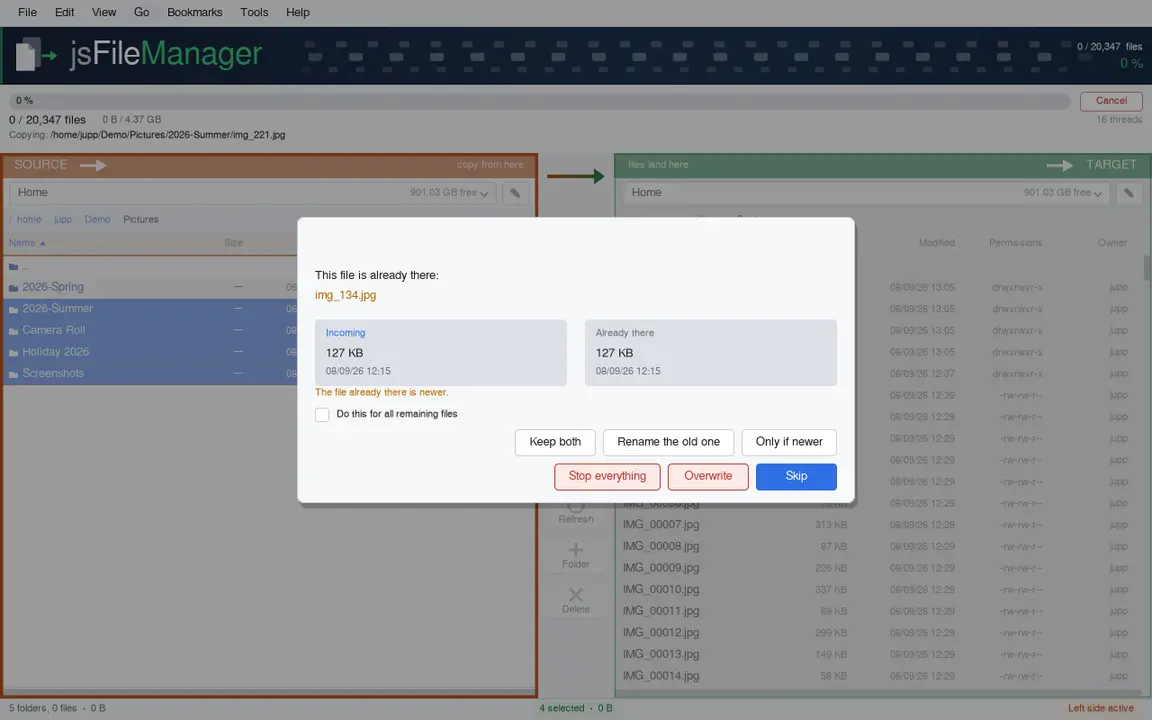
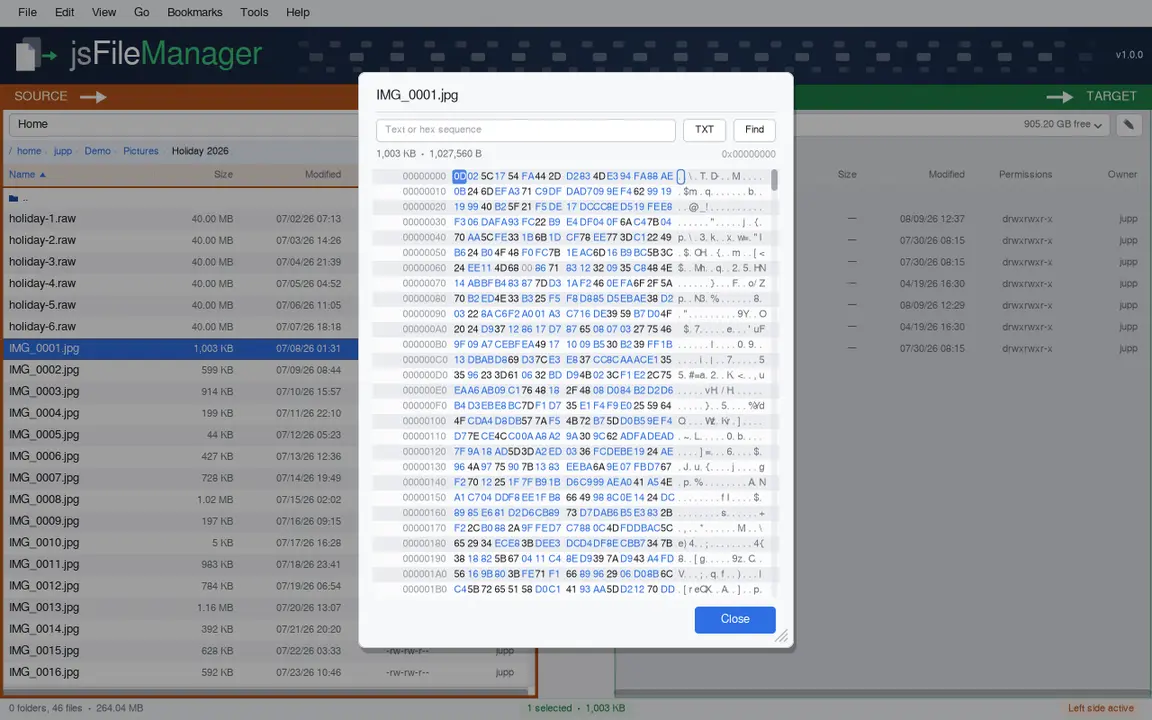
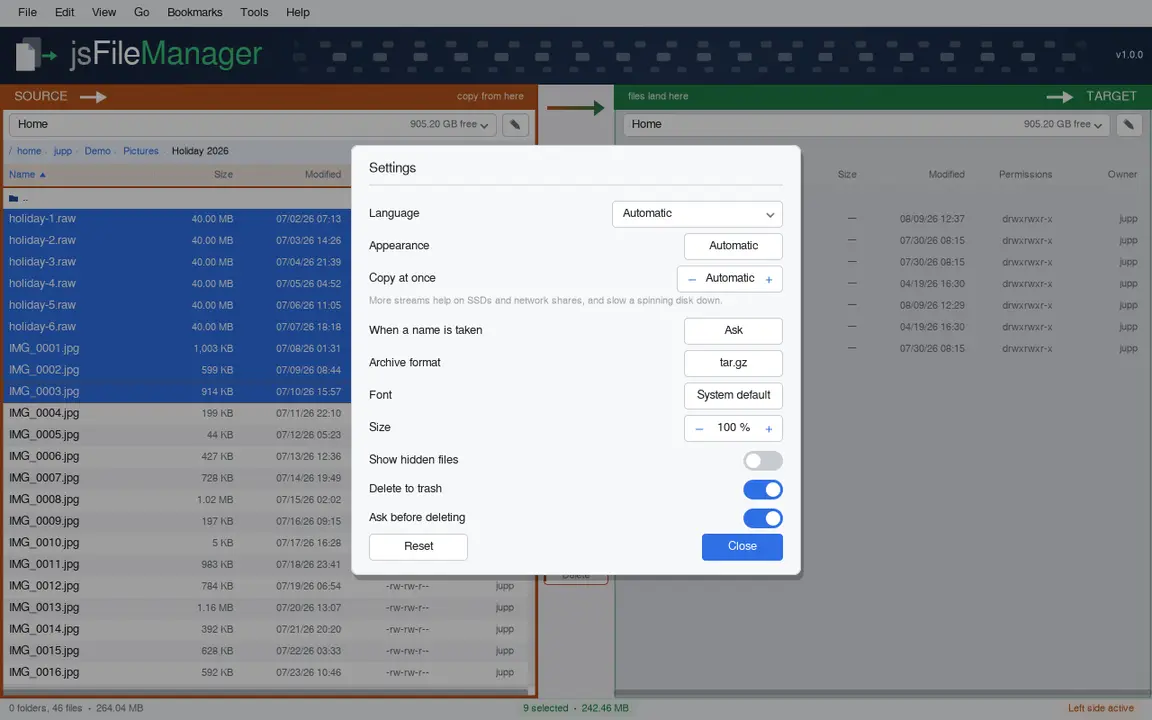
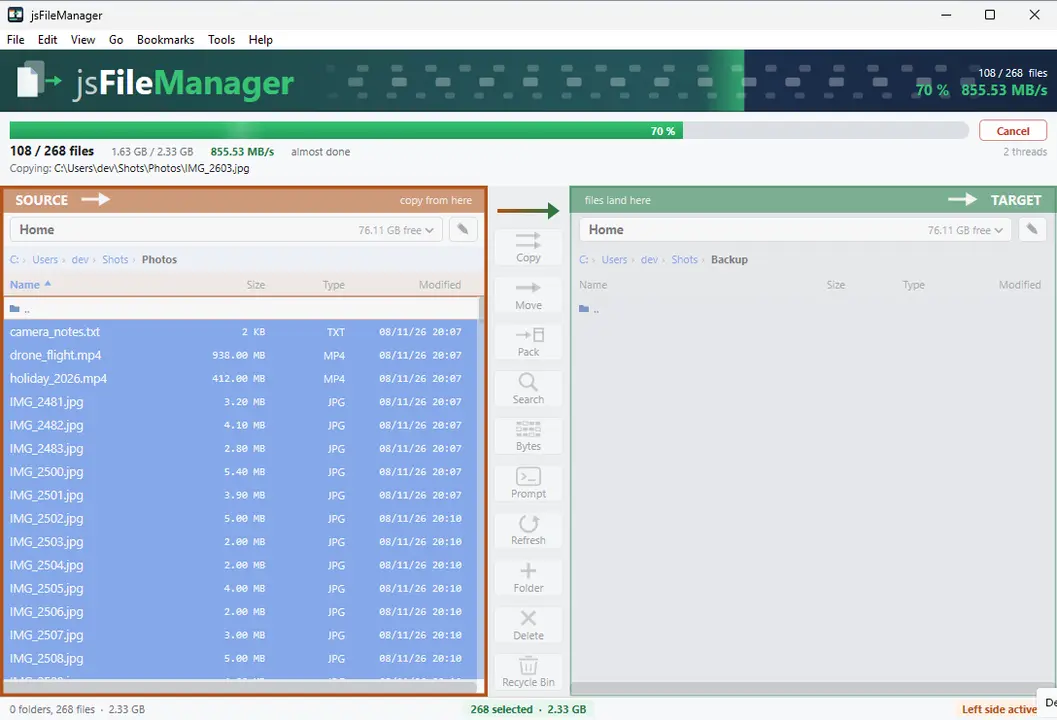
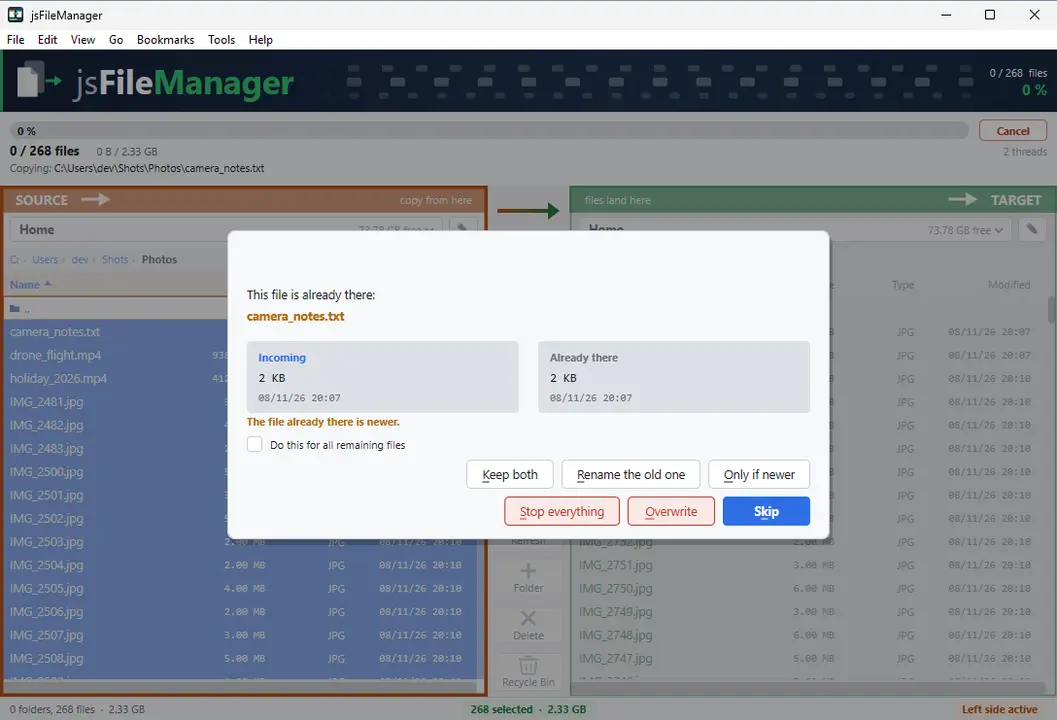
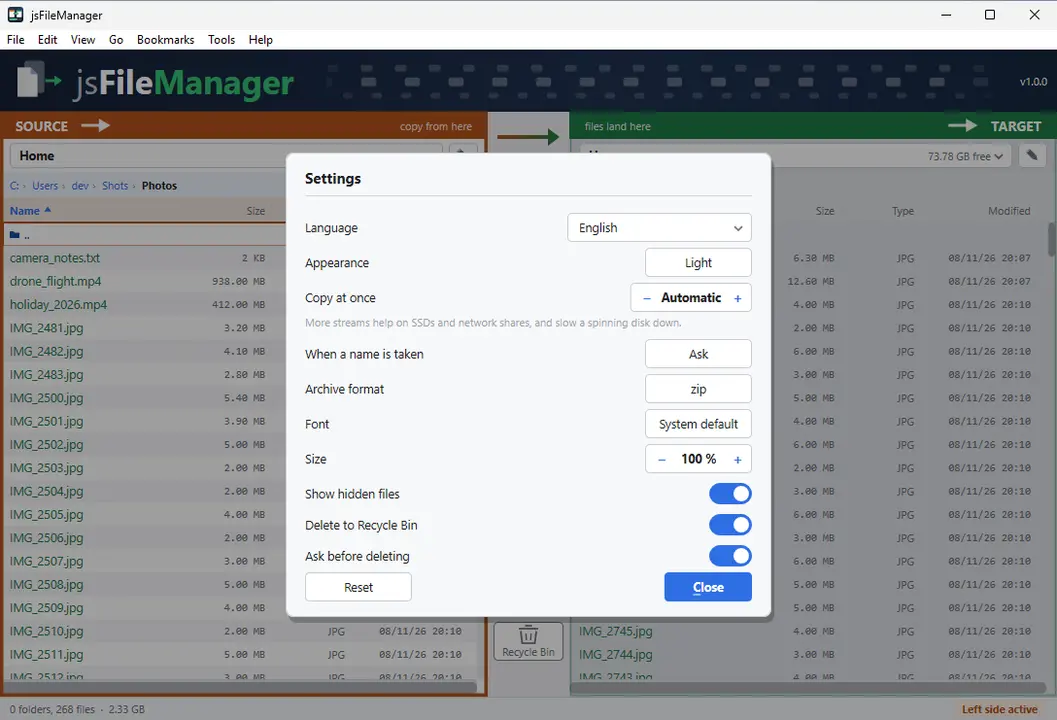
Folda mbili kando kwa kando, zenye vitufe katikati vinavyohamisha faili kutoka upande mmoja hadi mwingine. Wakati nakala inaendelea unaona imefika wapi, inakwenda kwa kasi gani na nini kimeenda vibaya.
Folda mbili kando kwa kandoMaendeleo ya moja kwa mojaHifadhi za faili na mwonekano wa baitiRuhusa na mmilikiGTK3GNOME / KDE / XFCE44 lugha
Toa ufikiaji kwa vijiti vya USB, diski za mtandao na folda nyingine (Snap)
sudo sh -c 'for i in removable-media system-backup mount-observe; do snap connect jsfilemanager:$i; done'
Mwanzoni snap inaweza kufikia folda yako mwenyewe tu. Amri huruhusu zaidi vijiti vya USB na kadi za kumbukumbu, diski za mtandao na folda nje ya yako. Iendeshe mara moja, kisha anzisha upya programu — ruhusa hubaki.
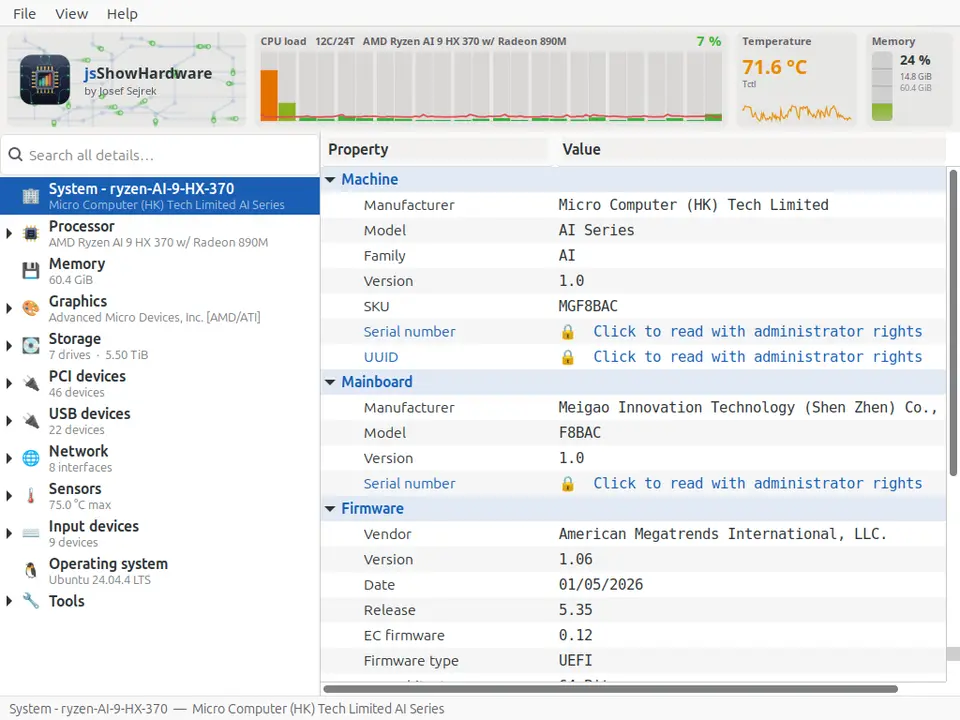
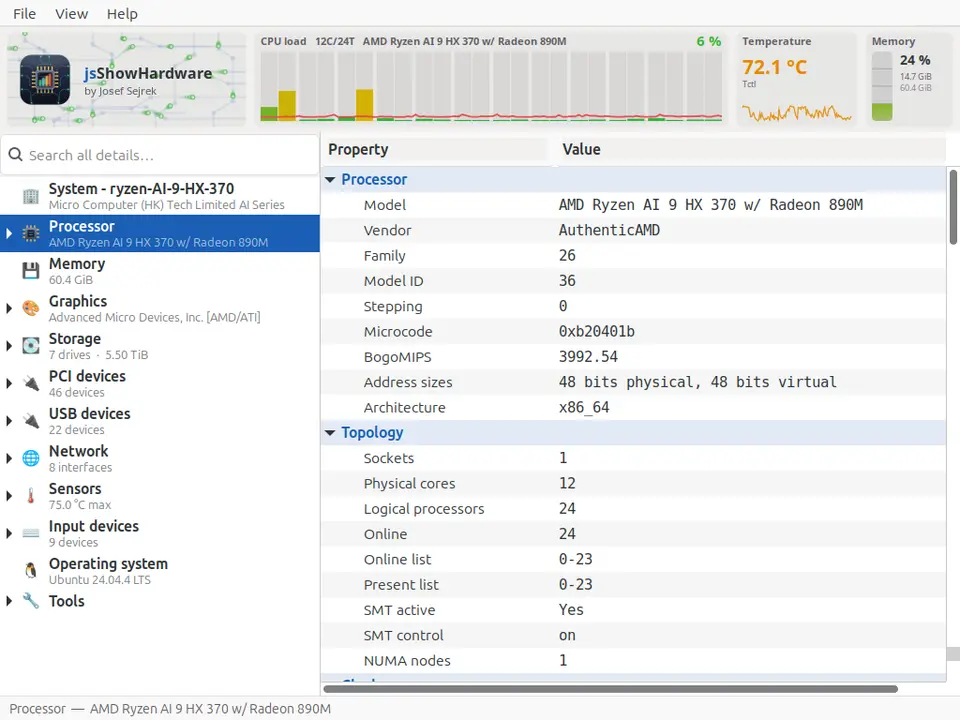
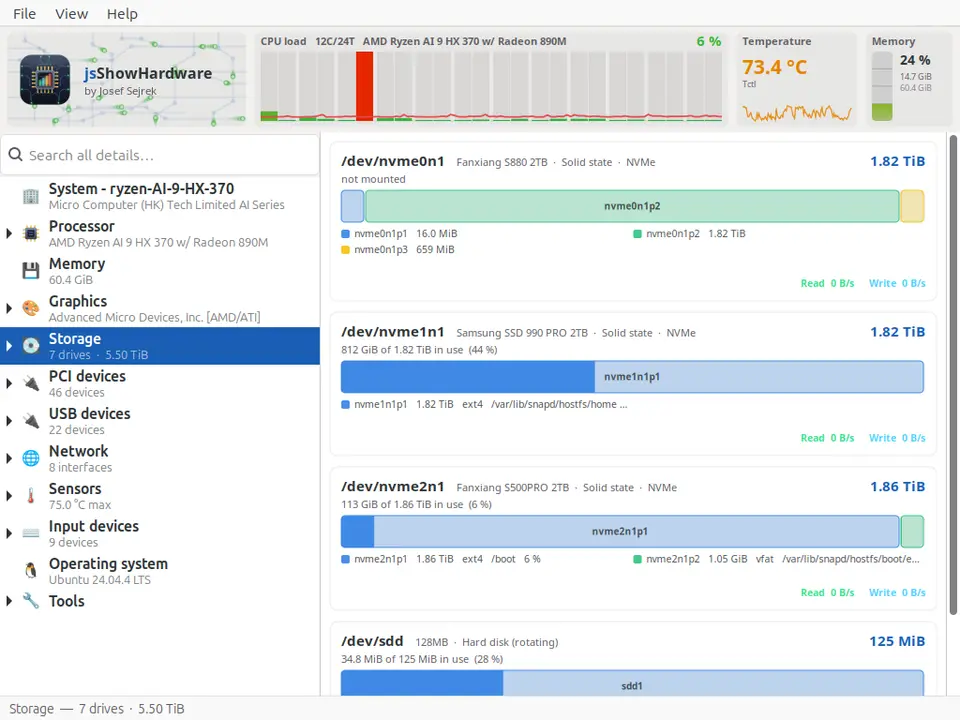
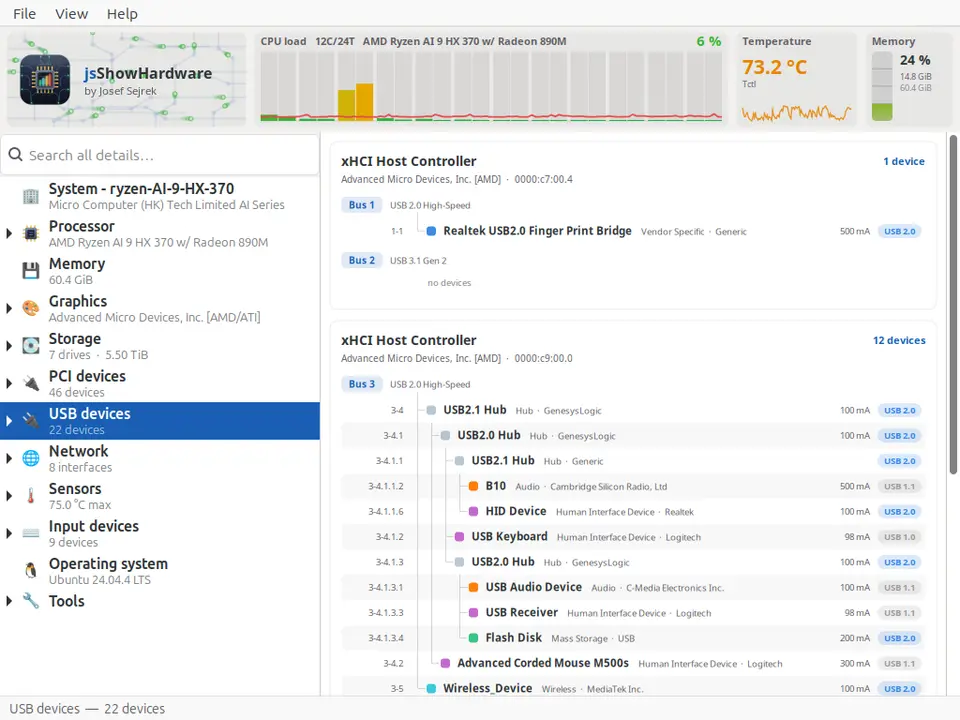
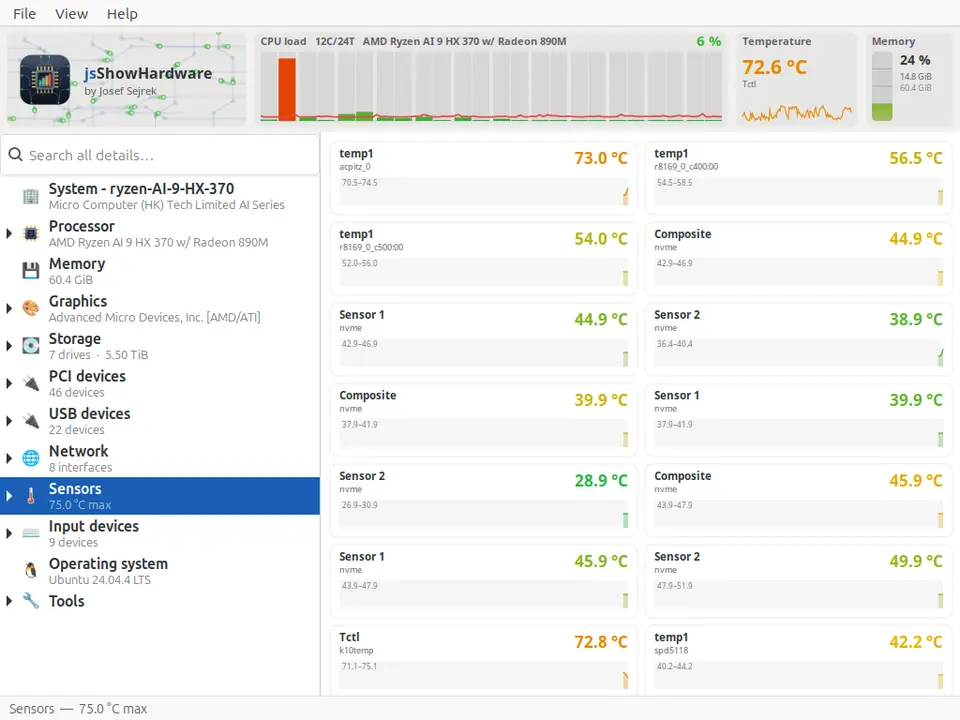
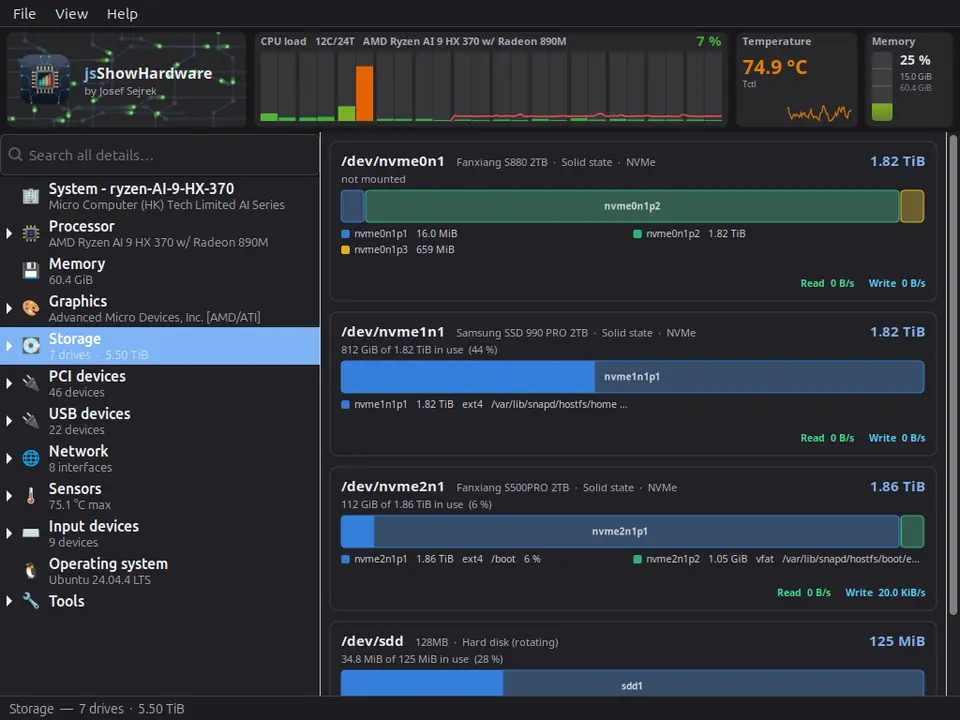
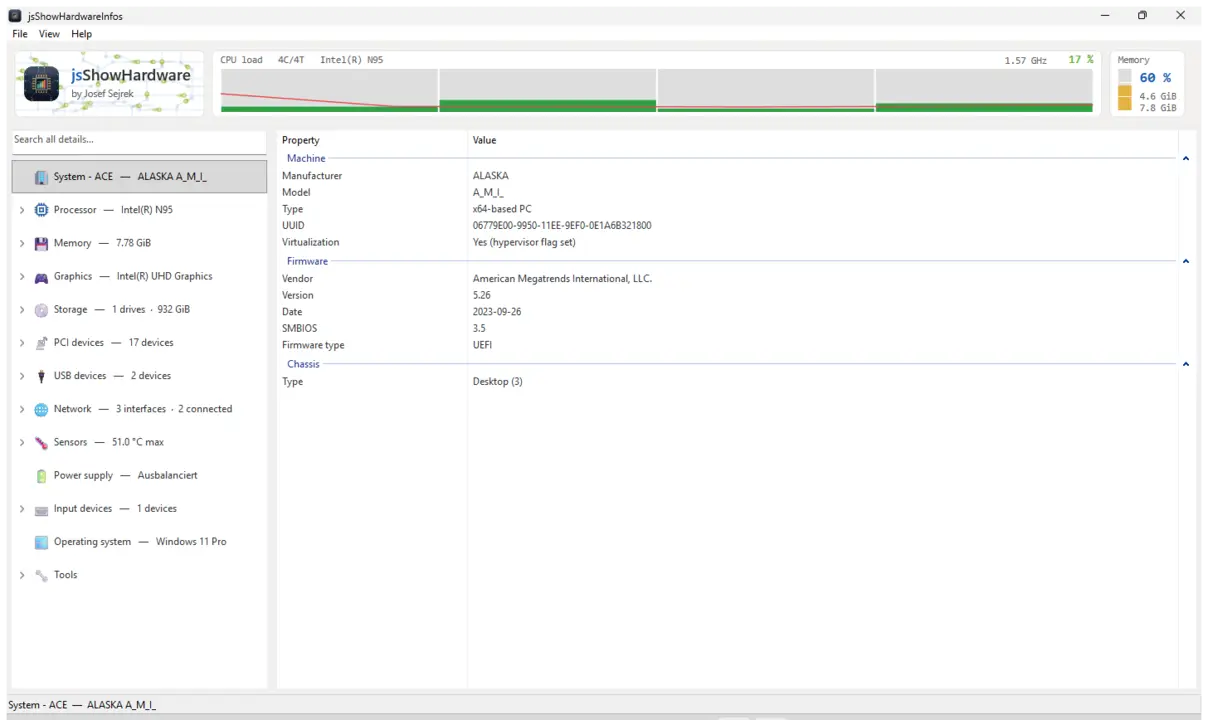
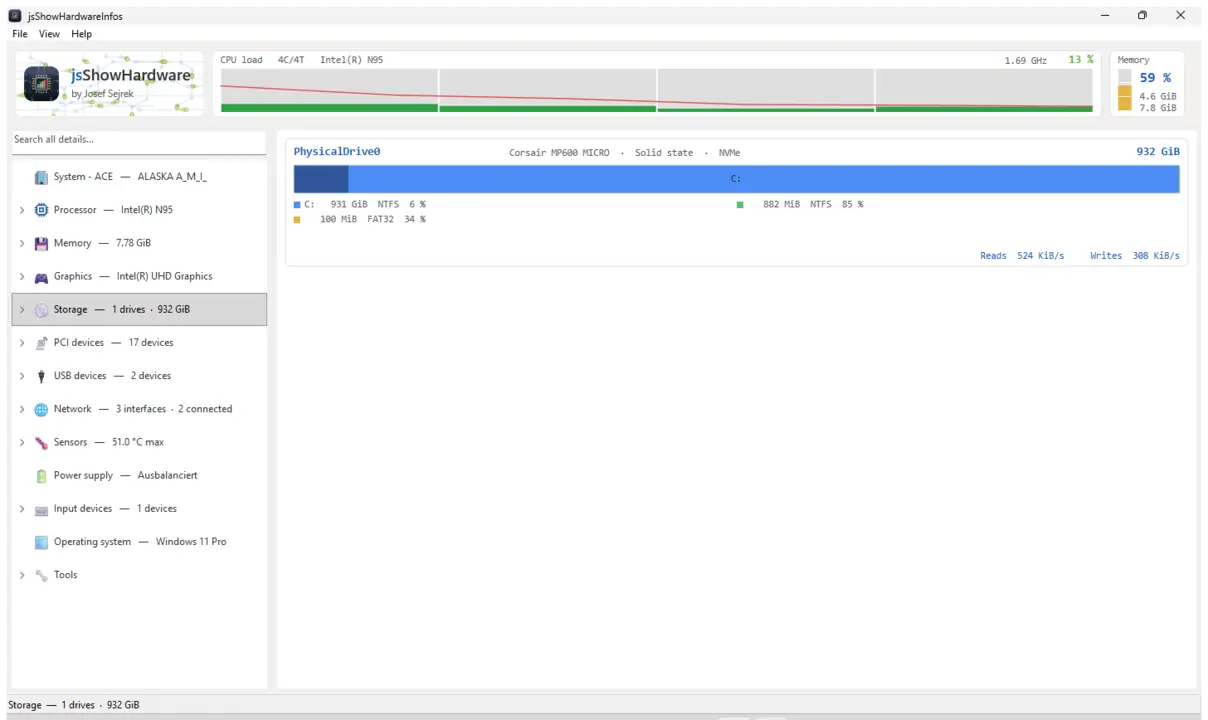
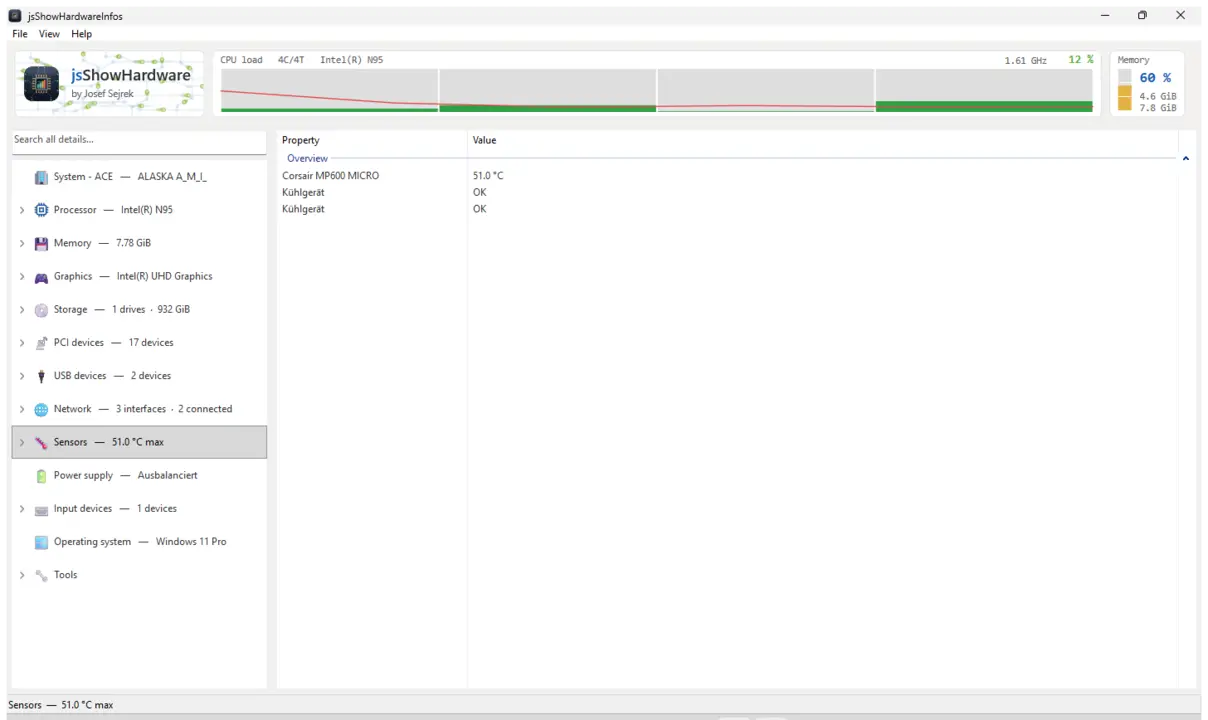
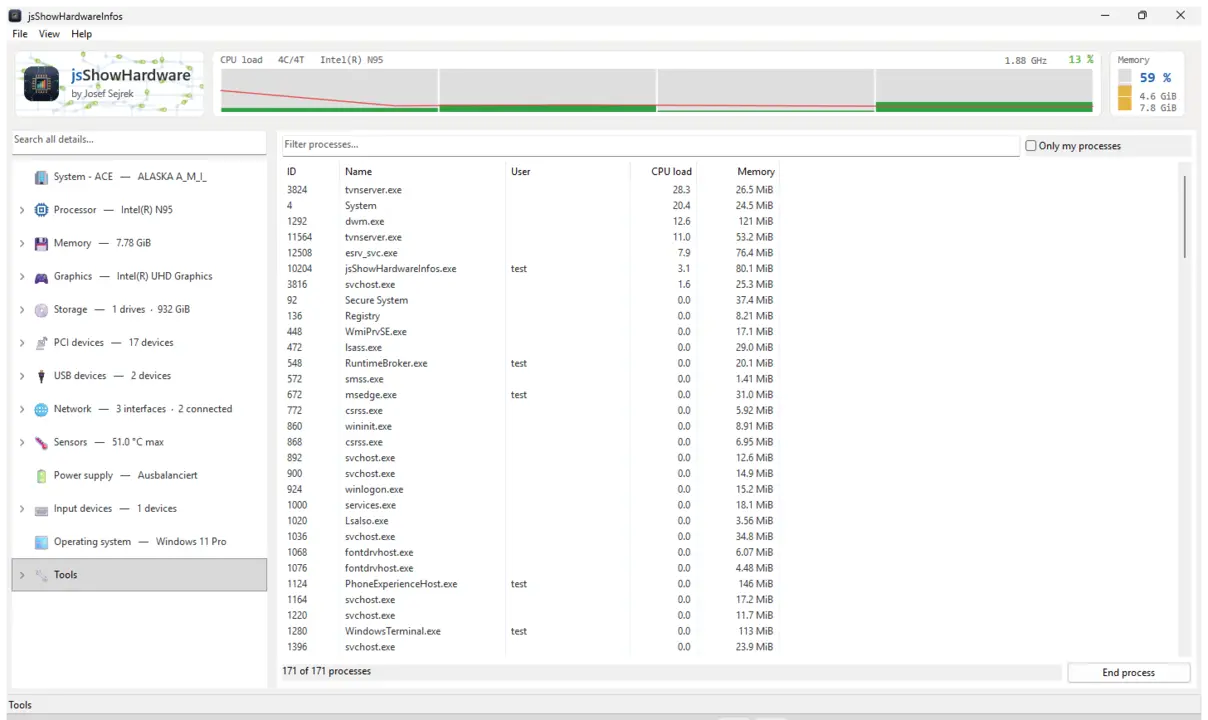
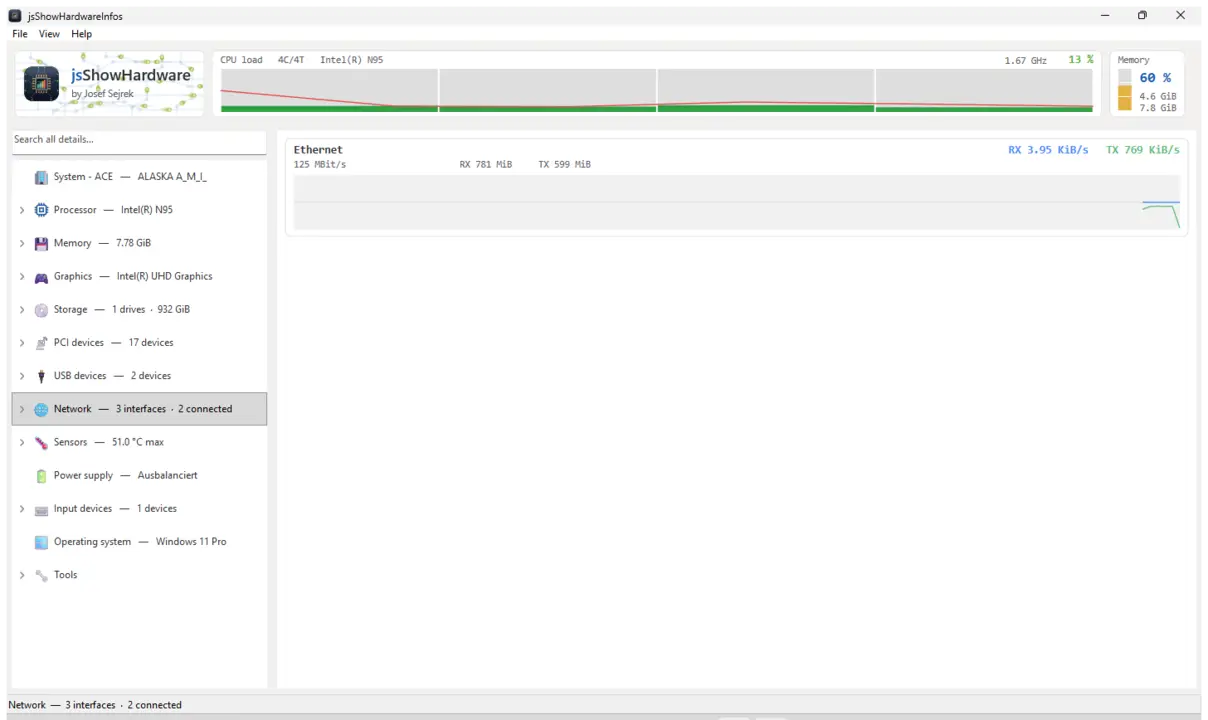
Huonyesha kila undani wa maunzi ambayo kompyuta yako huripoti kuihusu yenyewe — kichakataji, kumbukumbu, michoro, diski, mtandao, vihisi na kila kilichounganishwa, kila kimoja kwenye tawi lake. Pamoja na upau wa moja kwa moja wenye mzigo na joto, utafutaji katika thamani zote na ripoti unayoweza kuhifadhi kama faili ya maandishi na kuishiriki.
CPU / RAM / GPUDiski na USBVihisi na jotoOrodha ya michakatoUtafutaji katika thamani zoteHifadhi ripotiGTK3GNOME / KDE / XFCE44 lugha
sudo sh -c 'for i in hardware-observe system-observe mount-observe; do snap connect jsshowhardwareinfos:$i; done'
Mwanzoni snap huona kidogo sana cha kompyuta, kwa hiyo joto, vihisi, diski na nafasi ya diski iliyotumika hubaki tupu. Amri hutoa ufikiaji wa kusoma tu. Baadaye kubofya Onyesha upya kunatosha, hakuna haja ya kuanzisha upya.
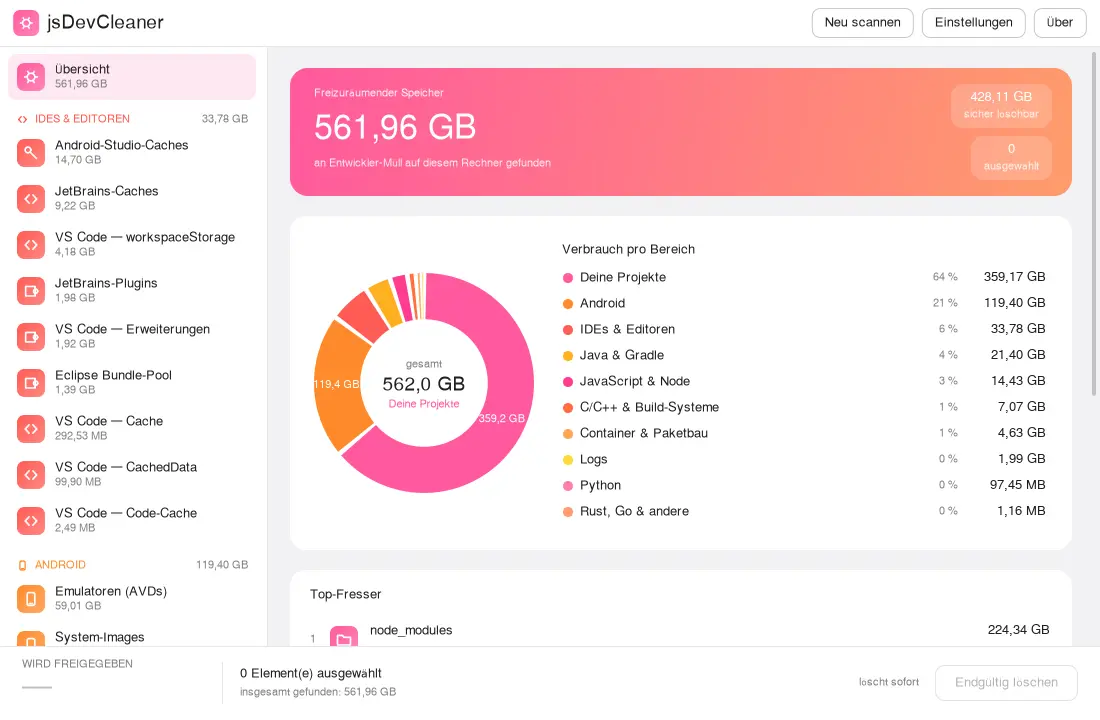
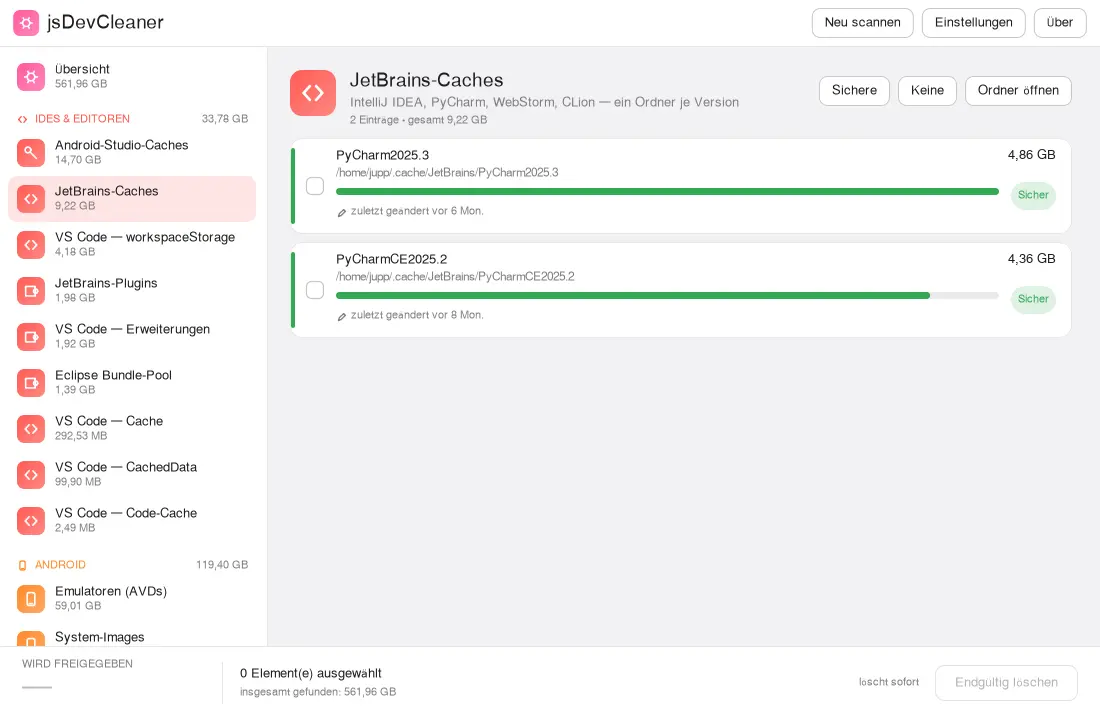
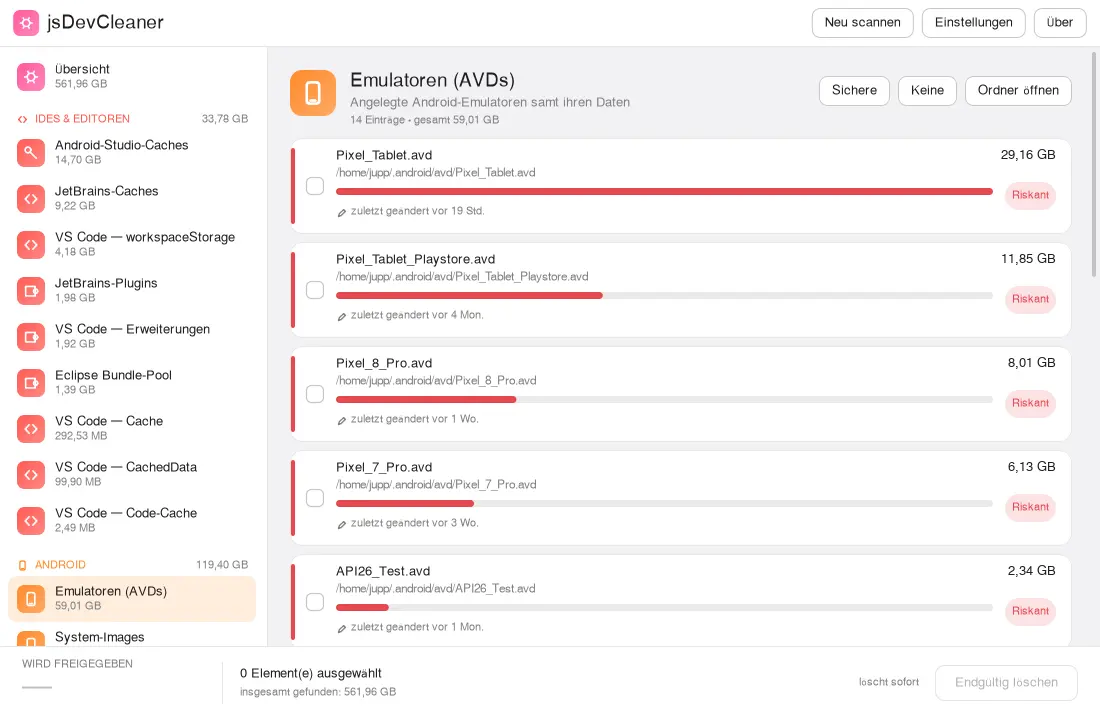
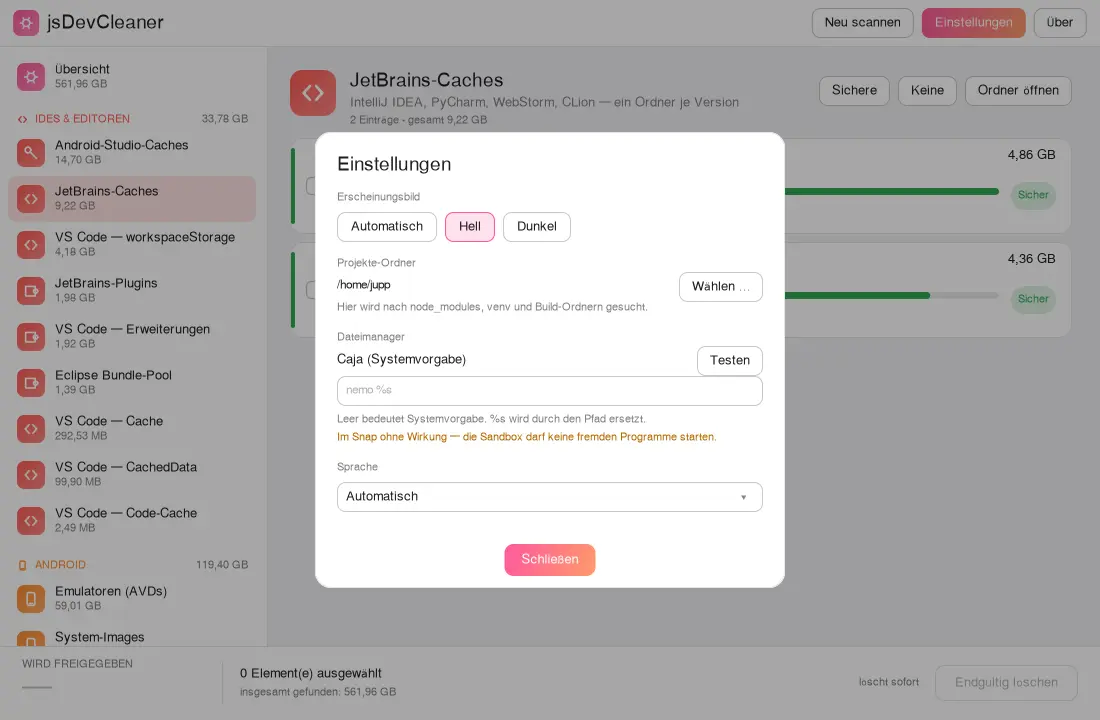
Huonyesha zana zako za uendelezaji zinavyotumia nafasi kiasi gani: SDK za Android na emulata, akiba za vihariri, vifurushi vilivyopakuliwa na folda za utegemezi katika miradi yako. Kila kipengee kimekadiriwa kuwa salama, tahadhari au hatari, na ulichotia alama na kuthibitisha tu ndicho kinachoondolewa.
Android SDK & AVDsGradle & Mavennpm & YarnIDE-Cachesnode_modulesUkadiriaji wa hatariMiradi yako mwenyeweGTK3GNOME / KDE / XFCE44 lugha
Akiba kama ~/.gradle, ~/.npm au ~/.cache ziko kwenye folda fiche ambazo programu iliyofungiwa haiwezi kuziona yenyewe. Endesha amri mara moja na uanzishe upya programu.
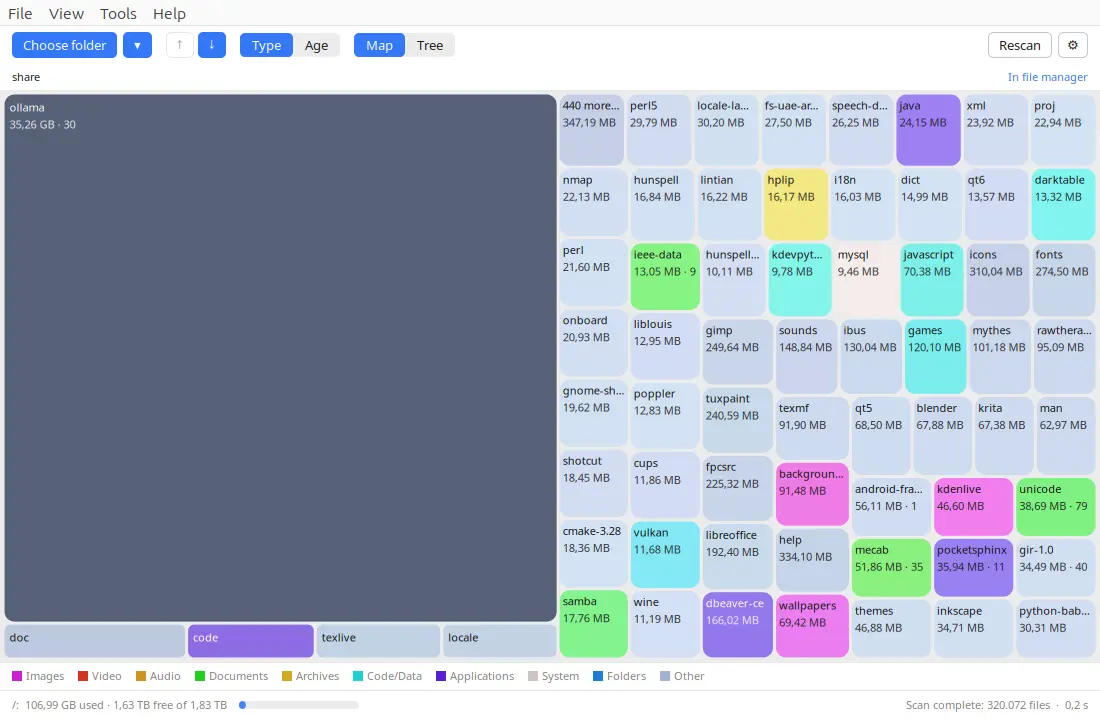
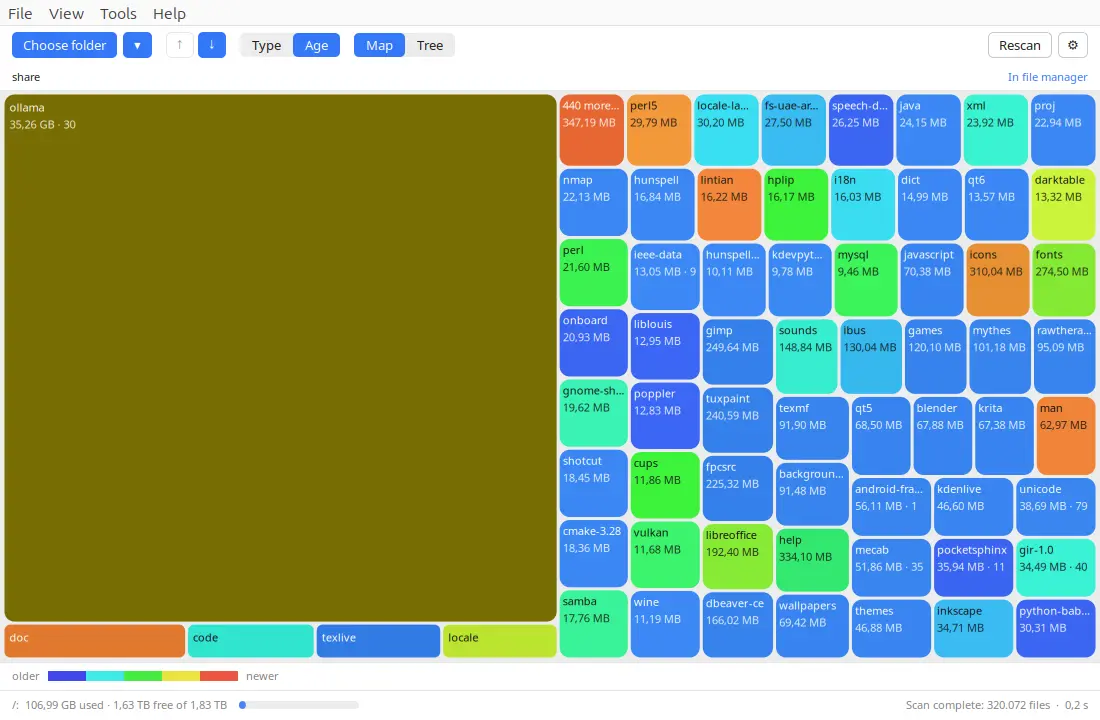
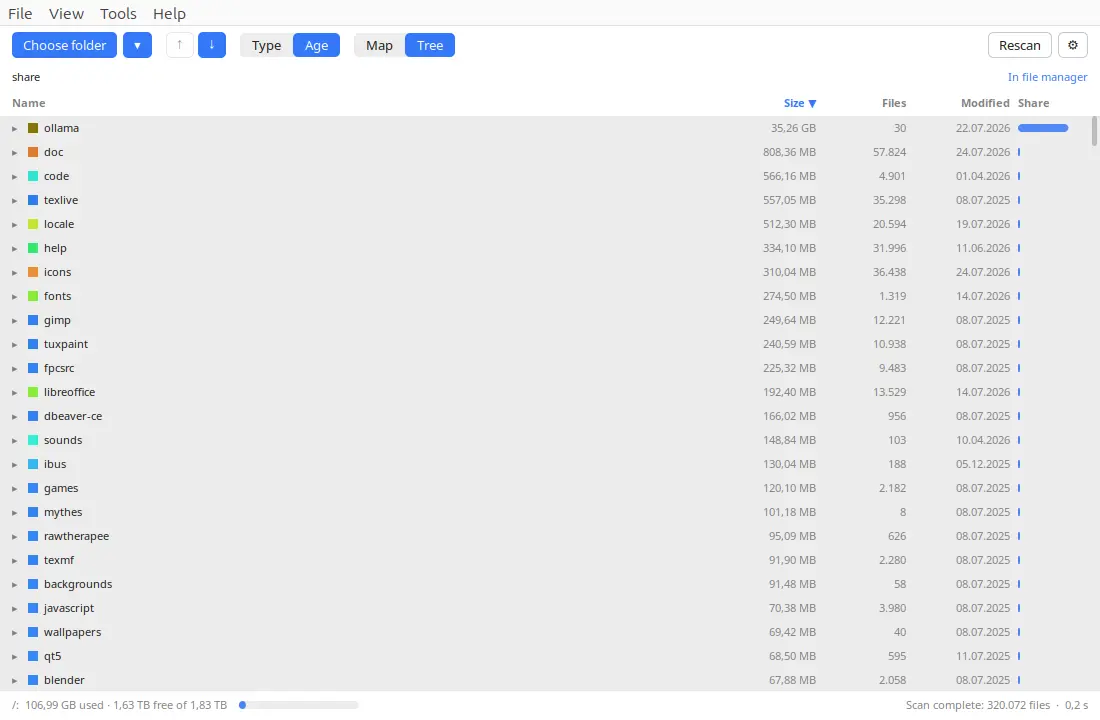
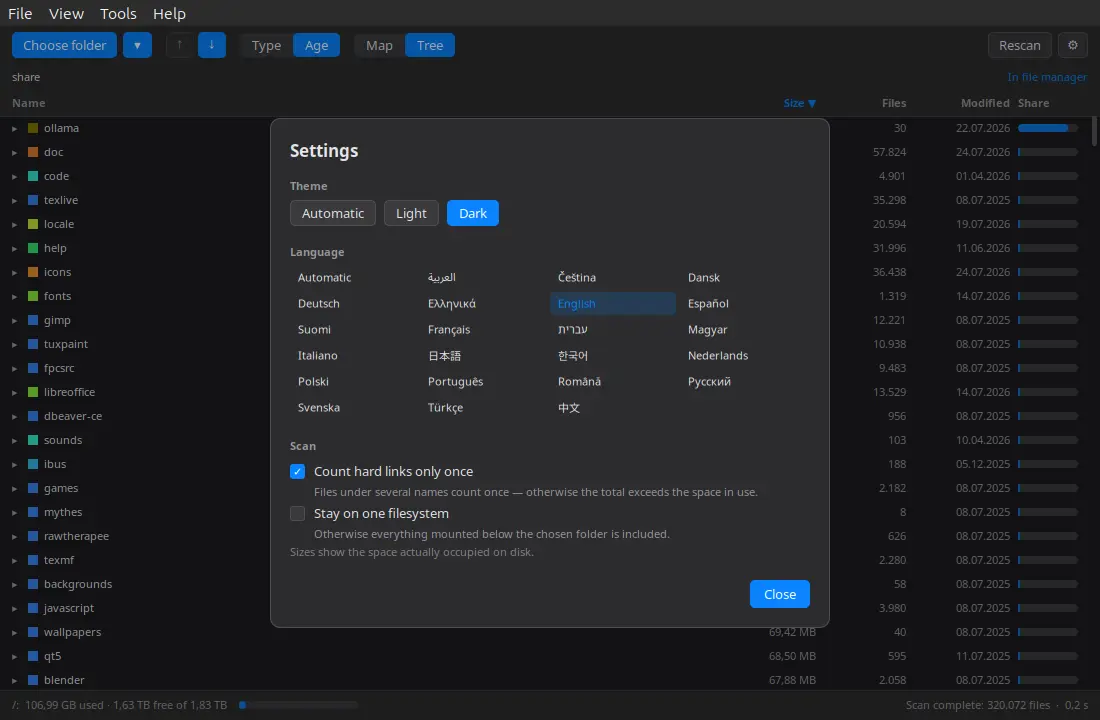
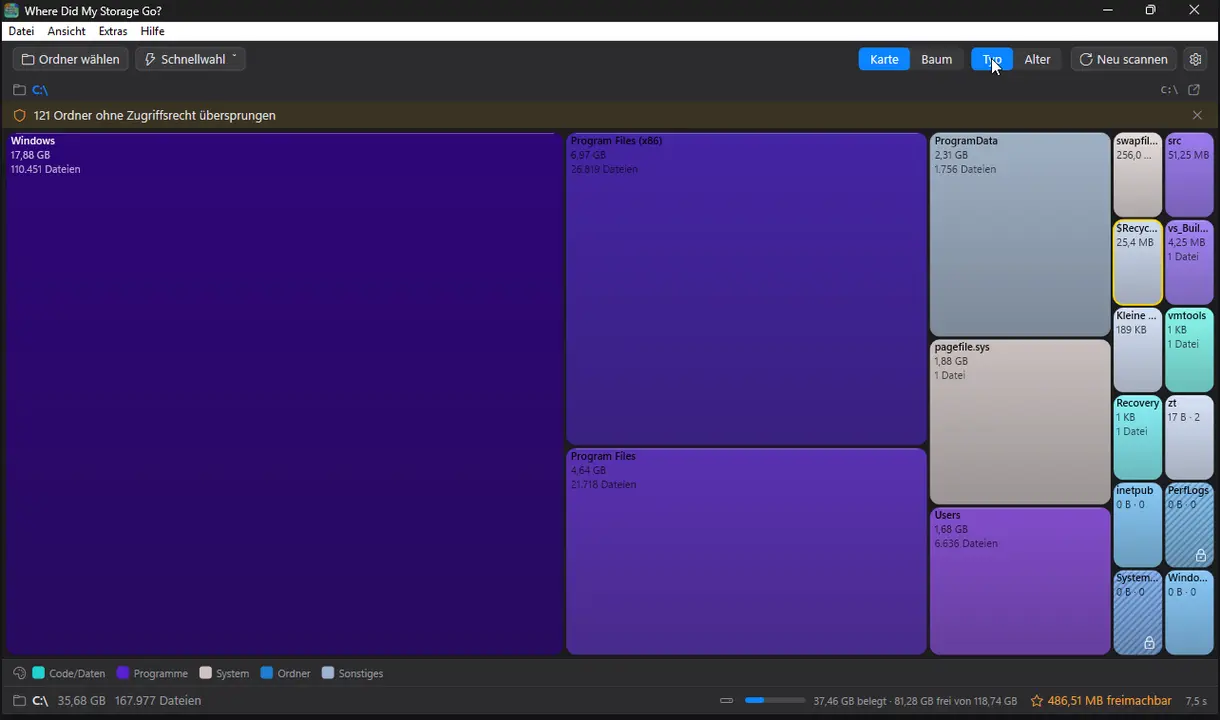
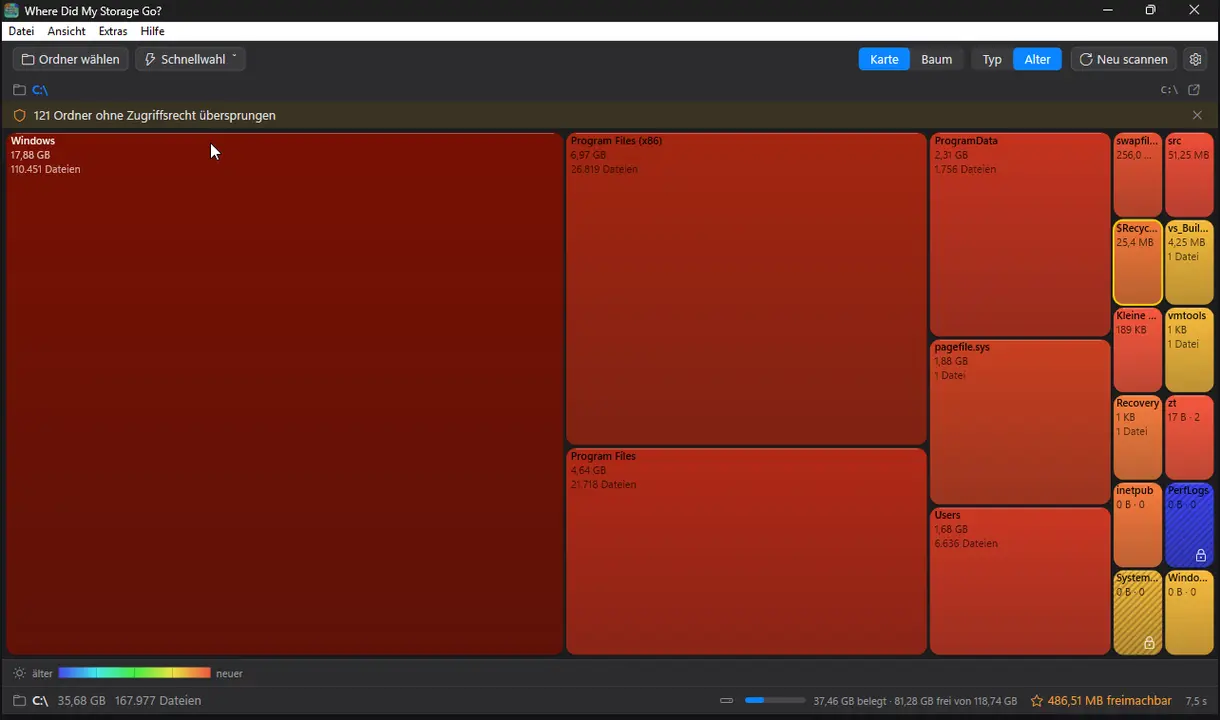
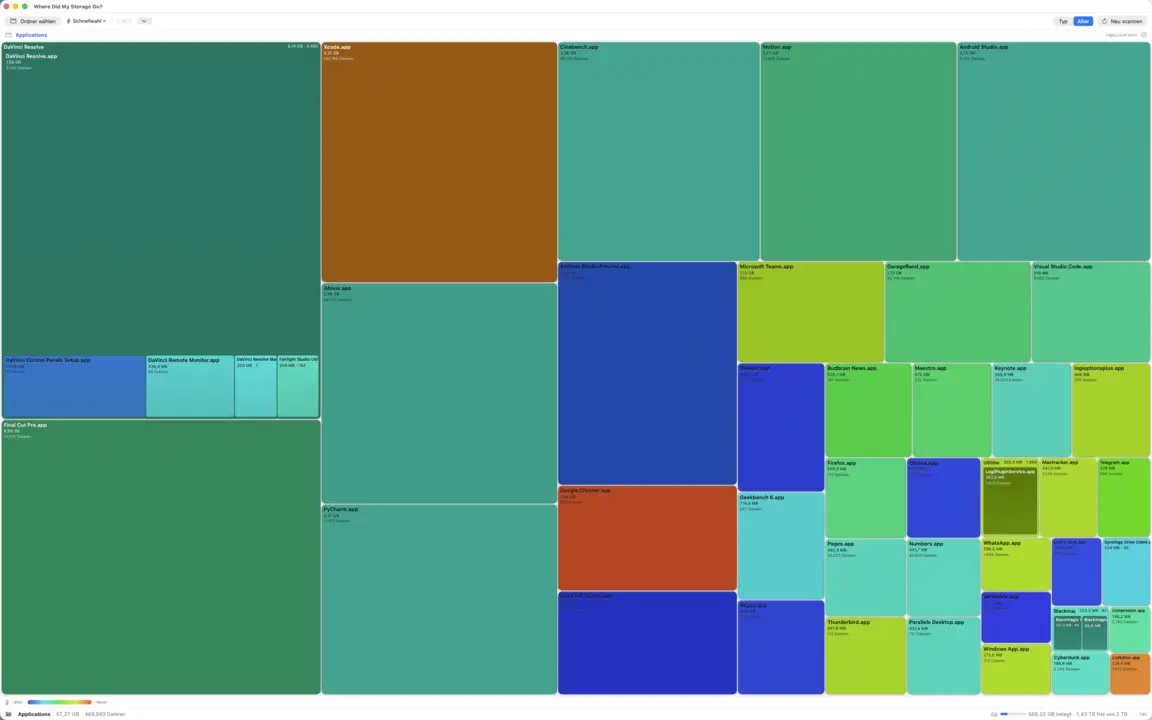
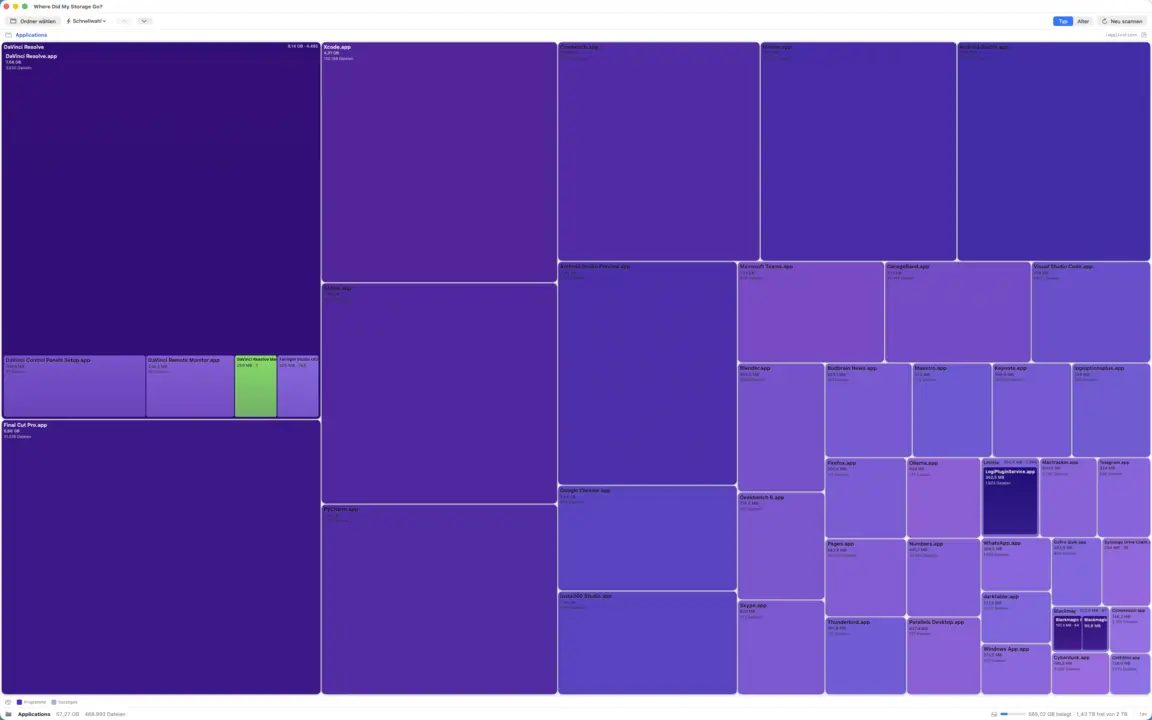
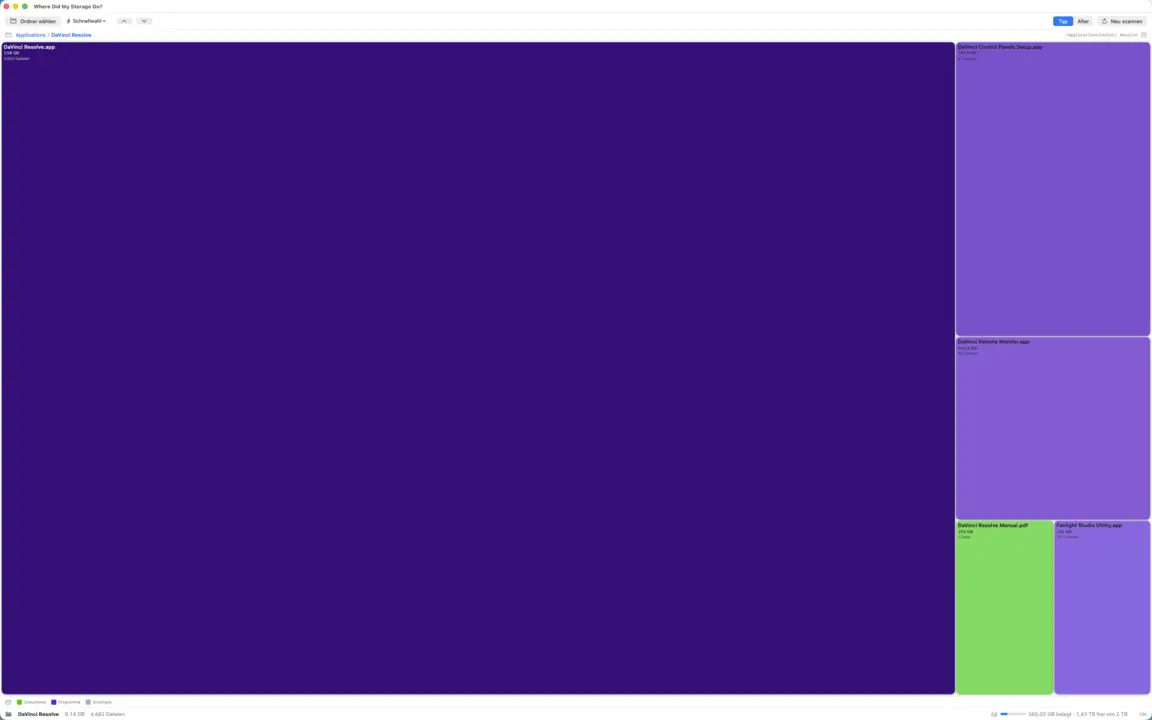
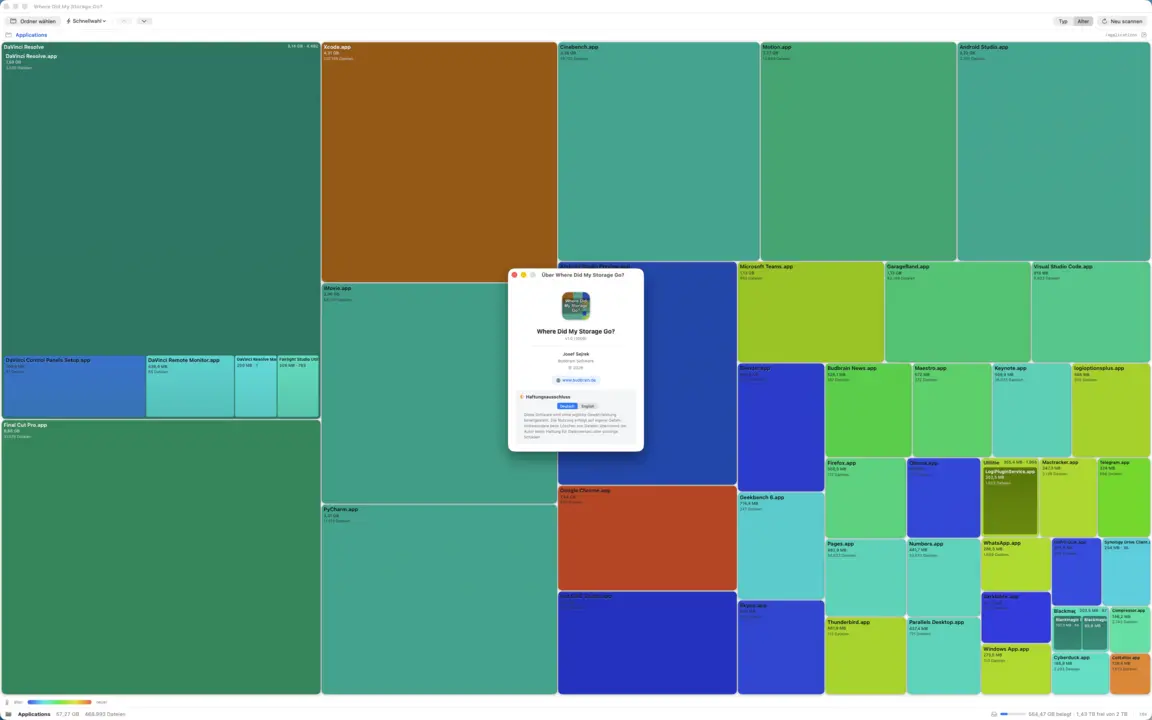
Huonyesha nafasi ya diski yako ilienda wapi kwa treemap yenye rangi: ingia kwa undani, tafuta vinavyotumia nafasi kubwa zaidi na hamisha pamoja kwenye tupio usichohitaji tena. Rangi kulingana na aina ya faili au umri, huongeza mwonekano wa mti unaoweza kupangwa na hubeba jumla inayoendelea ya nafasi ambayo ungeachilia.
TreemapHeat-MapDrill-downMwonekano wa mtiJunk-RadarTupio pekeeGTK3GNOME / KDE / XFCE22 lugha
Saraka yako ya nyumbani na vyombo vinavyoondolewa hufanya kazi mara moja. Kwa saraka za mfumo kama /usr na /var, endesha amri mara moja na uanzishe upya programu.
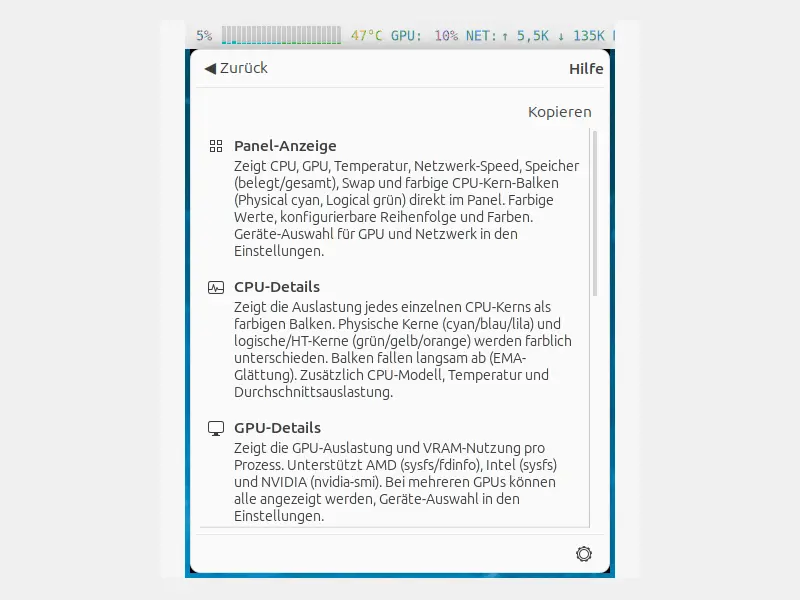
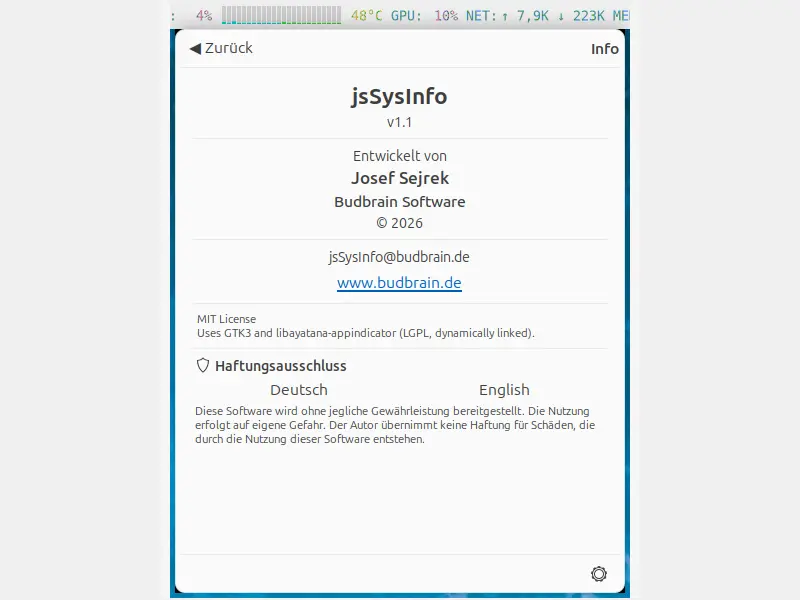
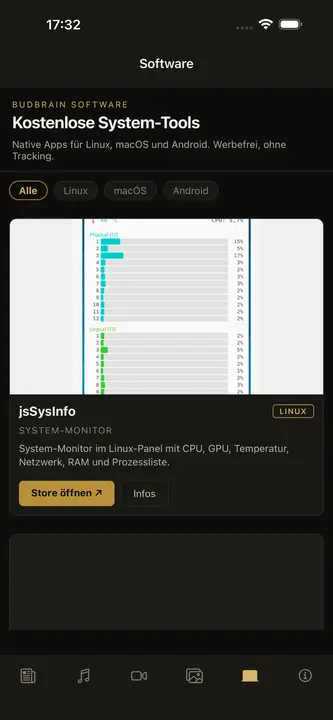
jsSysInfo
v1.14 · C++/GTK3
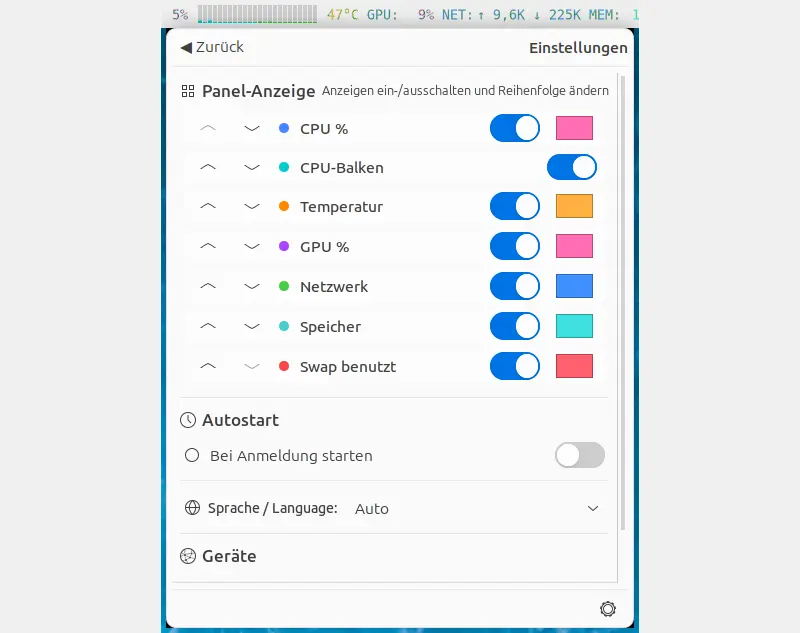
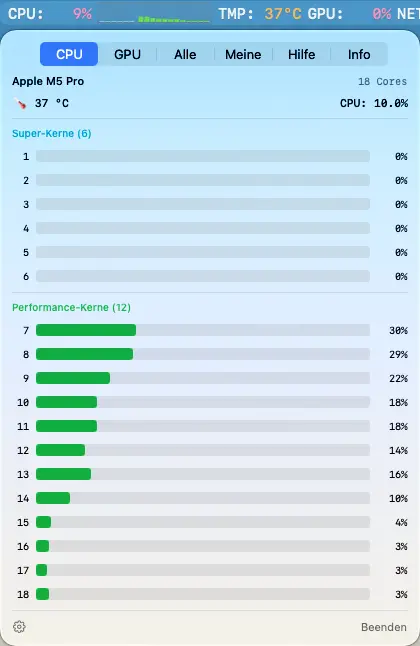
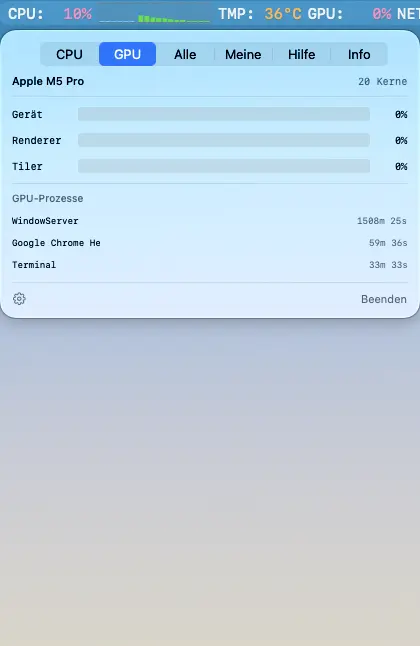
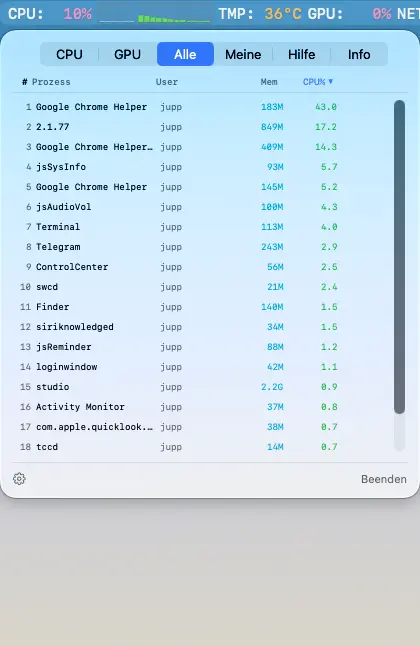
Kifuatilia mfumo kwa paneli ya Linux. Huonyesha kwa rangi matumizi ya CPU, GPU, joto, kasi ya mtandao, kumbukumbu na swap kwenye paneli ya GNOME/KDE/XFCE.
CPU %Pau za CPUGPU %JotoMtandaoRAM & SwapOrodha ya michakatoTerminate/KillAutostartAMD / Intel / NVIDIA83 lugha
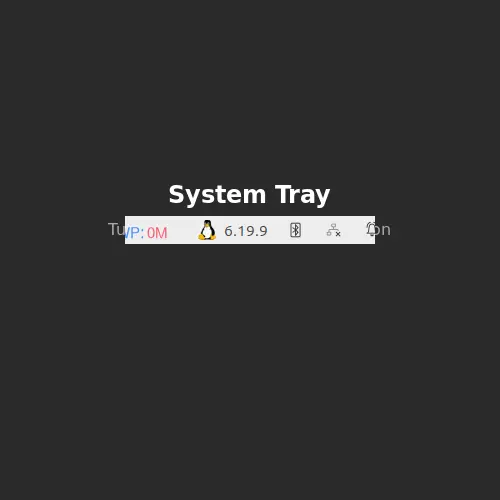
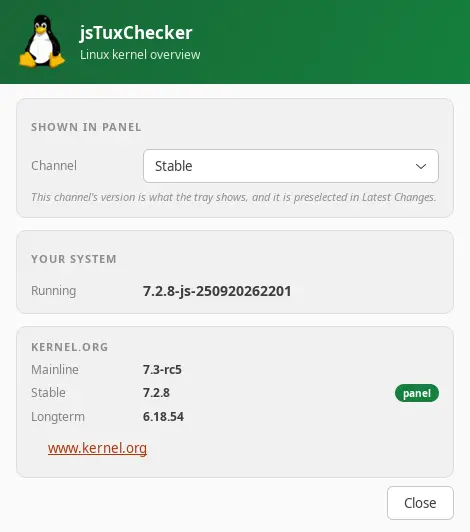
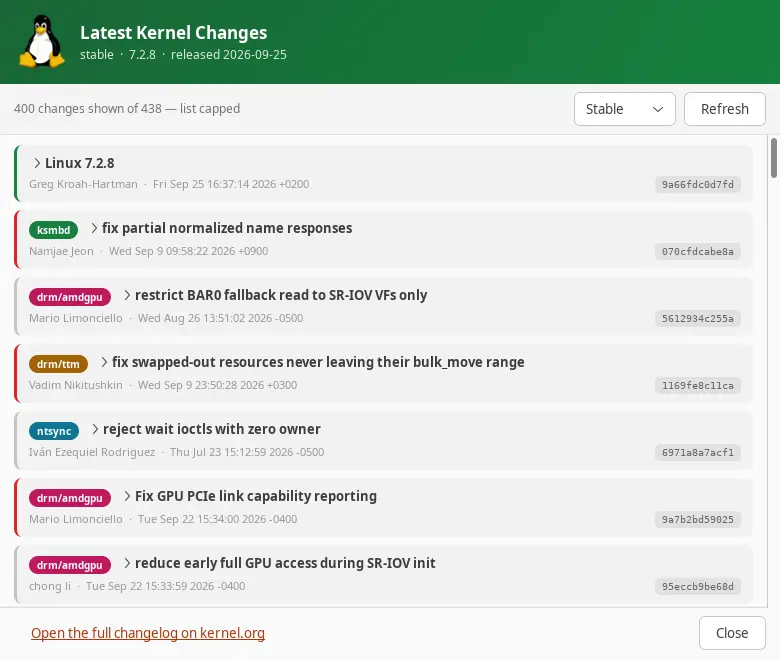
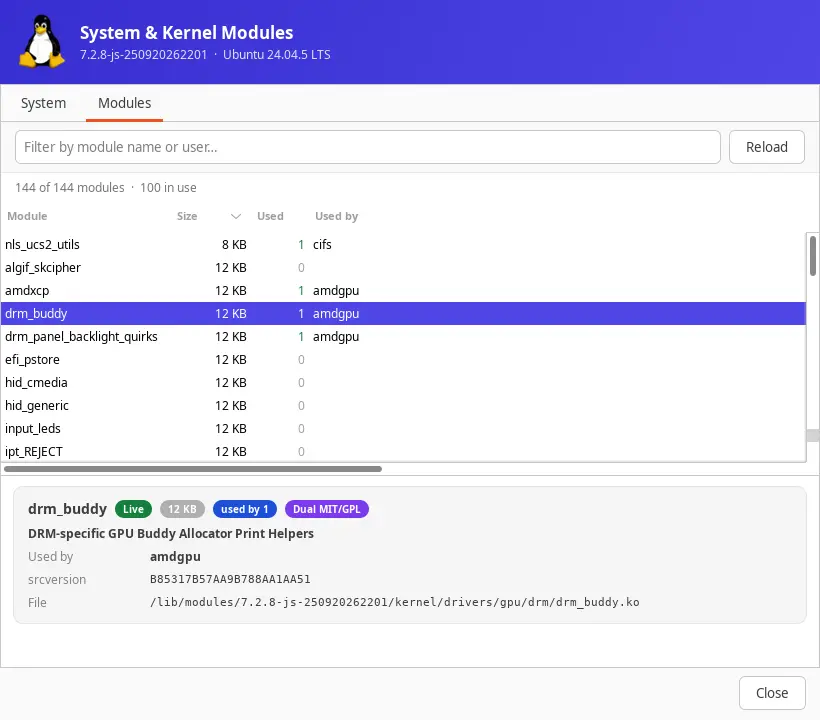
Kikagua toleo la kernel ya Linux kwa trei ya mfumo. Hukagua kernel.org kwa matoleo mapya ya kernel na kuonyesha matoleo ya mainline, stable na longterm kwenye paneli.
Michezo, kicheza sauti, uhariri wa video na picha, kidhibiti faili, muhtasari wa maunzi na zana za mfumo kwa Windows
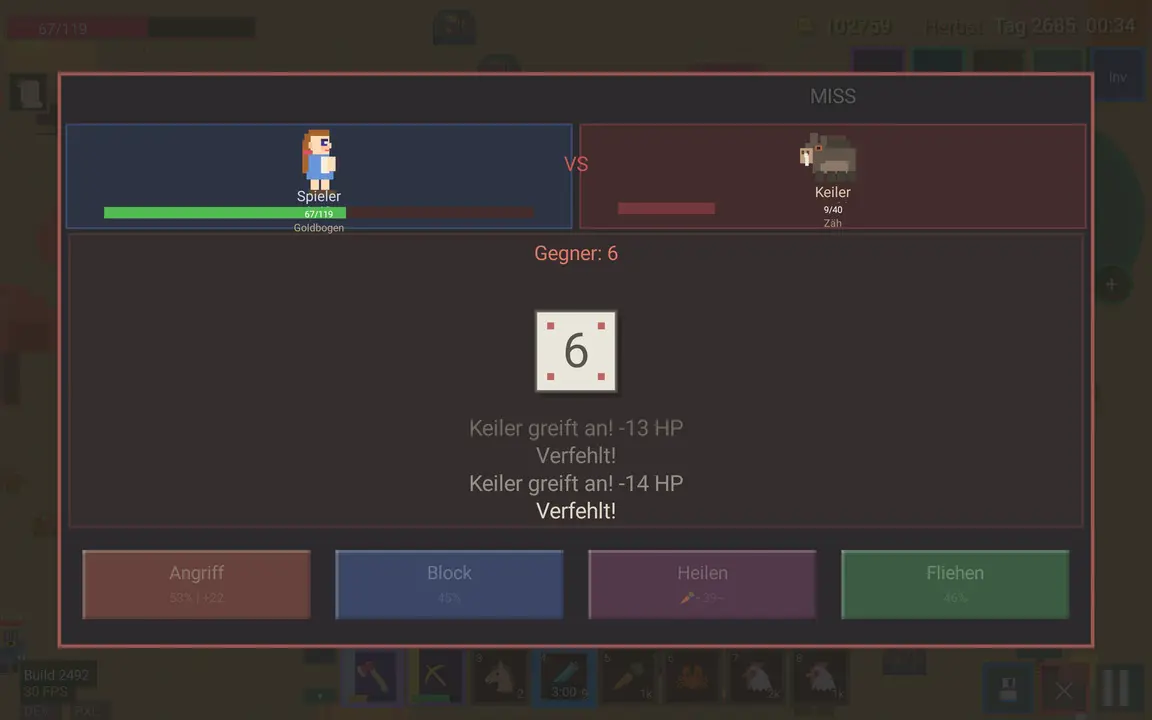
Budbrain Quasarion
v1.0.1 · MSIX · Windows 10/11
Ruka kama kerengende kupitia ulimwengu wa njozi unaong'aa na ukabiliane na wanyama wakubwa mno.
Mnyama mkubwa mno tofauti mwishoni mwa kila kiwangoAina nane za mwanga kwa kerengende wako, kila moja katika hatua naneKimulimuli wanaofuata njia ya safari yakoMaboresho kwenye kiota na mti mkubwa wa ujuzi unaokua pamoja naweHandaki la almasi kwa mdundo wa muziki baada ya kila ulimwenguViwango sita vya ugumu, kutoka Rahisi hadi WazimuKibodi, gamepad au mgusoSDL2 · Cairo83 lugha
jsBudbrainFindDblsOrRenameIt
v1.0.0 · MSIX · Windows 10/11
Hupata faili zinazojirudia na kuzipanga – na kubadilisha majina ya faili nyingi kwa wakati mmoja kwa kanuni zako mwenyewe, kwa onyesho la awali na kutendua.
Hupata nakala halisi kwa maudhui, bila kujali jinaFaili mpya zaidi hubaki – wewe unaamuaTupio, hamisha, futa au unganishaBadilisha majina kwa kanuni kwa onyesho la awali la moja kwa mojaTafuta faili kwa jina, aina, ukubwa au tareheHifadhi utafutaji, endesha kazi kadhaa kwa wakati mmojaTendua kuhamisha na kubadilisha majinaNyepesi na nyeusiSDL2 · Cairo47 lugha
jsBudbrainsFxStudio
v1.0.1 · MSIX · Windows 10/11
Athari za moja kwa moja kwa kila kitu ambacho kompyuta yako huchezesha — mwangwi, mwangwi wa kurudia, sauti na zaidi, zikichanganywa kwenye sauti kwa fader.
Athari nane: sauti, kichujio, drive, chorus, flanger, phaser, mwangwi, mwangwi mkubwaKila athari ina vifundo vyake na fader ya kuchanganyaFader moja huchanganya athari zote kwenye mchanganyiko mkuuUmbo la wimbi na vipimo vya kiwango vya moja kwa mojaMipangilio iliyotayarishwa kama ukumbi wa tamasha au mwangwi wa korongo, pamoja na yako“Zima vyote” kwa mbofyo mmoja — na kurudisha kwa unaofuataKikomo hulinda masikio na spikaHufanya kazi pamoja na jsBudbrainEqualizerKitufe cha kunyamazisha simu inapoliaChagua spika au vipokea sauti vyakoDirisha dogo linalobaki juuSanidi mara moja – Windows inakuomba ruhusaNyepesi na nyeusiSDL2 · Direct3D 1144 lugha
jsBudbrainLimiter
v1.0.0 · MSIX · Windows 10/11
Kikomo kwa kila kitu ambacho kompyuta yako huchezesha — sauti kubwa zaidi, bila kuzidi kamwe, pamoja na maonyesho mawili ya wigo yanayoonyesha linalofanya.
Vidhibiti tofauti kwa kituo cha kushoto na cha kuliaGain, dari, attack, release, knee, high-pass ya sidechain na mchanganyikoTrue peak hunasa hata kilele fupi zaidiFader ya pato yenye vipimo vya kiwango kwa vituo vyote viwiliMaonyesho mawili ya wigo yanaonyesha kinachoinuliwa na kinachopunguzwaHistoria ya upunguzaji wa gain na usomaji wa kileleMipangilio iliyotayarishwa, pamoja na yakoHufanya kazi pamoja na jsBudbrainCompressor, jsBudbrainEqualizer na jsBudbrainsFxStudioKitufe cha kunyamazisha simu inapoliaChagua spika au vipokea sauti vyakoDirisha dogo linalobaki juuSanidi mara moja – Windows inakuomba ruhusaNyepesi na nyeusiSDL2 · Direct3D 1144 lugha
jsBudbrainCompressor
v1.0.1 · MSIX · Windows 10/11
Joto la mirija na kikandamiza cha studio kwa kila kitu ambacho kompyuta yako huchezesha — chenye mirija inayong'aa na vipimo vya VU.
Preamp ya mirija ya kuigwa yenye drive, bias na fatBesi, kati, treble na presenceKikandamiza chenye kizingiti, uwiano, attack, release, knee, make-up na mchanganyikoVipimo viwili vya VU vyenye mwendo halisi wa sindanoMirija huwaka zaidi kadiri inavyofanya kazi kwa bidiiMipangilio iliyotayarishwa ya mirija na kikandamiza, pamoja na yakoKikomo hulinda masikio na spikaHufanya kazi pamoja na jsBudbrainEqualizer na jsBudbrainsFxStudioKitufe cha kunyamazisha simu inapoliaChagua spika au vipokea sauti vyakoDirisha dogo linalobaki juuSanidi mara moja – Windows inakuomba ruhusaNyepesi na nyeusiSDL2 · Direct3D 1144 lugha
jsBudbrainLaufwerksTest
v1.0.0 · MSIX · Windows 10/11
Hupima kasi ya diski kuandika na kusoma — kwa vipimo viwili vya kiwango vya moja kwa moja, chati na ukaguzi wa kila kizuizi.
Kasi ya kuandika na kusoma ya moja kwa mojaKwa ukubwa (GB 1–16) au kwa muda (sekunde 5 – dakika 16)Kila kizuizi kinakaguliwaHuonyesha wakati diski ya kasi inapoishiwa pumziVijiti vya USB, kadi za kumbukumbu, diski za mtandaoHistoria ya majaribio yote, hifadhi kama maandishiPanua hadi MB/s 1,000,000 kwa RAID za sevaNyepesi na nyeusiSDL2 · Cairo47 lugha
Budbrain Cave Rescue
v1.0.0 · MSIX · Windows 10/11
Ruka ndani ya mapango ya kina ya mwezi na uwarudishe nyumbani salama wanaanga waliokwama.
Viwango 100 katika ulimwengu kumiMvuto halisiVitufe vinne, hakuna zaidiBoresha chombo chako kwa uzoefuViwango vinne vya ugumuGhala ya misheni yenye ramani za safariKibodi, kipanya au gamepadSDL2 · Cairo44 lugha
jsBudbrainEqualizer
v1.0.1 · MSIX · Windows 10/11
Kisawazishi kwa kila kitu ambacho kompyuta yako huchezesha — chenye wigo wa moja kwa moja.
Vitelezi kumi, kutoka besi ya kina hadi treble angavuOnyesho la moja kwa moja la kinachochezwa — kushoto, kulia au vyoteMipangilio ya sauti iliyotayarishwa na yako mwenyewe, iliyohifadhiwa kwa jinaKitufe cha kunyamazisha simu inapoliaChagua spika au vipokea sauti vyakoKunja vitelezi, acha onyesho pekeeDirisha dogo linalobaki juuHuanza unapoingia, ukipendaSanidi mara moja – Windows inakuomba ruhusaNyepesi na nyeusiSDL2 · Direct3D 1144 lugha
jsBudbrainPlayer
v1.0.0 · MSIX · Windows 10/11
Hucheza rekodi kutoka folda — kwa nasibu au kwa mpangilio, katika nyakati unazochagua.
Hucheza rekodi kutoka folda, ikiwemo diski ya mtandaoKwa nasibu au kwa mpangilioKati ya nyakati mbili za siku pekeeSiku za wiki ulizotia alama pekeeHusawazisha rekodi za sauti tofautiHuanza na Windows na kuendelea yenyeweMP3WASAPI · Direct2D44 lugha
Budbrain’s Media Editor
v1.0.0 · MSIX · Windows 10/11
Hariri video au picha na uihifadhi. Fupisha filamu au ongeza klipu, ongeza mpito kati yake, kisha hifadhi video katika ukubwa au umbizo maalum. Nyoosha, kata na rekebisha picha, kisha zihifadhi kama JPEG, PNG au WebP.
Kata na unganishaKufifia na kufifia msetoKata na rekebisha pichaMipangilio ya awali ya usafirishaji kwa majukwaa ya kawaidaFaili ghafi za kameraFFmpeg (LGPL)NVENC · AMF · Media FoundationSDL2 · Direct3D 1144 lugha
Astonischika
v1.0.0 · MSIX · Windows 10/11
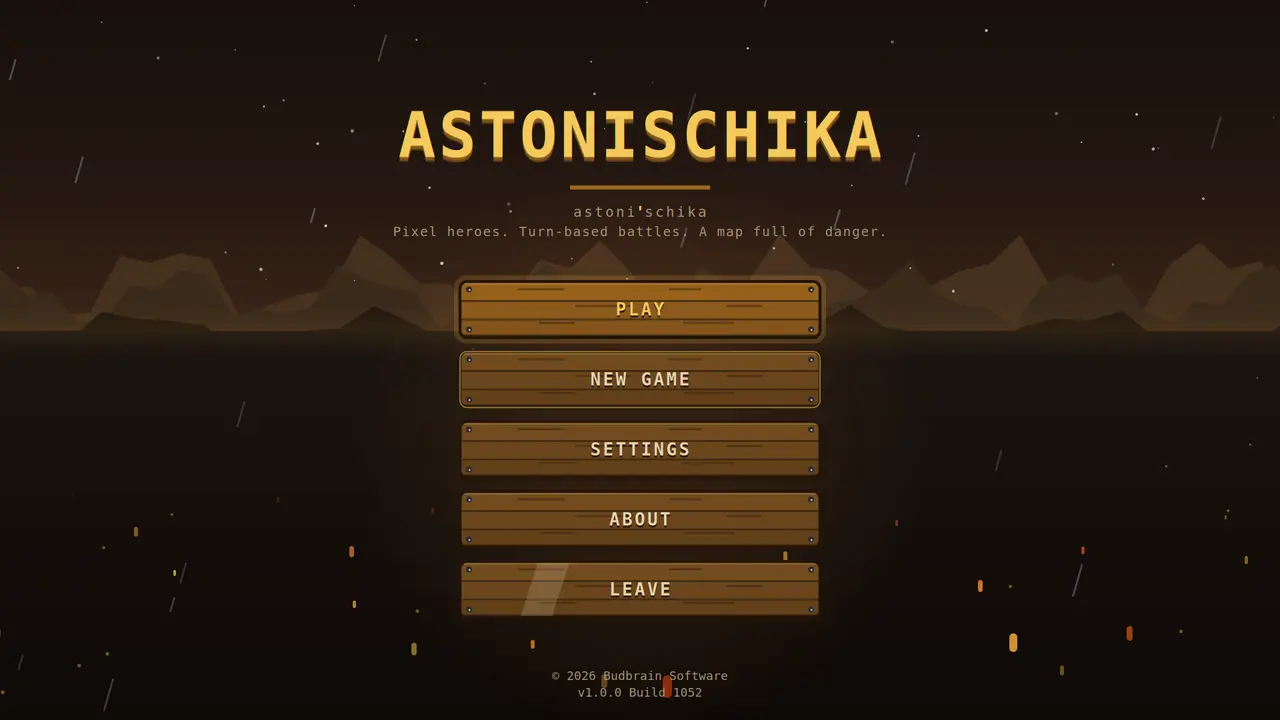
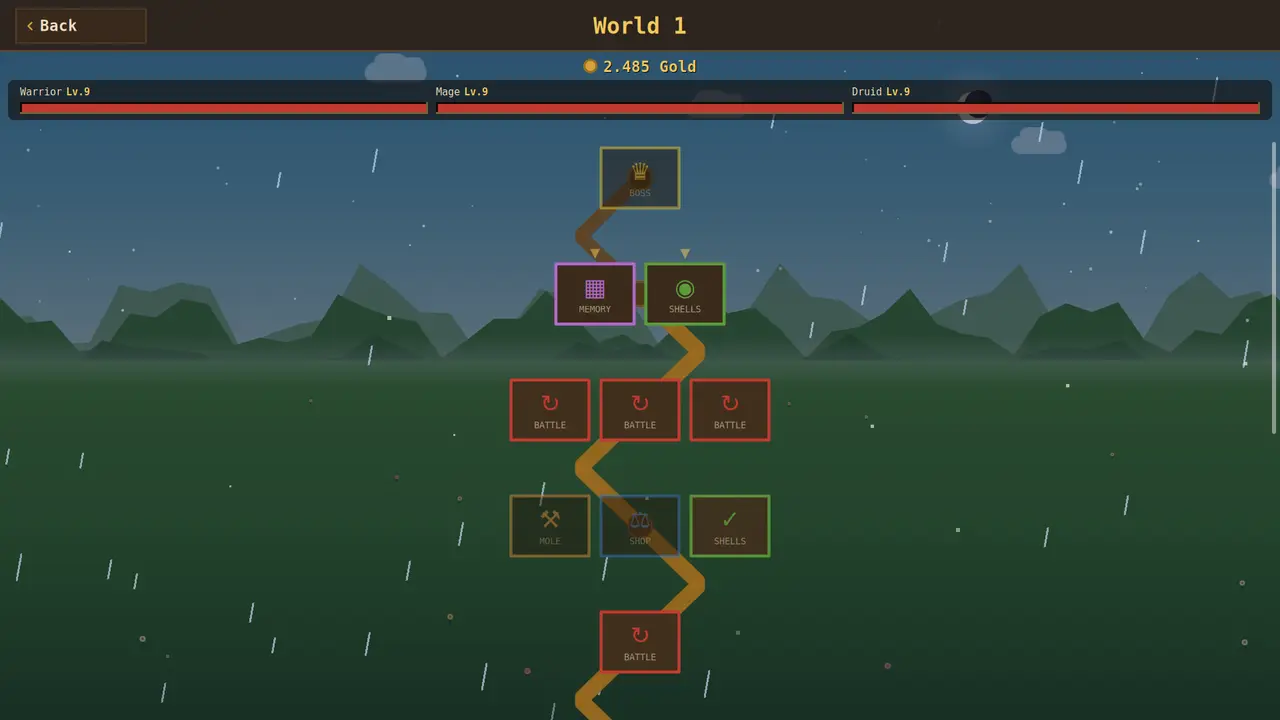
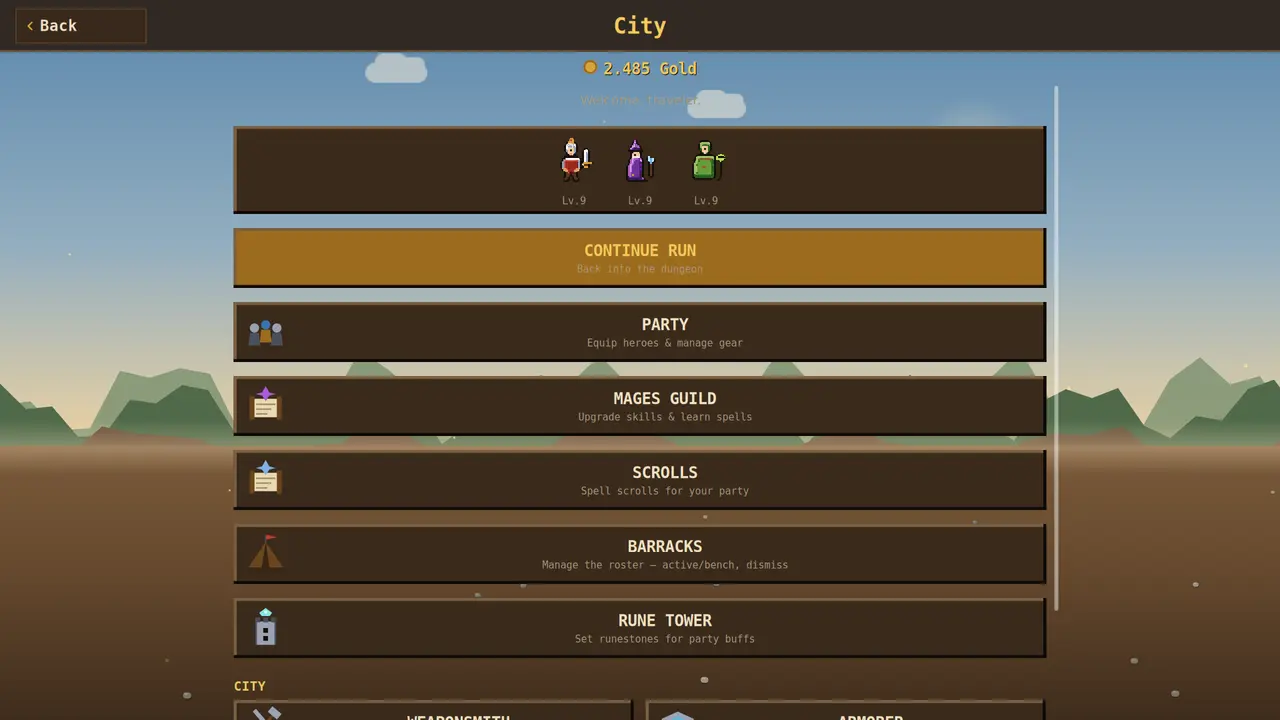
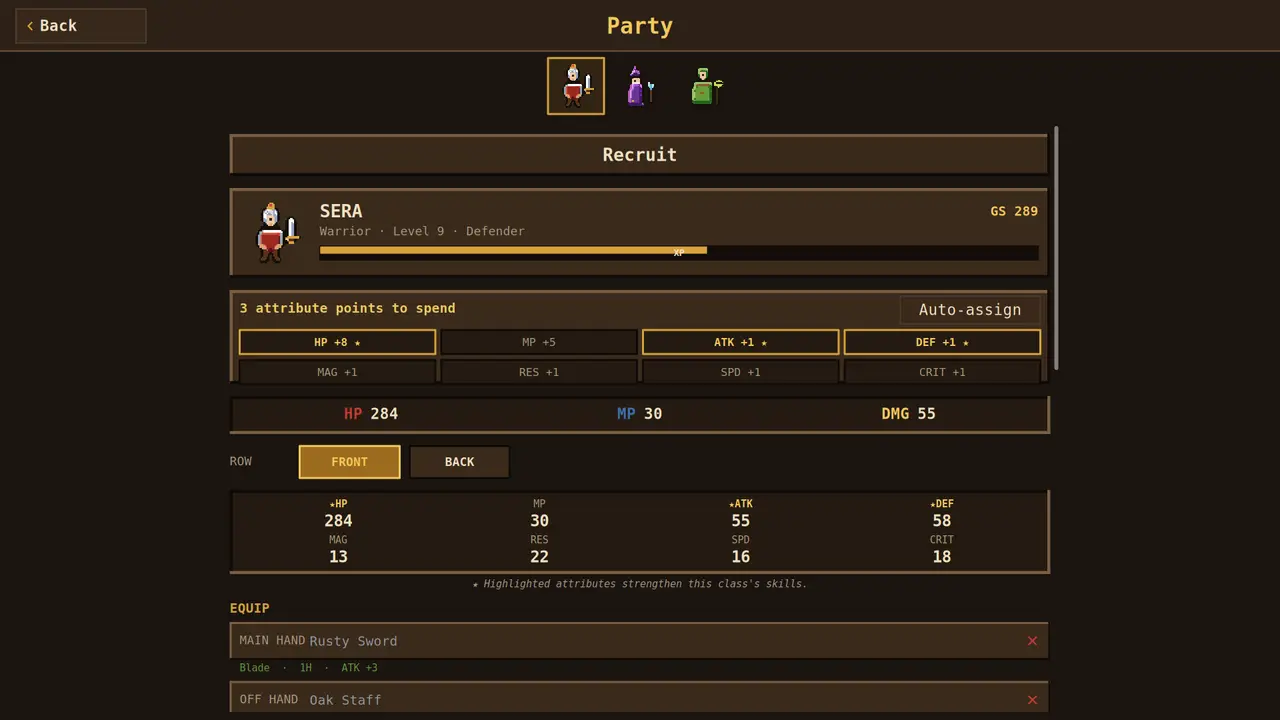
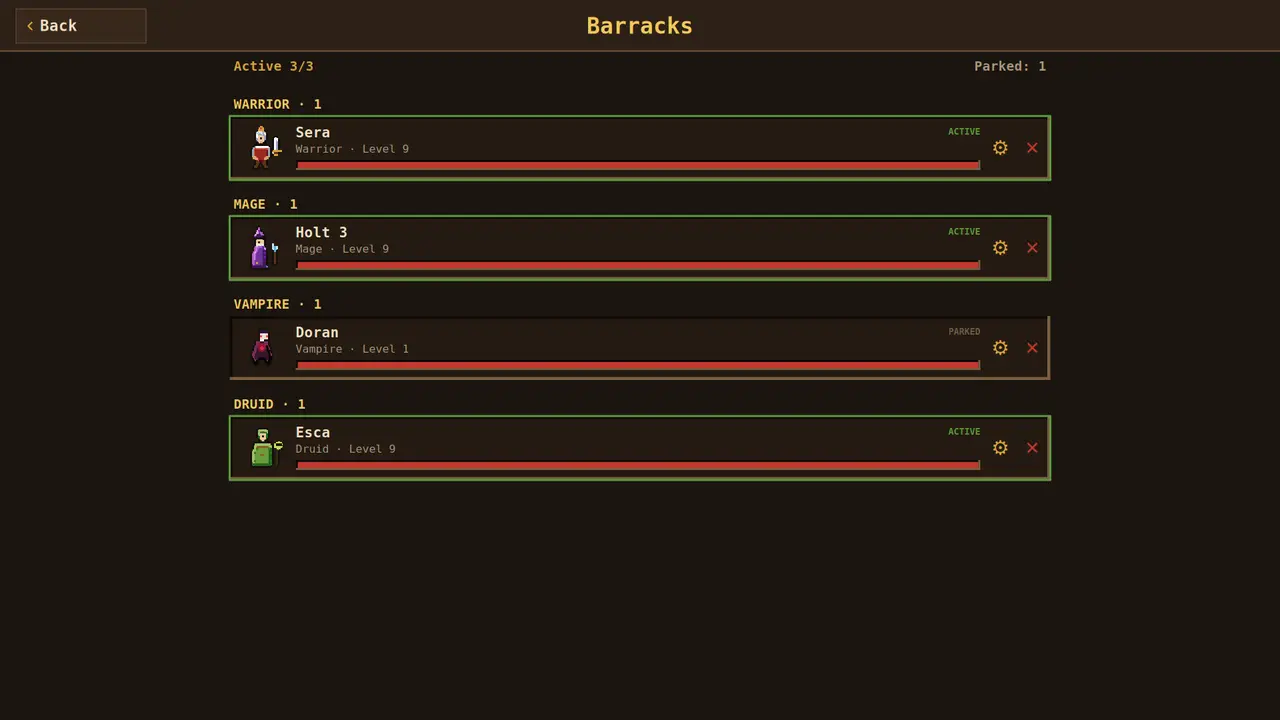
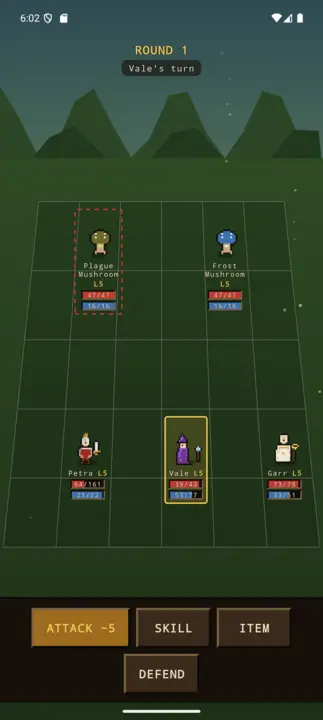
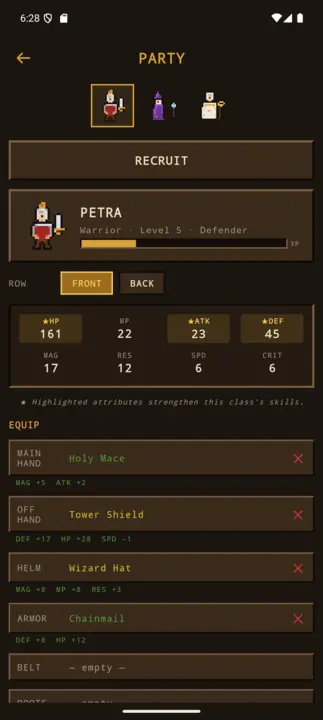
Mchezo wa kuigiza wa pikseli: chagua mashujaa watatu, mapigano ya zamu, nyara, ramani iliyojaa hatari.
Party-RPGPixel-ArtYa zamuMashujaa 3 kati ya 8Nyara na vifaaKitovu cha jijiSDL2 · Cairo44 lugha
Budbrain’s Chess
v1.0.0 · MSIX · Windows 10/11
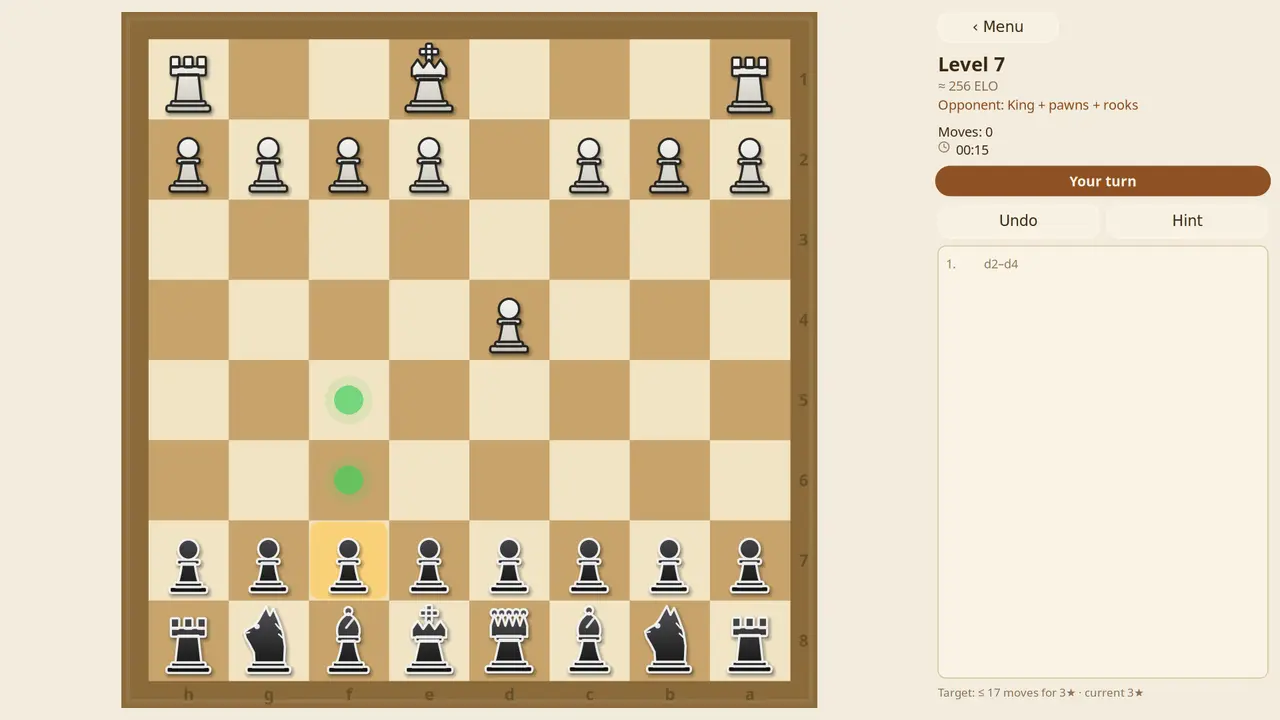
Viwango mia moja vya chesi dhidi ya kompyuta, kutoka ELO 150 hadi 1900. Katika viwango vya kwanza mpinzani hucheza na kikwazo, kisha huwa na nguvu zaidi kiwango baada ya kiwango. Kidokezo hukusaidia, vipande vilivyo hatarini humemeta, kila hatua inaweza kurudishwa — na kila mchezo unaoshinda hubaki kwenye ghala.
Viwango 100ELO 150 hadi 1900Mpinzani mwenye kikwazoKidokezo na kutenduaGhala ya michezo iliyoshindwaSDL2 · Cairo22 lugha
BlobPop
v1.0.0 · MSIX · Windows 10/11
Viwango mia moja katika ulimwengu tano: lenga, bofya, kusanya tatu za rangi moja. Kila baada ya risasi chache ubao hushuka safu moja — usafishe kabla haujafika chini na utapata nyota tatu. Pamoja na hali isiyo na mwisho yenye jedwali la alama za juu.
Viwango 100Ulimwengu tanoHali isiyo na mwishoMchana na usikuJedwali la alama za juuSDL2 · Cairo22 lugha
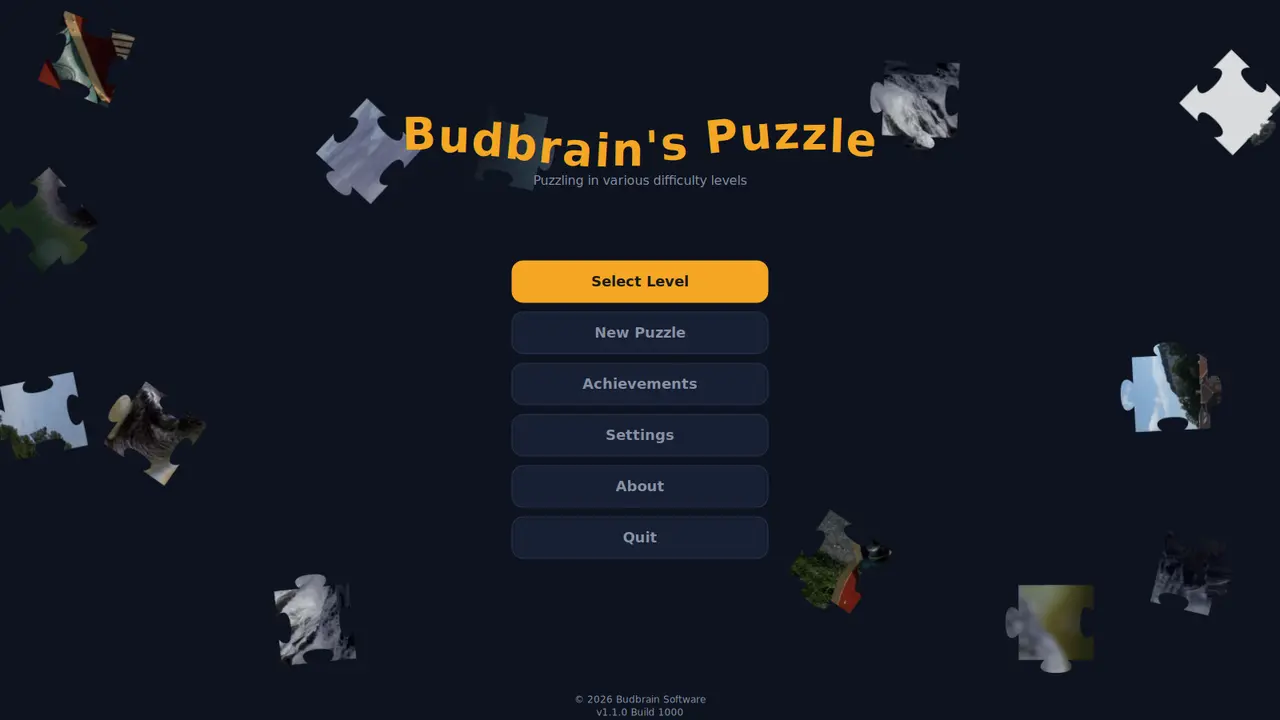
Budbrain’s Puzzle
v1.1.0 · MSIX · Windows 10/11
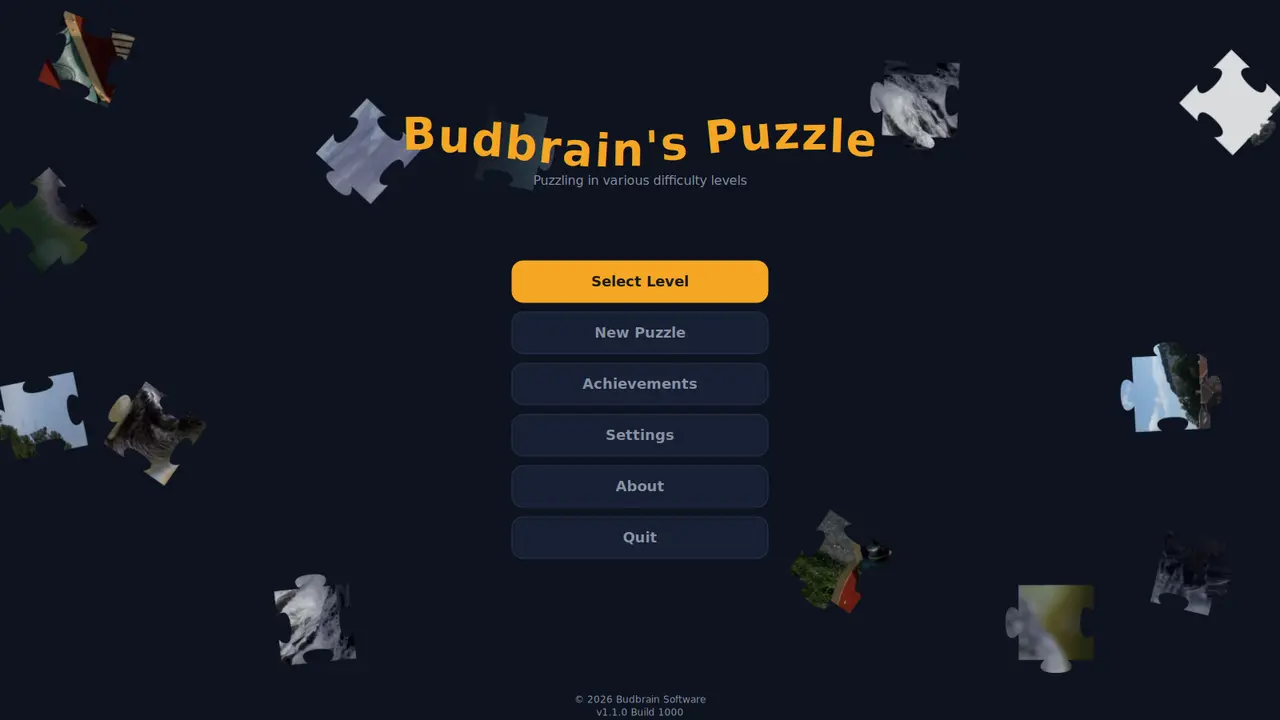
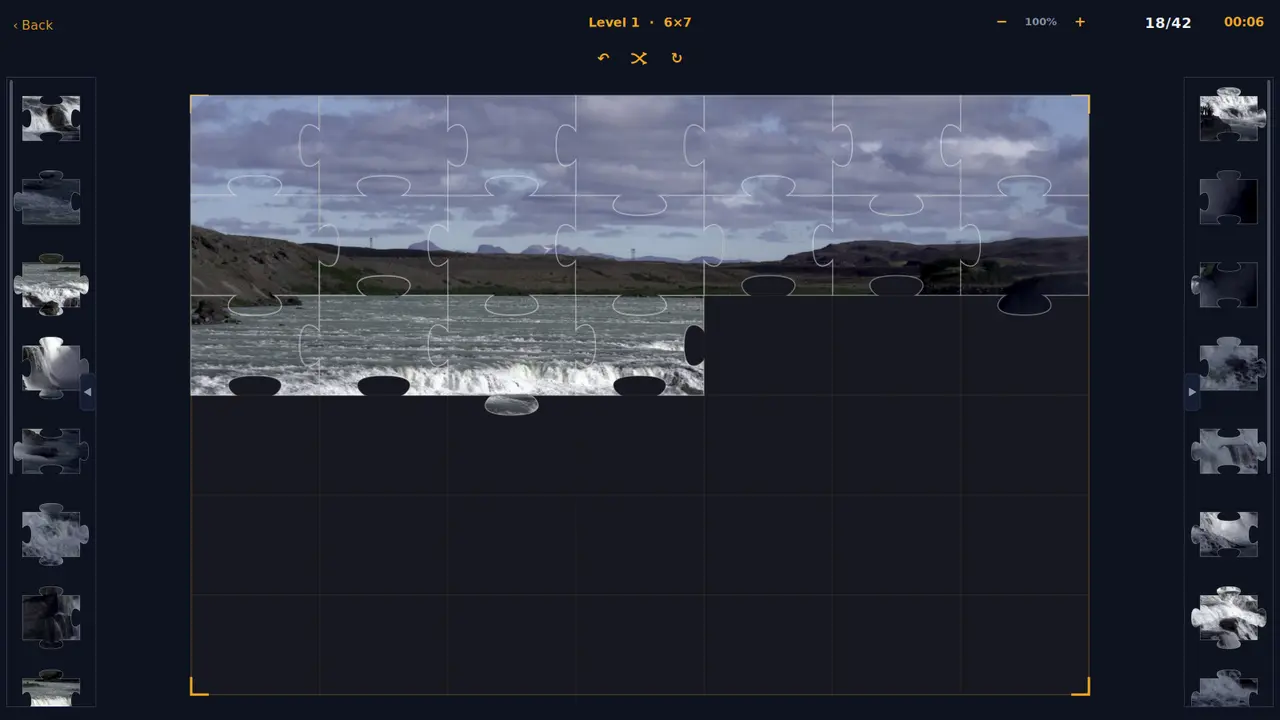
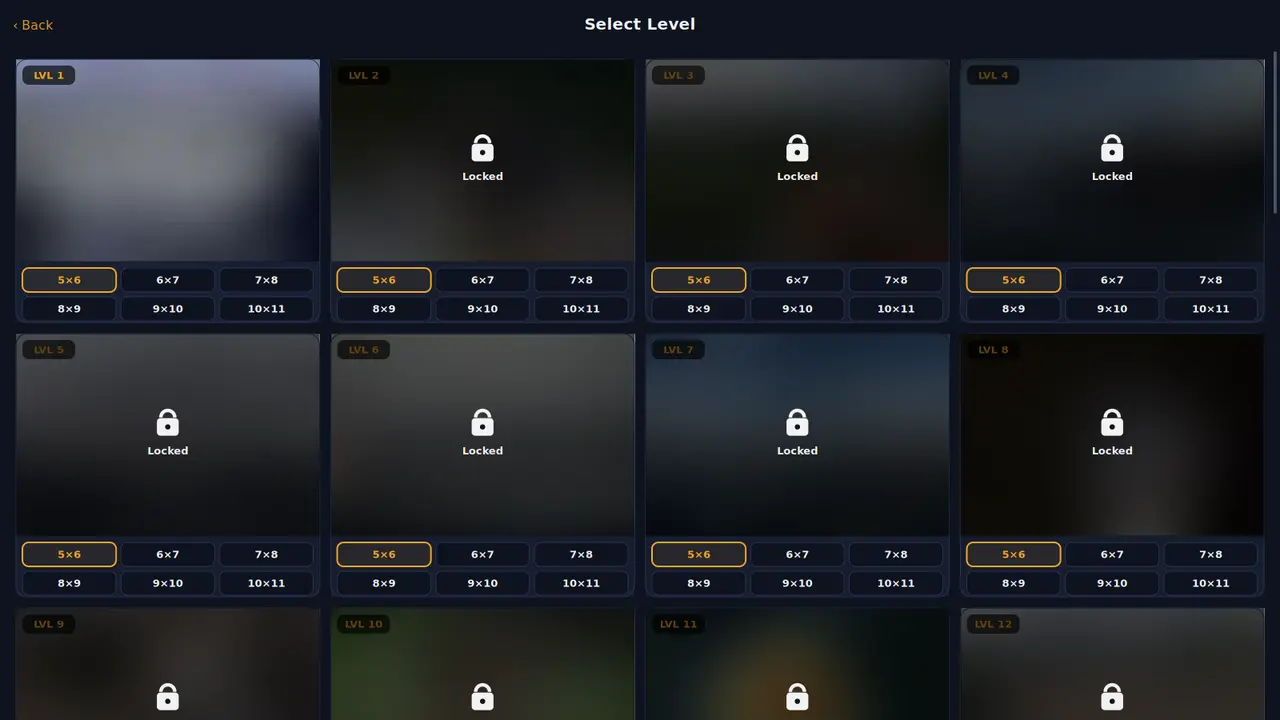
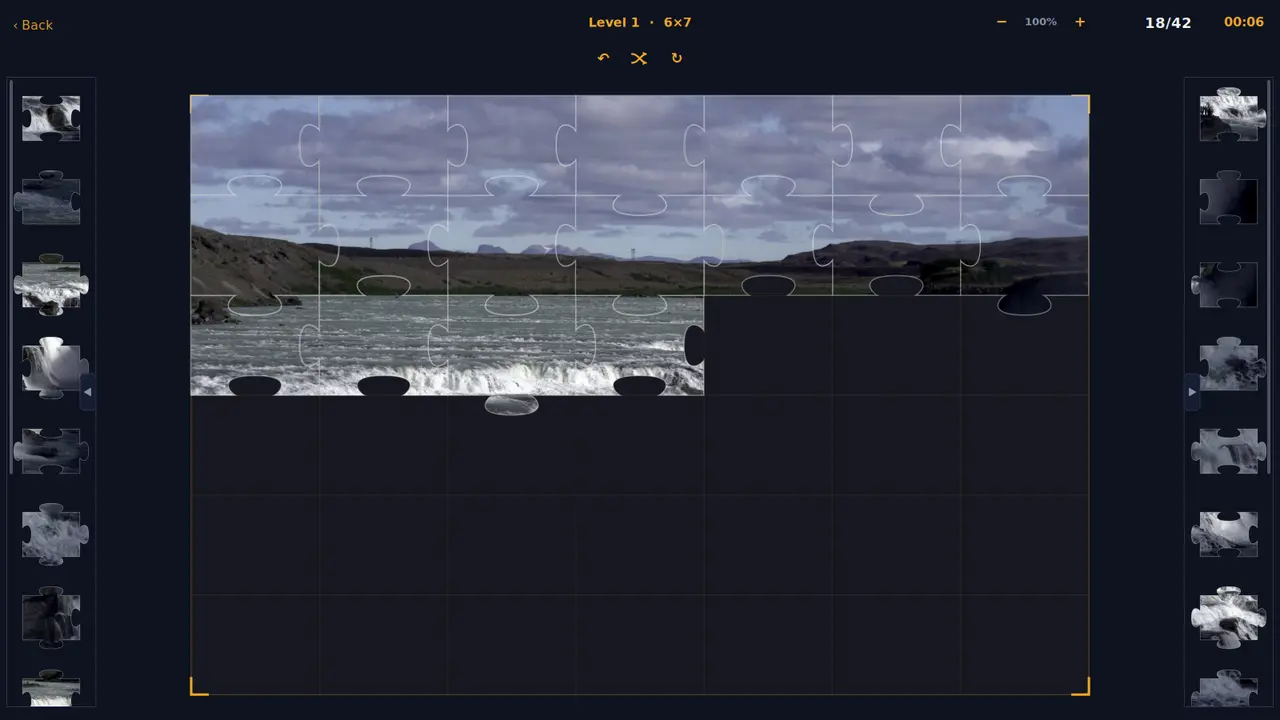
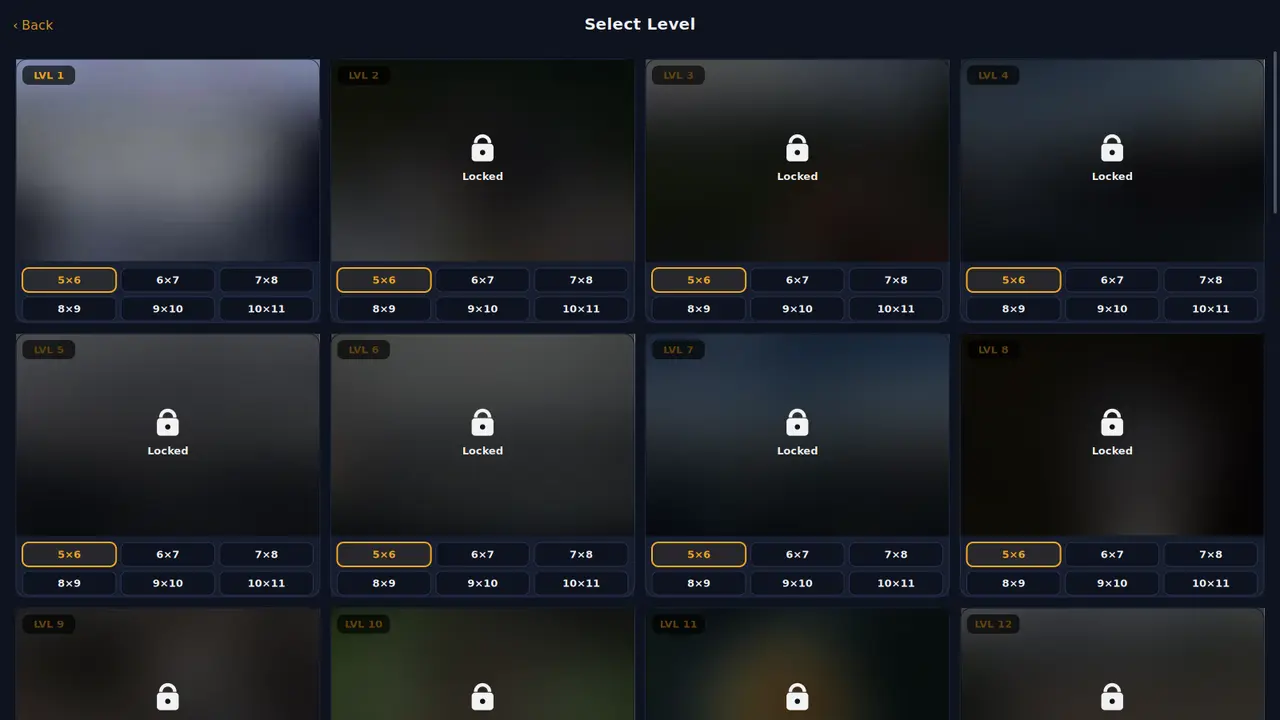
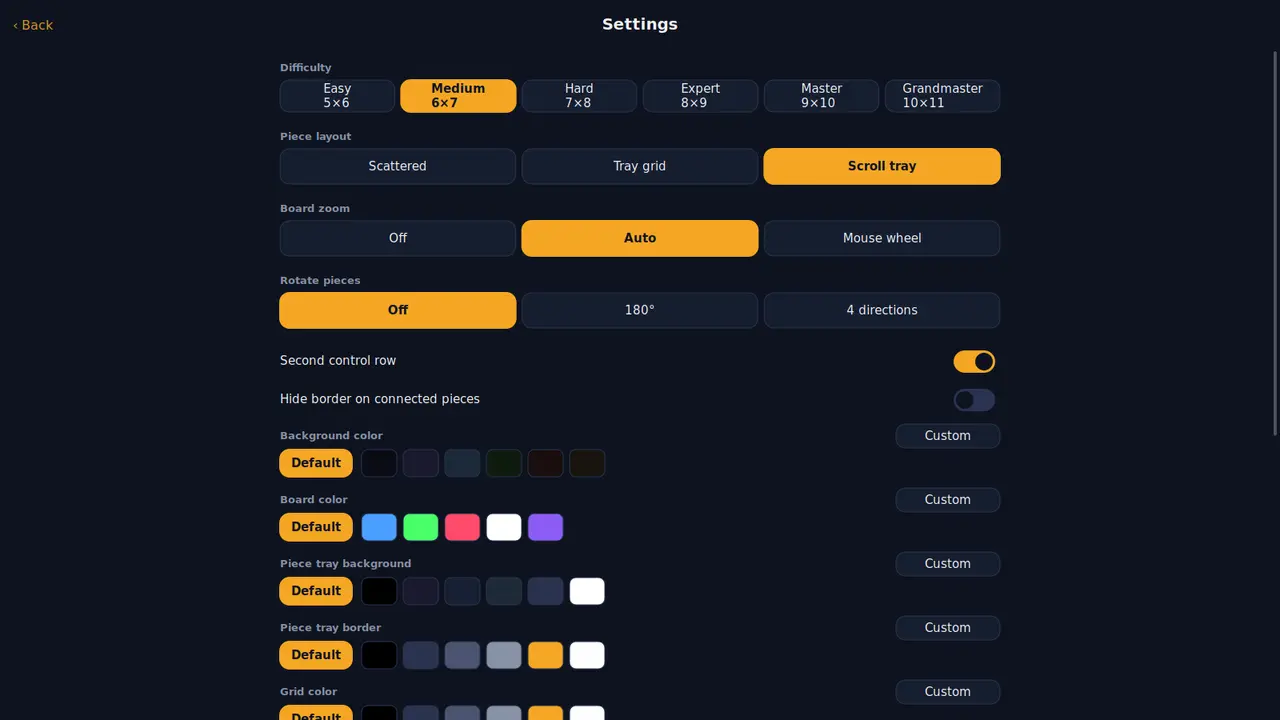
Picha arobaini kama mafumbo ya jigsaw, kila moja katika ukubwa sita kutoka vipande thelathini hadi mia moja na kumi. Kipande kilicho karibu na mahali pake huingia chenyewe — washa kuzungusha ukitaka iwe ngumu zaidi.
Picha arobainiUkubwa sitaVipande 30 hadi 110Vipande vinavyozungukaMafanikioRangi zako mwenyeweSDL2 · Cairo22 lugha
FarmIsFun
v1.0.1 · MSIX · Windows 10/11
Jenga shamba kutoka kipande tupu cha ardhi: kisafishe, kipande mbegu, fuga wanyama, chimba mgodi. Zaidi ya vitu 300, mapishi 231, misimu minne — na huhifadhi yenyewe.
Zaidi ya vitu 300Mapishi 231Aina sita za wanyamaMisimu minneMgodi · uvuvi · uwindajiKipanya · kibodi · gamepadSDL2 · Cairo22 lugha
Budbrain’s Mahjong
v1.1.1 · MSIX · Windows 10/11
Mahjong solitaire yenye viwango mia moja: vigae viwili vinavyofanana na huru hupotea, meza kumi zilizochorwa kwa mkono, na kila ubao unaoukamilisha huhifadhiwa kama picha.
Viwango 100Meza kumiKidokezo · Changanya · TenduaUkuta wa mafanikioSDL2 · Cairo22 lugha
Budbrain’s Marbles
v1.1.0 · MSIX · Windows 10/11
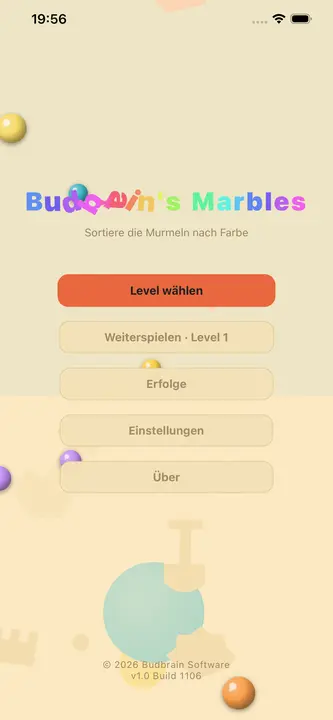
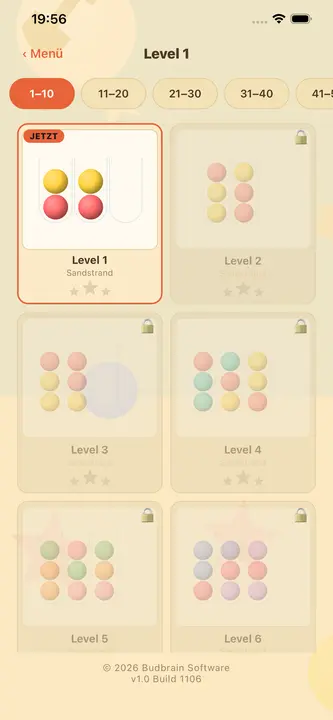
Panga marumaru kwa rangi: chagua bomba, kisha lengwa — marumaru ya juu huruka kwa mkunjo. Mafumbo mia moja na tano kwenye fukwe tano, na kila moja linaweza kutatuliwa.
Mafumbo 105Fukwe tanoKila moja linatatulikaTendua · Anza upyaUkuta wa mafanikioSDL2 · Cairo22 lugha
DuoDom
v1.0.0 · MSIX · Windows 10/11
Telezesha domino pamoja: nukta zinazolingana au jumla sahihi huyeyusha jozi. Viwango visivyo na mwisho vyenye baruti, joka na almasi — na kila kimoja kinaweza kushindwa.
Viwango visivyo na mwishoAina 17 za maweBaruti · Joka · AlmasiTendua · Kidokezo · MajiVikombe na rekodiSDL2 · Cairo20 lugha
Budbrain’s Sudoku
v1.4.1 · MSIX · Windows 10/11
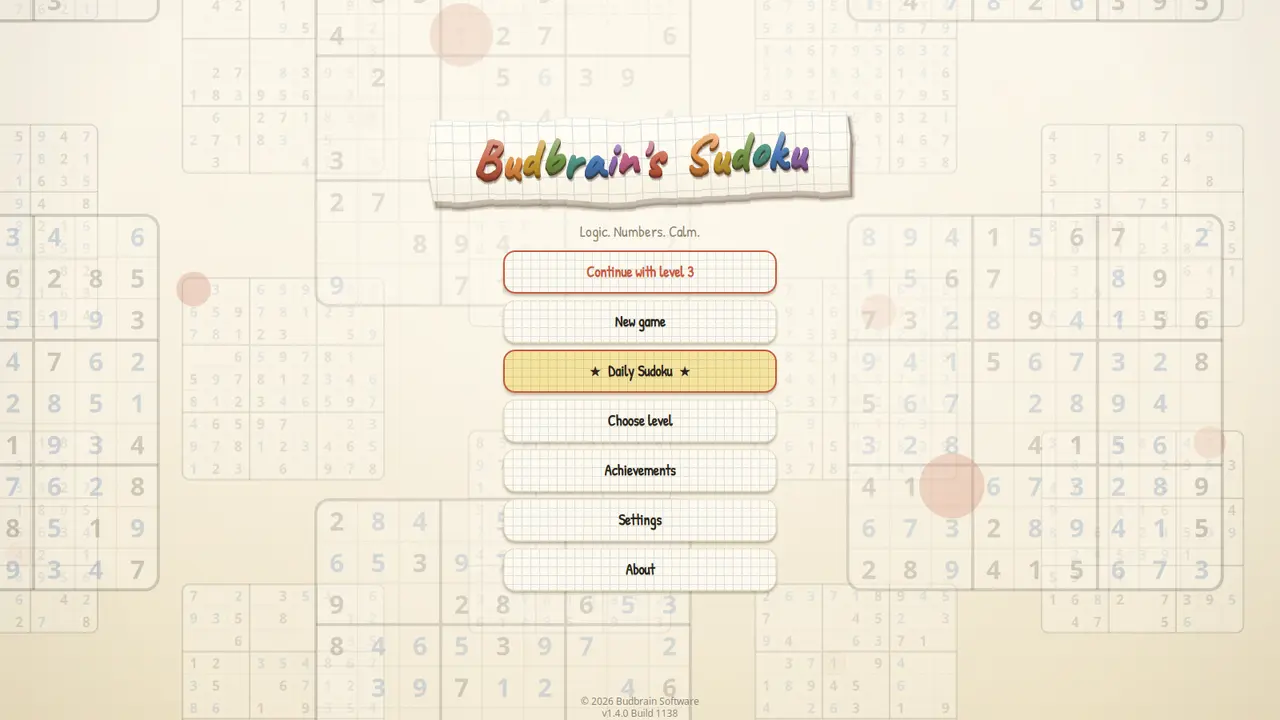
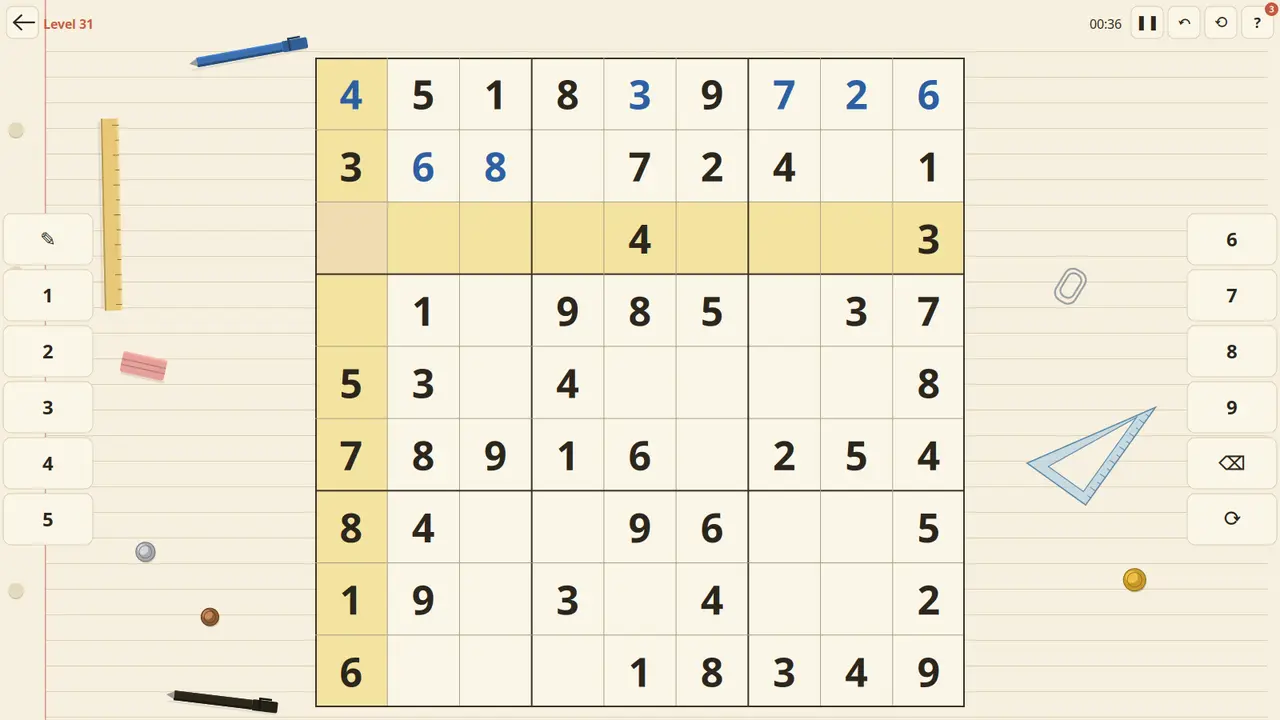
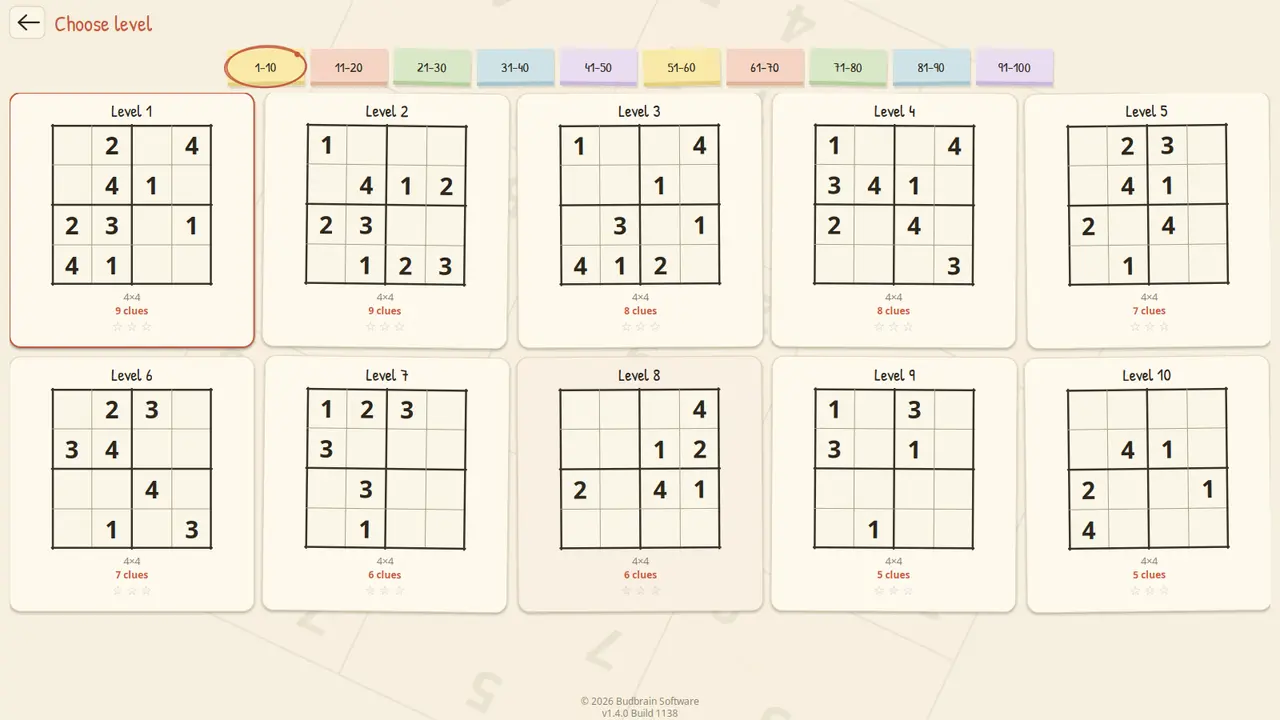
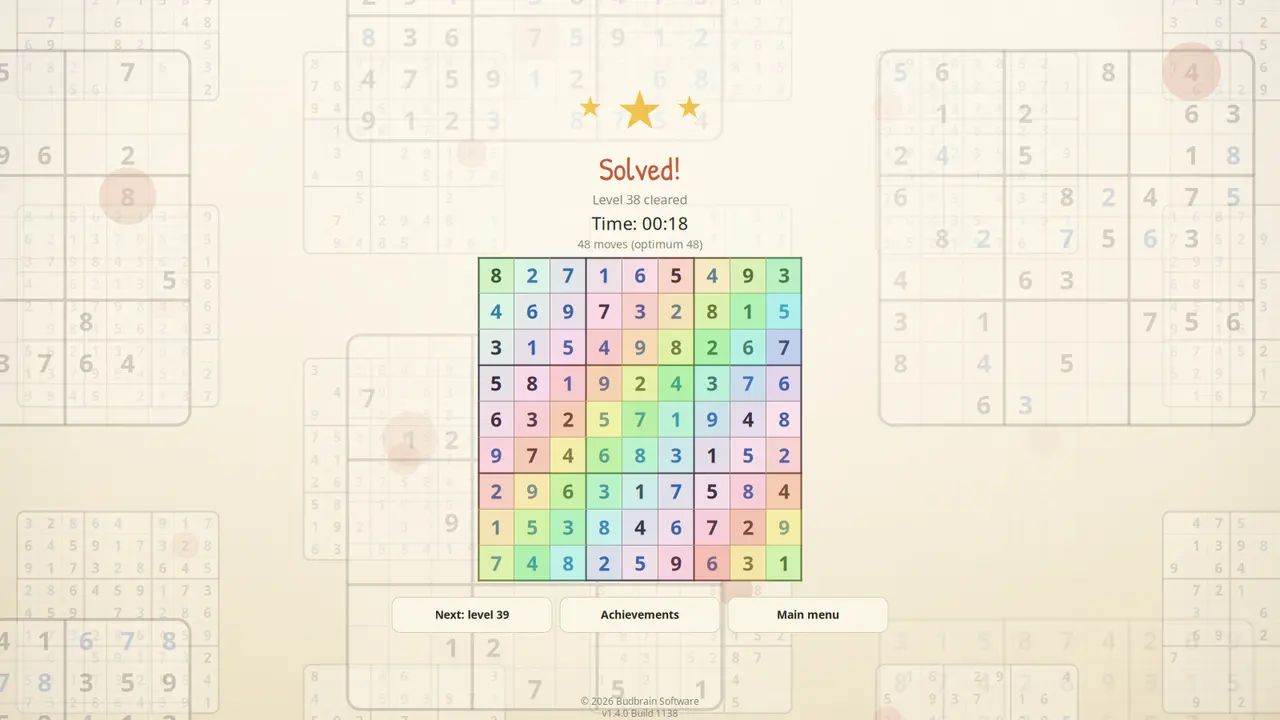
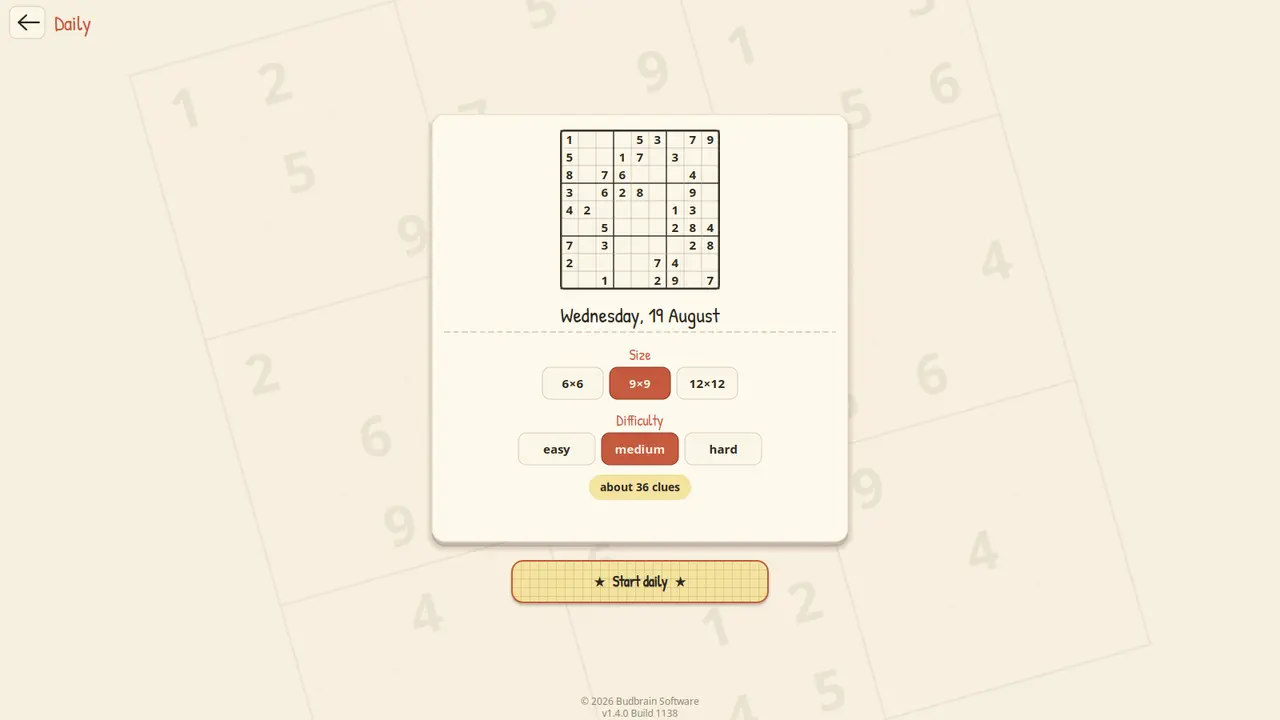
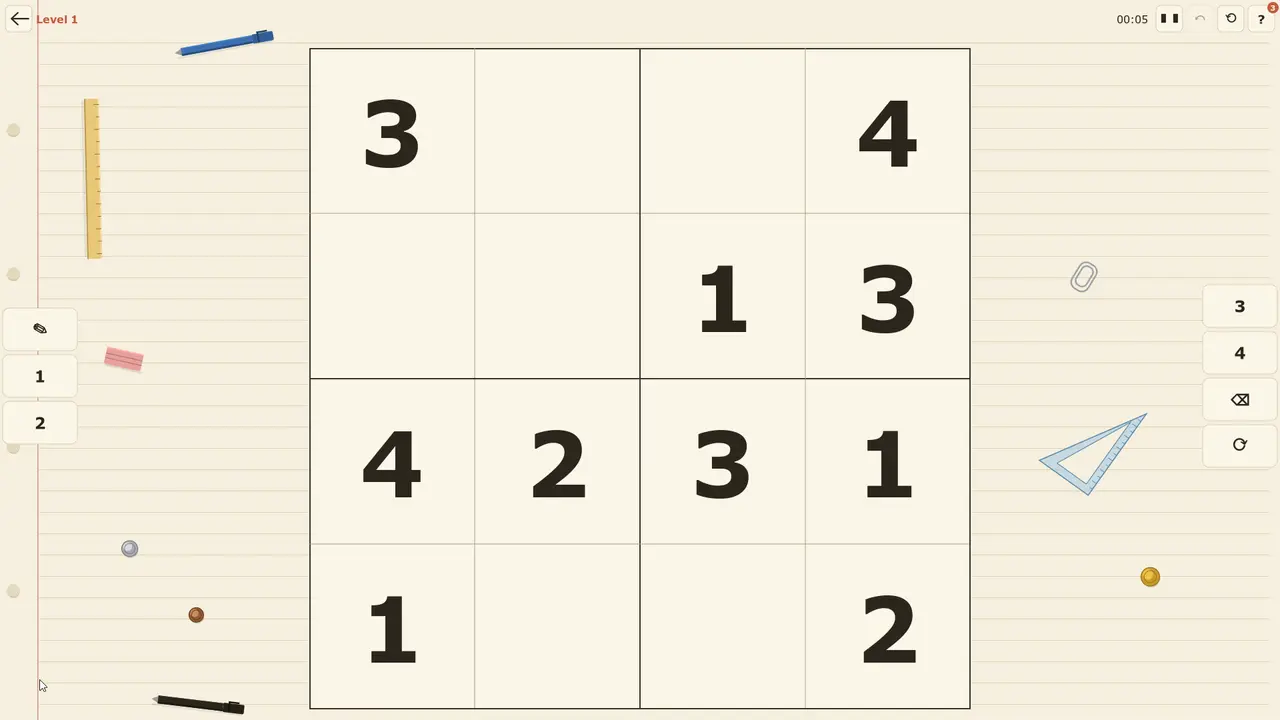
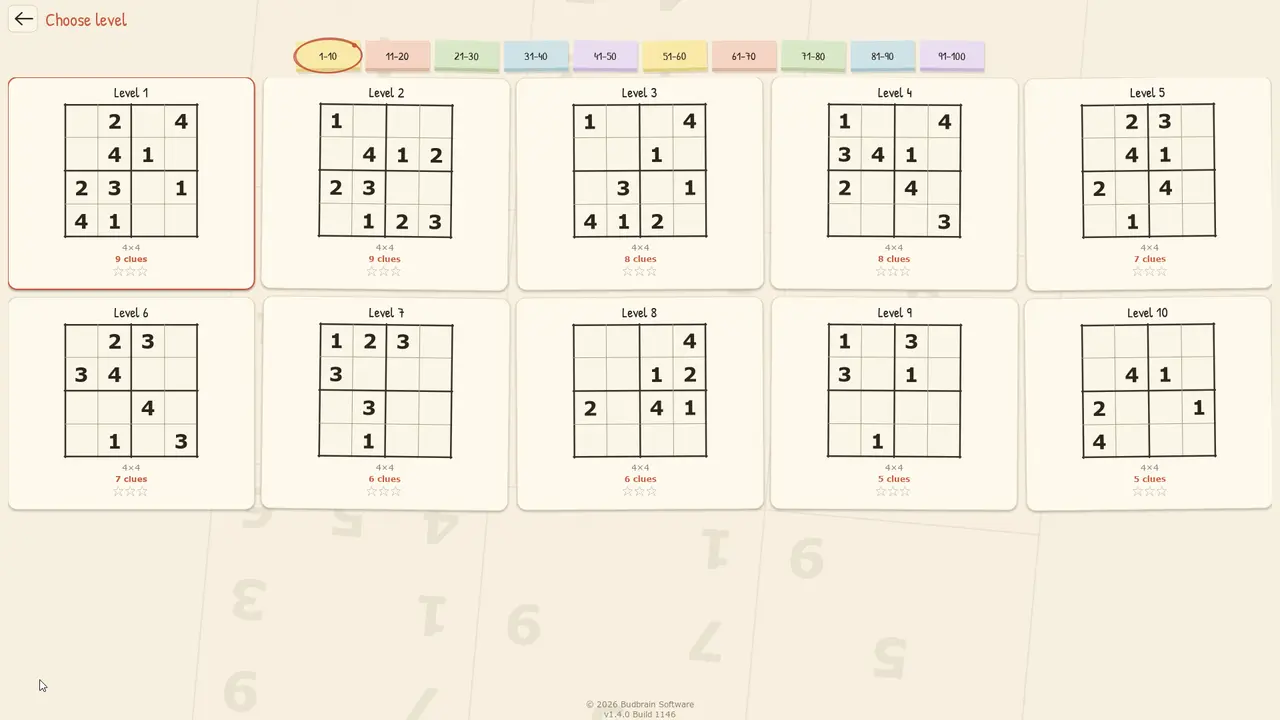
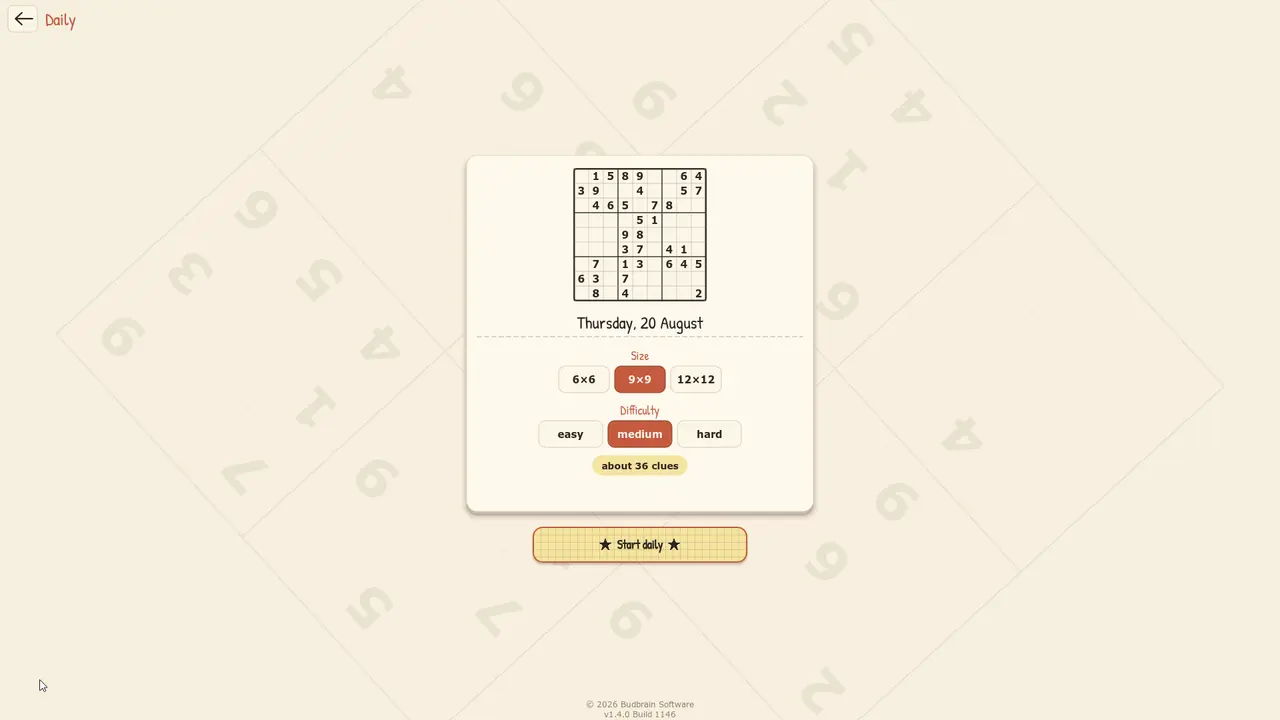
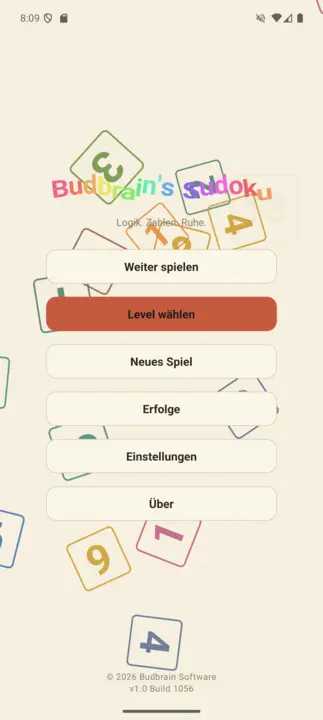
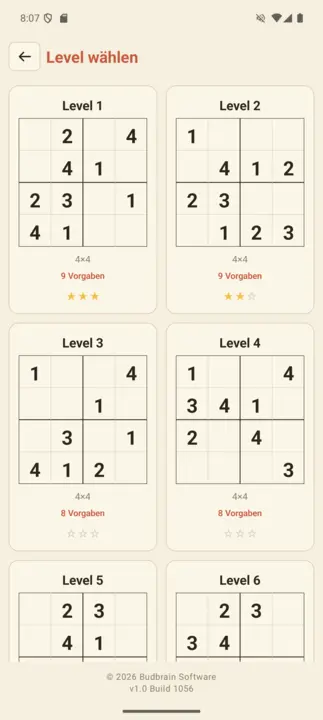
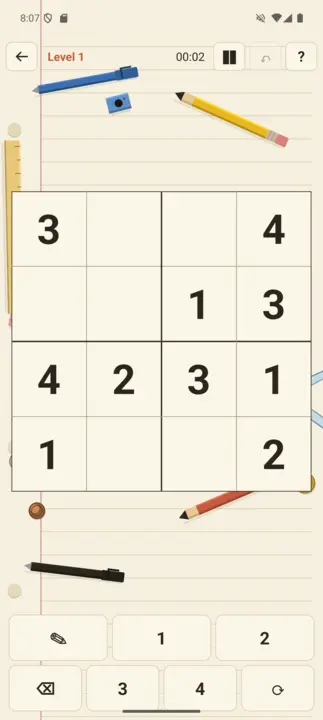
Sudoku kutoka 4×4 hadi 25×25: viwango mia moja kwenye karatasi ya daftari, fumbo la kila siku na ukuta unaoshikilia kila ubao uliotatua.
4×4 – 25×25Viwango 100Fumbo la kila sikuMadokezo · vidokezo · tenduaUkuta wa mafanikioSDL2 · Cairo22 lugha
jsFileManager
v1.0.0 · Win32/Direct2D · Windows 10/11
Kidhibiti faili chenye vivinjari viwili vya faili kando kwa kando: kushoto faili zinakotoka, kulia zinakokwenda, na katikati vitufe — nakili, hamisha, funga, tafuta, mwonekano wa hex, folda mpya, futa.
Folda mbili kando kwa kandoMaendeleo ya moja kwa mojaDiski na USBHifadhi za faili na mwonekano wa baitiDrag & DropNyepesi na nyeusi44 lugha
jsShowHardwareInfos
v1.0 · Win32/Direct2D · Windows 10/11
Huonyesha kila undani wa maunzi ambayo PC yako huripoti kuihusu yenyewe — kichakataji, kumbukumbu, michoro, diski, milango, mtandao na vihisi, kila kimoja kwenye tawi lake. Pamoja na upau wa moja kwa moja wenye mzigo na joto, utafutaji katika thamani zote na ripoti unayoweza kuhifadhi kama faili ya maandishi au kunakili kwenye ubao wa kunakili.
CPU / RAM / GPUDiski na USBVihisi na jotoOrodha ya michakatoUtafutaji katika thamani zoteHifadhi ripotiNyepesi na nyeusi44 lugha
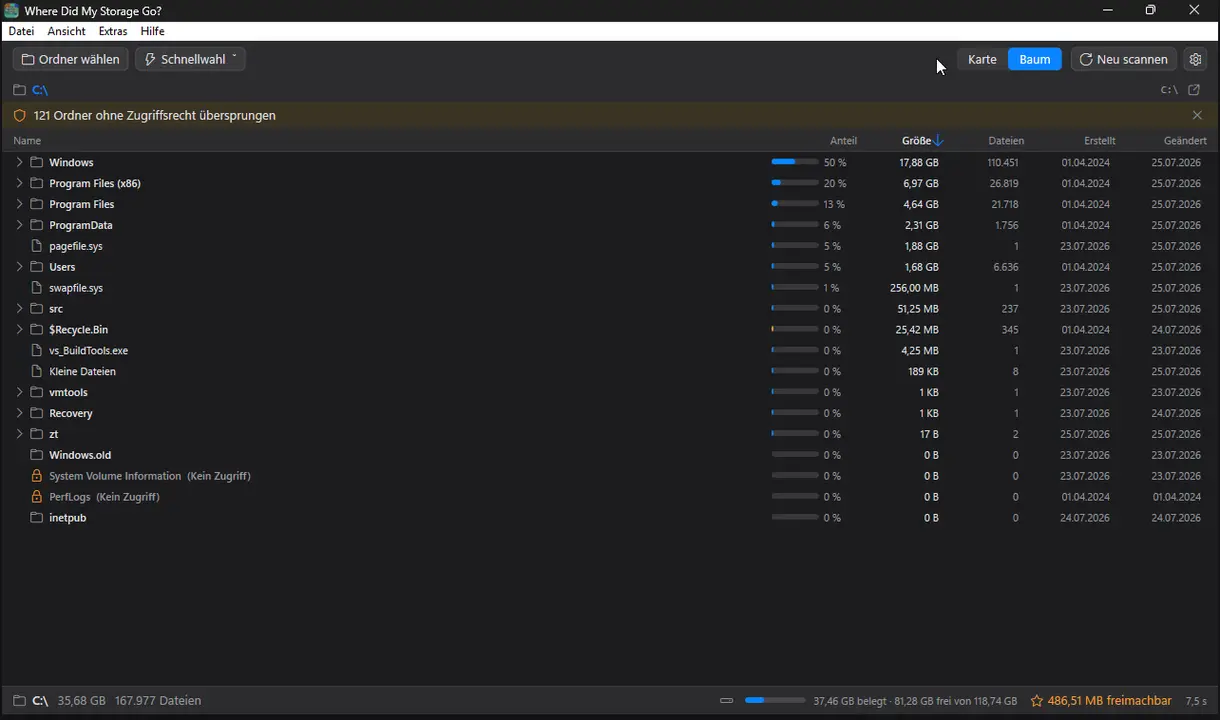
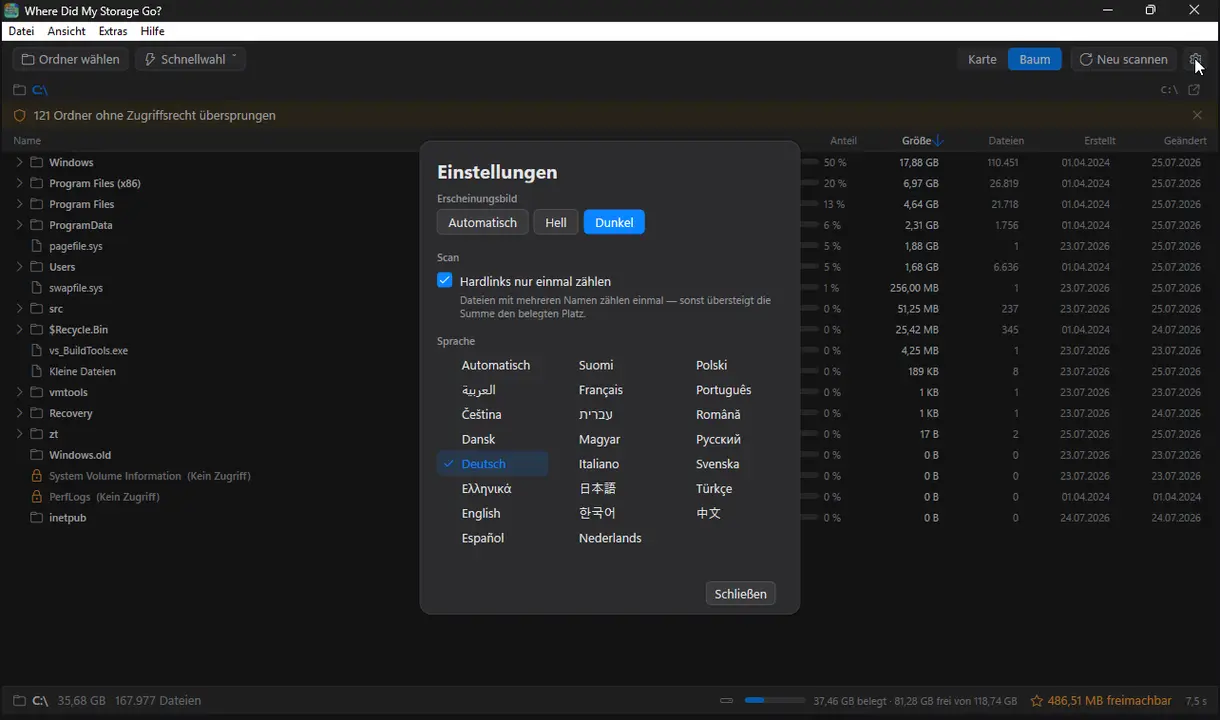
Where Did My Storage Go?
v1.0 · Win32/Direct2D · Windows 10/11
Ona kwa mtazamo mmoja kinachojaza hifadhi yako — folda kama ramani yenye misimbo ya rangi, ukubwa kamili, ufutaji kwenye Recycle Bin pekee.
TreemapHeat-MapDrill-downMwonekano wa mtiJunk-RadarTupio pekeeMulti-Core-ScanNyepesi na nyeusi22 lugha
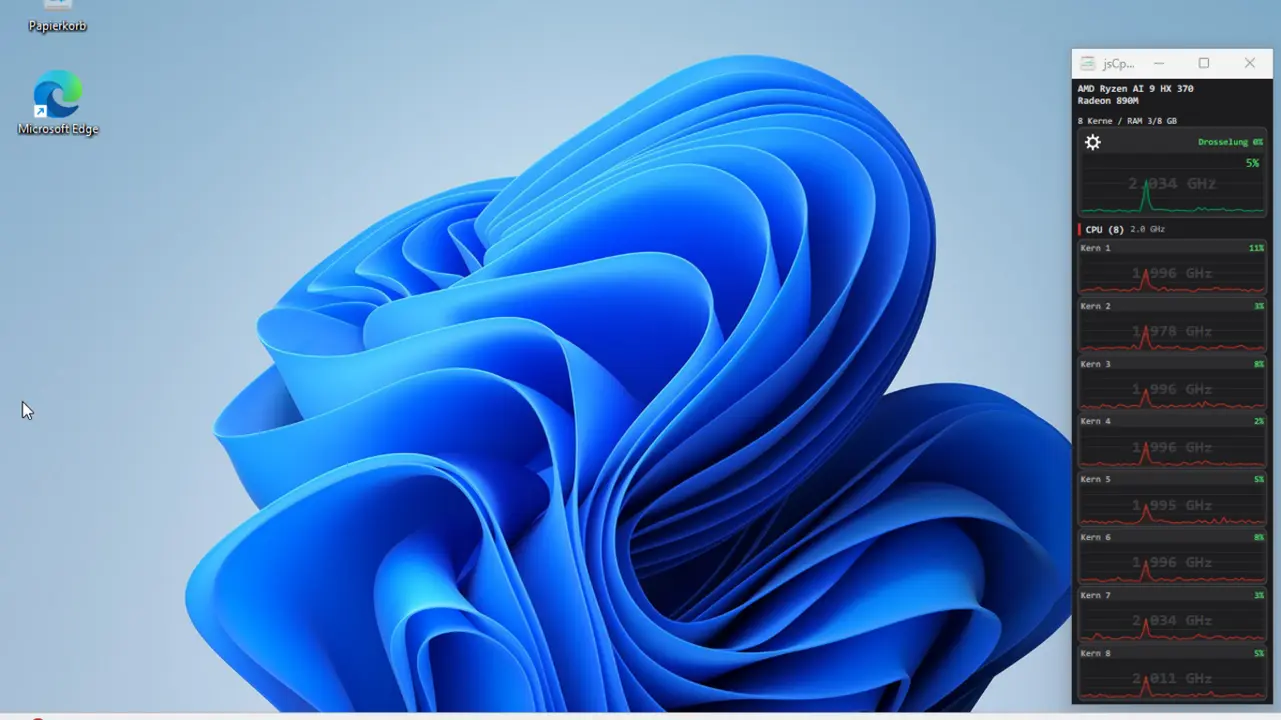
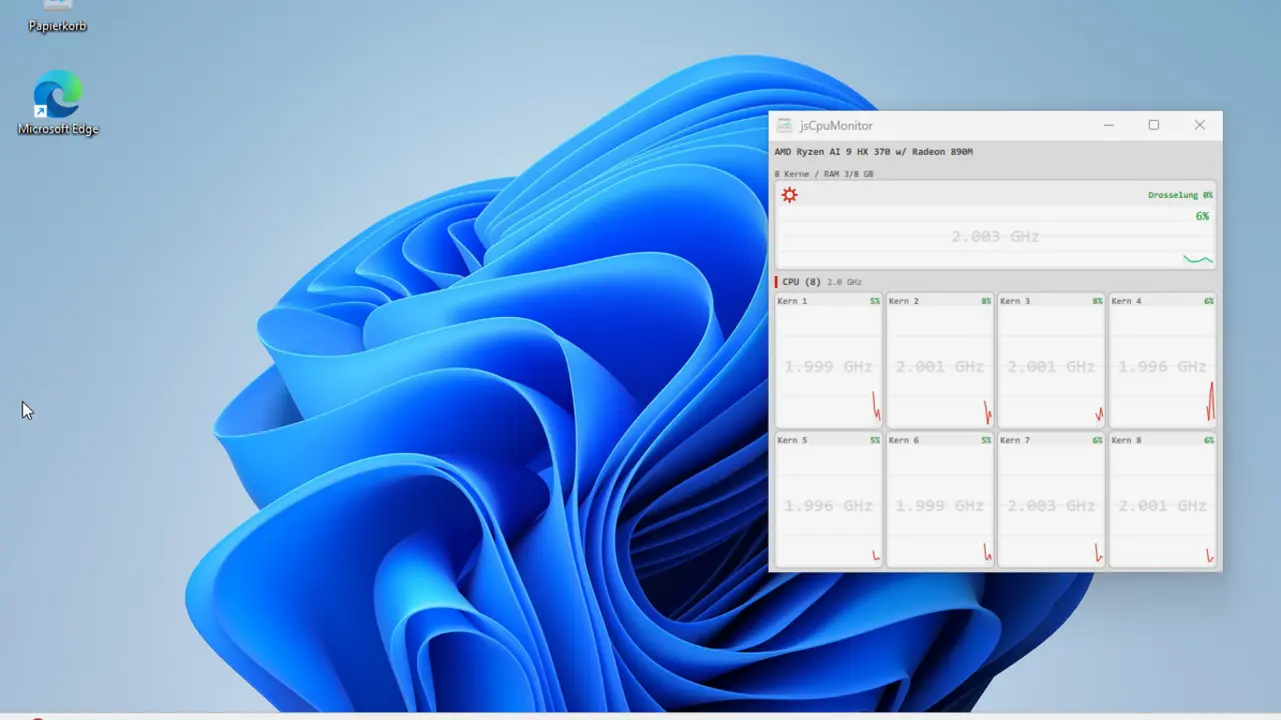
jsCPUMonitor
v1.0 · Win32/Direct2D · Windows 10/11
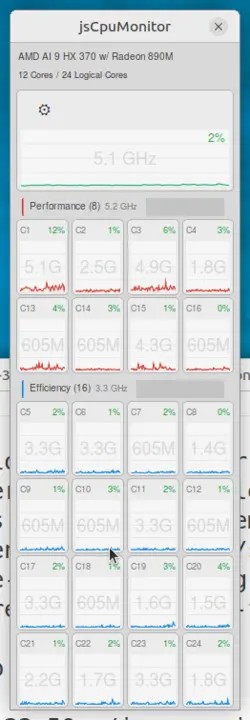
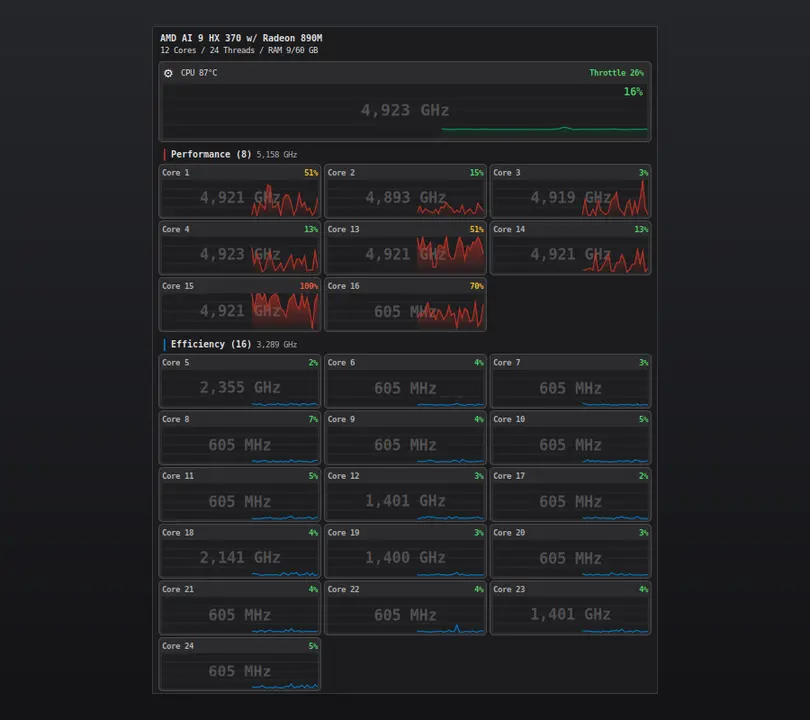
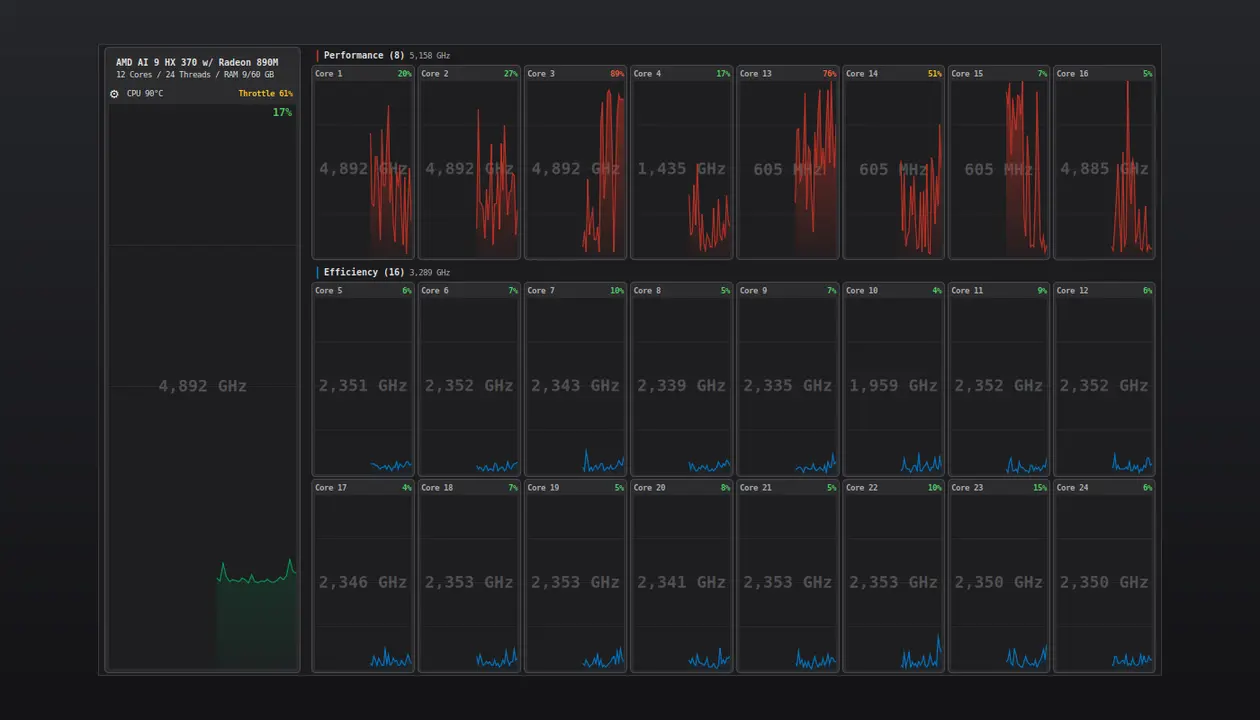
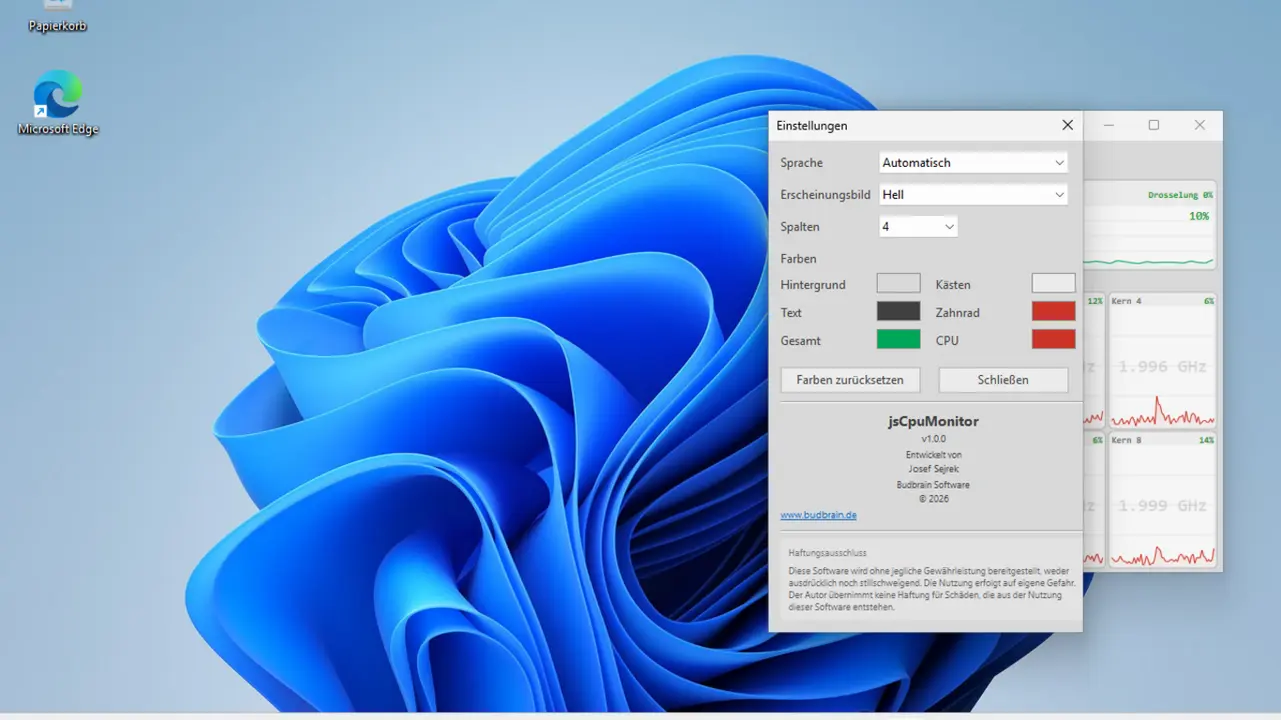
Kifuatilia CPU kwa Windows: mstari mwembamba wa dirisha wenye chati ya historia ya moja kwa moja kwa kila kiini, kasi ya saa, vikundi vya viini vya utendaji/ufanisi, kumbukumbu na joto. Imejengwa kiasili kwa Win32 na Direct2D.
Per-Core ChartsKasi ya saaUtambuzi wa viini vya P/EJotoRAMDaima juuNyepesi na nyeusiRangi maalum22 lugha
Michezo, zana za sauti, zana za upau wa menyu, kisafishaji cha akiba na uchambuzi wa nafasi ya diski kwa macOS
Usakinishaji: Programu hizi hazijathibitishwa na Apple (hakuna notarization). macOS itaonyesha onyo wakati wa kuzindua mara ya kwanza. Hivi ndivyo ya kuzisakinisha hata hivyo:
Nenda kwenye folda uliyoifungua: cd ~/Downloads/AppName
Endesha hati ya usakinishaji: bash install.sh
Hati hunakili programu kwenda /Applications, huondoa alama ya karantini, na kuzindua programu.
Hakuna install.sh? Ikiwa ZIP haina hati, hamisha .app wewe mwenyewe kwenda /Applications, kisha kwenye Terminal: xattr -cr /Applications/AppName.app na ubofye mara mbili ili kuzindua.
jsBudbrainLimiter
v1.0.0 · Mac App Store · macOS 14.2+
Kikomo kwa kila kitu ambacho kompyuta yako huchezesha — sauti kubwa zaidi, bila kuzidi kamwe, pamoja na maonyesho mawili ya wigo yanayoonyesha linalofanya.
Vidhibiti tofauti kwa kituo cha kushoto na cha kuliaGain, dari, attack, release, knee, high-pass ya sidechain na mchanganyikoTrue peak hunasa hata kilele fupi zaidiFader ya pato yenye vipimo vya kiwango kwa vituo vyote viwiliMaonyesho mawili ya wigo yanaonyesha kinachoinuliwa na kinachopunguzwaHistoria ya upunguzaji wa gain na usomaji wa kileleMipangilio iliyotayarishwa, pamoja na yakoHufanya kazi pamoja na jsBudbrainCompressor, jsBudbrainEqualizer na jsBudbrainsFxStudioKitufe cha kunyamazisha simu inapoliaChagua spika au vipokea sauti vyakoDirisha dogo linalobaki juuSanidi mara moja – macOS inakuomba ruhusaNyepesi na nyeusiApple Silicon44 lugha
jsBudbrainCompressor
v1.0.1 · Mac App Store · macOS 14.2+
Joto la mirija na kikandamiza cha studio kwa kila kitu ambacho kompyuta yako huchezesha — chenye mirija inayong'aa na vipimo vya VU.
Preamp ya mirija ya kuigwa yenye drive, bias na fatBesi, kati, treble na presenceKikandamiza chenye kizingiti, uwiano, attack, release, knee, make-up na mchanganyikoVipimo viwili vya VU vyenye mwendo halisi wa sindanoMirija huwaka zaidi kadiri inavyofanya kazi kwa bidiiMipangilio iliyotayarishwa ya mirija na kikandamiza, pamoja na yakoKikomo hulinda masikio na spikaHufanya kazi pamoja na jsBudbrainEqualizer na jsBudbrainsFxStudioKitufe cha kunyamazisha simu inapoliaChagua spika au vipokea sauti vyakoDirisha dogo linalobaki juuSanidi mara moja – macOS inakuomba ruhusaNyepesi na nyeusiApple Silicon44 lugha
jsBudbrainsFxStudio
v1.0.1 · Mac App Store · macOS 14.2+
Athari za moja kwa moja kwa kila kitu ambacho kompyuta yako huchezesha — mwangwi, mwangwi wa kurudia, sauti na zaidi, zikichanganywa kwenye sauti kwa fader.
Athari nane: sauti, kichujio, drive, chorus, flanger, phaser, mwangwi, mwangwi mkubwaKila athari ina vifundo vyake na fader ya kuchanganyaFader moja huchanganya athari zote kwenye mchanganyiko mkuuUmbo la wimbi na vipimo vya kiwango vya moja kwa mojaMipangilio iliyotayarishwa kama ukumbi wa tamasha au mwangwi wa korongo, pamoja na yako“Zima vyote” kwa mbofyo mmoja — na kurudisha kwa unaofuataKikomo hulinda masikio na spikaHufanya kazi pamoja na jsBudbrainEqualizerKitufe cha kunyamazisha simu inapoliaChagua spika au vipokea sauti vyakoDirisha dogo linalobaki juuSanidi mara moja – macOS inakuomba ruhusaNyepesi na nyeusiApple Silicon44 lugha
jsBudbrainEqualizer
v1.0.2 · Mac App Store · macOS 14.2+
Kisawazishi kwa kila kitu ambacho kompyuta yako huchezesha — chenye wigo wa moja kwa moja.
Vitelezi kumi, kutoka besi ya kina hadi treble angavuOnyesho la moja kwa moja la kinachochezwa — kushoto, kulia au vyoteMipangilio ya sauti iliyotayarishwa na yako mwenyewe, iliyohifadhiwa kwa jinaKitufe cha kunyamazisha simu inapoliaChagua spika au vipokea sauti vyakoKunja vitelezi, acha onyesho pekeeDirisha dogo linalobaki juuHuanza unapoingia, ukipendaSanidi mara moja – macOS inakuomba ruhusaNyepesi na nyeusiApple Silicon44 lugha
Budbrain Cave Rescue
v1.0.1 · Mac App Store · macOS 12+
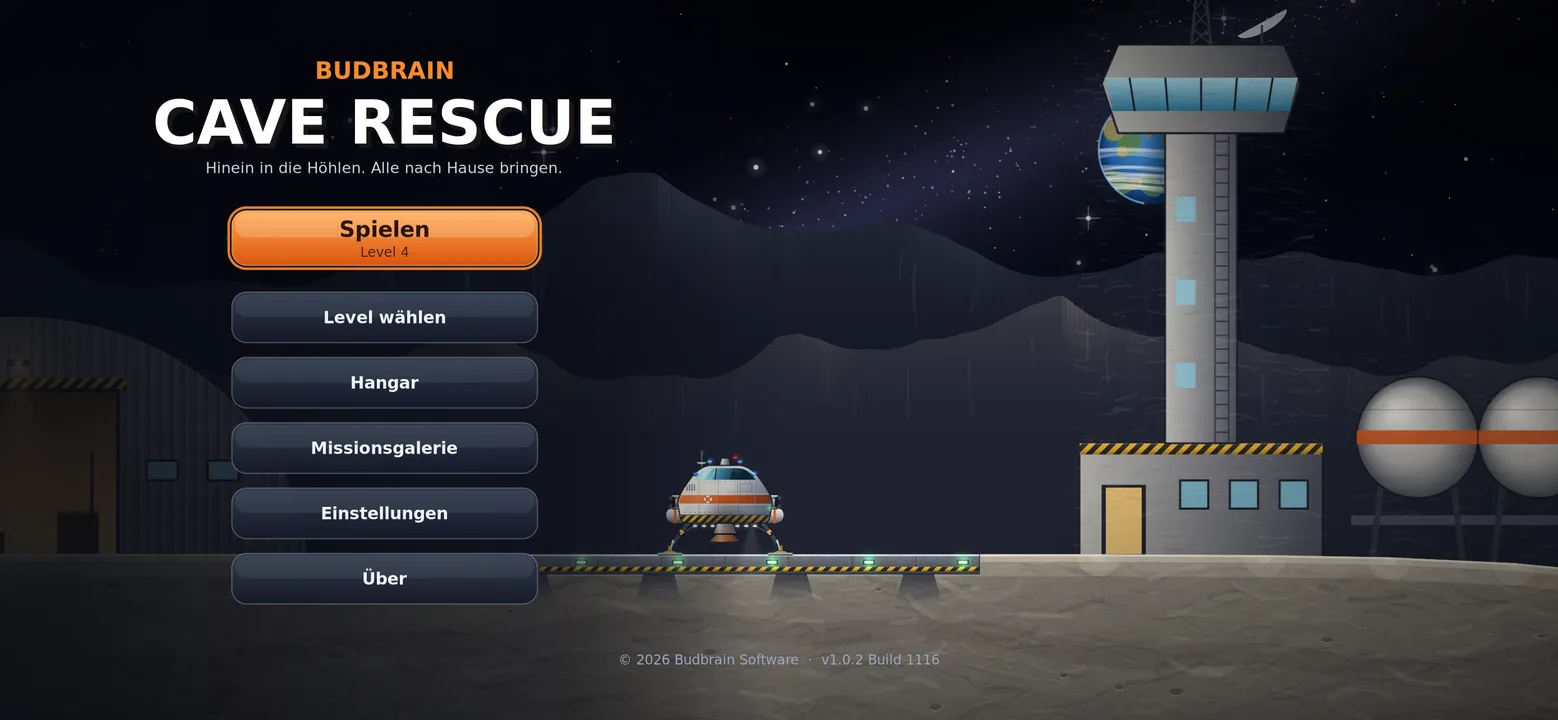
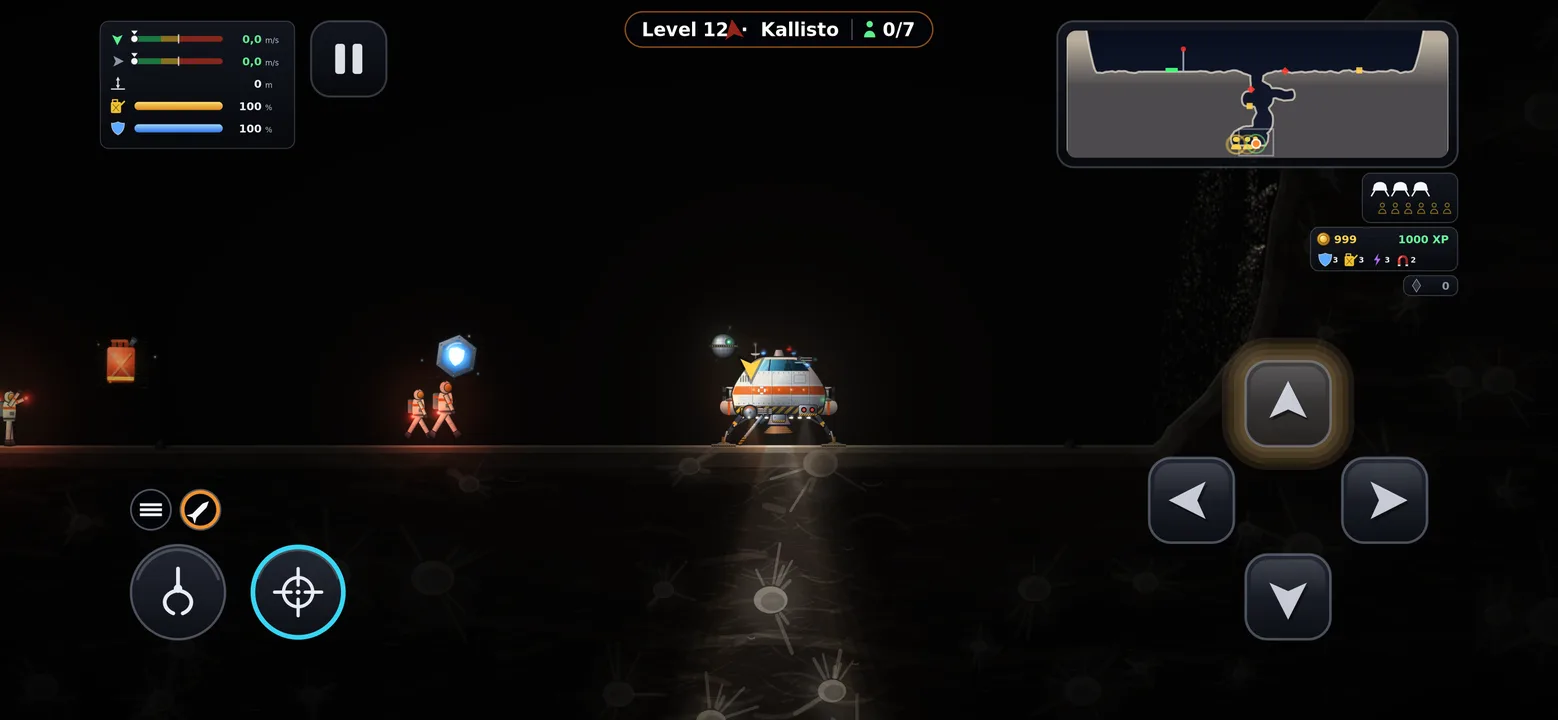
Ruka ndani ya mapango ya kina ya mwezi na uwarudishe nyumbani salama wanaanga waliokwama.
Viwango 100 katika ulimwengu kumiMvuto halisiVitufe vinne, hakuna zaidiBoresha chombo chako kwa uzoefuViwango vinne vya ugumuGhala ya misheni yenye ramani za safariKibodi, kipanya au gamepadApple Silicon44 lugha
jsCPUMonitor
v1.4 · Swift/SwiftUI · macOS
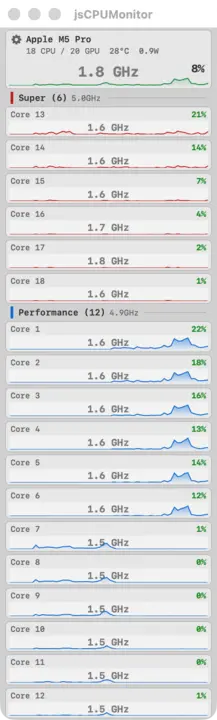
Ufuatiliaji wa CPU kwa wakati halisi kwa macOS. Dirisha linaloelea lenye chati za kila kiini, joto, masafa na matumizi ya nishati kwa Apple Silicon.
Per-Core ChartsSuper/Performance/EfficiencyTemperatur ZIP pekeeCPU-Frequenz ZIP pekeePowerFloating WindowApple SiliconLaunch at Login
Programu ya duka haiwezi kusoma thamani zilizowekwa alama „ZIP pekee“: inaendeshwa ndani ya sandbox ya Apple. Upakuaji wa moja kwa moja unaweza. Kwa upande mwingine haijathibitishwa na notarization — fuata maelekezo hapo juu wakati wa kuzindua mara ya kwanza.
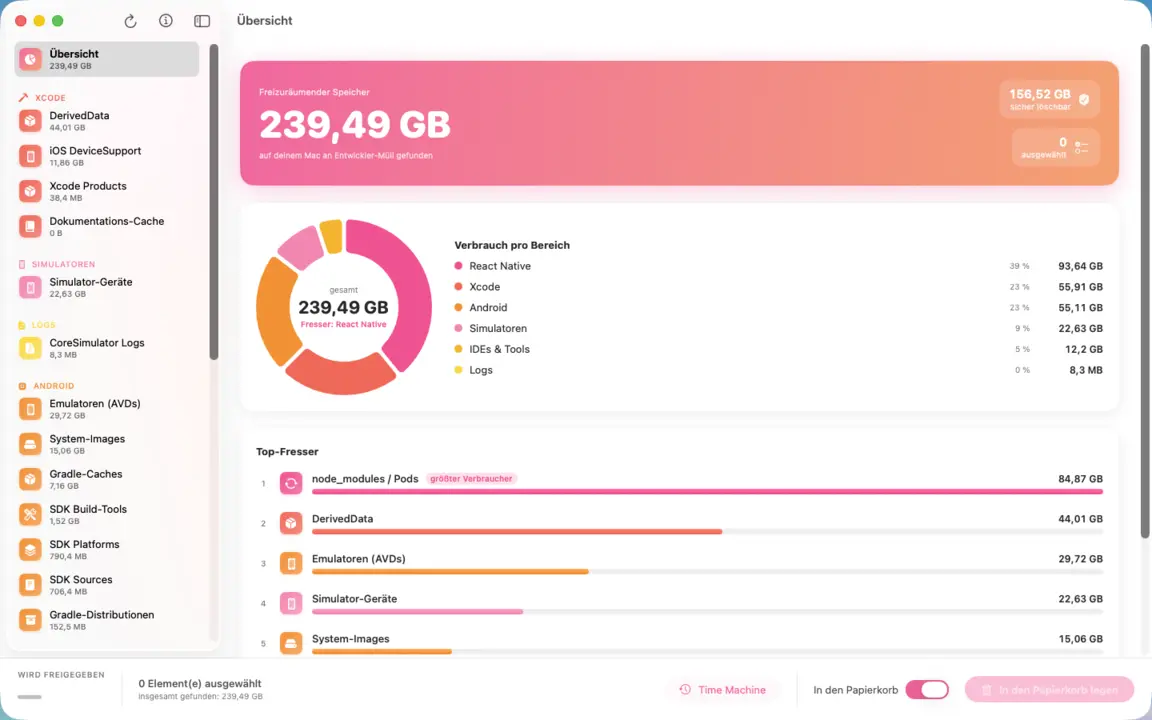
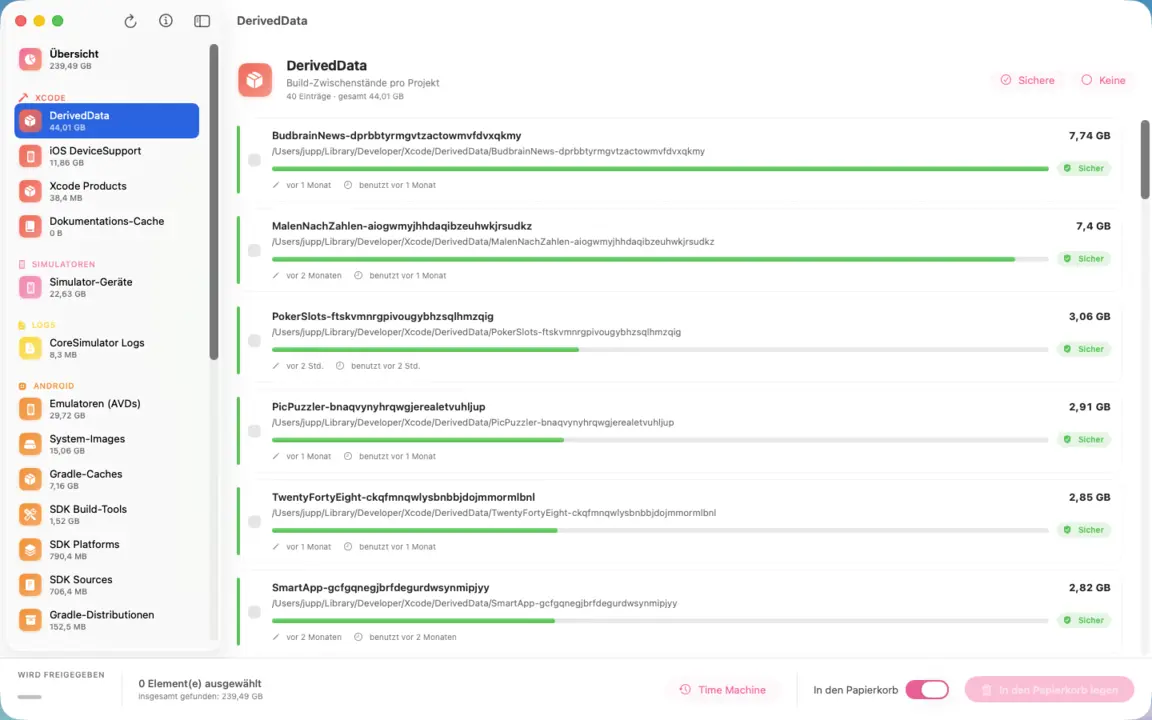
Husafisha uchafu wa msanidi kwenye Mac yako: kumbukumbu za Xcode, DerivedData na vielelezo, SDK za Android, folda za npm na Pods, akiba za vihariri. Chati ya duara huonyesha kwa mtazamo mmoja eneo linalotumia zaidi; kila kipengee hutaja njia, ukubwa na matumizi ya mwisho. Unachotia alama tu ndicho kinachoondolewa — na kila kitu huenda kwenye Tupio.
Huonyesha nafasi ya diski yako ilienda wapi kwa treemap yenye rangi: ingia kwa undani, tafuta vinavyotumia nafasi kubwa zaidi na tuma uchafu moja kwa moja kwenye Tupio. Uchanganuzi wa kasi ya umeme wa viini vingi, ramani ya joto na rada ya takataka. Hufanya kazi bila intaneti kabisa.
TreemapHeat-MapDrill-downJunk-RadarMulti-Core-ScanReveal in FinderTupio pekeeApp Sandbox
jsSysInfo
v1.2 · Swift/SwiftUI · macOS 14+
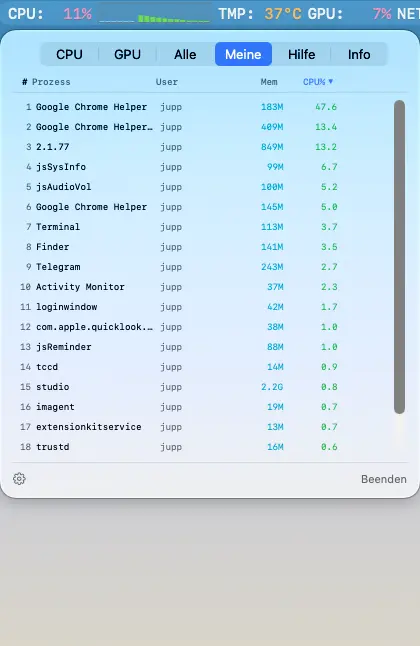
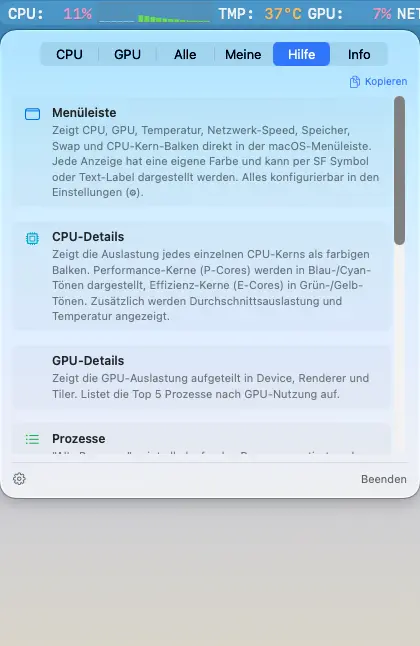
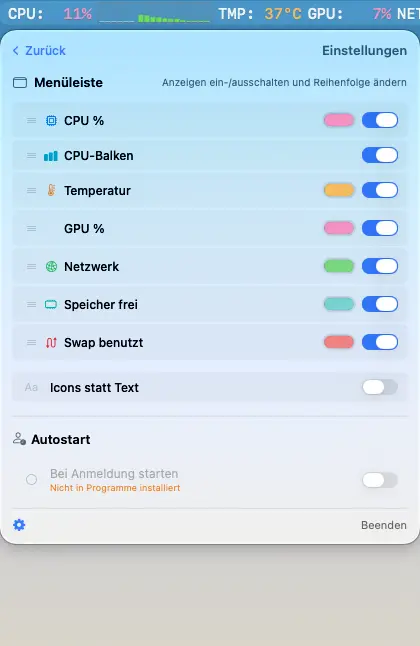
Kifuatilia mfumo kwa upau wa menyu wa macOS. Matumizi ya CPU, GPU, joto, kasi ya mtandao na pau za CPU za kila kiini moja kwa moja kwenye upau wa menyu. Pia inapatikana kwa Linux (tazama hapo juu).
CPU %CPU-BalkenGPU %TemperaturNetzwerkRAM & SwapProzesslisteApple SiliconUniversal BinaryDE / EN
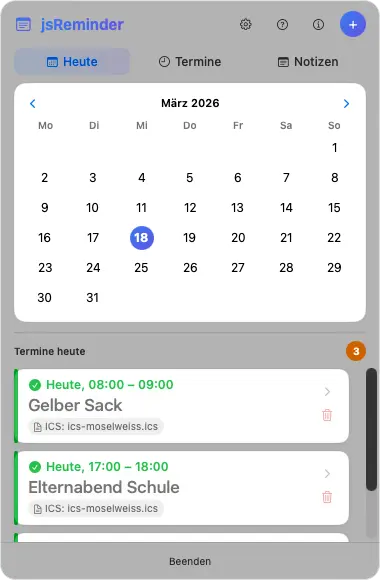
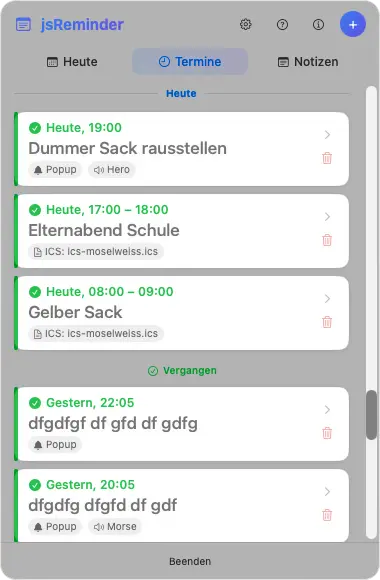
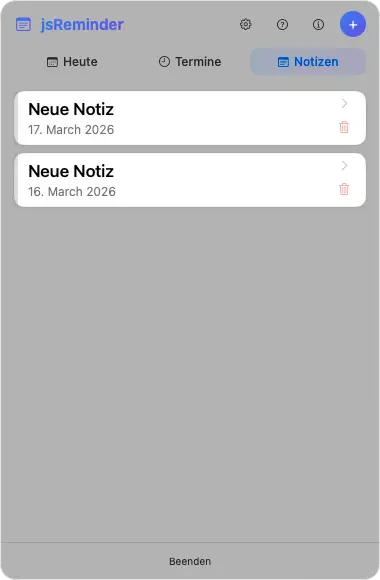
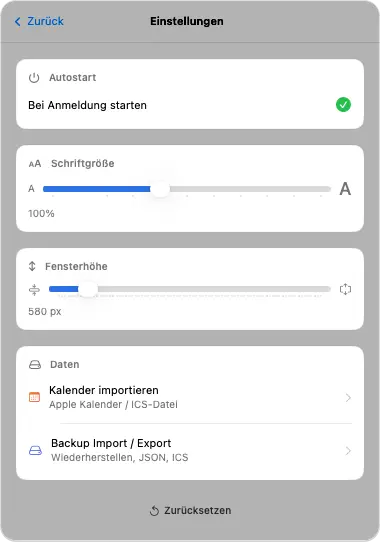
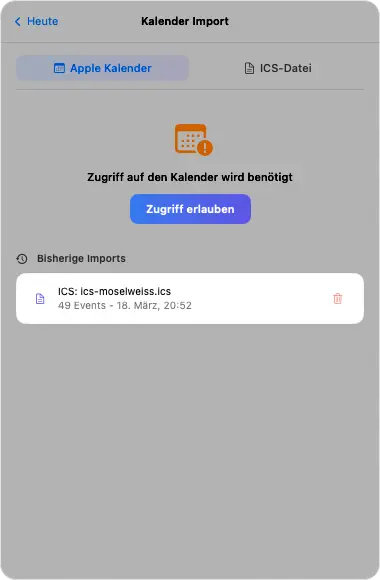
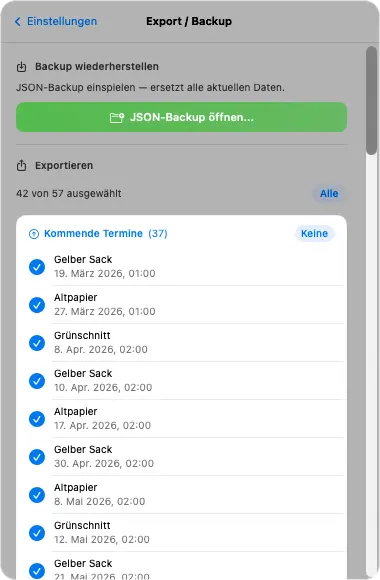
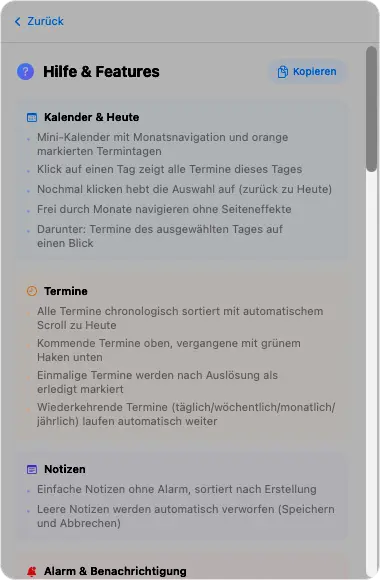
Programu ya madokezo na vikumbusho kwenye upau wa menyu. Kalenda yenye mwonekano wa siku, miadi na madokezo, matukio yanayojirudia, uingizaji wa kalenda (ICS), nakala rudufu/usafirishaji.
KalendaMiadiMadokezoAlarm / SoundYanayojirudiaICS ImportBackup/ExportAutostartDE / EN
jsMenueGroups
Swift/SwiftUI · macOS 14+
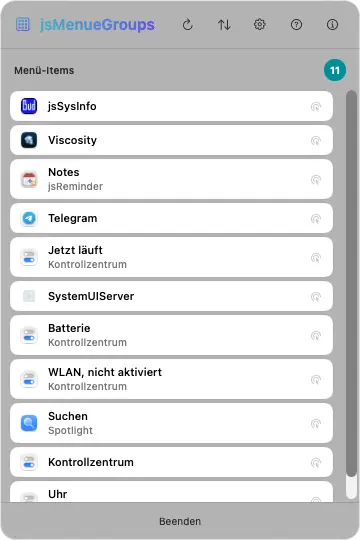
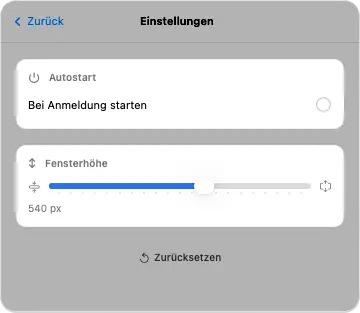
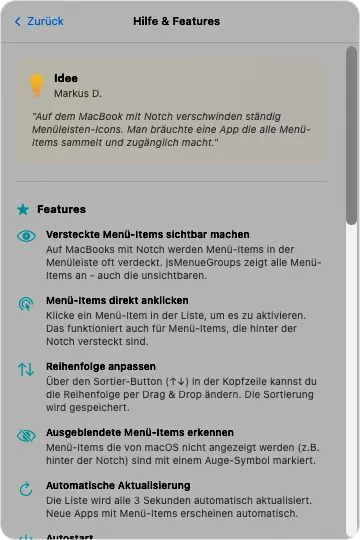
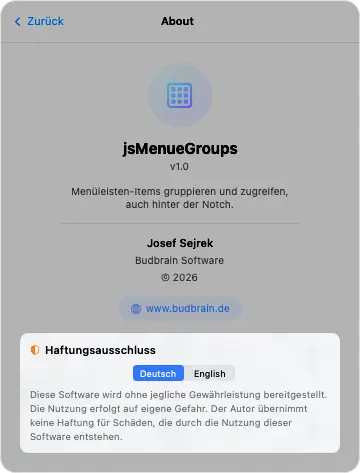
Kipanga upau wa menyu. Hukusanya na kuonyesha vipengee vya upau wa menyu vilivyofichwa nyuma ya notch ya MacBook. Vinafikika moja kwa moja kwa kubofya mara moja.
Menu Bar ItemsNotch-WorkaroundUsambazaji wa kubofyaUtambuzi wa aikoni
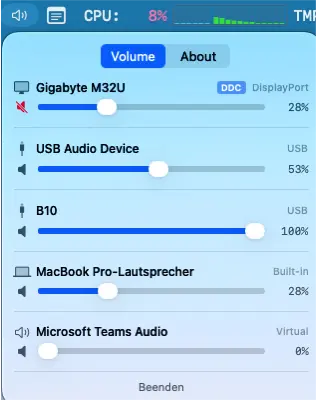
Kidhibiti sauti kwa upau wa menyu. Hudhibiti vifaa vya kutoa sauti (HDMI, DisplayPort, USB, vilivyojengwa ndani) kwa kitelezi moja kwa moja kutoka upau wa menyu.
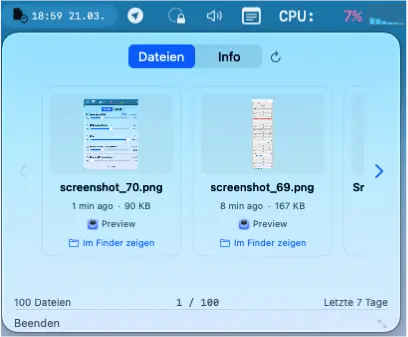
Huonyesha kwenye upau wa menyu faili zilizobadilishwa hivi karibuni zenye onyesho la awali la jukwa. Bofya kufungua faili kwa programu yake inayohusiana.
Faili za hivi karibuniOnyesho la awali la jukwaQuick LookUtafutaji wa SpotlightProgramu inayohusiana
Michezo na programu za iOS bila malipo kwa iPhone na iPad
Budbrain Cave Rescue
v1.0.2 · iPhone & iPad · iOS 16+
Ruka ndani ya mapango ya kina ya mwezi na uwarudishe nyumbani salama wanaanga waliokwama.
Viwango 100 katika ulimwengu kumiMvuto halisiVitufe vinne, hakuna zaidiBoresha chombo chako kwa uzoefuViwango vinne vya ugumuGhala ya misheni yenye ramani za safari44 lugha
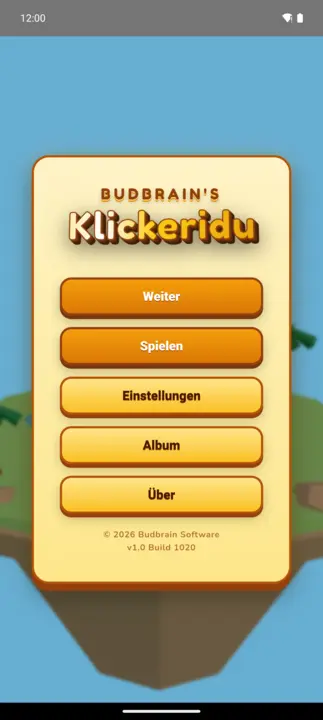
Budbrain’s Klickeridu
Capacitor · iOS 13+
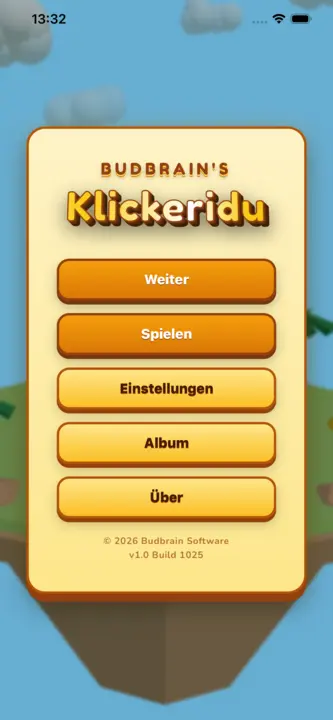
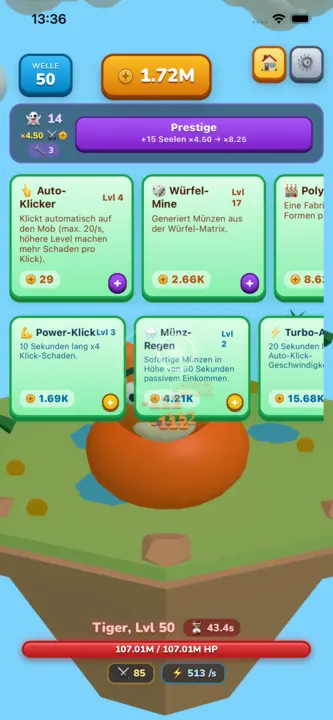
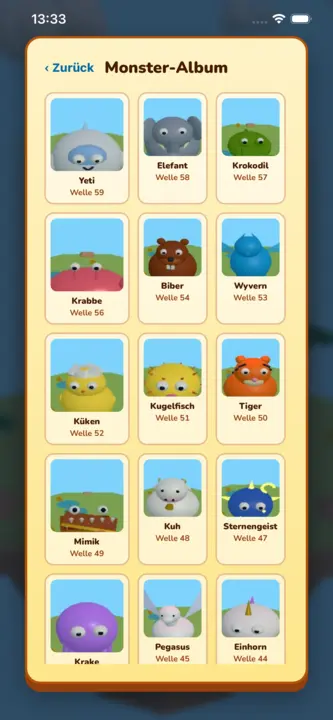
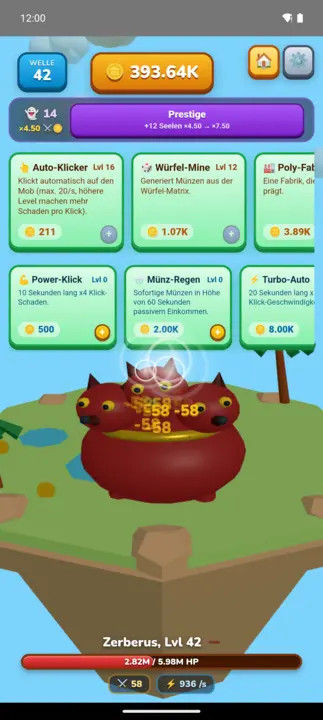
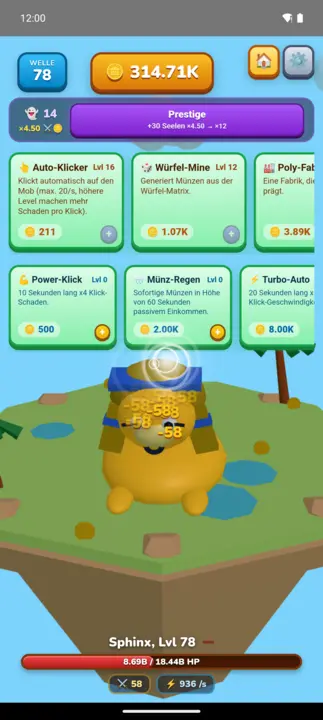
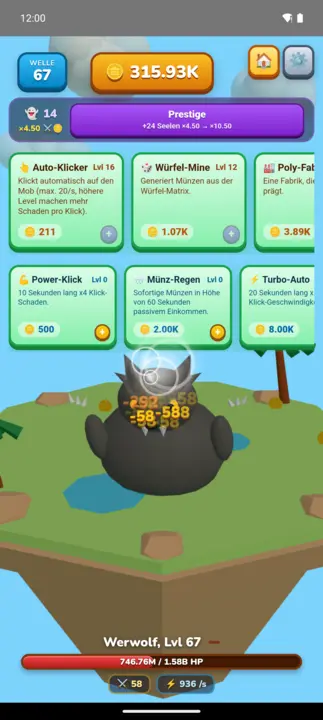
Mchezo wa 3D wa kubofya wa kutulia wenye upole kwenye kisiwa kinachoelea: gusa mhusika, pata sarafu, nunua maboresho na upitie wanyama wakubwa 100 waliotengenezwa kwa mkono wimbi baada ya wimbi. Kila wimbi la kumi huleta bosi mwenye kipima muda; prestige huweka upya kila kitu na kufanya kila mzunguko kuwa na nguvu zaidi kabisa.
Idle-ClickerWanyama wakubwa 100 wa 3DMaboresho 10 · ujuzi 3Prestige na rohoAlbamu ya wanyama wakubwa22 lughaHufanya kazi bila intaneti
Budbrain’s Media Editor
React Native · iOS 15+
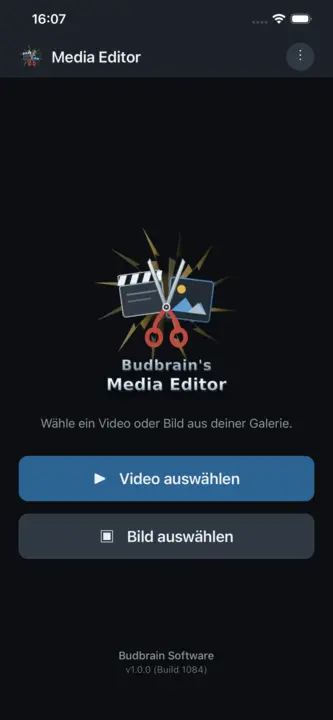
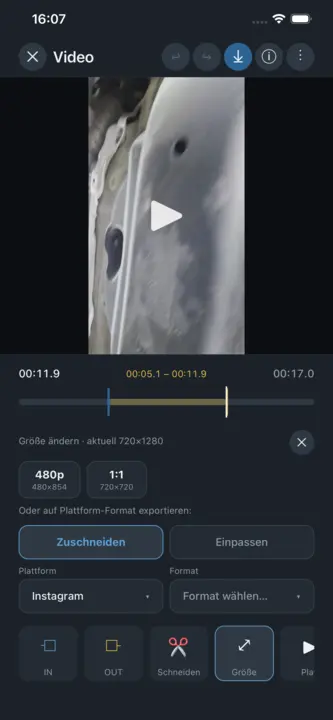
Budbrain Media Editor hukata video zako na kuhariri picha zako — moja kwa moja kwenye kifaa chako. Kila uhariri huandika faili mpya. Kilichopo kwenye ghala yako hakibadilishwi wala kuandikwa juu yake kamwe.
Kata videoHariri pichaAsili haiguswi4K · 1080p · 720pEXIF22 lughaHufanya kazi bila intaneti
Budbrain’s Poker Slots
React Native · iOS 15+
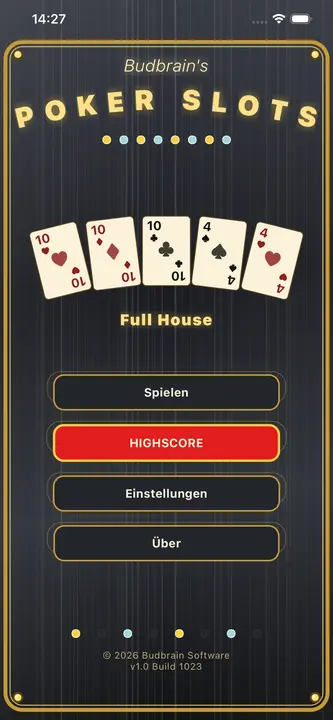
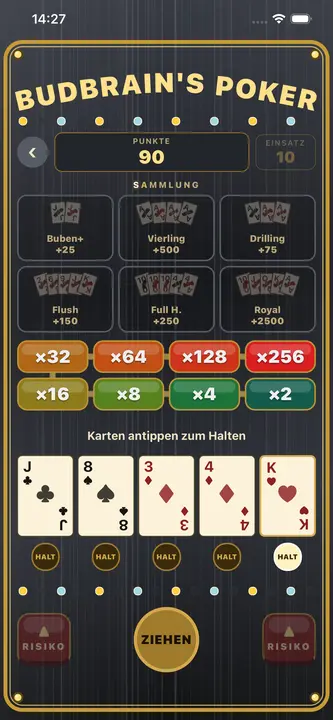
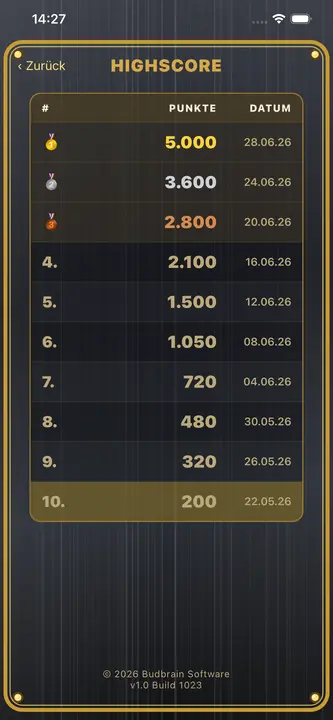
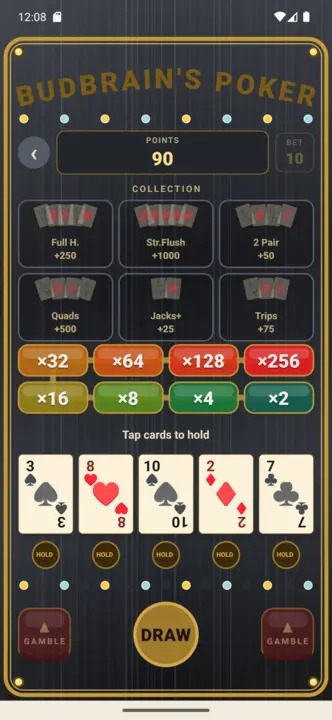
Budbrain Poker Slots ni mashine ya sloti ya video-poker kwa mtindo wa arcade za kawaida. Inachezwa kwa sarafu pepe za kujifurahisha tu: hakuna pesa halisi, hakuna manunuzi, hakuna malipo. Kumbuka: Kamari ya kuigwa. Mchezo huu hautoi kamari ya pesa halisi wala fursa ya kushinda pesa au zawadi halisi. Mazoezi au mafanikio katika mchezo huu hayamaanishi mafanikio ya baadaye katika kamari ya pesa halisi.
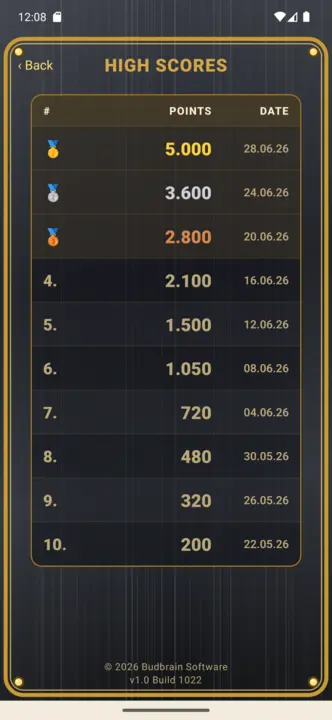
Video PokerShikilia na choraNgazi ya kamariSarafu za kujifurahisha pekeeKamari ya kuigwa22 lughaHufanya kazi bila intaneti
Budbrain’s Mahjong
React Native · iOS 15+
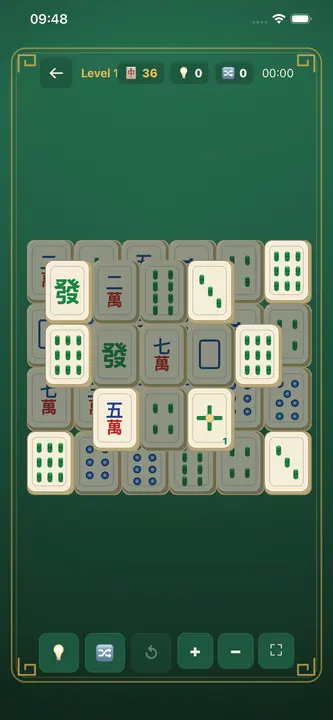
Mahjong Solitaire iliyotengenezwa kwa upendo yenye vigae vilivyochorwa kwa mkono: viwango 100 katika hatua 10, kuanzia mwanzo mpole wa vigae 36 hadi seti kamili ya vigae 144. Gusa vigae viwili vinavyofanana na huru ili kuondoa mpangilio mzima. Mgawanyo unaohakikishiwa kutatulika, kipengele cha kuchanganya, mandhari 10 za meza ya michezo ya Kichina, ukadiriaji wa nyota 3 na ghala. Lugha 22. Hufanya kazi bila intaneti kabisa.
Mahjong Solitaire100 LevelsVigae vilivyochorwa kwa mkonoKutatulika kumehakikishwaUkadiriaji wa nyota 322 lughaHufanya kazi bila intaneti
Astonischika
React Native · iOS 15+
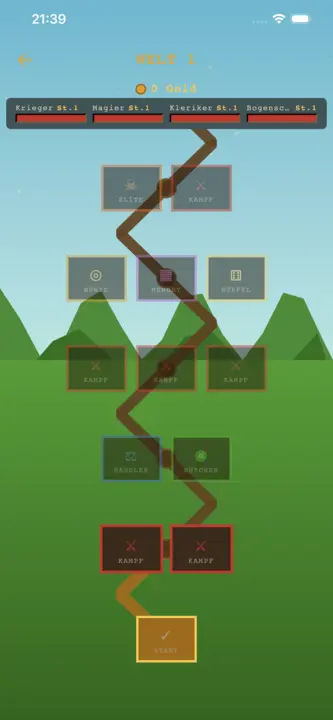
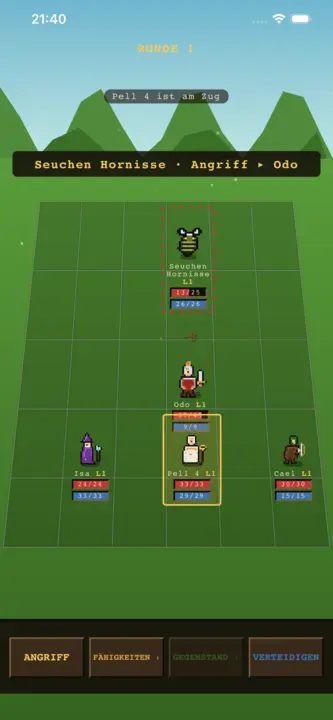
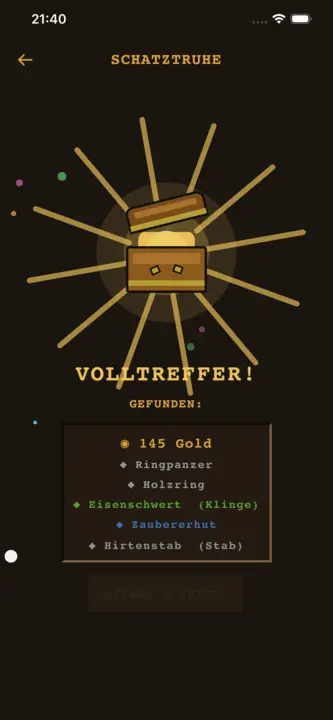
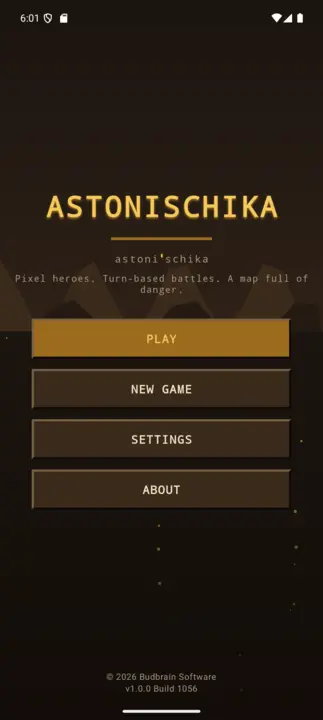
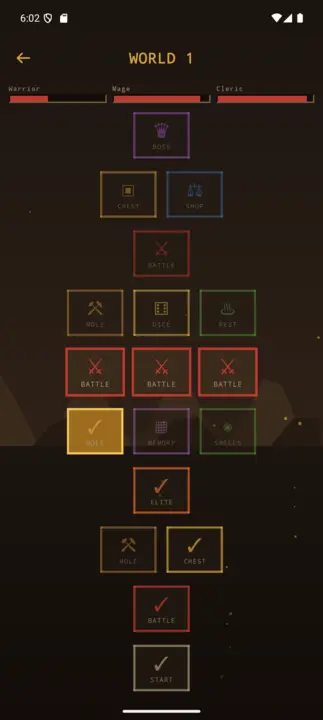
RPG ya kikundi ya zamu iliyochorwa pikseli kwa mkono: unda kikundi cha watu 3 kutoka madarasa 6 ya mashujaa (Shujaa, Mchawi, Kasisi, Mwizi, Vampaya, Druid) na upande ramani ya nodi zenye matawi – pigana na wanyama wakubwa, pumzika kando ya moto wa kambi, pora masanduku na tembelea wafanyabiashara hadi kwa bosi. Mashujaa hupanda ngazi, hutumia pointi za sifa na kuvaa nyara za viwango sita vya uadimu. Jiji ni kitovu cha kudumu chenye wafanyabiashara na baa; safari ikishindwa, mashujaa wako hubaki (roguelite). Lugha 22. Hufanya kazi bila intaneti kabisa.
Party-RPGPixel-ArtYa zamuMashujaa 3 kati ya 6Nyara na vifaaKitovu cha jiji22 lughaHufanya kazi bila intaneti
Quantimixar
React Native · iOS 15+
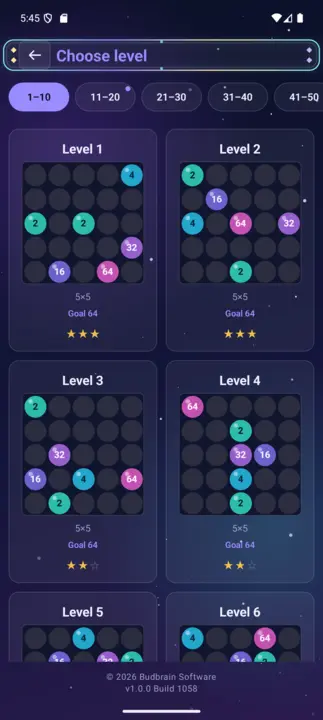
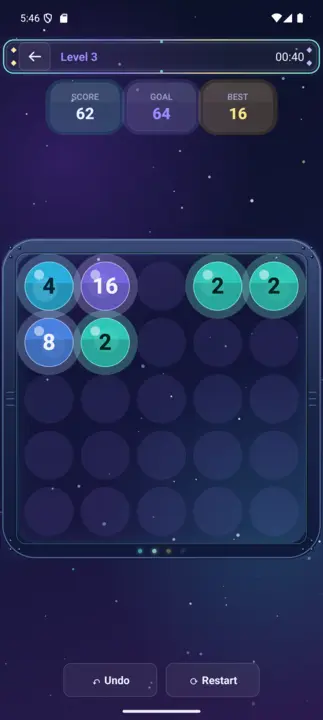
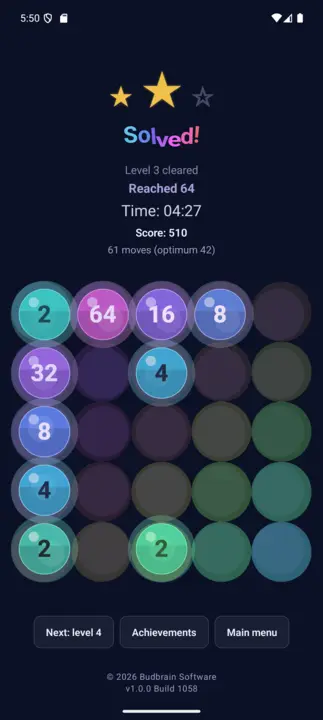
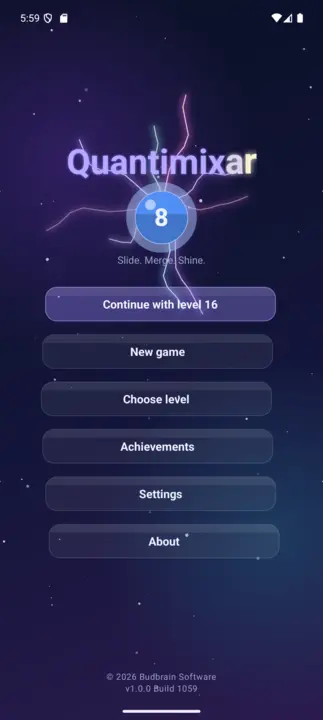
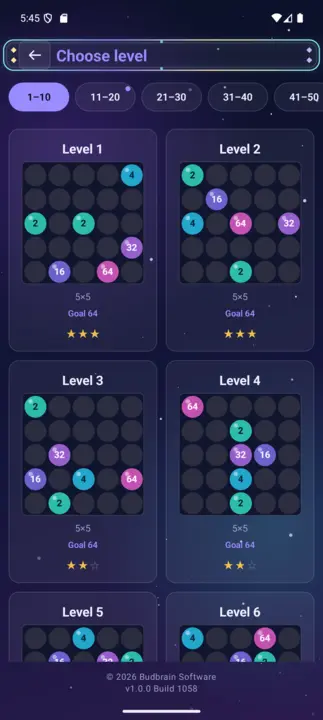
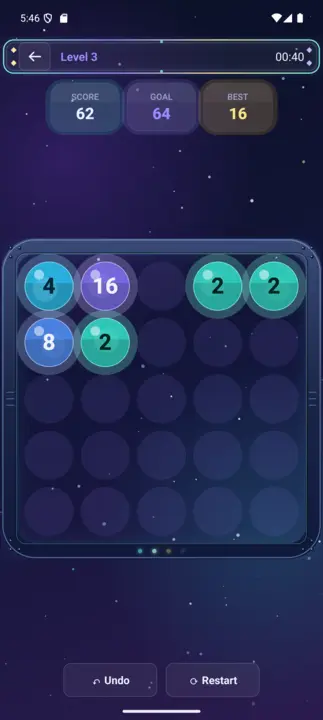
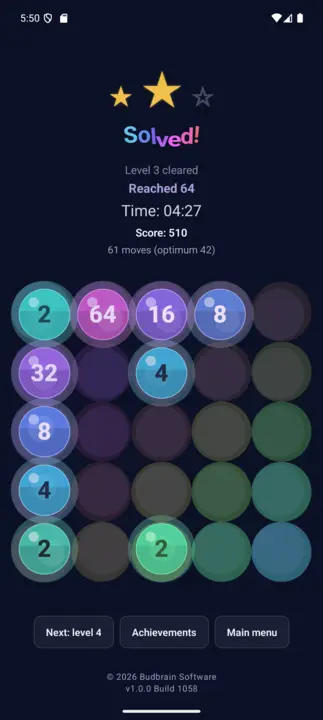
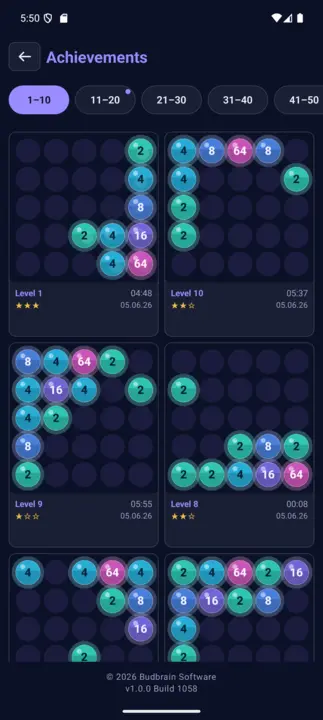
Fumbo la kuunganisha nambari lenye mwonekano wa anga la kina: telezesha marumaru za kioo zinazong'aa pamoja na uunganishe thamani zinazofanana. Kampeni ya viwango 100 kutoka 64 hadi 8192 kwenye bodi za 4×4, 5×5 na 6×6, yenye seli maalum (×2, ÷2, shimo, bomu), ukadiriaji wa nyota 3 na ghala ya mafanikio. Lugha 22. Hufanya kazi bila intaneti kabisa.
Merge-Puzzle100 Levels4×4 – 6×6hadi 8192Seli maalum na bomuUkadiriaji wa nyota 322 lughaHufanya kazi bila intaneti
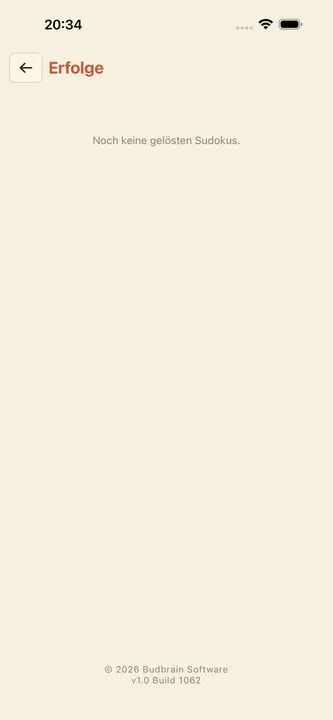
Budbrain's Sudoku
React Native · iOS 15+
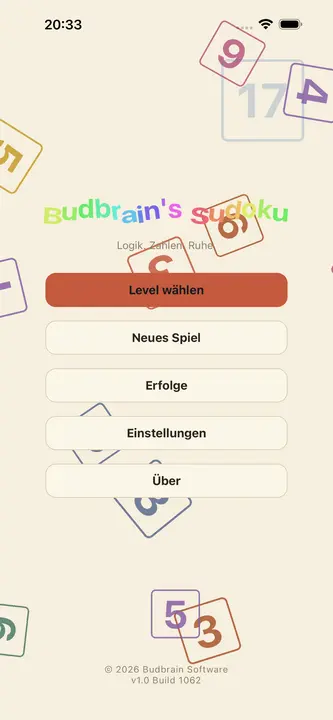
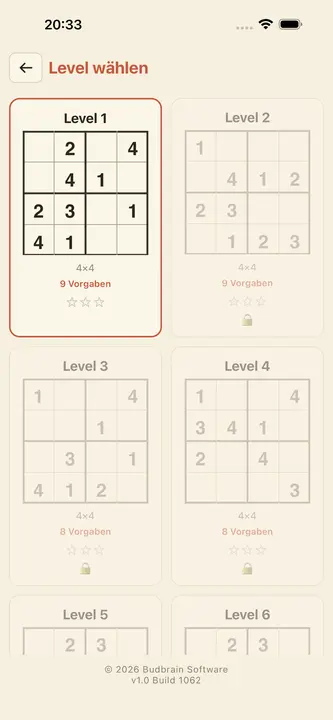
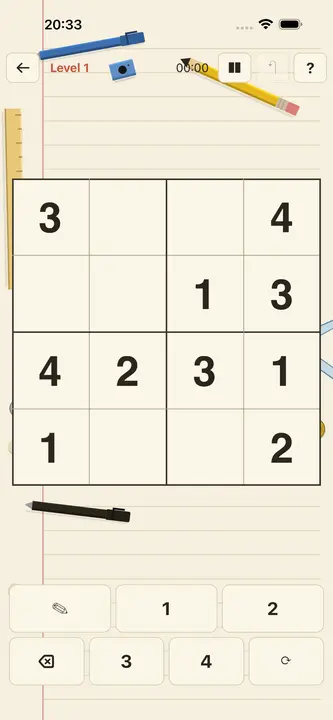
Sudoku iliyotengenezwa kwa upendo katika muundo wa daftari wenye joto: viwango 100 katika hatua 10, kutoka 4×4 rahisi hadi 25×25 yenye changamoto – ikiwemo visanduku vya mstatili. Ukadiriaji wa nyota 3 kwa kila kiwango, ghala ya mafanikio, usaidizi kamili wa VoiceOver na TalkBack. Hufanya kazi bila intaneti kabisa.
100 Levels4×4 – 25×25Ukadiriaji wa nyota 3MafanikioVoiceOver22 lughaHufanya kazi bila intaneti
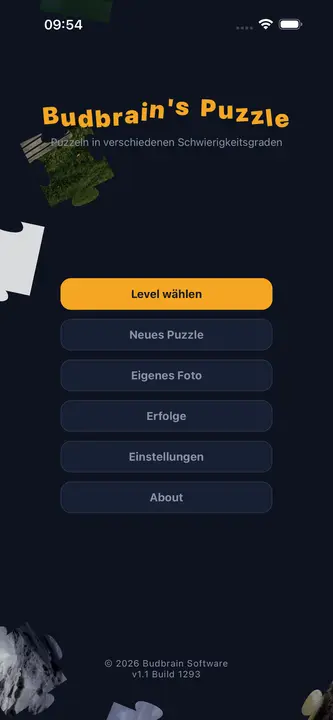
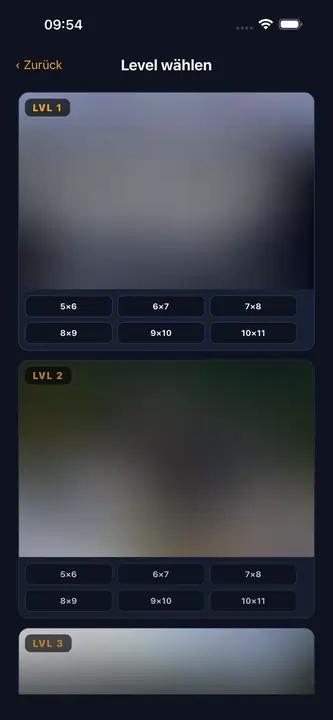
Budbrain's Puzzle
React Native · iOS 15+
Fumbo la jigsaw la kawaida lenye picha asilia zilizopigwa kwa mkono na Josef Sejrek. Viwango 6 vya ugumu kutoka Rahisi (vipande 12) hadi Grandmaster (vipande 300), maumbo halisi ya jigsaw yenye matokeo na mashimo, kukuza kwa vidole viwili na ghala ya mafanikio. Hufanya kazi bila intaneti kabisa.
Jigsaw Puzzle6 viwango vya ugumu12–300 vipandePicha asiliaPinch-to-ZoomMafanikioHufanya kazi bila intaneti
DuoDom
SwiftUI · iOS 17+
Fumbo tulivu la kuteleza kwa mtindo wa kale wa pixel-art: telezesha mawe kwenye miraba tupu hadi mawili yanayofanana yakutane – hupotea pamoja. Kila kiwango kimehakikishwa kuwa na suluhisho kwa msaada wa kisuluhishi kilichojengwa ndani. Alama za juu, vikombe, lugha 20, FPS 60.
Pixel ArtFumbo la kutelezaImekaguliwa na kisuluhishiHighscoresVikombe20 lugha60 FPSHufanya kazi bila intaneti
jsKassenrechner
React Native · iOS 15+
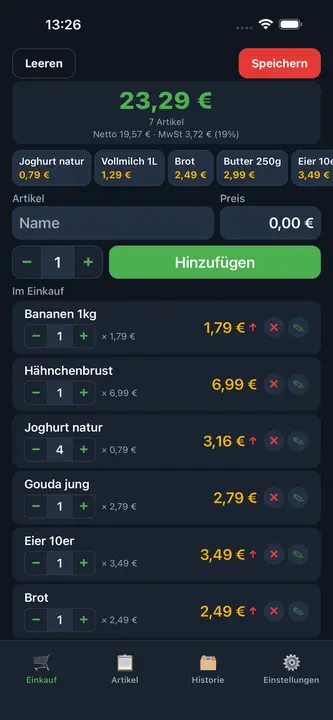
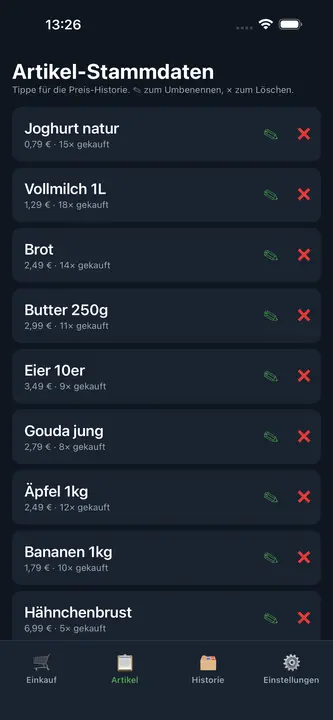
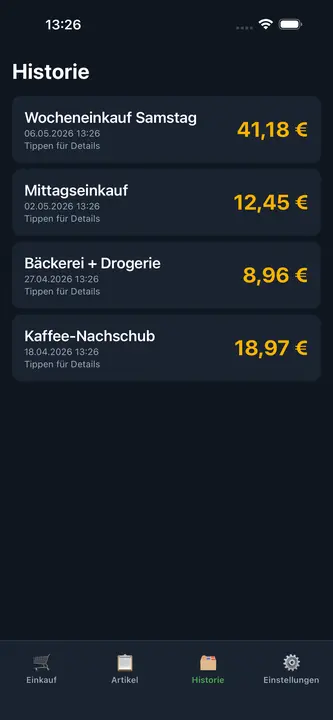
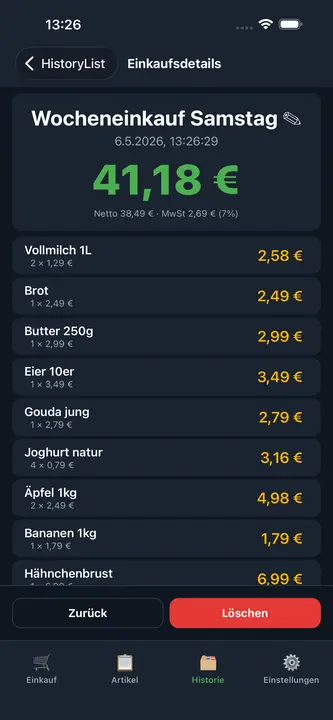
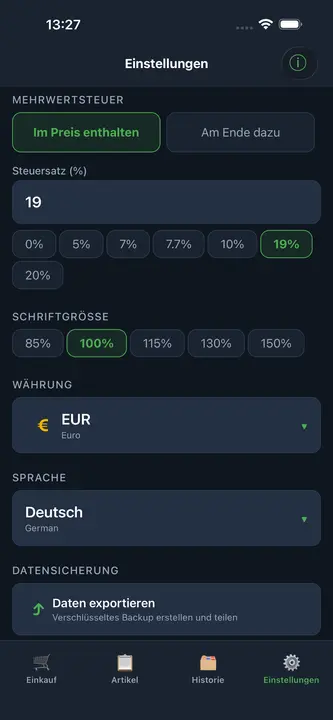
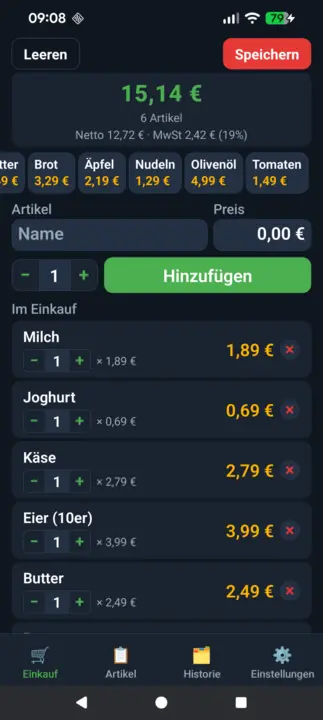
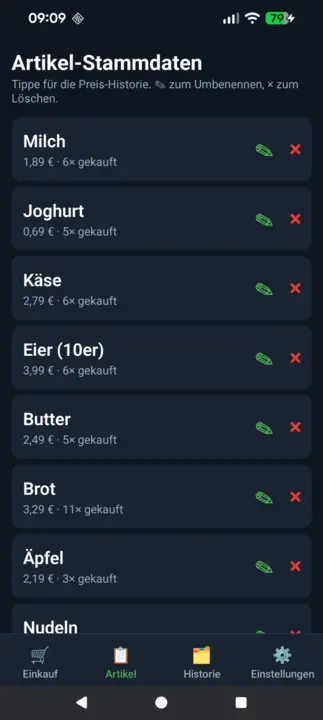
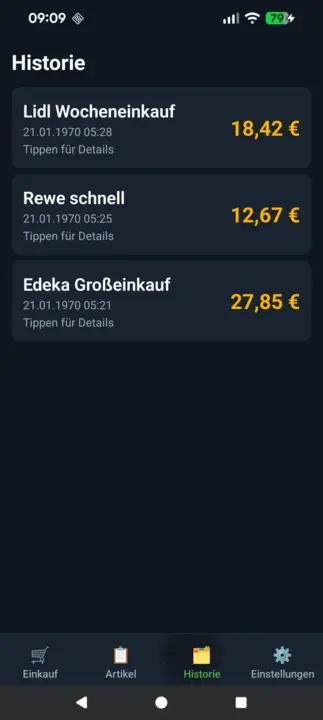
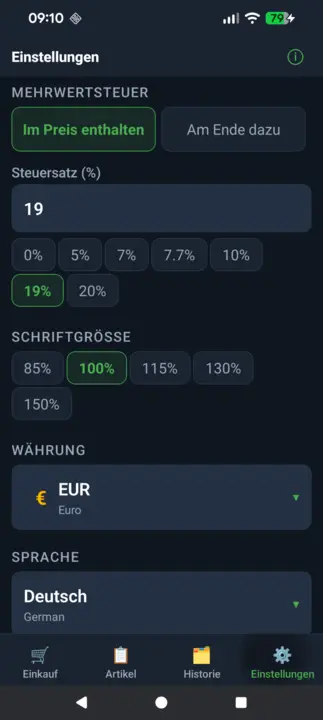
Kikokotoo cha haraka cha ununuzi kwa iPhone na iPad: ongeza bidhaa kwenye kikapu na uone jumla ya moja kwa moja ukiwa dukani. Kina hesabu inayobadilika ya VAT, bidhaa za kuongeza haraka, historia ya bei, historia ya manunuzi na nakala rudufu iliyosimbwa. Hufanya kazi bila intaneti kabisa.
Jumla ya moja kwa mojaHesabu ya VATQuick-AddHistoria ya beiNakala rudufu iliyosimbwaSarafu nyingiHufanya kazi bila intaneti
Budbrain News
React Native · iOS 15+
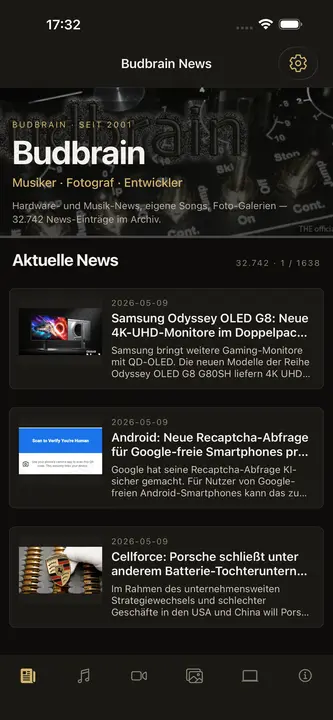
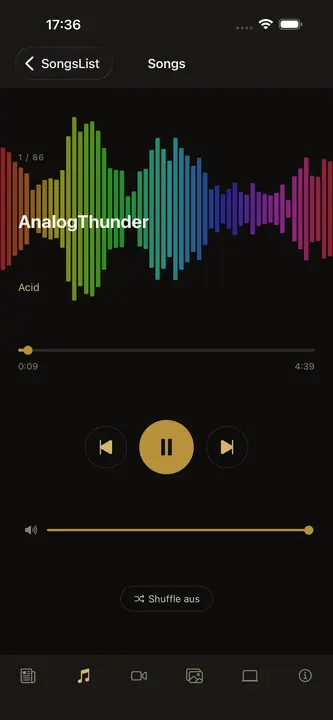
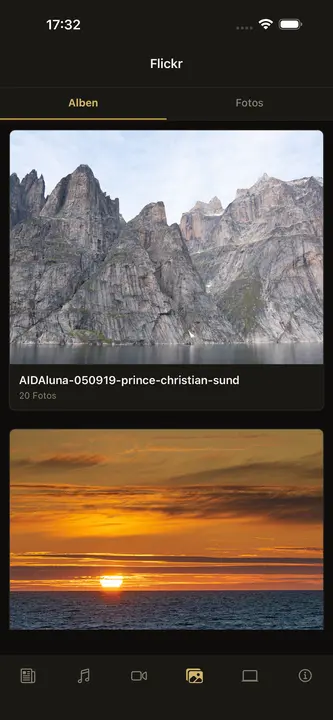
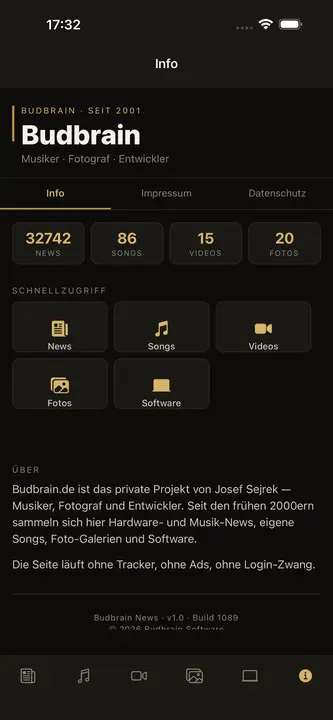
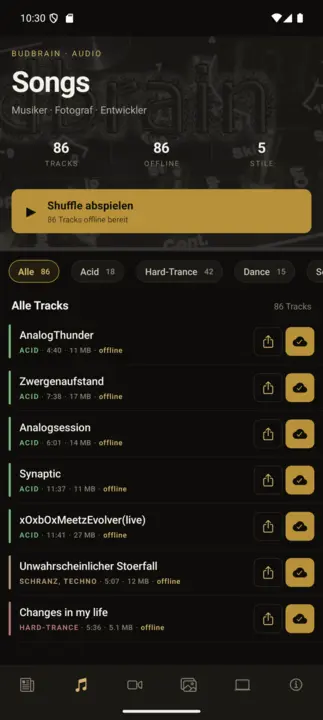
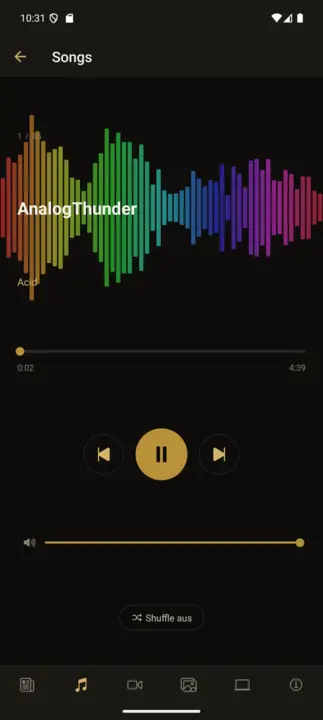
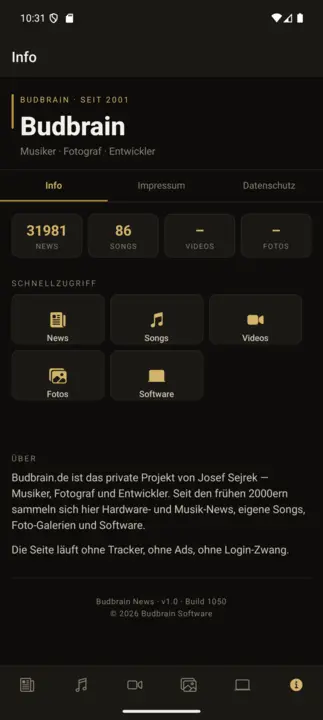
Programu rasmi ya ziada ya budbrain.de – makazi ya muziki na miradi ya Josef Sejrek tangu 2001. Nyimbo asilia 86 zilizojumuishwa na zinazofanya kazi bila intaneti, kicheza nyimbo chenye oscilloscope ya wakati halisi, habari za moja kwa moja, video za YouTube na ghala za picha za Flickr. Kiolesura katika lugha 22.
86 TracksKicheza bila intanetiOscilloscopeLive-NewsYouTubeGhala za Flickr22 lughaShuffle
Budbrain's Marbles
React Native · iOS 15+
Fumbo la kupendeza la kupanga marumaru: gusa bomba kuchukua marumaru ya juu, gusa bomba jingine kuiweka – panga kila bomba kuwa na rangi moja. Viwango 105 vilivyothibitishwa kwa BFS katika ulimwengu 5 wa ufukweni, ukadiriaji wa nyota 3, ghala ya mafanikio, marumaru za 3D zinazong'aa. Lugha 22. Hufanya kazi bila intaneti kabisa.
105 LevelsUlimwengu 5 wa ufukweniUkadiriaji wa nyota 3MafanikioMarumaru za 3D22 lughaHufanya kazi bila intaneti
Budbrain's Chess
React Native · iOS 15+
Viwango 100 vya chesi dhidi ya AI katika mandhari ya ngozi yenye joto – kutoka ELO 150 kwa wanaoanza hadi ELO 1900 kwa wachezaji wa klabu. Kina vidokezo, kutendua, ghala ya mafanikio na lugha 22. Hufanya kazi bila intaneti kabisa.
100 LevelsELO 150 – 1900Hint & UndoMafanikioMandhari ya ngozi22 lughaHufanya kazi bila intaneti
Budbrain's Solitaire
React Native · iOS 15+
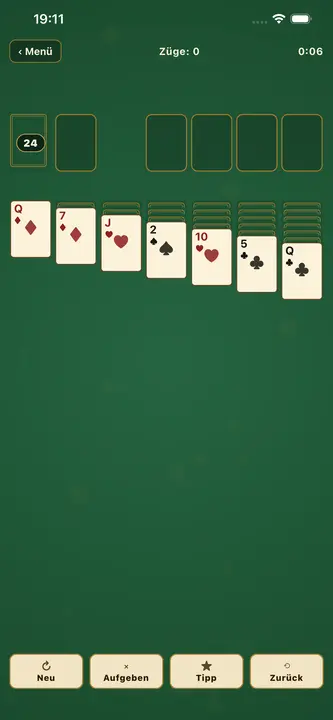
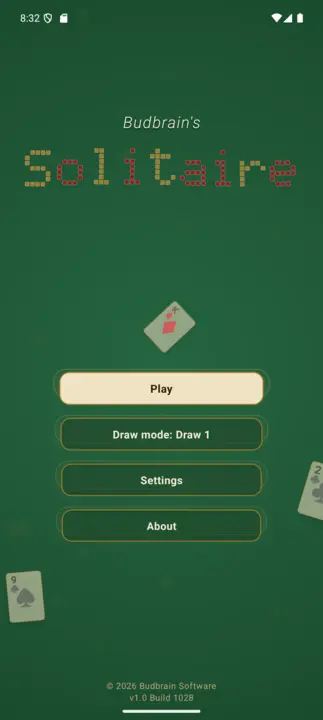
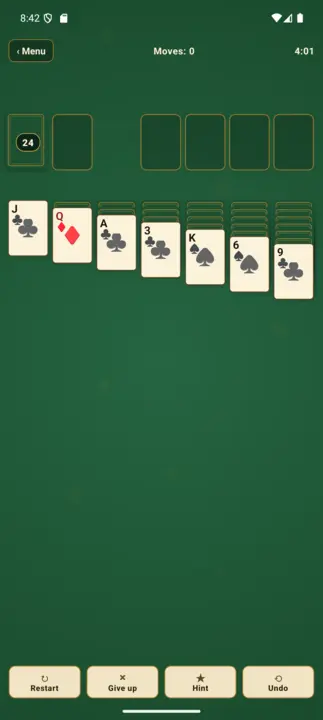
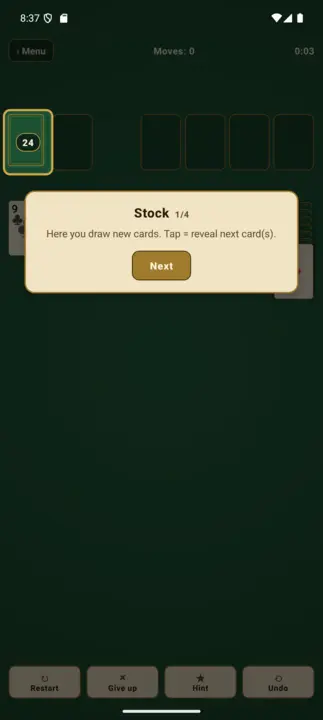
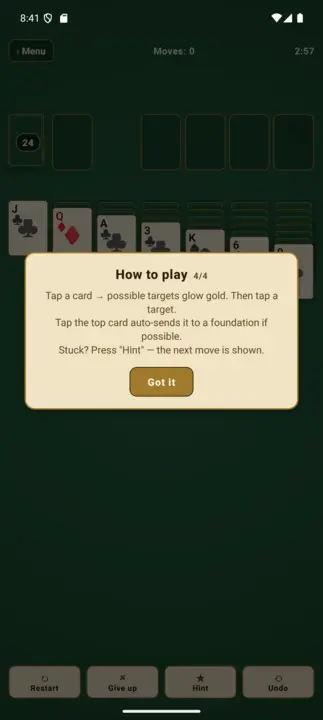
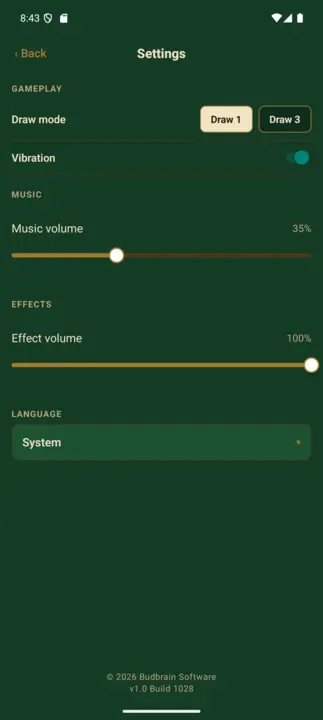
Solitaire ya kawaida ya Klondike katika mtindo wa ngozi ya kijani wenye joto – kama chumba cha zamani cha karata chenye meza ya kitambaa. Ina hali za Draw-1 na Draw-3, vidhibiti vya gusa-gusa (mwangaza wa dhahabu wa lengo), kitufe cha kidokezo, kutendua, kumaliza kiotomatiki na kifuniko cha mkufunzi kwa wanaoanza. Lugha 22, usaidizi kamili wa VoiceOver. Hufanya kazi bila intaneti kabisa.
KlondikeDraw 1 na Draw 3Vidhibiti vya gusa-gusaHint & UndoKumaliza kiotomatikiVoiceOver22 lughaHufanya kazi bila intaneti
BlobPop
React Native · iOS 15+
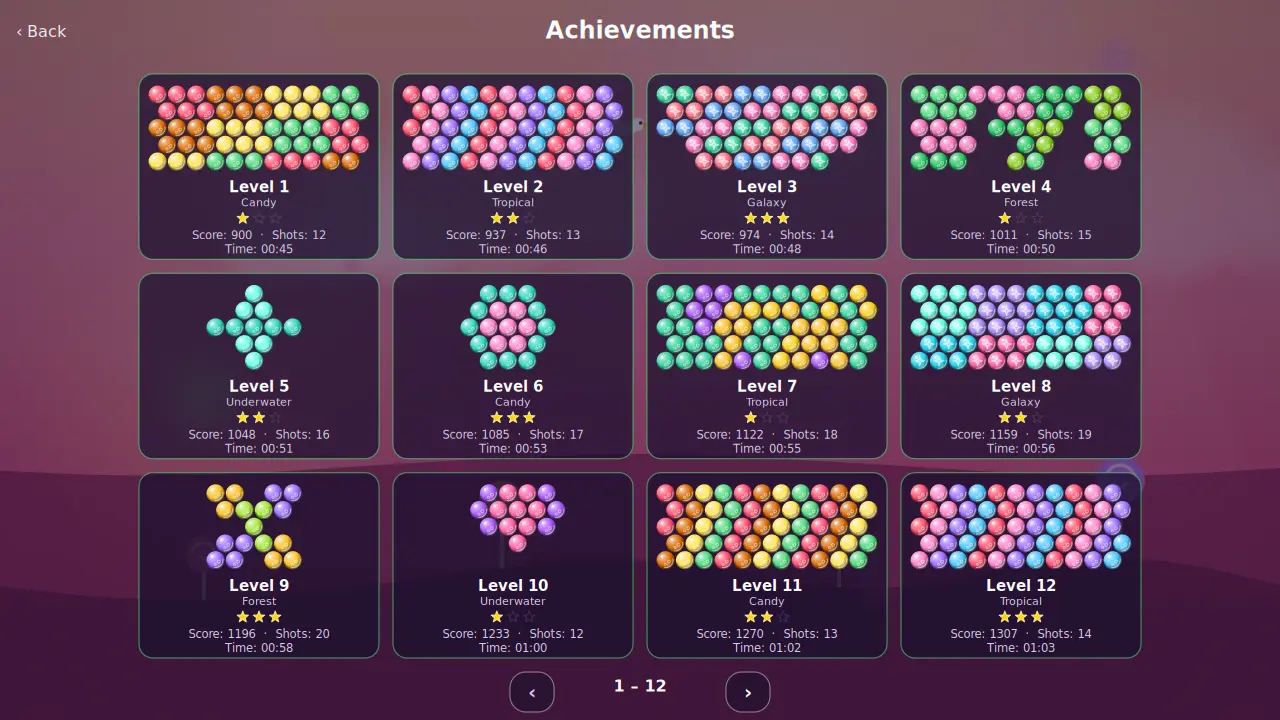
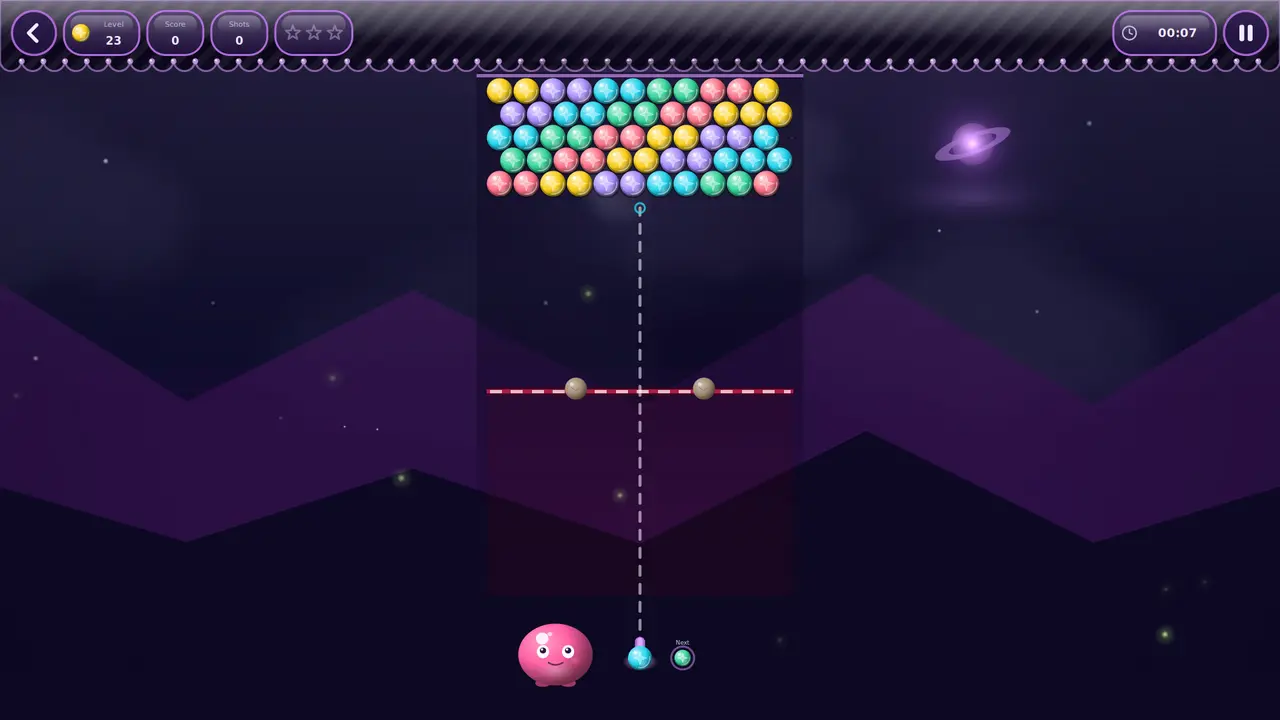
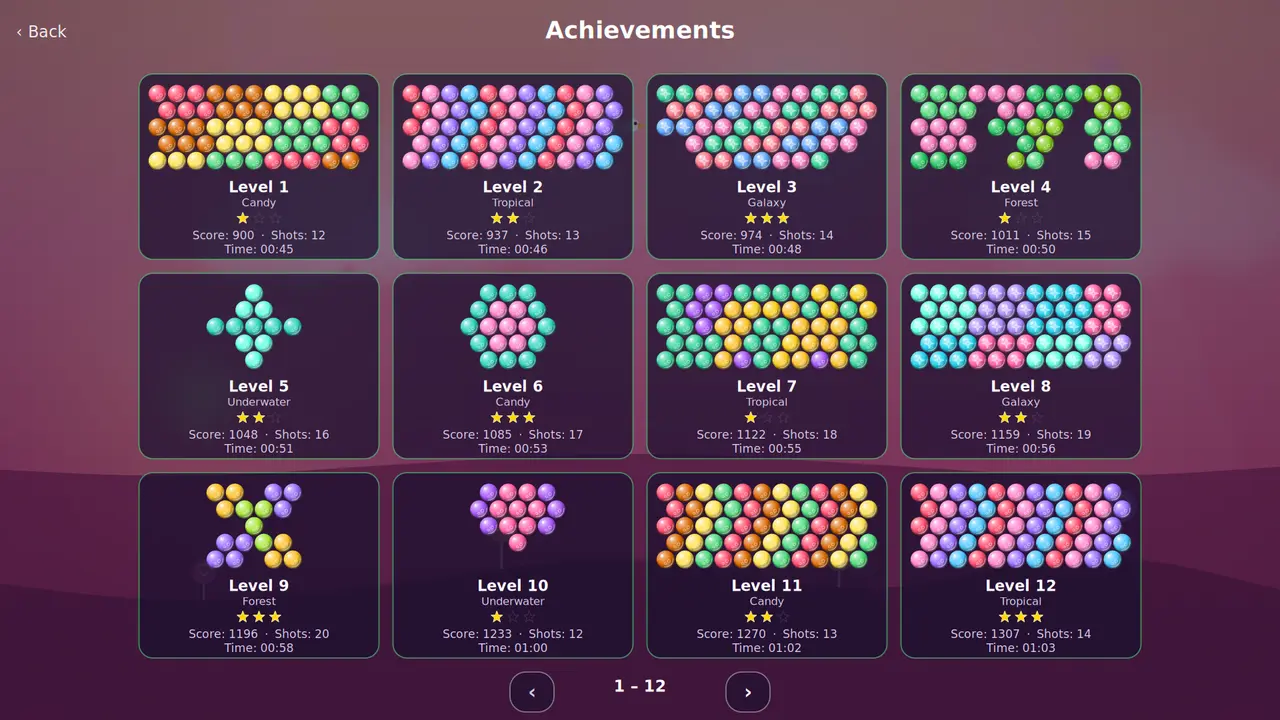
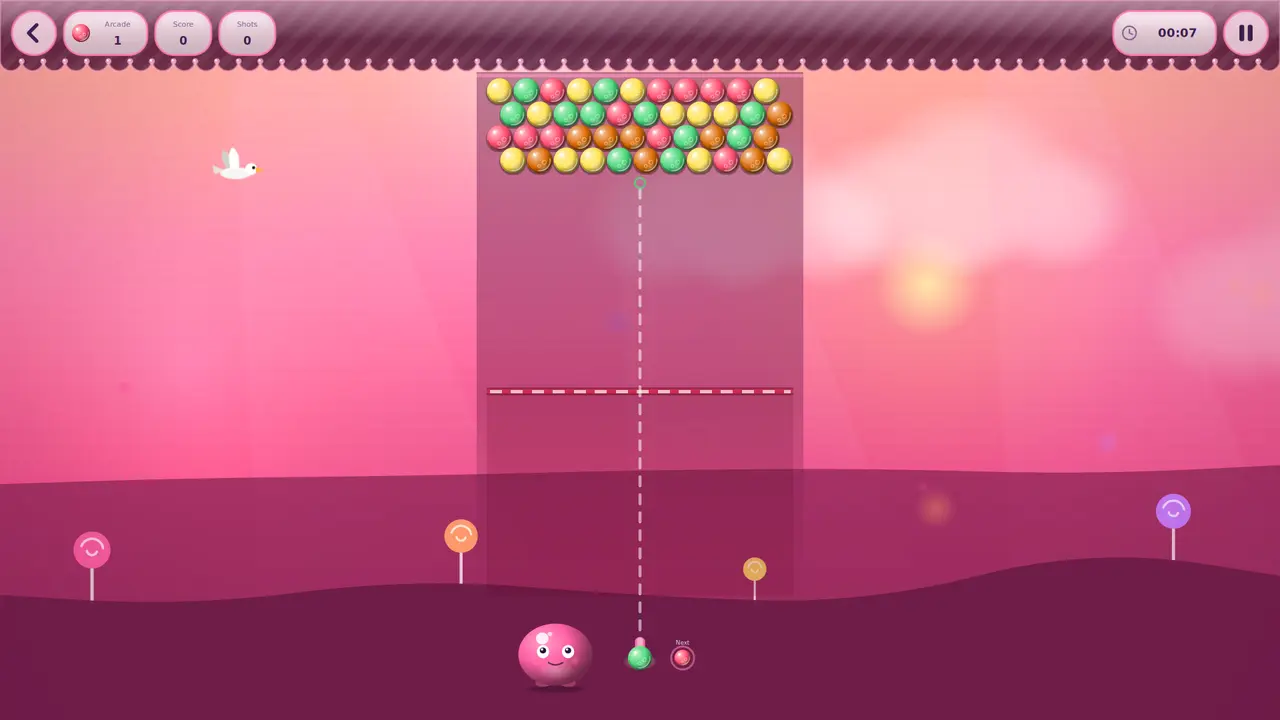
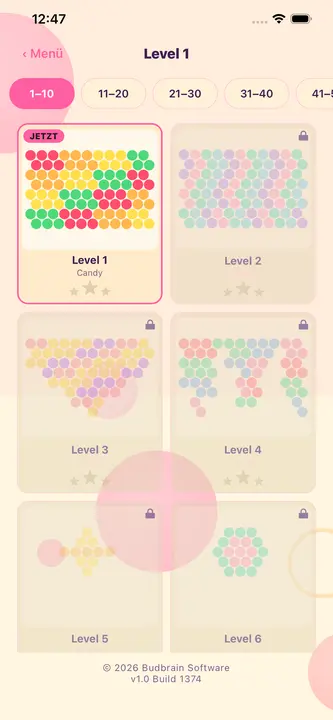
Mchezo wa arcade wa kupiga viputo: lenga, piga, pasua. Linganisha viputo vitatu vya rangi moja kuvipasua kwa makundi na kuanzisha mfululizo. Viwango 100 katika ulimwengu 5 wenye rangi na alama za nyota 3, pamoja na hali ya arcade isiyo na mwisho. Lugha 22. Hufanya kazi bila intaneti kabisa.
Bubble Shooter100 LevelsUlimwengu 5 wenye rangiHali ya arcade isiyo na mwishoUkadiriaji wa nyota 322 lughaHufanya kazi bila intaneti
Michezo na programu za Android bila malipo
Budbrain’s Klickeridu
Capacitor · Android 5.1+
Mchezo wa 3D wa kubofya wa kutulia wenye upole kwenye kisiwa kinachoelea: gusa mhusika, pata sarafu, nunua maboresho na upitie wanyama wakubwa 100 waliotengenezwa kwa mkono wimbi baada ya wimbi. Kila wimbi la kumi huleta bosi mwenye kipima muda; prestige huweka upya kila kitu na kufanya kila mzunguko kuwa na nguvu zaidi kabisa.
Idle-ClickerWanyama wakubwa 100 wa 3DMaboresho 10 · ujuzi 3Prestige na rohoAlbamu ya wanyama wakubwa22 lughaHufanya kazi bila intaneti
Budbrain’s Sudoku
React Native · Android 7+
Sudoku iliyotengenezwa kwa upendo katika muundo wa daftari wenye joto: viwango 100 katika hatua 10, kutoka 4×4 rahisi hadi 25×25 yenye changamoto – ikiwemo visanduku vya mstatili. Ukadiriaji wa nyota 3 kwa kila kiwango, ghala ya mafanikio, usaidizi kamili wa VoiceOver na TalkBack. Hufanya kazi bila intaneti kabisa.
100 Levels4×4 – 25×25Ukadiriaji wa nyota 3MafanikioTalkBack22 lughaHufanya kazi bila intaneti
Budbrain’s Marbles
React Native · Android 7+
Fumbo la kupendeza la kupanga marumaru: gusa bomba kuchukua marumaru ya juu, gusa bomba jingine kuiweka – panga kila bomba kuwa na rangi moja. Viwango 105 vilivyothibitishwa kwa BFS katika ulimwengu 5 wa ufukweni, ukadiriaji wa nyota 3, ghala ya mafanikio, marumaru za 3D zinazong'aa. Lugha 22. Hufanya kazi bila intaneti kabisa.
105 LevelsUlimwengu 5 wa ufukweniUkadiriaji wa nyota 3MafanikioMarumaru za 3D22 lughaHufanya kazi bila intaneti
FarmIsFun
Kotlin · Android 7+
Mchezo wa kilimo wa pixel-art: unaanza bila chochote, unakata miti, unavunja miamba na kutengeneza zana, silaha na majengo kutokana na unachokusanya. Lima mashamba, fuga kuku na ng'ombe, jikinge dhidi ya mbwa mwitu na dubu, uza kwa mfanyabiashara, chukua kazi na pumzika kwenye mashine tatu za arcade – katika misimu yote minne.
Pixel-ArtKusanya na tengenezaJenga na limaPigana na fanya biasharaKazi na michezo midogoHifadhi ya wingu ya hiariProgramu kwa Kijerumani pekee
Budbrain’s Nonogram’s
React Native · Android 7+
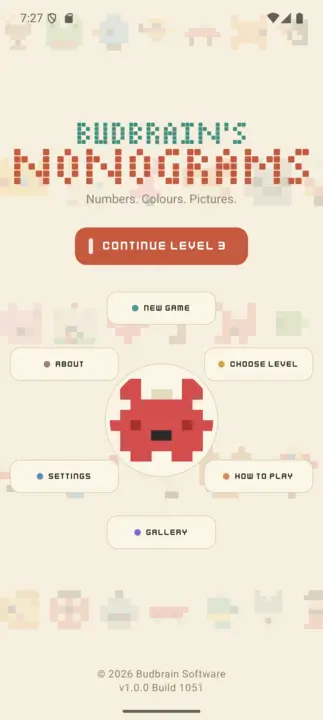
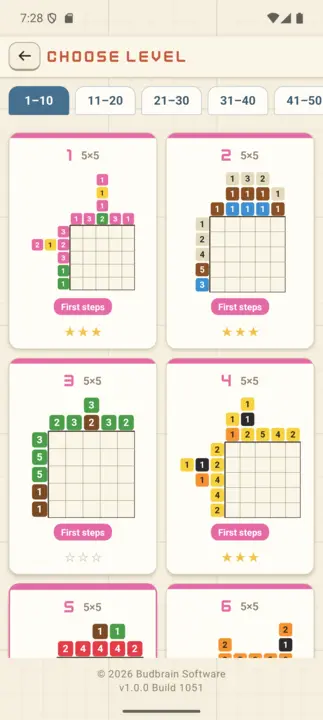
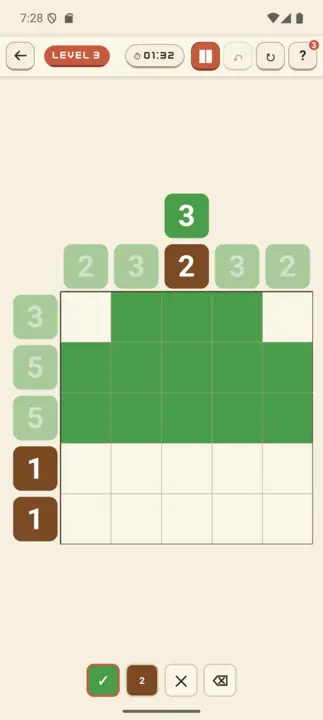
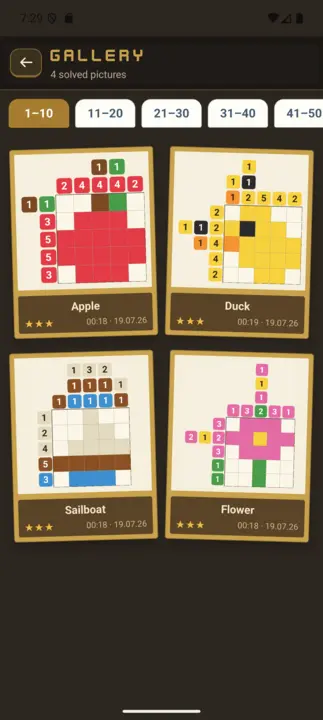
Budbrain's Nonogram's ni mchezo wa nonogram uliotengenezwa kwa upendo wenye viwango 100 vya picha — kutoka motifu ndogo za 5×5 kwa wanaoanza hadi picha kubwa za 20×20 kwa wataalamu. Paka picha iliyofichwa kwa kutumia nambari zenye rangi pembezoni. Vizuizi vya rangi moja vinahitaji pengo kati yake, vizuizi vya rangi tofauti vinaweza kugusana.
Viwango 100 katika hatua 10Picross yenye rangi nyingiUkadiriaji wa nyota 3Ghala22 lughaHufanya kazi bila intaneti
Budbrain’s Poker Slots
React Native · Android 7+
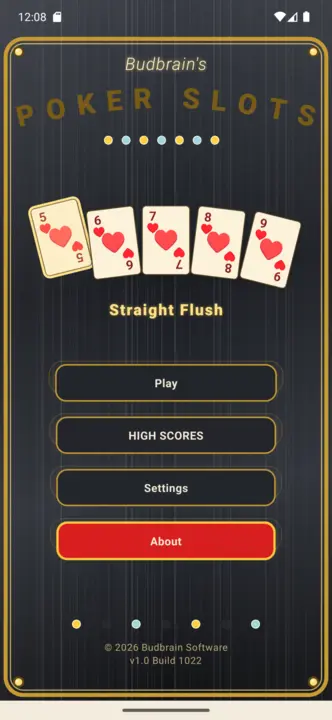
Budbrain Poker Slots ni mashine ya sloti ya video-poker kwa mtindo wa arcade za kawaida. Inachezwa kwa sarafu pepe za kujifurahisha tu: hakuna pesa halisi, hakuna manunuzi, hakuna malipo. Kumbuka: Kamari ya kuigwa. Mchezo huu hautoi kamari ya pesa halisi wala fursa ya kushinda pesa au zawadi halisi. Mazoezi au mafanikio katika mchezo huu hayamaanishi mafanikio ya baadaye katika kamari ya pesa halisi.
Video PokerShikilia na choraNgazi ya kamariSarafu za kujifurahisha pekeeKamari ya kuigwa22 lughaHufanya kazi bila intaneti
Budbrain’s Media Editor
React Native · Android 7+
Budbrain Media Editor hukata video zako na kuhariri picha zako — moja kwa moja kwenye kifaa chako. Kila uhariri huandika faili mpya. Kilichopo kwenye ghala yako hakibadilishwi wala kuandikwa juu yake kamwe.
Kata videoHariri pichaAsili haiguswi4K · 1080p · 720pEXIF22 lughaHufanya kazi bila intaneti
Budbrain’s Mahjong
React Native · Android 7+
Mahjong Solitaire iliyotengenezwa kwa upendo yenye vigae vilivyochorwa kwa mkono: viwango 100 katika hatua 10, kuanzia mwanzo mpole wa vigae 36 hadi seti kamili ya vigae 144. Gusa vigae viwili vinavyofanana na huru ili kuondoa mpangilio mzima. Mgawanyo unaohakikishiwa kutatulika, kipengele cha kuchanganya, mandhari 10 za meza ya michezo ya Kichina, ukadiriaji wa nyota 3 na ghala. Lugha 22. Hufanya kazi bila intaneti kabisa.
Mahjong Solitaire100 LevelsVigae vilivyochorwa kwa mkonoKutatulika kumehakikishwaUkadiriaji wa nyota 322 lughaHufanya kazi bila intaneti
Budbrain's Solitaire
React Native · Android 7+
Solitaire ya kawaida ya Klondike katika mtindo wa ngozi ya kijani wenye joto – kama chumba cha zamani cha karata chenye meza ya kitambaa. Ina hali za Draw-1 na Draw-3, vidhibiti vya gusa-gusa (mwangaza wa dhahabu wa lengo), kitufe cha kidokezo, kutendua, kumaliza kiotomatiki na kifuniko cha mkufunzi kwa wanaoanza. Lugha 22, usaidizi kamili wa VoiceOver. Hufanya kazi bila intaneti kabisa.
KlondikeDraw 1 na Draw 3Vidhibiti vya gusa-gusaHint & UndoKumaliza kiotomatiki22 lughaHufanya kazi bila intaneti
Astonischika
React Native · Android 7+
RPG ya kikundi ya zamu iliyochorwa pikseli kwa mkono: unda kikundi cha watu 3 kutoka madarasa 6 ya mashujaa (Shujaa, Mchawi, Kasisi, Mwizi, Vampaya, Druid) na upande ramani ya nodi zenye matawi – pigana na wanyama wakubwa, pumzika kando ya moto wa kambi, pora masanduku na tembelea wafanyabiashara hadi kwa bosi. Mashujaa hupanda ngazi, hutumia pointi za sifa na kuvaa nyara za viwango sita vya uadimu. Jiji ni kitovu cha kudumu chenye wafanyabiashara na baa; safari ikishindwa, mashujaa wako hubaki (roguelite). Lugha 22. Hufanya kazi bila intaneti kabisa.
Party-RPGPixel-ArtYa zamuMashujaa 3 kati ya 6Nyara na vifaaKitovu cha jiji22 lughaHufanya kazi bila intaneti
Quantimixar
React Native · Android 7+
Fumbo la kuunganisha nambari lenye mwonekano wa anga la kina: telezesha marumaru za kioo zinazong'aa pamoja na uunganishe thamani zinazofanana. Kampeni ya viwango 100 kutoka 64 hadi 8192 kwenye bodi za 4×4, 5×5 na 6×6, yenye seli maalum (×2, ÷2, shimo, bomu), ukadiriaji wa nyota 3 na ghala ya mafanikio. Lugha 22. Hufanya kazi bila intaneti kabisa.
Merge-Puzzle100 Levels4×4 – 6×6hadi 8192Seli maalum na bomuUkadiriaji wa nyota 322 lughaHufanya kazi bila intaneti
BlobPop
React Native · Android 7+
Mchezo wa arcade wa kupiga viputo: lenga, piga, pasua. Linganisha viputo vitatu vya rangi moja kuvipasua kwa makundi na kuanzisha mfululizo. Viwango 100 katika ulimwengu 5 wenye rangi na alama za nyota 3, pamoja na hali ya arcade isiyo na mwisho. Lugha 22. Hufanya kazi bila intaneti kabisa.
Bubble Shooter100 LevelsUlimwengu 5 wenye rangiHali ya arcade isiyo na mwishoUkadiriaji wa nyota 322 lughaHufanya kazi bila intaneti
Budbrain's Chess
React Native · Android 7+
Viwango 100 vya chesi dhidi ya AI katika mandhari ya ngozi yenye joto – kutoka ELO 150 kwa wanaoanza hadi ELO 1900 kwa wachezaji wa klabu. Kina vidokezo, kutendua, ghala ya mafanikio na lugha 22. Hufanya kazi bila intaneti kabisa.
100 LevelsELO 150 – 1900Hint & UndoMafanikioMandhari ya ngozi22 lughaHufanya kazi bila intaneti
Budbrain News
React Native · Android 7+
Programu rasmi ya ziada ya budbrain.de – makazi ya muziki na miradi ya Josef Sejrek tangu 2001. Nyimbo asilia 86 zilizojumuishwa na zinazofanya kazi bila intaneti, kicheza nyimbo chenye oscilloscope ya wakati halisi, habari za moja kwa moja, video za YouTube na ghala za picha za Flickr. Kiolesura katika lugha 22.
86 TracksKicheza bila intanetiOscilloscopeLive-NewsYouTubeGhala za Flickr22 lughaShuffle
Dino Warrior
Kotlin · Android 7+
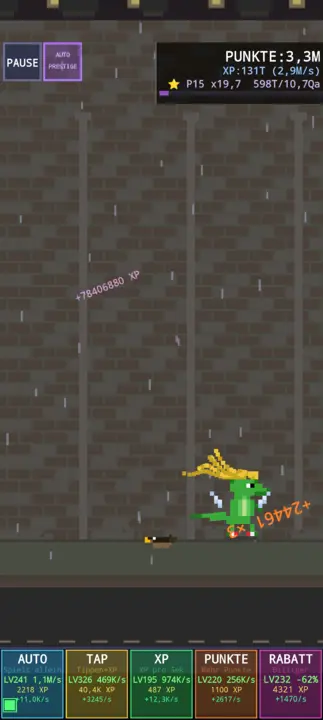
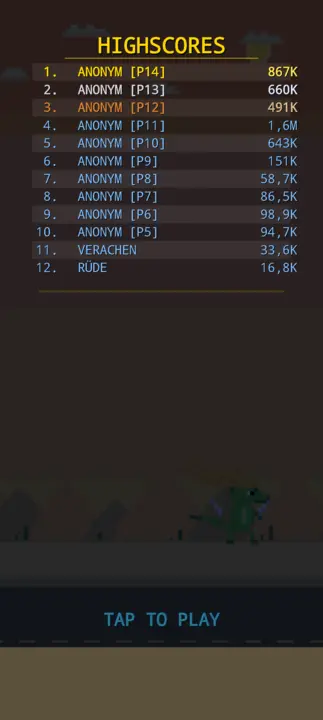
Mchezo wa kukimbia bila kikomo wa pixel art. Dhibiti dino anayeruka vizuizi, kusanya vitu, nunua maboresho dukani. Mazingira 5, michanganyiko ya vifaa, muziki wa chiptune. Wazo: Vera Sejrek.
Endless RunnerPixel Art5 BiomeUpgrade ShopEquipment & CombosChiptune Music60 FPSHufanya kazi bila intaneti
PicPuzzler
React Native · Android 7+
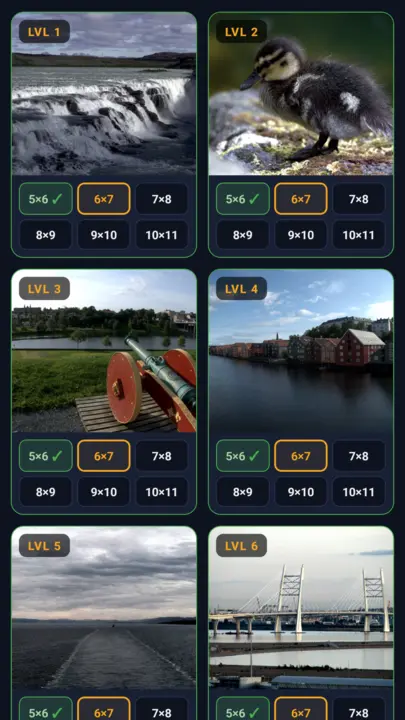
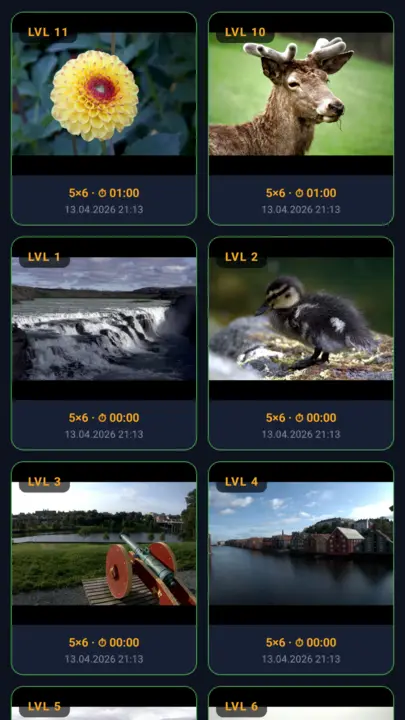
Fumbo la jigsaw la kawaida lenye picha 40 zilizochaguliwa kwa mkono na picha zako za ghala. Viwango 6 vya ugumu kutoka Rahisi (5×6) hadi Grandmaster (10×11), vipande halisi vya fumbo vya mikunjo ya Bézier, lugha 22, ghala ya mafanikio. Bila intaneti.
Jigsaw Puzzle40 FotosPicha zako6 viwango vya ugumu22 lughaMafanikioHufanya kazi bila intaneti
DuoDom
Kotlin · Android 7+
Fumbo la mawe la pixel art: telezesha mawe kwenye seli tupu jirani katika gridi ya 6×6 – jozi zinazofanana hupotea. Ondoa jozi zote ili ushinde. Ukaguzi wa uwezekano wa kutatua wakati wa kuunda, vikombe, alama za juu, lugha 20, sauti zilizotengenezwa kwa sintetiki.
Pixel Art6×6 GridUkaguzi wa suluhishoVikombeHighscores20 lugha60 FPSHufanya kazi bila intaneti
jsKassenrechner
React Native · Android 7+
Kikokotoo cha haraka cha ununuzi kwa Android: ongeza bidhaa kwenye kikapu na uone jumla ya moja kwa moja ukiwa dukani. Kina kibodi ya nambari kama ya mashine ya malipo, data kuu ya bidhaa yenye historia ya bei, ukamilishaji kiotomatiki, VAT inayobadilika, historia ya manunuzi na nakala rudufu iliyosimbwa. Hufanya kazi bila intaneti kabisa.
Jumla ya moja kwa mojaKassen-NumpadHistoria ya beiHesabu ya VATNakala rudufu iliyosimbwa22 lughaSarafu nyingiHufanya kazi bila intaneti
jsCPUInfo
Kotlin · Android 7.1+
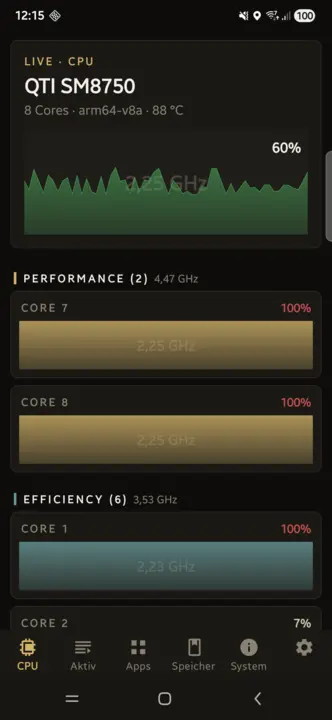
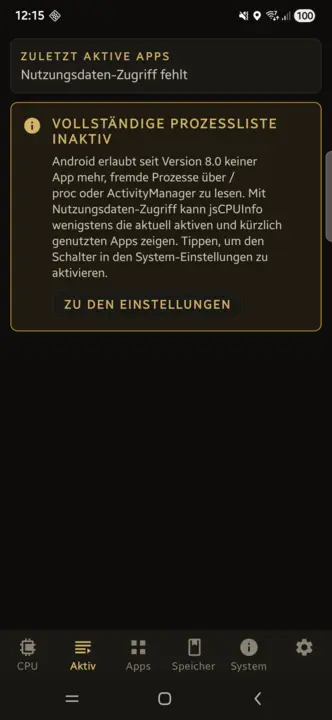
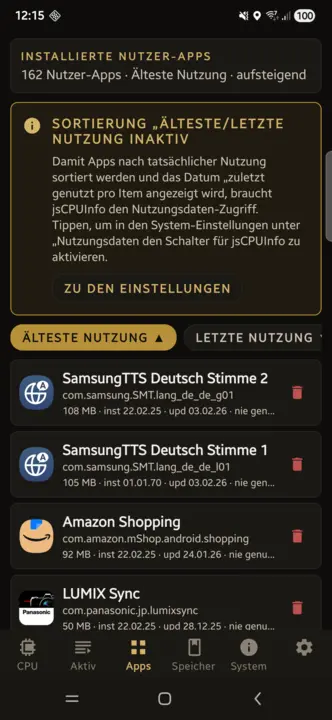
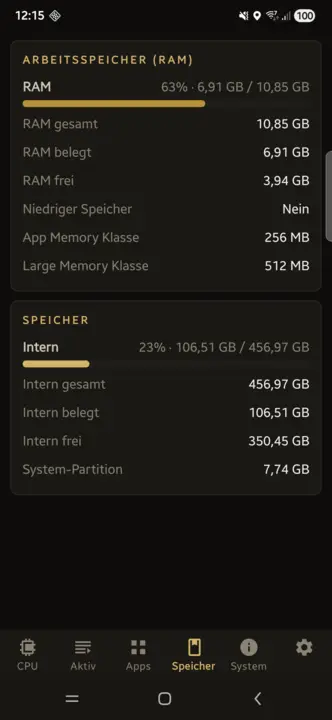
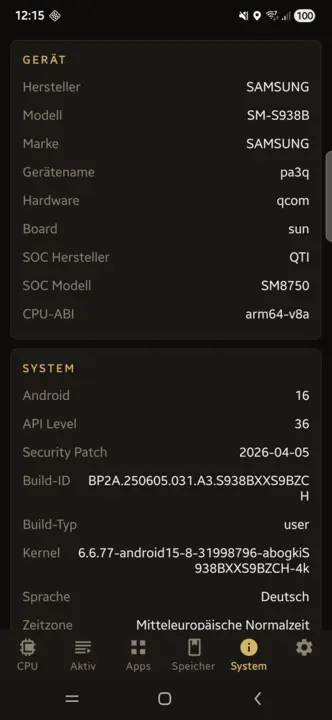
CPU ya moja kwa moja kwa kila kiini yenye matumizi, masafa na joto. Programu zinazotumika na vifurushi vilivyosakinishwa vyenye kuondoa kwa mguso mmoja, mizunguko ya kuchaji na hali ya afya ya betri, RAM, hifadhi, skrini, viwango vya Wi-Fi, kamera na kila kihisi – bila intaneti.
CPU ya moja kwa moja kwa kila kiiniProgramu zinazotumikaKuondoa kwa mguso mmojaMizunguko ya betriVihisi22 lughaHufanya kazi bila intaneti
Ninawezaje kuthibitisha heshi ya SHA256 ya faili niliyopakua?
Heshi ya SHA256 ni alama ya kidijitali. Linganisha heshi ya faili uliyopakua na ile inayoonyeshwa kwenye ukurasa huu. Ikiwa zote mbili zinafanana, faili haijabadilishwa.
Linux
Fungua terminal na uweke amri ifuatayo (badilisha jina la faili):
sha256sum ~/Downloads/filename.zip
macOS
Fungua Terminal (Applications → Utilities → Terminal) na uweke:
shasum -a 256 ~/Downloads/filename.zip
Windows
Fungua PowerShell (kitufe cha Windows, andika "PowerShell", Enter) na uweke:
Dieses Angebot ist ein privates, nicht-kommerzielles Projekt. Budbrain Software ist kein eingetragenes Unternehmen, sondern ein privates Softwareprojekt von Josef Sejrek. Es erfolgt keine gewerbliche Tatigkeit. Samtliche hier angebotene Software wird kostenlos und ohne Gewinnerzielungsabsicht bereitgestellt.
Umsatzsteuer
Es wird keine Umsatzsteuer-Identifikationsnummer gemass § 27a Umsatzsteuergesetz angegeben, da es sich um ein rein privates, nicht-kommerzielles Angebot handelt.
Verantwortlich fur den Inhalt gemass § 18 Abs. 2 MStV
Josef Sejrek
Koblenzer Strasse 95
56073 Koblenz
Streitschlichtung
Die Europaische Kommission stellt eine Plattform zur Online-Streitbeilegung (OS) bereit: ec.europa.eu/consumers/odr.
Wir sind nicht bereit oder verpflichtet, an Streitbeilegungsverfahren vor einer Verbraucherschlichtungsstelle teilzunehmen, da es sich um ein nicht-kommerzielles Angebot handelt.
This is a private, non-commercial project. Budbrain Software is not a registered company but a private software project by Josef Sejrek. No commercial activity takes place. All software offered here is provided free of charge and without intent to generate profit.
VAT
No VAT identification number is provided as this is a purely private, non-commercial offering.
Responsible for content according to § 18 para. 2 MStV
Josef Sejrek Koblenzer Strasse 95 56073 Koblenz
Dispute Resolution
The European Commission provides a platform for online dispute resolution (ODR): ec.europa.eu/consumers/odr.
We are neither willing nor obliged to participate in dispute resolution proceedings before a consumer arbitration board, as this is a non-commercial offering.
Die Inhalte dieser Seite wurden mit grosster Sorgfalt erstellt. Fur die Richtigkeit, Vollstandigkeit und Aktualitat der Inhalte kann jedoch keine Gewahr ubernommen werden. Als privater Anbieter bin ich gemass § 7 Abs. 1 DDG fur eigene Inhalte auf diesen Seiten nach den allgemeinen Gesetzen verantwortlich. Eine Verpflichtung zur Uberwachung ubermittelter oder gespeicherter fremder Informationen besteht jedoch nicht (§§ 8–10 DDG).
2. Haftung fur Links
Diese Seite enthalt Links zu externen Webseiten Dritter, auf deren Inhalte ich keinen Einfluss habe. Fur die Inhalte der verlinkten Seiten ist stets der jeweilige Anbieter oder Betreiber verantwortlich. Die verlinkten Seiten wurden zum Zeitpunkt der Verlinkung auf mogliche Rechtsverstossse uberpruft. Rechtswidrige Inhalte waren zum Zeitpunkt der Verlinkung nicht erkennbar. Eine permanente inhaltliche Kontrolle der verlinkten Seiten ist jedoch ohne konkrete Anhaltspunkte einer Rechtsverletzung nicht zumutbar. Bei Bekanntwerden von Rechtsverletzungen werden derartige Links umgehend entfernt.
3. Software-Haftungsausschluss
Die auf dieser Seite angebotene Software wird „as is“ (so wie sie ist) und ohne jegliche Gewahrleistung bereitgestellt — weder ausdruecklich noch stillschweigend, einschliesslich, aber nicht beschrankt auf die Gewahrleistung der Marktgangigkeit, der Eignung fur einen bestimmten Zweck und der Nichtverletzung von Rechten Dritter.
Die Nutzung der Software erfolgt vollstandig auf eigene Gefahr. Der Autor ubernimmt keinerlei Haftung fur:
Direkte, indirekte, zufallige, besondere oder Folgeschaden jeglicher Art
Datenverlust oder Beschadigung von Dateien, Betriebssystemen oder Hardware
Ausfallzeiten, entgangenen Gewinn oder Betriebsunterbrechungen
Sicherheitslucken oder Schaeden durch Dritte, die sich aus der Nutzung der Software ergeben
Inkompatibilitaten mit bestimmten Systemkonfigurationen oder Software-Versionen
Dies gilt auch dann, wenn auf die Moglichkeit solcher Schaden hingewiesen wurde.
4. Lizenz
Die angebotene Software wird als Freeware kostenlos zur Nutzung bereitgestellt. Der Quellcode wird nicht veroeffentlicht. Alle Rechte am Quellcode verbleiben beim Autor. Eine Dekompilierung, Reverse Engineering oder sonstige Rueckgewinnung des Quellcodes ist nicht gestattet.
5. Keine Gewahrleistung fur Verfugbarkeit
Es besteht kein Anspruch auf Verfugbarkeit dieser Webseite oder der angebotenen Downloads. Der Betrieb kann jederzeit ohne Vorankundigung eingestellt, verandert oder eingeschrankt werden.
6. Urheberrecht
Die durch den Seitenbetreiber erstellten Inhalte und Werke auf diesen Seiten unterliegen dem deutschen Urheberrecht. Die Vervielfaltigung, Bearbeitung, Verbreitung und jede Art der Verwertung ausserhalb der Grenzen des Urheberrechts bedurfen der schriftlichen Zustimmung des Autors. Downloads und Kopien dieser Seite sind nur fur den privaten, nicht kommerziellen Gebrauch gestattet, soweit die Software-Lizenz nichts anderes erlaubt.
The contents of this website have been created with the utmost care. However, no guarantee can be given for the accuracy, completeness and timeliness of the content.
2. Liability for Links
This site contains links to third-party websites over whose content we have no influence. The respective provider is always responsible for the content of the linked pages. The linked pages were checked for possible legal violations at the time of linking. Illegal content was not recognizable at the time of linking.
3. Software Disclaimer
The software offered on this site is provided "as is" and without any warranty — neither express nor implied, including but not limited to warranties of merchantability, fitness for a particular purpose, and non-infringement.
Use of the software is entirely at your own risk. The author assumes no liability for:
Direct, indirect, incidental, special or consequential damages of any kind
Data loss or damage to files, operating systems or hardware
Downtime, lost profits or business interruptions
Security vulnerabilities or damage by third parties resulting from use of the software
Incompatibilities with specific system configurations or software versions
4. License
The software is provided as freeware for free use. The source code is not published. All rights to the source code remain with the author. Decompilation, reverse engineering or any other recovery of the source code is not permitted.
5. No Guarantee of Availability
There is no entitlement to the availability of this website or the offered downloads. Operation may be discontinued, changed or restricted at any time without notice.
6. Copyright
The content and works created by the site operator are subject to German copyright law. Reproduction, editing, distribution and any kind of use beyond the limits of copyright law require the written consent of the author.
Josef Sejrek
Koblenzer Strasse 95
56073 Koblenz
E-Mail:
2. Allgemeines zur Datenverarbeitung
Diese Webseite wird als rein statische HTML-Seite betrieben. Es wird keinerlei serverseitige Datenverarbeitung durch den Seitenbetreiber durchgefuhrt. Insbesondere:
Es wird ausschliesslich ein technisch-funktionales Sprach-Cookie (bb_lang) gesetzt - nur durch Ihre aktive Sprachwahl ausgelost (siehe unten)
Es werden keine Tracking- oder Analysedienste eingesetzt (kein Google Analytics, kein Matomo, keine Pixel)
Es werden keine personenbezogenen Daten erhoben, gespeichert oder verarbeitet
Es gibt keine Kontaktformulare, Newsletter-Anmeldungen oder Benutzerkonten
Es werden keine externen Schriftarten, CDNs oder Social-Media-Plugins eingebunden
Sprach-Cookie (bb_lang): Wenn Sie uber den Sprachumschalter eine Sprache wahlen, wird ein einzelnes Cookie namens bb_lang gesetzt, das ausschliesslich Ihr Sprachkurzel (z.B. en) enthalt und fur die gesamte Domain budbrain.de gilt (Hauptseite sowie /budbrain-software/ und /testing/). Kein Tracking, keine Profilbildung, keine Weitergabe an Dritte. Das Cookie ist rein technisch-funktional, wird nur durch Ihre aktive Sprachwahl ausgelost und ist als unbedingt erforderlich nach § 25 Abs. 2 TDDDG einwilligungsfrei (Art. 6 Abs. 1 lit. f DSGVO). Es lauft nach einem Jahr ab und kann jederzeit im Browser geloscht werden.
3. Hosting / Server-Logfiles
Der Webserver-Hoster kann im Rahmen des technischen Betriebs automatisch Server-Logfiles erfassen (z.B. IP-Adresse, Browsertyp, Zugriffszeitpunkt). Diese Daten werden ausschliesslich vom Hoster verarbeitet und sind fur den Seitenbetreiber nicht einsehbar oder auswertbar. Rechtsgrundlage hierfur ist Art. 6 Abs. 1 lit. f DSGVO (berechtigtes Interesse an einem stabilen und sicheren Betrieb).
4. Downloads
Beim Herunterladen von Dateien (ZIP, DEB, RPM, APK) werden keine personenbezogenen Daten durch den Seitenbetreiber verarbeitet. Es kann jedoch sein, dass der Hoster den Download-Vorgang in Server-Logfiles protokolliert (siehe Punkt 3).
5. Externe Links
Diese Seite enthalt Links zu externen Diensten (z.B. Snap Store / snapcraft.io). Beim Anklicken dieser Links verlassen Sie diese Webseite. Fur die Datenverarbeitung auf den verlinkten Seiten gelten deren jeweilige Datenschutzerklarungen.
6. Datenverarbeitung durch die Apps
Die auf dieser Seite angebotenen Apps verarbeiten Daten ausschliesslich lokal auf dem Gerat des Nutzers. Im Einzelnen:
jsShowHardwareInfos (Linux): Liest die Hardware- und Systemdaten des Rechners (Prozessor, Speicher, Grafik, Laufwerke, Netzwerk, Sensoren, angeschlossene Geräte, laufende Prozesse) ausschliesslich lokal aus. Keine Netzwerkkommunikation. Ein Bericht wird nur dann als Textdatei auf dem Gerät gespeichert, wenn der Nutzer ihn ausdrücklich speichert; ansonsten werden nur Einstellungen auf dem Gerät abgelegt. Stürzt die App ab, wird ein Absturzbericht lokal geschrieben; das E-Mail-Programm mit diesem Bericht wird nur geöffnet, wenn der Nutzer im Dialog zustimmt – automatisch versendet wird nichts.
jsDevCleaner (macOS): Liest ausschliesslich Datei-Metadaten (Name, Groesse, Aenderungs- und Zugriffsdatum) im einmalig freigegebenen Benutzerordner – Dateiinhalte werden nicht gelesen. Die Freigabe erfolgt ueber den Standard-Dialog von macOS und wird als sicherheitsbezogenes Lesezeichen gespeichert; ein vollstaendiger Festplattenzugriff wird nicht verlangt. Die App stellt keine Internetverbindung her. Entfernte Objekte wandern ausschliesslich in den Papierkorb und behalten ihren Ursprungsort, sodass sie sich zurueckstellen lassen. Gespeichert werden nur die Freigabe und die Einstellungen auf dem Geraet.
jsDevCleaner (Linux): Ermittelt die Grössen von Entwickler-Caches und Projektordnern ausschliesslich lokal, keine Netzwerkkommunikation. Geloescht wird nur, was der Nutzer ausgewaehlt und in einem Dialog bestaetigt hat; die Loeschung erfolgt endgueltig, nicht in den Papierkorb. Gespeichert werden nur Einstellungen auf dem Gerat.
jsSysInfo (Linux/macOS): Liest Systemdaten (CPU, GPU, RAM, Netzwerk) ausschliesslich lokal aus. Keine Netzwerkkommunikation.
jsTuxChecker (Linux): Ruft die offentlich zugangliche Webseite kernel.org ab, um Kernel-Versionen zu prufen. Es werden keine personenbezogenen Daten an kernel.org ubermittelt.
jsReminder (macOS): Speichert Notizen und Termine ausschliesslich lokal auf dem Gerat.
jsShowHardwareInfos (Windows): Liest die Hardware- und Systemdaten des PCs (Prozessor, Arbeitsspeicher, Grafik, Datenträger, Anschlüsse, Netzwerk, Sensoren, laufende Prozesse) ausschliesslich lokal aus und zeigt sie nur an. Die App stellt von sich aus keine Internetverbindung her. Gespeichert werden nur Einstellungen sowie Fenstergrösse, Fensterposition und Spaltenbreite auf dem Gerat. Einzelne Angaben gibt Windows nur an Programme mit Administratorrechten heraus; dafuer startet sich die App erst neu, wenn der Nutzer die Nachfrage der Benutzerkontensteuerung bestatigt. Ein Bericht wird nur dann als Textdatei gespeichert oder in die Zwischenablage kopiert, wenn der Nutzer es auslöst. Stürzt die App ab, wird ein Absturzbericht lokal geschrieben; versendet wird er nur, wenn der Nutzer den E-Mail-Versand selbst auslöst.
jsCPUMonitor (Windows): Liest CPU-Auslastung, Taktfrequenz, Arbeitsspeicher und - sofern das Gerat sie bereitstellt - die CPU-Temperatur ausschliesslich lokal aus. Gespeichert werden nur Einstellungen und Fensterposition auf dem Gerat. Die App stellt von sich aus keine Internetverbindung her.
Where Did My Storage Go? (Windows): Analysiert Datei-Grossen ausschliesslich lokal, keine Netzwerkkommunikation. Dateiinhalte werden nicht gelesen. Loschen erfolgt nur in den Papierkorb. Gespeichert werden nur Einstellungen und Fensterposition auf dem Gerat.
Where Did My Storage Go? (macOS): Analysiert Datei-Grossen ausschliesslich lokal, keine Netzwerkkommunikation. Loschen erfolgt nur in den Papierkorb.
Where Did My Storage Go? (Linux): Analysiert Datei-Grossen ausschliesslich lokal, keine Netzwerkkommunikation. Loschen erfolgt nur in den Papierkorb. Gespeichert werden nur Einstellungen auf dem Gerat.
jsFileManager (Windows): Zeigt die Ordner an, die der Nutzer öffnet, und führt ausschliesslich die Vorgänge aus, die er auslöst (kopieren, verschieben, umbenennen, packen, entpacken, löschen). Gelesen werden Datei- und Ordnernamen, Grössen, Datumsangaben und Attribute; Dateiinhalte nur beim Kopieren, Verschieben und Packen sowie in der Byte-Ansicht – und nur für die vom Nutzer gewählten Dateien. Keine Netzwerkkommunikation, keine Telemetrie. Lokal gespeichert werden nur Einstellungen, Fenstergrösse und -position, Lesezeichen, zuletzt besuchte Ordner und ein Protokoll der Vorgänge dieser Sitzung; Dateiinhalte werden nicht gespeichert. Gelöschtes wandert standardmässig in den Papierkorb.
jsFileManager (Linux): Wie die Windows-Fassung – zeigt die vom Nutzer geöffneten Ordner an und führt nur die von ihm ausgelösten Vorgänge aus. Keine Netzwerkkommunikation. Lokal gespeichert werden nur Einstellungen, Lesezeichen, zuletzt besuchte Ordner und ein Protokoll der Vorgänge dieser Sitzung. Gelöschtes wandert standardmässig in den Papierkorb.
jsBudbrainPlayer (Linux): Spielt Audiodateien aus dem Ordner ab, den der Nutzer angibt, und liest dort nur Namen, Grösse und Zeitstempel der passenden Dateien – ausschliesslich lesend. Die App stellt von sich aus keine Internetverbindung her; ist der Ordner eine Netzwerkfreigabe, besteht die Verbindung nur zu diesem vom Nutzer angegebenen Gerät. Lokal gespeichert werden die Einstellungen (verschlüsselt), ein technisches Protokoll der laufenden Sitzung und bei einem Absturz ein Absturzbericht im Laufzeitordner der Sitzung; versendet wird nichts. Autostart-Eintrag und Verknüpfung auf dem Schreibtisch entstehen nur, wenn der Nutzer „Beim Anmelden starten“ einschaltet.
jsBudbrainEqualizer (Linux): Leitet den Ton, den der Rechner abspielt, über ein virtuelles Ausgabegerät im Tonserver des Desktops (PipeWire oder PulseAudio), verändert ihn nach den Reglern und gibt ihn an das gewählte Gerät weiter. Der Ton wird ausschliesslich im Arbeitsspeicher und nur für Sekundenbruchteile verarbeitet – weder aufgezeichnet noch gespeichert, ausgewertet oder versendet; ein Mikrofon benutzt die App nicht. Von sich aus stellt sie keine Internetverbindung her. Im Konfigurationsordner des Benutzerkontos liegen die verschlüsselten Einstellungen, ein bei jedem Start neu angelegtes Protokoll zur Fehlersuche und eine Sperrdatei gegen den doppelten Start. Nach einem Absturz fragt die App beim nächsten Start, ob der Bericht per E-Mail gesendet werden soll; von selbst wird nichts versendet. Eine Autostart-Datei entsteht nur, wenn der Nutzer „Beim Anmelden starten“ einschaltet.
jsBudbrainCompressor (Linux): Leitet den Ton, den der Rechner abspielt, über ein virtuelles Ausgabegerät im Tonserver des Desktops (PipeWire oder PulseAudio), bearbeitet ihn mit der simulierten Röhre und dem Kompressor nach den Reglern und gibt ihn an das gewählte Gerät weiter – laufen gleichzeitig jsBudbrainEqualizer oder jsBudbrainsFxStudio, geben diese ihren Ton an das virtuelle Gerät des Kompressors weiter. Der Ton wird ausschliesslich im Arbeitsspeicher und nur für Sekundenbruchteile verarbeitet – weder aufgezeichnet noch gespeichert, ausgewertet oder versendet; ein Mikrofon benutzt die App nicht. Von sich aus stellt sie keine Internetverbindung her. Im Konfigurationsordner des Benutzerkontos liegen die verschlüsselten Einstellungen samt einer verschlüsselten Sicherung der vorigen Fassung, ein bei jedem Start neu angelegtes Protokoll zur Fehlersuche und eine Sperrdatei gegen den doppelten Start. Nach einem Absturz fragt die App beim nächsten Start, ob der Bericht per E-Mail gesendet werden soll; von selbst wird nichts versendet. Eine Autostart-Datei entsteht nur, wenn der Nutzer „Beim Anmelden starten“ einschaltet.
jsBudbrainLimiter (Linux): Leitet den Ton, den der Rechner abspielt, über ein virtuelles Ausgabegerät im Tonserver des Desktops (PipeWire oder PulseAudio), begrenzt und hebt ihn nach den Reglern an und gibt ihn an das gewählte Gerät weiter – laufen gleichzeitig jsBudbrainCompressor, jsBudbrainEqualizer oder jsBudbrainsFxStudio, geben diese ihren Ton an das virtuelle Gerät des Limiters weiter. Der Ton wird ausschliesslich im Arbeitsspeicher und nur für Sekundenbruchteile verarbeitet – weder aufgezeichnet noch gespeichert, ausgewertet oder versendet; ein Mikrofon benutzt die App nicht. Von sich aus stellt sie keine Internetverbindung her. Im Konfigurationsordner des Benutzerkontos liegen die verschlüsselten Einstellungen samt einer verschlüsselten Sicherung der vorigen Fassung, ein bei jedem Start neu angelegtes Protokoll zur Fehlersuche und eine Sperrdatei gegen den doppelten Start. Nach einem Absturz fragt die App beim nächsten Start, ob der Bericht per E-Mail gesendet werden soll; von selbst wird nichts versendet. Eine Autostart-Datei entsteht nur, wenn der Nutzer „Beim Anmelden starten“ einschaltet.
jsBudbrainSoundEditor (Linux): Öffnet und speichert nur die Audiodateien, die der Nutzer auswählt, und bearbeitet sie im Arbeitsspeicher; abgespielt wird über den Tonserver des Desktops (PipeWire oder PulseAudio). Mikrofon oder ein anderer Eingang werden nur benutzt, wenn der Nutzer eine Aufnahme startet oder die Anzeige des Eingangspegels einschaltet (ab Werk aus). Weder Dateien noch Ton werden ausgewertet oder versendet; von sich aus stellt die App keine Internetverbindung her. Im Konfigurationsordner liegen die verschlüsselten Einstellungen (darunter die Pfade der zuletzt geöffneten Dateien und der beim Beenden offenen Tabs) samt verschlüsselter Sicherung und ein bei jedem Start neu angelegtes Protokoll; im Zwischenspeicher-Ordner vorübergehend ausgelagerte Rückgängig-Schritte und die laufende Aufnahme. Nach einem Absturz fragt die App beim nächsten Start, ob der Bericht per E-Mail gesendet werden soll; von selbst wird nichts versendet.
jsBudbrainLaufwerksTest (Windows): Misst die Geschwindigkeit eines Laufwerks mit einer Testdatei aus Zufallsdaten, die die App in den vom Nutzer gewählten Ordner schreibt, zurückliest und wieder löscht – auch beim Abbruch, beim Beenden und nach einem Absturz; eigene Dateien des Nutzers liest und verändert sie nicht. Für die Laufwerksliste fragt sie Windows, welche Laufwerke es gibt, wie viel Platz frei ist und, soweit gemeldet, Modell und Art des Laufwerks; diese Angaben werden nur angezeigt. Die App läuft mit den normalen Benutzerrechten und trägt selbst nichts in die Registrierung oder die Systemordner von Windows ein. Von sich aus stellt sie keine Internetverbindung her; Messergebnisse bleiben auf dem Gerät. Im Ordner des Benutzerkontos liegen die verschlüsselten Einstellungen (darunter der zuletzt gewählte Ordner und der Verlauf der Messungen) samt verschlüsselter Sicherung und ein bei jedem Start neu angelegtes Protokoll. Als Textdatei gespeichert wird der Verlauf nur, wenn der Nutzer es auslöst, an dem Ort, den er wählt. Nach einem Absturz fragt die App beim nächsten Start, ob der Bericht per E-Mail gesendet werden soll; von selbst wird nichts versendet.
jsBudbrainLaufwerksTest (Linux): Misst die Geschwindigkeit eines Laufwerks mit einer Testdatei aus Zufallsdaten, die die App in den vom Nutzer gewählten Ordner schreibt, zurückliest und wieder löscht – auch beim Abbruch, beim Beenden und nach einem Absturz; eigene Dateien des Nutzers liest und verändert sie nicht. Für die Laufwerksliste liest sie aus dem System, welche Laufwerke eingehängt sind, wie viel Platz frei ist und, soweit gemeldet, Modell und Art des Geräts; diese Angaben werden nur angezeigt. Von sich aus stellt die App keine Internetverbindung her; Messergebnisse bleiben auf dem Gerät. Im Konfigurationsordner liegen die verschlüsselten Einstellungen (darunter der zuletzt gewählte Ordner und der Verlauf der Messungen) samt verschlüsselter Sicherung und ein bei jedem Start neu angelegtes Protokoll. Als Textdatei gespeichert wird der Verlauf nur, wenn der Nutzer es auslöst, an dem Ort, den er wählt. Nach einem Absturz fragt die App beim nächsten Start, ob der Bericht per E-Mail gesendet werden soll; von selbst wird nichts versendet.
jsBudbrainFindDblsOrRenameIt (Windows): Durchsucht nur die Ordner, die der Nutzer auswählt. Gelesen werden Namen, Größe und Zeitstempel der Dateien und, um Doppelte zu erkennen, ihr Inhalt, aus dem Prüfsummen berechnet werden; diese Angaben werden nur angezeigt und nur im Arbeitsspeicher gehalten. In den Papierkorb gelegt, verschoben, gelöscht, umbenannt oder durch eine Verknüpfung ersetzt wird nur, was der Nutzer markiert und in der Rückfrage bestätigt hat. Dateien, die nur in der Cloud liegen, werden beim Vergleich nach Inhalt nicht gelesen und nicht heruntergeladen. Von sich aus stellt die App keine Internetverbindung her. Lokal gespeichert werden die verschlüsselten Einstellungen (darunter die gewählten Ordner, Regeln, gespeicherten Suchen und Aufträge), ein verschlüsselter Verlauf der letzten 30 Vorgänge zum Rückgängigmachen, je eine verschlüsselte Sicherung und ein bei jedem Start neu angelegtes Protokoll; einzelne Treffer werden nicht gespeichert. Nach einem Absturz fragt die App beim nächsten Start, ob der Bericht per E-Mail gesendet werden soll; von selbst wird nichts versendet.
jsBudbrainFindDblsOrRenameIt (Linux): Durchsucht nur die Ordner, die der Nutzer auswählt. Gelesen werden Namen, Größe und Zeitstempel der Dateien und, um Doppelte zu erkennen, ihr Inhalt, aus dem Prüfsummen berechnet werden; diese Angaben werden nur angezeigt und nur im Arbeitsspeicher gehalten. In den Papierkorb des Systems gelegt, verschoben, gelöscht, umbenannt oder durch eine Verknüpfung ersetzt wird nur, was der Nutzer markiert und in der Rückfrage bestätigt hat. Von sich aus stellt die App keine Internetverbindung her. Lokal gespeichert werden die verschlüsselten Einstellungen (darunter die gewählten Ordner, Regeln, gespeicherten Suchen und Aufträge), ein verschlüsselter Verlauf der letzten 30 Vorgänge zum Rückgängigmachen, je eine verschlüsselte Sicherung und ein bei jedem Start neu angelegtes Protokoll; einzelne Treffer werden nicht gespeichert. Nach einem Absturz fragt die App beim nächsten Start, ob der Bericht per E-Mail gesendet werden soll; von selbst wird nichts versendet.
jsNetMonitor (Linux): Zeigt an, was der Rechner im Netzwerk tut (Geräte, Datenmengen, Verbindungen, die Programme dahinter und die Gegenstellen), liest diese Angaben ausschliesslich aus dem eigenen System und zeigt sie nur auf dem Bildschirm an; gelesen werden nur Zähler und Verbindungsangaben, nie der Inhalt des Datenverkehrs, und am Netzwerk wird nichts verändert. Von sich aus stellt die App keine Verbindung zu Servern von Budbrain oder Dritten her. Um statt einer Adresse einen Rechnernamen zu zeigen, fragt sie über das Betriebssystem den Namensserver des Systems nach den Namen der Gegenstellen bestehender Verbindungen – abschaltbar unter „Hostnamen auflösen“. Das Land einer Adresse ermittelt sie aus einer mitgelieferten Datenbank, ohne Abfrage im Internet. Im Konfigurationsordner des Benutzerkontos liegen die verschlüsselten Einstellungen, die verschlüsselte Datenmenge je Gerät und Tag, der verschlüsselte Verlauf des gesamten Datenverkehrs bis zu einem Jahr (ohne Geräte- oder Verbindungsangaben), ein Protokoll zur Fehlersuche ohne Adressen oder Gegenstellen und eine Sperrdatei gegen den doppelten Start; eine Liste der Verbindungen wird nicht gespeichert. Nach einem Absturz fragt die App beim nächsten Start, ob der Bericht per E-Mail gesendet werden soll; von selbst wird nichts versendet.
jsBudbrainsFxStudio (Linux): Leitet den Ton, den der Rechner abspielt, über ein virtuelles Ausgabegerät im Tonserver des Desktops (PipeWire oder PulseAudio), mischt die eingestellten Effekte hinein und gibt ihn an das gewählte Gerät weiter – läuft gleichzeitig jsBudbrainEqualizer, an dessen virtuelles Gerät. Der Ton wird ausschliesslich im Arbeitsspeicher und nur für Sekundenbruchteile verarbeitet – weder aufgezeichnet noch gespeichert, ausgewertet oder versendet; ein Mikrofon benutzt die App nicht. Von sich aus stellt sie keine Internetverbindung her. Im Konfigurationsordner des Benutzerkontos liegen die verschlüsselten Einstellungen samt einer verschlüsselten Sicherung der vorigen Fassung, ein bei jedem Start neu angelegtes Protokoll zur Fehlersuche und eine Sperrdatei gegen den doppelten Start. Nach einem Absturz fragt die App beim nächsten Start, ob der Bericht per E-Mail gesendet werden soll; von selbst wird nichts versendet. Eine Autostart-Datei entsteht nur, wenn der Nutzer „Beim Anmelden starten“ einschaltet.
jsBudbrainEqualizer (Windows): Verändert den Ton, den Windows an Lautsprecher oder Kopfhörer gibt, als Klangeffekt im Audiodienst von Windows. Eingerichtet wird dieser Effekt nur, wenn der Nutzer darauf klickt und in der Abfrage von Windows zustimmt; „Aus Windows entfernen“ in den Einstellungen macht es rückgängig. Der Ton wird ausschliesslich im Arbeitsspeicher und nur für Sekundenbruchteile verarbeitet – weder aufgezeichnet noch gespeichert, ausgewertet oder versendet; ein Mikrofon benutzt die App nicht. Von sich aus stellt sie keine Internetverbindung her. Im eigenen Ordner des Windows-Benutzerkontos (%APPDATA%\jsBudbrainEqualizer) liegen die verschlüsselten Einstellungen und technische Protokolle zur Fehlersuche; solange der Effekt eingerichtet ist, schreibt er zusätzlich ein kleines Protokoll unter %ProgramData%\jsBudbrainEqualizer. Nach einem Absturz fragt die App beim nächsten Start, ob der Bericht per E-Mail gesendet werden soll; von selbst wird nichts versendet. Ein Starteintrag entsteht nur, wenn der Nutzer „Beim Anmelden starten“ einschaltet.
jsBudbrainsFxStudio (Windows): Verändert den Ton, den Windows an Lautsprecher oder Kopfhörer gibt, als Klangeffekt im Audiodienst von Windows und mischt die eingestellten Effekte hinein nach den Reglern – ist zugleich jsBudbrainEqualizer eingerichtet, bearbeiten die Effekte den Ton vor ihm. Eingerichtet wird dieser Effekt nur, wenn der Nutzer darauf klickt und in der Abfrage von Windows zustimmt; „Aus Windows entfernen“ in den Einstellungen macht es rückgängig. Der Ton wird ausschliesslich im Arbeitsspeicher und nur für Sekundenbruchteile verarbeitet – weder aufgezeichnet noch gespeichert, ausgewertet oder versendet; ein Mikrofon benutzt die App nicht. Von sich aus stellt sie keine Internetverbindung her. Im eigenen Ordner des Windows-Benutzerkontos (%APPDATA%\jsBudbrainsFxStudio) liegen die verschlüsselten Einstellungen samt einer verschlüsselten Sicherung der vorigen Fassung und technische Protokolle zur Fehlersuche; solange der Effekt eingerichtet ist, schreibt er zusätzlich ein kleines Protokoll unter %ProgramData%\jsBudbrainsFxStudio. Nach einem Absturz fragt die App beim nächsten Start, ob der Bericht per E-Mail gesendet werden soll; von selbst wird nichts versendet. Ein Starteintrag entsteht nur, wenn der Nutzer „Beim Anmelden starten“ einschaltet.
jsBudbrainCompressor (Windows): Verändert den Ton, den Windows an Lautsprecher oder Kopfhörer gibt, als Klangeffekt im Audiodienst von Windows und bearbeitet ihn mit der simulierten Röhre und dem Kompressor nach den Reglern – sind zugleich jsBudbrainEqualizer oder jsBudbrainsFxStudio eingerichtet, bearbeitet er den Ton vor ihnen. Eingerichtet wird dieser Effekt nur, wenn der Nutzer darauf klickt und in der Abfrage von Windows zustimmt; „Aus Windows entfernen“ in den Einstellungen macht es rückgängig. Der Ton wird ausschliesslich im Arbeitsspeicher und nur für Sekundenbruchteile verarbeitet – weder aufgezeichnet noch gespeichert, ausgewertet oder versendet; ein Mikrofon benutzt die App nicht. Von sich aus stellt sie keine Internetverbindung her. Im eigenen Ordner des Windows-Benutzerkontos (%APPDATA%\jsBudbrainCompressor) liegen die verschlüsselten Einstellungen samt einer verschlüsselten Sicherung der vorigen Fassung und technische Protokolle zur Fehlersuche; solange der Effekt eingerichtet ist, schreibt er zusätzlich ein kleines Protokoll unter %ProgramData%\jsBudbrainCompressor. Nach einem Absturz fragt die App beim nächsten Start, ob der Bericht per E-Mail gesendet werden soll; von selbst wird nichts versendet. Ein Starteintrag entsteht nur, wenn der Nutzer „Beim Anmelden starten“ einschaltet.
jsBudbrainLimiter (Windows): Verändert den Ton, den Windows an Lautsprecher oder Kopfhörer gibt, als Klangeffekt im Audiodienst von Windows und begrenzt ihn mit dem Limiter nach den Reglern – sind zugleich jsBudbrainCompressor, jsBudbrainEqualizer oder jsBudbrainsFxStudio eingerichtet, bearbeitet er den Ton vor ihnen. Eingerichtet wird dieser Effekt nur, wenn der Nutzer darauf klickt und in der Abfrage von Windows zustimmt; „Aus Windows entfernen“ in den Einstellungen macht es rückgängig. Der Ton wird ausschliesslich im Arbeitsspeicher und nur für Sekundenbruchteile verarbeitet – weder aufgezeichnet noch gespeichert, ausgewertet oder versendet; ein Mikrofon benutzt die App nicht. Von sich aus stellt sie keine Internetverbindung her. Im eigenen Ordner des Windows-Benutzerkontos (%APPDATA%\jsBudbrainLimiter) liegen die verschlüsselten Einstellungen samt einer verschlüsselten Sicherung der vorigen Fassung und technische Protokolle zur Fehlersuche; solange der Effekt eingerichtet ist, schreibt er zusätzlich ein kleines Protokoll unter %ProgramData%\jsBudbrainLimiter. Nach einem Absturz fragt die App beim nächsten Start, ob der Bericht per E-Mail gesendet werden soll; von selbst wird nichts versendet. Ein Starteintrag entsteht nur, wenn der Nutzer „Beim Anmelden starten“ einschaltet.
jsBudbrainEqualizer (macOS): Nimmt den Ton der anderen Programme über die dafür vorgesehene Schnittstelle von macOS (Core Audio) entgegen, bearbeitet ihn den Klang mit den zehn Reglern nach den Reglern und gibt ihn an das gewählte Gerät weiter – laufen gleichzeitig jsBudbrainsFxStudio, jsBudbrainCompressor oder jsBudbrainLimiter, nimmt sie den Ton von FxStudio entgegen bzw. gibt ihn an die App hinter ihr weiter, statt ihn doppelt erklingen zu lassen. macOS fragt beim ersten Start, ob die App auf den Systemton zugreifen darf; die Freigabe lässt sich in den Systemeinstellungen unter „Datenschutz & Sicherheit“ jederzeit zurücknehmen. Den Bildschirm liest die App nicht. Der Ton wird ausschliesslich im Arbeitsspeicher und nur für Sekundenbruchteile verarbeitet – weder aufgezeichnet noch gespeichert, ausgewertet oder versendet; ein Mikrofon benutzt die App nicht. Von sich aus stellt sie keine Internetverbindung her. Sie läuft in der Sandbox von macOS und schreibt nur in ihren eigenen Container (~/Library/Containers/com.budbrain.jsbudbrainequalizer): die verschlüsselten Einstellungen, ein bei jedem Start neu angelegtes Protokoll zur Fehlersuche, eine Sperrdatei gegen den doppelten Start und einen Zwischenspeicher der Systemschriften. Nach einem Absturz fragt die App beim nächsten Start, ob der Bericht per E-Mail gesendet werden soll; von selbst wird nichts versendet. Ein Anmeldeobjekt entsteht nur, wenn der Nutzer „Beim Anmelden starten“ einschaltet.
jsBudbrainsFxStudio (macOS): Nimmt den Ton der anderen Programme über die dafür vorgesehene Schnittstelle von macOS (Core Audio) entgegen, bearbeitet ihn mit den eingestellten Effekten nach den Reglern und gibt ihn an das gewählte Gerät weiter – laufen gleichzeitig jsBudbrainEqualizer, jsBudbrainCompressor oder jsBudbrainLimiter, gibt sie ihren Ton an die App hinter ihr weiter, statt ihn doppelt erklingen zu lassen. macOS fragt beim ersten Start, ob die App auf den Systemton zugreifen darf; die Freigabe lässt sich in den Systemeinstellungen unter „Datenschutz & Sicherheit“ jederzeit zurücknehmen. Den Bildschirm liest die App nicht. Der Ton wird ausschliesslich im Arbeitsspeicher und nur für Sekundenbruchteile verarbeitet – weder aufgezeichnet noch gespeichert, ausgewertet oder versendet; ein Mikrofon benutzt die App nicht. Von sich aus stellt sie keine Internetverbindung her. Sie läuft in der Sandbox von macOS und schreibt nur in ihren eigenen Container (~/Library/Containers/com.budbrain.jsbudbrainsfxstudio): die verschlüsselten Einstellungen samt einer verschlüsselten Sicherung des vorigen Stands, ein bei jedem Start neu angelegtes Protokoll zur Fehlersuche, eine Sperrdatei gegen den doppelten Start und einen Zwischenspeicher der Systemschriften. Nach einem Absturz fragt die App beim nächsten Start, ob der Bericht per E-Mail gesendet werden soll; von selbst wird nichts versendet. Ein Anmeldeobjekt entsteht nur, wenn der Nutzer „Beim Anmelden starten“ einschaltet.
jsBudbrainCompressor (macOS): Nimmt den Ton der anderen Programme über die dafür vorgesehene Schnittstelle von macOS (Core Audio) entgegen, bearbeitet ihn mit der simulierten Röhre und dem Kompressor nach den Reglern und gibt ihn an das gewählte Gerät weiter – laufen gleichzeitig jsBudbrainsFxStudio, jsBudbrainEqualizer oder jsBudbrainLimiter, nimmt sie den Ton von der App vor ihr entgegen bzw. gibt ihn an jsBudbrainLimiter weiter, statt ihn doppelt erklingen zu lassen. macOS fragt beim ersten Start, ob die App auf den Systemton zugreifen darf; die Freigabe lässt sich in den Systemeinstellungen unter „Datenschutz & Sicherheit“ jederzeit zurücknehmen. Den Bildschirm liest die App nicht. Der Ton wird ausschliesslich im Arbeitsspeicher und nur für Sekundenbruchteile verarbeitet – weder aufgezeichnet noch gespeichert, ausgewertet oder versendet; ein Mikrofon benutzt die App nicht. Von sich aus stellt sie keine Internetverbindung her. Sie läuft in der Sandbox von macOS und schreibt nur in ihren eigenen Container (~/Library/Containers/com.budbrain.jsbudbraincompressor): die verschlüsselten Einstellungen samt einer verschlüsselten Sicherung des vorigen Stands, ein bei jedem Start neu angelegtes Protokoll zur Fehlersuche, eine Sperrdatei gegen den doppelten Start und einen Zwischenspeicher der Systemschriften. Nach einem Absturz fragt die App beim nächsten Start, ob der Bericht per E-Mail gesendet werden soll; von selbst wird nichts versendet. Ein Anmeldeobjekt entsteht nur, wenn der Nutzer „Beim Anmelden starten“ einschaltet.
jsBudbrainLimiter (macOS): Nimmt den Ton der anderen Programme über die dafür vorgesehene Schnittstelle von macOS (Core Audio) entgegen, bearbeitet ihn mit dem Limiter nach den Reglern und gibt ihn an das gewählte Gerät weiter – laufen gleichzeitig jsBudbrainsFxStudio, jsBudbrainEqualizer oder jsBudbrainCompressor, nimmt sie den Ton von der App vor ihr entgegen, statt ihn doppelt erklingen zu lassen. macOS fragt beim ersten Start, ob die App auf den Systemton zugreifen darf; die Freigabe lässt sich in den Systemeinstellungen unter „Datenschutz & Sicherheit“ jederzeit zurücknehmen. Den Bildschirm liest die App nicht. Der Ton wird ausschliesslich im Arbeitsspeicher und nur für Sekundenbruchteile verarbeitet – weder aufgezeichnet noch gespeichert, ausgewertet oder versendet; ein Mikrofon benutzt die App nicht. Von sich aus stellt sie keine Internetverbindung her. Sie läuft in der Sandbox von macOS und schreibt nur in ihren eigenen Container (~/Library/Containers/com.budbrain.jsbudbrainlimiter): die verschlüsselten Einstellungen samt einer verschlüsselten Sicherung des vorigen Stands, ein bei jedem Start neu angelegtes Protokoll zur Fehlersuche, eine Sperrdatei gegen den doppelten Start und einen Zwischenspeicher der Systemschriften. Nach einem Absturz fragt die App beim nächsten Start, ob der Bericht per E-Mail gesendet werden soll; von selbst wird nichts versendet. Ein Anmeldeobjekt entsteht nur, wenn der Nutzer „Beim Anmelden starten“ einschaltet.
Dino Warrior (Android): Speichert Spielstand und Highscore ausschliesslich lokal auf dem Gerat (SharedPreferences). Keine Netzwerkkommunikation.
PicPuzzler (Android): Speichert Spielfortschritt, Erfolge und Einstellungen ausschliesslich lokal auf dem Gerat. Optional koennen eigene Bilder aus der Geraetegalerie als Puzzle verwendet werden - diese werden ausschliesslich lokal verarbeitet. Keine Netzwerkkommunikation.
Budbrain’s Sudoku (Windows, Linux, iOS, Android): Ein Spiel ohne Konto und ohne Anmeldung. Es liest und schreibt ausschliesslich seinen eigenen Ordner; auf sonstige Dateien greift es nicht zu. Keine Netzwerkkommunikation, keine Telemetrie, keine Bestenliste – auch das tägliche Rätsel wird im Spiel selbst aus dem Datum berechnet und nicht abgerufen. Lokal gespeichert werden nur Einstellungen, Fenstergrösse und -position, der Spielstand, der Fortschritt und zu jedem gelösten Rätsel ein Bild des Bretts für die Erfolgs-Wand. Diese Daten enthalten nichts über die Person, die spielt.
Budbrain's Poker Slots (iOS, Android): Reines Unterhaltungsspiel mit virtuellen Fun-Coins - keine Echtgeld-Einsatze, keine In-App-Kaufe, keine Auszahlungen. Alle Spieldaten (Coin-Stand, Bestenliste, Sammlung, Einstellungen) werden ausschliesslich lokal auf dem Gerat gespeichert und verlassen es nicht. Die App benotigt keine Internetverbindung und stellt auch keine her. Angefordert wird nur die Berechtigung Vibration. Beim Deinstallieren werden alle lokal gespeicherten Daten geloscht.
Budbrain's Media Editor (iOS, Android): Verarbeitet Videos und Bilder ausschliesslich lokal auf dem Gerat. Die Auswahl erfolgt uber die System-Medienauswahl des Betriebssystems, die App erhalt dadurch nur Zugriff auf die konkret ausgewahlte Datei. Originaldateien werden nie verandert oder uberschrieben - jede Bearbeitung erzeugt eine neue Datei. Gespeichert werden nur Einstellungen auf dem Gerat. In exportierte Dateien schreibt die App eine Signatur in die Metadaten (Programmname, Version und Bearbeitungsdatum). Die im Store veroffentlichte Version stellt keine Netzwerkverbindung her.
Budbrain’s Nonogram’s (Android): Ein Spiel ohne Konto und ohne Anmeldung. Alle Spieldaten (das laufende Rätsel, der Fortschritt und die Sterne je Level, die Bilder der gelösten Rätsel für die Galerie sowie die Einstellungen) werden ausschliesslich lokal auf dem Gerät in einer Datenbank im App-Verzeichnis gespeichert und verlassen es nicht. Die App benötigt keine Internetverbindung und stellt auch keine her; sie besitzt nicht einmal die Internet-Berechtigung. Angefordert wird nur die Berechtigung Vibration für das optionale haptische Feedback. Beim Deinstallieren werden alle lokal gespeicherten Daten gelöscht.
FarmIsFun (Android): Spielfortschritt, Inventar, Farm-Zustand, Aufträge, Crafting-Warteschlangen und Einstellungen werden ausschliesslich lokal auf dem Gerät gespeichert. Optional lässt sich in den Spieleinstellungen eine Cloud-Speicherung über Google Drive einschalten; der Spielstand liegt dann im app-eigenen Bereich des Google-Kontos des Nutzers, auf den nur diese App zugreift, und übertragen werden ausschliesslich Spieldaten – keine Namen, E-Mail-Adressen oder Standortdaten. Die Internet-Berechtigung wird nur für diese Cloud-Speicherung benötigt; ist sie ausgeschaltet, stellt die App keine Netzwerkverbindung her. Keine Analyse- oder Tracking-Werkzeuge, kein eigener Server.
FarmIsFun (Windows): Speichert Spielstände, deren rollende Sicherungen und die Einstellungen (Sprache, Lautstärke, Fenstergrösse) ausschliesslich lokal im eigenen Ordner des Windows-Benutzerkontos unter %APPDATA%\jsFarmIsFun. Auf sonstige Dateien des Geräts greift das Spiel nicht zu. Es stellt keine Internetverbindung her – es enthält dafür keine Funktion – und schreibt auch keinen Absturzbericht. Ein Bildschirmfoto entsteht nur, wenn der Nutzer es mit F12 selbst auslöst.
Budbrain’s Klickeridu (iOS): Spielfortschritt (Münzen, Welle, Upgrades, Skills, Seelen), das Monster-Album und die Einstellungen werden ausschliesslich lokal im App-Verzeichnis gespeichert. Kein Konto, keine Anmeldung, kein Nutzerprofil. Die App stellt von sich aus keine Netzwerkverbindung her: keine Cloud, keine Online-Gegner, keine Schriften von fremden Servern – alle Schriften sind in die App eingebettet.
Budbrain’s Mahjong (iOS, Android, Linux): Speichert das laufende Spiel, die gelösten Level samt der dabei erzeugten Bilder für die Erfolgs-Galerie sowie die Einstellungen ausschliesslich lokal auf dem Gerät. Keine Netzwerkkommunikation, keine besonderen Berechtigungen.
Budbrain’s Solitaire (iOS, Android): Reines Offline-Kartenspiel. Laufende Partie, Tutorial-Stand und Einstellungen werden ausschliesslich lokal auf dem Gerät gespeichert. Keine Netzwerkkommunikation, keine besonderen Berechtigungen.
Budbrain’s Chess (iOS, Android): Gespielt wird offline gegen eine Schach-Engine auf dem Gerät. Laufende Partie, Level-Fortschritt, Bewertung, die Bilder gewonnener Partien und die Einstellungen bleiben ausschliesslich lokal. Kein Konto, keine Anmeldung, keine Online-Gegner, keine Netzwerkkommunikation.
Budbrain’s Marbles (iOS, Android, Linux): Speichert Spielzustand, gelöste Level und Einstellungen ausschliesslich lokal auf dem Gerät. Keine Netzwerkkommunikation, keine besonderen Berechtigungen.
Budbrain’s Puzzle (iOS): Speichert den Puzzle-Zustand, die gelösten Puzzles und die Einstellungen ausschliesslich lokal auf dem Gerät. Keine Netzwerkkommunikation, keine besonderen Berechtigungen.
Budbrain’s Puzzle (Linux): Legt genau zwei Dateien im eigenen Datenverzeichnis an ($XDG_DATA_HOME/jsPicPuzzler, in der Snap-Fassung im Datenverzeichnis des Snaps): die Einstellungen und den Spielstand samt der Liste der gelösten Puzzles. Beide sind verschlüsselt abgelegt – nicht wegen personenbezogener Daten, die enthalten sie nicht, sondern damit ein Spielstand nicht nebenbei verändert wird. Auf sonstige Dateien greift das Spiel nicht zu. Es stellt von sich aus keine Internetverbindung her; die Verweise im Bildschirm „About“ öffnen auf Klick den Browser oder das Mailprogramm. Stürzt das Spiel ab, entsteht lokal ein Bericht mit Version, Absturzart und zuletzt gezeigtem Bildschirm – er wird nicht verschickt.
Budbrain’s Puzzle (Windows): Legt genau zwei Dateien im eigenen Ordner des Windows-Benutzerkontos an (%APPDATA%\jsPicPuzzler): die Einstellungen und den Spielstand samt der Liste der gelösten Puzzles. Beide sind verschlüsselt abgelegt – nicht wegen personenbezogener Daten, die enthalten sie nicht, sondern damit ein Spielstand nicht nebenbei verändert wird. Auf sonstige Dateien greift das Spiel nicht zu. Es stellt von sich aus keine Internetverbindung her; die Verweise im Bildschirm „About“ öffnen auf Klick den Browser oder das Mailprogramm. Stürzt das Spiel ab, entsteht im selben Ordner ein Bericht mit Version, Absturzart und zuletzt gezeigtem Bildschirm – er wird nicht verschickt.
Astonischika (iOS, Android): Speichert die Helden-Truppe, den Fortschritt, den laufenden Durchgang und die Einstellungen ausschliesslich lokal auf dem Gerät. Keine Netzwerkkommunikation, keine besonderen Berechtigungen.
Astonischika (Windows): Legt drei Dateien im eigenen Ordner des Windows-Benutzerkontos an (%APPDATA%\Astonischika, auch in der Fassung aus dem Microsoft Store): die Einstellungen, den dauerhaften Fortschritt mit Helden, Gold und Lager sowie den laufenden Zug. Alle drei sind verschlüsselt und versiegelt abgelegt – nicht wegen personenbezogener Daten, die enthalten sie nicht, sondern damit ein Spielstand nicht nebenbei verändert wird. Dazu kommen eine bei jedem Start neu angelegte Protokolldatei zur Fehlersuche und, nach einem Absturz, ein Absturzbericht – beide werden nicht verschickt. Auf sonstige Dateien greift das Spiel nicht zu. Es stellt von sich aus keine Internetverbindung her; die Verweise im Bildschirm „Über“ und in der Lizenzübersicht öffnen auf Klick den Browser oder das Mailprogramm.
Astonischika (Linux): Legt drei verschlüsselte und versiegelte Dateien im eigenen Datenordner an (~/.local/share/Astonischika, in Snap und Flatpak im Datenordner der jeweiligen Sandbox): die Einstellungen, den dauerhaften Fortschritt und den laufenden Zug. Nach einem Absturz entsteht ein Absturzbericht, der nicht verschickt wird. Keine eigene Internetverbindung; die Verweise im Bildschirm „Über“ öffnen auf Klick den Browser oder das Mailprogramm.
jsBudbrainPlayer (Windows): Liest ausschliesslich den Ordner, den der Nutzer selbst angibt (auf Wunsch samt Unterordnern), und darin nur die Dateien, die auf das eingestellte Muster passen, dazu deren Namen, Grösse und Zeitstempel – nur lesend; im Ordner wird nichts verändert, verschoben oder gelöscht. Liegt der Ordner auf einer Netzwerkfreigabe, besteht die Verbindung ausschliesslich zu diesem vom Nutzer angegebenen Gerät. Von sich aus stellt die App keine Internetverbindung her. Im eigenen Ordner des Windows-Benutzerkontos (%APPDATA%\jsBudbrainPlayer) liegen die verschlüsselten Einstellungen und ein bei jedem Start neu angelegtes Protokoll zur Fehlersuche, das die Namen und Pfade der abgespielten Dateien enthält; beide verlassen das Gerät nicht. Ein Absturzbericht wird nicht erzeugt. Nur wenn der Nutzer „Mit Windows starten“ einschaltet, legt die App einen Autostart-Eintrag unter HKEY_CURRENT_USER, eine geplante Aufgabe bei Anmeldung und eine Verknüpfung auf dem Desktop an; sie enthalten nur den Programmpfad und den gewählten Ordner und werden beim Ausschalten wieder entfernt.
Quantimixar (iOS, Android): Speichert das laufende Spiel, die gemeisterten Level samt ihrer Bilder und die Einstellungen ausschliesslich lokal auf dem Gerät. Keine Netzwerkkommunikation, keine besonderen Berechtigungen.
BlobPop (iOS, Android): Speichert Spielfortschritt, Sterne und Bestwerte je Level sowie die Einstellungen ausschliesslich lokal auf dem Gerät. Keine Netzwerkkommunikation, keine besonderen Berechtigungen.
BlobPop (Linux): Legt genau zwei Dateien im eigenen Datenverzeichnis an ($XDG_DATA_HOME/jsBlobPop, in der Snap-Fassung im Datenverzeichnis des Snaps): die Einstellungen und den Spielstand samt bester Runde je Level und der Arcade-Bestenliste. Beide sind verschlüsselt abgelegt – nicht wegen personenbezogener Daten, die enthalten sie nicht, sondern damit ein Spielstand nicht nebenbei verändert wird. Auf sonstige Dateien greift das Spiel nicht zu. Es stellt von sich aus keine Internetverbindung her; die Verweise im Bildschirm „About“ und in der Lizenzübersicht öffnen auf Klick den Browser oder das Mailprogramm. Stürzt das Spiel ab, entsteht lokal ein Absturzbericht – er wird nicht verschickt.
BlobPop (Windows): Legt genau zwei Dateien im eigenen Ordner des Windows-Benutzerkontos an (%APPDATA%\jsBlobPop, aus dem Microsoft Store bezogen im dorthin umgeleiteten Anwendungsverzeichnis): die Einstellungen und den Spielstand samt bester Runde je Level und der Arcade-Bestenliste. Beide sind verschlüsselt abgelegt – nicht wegen personenbezogener Daten, die enthalten sie nicht, sondern damit ein Spielstand nicht nebenbei verändert wird. Auf sonstige Dateien greift das Spiel nicht zu. Es stellt von sich aus keine Internetverbindung her; die Verweise im Bildschirm „About“ und in der Lizenzübersicht öffnen auf Klick den Browser oder das Mailprogramm. Stürzt das Spiel ab, entsteht im selben Ordner ein Absturzbericht – er wird nicht verschickt.
Budbrain Cave Rescue (Linux): Ein Spiel ohne eigene Internetverbindung. Im Datenverzeichnis des Benutzerkontos liegen der verschlüsselte Spielstand, die verschlüsselten Einstellungen und eine Sperrdatei gegen den doppelten Start. Nach einem Absturz entsteht eine Textdatei mit Version und Fehlerstelle auf dem eigenen Rechner; von selbst wird nichts versendet. Verweise auf der Info-Seite öffnen Browser oder Mailprogramm nur auf Klick.
Budbrain Cave Rescue (Windows): Ein Spiel ohne eigene Internetverbindung. Im eigenen Ordner des Windows-Benutzerkontos unter %APPDATA%\jsBudbrainCaveRescue liegen der verschlüsselte Spielstand, die verschlüsselten Einstellungen, eine Sperrdatei gegen den doppelten Start und ein technisches Protokoll des letzten Starts ohne persönliche Daten. Nach einem Absturz entsteht dort eine Textdatei mit Version und Art des Absturzes; sie wird nicht verschickt. Verweise auf der Info-Seite öffnen Browser oder Mailprogramm nur auf Klick. Beim Bezug über den Microsoft Store verarbeitet Microsoft eigene Daten in eigener Verantwortung.
DuoDom (iOS, Android): Speichert Bestwerte, Trophäen, Sprache und Lautstärke ausschliesslich lokal auf dem Gerät. Die App funktioniert vollständig offline und fordert auch keine Internet-Berechtigung an.
jsKassenrechner (iOS, Android): Artikelnamen und Preise, die Einkaufshistorie sowie die Sprach-, Währungs- und Mehrwertsteuer-Einstellungen werden ausschliesslich lokal auf dem Gerät gespeichert und verlassen es nicht. Keine Netzwerkkommunikation, keine besonderen Geräteberechtigungen.
jsCPUInfo (Android): Liest die angezeigten Prozessor- und Hardware-Werte zur Laufzeit aus dem Betriebssystem und zeigt sie nur an – sie werden weder zwischengespeichert noch übertragen. Lokal gespeichert wird ausschliesslich die gewählte Anzeigesprache. Keine Netzwerkkommunikation.
Budbrain News (iOS, Android): Diese App holt ihre Inhalte aus dem Netz. Sie fragt dazu www.budbrain.de ab; die Bilder in den News-Artikeln kommen direkt von den Servern der jeweiligen Herausgeber, Videos werden als YouTube-Einbettung geladen und Fotos aus den öffentlichen Flickr-Alben von Flickr. Beim Anzeigen wird dabei die IP-Adresse an diese Server übertragen – wie bei jedem Aufruf einer Website. Ein Konto gibt es nicht; auf dem Gerät bleiben nur der Inhalts-Zwischenspeicher, heruntergeladene Musikstücke und die Einstellungen, die beim Deinstallieren verschwinden.
jsCPUMonitor (Linux): Liest CPU-Auslastung, Taktfrequenz und Arbeitsspeicher ausschliesslich lokal aus und zeigt sie an. Gespeichert werden nur Einstellungen sowie Fenstergrösse und -position im eigenen Konfigurationsordner. Keine Netzwerkkommunikation.
jsCPUInspector (Linux): Liest die Angaben zu Prozessor, Hauptplatine, Arbeitsspeicher, Datenträgern sowie PCI- und USB-Geräten ausschliesslich lokal aus und zeigt sie nur an. Gespeichert werden nur Einstellungen wie Sprache und Erscheinungsbild. Keine Netzwerkkommunikation, keine Telemetrie.
jsLinuxCleanup (Linux): Durchsucht das System nach aufräumbaren Bereichen (Paket-Zwischenspeicher, Protokolle, Papierkorb, Reste entfernter Programme) und löscht ausschliesslich das, was der Nutzer auswählt und bestätigt. Lokal gespeichert werden nur Einstellungen, Fenstergrösse und -position sowie ein Protokoll der eigenen Vorgänge. Auf Wunsch legt die App einen Zeitplan in der persönlichen Aufgabenliste (crontab) des Nutzers an – nicht systemweit. Von sich aus stellt sie keine Internetverbindung her; sucht der Nutzer über die Schaltfläche nach Aktualisierungen, fragt die Paketverwaltung des Systems die Server der jeweiligen Distribution ab.
Keine der Apps sendet automatisch Daten an Server des Entwicklers oder an Dritte.
Jede App hat zusätzlich ihre eigene, ausführliche Datenschutzerklärung.
Alle zusammen stehen unter www.budbrain.de/apps/ —
die Liste wird vom Server erzeugt, neue kommen dort automatisch dazu.
7. Ihre Rechte
Da durch diese Webseite und die angebotenen Apps keine personenbezogenen Daten durch den Betreiber erhoben oder verarbeitet werden, bestehen in der Regel keine Betroffenenrechte gegenuber dem Seitenbetreiber. Sollten Sie dennoch Fragen zum Datenschutz haben, wenden Sie sich bitte per E-Mail an:
8. Anderungen
Diese Datenschutzerklarung kann gelegentlich aktualisiert werden. Die aktuelle Version ist stets auf dieser Seite abrufbar.
Josef Sejrek Koblenzer Strasse 95 56073 Koblenz Email:
2. General Information
This website is operated as a purely static HTML page. No server-side data processing is performed by the site operator. Specifically:
Only a single technically functional language cookie (bb_lang) is set - triggered solely by your active language choice (see below)
No tracking or analytics services are used
No personal data is collected, stored or processed
There are no contact forms, newsletter subscriptions or user accounts
No external fonts, CDNs or social media plugins are embedded
Language cookie (bb_lang): When you choose a language via the language switcher, a single cookie named bb_lang is set that contains only your language code (e.g. en) and applies to the entire budbrain.de domain (main site as well as /budbrain-software/ and /testing/). No tracking, no profiling, no sharing with third parties. It is purely technically functional, set solely by your active language choice, and exempt from consent as strictly necessary under § 25(2) TDDDG (Art. 6(1)(f) GDPR). It expires after one year and can be deleted in your browser at any time.
3. Hosting / Server Log Files
The web host may automatically collect server log files (e.g. IP address, browser type, access time). This data is processed exclusively by the host and is not accessible to the site operator. Legal basis: Art. 6(1)(f) GDPR.
4. Downloads
When downloading files (ZIP, DEB, RPM), no personal data is processed by the site operator. The host may log the download in server log files (see section 3).
5. External Links
This site contains links to external services (e.g. Snap Store / snapcraft.io). When clicking these links, you leave this website. The respective privacy policies of the linked sites apply.
6. Data Processing by the Apps
The apps offered on this site process data exclusively locally on the user's device:
jsShowHardwareInfos (Linux): Reads the hardware and system data of the computer (processor, memory, graphics, drives, network, sensors, connected devices, running processes) exclusively locally. No network communication. A report is only stored as a text file on the device when the user explicitly saves it; otherwise only settings are stored on the device. If the app crashes, a crash report is written locally; the mail program with that report is only opened if the user agrees in the dialog – nothing is sent automatically.
jsDevCleaner (macOS): Reads only file metadata (name, size, modification and access dates) inside the folder you granted access to once — file contents are never read. Access is granted through the standard macOS dialog and stored as a security-scoped bookmark; full disk access is not requested. The app establishes no internet connection. Removed items go to the Trash only and keep their original location so they can be put back. Only the access grant and the settings are stored on the device.
jsDevCleaner (Linux): Determines the sizes of developer caches and project folders exclusively locally, no network communication. Only what the user selected and confirmed in a dialog is deleted; deletion is permanent and does not use the Trash. Only settings are stored on the device.
jsSysInfo (Linux/macOS): Reads system data (CPU, GPU, RAM, network) locally only. No network communication.
jsTuxChecker (Linux): Fetches the publicly accessible website kernel.org to check kernel versions. No personal data is sent.
jsReminder (macOS): Stores notes and appointments exclusively locally on the device.
jsMenueGroups, jsAudioVol, jsLastOpened, jsCPUMonitor (macOS): Process data exclusively locally. No network communication.
jsShowHardwareInfos (Windows): Reads the hardware and system data of the PC (processor, memory, graphics, drives, ports, network, sensors, running processes) exclusively locally and only displays it. The app does not establish an internet connection on its own. Only settings plus window size, window position and column width are stored on the device. Windows discloses a few values only to programs with administrator rights; for those the app restarts itself only after the user confirms the User Account Control prompt. A report is saved as a text file or copied to the clipboard only when the user triggers it. If the app crashes, a crash report is written locally; it is only sent if the user triggers the e-mail themselves.
jsCPUMonitor (Windows): Reads CPU load, clock speed, memory and — where the device provides it — the CPU temperature exclusively locally. Only settings and the window position are stored on the device. The app does not establish an internet connection on its own.
Where Did My Storage Go? (Windows): Analyzes file sizes exclusively locally, no network communication. File contents are not read. Deletion only moves items to the Recycle Bin. Only settings and the window position are stored on the device.
Where Did My Storage Go? (macOS): Analyzes file sizes exclusively locally, no network communication. Deletion only moves items to the Trash.
Where Did My Storage Go? (Linux): Analyzes file sizes exclusively locally, no network communication. Deletion only moves items to the Trash. Only settings are stored on the device.
jsFileManager (Windows): Displays the folders the user opens and carries out only the operations the user triggers (copy, move, rename, pack, unpack, delete). It reads file and folder names, sizes, dates and attributes; file contents only while copying, moving and packing and in the byte view — and only for the files the user selected. No network communication, no telemetry. Stored locally are only the settings, window size and position, bookmarks, recently visited folders and a log of this session’s operations; file contents are not stored. Deleted items go to the Recycle Bin by default.
jsFileManager (Linux): Same as the Windows edition — displays the folders the user opens and carries out only the operations the user triggers. No network communication. Stored locally are only the settings, bookmarks, recently visited folders and a log of this session’s operations. Deleted items go to the trash by default.
jsBudbrainPlayer (Linux): Plays audio files from the folder the user specifies and reads only the names, sizes and timestamps of the matching files there – read-only. The app does not connect to the internet on its own; if the folder is a network share, the connection goes only to that device, chosen by the user. Stored locally are the settings (encrypted), a technical log of the running session and, after a crash, a crash report in the session’s runtime folder; nothing is sent. An autostart entry and a desktop shortcut are created only when the user turns on “Start at login”.
jsBudbrainEqualizer (Linux): Routes the sound the computer plays through a virtual output device in the desktop’s sound server (PipeWire or PulseAudio), changes it according to the sliders and passes it on to the selected device. The sound is processed exclusively in memory and only for fractions of a second — it is not recorded, stored, analysed or sent; the app does not use a microphone. It does not connect to the internet on its own. The user’s configuration folder holds the encrypted settings, a troubleshooting log that is recreated at every start and a lock file that prevents a second instance. After a crash the app asks at the next start whether the report should be sent by e-mail; nothing is sent on its own. An autostart file is created only if the user turns on “Start at login”.
jsBudbrainCompressor (Linux): Routes the sound the computer plays through a virtual output device in the desktop’s sound server (PipeWire or PulseAudio), processes it with the simulated tube and the compressor according to the controls and passes it on to the selected device — if jsBudbrainEqualizer or jsBudbrainsFxStudio is running at the same time, they pass their sound on to the compressor’s virtual device. The sound is processed exclusively in memory and only for fractions of a second — it is not recorded, stored, analysed or sent; the app does not use a microphone. It does not connect to the internet on its own. The user’s configuration folder holds the encrypted settings together with an encrypted backup of the previous version, a troubleshooting log that is recreated at every start and a lock file that prevents a second instance. After a crash the app asks at the next start whether the report should be sent by e-mail; nothing is sent on its own. An autostart file is created only if the user turns on “Start at login”.
jsBudbrainLimiter (Linux): Routes the sound the computer plays through a virtual output device in the desktop’s sound server (PipeWire or PulseAudio), limits and raises it according to the controls and passes it on to the selected device — if jsBudbrainCompressor, jsBudbrainEqualizer or jsBudbrainsFxStudio is running at the same time, they pass their sound on to the limiter’s virtual device. The sound is processed exclusively in memory and only for fractions of a second — it is not recorded, stored, analysed or sent; the app does not use a microphone. It does not connect to the internet on its own. The user’s configuration folder holds the encrypted settings together with an encrypted backup of the previous version, a troubleshooting log that is recreated at every start and a lock file that prevents a second instance. After a crash the app asks at the next start whether the report should be sent by e-mail; nothing is sent on its own. An autostart file is created only if the user turns on “Start at login”.
jsBudbrainSoundEditor (Linux): Opens and saves only the audio files the user selects and edits them in memory; playback goes through the desktop’s sound server (PipeWire or PulseAudio). The microphone or another input is used only when the user starts a recording or turns on the input level display (off by default). Neither files nor sound are analysed or sent; the app does not connect to the internet on its own. The configuration folder holds the encrypted settings (including the paths of recently opened files and of the tabs open at exit) together with an encrypted backup, and a log that is recreated at every start; the cache folder temporarily holds undo steps moved out of memory and the recording in progress. After a crash the app asks at the next start whether the report should be sent by e-mail; nothing is sent on its own.
jsBudbrainLaufwerksTest (Windows): Measures the speed of a drive with a test file of random data that the app writes to the folder the user chooses, reads back and deletes again – also on cancel, on exit and after a crash; it neither reads nor changes the user’s own files. For the drive list it asks Windows which drives exist, how much space is free and, where reported, the model and type of the drive; this information is only displayed. The app runs with normal user rights and itself writes nothing to the Windows registry or system folders. It does not connect to the internet on its own; measurement results stay on the device. A folder in the user account holds the encrypted settings (including the last chosen folder and the history of measurements) together with an encrypted backup, and a log that is recreated at every start. The history is saved as a text file only when the user triggers it, at the location the user chooses. After a crash the app asks at the next start whether the report should be sent by e-mail; nothing is sent on its own.
jsBudbrainLaufwerksTest (Linux): Measures the speed of a drive with a test file of random data that the app writes to the folder the user chooses, reads back and deletes again – also on cancel, on exit and after a crash; it neither reads nor changes the user’s own files. For the drive list it reads from the system which drives are mounted, how much space is free and, where reported, the model and type of the device; this information is only displayed. The app does not connect to the internet on its own; measurement results stay on the device. The configuration folder holds the encrypted settings (including the last chosen folder and the history of measurements) together with an encrypted backup, and a log that is recreated at every start. The history is saved as a text file only when the user triggers it, at the location the user chooses. After a crash the app asks at the next start whether the report should be sent by e-mail; nothing is sent on its own.
jsBudbrainFindDblsOrRenameIt (Windows): Searches only the folders the user selects. It reads the names, sizes and timestamps of the files and, to detect duplicates, their contents, from which it computes checksums; this information is only displayed and only held in memory. Files are moved to the Recycle Bin, moved, deleted, renamed or replaced by a link only when the user has marked them and confirmed the action when asked. Files that exist only in the cloud are not read when comparing contents and are not downloaded. The app does not connect to the internet on its own. Stored locally are the encrypted settings (including the selected folders, rules, saved searches and jobs), an encrypted history of the last 30 operations for undo, an encrypted backup of each, and a log that is created anew at every start; individual results are not stored. After a crash the app asks at the next start whether the report should be sent by e-mail; nothing is sent on its own.
jsBudbrainFindDblsOrRenameIt (Linux): Searches only the folders the user selects. It reads the names, sizes and timestamps of the files and, to detect duplicates, their contents, from which it computes checksums; this information is only displayed and only held in memory. Files are moved to the system trash, moved, deleted, renamed or replaced by a link only when the user has marked them and confirmed the action when asked. The app does not connect to the internet on its own. Stored locally are the encrypted settings (including the selected folders, rules, saved searches and jobs), an encrypted history of the last 30 operations for undo, an encrypted backup of each, and a log that is created anew at every start; individual results are not stored. After a crash the app asks at the next start whether the report should be sent by e-mail; nothing is sent on its own.
jsNetMonitor (Linux): Shows what the computer is doing on the network (devices, amounts of data, connections, the programs behind them and the remote hosts), reads this information exclusively from the user’s own system and shows it only on the screen; only counters and connection details are read, never the content of the traffic, and nothing on the network is changed. The app does not connect to servers of Budbrain or of third parties on its own. To show a computer name instead of an address, it asks, through the operating system, the system’s name server for the names of the remote hosts of existing connections — this can be switched off with “Look up host names”. The country of an address is determined from a database supplied with the app, without any query on the internet. The user’s configuration folder holds the encrypted settings, the encrypted amount of data per device and day, the encrypted history of the total traffic for up to one year (without device or connection details), a troubleshooting log without addresses or remote hosts and a lock file that prevents a second instance; no list of connections is stored. After a crash the app asks at the next start whether the report should be sent by e-mail; nothing is sent on its own.
jsBudbrainsFxStudio (Linux): Routes the sound the computer plays through a virtual output device in the desktop’s sound server (PipeWire or PulseAudio), mixes in the selected effects and passes it on to the selected device — or, if jsBudbrainEqualizer is running at the same time, to its virtual device. The sound is processed exclusively in memory and only for fractions of a second — it is not recorded, stored, analysed or sent; the app does not use a microphone. It does not connect to the internet on its own. The user’s configuration folder holds the encrypted settings together with an encrypted backup of the previous version, a troubleshooting log that is recreated at every start and a lock file that prevents a second instance. After a crash the app asks at the next start whether the report should be sent by e-mail; nothing is sent on its own. An autostart file is created only if the user turns on “Start at login”.
jsBudbrainEqualizer (Windows): Changes the sound Windows sends to speakers or headphones as a sound effect in the Windows audio service. This effect is set up only if the user clicks on it and agrees in the Windows prompt; “Remove from Windows” in the settings undoes it. The sound is processed exclusively in memory and only for fractions of a second — it is not recorded, stored, analysed or sent; the app does not use a microphone. It does not connect to the internet on its own. The app’s own folder in the Windows user account (%APPDATA%\jsBudbrainEqualizer) holds the encrypted settings and technical troubleshooting logs; while the effect is set up, it also writes a small log under %ProgramData%\jsBudbrainEqualizer. After a crash the app asks at the next start whether the report should be sent by e-mail; nothing is sent on its own. A startup entry is created only if the user turns on “Start at login”.
jsBudbrainsFxStudio (Windows): Changes the sound Windows sends to speakers or headphones as a sound effect in the Windows audio service and mixes in the selected effects according to the controls — if jsBudbrainEqualizer is set up as well, the effects process the sound before it. This effect is set up only if the user clicks on it and agrees in the Windows prompt; “Remove from Windows” in the settings undoes it. The sound is processed exclusively in memory and only for fractions of a second — it is not recorded, stored, analysed or sent; the app does not use a microphone. It does not connect to the internet on its own. The app’s own folder in the Windows user account (%APPDATA%\jsBudbrainsFxStudio) holds the encrypted settings together with an encrypted backup of the previous version and technical troubleshooting logs; while the effect is set up, it also writes a small log under %ProgramData%\jsBudbrainsFxStudio. After a crash the app asks at the next start whether the report should be sent by e-mail; nothing is sent on its own. A startup entry is created only if the user turns on “Start at login”.
jsBudbrainCompressor (Windows): Changes the sound Windows sends to speakers or headphones as a sound effect in the Windows audio service and processes it with the simulated tube and the compressor according to the controls — if jsBudbrainEqualizer or jsBudbrainsFxStudio are set up as well, it processes the sound before them. This effect is set up only if the user clicks on it and agrees in the Windows prompt; “Remove from Windows” in the settings undoes it. The sound is processed exclusively in memory and only for fractions of a second — it is not recorded, stored, analysed or sent; the app does not use a microphone. It does not connect to the internet on its own. The app’s own folder in the Windows user account (%APPDATA%\jsBudbrainCompressor) holds the encrypted settings together with an encrypted backup of the previous version and technical troubleshooting logs; while the effect is set up, it also writes a small log under %ProgramData%\jsBudbrainCompressor. After a crash the app asks at the next start whether the report should be sent by e-mail; nothing is sent on its own. A startup entry is created only if the user turns on “Start at login”.
jsBudbrainLimiter (Windows): Changes the sound Windows sends to speakers or headphones as a sound effect in the Windows audio service and limits it with the limiter according to the controls — if jsBudbrainCompressor, jsBudbrainEqualizer or jsBudbrainsFxStudio are set up as well, it processes the sound before them. This effect is set up only if the user clicks on it and agrees in the Windows prompt; “Remove from Windows” in the settings undoes it. The sound is processed exclusively in memory and only for fractions of a second — it is not recorded, stored, analysed or sent; the app does not use a microphone. It does not connect to the internet on its own. The app’s own folder in the Windows user account (%APPDATA%\jsBudbrainLimiter) holds the encrypted settings together with an encrypted backup of the previous version and technical troubleshooting logs; while the effect is set up, it also writes a small log under %ProgramData%\jsBudbrainLimiter. After a crash the app asks at the next start whether the report should be sent by e-mail; nothing is sent on its own. A startup entry is created only if the user turns on “Start at login”.
jsBudbrainEqualizer (macOS): Takes the sound of the other programs through the interface macOS provides for this (Core Audio), processes it the sound with the ten sliders according to the controls and passes it on to the selected device — if jsBudbrainsFxStudio, jsBudbrainCompressor or jsBudbrainLimiter are running at the same time, it takes the sound from FxStudio or passes it on to the app after it instead of playing it twice. At the first start macOS asks whether the app may access the system audio; this permission can be withdrawn at any time in System Settings under “Privacy & Security”. The app does not read the screen. The sound is processed exclusively in memory and only for fractions of a second — it is not recorded, stored, analysed or sent; the app does not use a microphone. It does not connect to the internet on its own. It runs in the macOS sandbox and writes only to its own container (~/Library/Containers/com.budbrain.jsbudbrainequalizer): the encrypted settings, a troubleshooting log that is recreated at every start, a lock file that prevents a second instance and a cache of the system fonts. After a crash the app asks at the next start whether the report should be sent by e-mail; nothing is sent on its own. A login item is created only if the user turns on “Start at login”.
jsBudbrainsFxStudio (macOS): Takes the sound of the other programs through the interface macOS provides for this (Core Audio), processes it with the selected effects according to the controls and passes it on to the selected device — if jsBudbrainEqualizer, jsBudbrainCompressor or jsBudbrainLimiter are running at the same time, it passes its sound on to the app after it instead of playing it twice. At the first start macOS asks whether the app may access the system audio; this permission can be withdrawn at any time in System Settings under “Privacy & Security”. The app does not read the screen. The sound is processed exclusively in memory and only for fractions of a second — it is not recorded, stored, analysed or sent; the app does not use a microphone. It does not connect to the internet on its own. It runs in the macOS sandbox and writes only to its own container (~/Library/Containers/com.budbrain.jsbudbrainsfxstudio): the encrypted settings together with an encrypted backup of the previous state, a troubleshooting log that is recreated at every start, a lock file that prevents a second instance and a cache of the system fonts. After a crash the app asks at the next start whether the report should be sent by e-mail; nothing is sent on its own. A login item is created only if the user turns on “Start at login”.
jsBudbrainCompressor (macOS): Takes the sound of the other programs through the interface macOS provides for this (Core Audio), processes it with the simulated tube and the compressor according to the controls and passes it on to the selected device — if jsBudbrainsFxStudio, jsBudbrainEqualizer or jsBudbrainLimiter are running at the same time, it takes the sound from the app before it or passes it on to jsBudbrainLimiter instead of playing it twice. At the first start macOS asks whether the app may access the system audio; this permission can be withdrawn at any time in System Settings under “Privacy & Security”. The app does not read the screen. The sound is processed exclusively in memory and only for fractions of a second — it is not recorded, stored, analysed or sent; the app does not use a microphone. It does not connect to the internet on its own. It runs in the macOS sandbox and writes only to its own container (~/Library/Containers/com.budbrain.jsbudbraincompressor): the encrypted settings together with an encrypted backup of the previous state, a troubleshooting log that is recreated at every start, a lock file that prevents a second instance and a cache of the system fonts. After a crash the app asks at the next start whether the report should be sent by e-mail; nothing is sent on its own. A login item is created only if the user turns on “Start at login”.
jsBudbrainLimiter (macOS): Takes the sound of the other programs through the interface macOS provides for this (Core Audio), processes it with the limiter according to the controls and passes it on to the selected device — if jsBudbrainsFxStudio, jsBudbrainEqualizer or jsBudbrainCompressor are running at the same time, it takes the sound from the app before it instead of playing it twice. At the first start macOS asks whether the app may access the system audio; this permission can be withdrawn at any time in System Settings under “Privacy & Security”. The app does not read the screen. The sound is processed exclusively in memory and only for fractions of a second — it is not recorded, stored, analysed or sent; the app does not use a microphone. It does not connect to the internet on its own. It runs in the macOS sandbox and writes only to its own container (~/Library/Containers/com.budbrain.jsbudbrainlimiter): the encrypted settings together with an encrypted backup of the previous state, a troubleshooting log that is recreated at every start, a lock file that prevents a second instance and a cache of the system fonts. After a crash the app asks at the next start whether the report should be sent by e-mail; nothing is sent on its own. A login item is created only if the user turns on “Start at login”.
Dino Warrior (Android): Stores game progress and high scores exclusively locally on the device (SharedPreferences). No network communication.
PicPuzzler (Android): Stores game progress, achievements and settings exclusively locally on the device. Optionally, photos from the device gallery can be used as puzzles — these are processed exclusively locally. No network communication.
Budbrain’s Sudoku (Windows, Linux, iOS, Android): A game with no account and no sign-in. It reads and writes only its own folder and never touches other files. No network communication, no telemetry, no leaderboard — even the daily puzzle is derived from the date inside the game rather than fetched. Stored locally are only the settings, window size and position, the saved game, the progress and, for every solved puzzle, a picture of the board for the wall of achievements. None of this says anything about the person playing.
Budbrain's Poker Slots (iOS, Android): A pure entertainment game played with virtual fun coins — no real-money stakes, no in-app purchases, no payouts. All game data (coin balance, leaderboard, collection, settings) is stored exclusively locally on the device and never leaves it. The app needs no internet connection and establishes none. The only permission requested is vibration. Uninstalling the app deletes all locally stored data.
Budbrain's Media Editor (iOS, Android): Processes videos and images exclusively locally on the device. Files are selected through the operating system's media picker, so the app only gains access to the file you specifically choose. Original files are never modified or overwritten — every edit writes a new file. Only settings are stored on the device. Into exported files the app writes a signature in the metadata (program name, version and editing date). The version published in the store establishes no network connection.
Budbrain’s Nonogram’s (Android): A game without an account and without sign-in. All game data (the current puzzle, progress and stars per level, the pictures of solved puzzles for the gallery and the settings) is stored exclusively locally on the device in a database inside the app directory and never leaves it. The app needs no internet connection and establishes none; it does not even hold the internet permission. The only permission requested is vibration, for the optional haptic feedback. Uninstalling the app deletes all locally stored data.
FarmIsFun (Android): Game progress, inventory, farm state, quests, crafting queues and settings are stored exclusively locally on the device. An optional cloud save via Google Drive can be switched on in the game settings; the saved game is then kept in the app-private area of the user’s own Google account, which only this app can access, and only game data is transferred – no names, e-mail addresses or location data. The internet permission is needed only for this cloud save; while it is switched off the app establishes no network connection. No analytics or tracking tools, no server of its own.
FarmIsFun (Windows): Stores saved games, their rolling backups and the settings (language, volume, window size) exclusively in its own folder inside the Windows user account, under %APPDATA%\jsFarmIsFun. It does not touch any other files on the device. It establishes no internet connection – it contains no function for one – and writes no crash report either. A screenshot is created only when the user presses F12.
Budbrain’s Klickeridu (iOS): Game progress (coins, wave, upgrades, skills, souls), the monster album and the settings are stored exclusively locally in the app directory. No account, no sign-in, no user profile. The app establishes no network connection of its own: no cloud, no online opponents, no fonts from third-party servers – every font is embedded in the app.
Budbrain’s Mahjong (iOS, Android, Linux): Stores the current game, the solved levels together with the pictures generated for the achievements gallery, and the settings exclusively locally on the device. No network communication, no special permissions.
Budbrain’s Solitaire (iOS, Android): A purely offline card game. The current game, tutorial state and settings are stored exclusively locally on the device. No network communication, no special permissions.
Budbrain’s Chess (iOS, Android): Played offline against a chess engine on the device. The current game, level progress, rating, the pictures of won games and the settings stay exclusively local. No account, no sign-in, no online opponents, no network communication.
Budbrain’s Marbles (iOS, Android, Linux): Stores game state, solved levels and settings exclusively locally on the device. No network communication, no special permissions.
Budbrain’s Puzzle (iOS): Stores the puzzle state, the solved puzzles and the settings exclusively locally on the device. No network communication, no special permissions.
Budbrain’s Puzzle (Linux): Creates exactly two files in its own data directory ($XDG_DATA_HOME/jsPicPuzzler, in the Snap edition inside the snap's data directory): the settings, and the saved game together with the list of solved puzzles. Both are stored encrypted – not because of personal data, which they do not contain, but so that a saved game cannot be altered on the side. The game does not access any other files. It does not establish an internet connection by itself; the links on the “About” screen open the browser or mail program when clicked. If the game crashes, a report with version, type of crash and the last screen shown is written locally – it is not sent anywhere.
Budbrain’s Puzzle (Windows): Creates exactly two files in its own folder inside the Windows user account (%APPDATA%\jsPicPuzzler): the settings, and the saved game together with the list of solved puzzles. Both are stored encrypted – not because of personal data, which they do not contain, but so that a saved game cannot be altered on the side. The game does not access any other files. It does not establish an internet connection by itself; the links on the “About” screen open the browser or mail program when clicked. If the game crashes, a report with version, type of crash and the last screen shown is written into the same folder – it is not sent anywhere.
Astonischika (iOS, Android): Stores the hero party, progress, the current run and the settings exclusively locally on the device. No network communication, no special permissions.
Astonischika (Windows): Creates three files in its own folder inside the Windows user account (%APPDATA%\Astonischika, including the version from the Microsoft Store): the settings, the permanent progress with heroes, gold and stash, and the current run. All three are stored encrypted and sealed – not because of personal data, which they do not contain, but so that a saved game cannot be altered on the side. In addition, a short log file for troubleshooting is written on every start and, after a crash, a crash report – neither is sent anywhere. The game does not access any other files. It does not establish an internet connection by itself; the links on the “About” screen and in the licence overview open the browser or mail program when clicked.
Astonischika (Linux): Creates three encrypted and sealed files in its own data folder (~/.local/share/Astonischika, in Snap and Flatpak in the data folder of the respective sandbox): the settings, the permanent progress and the current run. After a crash, a crash report is written, which is not sent anywhere. No internet connection of its own; the links on the “About” screen open the browser or mail program when clicked.
jsBudbrainPlayer (Windows): Reads exclusively the folder the user specifies (including its subfolders if desired), and within it only the files that match the configured pattern, together with their names, sizes and timestamps – read-only; nothing in that folder is changed, moved or deleted. If the folder is on a network share, the connection is made exclusively to that device specified by the user. The app does not establish an internet connection by itself. Its own folder inside the Windows user account (%APPDATA%\jsBudbrainPlayer) holds the encrypted settings and a troubleshooting log that is recreated on every start and contains the names and paths of the files played; neither leaves the device. No crash report is created. Only if the user switches on starting with Windows does the app create an autostart entry under HKEY_CURRENT_USER, a scheduled task at logon and a shortcut on the desktop; they contain only the program path and the chosen folder and are removed again when the option is switched off.
Quantimixar (iOS, Android): Stores the current game, the mastered levels together with their pictures, and the settings exclusively locally on the device. No network communication, no special permissions.
BlobPop (iOS, Android): Stores progress, stars and best results per level as well as the settings exclusively locally on the device. No network communication, no special permissions.
BlobPop (Linux): Creates exactly two files in its own data directory ($XDG_DATA_HOME/jsBlobPop, in the Snap edition inside the snap's data directory): the settings, and the saved game together with the best round per level and the arcade high score table. Both are stored encrypted – not because of personal data, which they do not contain, but so that a saved game cannot be altered on the side. The game does not access any other files. It does not establish an internet connection by itself; the links on the “About” screen and in the licence overview open the browser or mail program when clicked. If the game crashes, a crash report is written locally – it is not sent anywhere.
BlobPop (Windows): Creates exactly two files in its own folder inside the Windows user account (%APPDATA%\jsBlobPop, when obtained from the Microsoft Store inside the redirected application directory): the settings, and the saved game together with the best round per level and the arcade high score table. Both are stored encrypted – not because of personal data, which they do not contain, but so that a saved game cannot be altered on the side. The game does not access any other files. It does not establish an internet connection by itself; the links on the “About” screen and in the licence overview open the browser or mail program when clicked. If the game crashes, a crash report is written into the same folder – it is not sent anywhere.
Budbrain Cave Rescue (Linux): A game that makes no internet connection of its own. The user account’s data folder holds the encrypted saves, the encrypted settings and a lock file that prevents a second instance. After a crash, a text file with the version and the point of failure is written on the user’s own computer; nothing is sent on its own. Links on the About page open the browser or mail program only when clicked.
Budbrain Cave Rescue (Windows): A game that makes no internet connection of its own. Its own folder inside the Windows user account, under %APPDATA%\jsBudbrainCaveRescue, holds the encrypted saves, the encrypted settings, a lock file that prevents a second instance and a technical log of the last start without personal data. After a crash, a text file with the version and the type of crash is written there; it is not sent anywhere. Links on the About page open the browser or mail program only when clicked. When the game is obtained from the Microsoft Store, Microsoft processes its own data under its own responsibility.
DuoDom (iOS, Android): Stores best results, trophies, language and volume exclusively locally on the device. The app works fully offline and does not even request the internet permission.
jsKassenrechner (iOS, Android): Item names and prices, the purchase history and the language, currency and VAT settings are stored exclusively locally on the device and never leave it. No network communication, no special device permissions.
jsCPUInfo (Android): Reads the processor and hardware values it displays from the operating system at runtime and only shows them — they are neither cached nor transmitted. The only thing stored locally is the chosen display language. No network communication.
Budbrain News (iOS, Android): This app fetches its content from the internet. It queries www.budbrain.de; the images inside news articles come directly from the respective publishers' servers, videos are loaded as YouTube embeds and photos from the public Flickr albums via Flickr. Viewing them transmits your IP address to those servers — as with any website visit. There is no account; the device only keeps the content cache, downloaded music tracks and the settings, all of which are removed on uninstall.
jsCPUMonitor (Linux): Reads CPU load, clock frequency and memory exclusively locally and only displays them. Only settings plus window size and position are stored in the app's own configuration folder. No network communication.
jsCPUInspector (Linux): Reads the details of processor, mainboard, memory, drives and PCI and USB devices exclusively locally and only displays them. Only settings such as language and appearance are stored. No network communication, no telemetry.
jsLinuxCleanup (Linux): Scans the system for reclaimable areas (package caches, logs, trash, leftovers of removed programs) and deletes exclusively what the user selects and confirms. Stored locally are only settings, window size and position, and a log of its own operations. On request the app adds a schedule to the user's personal task list (crontab) — not system-wide. It establishes no internet connection by itself; when the user checks for updates via the button, the system's package management queries the servers of the respective distribution.
None of the apps automatically sends data to the developer's servers or to third parties.
Every app additionally has its own detailed privacy policy. All of them are
collected at www.budbrain.de/apps/ — the list is
generated by the server, so new ones appear there automatically.
7. Your Rights
Since no personal data is collected or processed by the operator, there are generally no data subject rights. If you have questions, please contact:
8. Changes
This privacy policy may be updated occasionally. The current version is always available on this page.