Para qualquer distribuição com Flatpak — a configuração está junto de cada aplicação.
.deb (Debian, Ubuntu)
Para Debian, Ubuntu e derivadas — diretamente em cada aplicação mais abaixo.
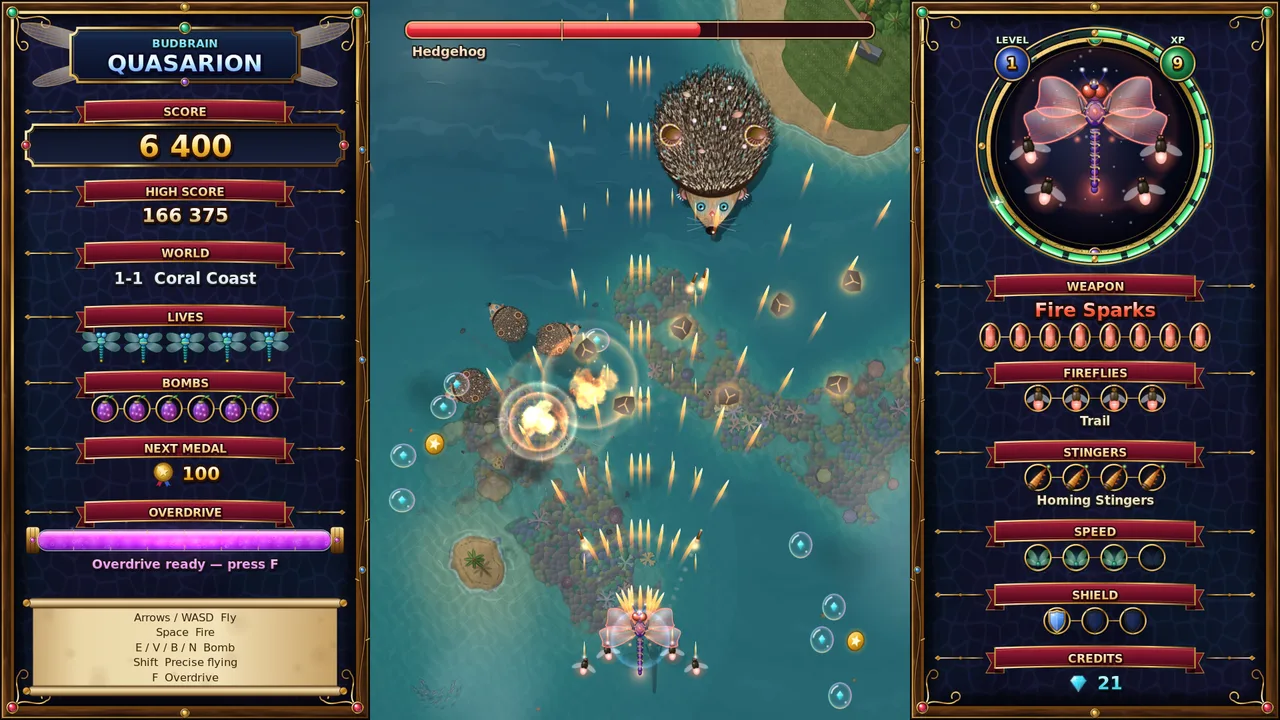
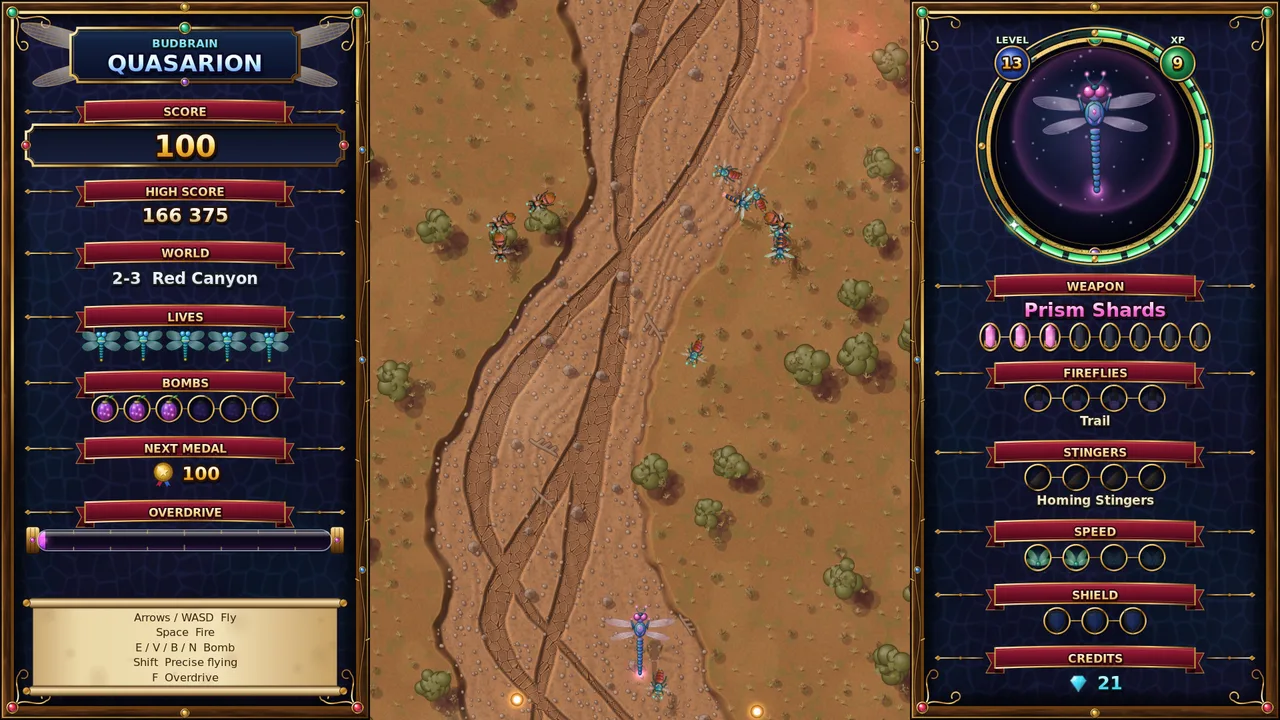
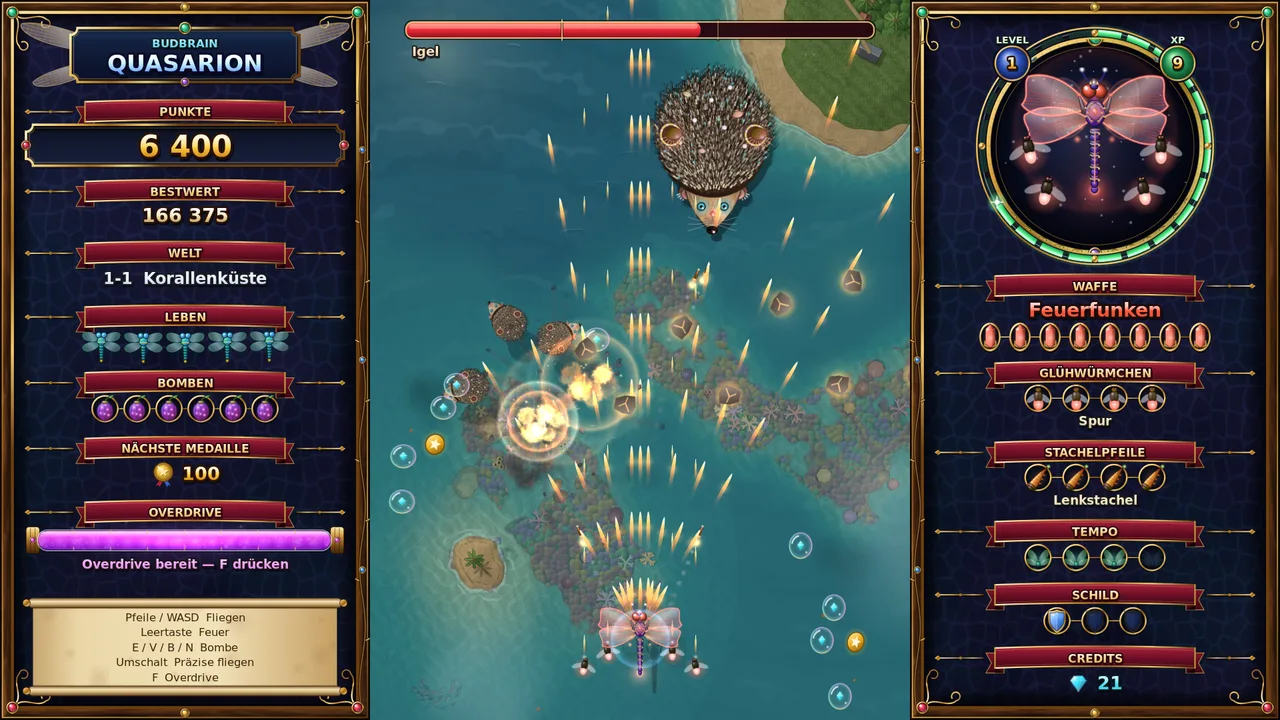
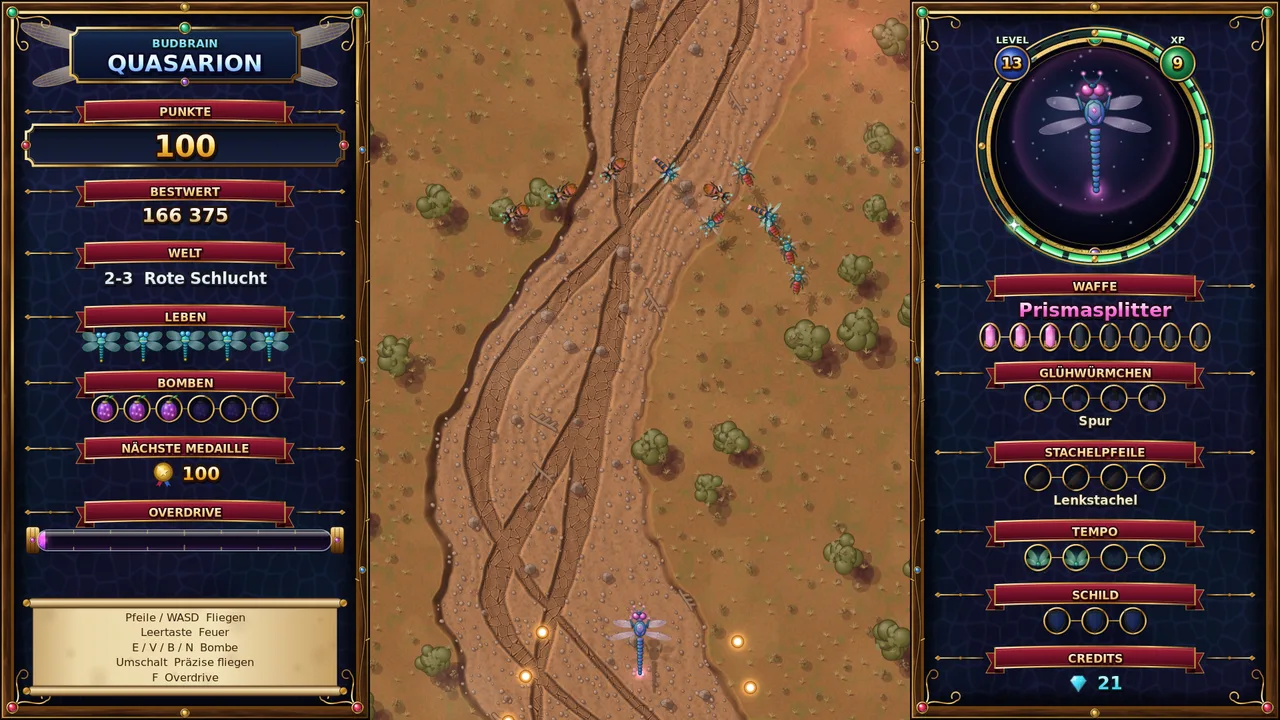
Budbrain Quasarion
v1.0.1 · C++/SDL2
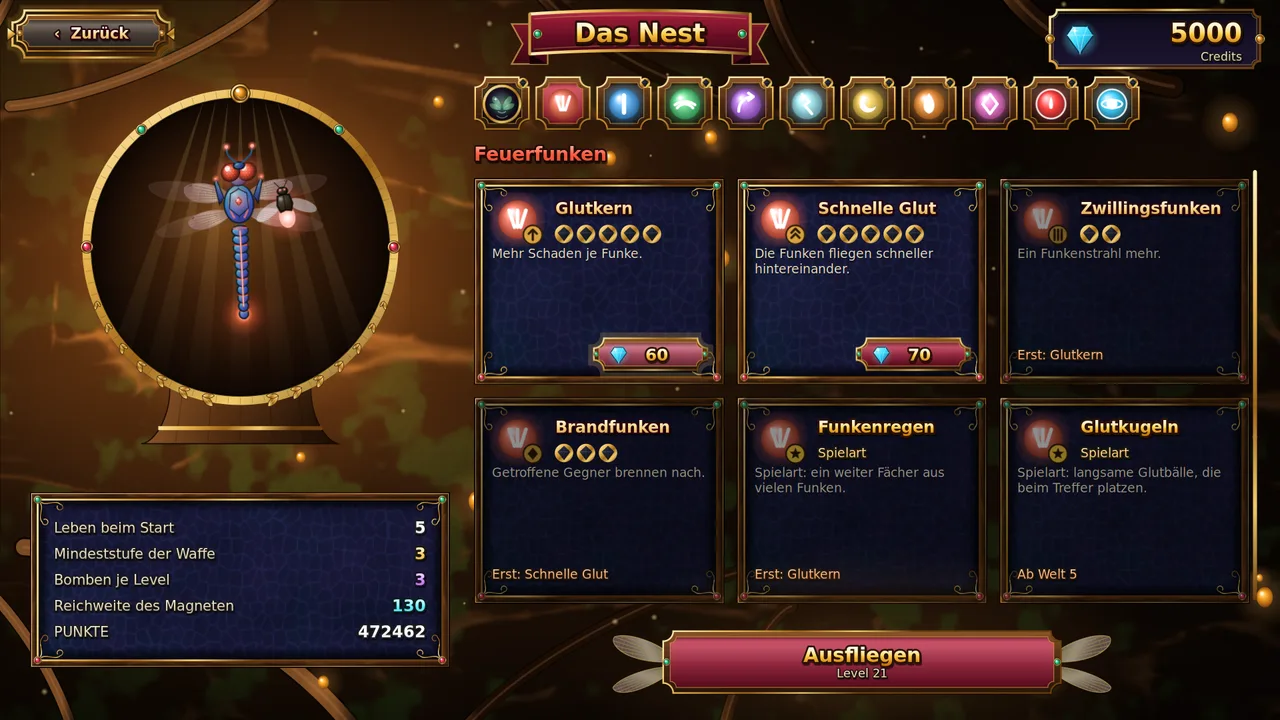
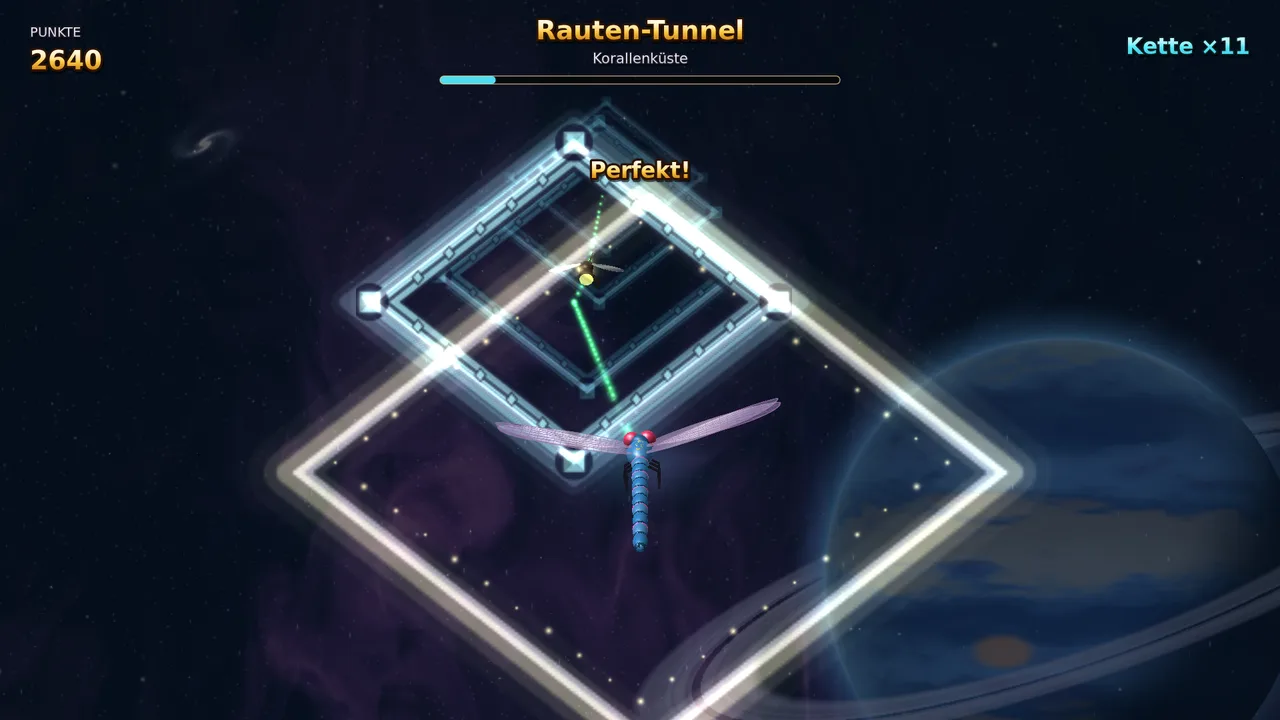
Voa como uma libélula por mundos de fantasia luminosos e enfrenta feras gigantes.
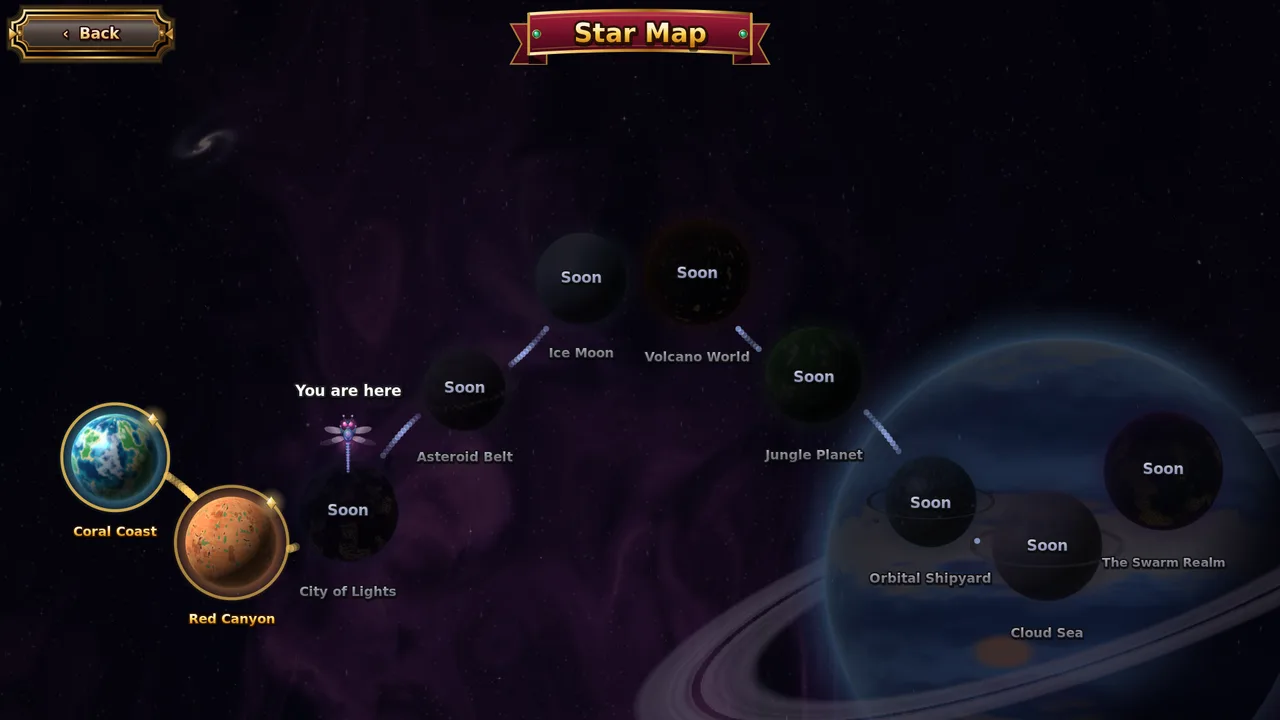
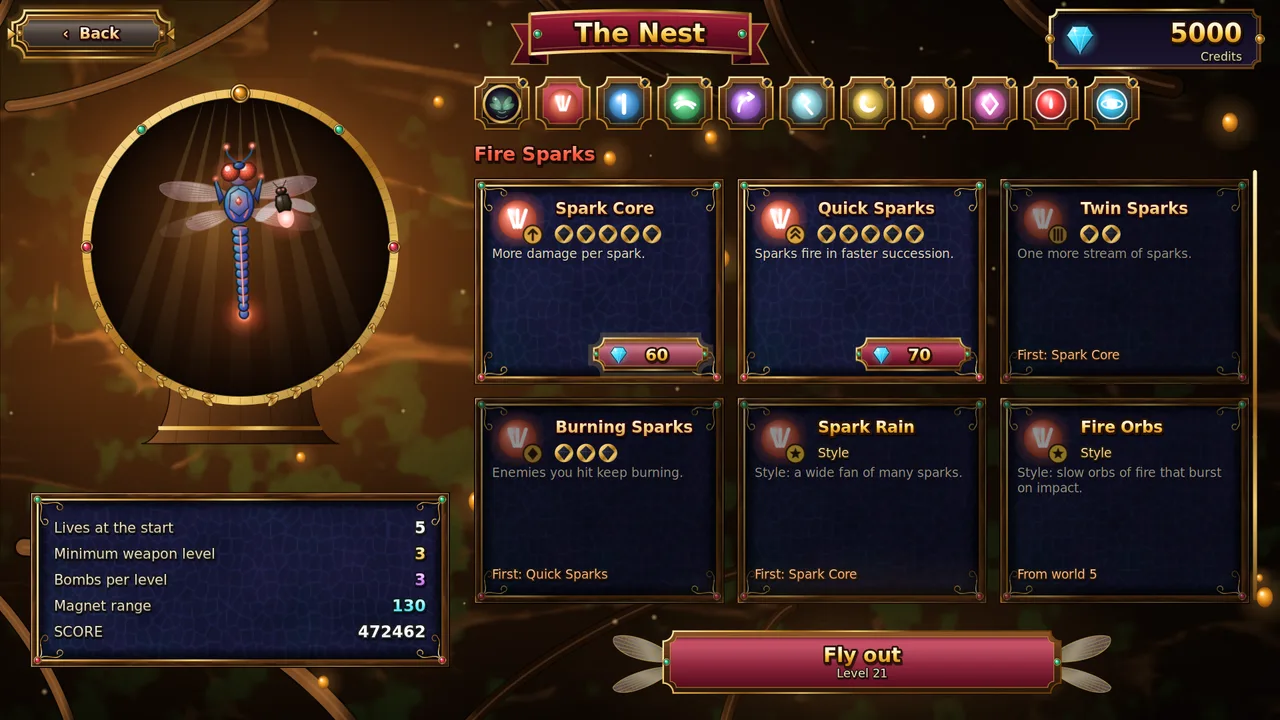
Uma fera gigante diferente no fim de cada nívelOito tipos de luz para a tua libélula, cada um em oito etapasVaga-lumes que seguem a tua trajetória de vooMelhorias no ninho e uma grande árvore de habilidades que cresce contigoUm túnel de diamantes ao ritmo da música depois de cada mundoSeis níveis de dificuldade, de Fácil a InsanoTeclado, comando ou ecrã tátilSDL2 · Cairo83 idiomas
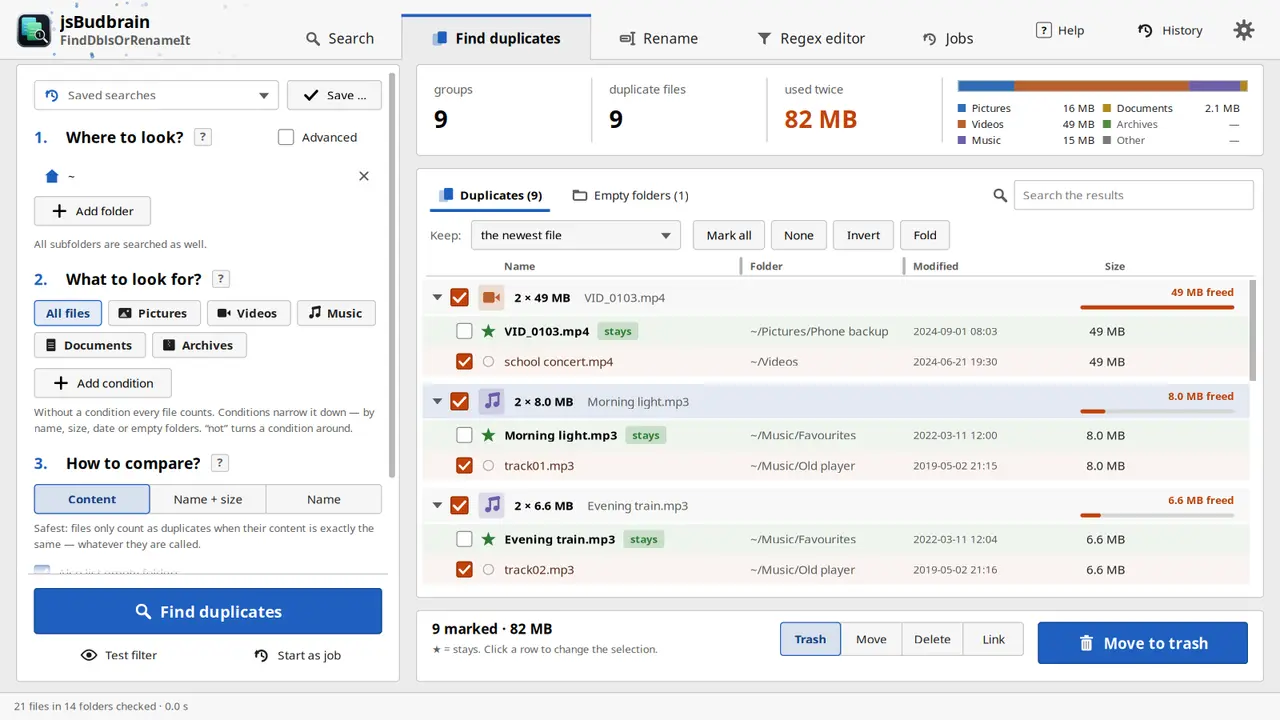
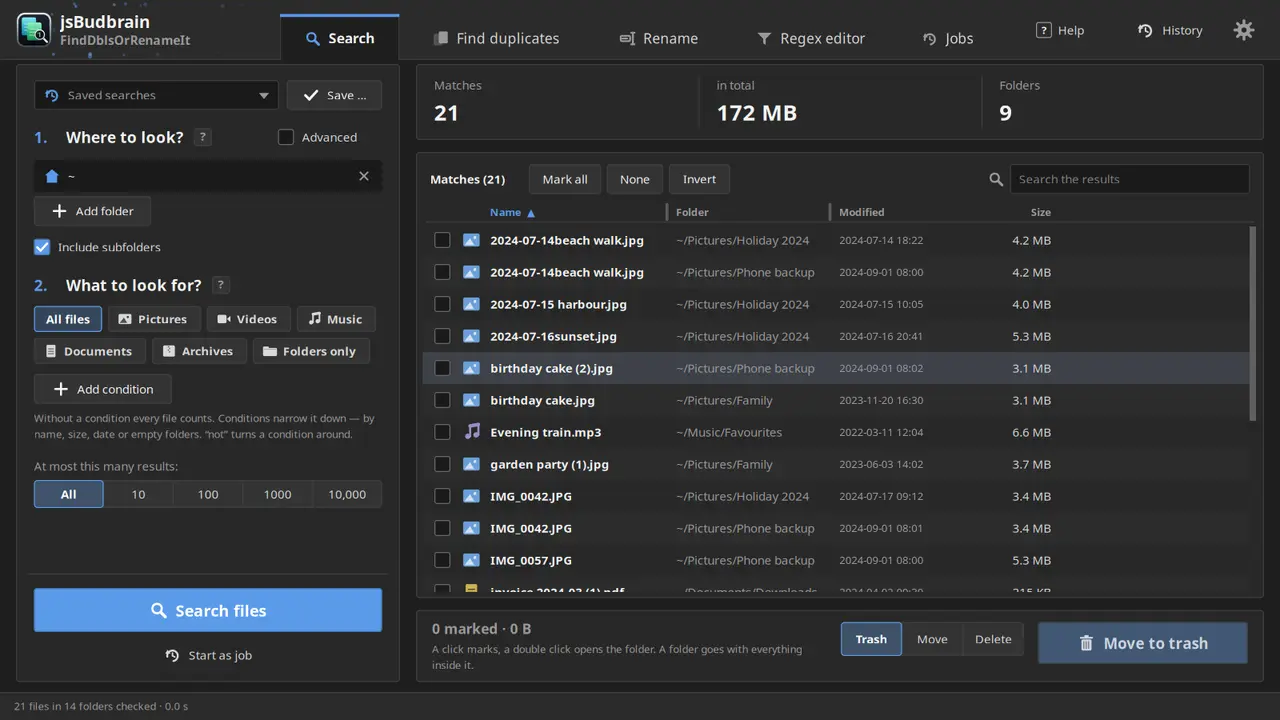
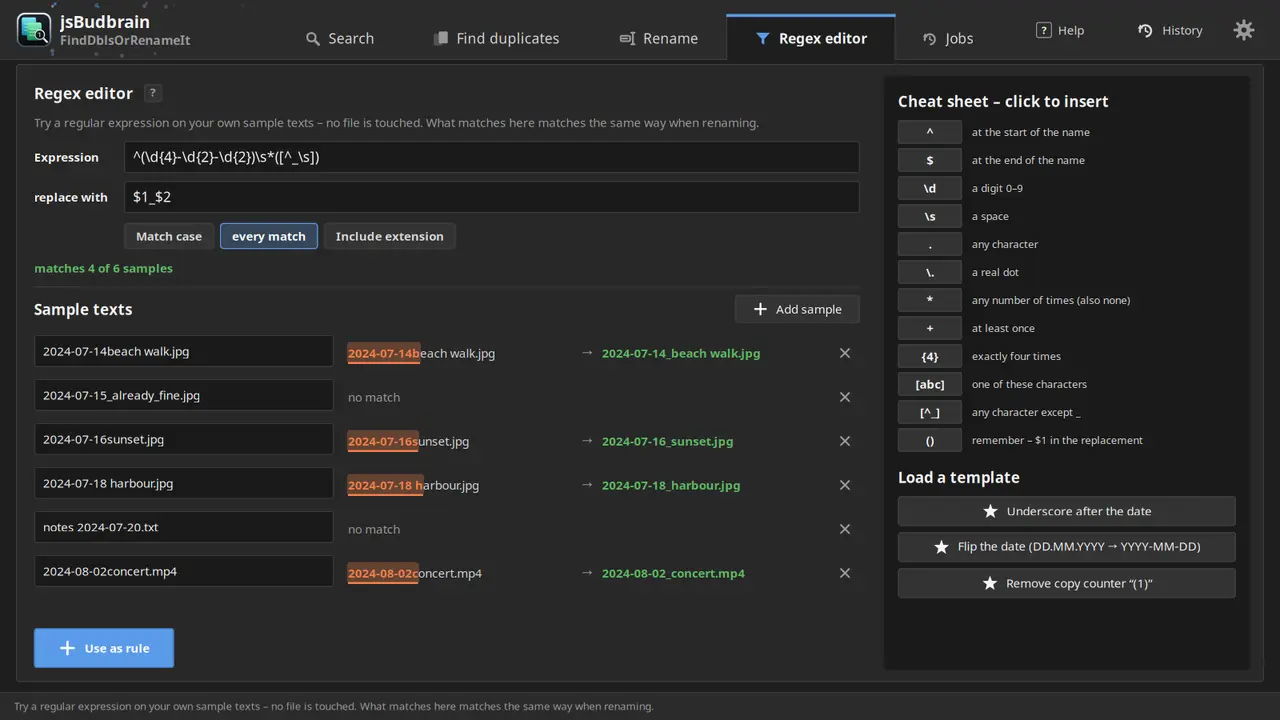
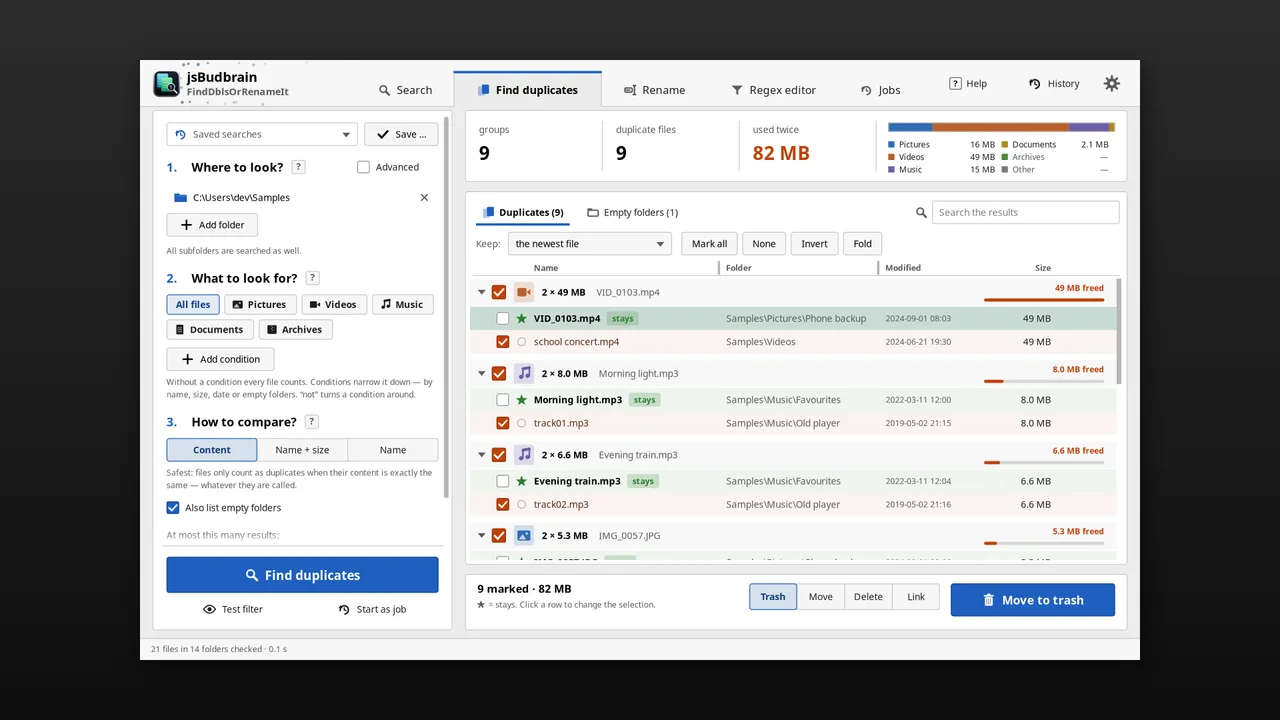
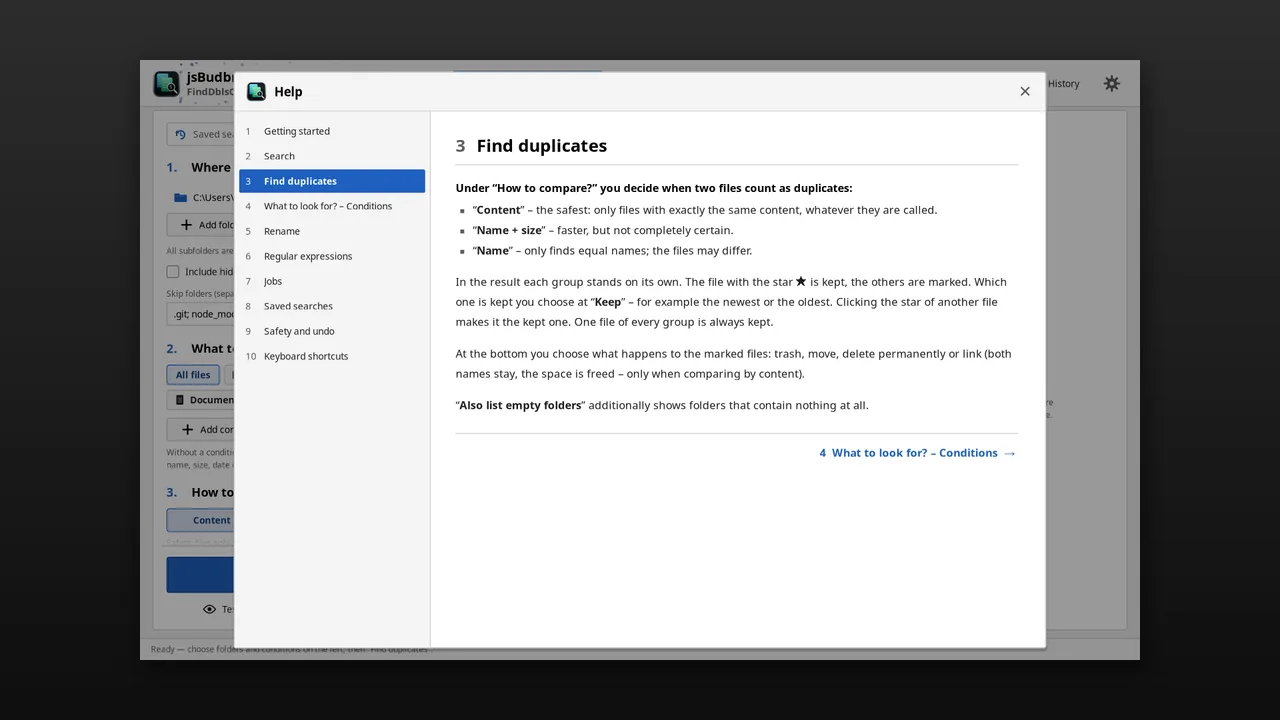
Encontra arquivos duplicados e organiza tudo – e renomeia muitos arquivos de uma vez com as suas próprias regras, com pré-visualização e desfazer.
Encontra duplicados reais pelo conteúdo, seja qual for o nomeO arquivo mais recente fica – você decideLixeira, mover, excluir ou vincularRenomear com regras e pré-visualização ao vivoEncontrar arquivos por nome, tipo, tamanho ou dataPesquisas salvas, várias tarefas ao mesmo tempoDesfazer movimentações e renomeaçõesClaro e escuroSDL2 · Cairo47 idiomas
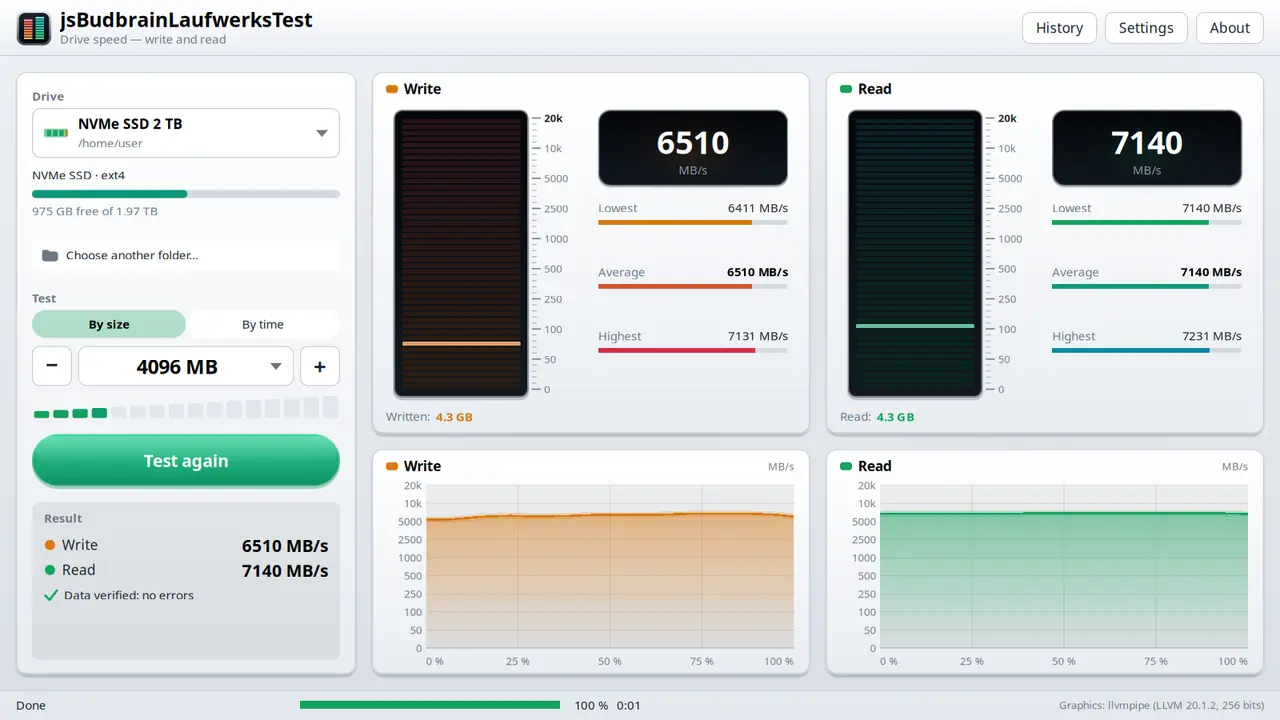
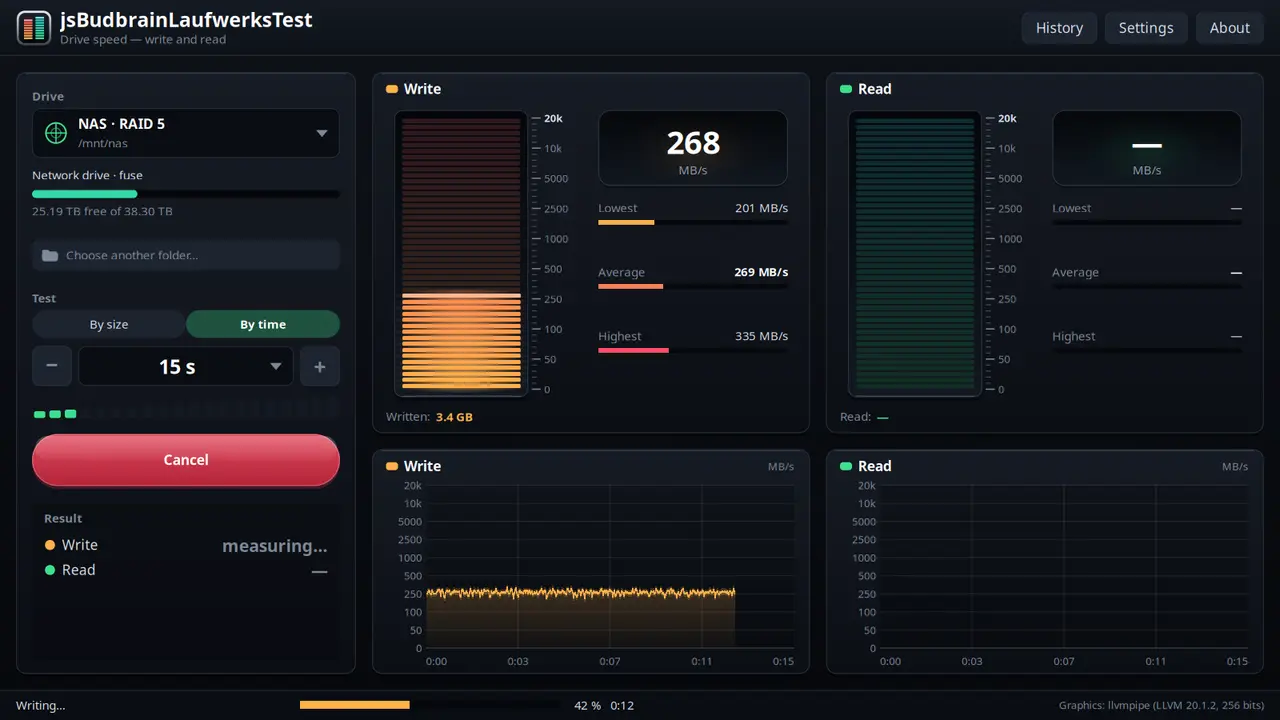
Mede a velocidade de gravação e leitura de uma unidade, com dois medidores de nível ao vivo, gráficos e a verificação de cada bloco.
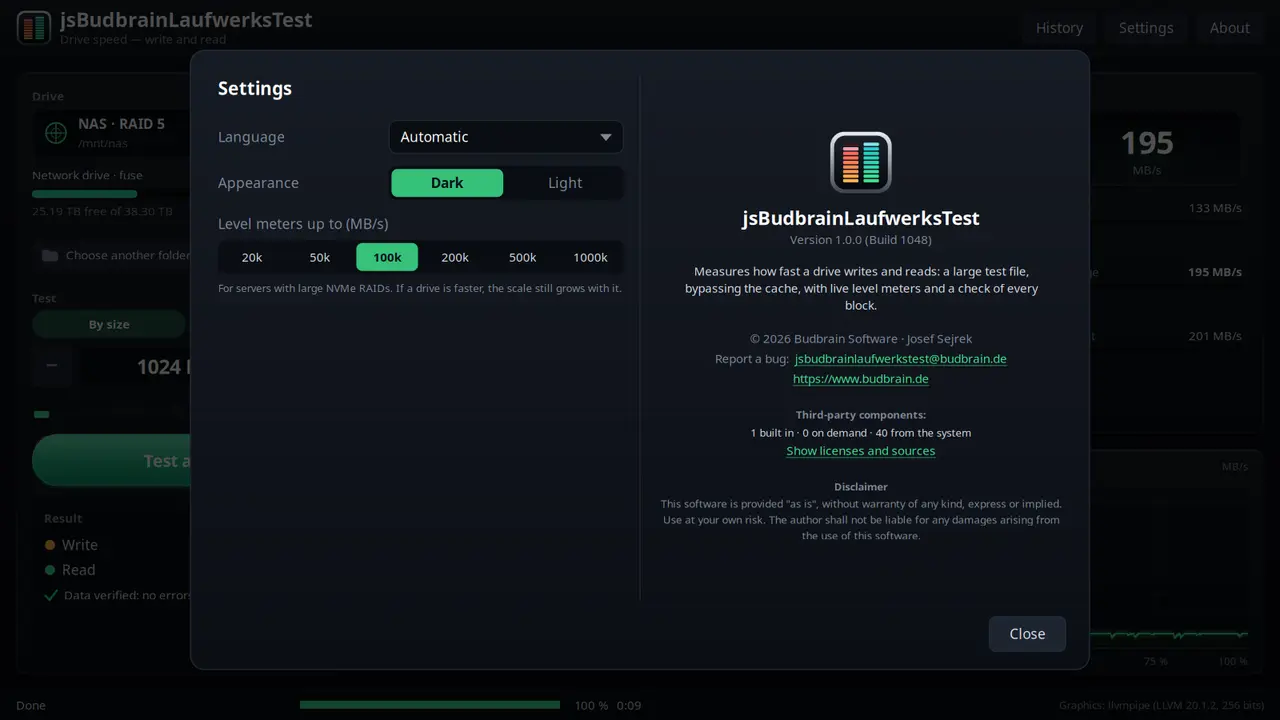
Velocidade de gravação e leitura ao vivoPor tamanho (1–16 GB) ou por tempo (5 s – 16 min)Cada bloco é verificadoMostra quando uma unidade rápida perde o fôlegoPendrives, cartões de memória, unidades de redeHistórico de todos os testes, salvo como textoEscala até 1.000.000 MB/s para RAIDs de servidoresClaro e escuroSDL2 · Cairo47 idiomas
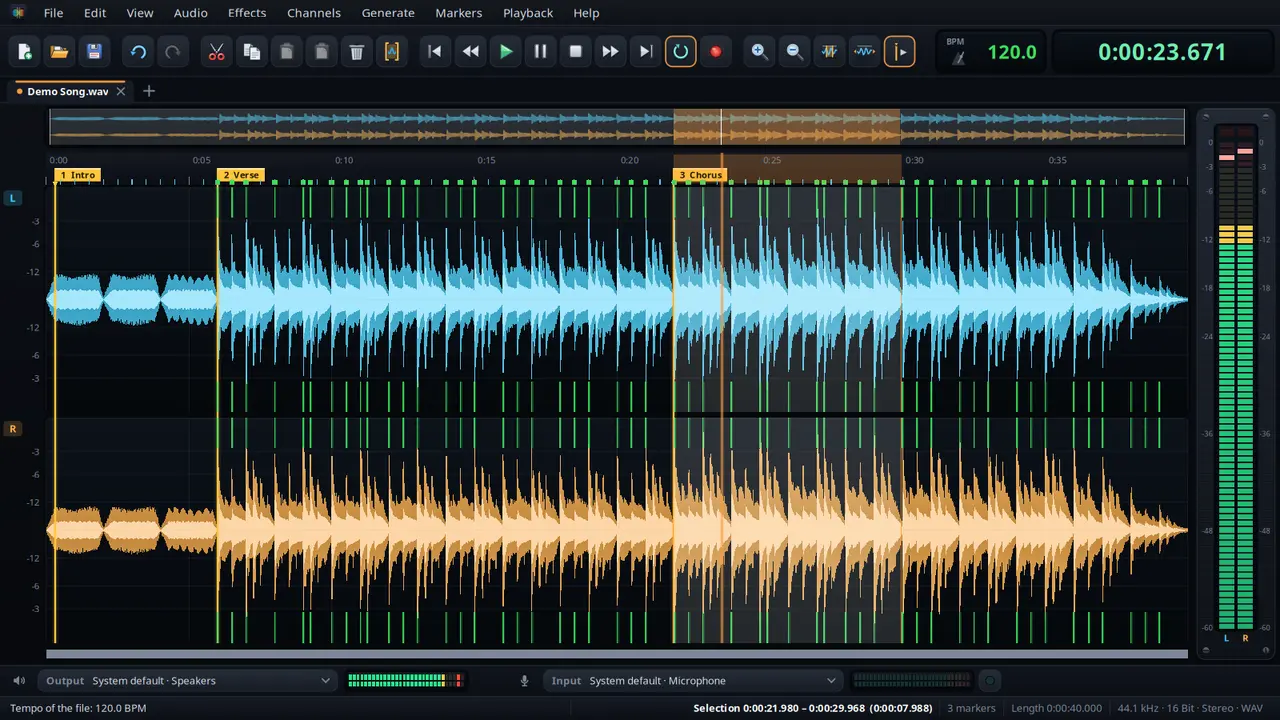
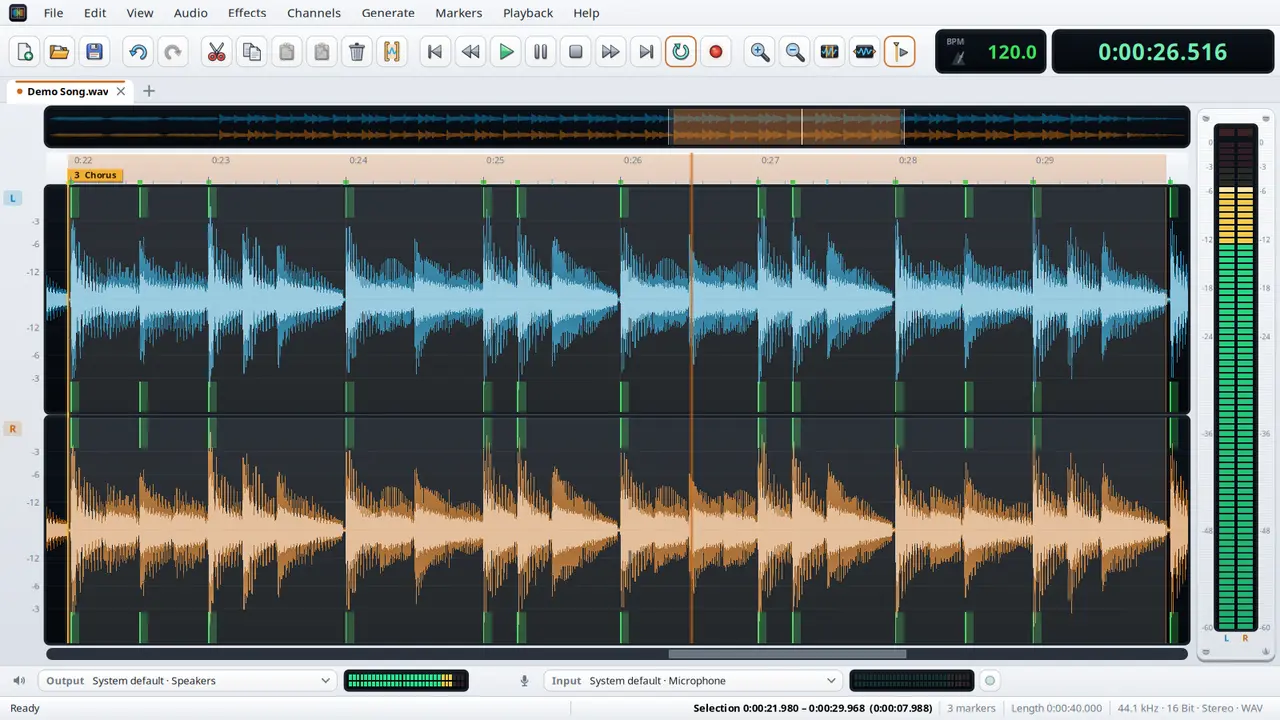
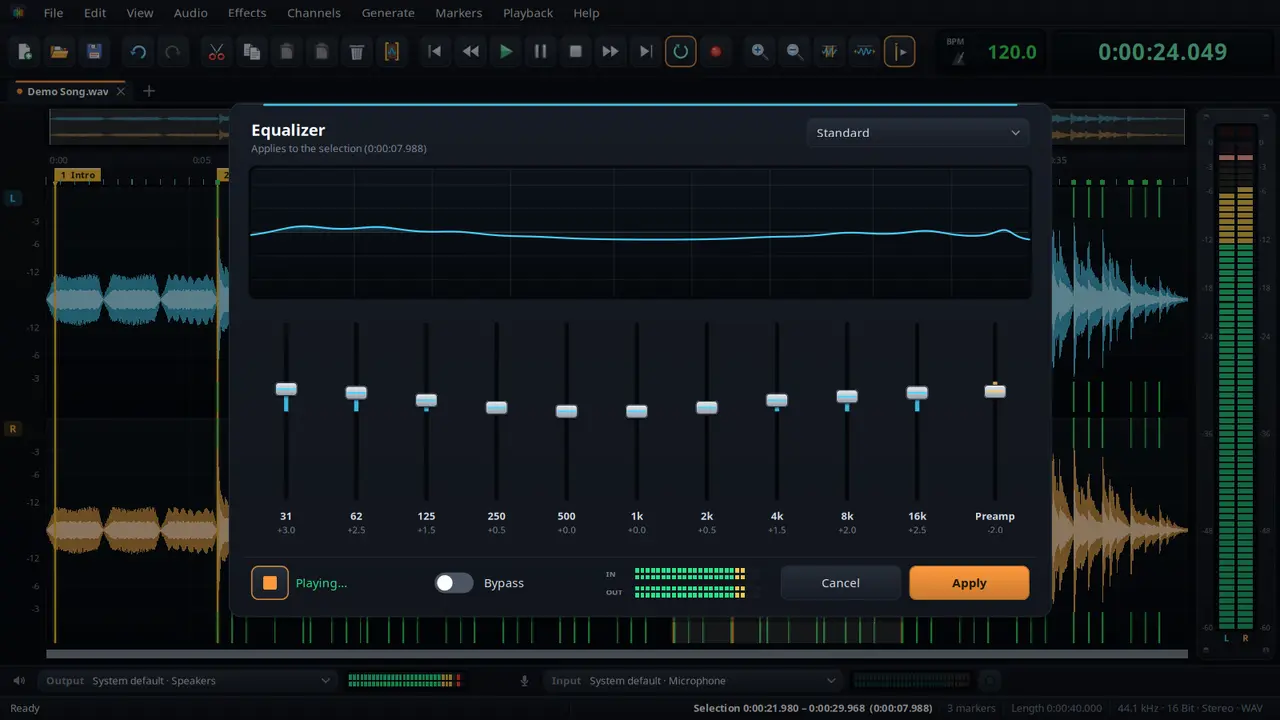
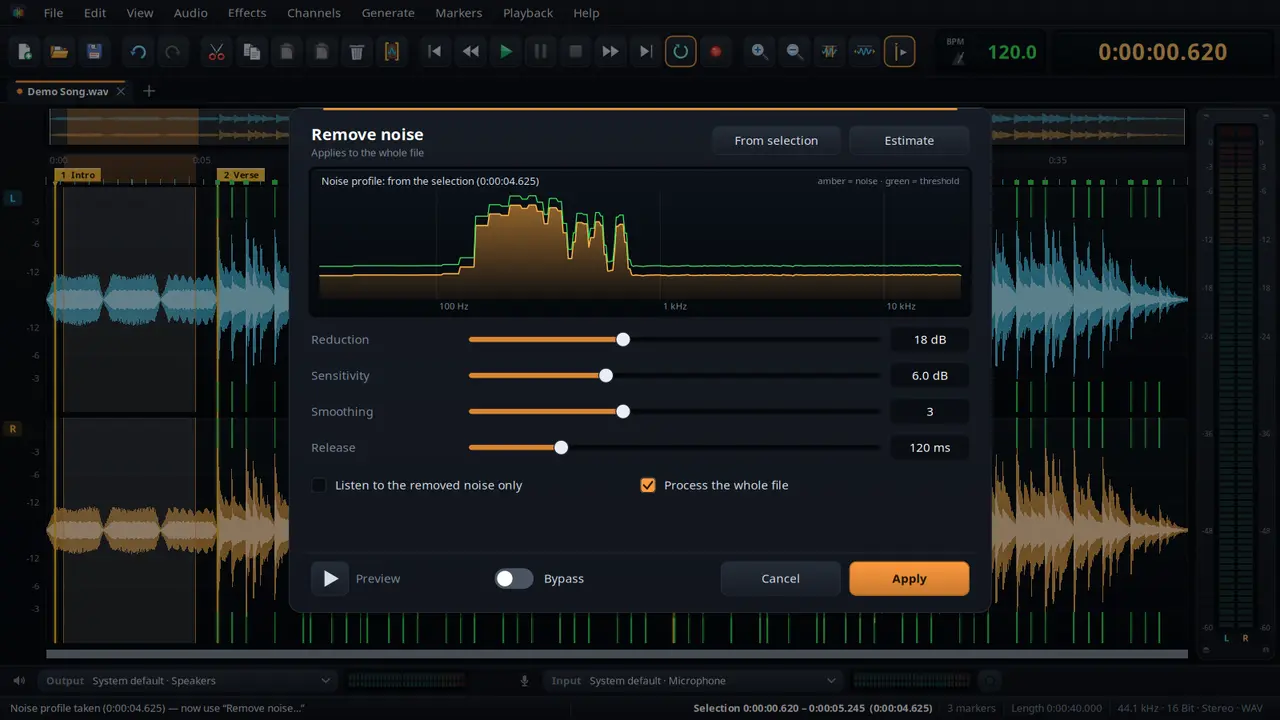
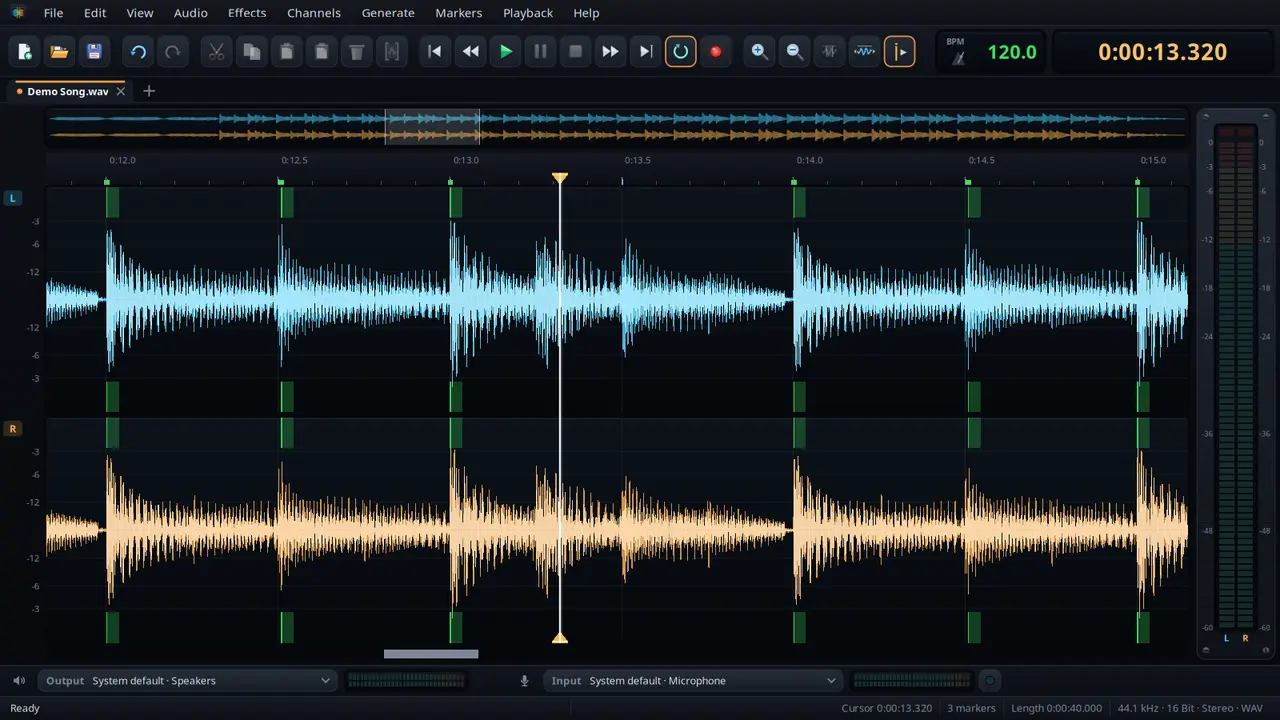
Um editor de áudio para cortar, limpar e aperfeiçoar — com marcadores, remoção de ruído, andamento e os efeitos das apps de som Budbrain.
Cortar, copiar, colar e misturarZoom com a roda do rato até cada amostraDefinir e nomear marcadores, reproduzir entre elesAnular sem limite fixoRemoção de ruído com perfil de ruídoDetetar e alterar o andamento, com bombo e grelha de batidasEqualizador, válvula e compressor, limitador e estúdio FX com pré-escutaGrave durante o tempo que quiserClaro e escuroWAV · FLAC · Ogg · Opus · MP3SDL2 · CairoPipeWire · PulseAudio47 idiomas
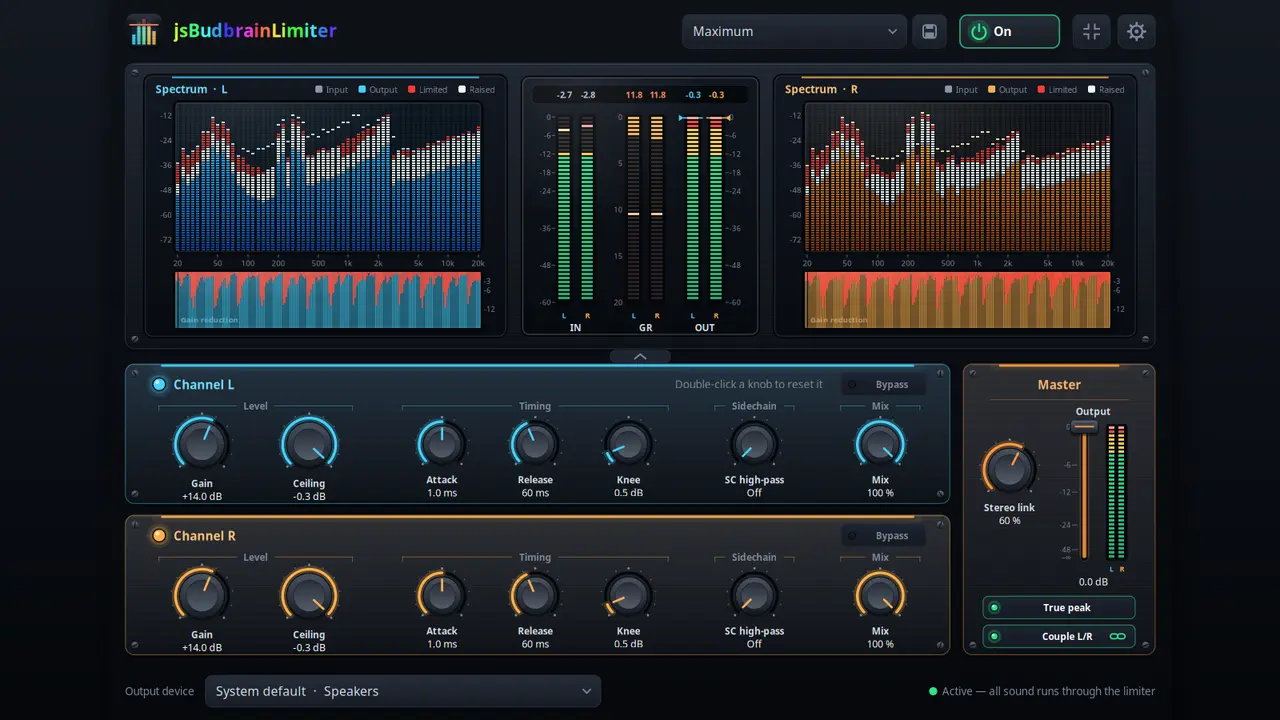
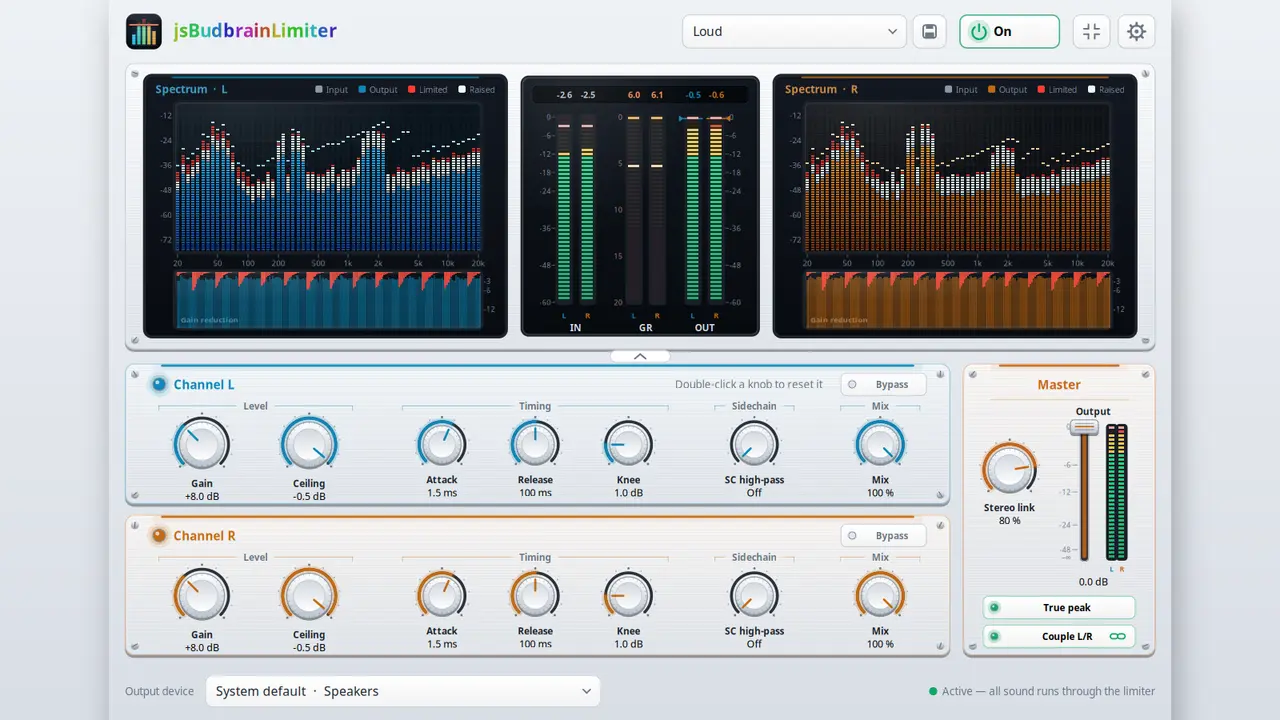
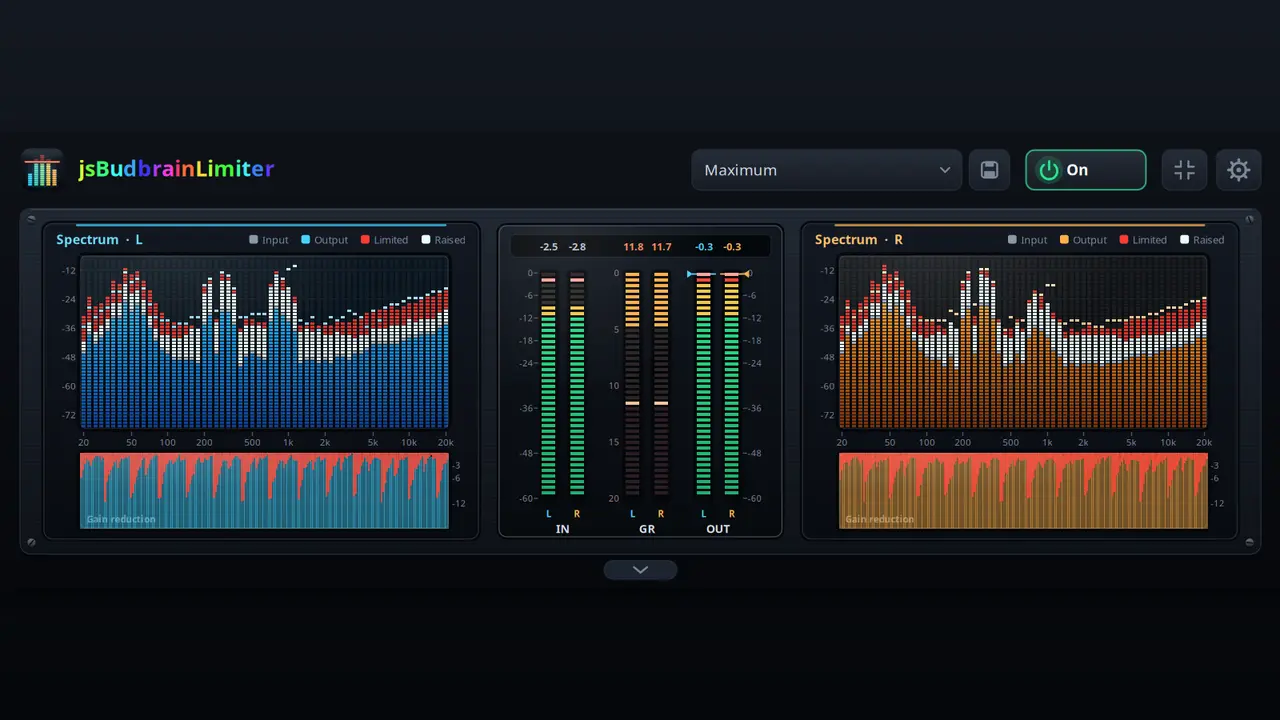
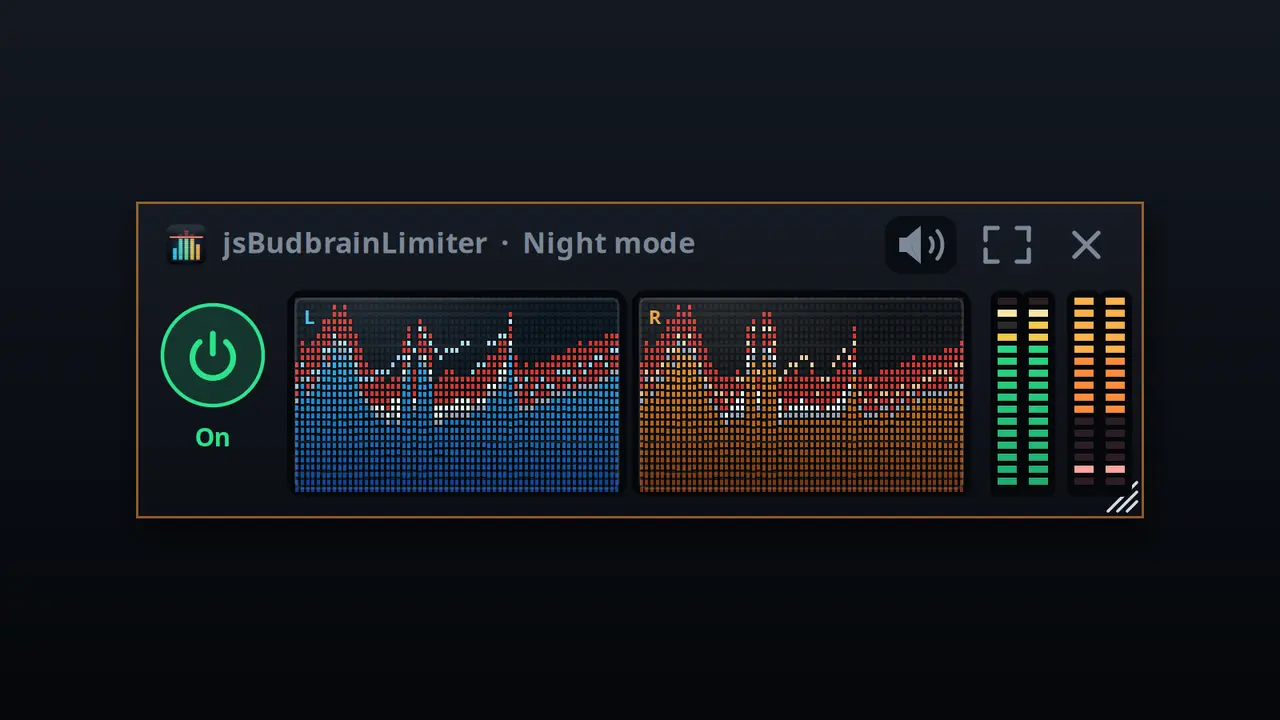
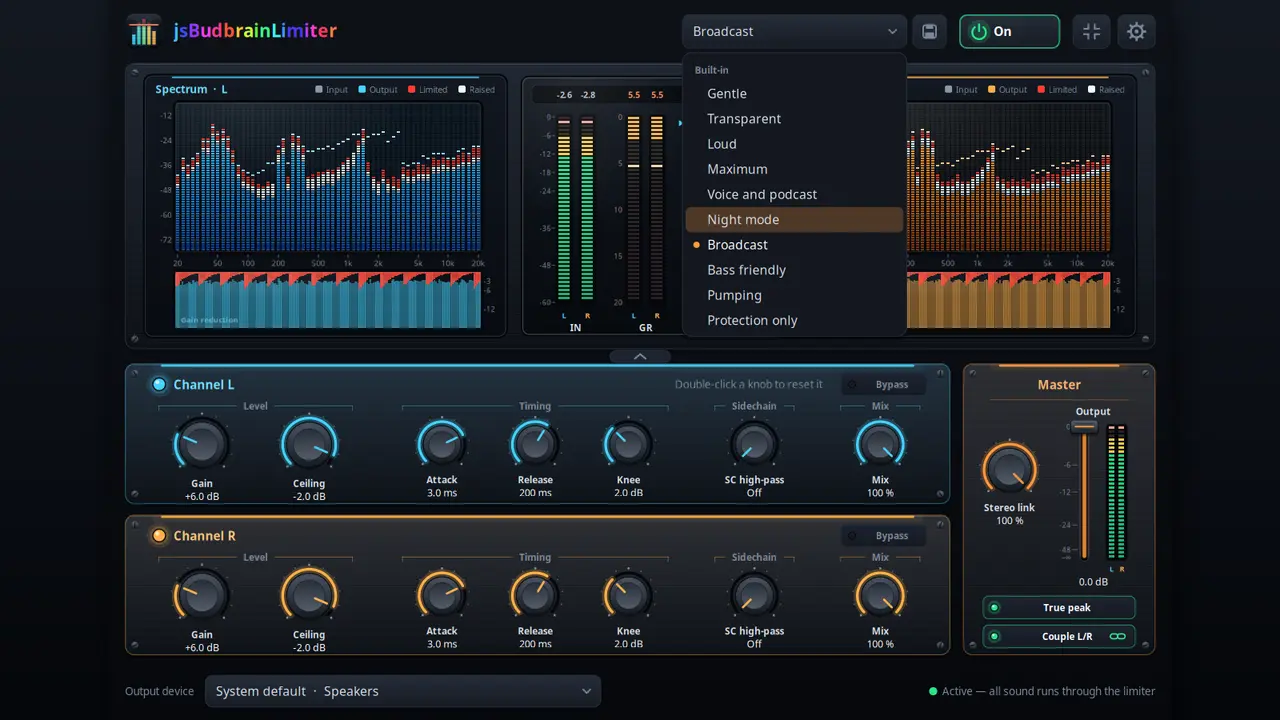
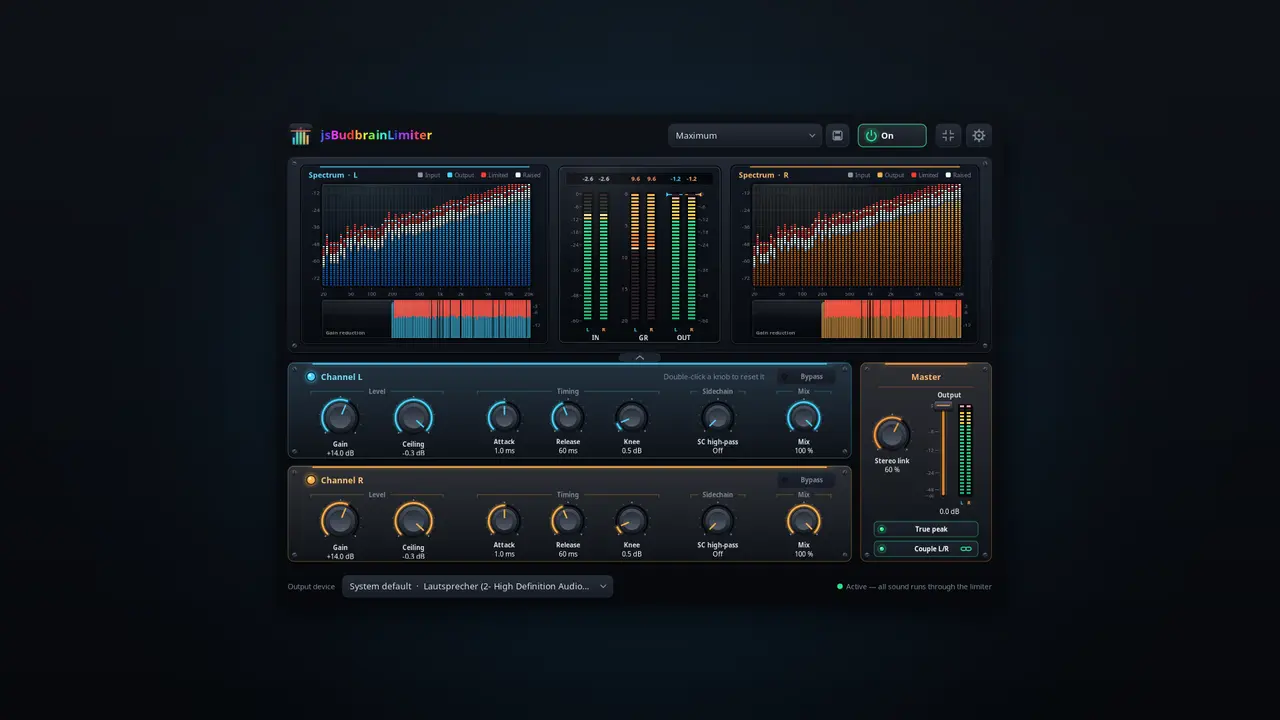
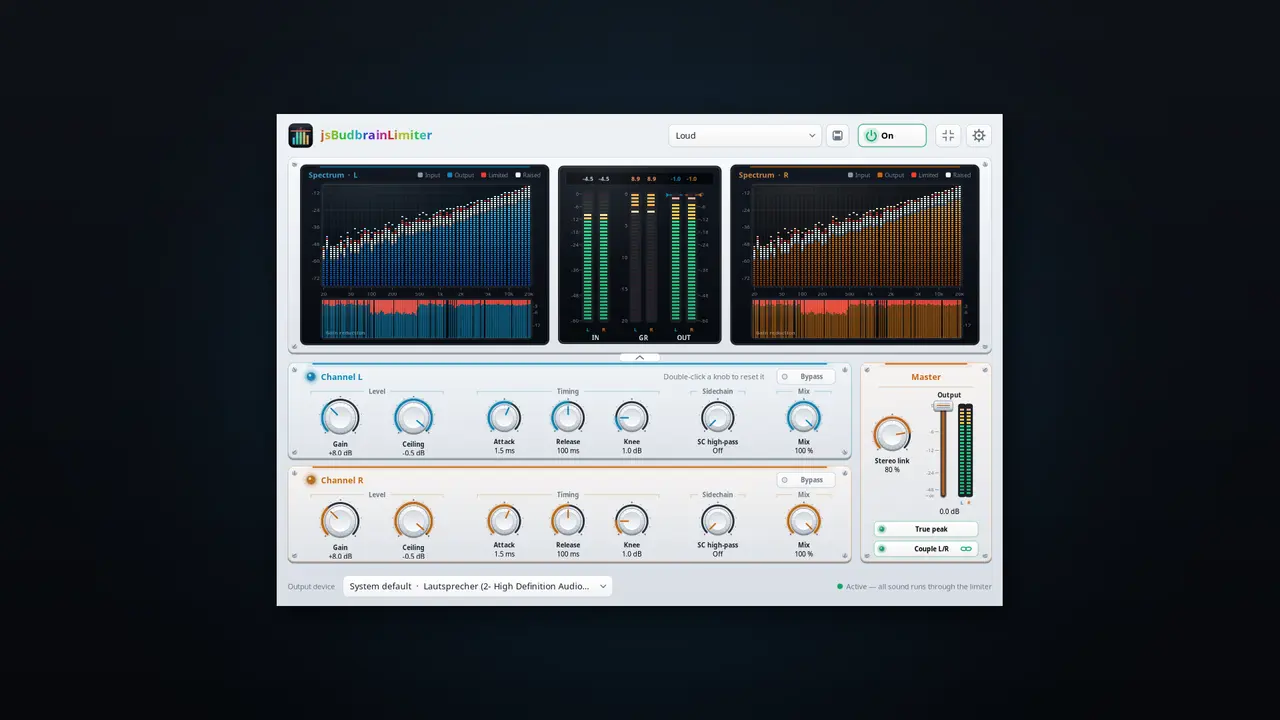
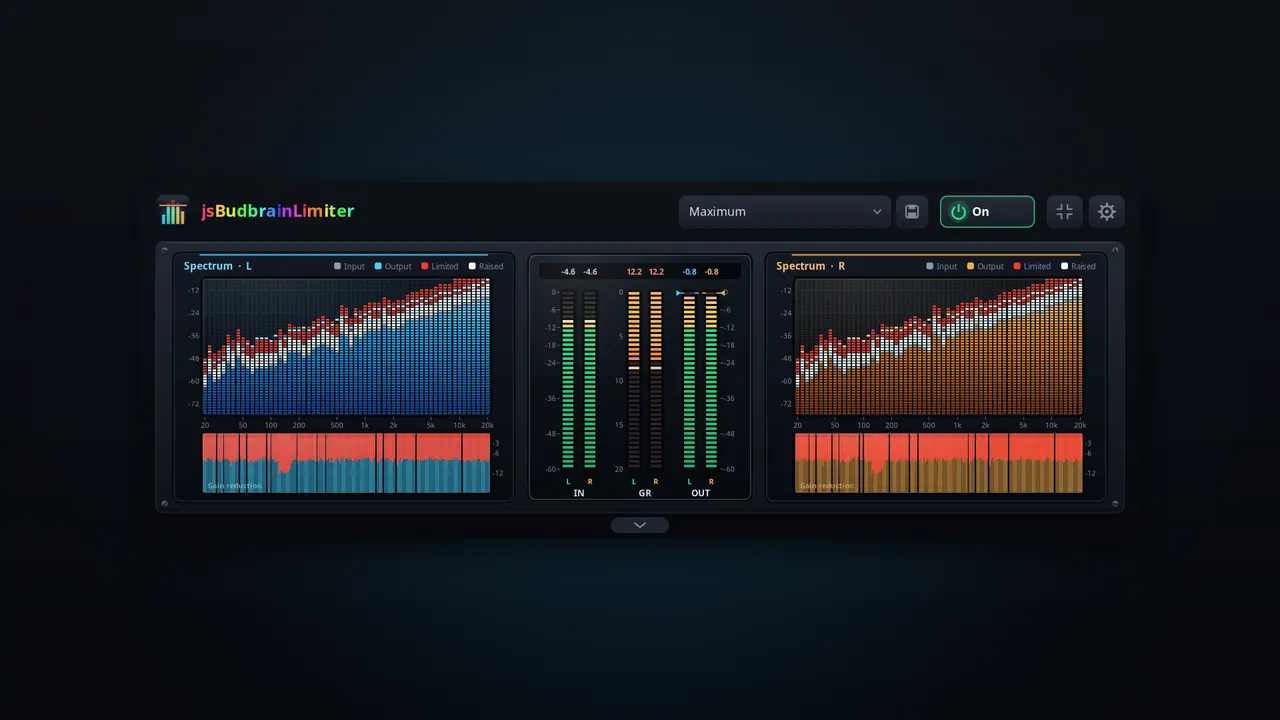
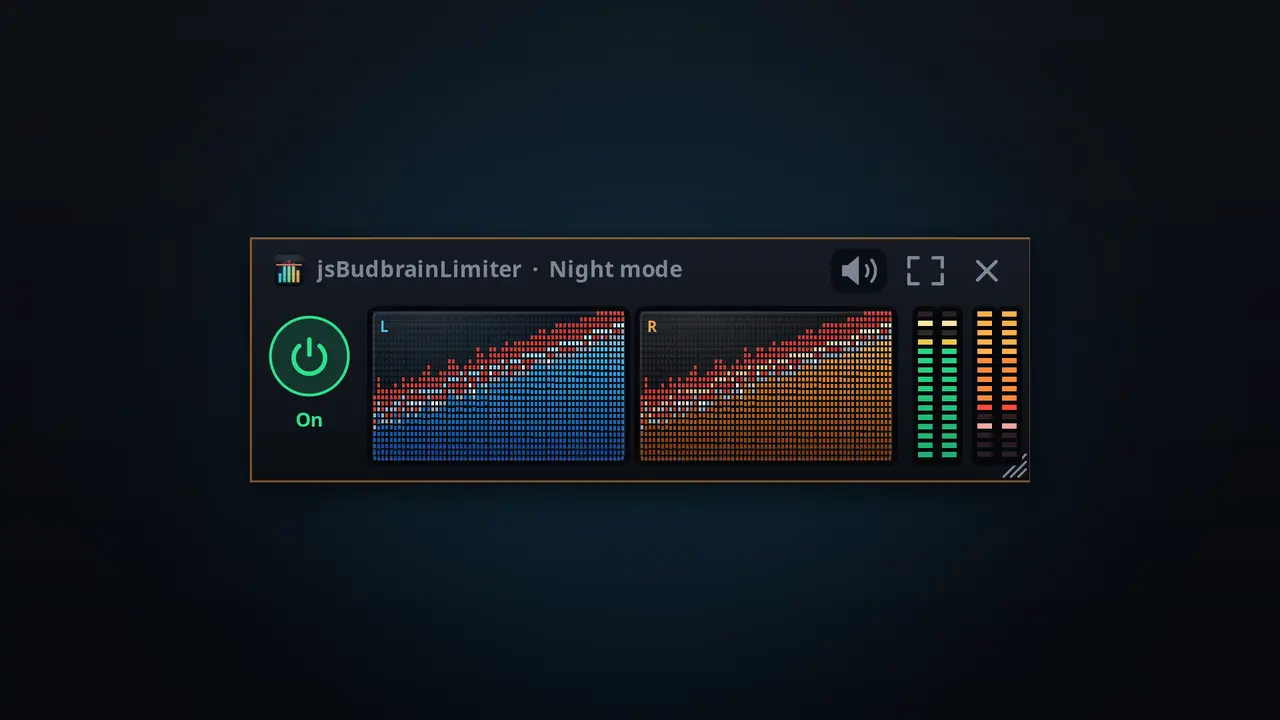
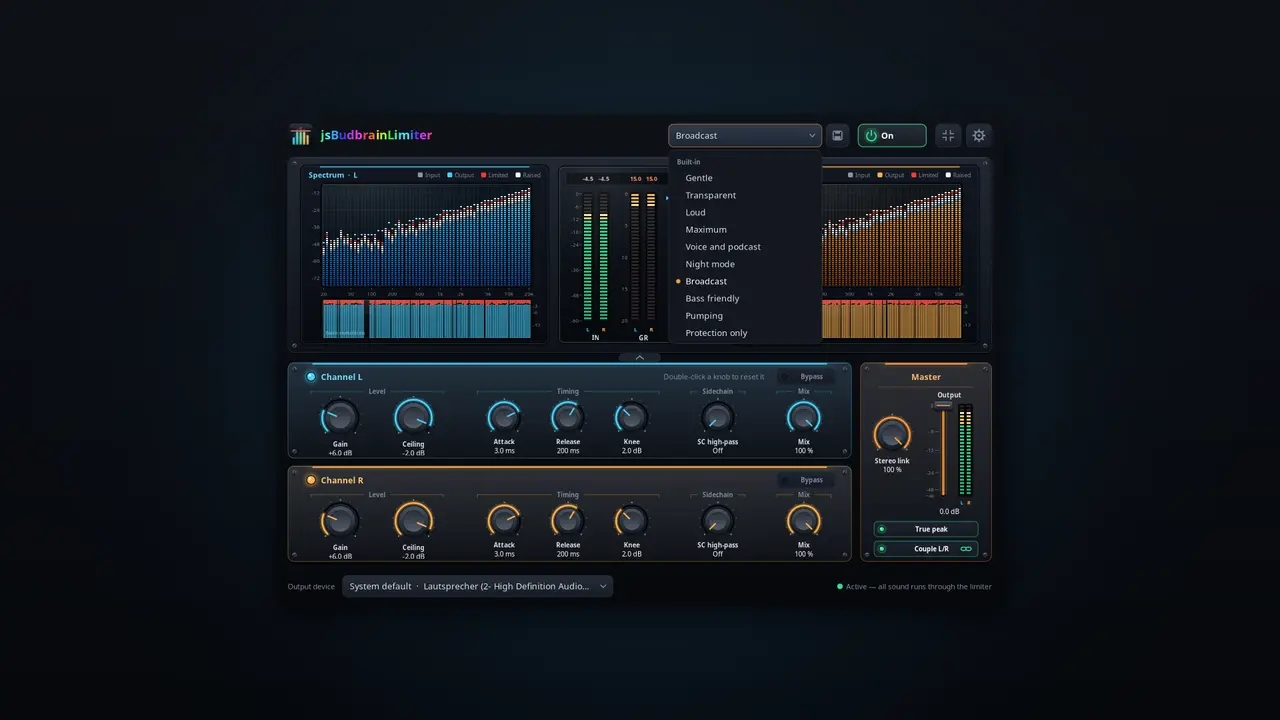
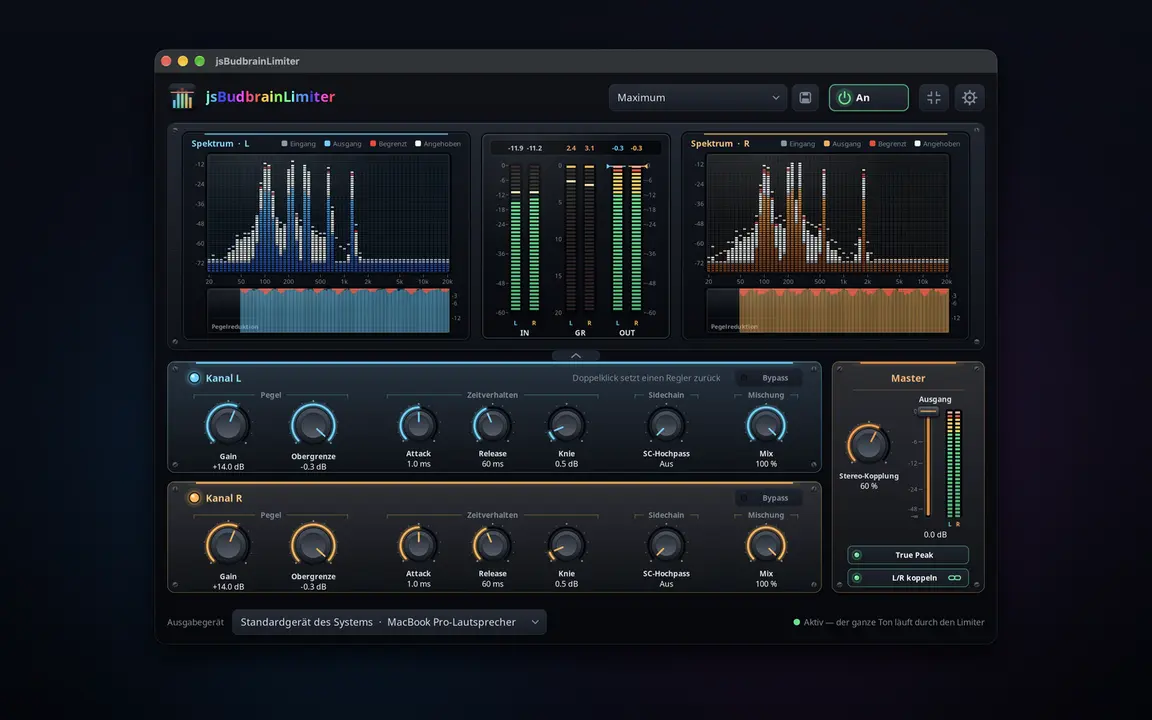
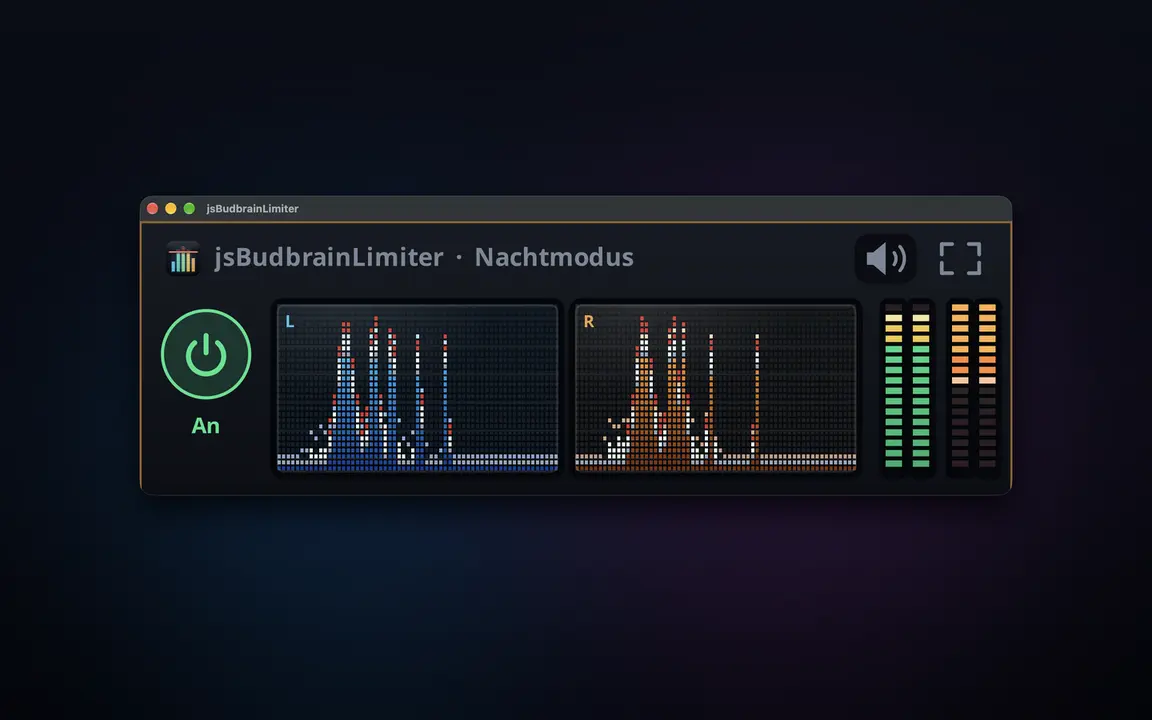
Um limitador para tudo o que o seu computador reproduz — mais alto, sem nunca saturar, com dois espectros que mostram o que faz.
Controlos próprios para o canal esquerdo e o direitoGanho, teto, ataque, libertação, joelho, passa-alto SC e misturaTrue Peak apanha até os picos mais brevesControlo de saída com medidores de nível para ambos os canaisDois espectros mostram o que é elevado e o que é limitadoHistórico da redução de ganho e valores de picoDefinições prontas, e as suas própriasFunciona em conjunto com o jsBudbrainCompressor, o jsBudbrainEqualizer e o jsBudbrainsFxStudioBotão de silêncio para quando o telefone tocaEscolha colunas ou auscultadoresJanela pequena sempre por cimaClaro e escuroSDL2 · CairoPipeWire · PulseAudio44 idiomas
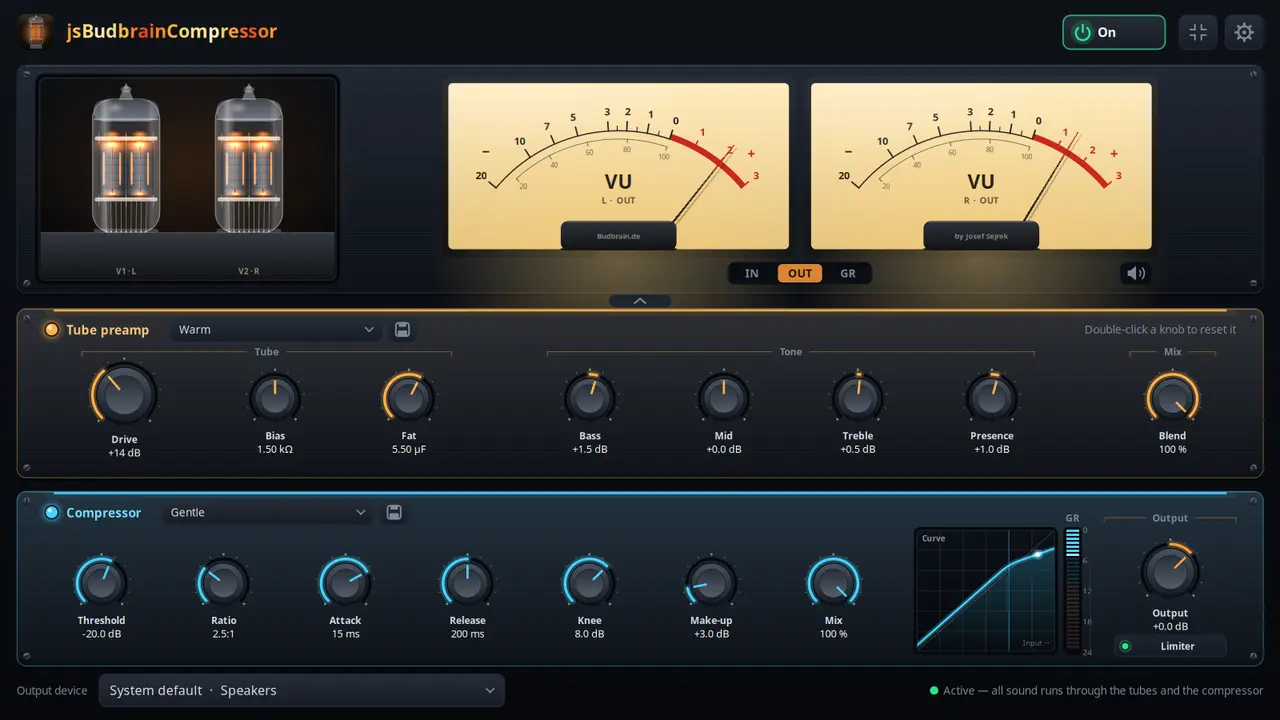
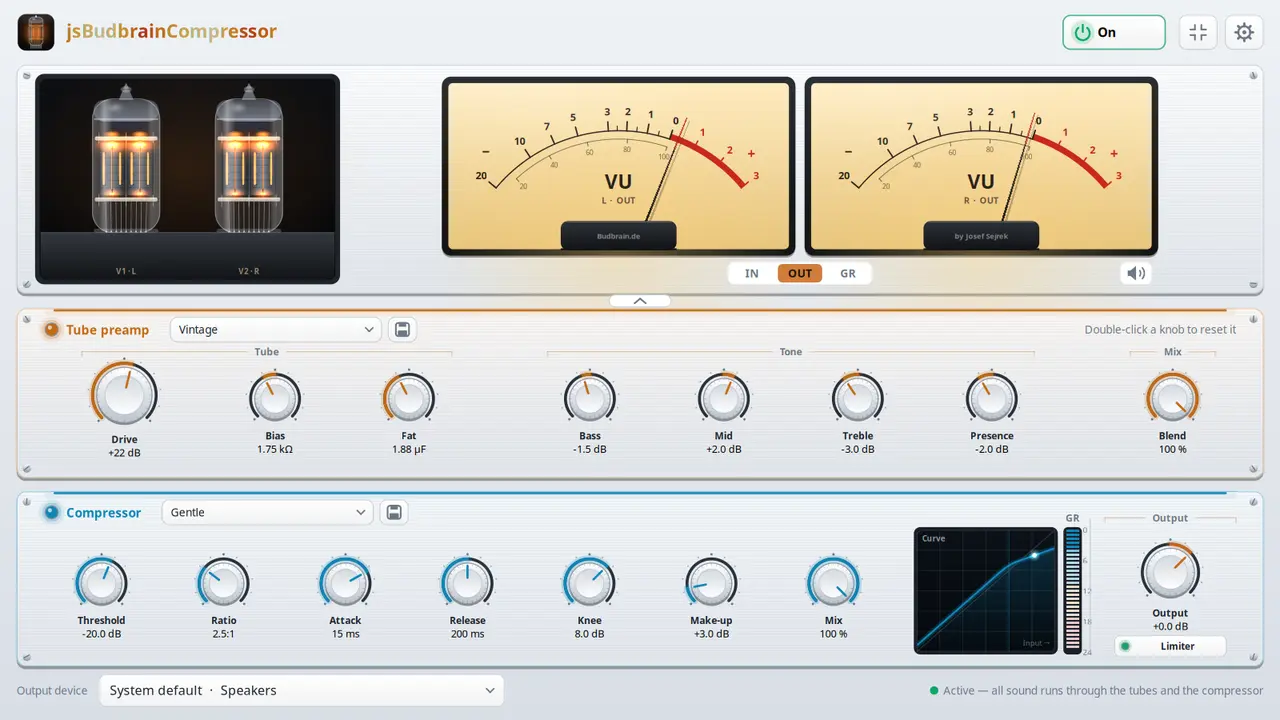
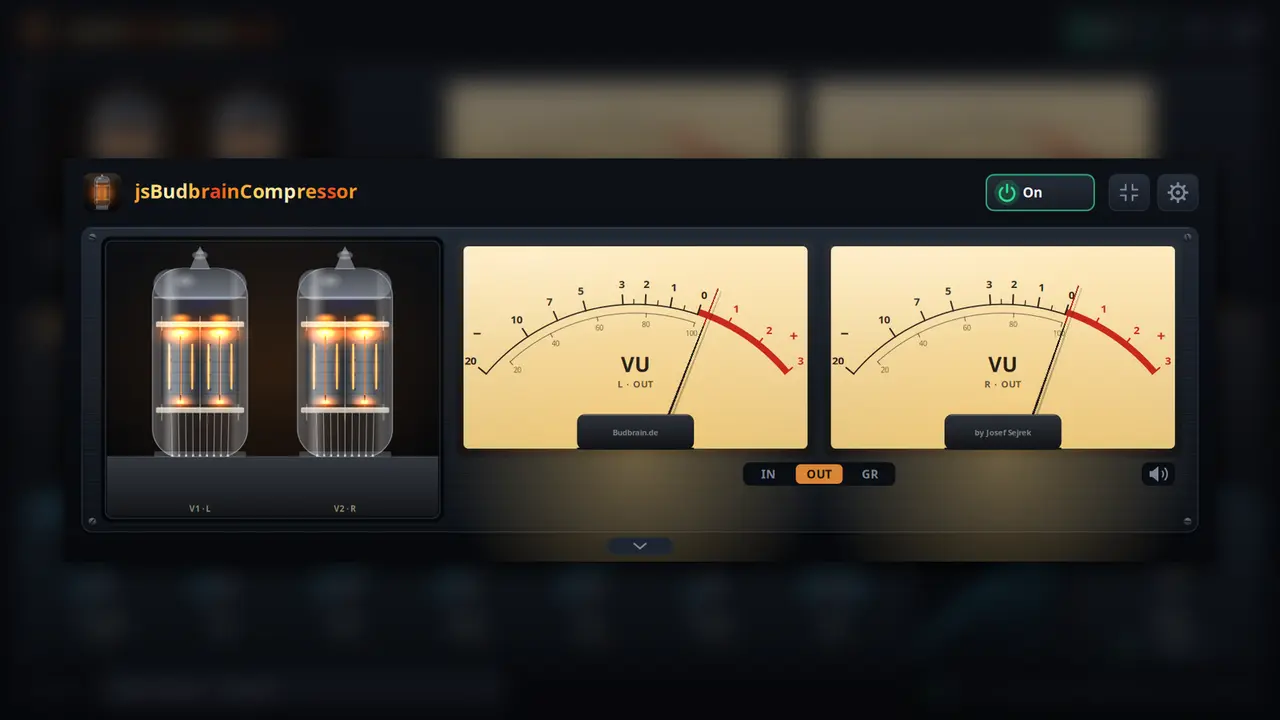
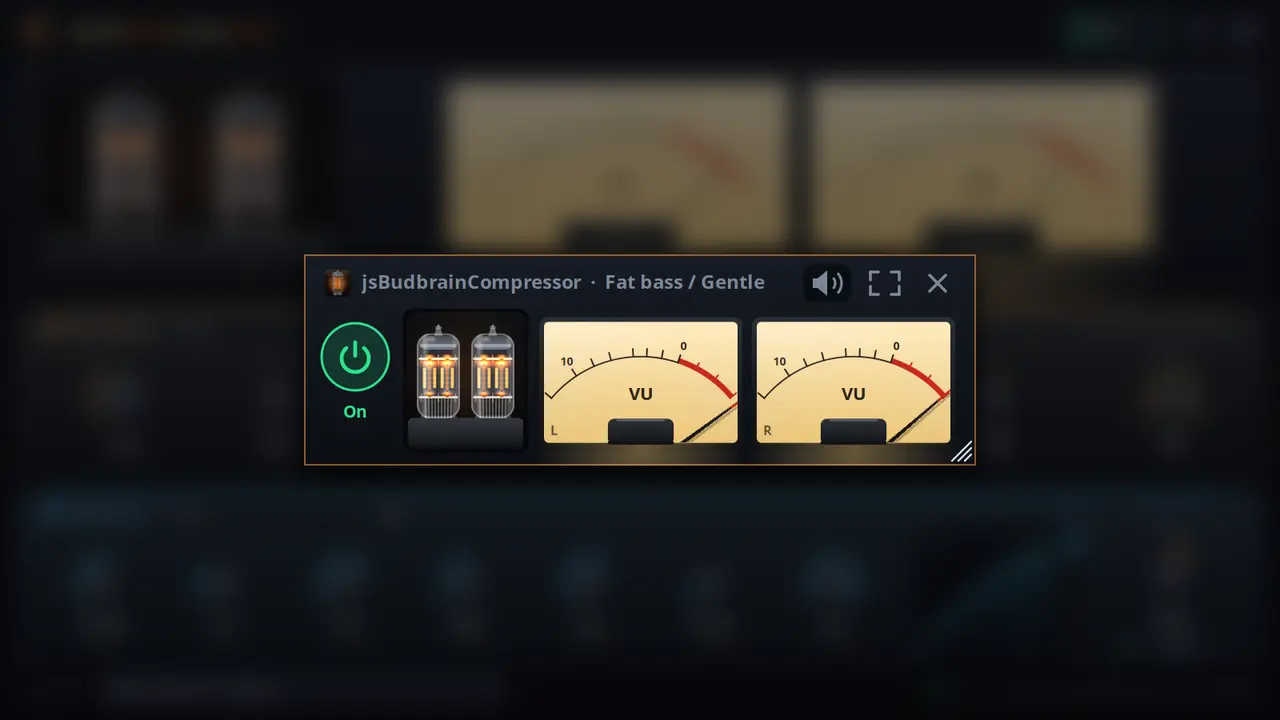
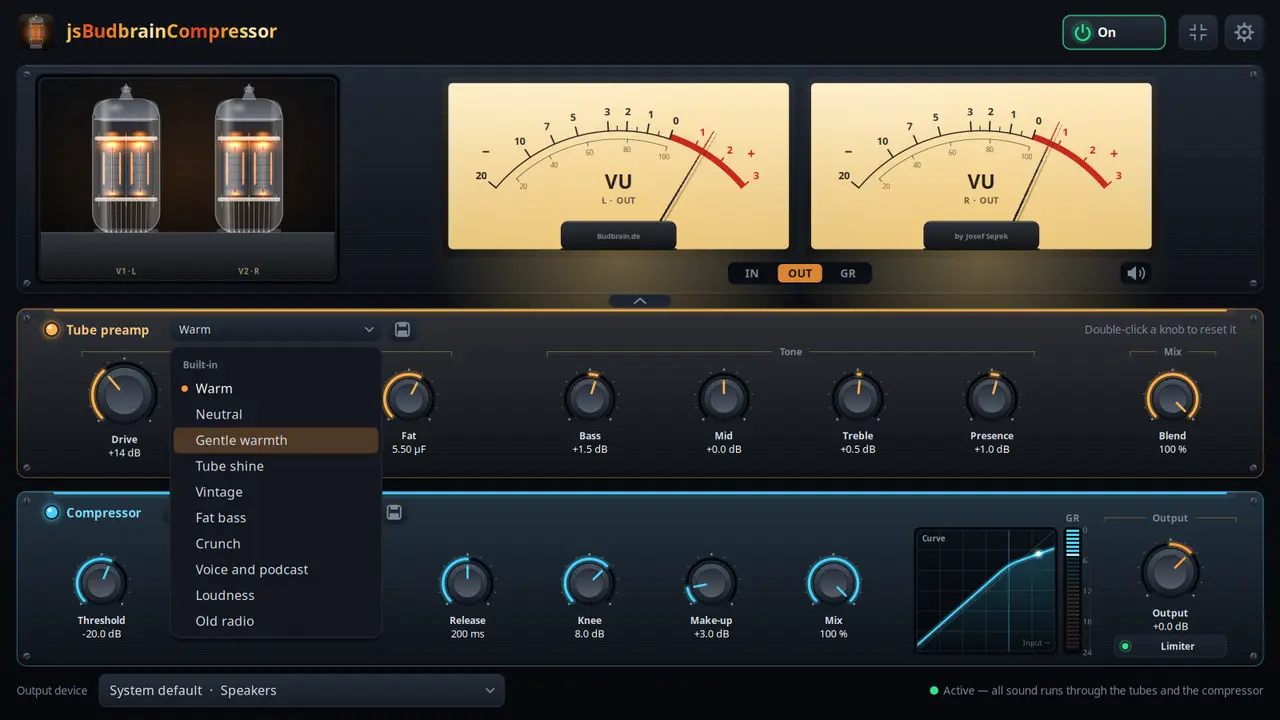
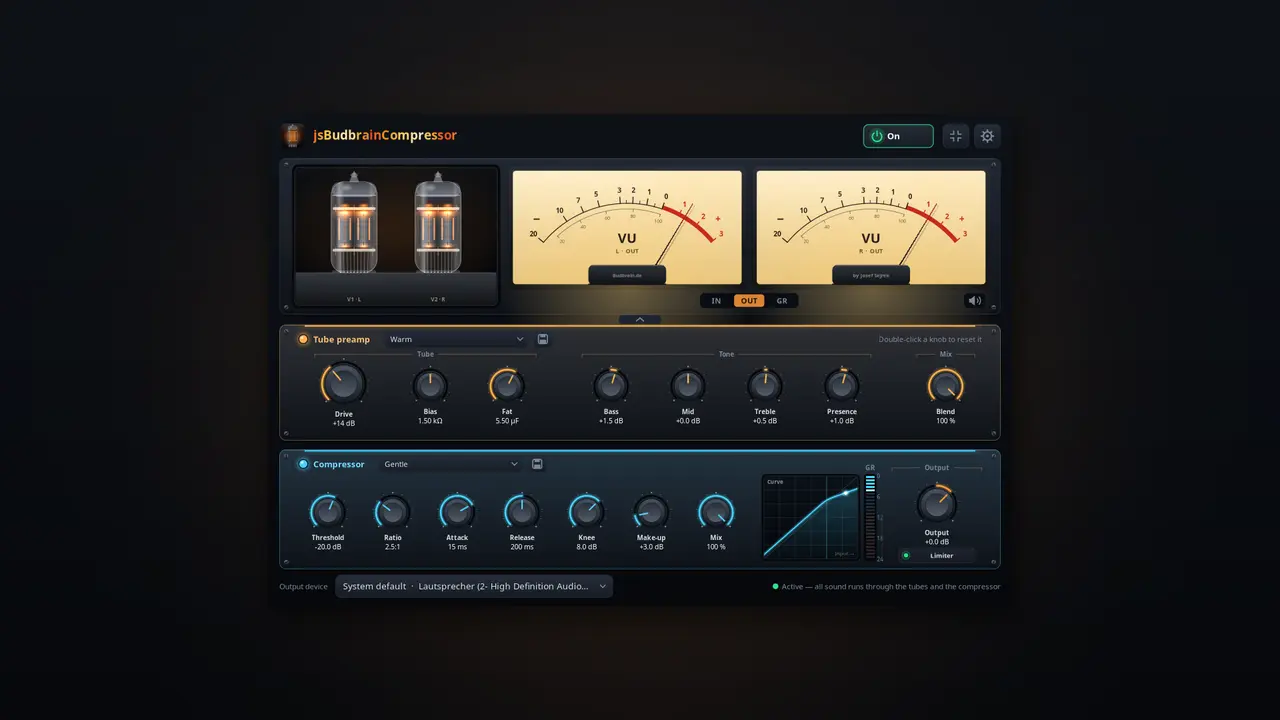
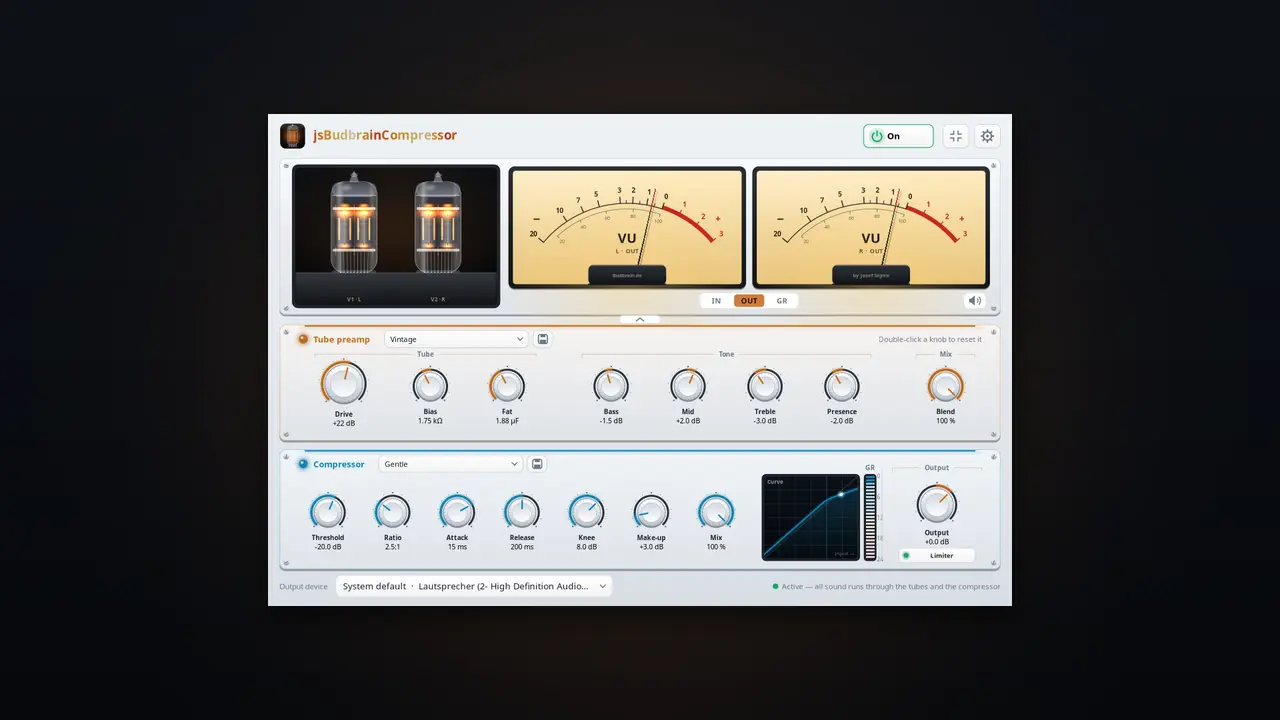
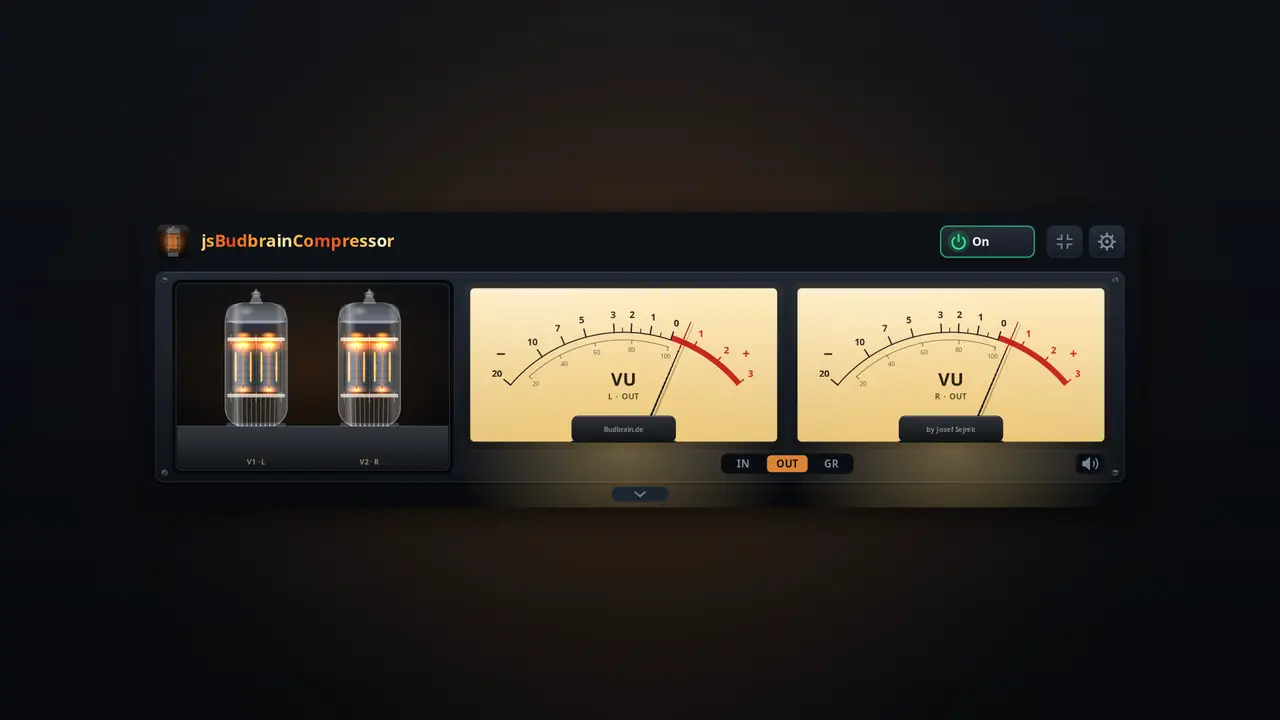
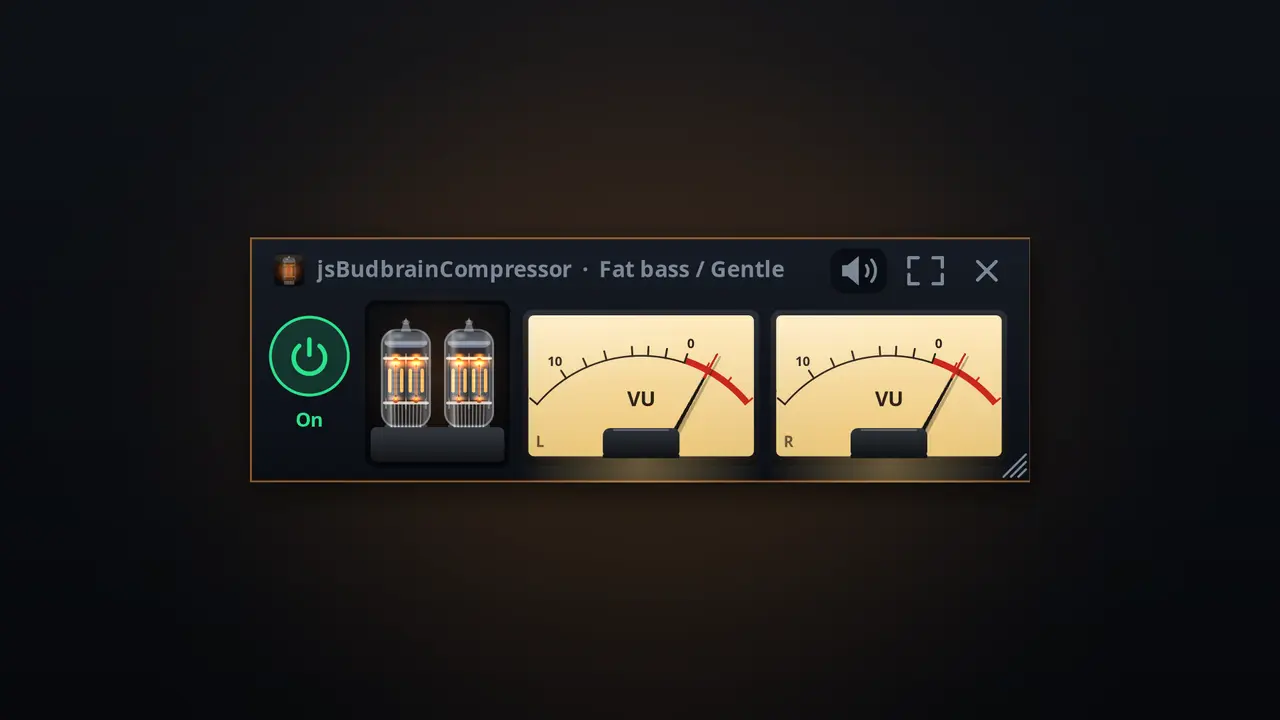
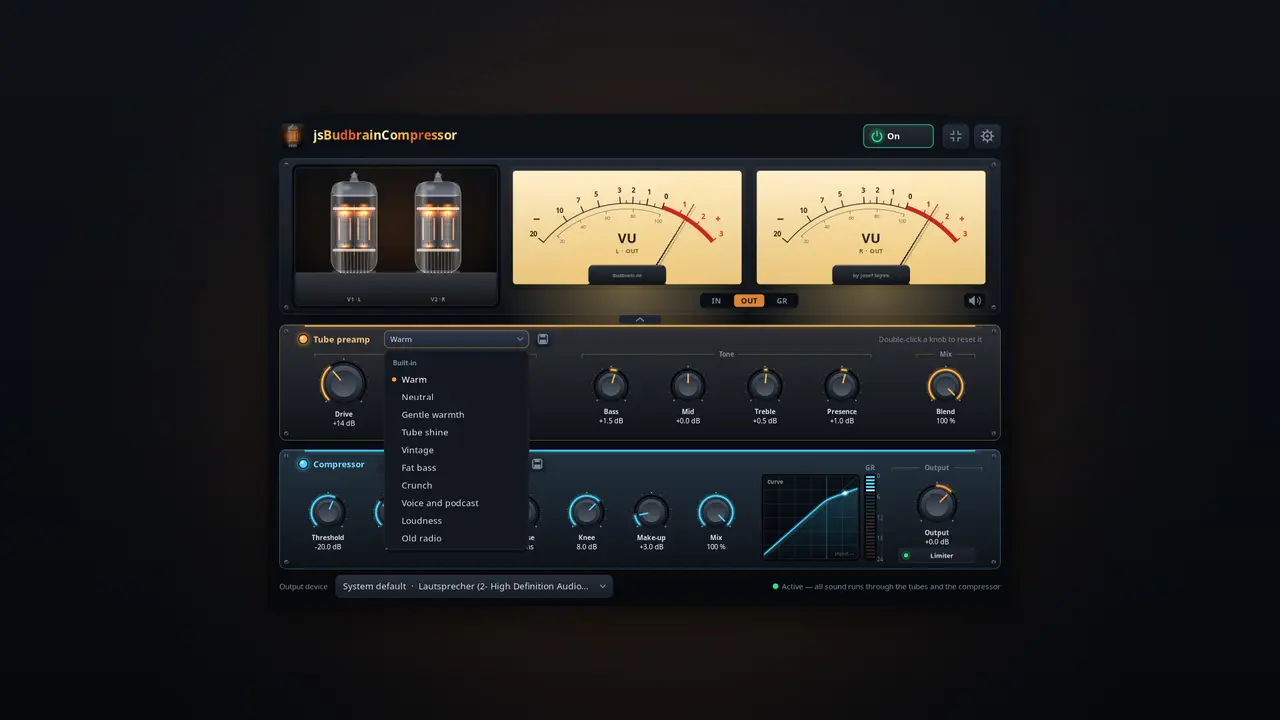
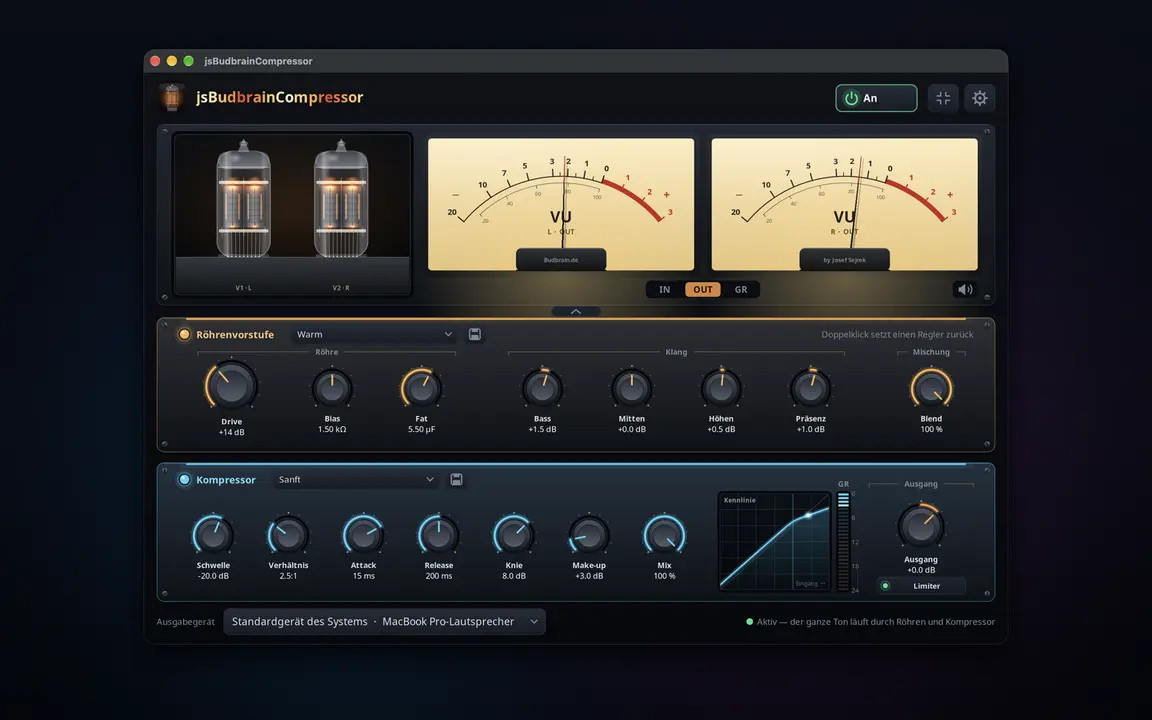
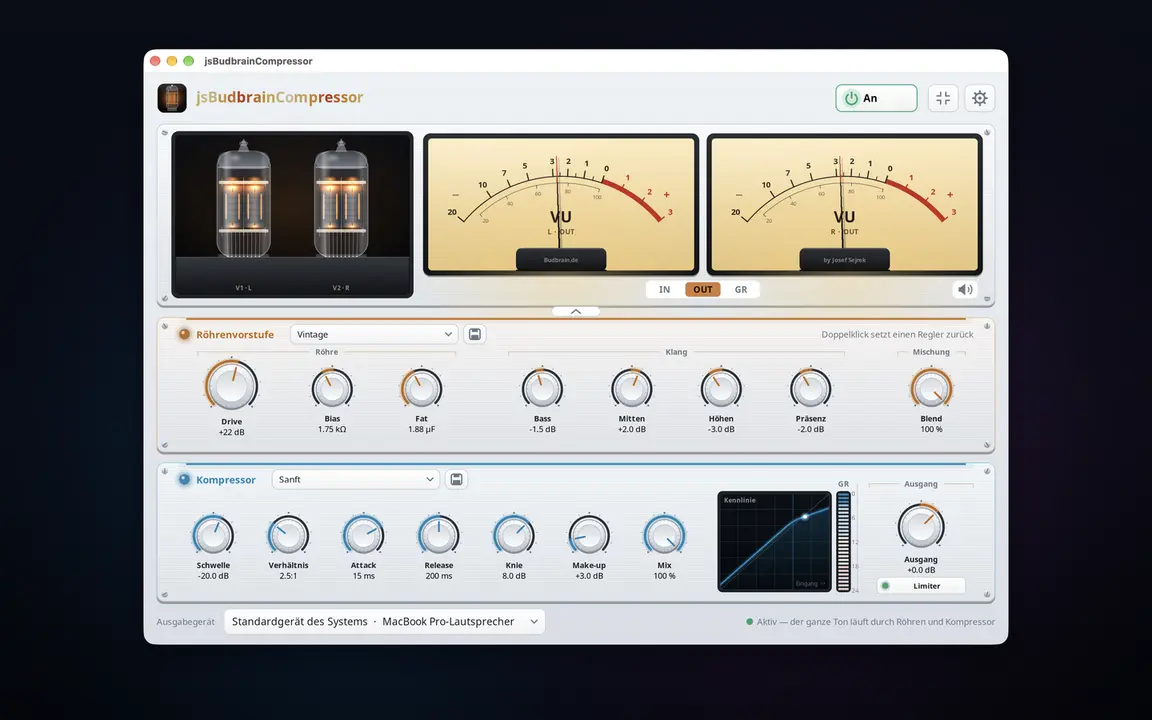
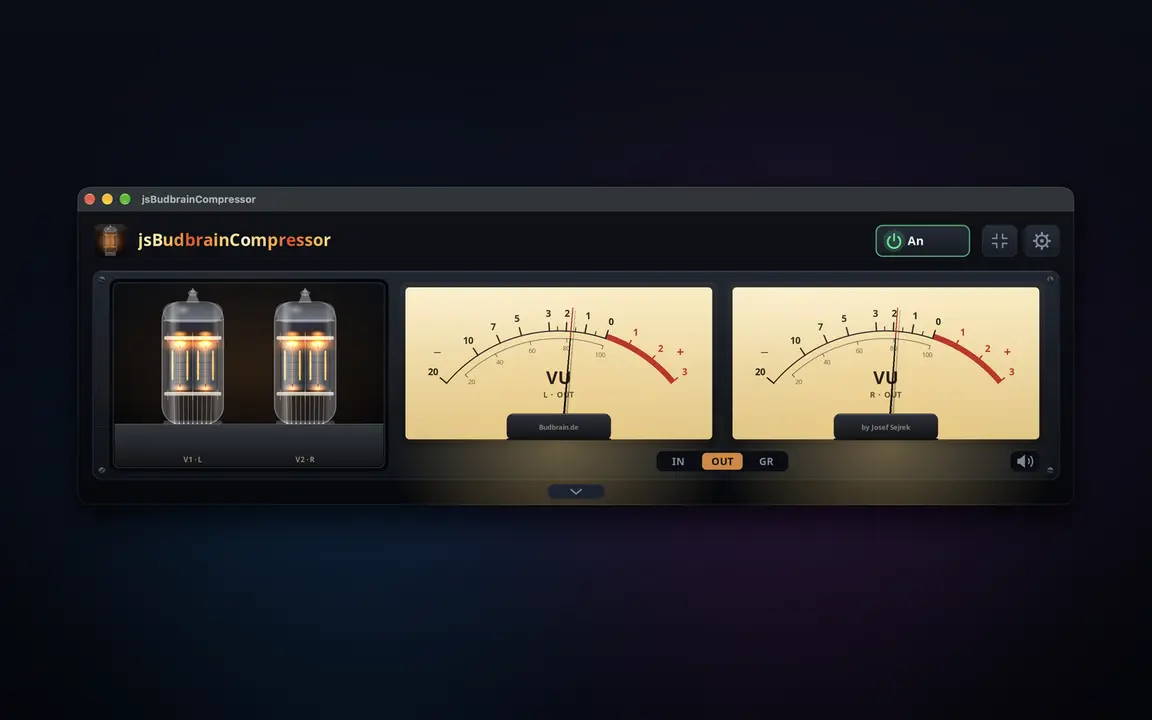
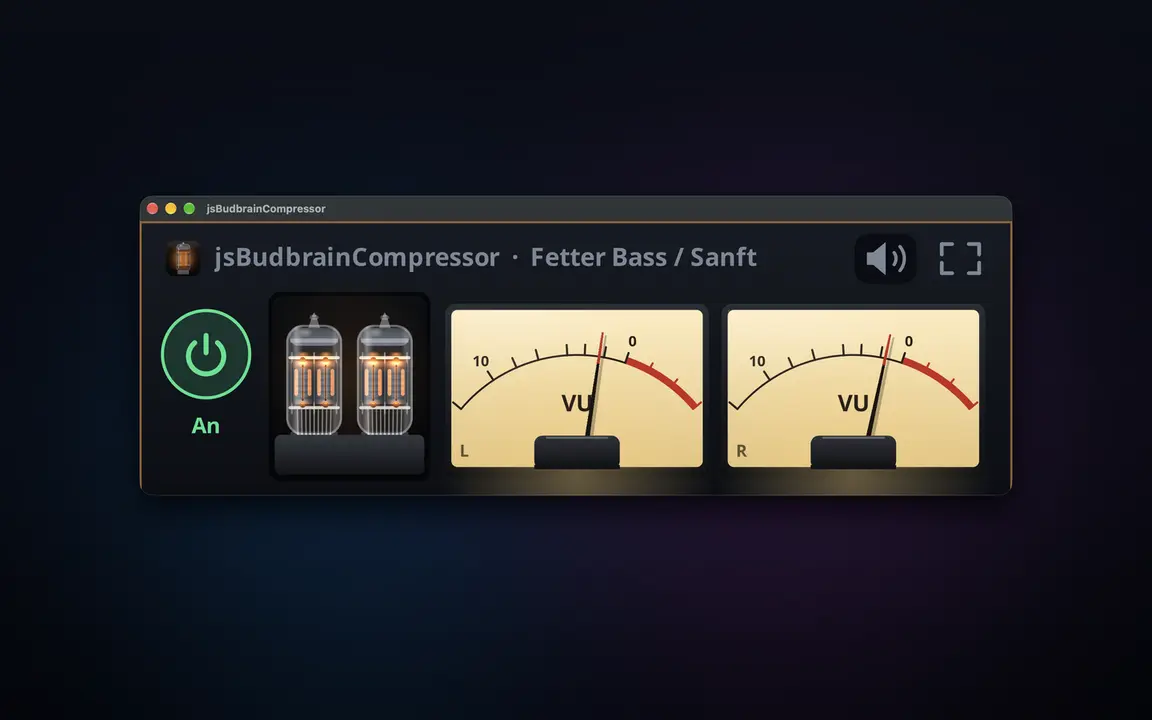
O calor das válvulas e um compressor de estúdio para tudo o que o seu computador reproduz — com válvulas incandescentes e VU meters.
Pré-amplificador de válvulas simulado com drive, bias e fatGraves, médios, agudos e presençaCompressor com limiar, razão, ataque, libertação, joelho, make-up e misturaDois VU meters com movimento real do ponteiroAs válvulas brilham mais quanto mais trabalhamDefinições prontas para válvulas e compressor, e as suas própriasO limitador protege os ouvidos e as colunasFunciona em conjunto com o jsBudbrainEqualizer e o jsBudbrainsFxStudioBotão de silêncio para quando o telefone tocaEscolha colunas ou auscultadoresJanela pequena sempre por cimaClaro e escuroSDL2 · CairoPipeWire · PulseAudio44 idiomas
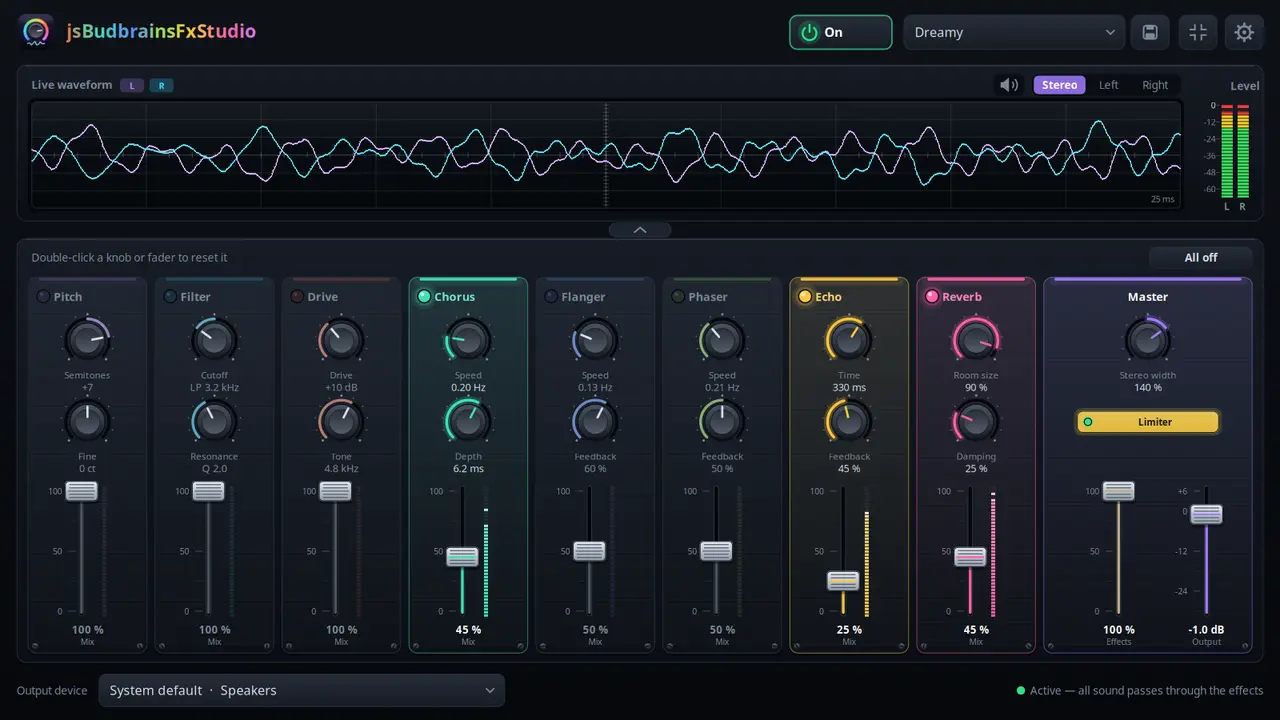
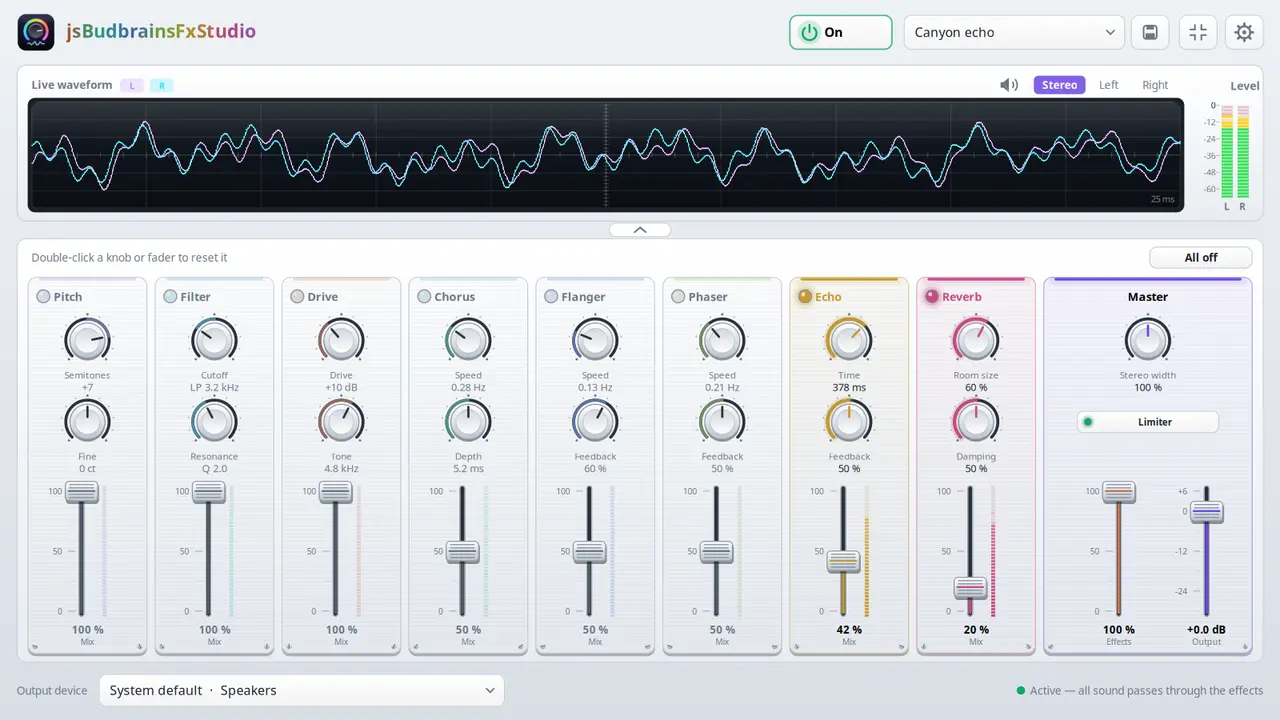
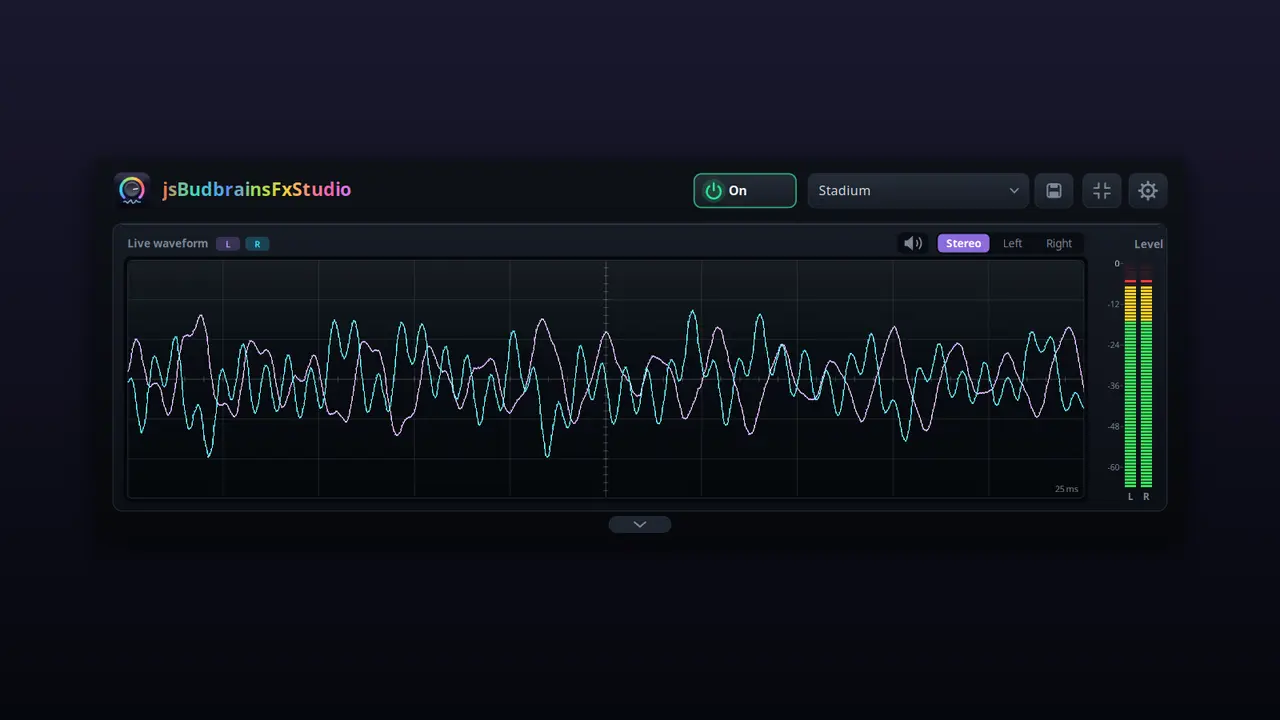
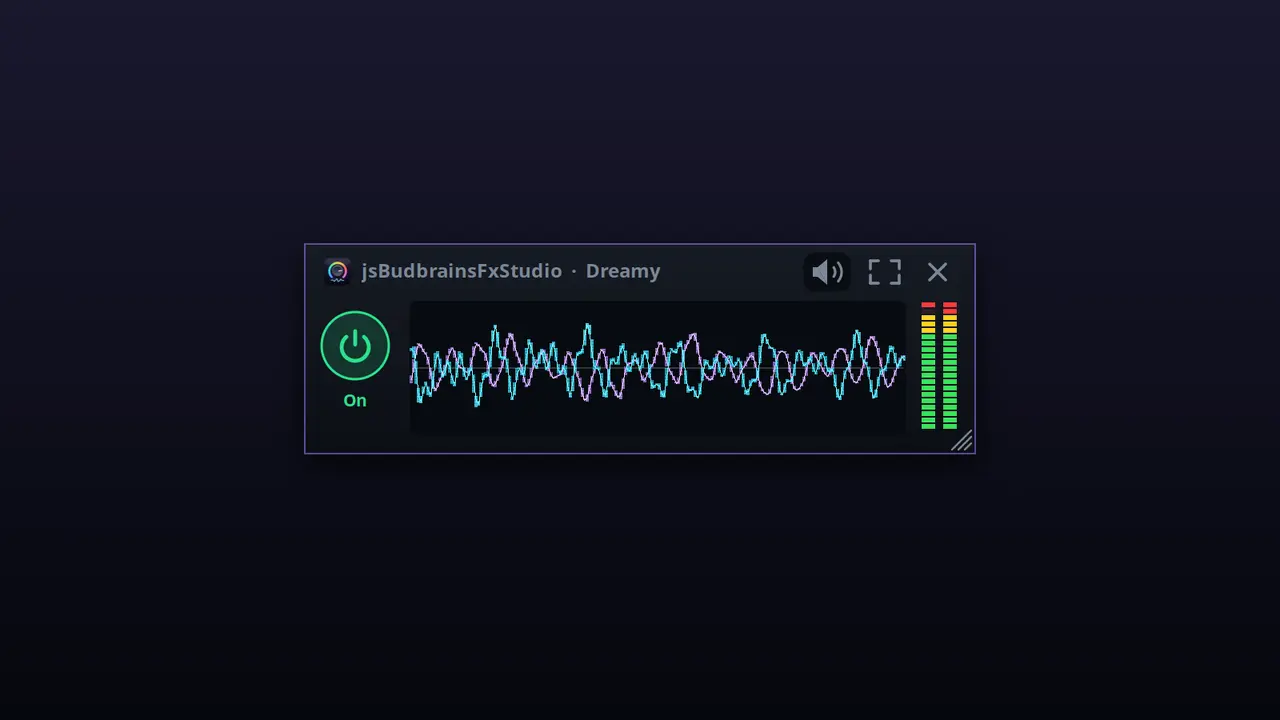
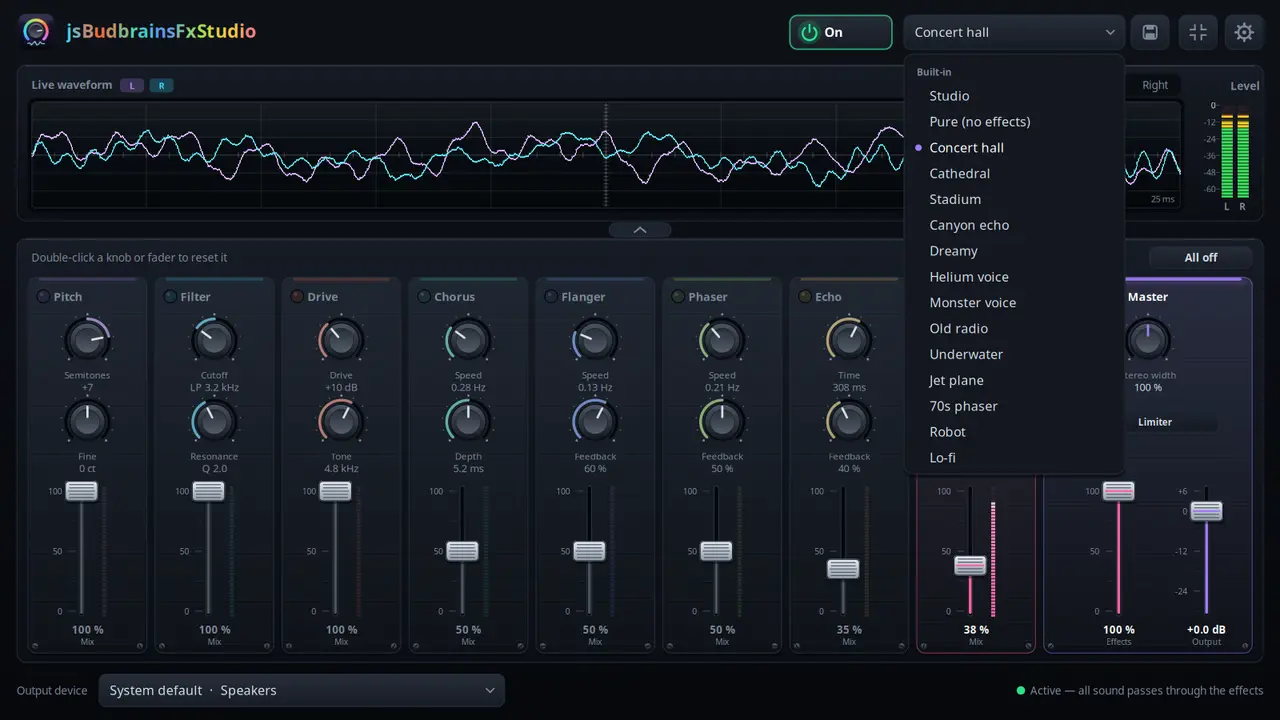
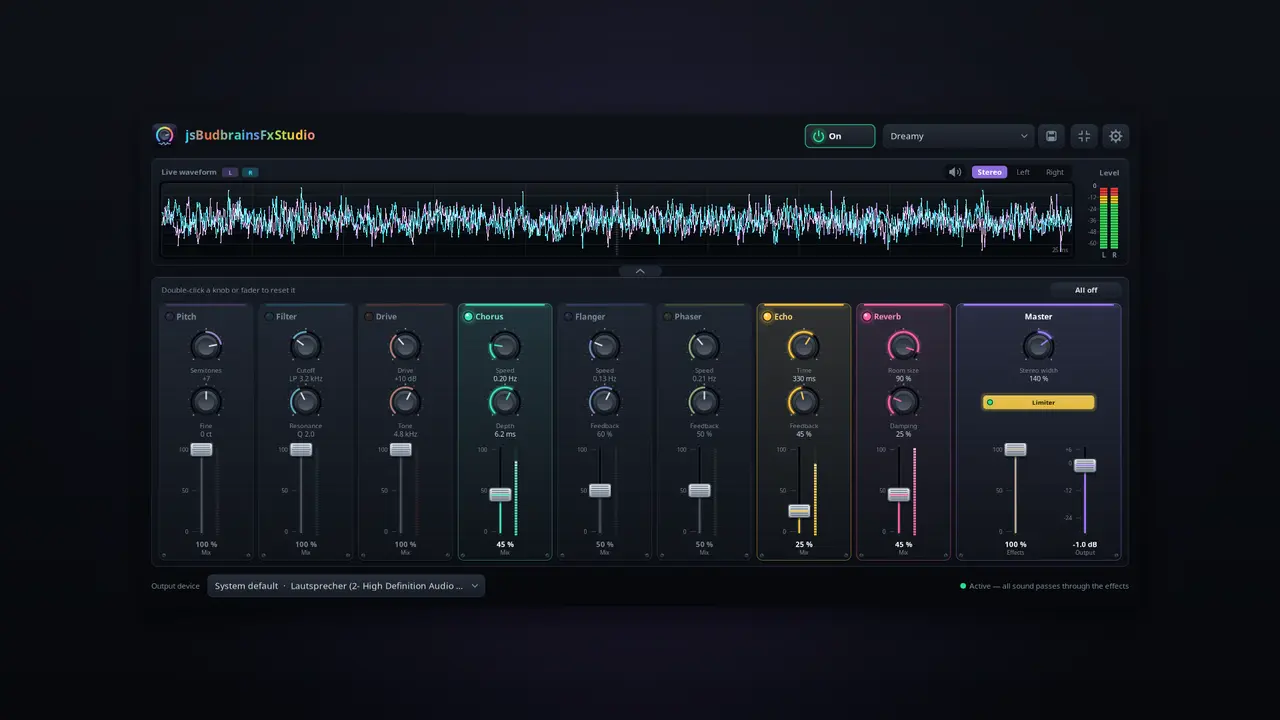
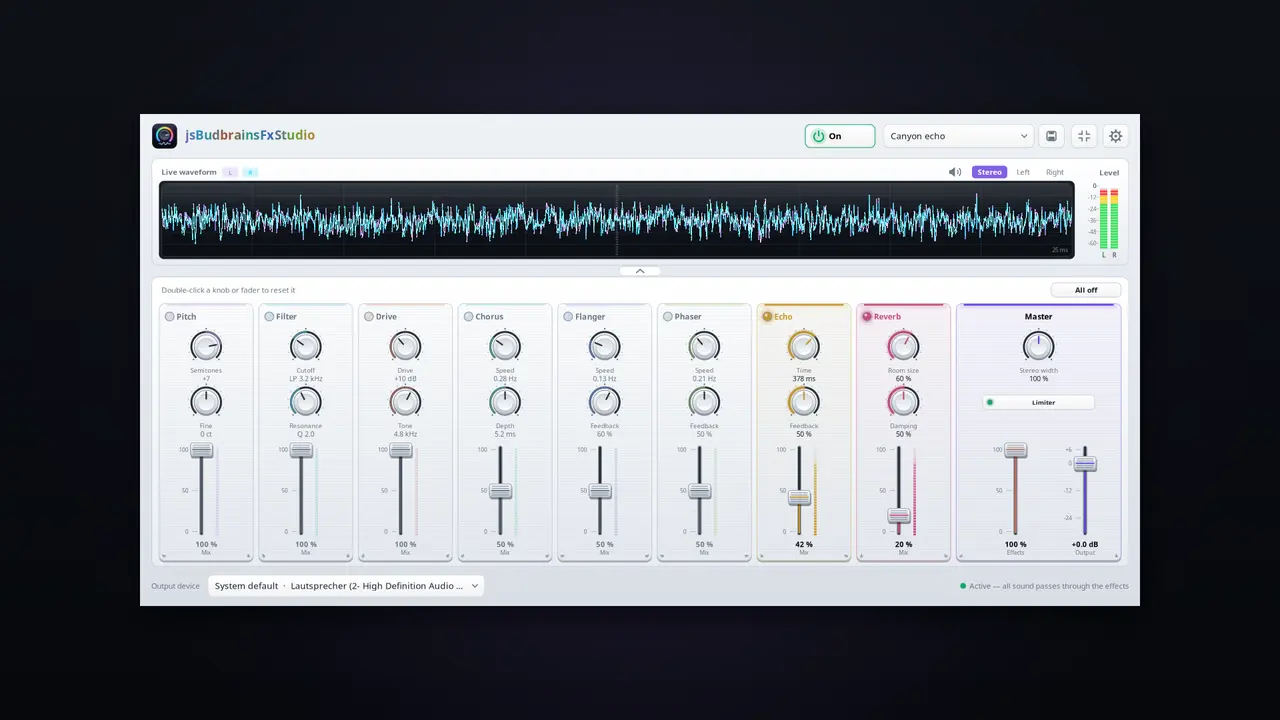
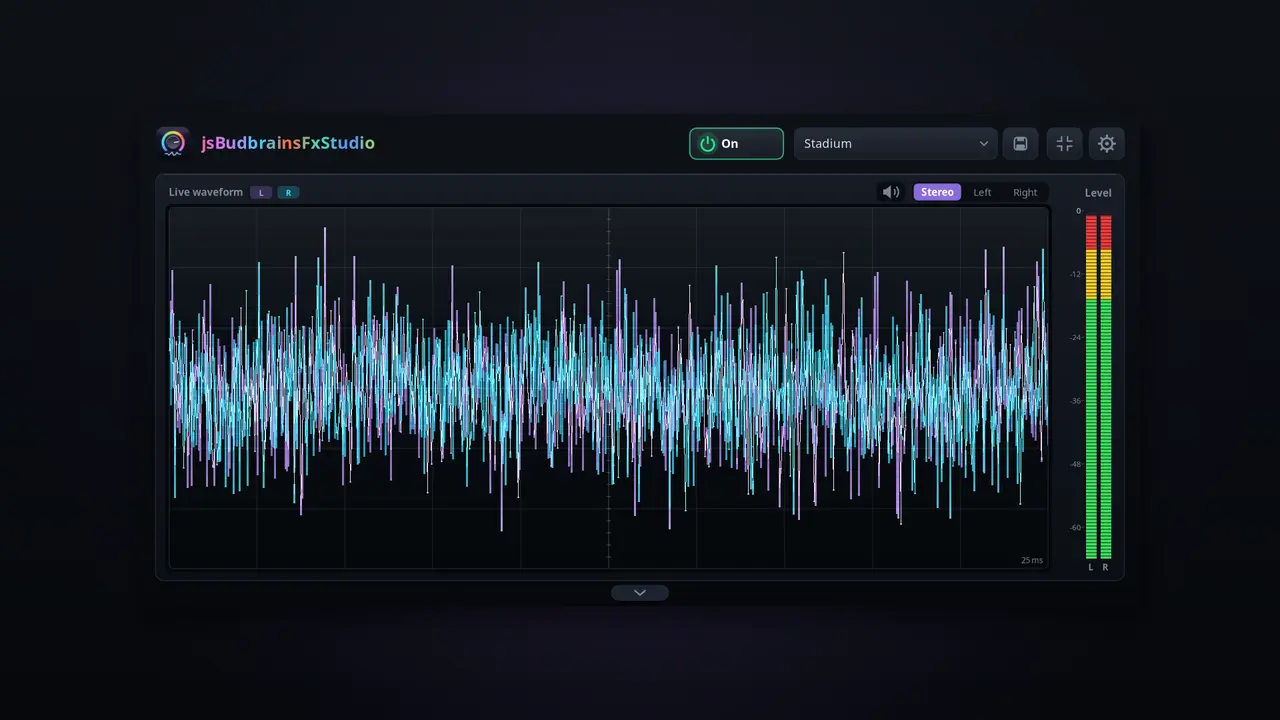
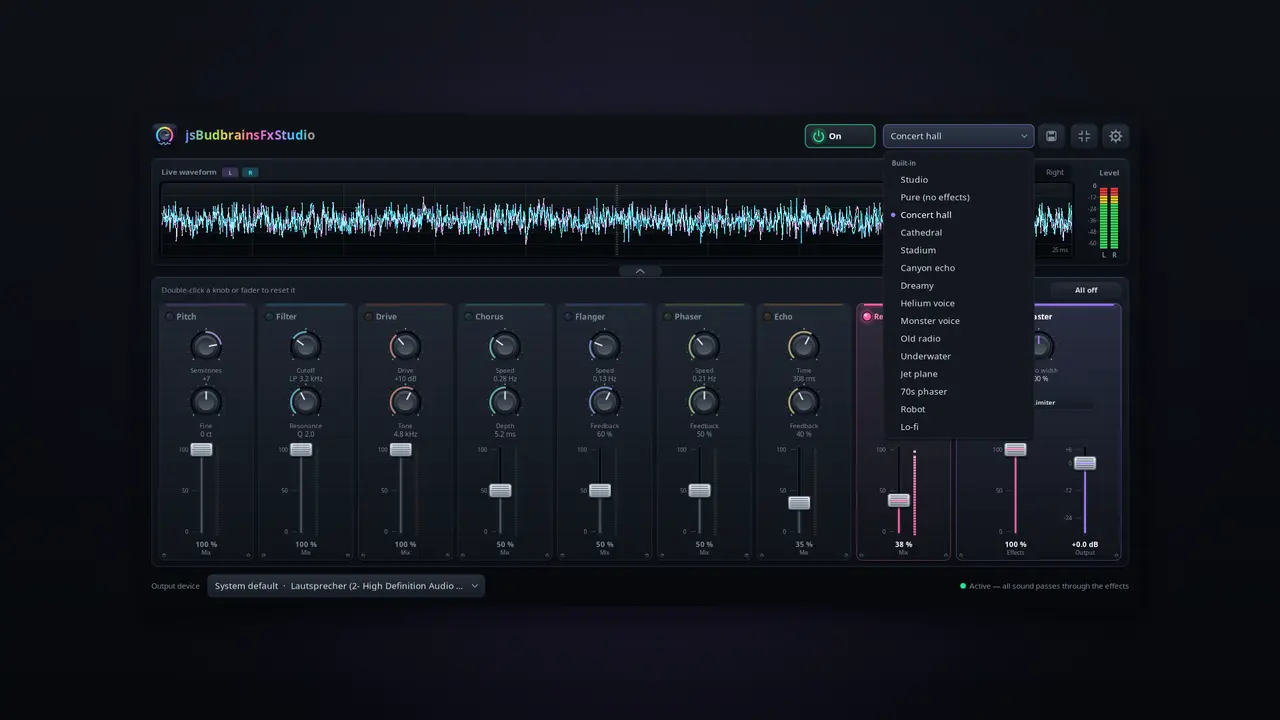
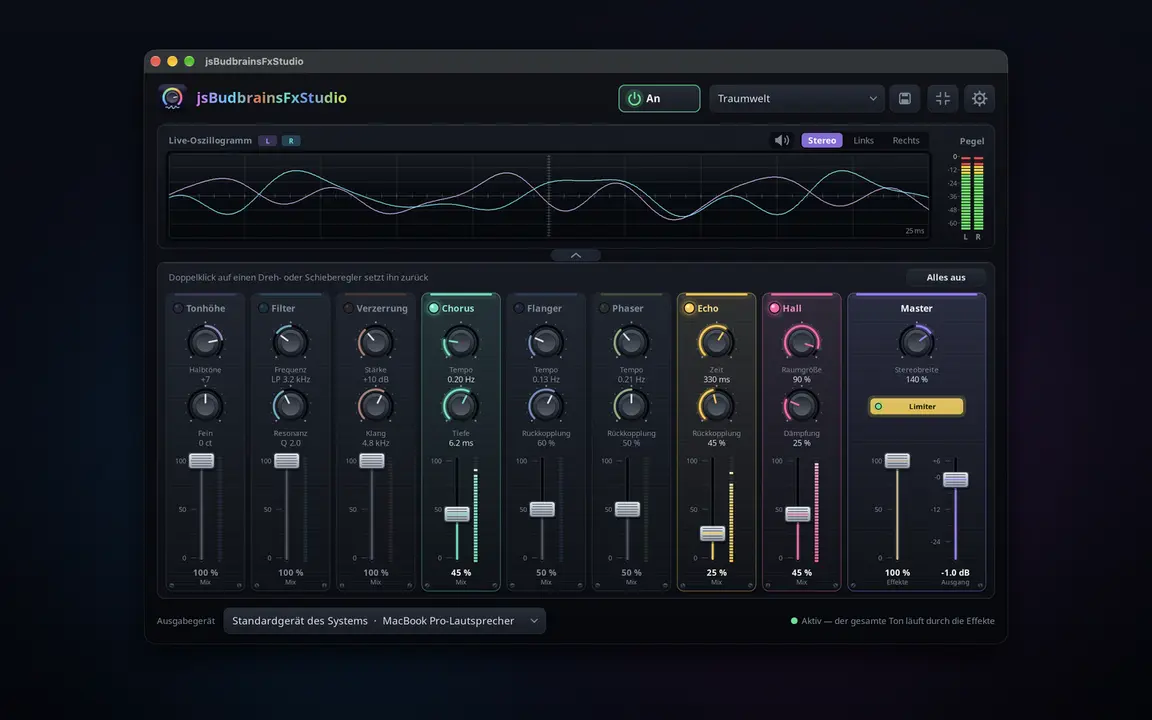
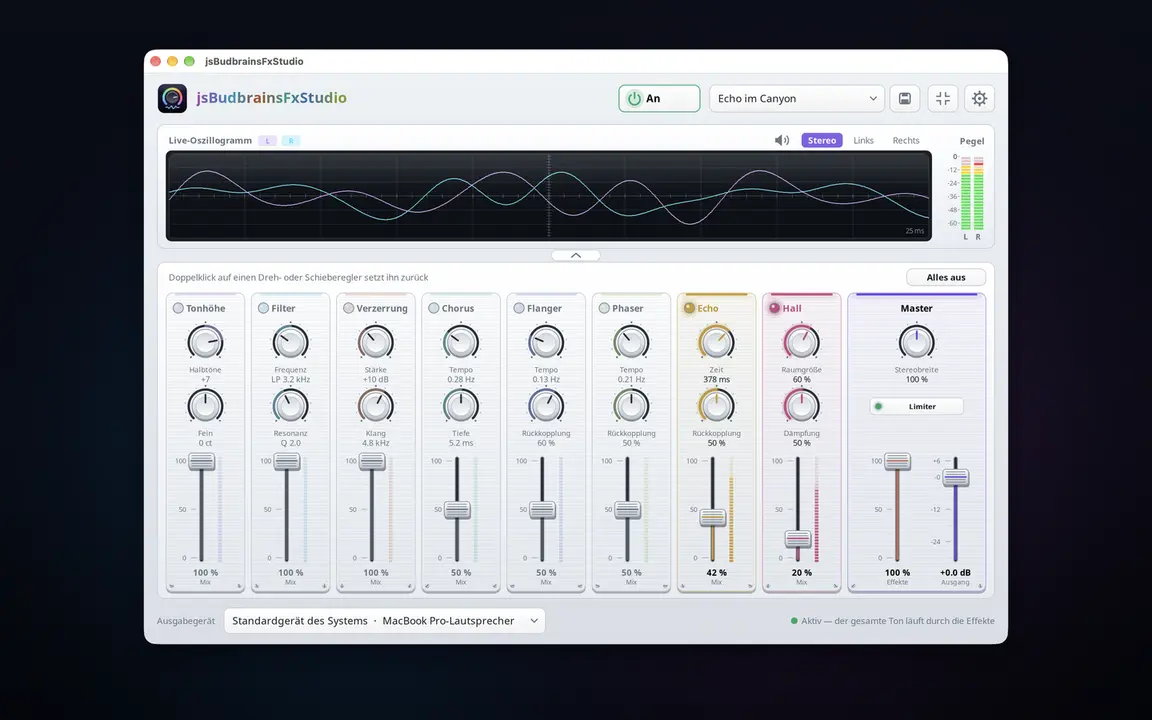
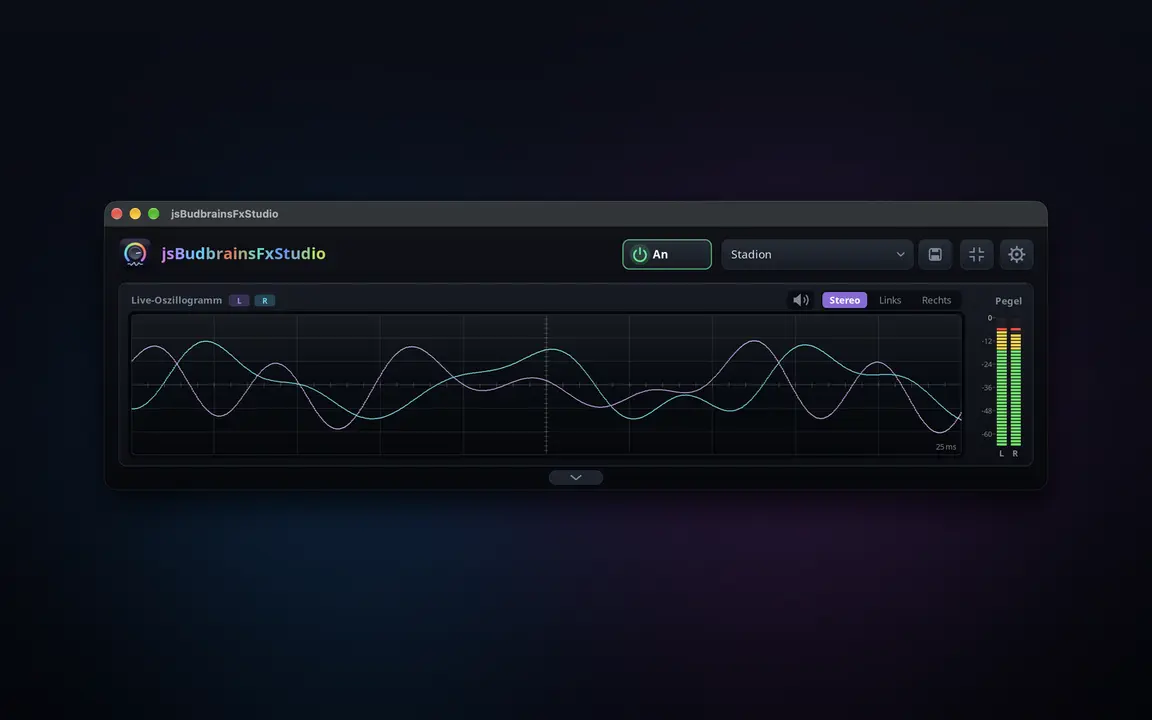
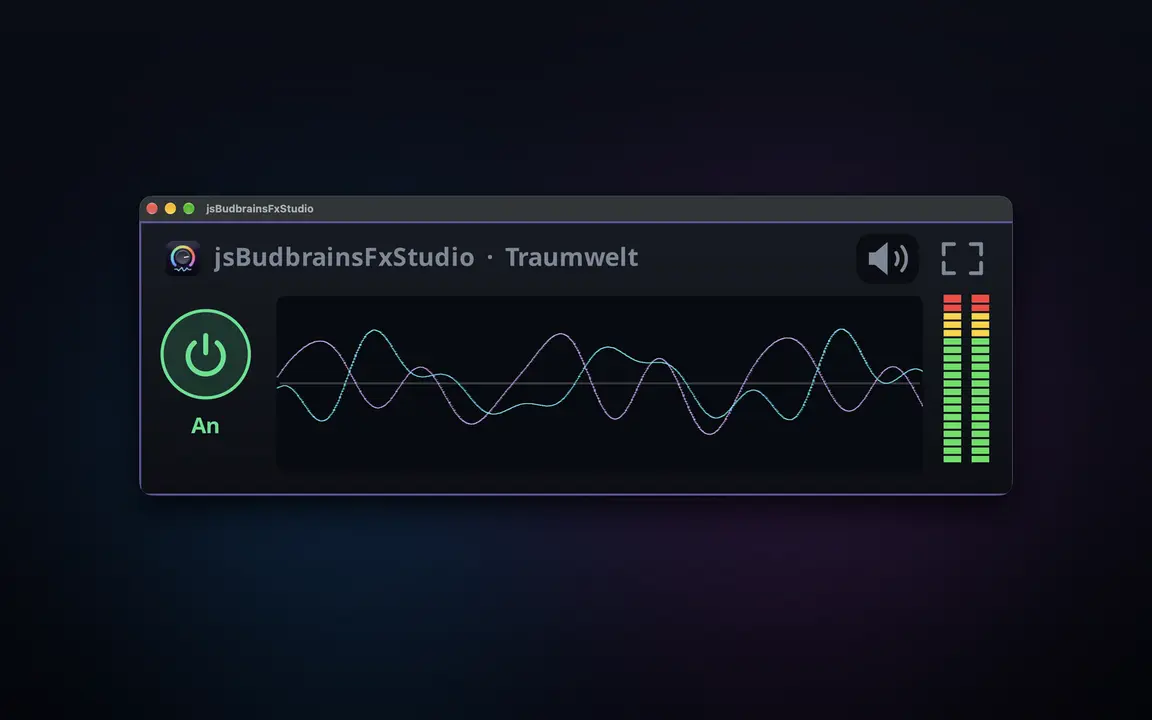
Efeitos em tempo real para tudo o que o seu computador reproduz — reverberação, eco, tom e mais, misturados no som com um controlo deslizante.
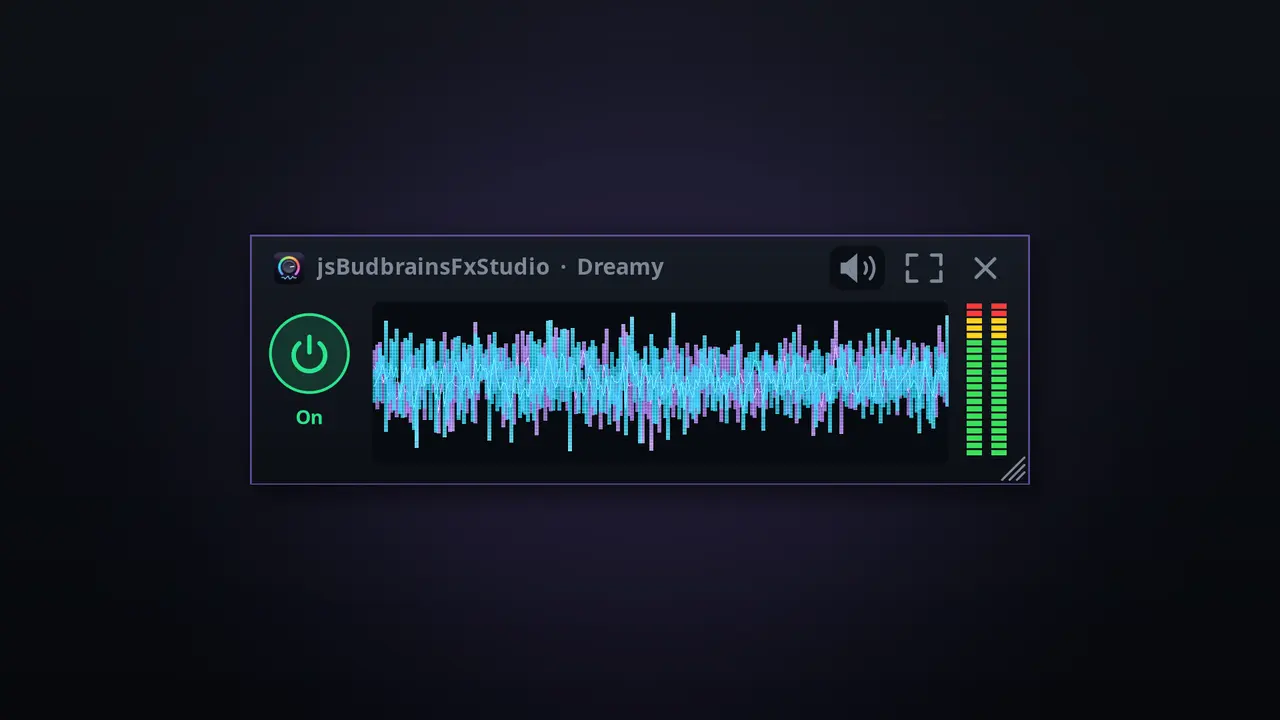
Oito efeitos: tom, filtro, distorção, chorus, flanger, phaser, eco, reverberaçãoCada efeito com os seus próprios botões rotativos e controlo de misturaUm só controlo mistura todos os efeitos no som geralForma de onda em tempo real e indicadores de nívelDefinições prontas como sala de concertos ou eco num desfiladeiro, e as suas«Tudo desligado» com um clique — e de volta com o seguinteO limitador protege os ouvidos e as colunasFunciona em conjunto com o jsBudbrainEqualizerBotão de silêncio para quando o telefone tocaEscolha colunas ou auscultadoresJanela pequena sempre por cimaClaro e escuroSDL2 · CairoPipeWire · PulseAudio44 idiomas
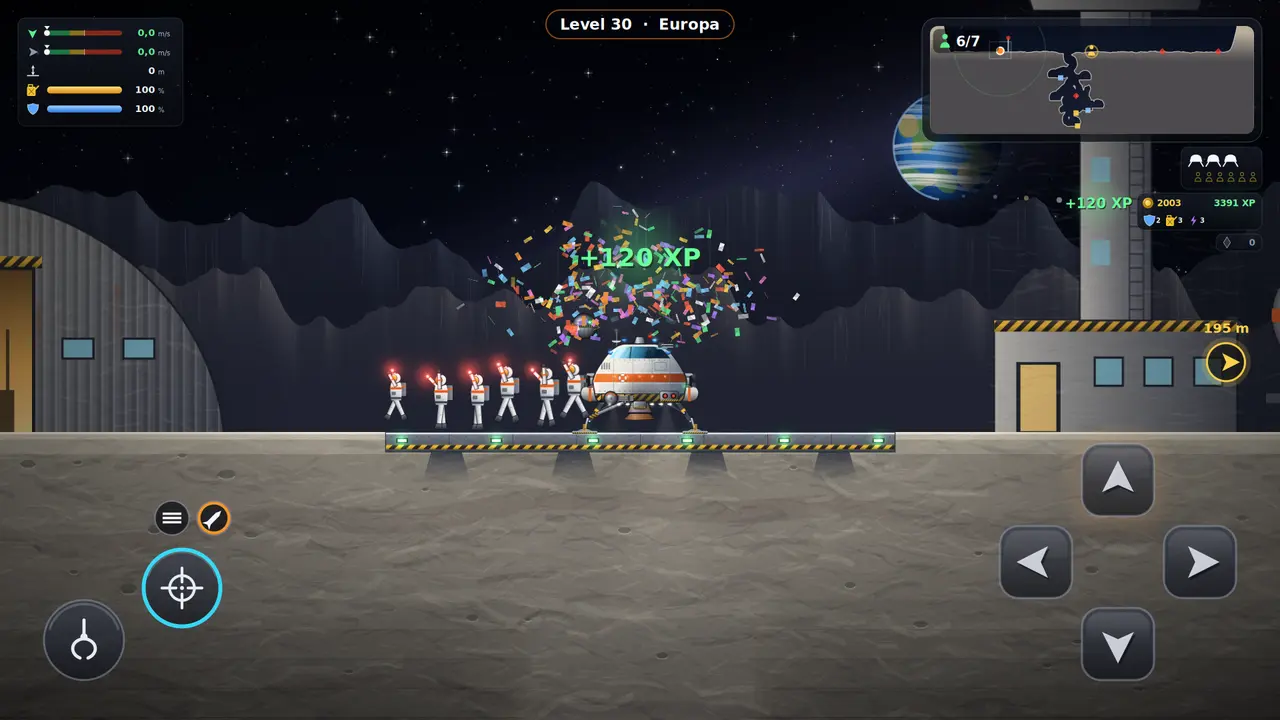
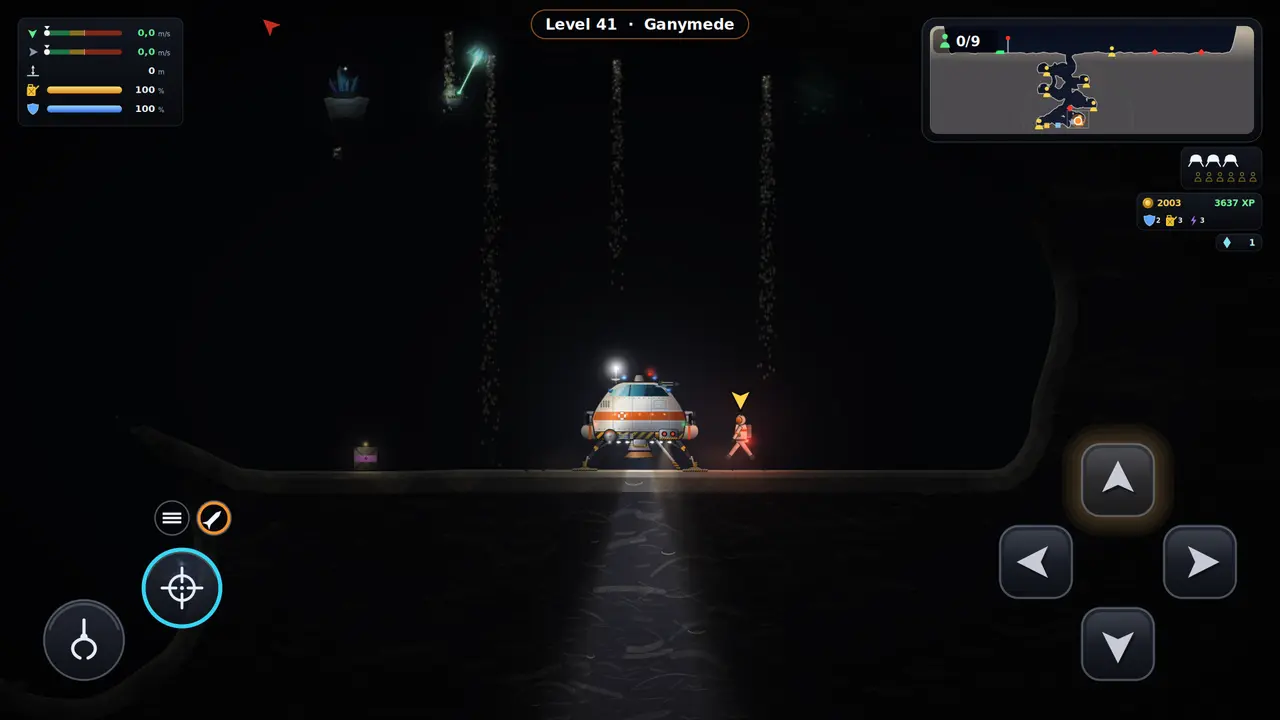
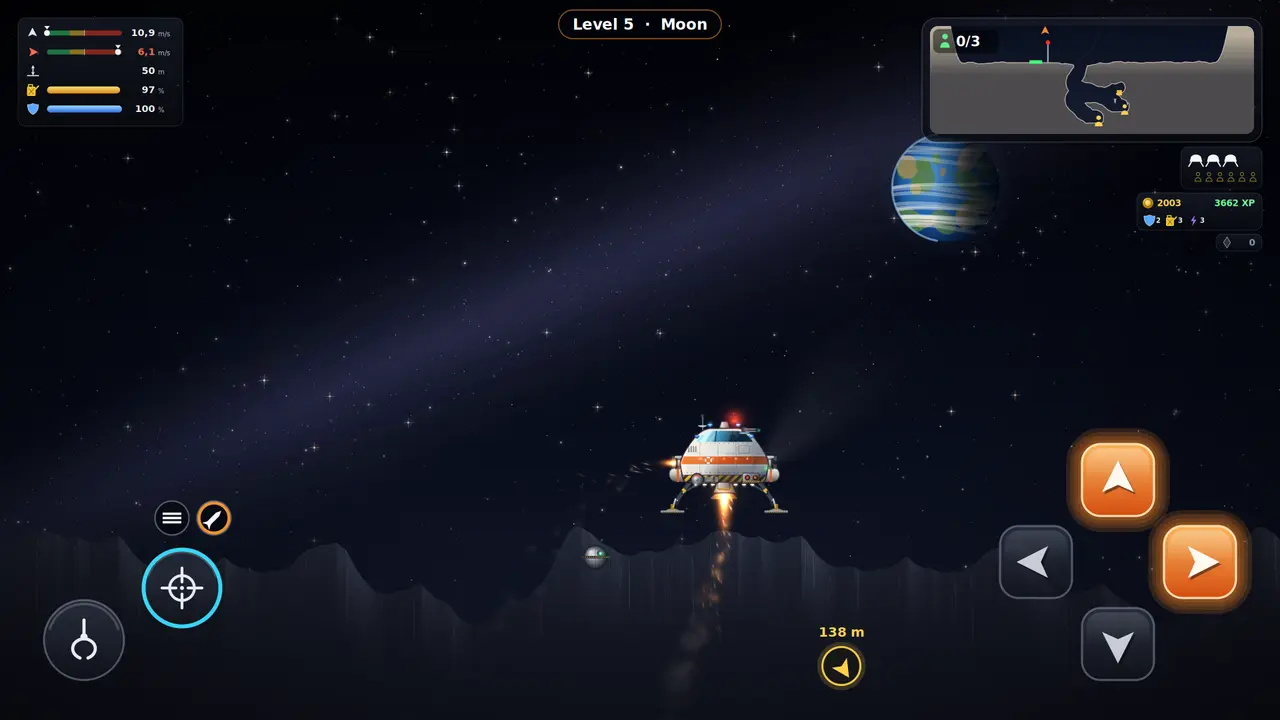
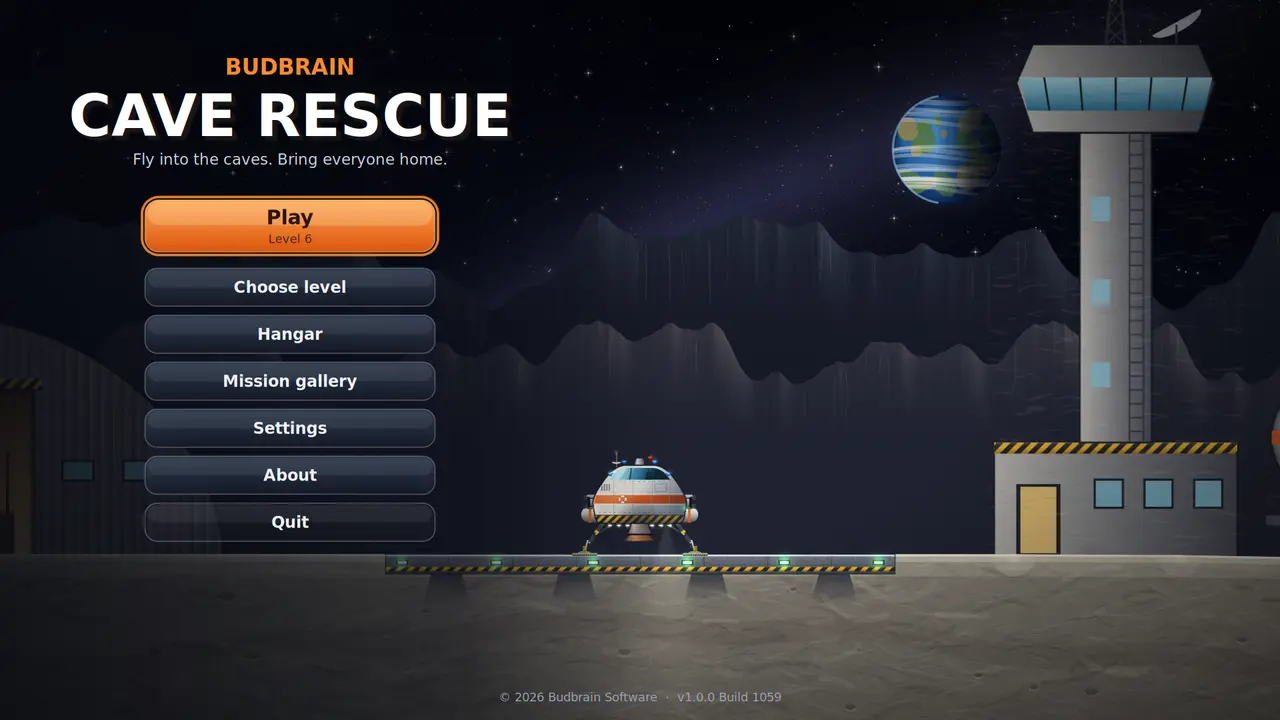
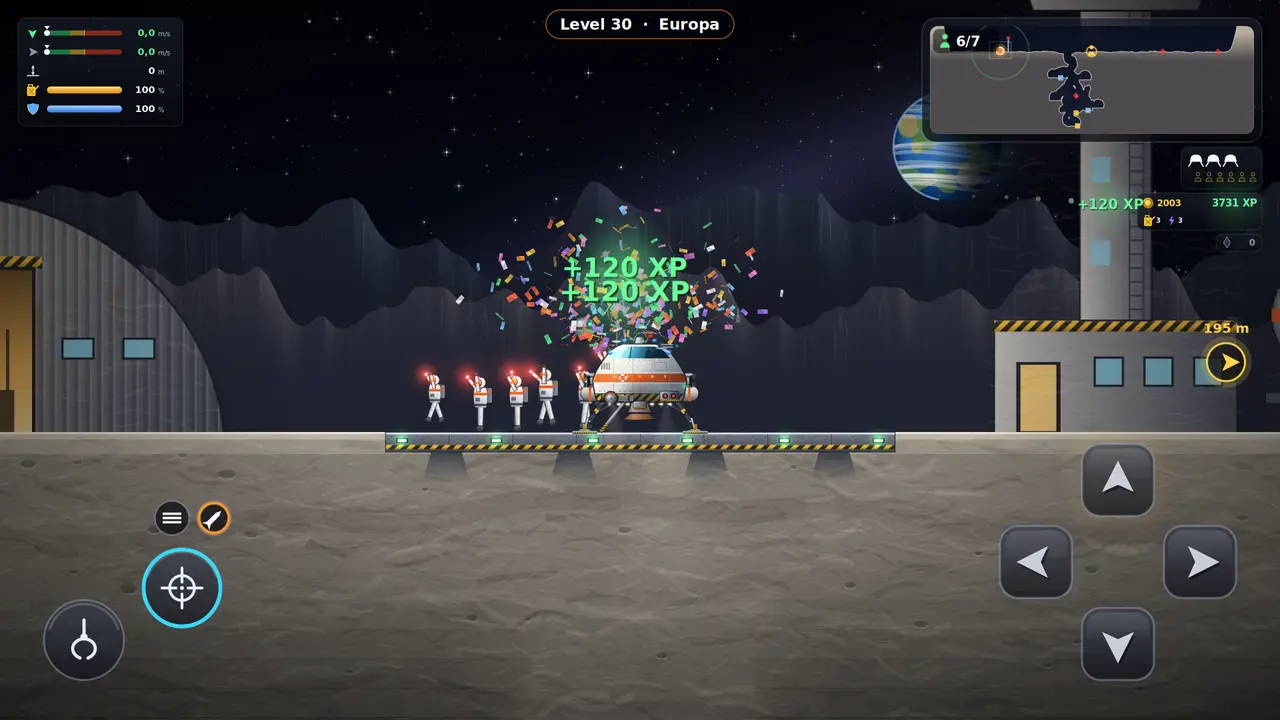
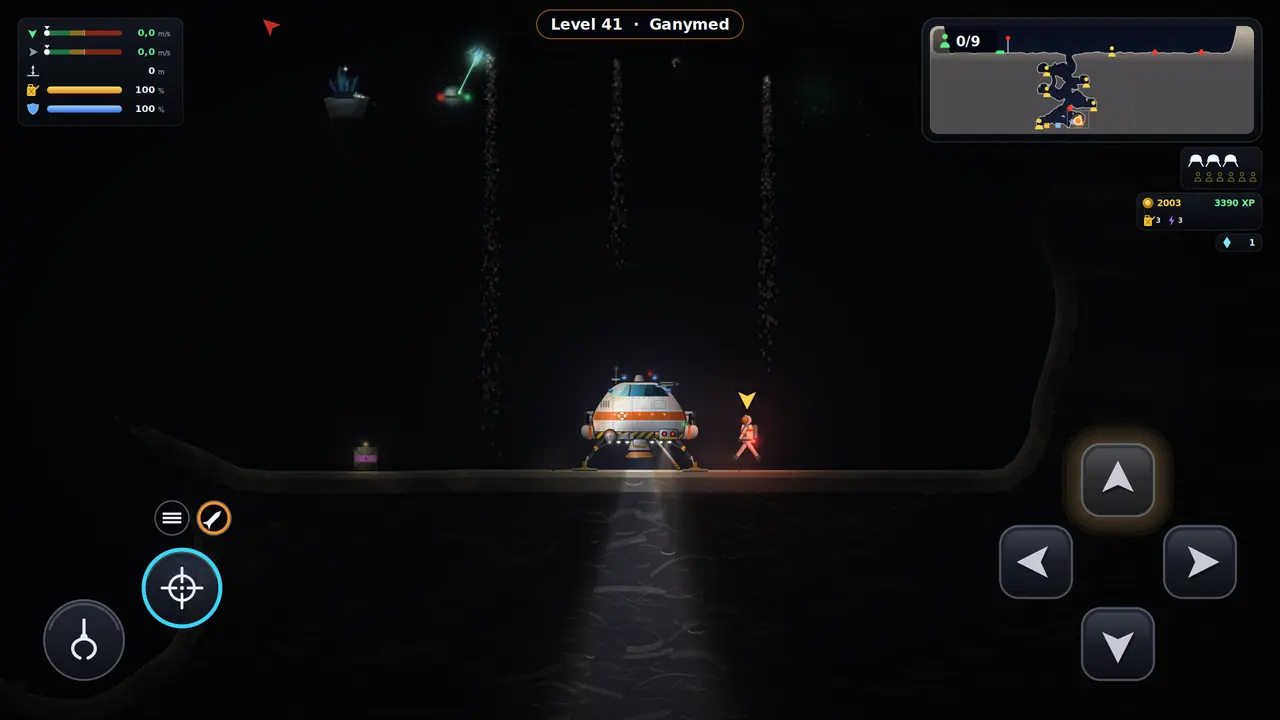
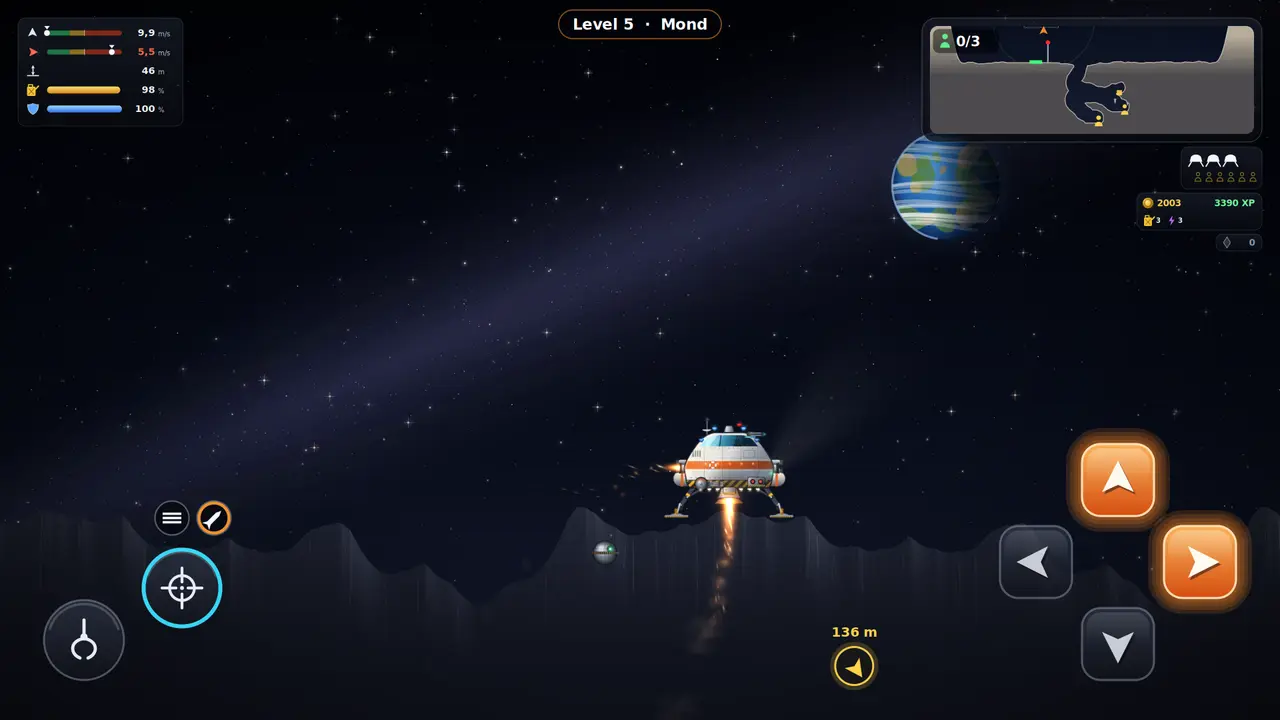
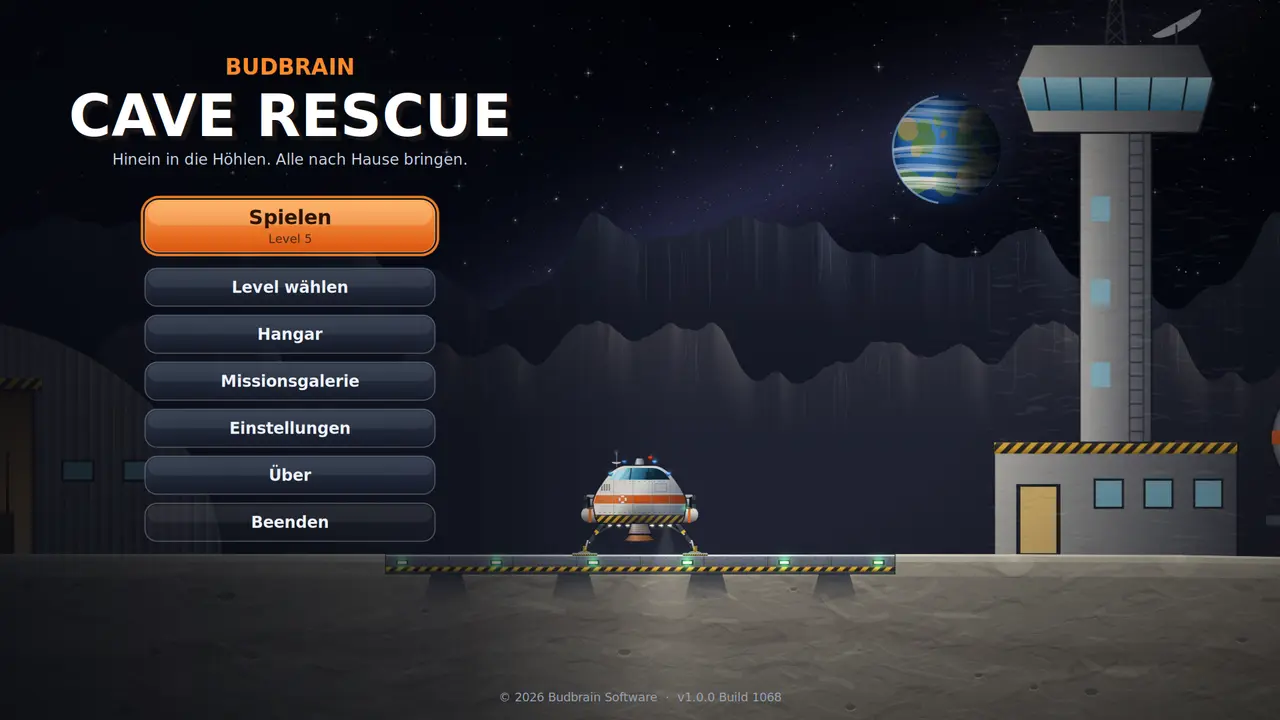
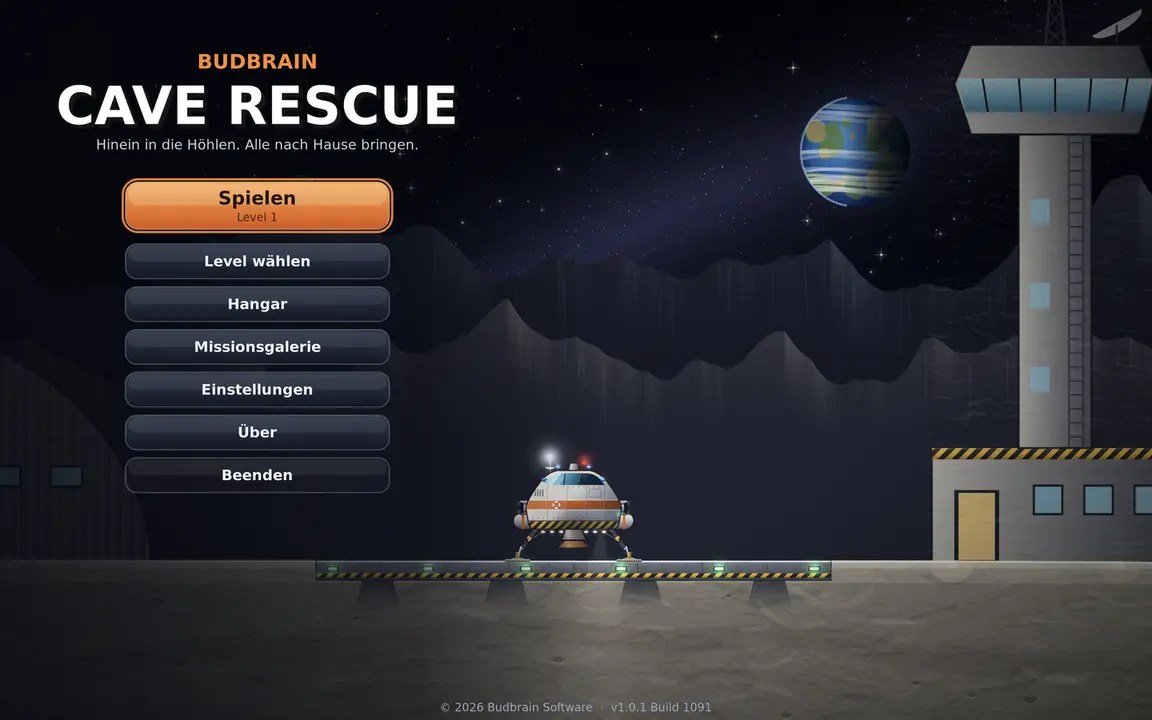
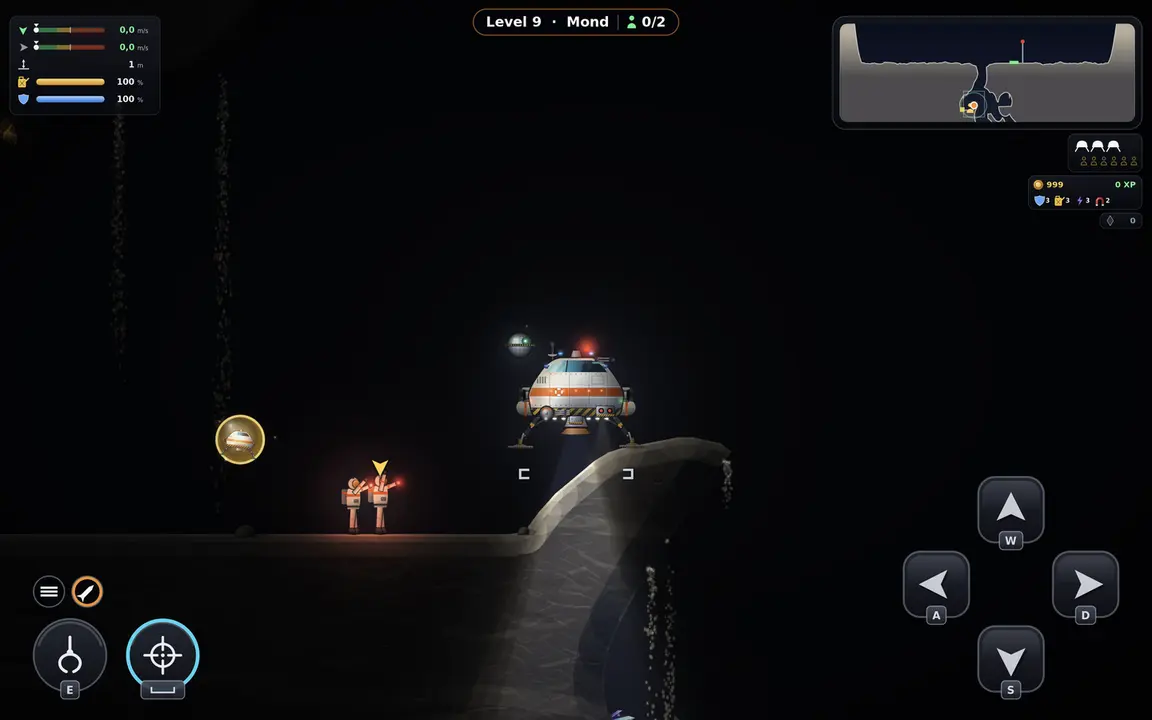
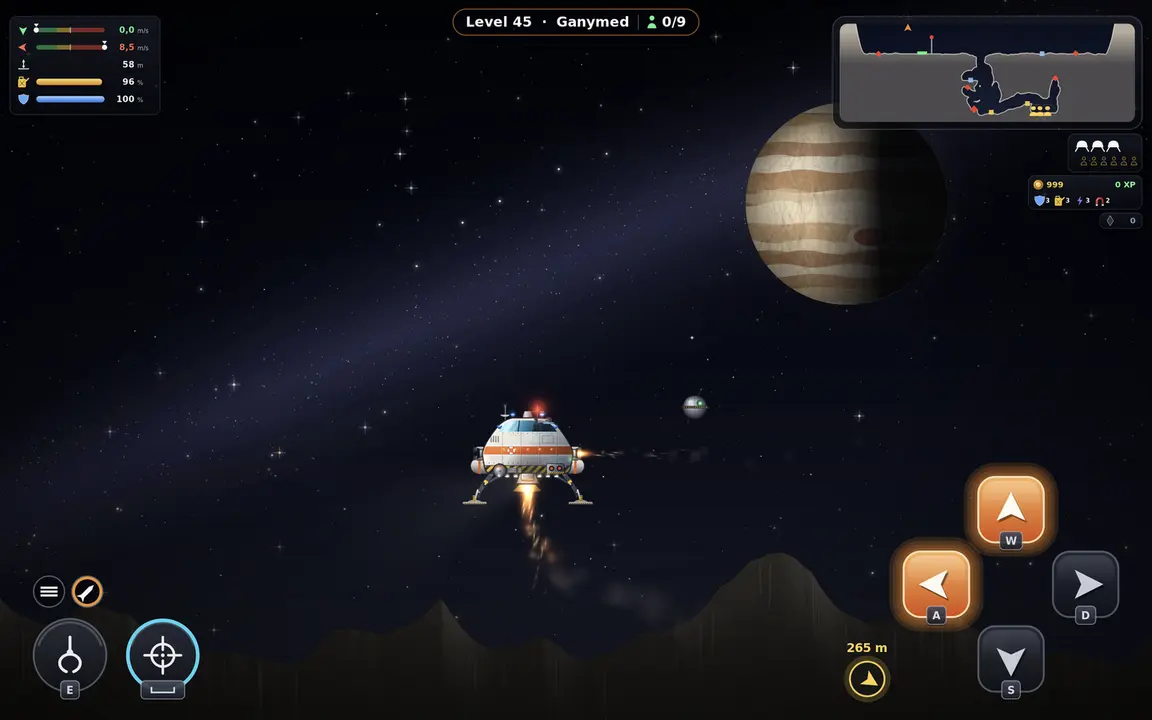
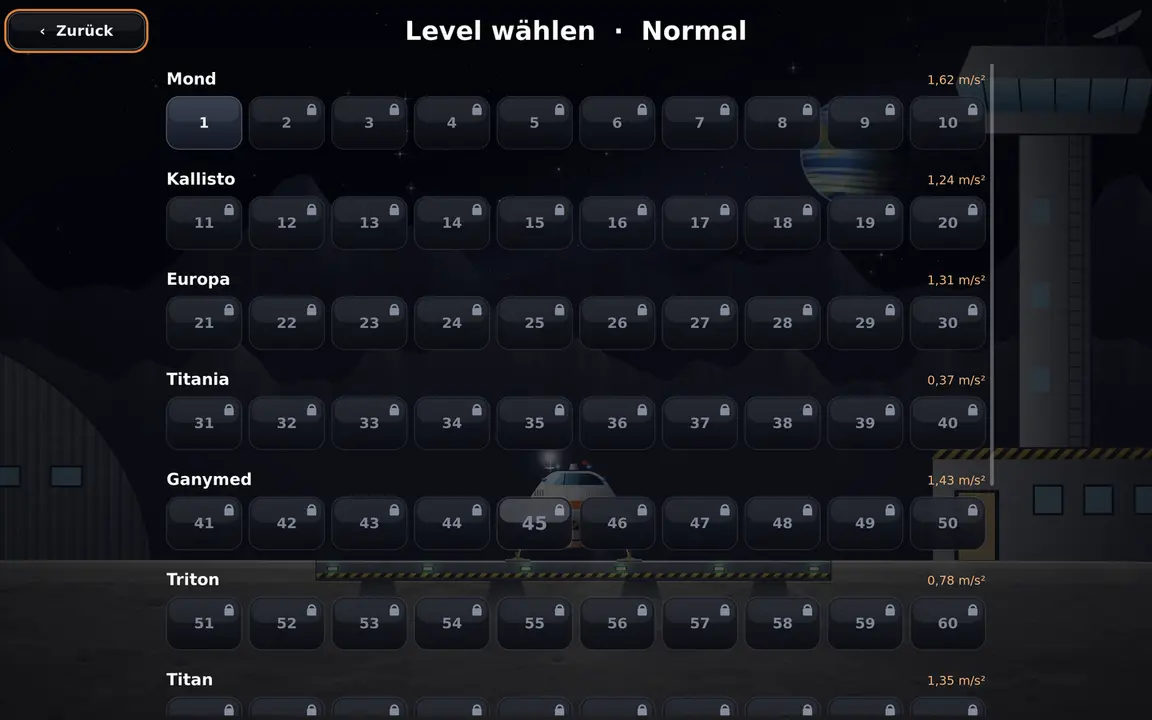
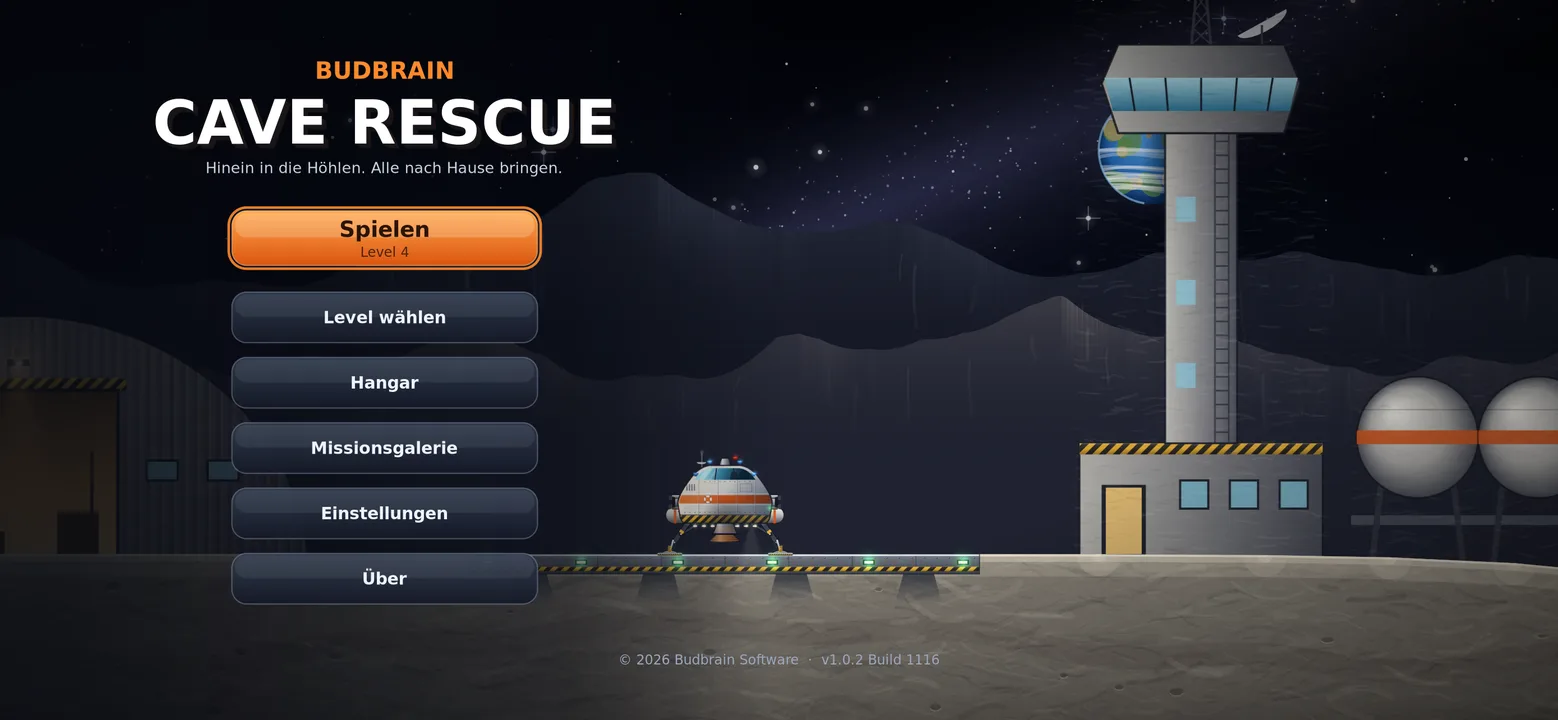
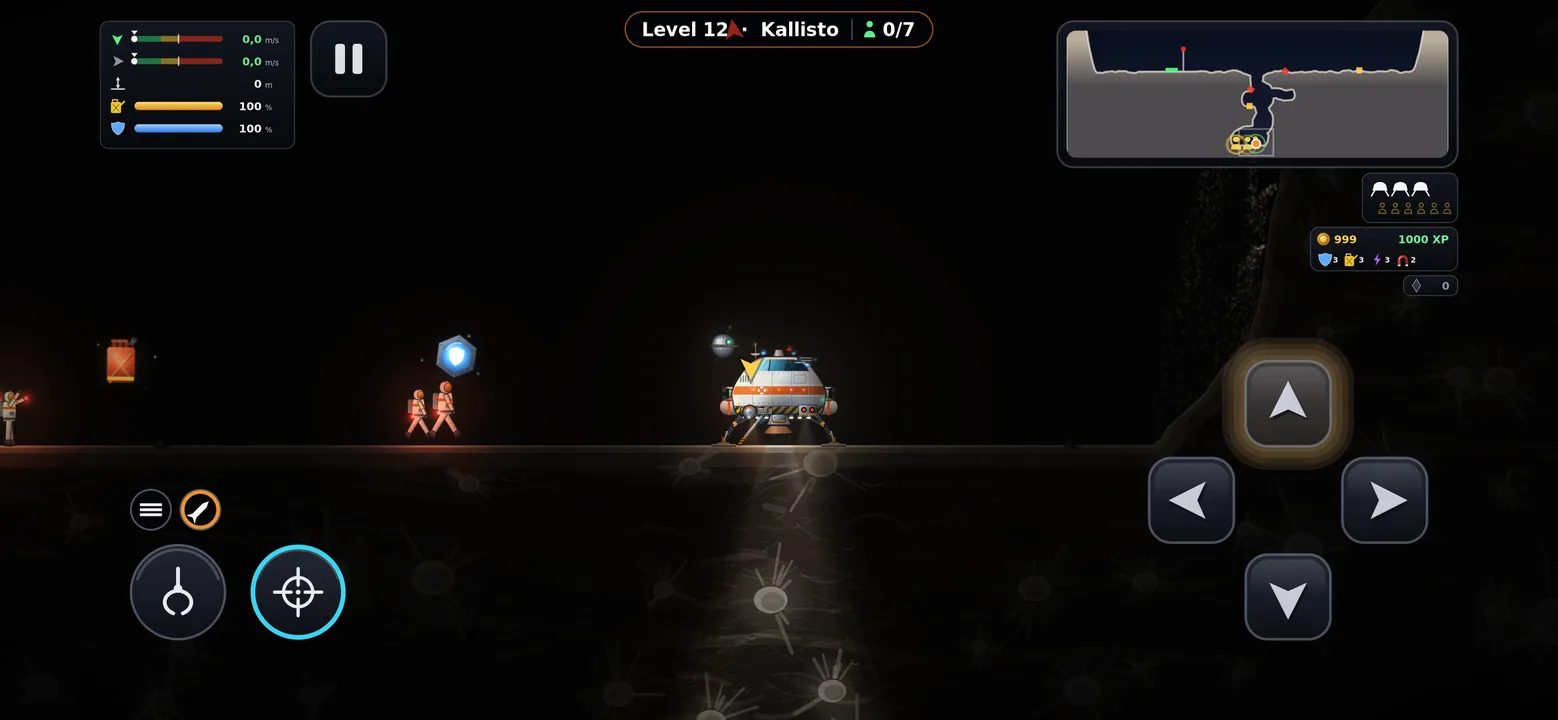
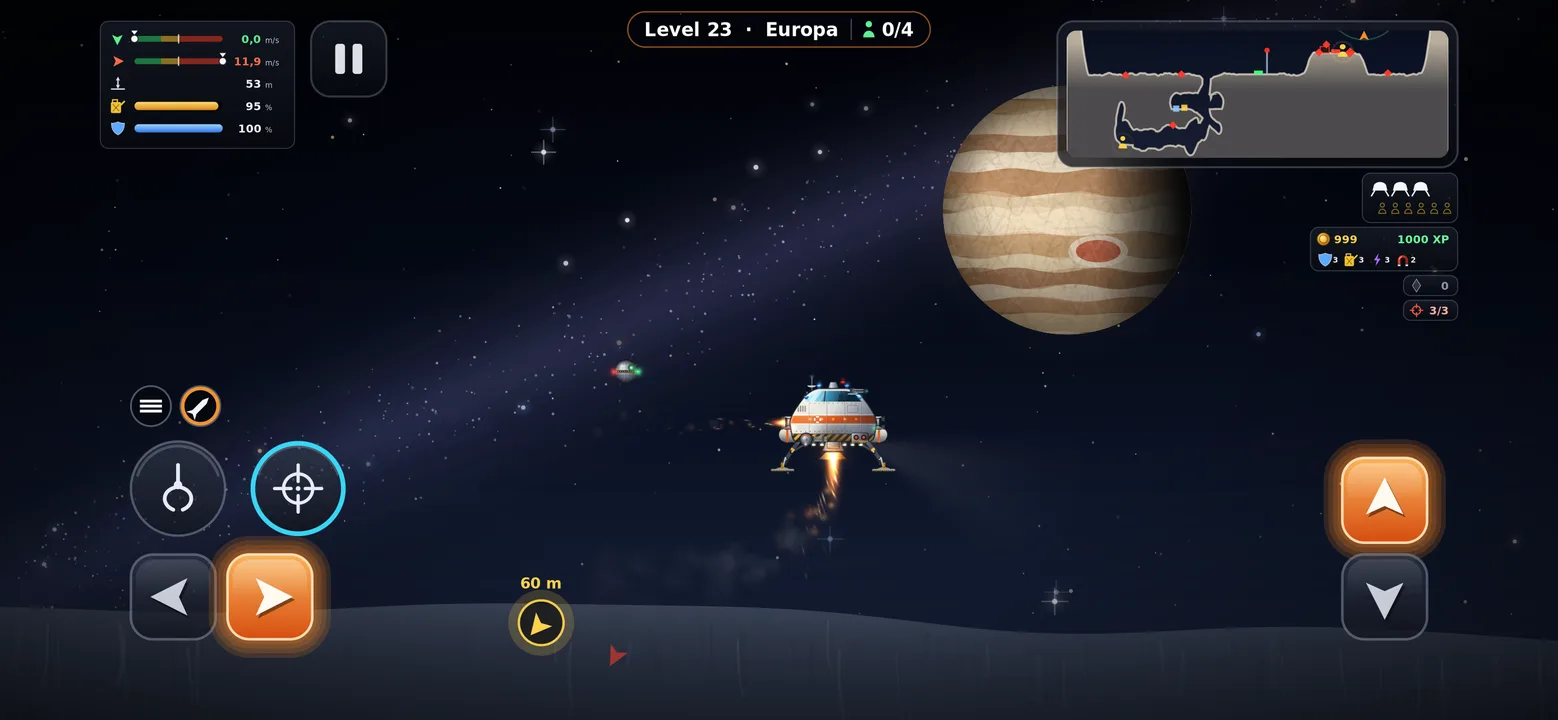
Voe até às profundas grutas lunares e leve os astronautas perdidos de volta a casa em segurança.
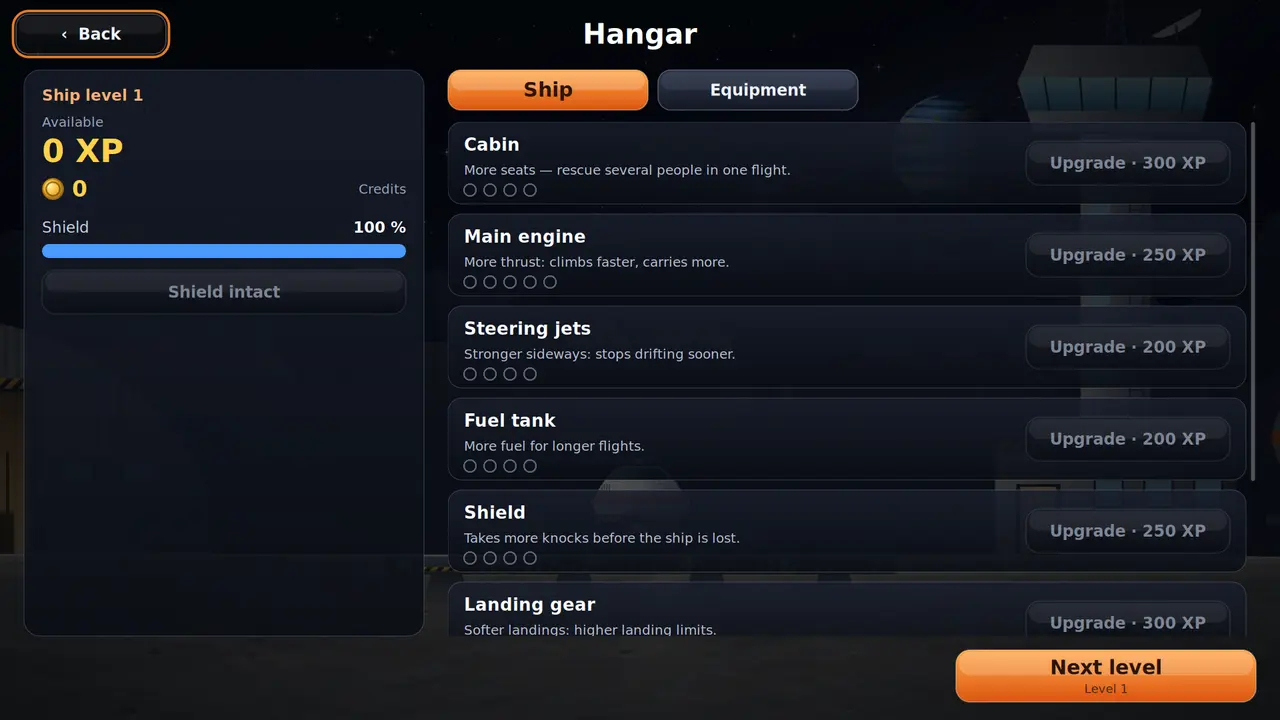
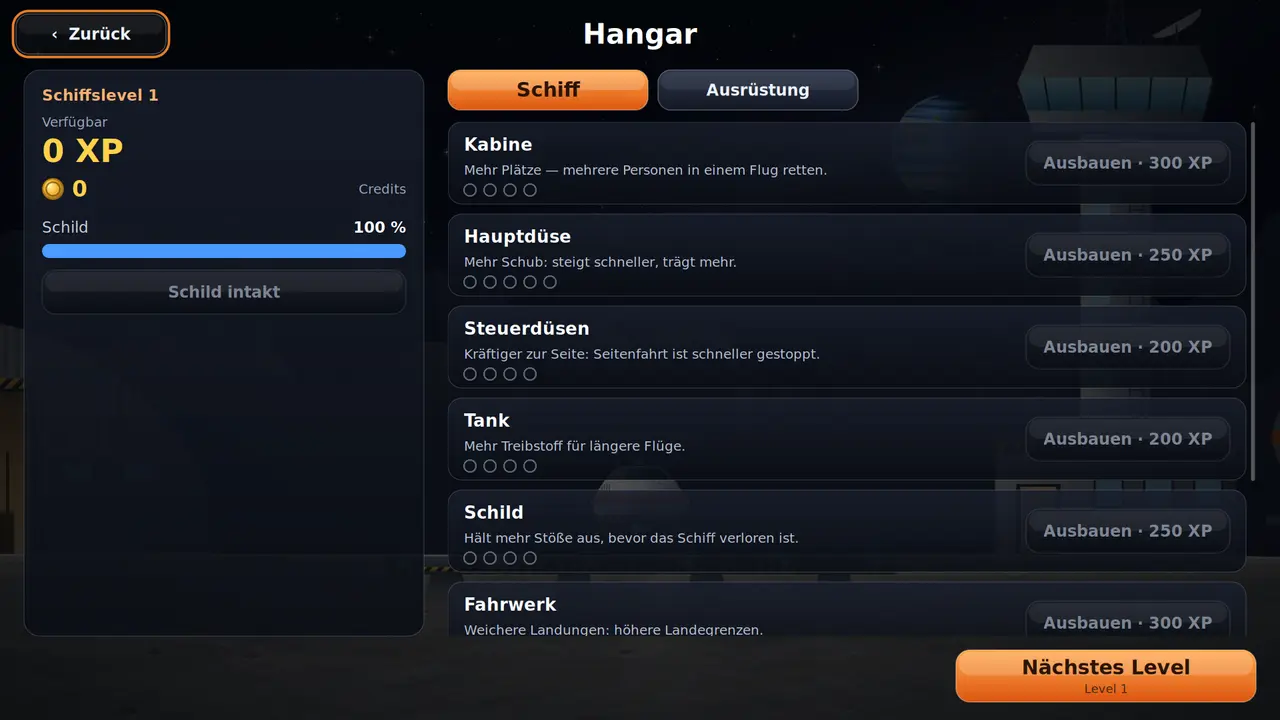
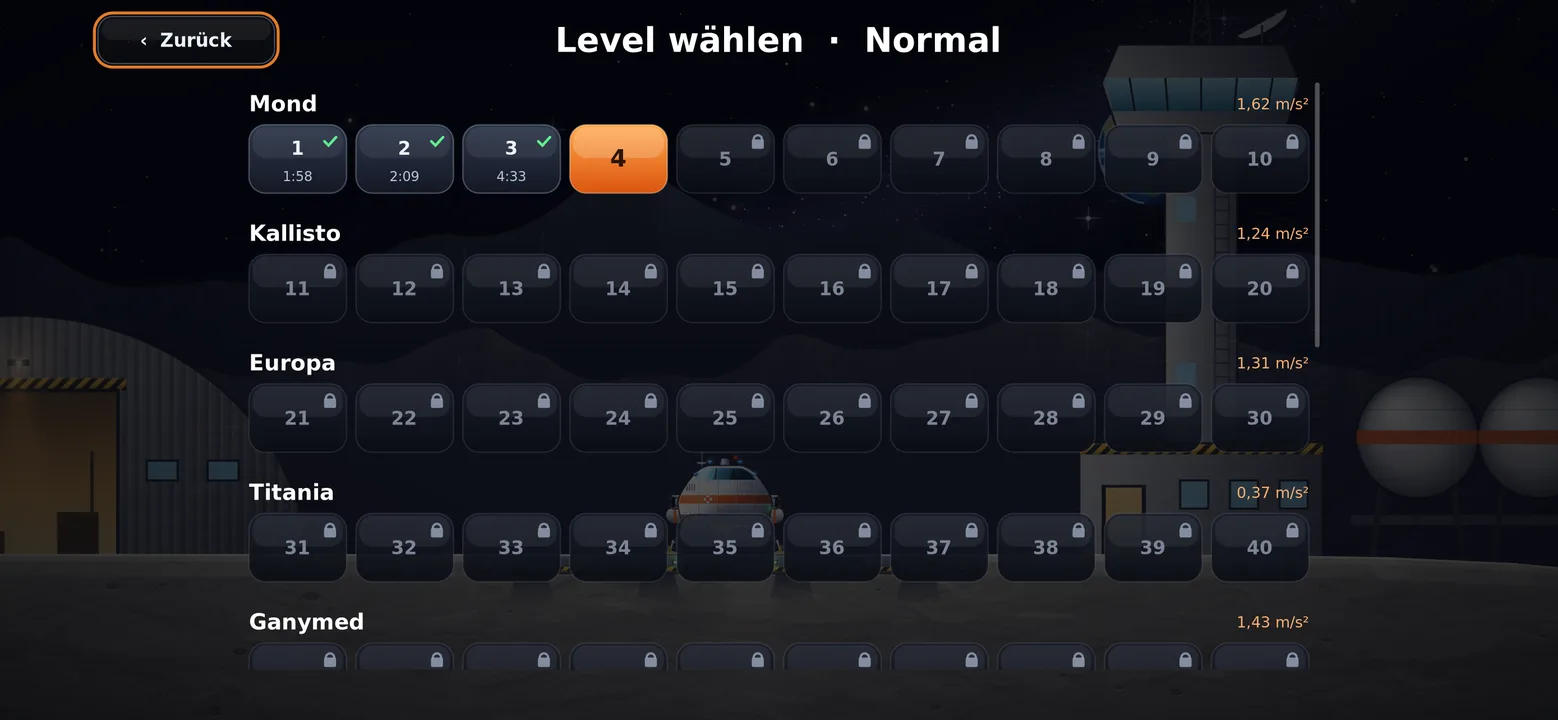
100 níveis em dez mundosGravidade realQuatro botões, nada maisMelhore a nave com experiênciaQuatro níveis de dificuldadeGaleria de missões com mapas de vooTeclado, rato ou comandoSDL2 · Cairo44 idiomas
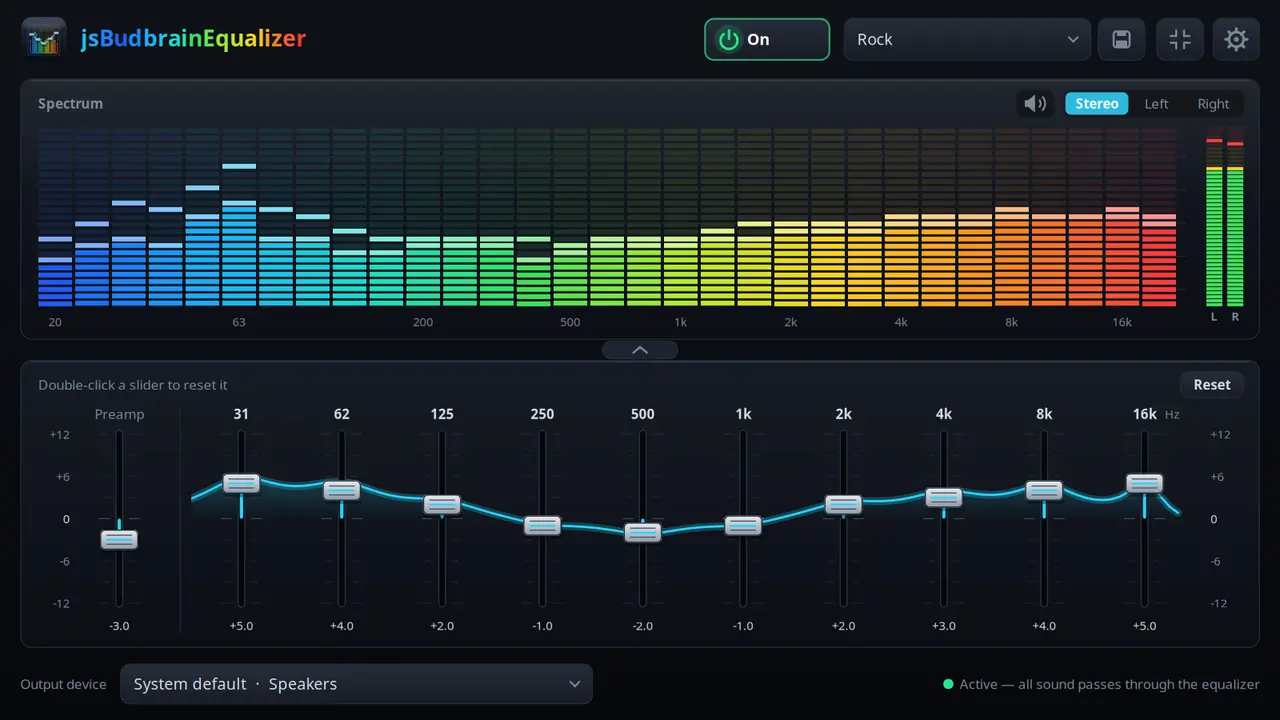
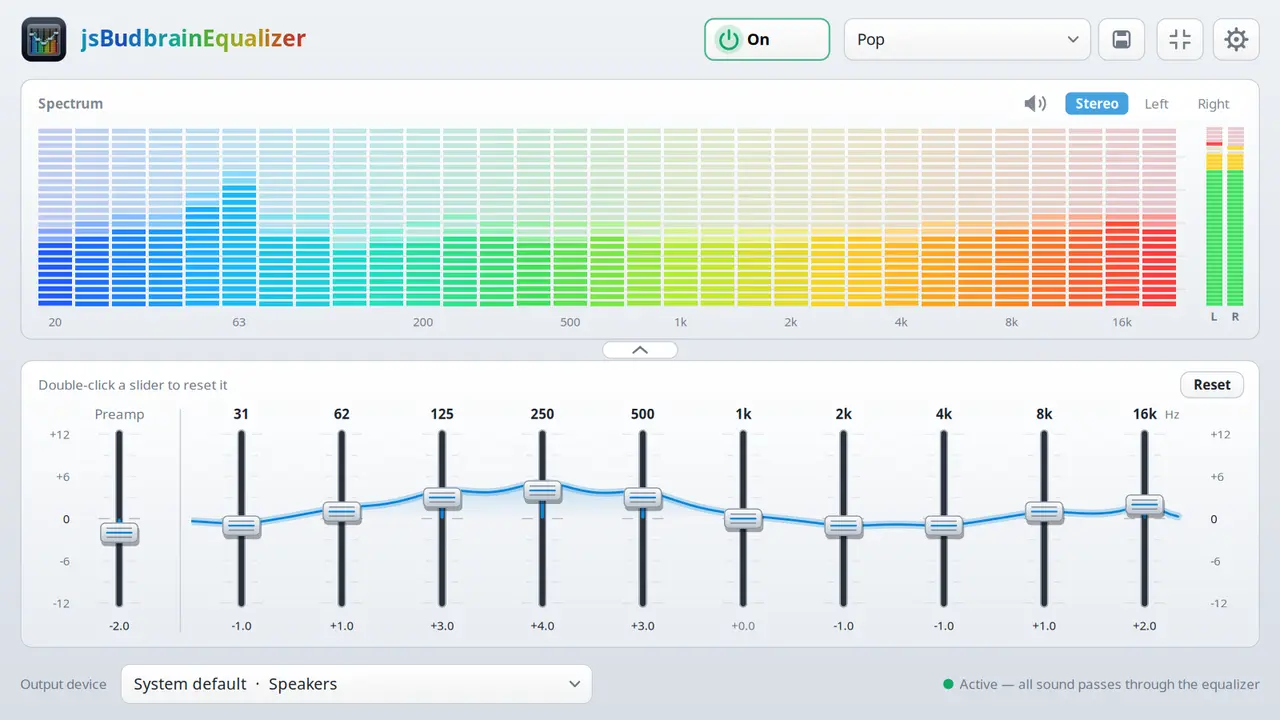
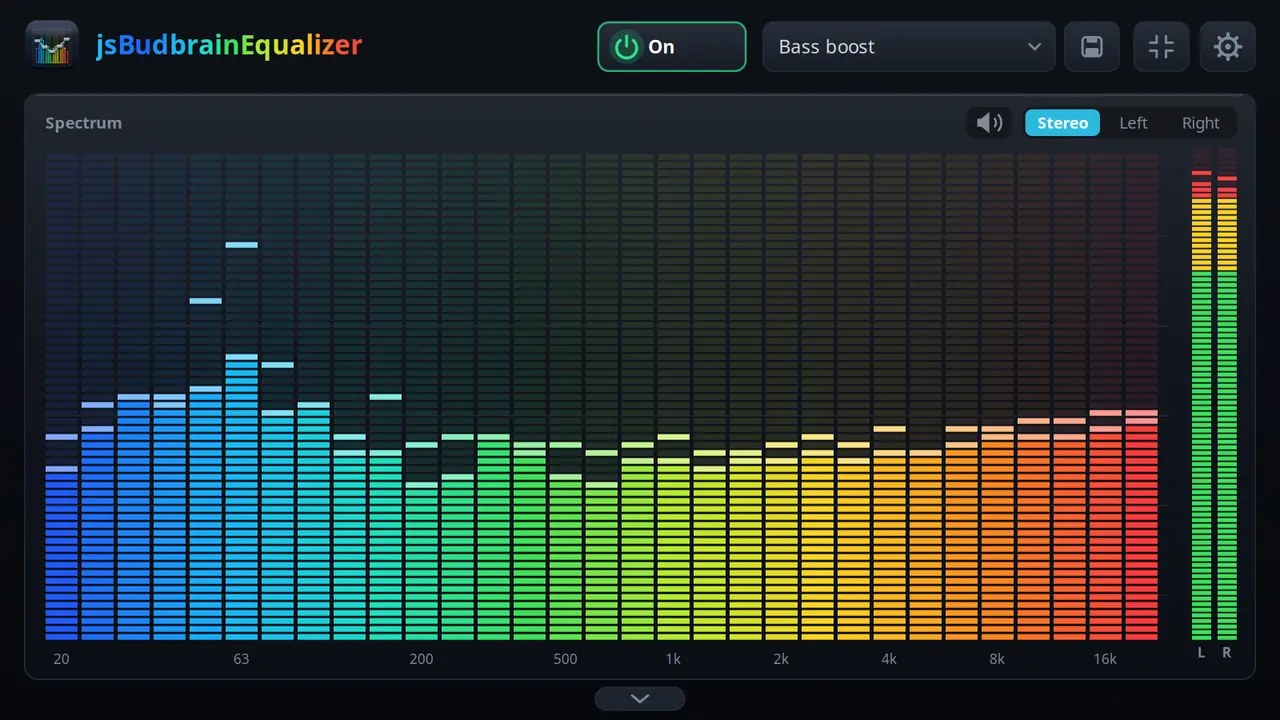
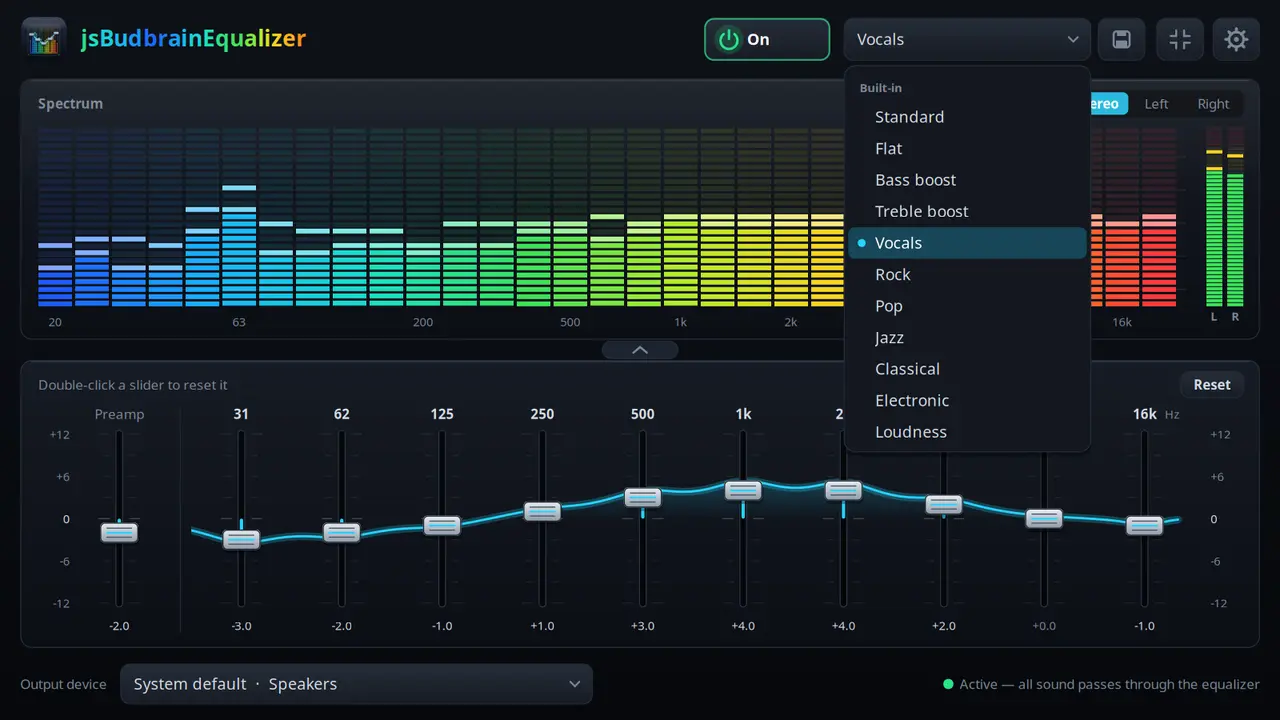
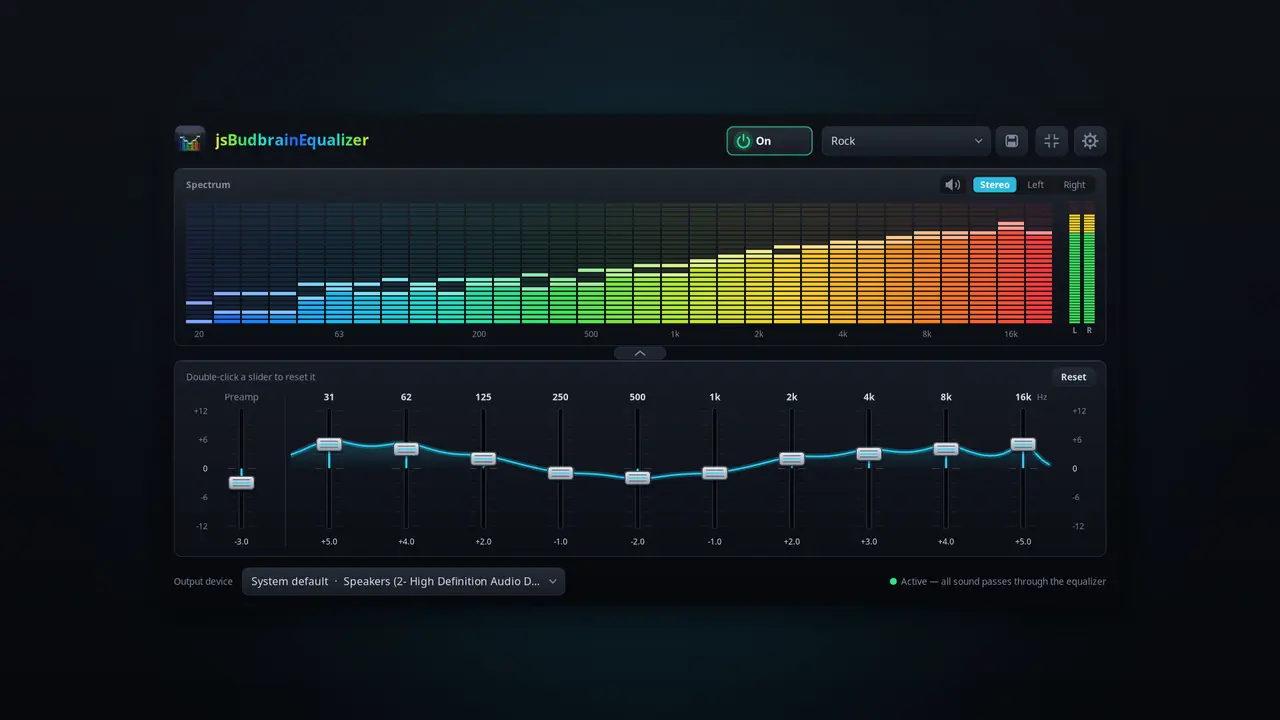
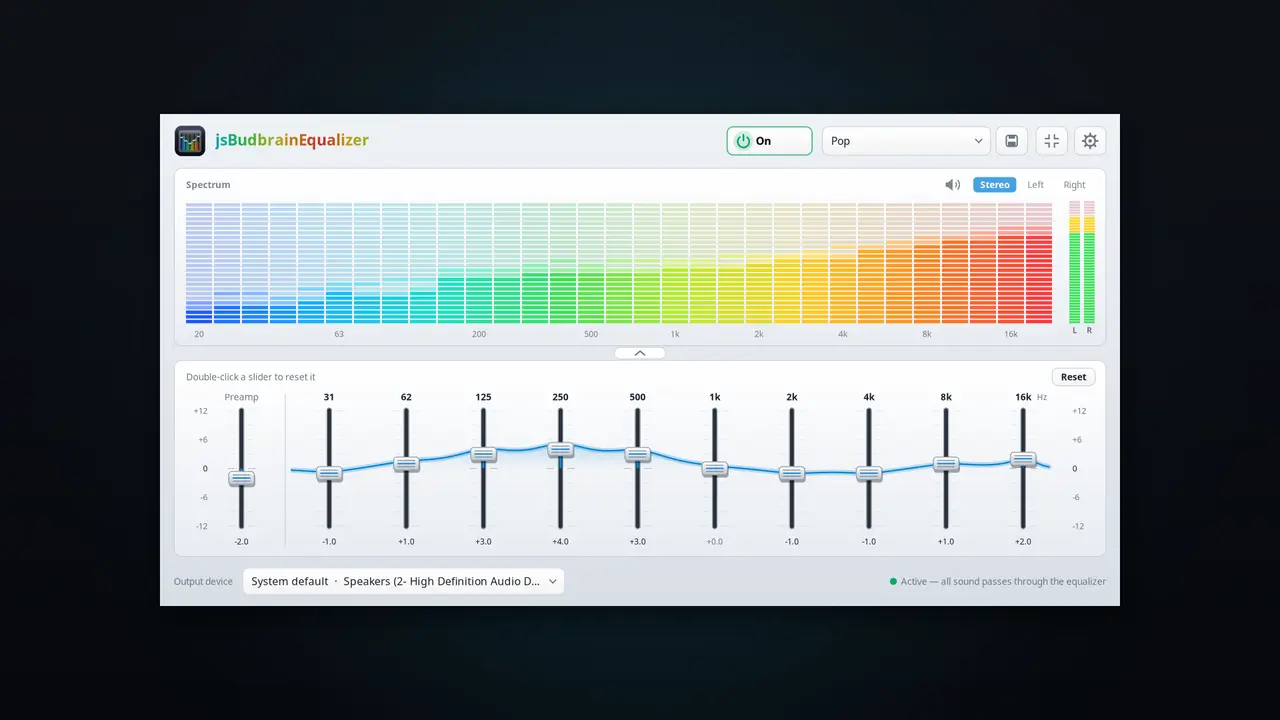
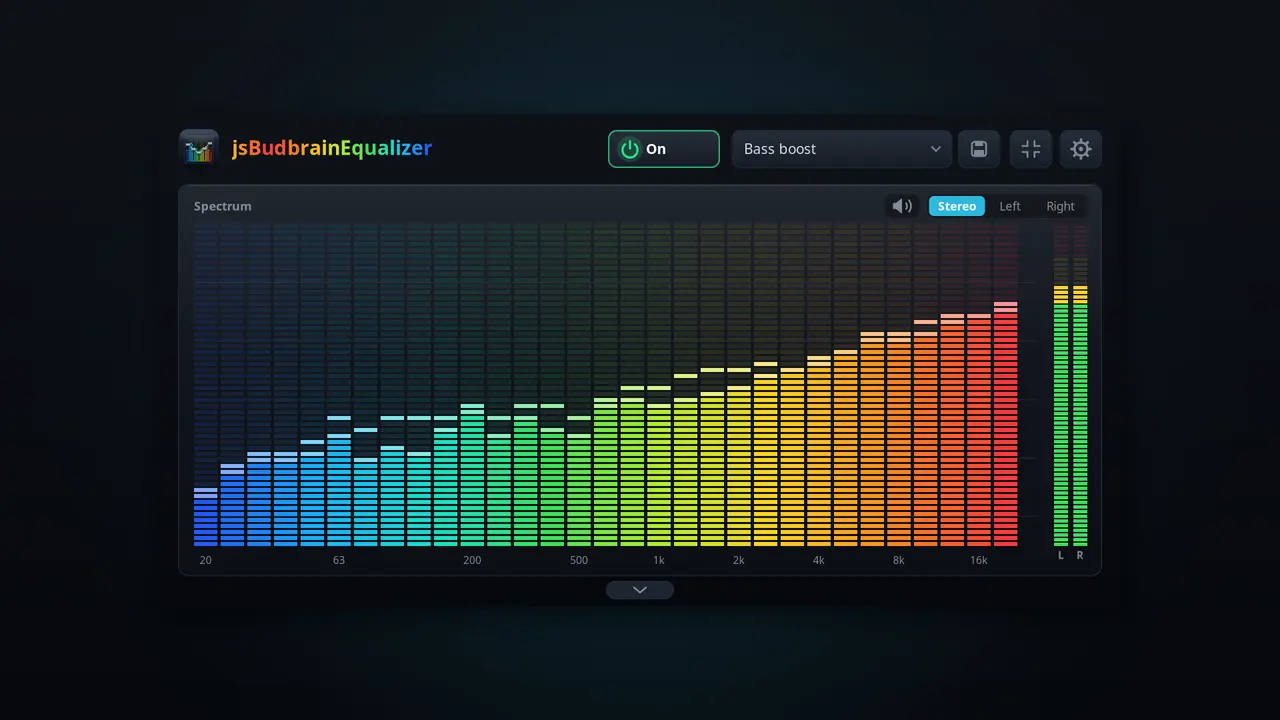
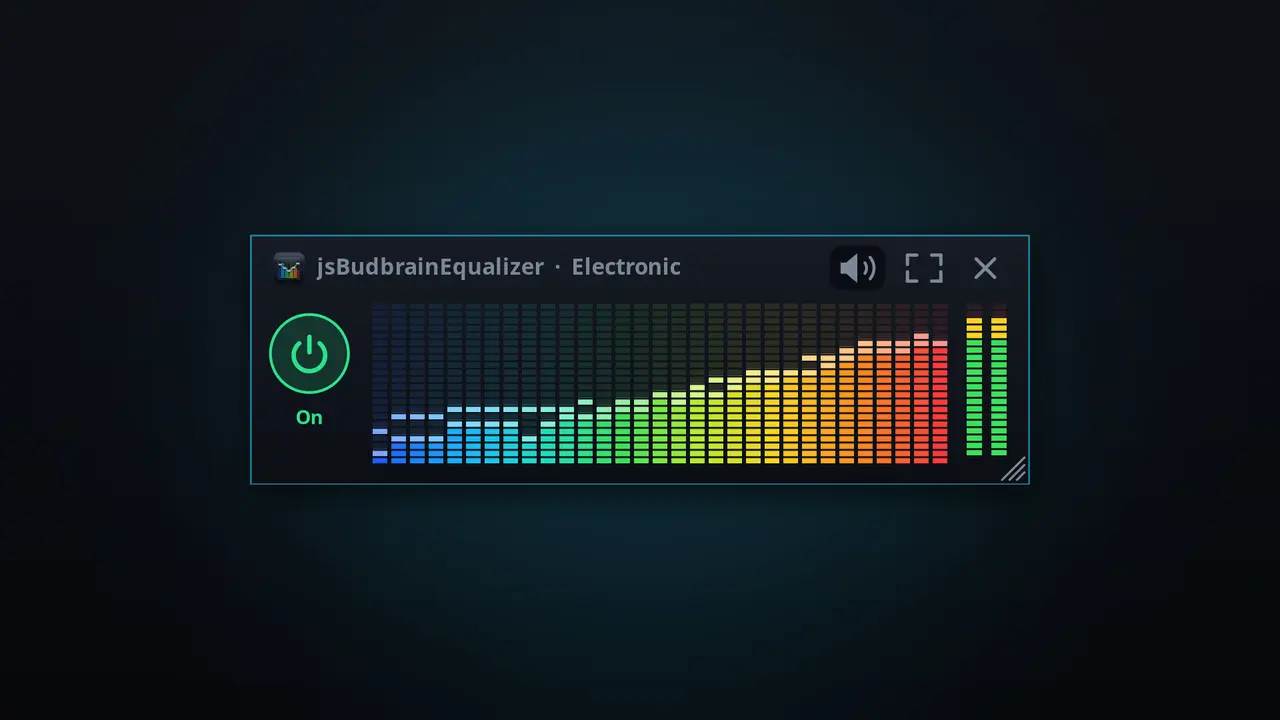
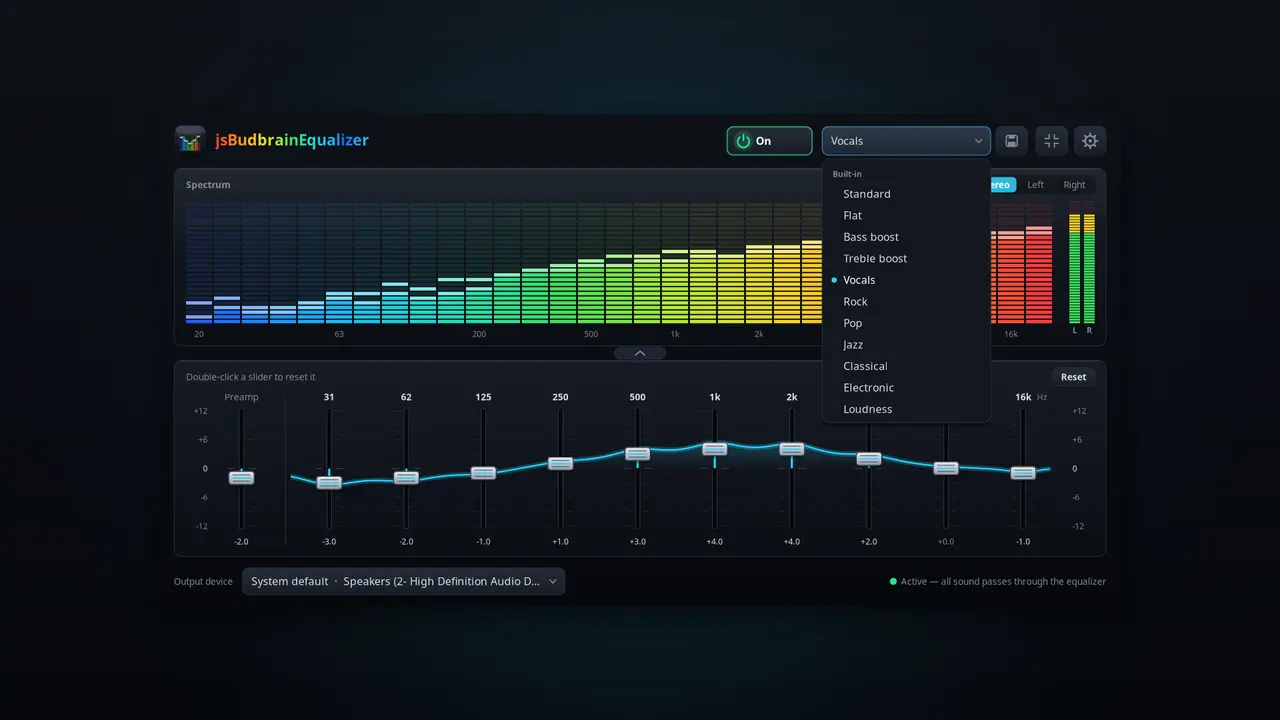
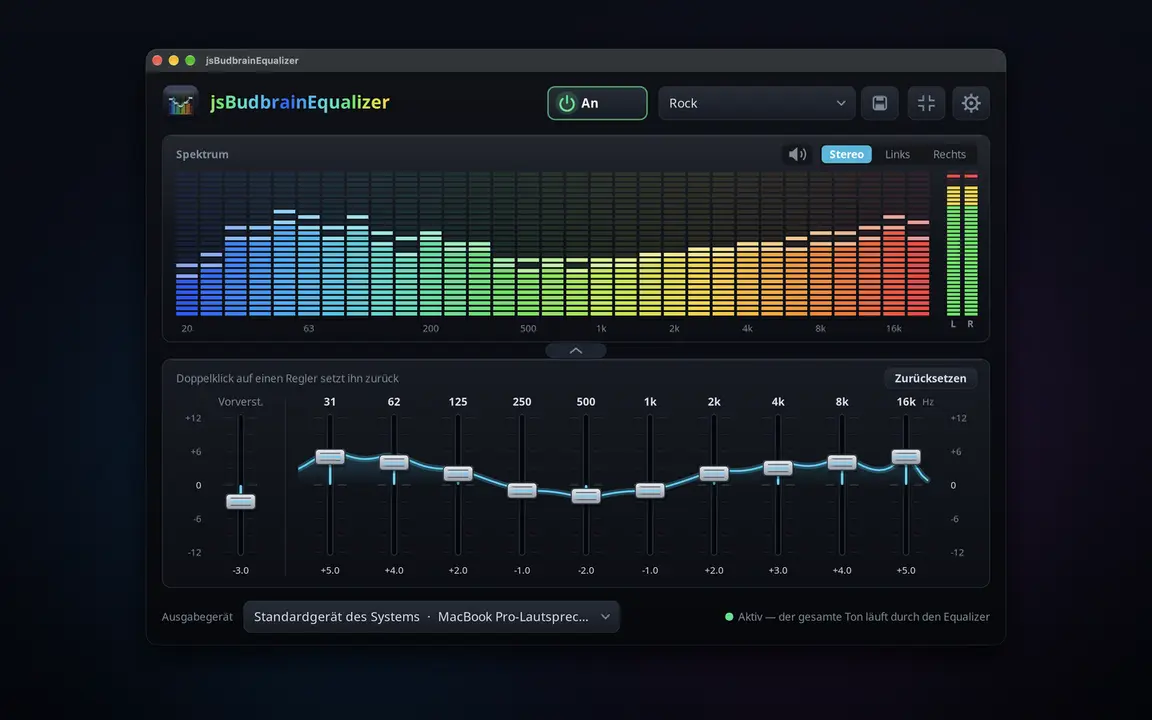
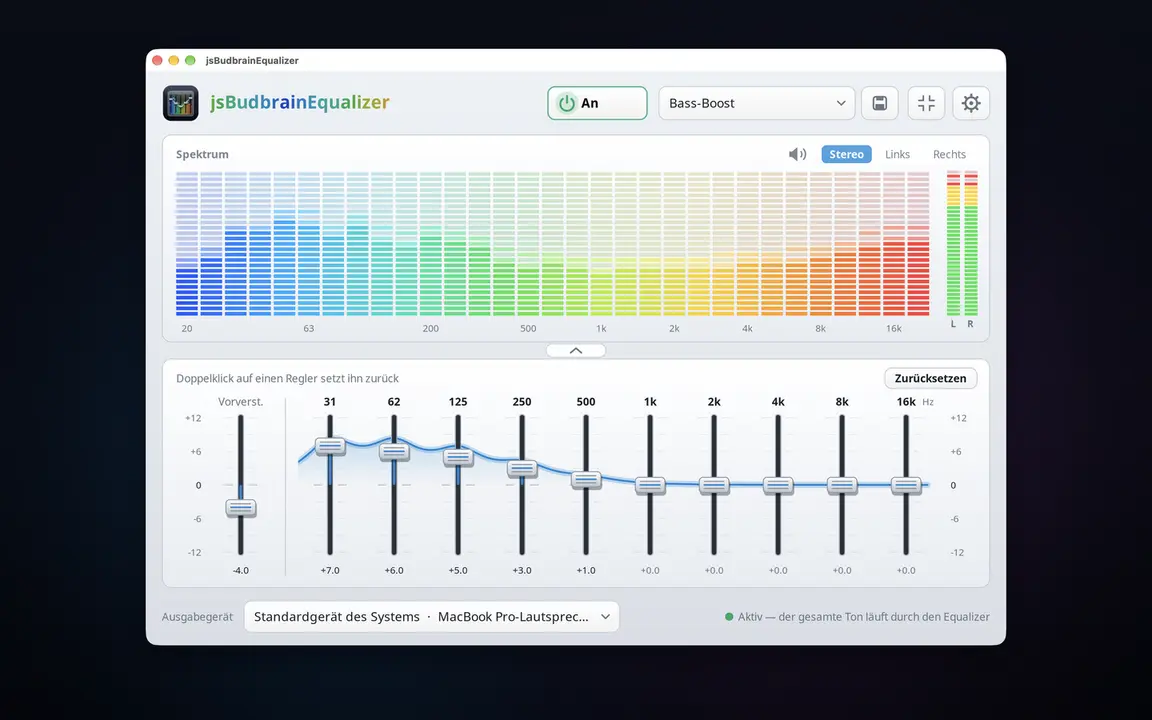
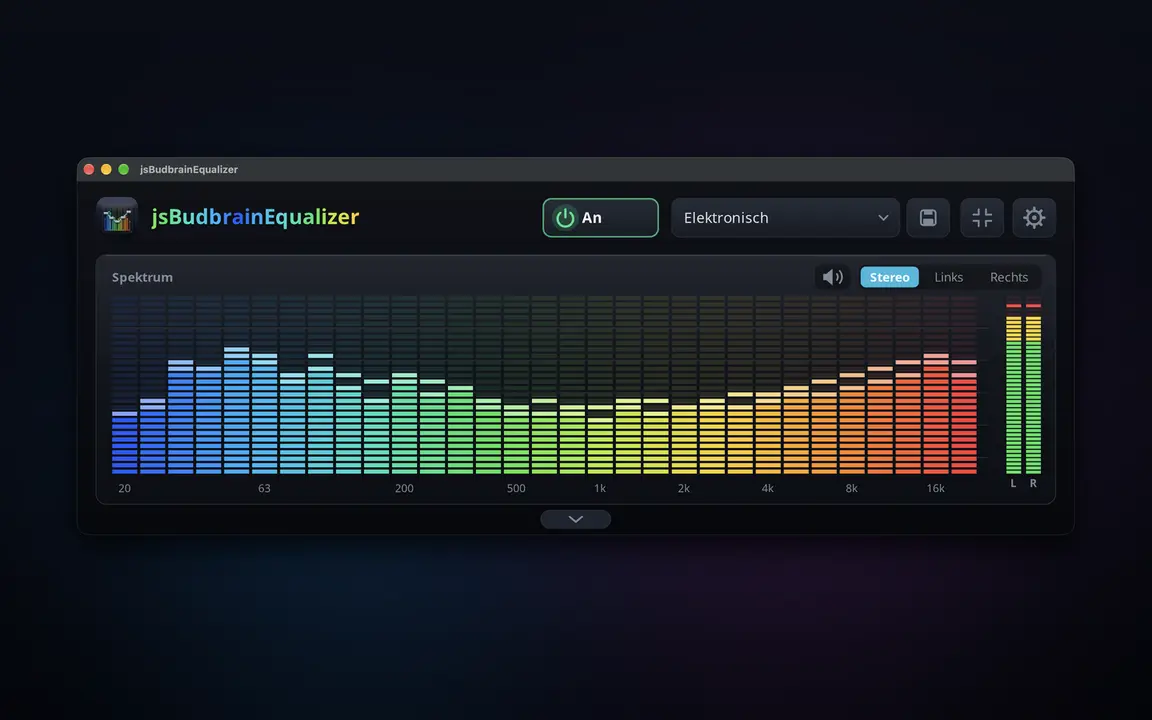
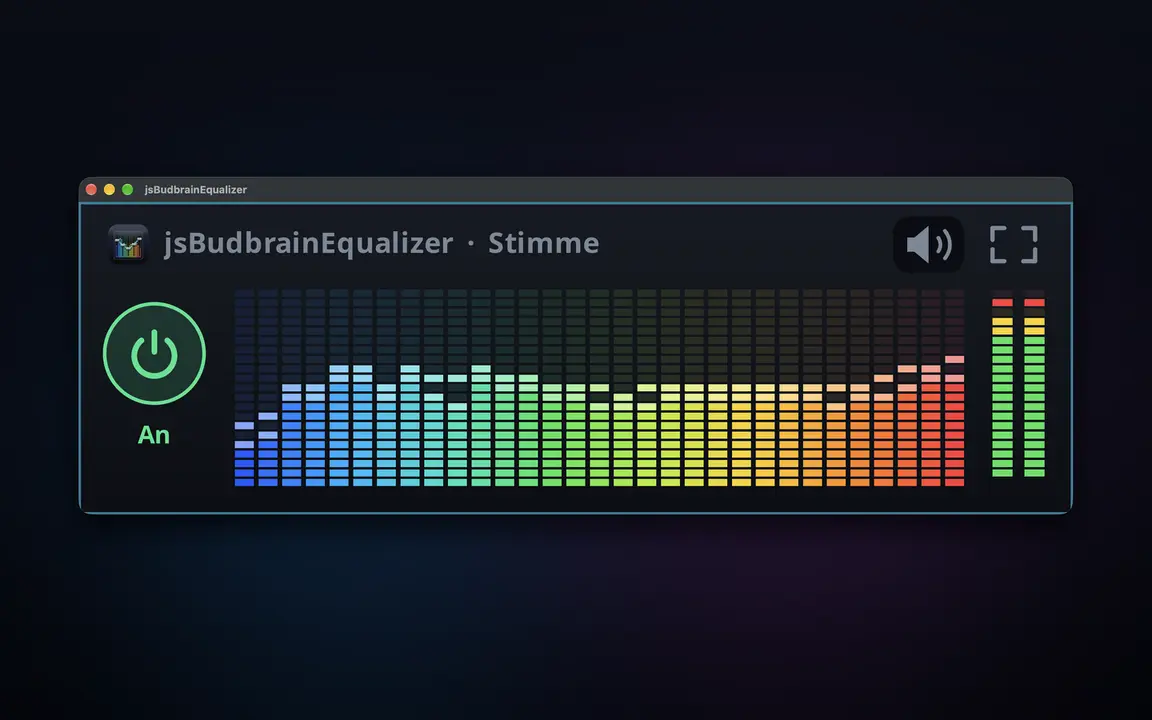
Um equalizador para tudo o que o seu computador reproduz — com espectro em tempo real.
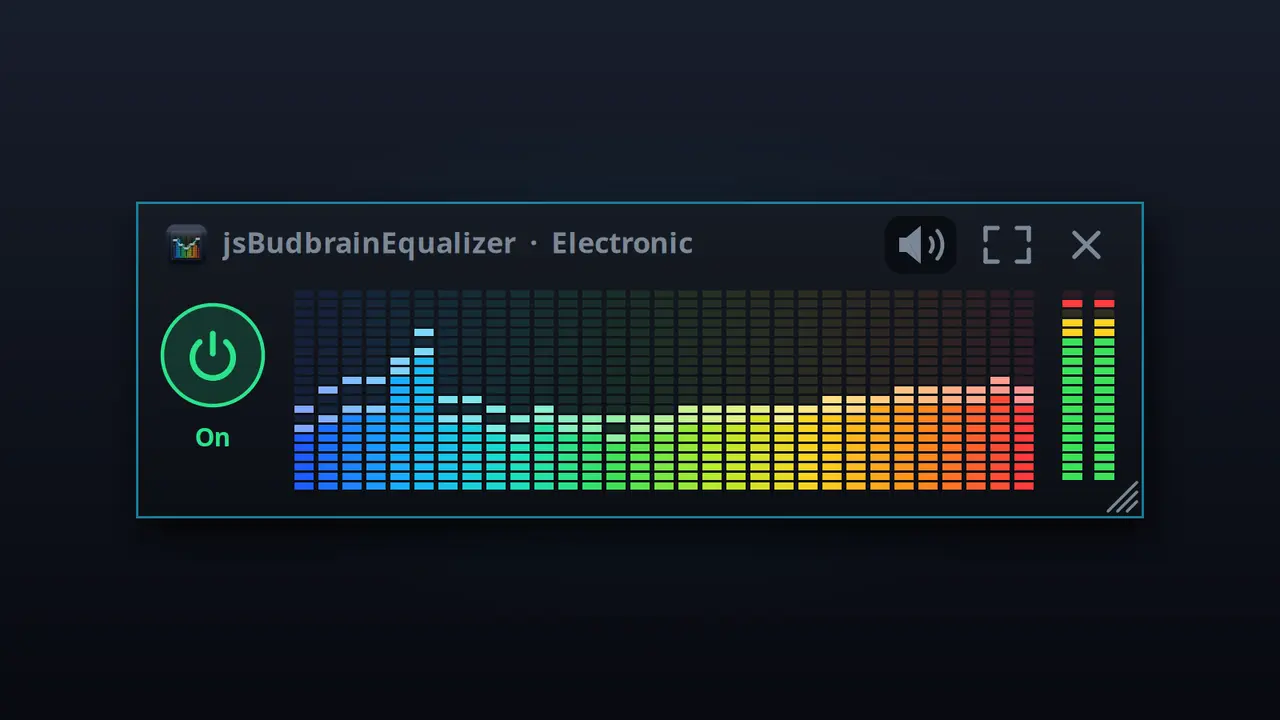
Dez controlos, dos graves profundos aos agudos brilhantesMostra em tempo real o que está a tocar — esquerda, direita ou ambosDefinições de som prontas e as suas, guardadas com um nomeBotão de silêncio para quando o telefone tocaEscolha colunas ou auscultadoresRecolher os controlos e ficar só com o ecrãJanela pequena sempre por cimaArranca ao iniciar sessão, se quiserClaro e escuroSDL2 · CairoPipeWire · PulseAudio44 idiomas
Reproduz gravações de uma pasta — ao acaso ou por ordem, às horas que escolher.
Reproduz gravações de uma pasta, mesmo em redeAo acaso ou por ordemApenas entre duas horasApenas nos dias da semana que assinalarIguala gravações com volumes diferentesInicia ao iniciar sessão e continua sozinhoMP3GTK3 · CairoPipeWire · PulseAudio44 idiomas
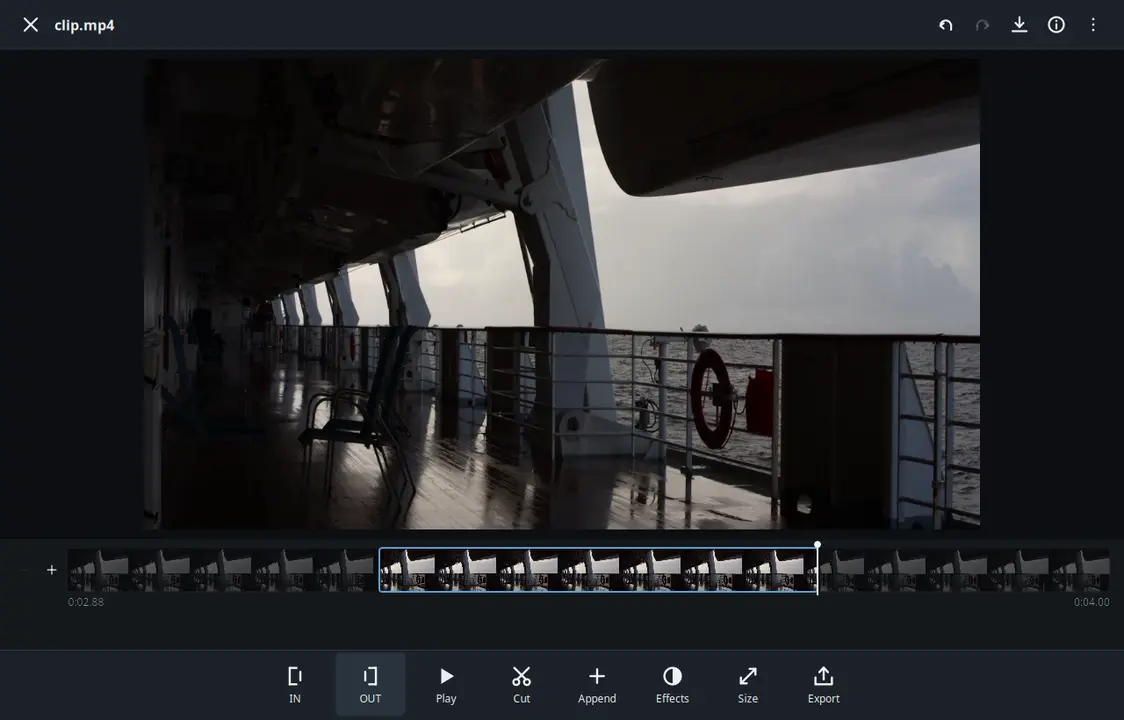
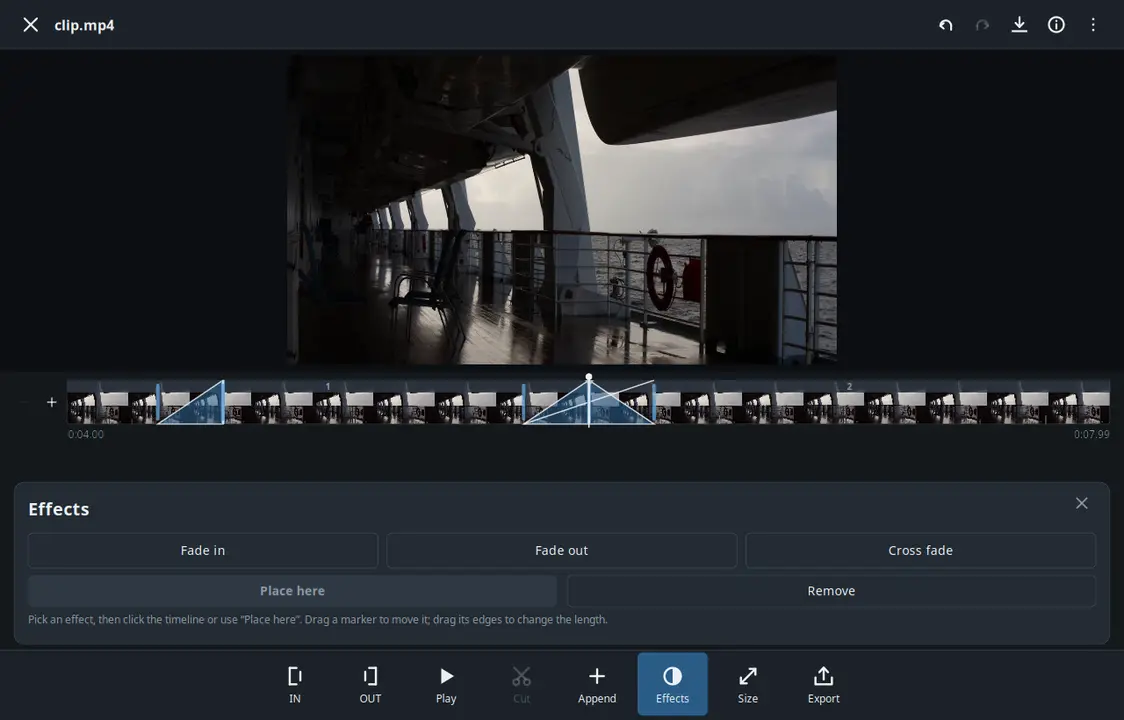
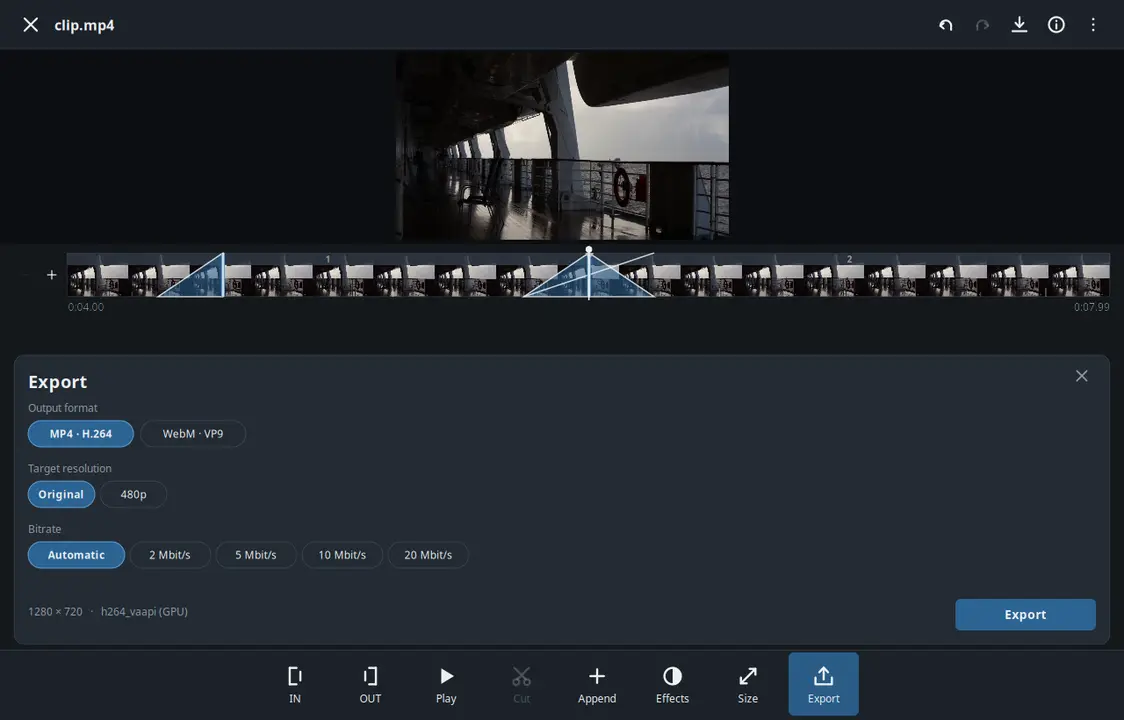
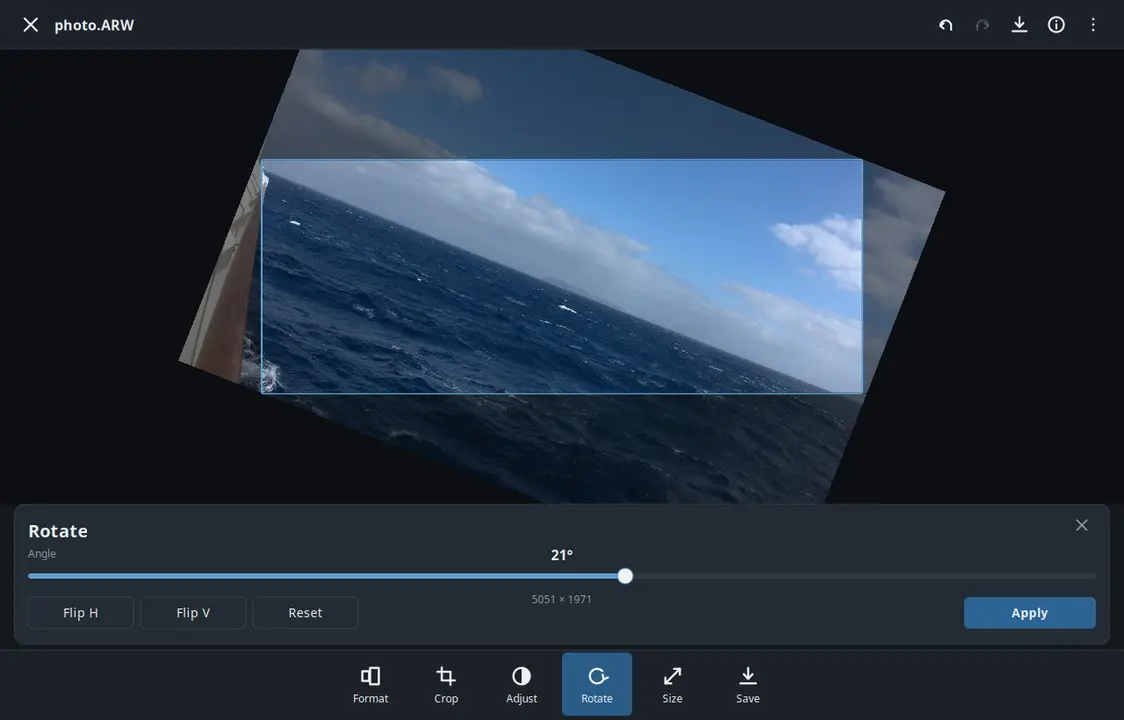
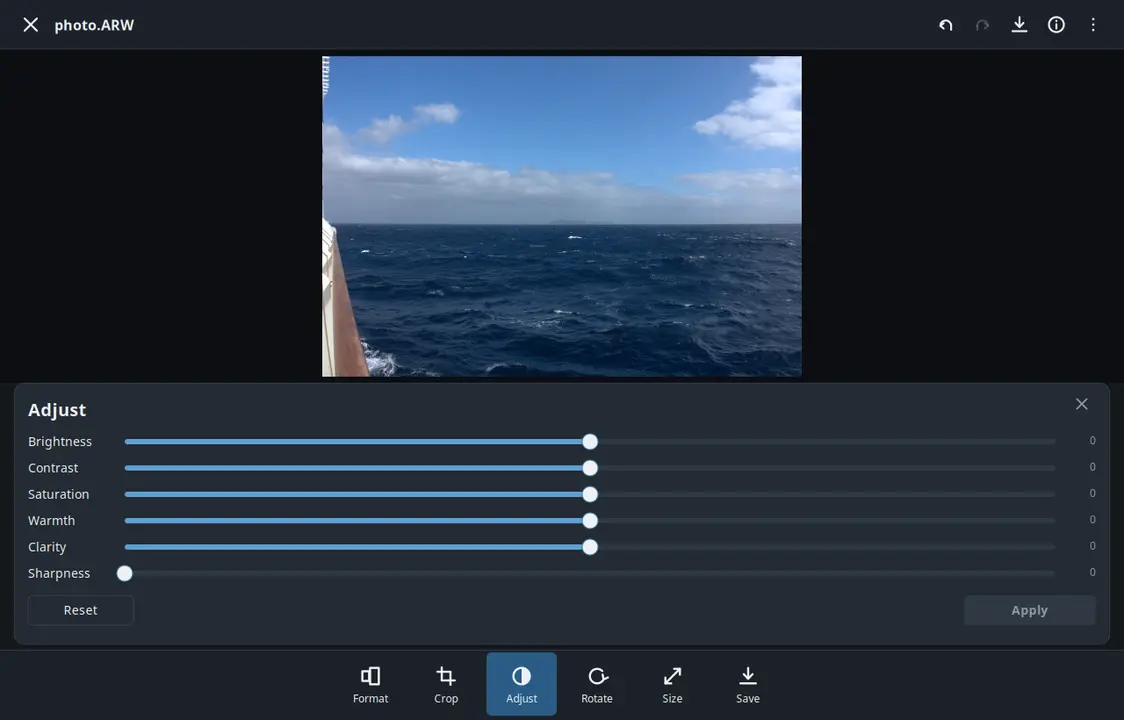
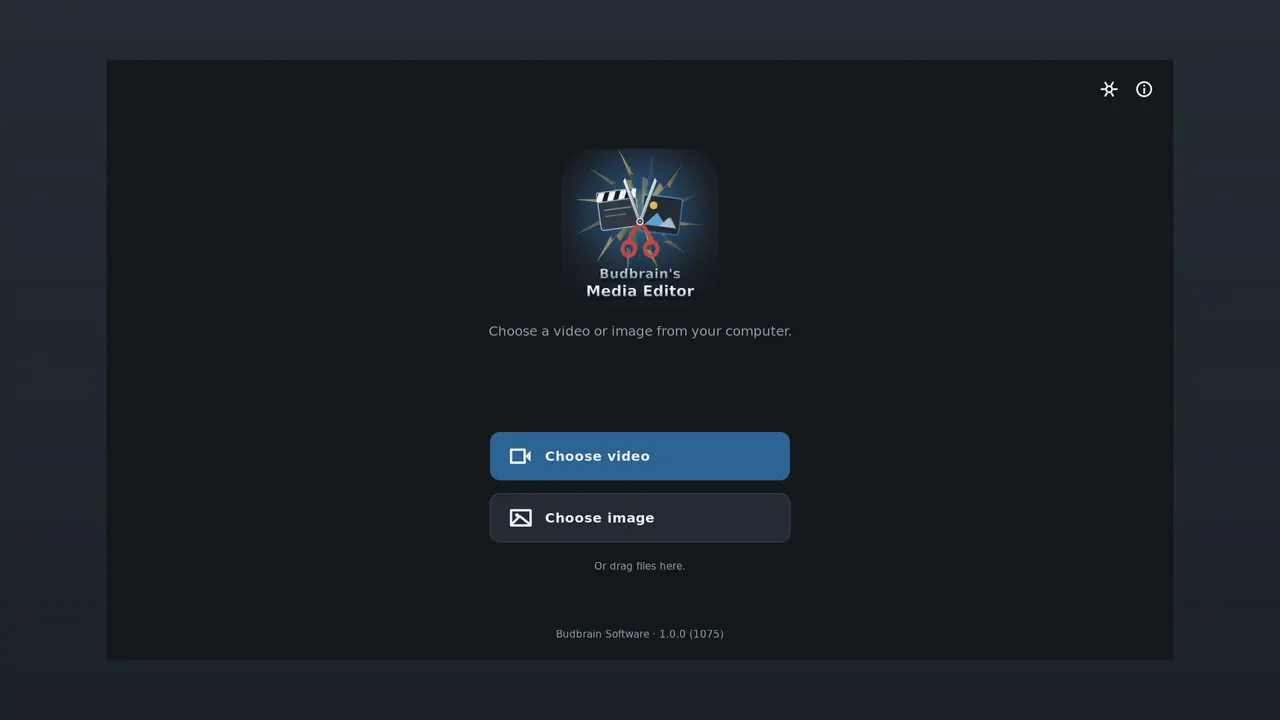
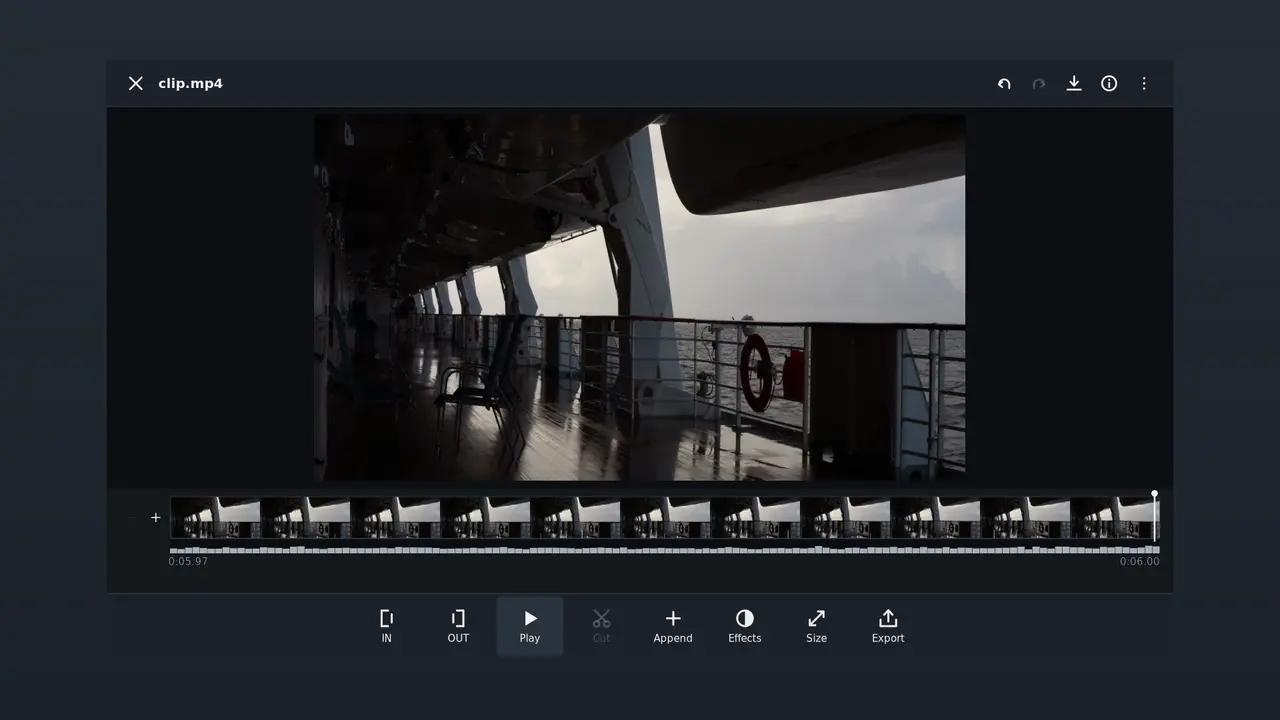
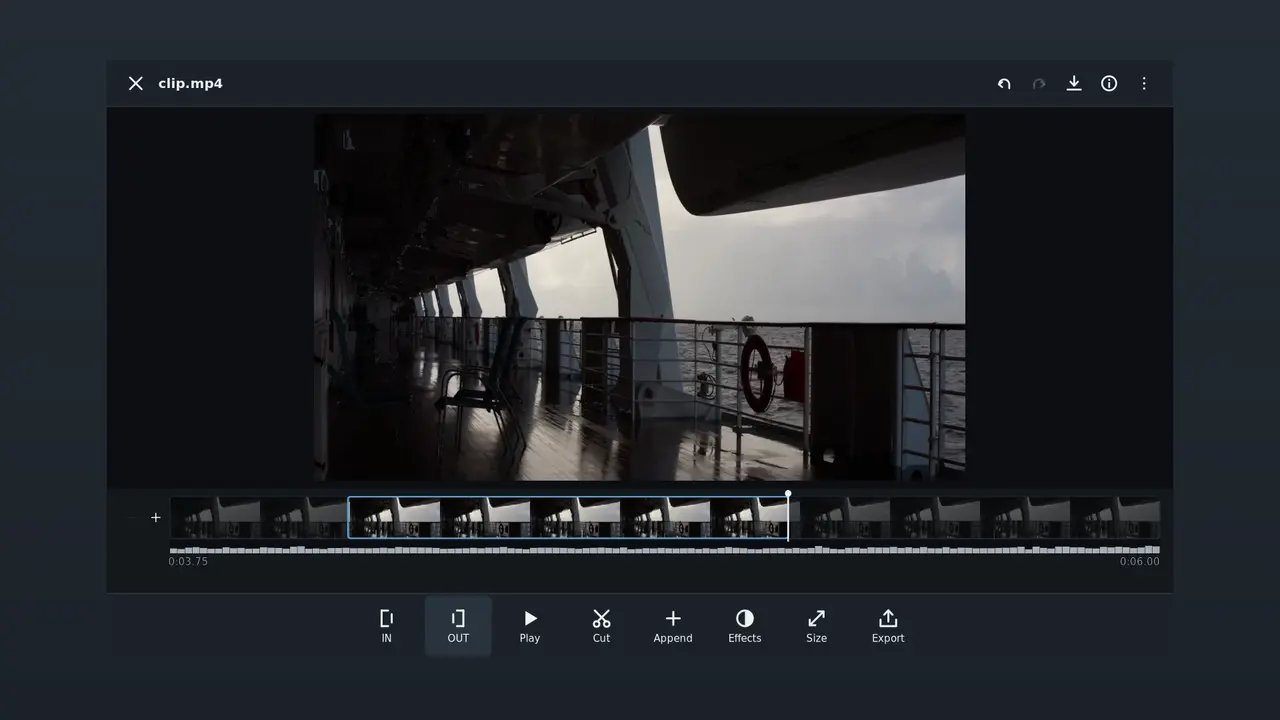
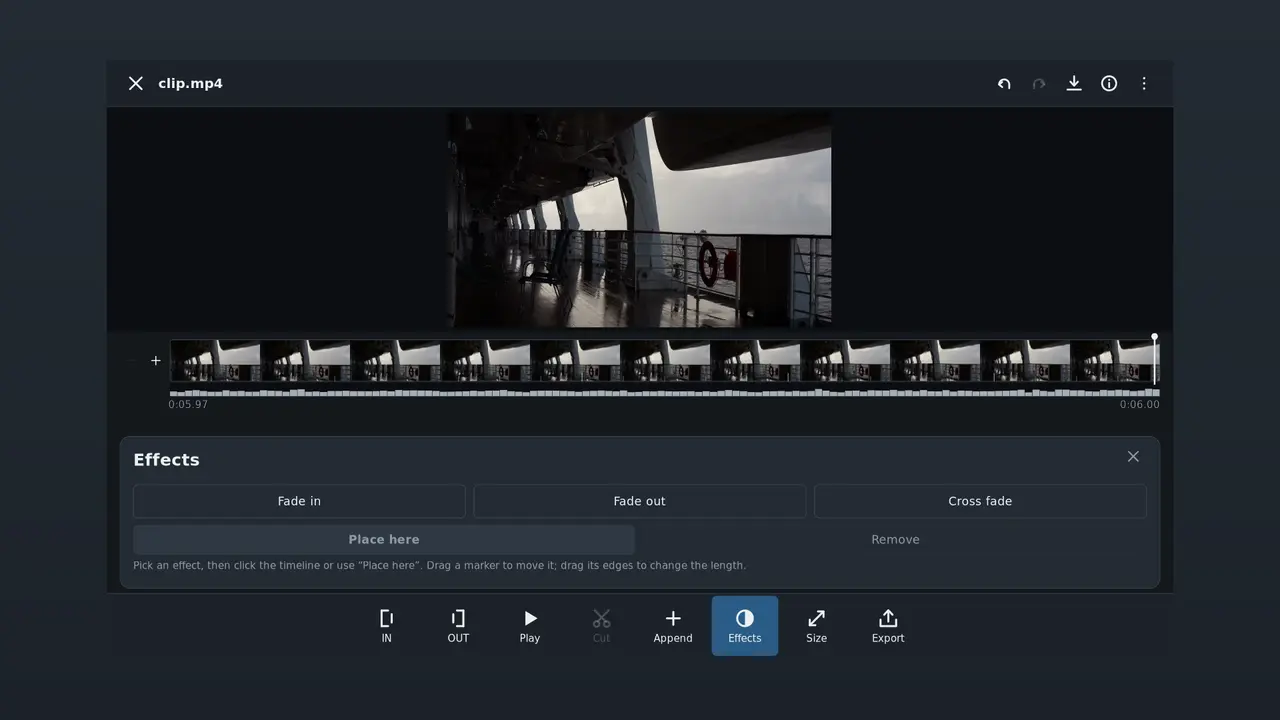
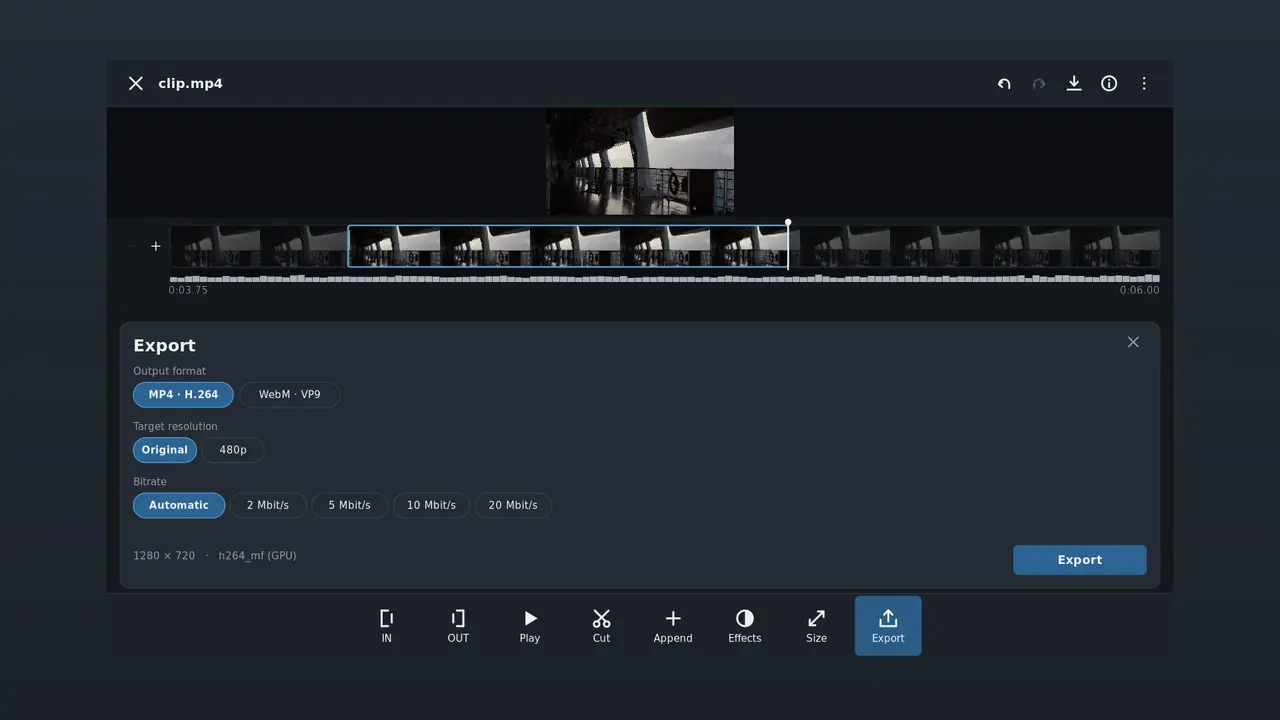
Editar um vídeo ou uma foto e guardar. Encurtar um filme ou acrescentar clips, fazer a transição entre eles e depois guardar o vídeo num determinado tamanho ou formato. Endireitar, recortar e ajustar fotos e guardá-las como JPEG, PNG ou WebP.
Cortar e juntarFusões e transiçõesRecortar e ajustar fotosFormatos de saída para as plataformas habituaisFicheiros raw da câmaraFFmpeg (LGPL)VAAPI · NVENCSDL2 · CairoGNOME / KDE / XFCE44 idiomas
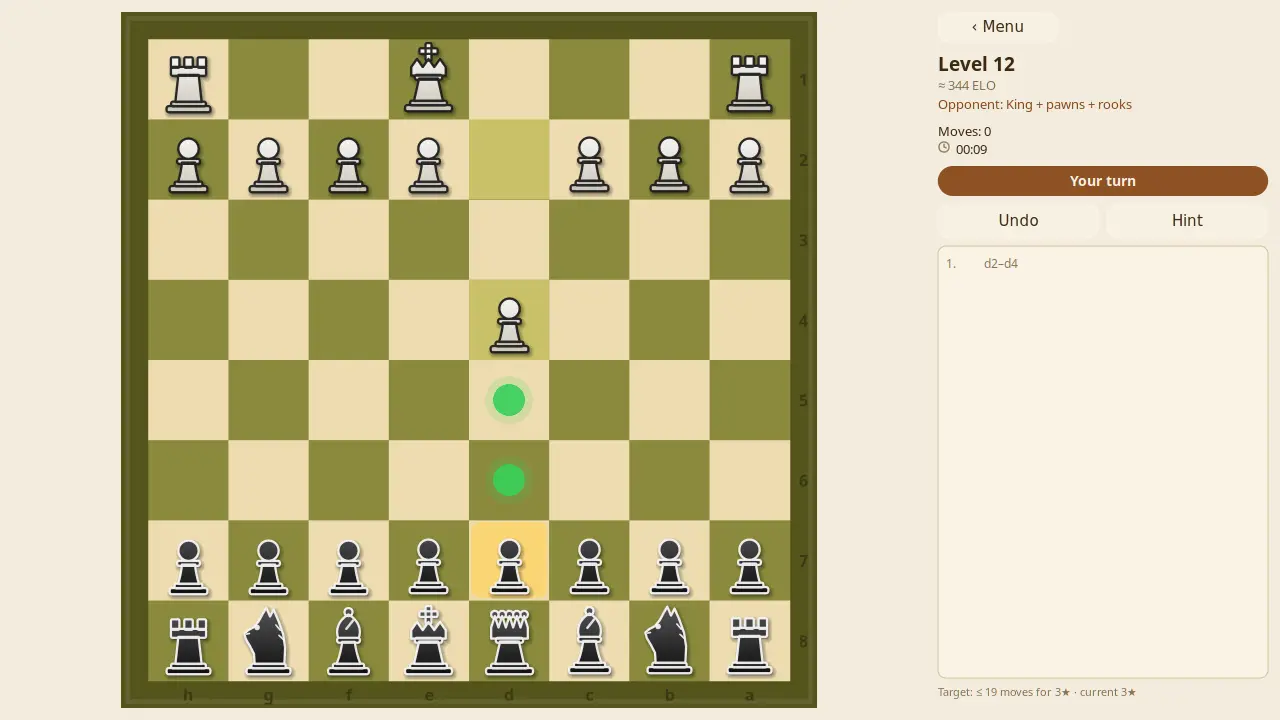
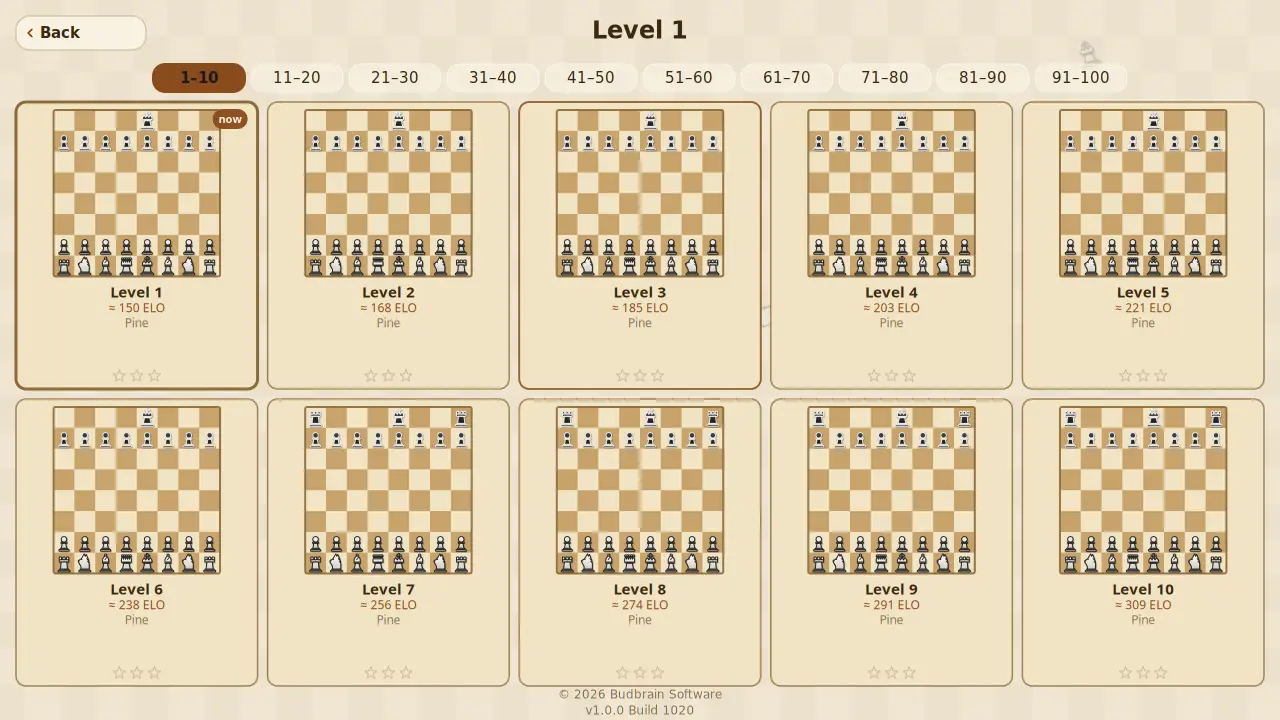
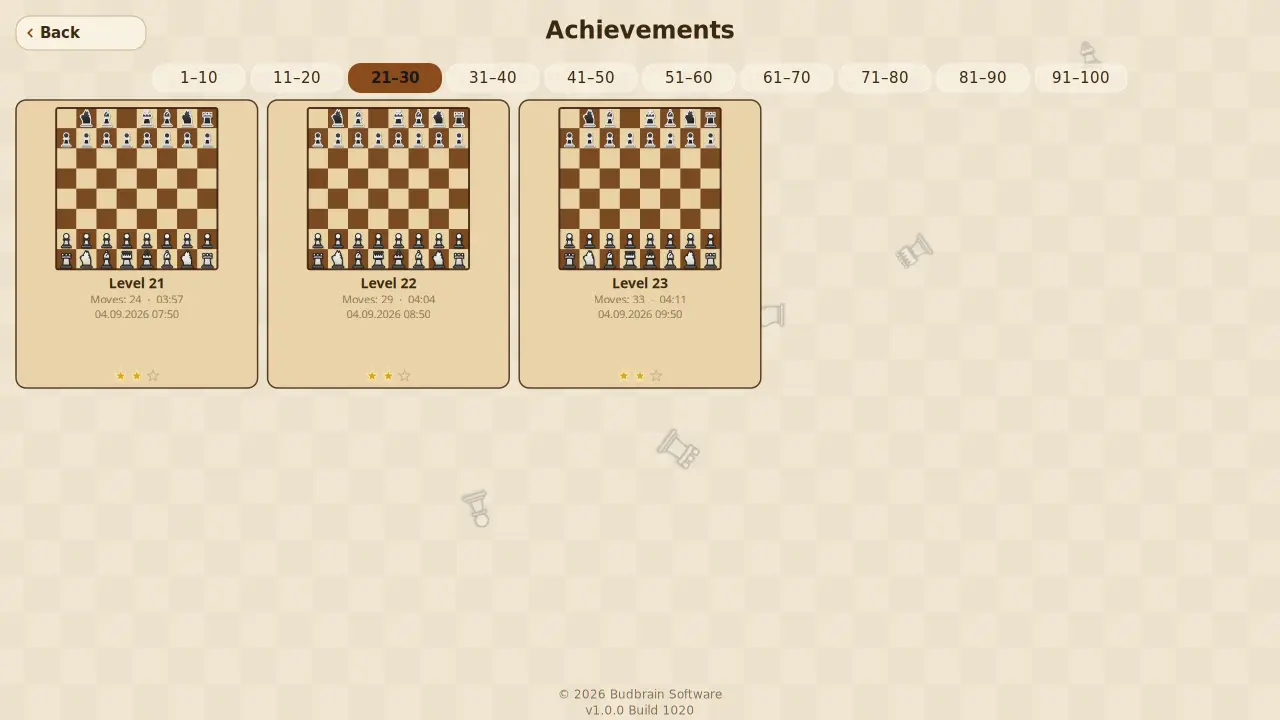
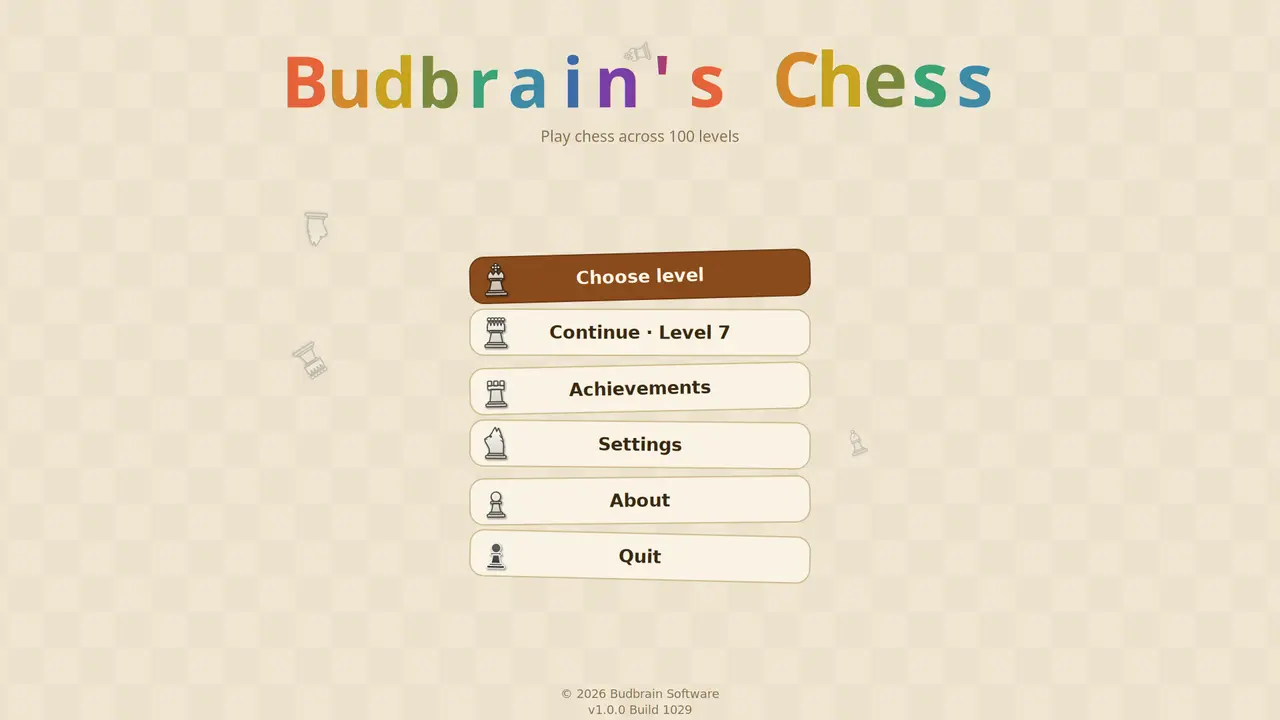
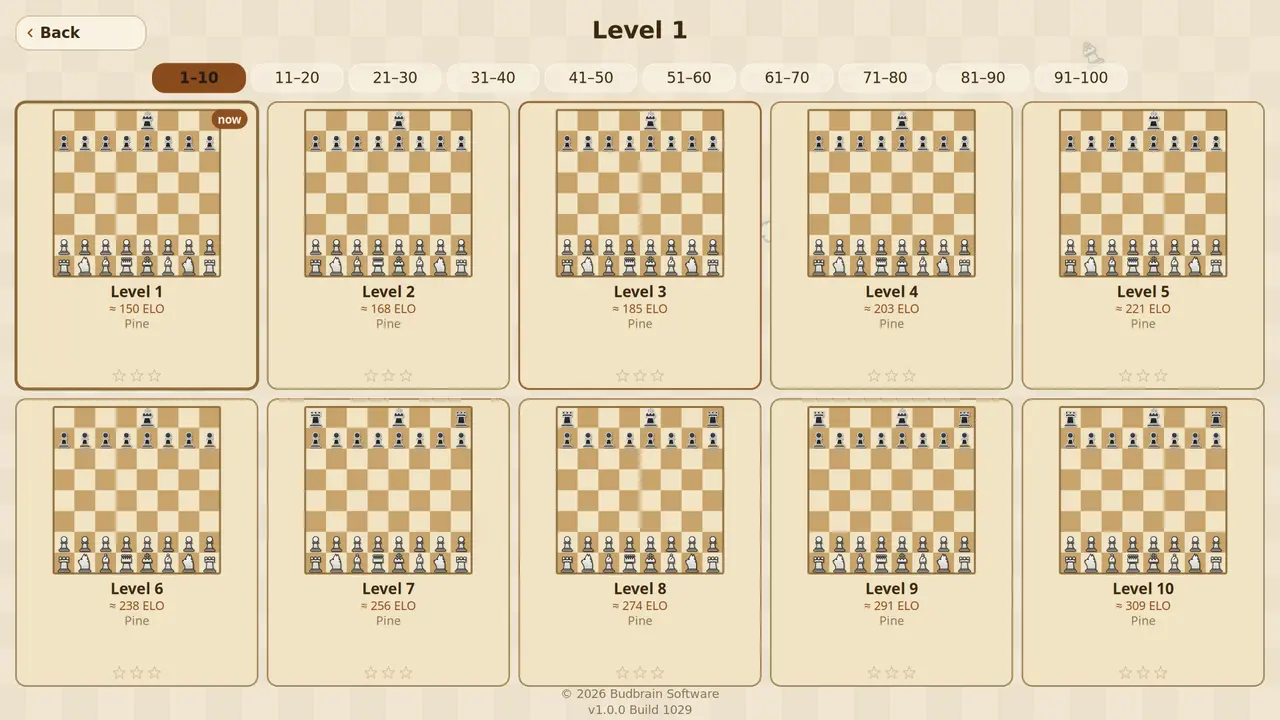
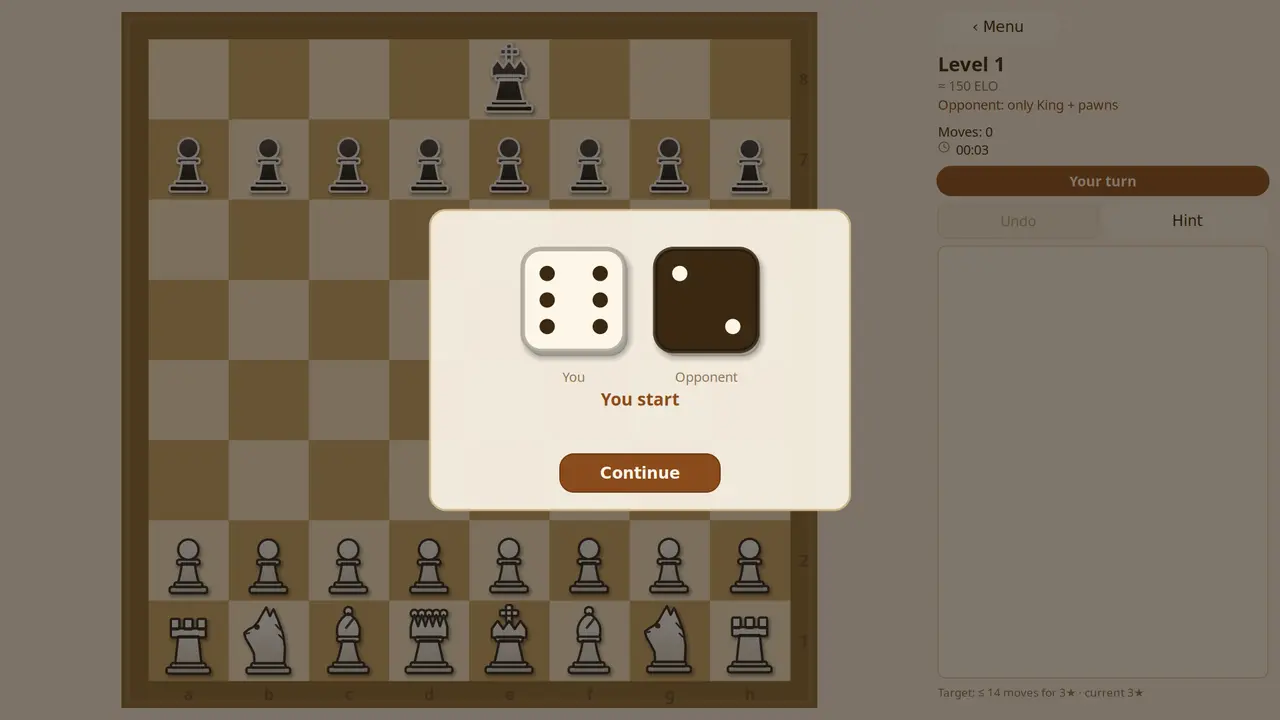
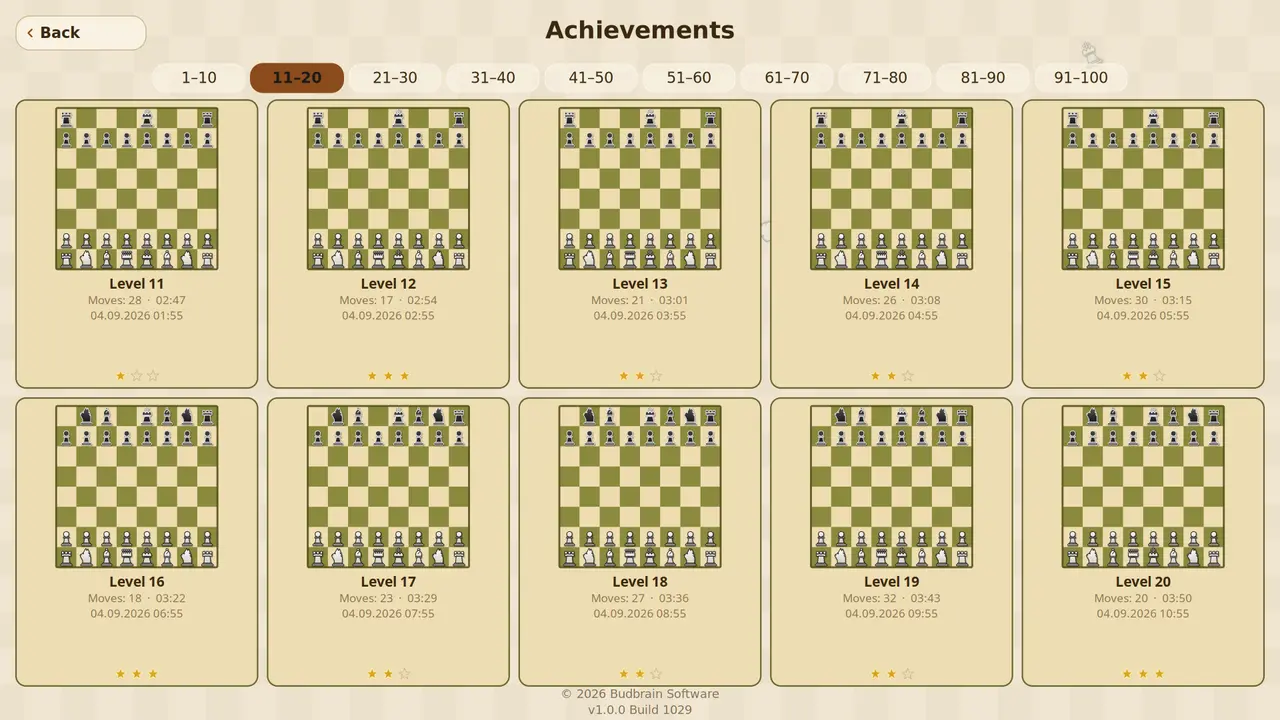
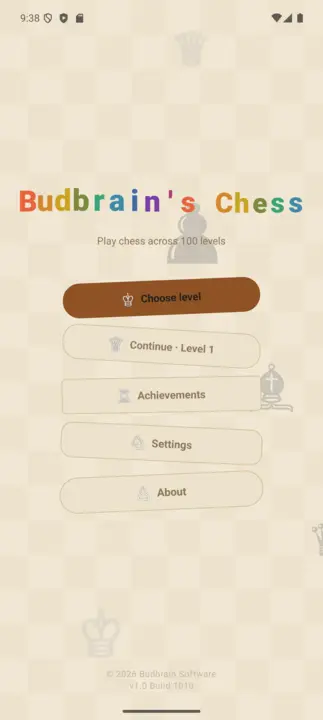
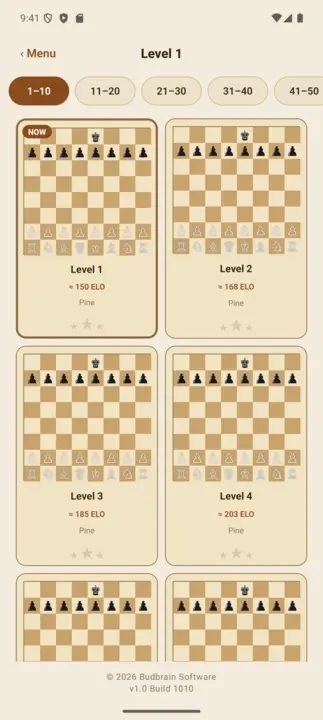
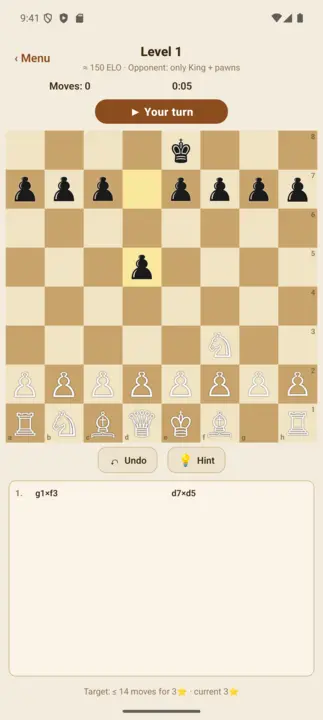
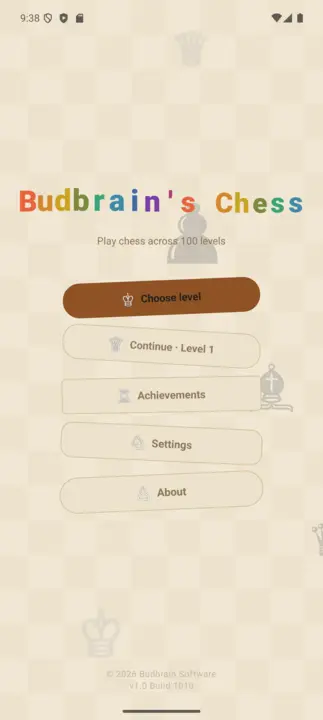
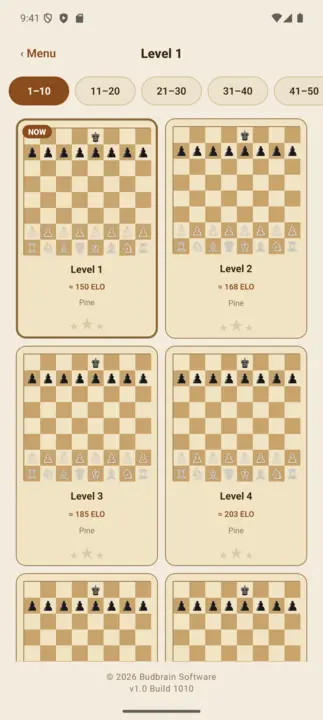
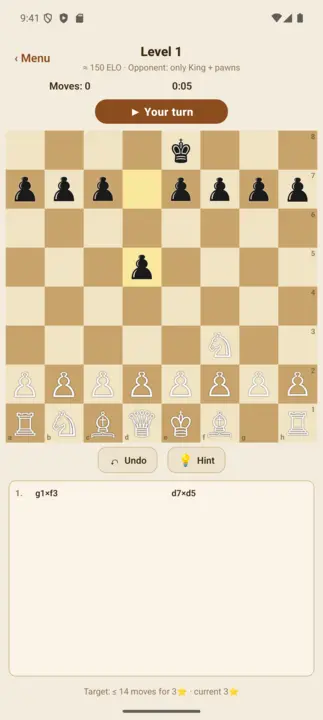
Cem níveis de xadrez contra o computador, de 150 a 1900 ELO. Nos primeiros níveis o adversário joga com desvantagem e depois fica mais forte a cada nível. Uma dica ajuda, as peças ameaçadas piscam, qualquer jogada pode ser desfeita — e cada partida ganha fica na galeria.
100 níveisDe 150 a 1900 ELOAdversário com desvantagemDica e desfazerGaleria de partidas ganhasOpenGLSDL2 · CairoGNOME / KDE / XFCE22 idiomas
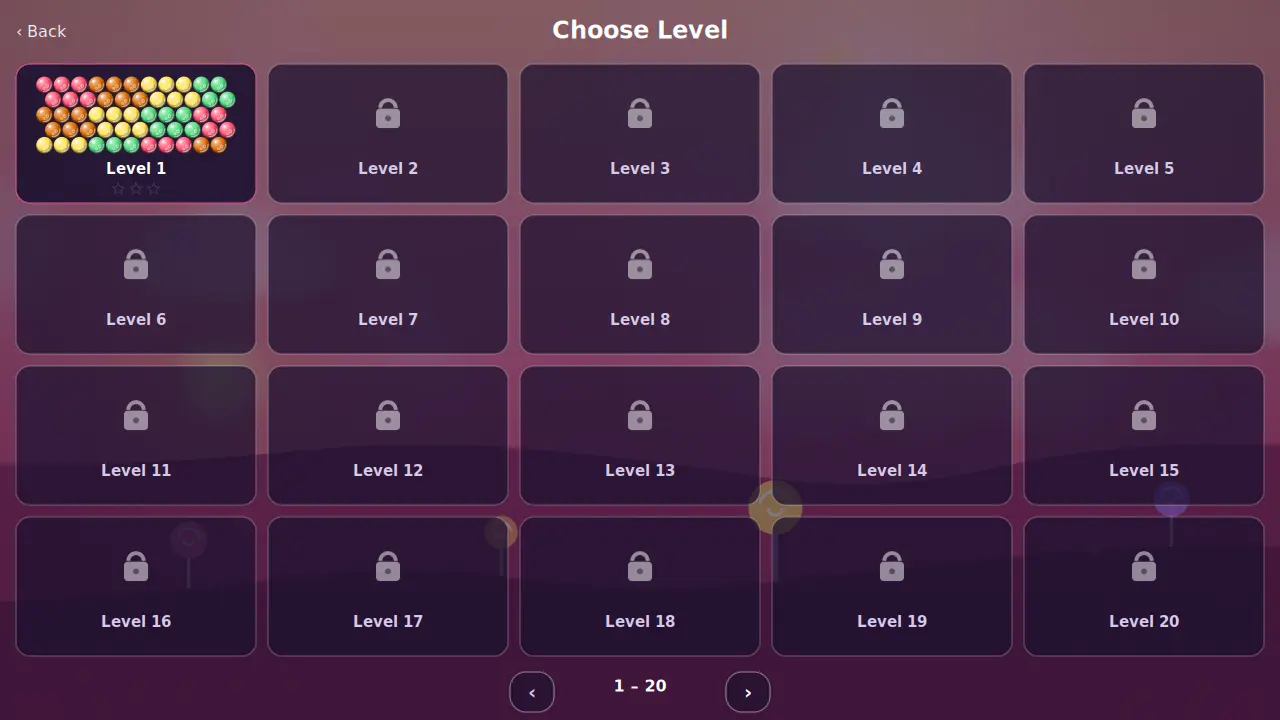
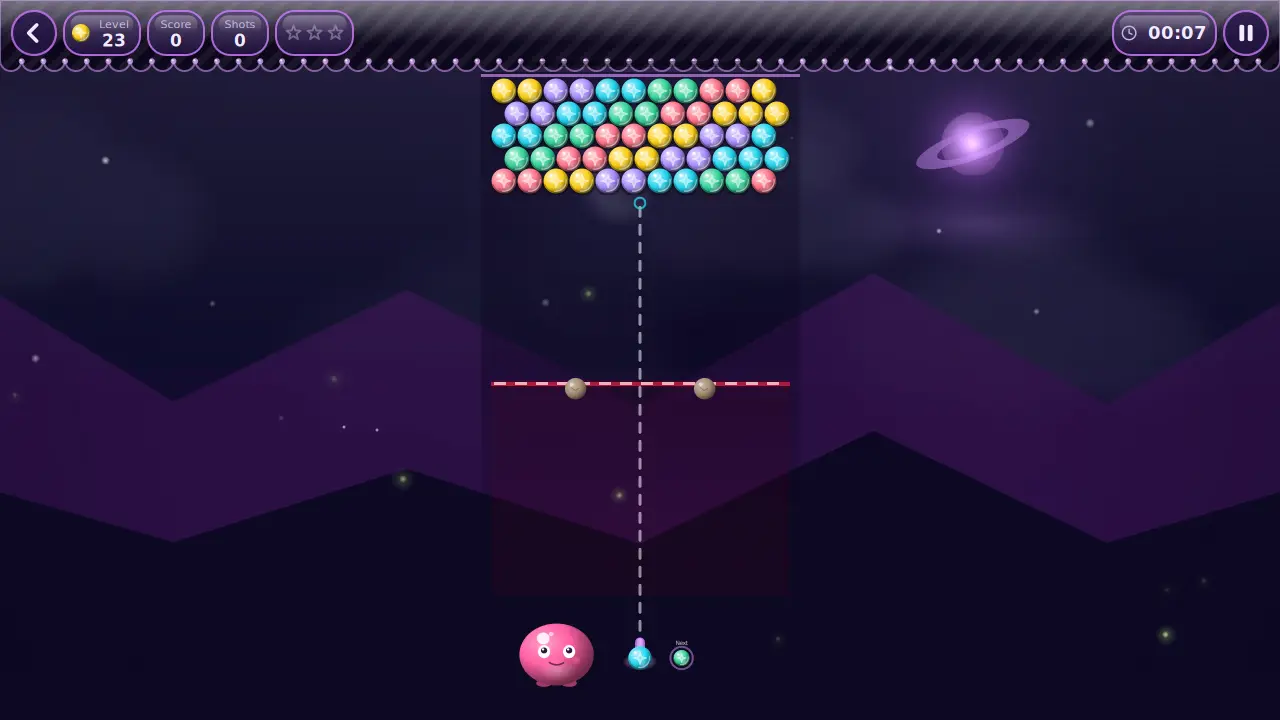
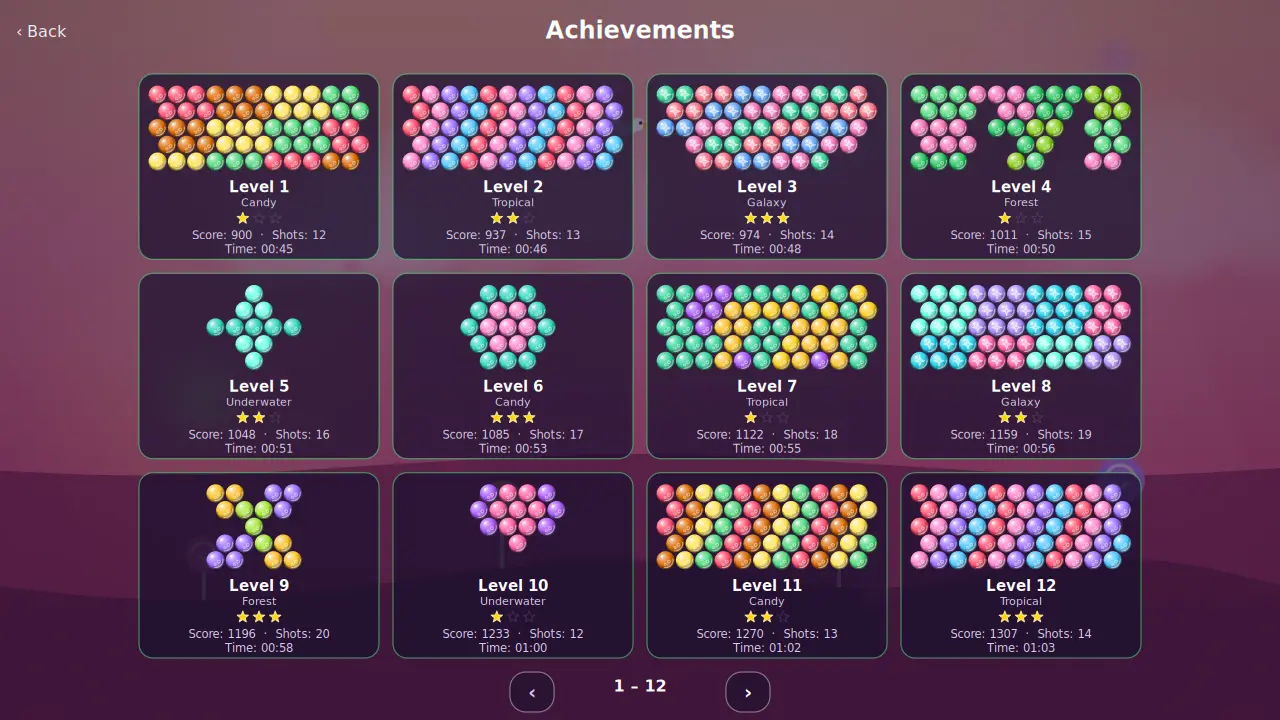
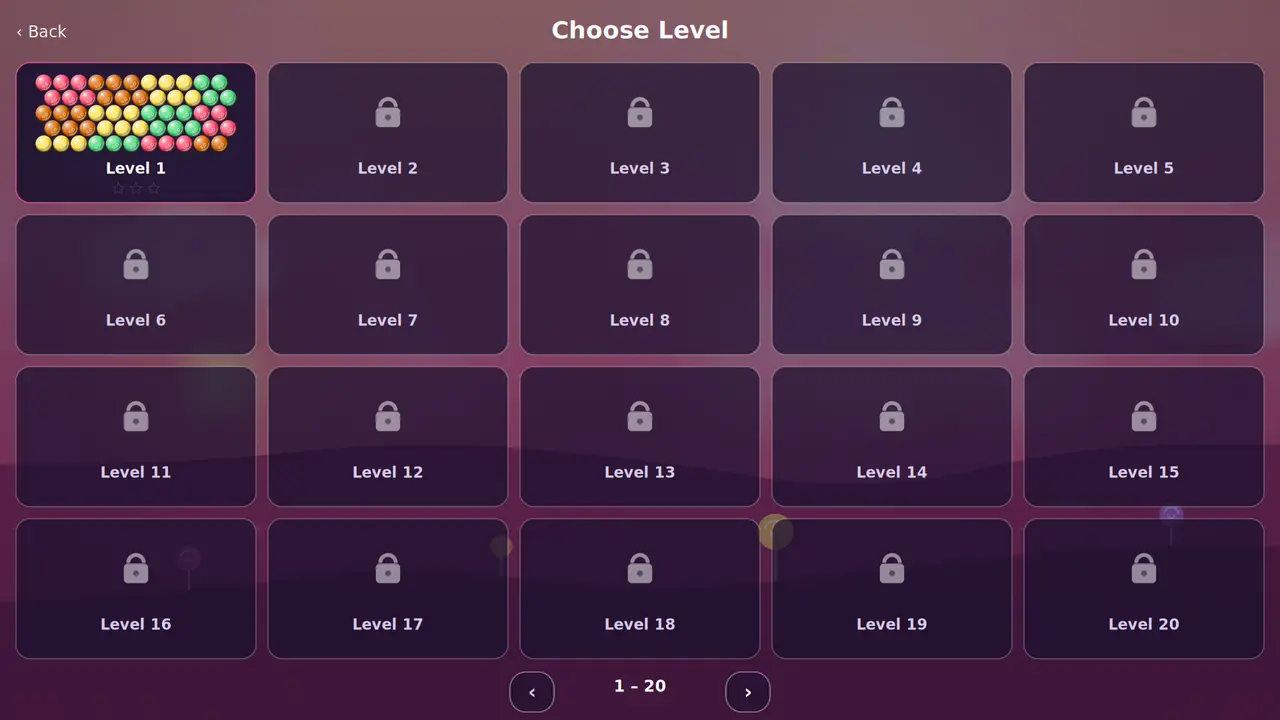
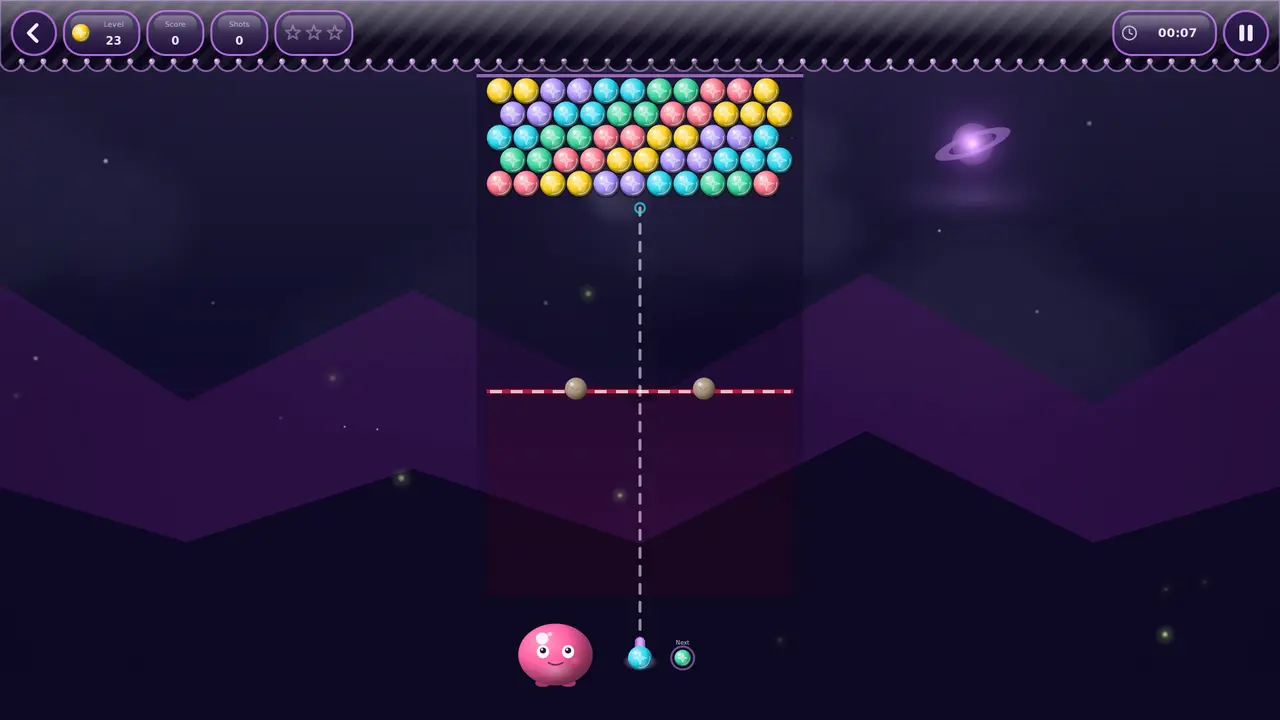
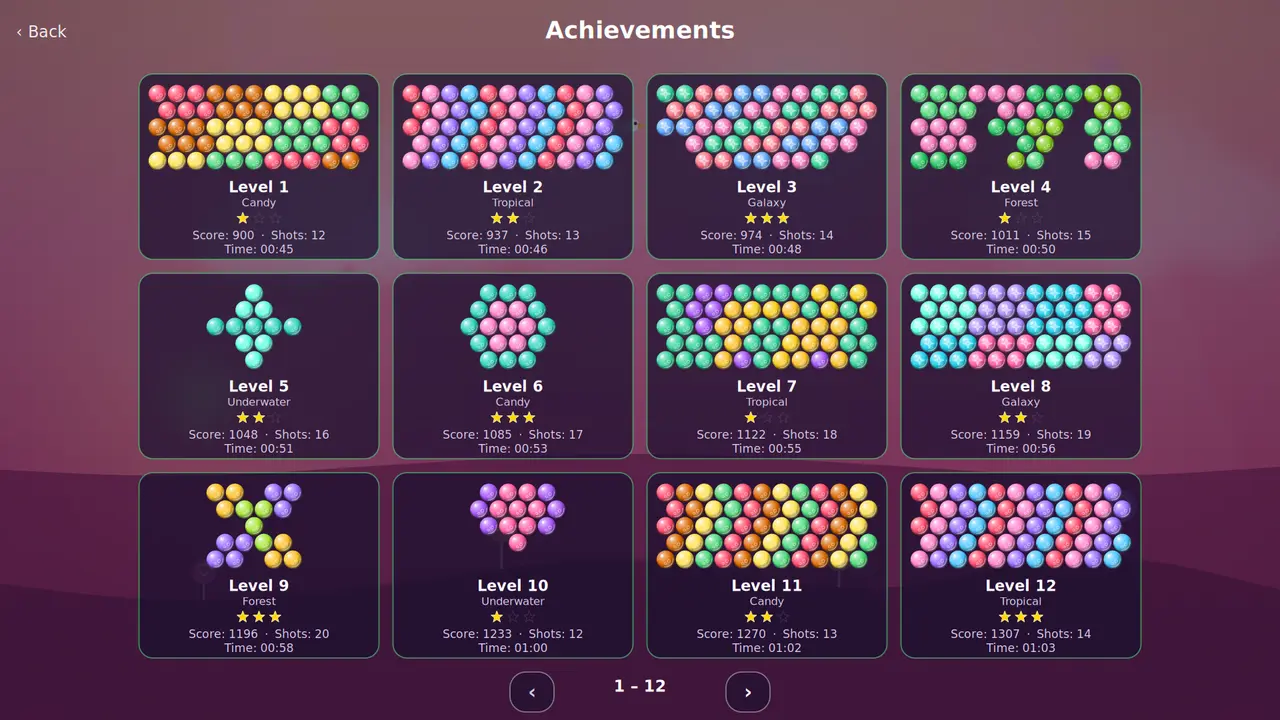
Cem níveis em cinco mundos: aponta, clica e junta três da mesma cor. A cada poucos disparos o tabuleiro desce uma linha — limpa-o antes de chegar ao fundo e ganha três estrelas. Além disso, um modo sem fim com tabela de recordes.
100 níveisCinco mundosModo sem fimDia e noiteTabela de recordesOpenGLSDL2 · CairoGNOME / KDE / XFCE22 idiomas
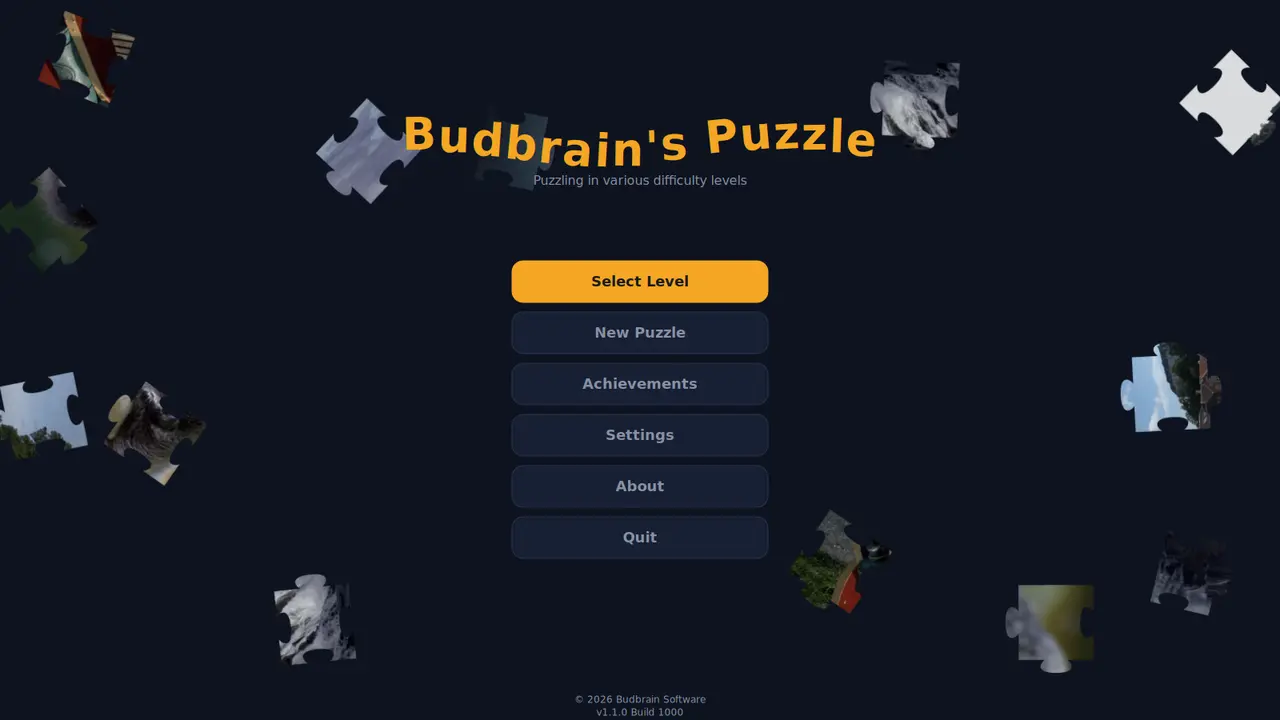
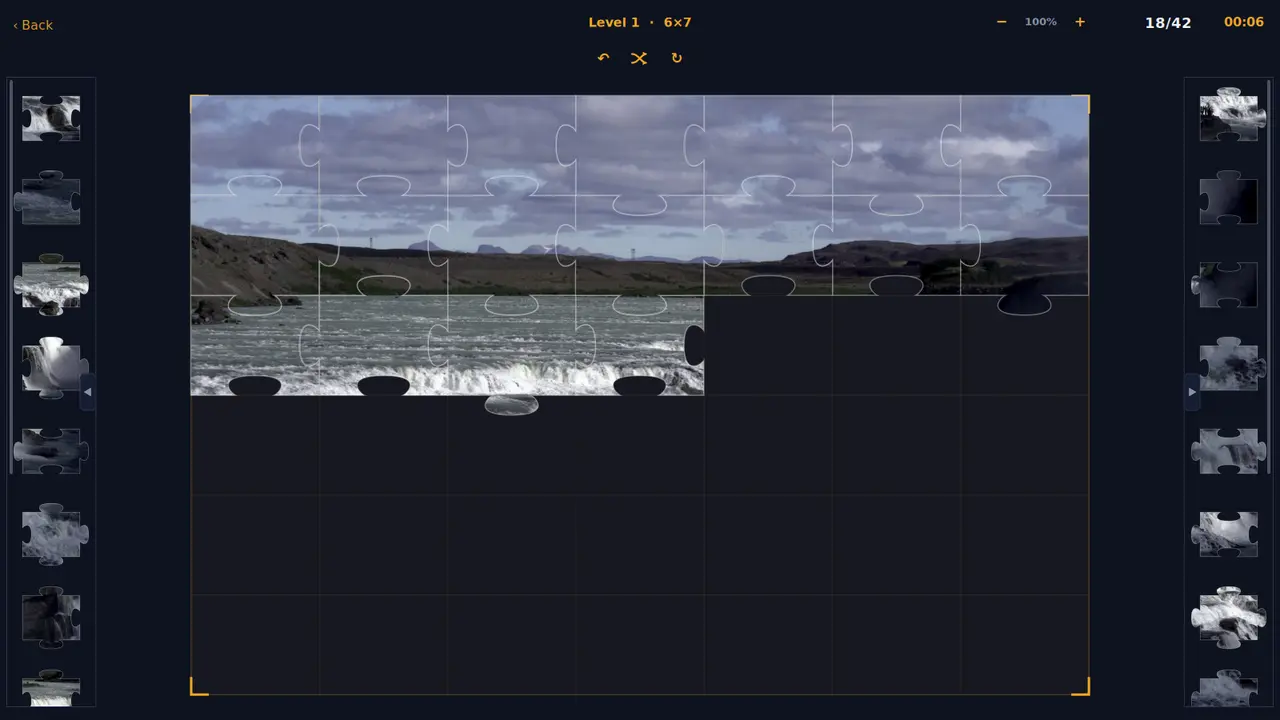
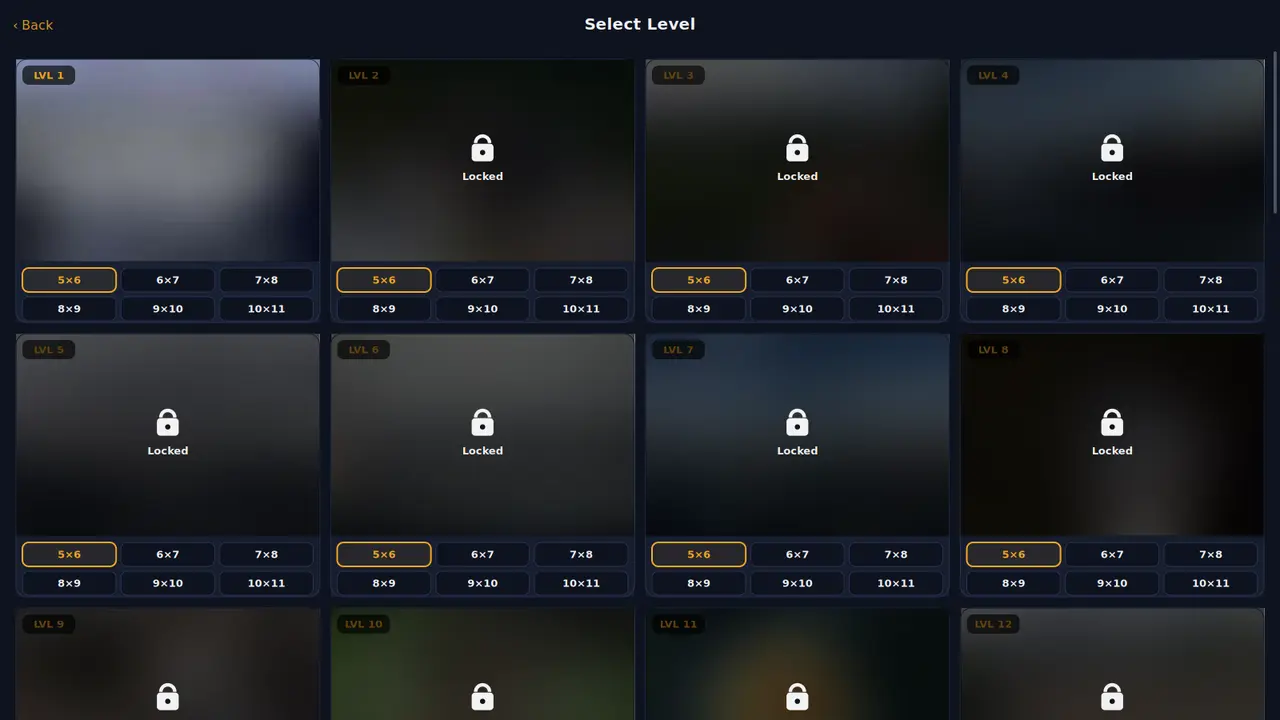
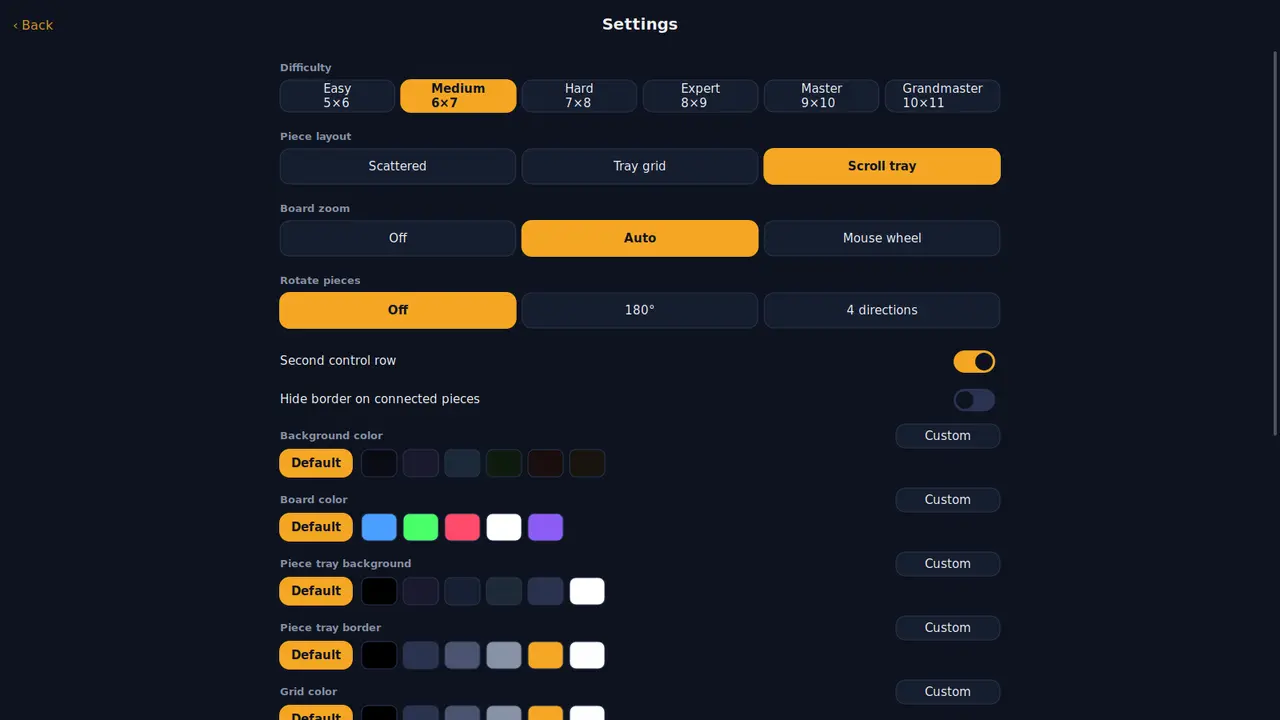
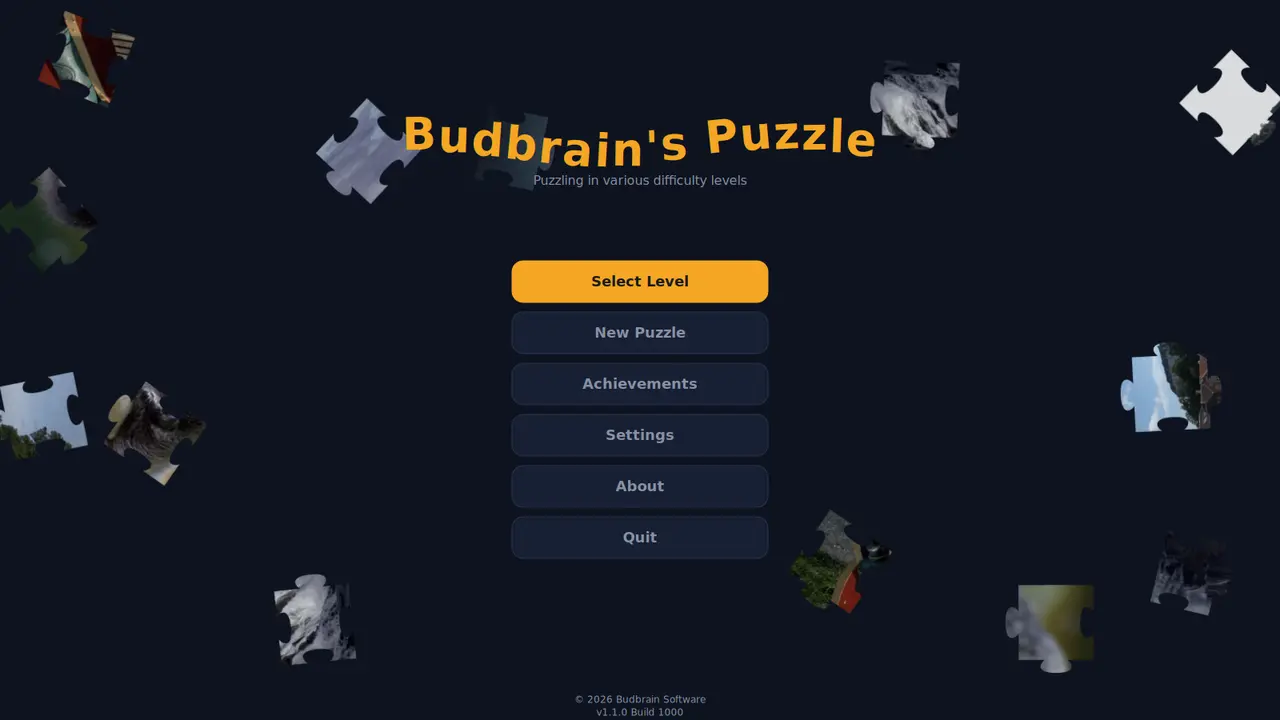
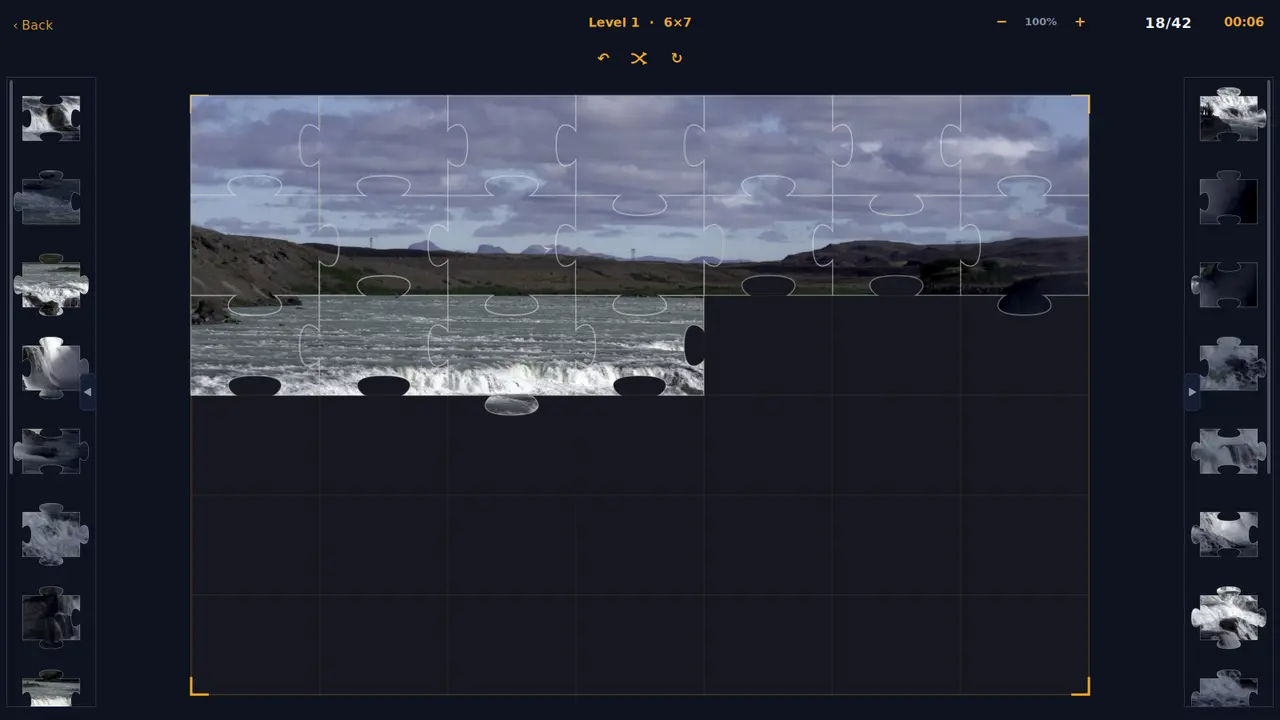
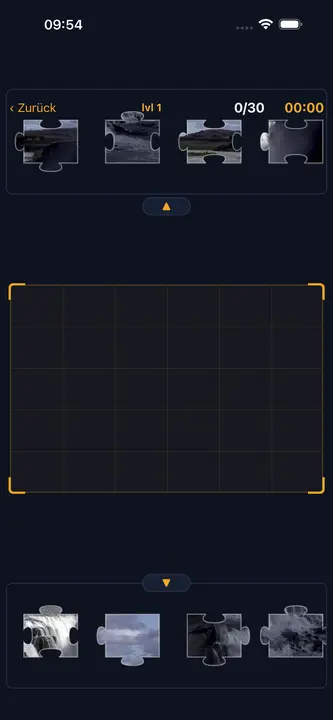
Quarenta fotografias como puzzles, cada uma em seis tamanhos, de trinta a cento e dez peças. Uma peça perto do seu lugar encaixa sozinha — liga a rotação se o quiseres mais difícil.
Quarenta fotografiasSeis tamanhosDe 30 a 110 peçasPeças que rodamConquistasCores própriasOpenGLSDL2 · CairoGNOME / KDE / XFCE22 idiomas
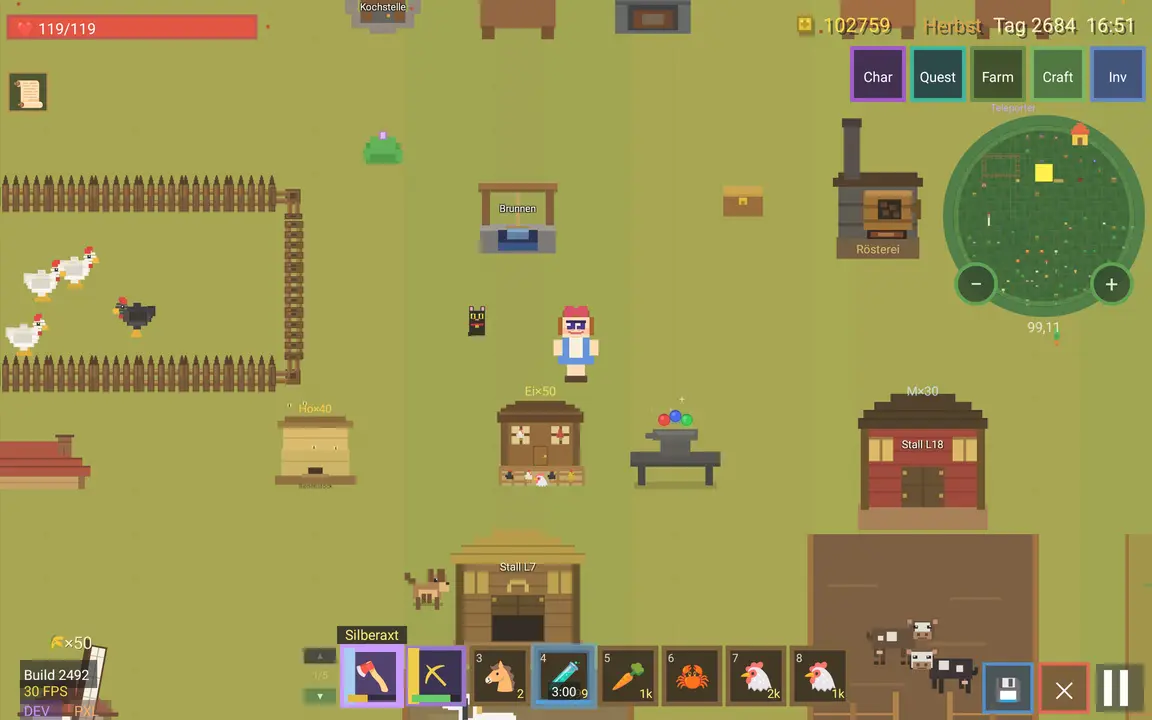
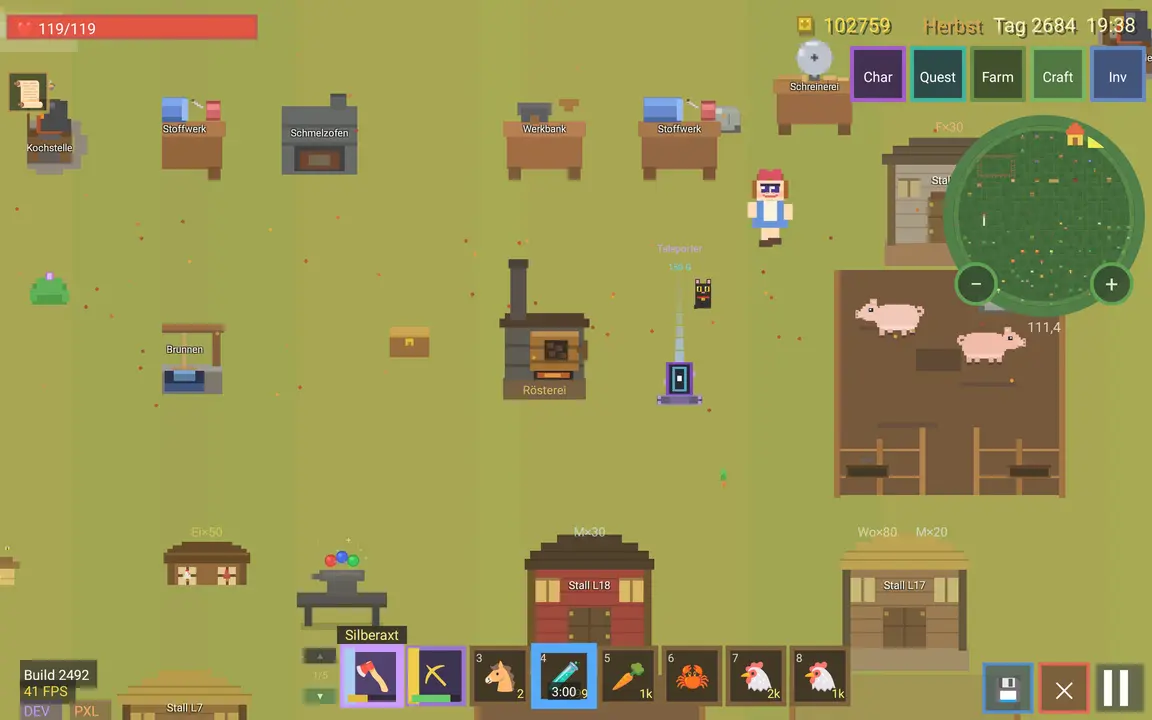
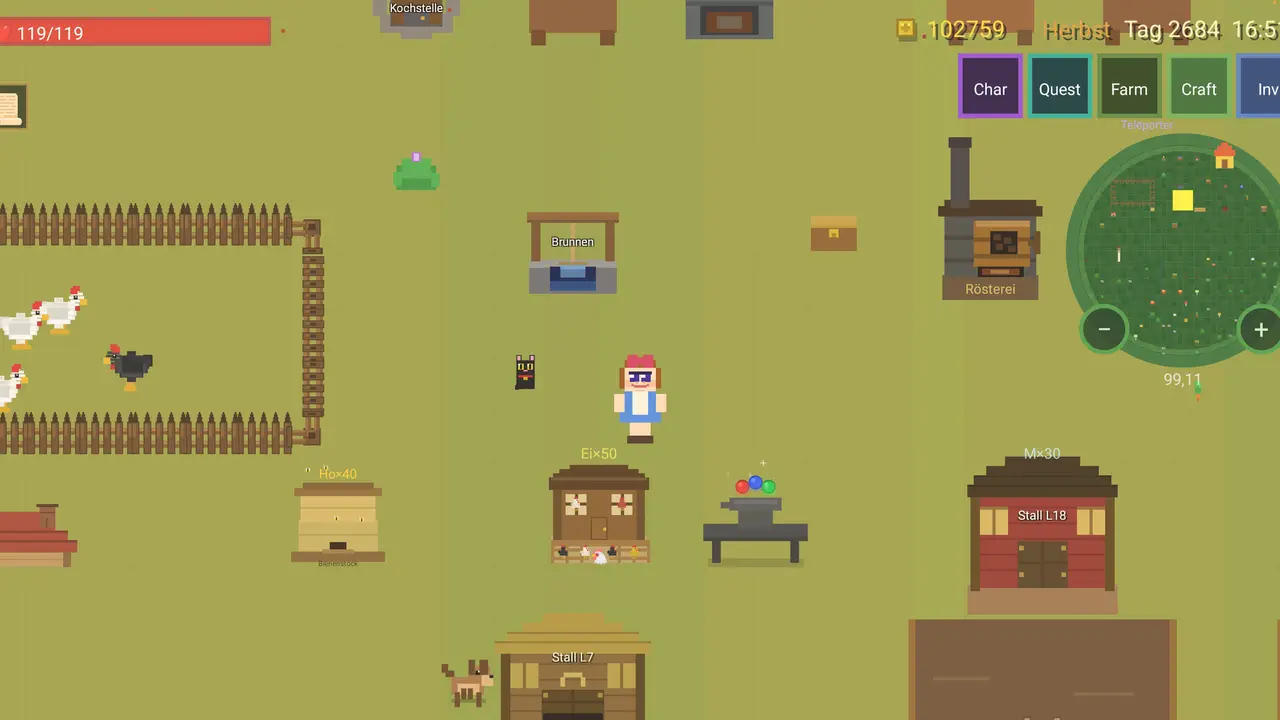
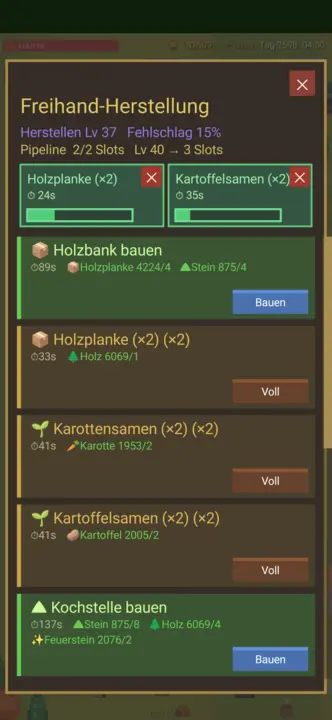
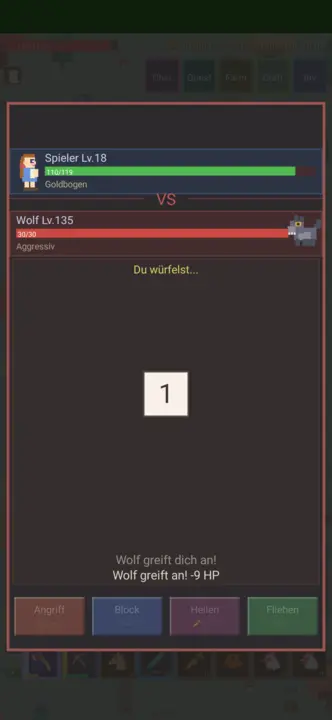
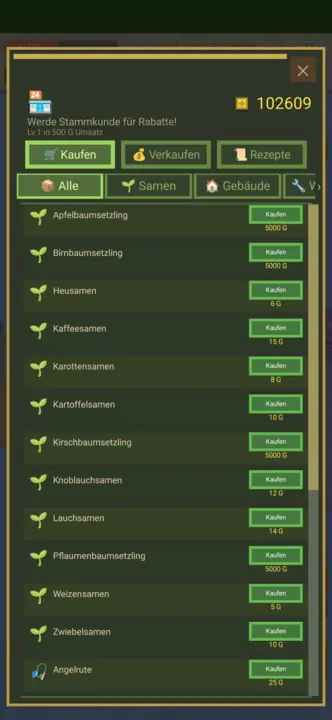
Constrói uma quinta a partir de um terreno vazio: limpar, semear, criar animais, escavar na mina. Mais de 300 objetos, 231 receitas, quatro estações — e guarda sozinho.
Mais de 300 objetos231 receitasSeis animaisQuatro estaçõesMina · pesca · caçaRato · teclado · comandoOpenGLSDL2 · CairoGNOME / KDE / XFCE22 idiomas
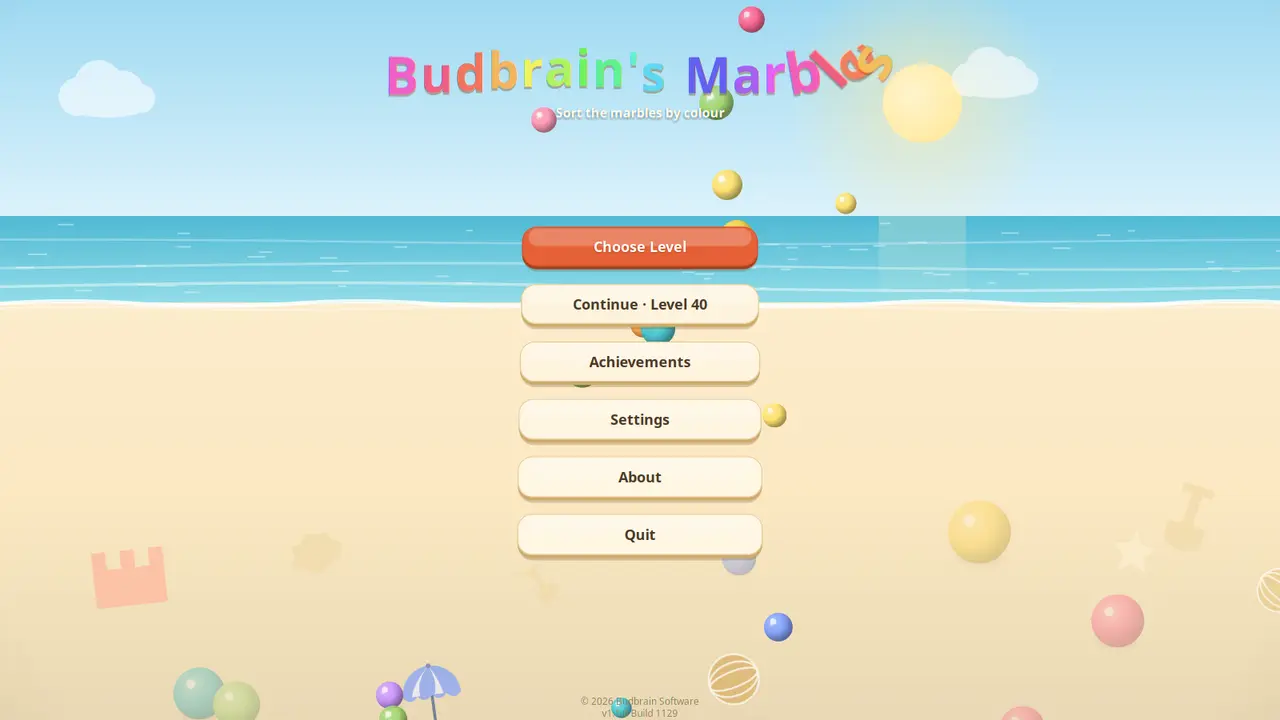
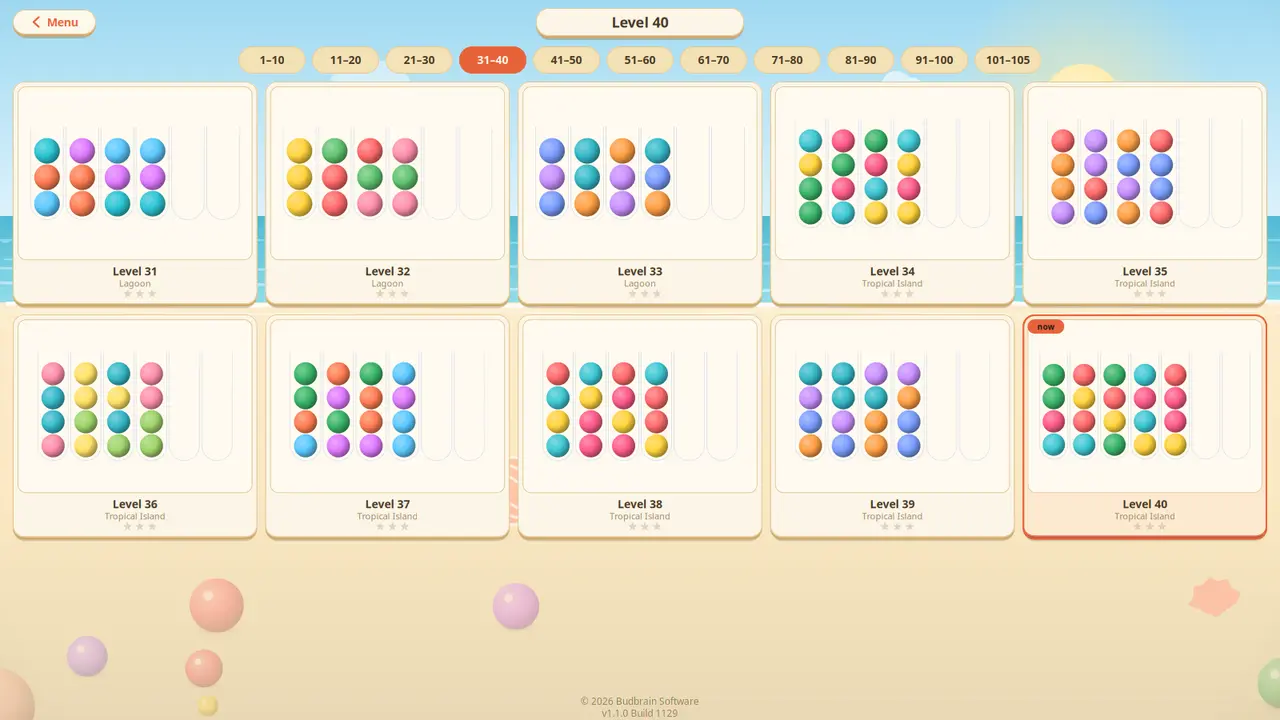
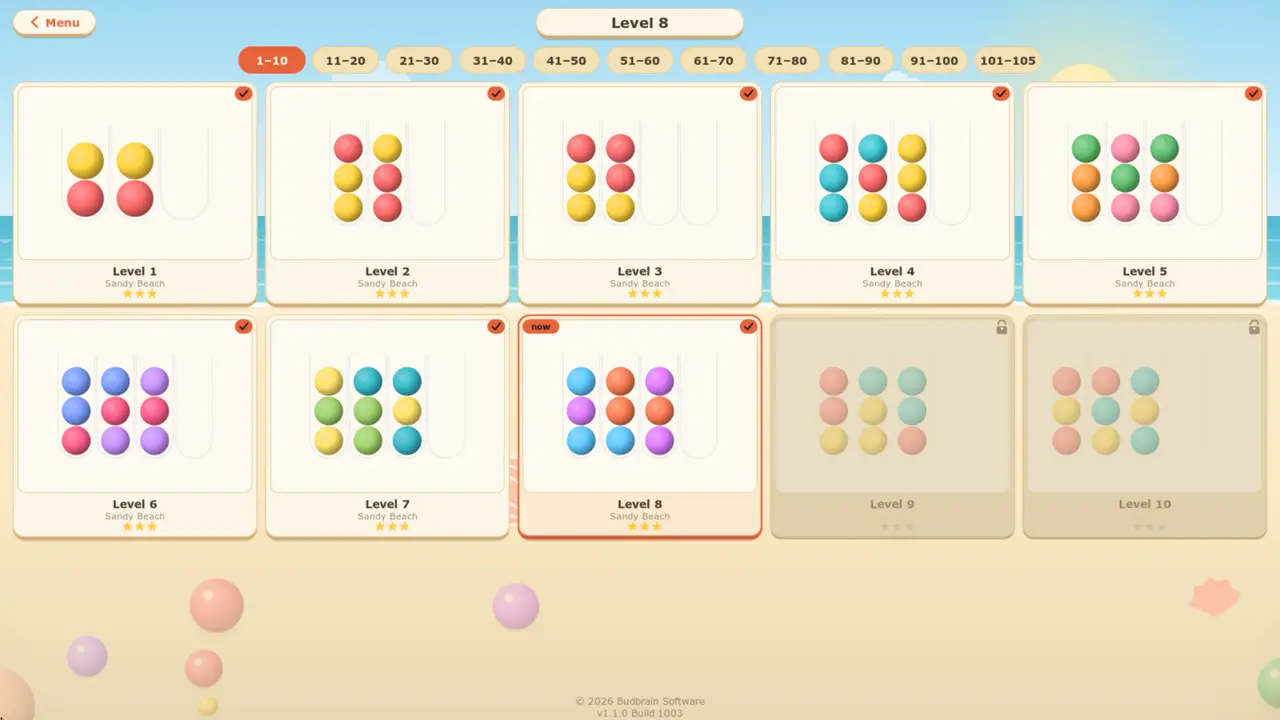
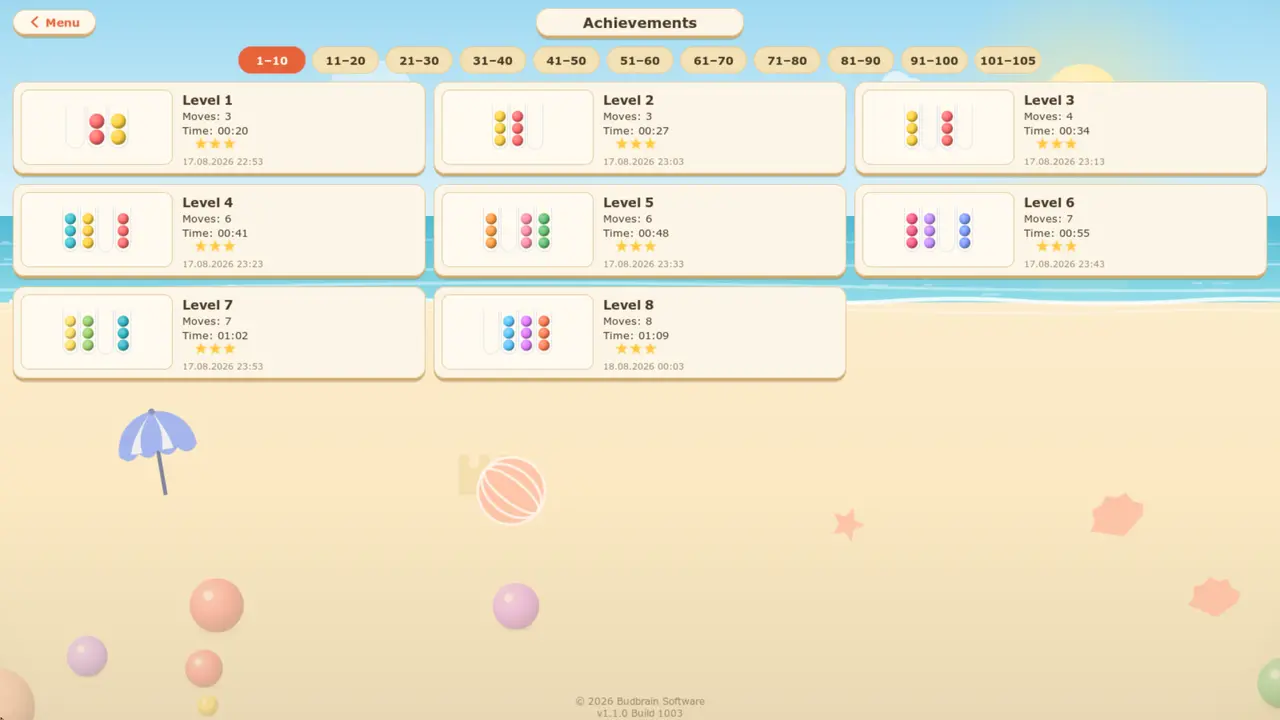
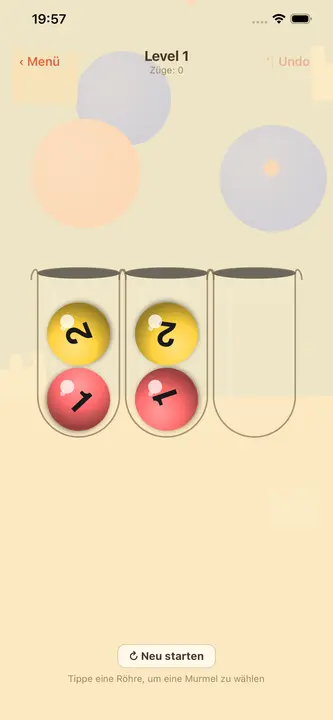
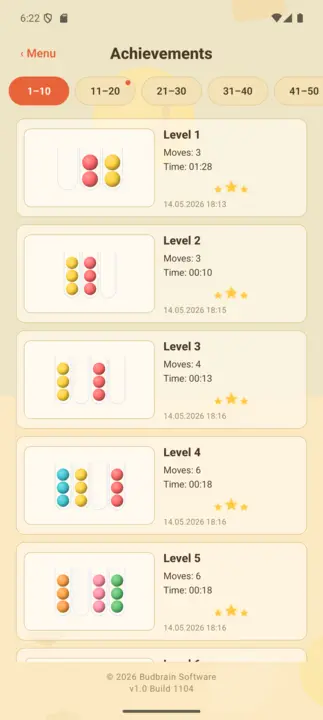
Ordene as bolinhas por cor: escolha um tubo e depois o destino — a bolinha de cima voa num arco. Cento e cinco quebra-cabeças em cinco praias, e todos têm solução.
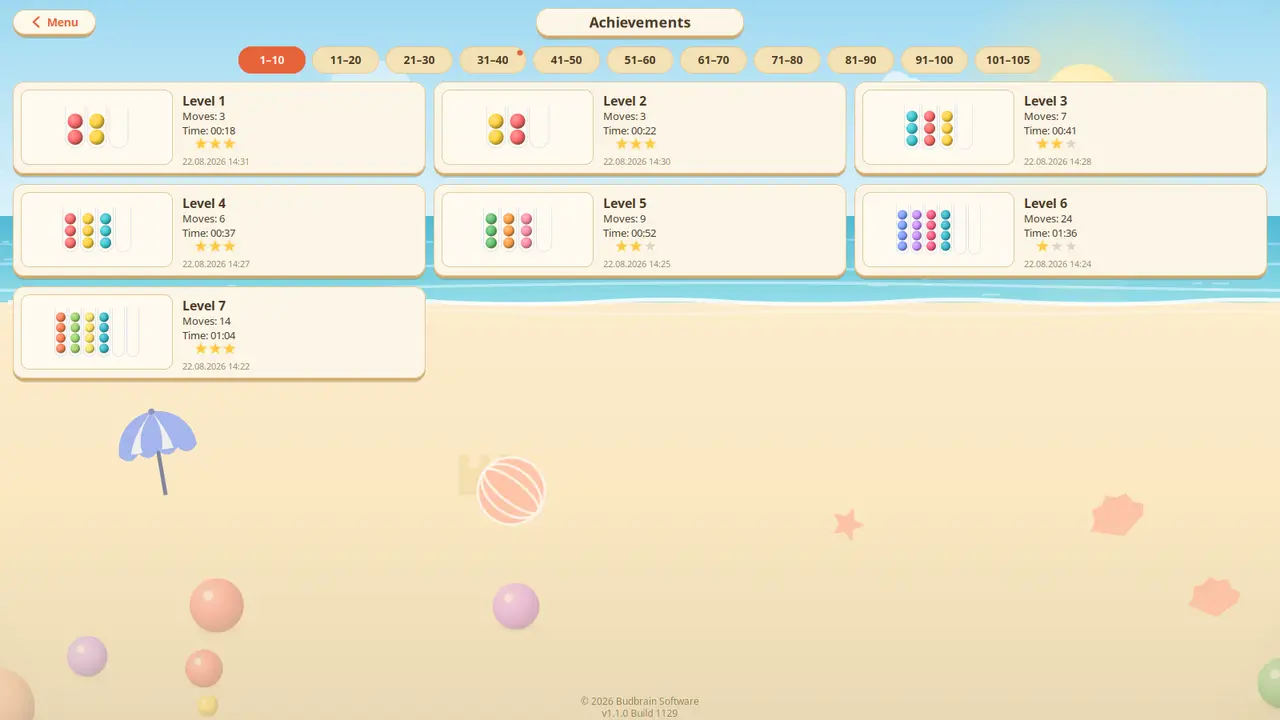
105 quebra-cabeçasCinco praiasTodos com soluçãoDesfazer · RecomeçarParede de conquistasOpenGLSDL2 · CairoGNOME / KDE / XFCE22 idiomas
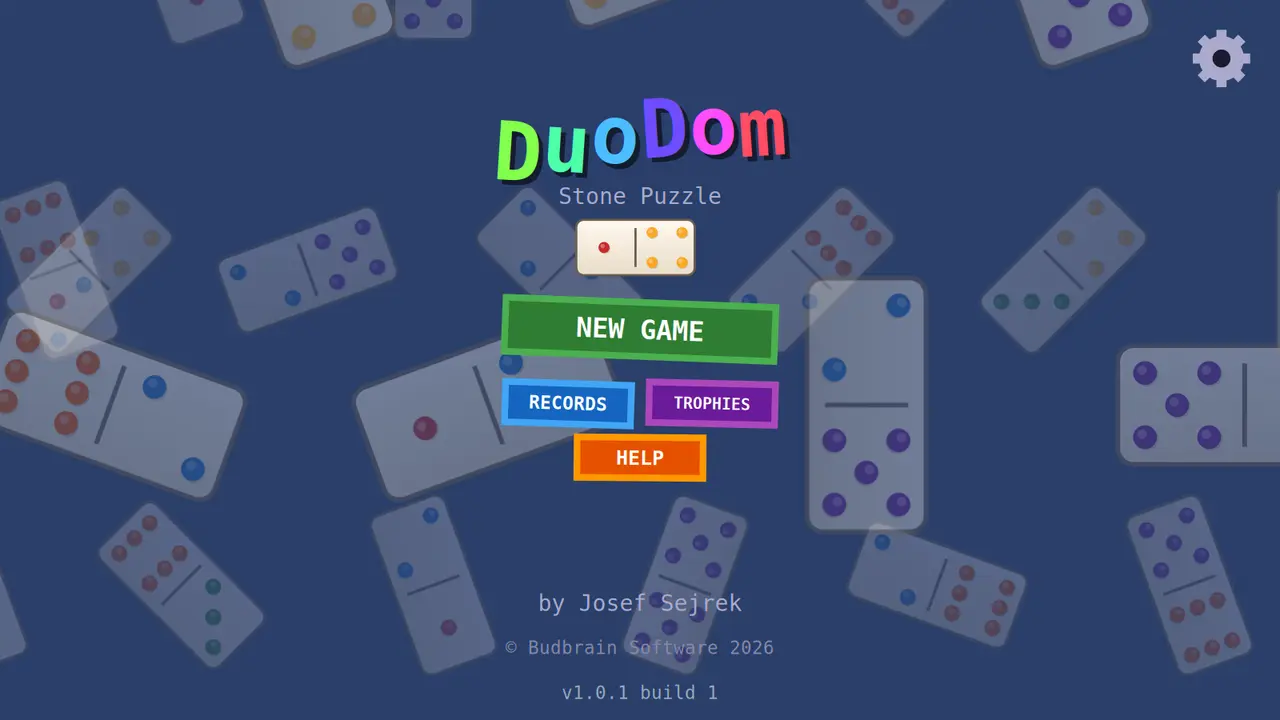
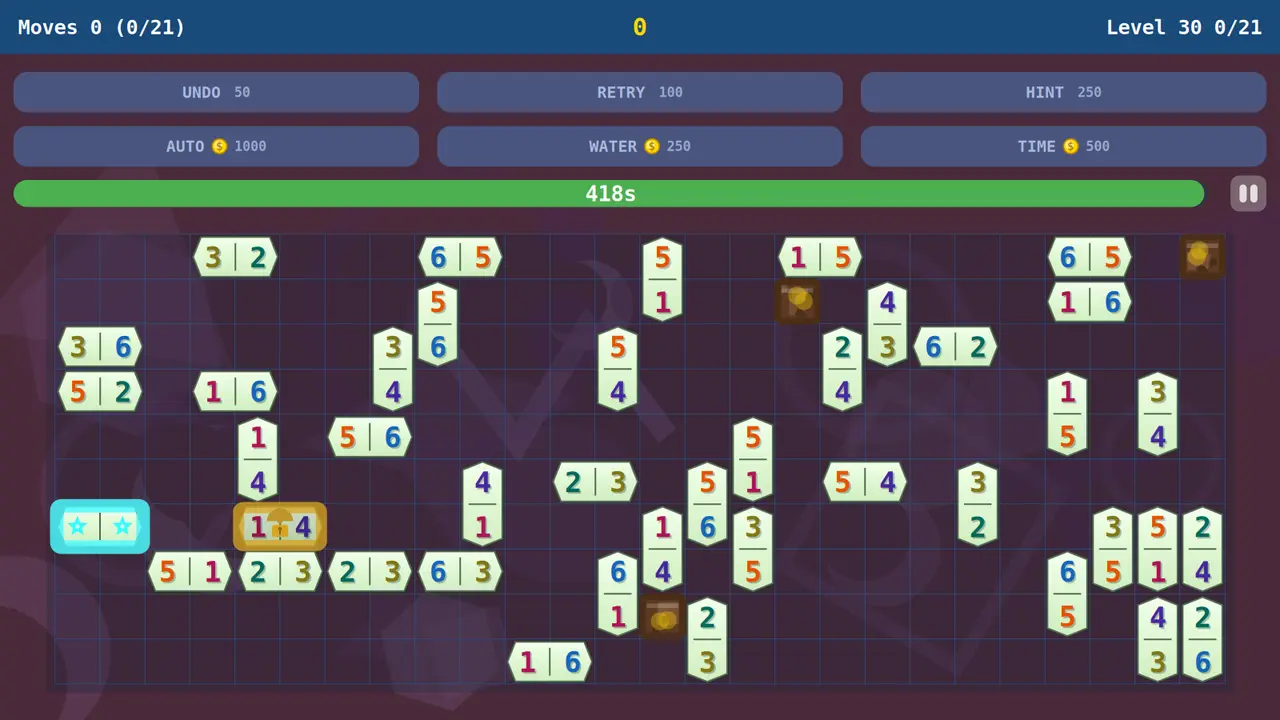
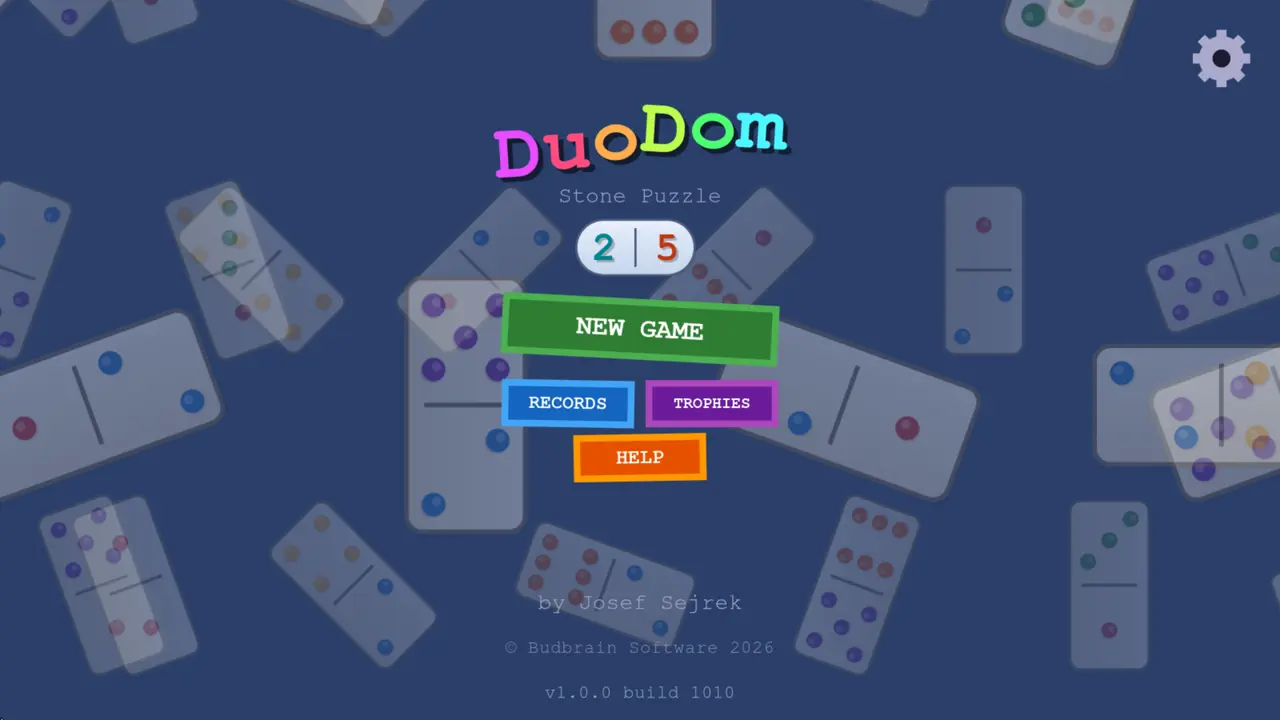
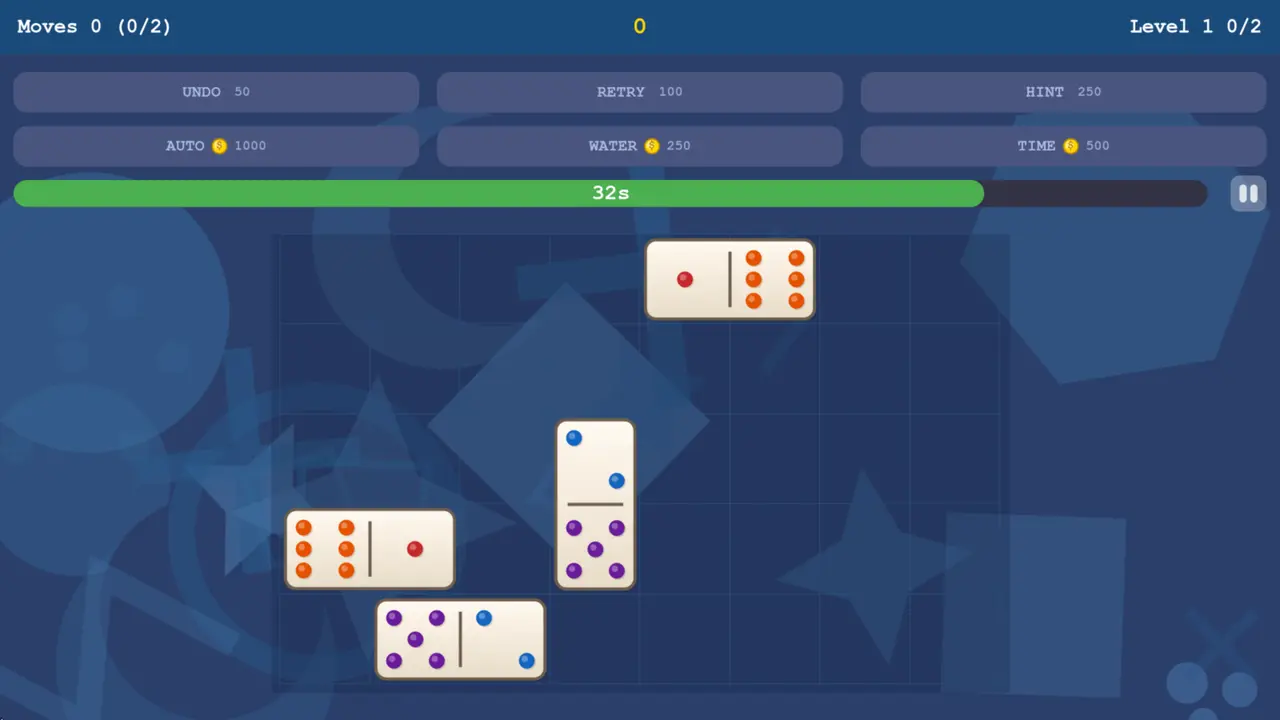
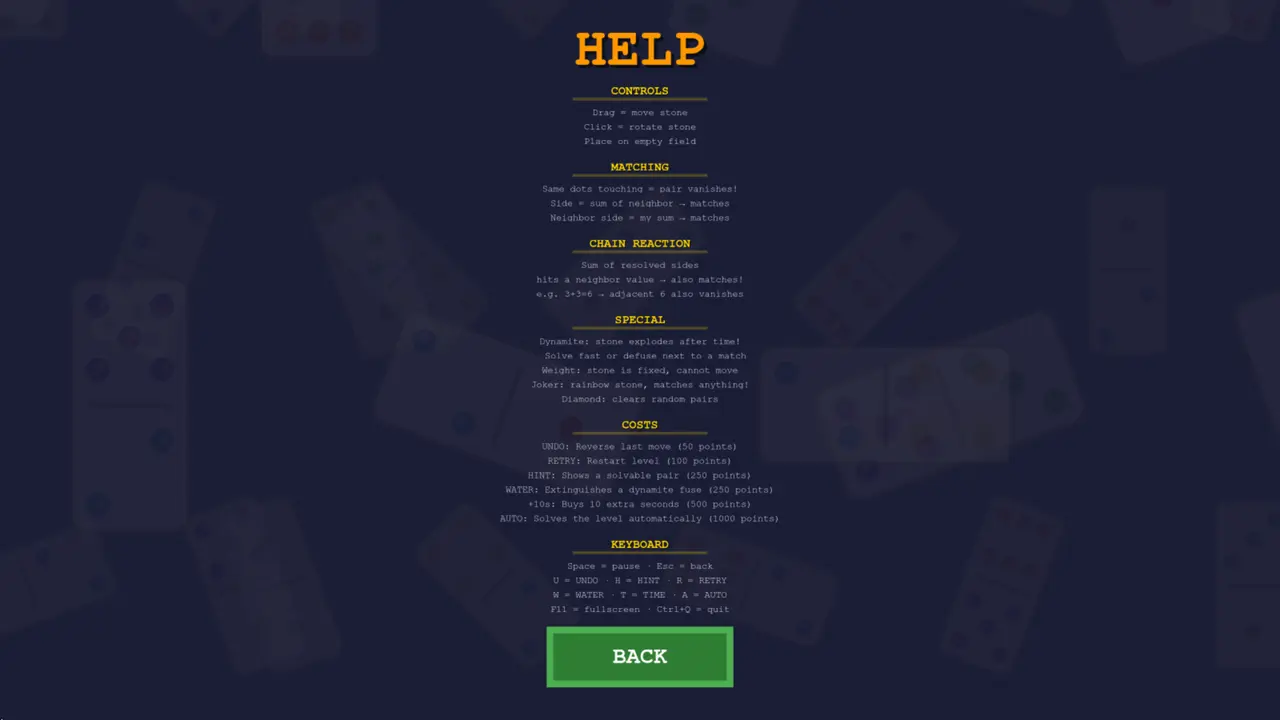
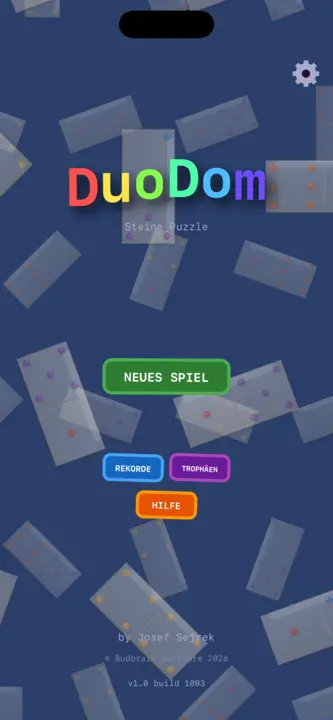
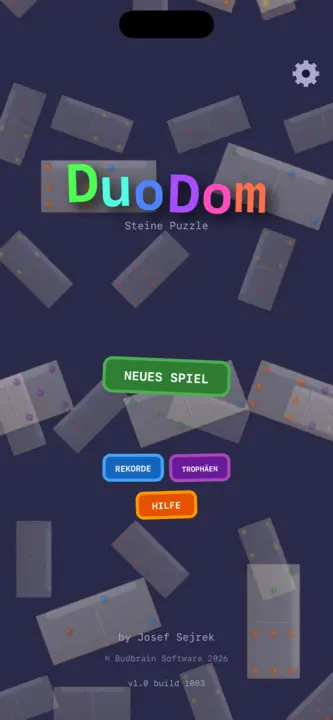
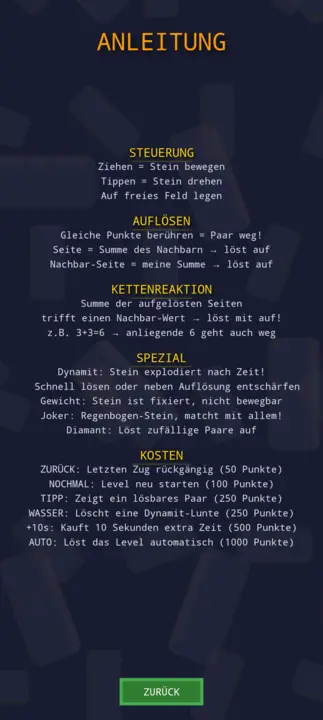
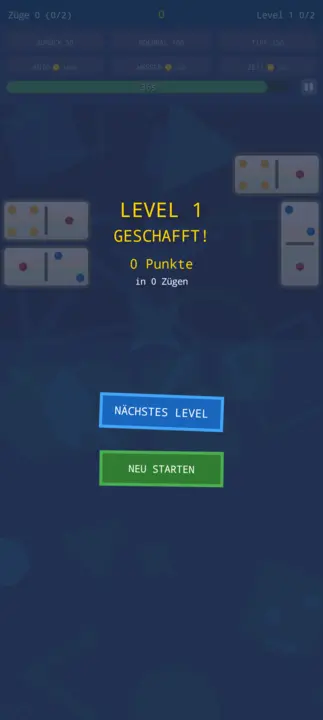
Junte as peças de dominó: os mesmos pontos ou a soma certa fazem um par desaparecer. Níveis sem fim com dinamite, coringa e diamante, e todos podem ser resolvidos.
Níveis sem fim17 tipos de peçasDinamite · Coringa · DiamanteDesfazer · Dica · ÁguaTroféus e recordesOpenGLSDL2 · CairoGNOME / KDE / XFCE20 idiomas
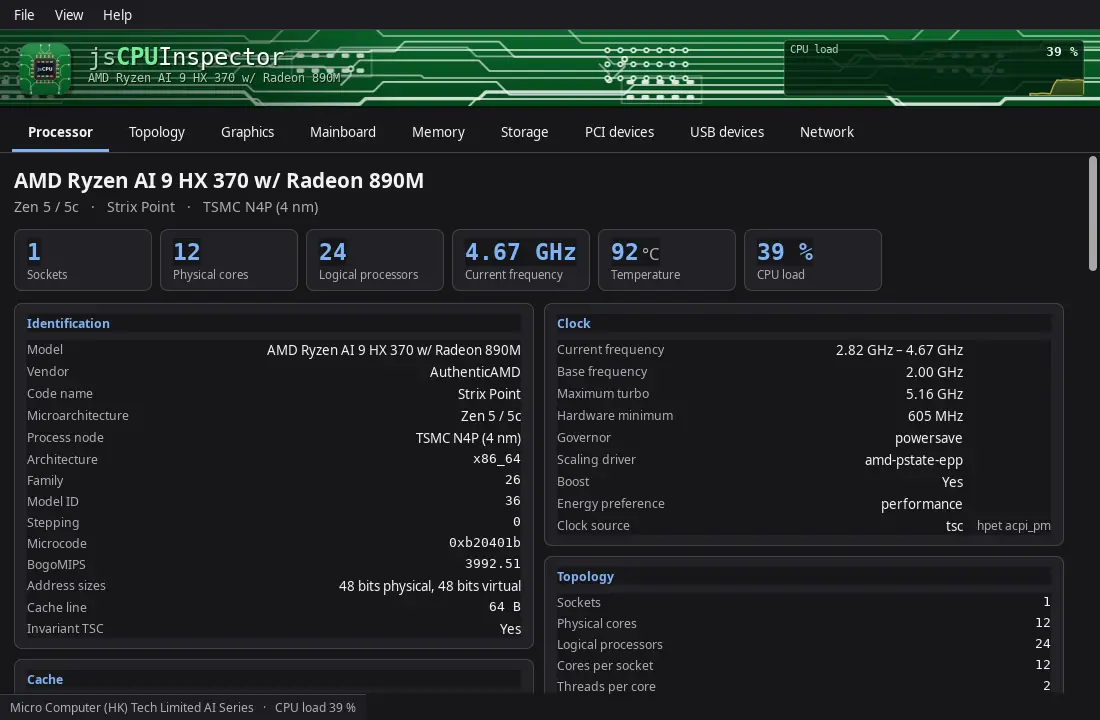
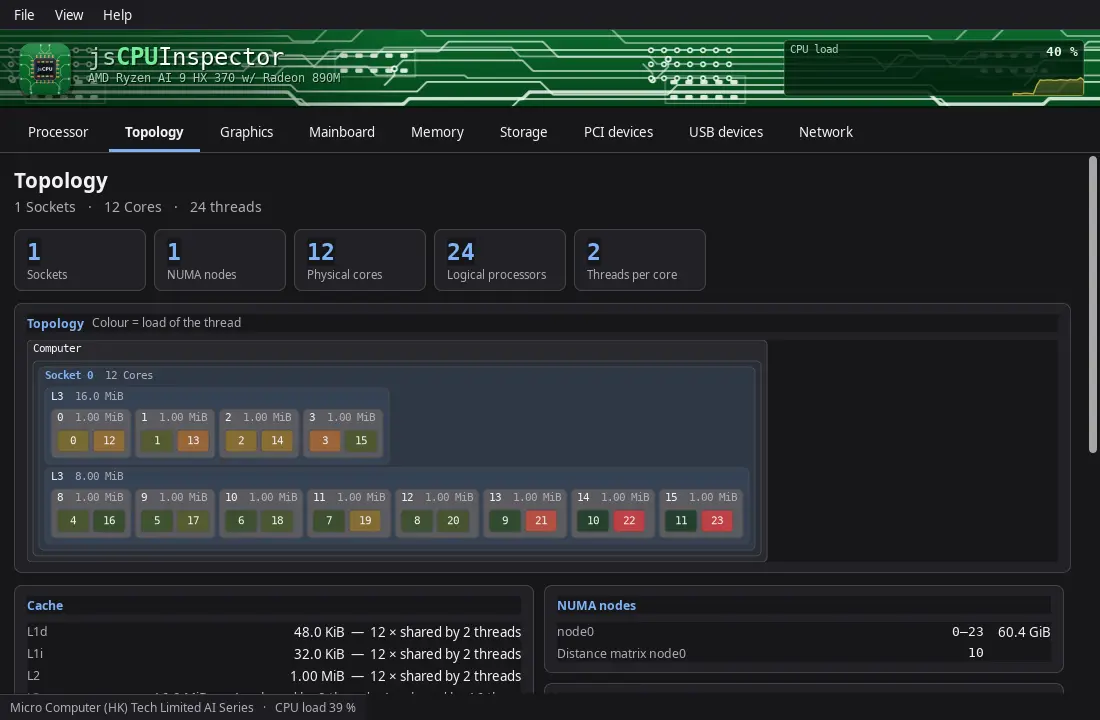
Mostra todos os detalhes do processador, da placa-mãe e da memória: sockets, núcleos e threads, tamanhos de cache, nome de código e processo de fabrico, a unidade gráfica, a BIOS e o chipset, e cada slot de memória — além de discos e dispositivos PCI, USB e de rede.
Frequência e carga em direto por núcleoNíveis de cache à escalaCPUIDSMBIOSPCI · USBSMARTGTK3GNOME / KDE / XFCE44 idiomas
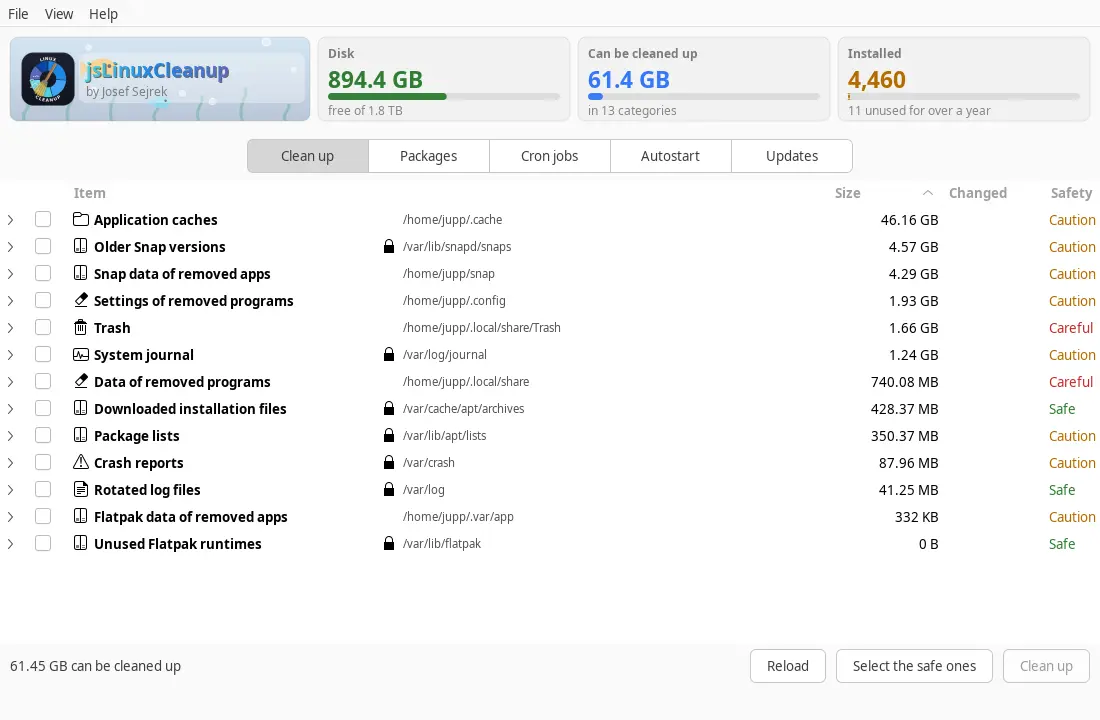
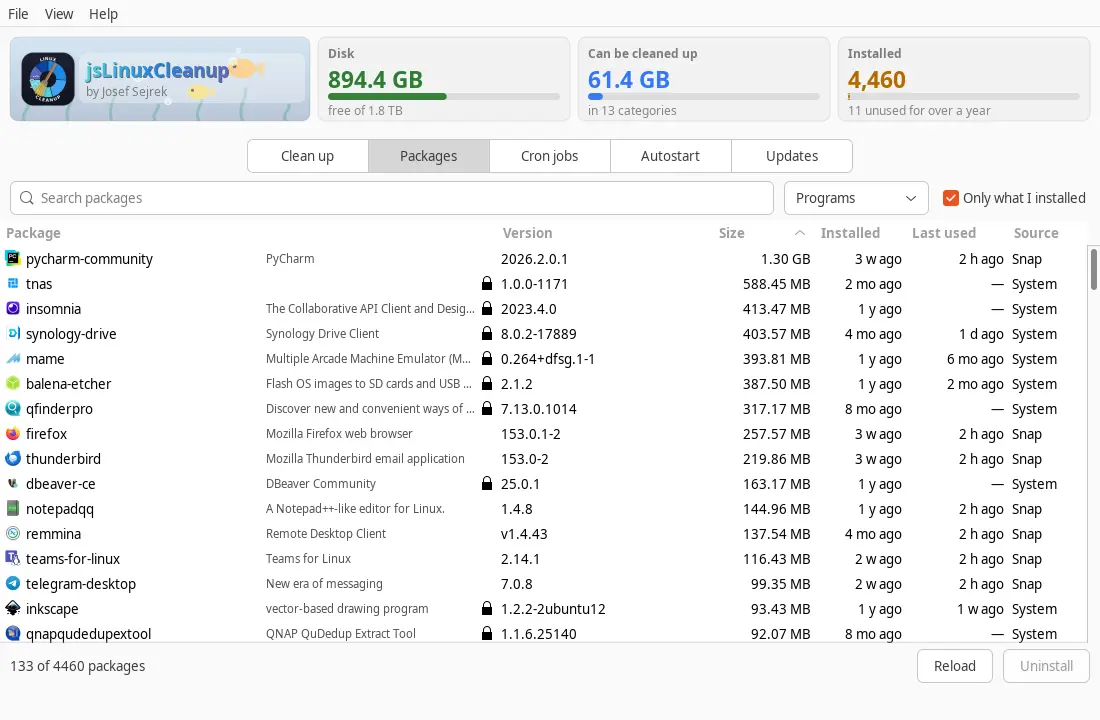
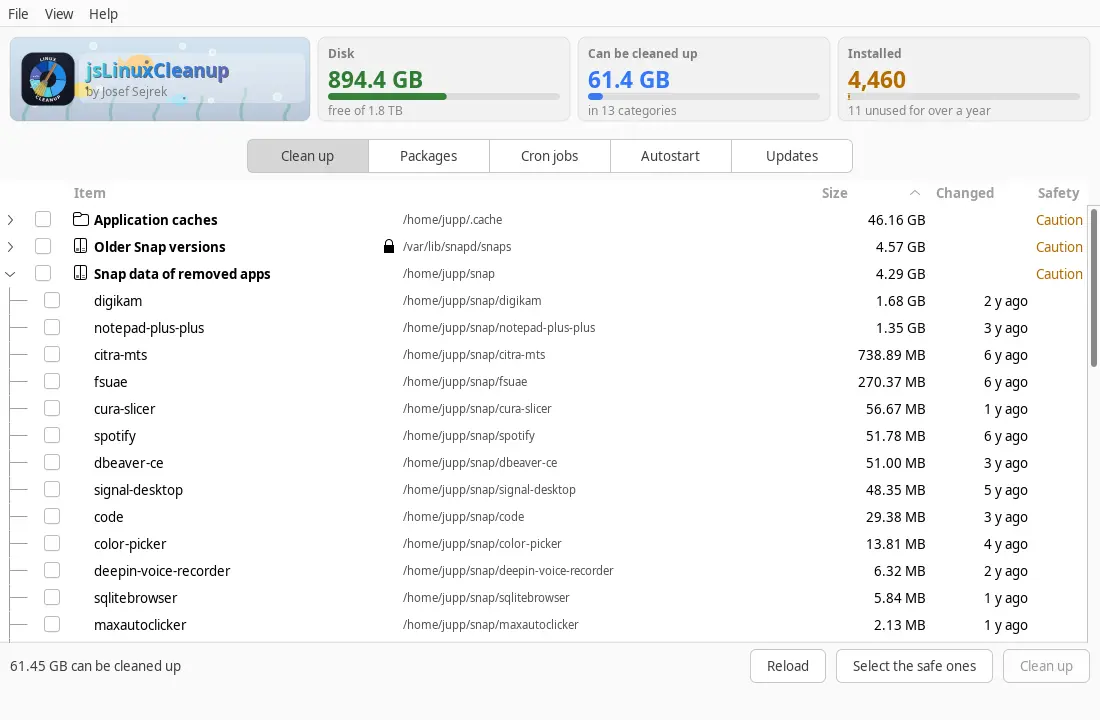
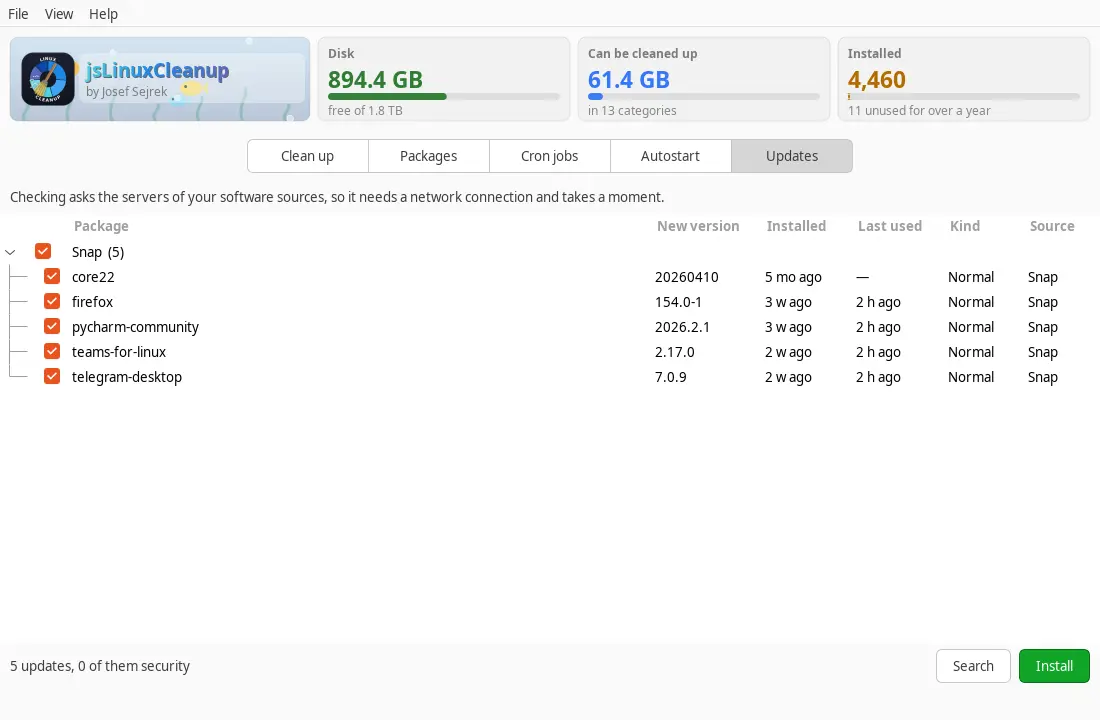
Mostra o que enche o disco em silêncio e o que está instalado: registos, caches, reciclagem e versões de pacotes desatualizadas, além de cada programa com tamanho, data de instalação e última utilização — incluindo restos de programas removidos, arranque automático, agendamentos e atualizações pendentes.
apt · dnf · zypper · pacmanSnap & FlatpakjournaldÚltima utilizaçãoRestos de programas removidosAgendamentosAutostartGTK3GNOME / KDE / XFCE44 idiomas
As caches como ~/.gradle, ~/.npm ou ~/.cache estão em pastas ocultas que uma aplicação isolada não pode ver por si só. Execute o comando uma vez e reinicie a aplicação.
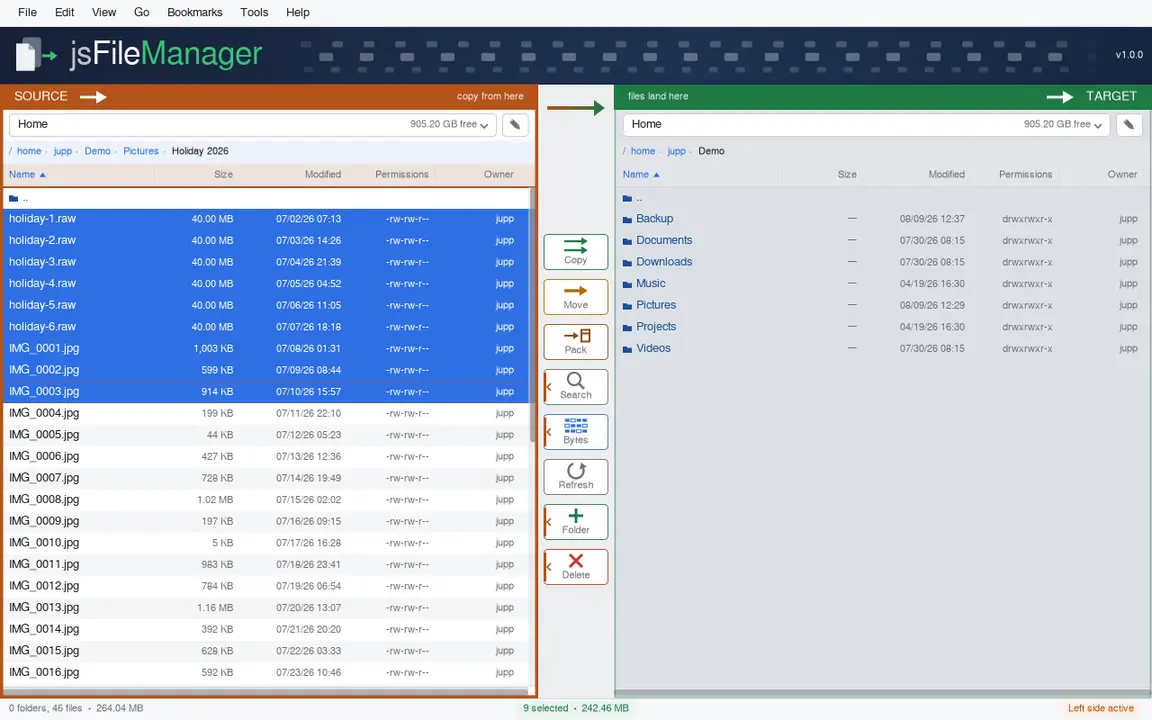
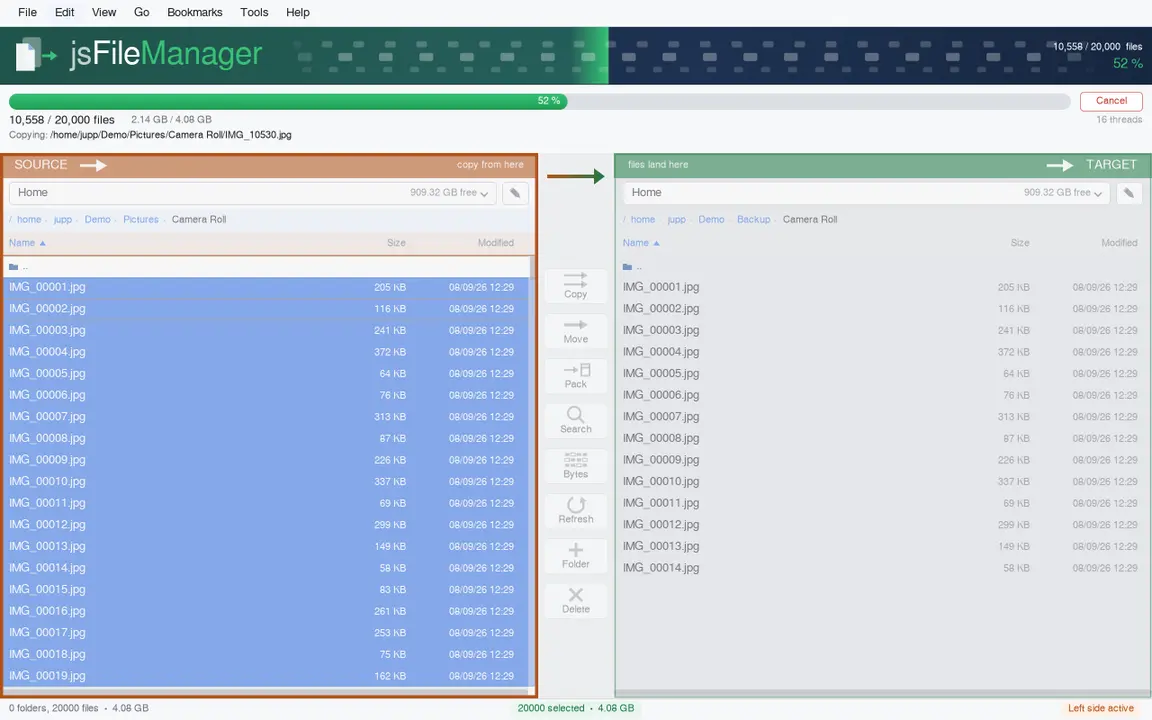
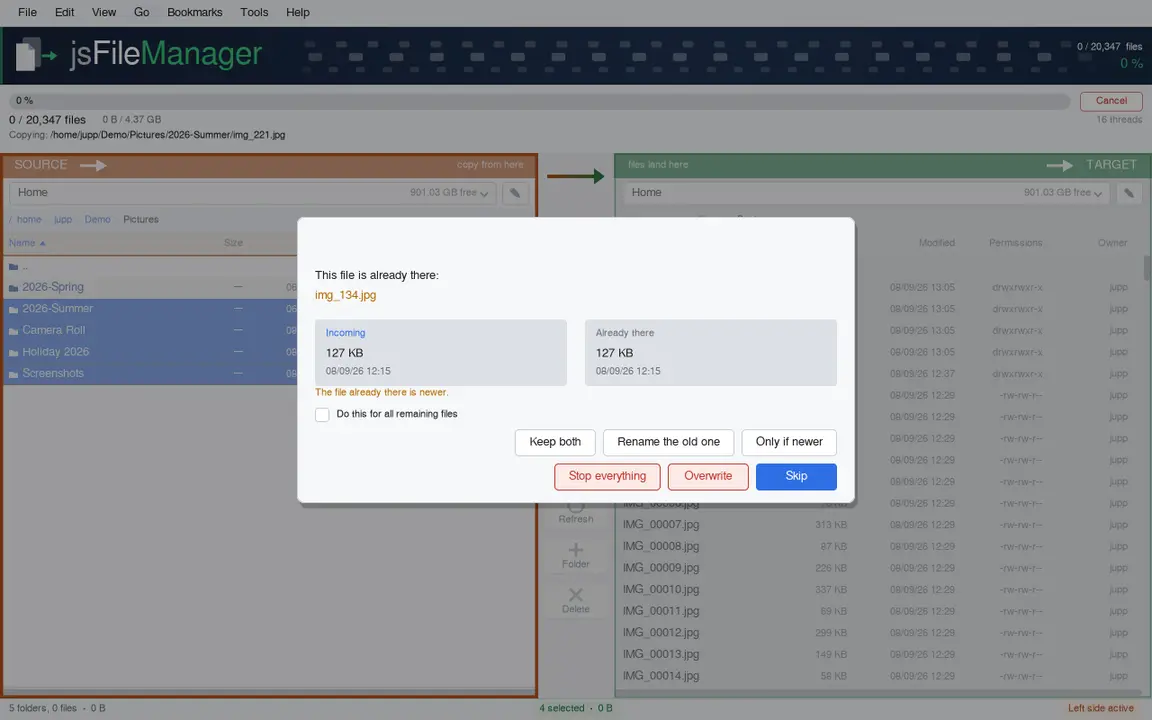
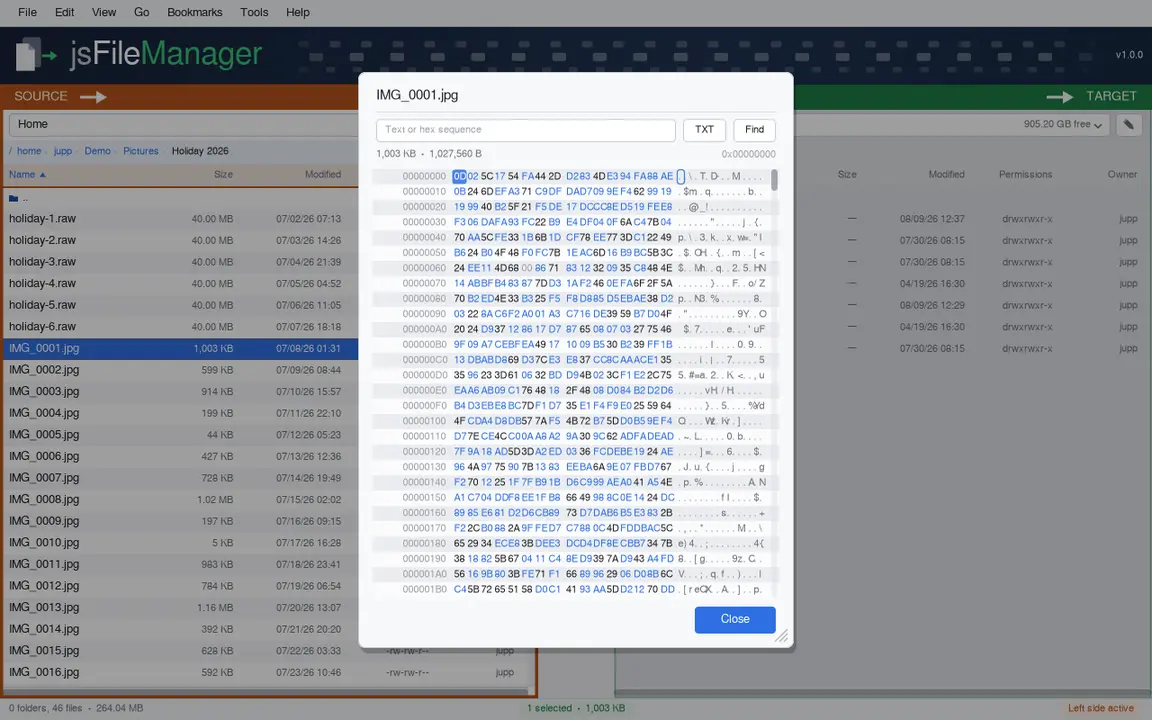
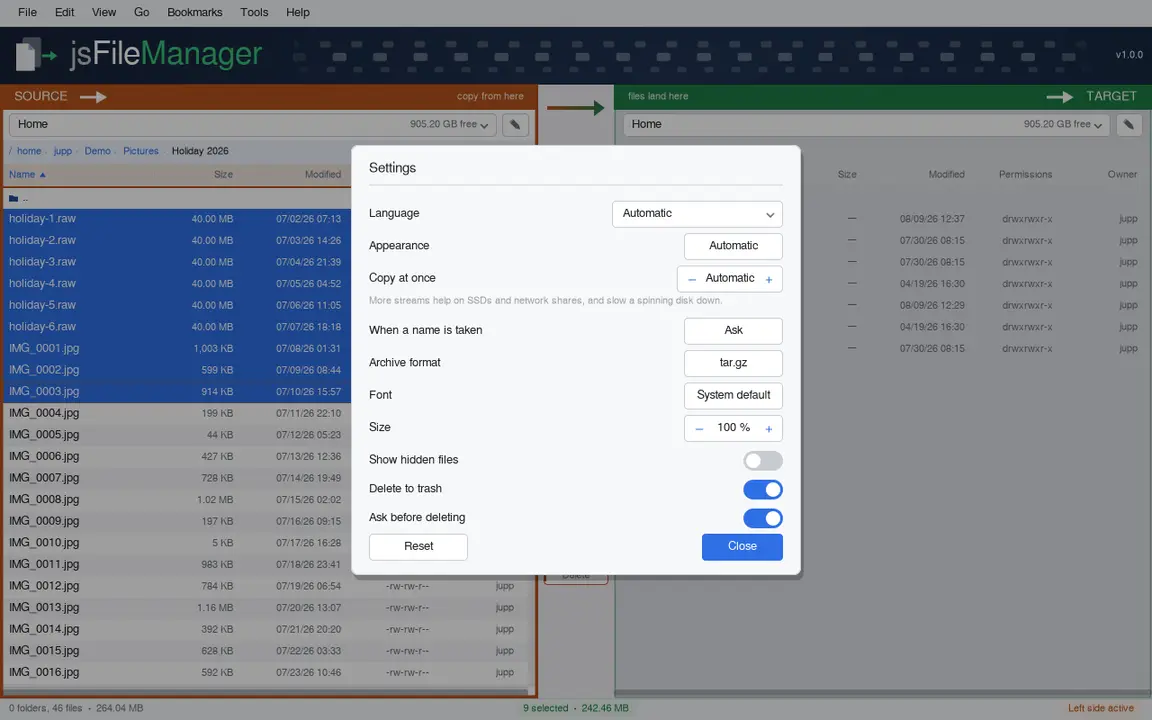
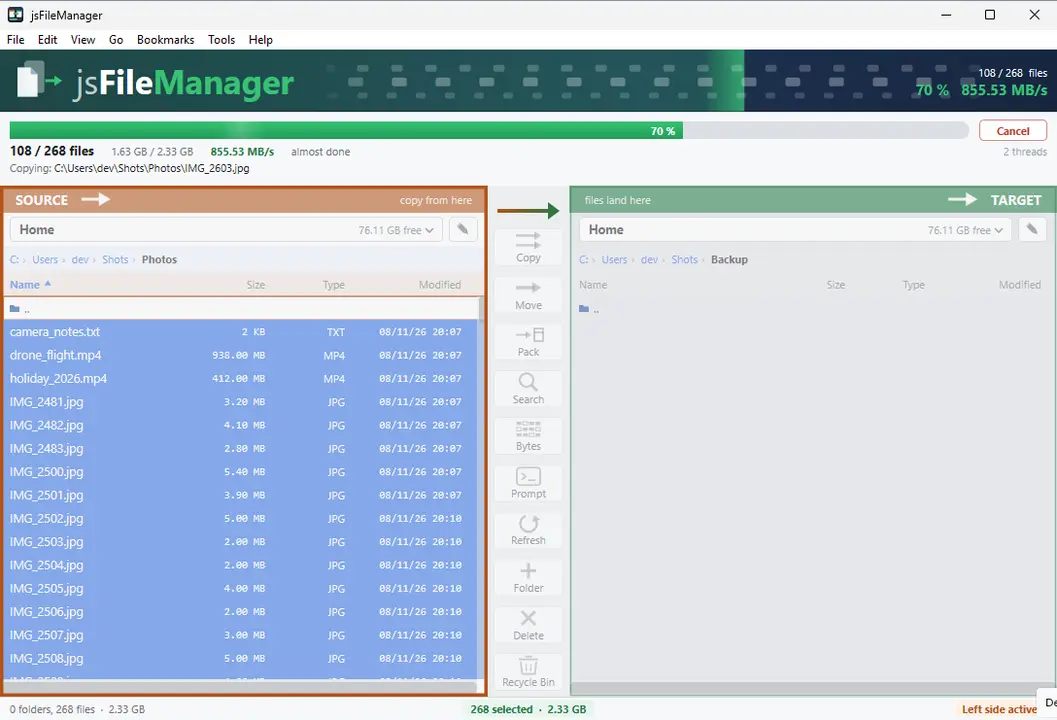
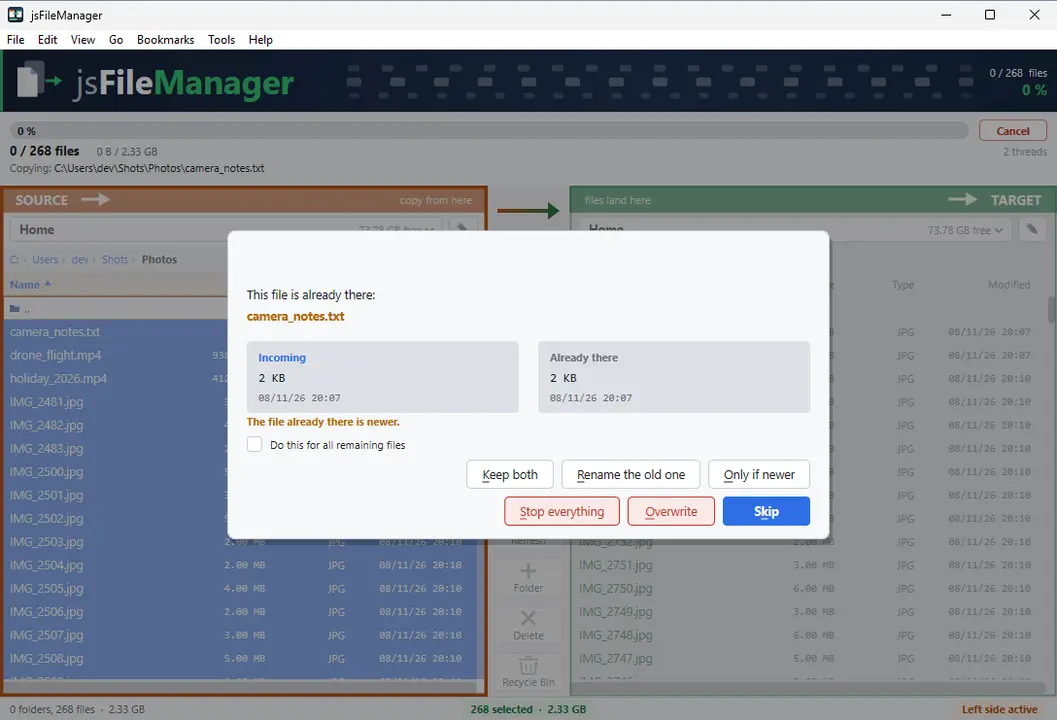
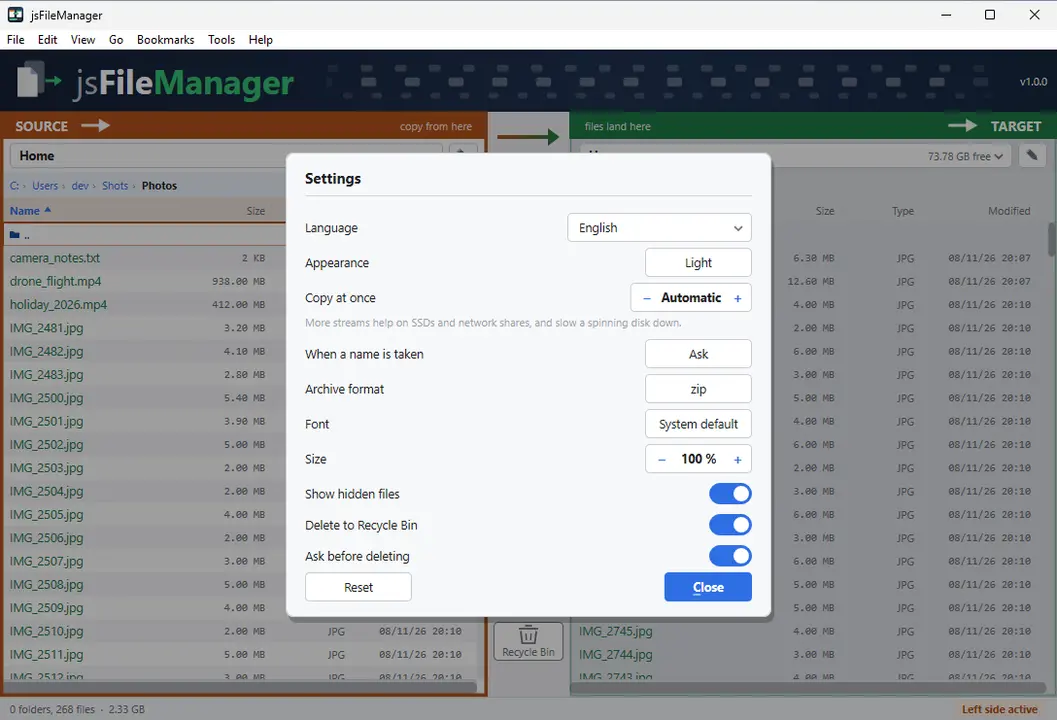
Duas pastas lado a lado e, entre elas, os botões que levam os ficheiros de um lado para o outro. Durante a cópia vê em que ponto está, a que velocidade avança e o que falhou.
Duas pastas lado a ladoProgresso ao vivoArquivos e vista de bytesPermissões e donoGTK3GNOME / KDE / XFCE44 idiomas
Permitir pens USB, unidades de rede e outras pastas (Snap)
sudo sh -c 'for i in removable-media system-backup mount-observe; do snap connect jsfilemanager:$i; done'
No início, um snap só chega à sua própria pasta. O comando permite ainda pens USB e cartões de memória, unidades de rede e pastas fora da sua. Execute uma vez e reinicie a aplicação — a permissão fica.
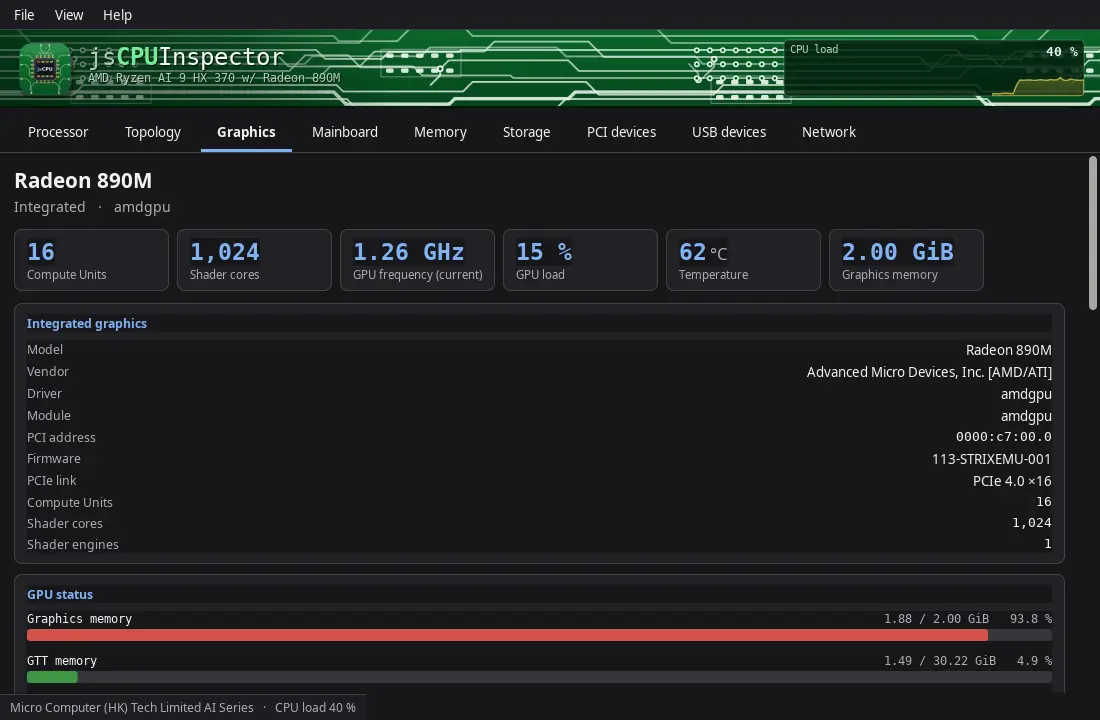
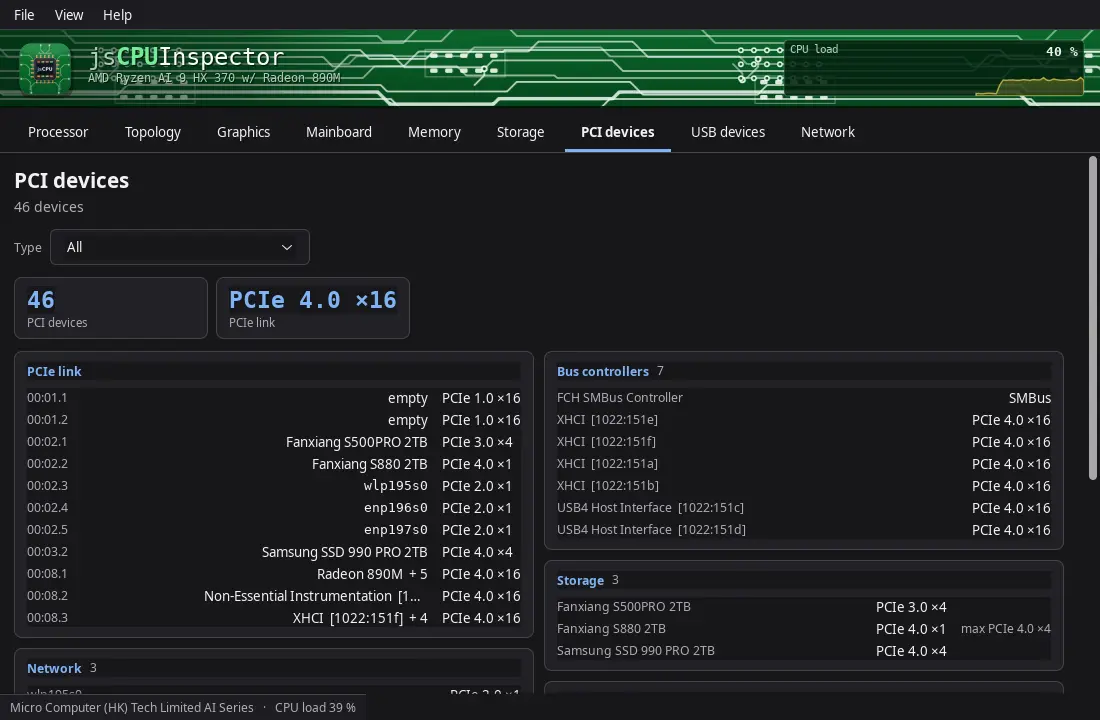
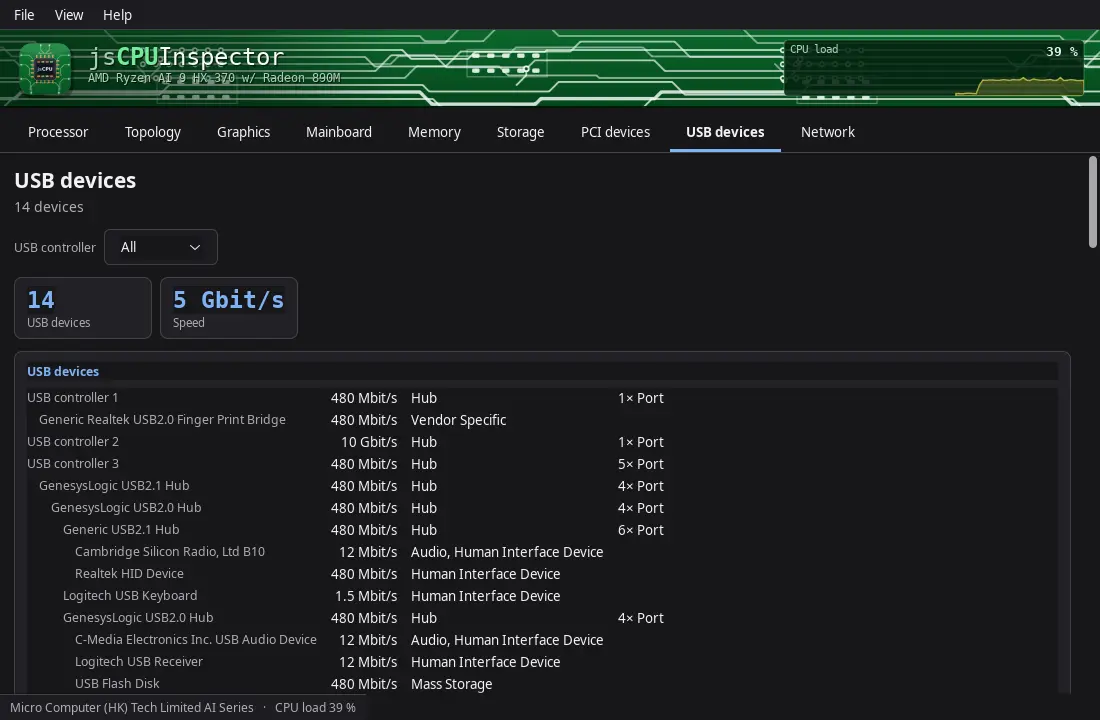
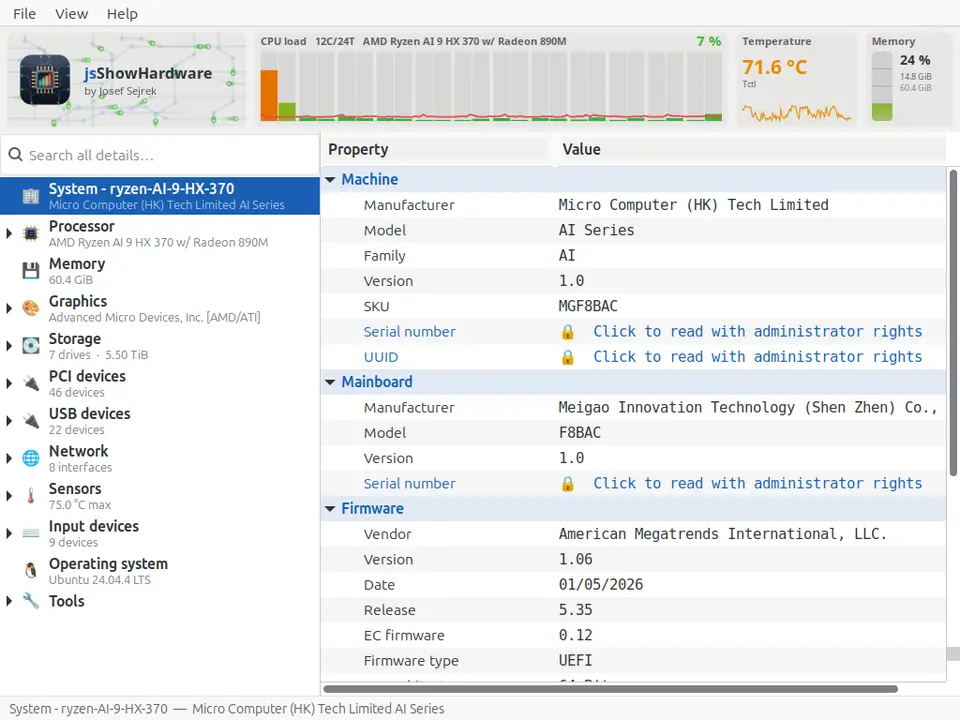
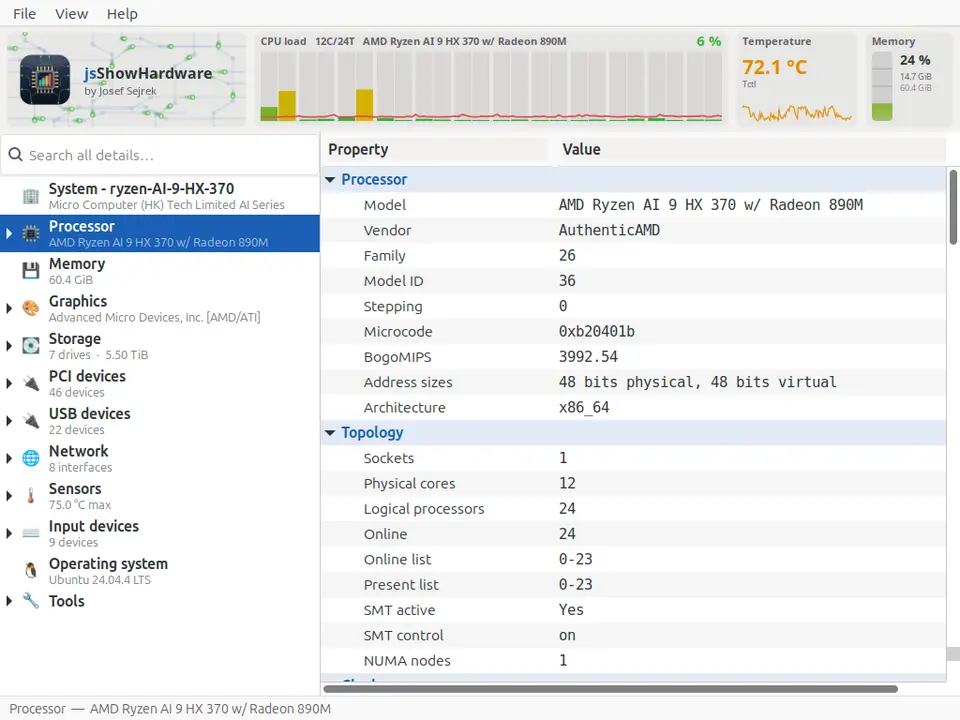
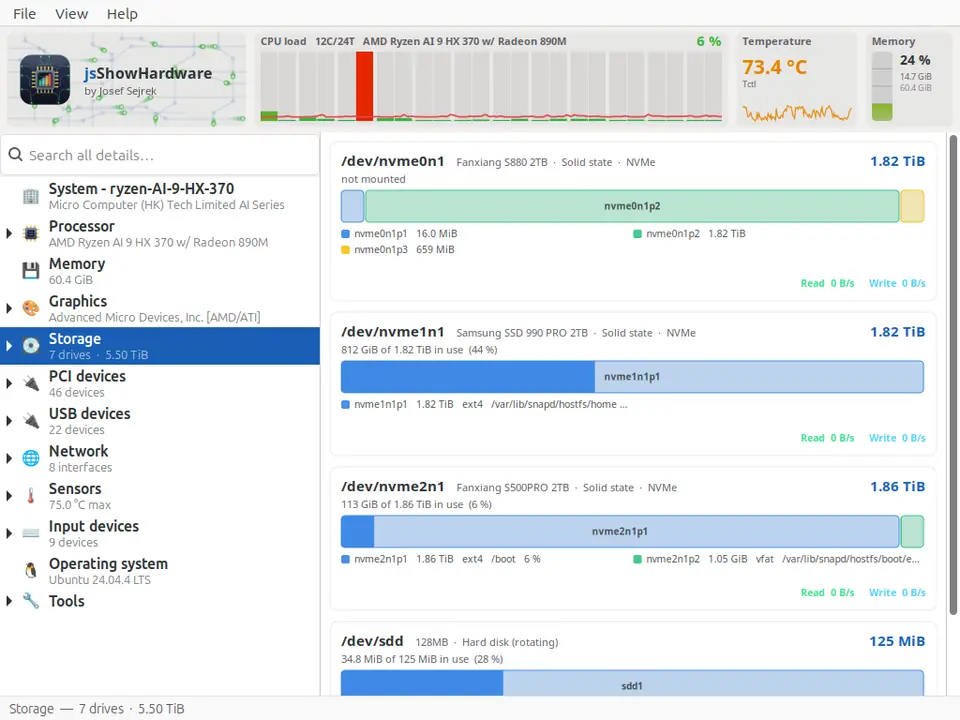
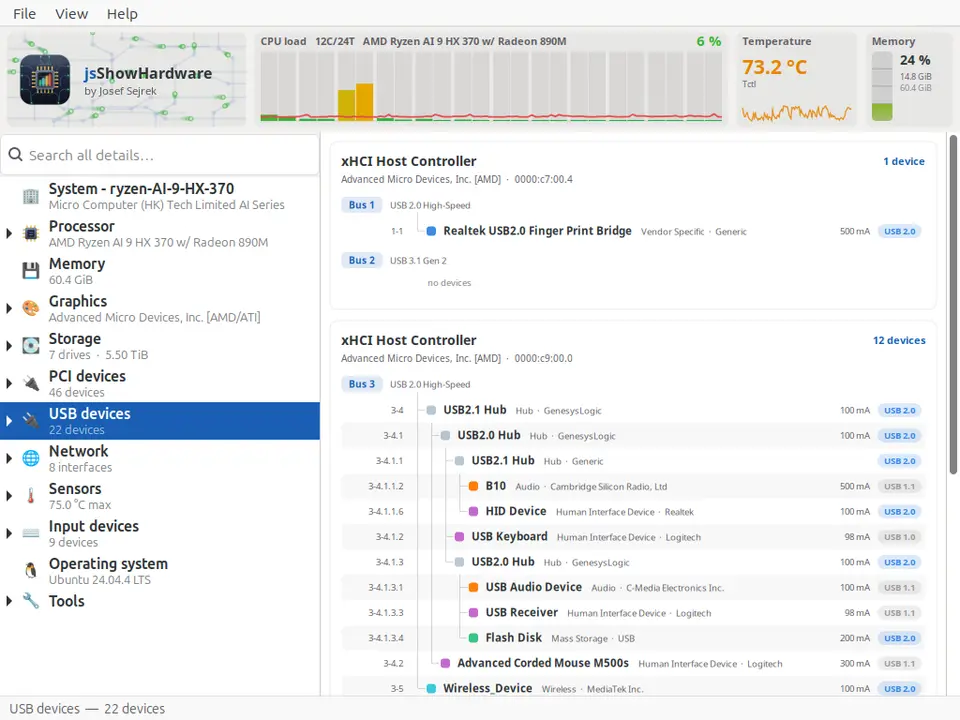
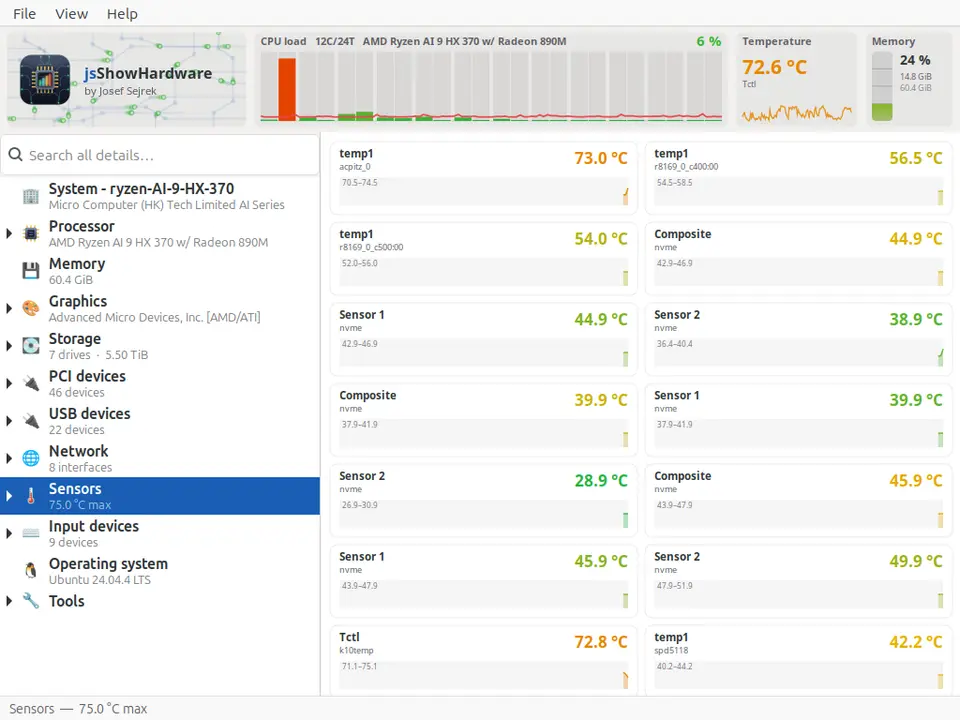
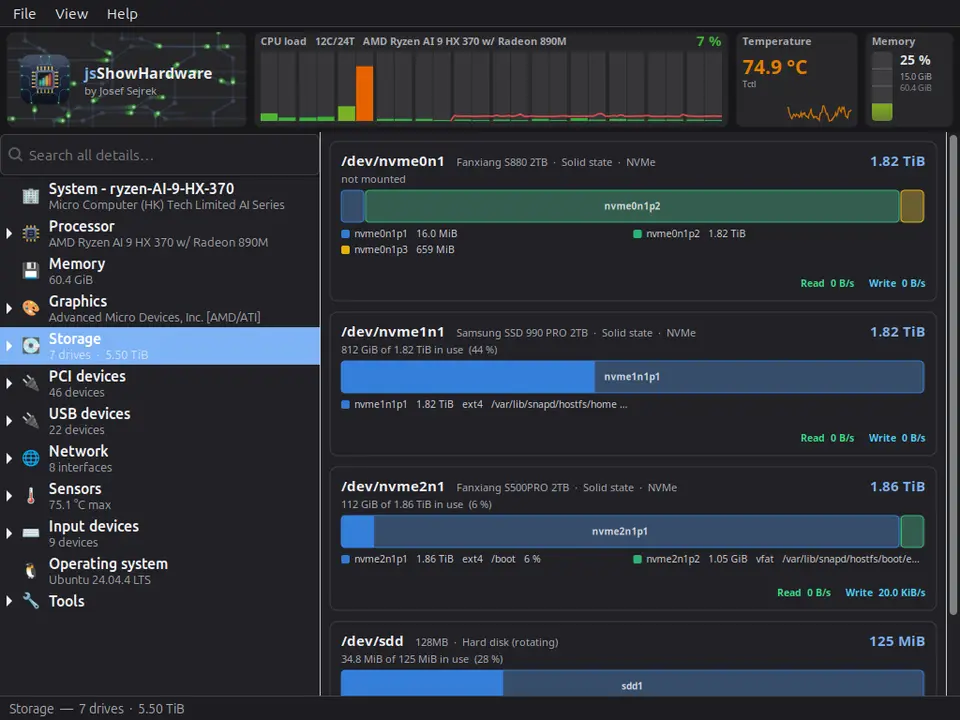
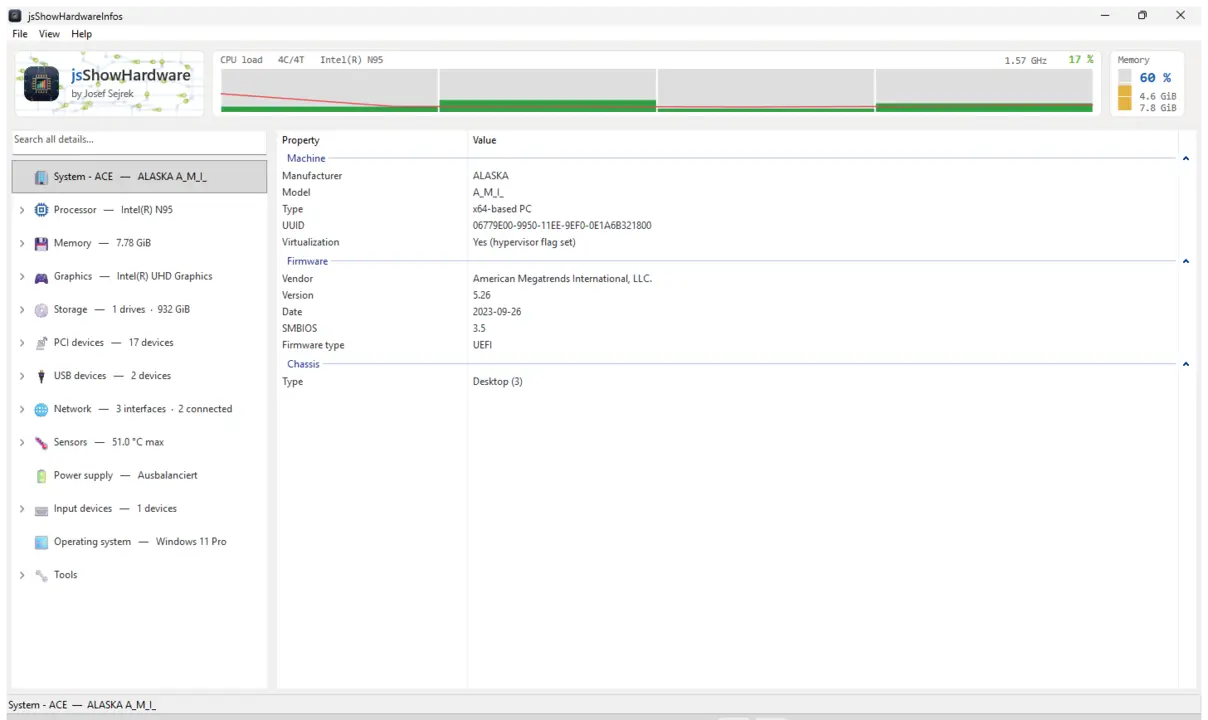
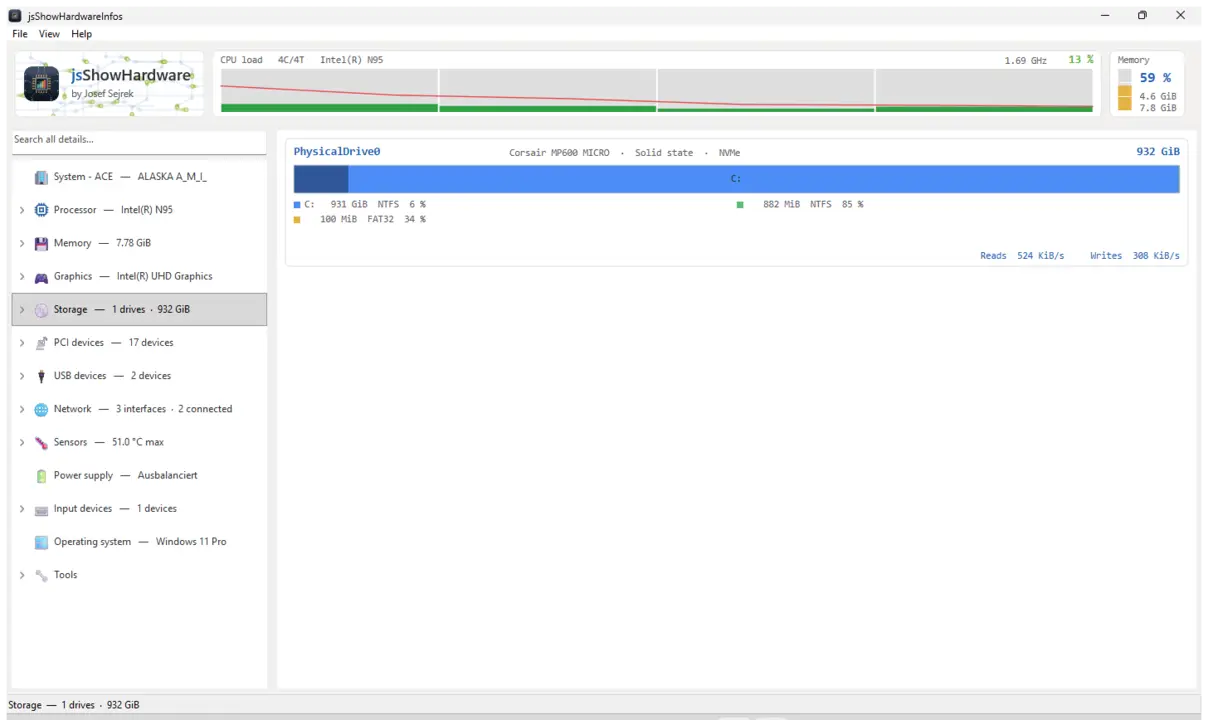
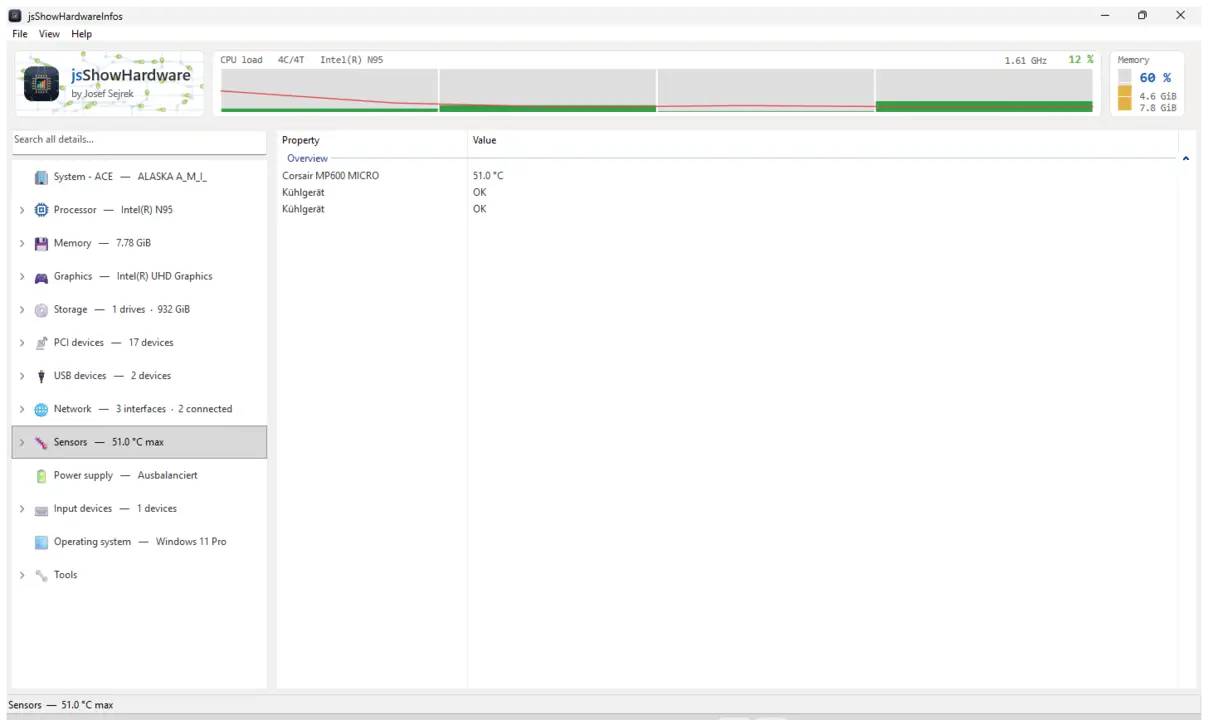
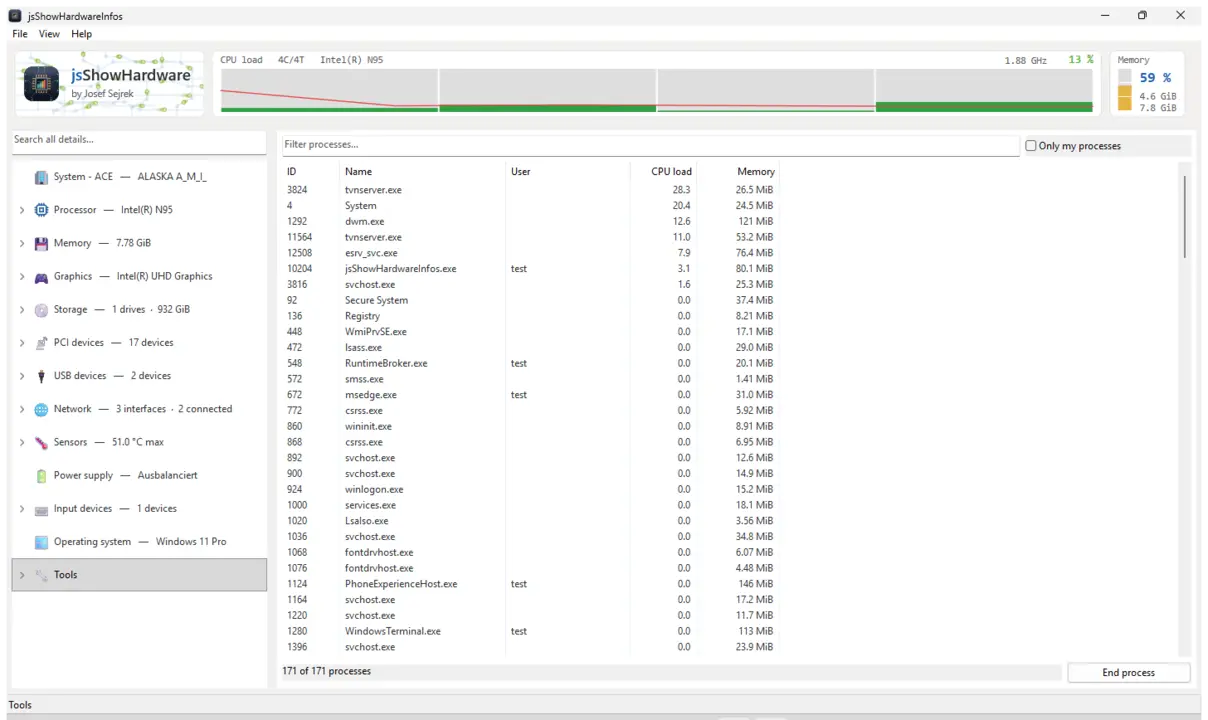
Mostra todos os detalhes de hardware que o computador comunica sobre si próprio: processador, memória, gráficos, unidades, rede, sensores e tudo o que estiver ligado, cada um no seu próprio ramo. Além disso, uma barra ao vivo com carga e temperatura, uma pesquisa em todos os valores e um relatório que pode guardar como ficheiro de texto e enviar.
CPU / RAM / GPUUnidades e USBSensores e temperaturasLista de processosPesquisa em todos os valoresGuardar relatórioGTK3GNOME / KDE / XFCE44 idiomas
sudo sh -c 'for i in hardware-observe system-observe mount-observe; do snap connect jsshowhardwareinfos:$i; done'
Um snap vê muito pouco do computador no início, por isso a temperatura, os sensores, as unidades e o espaço ocupado ficam vazios. O comando concede apenas leitura. Depois basta clicar em Atualizar, não é preciso reiniciar.
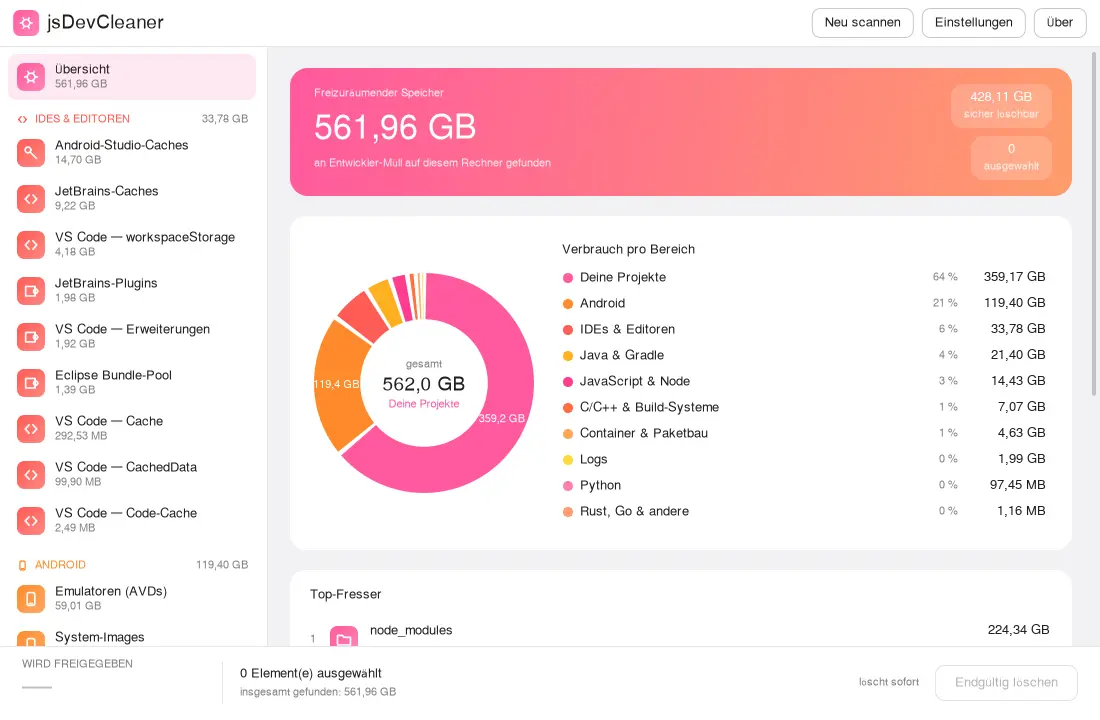
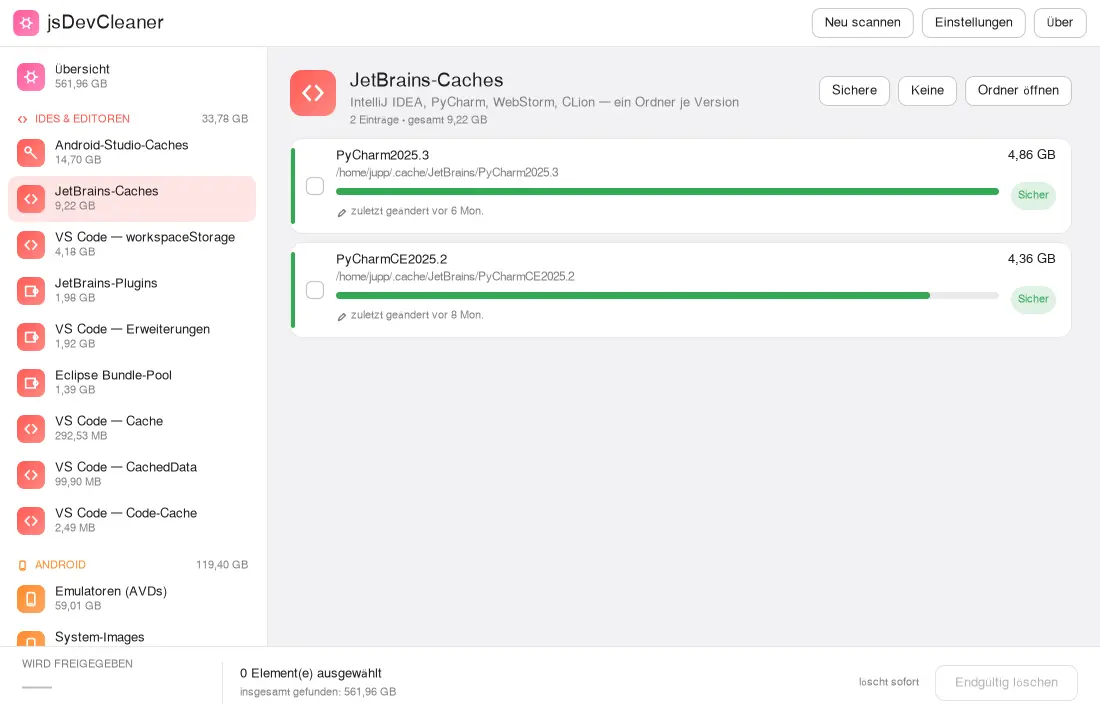
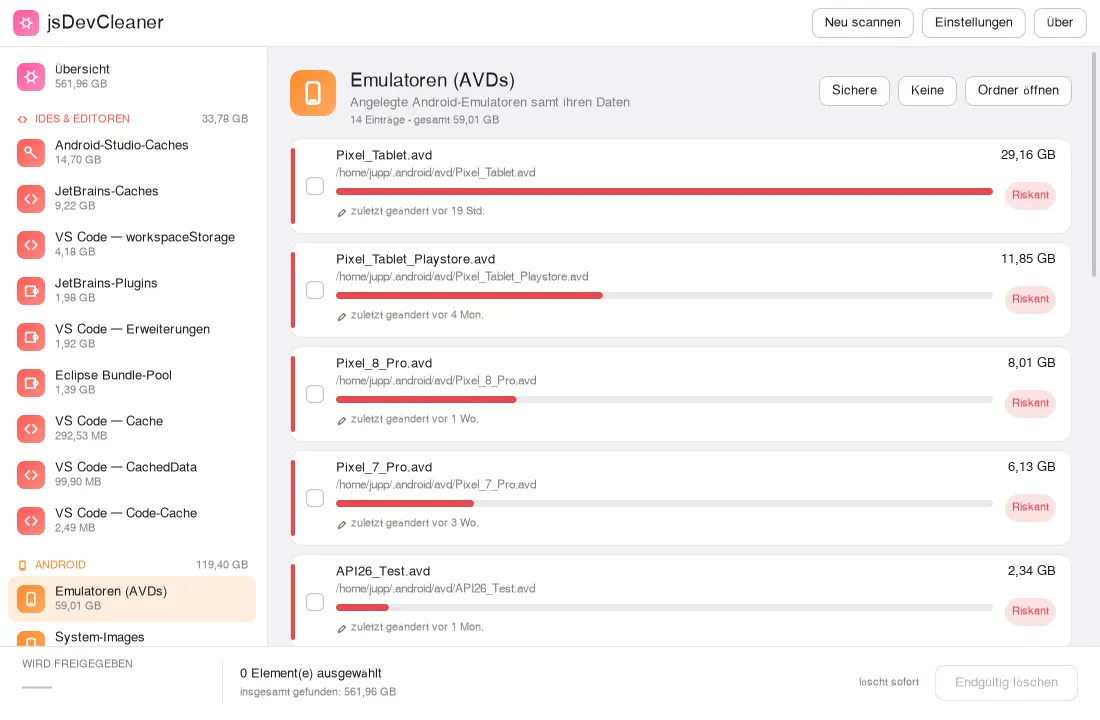
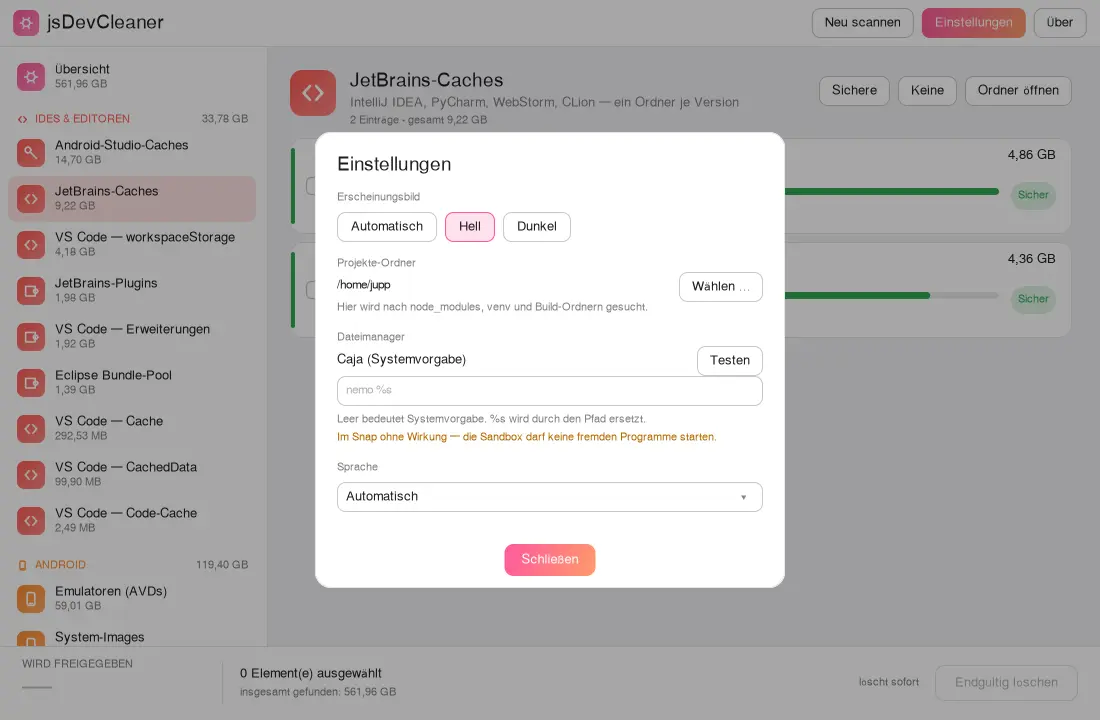
Mostra quanto espaço ocupam as suas ferramentas de desenvolvimento: SDK e emuladores Android, caches dos editores, pacotes transferidos e as pastas de dependências dos seus projetos. Cada entrada é classificada como segura, cuidado ou arriscada, e só é eliminado o que selecionou e confirmou.
Android SDK & AVDsGradle & Mavennpm & YarnIDE-Cachesnode_modulesAvaliação de riscoOs seus projetosGTK3GNOME / KDE / XFCE44 idiomas
As caches como ~/.gradle, ~/.npm ou ~/.cache estão em pastas ocultas que uma aplicação isolada não pode ver por si só. Execute o comando uma vez e reinicie a aplicação.
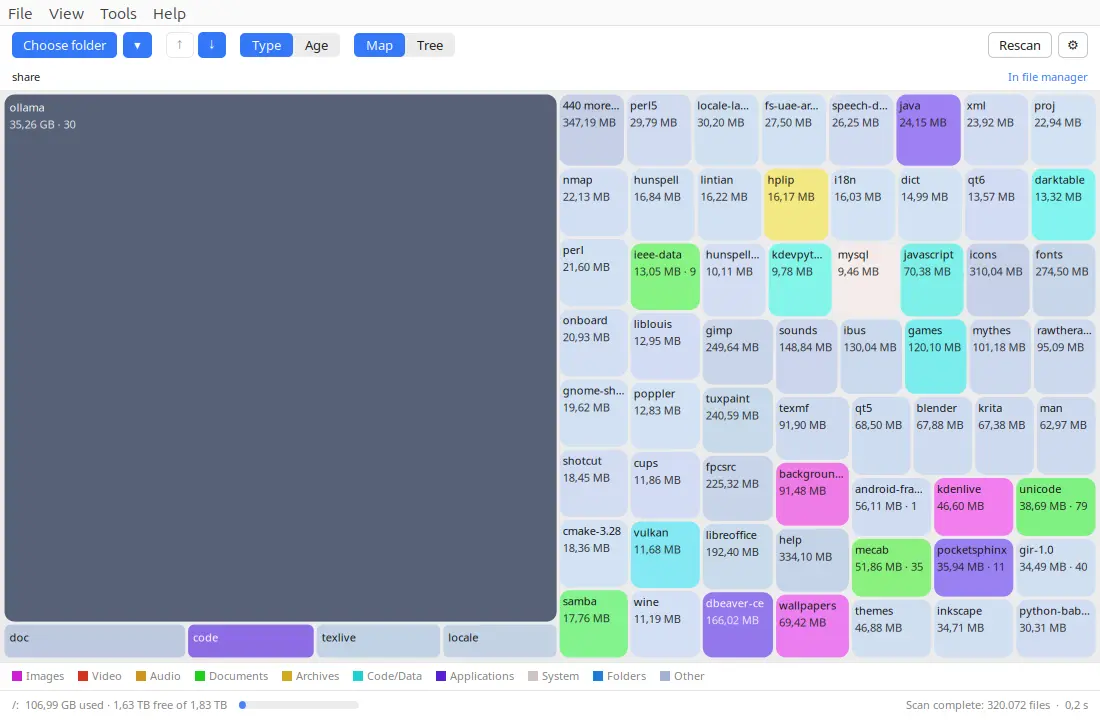
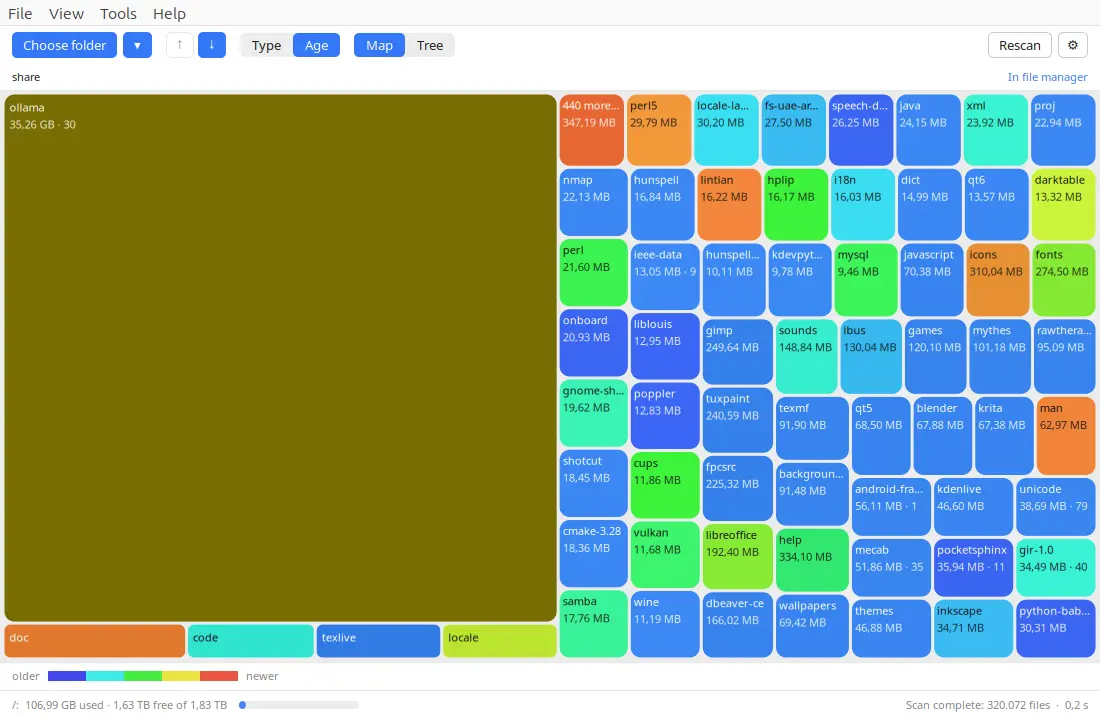
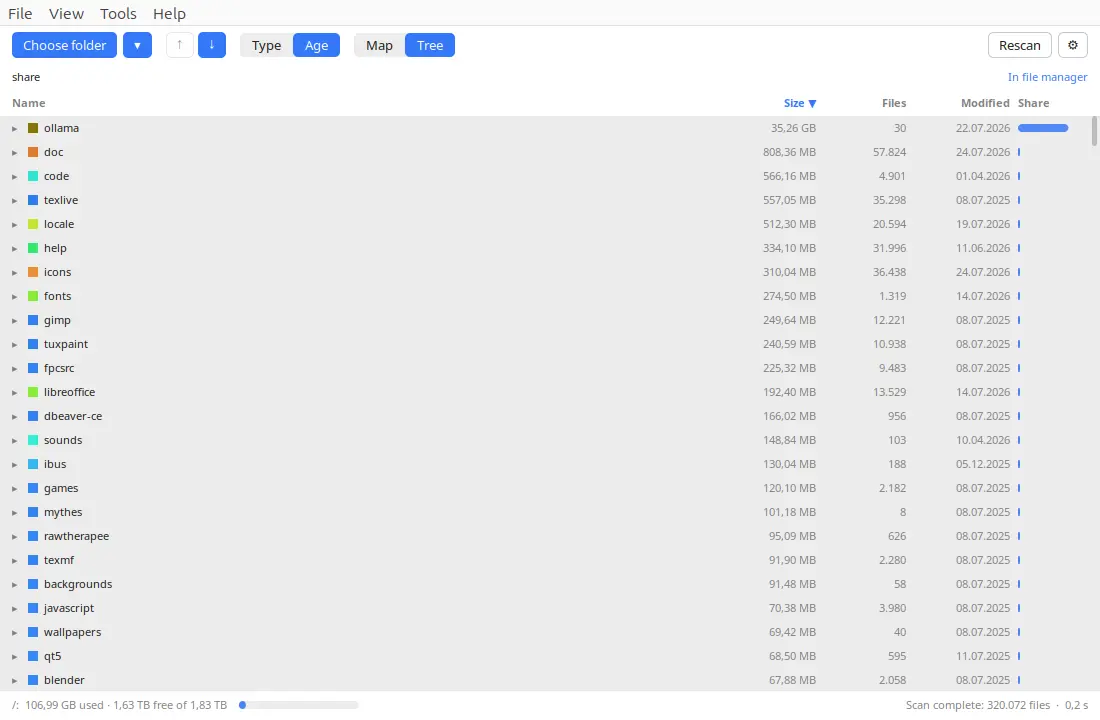
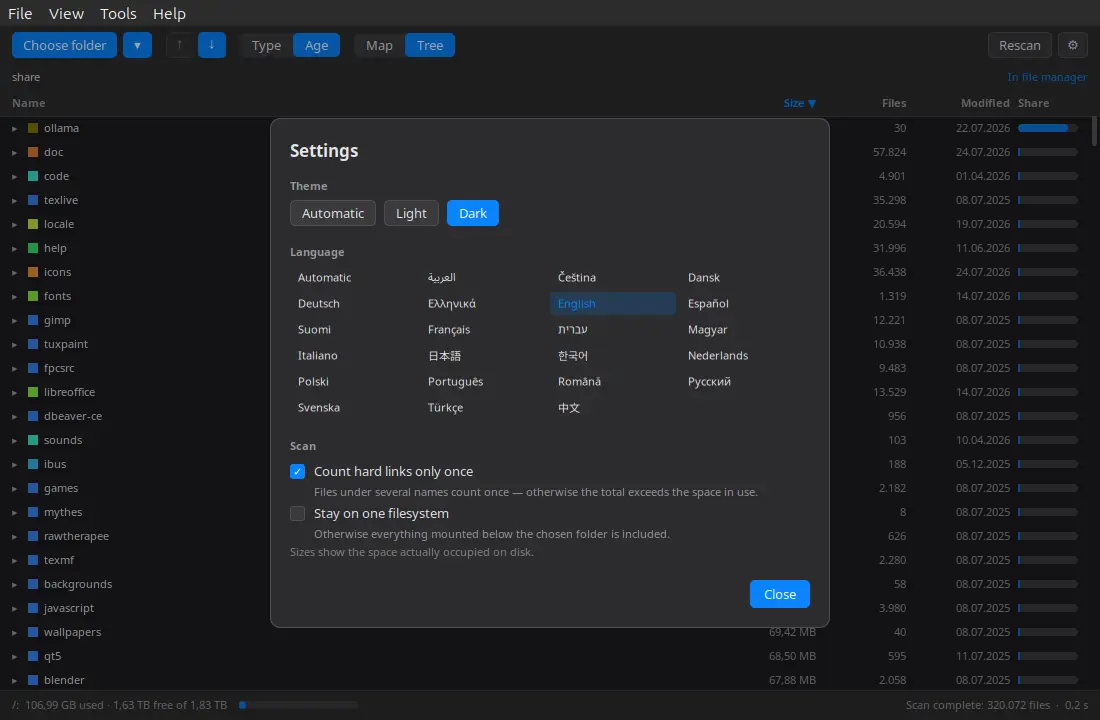
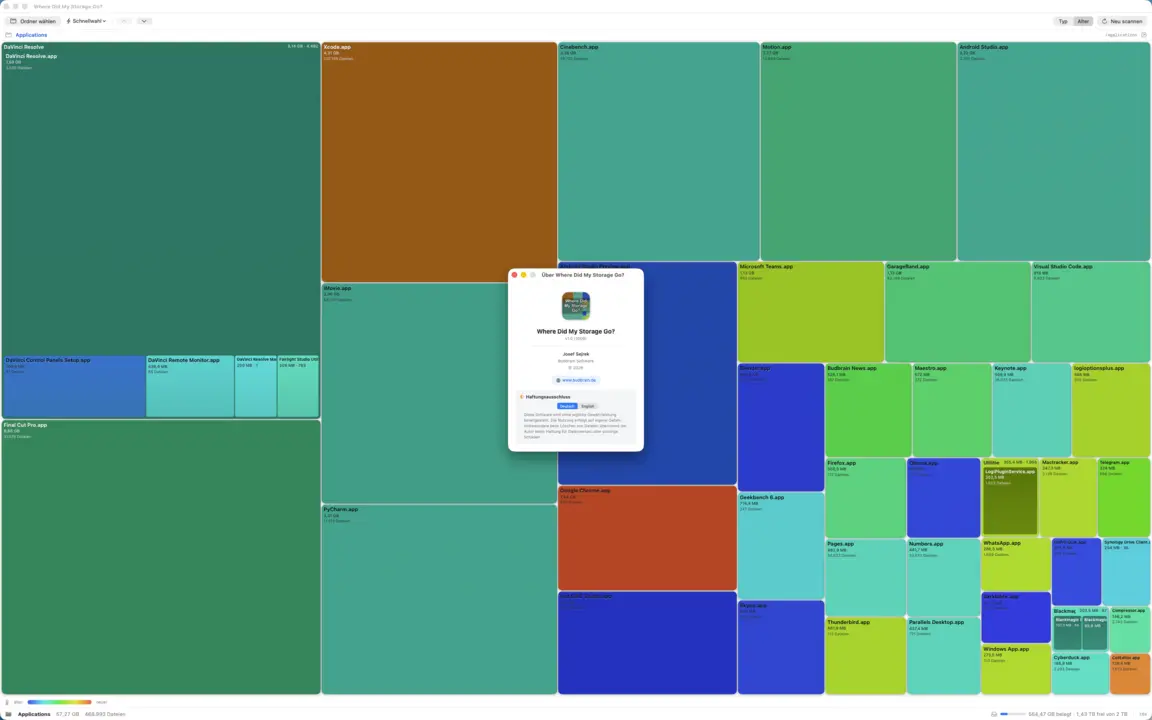
Mostra numa treemap colorida para onde foi o seu espaço em disco: explore, encontre as pastas maiores e mande de uma só vez para a reciclagem o que já não precisa. Colore por tipo de ficheiro ou por idade, tem uma vista em árvore ordenável e soma quanto espaço seria libertado.
TreemapHeat-MapDrill-downVista em árvoreJunk-RadarSó para a lixeiraGTK3GNOME / KDE / XFCE22 idiomas
A sua pasta pessoal e os suportes amovíveis funcionam de imediato. Para pastas de sistema como /usr e /var, execute o comando uma vez e reinicie a aplicação.
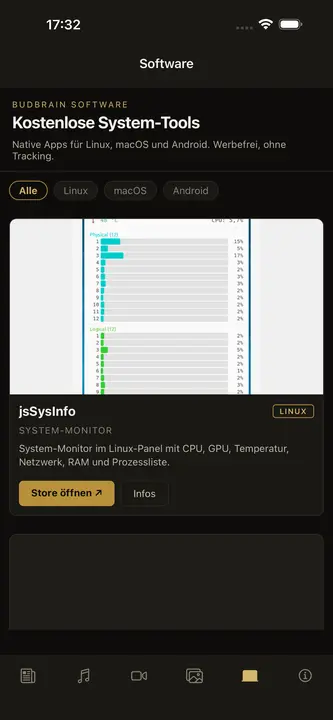
jsSysInfo
v1.14 · C++/GTK3
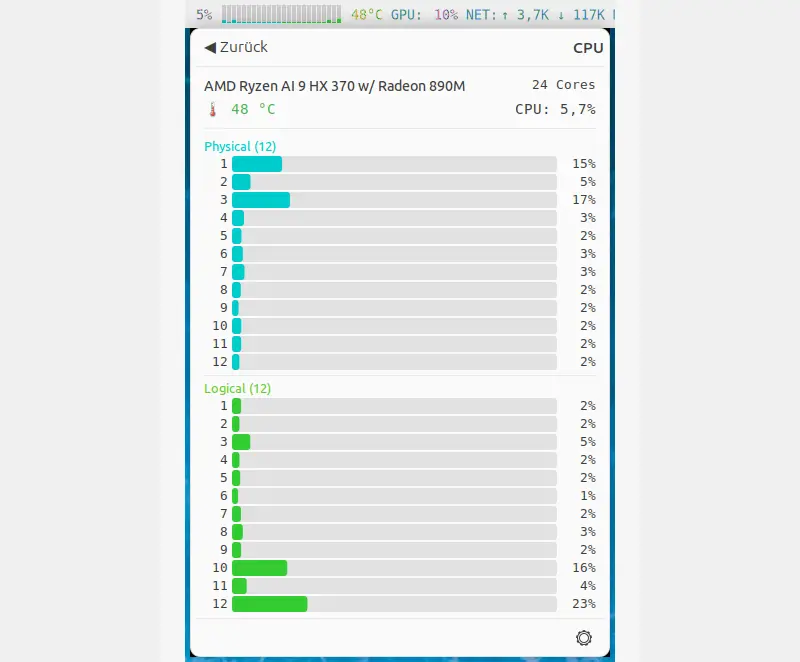
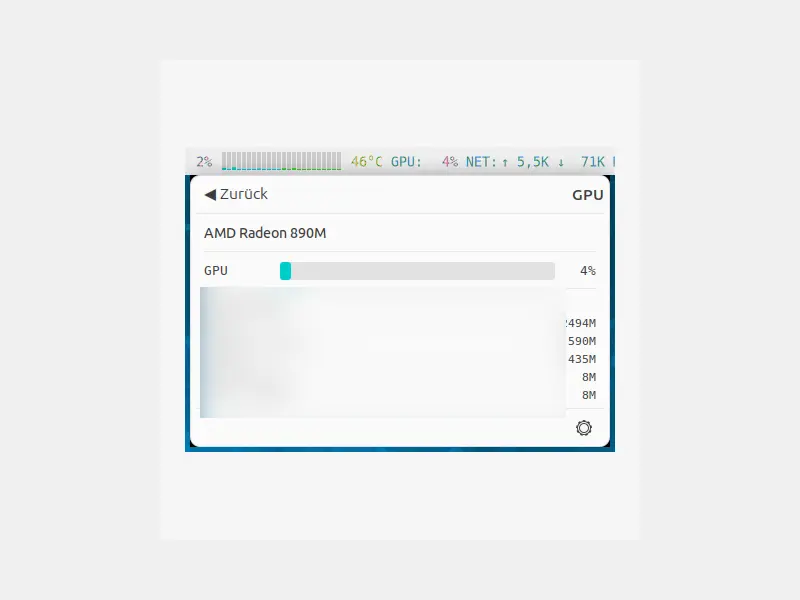
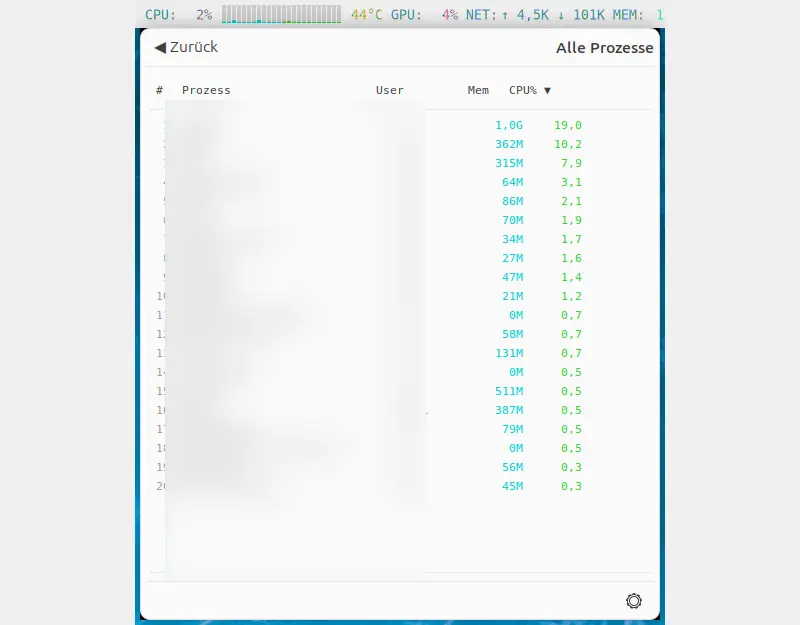
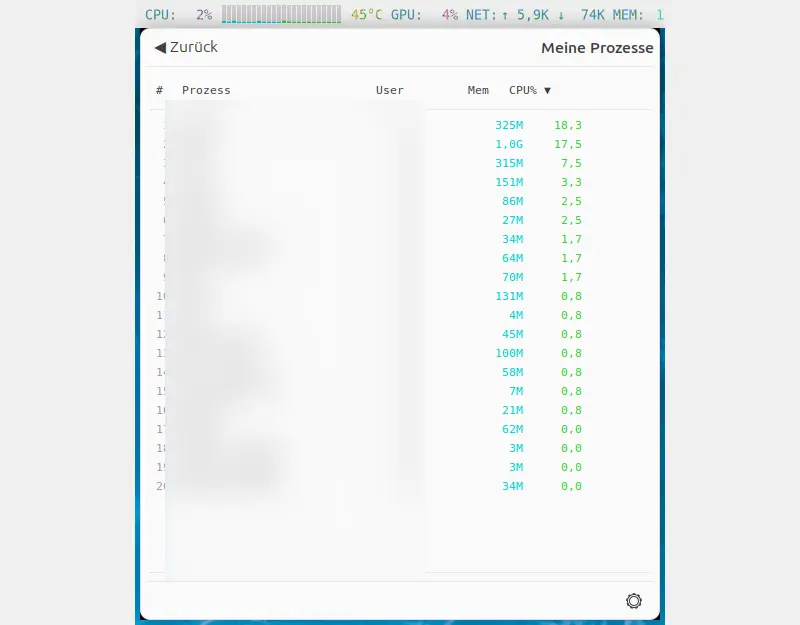
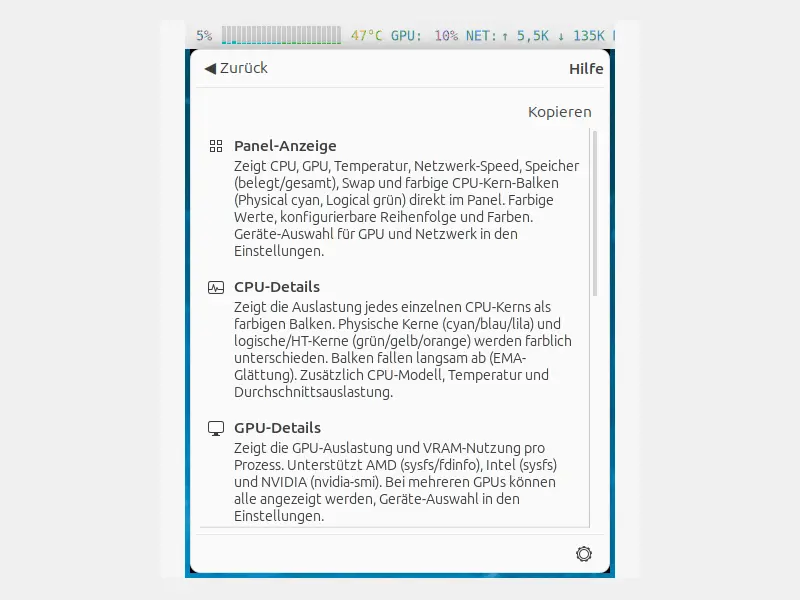
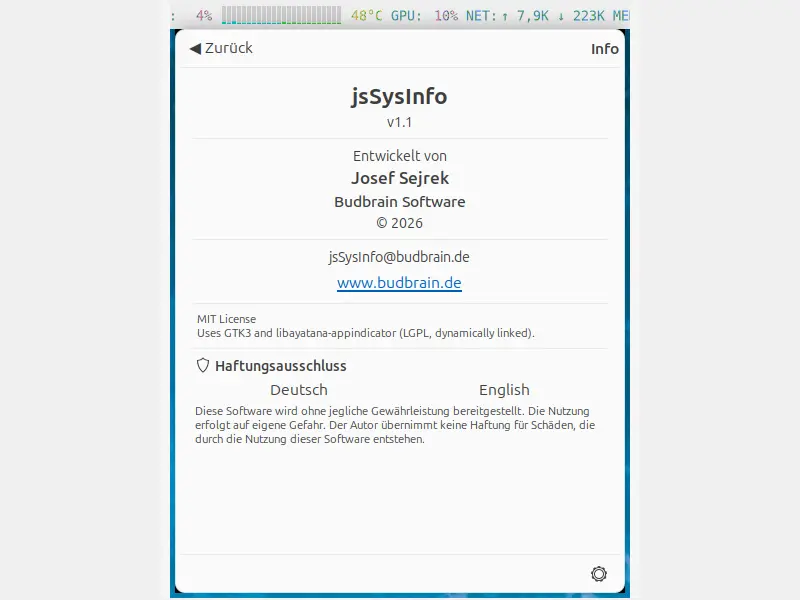
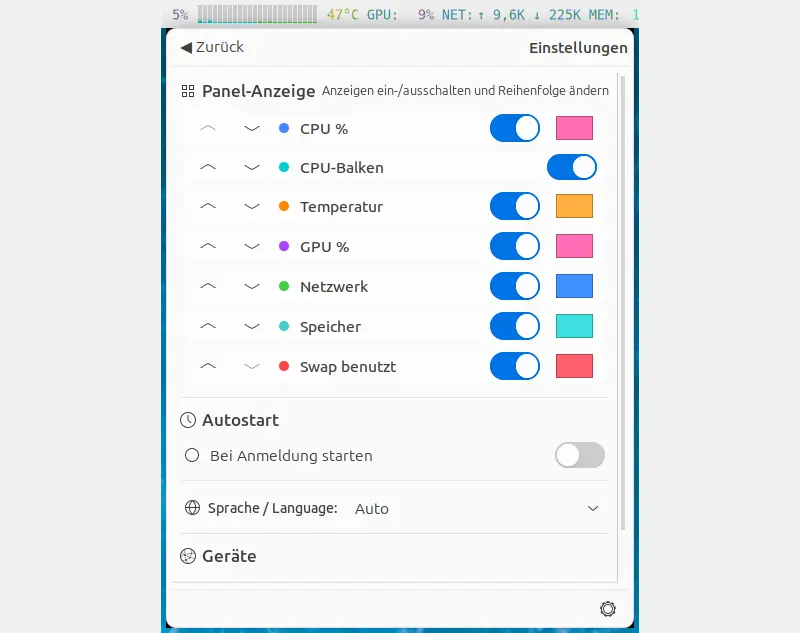
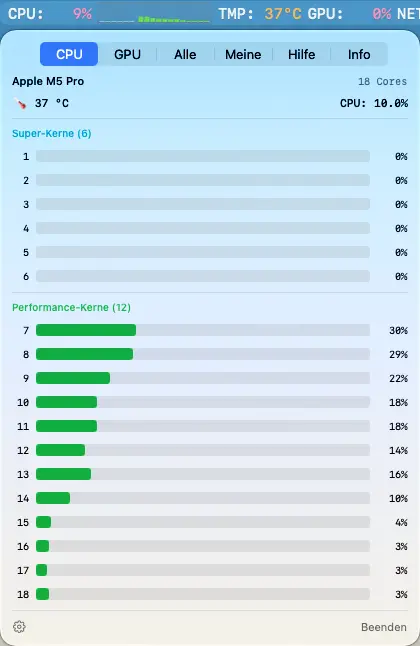
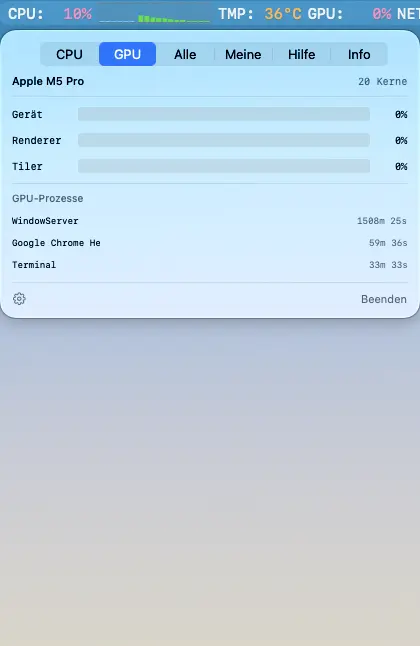
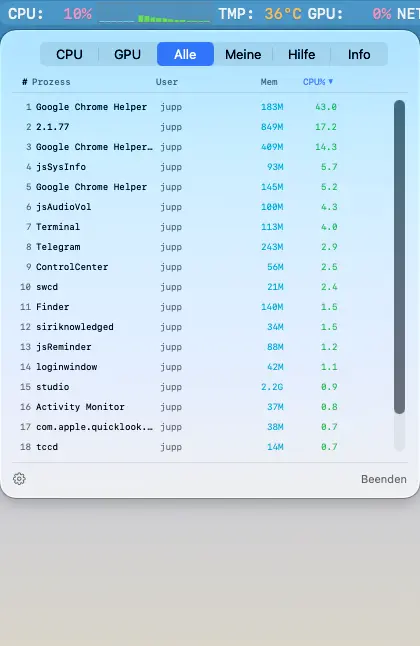
Monitor do sistema para o painel do Linux. Mostra o uso da CPU, GPU, temperatura, velocidade da rede, memória e swap com cores no painel do GNOME/KDE/XFCE.
CPU %Barras de CPUGPU %TemperaturaRedeRAM & SwapLista de processosTerminate/KillAutostartAMD / Intel / NVIDIA83 idiomas
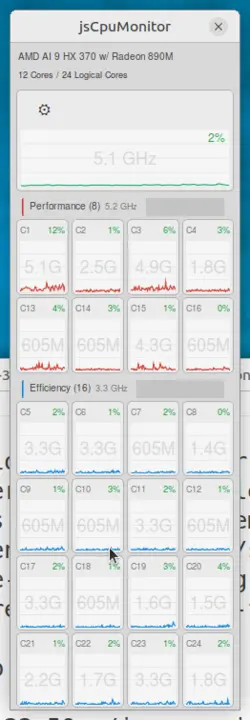
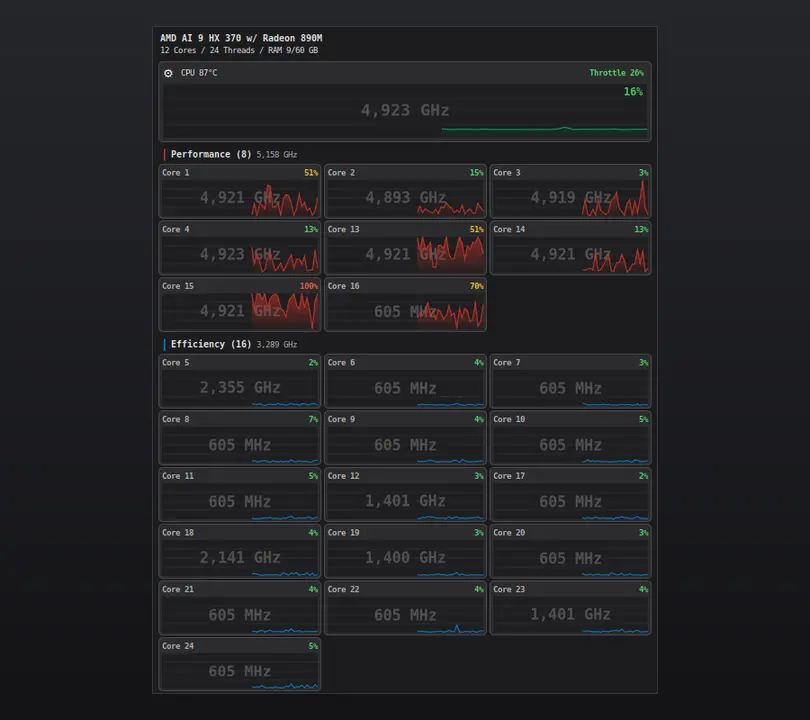
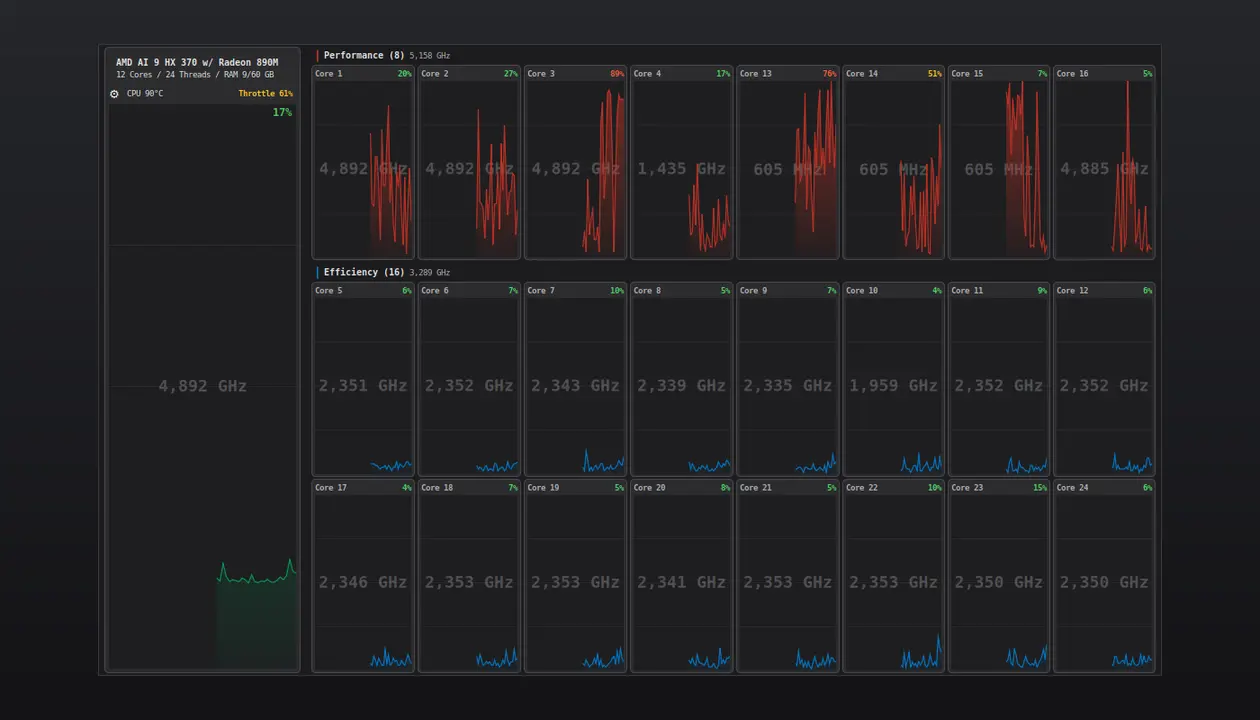
Monitor de CPU para Linux. Janela flutuante com gráficos por núcleo, temperatura, frequência e consumo de energia. Versão Linux portada da versão macOS.
Per-Core ChartsTemperaturaCPU-FrequenzPower (Intel RAPL)Floating WindowGTK3GNOME / KDE / XFCE
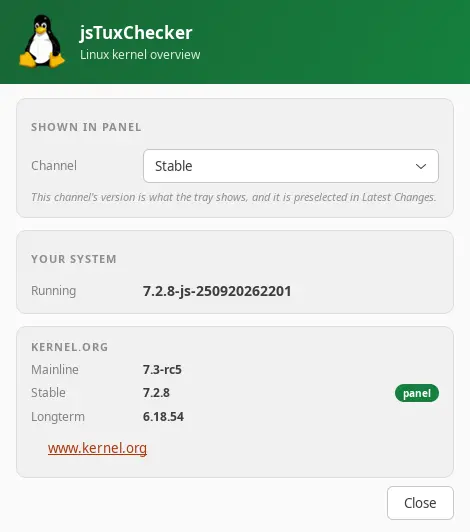
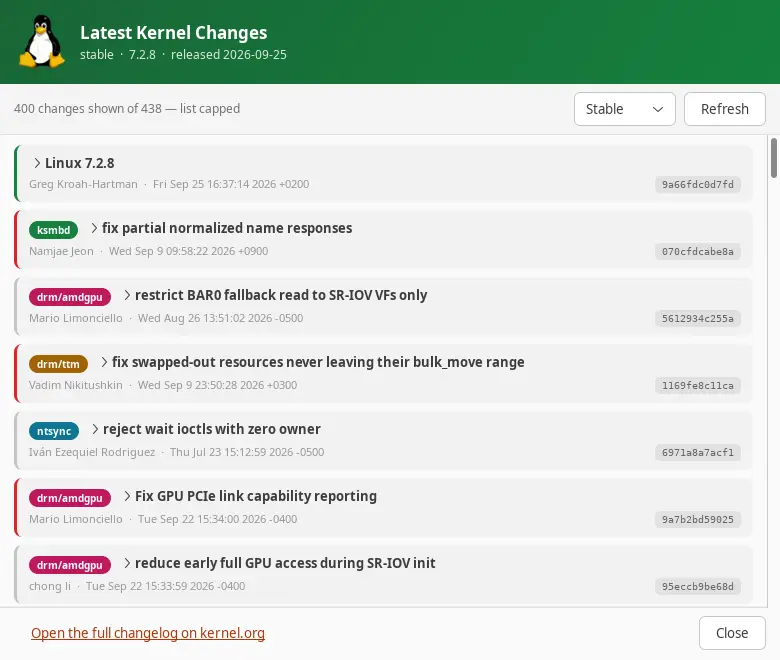
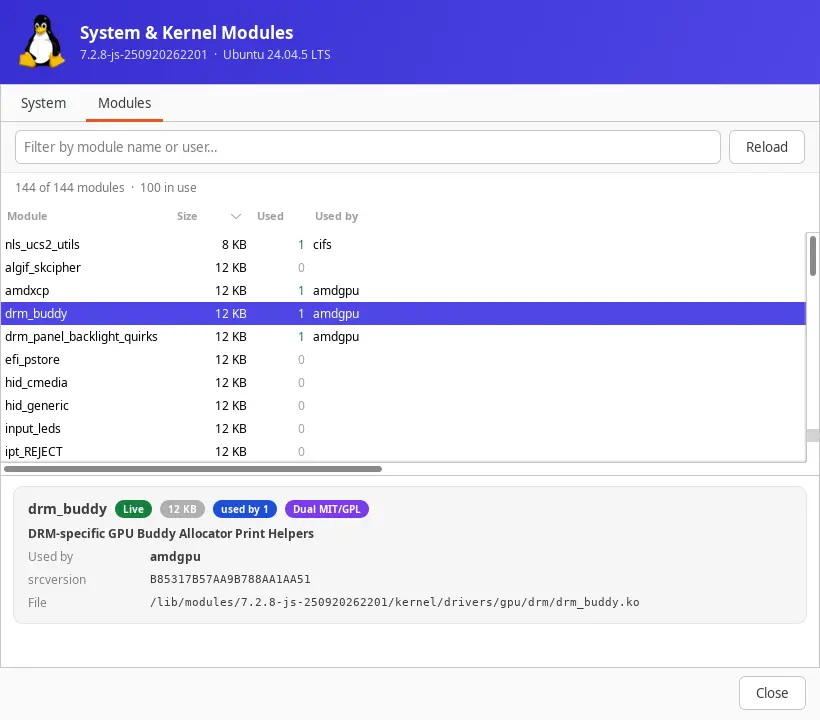
Verificador de versão do kernel Linux para a bandeja do sistema. Verifica o kernel.org em busca de novas versões do kernel e mostra as versões mainline, stable e longterm no painel.
Jogos, leitor de áudio, edição de vídeo e fotos, gestor de ficheiros, visão geral do hardware e ferramentas de sistema para Windows
Budbrain Quasarion
v1.0.1 · MSIX · Windows 10/11
Voa como uma libélula por mundos de fantasia luminosos e enfrenta feras gigantes.
Uma fera gigante diferente no fim de cada nívelOito tipos de luz para a tua libélula, cada um em oito etapasVaga-lumes que seguem a tua trajetória de vooMelhorias no ninho e uma grande árvore de habilidades que cresce contigoUm túnel de diamantes ao ritmo da música depois de cada mundoSeis níveis de dificuldade, de Fácil a InsanoTeclado, comando ou ecrã tátilSDL2 · Cairo83 idiomas
jsBudbrainFindDblsOrRenameIt
v1.0.0 · MSIX · Windows 10/11
Encontra arquivos duplicados e organiza tudo – e renomeia muitos arquivos de uma vez com as suas próprias regras, com pré-visualização e desfazer.
Encontra duplicados reais pelo conteúdo, seja qual for o nomeO arquivo mais recente fica – você decideLixeira, mover, excluir ou vincularRenomear com regras e pré-visualização ao vivoEncontrar arquivos por nome, tipo, tamanho ou dataPesquisas salvas, várias tarefas ao mesmo tempoDesfazer movimentações e renomeaçõesClaro e escuroSDL2 · Cairo47 idiomas
jsBudbrainsFxStudio
v1.0.1 · MSIX · Windows 10/11
Efeitos em tempo real para tudo o que o seu computador reproduz — reverberação, eco, tom e mais, misturados no som com um controlo deslizante.
Oito efeitos: tom, filtro, distorção, chorus, flanger, phaser, eco, reverberaçãoCada efeito com os seus próprios botões rotativos e controlo de misturaUm só controlo mistura todos os efeitos no som geralForma de onda em tempo real e indicadores de nívelDefinições prontas como sala de concertos ou eco num desfiladeiro, e as suas«Tudo desligado» com um clique — e de volta com o seguinteO limitador protege os ouvidos e as colunasFunciona em conjunto com o jsBudbrainEqualizerBotão de silêncio para quando o telefone tocaEscolha colunas ou auscultadoresJanela pequena sempre por cimaConfigura-se uma vez – o Windows pede a sua autorizaçãoClaro e escuroSDL2 · Direct3D 1144 idiomas
jsBudbrainLimiter
v1.0.0 · MSIX · Windows 10/11
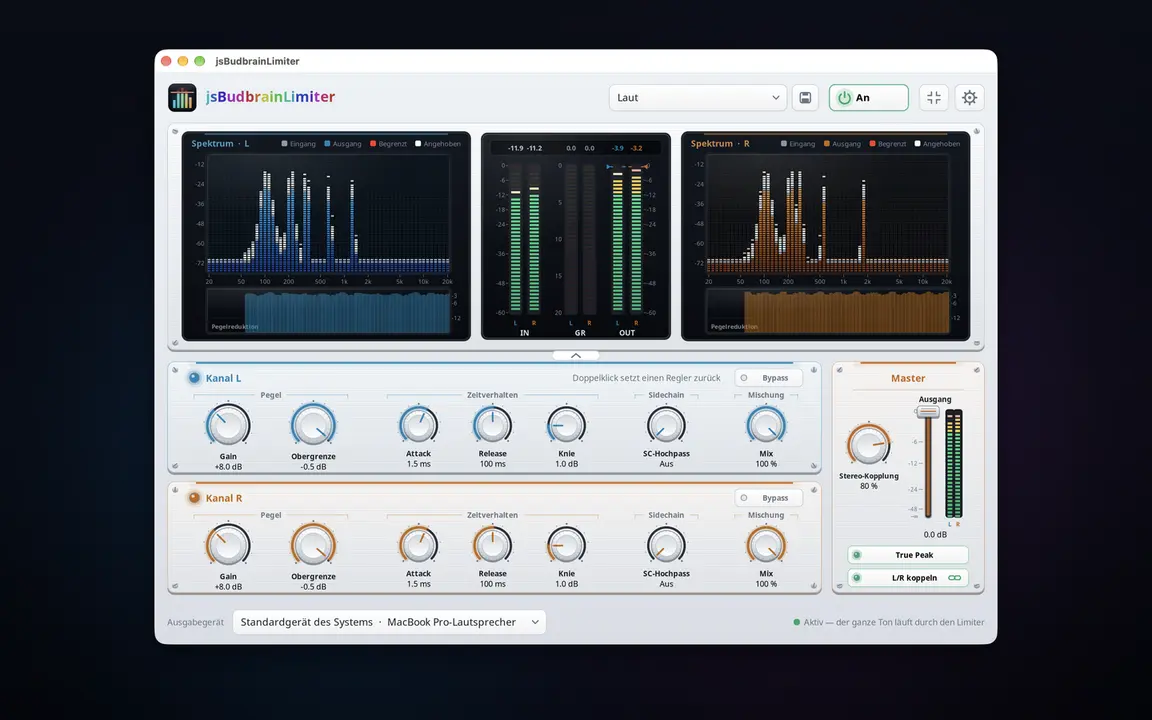
Um limitador para tudo o que o seu computador reproduz — mais alto, sem nunca saturar, com dois espectros que mostram o que faz.
Controlos próprios para o canal esquerdo e o direitoGanho, teto, ataque, libertação, joelho, passa-alto SC e misturaTrue Peak apanha até os picos mais brevesControlo de saída com medidores de nível para ambos os canaisDois espectros mostram o que é elevado e o que é limitadoHistórico da redução de ganho e valores de picoDefinições prontas, e as suas própriasFunciona em conjunto com o jsBudbrainCompressor, o jsBudbrainEqualizer e o jsBudbrainsFxStudioBotão de silêncio para quando o telefone tocaEscolha colunas ou auscultadoresJanela pequena sempre por cimaConfigura-se uma vez – o Windows pede a sua autorizaçãoClaro e escuroSDL2 · Direct3D 1144 idiomas
jsBudbrainCompressor
v1.0.1 · MSIX · Windows 10/11
O calor das válvulas e um compressor de estúdio para tudo o que o seu computador reproduz — com válvulas incandescentes e VU meters.
Pré-amplificador de válvulas simulado com drive, bias e fatGraves, médios, agudos e presençaCompressor com limiar, razão, ataque, libertação, joelho, make-up e misturaDois VU meters com movimento real do ponteiroAs válvulas brilham mais quanto mais trabalhamDefinições prontas para válvulas e compressor, e as suas própriasO limitador protege os ouvidos e as colunasFunciona em conjunto com o jsBudbrainEqualizer e o jsBudbrainsFxStudioBotão de silêncio para quando o telefone tocaEscolha colunas ou auscultadoresJanela pequena sempre por cimaConfigura-se uma vez – o Windows pede a sua autorizaçãoClaro e escuroSDL2 · Direct3D 1144 idiomas
jsBudbrainLaufwerksTest
v1.0.0 · MSIX · Windows 10/11
Mede a velocidade de gravação e leitura de uma unidade, com dois medidores de nível ao vivo, gráficos e a verificação de cada bloco.
Velocidade de gravação e leitura ao vivoPor tamanho (1–16 GB) ou por tempo (5 s – 16 min)Cada bloco é verificadoMostra quando uma unidade rápida perde o fôlegoPendrives, cartões de memória, unidades de redeHistórico de todos os testes, salvo como textoEscala até 1.000.000 MB/s para RAIDs de servidoresClaro e escuroSDL2 · Cairo47 idiomas
Budbrain Cave Rescue
v1.0.0 · MSIX · Windows 10/11
Voe até às profundas grutas lunares e leve os astronautas perdidos de volta a casa em segurança.
100 níveis em dez mundosGravidade realQuatro botões, nada maisMelhore a nave com experiênciaQuatro níveis de dificuldadeGaleria de missões com mapas de vooTeclado, rato ou comandoSDL2 · Cairo44 idiomas
jsBudbrainEqualizer
v1.0.1 · MSIX · Windows 10/11
Um equalizador para tudo o que o seu computador reproduz — com espectro em tempo real.
Dez controlos, dos graves profundos aos agudos brilhantesMostra em tempo real o que está a tocar — esquerda, direita ou ambosDefinições de som prontas e as suas, guardadas com um nomeBotão de silêncio para quando o telefone tocaEscolha colunas ou auscultadoresRecolher os controlos e ficar só com o ecrãJanela pequena sempre por cimaArranca ao iniciar sessão, se quiserConfigura-se uma vez – o Windows pede a sua autorizaçãoClaro e escuroSDL2 · Direct3D 1144 idiomas
jsBudbrainPlayer
v1.0.0 · MSIX · Windows 10/11
Reproduz gravações de uma pasta — ao acaso ou por ordem, às horas que escolher.
Reproduz gravações de uma pasta, mesmo em redeAo acaso ou por ordemApenas entre duas horasApenas nos dias da semana que assinalarIguala gravações com volumes diferentesInicia com o Windows e continua sozinhoMP3WASAPI · Direct2D44 idiomas
Budbrain’s Media Editor
v1.0.0 · MSIX · Windows 10/11
Editar um vídeo ou uma foto e guardar. Encurtar um filme ou acrescentar clips, fazer a transição entre eles e depois guardar o vídeo num determinado tamanho ou formato. Endireitar, recortar e ajustar fotos e guardá-las como JPEG, PNG ou WebP.
Cortar e juntarFusões e transiçõesRecortar e ajustar fotosFormatos de saída para as plataformas habituaisFicheiros raw da câmaraFFmpeg (LGPL)NVENC · AMF · Media FoundationSDL2 · Direct3D 1144 idiomas
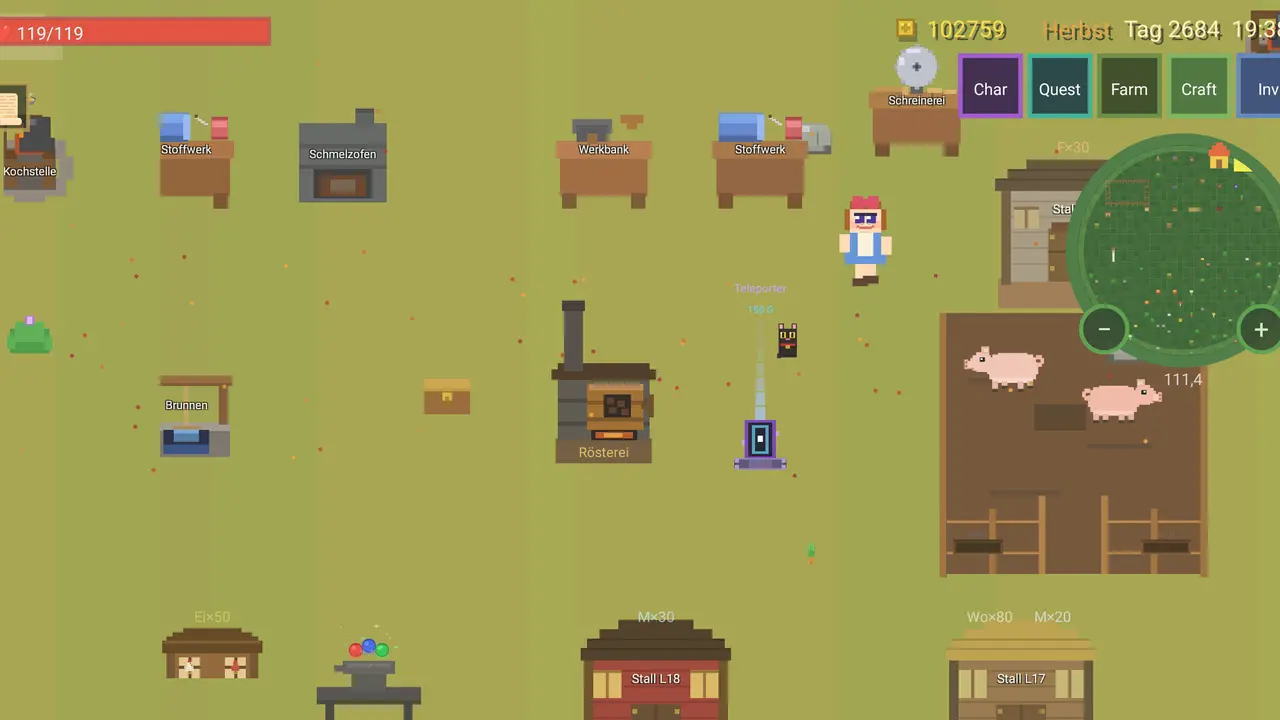
Astonischika
v1.0.0 · MSIX · Windows 10/11
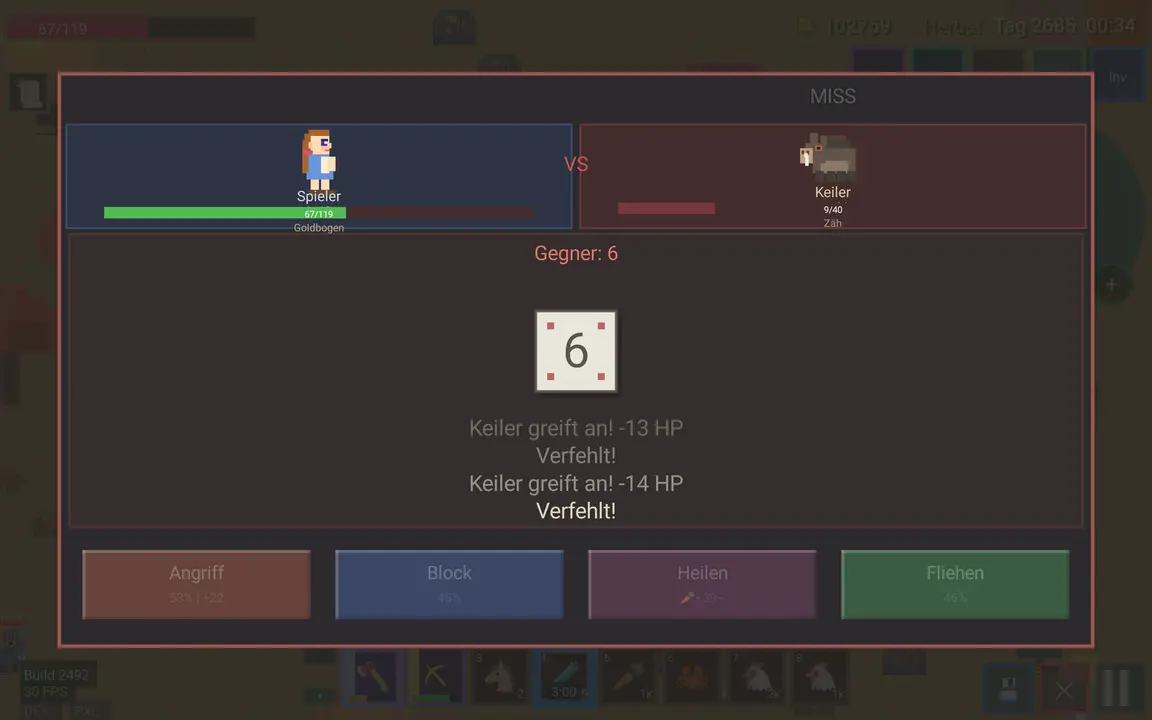
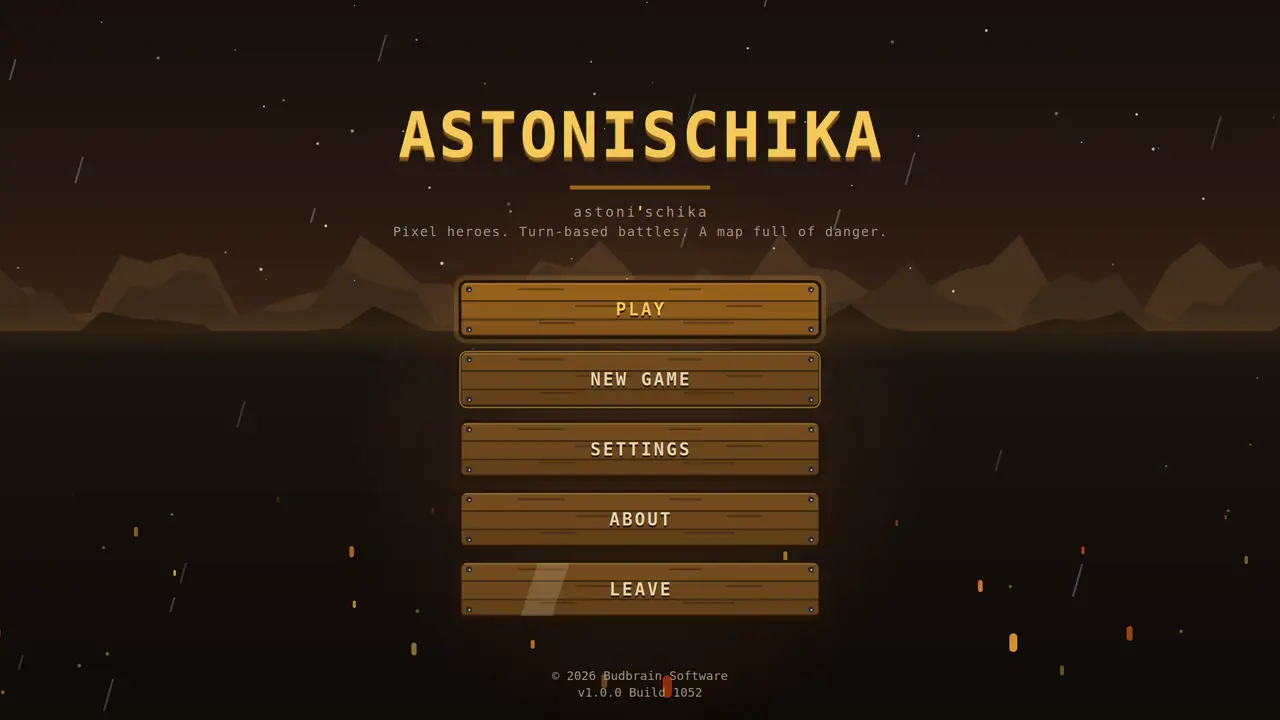
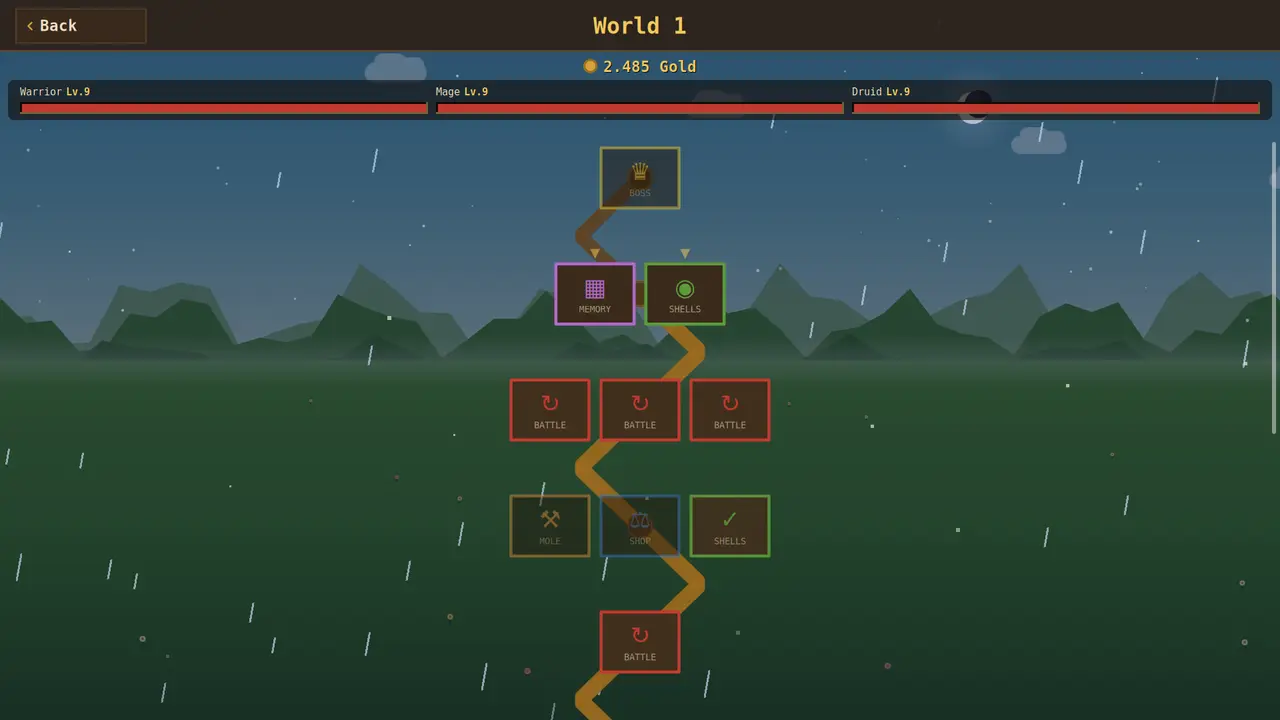
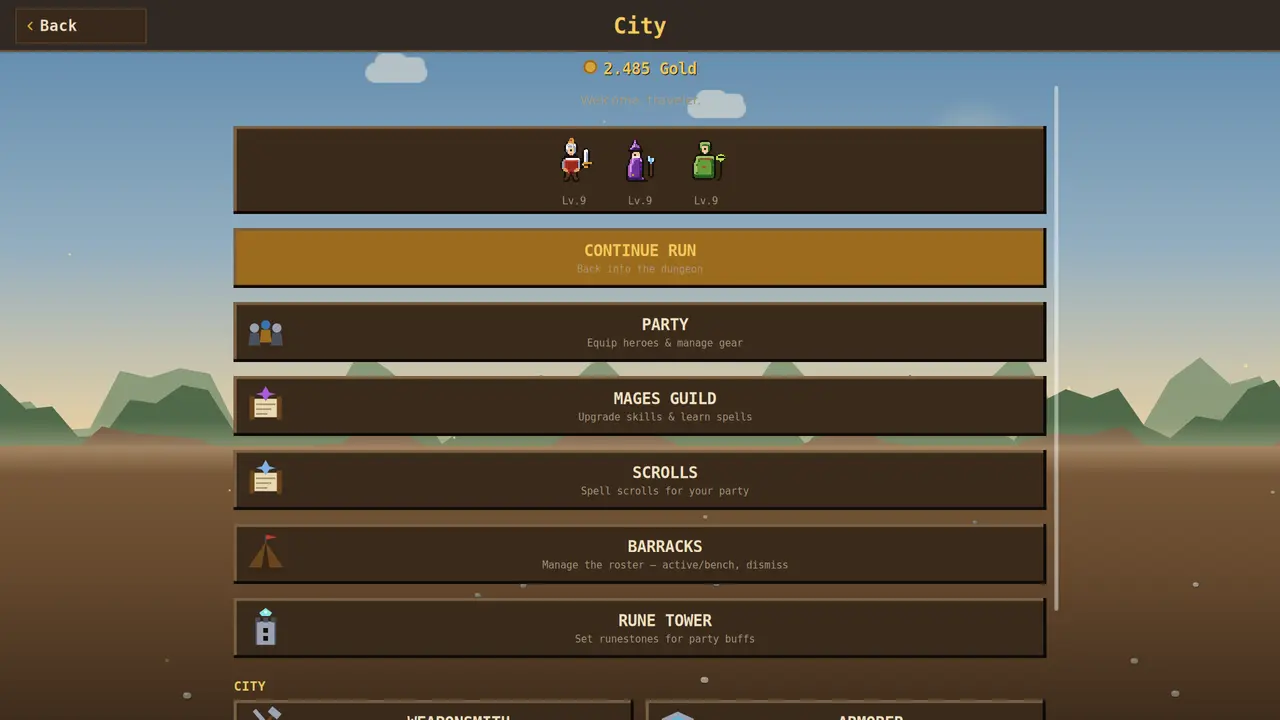
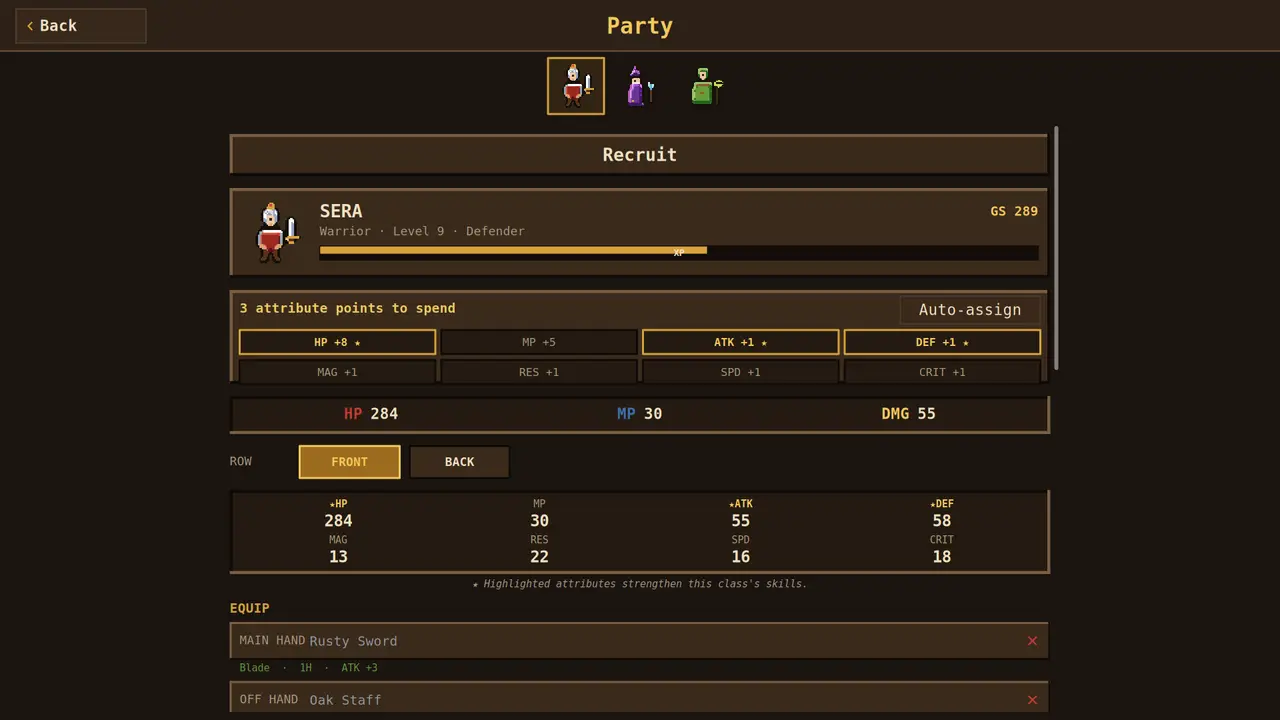
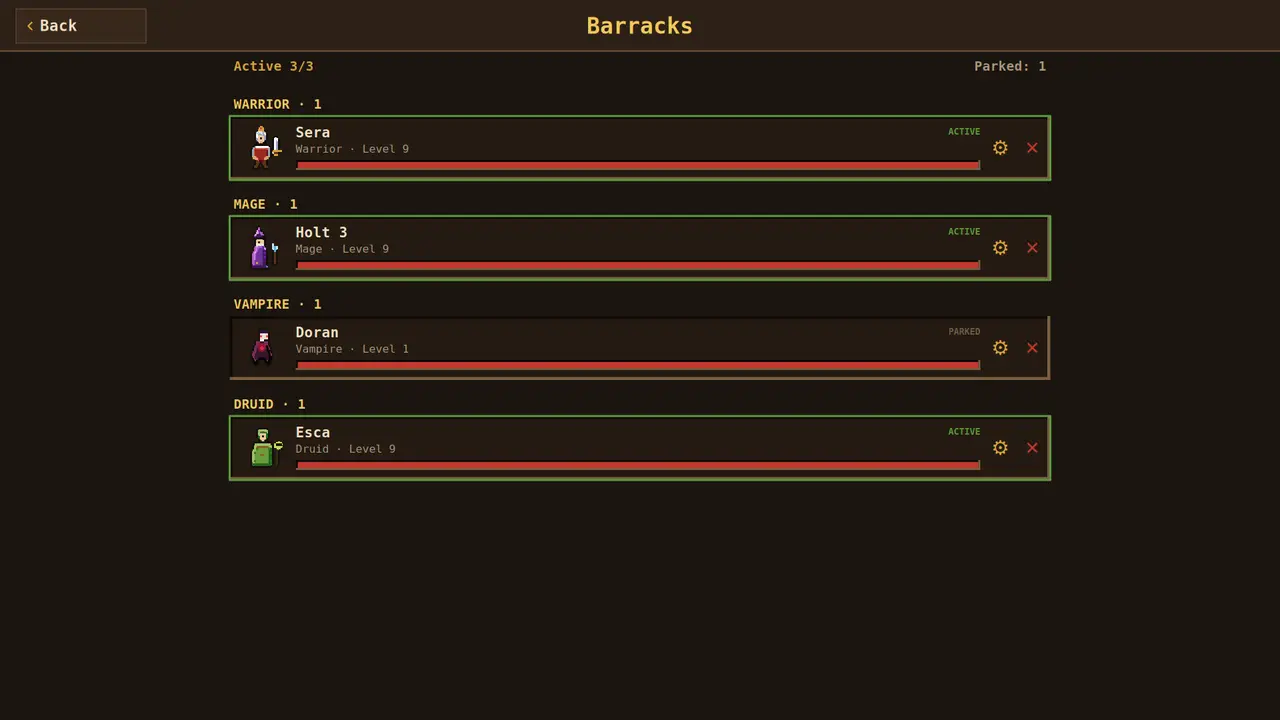
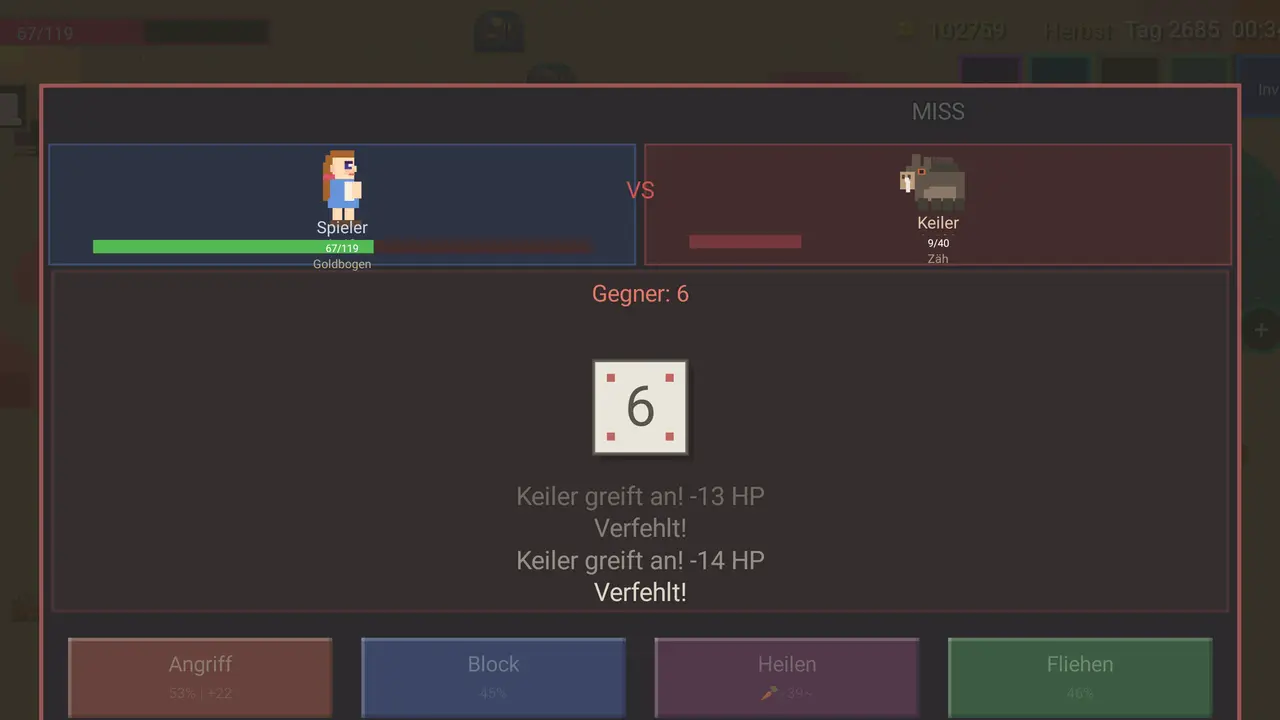
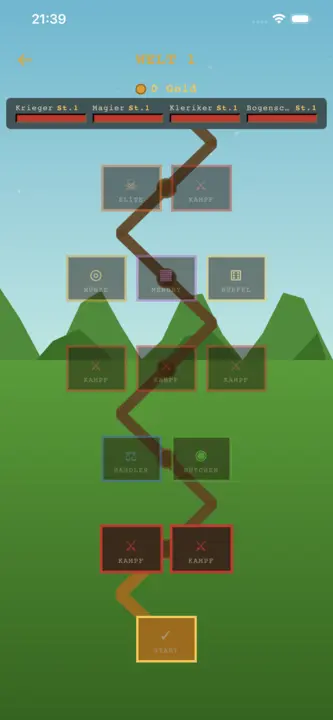
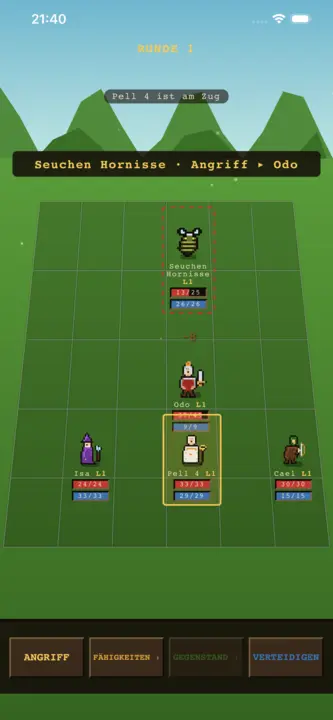
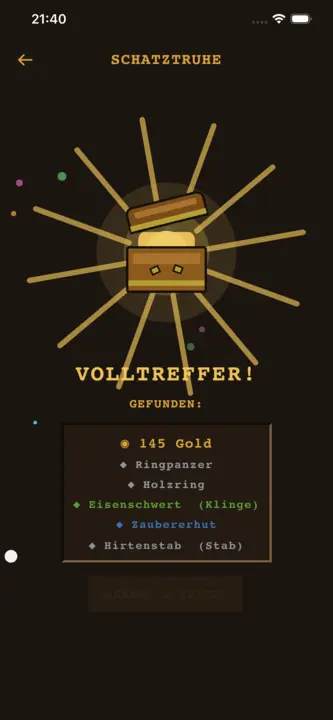
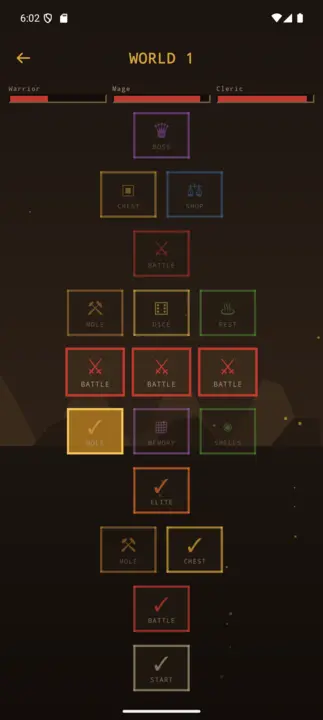
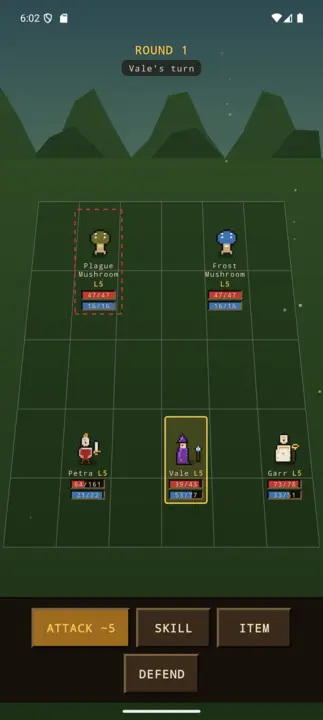
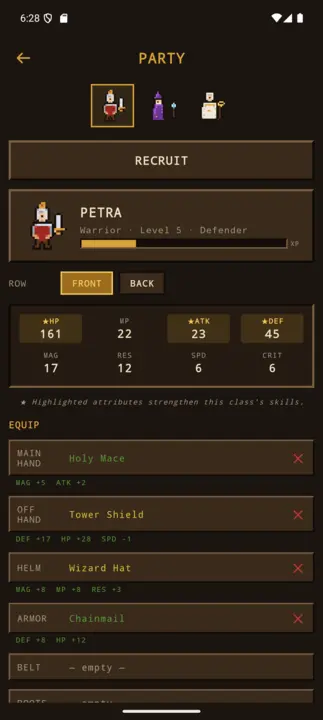
Jogo de papéis em pixel: três heróis, combates por turnos, espólio e um mapa cheio de perigos.
Party-RPGPixel-ArtPor turnos3 de 8 heróisSaque & equipamentoCentro da cidadeSDL2 · Cairo44 idiomas
Budbrain’s Chess
v1.0.0 · MSIX · Windows 10/11
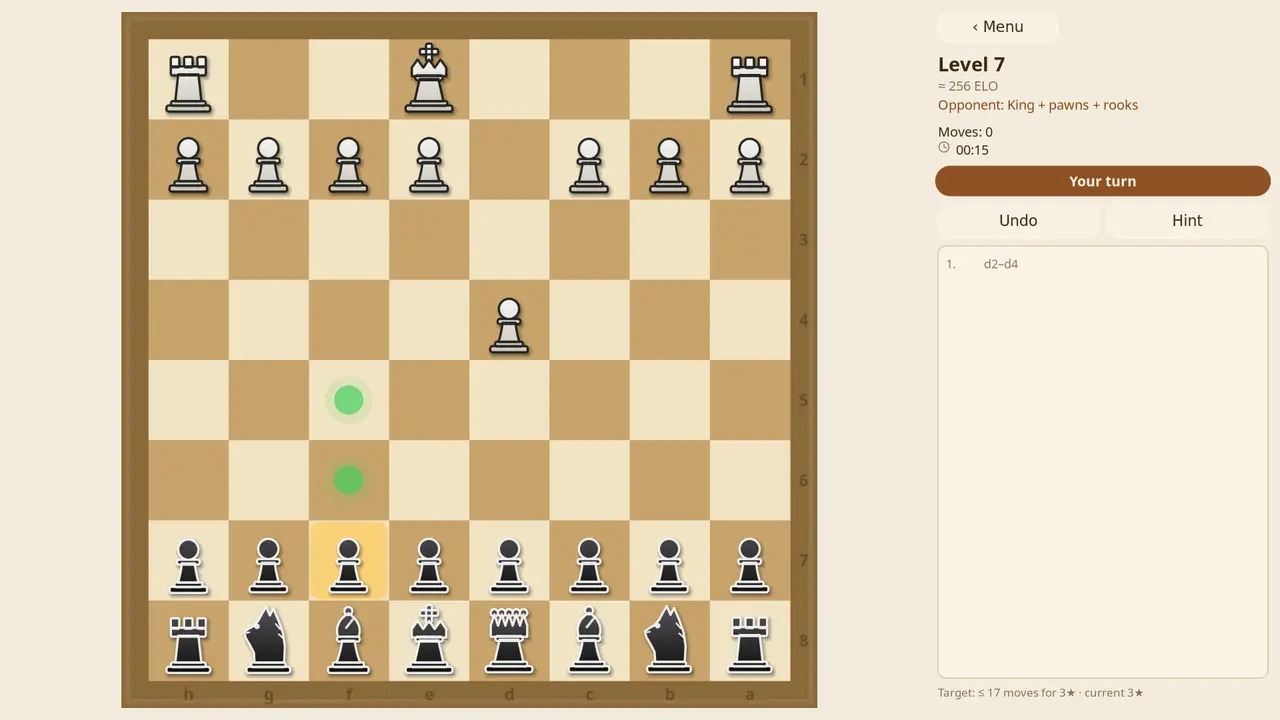
Cem níveis de xadrez contra o computador, de 150 a 1900 ELO. Nos primeiros níveis o adversário joga com desvantagem e depois fica mais forte a cada nível. Uma dica ajuda, as peças ameaçadas piscam, qualquer jogada pode ser desfeita — e cada partida ganha fica na galeria.
100 níveisDe 150 a 1900 ELOAdversário com desvantagemDica e desfazerGaleria de partidas ganhasSDL2 · Cairo22 idiomas
BlobPop
v1.0.0 · MSIX · Windows 10/11
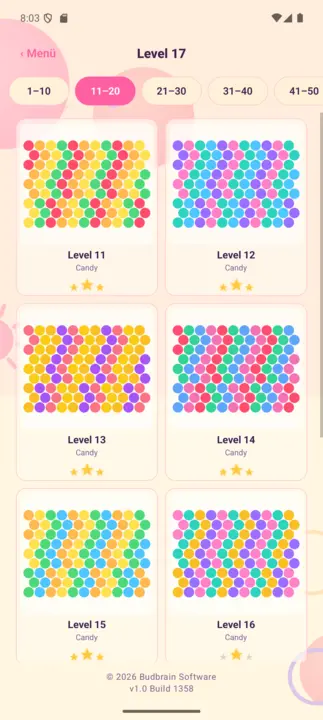
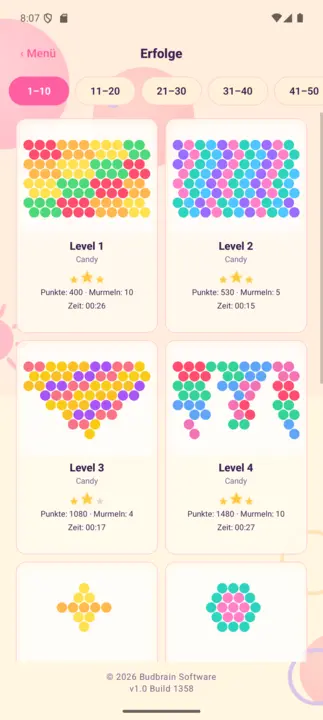
Cem níveis em cinco mundos: aponta, clica e junta três da mesma cor. A cada poucos disparos o tabuleiro desce uma linha — limpa-o antes de chegar ao fundo e ganha três estrelas. Além disso, um modo sem fim com tabela de recordes.
100 níveisCinco mundosModo sem fimDia e noiteTabela de recordesSDL2 · Cairo22 idiomas
Budbrain’s Puzzle
v1.1.0 · MSIX · Windows 10/11
Quarenta fotografias como puzzles, cada uma em seis tamanhos, de trinta a cento e dez peças. Uma peça perto do seu lugar encaixa sozinha — liga a rotação se o quiseres mais difícil.
Quarenta fotografiasSeis tamanhosDe 30 a 110 peçasPeças que rodamConquistasCores própriasSDL2 · Cairo22 idiomas
FarmIsFun
v1.0.1 · MSIX · Windows 10/11
Constrói uma quinta a partir de um terreno vazio: limpar, semear, criar animais, escavar na mina. Mais de 300 objetos, 231 receitas, quatro estações — e guarda sozinho.
Mais de 300 objetos231 receitasSeis animaisQuatro estaçõesMina · pesca · caçaRato · teclado · comandoSDL2 · Cairo22 idiomas
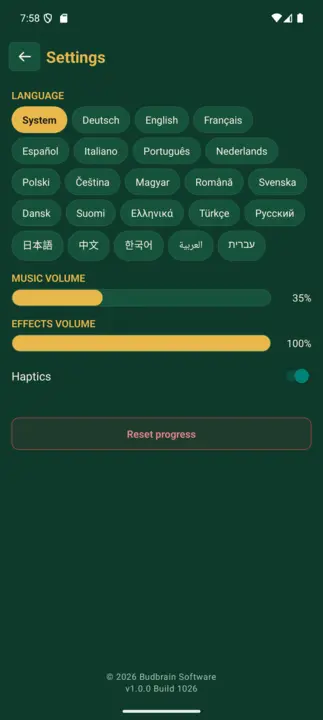
Budbrain’s Mahjong
v1.1.1 · MSIX · Windows 10/11
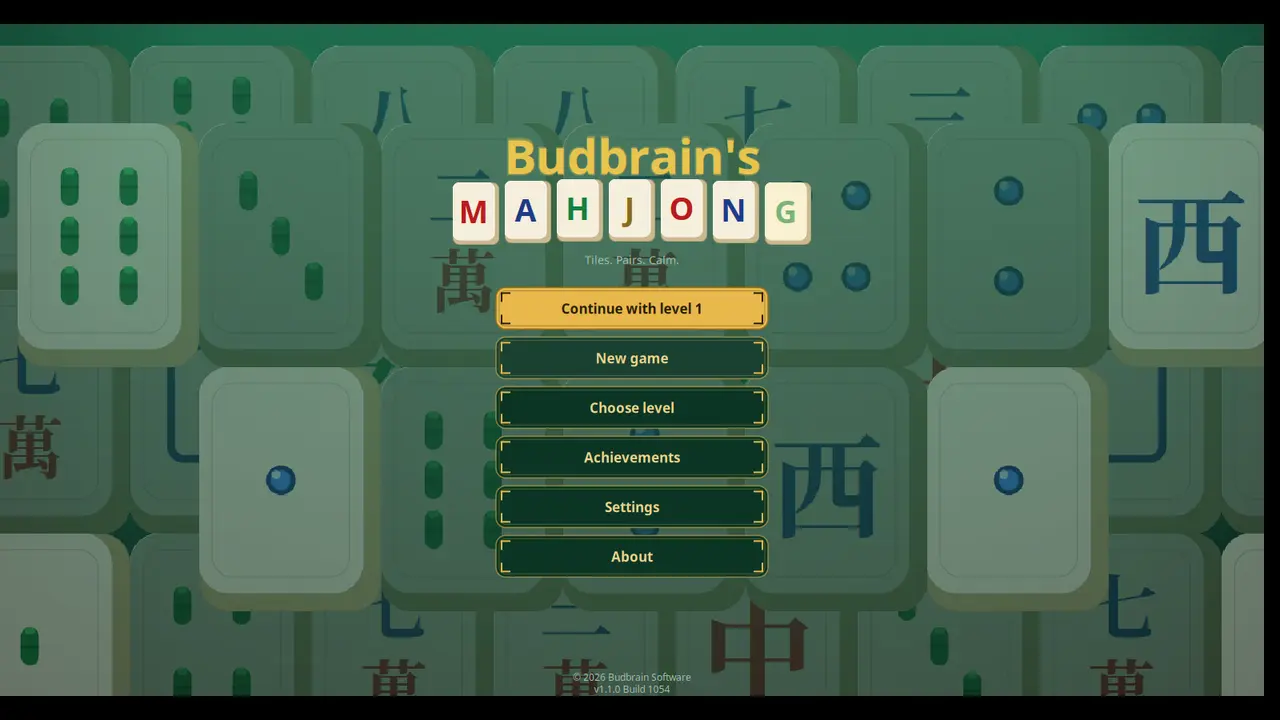
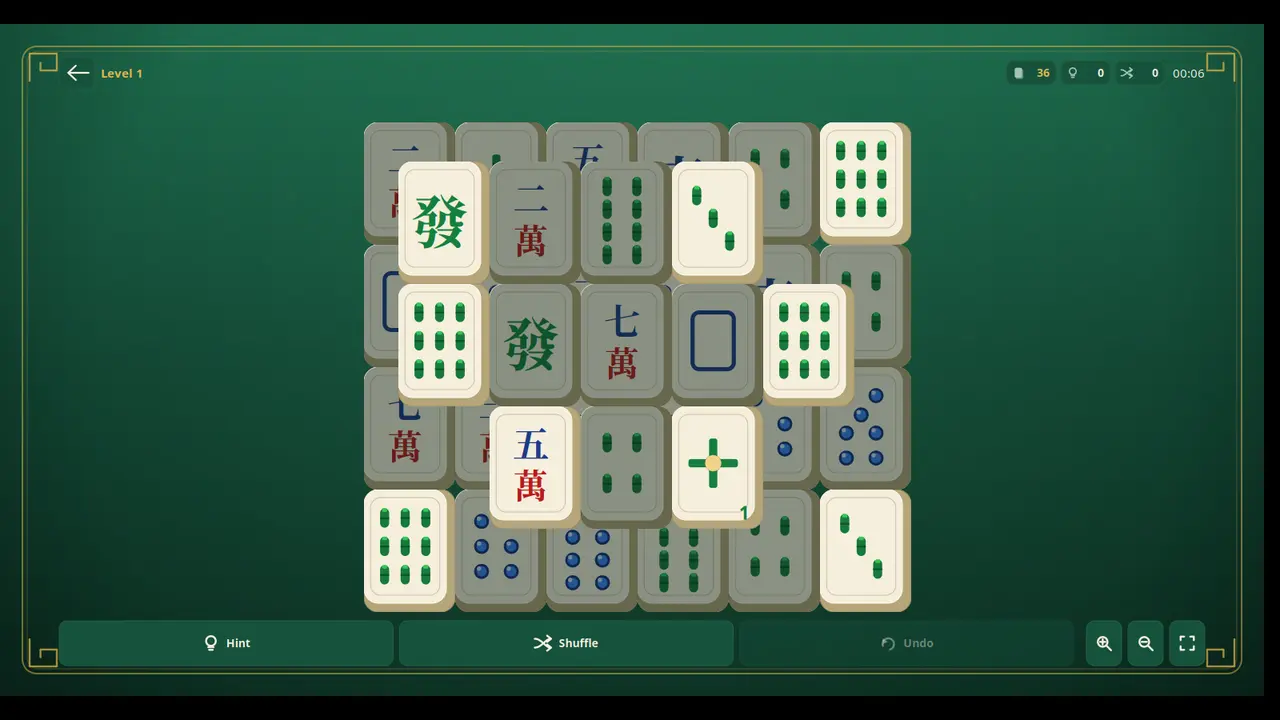
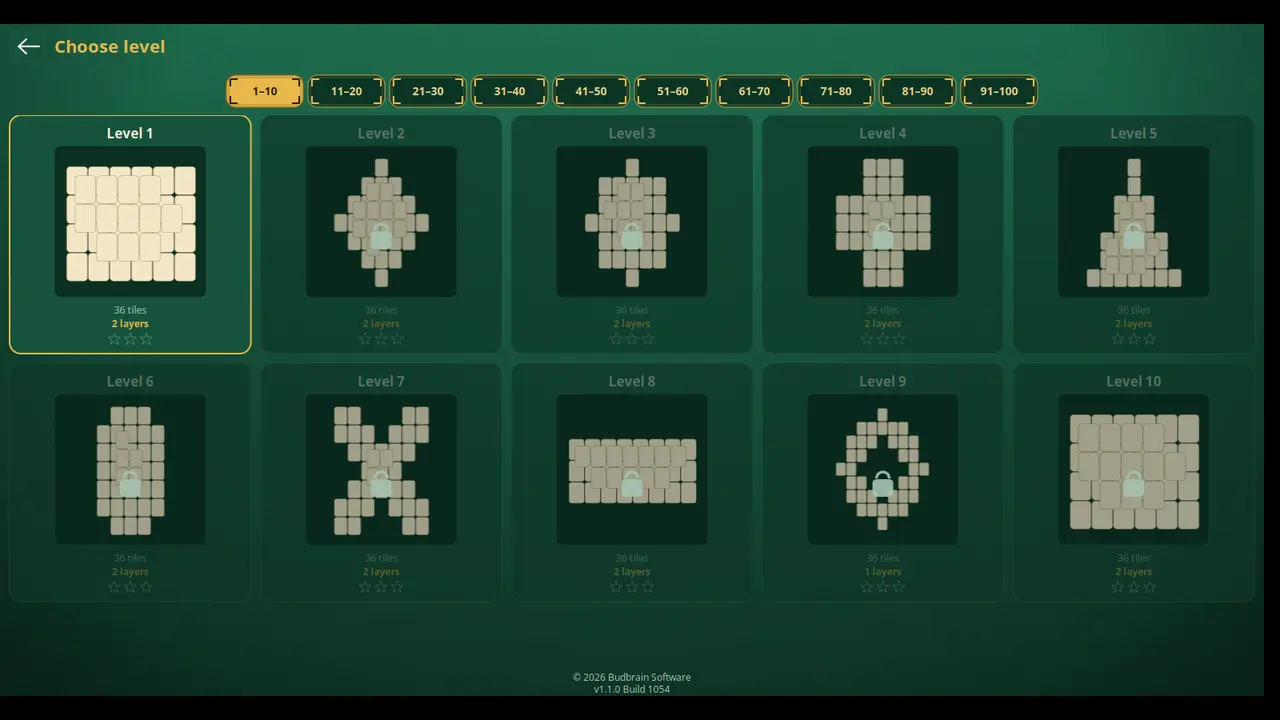
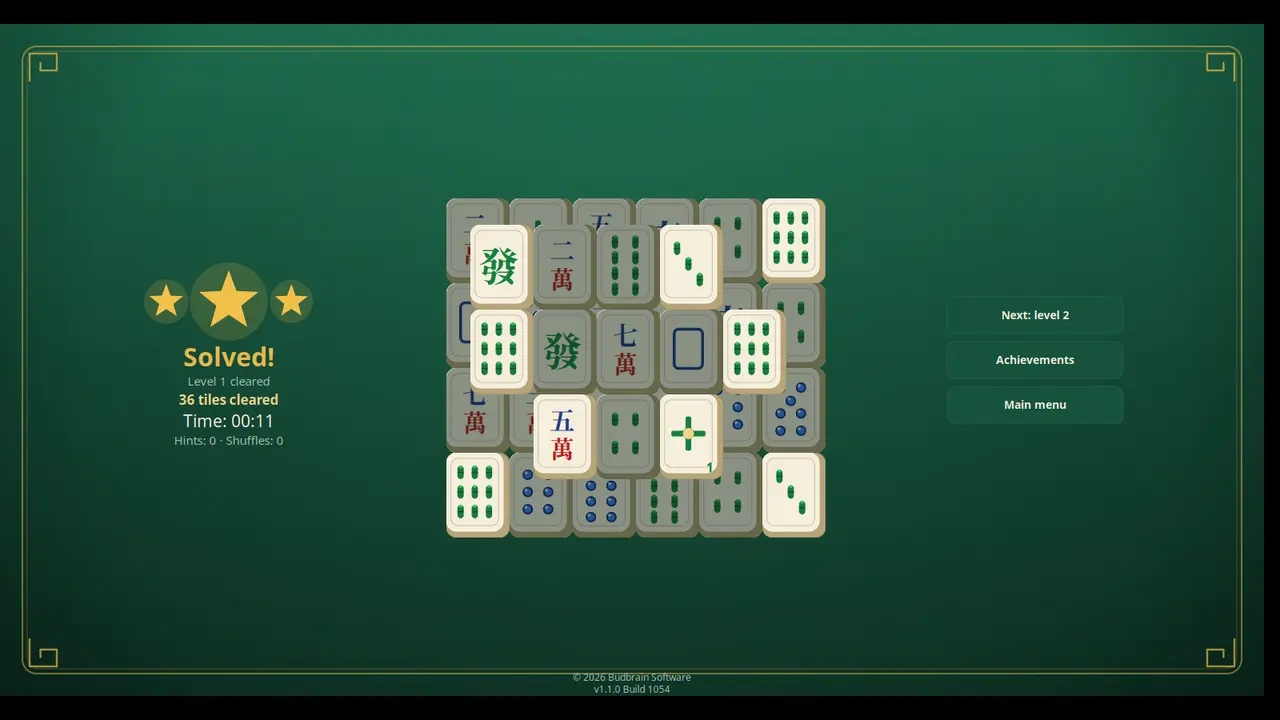
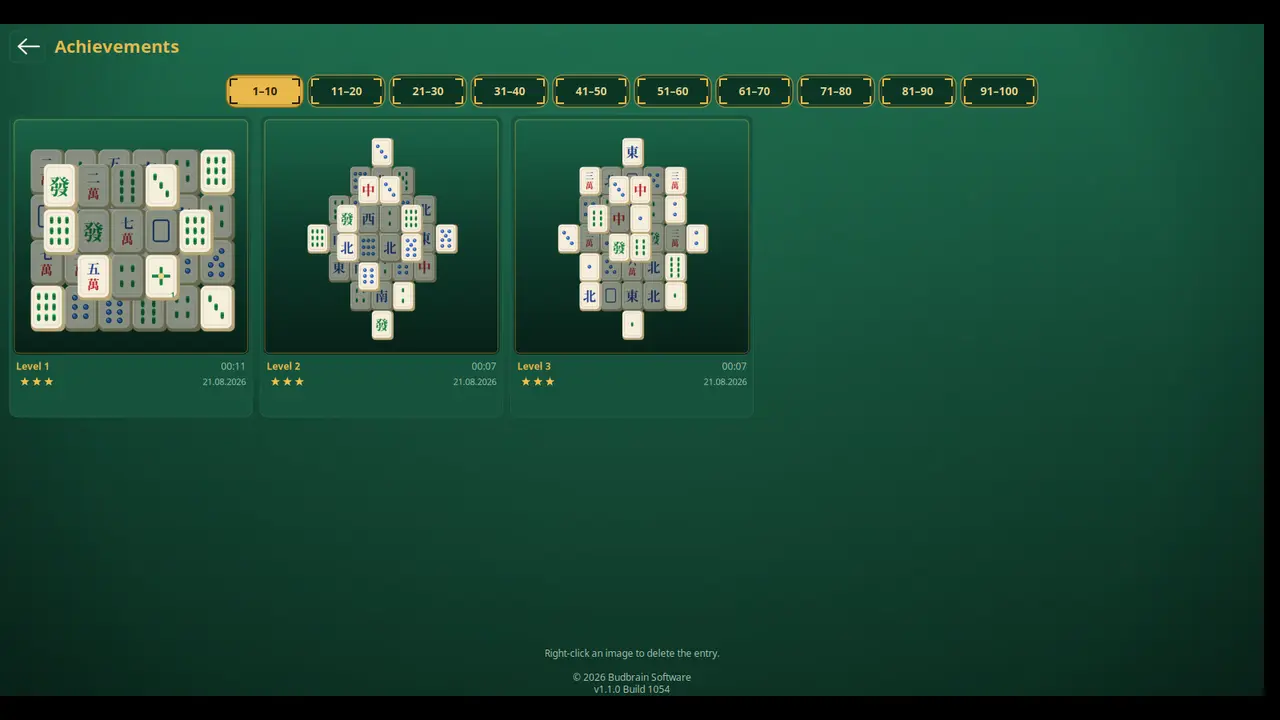
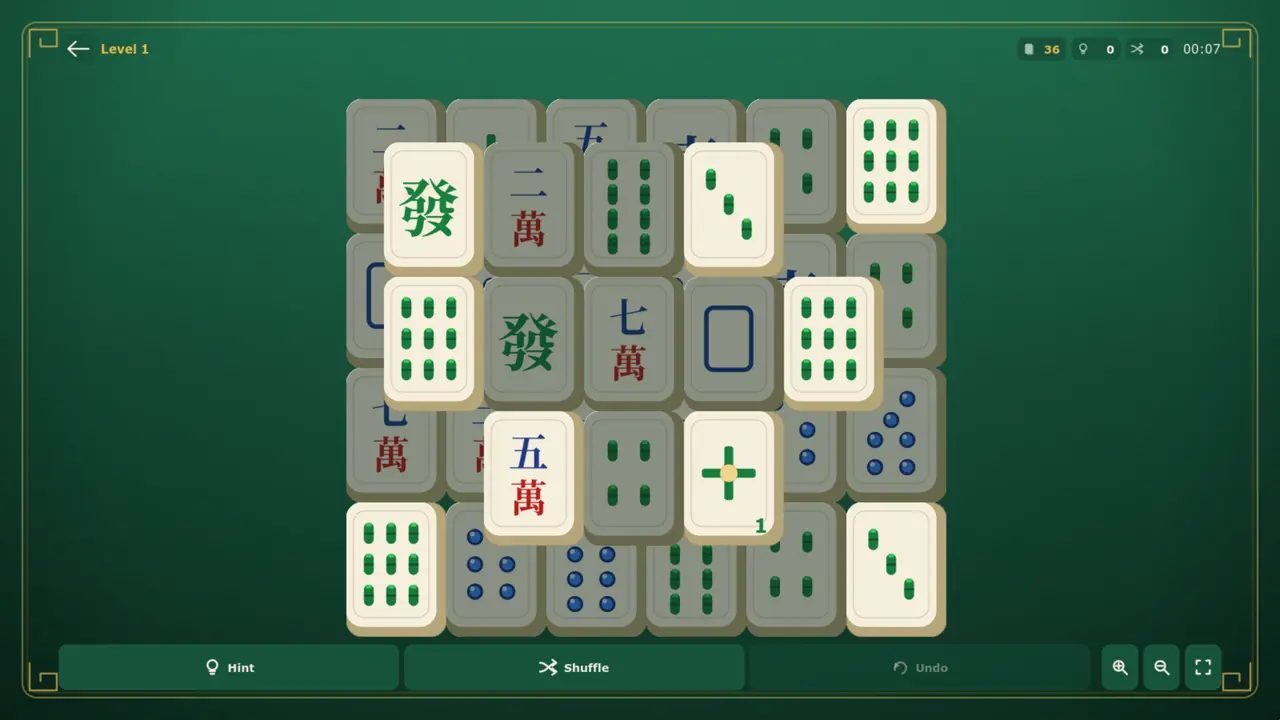
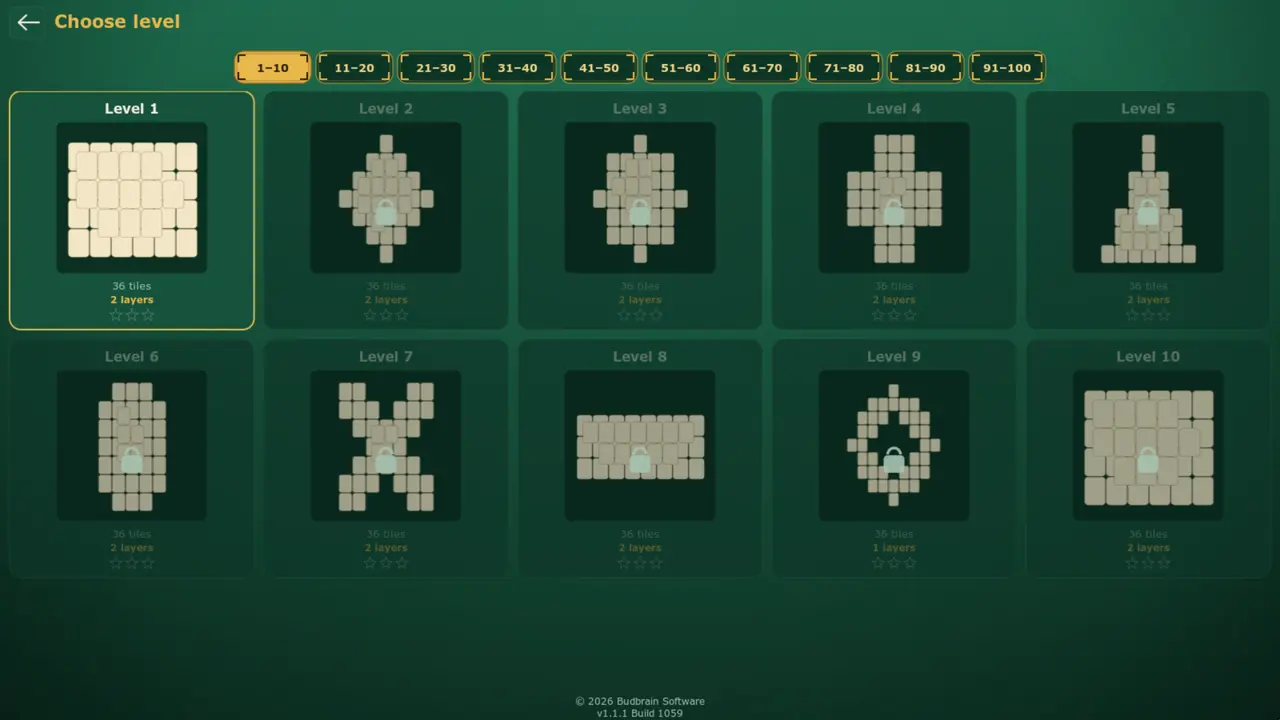
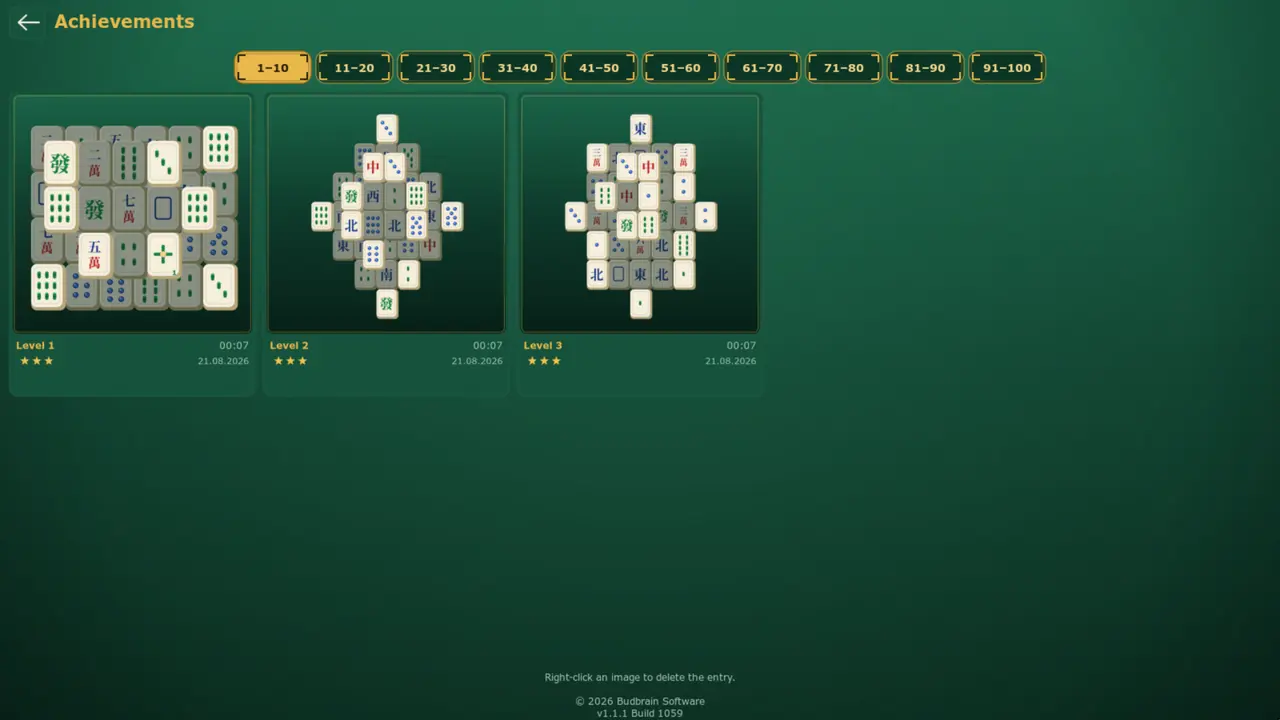
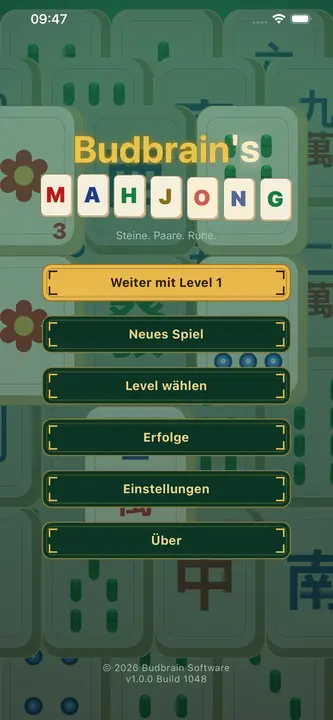
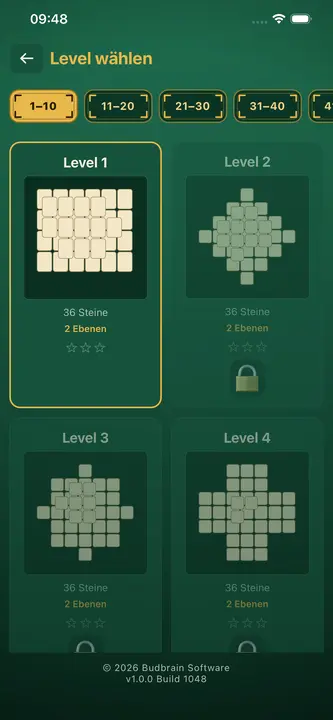
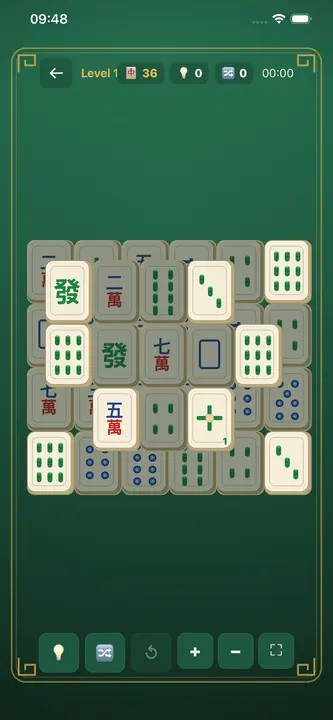
Mahjong solitário com cem níveis: duas peças iguais e livres desaparecem, dez mesas desenhadas, e cada tabuleiro limpo fica como imagem.
Ordene as bolinhas por cor: escolha um tubo e depois o destino — a bolinha de cima voa num arco. Cento e cinco quebra-cabeças em cinco praias, e todos têm solução.
105 quebra-cabeçasCinco praiasTodos com soluçãoDesfazer · RecomeçarParede de conquistasSDL2 · Cairo22 idiomas
DuoDom
v1.0.0 · MSIX · Windows 10/11
Junte as peças de dominó: os mesmos pontos ou a soma certa fazem um par desaparecer. Níveis sem fim com dinamite, coringa e diamante, e todos podem ser resolvidos.
Níveis sem fim17 tipos de peçasDinamite · Coringa · DiamanteDesfazer · Dica · ÁguaTroféus e recordesSDL2 · Cairo20 idiomas
Budbrain’s Sudoku
v1.4.1 · MSIX · Windows 10/11
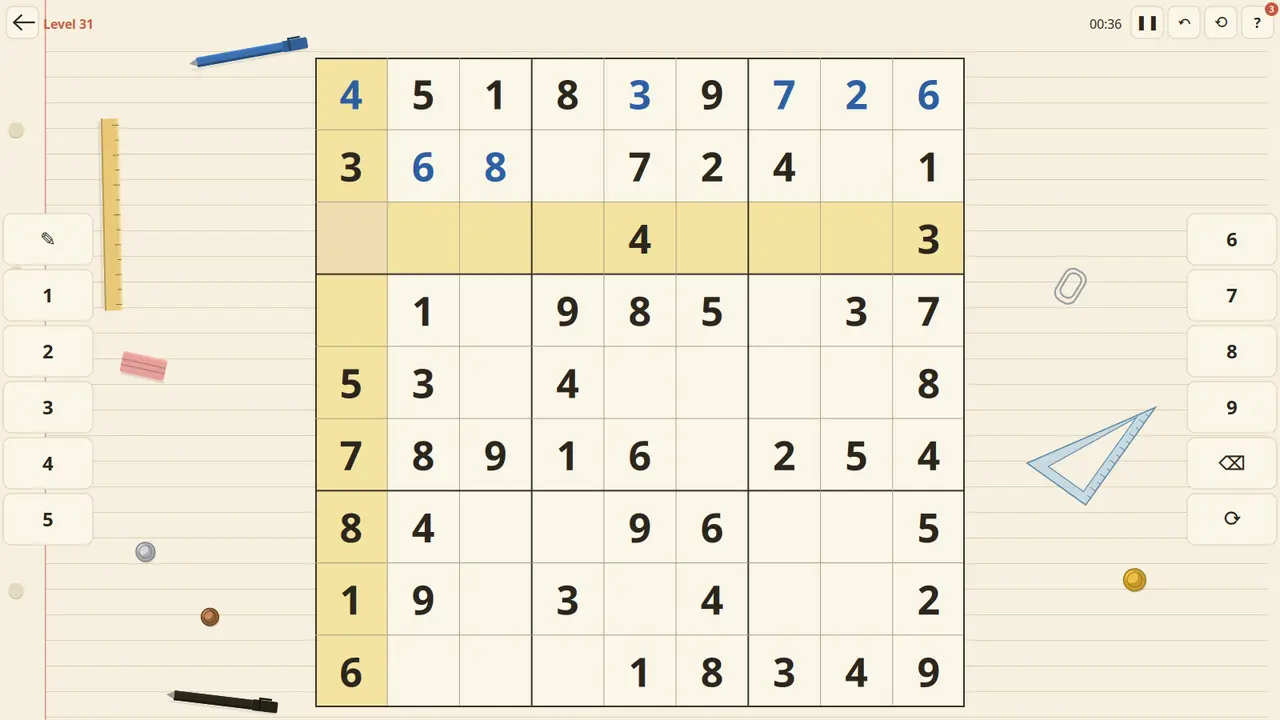
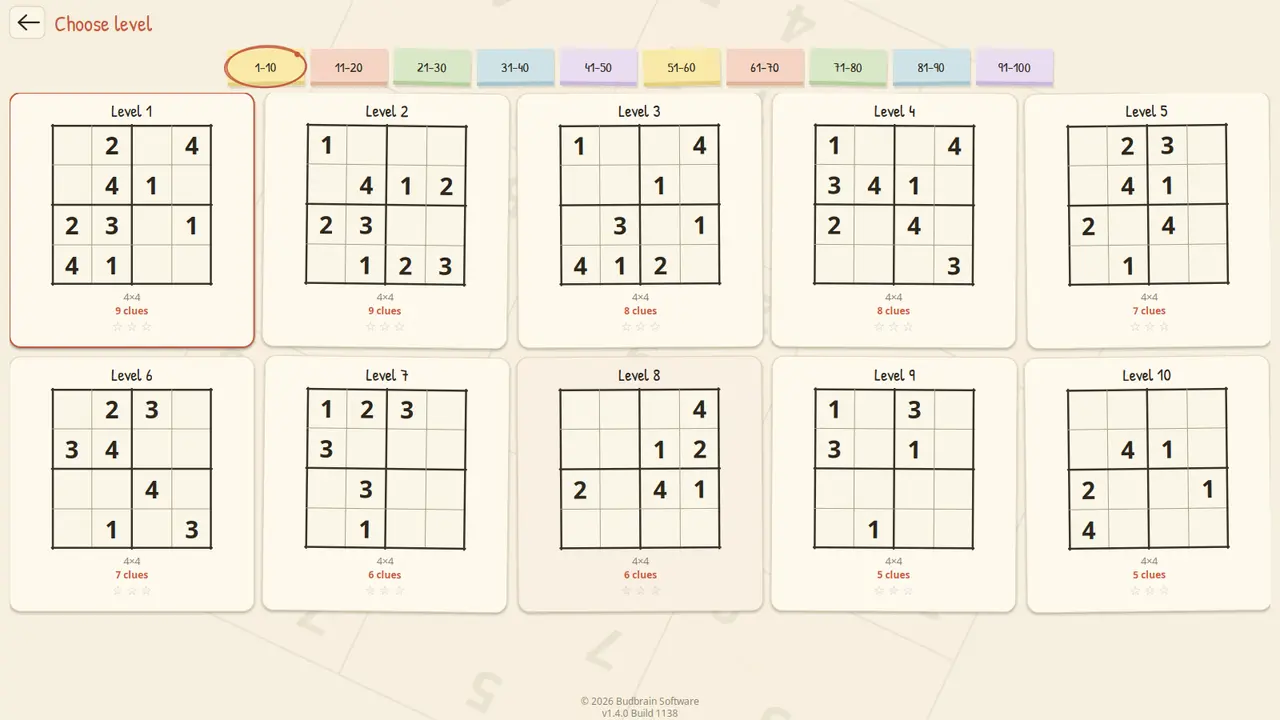
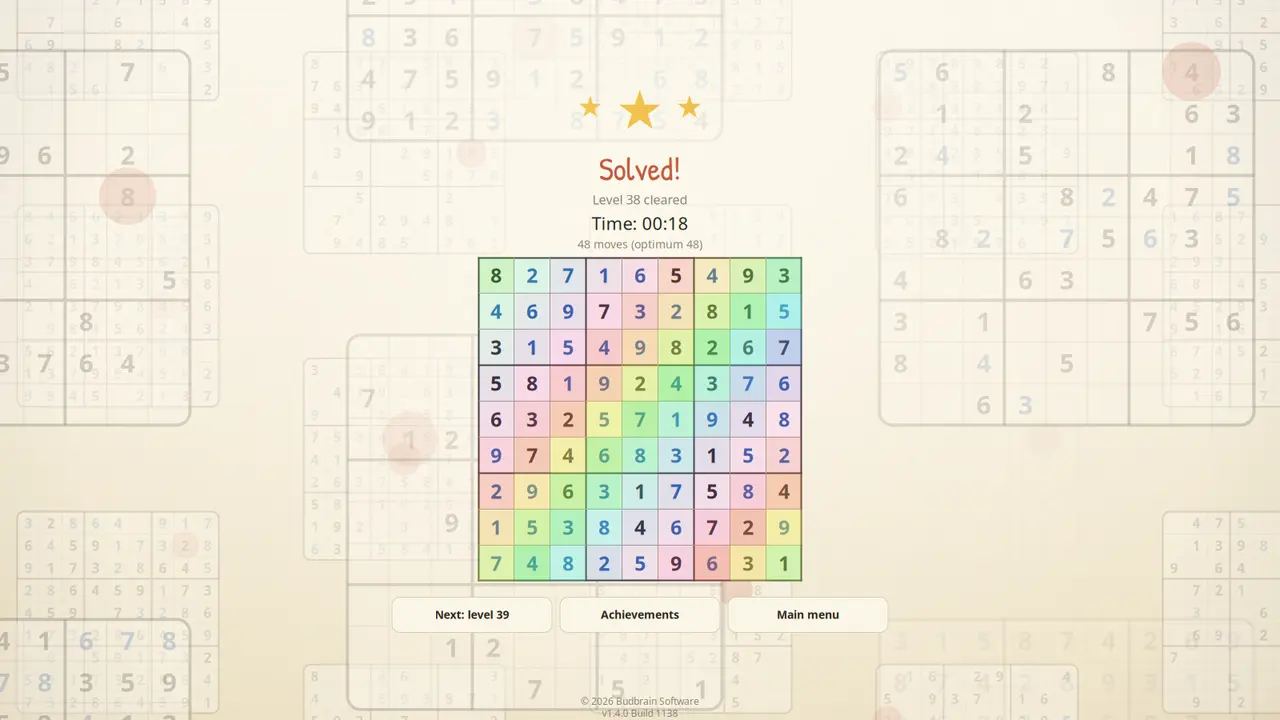
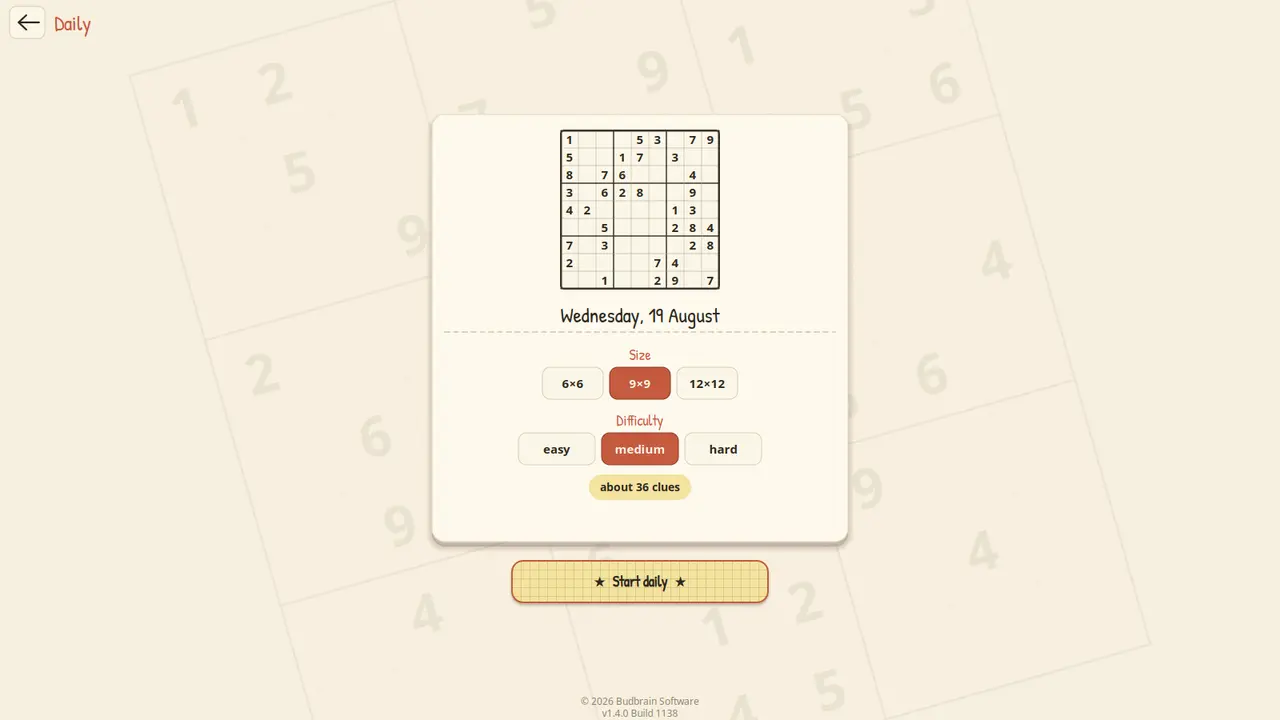
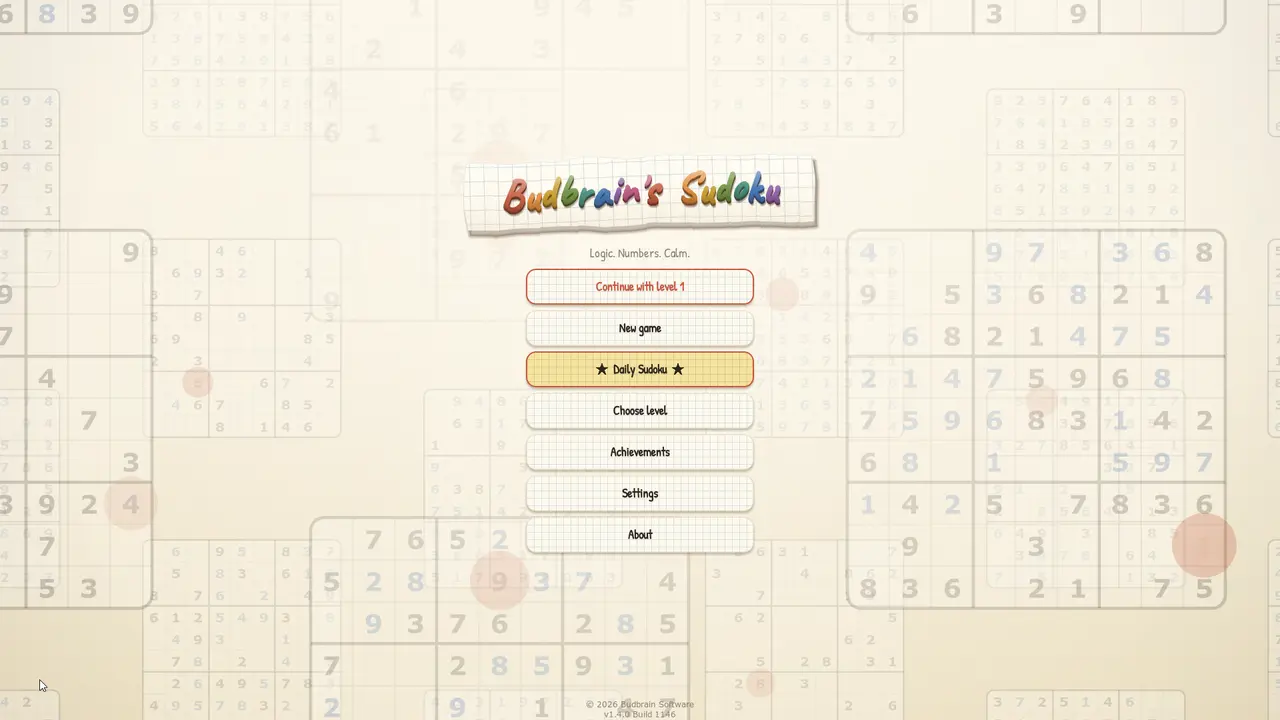
Sudoku de 4×4 a 25×25: cem níveis em papel de caderno, um desafio diário e uma parede com cada tabuleiro resolvido.
Um gestor de ficheiros com dois exploradores lado a lado: à esquerda de onde vêm os ficheiros, à direita para onde devem ir e, entre eles, os botões — copiar, mover, compactar, procurar, vista hexadecimal, nova pasta, eliminar.
Duas pastas lado a ladoProgresso ao vivoUnidades e USBArquivos e vista de bytesDrag & DropClaro e escuro44 idiomas
jsShowHardwareInfos
v1.0 · Win32/Direct2D · Windows 10/11
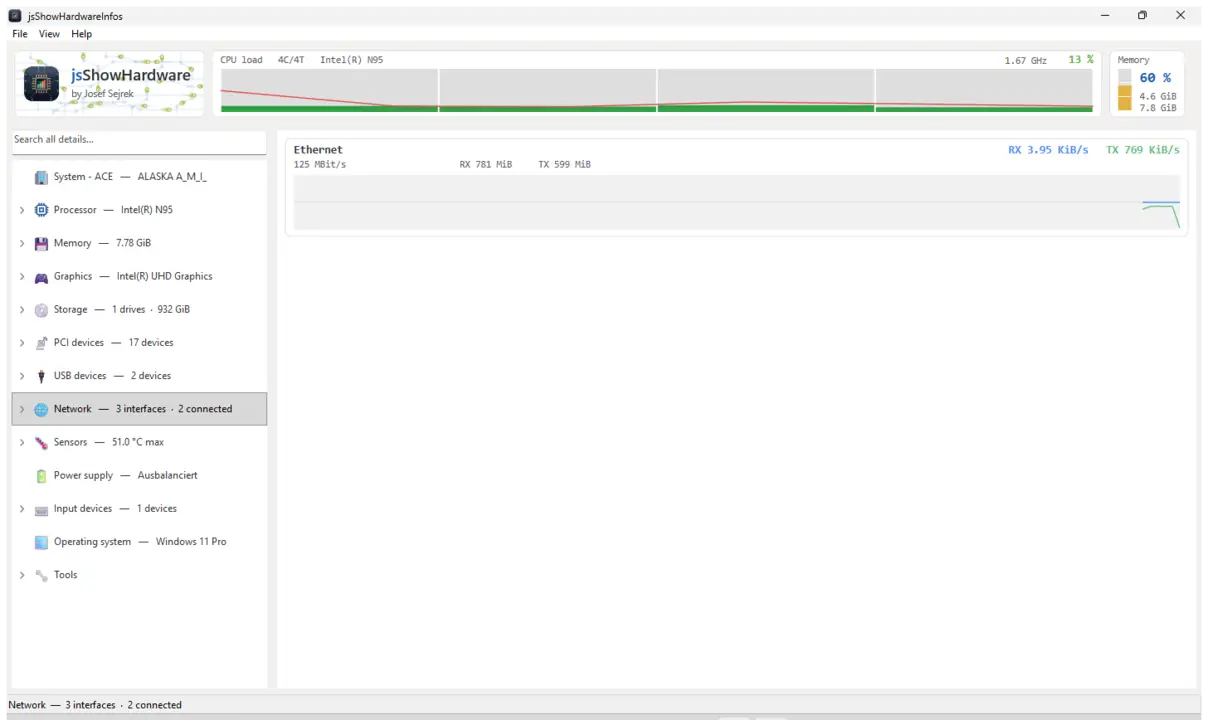
Mostra todos os detalhes de hardware que o PC comunica sobre si próprio: processador, memória, gráficos, unidades, portas, rede e sensores, cada um no seu próprio ramo. Além disso, uma barra ao vivo com carga e temperatura, uma pesquisa em todos os valores e um relatório que pode guardar como ficheiro de texto ou copiar.
CPU / RAM / GPUUnidades e USBSensores e temperaturasLista de processosPesquisa em todos os valoresGuardar relatórioClaro e escuro44 idiomas
Where Did My Storage Go?
v1.0 · Win32/Direct2D · Windows 10/11
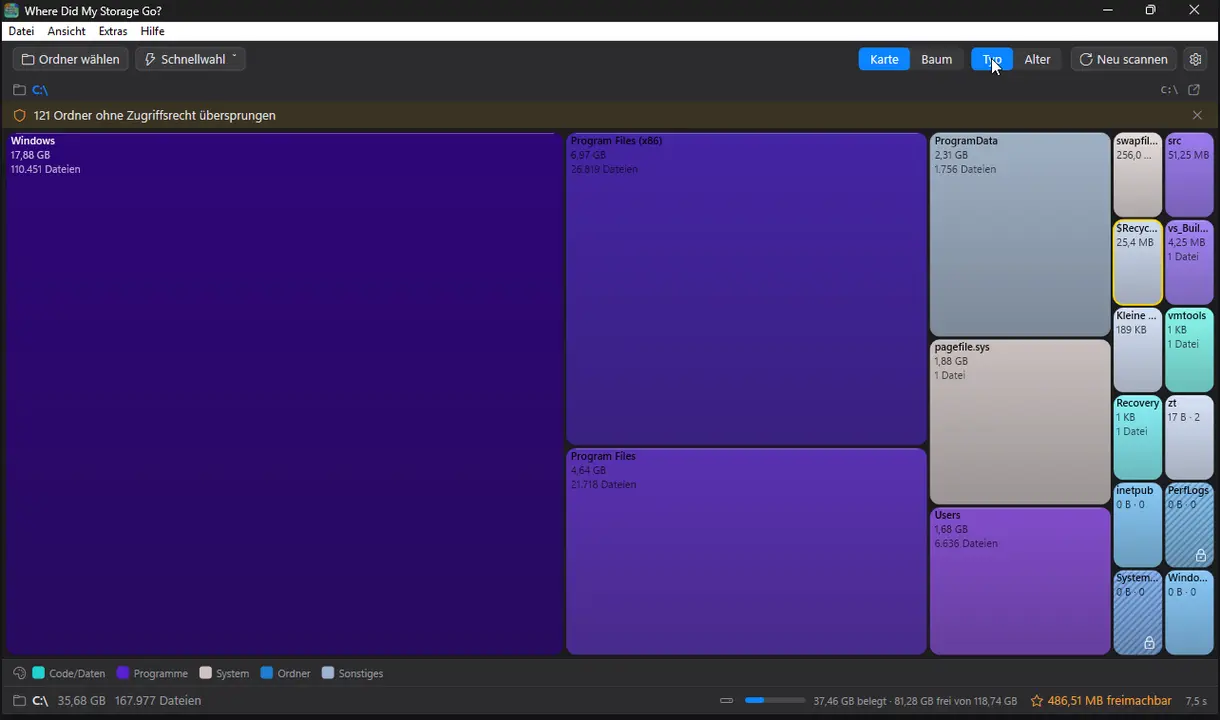
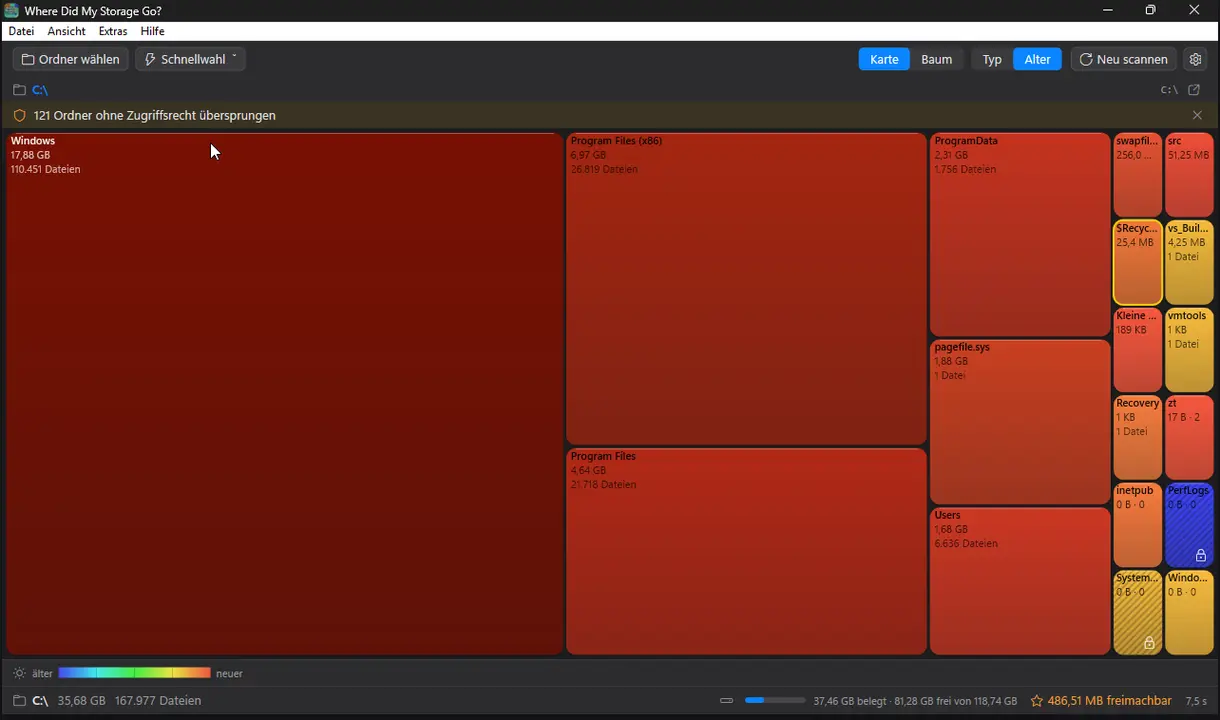
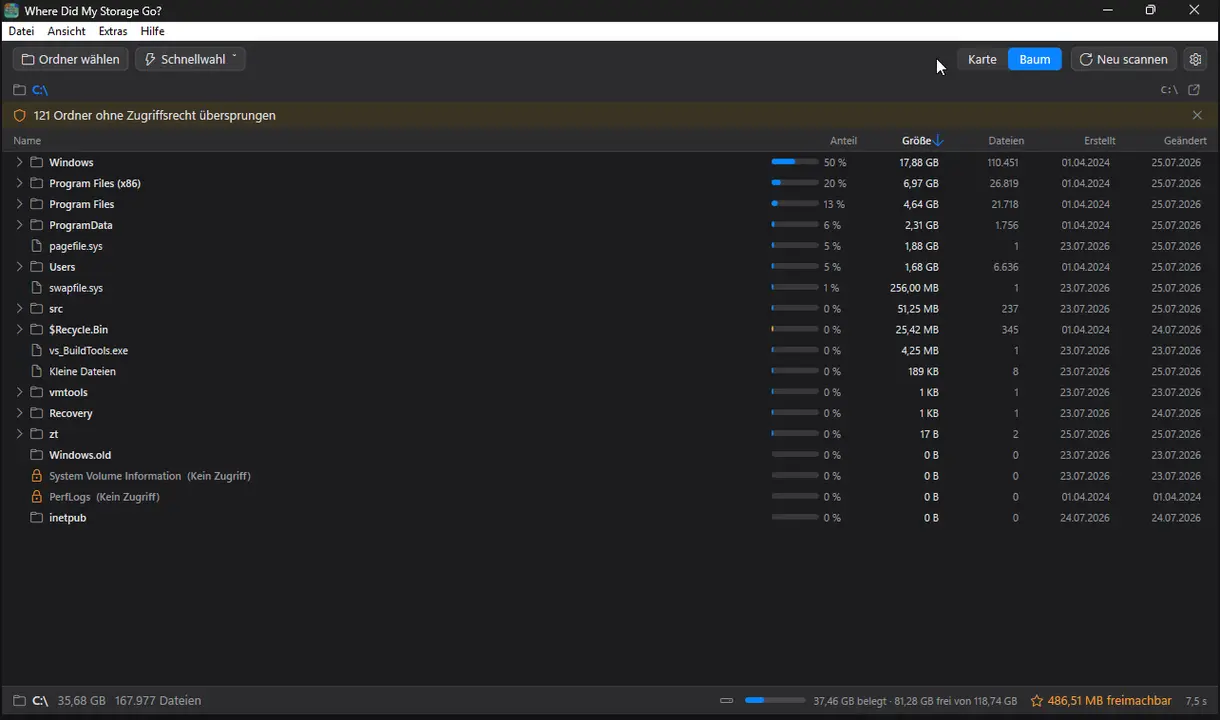
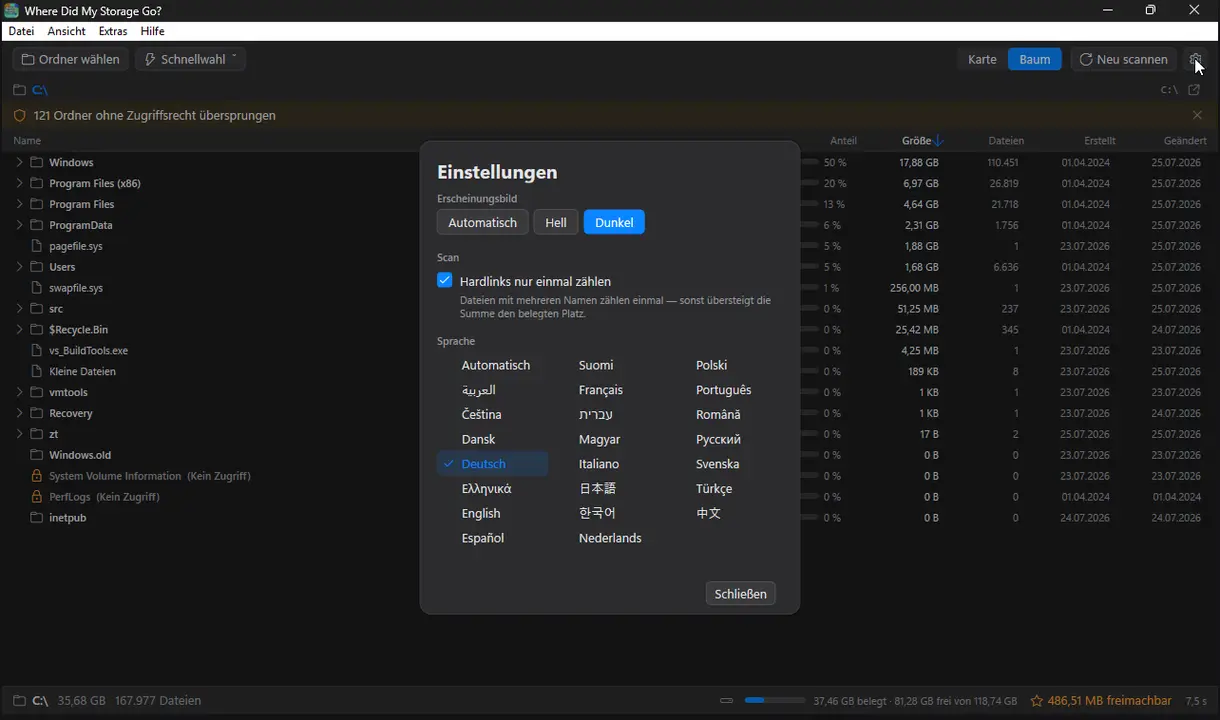
Veja num relance o que enche o seu disco: pastas como um mapa colorido, tamanhos exatos e eliminação apenas para a reciclagem.
TreemapHeat-MapDrill-downVista em árvoreJunk-RadarSó para a lixeiraMulti-Core-ScanClaro e escuro22 idiomas
jsCPUMonitor
v1.0 · Win32/Direct2D · Windows 10/11
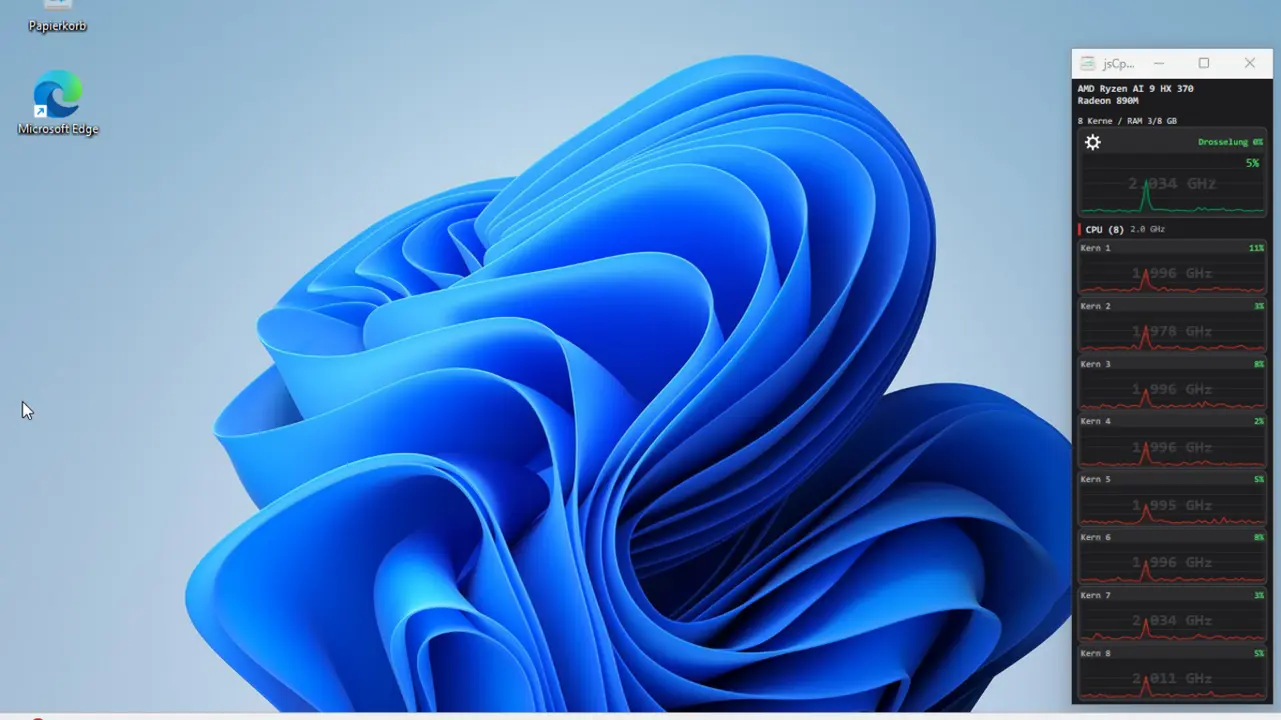
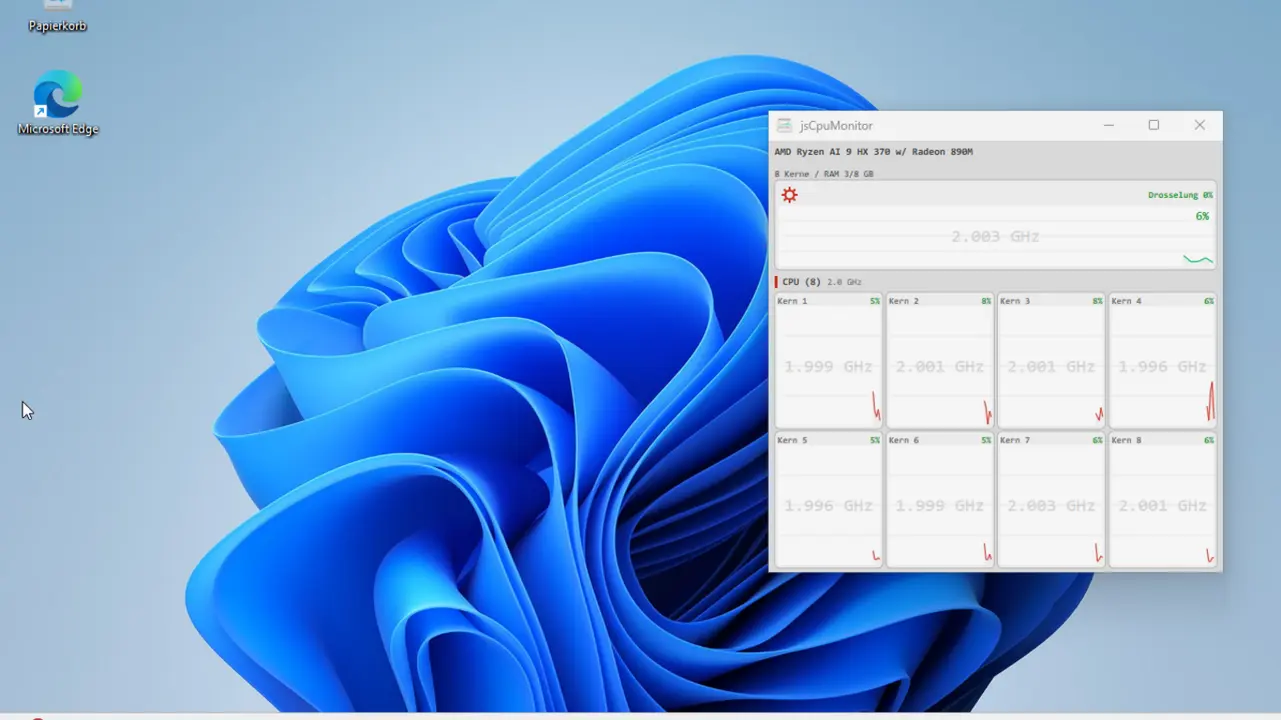
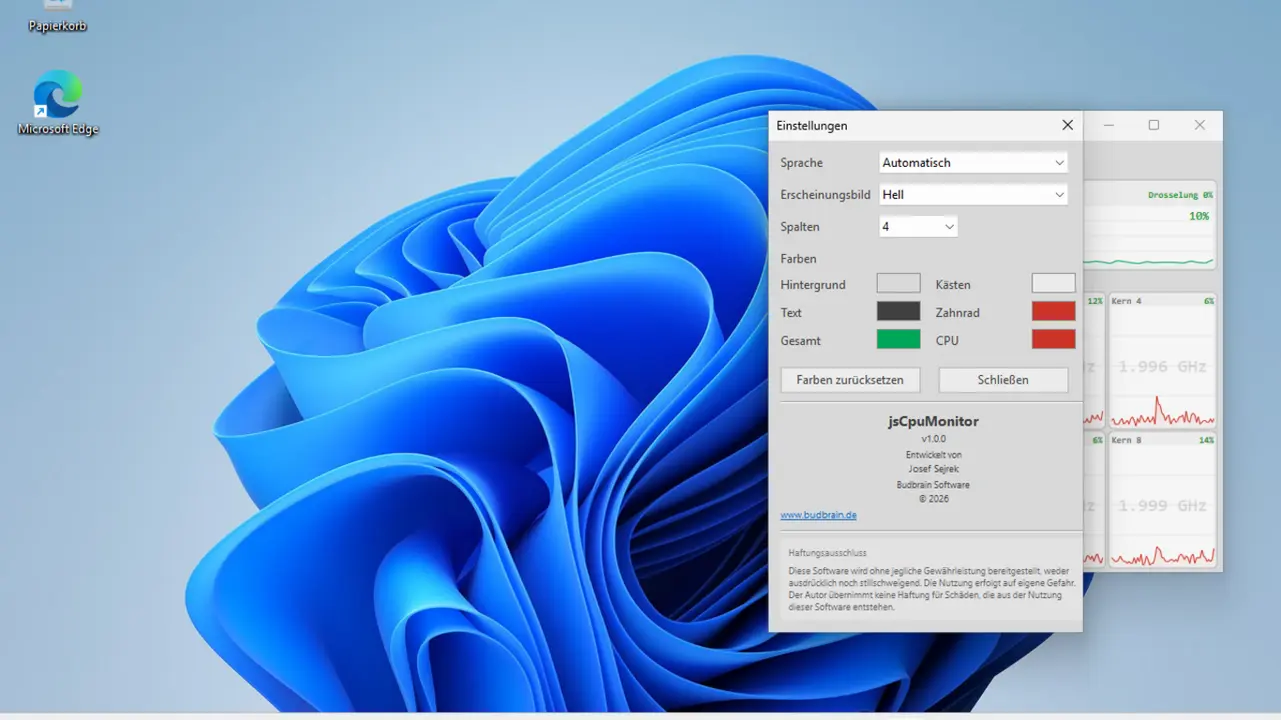
Monitor de CPU para Windows: uma faixa de janela estreita com gráfico de histórico ao vivo para cada núcleo, frequência do relógio, grupos de núcleos de desempenho/eficiência, memória e temperatura. Desenvolvido nativamente com Win32 e Direct2D.
Per-Core ChartsFrequência do relógioDetecção de núcleos P/ETemperaturaRAMSempre visívelClaro e escuroCores personalizáveis22 idiomas
Jogos, ferramentas de áudio, ferramentas da barra de menus, limpeza de caches e análise do espaço em disco para macOS
Instalação: Estes aplicativos não são certificados pela Apple (sem notarização). Por isso o macOS exibe um aviso na primeira execução. Veja como instalar mesmo assim:
Baixar e descompactar o arquivo ZIP
Abrir o Terminal (Aplicativos → Utilitários → Terminal)
Ir até a pasta descompactada: cd ~/Downloads/AppName
Executar o script de instalação: bash install.sh
O script copia o aplicativo para /Applications, remove a marca de quarentena e inicia o aplicativo.
Sem install.sh? Se o ZIP não contiver nenhum script, mova manualmente o .app para /Applications, depois no Terminal: xattr -cr /Applications/AppName.app e dê um clique duplo para iniciar.
jsBudbrainLimiter
v1.0.0 · Mac App Store · macOS 14.2+
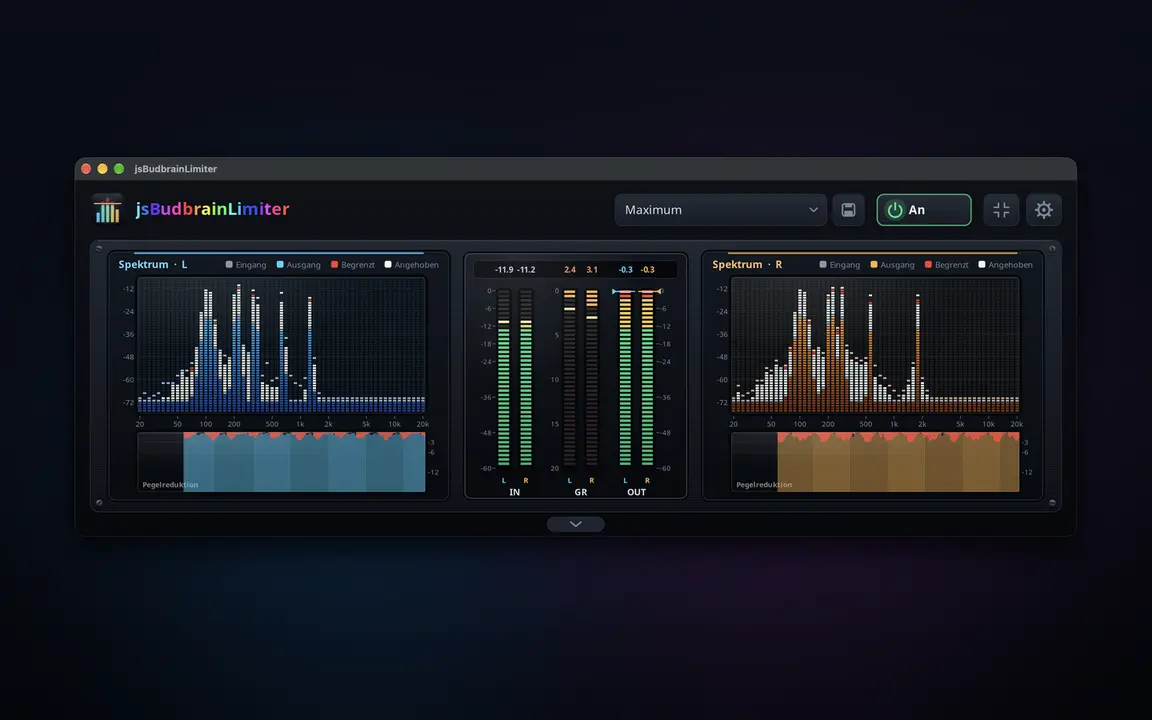
Um limitador para tudo o que o seu computador reproduz — mais alto, sem nunca saturar, com dois espectros que mostram o que faz.
Controlos próprios para o canal esquerdo e o direitoGanho, teto, ataque, libertação, joelho, passa-alto SC e misturaTrue Peak apanha até os picos mais brevesControlo de saída com medidores de nível para ambos os canaisDois espectros mostram o que é elevado e o que é limitadoHistórico da redução de ganho e valores de picoDefinições prontas, e as suas própriasFunciona em conjunto com o jsBudbrainCompressor, o jsBudbrainEqualizer e o jsBudbrainsFxStudioBotão de silêncio para quando o telefone tocaEscolha colunas ou auscultadoresJanela pequena sempre por cimaConfigura-se uma vez – o macOS pede a sua autorizaçãoClaro e escuroApple Silicon44 idiomas
jsBudbrainCompressor
v1.0.1 · Mac App Store · macOS 14.2+
O calor das válvulas e um compressor de estúdio para tudo o que o seu computador reproduz — com válvulas incandescentes e VU meters.
Pré-amplificador de válvulas simulado com drive, bias e fatGraves, médios, agudos e presençaCompressor com limiar, razão, ataque, libertação, joelho, make-up e misturaDois VU meters com movimento real do ponteiroAs válvulas brilham mais quanto mais trabalhamDefinições prontas para válvulas e compressor, e as suas própriasO limitador protege os ouvidos e as colunasFunciona em conjunto com o jsBudbrainEqualizer e o jsBudbrainsFxStudioBotão de silêncio para quando o telefone tocaEscolha colunas ou auscultadoresJanela pequena sempre por cimaConfigura-se uma vez – o macOS pede a sua autorizaçãoClaro e escuroApple Silicon44 idiomas
jsBudbrainsFxStudio
v1.0.1 · Mac App Store · macOS 14.2+
Efeitos em tempo real para tudo o que o seu computador reproduz — reverberação, eco, tom e mais, misturados no som com um controlo deslizante.
Oito efeitos: tom, filtro, distorção, chorus, flanger, phaser, eco, reverberaçãoCada efeito com os seus próprios botões rotativos e controlo de misturaUm só controlo mistura todos os efeitos no som geralForma de onda em tempo real e indicadores de nívelDefinições prontas como sala de concertos ou eco num desfiladeiro, e as suas«Tudo desligado» com um clique — e de volta com o seguinteO limitador protege os ouvidos e as colunasFunciona em conjunto com o jsBudbrainEqualizerBotão de silêncio para quando o telefone tocaEscolha colunas ou auscultadoresJanela pequena sempre por cimaConfigura-se uma vez – o macOS pede a sua autorizaçãoClaro e escuroApple Silicon44 idiomas
jsBudbrainEqualizer
v1.0.2 · Mac App Store · macOS 14.2+
Um equalizador para tudo o que o seu computador reproduz — com espectro em tempo real.
Dez controlos, dos graves profundos aos agudos brilhantesMostra em tempo real o que está a tocar — esquerda, direita ou ambosDefinições de som prontas e as suas, guardadas com um nomeBotão de silêncio para quando o telefone tocaEscolha colunas ou auscultadoresRecolher os controlos e ficar só com o ecrãJanela pequena sempre por cimaArranca ao iniciar sessão, se quiserConfigura-se uma vez – o macOS pede a sua autorizaçãoClaro e escuroApple Silicon44 idiomas
Budbrain Cave Rescue
v1.0.1 · Mac App Store · macOS 12+
Voe até às profundas grutas lunares e leve os astronautas perdidos de volta a casa em segurança.
100 níveis em dez mundosGravidade realQuatro botões, nada maisMelhore a nave com experiênciaQuatro níveis de dificuldadeGaleria de missões com mapas de vooTeclado, rato ou comandoApple Silicon44 idiomas
jsCPUMonitor
v1.4 · Swift/SwiftUI · macOS
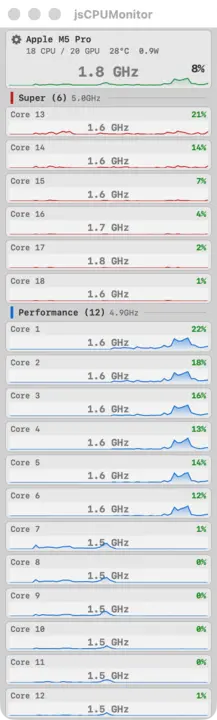
Monitoramento de CPU em tempo real para macOS. Janela flutuante com gráficos por núcleo, temperatura, frequência e consumo de energia para Apple Silicon.
Per-Core ChartsSuper/Performance/EfficiencyTemperatur só ZIPCPU-Frequenz só ZIPPowerFloating WindowApple SiliconLaunch at Login
Uma app da loja não consegue ler os valores marcados com «só ZIP»: corre na sandbox da Apple. A transferência direta consegue. Em troca não está notarizada — no primeiro arranque siga as instruções acima.
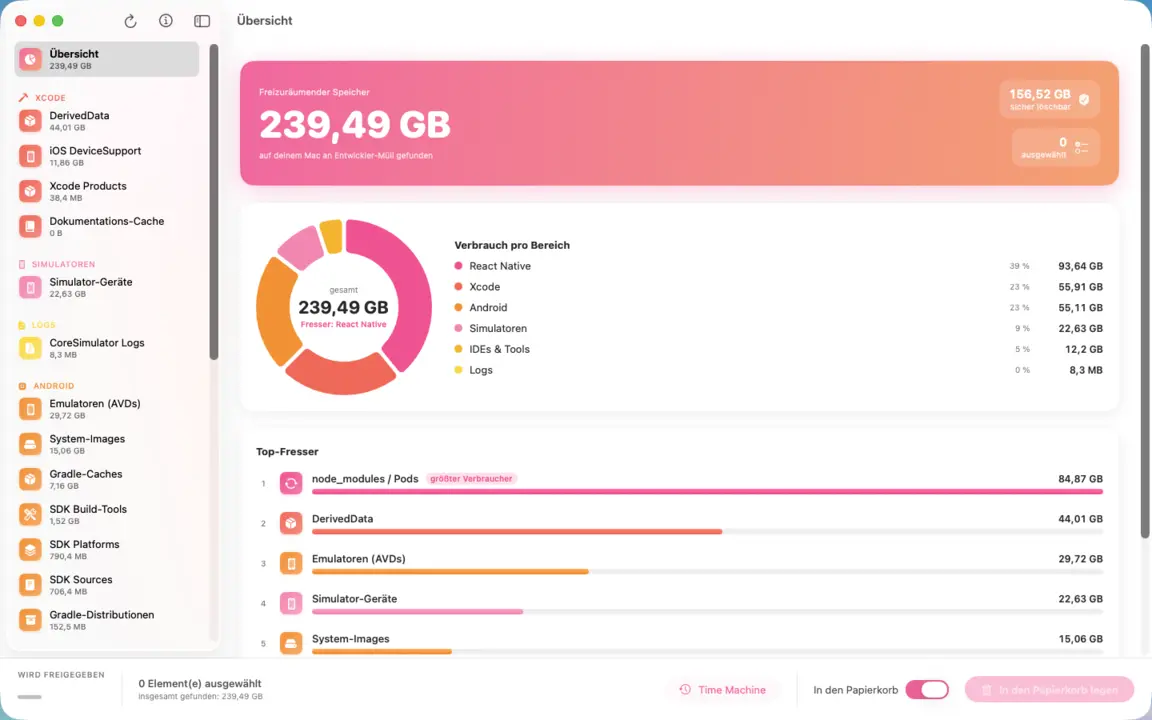
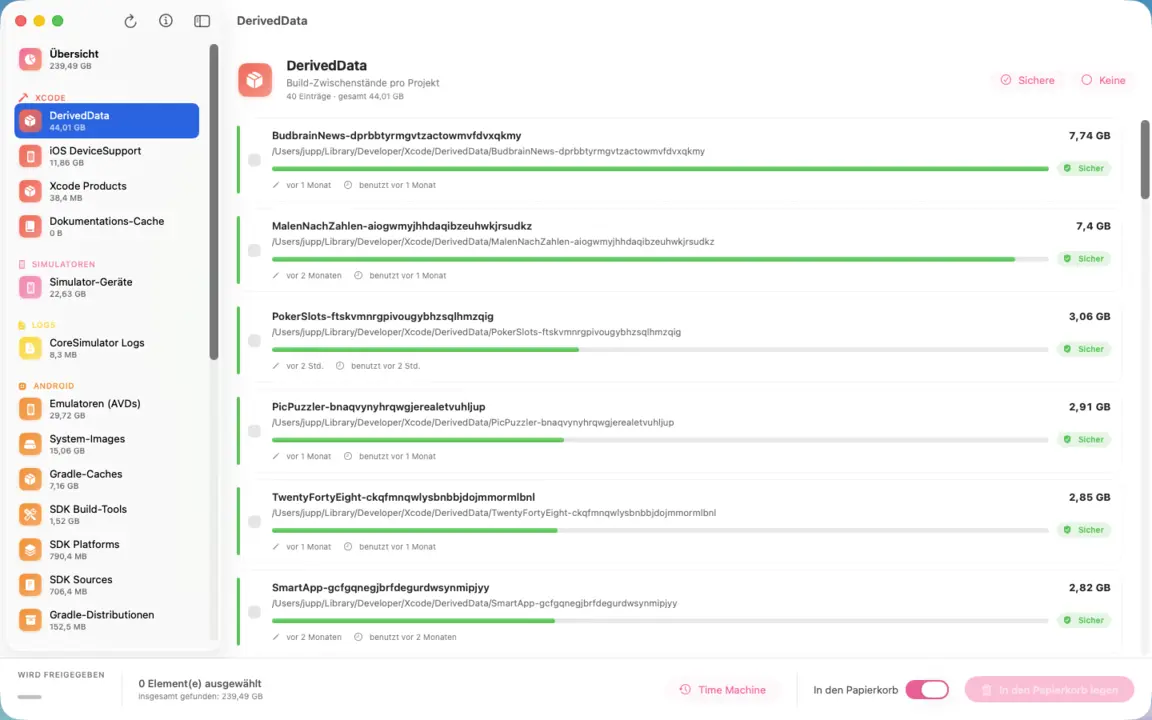
Limpa os restos de desenvolvimento do Mac: arquivos do Xcode, DerivedData e simuladores, SDKs Android, pastas npm e Pods, caches dos editores. Um gráfico circular mostra num relance o que ocupa mais espaço; cada entrada indica caminho, tamanho e última utilização. Só é apagado o que selecionar, e tudo vai para a reciclagem.
Xcode & DerivedDataSimulatorenAndroid SDK & AVDsnpm, Yarn & PodsIDE-CachesAvaliação de riscoOs seus projetosSó para a lixeiraApple Silicon
Where Did My Storage Go?
v1.0 · Swift/SwiftUI · macOS 14+
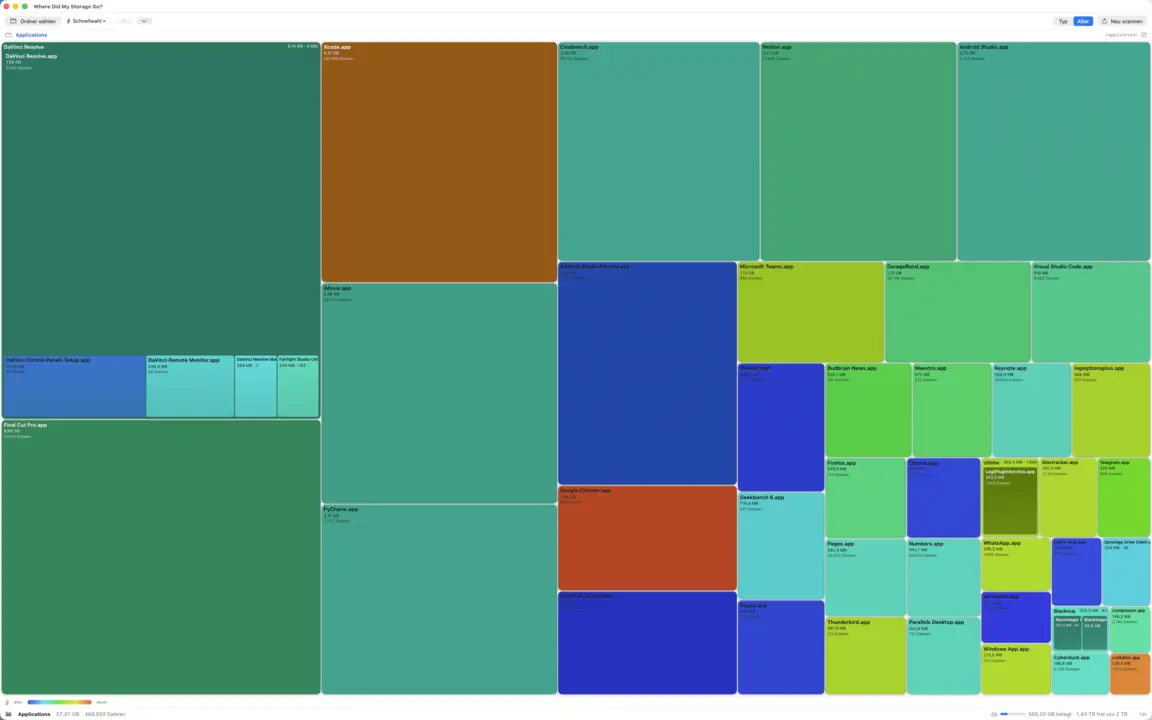
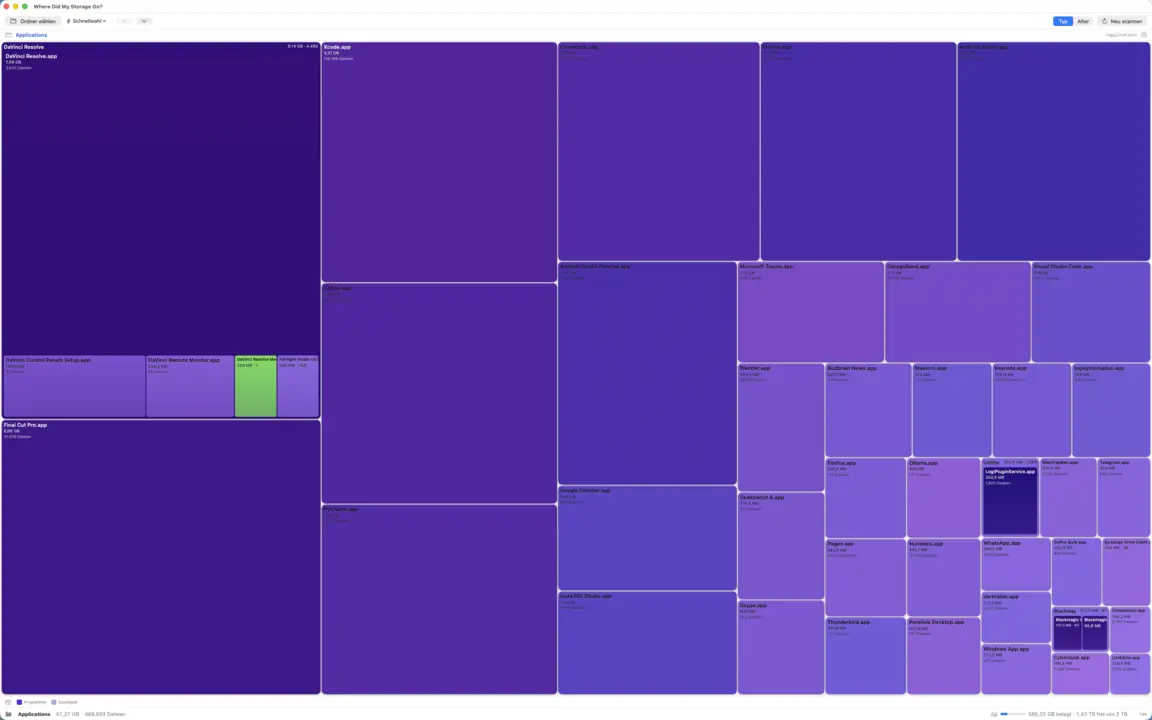
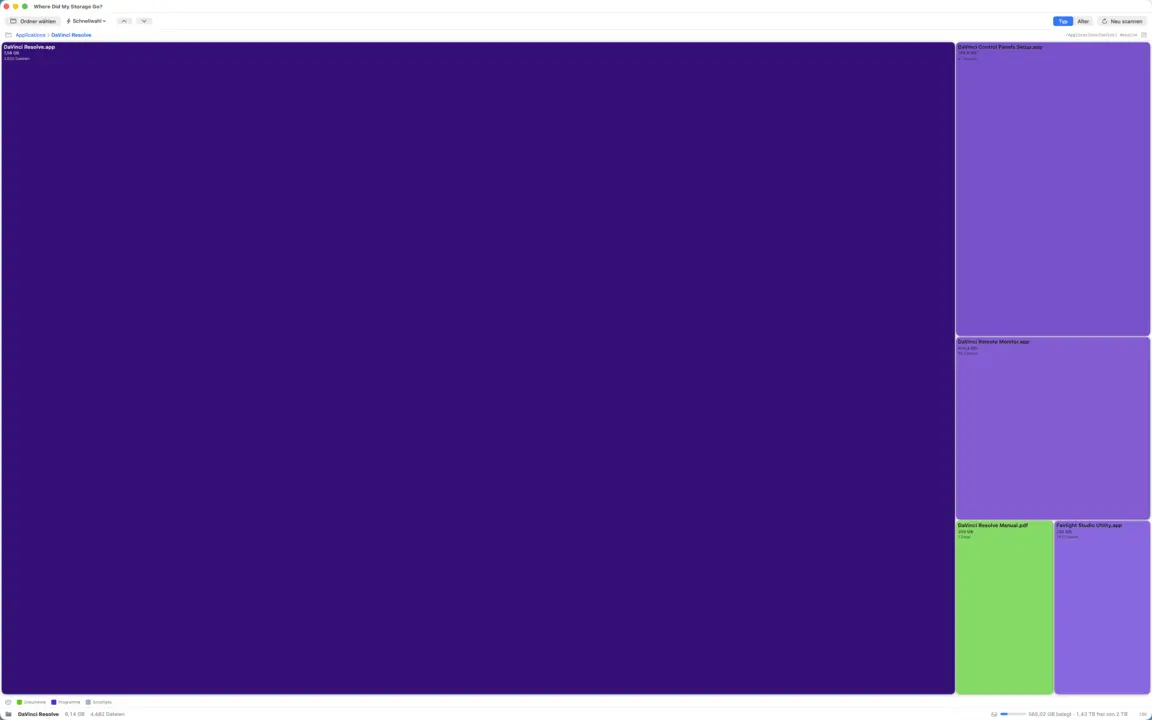
Mostra para onde foi o seu espaço em disco como uma treemap colorida: explore, encontre os maiores arquivos e envie o desnecessário direto para a lixeira. Verificação multi-core ultrarrápida, mapa de calor e radar de lixo. Totalmente offline.
TreemapHeat-MapDrill-downJunk-RadarMulti-Core-ScanReveal in FinderSó para a lixeiraApp Sandbox
jsSysInfo
v1.2 · Swift/SwiftUI · macOS 14+
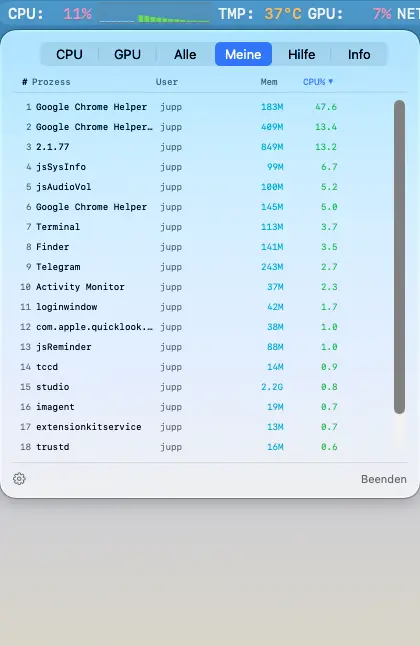
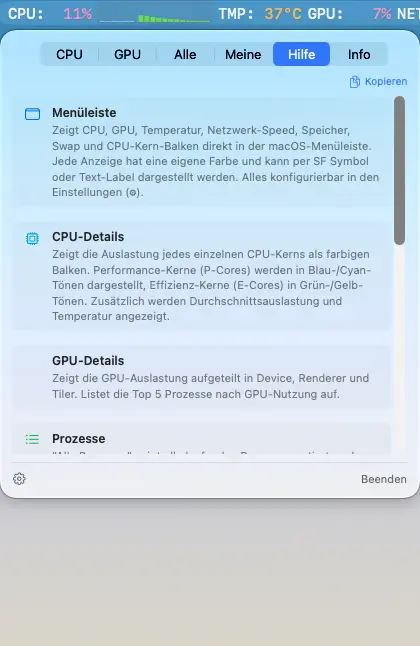
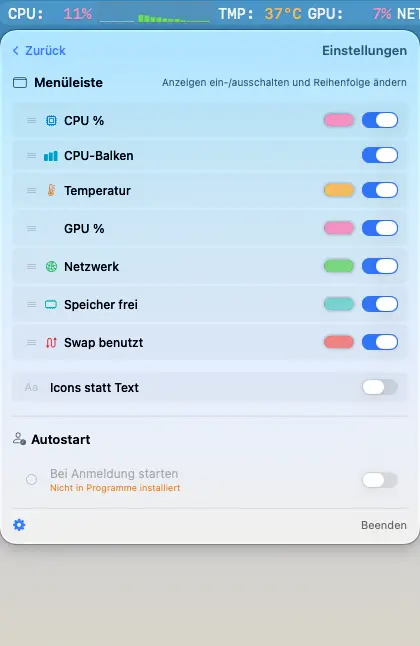
Monitor do sistema para a barra de menus do macOS. Uso da CPU, GPU, temperatura, velocidade da rede e barras de CPU por núcleo diretamente na barra de menus. Portado para Linux (veja acima).
CPU %CPU-BalkenGPU %TemperaturNetzwerkRAM & SwapProzesslisteApple SiliconUniversal BinaryDE / EN
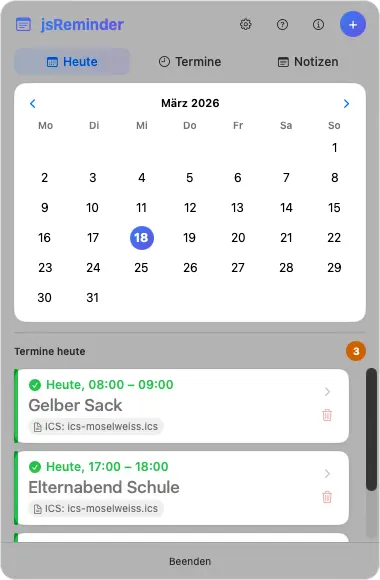
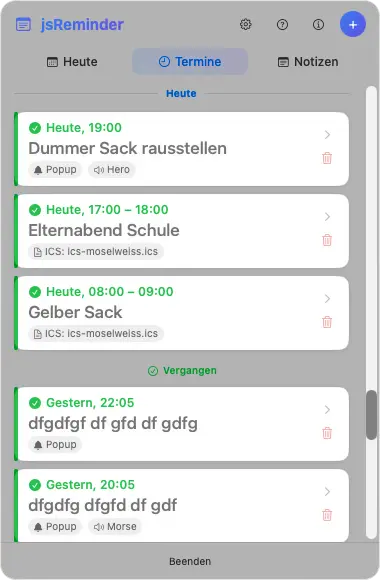
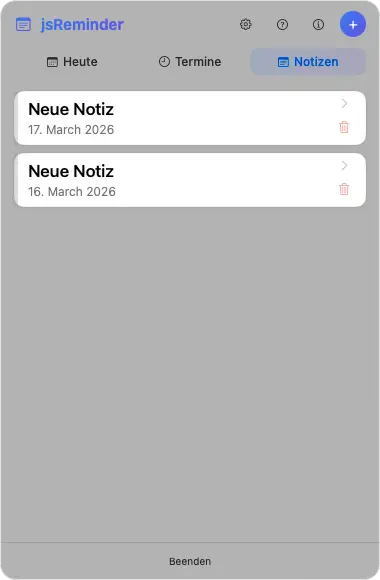
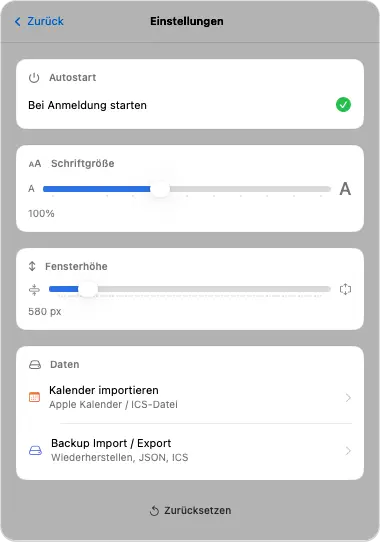
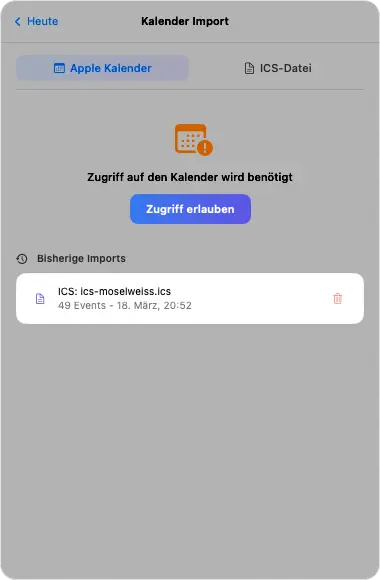
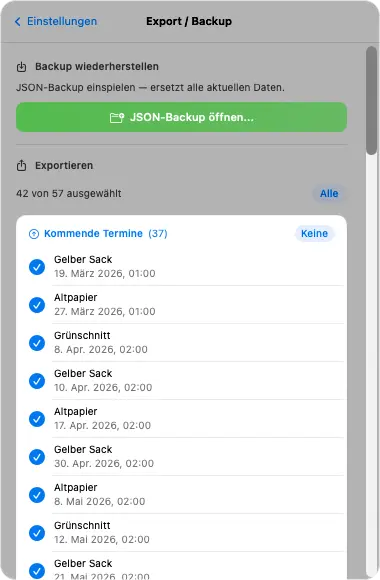
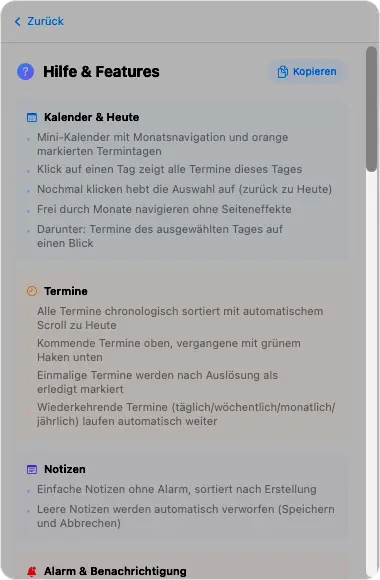
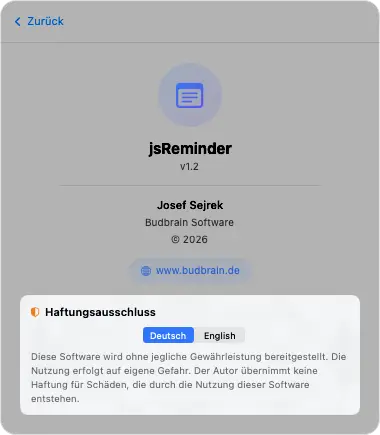
Aplicativo de notas e lembretes na barra de menus. Calendário com visualizações de dia, compromissos e notas, eventos recorrentes, importação de calendário (ICS), backup/exportação.
CalendárioCompromissosNotasAlarm / SoundRecorrentesICS ImportBackup/ExportAutostartDE / EN
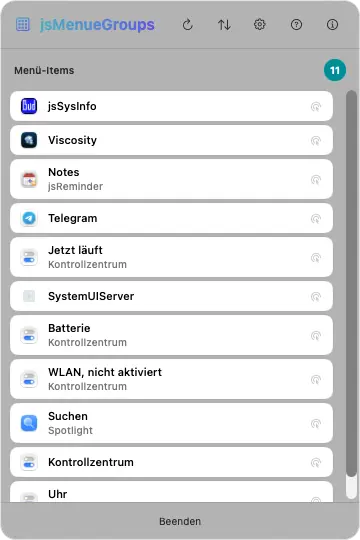
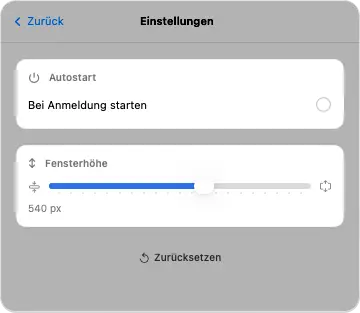
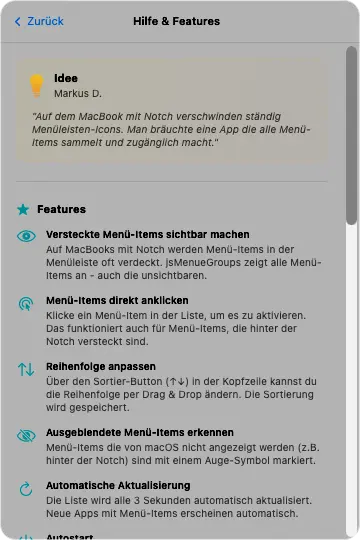
jsMenueGroups
Swift/SwiftUI · macOS 14+
Organizador da barra de menus. Agrupa e exibe os itens da barra de menus ocultos atrás do notch do MacBook. Acessíveis diretamente com um clique.
Menu Bar ItemsNotch-WorkaroundEncaminhamento de cliqueDetecção de ícones
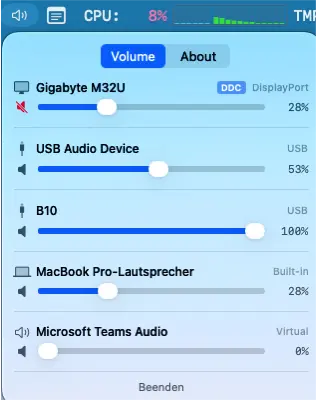
Controle de volume para a barra de menus. Controla os dispositivos de saída de áudio (HDMI, DisplayPort, USB, integrado) por meio de um controle deslizante diretamente da barra de menus.
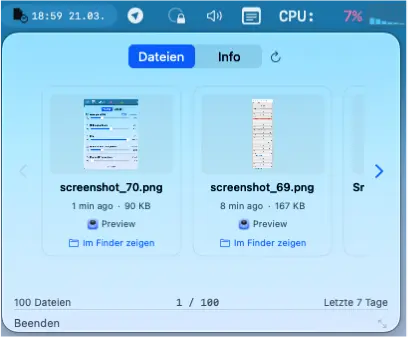
Mostra os arquivos modificados recentemente na barra de menus com pré-visualização em carrossel. Ao clicar, o arquivo é aberto com o aplicativo associado.
Arquivos recentesPré-visualização em carrosselQuick LookBusca SpotlightAssociação de aplicativos
Voe até às profundas grutas lunares e leve os astronautas perdidos de volta a casa em segurança.
100 níveis em dez mundosGravidade realQuatro botões, nada maisMelhore a nave com experiênciaQuatro níveis de dificuldadeGaleria de missões com mapas de voo44 idiomas
Budbrain’s Klickeridu
Capacitor · iOS 13+
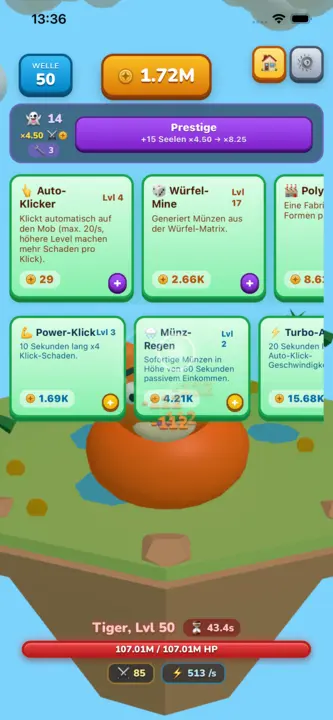
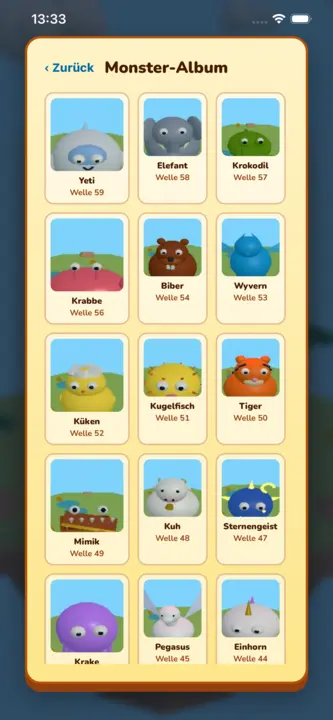
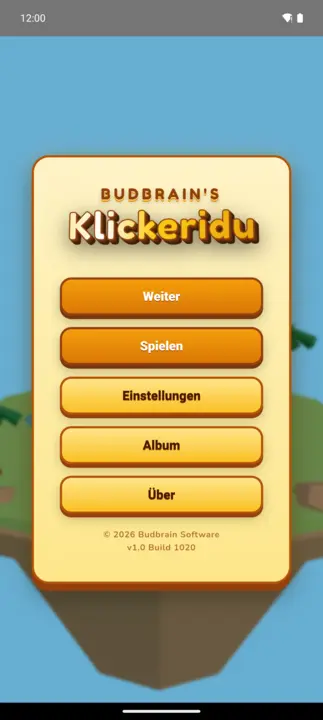
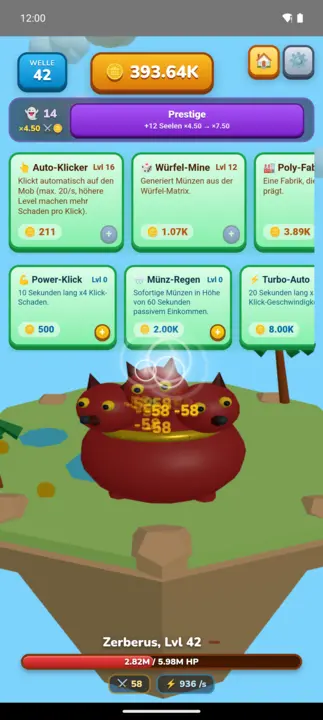
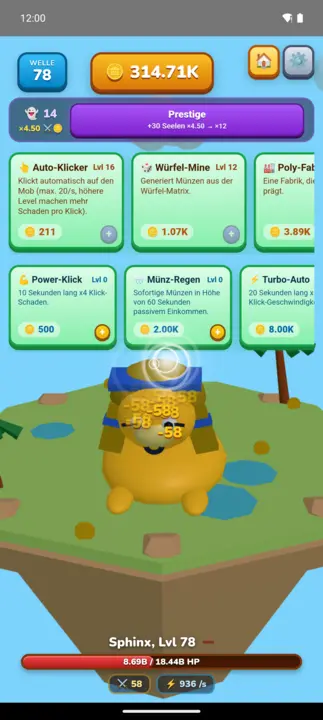
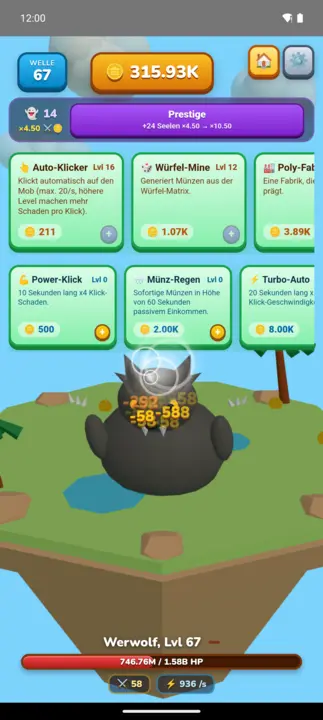
Clicker idle 3D fofinho numa ilha flutuante: toca na personagem, ganha moedas, compra melhorias e avança vaga após vaga por 100 monstros feitos à mão. A cada dez vagas surge um chefe com tempo limitado; o prestígio reinicia tudo e torna cada partida permanentemente mais forte.
Idle-Clicker100 monstros 3D10 melhorias · 3 habilidadesPrestígio e almasÁlbum de monstros22 idiomasTotalmente offline
Budbrain’s Media Editor
React Native · iOS 15+
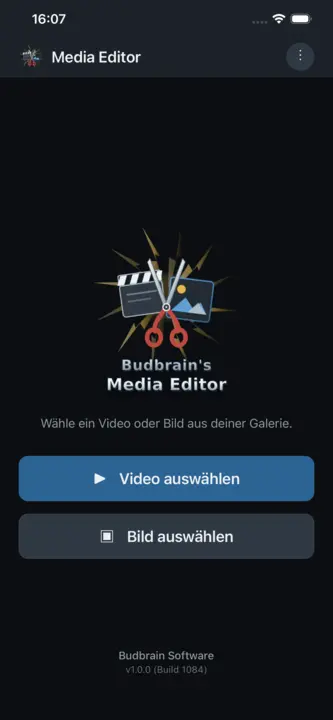
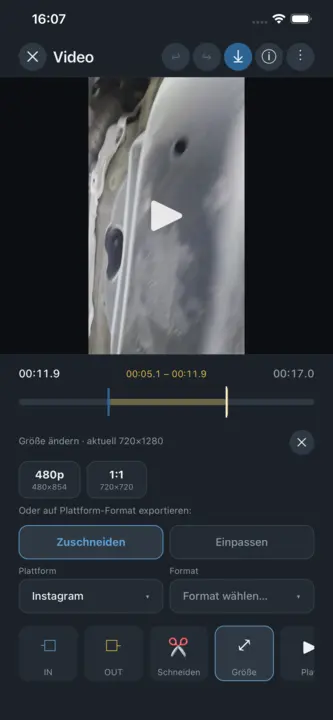
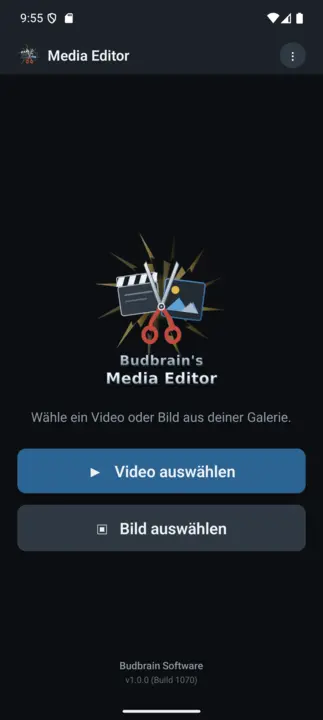
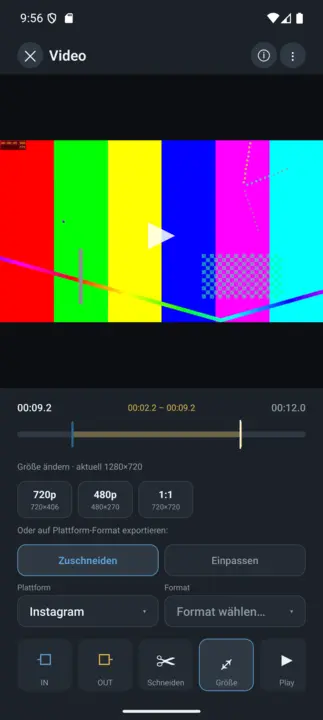
O Budbrain Media Editor corta os seus vídeos e edita as suas imagens — diretamente no seu dispositivo. Cada edição escreve um ficheiro novo. O que está na sua galeria nunca é alterado nem substituído.
Cortar vídeoEditar imagensO original fica intacto4K · 1080p · 720pEXIF22 idiomasTotalmente offline
Budbrain’s Poker Slots
React Native · iOS 15+
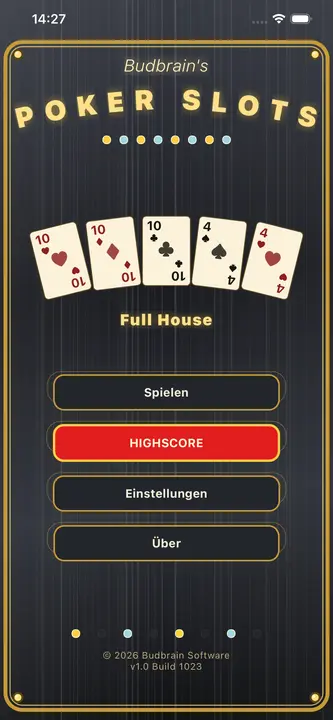
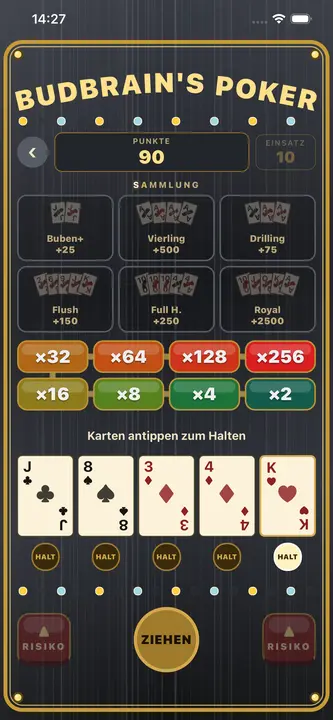
Budbrain Poker Slots é uma slot de vídeo pôquer no estilo dos salões clássicos. Joga-se apenas com fichas virtuais: sem dinheiro real, sem compras, sem prémios levantáveis. Nota: jogo de azar simulado. Este jogo não oferece jogo a dinheiro real nem a possibilidade de ganhar dinheiro ou prémios reais. O sucesso neste jogo não implica sucesso futuro em jogo a dinheiro real.
Video PokerSegurar e sacarEscada de riscoSó fichasJogo de azar simulado22 idiomasTotalmente offline
Budbrain’s Mahjong
React Native · iOS 15+
Um Mahjong Solitaire feito com carinho, com peças desenhadas à mão: 100 níveis em 10 fases, de um início fácil de 36 peças até o conjunto completo de 144 peças. Toque em duas peças iguais e livres para limpar todo o tabuleiro. Distribuições com solução garantida, função de embaralhar, 10 temas de mesa de jogo chinesa, pontuação de 3 estrelas e galeria. 22 idiomas. Totalmente offline.
Mahjong Solitaire100 LevelsPeças desenhadas à mãoSolução garantidaAvaliação de 3 estrelas22 idiomasTotalmente offline
Astonischika
React Native · iOS 15+
RPG de grupo por turnos em pixel art: monte um grupo de 3 entre 6 classes de herói (Guerreiro, Mago, Clérigo, Ladino, Vampiro, Druida) e suba um mapa de nós ramificado: lute contra monstros, descanse na fogueira, saqueie baús e visite mercadores até o chefe. Os heróis sobem de nível, gastam pontos de atributo e se equipam com saque de seis raridades. A cidade é um hub permanente com mercadores e taverna; uma run aniquilada mantém seus heróis (roguelite). 22 idiomas. Totalmente offline.
Party-RPGPixel-ArtPor turnos3 de 6 heróisSaque & equipamentoCentro da cidade22 idiomasTotalmente offline
Quantimixar
React Native · iOS 15+
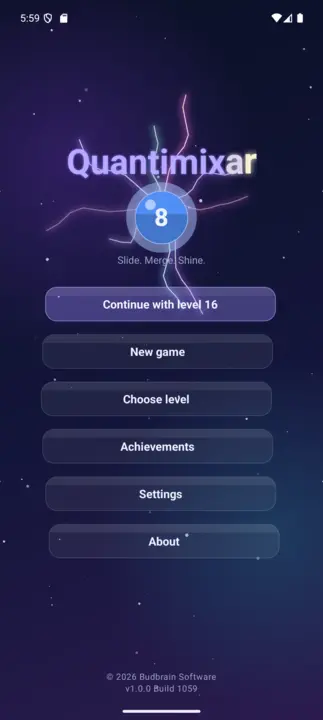
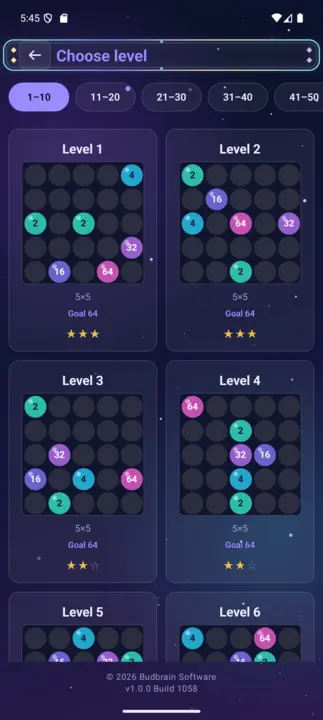
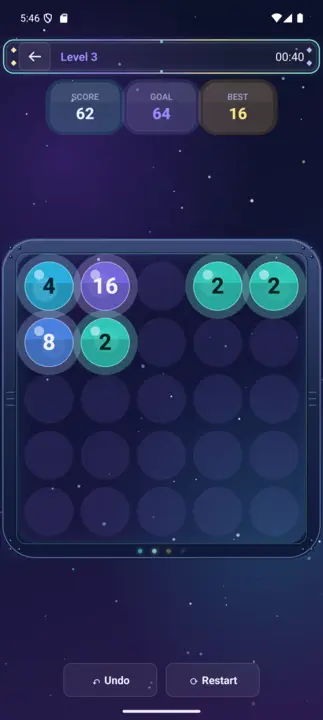
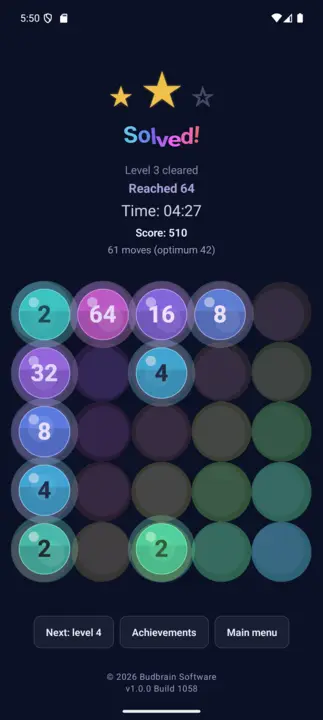
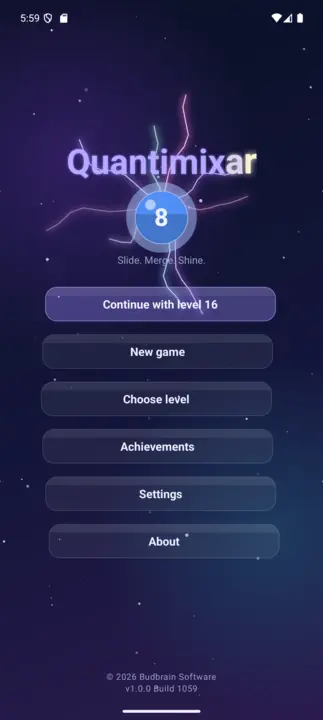
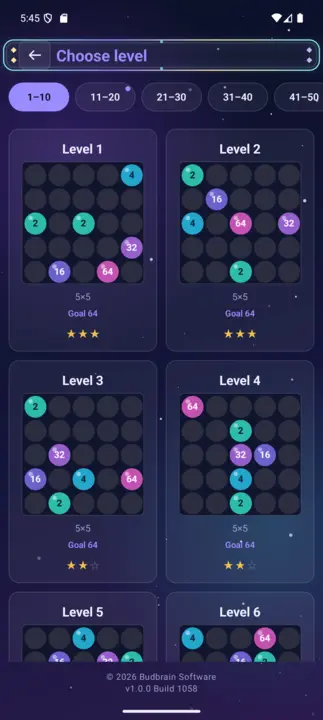
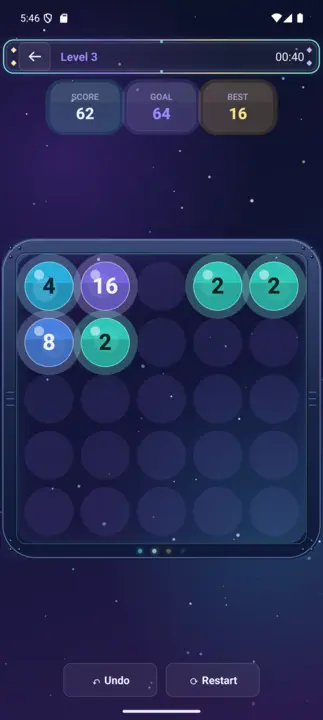
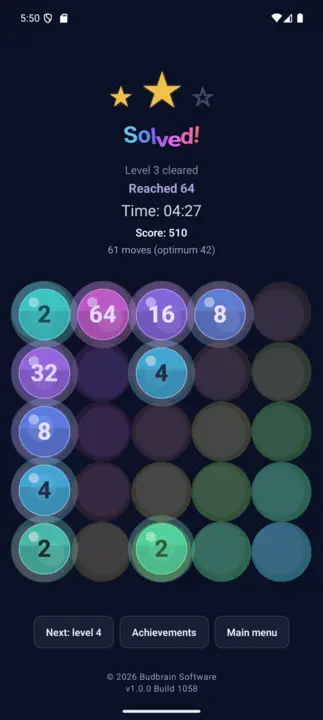
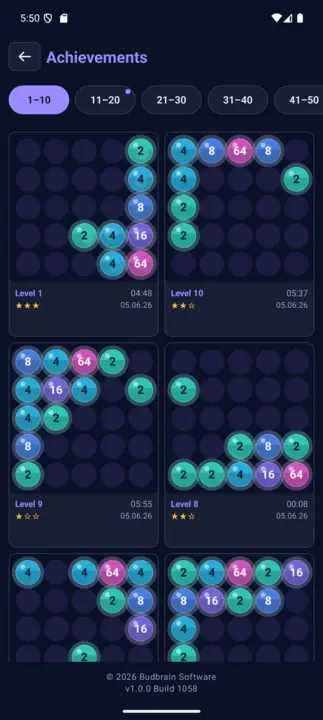
Puzzle de fusão de números num visual deep-space: desliza berlindes de vidro brilhantes e junta os valores iguais. Uma campanha de 100 níveis de 64 a 8192 em tabuleiros 4×4, 5×5 e 6×6, com casas especiais (×2, ÷2, buraco, bomba), pontuação de 3 estrelas e galeria de conquistas. 22 idiomas. Totalmente offline.
Merge-Puzzle100 Levels4×4 – 6×6até 8192Casas especiais e bombaAvaliação de 3 estrelas22 idiomasTotalmente offline
Budbrain's Sudoku
React Native · iOS 15+
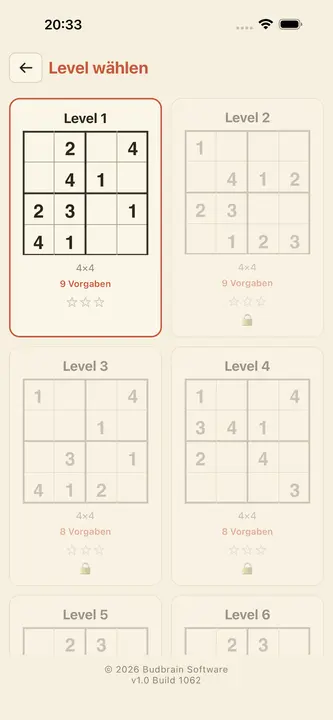
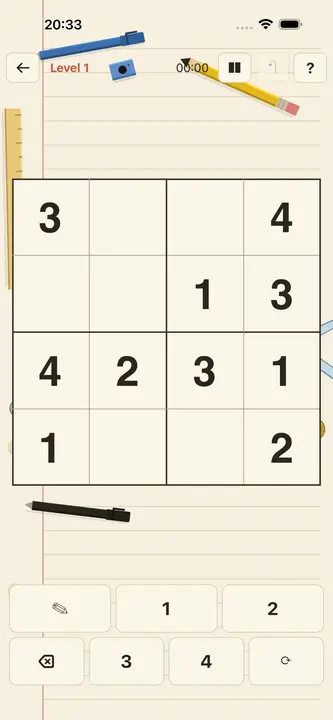
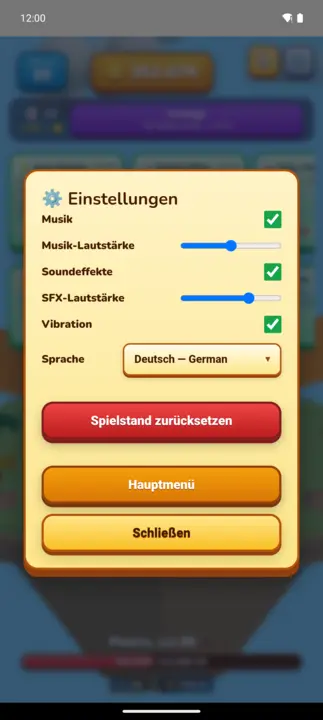
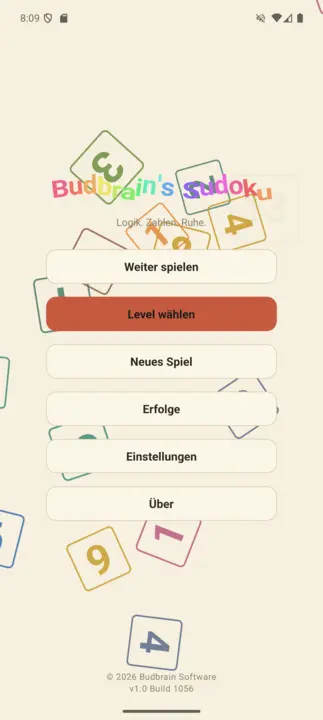
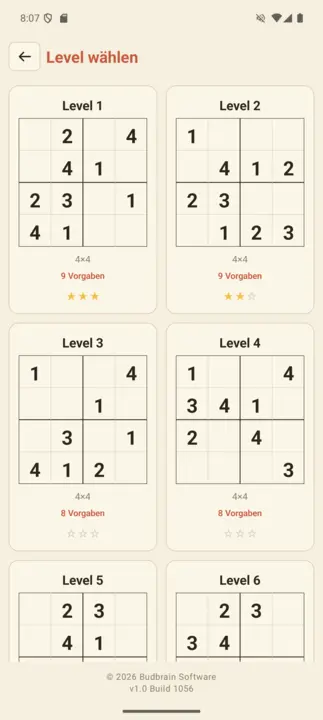
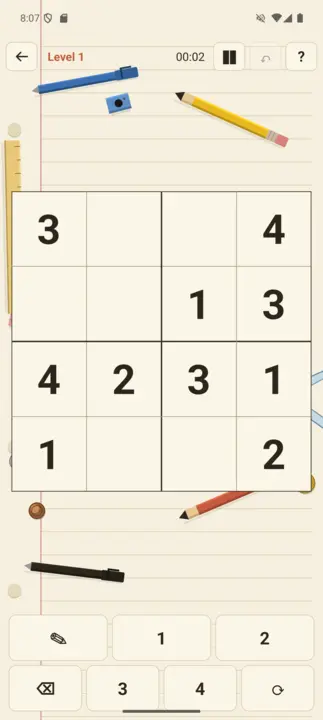
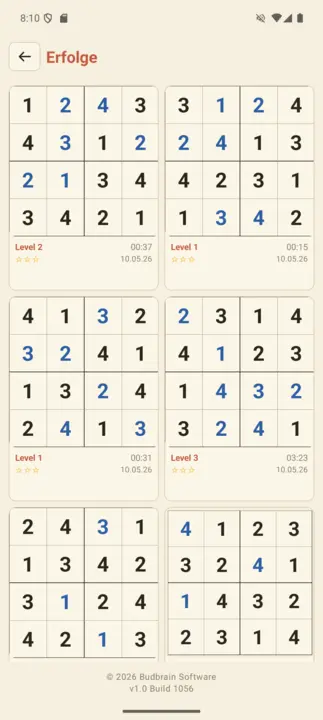
Um Sudoku criado com carinho em um caloroso design de caderno: 100 níveis em 10 etapas, do suave 4×4 ao desafiador 25×25 – também com caixas retangulares. Avaliação de 3 estrelas por nível, galeria de conquistas, suporte completo a VoiceOver e TalkBack. Totalmente offline.
100 Levels4×4 – 25×25Avaliação de 3 estrelasConquistasVoiceOver22 idiomasTotalmente offline
Budbrain's Puzzle
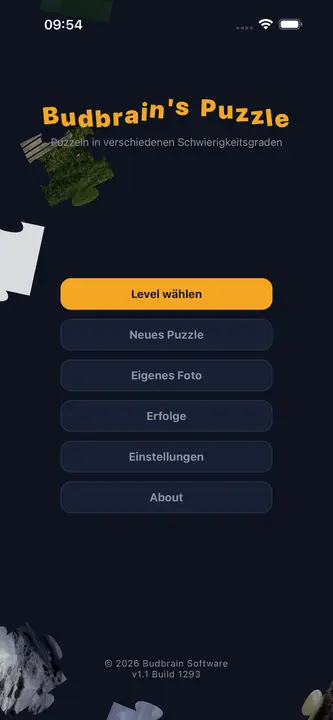
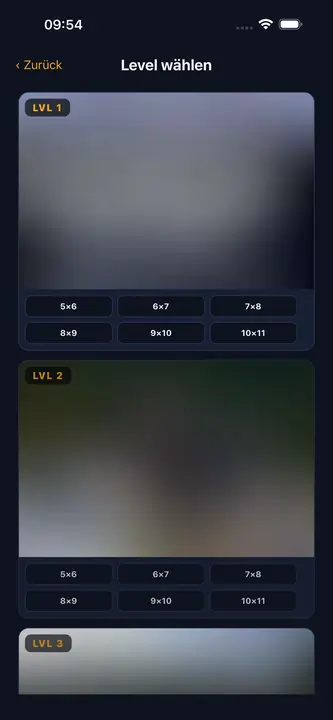
React Native · iOS 15+
Quebra-cabeça clássico com fotos originais feitas à mão por Josef Sejrek. 6 níveis de dificuldade de Fácil (12 peças) a Grão-Mestre (300 peças), formato real de quebra-cabeça com abas e encaixes, pinçar para ampliar e galeria de conquistas. Totalmente offline.
Jigsaw Puzzle6 níveis de dificuldade12–300 peçasFotos originaisPinch-to-ZoomConquistasTotalmente offline
DuoDom
SwiftUI · iOS 17+
Quebra-cabeça deslizante relaxante com visual retrô pixel-art: deslize as pedras pelos espaços livres até que duas iguais se encontrem – então elas desaparecem como par. Cada nível tem solução garantida por um solucionador integrado. Recordes, troféus, 20 idiomas, 60 FPS.
Pixel ArtQuebra-cabeça deslizanteVerificado por solucionadorHighscoresTroféus20 idiomas60 FPSTotalmente offline
jsKassenrechner
React Native · iOS 15+
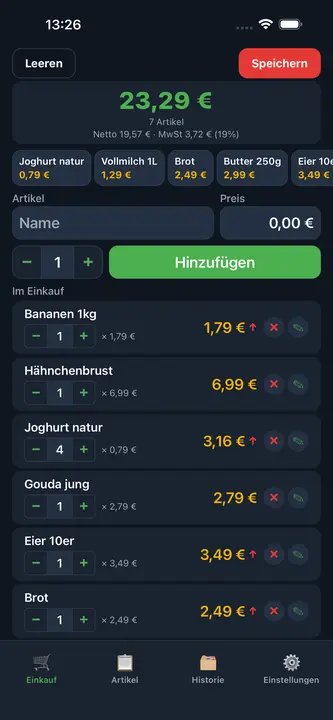
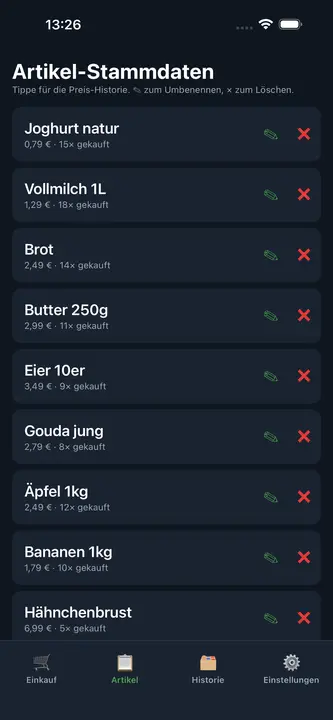
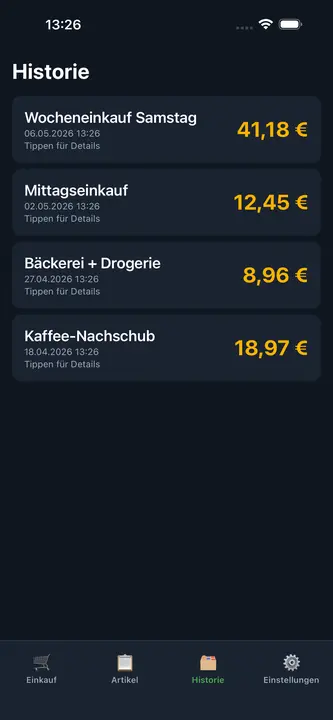
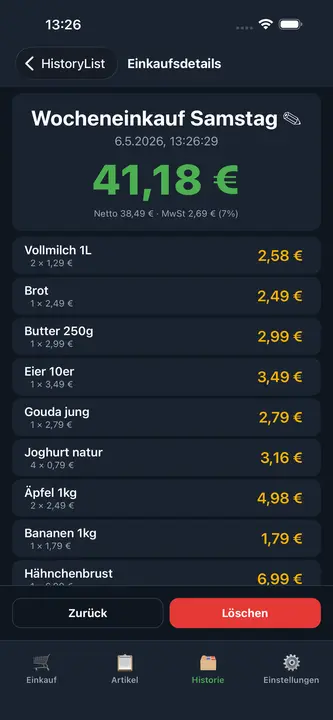
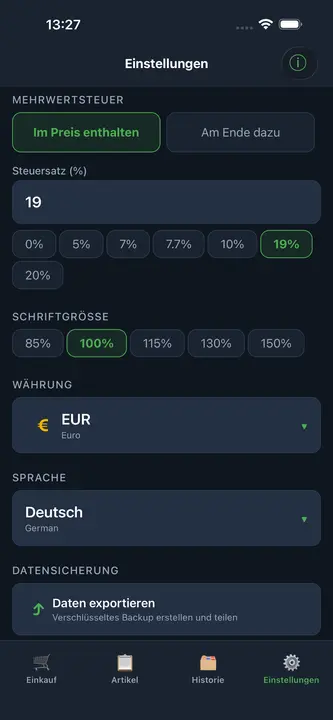
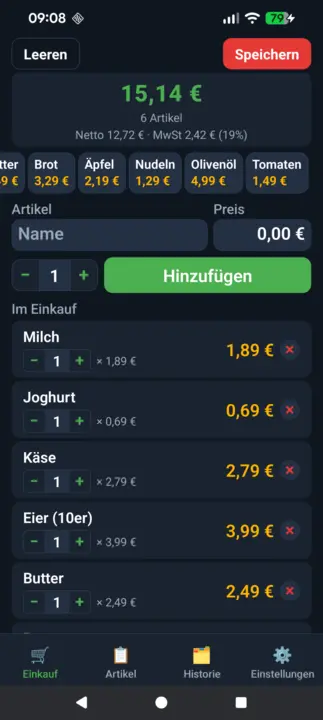
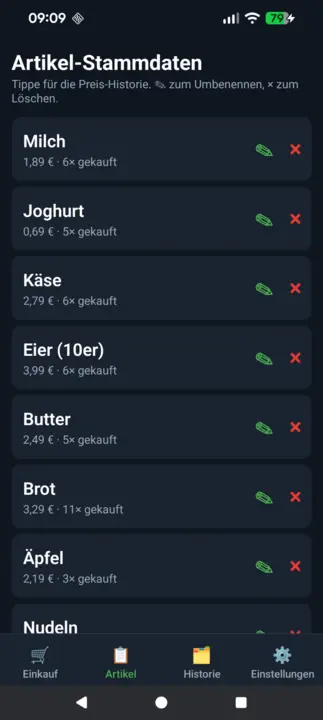
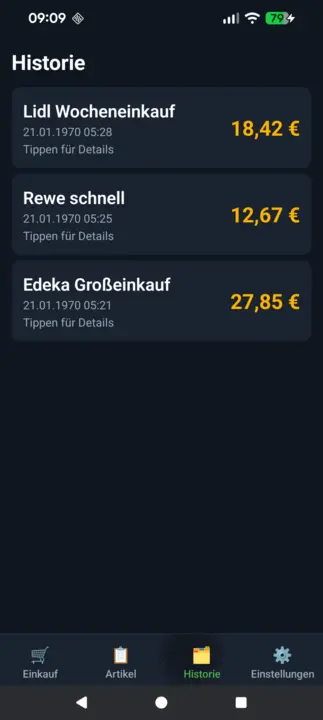
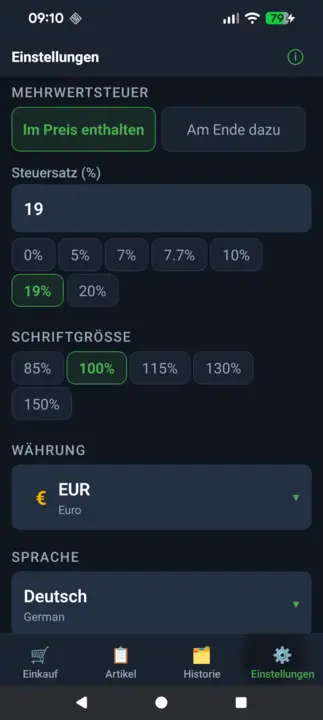
Calculadora de compras rápida para iPhone e iPad: adicione itens ao carrinho e veja a soma ao vivo direto na loja. Com cálculo de IVA flexível, itens de adição rápida, histórico de preços, histórico de compras e backup criptografado. Totalmente offline.
Soma ao vivoCálculo de IVAQuick-AddHistórico de preçosBackup criptografadoVárias moedasTotalmente offline
Budbrain News
React Native · iOS 15+
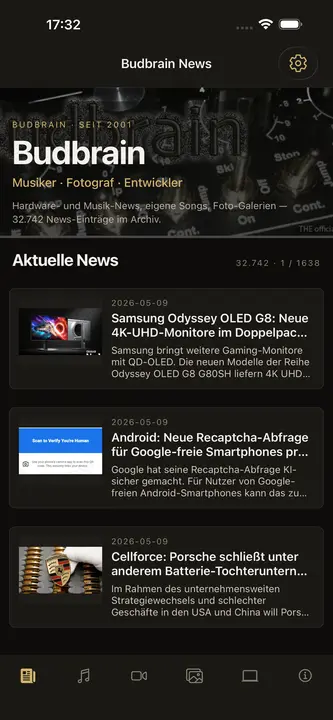
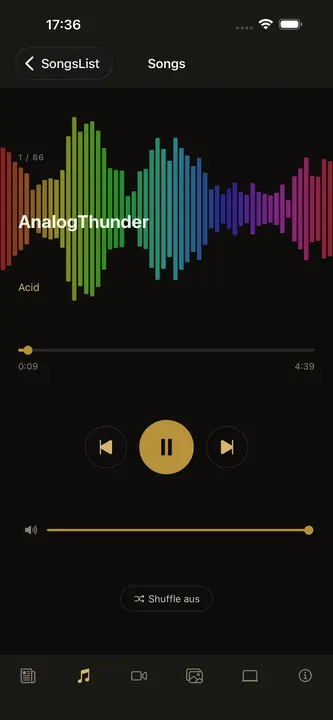
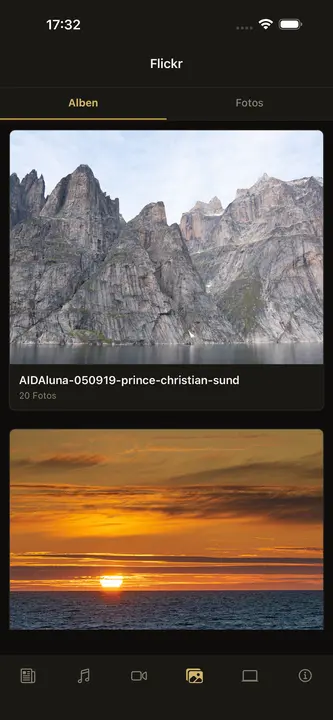
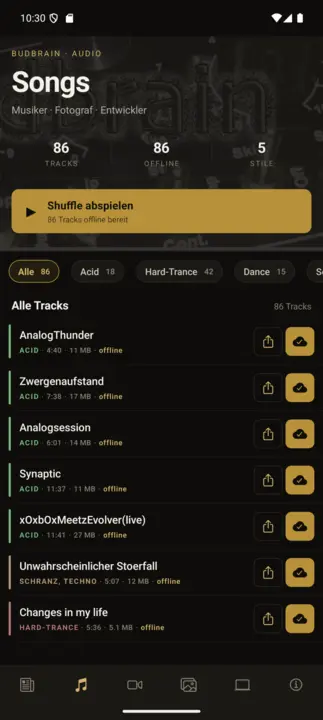
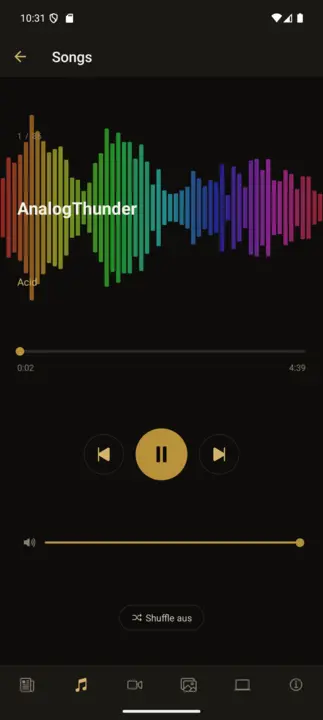
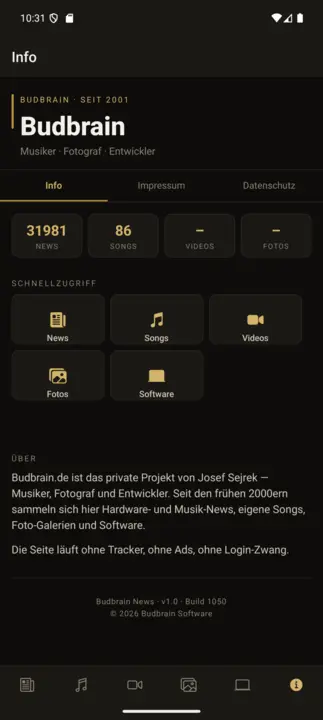
O aplicativo complementar oficial do budbrain.de – o lar da música e dos projetos de Josef Sejrek desde 2001. 86 faixas próprias incluídas totalmente offline, player de músicas com osciloscópio em tempo real, feed de notícias ao vivo, vídeos do YouTube e galerias de fotos do Flickr. Interface em 22 idiomas.
86 TracksPlayer offlineOsciloscópioLive-NewsYouTubeGalerias do Flickr22 idiomasShuffle
Budbrain's Marbles
React Native · iOS 15+
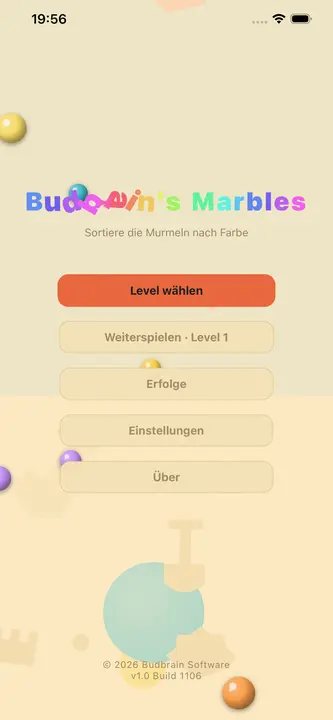
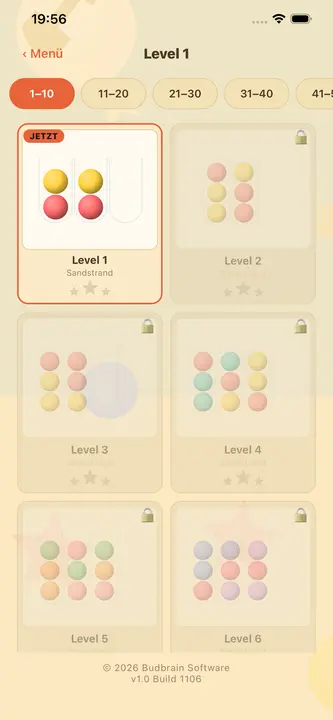
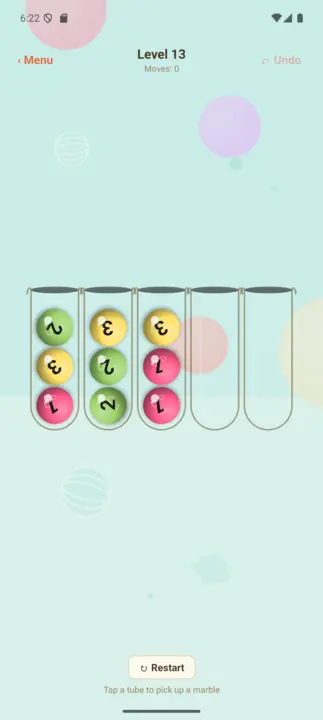
Aconchegante quebra-cabeça de classificação de bolinhas: toque em um tubo para pegar a bolinha de cima, toque em outro tubo para soltá-la – classifique cada tubo em uma única cor. 105 níveis verificados por BFS em 5 mundos de praia, avaliação de 3 estrelas, galeria de conquistas, bolinhas 3D brilhantes. 22 idiomas. Totalmente offline.
105 Levels5 mundos de praiaAvaliação de 3 estrelasConquistasBolinhas 3D22 idiomasTotalmente offline
Budbrain's Chess
React Native · iOS 15+
100 níveis de xadrez contra a IA em um caloroso visual de pergaminho – de ELO 150 para iniciantes até ELO 1900 para jogadores de clube. Com função de dica, desfazer, galeria de conquistas e 22 idiomas. Totalmente offline.
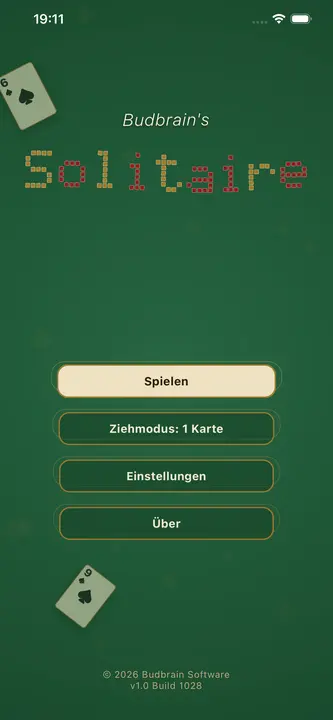
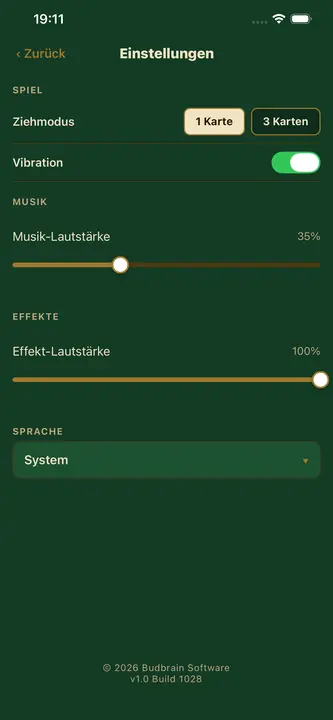
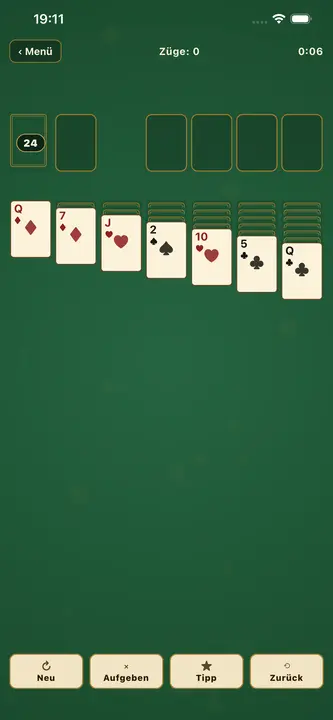
Paciência Klondike clássica em um caloroso visual de pergaminho verde – como uma antiga sala de jogos sobre uma mesa de feltro. Com modos de 1 e 3 cartas, controle toque-toque (destaques dourados de destino), botão de dica, desfazer, finalização automática e overlay de instrutor para iniciantes. 22 idiomas, suporte completo a VoiceOver. Totalmente offline.
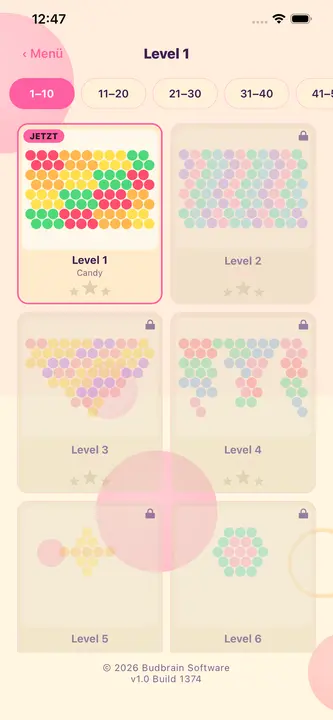
Bubble shooter arcade: mire, atire, estoure. Junte três bolhas da mesma cor para estourar grupos e desencadear cascatas. 100 níveis em 5 mundos coloridos com pontuação de 3 estrelas, além de um modo arcade infinito. 22 idiomas. Totalmente offline.
Clicker idle 3D fofinho numa ilha flutuante: toca na personagem, ganha moedas, compra melhorias e avança vaga após vaga por 100 monstros feitos à mão. A cada dez vagas surge um chefe com tempo limitado; o prestígio reinicia tudo e torna cada partida permanentemente mais forte.
Idle-Clicker100 monstros 3D10 melhorias · 3 habilidadesPrestígio e almasÁlbum de monstros22 idiomasTotalmente offline
Budbrain’s Sudoku
React Native · Android 7+
Um Sudoku criado com carinho em um caloroso design de caderno: 100 níveis em 10 etapas, do suave 4×4 ao desafiador 25×25 – também com caixas retangulares. Avaliação de 3 estrelas por nível, galeria de conquistas, suporte completo a VoiceOver e TalkBack. Totalmente offline.
100 Levels4×4 – 25×25Avaliação de 3 estrelasConquistasTalkBack22 idiomasTotalmente offline
Budbrain’s Marbles
React Native · Android 7+
Aconchegante quebra-cabeça de classificação de bolinhas: toque em um tubo para pegar a bolinha de cima, toque em outro tubo para soltá-la – classifique cada tubo em uma única cor. 105 níveis verificados por BFS em 5 mundos de praia, avaliação de 3 estrelas, galeria de conquistas, bolinhas 3D brilhantes. 22 idiomas. Totalmente offline.
105 Levels5 mundos de praiaAvaliação de 3 estrelasConquistasBolinhas 3D22 idiomasTotalmente offline
FarmIsFun
Kotlin · Android 7+
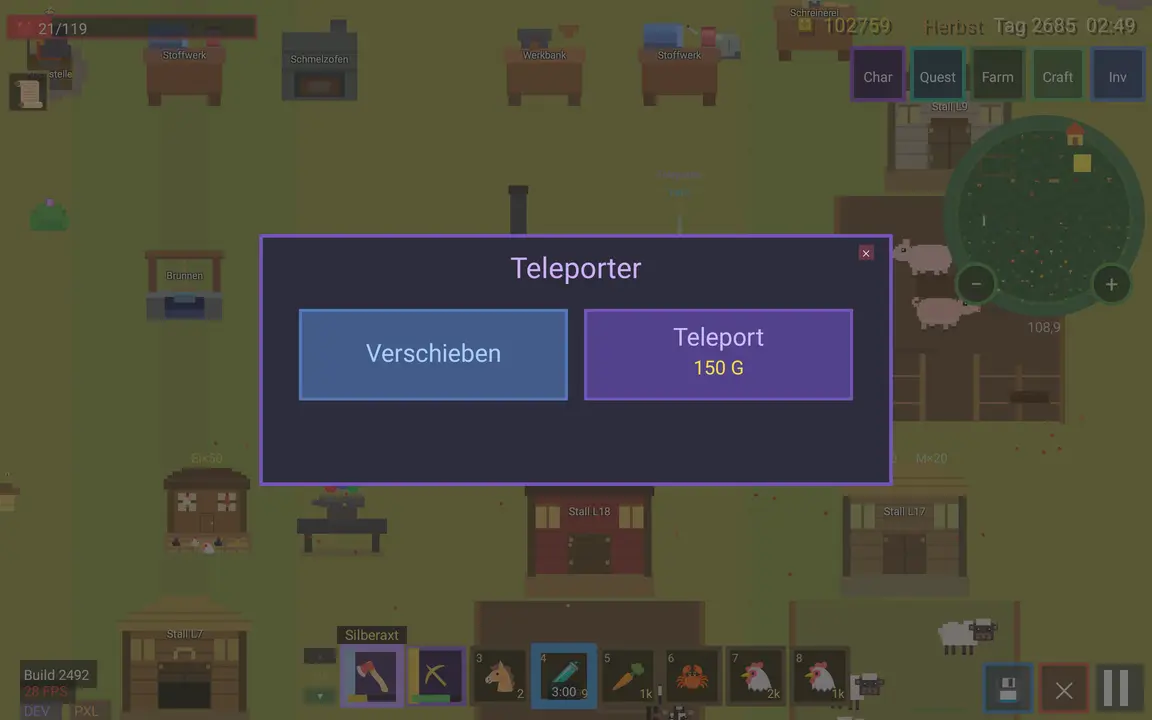
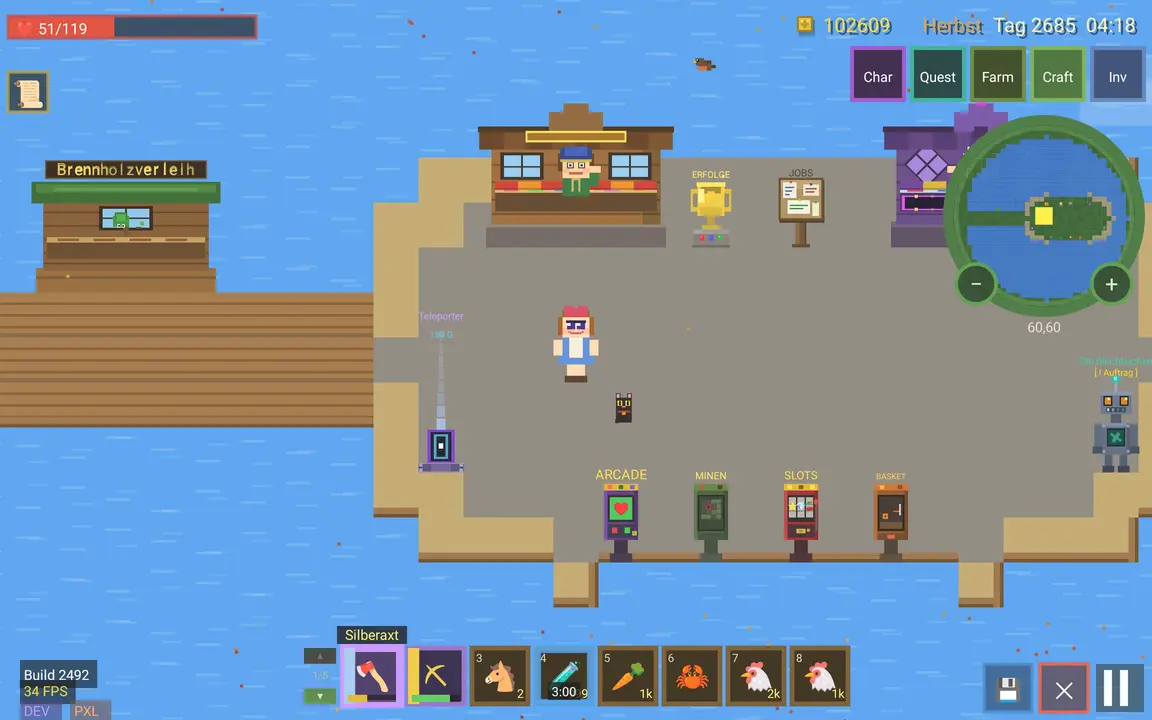
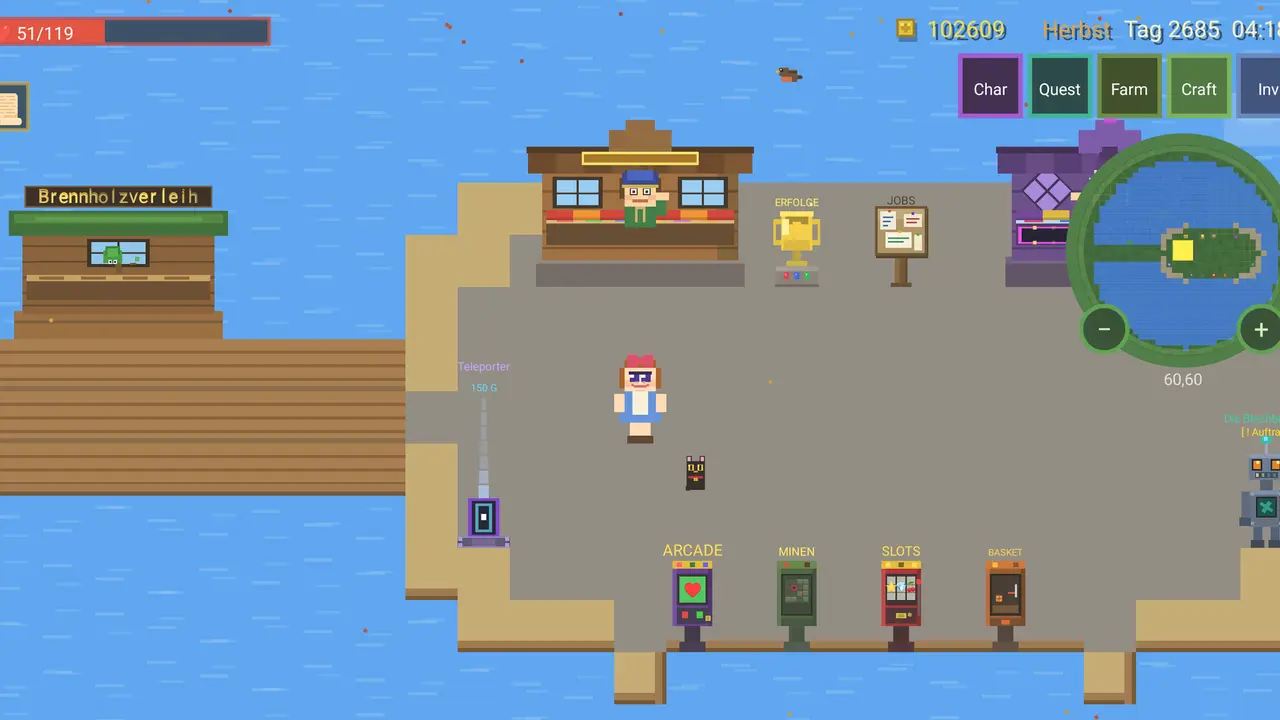
Jogo de quinta em pixel art: começas sem nada, cortas árvores, partes pedras e fabricas ferramentas, armas e edifícios. Trabalha os campos, cria galinhas e vacas, afasta lobos e ursos, vende ao comerciante, cumpre missões e descontrai em três máquinas de jogo – ao longo das quatro estações.
Pixel-ArtRecolher e fabricarConstruir e cultivarLutar e negociarMissões e minijogosGravação na nuvem opcionalApp apenas em alemão
Budbrain’s Nonogram’s
React Native · Android 7+
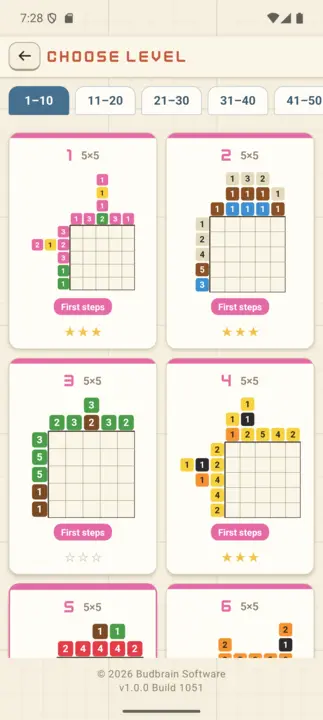
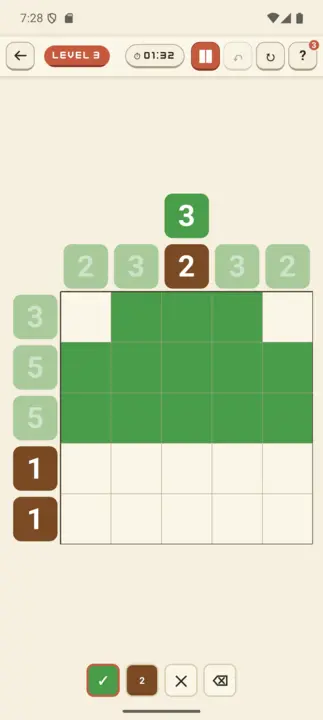
Budbrain's Nonogram's é um jogo de nonogramas feito com cuidado, com 100 níveis ilustrados: de pequenos motivos 5×5 para principiantes a grandes imagens 20×20 para especialistas. Pinta a imagem escondida seguindo os números coloridos nas margens. Blocos da mesma cor precisam de um espaço entre si; cores diferentes podem ficar lado a lado.
100 níveis em 10 etapasPicross multicolorClassificação de 3 estrelasGaleria22 idiomasTotalmente offline
Budbrain’s Poker Slots
React Native · Android 7+
Budbrain Poker Slots é uma slot de vídeo pôquer no estilo dos salões clássicos. Joga-se apenas com fichas virtuais: sem dinheiro real, sem compras, sem prémios levantáveis. Nota: jogo de azar simulado. Este jogo não oferece jogo a dinheiro real nem a possibilidade de ganhar dinheiro ou prémios reais. O sucesso neste jogo não implica sucesso futuro em jogo a dinheiro real.
Video PokerSegurar e sacarEscada de riscoSó fichasJogo de azar simulado22 idiomasTotalmente offline
Budbrain’s Media Editor
React Native · Android 7+
O Budbrain Media Editor corta os seus vídeos e edita as suas imagens — diretamente no seu dispositivo. Cada edição escreve um ficheiro novo. O que está na sua galeria nunca é alterado nem substituído.
Cortar vídeoEditar imagensO original fica intacto4K · 1080p · 720pEXIF22 idiomasTotalmente offline
Budbrain’s Mahjong
React Native · Android 7+
Um Mahjong Solitaire feito com carinho, com peças desenhadas à mão: 100 níveis em 10 fases, de um início fácil de 36 peças até o conjunto completo de 144 peças. Toque em duas peças iguais e livres para limpar todo o tabuleiro. Distribuições com solução garantida, função de embaralhar, 10 temas de mesa de jogo chinesa, pontuação de 3 estrelas e galeria. 22 idiomas. Totalmente offline.
Mahjong Solitaire100 LevelsPeças desenhadas à mãoSolução garantidaAvaliação de 3 estrelas22 idiomasTotalmente offline
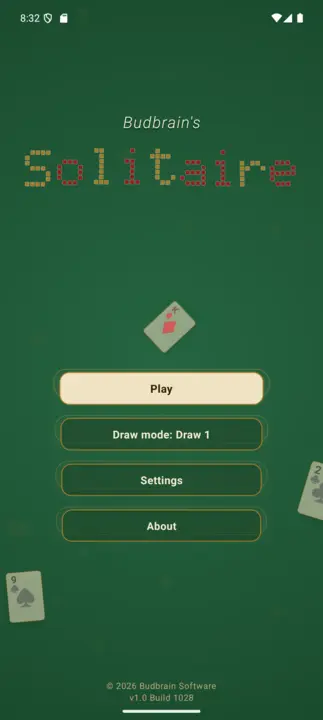
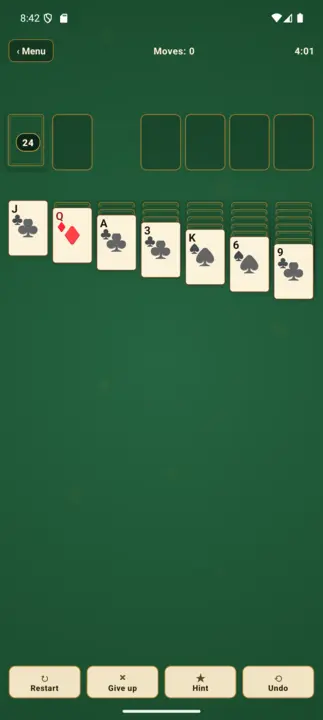
Budbrain's Solitaire
React Native · Android 7+
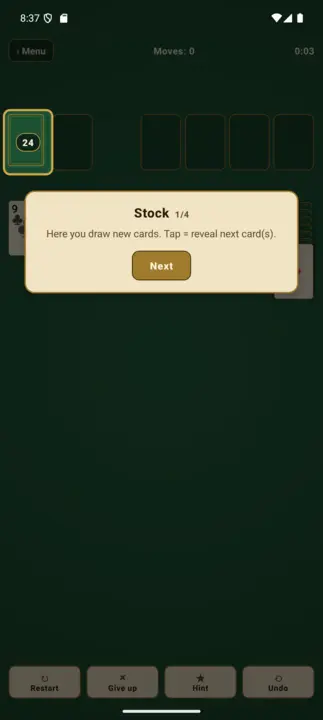
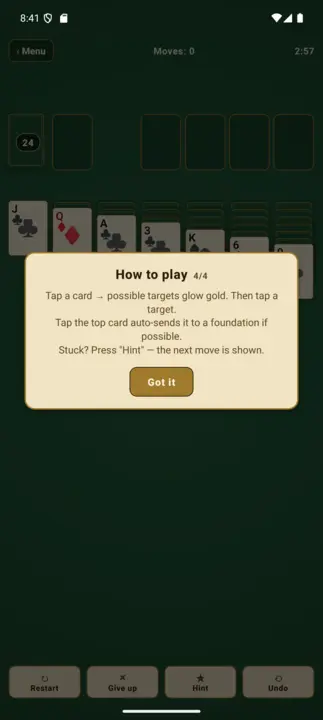
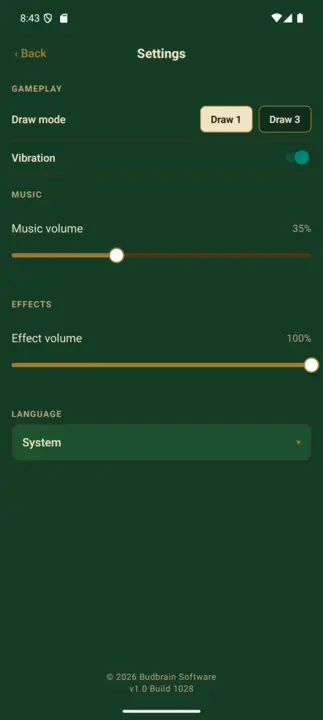
Paciência Klondike clássica em um caloroso visual de pergaminho verde – como uma antiga sala de jogos sobre uma mesa de feltro. Com modos de 1 e 3 cartas, controle toque-toque (destaques dourados de destino), botão de dica, desfazer, finalização automática e overlay de instrutor para iniciantes. 22 idiomas, suporte completo a VoiceOver. Totalmente offline.
RPG de grupo por turnos em pixel art: monte um grupo de 3 entre 6 classes de herói (Guerreiro, Mago, Clérigo, Ladino, Vampiro, Druida) e suba um mapa de nós ramificado: lute contra monstros, descanse na fogueira, saqueie baús e visite mercadores até o chefe. Os heróis sobem de nível, gastam pontos de atributo e se equipam com saque de seis raridades. A cidade é um hub permanente com mercadores e taverna; uma run aniquilada mantém seus heróis (roguelite). 22 idiomas. Totalmente offline.
Party-RPGPixel-ArtPor turnos3 de 6 heróisSaque & equipamentoCentro da cidade22 idiomasTotalmente offline
Quantimixar
React Native · Android 7+
Puzzle de fusão de números num visual deep-space: desliza berlindes de vidro brilhantes e junta os valores iguais. Uma campanha de 100 níveis de 64 a 8192 em tabuleiros 4×4, 5×5 e 6×6, com casas especiais (×2, ÷2, buraco, bomba), pontuação de 3 estrelas e galeria de conquistas. 22 idiomas. Totalmente offline.
Merge-Puzzle100 Levels4×4 – 6×6até 8192Casas especiais e bombaAvaliação de 3 estrelas22 idiomasTotalmente offline
BlobPop
React Native · Android 7+
Bubble shooter arcade: mire, atire, estoure. Junte três bolhas da mesma cor para estourar grupos e desencadear cascatas. 100 níveis em 5 mundos coloridos com pontuação de 3 estrelas, além de um modo arcade infinito. 22 idiomas. Totalmente offline.
100 níveis de xadrez contra a IA em um caloroso visual de pergaminho – de ELO 150 para iniciantes até ELO 1900 para jogadores de clube. Com função de dica, desfazer, galeria de conquistas e 22 idiomas. Totalmente offline.
O aplicativo complementar oficial do budbrain.de – o lar da música e dos projetos de Josef Sejrek desde 2001. 86 faixas próprias incluídas totalmente offline, player de músicas com osciloscópio em tempo real, feed de notícias ao vivo, vídeos do YouTube e galerias de fotos do Flickr. Interface em 22 idiomas.
86 TracksPlayer offlineOsciloscópioLive-NewsYouTubeGalerias do Flickr22 idiomasShuffle
Dino Warrior
Kotlin · Android 7+
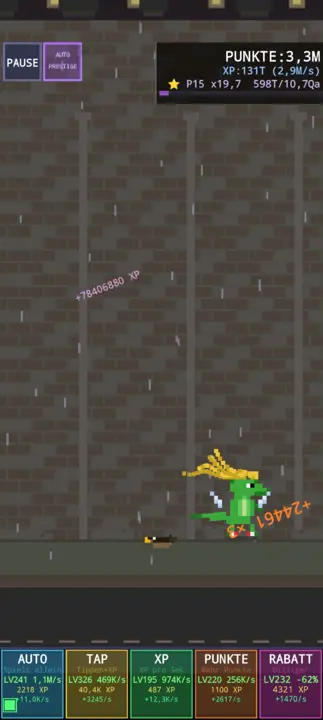
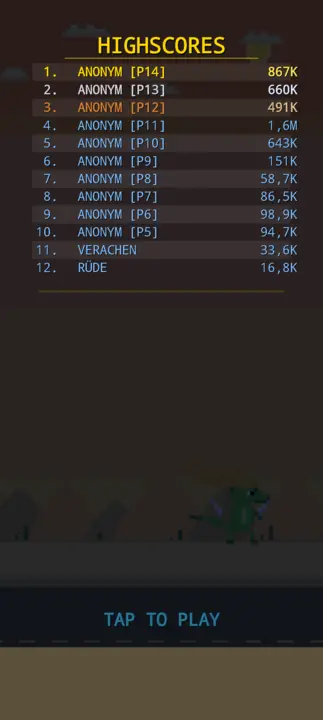
Endless runner em pixel art. Controle um dino pulando sobre obstáculos, colete itens, compre melhorias na loja. 5 biomas, combinações de equipamento, música chiptune. Ideia: Vera Sejrek.
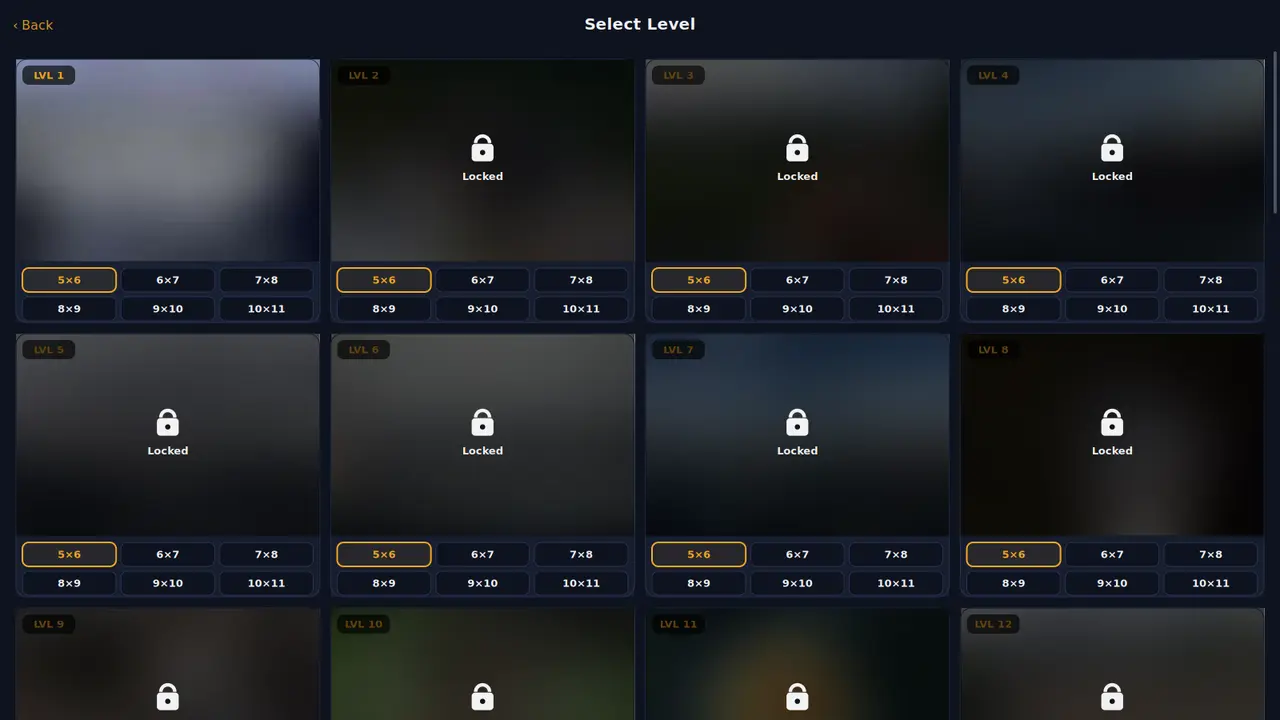
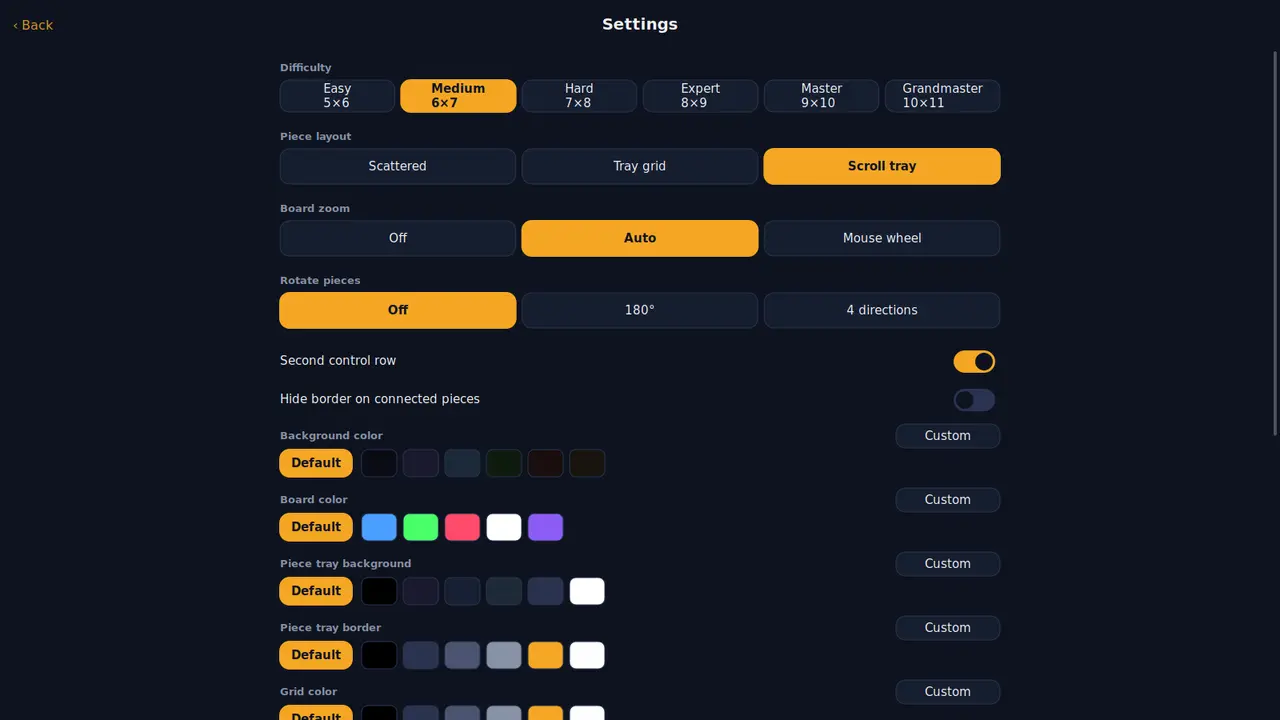
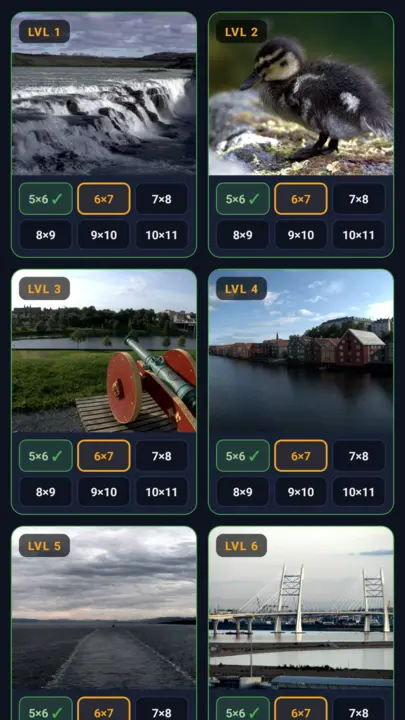
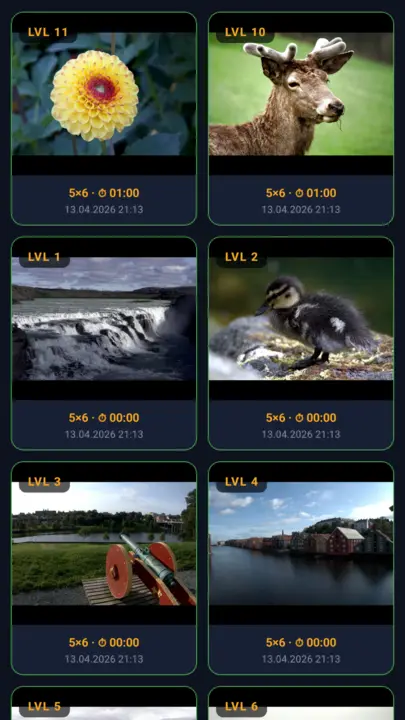
Quebra-cabeça clássico com 40 fotos selecionadas a dedo e imagens próprias da galeria. 6 níveis de dificuldade de Easy (5×6) a Grandmaster (10×11), peças reais de quebra-cabeça com curvas de Bézier, 22 idiomas, galeria de conquistas. Offline.
Jigsaw Puzzle40 FotosImagens próprias6 níveis de dificuldade22 idiomasConquistasTotalmente offline
DuoDom
Kotlin · Android 7+
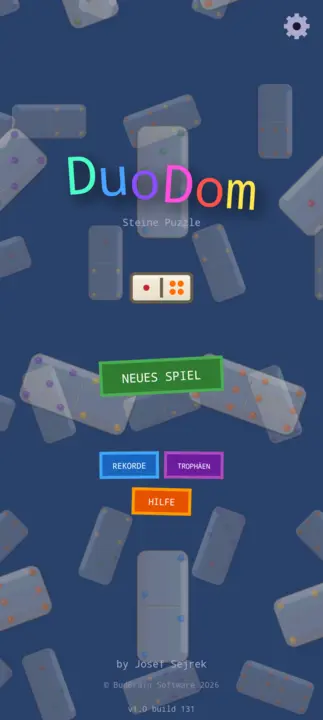
Quebra-cabeça de pedras em pixel art: numa grade 6×6, deslize as pedras para as células vizinhas vazias – quando duas iguais se encontram, o par desaparece. Todos os pares resolvidos = vitória. Verificação de solubilidade na geração, troféus, recordes, 20 idiomas, sons sintetizados.
Pixel Art6×6 GridVerificação de solubilidadeTroféusHighscores20 idiomas60 FPSTotalmente offline
jsKassenrechner
React Native · Android 7+
Calculadora de compras rápida para Android: adicione itens ao carrinho e veja a soma ao vivo direto na loja. Com teclado numérico de caixa registradora, dados cadastrais de artigos com histórico de preços, preenchimento automático, cálculo de IVA flexível, histórico de compras e backup criptografado. Totalmente offline.
Soma ao vivoKassen-NumpadHistórico de preçosCálculo de IVABackup criptografado22 idiomasVárias moedasTotalmente offline
jsCPUInfo
Kotlin · Android 7.1+
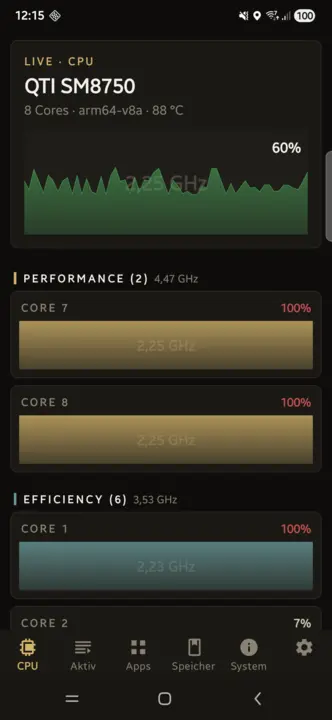
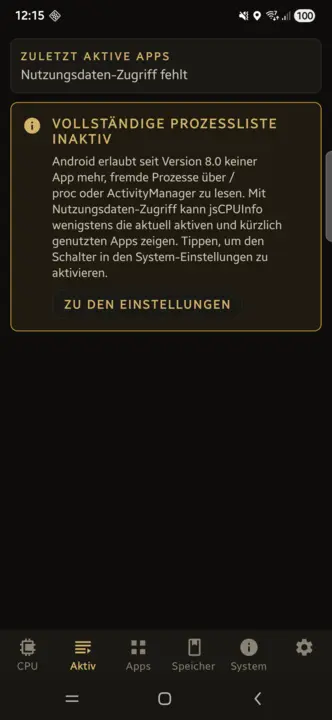
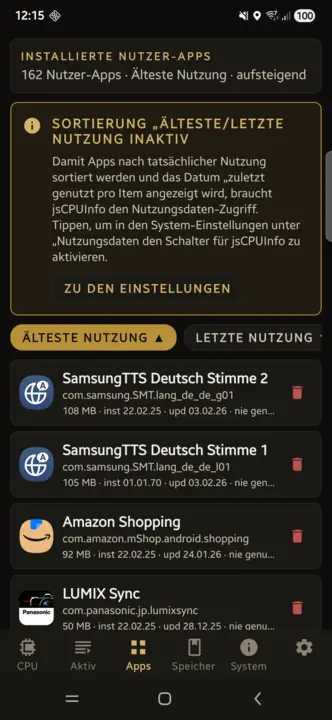
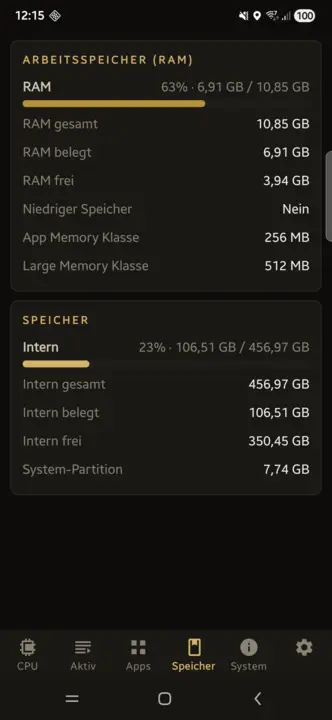
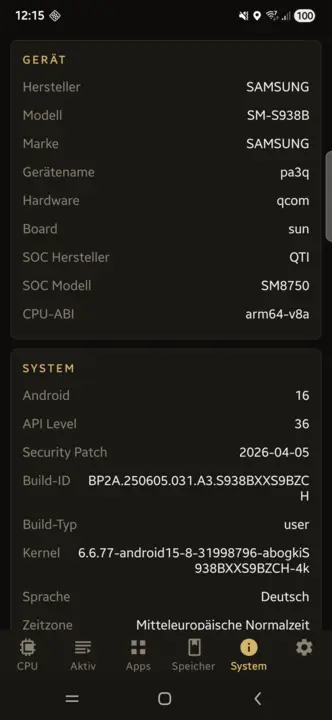
CPU ao vivo por núcleo com uso, frequência e temperatura. Aplicativos ativos e pacotes instalados com desinstalação por toque, ciclos de carga da bateria e estado de saúde, RAM, armazenamento, tela, padrões Wi-Fi, câmeras e todos os sensores – offline.
CPU por núcleo ao vivoAplicativos ativosDesinstalação por toqueCiclos da bateriaSensores22 idiomasTotalmente offline
Como verifico o hash SHA256 do meu arquivo baixado?
O hash SHA256 é uma impressão digital. Compare o hash do seu arquivo baixado com o exibido nesta página. Se ambos coincidirem, o arquivo está inalterado.
Linux
Abra um terminal e digite o seguinte comando (ajuste o nome do arquivo):
sha256sum ~/Downloads/nomedoarquivo.zip
macOS
Abra o Terminal (Aplicativos → Utilitários → Terminal) e digite:
shasum -a 256 ~/Downloads/nomedoarquivo.zip
Windows
Abra o PowerShell (tecla Windows, digite „PowerShell“, Enter) e digite:
Dieses Angebot ist ein privates, nicht-kommerzielles Projekt. Budbrain Software ist kein eingetragenes Unternehmen, sondern ein privates Softwareprojekt von Josef Sejrek. Es erfolgt keine gewerbliche Tatigkeit. Samtliche hier angebotene Software wird kostenlos und ohne Gewinnerzielungsabsicht bereitgestellt.
Umsatzsteuer
Es wird keine Umsatzsteuer-Identifikationsnummer gemass § 27a Umsatzsteuergesetz angegeben, da es sich um ein rein privates, nicht-kommerzielles Angebot handelt.
Verantwortlich fur den Inhalt gemass § 18 Abs. 2 MStV
Josef Sejrek
Koblenzer Strasse 95
56073 Koblenz
Streitschlichtung
Die Europaische Kommission stellt eine Plattform zur Online-Streitbeilegung (OS) bereit: ec.europa.eu/consumers/odr.
Wir sind nicht bereit oder verpflichtet, an Streitbeilegungsverfahren vor einer Verbraucherschlichtungsstelle teilzunehmen, da es sich um ein nicht-kommerzielles Angebot handelt.
This is a private, non-commercial project. Budbrain Software is not a registered company but a private software project by Josef Sejrek. No commercial activity takes place. All software offered here is provided free of charge and without intent to generate profit.
VAT
No VAT identification number is provided as this is a purely private, non-commercial offering.
Responsible for content according to § 18 para. 2 MStV
Josef Sejrek Koblenzer Strasse 95 56073 Koblenz
Dispute Resolution
The European Commission provides a platform for online dispute resolution (ODR): ec.europa.eu/consumers/odr.
We are neither willing nor obliged to participate in dispute resolution proceedings before a consumer arbitration board, as this is a non-commercial offering.
Die Inhalte dieser Seite wurden mit grosster Sorgfalt erstellt. Fur die Richtigkeit, Vollstandigkeit und Aktualitat der Inhalte kann jedoch keine Gewahr ubernommen werden. Als privater Anbieter bin ich gemass § 7 Abs. 1 DDG fur eigene Inhalte auf diesen Seiten nach den allgemeinen Gesetzen verantwortlich. Eine Verpflichtung zur Uberwachung ubermittelter oder gespeicherter fremder Informationen besteht jedoch nicht (§§ 8–10 DDG).
2. Haftung fur Links
Diese Seite enthalt Links zu externen Webseiten Dritter, auf deren Inhalte ich keinen Einfluss habe. Fur die Inhalte der verlinkten Seiten ist stets der jeweilige Anbieter oder Betreiber verantwortlich. Die verlinkten Seiten wurden zum Zeitpunkt der Verlinkung auf mogliche Rechtsverstossse uberpruft. Rechtswidrige Inhalte waren zum Zeitpunkt der Verlinkung nicht erkennbar. Eine permanente inhaltliche Kontrolle der verlinkten Seiten ist jedoch ohne konkrete Anhaltspunkte einer Rechtsverletzung nicht zumutbar. Bei Bekanntwerden von Rechtsverletzungen werden derartige Links umgehend entfernt.
3. Software-Haftungsausschluss
Die auf dieser Seite angebotene Software wird „as is“ (so wie sie ist) und ohne jegliche Gewahrleistung bereitgestellt — weder ausdruecklich noch stillschweigend, einschliesslich, aber nicht beschrankt auf die Gewahrleistung der Marktgangigkeit, der Eignung fur einen bestimmten Zweck und der Nichtverletzung von Rechten Dritter.
Die Nutzung der Software erfolgt vollstandig auf eigene Gefahr. Der Autor ubernimmt keinerlei Haftung fur:
Direkte, indirekte, zufallige, besondere oder Folgeschaden jeglicher Art
Datenverlust oder Beschadigung von Dateien, Betriebssystemen oder Hardware
Ausfallzeiten, entgangenen Gewinn oder Betriebsunterbrechungen
Sicherheitslucken oder Schaeden durch Dritte, die sich aus der Nutzung der Software ergeben
Inkompatibilitaten mit bestimmten Systemkonfigurationen oder Software-Versionen
Dies gilt auch dann, wenn auf die Moglichkeit solcher Schaden hingewiesen wurde.
4. Lizenz
Die angebotene Software wird als Freeware kostenlos zur Nutzung bereitgestellt. Der Quellcode wird nicht veroeffentlicht. Alle Rechte am Quellcode verbleiben beim Autor. Eine Dekompilierung, Reverse Engineering oder sonstige Rueckgewinnung des Quellcodes ist nicht gestattet.
5. Keine Gewahrleistung fur Verfugbarkeit
Es besteht kein Anspruch auf Verfugbarkeit dieser Webseite oder der angebotenen Downloads. Der Betrieb kann jederzeit ohne Vorankundigung eingestellt, verandert oder eingeschrankt werden.
6. Urheberrecht
Die durch den Seitenbetreiber erstellten Inhalte und Werke auf diesen Seiten unterliegen dem deutschen Urheberrecht. Die Vervielfaltigung, Bearbeitung, Verbreitung und jede Art der Verwertung ausserhalb der Grenzen des Urheberrechts bedurfen der schriftlichen Zustimmung des Autors. Downloads und Kopien dieser Seite sind nur fur den privaten, nicht kommerziellen Gebrauch gestattet, soweit die Software-Lizenz nichts anderes erlaubt.
The contents of this website have been created with the utmost care. However, no guarantee can be given for the accuracy, completeness and timeliness of the content.
2. Liability for Links
This site contains links to third-party websites over whose content we have no influence. The respective provider is always responsible for the content of the linked pages. The linked pages were checked for possible legal violations at the time of linking. Illegal content was not recognizable at the time of linking.
3. Software Disclaimer
The software offered on this site is provided "as is" and without any warranty — neither express nor implied, including but not limited to warranties of merchantability, fitness for a particular purpose, and non-infringement.
Use of the software is entirely at your own risk. The author assumes no liability for:
Direct, indirect, incidental, special or consequential damages of any kind
Data loss or damage to files, operating systems or hardware
Downtime, lost profits or business interruptions
Security vulnerabilities or damage by third parties resulting from use of the software
Incompatibilities with specific system configurations or software versions
4. License
The software is provided as freeware for free use. The source code is not published. All rights to the source code remain with the author. Decompilation, reverse engineering or any other recovery of the source code is not permitted.
5. No Guarantee of Availability
There is no entitlement to the availability of this website or the offered downloads. Operation may be discontinued, changed or restricted at any time without notice.
6. Copyright
The content and works created by the site operator are subject to German copyright law. Reproduction, editing, distribution and any kind of use beyond the limits of copyright law require the written consent of the author.
Josef Sejrek
Koblenzer Strasse 95
56073 Koblenz
E-Mail:
2. Allgemeines zur Datenverarbeitung
Diese Webseite wird als rein statische HTML-Seite betrieben. Es wird keinerlei serverseitige Datenverarbeitung durch den Seitenbetreiber durchgefuhrt. Insbesondere:
Es wird ausschliesslich ein technisch-funktionales Sprach-Cookie (bb_lang) gesetzt - nur durch Ihre aktive Sprachwahl ausgelost (siehe unten)
Es werden keine Tracking- oder Analysedienste eingesetzt (kein Google Analytics, kein Matomo, keine Pixel)
Es werden keine personenbezogenen Daten erhoben, gespeichert oder verarbeitet
Es gibt keine Kontaktformulare, Newsletter-Anmeldungen oder Benutzerkonten
Es werden keine externen Schriftarten, CDNs oder Social-Media-Plugins eingebunden
Sprach-Cookie (bb_lang): Wenn Sie uber den Sprachumschalter eine Sprache wahlen, wird ein einzelnes Cookie namens bb_lang gesetzt, das ausschliesslich Ihr Sprachkurzel (z.B. en) enthalt und fur die gesamte Domain budbrain.de gilt (Hauptseite sowie /budbrain-software/ und /testing/). Kein Tracking, keine Profilbildung, keine Weitergabe an Dritte. Das Cookie ist rein technisch-funktional, wird nur durch Ihre aktive Sprachwahl ausgelost und ist als unbedingt erforderlich nach § 25 Abs. 2 TDDDG einwilligungsfrei (Art. 6 Abs. 1 lit. f DSGVO). Es lauft nach einem Jahr ab und kann jederzeit im Browser geloscht werden.
3. Hosting / Server-Logfiles
Der Webserver-Hoster kann im Rahmen des technischen Betriebs automatisch Server-Logfiles erfassen (z.B. IP-Adresse, Browsertyp, Zugriffszeitpunkt). Diese Daten werden ausschliesslich vom Hoster verarbeitet und sind fur den Seitenbetreiber nicht einsehbar oder auswertbar. Rechtsgrundlage hierfur ist Art. 6 Abs. 1 lit. f DSGVO (berechtigtes Interesse an einem stabilen und sicheren Betrieb).
4. Downloads
Beim Herunterladen von Dateien (ZIP, DEB, RPM, APK) werden keine personenbezogenen Daten durch den Seitenbetreiber verarbeitet. Es kann jedoch sein, dass der Hoster den Download-Vorgang in Server-Logfiles protokolliert (siehe Punkt 3).
5. Externe Links
Diese Seite enthalt Links zu externen Diensten (z.B. Snap Store / snapcraft.io). Beim Anklicken dieser Links verlassen Sie diese Webseite. Fur die Datenverarbeitung auf den verlinkten Seiten gelten deren jeweilige Datenschutzerklarungen.
6. Datenverarbeitung durch die Apps
Die auf dieser Seite angebotenen Apps verarbeiten Daten ausschliesslich lokal auf dem Gerat des Nutzers. Im Einzelnen:
jsShowHardwareInfos (Linux): Liest die Hardware- und Systemdaten des Rechners (Prozessor, Speicher, Grafik, Laufwerke, Netzwerk, Sensoren, angeschlossene Geräte, laufende Prozesse) ausschliesslich lokal aus. Keine Netzwerkkommunikation. Ein Bericht wird nur dann als Textdatei auf dem Gerät gespeichert, wenn der Nutzer ihn ausdrücklich speichert; ansonsten werden nur Einstellungen auf dem Gerät abgelegt. Stürzt die App ab, wird ein Absturzbericht lokal geschrieben; das E-Mail-Programm mit diesem Bericht wird nur geöffnet, wenn der Nutzer im Dialog zustimmt – automatisch versendet wird nichts.
jsDevCleaner (macOS): Liest ausschliesslich Datei-Metadaten (Name, Groesse, Aenderungs- und Zugriffsdatum) im einmalig freigegebenen Benutzerordner – Dateiinhalte werden nicht gelesen. Die Freigabe erfolgt ueber den Standard-Dialog von macOS und wird als sicherheitsbezogenes Lesezeichen gespeichert; ein vollstaendiger Festplattenzugriff wird nicht verlangt. Die App stellt keine Internetverbindung her. Entfernte Objekte wandern ausschliesslich in den Papierkorb und behalten ihren Ursprungsort, sodass sie sich zurueckstellen lassen. Gespeichert werden nur die Freigabe und die Einstellungen auf dem Geraet.
jsDevCleaner (Linux): Ermittelt die Grössen von Entwickler-Caches und Projektordnern ausschliesslich lokal, keine Netzwerkkommunikation. Geloescht wird nur, was der Nutzer ausgewaehlt und in einem Dialog bestaetigt hat; die Loeschung erfolgt endgueltig, nicht in den Papierkorb. Gespeichert werden nur Einstellungen auf dem Gerat.
jsSysInfo (Linux/macOS): Liest Systemdaten (CPU, GPU, RAM, Netzwerk) ausschliesslich lokal aus. Keine Netzwerkkommunikation.
jsTuxChecker (Linux): Ruft die offentlich zugangliche Webseite kernel.org ab, um Kernel-Versionen zu prufen. Es werden keine personenbezogenen Daten an kernel.org ubermittelt.
jsReminder (macOS): Speichert Notizen und Termine ausschliesslich lokal auf dem Gerat.
jsShowHardwareInfos (Windows): Liest die Hardware- und Systemdaten des PCs (Prozessor, Arbeitsspeicher, Grafik, Datenträger, Anschlüsse, Netzwerk, Sensoren, laufende Prozesse) ausschliesslich lokal aus und zeigt sie nur an. Die App stellt von sich aus keine Internetverbindung her. Gespeichert werden nur Einstellungen sowie Fenstergrösse, Fensterposition und Spaltenbreite auf dem Gerat. Einzelne Angaben gibt Windows nur an Programme mit Administratorrechten heraus; dafuer startet sich die App erst neu, wenn der Nutzer die Nachfrage der Benutzerkontensteuerung bestatigt. Ein Bericht wird nur dann als Textdatei gespeichert oder in die Zwischenablage kopiert, wenn der Nutzer es auslöst. Stürzt die App ab, wird ein Absturzbericht lokal geschrieben; versendet wird er nur, wenn der Nutzer den E-Mail-Versand selbst auslöst.
jsCPUMonitor (Windows): Liest CPU-Auslastung, Taktfrequenz, Arbeitsspeicher und - sofern das Gerat sie bereitstellt - die CPU-Temperatur ausschliesslich lokal aus. Gespeichert werden nur Einstellungen und Fensterposition auf dem Gerat. Die App stellt von sich aus keine Internetverbindung her.
Where Did My Storage Go? (Windows): Analysiert Datei-Grossen ausschliesslich lokal, keine Netzwerkkommunikation. Dateiinhalte werden nicht gelesen. Loschen erfolgt nur in den Papierkorb. Gespeichert werden nur Einstellungen und Fensterposition auf dem Gerat.
Where Did My Storage Go? (macOS): Analysiert Datei-Grossen ausschliesslich lokal, keine Netzwerkkommunikation. Loschen erfolgt nur in den Papierkorb.
Where Did My Storage Go? (Linux): Analysiert Datei-Grossen ausschliesslich lokal, keine Netzwerkkommunikation. Loschen erfolgt nur in den Papierkorb. Gespeichert werden nur Einstellungen auf dem Gerat.
jsFileManager (Windows): Zeigt die Ordner an, die der Nutzer öffnet, und führt ausschliesslich die Vorgänge aus, die er auslöst (kopieren, verschieben, umbenennen, packen, entpacken, löschen). Gelesen werden Datei- und Ordnernamen, Grössen, Datumsangaben und Attribute; Dateiinhalte nur beim Kopieren, Verschieben und Packen sowie in der Byte-Ansicht – und nur für die vom Nutzer gewählten Dateien. Keine Netzwerkkommunikation, keine Telemetrie. Lokal gespeichert werden nur Einstellungen, Fenstergrösse und -position, Lesezeichen, zuletzt besuchte Ordner und ein Protokoll der Vorgänge dieser Sitzung; Dateiinhalte werden nicht gespeichert. Gelöschtes wandert standardmässig in den Papierkorb.
jsFileManager (Linux): Wie die Windows-Fassung – zeigt die vom Nutzer geöffneten Ordner an und führt nur die von ihm ausgelösten Vorgänge aus. Keine Netzwerkkommunikation. Lokal gespeichert werden nur Einstellungen, Lesezeichen, zuletzt besuchte Ordner und ein Protokoll der Vorgänge dieser Sitzung. Gelöschtes wandert standardmässig in den Papierkorb.
jsBudbrainPlayer (Linux): Spielt Audiodateien aus dem Ordner ab, den der Nutzer angibt, und liest dort nur Namen, Grösse und Zeitstempel der passenden Dateien – ausschliesslich lesend. Die App stellt von sich aus keine Internetverbindung her; ist der Ordner eine Netzwerkfreigabe, besteht die Verbindung nur zu diesem vom Nutzer angegebenen Gerät. Lokal gespeichert werden die Einstellungen (verschlüsselt), ein technisches Protokoll der laufenden Sitzung und bei einem Absturz ein Absturzbericht im Laufzeitordner der Sitzung; versendet wird nichts. Autostart-Eintrag und Verknüpfung auf dem Schreibtisch entstehen nur, wenn der Nutzer „Beim Anmelden starten“ einschaltet.
jsBudbrainEqualizer (Linux): Leitet den Ton, den der Rechner abspielt, über ein virtuelles Ausgabegerät im Tonserver des Desktops (PipeWire oder PulseAudio), verändert ihn nach den Reglern und gibt ihn an das gewählte Gerät weiter. Der Ton wird ausschliesslich im Arbeitsspeicher und nur für Sekundenbruchteile verarbeitet – weder aufgezeichnet noch gespeichert, ausgewertet oder versendet; ein Mikrofon benutzt die App nicht. Von sich aus stellt sie keine Internetverbindung her. Im Konfigurationsordner des Benutzerkontos liegen die verschlüsselten Einstellungen, ein bei jedem Start neu angelegtes Protokoll zur Fehlersuche und eine Sperrdatei gegen den doppelten Start. Nach einem Absturz fragt die App beim nächsten Start, ob der Bericht per E-Mail gesendet werden soll; von selbst wird nichts versendet. Eine Autostart-Datei entsteht nur, wenn der Nutzer „Beim Anmelden starten“ einschaltet.
jsBudbrainCompressor (Linux): Leitet den Ton, den der Rechner abspielt, über ein virtuelles Ausgabegerät im Tonserver des Desktops (PipeWire oder PulseAudio), bearbeitet ihn mit der simulierten Röhre und dem Kompressor nach den Reglern und gibt ihn an das gewählte Gerät weiter – laufen gleichzeitig jsBudbrainEqualizer oder jsBudbrainsFxStudio, geben diese ihren Ton an das virtuelle Gerät des Kompressors weiter. Der Ton wird ausschliesslich im Arbeitsspeicher und nur für Sekundenbruchteile verarbeitet – weder aufgezeichnet noch gespeichert, ausgewertet oder versendet; ein Mikrofon benutzt die App nicht. Von sich aus stellt sie keine Internetverbindung her. Im Konfigurationsordner des Benutzerkontos liegen die verschlüsselten Einstellungen samt einer verschlüsselten Sicherung der vorigen Fassung, ein bei jedem Start neu angelegtes Protokoll zur Fehlersuche und eine Sperrdatei gegen den doppelten Start. Nach einem Absturz fragt die App beim nächsten Start, ob der Bericht per E-Mail gesendet werden soll; von selbst wird nichts versendet. Eine Autostart-Datei entsteht nur, wenn der Nutzer „Beim Anmelden starten“ einschaltet.
jsBudbrainLimiter (Linux): Leitet den Ton, den der Rechner abspielt, über ein virtuelles Ausgabegerät im Tonserver des Desktops (PipeWire oder PulseAudio), begrenzt und hebt ihn nach den Reglern an und gibt ihn an das gewählte Gerät weiter – laufen gleichzeitig jsBudbrainCompressor, jsBudbrainEqualizer oder jsBudbrainsFxStudio, geben diese ihren Ton an das virtuelle Gerät des Limiters weiter. Der Ton wird ausschliesslich im Arbeitsspeicher und nur für Sekundenbruchteile verarbeitet – weder aufgezeichnet noch gespeichert, ausgewertet oder versendet; ein Mikrofon benutzt die App nicht. Von sich aus stellt sie keine Internetverbindung her. Im Konfigurationsordner des Benutzerkontos liegen die verschlüsselten Einstellungen samt einer verschlüsselten Sicherung der vorigen Fassung, ein bei jedem Start neu angelegtes Protokoll zur Fehlersuche und eine Sperrdatei gegen den doppelten Start. Nach einem Absturz fragt die App beim nächsten Start, ob der Bericht per E-Mail gesendet werden soll; von selbst wird nichts versendet. Eine Autostart-Datei entsteht nur, wenn der Nutzer „Beim Anmelden starten“ einschaltet.
jsBudbrainSoundEditor (Linux): Öffnet und speichert nur die Audiodateien, die der Nutzer auswählt, und bearbeitet sie im Arbeitsspeicher; abgespielt wird über den Tonserver des Desktops (PipeWire oder PulseAudio). Mikrofon oder ein anderer Eingang werden nur benutzt, wenn der Nutzer eine Aufnahme startet oder die Anzeige des Eingangspegels einschaltet (ab Werk aus). Weder Dateien noch Ton werden ausgewertet oder versendet; von sich aus stellt die App keine Internetverbindung her. Im Konfigurationsordner liegen die verschlüsselten Einstellungen (darunter die Pfade der zuletzt geöffneten Dateien und der beim Beenden offenen Tabs) samt verschlüsselter Sicherung und ein bei jedem Start neu angelegtes Protokoll; im Zwischenspeicher-Ordner vorübergehend ausgelagerte Rückgängig-Schritte und die laufende Aufnahme. Nach einem Absturz fragt die App beim nächsten Start, ob der Bericht per E-Mail gesendet werden soll; von selbst wird nichts versendet.
jsBudbrainLaufwerksTest (Windows): Misst die Geschwindigkeit eines Laufwerks mit einer Testdatei aus Zufallsdaten, die die App in den vom Nutzer gewählten Ordner schreibt, zurückliest und wieder löscht – auch beim Abbruch, beim Beenden und nach einem Absturz; eigene Dateien des Nutzers liest und verändert sie nicht. Für die Laufwerksliste fragt sie Windows, welche Laufwerke es gibt, wie viel Platz frei ist und, soweit gemeldet, Modell und Art des Laufwerks; diese Angaben werden nur angezeigt. Die App läuft mit den normalen Benutzerrechten und trägt selbst nichts in die Registrierung oder die Systemordner von Windows ein. Von sich aus stellt sie keine Internetverbindung her; Messergebnisse bleiben auf dem Gerät. Im Ordner des Benutzerkontos liegen die verschlüsselten Einstellungen (darunter der zuletzt gewählte Ordner und der Verlauf der Messungen) samt verschlüsselter Sicherung und ein bei jedem Start neu angelegtes Protokoll. Als Textdatei gespeichert wird der Verlauf nur, wenn der Nutzer es auslöst, an dem Ort, den er wählt. Nach einem Absturz fragt die App beim nächsten Start, ob der Bericht per E-Mail gesendet werden soll; von selbst wird nichts versendet.
jsBudbrainLaufwerksTest (Linux): Misst die Geschwindigkeit eines Laufwerks mit einer Testdatei aus Zufallsdaten, die die App in den vom Nutzer gewählten Ordner schreibt, zurückliest und wieder löscht – auch beim Abbruch, beim Beenden und nach einem Absturz; eigene Dateien des Nutzers liest und verändert sie nicht. Für die Laufwerksliste liest sie aus dem System, welche Laufwerke eingehängt sind, wie viel Platz frei ist und, soweit gemeldet, Modell und Art des Geräts; diese Angaben werden nur angezeigt. Von sich aus stellt die App keine Internetverbindung her; Messergebnisse bleiben auf dem Gerät. Im Konfigurationsordner liegen die verschlüsselten Einstellungen (darunter der zuletzt gewählte Ordner und der Verlauf der Messungen) samt verschlüsselter Sicherung und ein bei jedem Start neu angelegtes Protokoll. Als Textdatei gespeichert wird der Verlauf nur, wenn der Nutzer es auslöst, an dem Ort, den er wählt. Nach einem Absturz fragt die App beim nächsten Start, ob der Bericht per E-Mail gesendet werden soll; von selbst wird nichts versendet.
jsBudbrainFindDblsOrRenameIt (Windows): Durchsucht nur die Ordner, die der Nutzer auswählt. Gelesen werden Namen, Größe und Zeitstempel der Dateien und, um Doppelte zu erkennen, ihr Inhalt, aus dem Prüfsummen berechnet werden; diese Angaben werden nur angezeigt und nur im Arbeitsspeicher gehalten. In den Papierkorb gelegt, verschoben, gelöscht, umbenannt oder durch eine Verknüpfung ersetzt wird nur, was der Nutzer markiert und in der Rückfrage bestätigt hat. Dateien, die nur in der Cloud liegen, werden beim Vergleich nach Inhalt nicht gelesen und nicht heruntergeladen. Von sich aus stellt die App keine Internetverbindung her. Lokal gespeichert werden die verschlüsselten Einstellungen (darunter die gewählten Ordner, Regeln, gespeicherten Suchen und Aufträge), ein verschlüsselter Verlauf der letzten 30 Vorgänge zum Rückgängigmachen, je eine verschlüsselte Sicherung und ein bei jedem Start neu angelegtes Protokoll; einzelne Treffer werden nicht gespeichert. Nach einem Absturz fragt die App beim nächsten Start, ob der Bericht per E-Mail gesendet werden soll; von selbst wird nichts versendet.
jsBudbrainFindDblsOrRenameIt (Linux): Durchsucht nur die Ordner, die der Nutzer auswählt. Gelesen werden Namen, Größe und Zeitstempel der Dateien und, um Doppelte zu erkennen, ihr Inhalt, aus dem Prüfsummen berechnet werden; diese Angaben werden nur angezeigt und nur im Arbeitsspeicher gehalten. In den Papierkorb des Systems gelegt, verschoben, gelöscht, umbenannt oder durch eine Verknüpfung ersetzt wird nur, was der Nutzer markiert und in der Rückfrage bestätigt hat. Von sich aus stellt die App keine Internetverbindung her. Lokal gespeichert werden die verschlüsselten Einstellungen (darunter die gewählten Ordner, Regeln, gespeicherten Suchen und Aufträge), ein verschlüsselter Verlauf der letzten 30 Vorgänge zum Rückgängigmachen, je eine verschlüsselte Sicherung und ein bei jedem Start neu angelegtes Protokoll; einzelne Treffer werden nicht gespeichert. Nach einem Absturz fragt die App beim nächsten Start, ob der Bericht per E-Mail gesendet werden soll; von selbst wird nichts versendet.
jsBudbrainsFxStudio (Linux): Leitet den Ton, den der Rechner abspielt, über ein virtuelles Ausgabegerät im Tonserver des Desktops (PipeWire oder PulseAudio), mischt die eingestellten Effekte hinein und gibt ihn an das gewählte Gerät weiter – läuft gleichzeitig jsBudbrainEqualizer, an dessen virtuelles Gerät. Der Ton wird ausschliesslich im Arbeitsspeicher und nur für Sekundenbruchteile verarbeitet – weder aufgezeichnet noch gespeichert, ausgewertet oder versendet; ein Mikrofon benutzt die App nicht. Von sich aus stellt sie keine Internetverbindung her. Im Konfigurationsordner des Benutzerkontos liegen die verschlüsselten Einstellungen samt einer verschlüsselten Sicherung der vorigen Fassung, ein bei jedem Start neu angelegtes Protokoll zur Fehlersuche und eine Sperrdatei gegen den doppelten Start. Nach einem Absturz fragt die App beim nächsten Start, ob der Bericht per E-Mail gesendet werden soll; von selbst wird nichts versendet. Eine Autostart-Datei entsteht nur, wenn der Nutzer „Beim Anmelden starten“ einschaltet.
jsBudbrainEqualizer (Windows): Verändert den Ton, den Windows an Lautsprecher oder Kopfhörer gibt, als Klangeffekt im Audiodienst von Windows. Eingerichtet wird dieser Effekt nur, wenn der Nutzer darauf klickt und in der Abfrage von Windows zustimmt; „Aus Windows entfernen“ in den Einstellungen macht es rückgängig. Der Ton wird ausschliesslich im Arbeitsspeicher und nur für Sekundenbruchteile verarbeitet – weder aufgezeichnet noch gespeichert, ausgewertet oder versendet; ein Mikrofon benutzt die App nicht. Von sich aus stellt sie keine Internetverbindung her. Im eigenen Ordner des Windows-Benutzerkontos (%APPDATA%\jsBudbrainEqualizer) liegen die verschlüsselten Einstellungen und technische Protokolle zur Fehlersuche; solange der Effekt eingerichtet ist, schreibt er zusätzlich ein kleines Protokoll unter %ProgramData%\jsBudbrainEqualizer. Nach einem Absturz fragt die App beim nächsten Start, ob der Bericht per E-Mail gesendet werden soll; von selbst wird nichts versendet. Ein Starteintrag entsteht nur, wenn der Nutzer „Beim Anmelden starten“ einschaltet.
jsBudbrainsFxStudio (Windows): Verändert den Ton, den Windows an Lautsprecher oder Kopfhörer gibt, als Klangeffekt im Audiodienst von Windows und mischt die eingestellten Effekte hinein nach den Reglern – ist zugleich jsBudbrainEqualizer eingerichtet, bearbeiten die Effekte den Ton vor ihm. Eingerichtet wird dieser Effekt nur, wenn der Nutzer darauf klickt und in der Abfrage von Windows zustimmt; „Aus Windows entfernen“ in den Einstellungen macht es rückgängig. Der Ton wird ausschliesslich im Arbeitsspeicher und nur für Sekundenbruchteile verarbeitet – weder aufgezeichnet noch gespeichert, ausgewertet oder versendet; ein Mikrofon benutzt die App nicht. Von sich aus stellt sie keine Internetverbindung her. Im eigenen Ordner des Windows-Benutzerkontos (%APPDATA%\jsBudbrainsFxStudio) liegen die verschlüsselten Einstellungen samt einer verschlüsselten Sicherung der vorigen Fassung und technische Protokolle zur Fehlersuche; solange der Effekt eingerichtet ist, schreibt er zusätzlich ein kleines Protokoll unter %ProgramData%\jsBudbrainsFxStudio. Nach einem Absturz fragt die App beim nächsten Start, ob der Bericht per E-Mail gesendet werden soll; von selbst wird nichts versendet. Ein Starteintrag entsteht nur, wenn der Nutzer „Beim Anmelden starten“ einschaltet.
jsBudbrainCompressor (Windows): Verändert den Ton, den Windows an Lautsprecher oder Kopfhörer gibt, als Klangeffekt im Audiodienst von Windows und bearbeitet ihn mit der simulierten Röhre und dem Kompressor nach den Reglern – sind zugleich jsBudbrainEqualizer oder jsBudbrainsFxStudio eingerichtet, bearbeitet er den Ton vor ihnen. Eingerichtet wird dieser Effekt nur, wenn der Nutzer darauf klickt und in der Abfrage von Windows zustimmt; „Aus Windows entfernen“ in den Einstellungen macht es rückgängig. Der Ton wird ausschliesslich im Arbeitsspeicher und nur für Sekundenbruchteile verarbeitet – weder aufgezeichnet noch gespeichert, ausgewertet oder versendet; ein Mikrofon benutzt die App nicht. Von sich aus stellt sie keine Internetverbindung her. Im eigenen Ordner des Windows-Benutzerkontos (%APPDATA%\jsBudbrainCompressor) liegen die verschlüsselten Einstellungen samt einer verschlüsselten Sicherung der vorigen Fassung und technische Protokolle zur Fehlersuche; solange der Effekt eingerichtet ist, schreibt er zusätzlich ein kleines Protokoll unter %ProgramData%\jsBudbrainCompressor. Nach einem Absturz fragt die App beim nächsten Start, ob der Bericht per E-Mail gesendet werden soll; von selbst wird nichts versendet. Ein Starteintrag entsteht nur, wenn der Nutzer „Beim Anmelden starten“ einschaltet.
jsBudbrainLimiter (Windows): Verändert den Ton, den Windows an Lautsprecher oder Kopfhörer gibt, als Klangeffekt im Audiodienst von Windows und begrenzt ihn mit dem Limiter nach den Reglern – sind zugleich jsBudbrainCompressor, jsBudbrainEqualizer oder jsBudbrainsFxStudio eingerichtet, bearbeitet er den Ton vor ihnen. Eingerichtet wird dieser Effekt nur, wenn der Nutzer darauf klickt und in der Abfrage von Windows zustimmt; „Aus Windows entfernen“ in den Einstellungen macht es rückgängig. Der Ton wird ausschliesslich im Arbeitsspeicher und nur für Sekundenbruchteile verarbeitet – weder aufgezeichnet noch gespeichert, ausgewertet oder versendet; ein Mikrofon benutzt die App nicht. Von sich aus stellt sie keine Internetverbindung her. Im eigenen Ordner des Windows-Benutzerkontos (%APPDATA%\jsBudbrainLimiter) liegen die verschlüsselten Einstellungen samt einer verschlüsselten Sicherung der vorigen Fassung und technische Protokolle zur Fehlersuche; solange der Effekt eingerichtet ist, schreibt er zusätzlich ein kleines Protokoll unter %ProgramData%\jsBudbrainLimiter. Nach einem Absturz fragt die App beim nächsten Start, ob der Bericht per E-Mail gesendet werden soll; von selbst wird nichts versendet. Ein Starteintrag entsteht nur, wenn der Nutzer „Beim Anmelden starten“ einschaltet.
jsBudbrainEqualizer (macOS): Nimmt den Ton der anderen Programme über die dafür vorgesehene Schnittstelle von macOS (Core Audio) entgegen, bearbeitet ihn den Klang mit den zehn Reglern nach den Reglern und gibt ihn an das gewählte Gerät weiter – laufen gleichzeitig jsBudbrainsFxStudio, jsBudbrainCompressor oder jsBudbrainLimiter, nimmt sie den Ton von FxStudio entgegen bzw. gibt ihn an die App hinter ihr weiter, statt ihn doppelt erklingen zu lassen. macOS fragt beim ersten Start, ob die App auf den Systemton zugreifen darf; die Freigabe lässt sich in den Systemeinstellungen unter „Datenschutz & Sicherheit“ jederzeit zurücknehmen. Den Bildschirm liest die App nicht. Der Ton wird ausschliesslich im Arbeitsspeicher und nur für Sekundenbruchteile verarbeitet – weder aufgezeichnet noch gespeichert, ausgewertet oder versendet; ein Mikrofon benutzt die App nicht. Von sich aus stellt sie keine Internetverbindung her. Sie läuft in der Sandbox von macOS und schreibt nur in ihren eigenen Container (~/Library/Containers/com.budbrain.jsbudbrainequalizer): die verschlüsselten Einstellungen, ein bei jedem Start neu angelegtes Protokoll zur Fehlersuche, eine Sperrdatei gegen den doppelten Start und einen Zwischenspeicher der Systemschriften. Nach einem Absturz fragt die App beim nächsten Start, ob der Bericht per E-Mail gesendet werden soll; von selbst wird nichts versendet. Ein Anmeldeobjekt entsteht nur, wenn der Nutzer „Beim Anmelden starten“ einschaltet.
jsBudbrainsFxStudio (macOS): Nimmt den Ton der anderen Programme über die dafür vorgesehene Schnittstelle von macOS (Core Audio) entgegen, bearbeitet ihn mit den eingestellten Effekten nach den Reglern und gibt ihn an das gewählte Gerät weiter – laufen gleichzeitig jsBudbrainEqualizer, jsBudbrainCompressor oder jsBudbrainLimiter, gibt sie ihren Ton an die App hinter ihr weiter, statt ihn doppelt erklingen zu lassen. macOS fragt beim ersten Start, ob die App auf den Systemton zugreifen darf; die Freigabe lässt sich in den Systemeinstellungen unter „Datenschutz & Sicherheit“ jederzeit zurücknehmen. Den Bildschirm liest die App nicht. Der Ton wird ausschliesslich im Arbeitsspeicher und nur für Sekundenbruchteile verarbeitet – weder aufgezeichnet noch gespeichert, ausgewertet oder versendet; ein Mikrofon benutzt die App nicht. Von sich aus stellt sie keine Internetverbindung her. Sie läuft in der Sandbox von macOS und schreibt nur in ihren eigenen Container (~/Library/Containers/com.budbrain.jsbudbrainsfxstudio): die verschlüsselten Einstellungen samt einer verschlüsselten Sicherung des vorigen Stands, ein bei jedem Start neu angelegtes Protokoll zur Fehlersuche, eine Sperrdatei gegen den doppelten Start und einen Zwischenspeicher der Systemschriften. Nach einem Absturz fragt die App beim nächsten Start, ob der Bericht per E-Mail gesendet werden soll; von selbst wird nichts versendet. Ein Anmeldeobjekt entsteht nur, wenn der Nutzer „Beim Anmelden starten“ einschaltet.
jsBudbrainCompressor (macOS): Nimmt den Ton der anderen Programme über die dafür vorgesehene Schnittstelle von macOS (Core Audio) entgegen, bearbeitet ihn mit der simulierten Röhre und dem Kompressor nach den Reglern und gibt ihn an das gewählte Gerät weiter – laufen gleichzeitig jsBudbrainsFxStudio, jsBudbrainEqualizer oder jsBudbrainLimiter, nimmt sie den Ton von der App vor ihr entgegen bzw. gibt ihn an jsBudbrainLimiter weiter, statt ihn doppelt erklingen zu lassen. macOS fragt beim ersten Start, ob die App auf den Systemton zugreifen darf; die Freigabe lässt sich in den Systemeinstellungen unter „Datenschutz & Sicherheit“ jederzeit zurücknehmen. Den Bildschirm liest die App nicht. Der Ton wird ausschliesslich im Arbeitsspeicher und nur für Sekundenbruchteile verarbeitet – weder aufgezeichnet noch gespeichert, ausgewertet oder versendet; ein Mikrofon benutzt die App nicht. Von sich aus stellt sie keine Internetverbindung her. Sie läuft in der Sandbox von macOS und schreibt nur in ihren eigenen Container (~/Library/Containers/com.budbrain.jsbudbraincompressor): die verschlüsselten Einstellungen samt einer verschlüsselten Sicherung des vorigen Stands, ein bei jedem Start neu angelegtes Protokoll zur Fehlersuche, eine Sperrdatei gegen den doppelten Start und einen Zwischenspeicher der Systemschriften. Nach einem Absturz fragt die App beim nächsten Start, ob der Bericht per E-Mail gesendet werden soll; von selbst wird nichts versendet. Ein Anmeldeobjekt entsteht nur, wenn der Nutzer „Beim Anmelden starten“ einschaltet.
jsBudbrainLimiter (macOS): Nimmt den Ton der anderen Programme über die dafür vorgesehene Schnittstelle von macOS (Core Audio) entgegen, bearbeitet ihn mit dem Limiter nach den Reglern und gibt ihn an das gewählte Gerät weiter – laufen gleichzeitig jsBudbrainsFxStudio, jsBudbrainEqualizer oder jsBudbrainCompressor, nimmt sie den Ton von der App vor ihr entgegen, statt ihn doppelt erklingen zu lassen. macOS fragt beim ersten Start, ob die App auf den Systemton zugreifen darf; die Freigabe lässt sich in den Systemeinstellungen unter „Datenschutz & Sicherheit“ jederzeit zurücknehmen. Den Bildschirm liest die App nicht. Der Ton wird ausschliesslich im Arbeitsspeicher und nur für Sekundenbruchteile verarbeitet – weder aufgezeichnet noch gespeichert, ausgewertet oder versendet; ein Mikrofon benutzt die App nicht. Von sich aus stellt sie keine Internetverbindung her. Sie läuft in der Sandbox von macOS und schreibt nur in ihren eigenen Container (~/Library/Containers/com.budbrain.jsbudbrainlimiter): die verschlüsselten Einstellungen samt einer verschlüsselten Sicherung des vorigen Stands, ein bei jedem Start neu angelegtes Protokoll zur Fehlersuche, eine Sperrdatei gegen den doppelten Start und einen Zwischenspeicher der Systemschriften. Nach einem Absturz fragt die App beim nächsten Start, ob der Bericht per E-Mail gesendet werden soll; von selbst wird nichts versendet. Ein Anmeldeobjekt entsteht nur, wenn der Nutzer „Beim Anmelden starten“ einschaltet.
Dino Warrior (Android): Speichert Spielstand und Highscore ausschliesslich lokal auf dem Gerat (SharedPreferences). Keine Netzwerkkommunikation.
PicPuzzler (Android): Speichert Spielfortschritt, Erfolge und Einstellungen ausschliesslich lokal auf dem Gerat. Optional koennen eigene Bilder aus der Geraetegalerie als Puzzle verwendet werden - diese werden ausschliesslich lokal verarbeitet. Keine Netzwerkkommunikation.
Budbrain’s Sudoku (Windows, Linux, iOS, Android): Ein Spiel ohne Konto und ohne Anmeldung. Es liest und schreibt ausschliesslich seinen eigenen Ordner; auf sonstige Dateien greift es nicht zu. Keine Netzwerkkommunikation, keine Telemetrie, keine Bestenliste – auch das tägliche Rätsel wird im Spiel selbst aus dem Datum berechnet und nicht abgerufen. Lokal gespeichert werden nur Einstellungen, Fenstergrösse und -position, der Spielstand, der Fortschritt und zu jedem gelösten Rätsel ein Bild des Bretts für die Erfolgs-Wand. Diese Daten enthalten nichts über die Person, die spielt.
Budbrain's Poker Slots (iOS, Android): Reines Unterhaltungsspiel mit virtuellen Fun-Coins - keine Echtgeld-Einsatze, keine In-App-Kaufe, keine Auszahlungen. Alle Spieldaten (Coin-Stand, Bestenliste, Sammlung, Einstellungen) werden ausschliesslich lokal auf dem Gerat gespeichert und verlassen es nicht. Die App benotigt keine Internetverbindung und stellt auch keine her. Angefordert wird nur die Berechtigung Vibration. Beim Deinstallieren werden alle lokal gespeicherten Daten geloscht.
Budbrain's Media Editor (iOS, Android): Verarbeitet Videos und Bilder ausschliesslich lokal auf dem Gerat. Die Auswahl erfolgt uber die System-Medienauswahl des Betriebssystems, die App erhalt dadurch nur Zugriff auf die konkret ausgewahlte Datei. Originaldateien werden nie verandert oder uberschrieben - jede Bearbeitung erzeugt eine neue Datei. Gespeichert werden nur Einstellungen auf dem Gerat. In exportierte Dateien schreibt die App eine Signatur in die Metadaten (Programmname, Version und Bearbeitungsdatum). Die im Store veroffentlichte Version stellt keine Netzwerkverbindung her.
Budbrain’s Nonogram’s (Android): Ein Spiel ohne Konto und ohne Anmeldung. Alle Spieldaten (das laufende Rätsel, der Fortschritt und die Sterne je Level, die Bilder der gelösten Rätsel für die Galerie sowie die Einstellungen) werden ausschliesslich lokal auf dem Gerät in einer Datenbank im App-Verzeichnis gespeichert und verlassen es nicht. Die App benötigt keine Internetverbindung und stellt auch keine her; sie besitzt nicht einmal die Internet-Berechtigung. Angefordert wird nur die Berechtigung Vibration für das optionale haptische Feedback. Beim Deinstallieren werden alle lokal gespeicherten Daten gelöscht.
FarmIsFun (Android): Spielfortschritt, Inventar, Farm-Zustand, Aufträge, Crafting-Warteschlangen und Einstellungen werden ausschliesslich lokal auf dem Gerät gespeichert. Optional lässt sich in den Spieleinstellungen eine Cloud-Speicherung über Google Drive einschalten; der Spielstand liegt dann im app-eigenen Bereich des Google-Kontos des Nutzers, auf den nur diese App zugreift, und übertragen werden ausschliesslich Spieldaten – keine Namen, E-Mail-Adressen oder Standortdaten. Die Internet-Berechtigung wird nur für diese Cloud-Speicherung benötigt; ist sie ausgeschaltet, stellt die App keine Netzwerkverbindung her. Keine Analyse- oder Tracking-Werkzeuge, kein eigener Server.
FarmIsFun (Windows): Speichert Spielstände, deren rollende Sicherungen und die Einstellungen (Sprache, Lautstärke, Fenstergrösse) ausschliesslich lokal im eigenen Ordner des Windows-Benutzerkontos unter %APPDATA%\jsFarmIsFun. Auf sonstige Dateien des Geräts greift das Spiel nicht zu. Es stellt keine Internetverbindung her – es enthält dafür keine Funktion – und schreibt auch keinen Absturzbericht. Ein Bildschirmfoto entsteht nur, wenn der Nutzer es mit F12 selbst auslöst.
Budbrain’s Klickeridu (iOS): Spielfortschritt (Münzen, Welle, Upgrades, Skills, Seelen), das Monster-Album und die Einstellungen werden ausschliesslich lokal im App-Verzeichnis gespeichert. Kein Konto, keine Anmeldung, kein Nutzerprofil. Die App stellt von sich aus keine Netzwerkverbindung her: keine Cloud, keine Online-Gegner, keine Schriften von fremden Servern – alle Schriften sind in die App eingebettet.
Budbrain’s Mahjong (iOS, Android, Linux): Speichert das laufende Spiel, die gelösten Level samt der dabei erzeugten Bilder für die Erfolgs-Galerie sowie die Einstellungen ausschliesslich lokal auf dem Gerät. Keine Netzwerkkommunikation, keine besonderen Berechtigungen.
Budbrain’s Solitaire (iOS, Android): Reines Offline-Kartenspiel. Laufende Partie, Tutorial-Stand und Einstellungen werden ausschliesslich lokal auf dem Gerät gespeichert. Keine Netzwerkkommunikation, keine besonderen Berechtigungen.
Budbrain’s Chess (iOS, Android): Gespielt wird offline gegen eine Schach-Engine auf dem Gerät. Laufende Partie, Level-Fortschritt, Bewertung, die Bilder gewonnener Partien und die Einstellungen bleiben ausschliesslich lokal. Kein Konto, keine Anmeldung, keine Online-Gegner, keine Netzwerkkommunikation.
Budbrain’s Marbles (iOS, Android, Linux): Speichert Spielzustand, gelöste Level und Einstellungen ausschliesslich lokal auf dem Gerät. Keine Netzwerkkommunikation, keine besonderen Berechtigungen.
Budbrain’s Puzzle (iOS): Speichert den Puzzle-Zustand, die gelösten Puzzles und die Einstellungen ausschliesslich lokal auf dem Gerät. Keine Netzwerkkommunikation, keine besonderen Berechtigungen.
Budbrain’s Puzzle (Linux): Legt genau zwei Dateien im eigenen Datenverzeichnis an ($XDG_DATA_HOME/jsPicPuzzler, in der Snap-Fassung im Datenverzeichnis des Snaps): die Einstellungen und den Spielstand samt der Liste der gelösten Puzzles. Beide sind verschlüsselt abgelegt – nicht wegen personenbezogener Daten, die enthalten sie nicht, sondern damit ein Spielstand nicht nebenbei verändert wird. Auf sonstige Dateien greift das Spiel nicht zu. Es stellt von sich aus keine Internetverbindung her; die Verweise im Bildschirm „About“ öffnen auf Klick den Browser oder das Mailprogramm. Stürzt das Spiel ab, entsteht lokal ein Bericht mit Version, Absturzart und zuletzt gezeigtem Bildschirm – er wird nicht verschickt.
Budbrain’s Puzzle (Windows): Legt genau zwei Dateien im eigenen Ordner des Windows-Benutzerkontos an (%APPDATA%\jsPicPuzzler): die Einstellungen und den Spielstand samt der Liste der gelösten Puzzles. Beide sind verschlüsselt abgelegt – nicht wegen personenbezogener Daten, die enthalten sie nicht, sondern damit ein Spielstand nicht nebenbei verändert wird. Auf sonstige Dateien greift das Spiel nicht zu. Es stellt von sich aus keine Internetverbindung her; die Verweise im Bildschirm „About“ öffnen auf Klick den Browser oder das Mailprogramm. Stürzt das Spiel ab, entsteht im selben Ordner ein Bericht mit Version, Absturzart und zuletzt gezeigtem Bildschirm – er wird nicht verschickt.
Astonischika (iOS, Android): Speichert die Helden-Truppe, den Fortschritt, den laufenden Durchgang und die Einstellungen ausschliesslich lokal auf dem Gerät. Keine Netzwerkkommunikation, keine besonderen Berechtigungen.
Astonischika (Windows): Legt drei Dateien im eigenen Ordner des Windows-Benutzerkontos an (%APPDATA%\Astonischika, auch in der Fassung aus dem Microsoft Store): die Einstellungen, den dauerhaften Fortschritt mit Helden, Gold und Lager sowie den laufenden Zug. Alle drei sind verschlüsselt und versiegelt abgelegt – nicht wegen personenbezogener Daten, die enthalten sie nicht, sondern damit ein Spielstand nicht nebenbei verändert wird. Dazu kommen eine bei jedem Start neu angelegte Protokolldatei zur Fehlersuche und, nach einem Absturz, ein Absturzbericht – beide werden nicht verschickt. Auf sonstige Dateien greift das Spiel nicht zu. Es stellt von sich aus keine Internetverbindung her; die Verweise im Bildschirm „Über“ und in der Lizenzübersicht öffnen auf Klick den Browser oder das Mailprogramm.
Astonischika (Linux): Legt drei verschlüsselte und versiegelte Dateien im eigenen Datenordner an (~/.local/share/Astonischika, in Snap und Flatpak im Datenordner der jeweiligen Sandbox): die Einstellungen, den dauerhaften Fortschritt und den laufenden Zug. Nach einem Absturz entsteht ein Absturzbericht, der nicht verschickt wird. Keine eigene Internetverbindung; die Verweise im Bildschirm „Über“ öffnen auf Klick den Browser oder das Mailprogramm.
jsBudbrainPlayer (Windows): Liest ausschliesslich den Ordner, den der Nutzer selbst angibt (auf Wunsch samt Unterordnern), und darin nur die Dateien, die auf das eingestellte Muster passen, dazu deren Namen, Grösse und Zeitstempel – nur lesend; im Ordner wird nichts verändert, verschoben oder gelöscht. Liegt der Ordner auf einer Netzwerkfreigabe, besteht die Verbindung ausschliesslich zu diesem vom Nutzer angegebenen Gerät. Von sich aus stellt die App keine Internetverbindung her. Im eigenen Ordner des Windows-Benutzerkontos (%APPDATA%\jsBudbrainPlayer) liegen die verschlüsselten Einstellungen und ein bei jedem Start neu angelegtes Protokoll zur Fehlersuche, das die Namen und Pfade der abgespielten Dateien enthält; beide verlassen das Gerät nicht. Ein Absturzbericht wird nicht erzeugt. Nur wenn der Nutzer „Mit Windows starten“ einschaltet, legt die App einen Autostart-Eintrag unter HKEY_CURRENT_USER, eine geplante Aufgabe bei Anmeldung und eine Verknüpfung auf dem Desktop an; sie enthalten nur den Programmpfad und den gewählten Ordner und werden beim Ausschalten wieder entfernt.
Quantimixar (iOS, Android): Speichert das laufende Spiel, die gemeisterten Level samt ihrer Bilder und die Einstellungen ausschliesslich lokal auf dem Gerät. Keine Netzwerkkommunikation, keine besonderen Berechtigungen.
BlobPop (iOS, Android): Speichert Spielfortschritt, Sterne und Bestwerte je Level sowie die Einstellungen ausschliesslich lokal auf dem Gerät. Keine Netzwerkkommunikation, keine besonderen Berechtigungen.
BlobPop (Linux): Legt genau zwei Dateien im eigenen Datenverzeichnis an ($XDG_DATA_HOME/jsBlobPop, in der Snap-Fassung im Datenverzeichnis des Snaps): die Einstellungen und den Spielstand samt bester Runde je Level und der Arcade-Bestenliste. Beide sind verschlüsselt abgelegt – nicht wegen personenbezogener Daten, die enthalten sie nicht, sondern damit ein Spielstand nicht nebenbei verändert wird. Auf sonstige Dateien greift das Spiel nicht zu. Es stellt von sich aus keine Internetverbindung her; die Verweise im Bildschirm „About“ und in der Lizenzübersicht öffnen auf Klick den Browser oder das Mailprogramm. Stürzt das Spiel ab, entsteht lokal ein Absturzbericht – er wird nicht verschickt.
BlobPop (Windows): Legt genau zwei Dateien im eigenen Ordner des Windows-Benutzerkontos an (%APPDATA%\jsBlobPop, aus dem Microsoft Store bezogen im dorthin umgeleiteten Anwendungsverzeichnis): die Einstellungen und den Spielstand samt bester Runde je Level und der Arcade-Bestenliste. Beide sind verschlüsselt abgelegt – nicht wegen personenbezogener Daten, die enthalten sie nicht, sondern damit ein Spielstand nicht nebenbei verändert wird. Auf sonstige Dateien greift das Spiel nicht zu. Es stellt von sich aus keine Internetverbindung her; die Verweise im Bildschirm „About“ und in der Lizenzübersicht öffnen auf Klick den Browser oder das Mailprogramm. Stürzt das Spiel ab, entsteht im selben Ordner ein Absturzbericht – er wird nicht verschickt.
Budbrain Cave Rescue (Linux): Ein Spiel ohne eigene Internetverbindung. Im Datenverzeichnis des Benutzerkontos liegen der verschlüsselte Spielstand, die verschlüsselten Einstellungen und eine Sperrdatei gegen den doppelten Start. Nach einem Absturz entsteht eine Textdatei mit Version und Fehlerstelle auf dem eigenen Rechner; von selbst wird nichts versendet. Verweise auf der Info-Seite öffnen Browser oder Mailprogramm nur auf Klick.
Budbrain Cave Rescue (Windows): Ein Spiel ohne eigene Internetverbindung. Im eigenen Ordner des Windows-Benutzerkontos unter %APPDATA%\jsBudbrainCaveRescue liegen der verschlüsselte Spielstand, die verschlüsselten Einstellungen, eine Sperrdatei gegen den doppelten Start und ein technisches Protokoll des letzten Starts ohne persönliche Daten. Nach einem Absturz entsteht dort eine Textdatei mit Version und Art des Absturzes; sie wird nicht verschickt. Verweise auf der Info-Seite öffnen Browser oder Mailprogramm nur auf Klick. Beim Bezug über den Microsoft Store verarbeitet Microsoft eigene Daten in eigener Verantwortung.
DuoDom (iOS, Android): Speichert Bestwerte, Trophäen, Sprache und Lautstärke ausschliesslich lokal auf dem Gerät. Die App funktioniert vollständig offline und fordert auch keine Internet-Berechtigung an.
jsKassenrechner (iOS, Android): Artikelnamen und Preise, die Einkaufshistorie sowie die Sprach-, Währungs- und Mehrwertsteuer-Einstellungen werden ausschliesslich lokal auf dem Gerät gespeichert und verlassen es nicht. Keine Netzwerkkommunikation, keine besonderen Geräteberechtigungen.
jsCPUInfo (Android): Liest die angezeigten Prozessor- und Hardware-Werte zur Laufzeit aus dem Betriebssystem und zeigt sie nur an – sie werden weder zwischengespeichert noch übertragen. Lokal gespeichert wird ausschliesslich die gewählte Anzeigesprache. Keine Netzwerkkommunikation.
Budbrain News (iOS, Android): Diese App holt ihre Inhalte aus dem Netz. Sie fragt dazu www.budbrain.de ab; die Bilder in den News-Artikeln kommen direkt von den Servern der jeweiligen Herausgeber, Videos werden als YouTube-Einbettung geladen und Fotos aus den öffentlichen Flickr-Alben von Flickr. Beim Anzeigen wird dabei die IP-Adresse an diese Server übertragen – wie bei jedem Aufruf einer Website. Ein Konto gibt es nicht; auf dem Gerät bleiben nur der Inhalts-Zwischenspeicher, heruntergeladene Musikstücke und die Einstellungen, die beim Deinstallieren verschwinden.
jsCPUMonitor (Linux): Liest CPU-Auslastung, Taktfrequenz und Arbeitsspeicher ausschliesslich lokal aus und zeigt sie an. Gespeichert werden nur Einstellungen sowie Fenstergrösse und -position im eigenen Konfigurationsordner. Keine Netzwerkkommunikation.
jsCPUInspector (Linux): Liest die Angaben zu Prozessor, Hauptplatine, Arbeitsspeicher, Datenträgern sowie PCI- und USB-Geräten ausschliesslich lokal aus und zeigt sie nur an. Gespeichert werden nur Einstellungen wie Sprache und Erscheinungsbild. Keine Netzwerkkommunikation, keine Telemetrie.
jsLinuxCleanup (Linux): Durchsucht das System nach aufräumbaren Bereichen (Paket-Zwischenspeicher, Protokolle, Papierkorb, Reste entfernter Programme) und löscht ausschliesslich das, was der Nutzer auswählt und bestätigt. Lokal gespeichert werden nur Einstellungen, Fenstergrösse und -position sowie ein Protokoll der eigenen Vorgänge. Auf Wunsch legt die App einen Zeitplan in der persönlichen Aufgabenliste (crontab) des Nutzers an – nicht systemweit. Von sich aus stellt sie keine Internetverbindung her; sucht der Nutzer über die Schaltfläche nach Aktualisierungen, fragt die Paketverwaltung des Systems die Server der jeweiligen Distribution ab.
Keine der Apps sendet automatisch Daten an Server des Entwicklers oder an Dritte.
Jede App hat zusätzlich ihre eigene, ausführliche Datenschutzerklärung.
Alle zusammen stehen unter www.budbrain.de/apps/ —
die Liste wird vom Server erzeugt, neue kommen dort automatisch dazu.
7. Ihre Rechte
Da durch diese Webseite und die angebotenen Apps keine personenbezogenen Daten durch den Betreiber erhoben oder verarbeitet werden, bestehen in der Regel keine Betroffenenrechte gegenuber dem Seitenbetreiber. Sollten Sie dennoch Fragen zum Datenschutz haben, wenden Sie sich bitte per E-Mail an:
8. Anderungen
Diese Datenschutzerklarung kann gelegentlich aktualisiert werden. Die aktuelle Version ist stets auf dieser Seite abrufbar.
Josef Sejrek Koblenzer Strasse 95 56073 Koblenz Email:
2. General Information
This website is operated as a purely static HTML page. No server-side data processing is performed by the site operator. Specifically:
Only a single technically functional language cookie (bb_lang) is set - triggered solely by your active language choice (see below)
No tracking or analytics services are used
No personal data is collected, stored or processed
There are no contact forms, newsletter subscriptions or user accounts
No external fonts, CDNs or social media plugins are embedded
Language cookie (bb_lang): When you choose a language via the language switcher, a single cookie named bb_lang is set that contains only your language code (e.g. en) and applies to the entire budbrain.de domain (main site as well as /budbrain-software/ and /testing/). No tracking, no profiling, no sharing with third parties. It is purely technically functional, set solely by your active language choice, and exempt from consent as strictly necessary under § 25(2) TDDDG (Art. 6(1)(f) GDPR). It expires after one year and can be deleted in your browser at any time.
3. Hosting / Server Log Files
The web host may automatically collect server log files (e.g. IP address, browser type, access time). This data is processed exclusively by the host and is not accessible to the site operator. Legal basis: Art. 6(1)(f) GDPR.
4. Downloads
When downloading files (ZIP, DEB, RPM), no personal data is processed by the site operator. The host may log the download in server log files (see section 3).
5. External Links
This site contains links to external services (e.g. Snap Store / snapcraft.io). When clicking these links, you leave this website. The respective privacy policies of the linked sites apply.
6. Data Processing by the Apps
The apps offered on this site process data exclusively locally on the user's device:
jsShowHardwareInfos (Linux): Reads the hardware and system data of the computer (processor, memory, graphics, drives, network, sensors, connected devices, running processes) exclusively locally. No network communication. A report is only stored as a text file on the device when the user explicitly saves it; otherwise only settings are stored on the device. If the app crashes, a crash report is written locally; the mail program with that report is only opened if the user agrees in the dialog – nothing is sent automatically.
jsDevCleaner (macOS): Reads only file metadata (name, size, modification and access dates) inside the folder you granted access to once — file contents are never read. Access is granted through the standard macOS dialog and stored as a security-scoped bookmark; full disk access is not requested. The app establishes no internet connection. Removed items go to the Trash only and keep their original location so they can be put back. Only the access grant and the settings are stored on the device.
jsDevCleaner (Linux): Determines the sizes of developer caches and project folders exclusively locally, no network communication. Only what the user selected and confirmed in a dialog is deleted; deletion is permanent and does not use the Trash. Only settings are stored on the device.
jsSysInfo (Linux/macOS): Reads system data (CPU, GPU, RAM, network) locally only. No network communication.
jsTuxChecker (Linux): Fetches the publicly accessible website kernel.org to check kernel versions. No personal data is sent.
jsReminder (macOS): Stores notes and appointments exclusively locally on the device.
jsMenueGroups, jsAudioVol, jsLastOpened, jsCPUMonitor (macOS): Process data exclusively locally. No network communication.
jsShowHardwareInfos (Windows): Reads the hardware and system data of the PC (processor, memory, graphics, drives, ports, network, sensors, running processes) exclusively locally and only displays it. The app does not establish an internet connection on its own. Only settings plus window size, window position and column width are stored on the device. Windows discloses a few values only to programs with administrator rights; for those the app restarts itself only after the user confirms the User Account Control prompt. A report is saved as a text file or copied to the clipboard only when the user triggers it. If the app crashes, a crash report is written locally; it is only sent if the user triggers the e-mail themselves.
jsCPUMonitor (Windows): Reads CPU load, clock speed, memory and — where the device provides it — the CPU temperature exclusively locally. Only settings and the window position are stored on the device. The app does not establish an internet connection on its own.
Where Did My Storage Go? (Windows): Analyzes file sizes exclusively locally, no network communication. File contents are not read. Deletion only moves items to the Recycle Bin. Only settings and the window position are stored on the device.
Where Did My Storage Go? (macOS): Analyzes file sizes exclusively locally, no network communication. Deletion only moves items to the Trash.
Where Did My Storage Go? (Linux): Analyzes file sizes exclusively locally, no network communication. Deletion only moves items to the Trash. Only settings are stored on the device.
jsFileManager (Windows): Displays the folders the user opens and carries out only the operations the user triggers (copy, move, rename, pack, unpack, delete). It reads file and folder names, sizes, dates and attributes; file contents only while copying, moving and packing and in the byte view — and only for the files the user selected. No network communication, no telemetry. Stored locally are only the settings, window size and position, bookmarks, recently visited folders and a log of this session’s operations; file contents are not stored. Deleted items go to the Recycle Bin by default.
jsFileManager (Linux): Same as the Windows edition — displays the folders the user opens and carries out only the operations the user triggers. No network communication. Stored locally are only the settings, bookmarks, recently visited folders and a log of this session’s operations. Deleted items go to the trash by default.
jsBudbrainPlayer (Linux): Plays audio files from the folder the user specifies and reads only the names, sizes and timestamps of the matching files there – read-only. The app does not connect to the internet on its own; if the folder is a network share, the connection goes only to that device, chosen by the user. Stored locally are the settings (encrypted), a technical log of the running session and, after a crash, a crash report in the session’s runtime folder; nothing is sent. An autostart entry and a desktop shortcut are created only when the user turns on “Start at login”.
jsBudbrainEqualizer (Linux): Routes the sound the computer plays through a virtual output device in the desktop’s sound server (PipeWire or PulseAudio), changes it according to the sliders and passes it on to the selected device. The sound is processed exclusively in memory and only for fractions of a second — it is not recorded, stored, analysed or sent; the app does not use a microphone. It does not connect to the internet on its own. The user’s configuration folder holds the encrypted settings, a troubleshooting log that is recreated at every start and a lock file that prevents a second instance. After a crash the app asks at the next start whether the report should be sent by e-mail; nothing is sent on its own. An autostart file is created only if the user turns on “Start at login”.
jsBudbrainCompressor (Linux): Routes the sound the computer plays through a virtual output device in the desktop’s sound server (PipeWire or PulseAudio), processes it with the simulated tube and the compressor according to the controls and passes it on to the selected device — if jsBudbrainEqualizer or jsBudbrainsFxStudio is running at the same time, they pass their sound on to the compressor’s virtual device. The sound is processed exclusively in memory and only for fractions of a second — it is not recorded, stored, analysed or sent; the app does not use a microphone. It does not connect to the internet on its own. The user’s configuration folder holds the encrypted settings together with an encrypted backup of the previous version, a troubleshooting log that is recreated at every start and a lock file that prevents a second instance. After a crash the app asks at the next start whether the report should be sent by e-mail; nothing is sent on its own. An autostart file is created only if the user turns on “Start at login”.
jsBudbrainLimiter (Linux): Routes the sound the computer plays through a virtual output device in the desktop’s sound server (PipeWire or PulseAudio), limits and raises it according to the controls and passes it on to the selected device — if jsBudbrainCompressor, jsBudbrainEqualizer or jsBudbrainsFxStudio is running at the same time, they pass their sound on to the limiter’s virtual device. The sound is processed exclusively in memory and only for fractions of a second — it is not recorded, stored, analysed or sent; the app does not use a microphone. It does not connect to the internet on its own. The user’s configuration folder holds the encrypted settings together with an encrypted backup of the previous version, a troubleshooting log that is recreated at every start and a lock file that prevents a second instance. After a crash the app asks at the next start whether the report should be sent by e-mail; nothing is sent on its own. An autostart file is created only if the user turns on “Start at login”.
jsBudbrainSoundEditor (Linux): Opens and saves only the audio files the user selects and edits them in memory; playback goes through the desktop’s sound server (PipeWire or PulseAudio). The microphone or another input is used only when the user starts a recording or turns on the input level display (off by default). Neither files nor sound are analysed or sent; the app does not connect to the internet on its own. The configuration folder holds the encrypted settings (including the paths of recently opened files and of the tabs open at exit) together with an encrypted backup, and a log that is recreated at every start; the cache folder temporarily holds undo steps moved out of memory and the recording in progress. After a crash the app asks at the next start whether the report should be sent by e-mail; nothing is sent on its own.
jsBudbrainLaufwerksTest (Windows): Measures the speed of a drive with a test file of random data that the app writes to the folder the user chooses, reads back and deletes again – also on cancel, on exit and after a crash; it neither reads nor changes the user’s own files. For the drive list it asks Windows which drives exist, how much space is free and, where reported, the model and type of the drive; this information is only displayed. The app runs with normal user rights and itself writes nothing to the Windows registry or system folders. It does not connect to the internet on its own; measurement results stay on the device. A folder in the user account holds the encrypted settings (including the last chosen folder and the history of measurements) together with an encrypted backup, and a log that is recreated at every start. The history is saved as a text file only when the user triggers it, at the location the user chooses. After a crash the app asks at the next start whether the report should be sent by e-mail; nothing is sent on its own.
jsBudbrainLaufwerksTest (Linux): Measures the speed of a drive with a test file of random data that the app writes to the folder the user chooses, reads back and deletes again – also on cancel, on exit and after a crash; it neither reads nor changes the user’s own files. For the drive list it reads from the system which drives are mounted, how much space is free and, where reported, the model and type of the device; this information is only displayed. The app does not connect to the internet on its own; measurement results stay on the device. The configuration folder holds the encrypted settings (including the last chosen folder and the history of measurements) together with an encrypted backup, and a log that is recreated at every start. The history is saved as a text file only when the user triggers it, at the location the user chooses. After a crash the app asks at the next start whether the report should be sent by e-mail; nothing is sent on its own.
jsBudbrainFindDblsOrRenameIt (Windows): Searches only the folders the user selects. It reads the names, sizes and timestamps of the files and, to detect duplicates, their contents, from which it computes checksums; this information is only displayed and only held in memory. Files are moved to the Recycle Bin, moved, deleted, renamed or replaced by a link only when the user has marked them and confirmed the action when asked. Files that exist only in the cloud are not read when comparing contents and are not downloaded. The app does not connect to the internet on its own. Stored locally are the encrypted settings (including the selected folders, rules, saved searches and jobs), an encrypted history of the last 30 operations for undo, an encrypted backup of each, and a log that is created anew at every start; individual results are not stored. After a crash the app asks at the next start whether the report should be sent by e-mail; nothing is sent on its own.
jsBudbrainFindDblsOrRenameIt (Linux): Searches only the folders the user selects. It reads the names, sizes and timestamps of the files and, to detect duplicates, their contents, from which it computes checksums; this information is only displayed and only held in memory. Files are moved to the system trash, moved, deleted, renamed or replaced by a link only when the user has marked them and confirmed the action when asked. The app does not connect to the internet on its own. Stored locally are the encrypted settings (including the selected folders, rules, saved searches and jobs), an encrypted history of the last 30 operations for undo, an encrypted backup of each, and a log that is created anew at every start; individual results are not stored. After a crash the app asks at the next start whether the report should be sent by e-mail; nothing is sent on its own.
jsBudbrainsFxStudio (Linux): Routes the sound the computer plays through a virtual output device in the desktop’s sound server (PipeWire or PulseAudio), mixes in the selected effects and passes it on to the selected device — or, if jsBudbrainEqualizer is running at the same time, to its virtual device. The sound is processed exclusively in memory and only for fractions of a second — it is not recorded, stored, analysed or sent; the app does not use a microphone. It does not connect to the internet on its own. The user’s configuration folder holds the encrypted settings together with an encrypted backup of the previous version, a troubleshooting log that is recreated at every start and a lock file that prevents a second instance. After a crash the app asks at the next start whether the report should be sent by e-mail; nothing is sent on its own. An autostart file is created only if the user turns on “Start at login”.
jsBudbrainEqualizer (Windows): Changes the sound Windows sends to speakers or headphones as a sound effect in the Windows audio service. This effect is set up only if the user clicks on it and agrees in the Windows prompt; “Remove from Windows” in the settings undoes it. The sound is processed exclusively in memory and only for fractions of a second — it is not recorded, stored, analysed or sent; the app does not use a microphone. It does not connect to the internet on its own. The app’s own folder in the Windows user account (%APPDATA%\jsBudbrainEqualizer) holds the encrypted settings and technical troubleshooting logs; while the effect is set up, it also writes a small log under %ProgramData%\jsBudbrainEqualizer. After a crash the app asks at the next start whether the report should be sent by e-mail; nothing is sent on its own. A startup entry is created only if the user turns on “Start at login”.
jsBudbrainsFxStudio (Windows): Changes the sound Windows sends to speakers or headphones as a sound effect in the Windows audio service and mixes in the selected effects according to the controls — if jsBudbrainEqualizer is set up as well, the effects process the sound before it. This effect is set up only if the user clicks on it and agrees in the Windows prompt; “Remove from Windows” in the settings undoes it. The sound is processed exclusively in memory and only for fractions of a second — it is not recorded, stored, analysed or sent; the app does not use a microphone. It does not connect to the internet on its own. The app’s own folder in the Windows user account (%APPDATA%\jsBudbrainsFxStudio) holds the encrypted settings together with an encrypted backup of the previous version and technical troubleshooting logs; while the effect is set up, it also writes a small log under %ProgramData%\jsBudbrainsFxStudio. After a crash the app asks at the next start whether the report should be sent by e-mail; nothing is sent on its own. A startup entry is created only if the user turns on “Start at login”.
jsBudbrainCompressor (Windows): Changes the sound Windows sends to speakers or headphones as a sound effect in the Windows audio service and processes it with the simulated tube and the compressor according to the controls — if jsBudbrainEqualizer or jsBudbrainsFxStudio are set up as well, it processes the sound before them. This effect is set up only if the user clicks on it and agrees in the Windows prompt; “Remove from Windows” in the settings undoes it. The sound is processed exclusively in memory and only for fractions of a second — it is not recorded, stored, analysed or sent; the app does not use a microphone. It does not connect to the internet on its own. The app’s own folder in the Windows user account (%APPDATA%\jsBudbrainCompressor) holds the encrypted settings together with an encrypted backup of the previous version and technical troubleshooting logs; while the effect is set up, it also writes a small log under %ProgramData%\jsBudbrainCompressor. After a crash the app asks at the next start whether the report should be sent by e-mail; nothing is sent on its own. A startup entry is created only if the user turns on “Start at login”.
jsBudbrainLimiter (Windows): Changes the sound Windows sends to speakers or headphones as a sound effect in the Windows audio service and limits it with the limiter according to the controls — if jsBudbrainCompressor, jsBudbrainEqualizer or jsBudbrainsFxStudio are set up as well, it processes the sound before them. This effect is set up only if the user clicks on it and agrees in the Windows prompt; “Remove from Windows” in the settings undoes it. The sound is processed exclusively in memory and only for fractions of a second — it is not recorded, stored, analysed or sent; the app does not use a microphone. It does not connect to the internet on its own. The app’s own folder in the Windows user account (%APPDATA%\jsBudbrainLimiter) holds the encrypted settings together with an encrypted backup of the previous version and technical troubleshooting logs; while the effect is set up, it also writes a small log under %ProgramData%\jsBudbrainLimiter. After a crash the app asks at the next start whether the report should be sent by e-mail; nothing is sent on its own. A startup entry is created only if the user turns on “Start at login”.
jsBudbrainEqualizer (macOS): Takes the sound of the other programs through the interface macOS provides for this (Core Audio), processes it the sound with the ten sliders according to the controls and passes it on to the selected device — if jsBudbrainsFxStudio, jsBudbrainCompressor or jsBudbrainLimiter are running at the same time, it takes the sound from FxStudio or passes it on to the app after it instead of playing it twice. At the first start macOS asks whether the app may access the system audio; this permission can be withdrawn at any time in System Settings under “Privacy & Security”. The app does not read the screen. The sound is processed exclusively in memory and only for fractions of a second — it is not recorded, stored, analysed or sent; the app does not use a microphone. It does not connect to the internet on its own. It runs in the macOS sandbox and writes only to its own container (~/Library/Containers/com.budbrain.jsbudbrainequalizer): the encrypted settings, a troubleshooting log that is recreated at every start, a lock file that prevents a second instance and a cache of the system fonts. After a crash the app asks at the next start whether the report should be sent by e-mail; nothing is sent on its own. A login item is created only if the user turns on “Start at login”.
jsBudbrainsFxStudio (macOS): Takes the sound of the other programs through the interface macOS provides for this (Core Audio), processes it with the selected effects according to the controls and passes it on to the selected device — if jsBudbrainEqualizer, jsBudbrainCompressor or jsBudbrainLimiter are running at the same time, it passes its sound on to the app after it instead of playing it twice. At the first start macOS asks whether the app may access the system audio; this permission can be withdrawn at any time in System Settings under “Privacy & Security”. The app does not read the screen. The sound is processed exclusively in memory and only for fractions of a second — it is not recorded, stored, analysed or sent; the app does not use a microphone. It does not connect to the internet on its own. It runs in the macOS sandbox and writes only to its own container (~/Library/Containers/com.budbrain.jsbudbrainsfxstudio): the encrypted settings together with an encrypted backup of the previous state, a troubleshooting log that is recreated at every start, a lock file that prevents a second instance and a cache of the system fonts. After a crash the app asks at the next start whether the report should be sent by e-mail; nothing is sent on its own. A login item is created only if the user turns on “Start at login”.
jsBudbrainCompressor (macOS): Takes the sound of the other programs through the interface macOS provides for this (Core Audio), processes it with the simulated tube and the compressor according to the controls and passes it on to the selected device — if jsBudbrainsFxStudio, jsBudbrainEqualizer or jsBudbrainLimiter are running at the same time, it takes the sound from the app before it or passes it on to jsBudbrainLimiter instead of playing it twice. At the first start macOS asks whether the app may access the system audio; this permission can be withdrawn at any time in System Settings under “Privacy & Security”. The app does not read the screen. The sound is processed exclusively in memory and only for fractions of a second — it is not recorded, stored, analysed or sent; the app does not use a microphone. It does not connect to the internet on its own. It runs in the macOS sandbox and writes only to its own container (~/Library/Containers/com.budbrain.jsbudbraincompressor): the encrypted settings together with an encrypted backup of the previous state, a troubleshooting log that is recreated at every start, a lock file that prevents a second instance and a cache of the system fonts. After a crash the app asks at the next start whether the report should be sent by e-mail; nothing is sent on its own. A login item is created only if the user turns on “Start at login”.
jsBudbrainLimiter (macOS): Takes the sound of the other programs through the interface macOS provides for this (Core Audio), processes it with the limiter according to the controls and passes it on to the selected device — if jsBudbrainsFxStudio, jsBudbrainEqualizer or jsBudbrainCompressor are running at the same time, it takes the sound from the app before it instead of playing it twice. At the first start macOS asks whether the app may access the system audio; this permission can be withdrawn at any time in System Settings under “Privacy & Security”. The app does not read the screen. The sound is processed exclusively in memory and only for fractions of a second — it is not recorded, stored, analysed or sent; the app does not use a microphone. It does not connect to the internet on its own. It runs in the macOS sandbox and writes only to its own container (~/Library/Containers/com.budbrain.jsbudbrainlimiter): the encrypted settings together with an encrypted backup of the previous state, a troubleshooting log that is recreated at every start, a lock file that prevents a second instance and a cache of the system fonts. After a crash the app asks at the next start whether the report should be sent by e-mail; nothing is sent on its own. A login item is created only if the user turns on “Start at login”.
Dino Warrior (Android): Stores game progress and high scores exclusively locally on the device (SharedPreferences). No network communication.
PicPuzzler (Android): Stores game progress, achievements and settings exclusively locally on the device. Optionally, photos from the device gallery can be used as puzzles — these are processed exclusively locally. No network communication.
Budbrain’s Sudoku (Windows, Linux, iOS, Android): A game with no account and no sign-in. It reads and writes only its own folder and never touches other files. No network communication, no telemetry, no leaderboard — even the daily puzzle is derived from the date inside the game rather than fetched. Stored locally are only the settings, window size and position, the saved game, the progress and, for every solved puzzle, a picture of the board for the wall of achievements. None of this says anything about the person playing.
Budbrain's Poker Slots (iOS, Android): A pure entertainment game played with virtual fun coins — no real-money stakes, no in-app purchases, no payouts. All game data (coin balance, leaderboard, collection, settings) is stored exclusively locally on the device and never leaves it. The app needs no internet connection and establishes none. The only permission requested is vibration. Uninstalling the app deletes all locally stored data.
Budbrain's Media Editor (iOS, Android): Processes videos and images exclusively locally on the device. Files are selected through the operating system's media picker, so the app only gains access to the file you specifically choose. Original files are never modified or overwritten — every edit writes a new file. Only settings are stored on the device. Into exported files the app writes a signature in the metadata (program name, version and editing date). The version published in the store establishes no network connection.
Budbrain’s Nonogram’s (Android): A game without an account and without sign-in. All game data (the current puzzle, progress and stars per level, the pictures of solved puzzles for the gallery and the settings) is stored exclusively locally on the device in a database inside the app directory and never leaves it. The app needs no internet connection and establishes none; it does not even hold the internet permission. The only permission requested is vibration, for the optional haptic feedback. Uninstalling the app deletes all locally stored data.
FarmIsFun (Android): Game progress, inventory, farm state, quests, crafting queues and settings are stored exclusively locally on the device. An optional cloud save via Google Drive can be switched on in the game settings; the saved game is then kept in the app-private area of the user’s own Google account, which only this app can access, and only game data is transferred – no names, e-mail addresses or location data. The internet permission is needed only for this cloud save; while it is switched off the app establishes no network connection. No analytics or tracking tools, no server of its own.
FarmIsFun (Windows): Stores saved games, their rolling backups and the settings (language, volume, window size) exclusively in its own folder inside the Windows user account, under %APPDATA%\jsFarmIsFun. It does not touch any other files on the device. It establishes no internet connection – it contains no function for one – and writes no crash report either. A screenshot is created only when the user presses F12.
Budbrain’s Klickeridu (iOS): Game progress (coins, wave, upgrades, skills, souls), the monster album and the settings are stored exclusively locally in the app directory. No account, no sign-in, no user profile. The app establishes no network connection of its own: no cloud, no online opponents, no fonts from third-party servers – every font is embedded in the app.
Budbrain’s Mahjong (iOS, Android, Linux): Stores the current game, the solved levels together with the pictures generated for the achievements gallery, and the settings exclusively locally on the device. No network communication, no special permissions.
Budbrain’s Solitaire (iOS, Android): A purely offline card game. The current game, tutorial state and settings are stored exclusively locally on the device. No network communication, no special permissions.
Budbrain’s Chess (iOS, Android): Played offline against a chess engine on the device. The current game, level progress, rating, the pictures of won games and the settings stay exclusively local. No account, no sign-in, no online opponents, no network communication.
Budbrain’s Marbles (iOS, Android, Linux): Stores game state, solved levels and settings exclusively locally on the device. No network communication, no special permissions.
Budbrain’s Puzzle (iOS): Stores the puzzle state, the solved puzzles and the settings exclusively locally on the device. No network communication, no special permissions.
Budbrain’s Puzzle (Linux): Creates exactly two files in its own data directory ($XDG_DATA_HOME/jsPicPuzzler, in the Snap edition inside the snap's data directory): the settings, and the saved game together with the list of solved puzzles. Both are stored encrypted – not because of personal data, which they do not contain, but so that a saved game cannot be altered on the side. The game does not access any other files. It does not establish an internet connection by itself; the links on the “About” screen open the browser or mail program when clicked. If the game crashes, a report with version, type of crash and the last screen shown is written locally – it is not sent anywhere.
Budbrain’s Puzzle (Windows): Creates exactly two files in its own folder inside the Windows user account (%APPDATA%\jsPicPuzzler): the settings, and the saved game together with the list of solved puzzles. Both are stored encrypted – not because of personal data, which they do not contain, but so that a saved game cannot be altered on the side. The game does not access any other files. It does not establish an internet connection by itself; the links on the “About” screen open the browser or mail program when clicked. If the game crashes, a report with version, type of crash and the last screen shown is written into the same folder – it is not sent anywhere.
Astonischika (iOS, Android): Stores the hero party, progress, the current run and the settings exclusively locally on the device. No network communication, no special permissions.
Astonischika (Windows): Creates three files in its own folder inside the Windows user account (%APPDATA%\Astonischika, including the version from the Microsoft Store): the settings, the permanent progress with heroes, gold and stash, and the current run. All three are stored encrypted and sealed – not because of personal data, which they do not contain, but so that a saved game cannot be altered on the side. In addition, a short log file for troubleshooting is written on every start and, after a crash, a crash report – neither is sent anywhere. The game does not access any other files. It does not establish an internet connection by itself; the links on the “About” screen and in the licence overview open the browser or mail program when clicked.
Astonischika (Linux): Creates three encrypted and sealed files in its own data folder (~/.local/share/Astonischika, in Snap and Flatpak in the data folder of the respective sandbox): the settings, the permanent progress and the current run. After a crash, a crash report is written, which is not sent anywhere. No internet connection of its own; the links on the “About” screen open the browser or mail program when clicked.
jsBudbrainPlayer (Windows): Reads exclusively the folder the user specifies (including its subfolders if desired), and within it only the files that match the configured pattern, together with their names, sizes and timestamps – read-only; nothing in that folder is changed, moved or deleted. If the folder is on a network share, the connection is made exclusively to that device specified by the user. The app does not establish an internet connection by itself. Its own folder inside the Windows user account (%APPDATA%\jsBudbrainPlayer) holds the encrypted settings and a troubleshooting log that is recreated on every start and contains the names and paths of the files played; neither leaves the device. No crash report is created. Only if the user switches on starting with Windows does the app create an autostart entry under HKEY_CURRENT_USER, a scheduled task at logon and a shortcut on the desktop; they contain only the program path and the chosen folder and are removed again when the option is switched off.
Quantimixar (iOS, Android): Stores the current game, the mastered levels together with their pictures, and the settings exclusively locally on the device. No network communication, no special permissions.
BlobPop (iOS, Android): Stores progress, stars and best results per level as well as the settings exclusively locally on the device. No network communication, no special permissions.
BlobPop (Linux): Creates exactly two files in its own data directory ($XDG_DATA_HOME/jsBlobPop, in the Snap edition inside the snap's data directory): the settings, and the saved game together with the best round per level and the arcade high score table. Both are stored encrypted – not because of personal data, which they do not contain, but so that a saved game cannot be altered on the side. The game does not access any other files. It does not establish an internet connection by itself; the links on the “About” screen and in the licence overview open the browser or mail program when clicked. If the game crashes, a crash report is written locally – it is not sent anywhere.
BlobPop (Windows): Creates exactly two files in its own folder inside the Windows user account (%APPDATA%\jsBlobPop, when obtained from the Microsoft Store inside the redirected application directory): the settings, and the saved game together with the best round per level and the arcade high score table. Both are stored encrypted – not because of personal data, which they do not contain, but so that a saved game cannot be altered on the side. The game does not access any other files. It does not establish an internet connection by itself; the links on the “About” screen and in the licence overview open the browser or mail program when clicked. If the game crashes, a crash report is written into the same folder – it is not sent anywhere.
Budbrain Cave Rescue (Linux): A game that makes no internet connection of its own. The user account’s data folder holds the encrypted saves, the encrypted settings and a lock file that prevents a second instance. After a crash, a text file with the version and the point of failure is written on the user’s own computer; nothing is sent on its own. Links on the About page open the browser or mail program only when clicked.
Budbrain Cave Rescue (Windows): A game that makes no internet connection of its own. Its own folder inside the Windows user account, under %APPDATA%\jsBudbrainCaveRescue, holds the encrypted saves, the encrypted settings, a lock file that prevents a second instance and a technical log of the last start without personal data. After a crash, a text file with the version and the type of crash is written there; it is not sent anywhere. Links on the About page open the browser or mail program only when clicked. When the game is obtained from the Microsoft Store, Microsoft processes its own data under its own responsibility.
DuoDom (iOS, Android): Stores best results, trophies, language and volume exclusively locally on the device. The app works fully offline and does not even request the internet permission.
jsKassenrechner (iOS, Android): Item names and prices, the purchase history and the language, currency and VAT settings are stored exclusively locally on the device and never leave it. No network communication, no special device permissions.
jsCPUInfo (Android): Reads the processor and hardware values it displays from the operating system at runtime and only shows them — they are neither cached nor transmitted. The only thing stored locally is the chosen display language. No network communication.
Budbrain News (iOS, Android): This app fetches its content from the internet. It queries www.budbrain.de; the images inside news articles come directly from the respective publishers' servers, videos are loaded as YouTube embeds and photos from the public Flickr albums via Flickr. Viewing them transmits your IP address to those servers — as with any website visit. There is no account; the device only keeps the content cache, downloaded music tracks and the settings, all of which are removed on uninstall.
jsCPUMonitor (Linux): Reads CPU load, clock frequency and memory exclusively locally and only displays them. Only settings plus window size and position are stored in the app's own configuration folder. No network communication.
jsCPUInspector (Linux): Reads the details of processor, mainboard, memory, drives and PCI and USB devices exclusively locally and only displays them. Only settings such as language and appearance are stored. No network communication, no telemetry.
jsLinuxCleanup (Linux): Scans the system for reclaimable areas (package caches, logs, trash, leftovers of removed programs) and deletes exclusively what the user selects and confirms. Stored locally are only settings, window size and position, and a log of its own operations. On request the app adds a schedule to the user's personal task list (crontab) — not system-wide. It establishes no internet connection by itself; when the user checks for updates via the button, the system's package management queries the servers of the respective distribution.
None of the apps automatically sends data to the developer's servers or to third parties.
Every app additionally has its own detailed privacy policy. All of them are
collected at www.budbrain.de/apps/ — the list is
generated by the server, so new ones appear there automatically.
7. Your Rights
Since no personal data is collected or processed by the operator, there are generally no data subject rights. If you have questions, please contact:
8. Changes
This privacy policy may be updated occasionally. The current version is always available on this page.