Per qualsiasi distribuzione con Flatpak: la configurazione è indicata accanto a ciascuna app.
.deb (Debian, Ubuntu)
Per Debian, Ubuntu e derivate: direttamente accanto a ciascuna app più in basso.
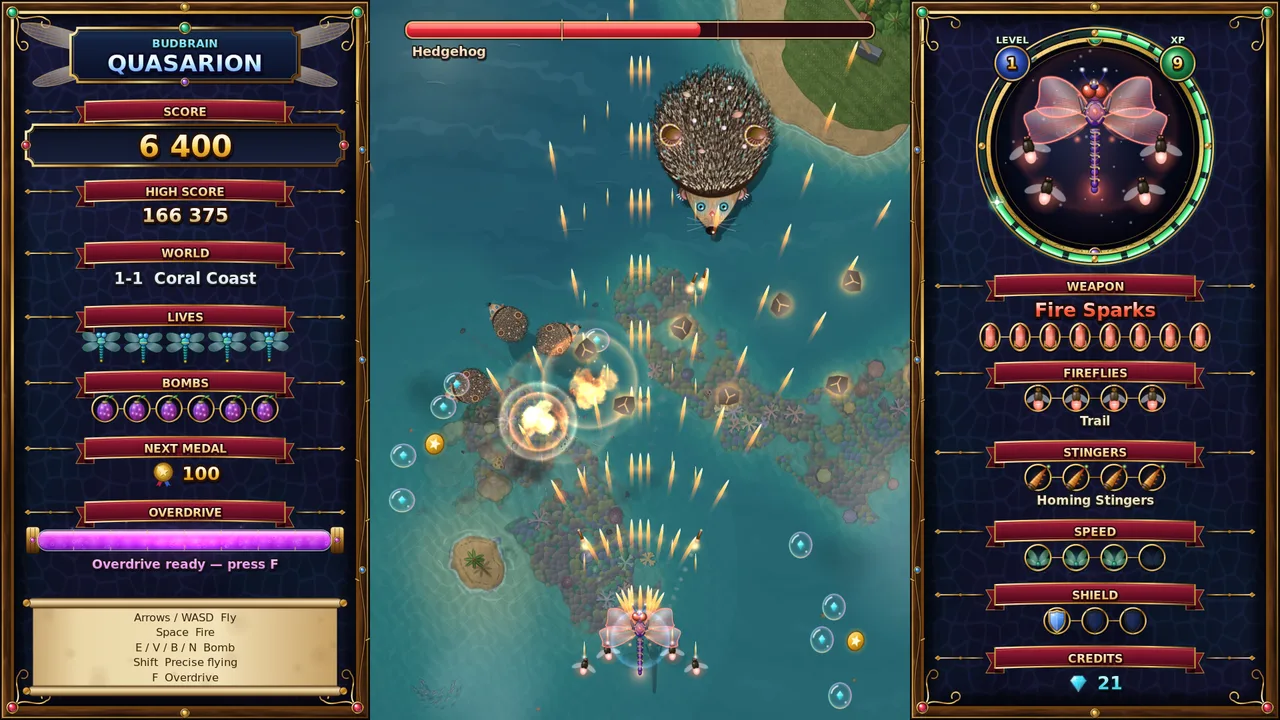
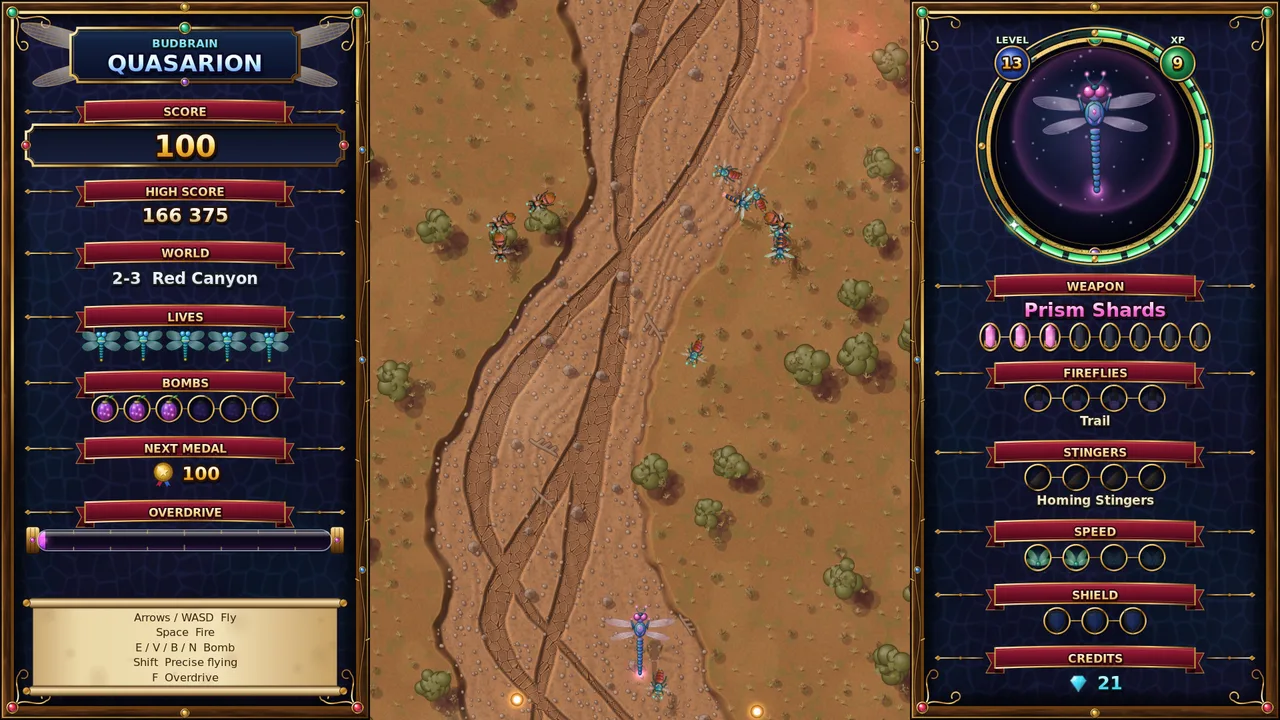
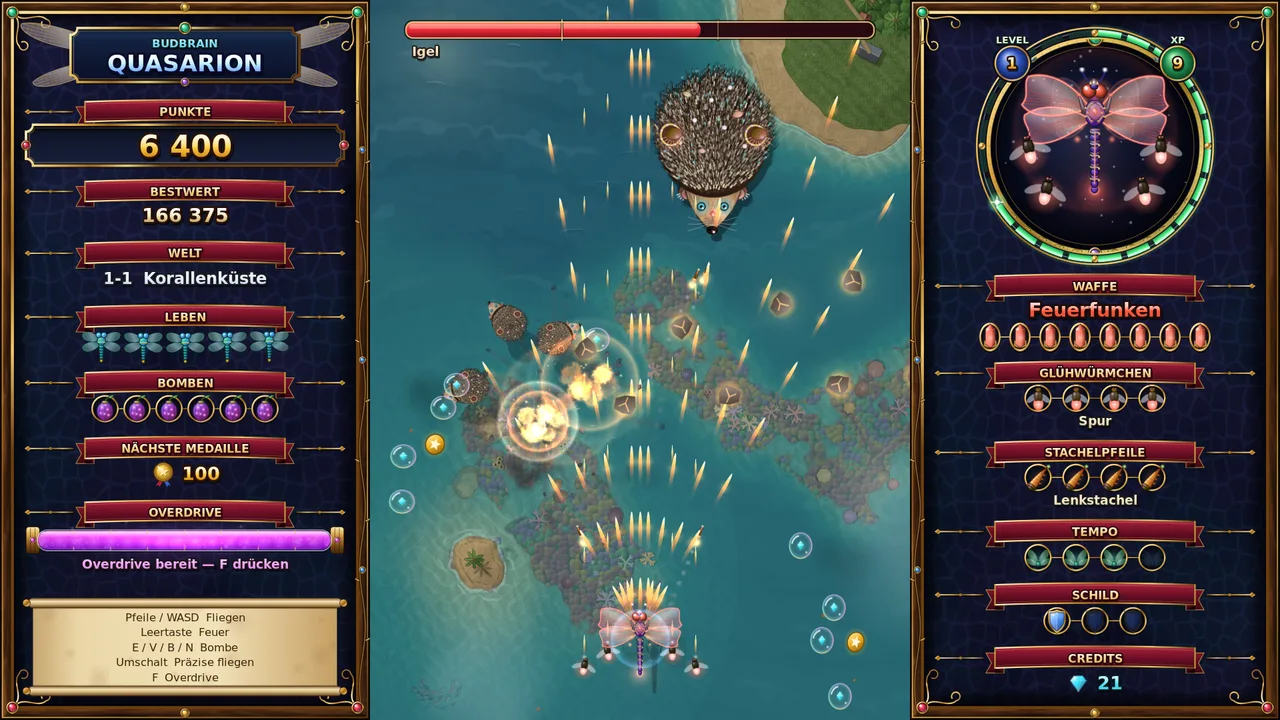
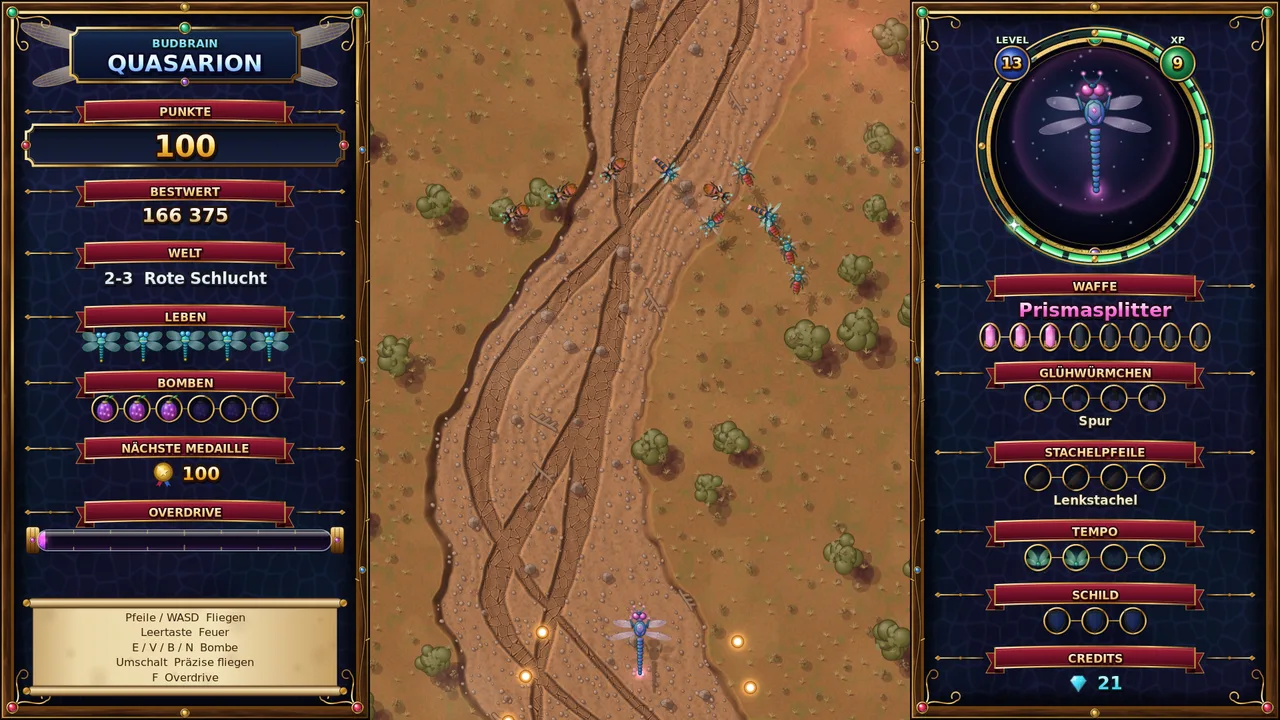
Budbrain Quasarion
v1.0.1 · C++/SDL2
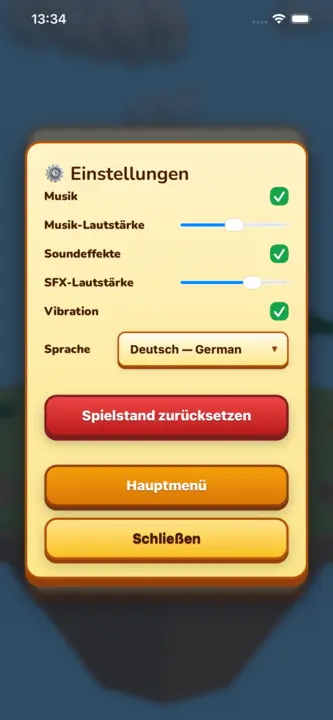
Vola come una libellula tra mondi fantasy luminosi e affronta bestie giganti.
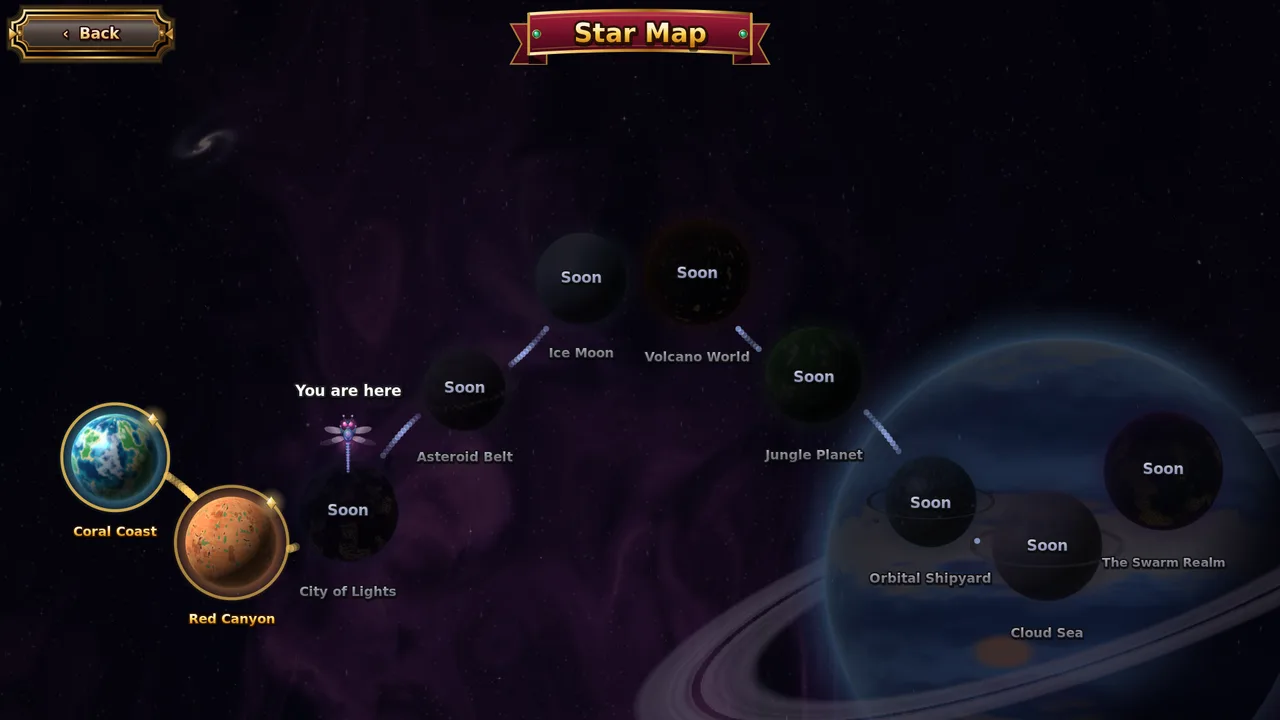
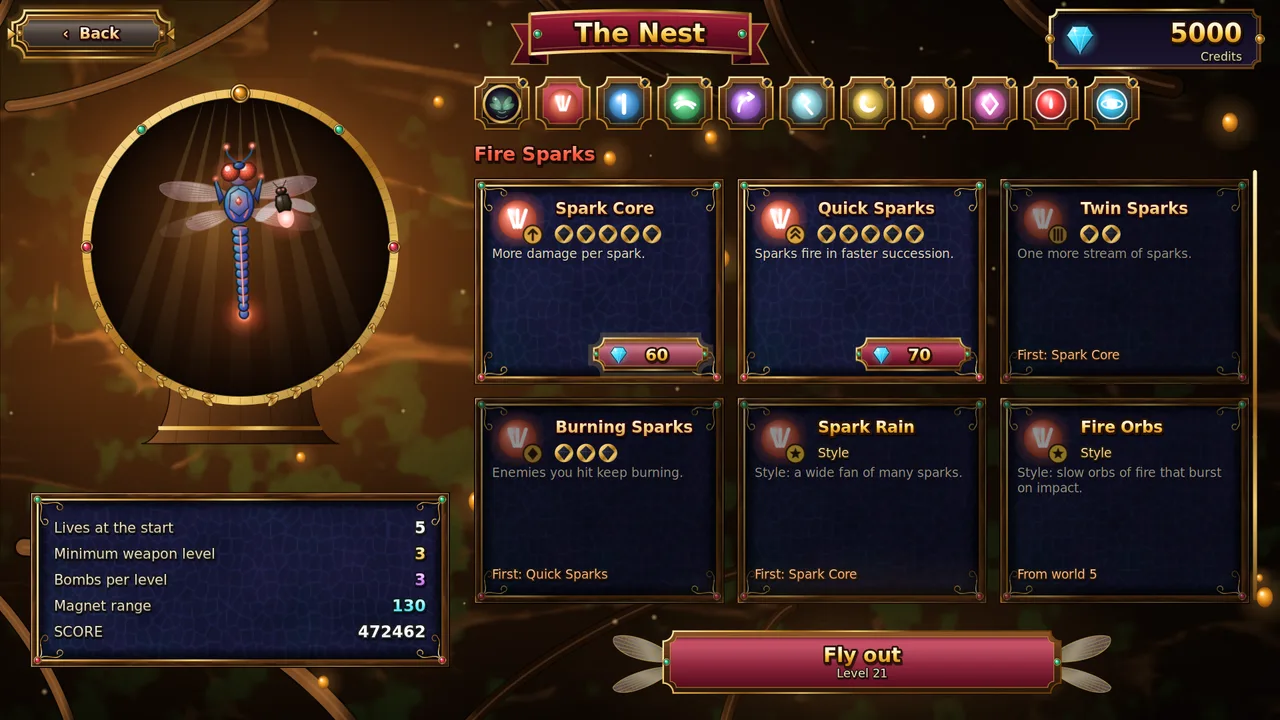
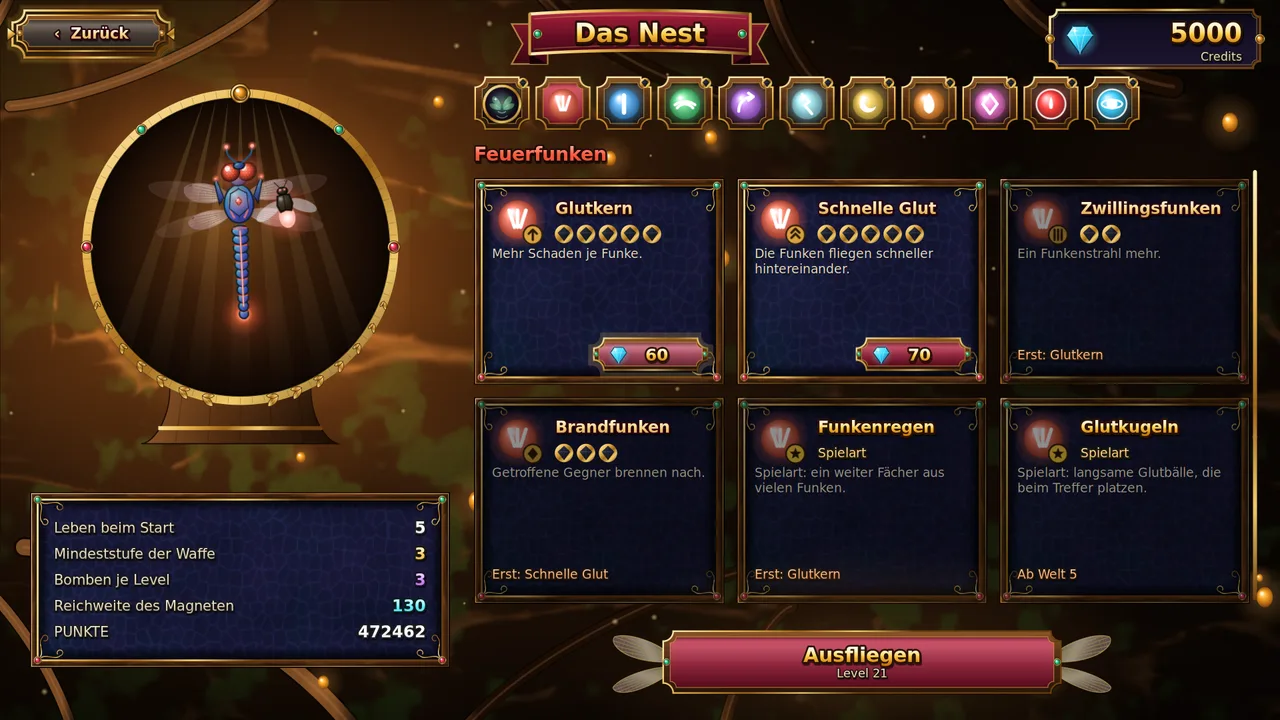
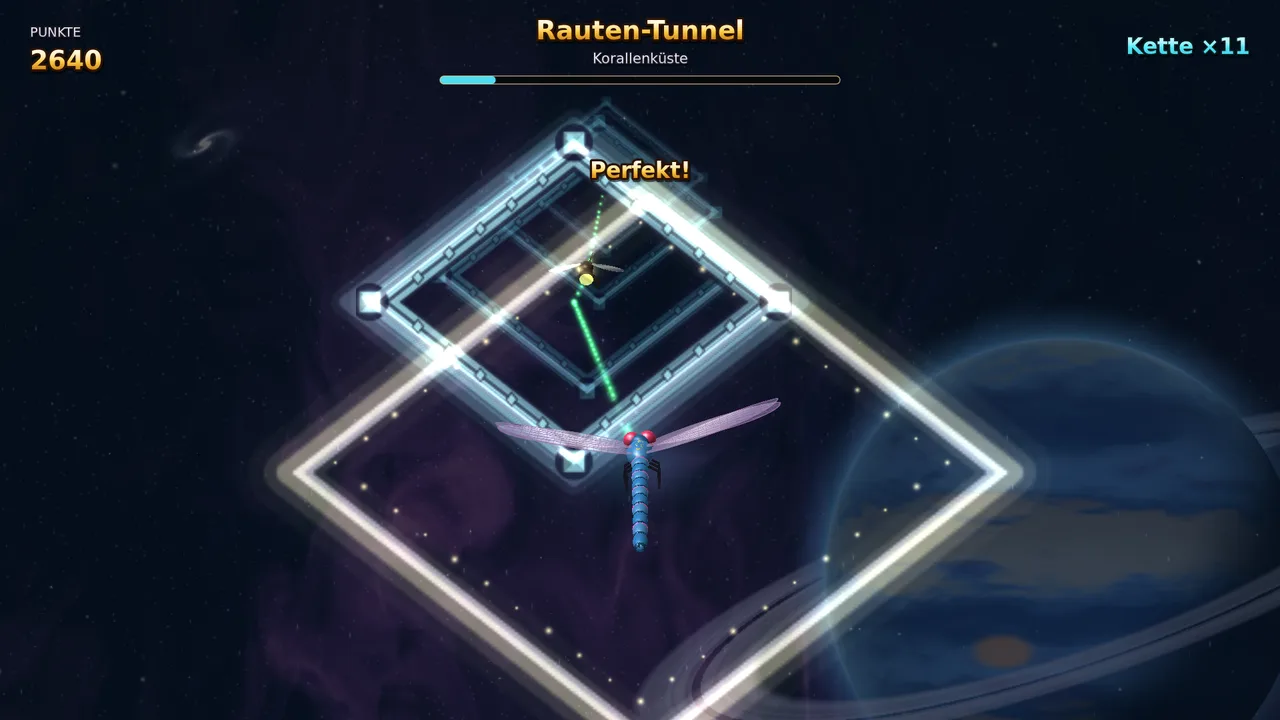
Una bestia gigante diversa alla fine di ogni livelloOtto tipi di luce per la tua libellula, ognuno in otto stadiLucciole che seguono la tua traiettoria di voloPotenziamenti nel nido e un grande albero delle abilità che cresce con teDopo ogni mondo un tunnel di diamanti a tempo di musicaSei livelli di difficoltà, da Facile a FolliaTastiera, gamepad o touchSDL2 · Cairo83 lingue
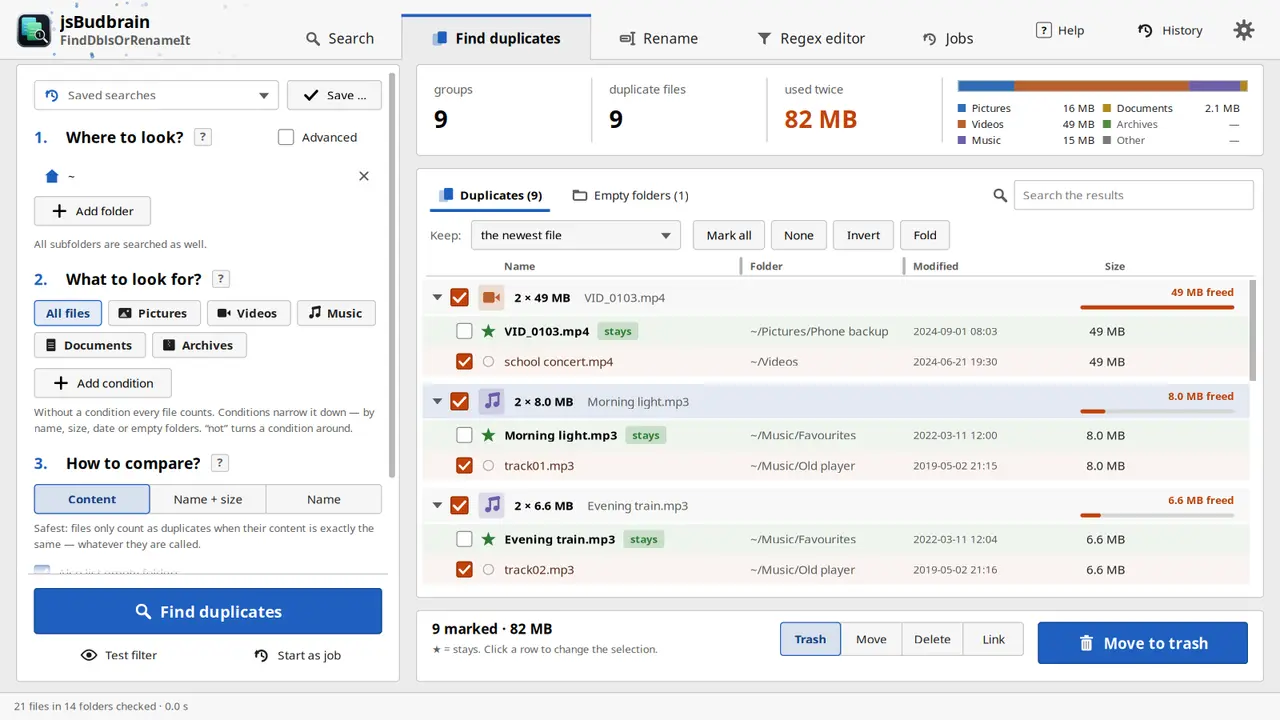
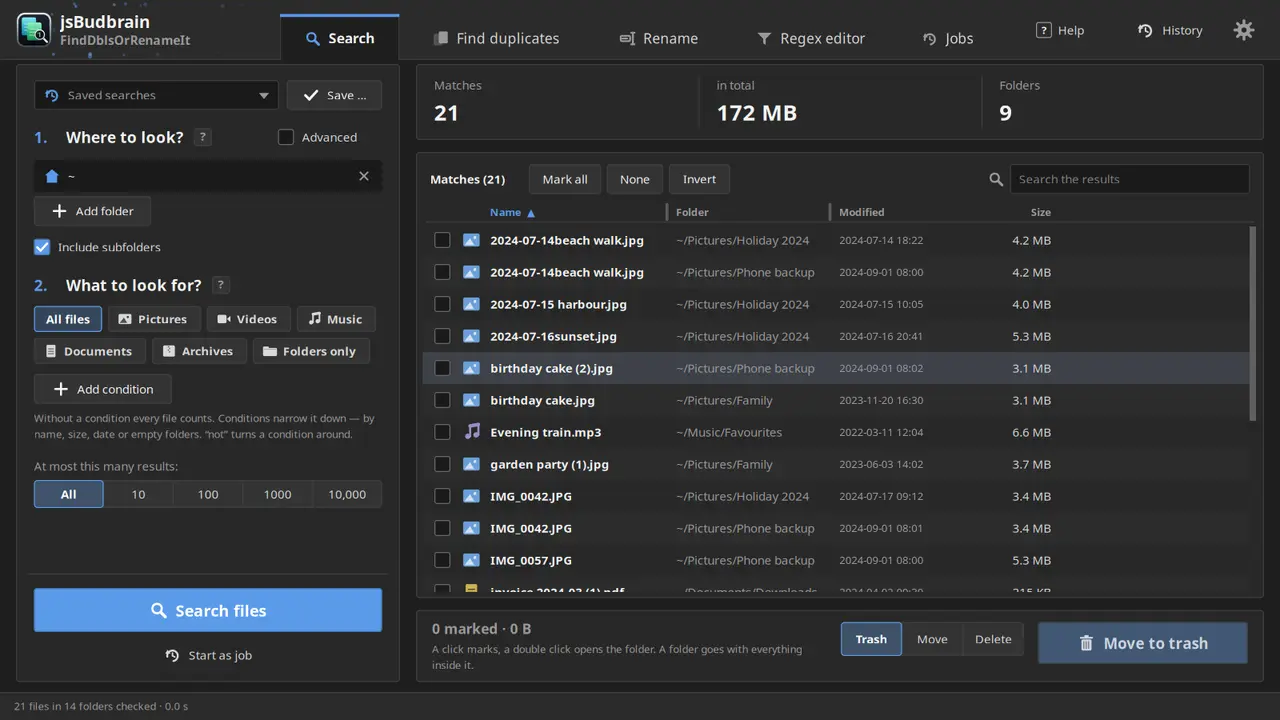
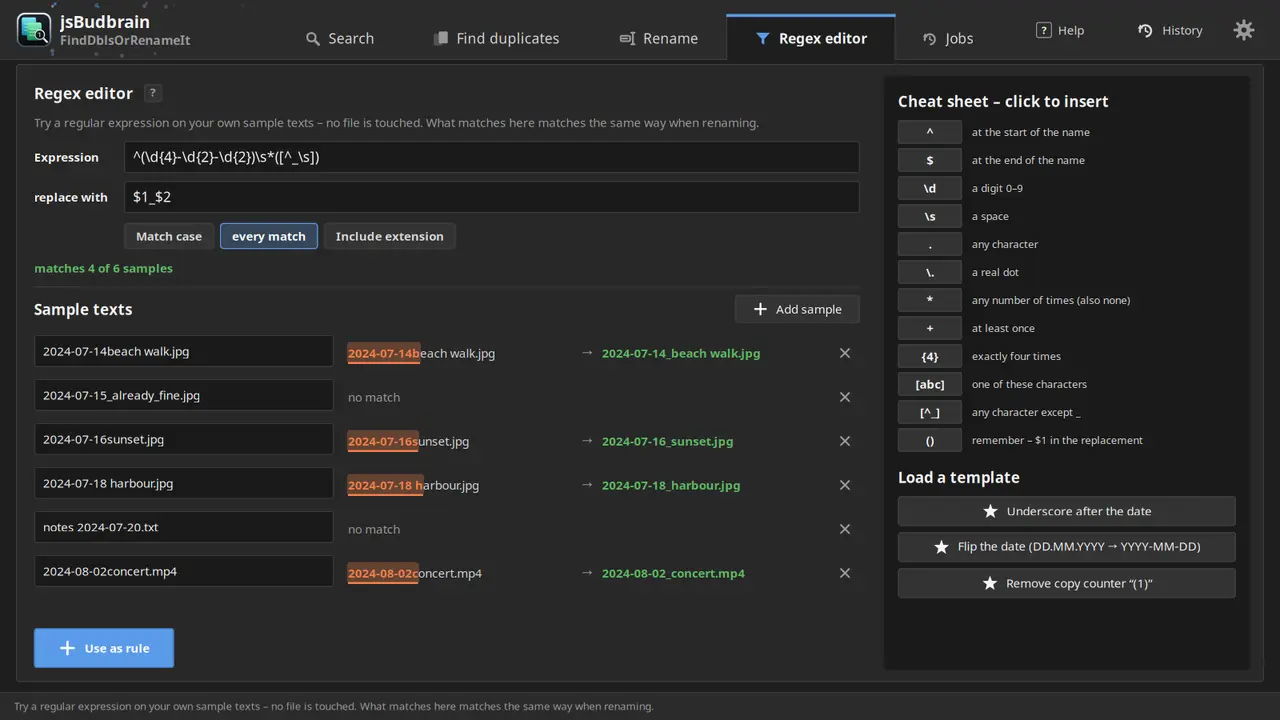
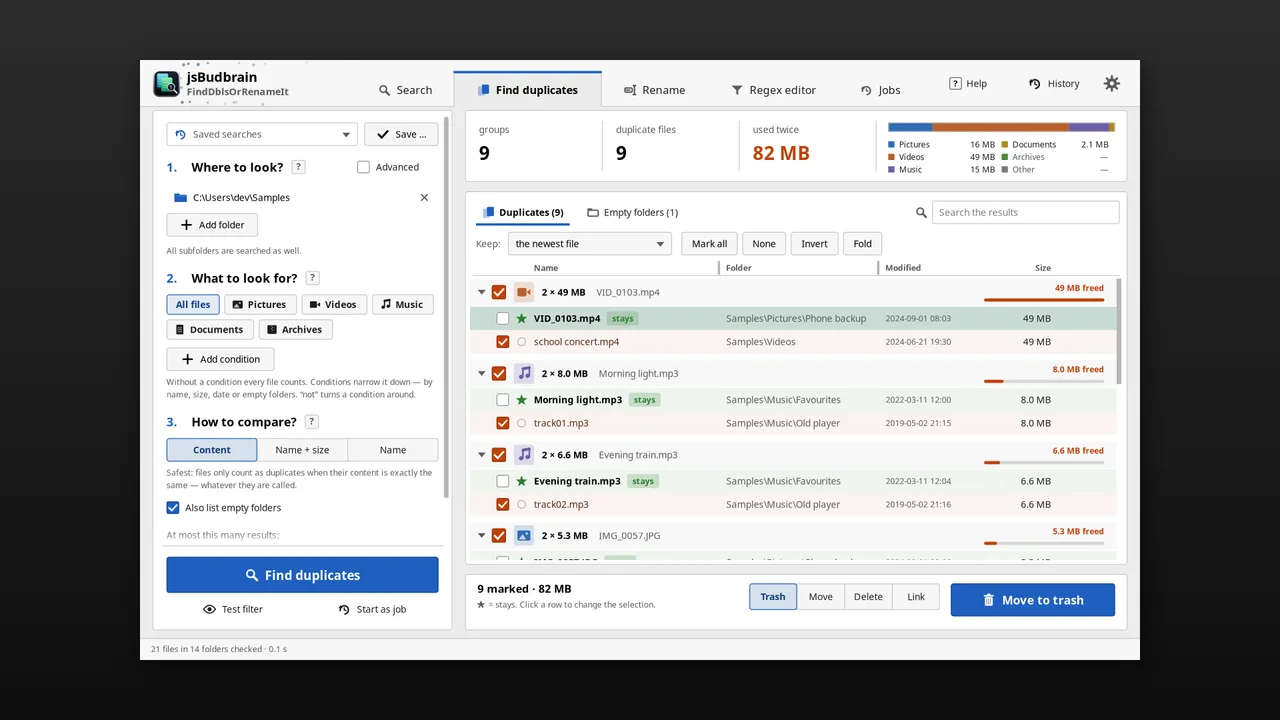
Trova i file doppi e fa ordine – e rinomina molti file in una volta secondo le tue regole, con anteprima e annullamento.
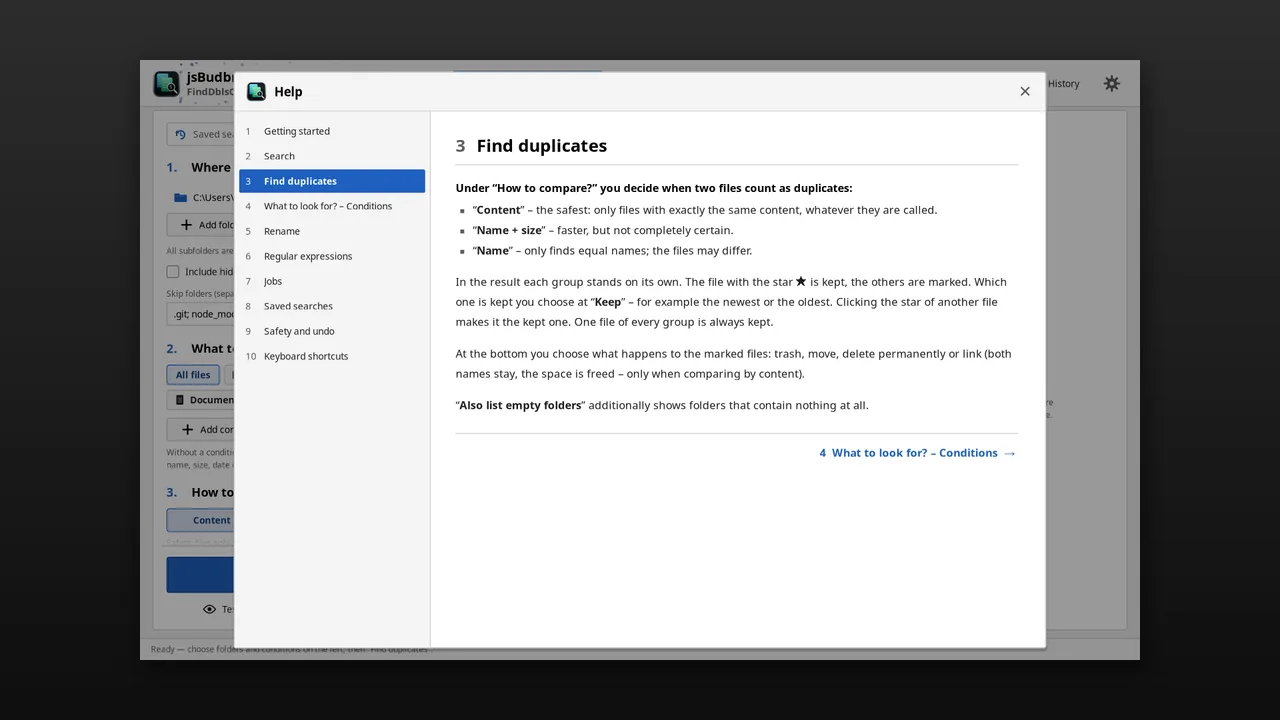
Trova i veri doppioni dal contenuto, qualunque sia il nomeIl file più recente resta – decidi tuCestino, sposta, elimina o collegaRinomina con regole e anteprima dal vivoTrova file per nome, tipo, dimensione o dataRicerche salvate, più attività insiemeAnnulla spostamenti e rinomineChiaro e scuroSDL2 · Cairo47 lingue
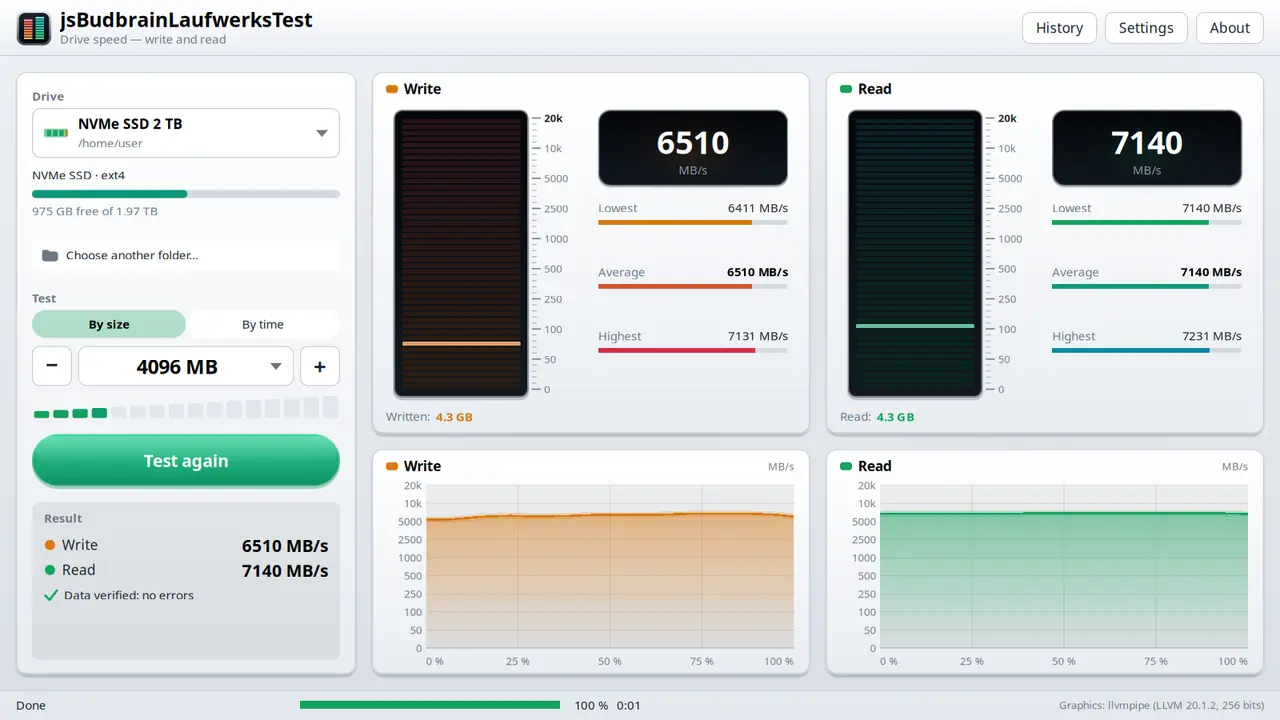
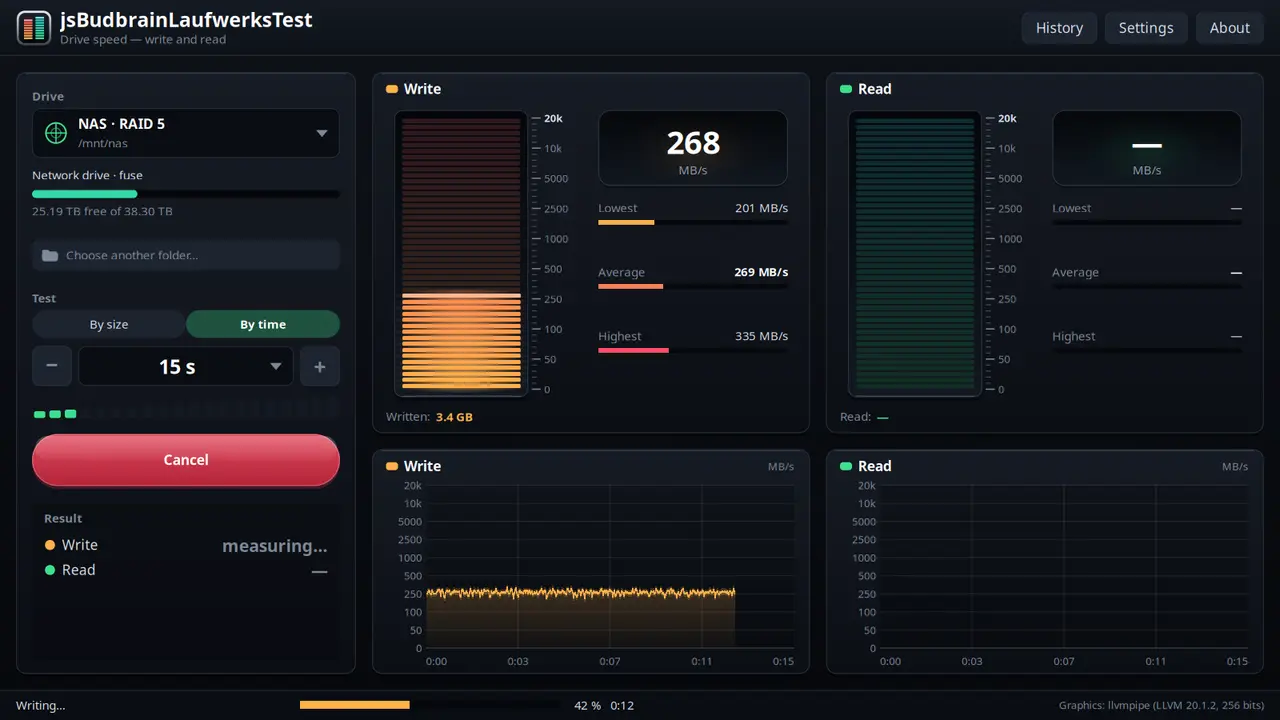
Misura la velocità di scrittura e lettura di un’unità, con due indicatori di livello in tempo reale, grafici e la verifica di ogni blocco.
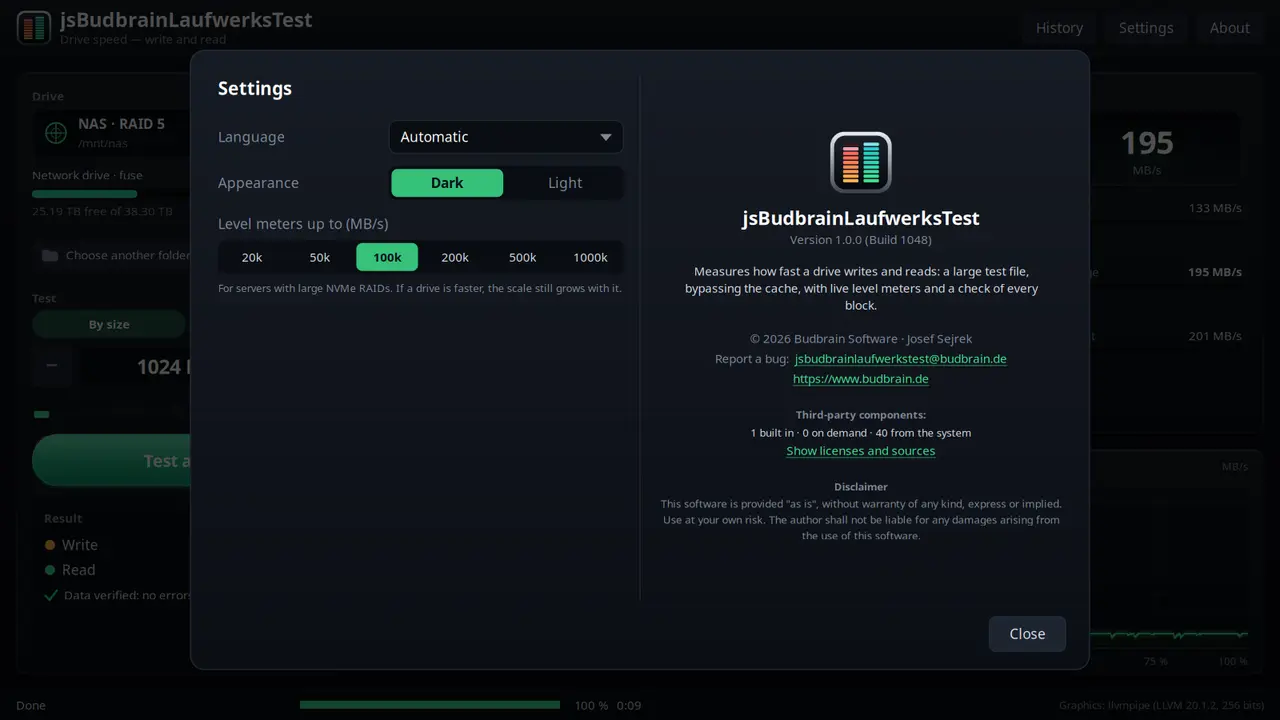
Velocità di scrittura e lettura in tempo realePer dimensione (1–16 GB) o per durata (5 s – 16 min)Ogni blocco viene verificatoMostra quando un’unità veloce perde il fiatoChiavette USB, schede di memoria, unità di reteCronologia di tutti i test, salvabile come testoScala fino a 1.000.000 MB/s per RAID di serverChiaro e scuroSDL2 · Cairo47 lingue
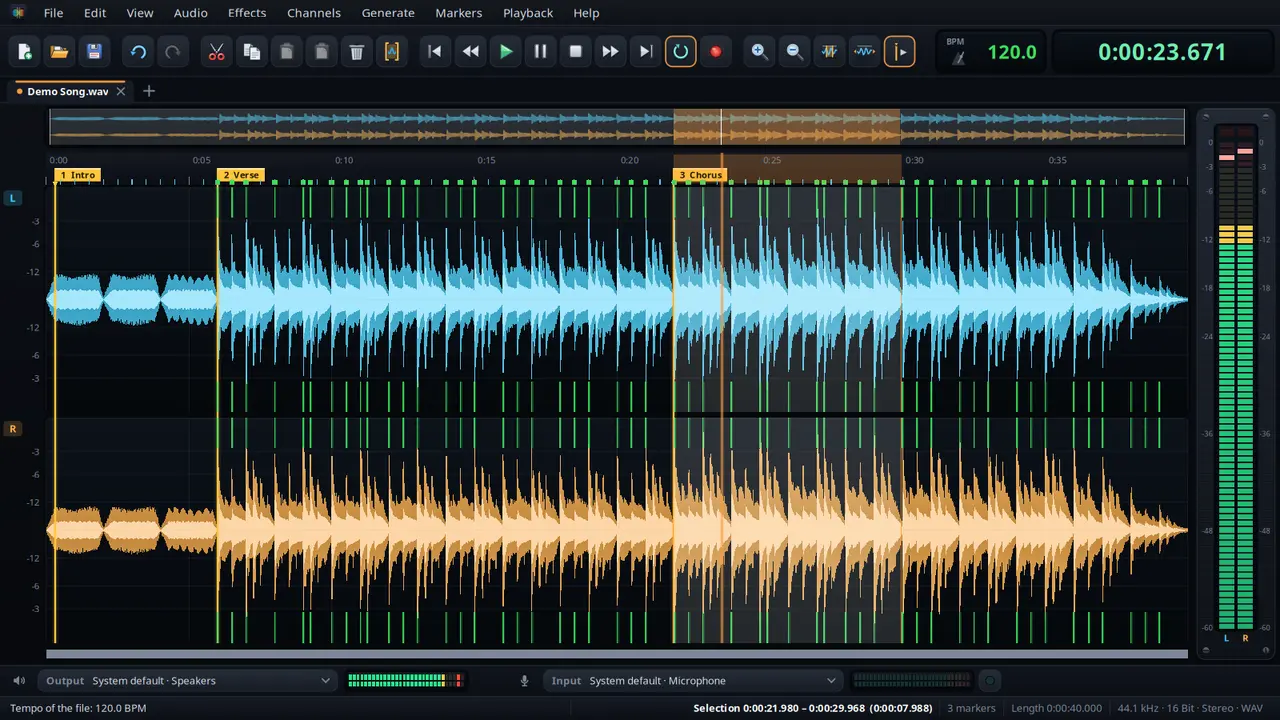
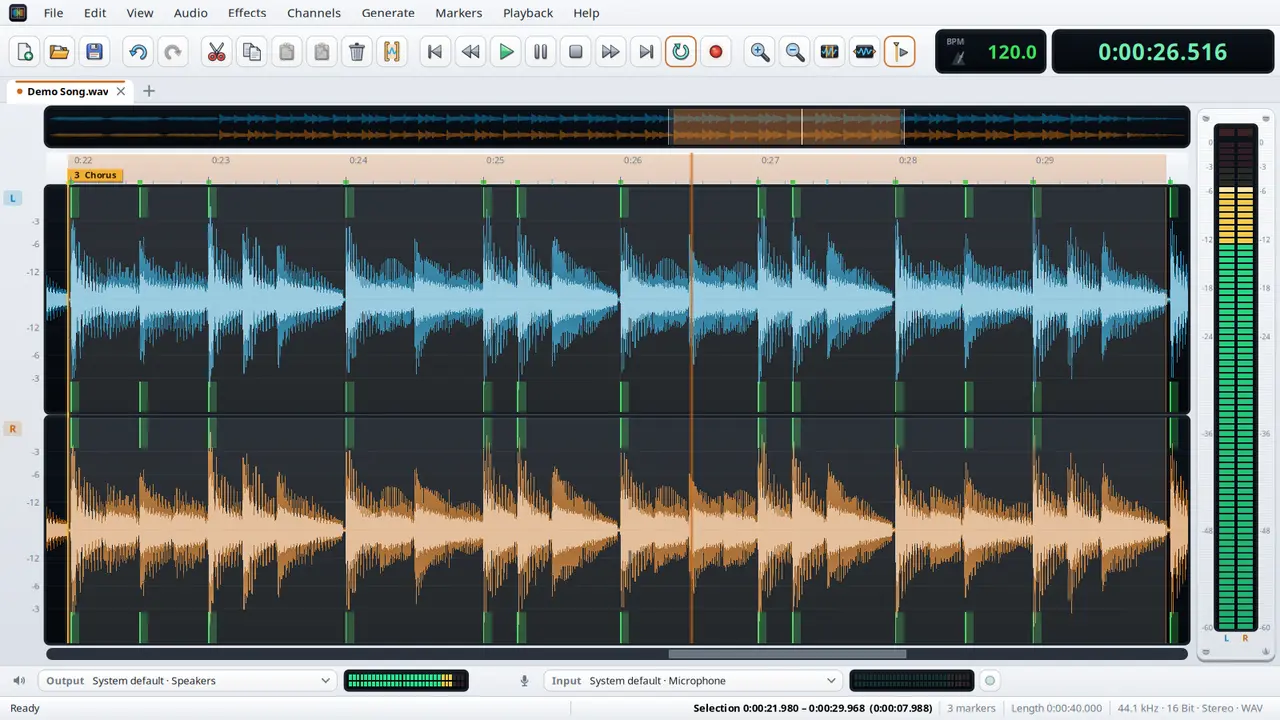
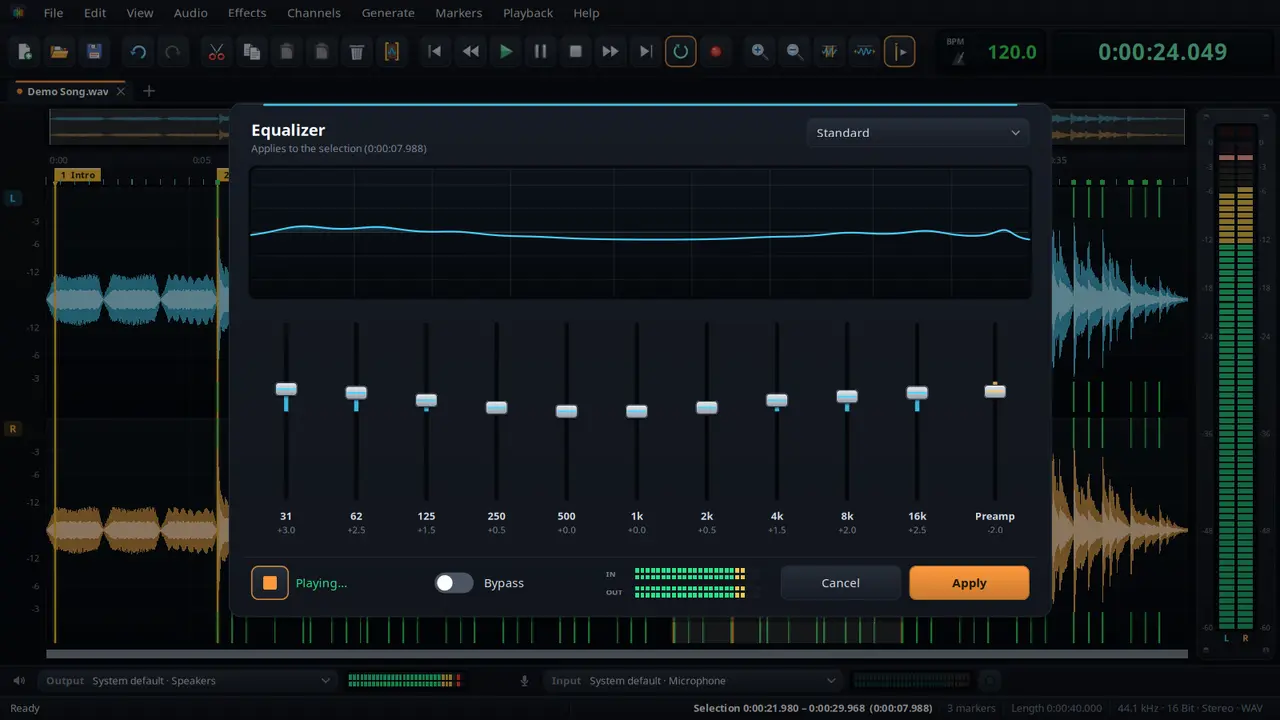
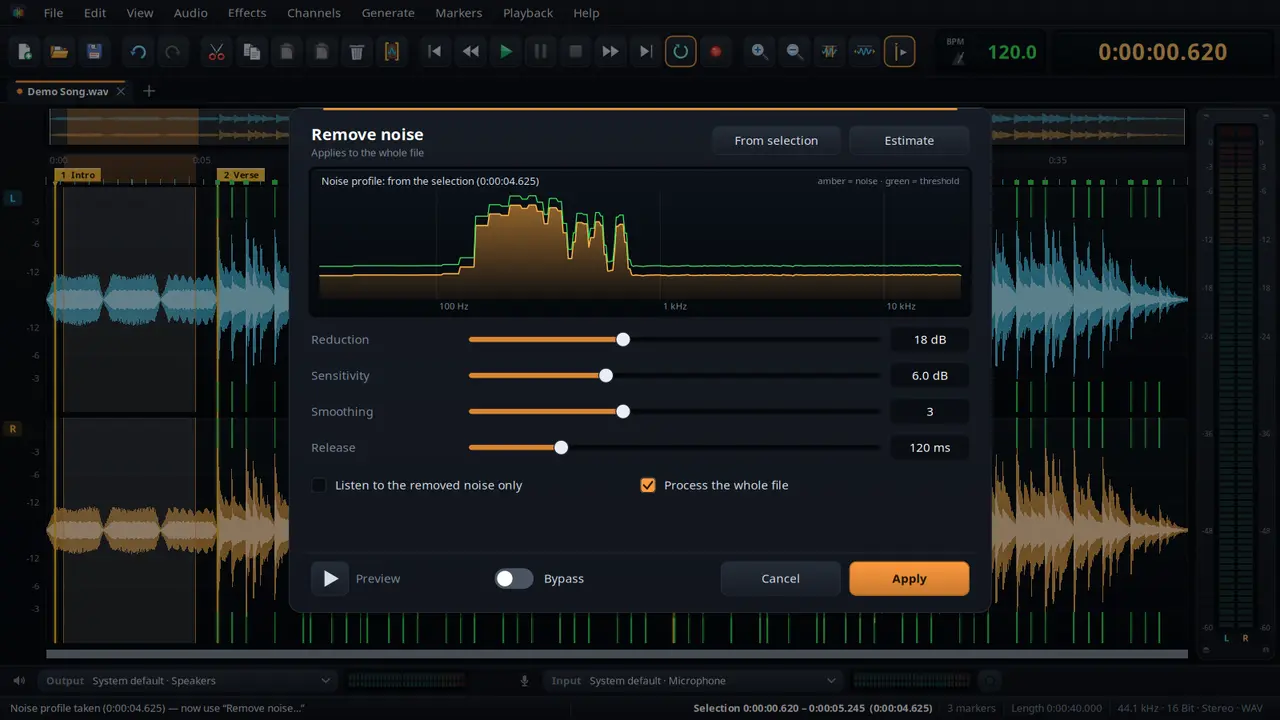
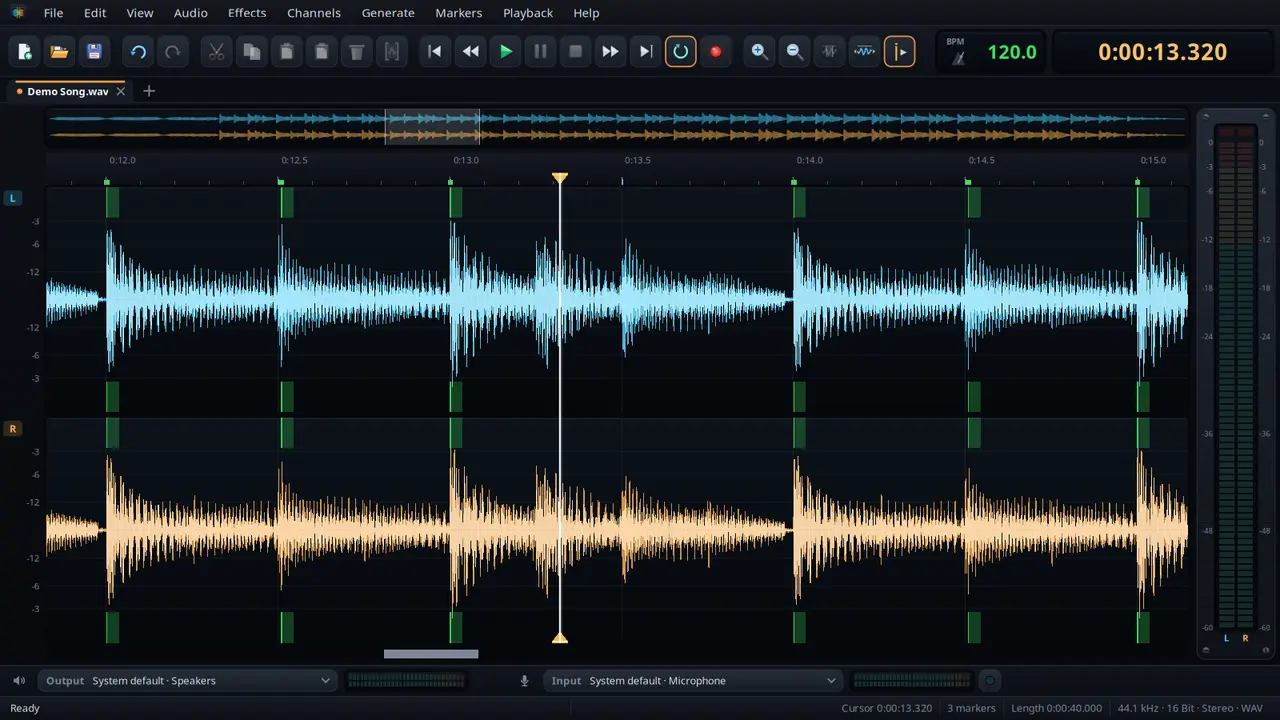
Un editor audio per tagliare, ripulire e rifinire — con marcatori, rimozione del rumore, tempo e gli effetti delle app audio Budbrain.
Taglia, copia, incolla e mixaZoom con la rotella fino al singolo campioneImposta e nomina marcatori, riproduci tra di essiAnnulla senza limite fissoRimozione del rumore con profiloRileva e cambia il tempo, con cassa e griglia dei battitiEqualizzatore, valvola e compressore, limitatore e studio FX con preascoltoRegistra per tutto il tempo che vuoiChiaro e scuroWAV · FLAC · Ogg · Opus · MP3SDL2 · CairoPipeWire · PulseAudio47 lingue
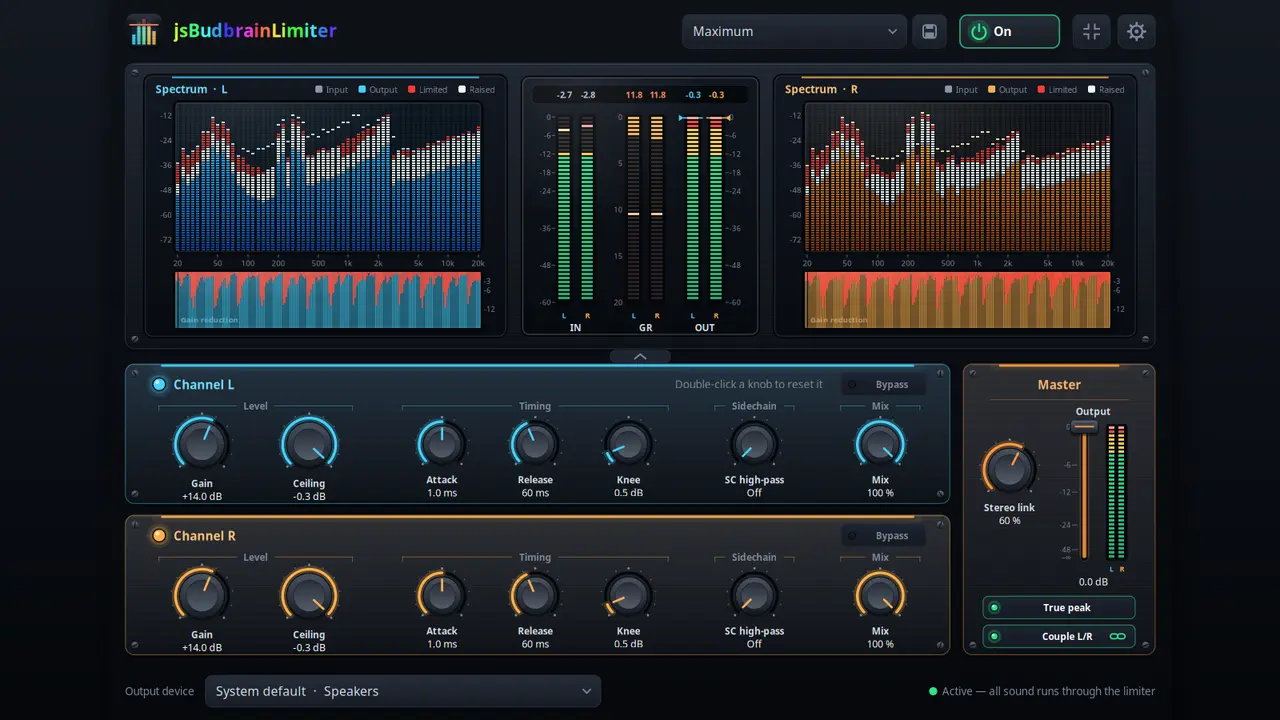
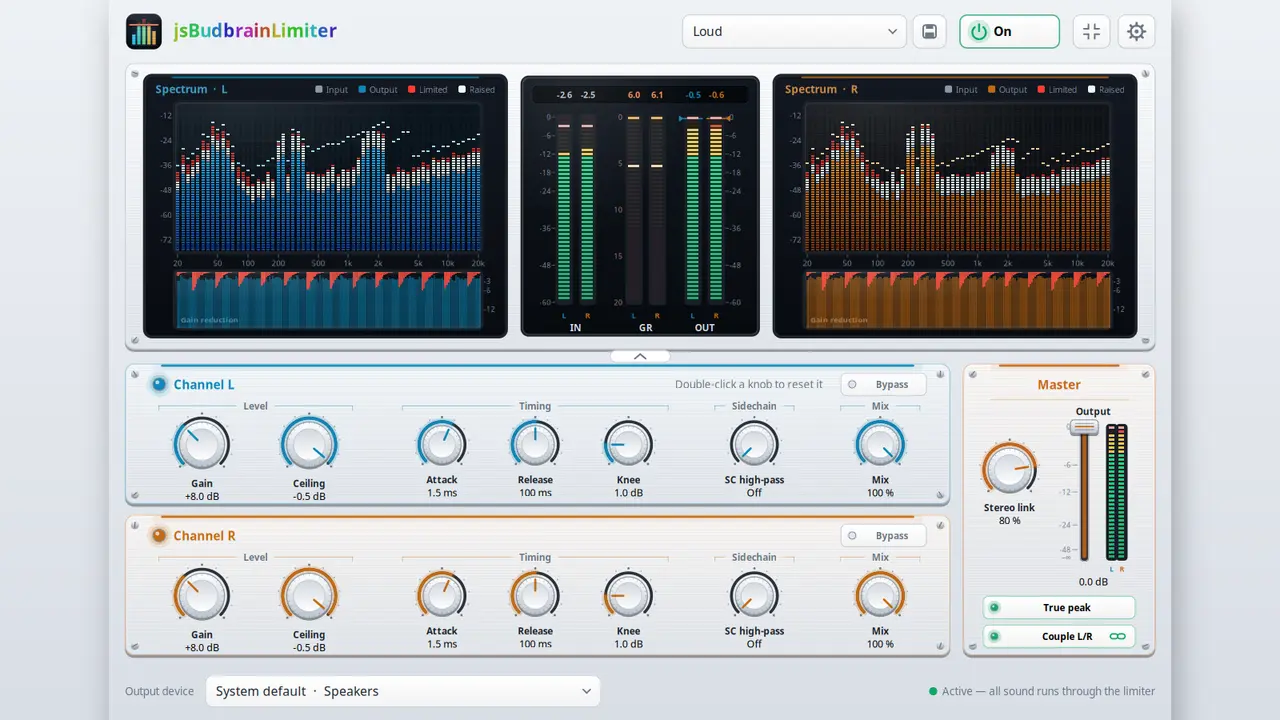
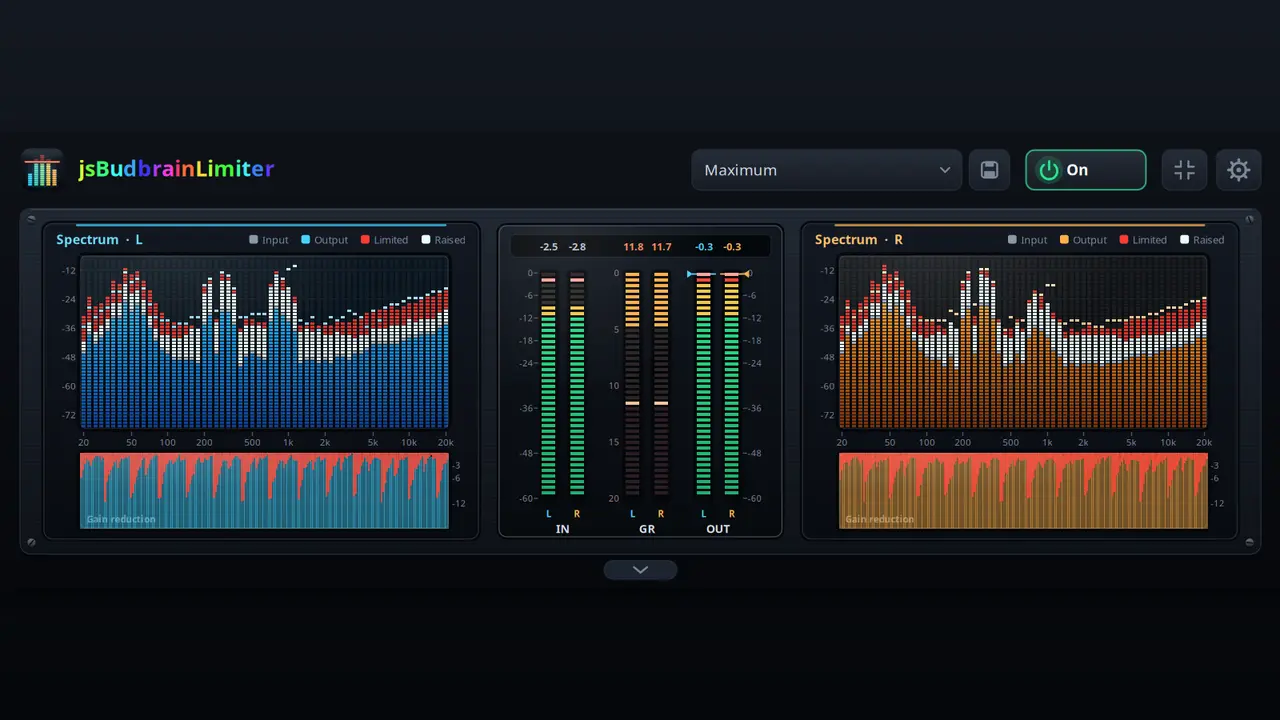
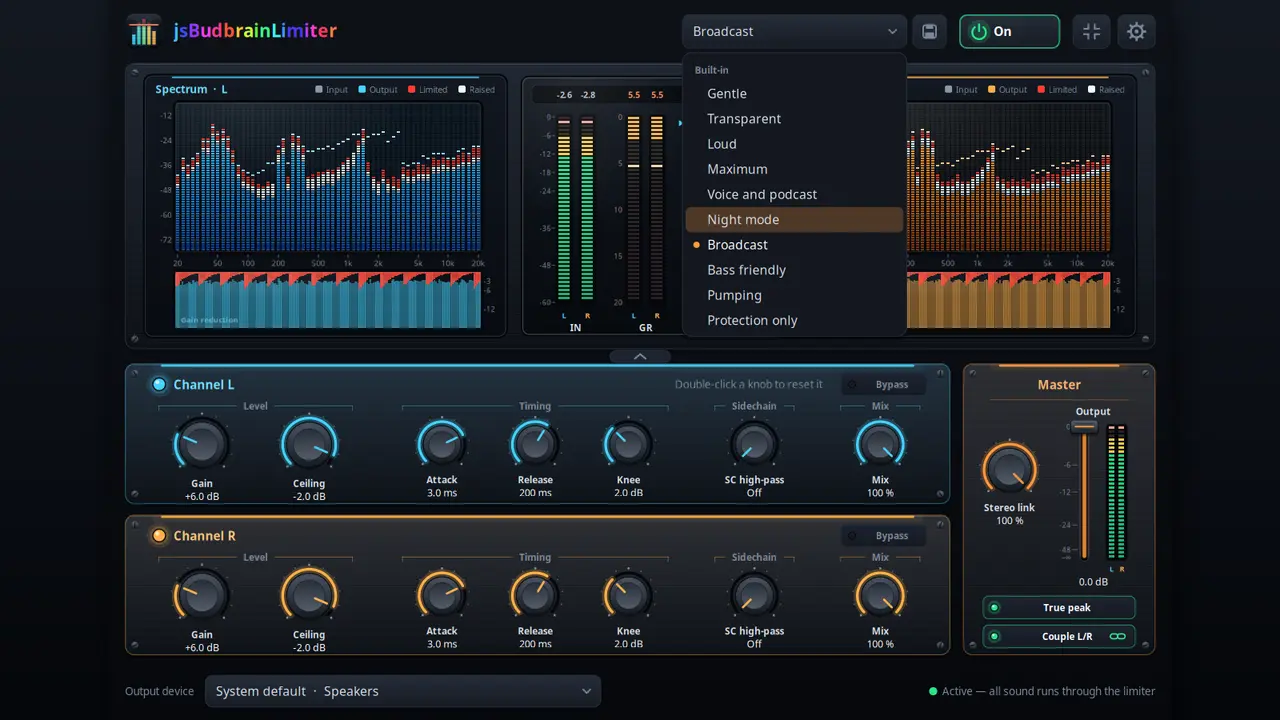
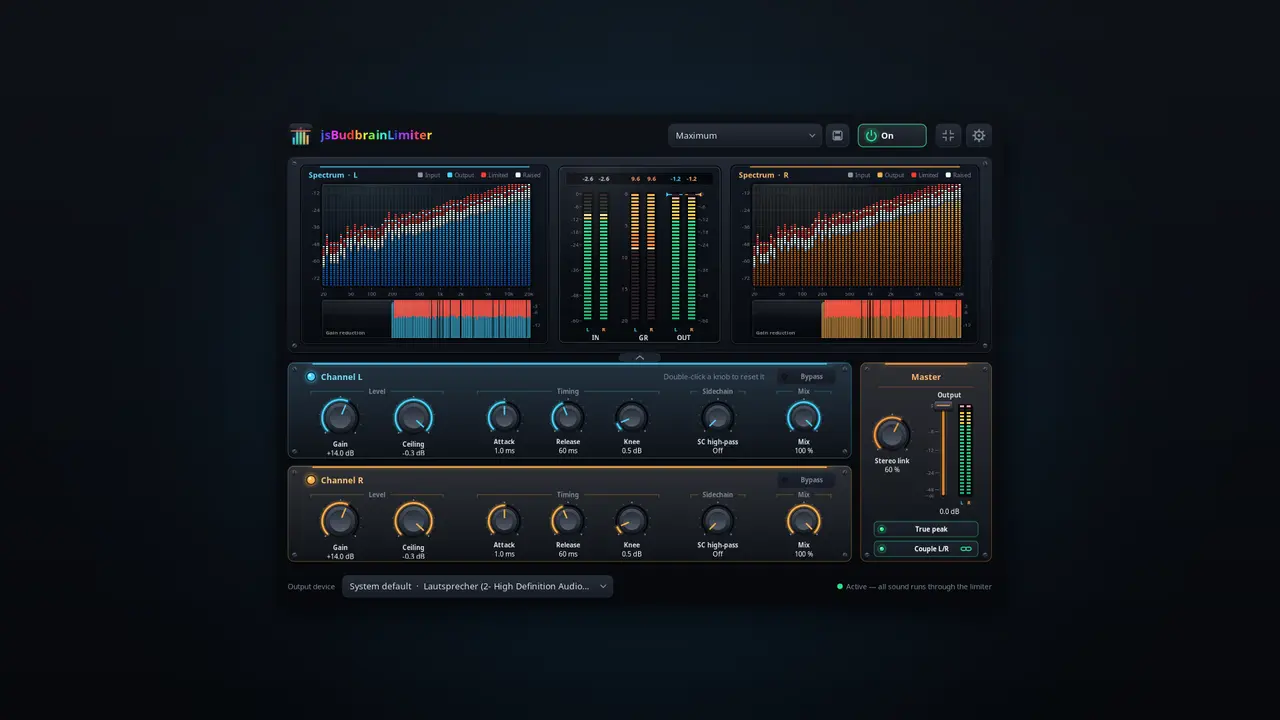
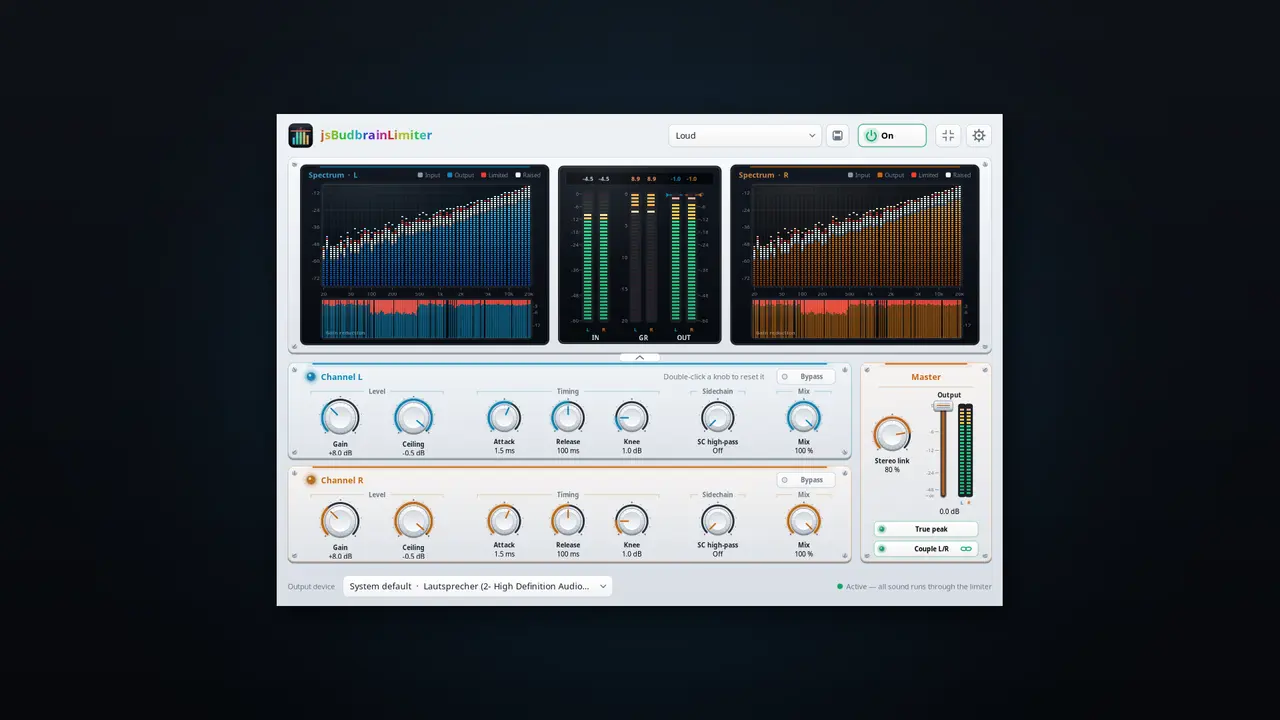
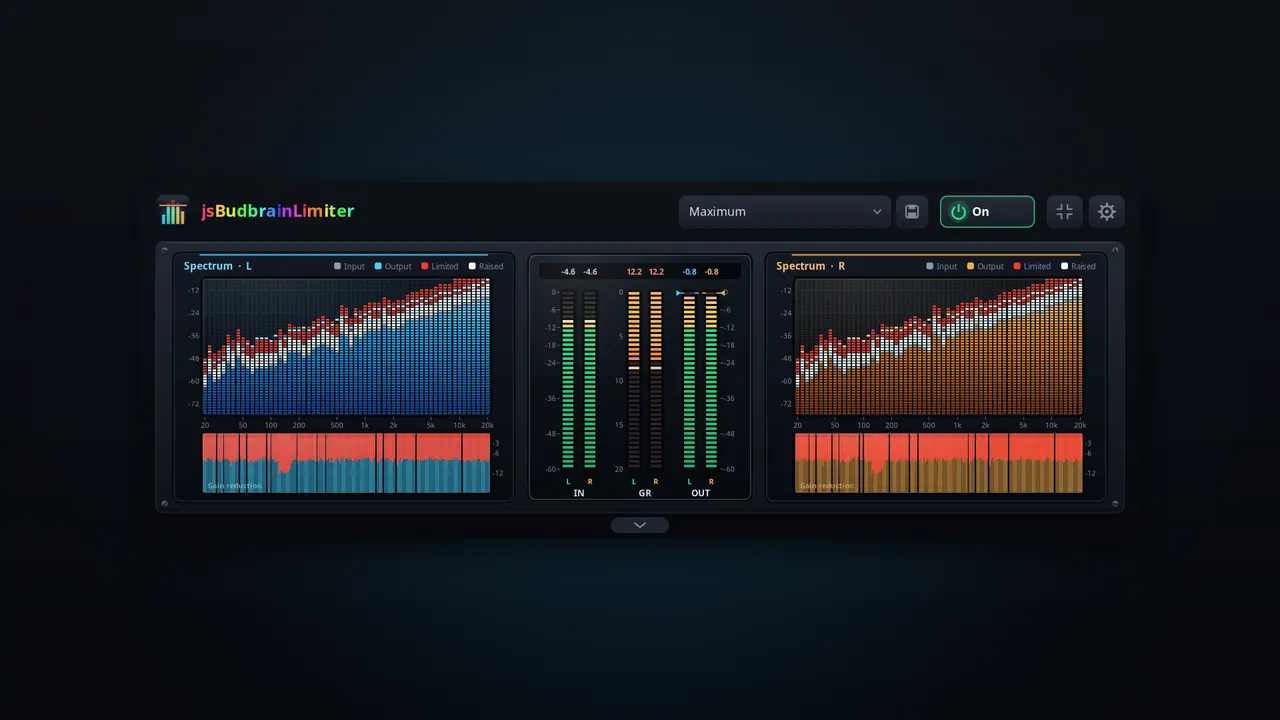
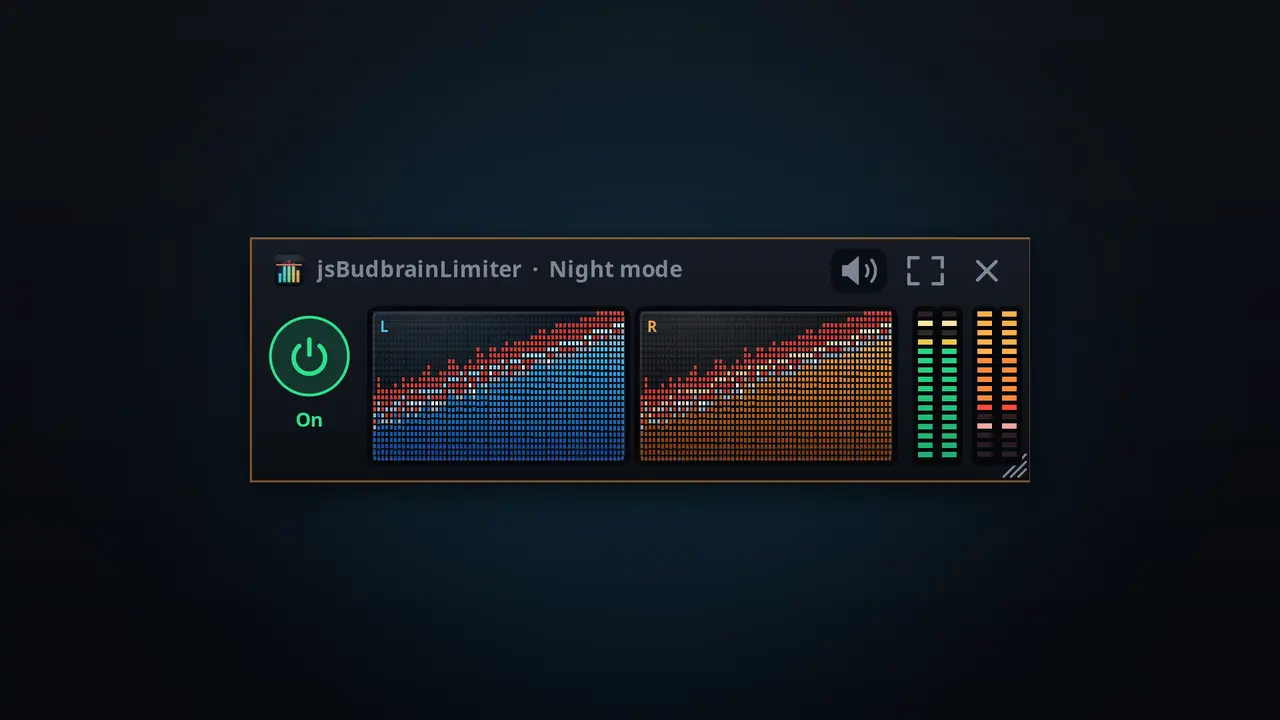
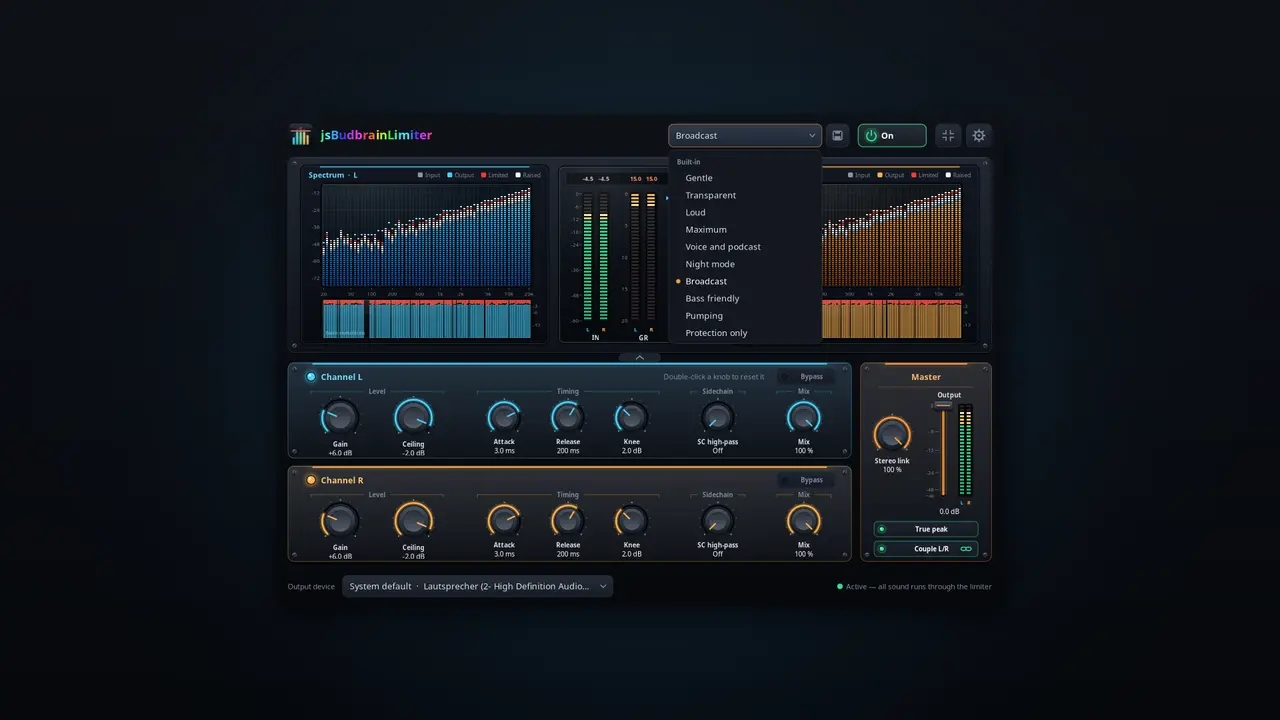
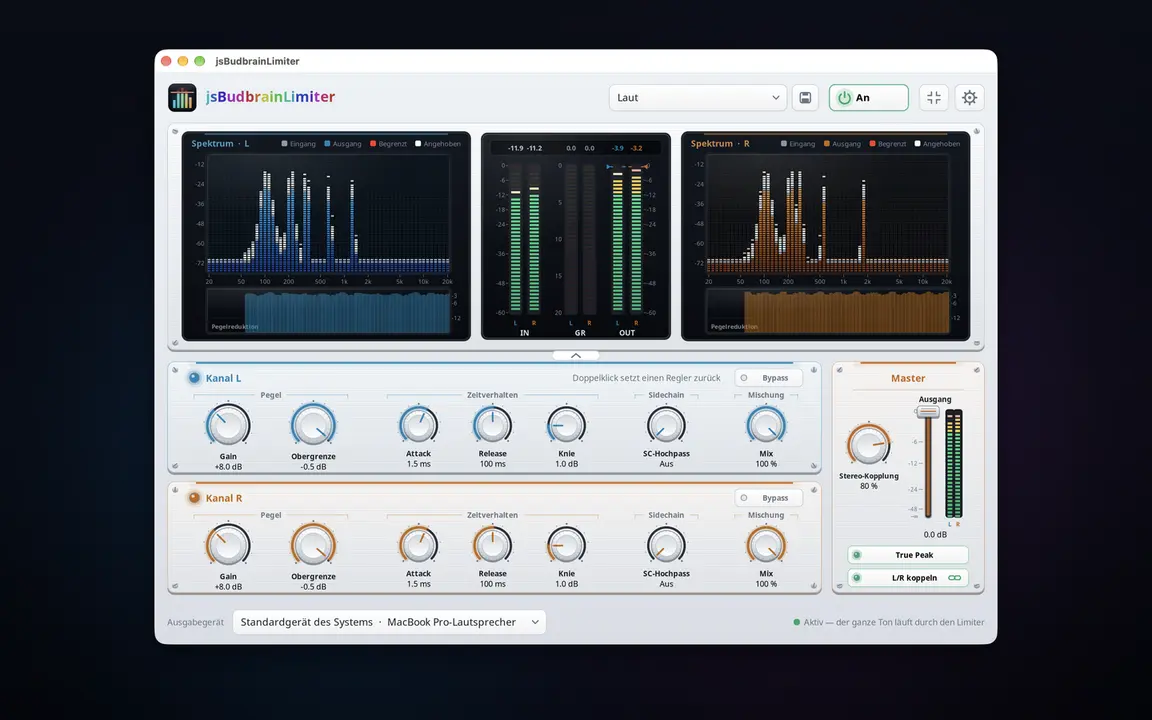
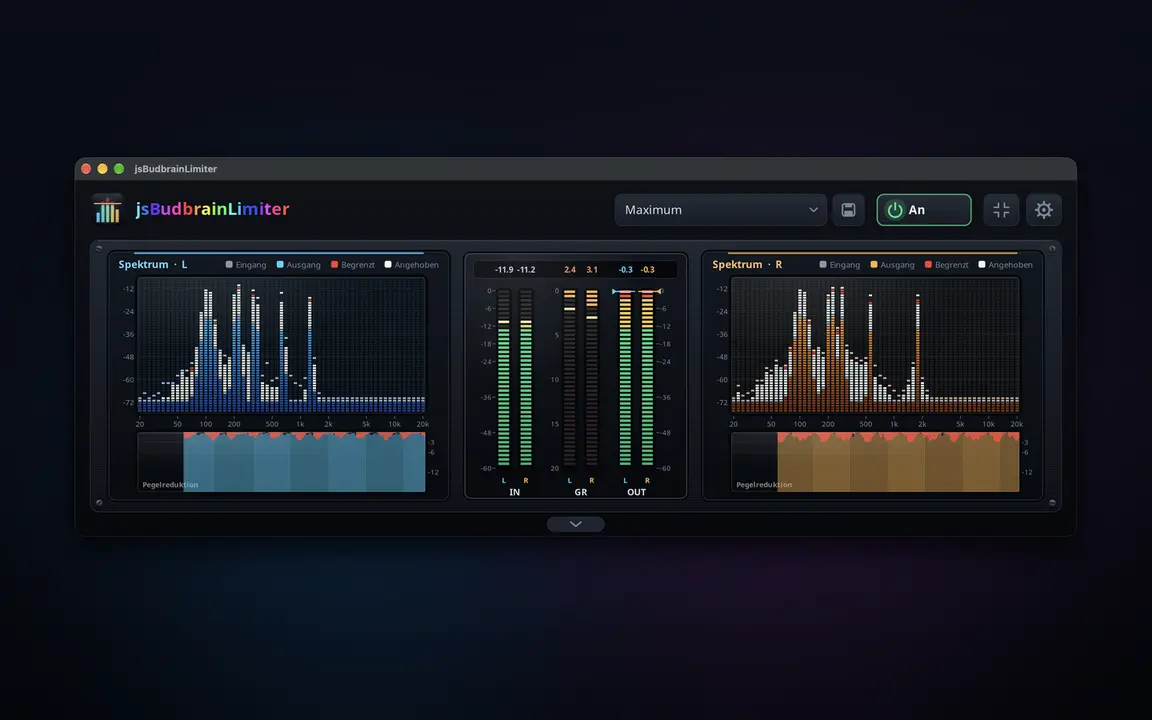
Un limitatore per tutto ciò che il vostro computer riproduce — più forte, senza mai saturare, con due spettri che mostrano cosa fa.
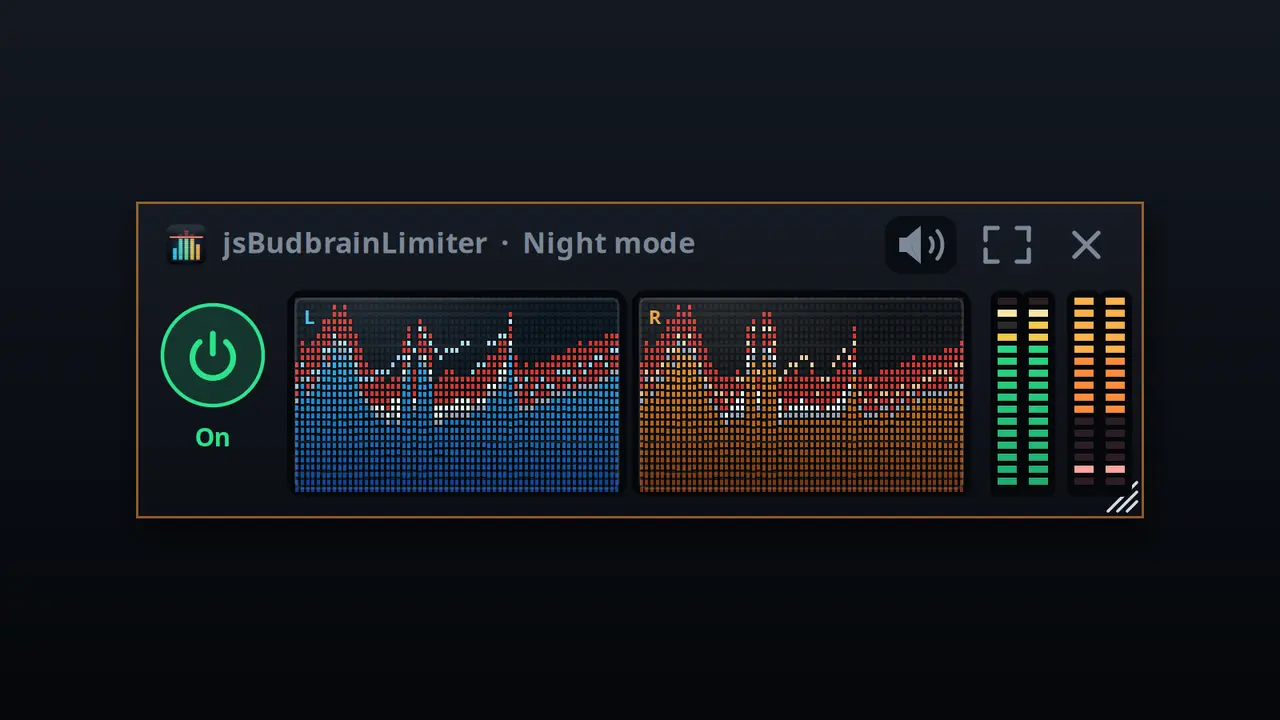
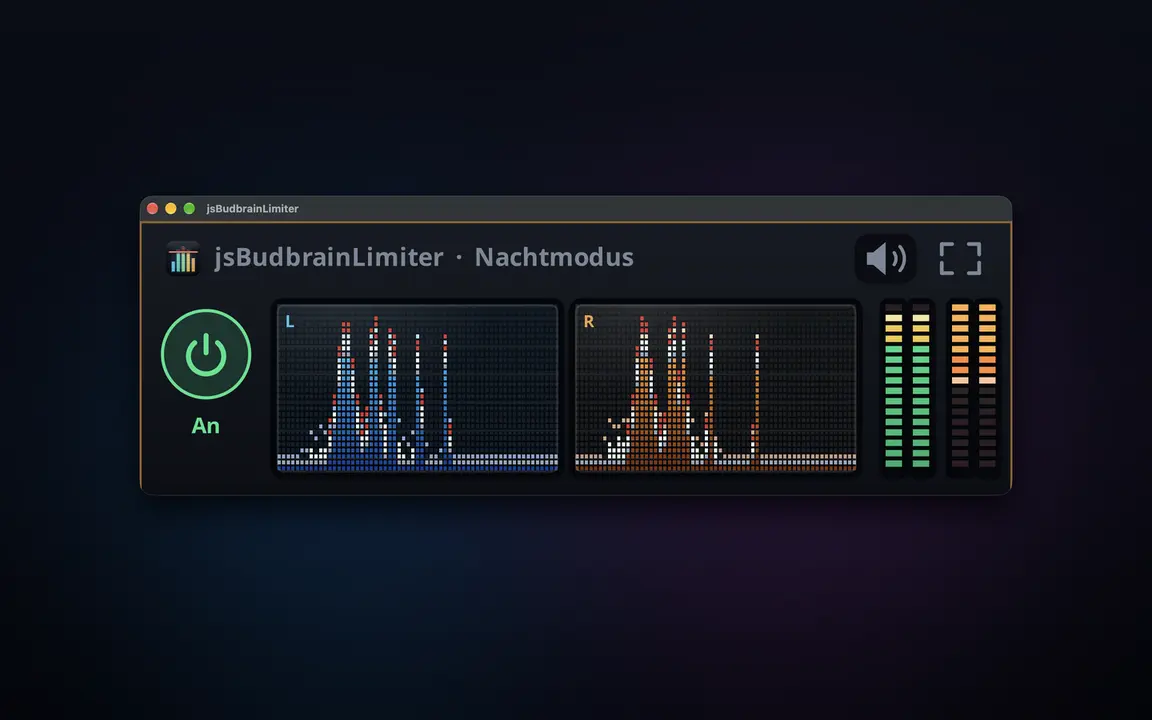
Controlli separati per il canale sinistro e il destroGuadagno, tetto, attacco, rilascio, ginocchio, passa-alto SC e mixTrue Peak intercetta anche i picchi più breviControllo di uscita con indicatori di livello per entrambi i canaliDue spettri mostrano cosa viene alzato e cosa limitatoAndamento della riduzione di guadagno e valori di piccoImpostazioni pronte, più le vostreFunziona insieme a jsBudbrainCompressor, jsBudbrainEqualizer e jsBudbrainsFxStudioTasto muto per quando squilla il telefonoScegliete altoparlanti o cuffieFinestra piccola sempre in primo pianoChiaro e scuroSDL2 · CairoPipeWire · PulseAudio44 lingue
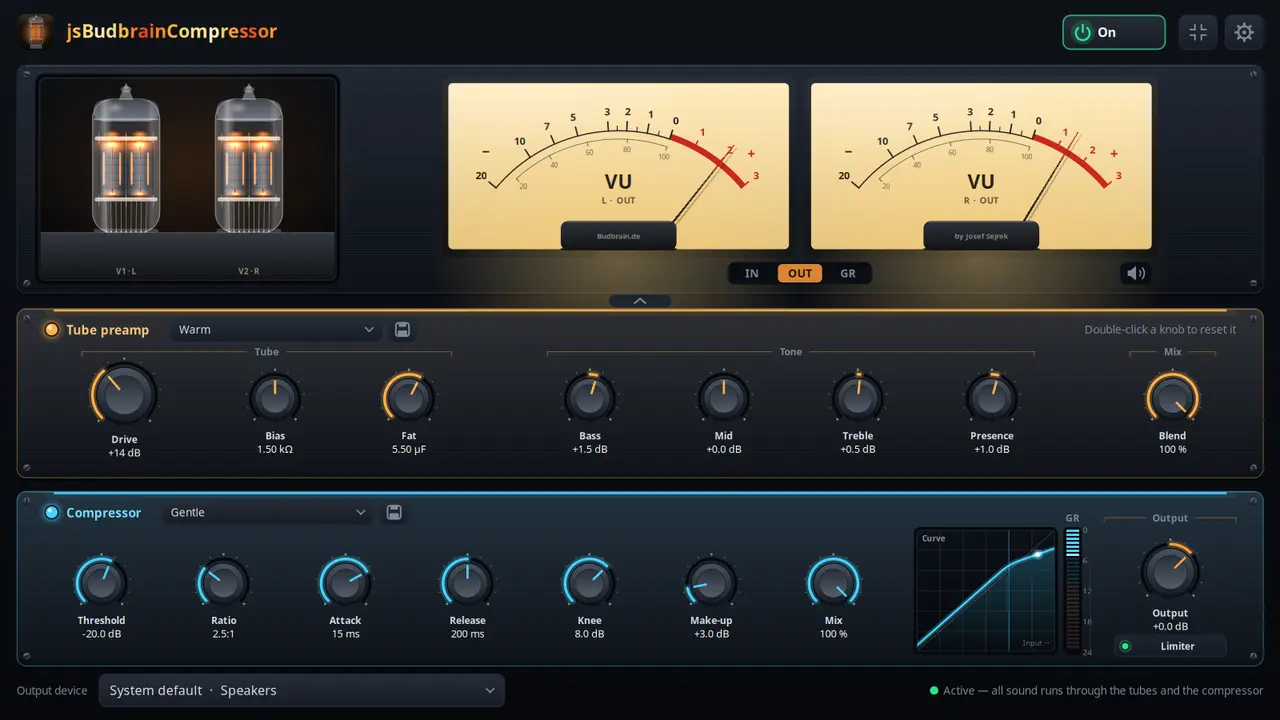
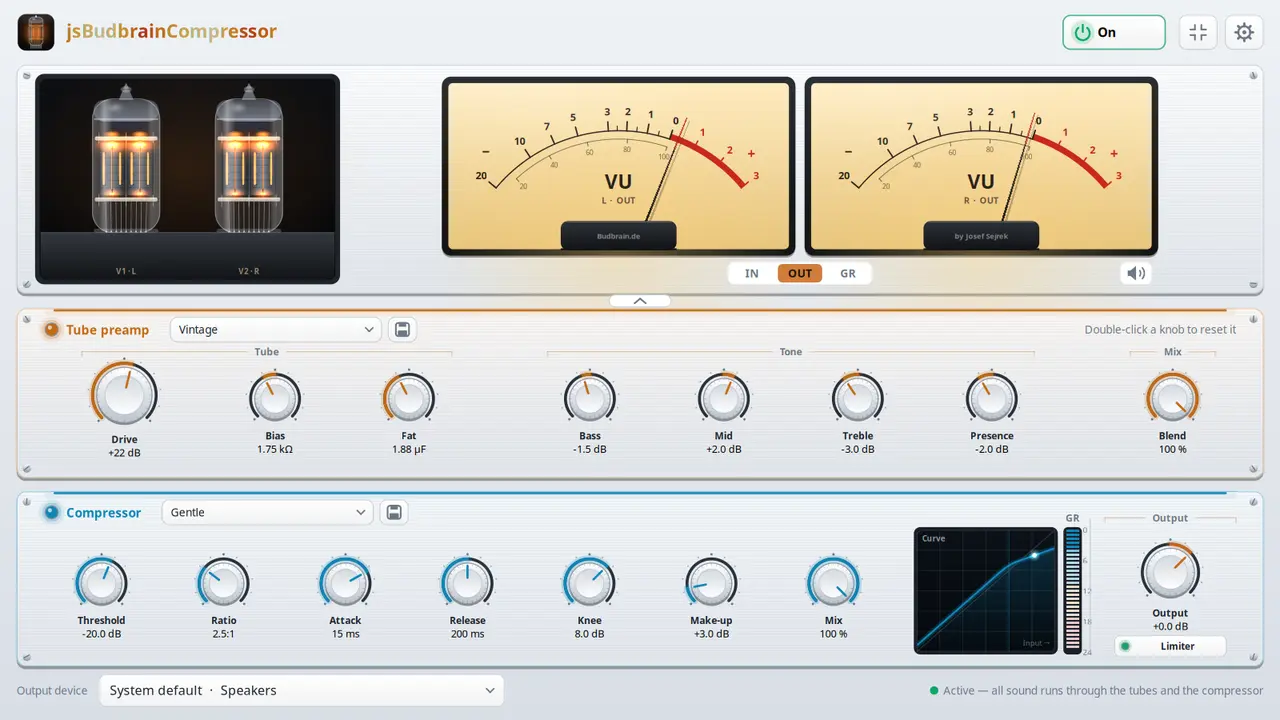
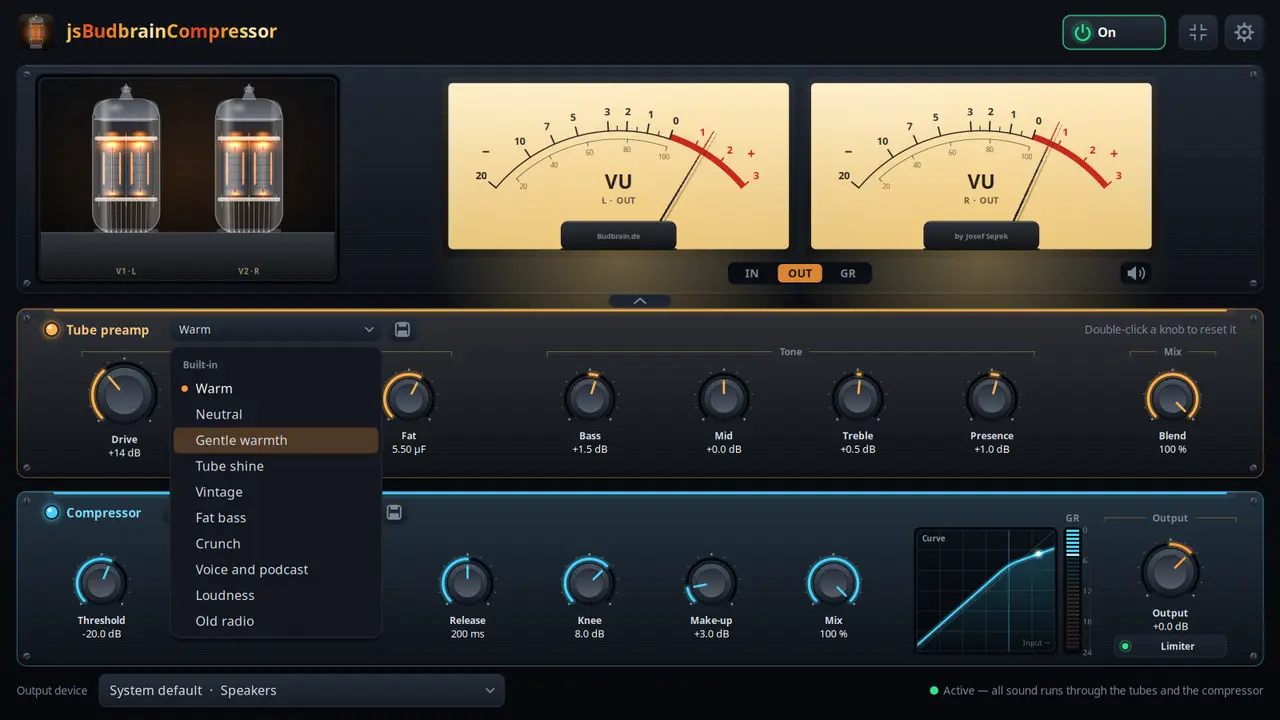
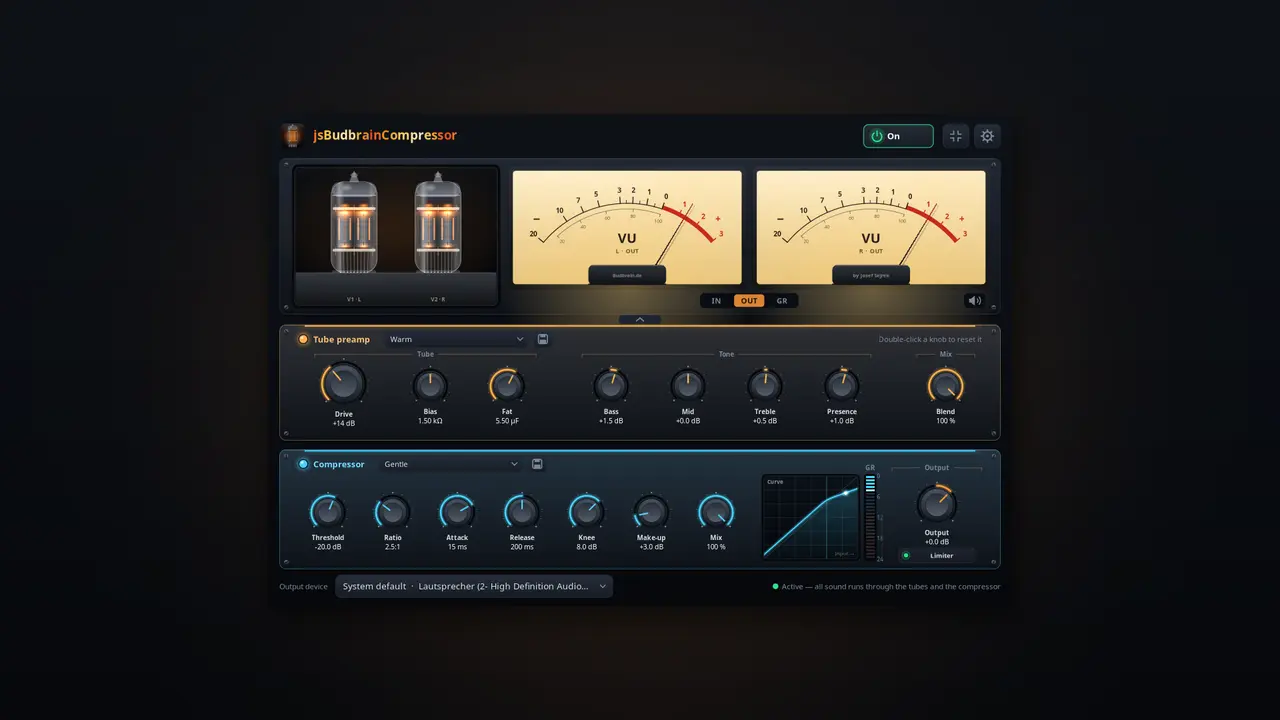
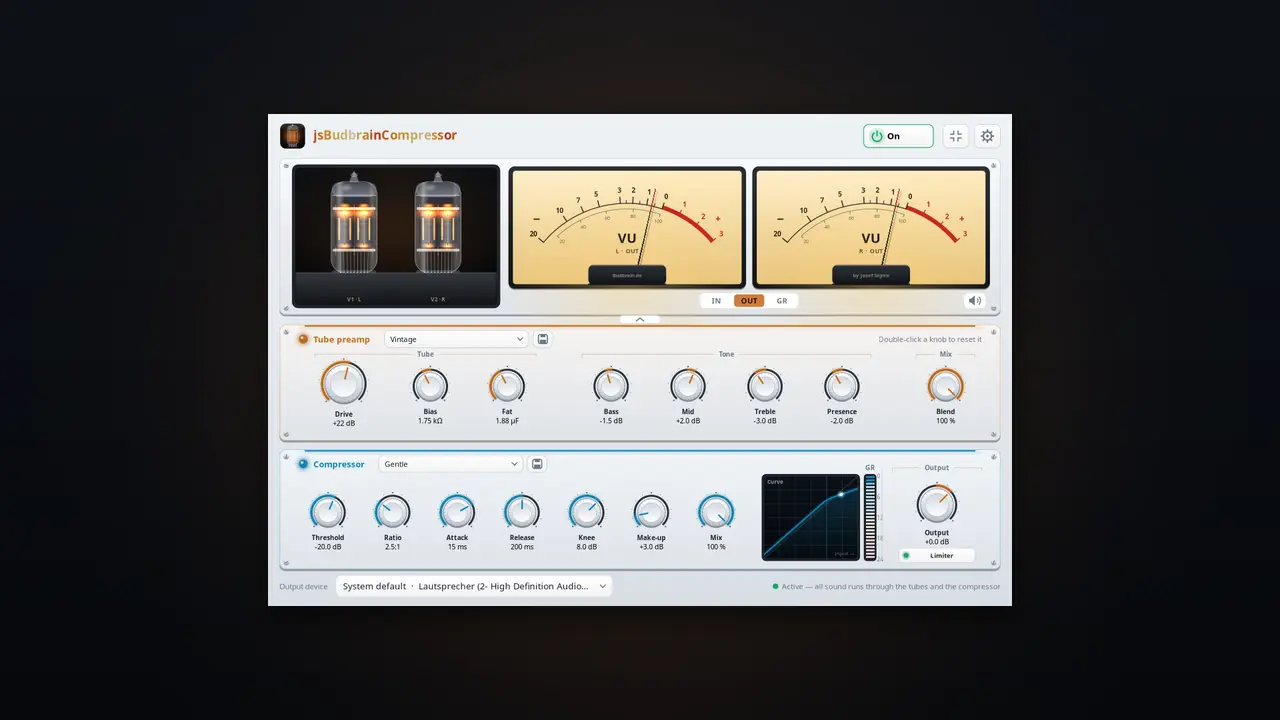
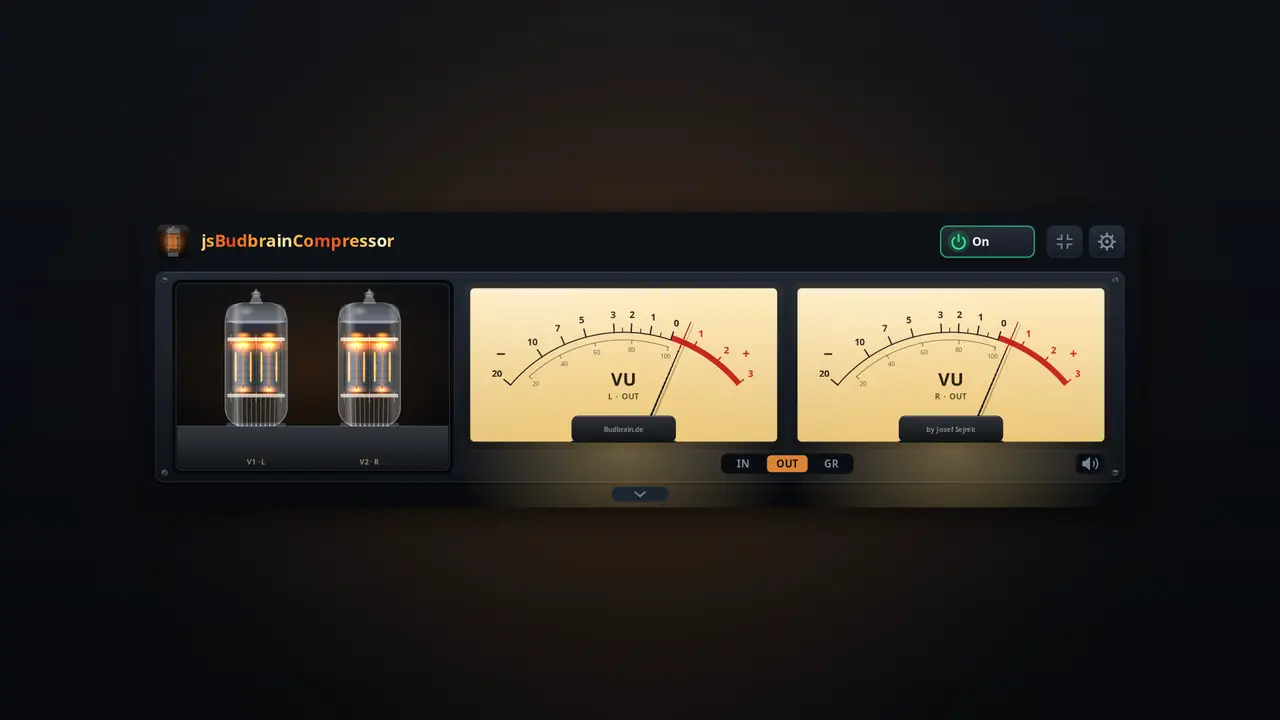
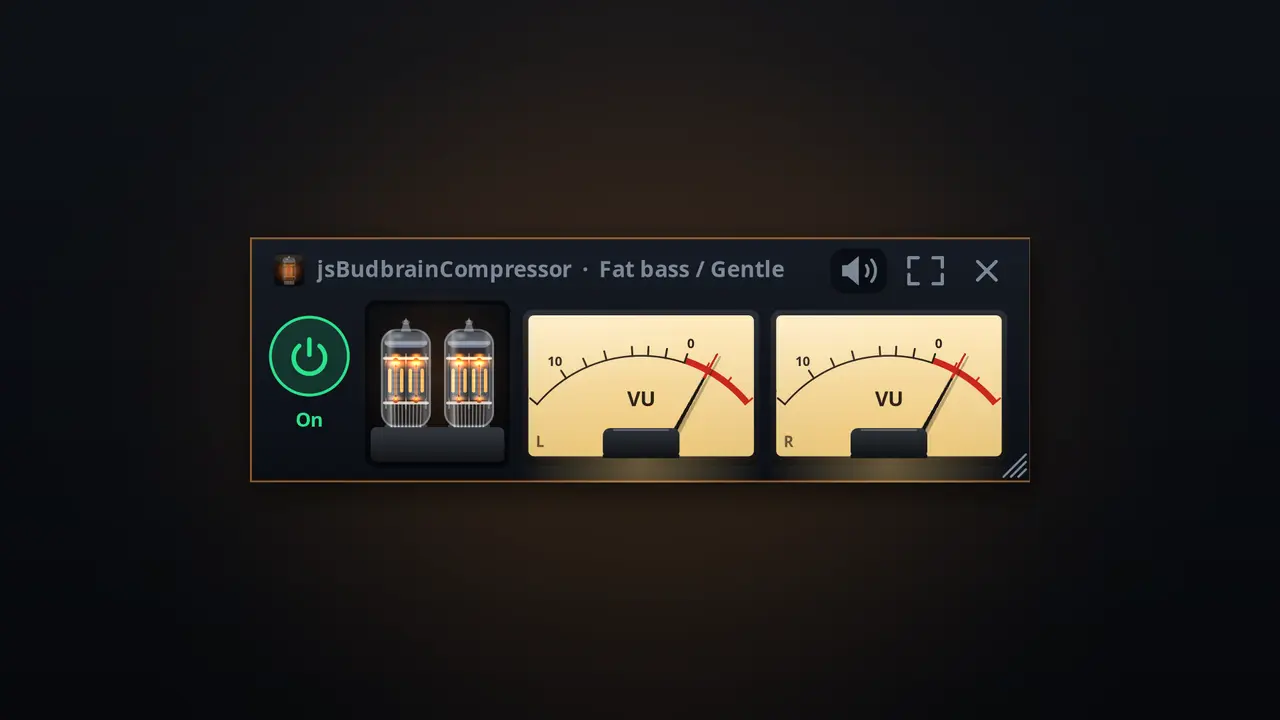
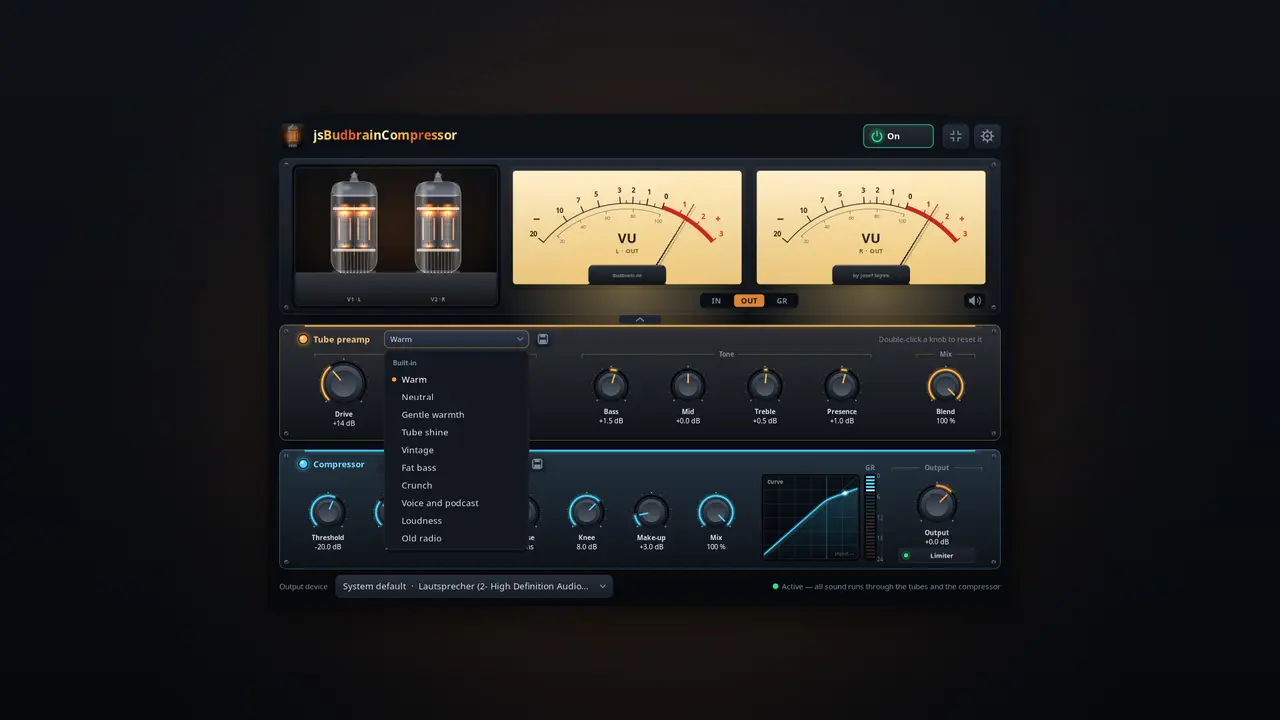
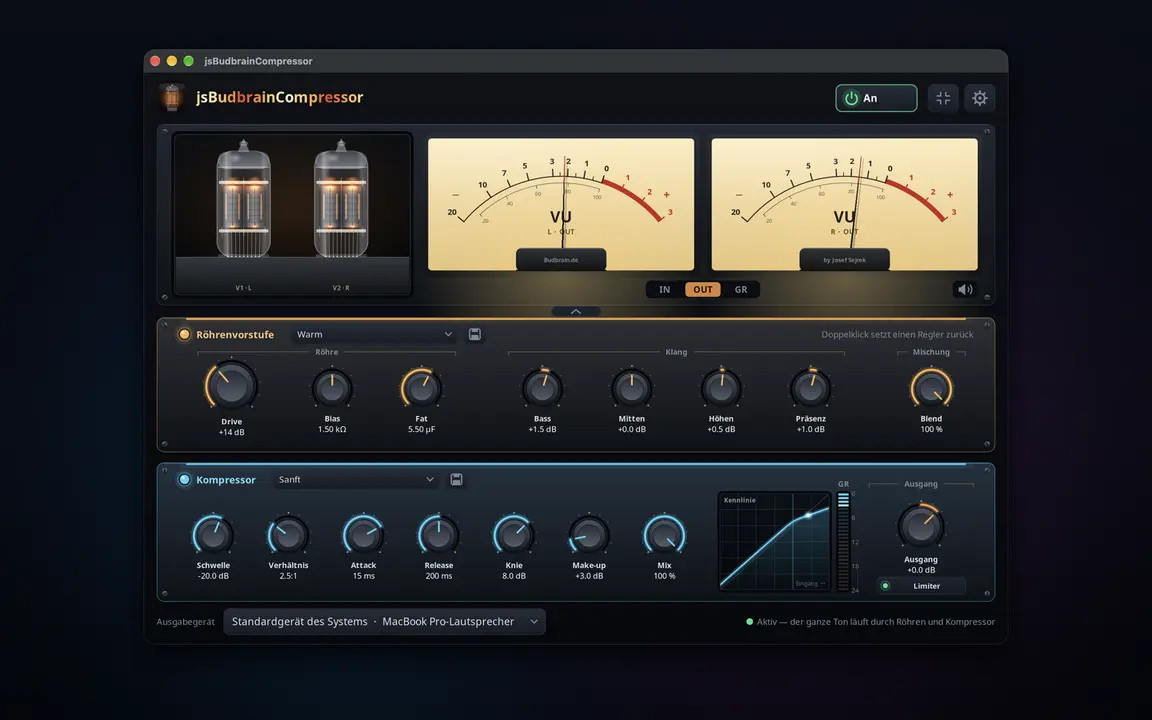
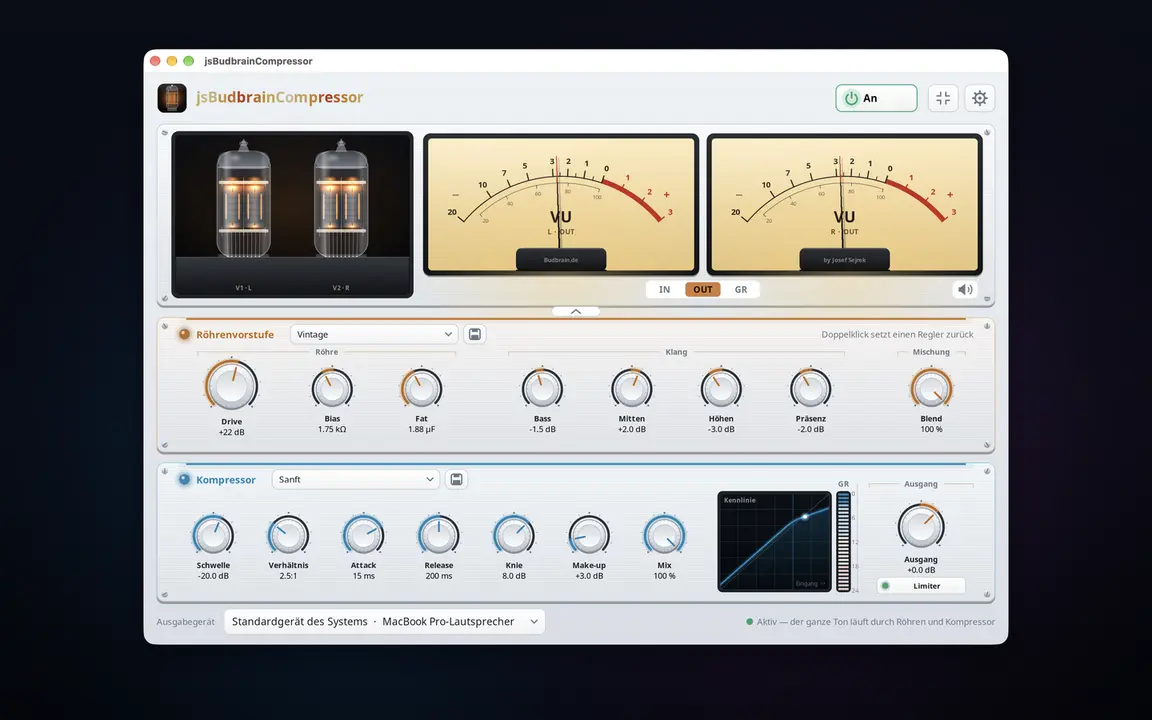
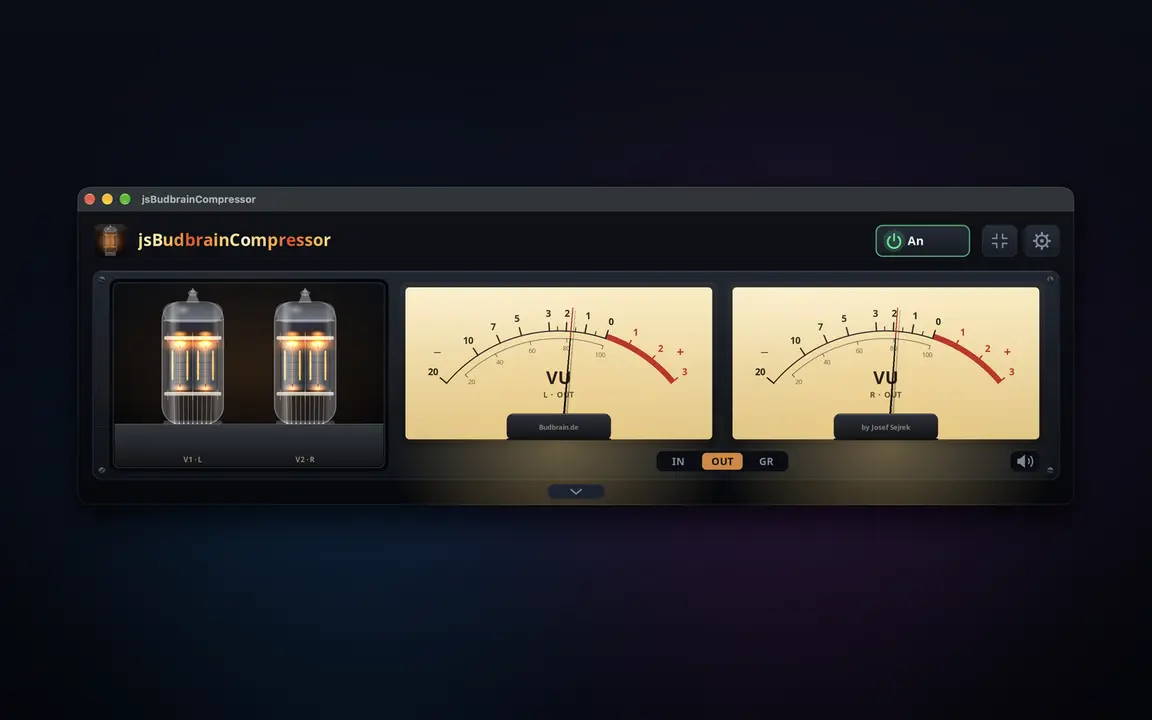
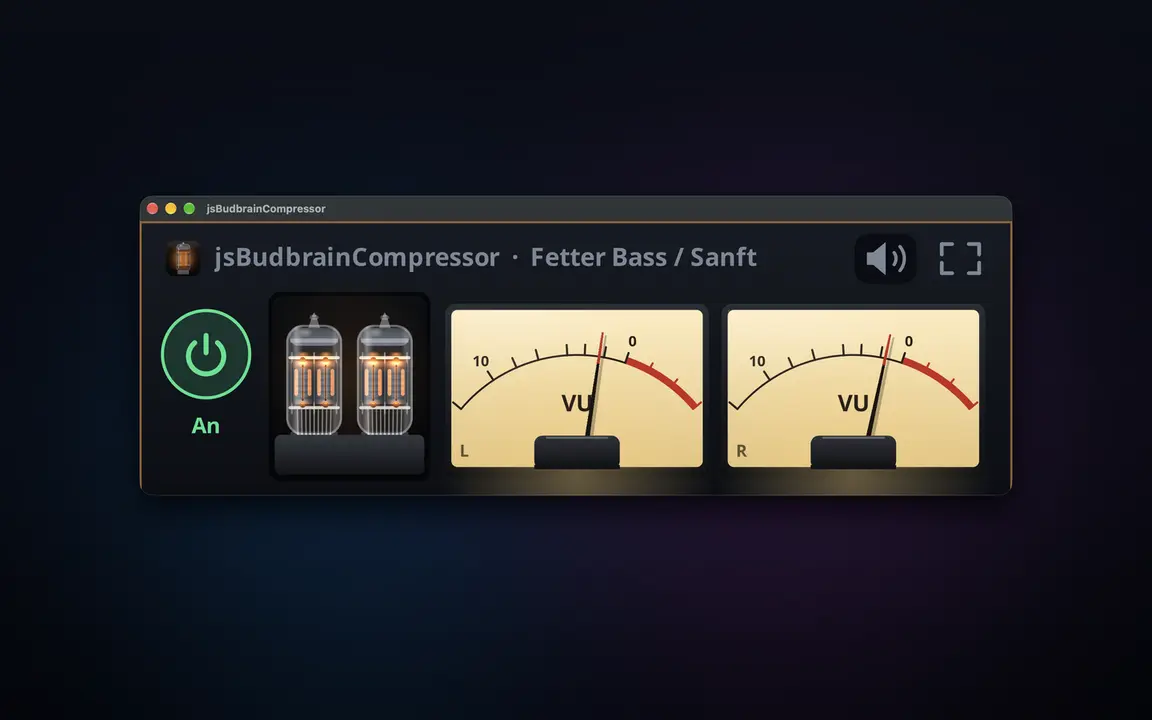
Il calore delle valvole e un compressore da studio per tutto ciò che il vostro computer riproduce — con valvole incandescenti e VU meter.
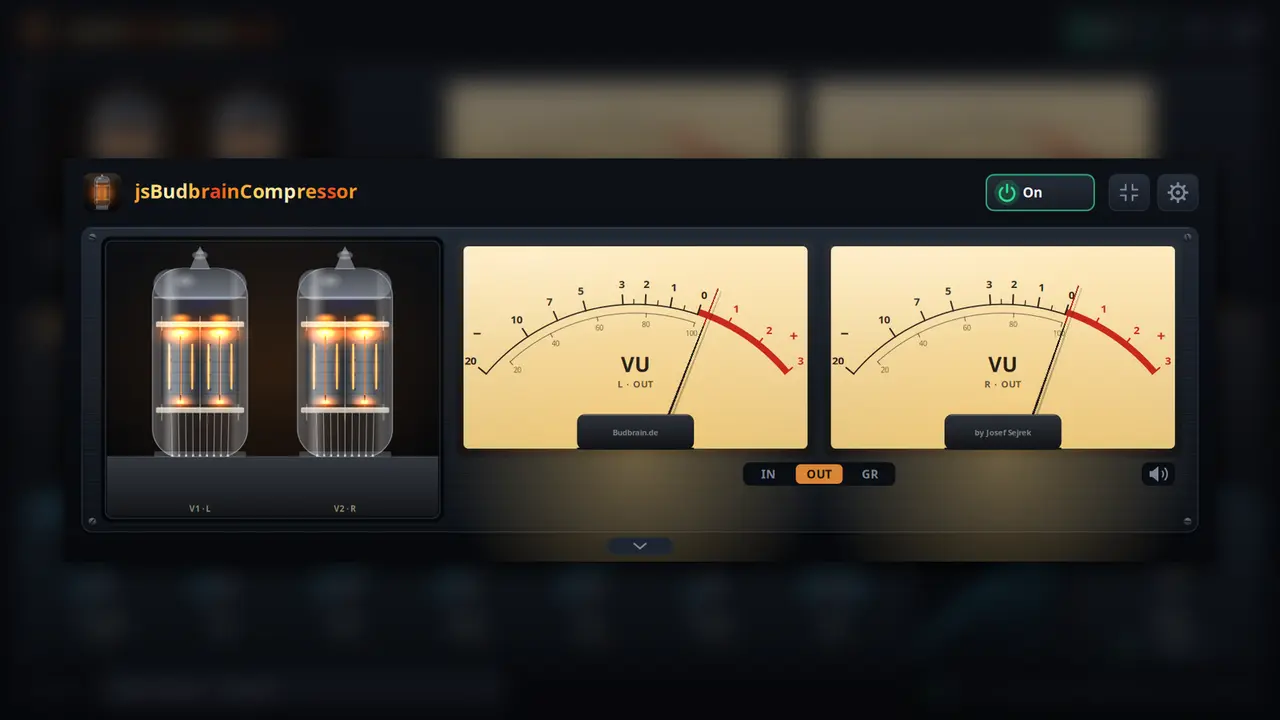
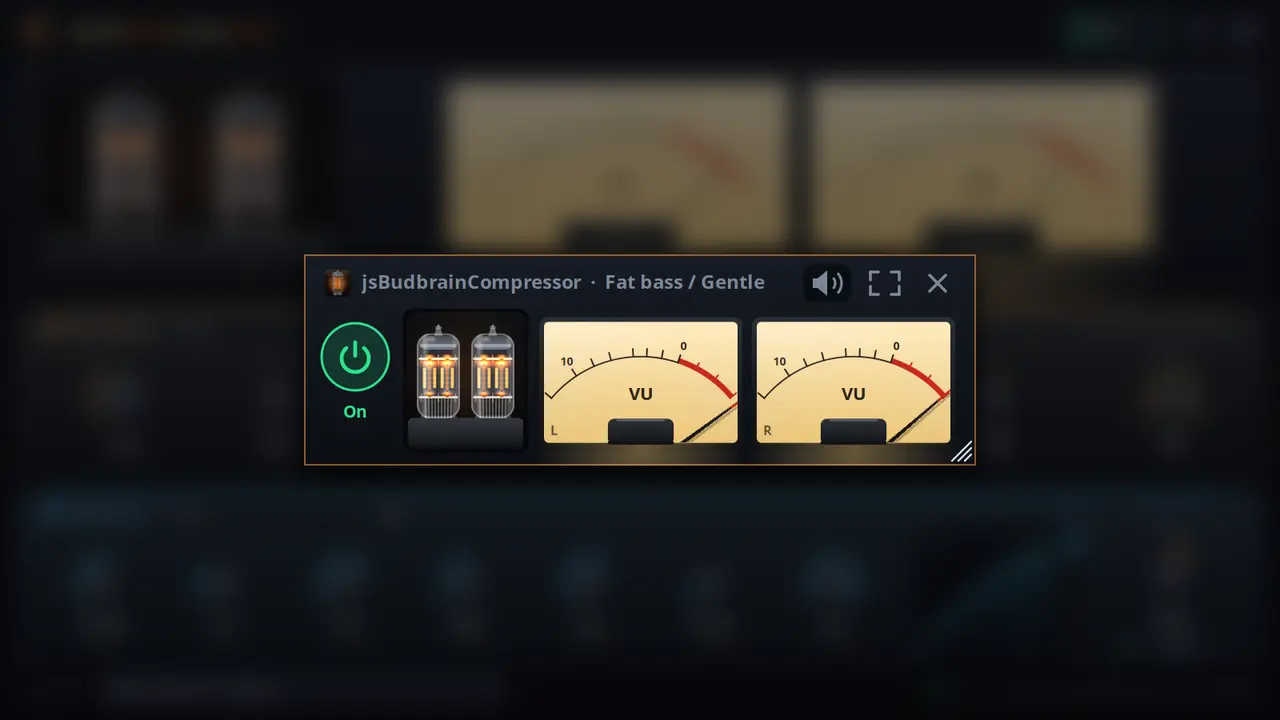
Preamplificatore a valvole simulato con drive, bias e fatBassi, medi, alti e presenzaCompressore con soglia, rapporto, attacco, rilascio, ginocchio, make-up e mixDue VU meter con movimento reale dell’agoLe valvole brillano di più quanto più lavoranoImpostazioni pronte per valvole e compressore, più le vostreIl limitatore protegge orecchie e altoparlantiFunziona insieme a jsBudbrainEqualizer e jsBudbrainsFxStudioTasto muto per quando squilla il telefonoScegliete altoparlanti o cuffieFinestra piccola sempre in primo pianoChiaro e scuroSDL2 · CairoPipeWire · PulseAudio44 lingue
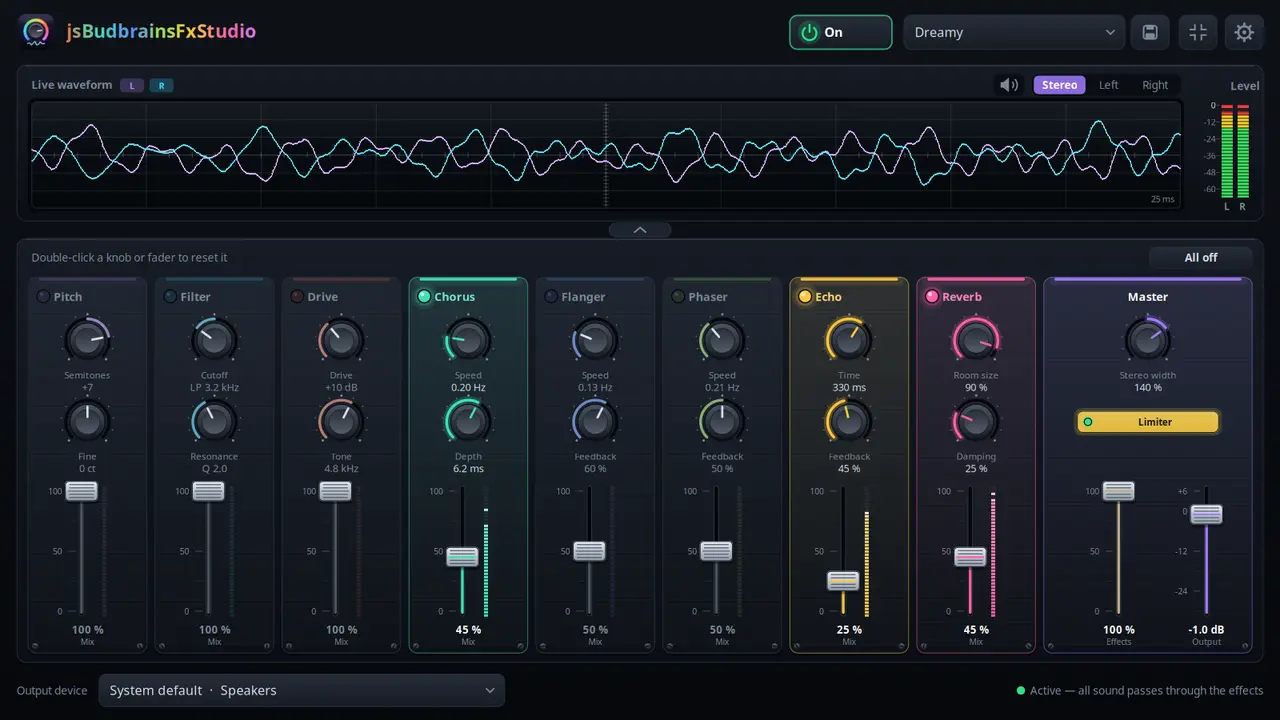
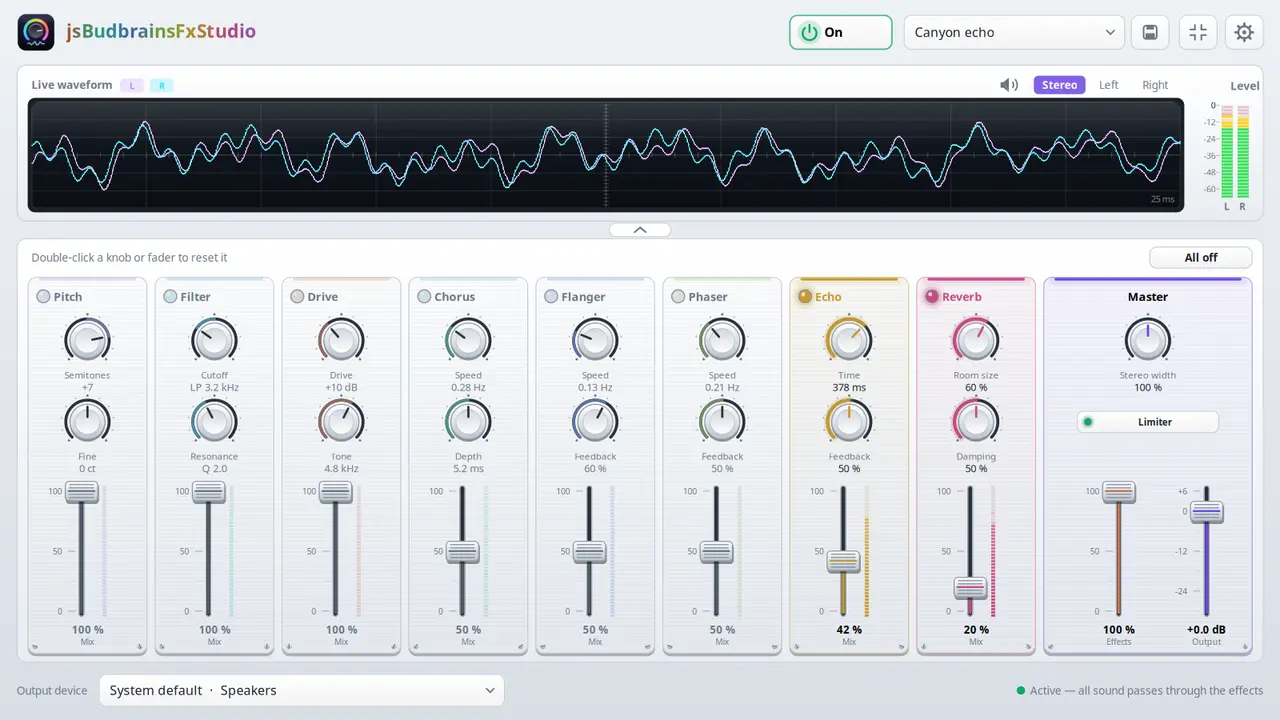
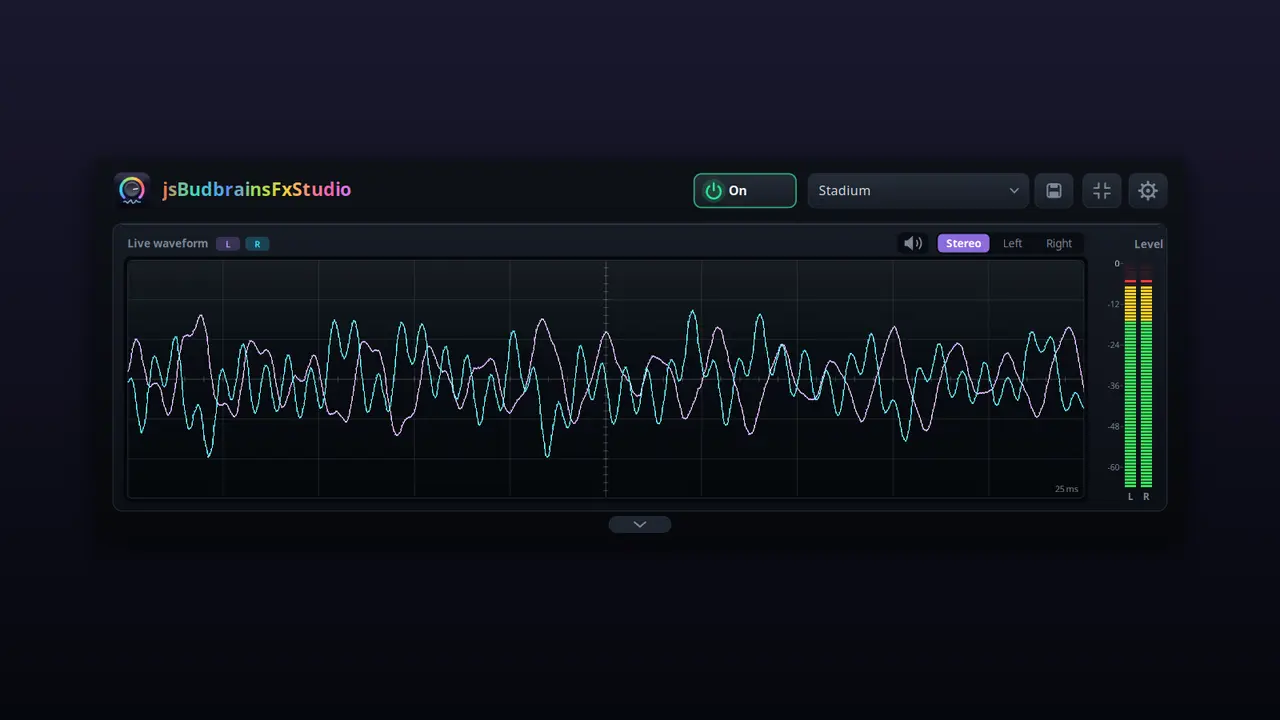
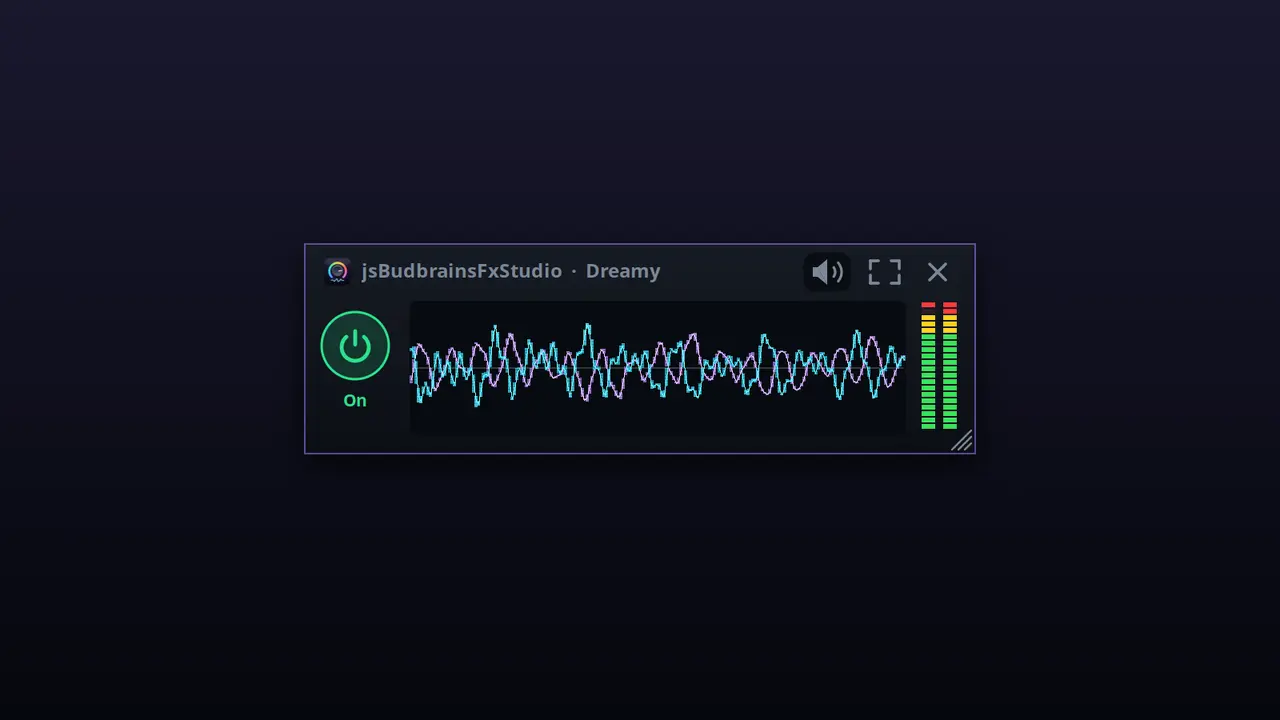
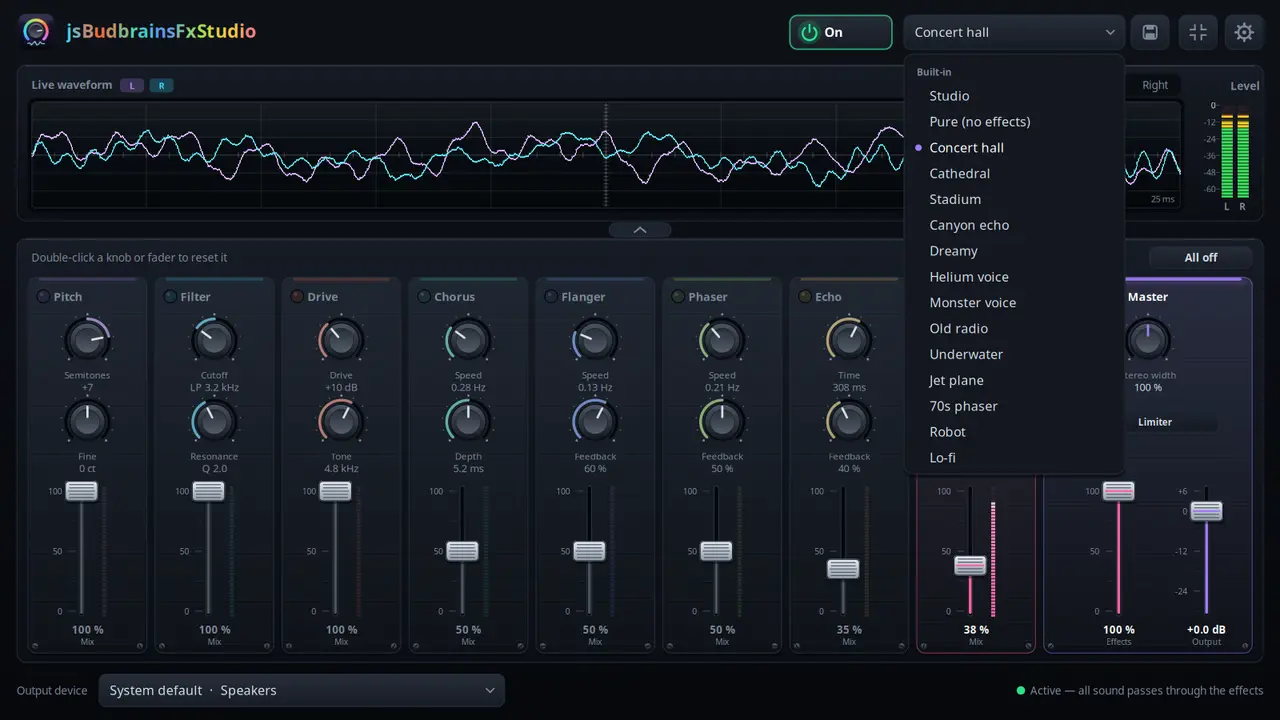
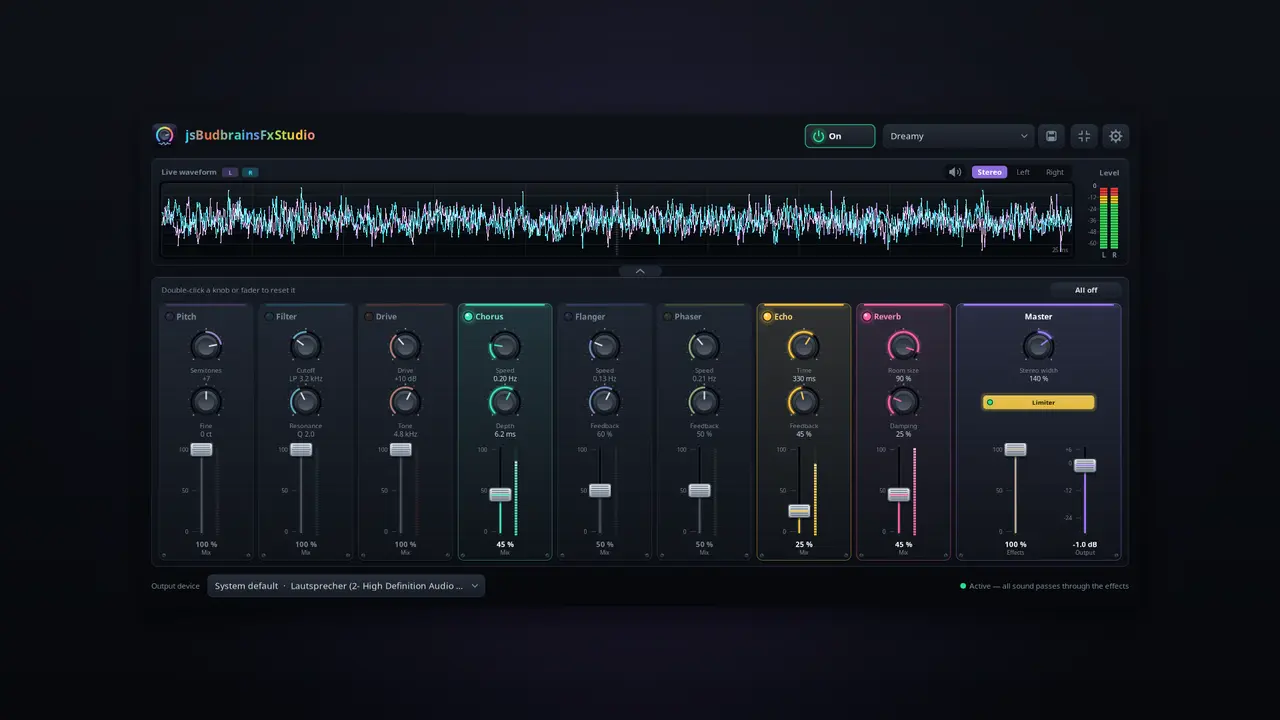
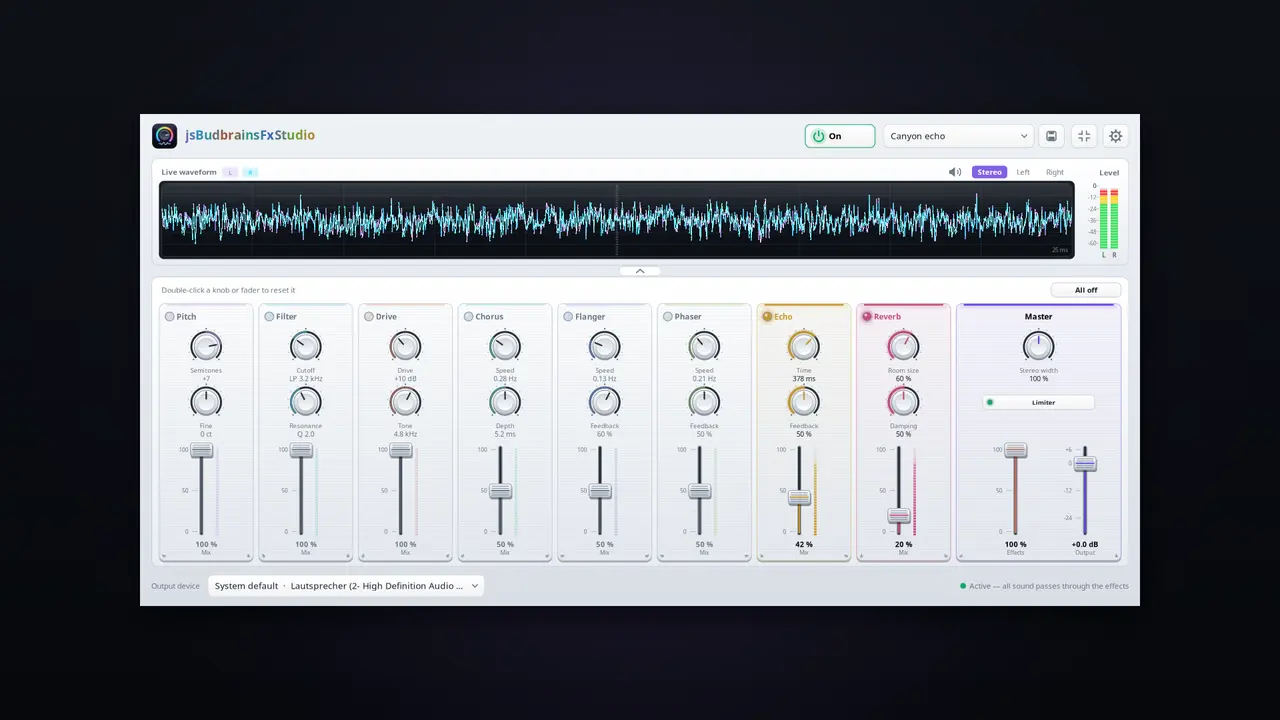
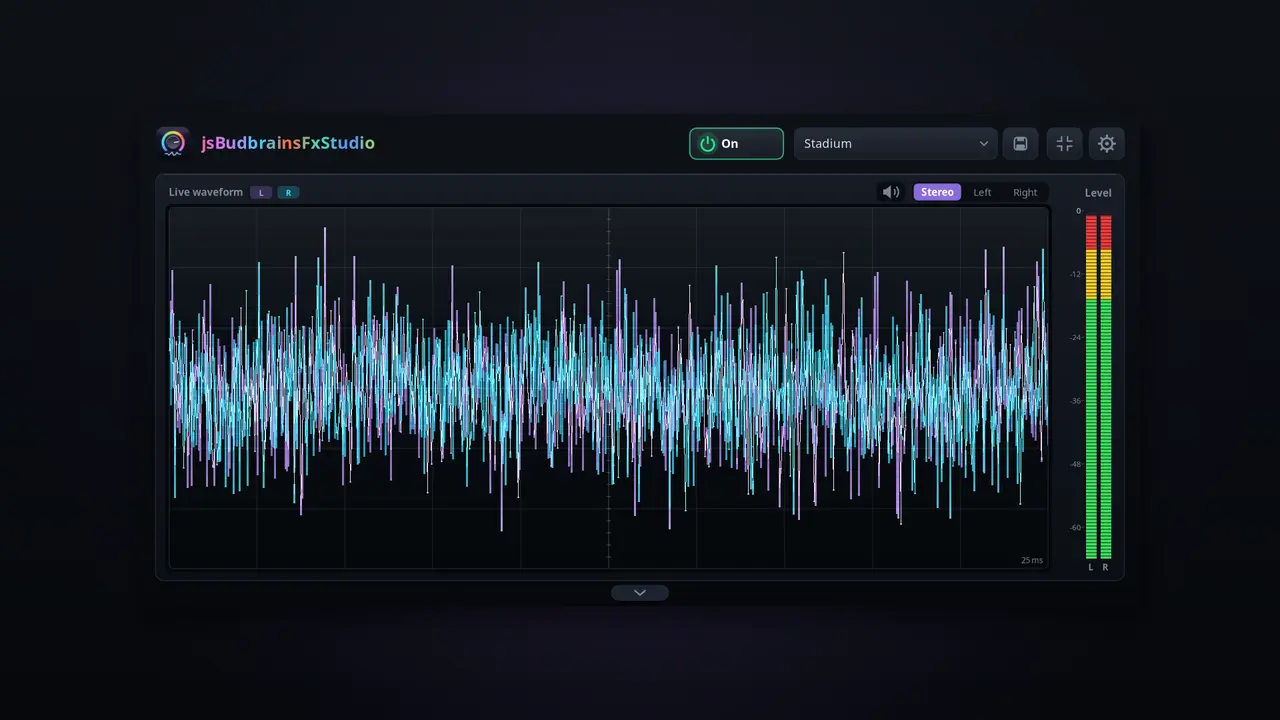
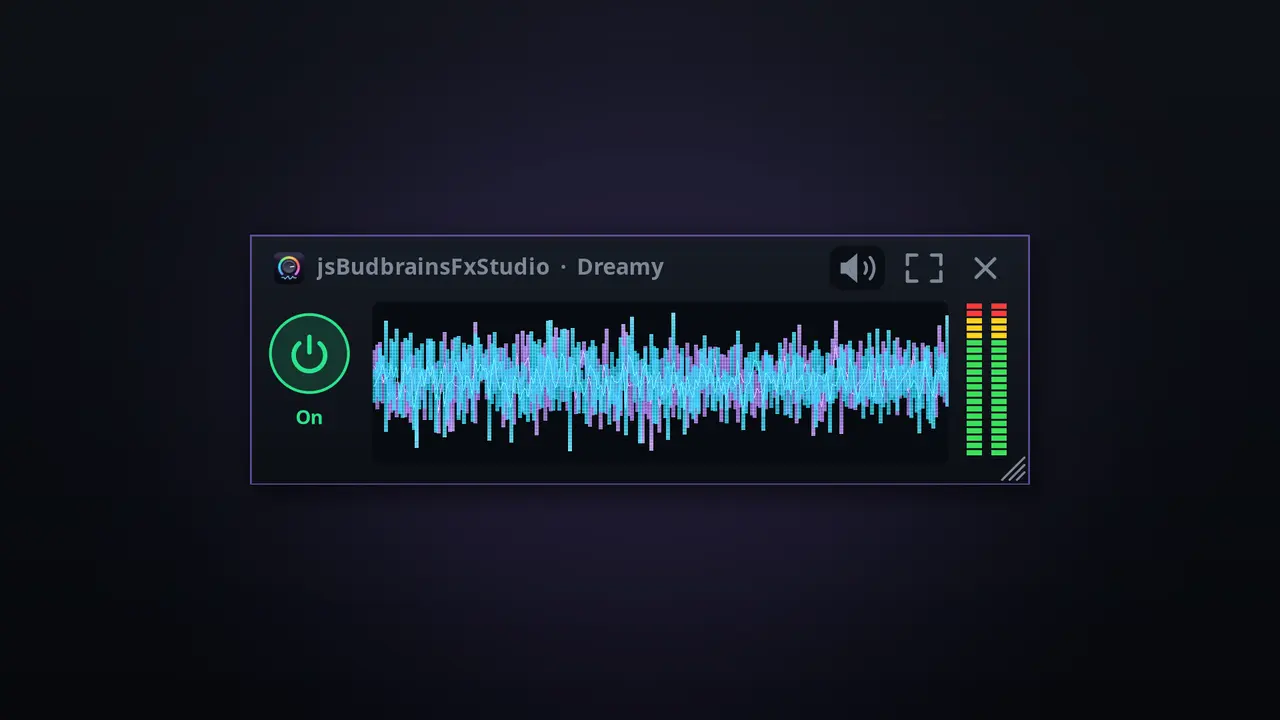
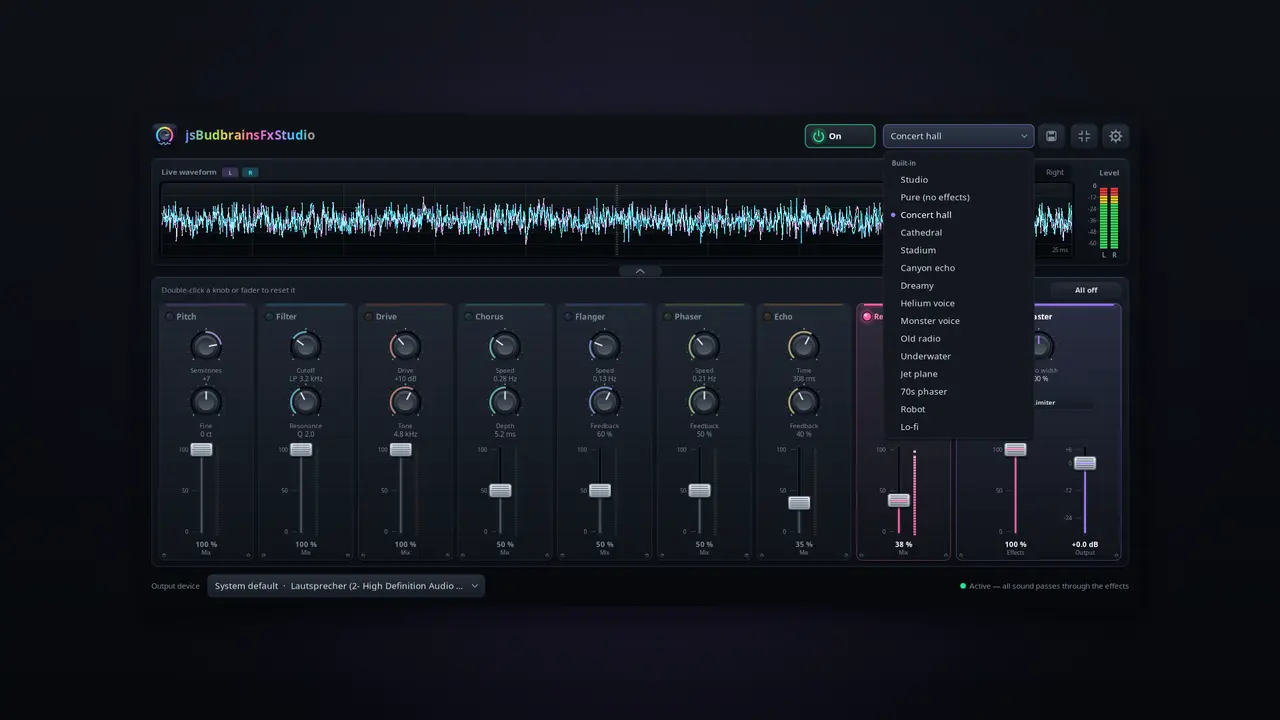
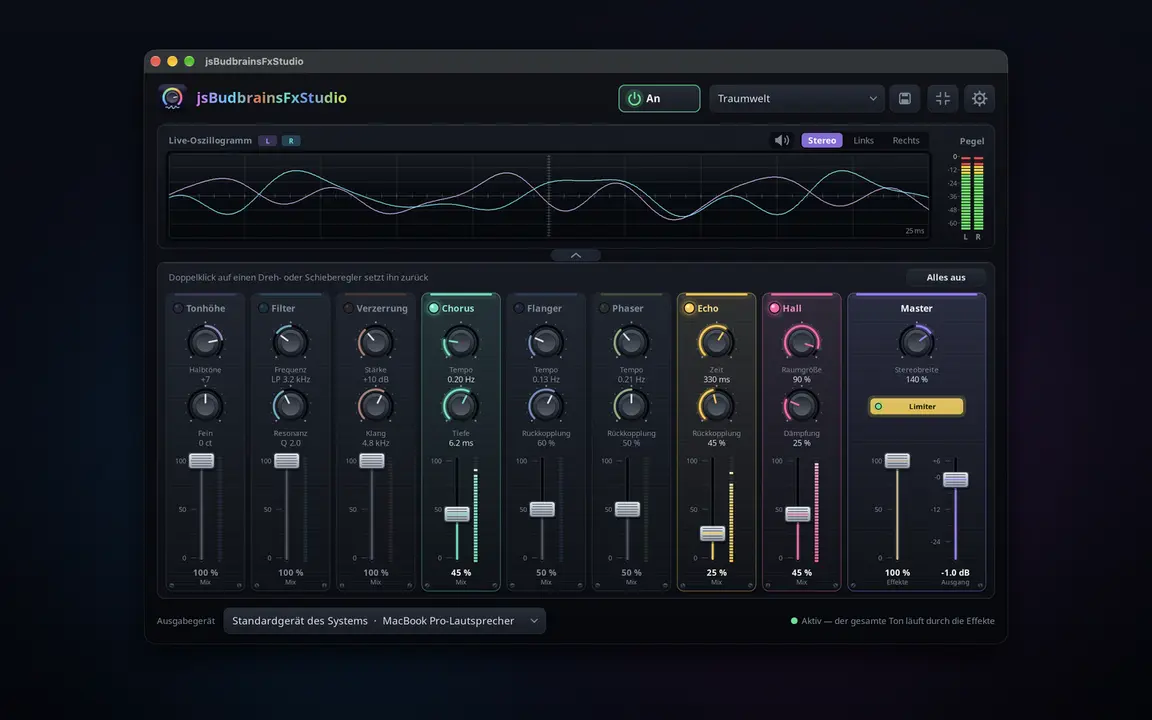
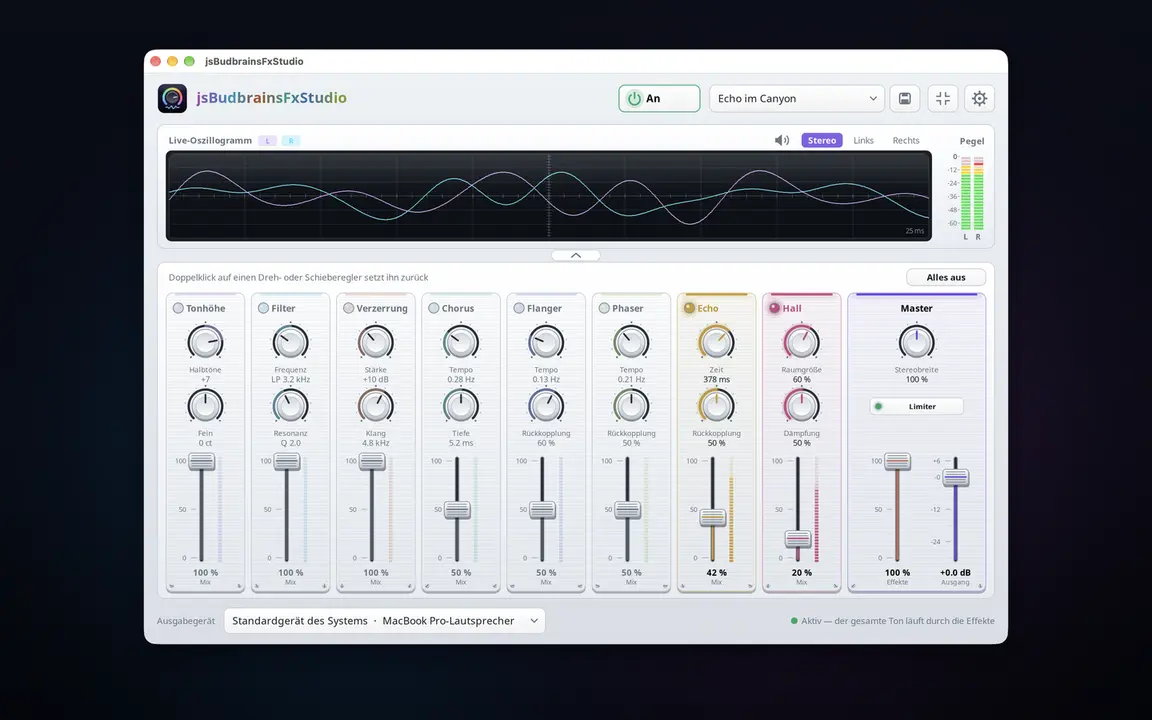
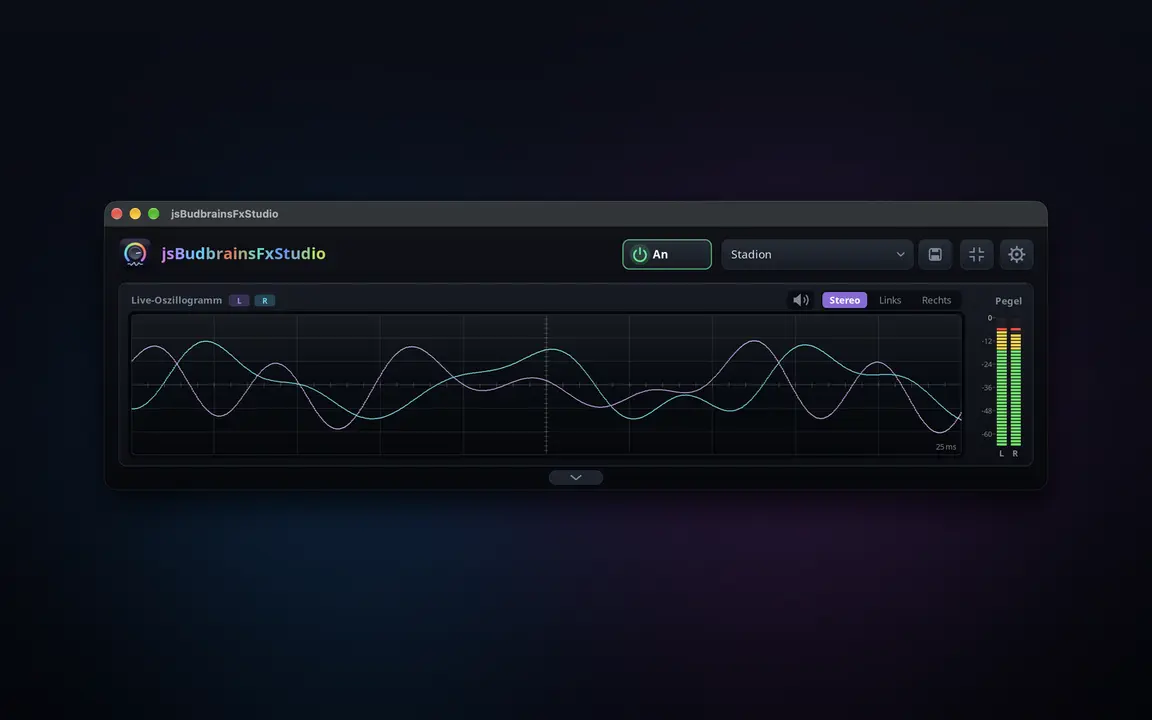
Effetti in tempo reale per tutto ciò che il vostro computer riproduce — riverbero, eco, intonazione e altro, miscelati nel suono con un cursore.
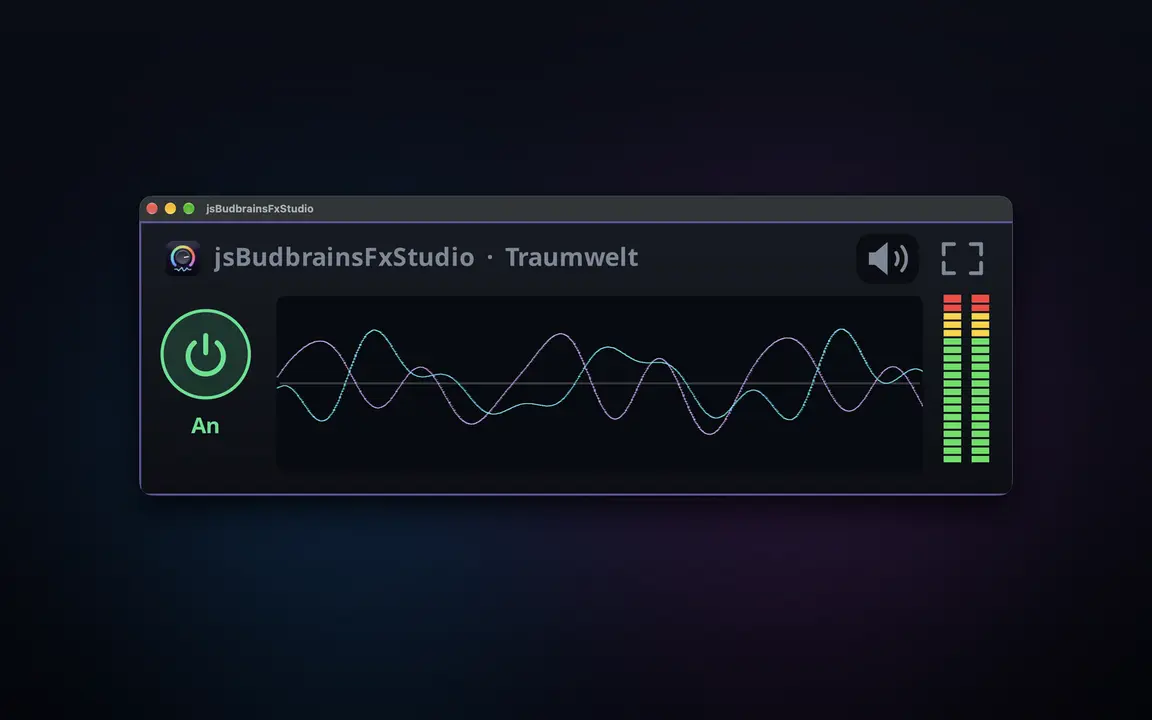
Otto effetti: intonazione, filtro, distorsione, chorus, flanger, phaser, eco, riverberoOgni effetto con le sue manopole e il suo cursore di mixUn solo cursore fonde tutti gli effetti nel suono complessivoForma d'onda in tempo reale e indicatori di livelloImpostazioni pronte come sala da concerto o eco nel canyon, più le vostre«Tutto spento» con un clic — e di nuovo attivo con il successivoIl limitatore protegge orecchie e altoparlantiFunziona insieme a jsBudbrainEqualizerTasto muto per quando squilla il telefonoScegliete altoparlanti o cuffieFinestra piccola sempre in primo pianoChiaro e scuroSDL2 · CairoPipeWire · PulseAudio44 lingue
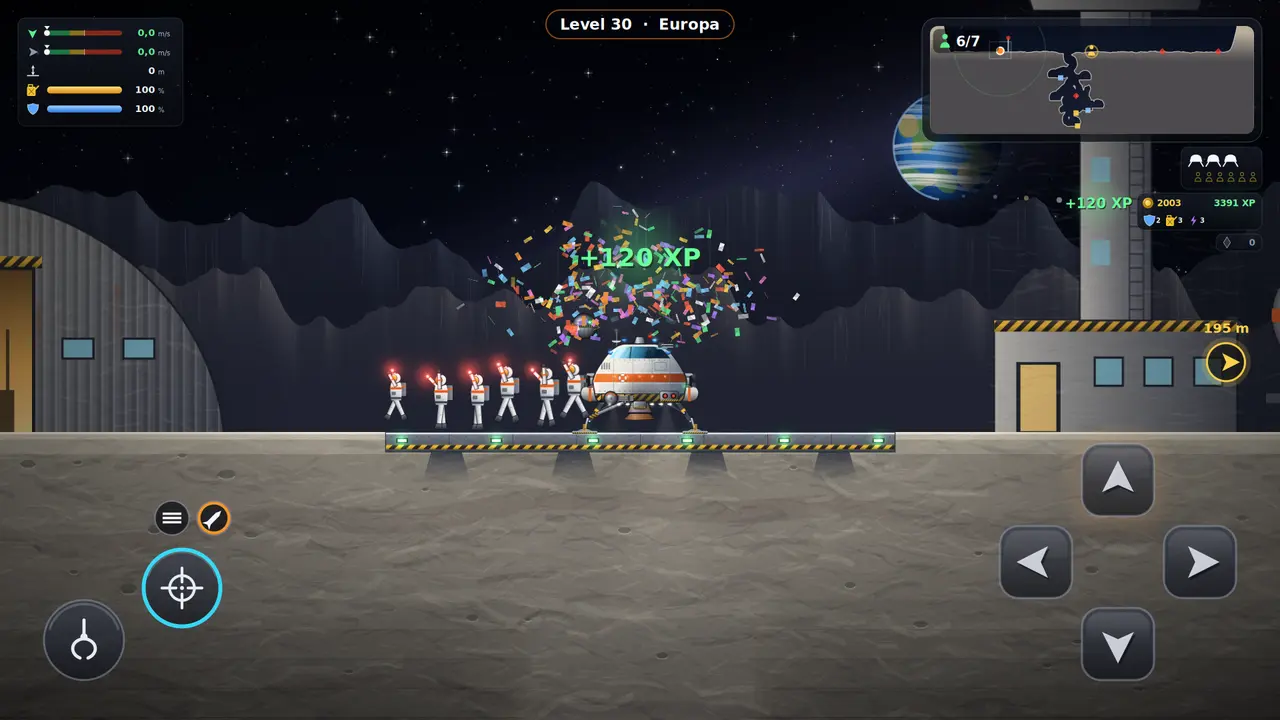
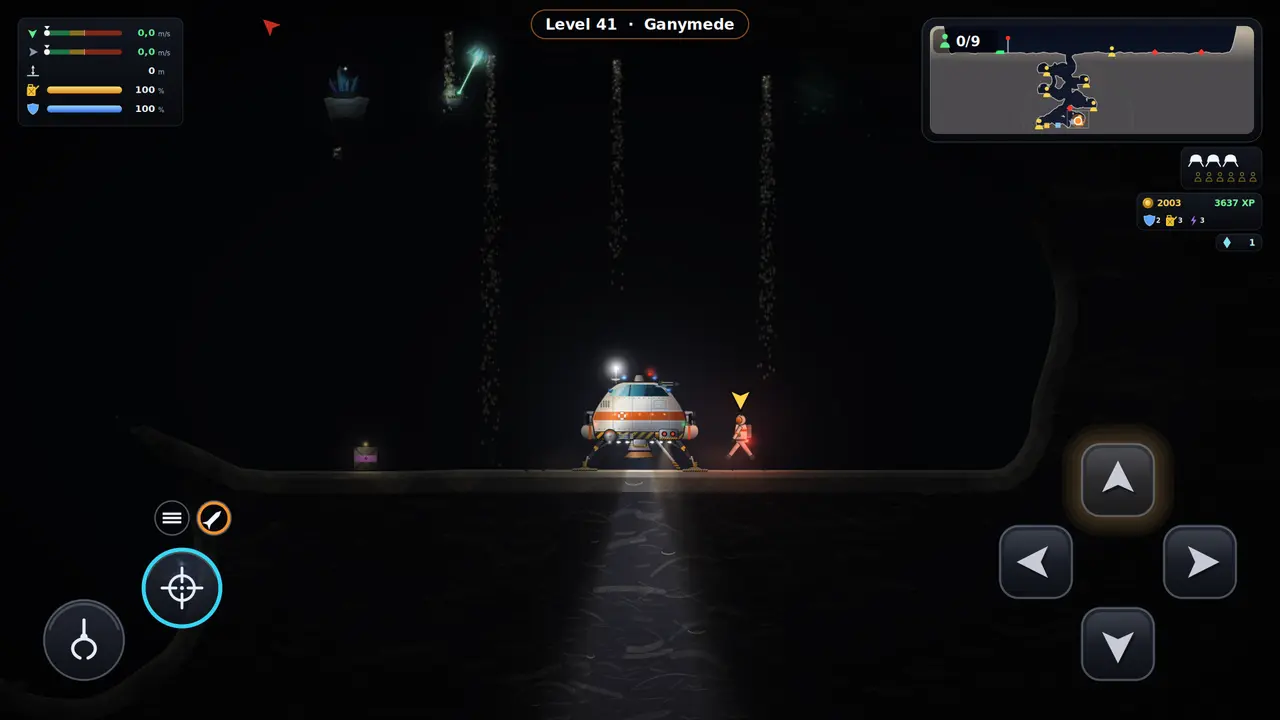
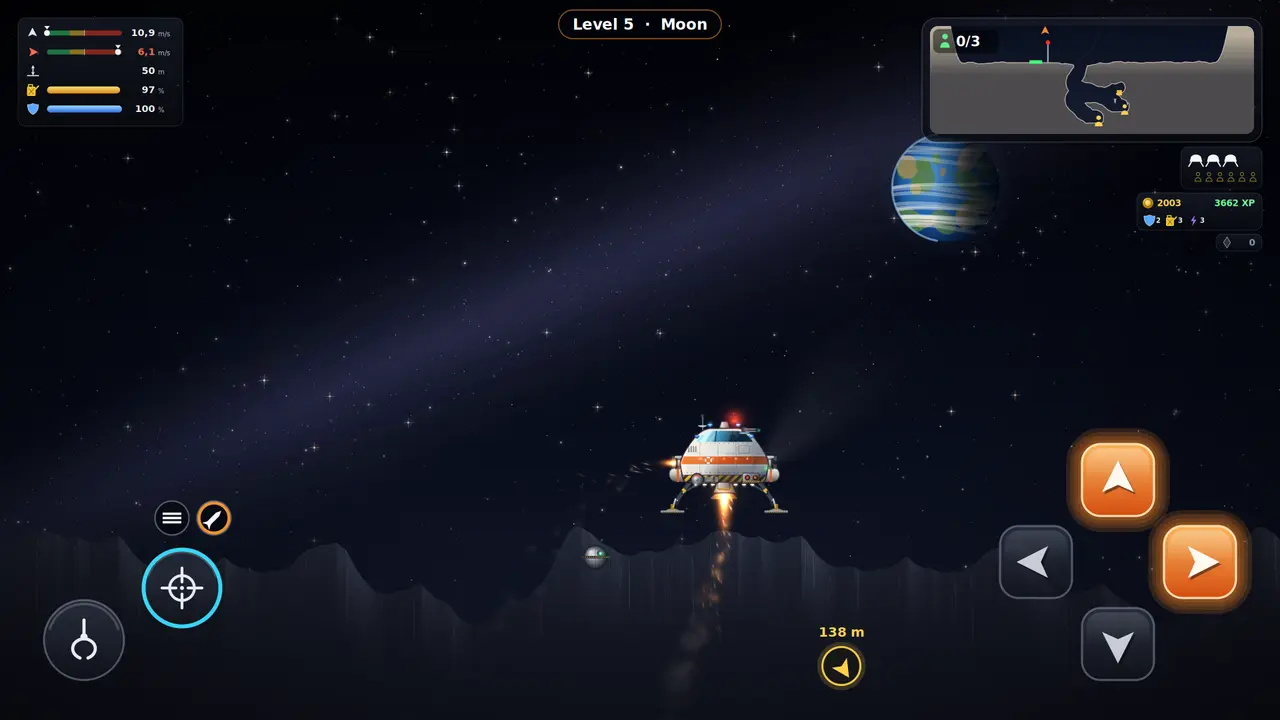
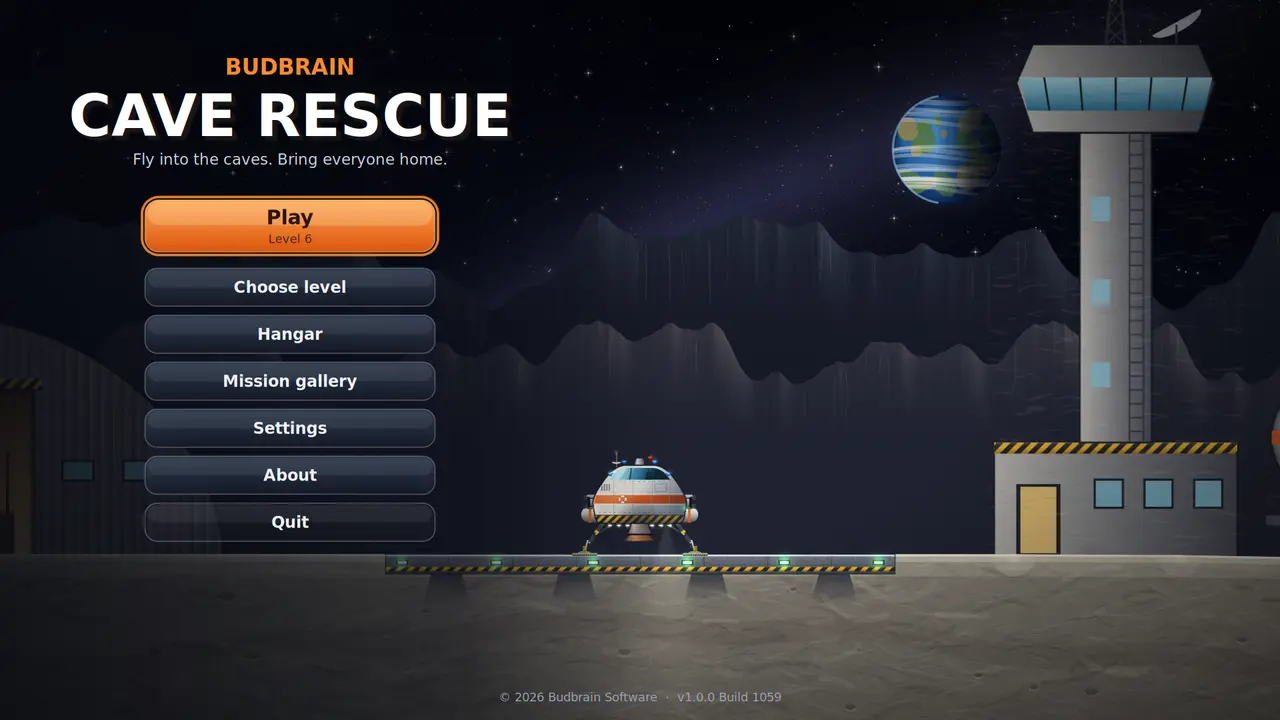
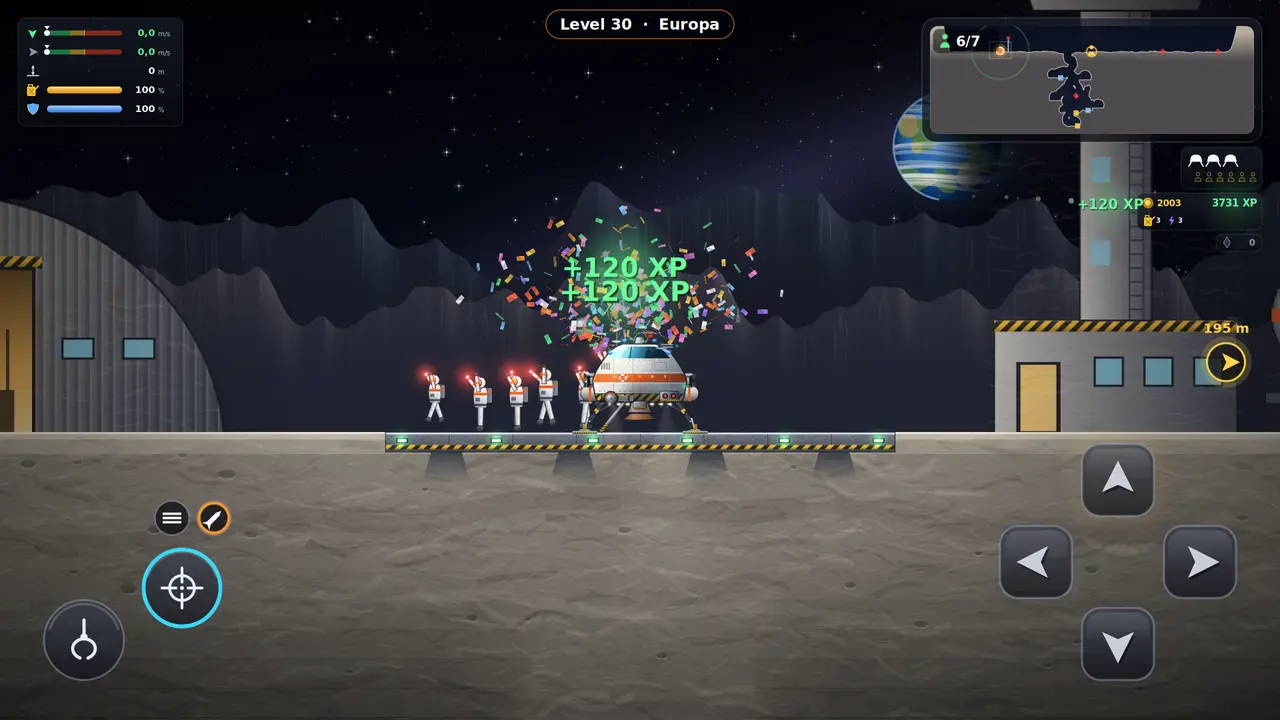
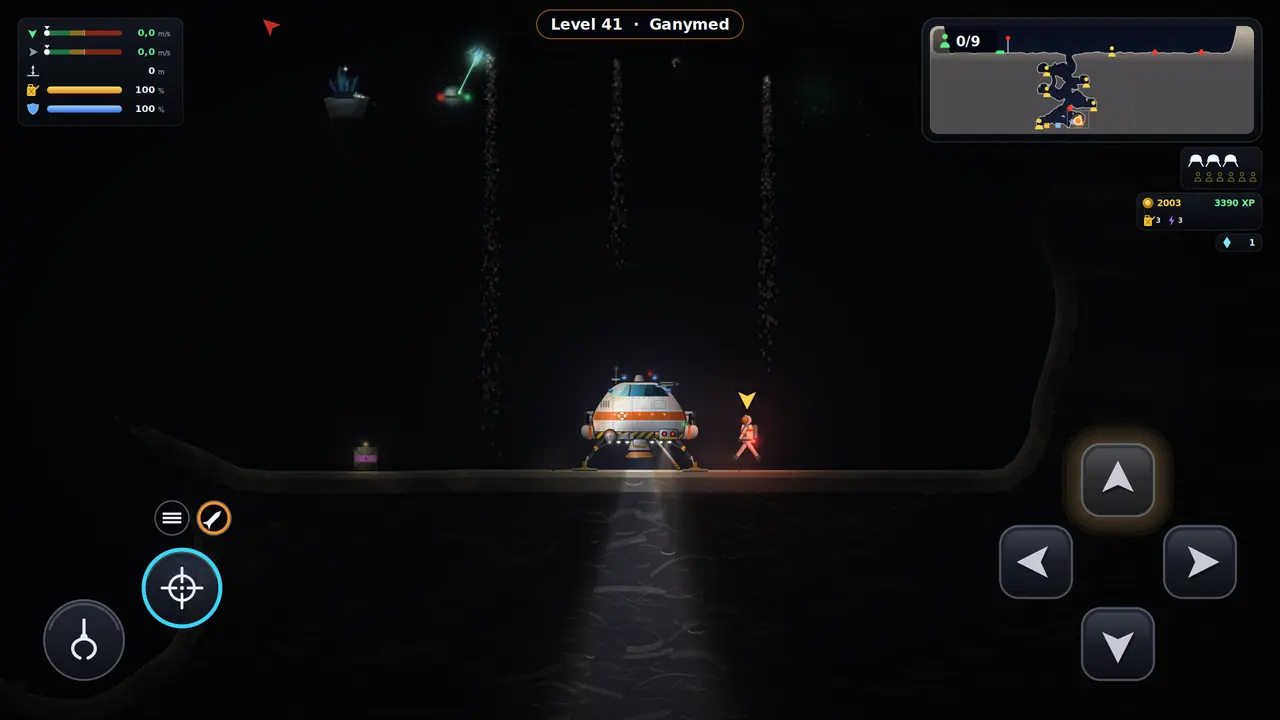
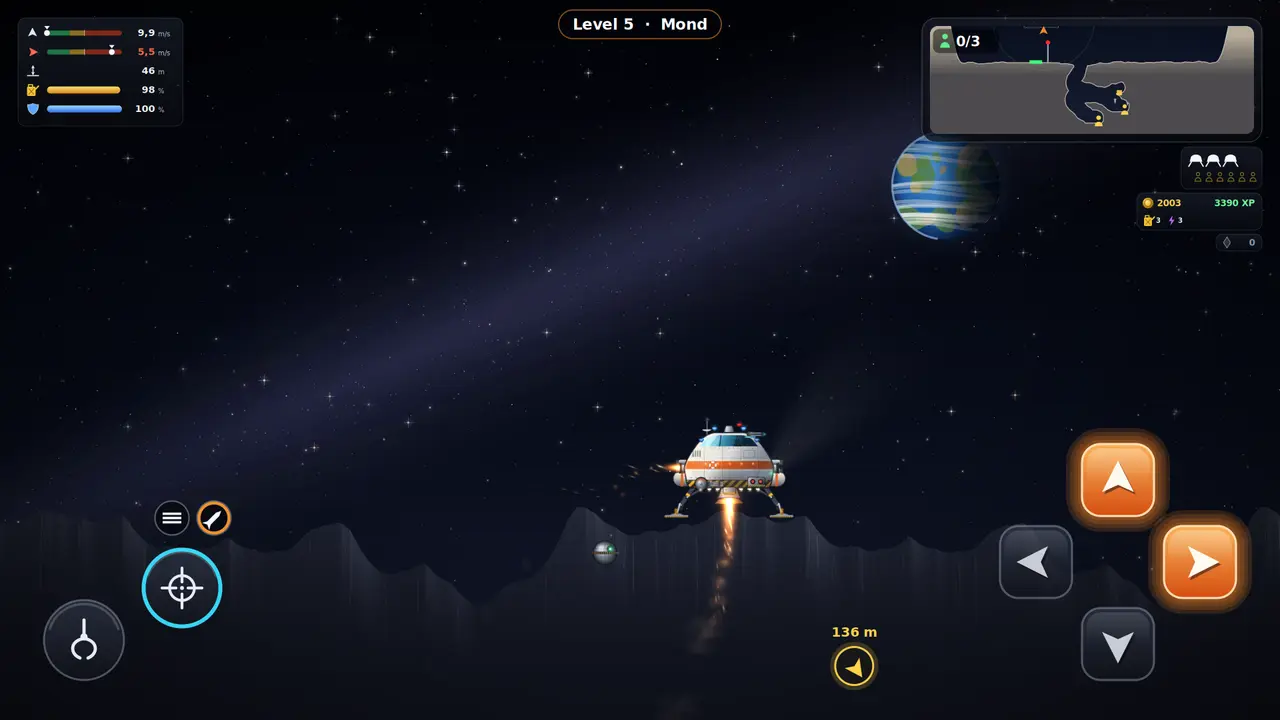
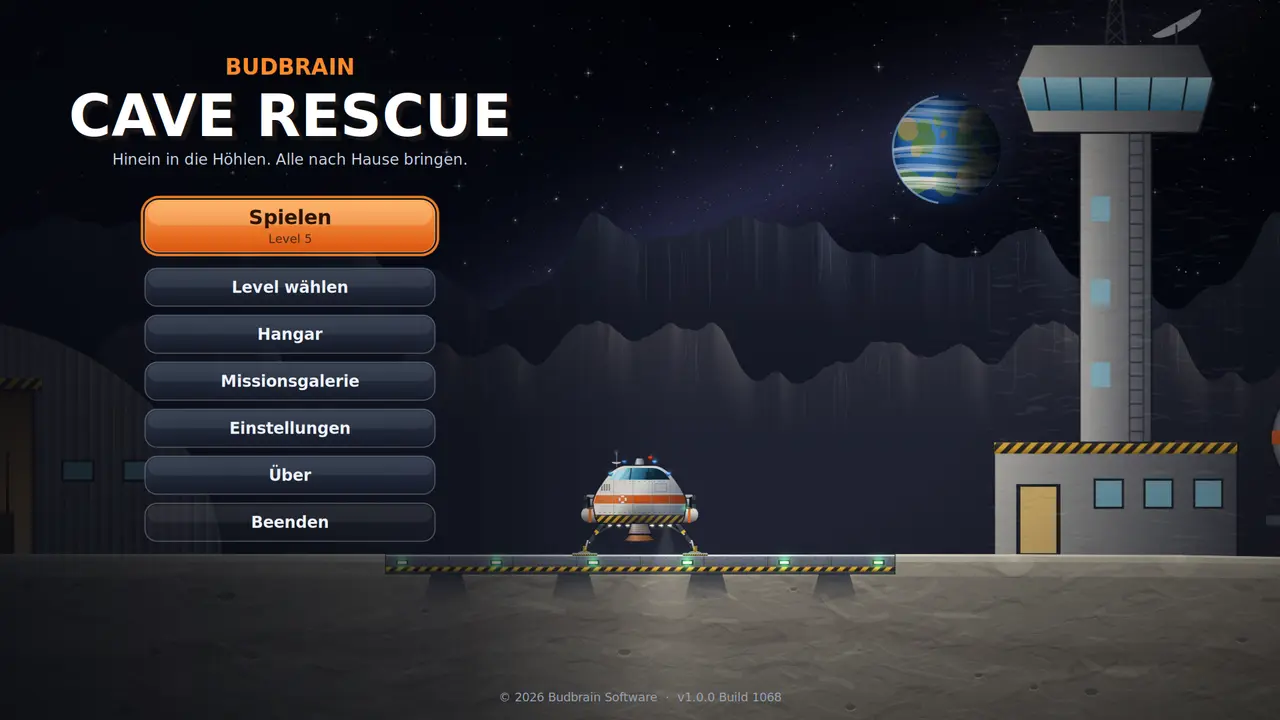
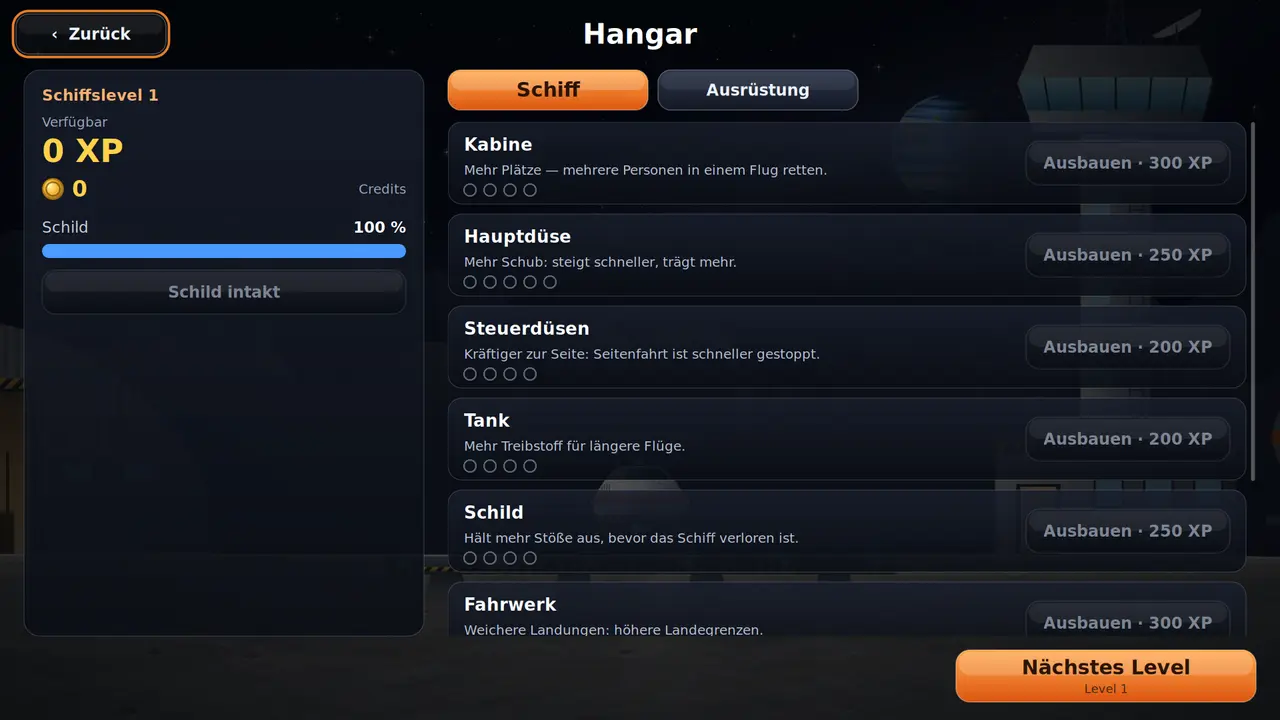
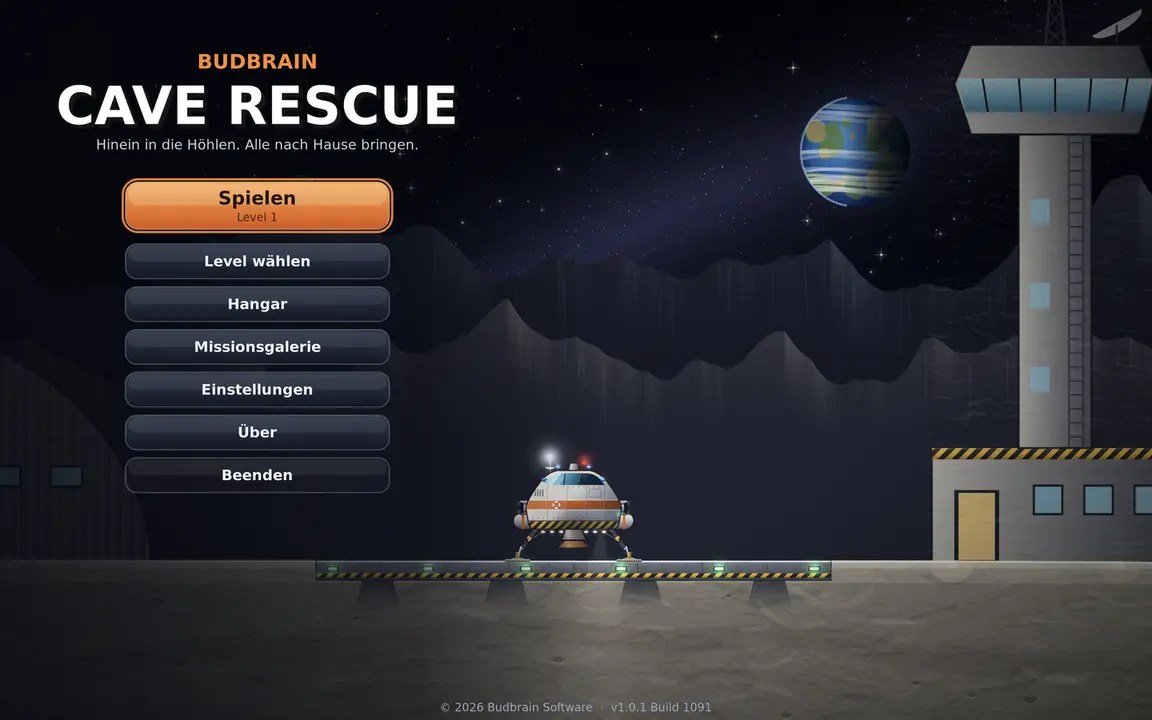
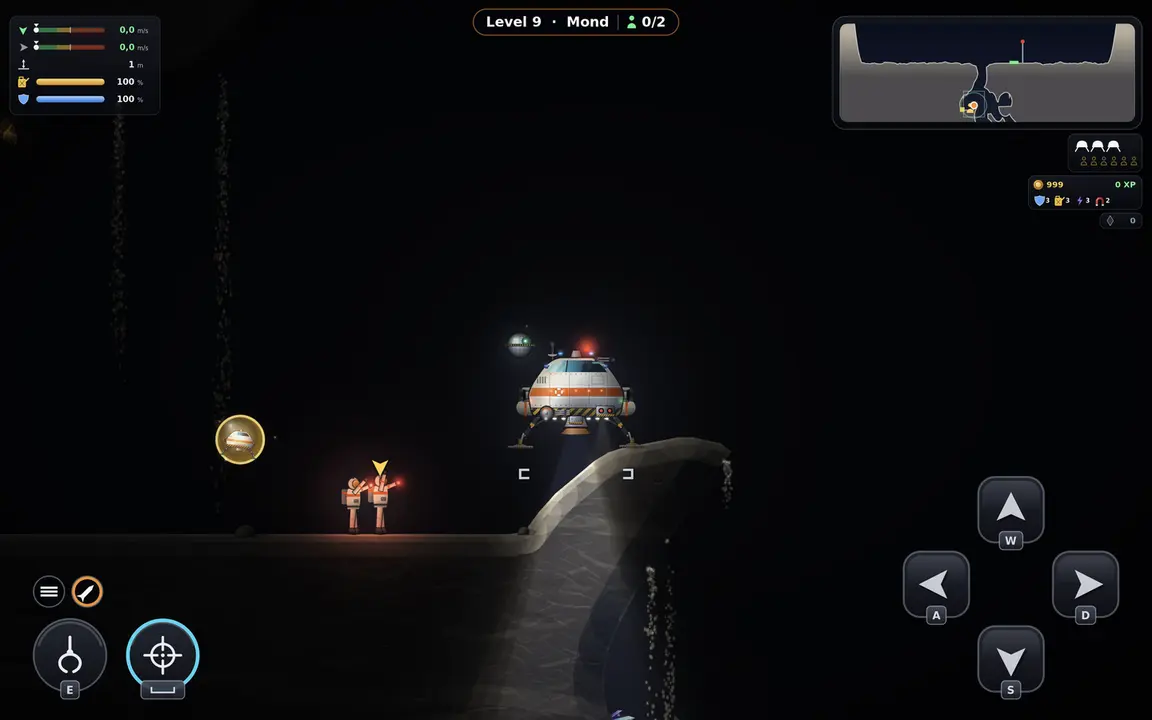
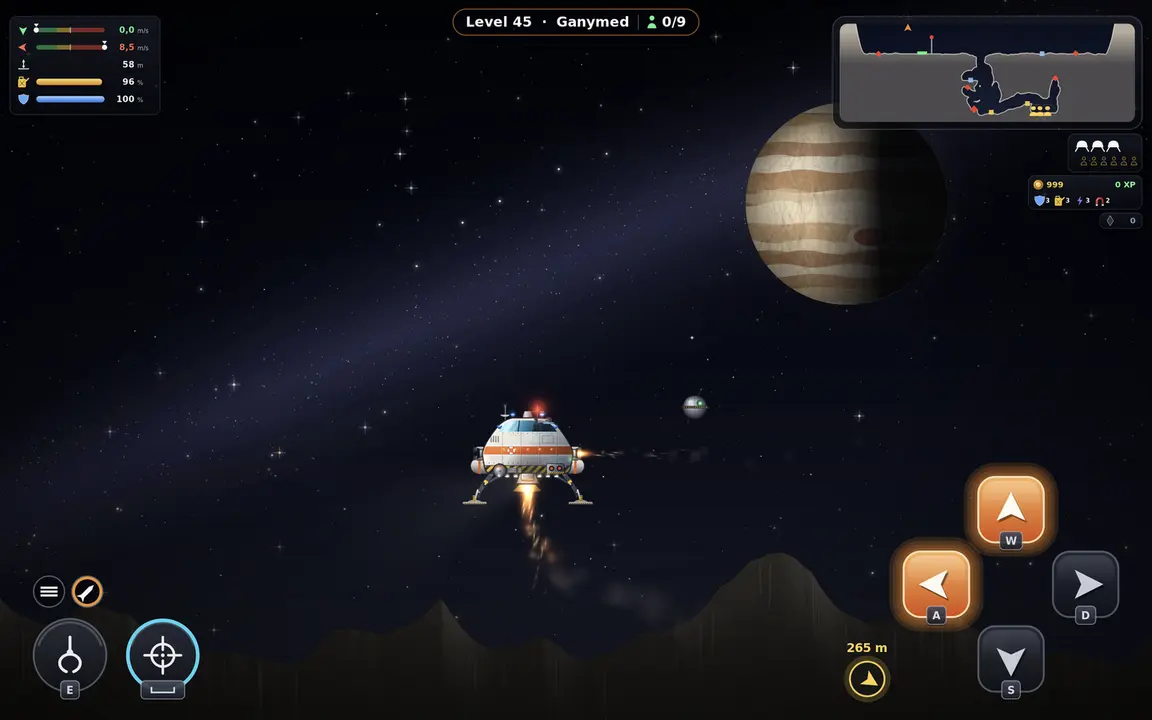
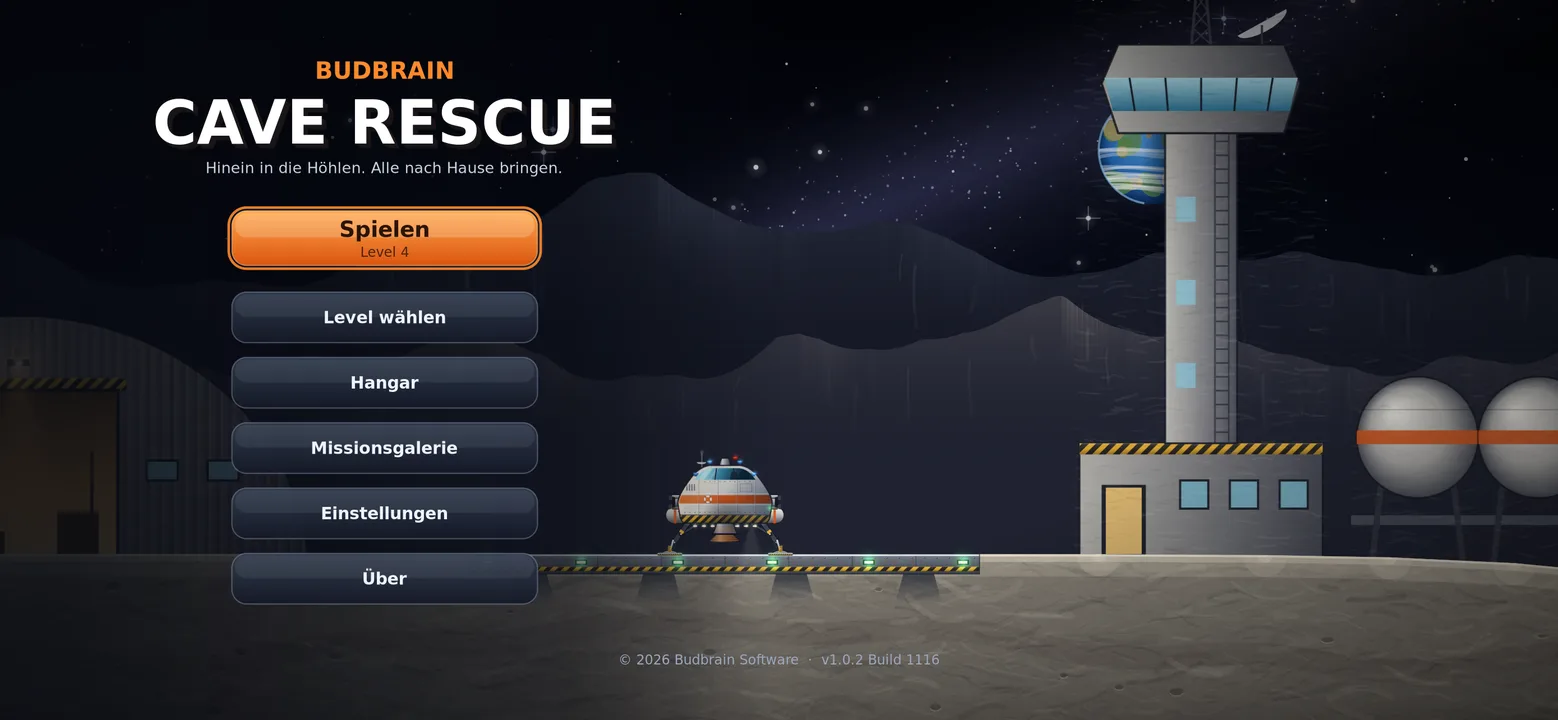
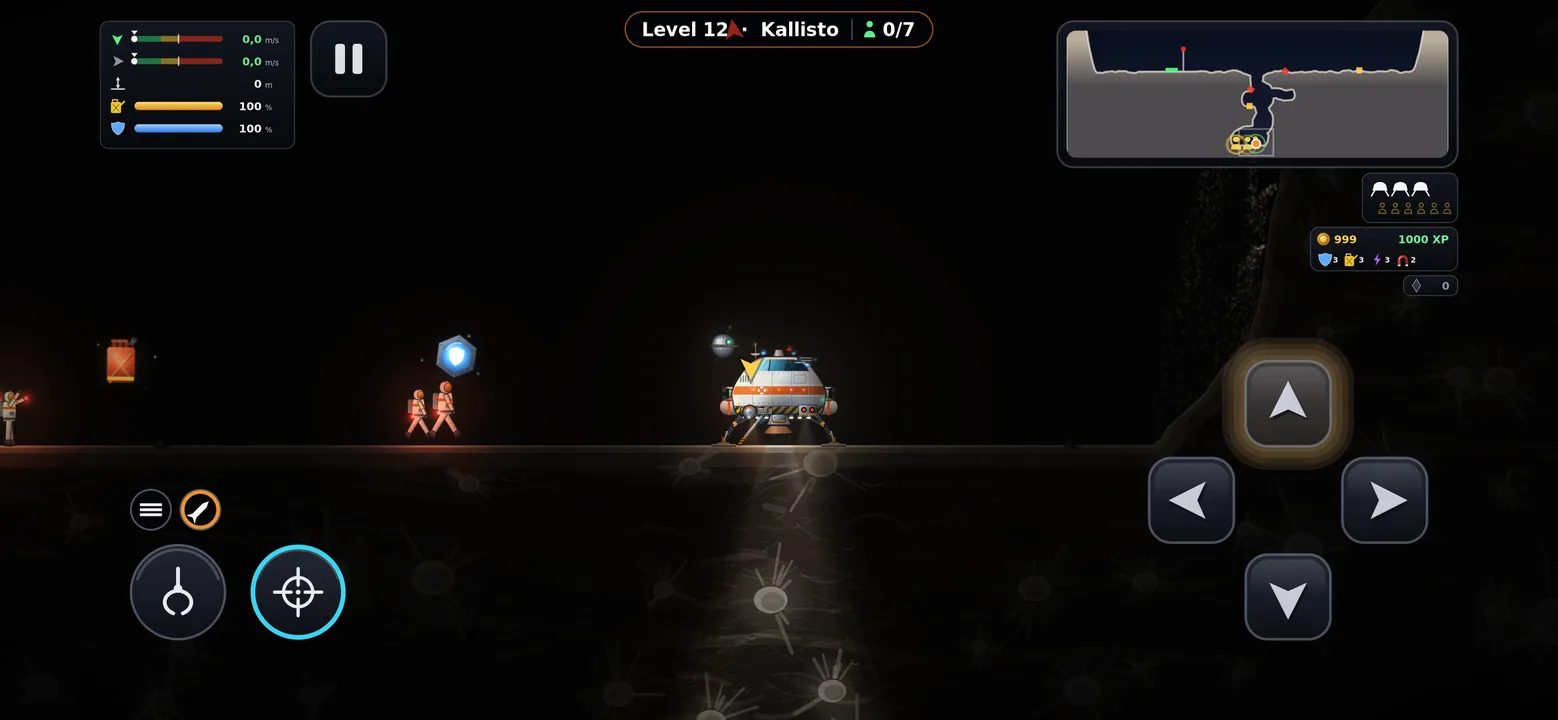
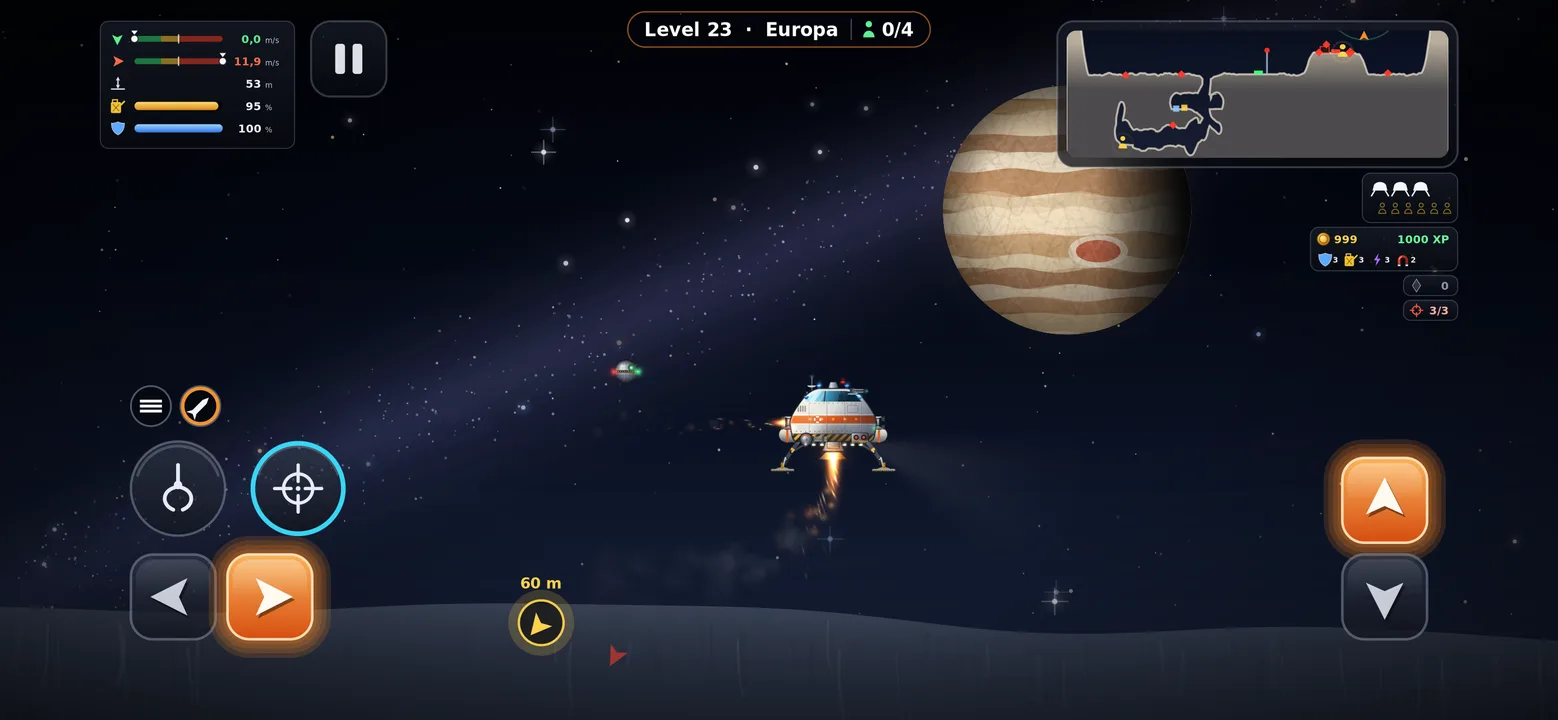
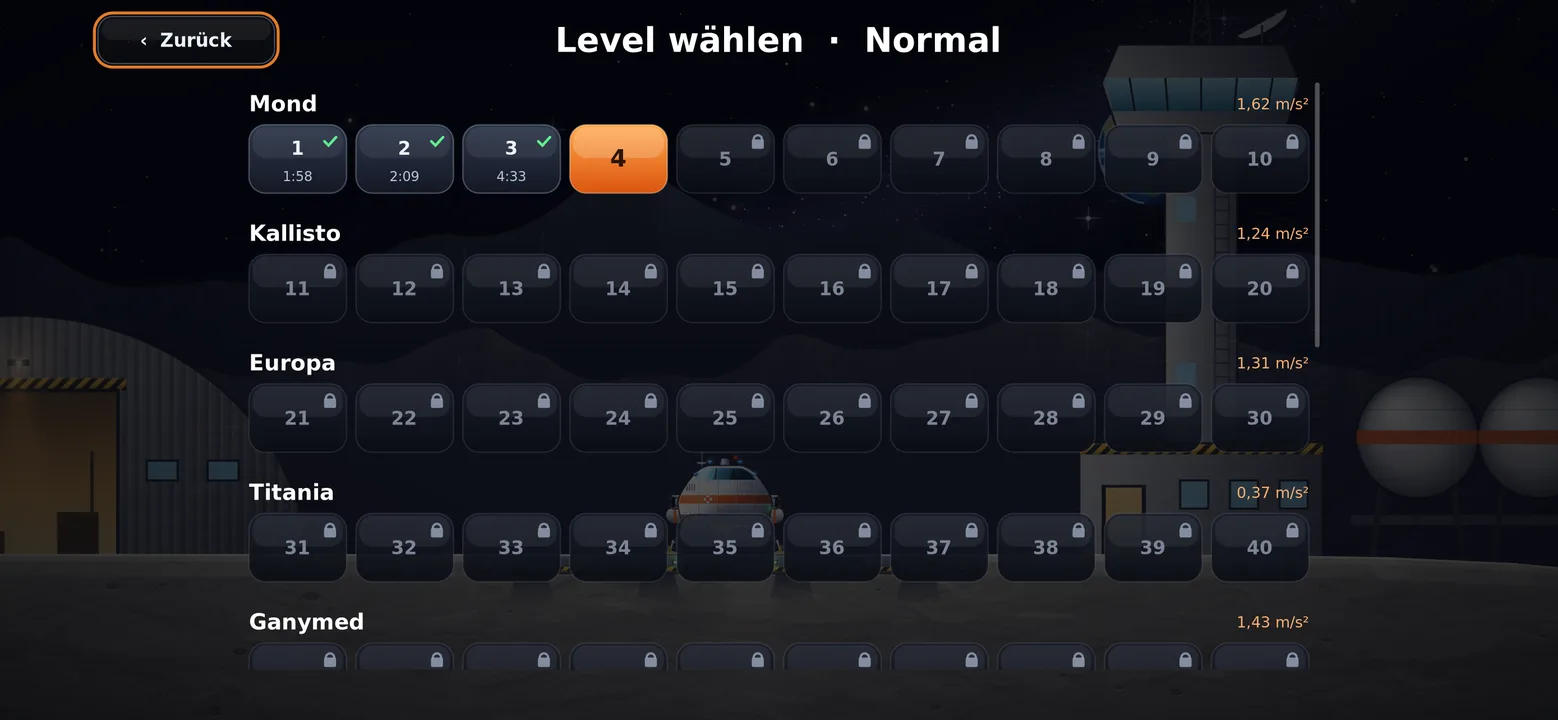
Vola nelle profonde grotte lunari e riporta a casa sani e salvi gli astronauti dispersi.
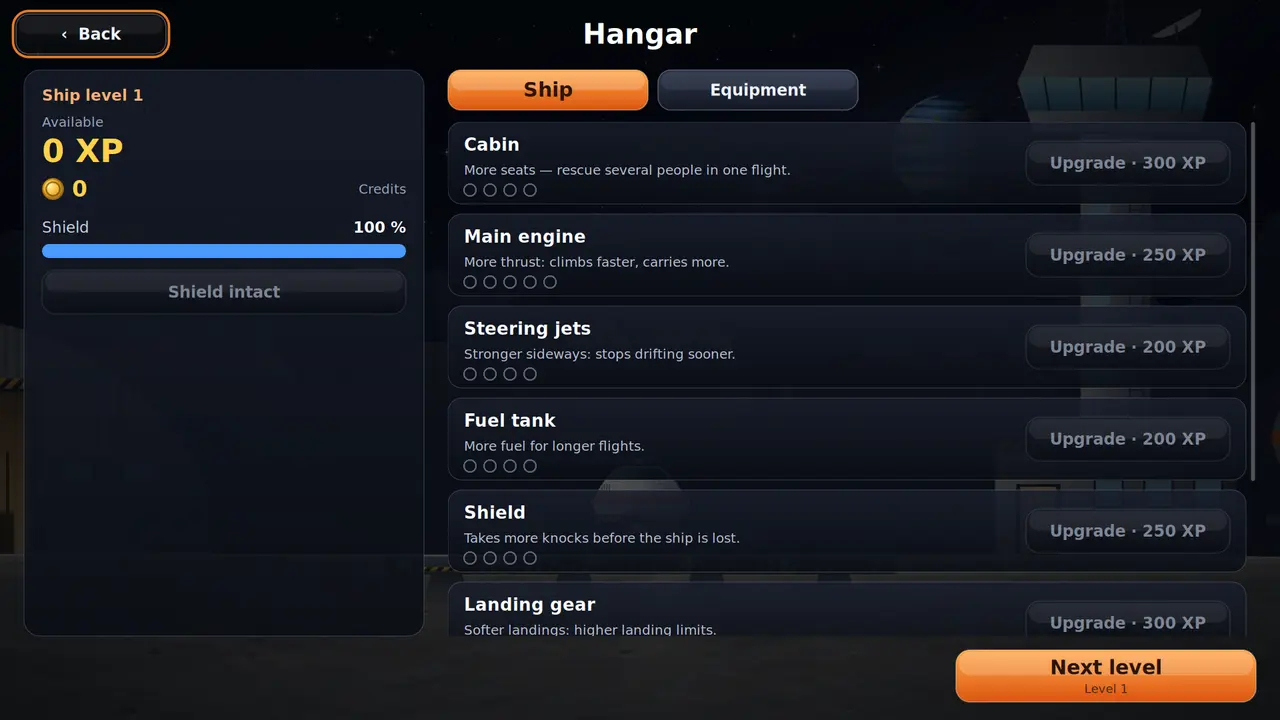
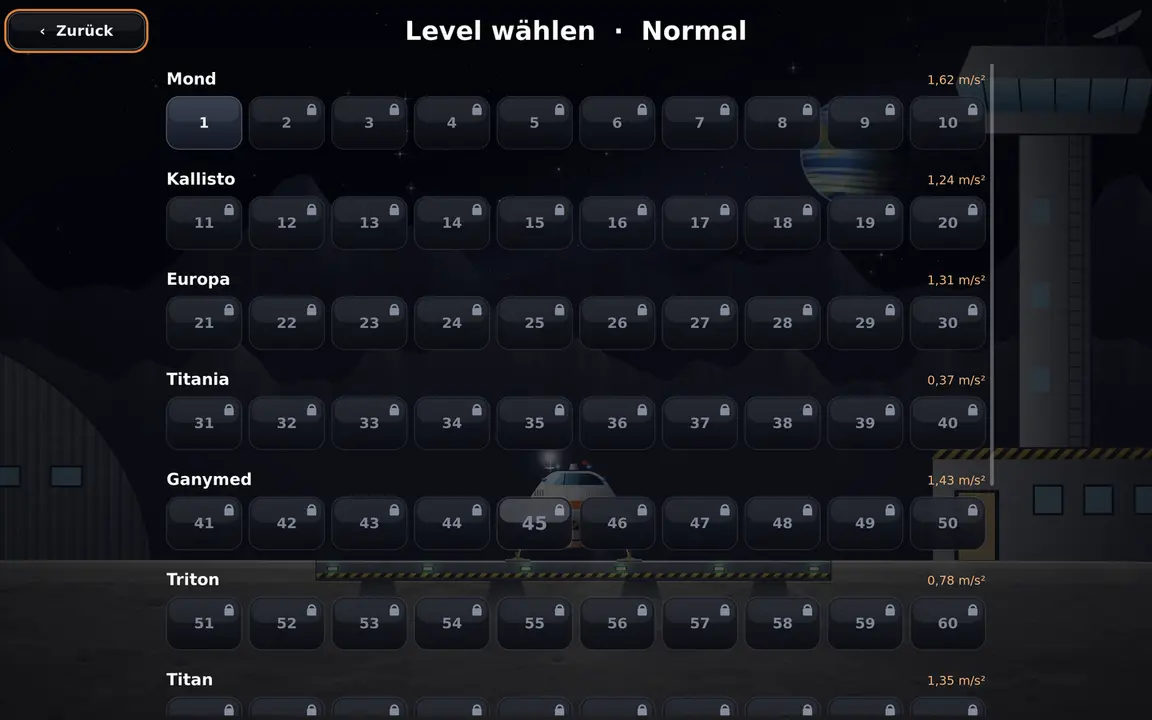
100 livelli su dieci mondiGravità veraQuattro pulsanti, nient’altroPotenziate la nave con l’esperienzaQuattro livelli di difficoltàGalleria delle missioni con mappe di voloTastiera, mouse o gamepadSDL2 · Cairo44 lingue
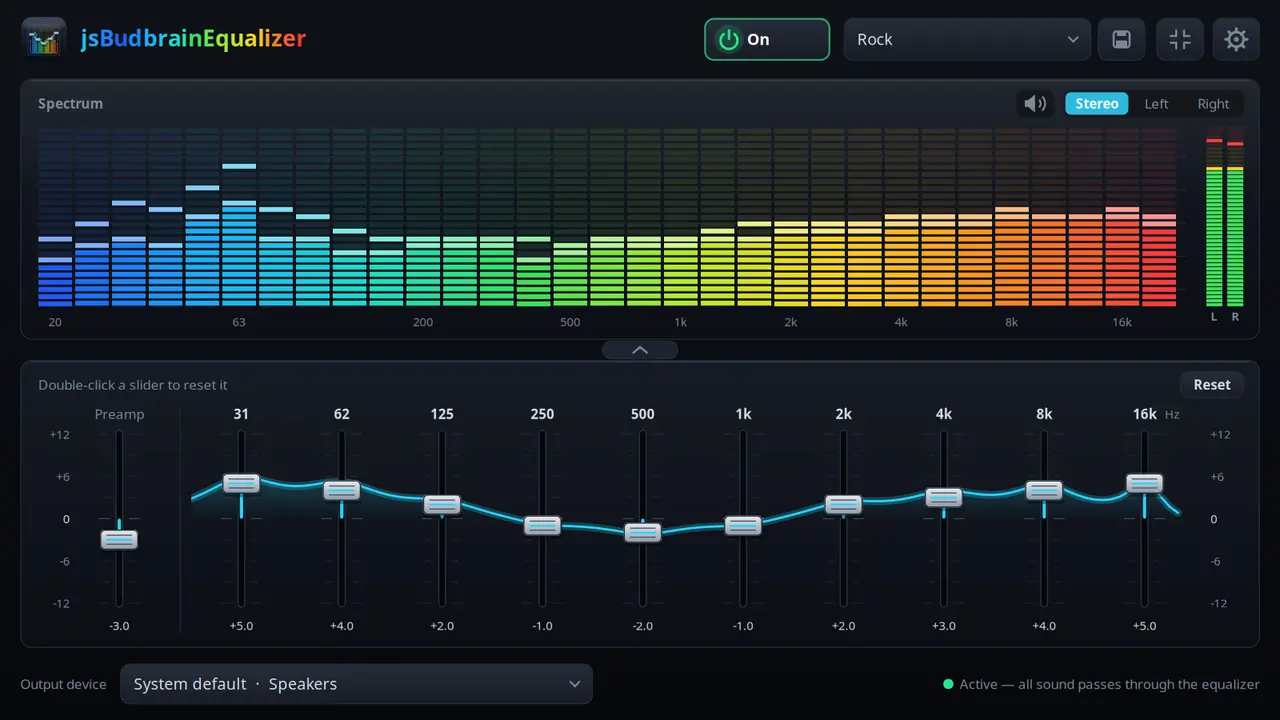
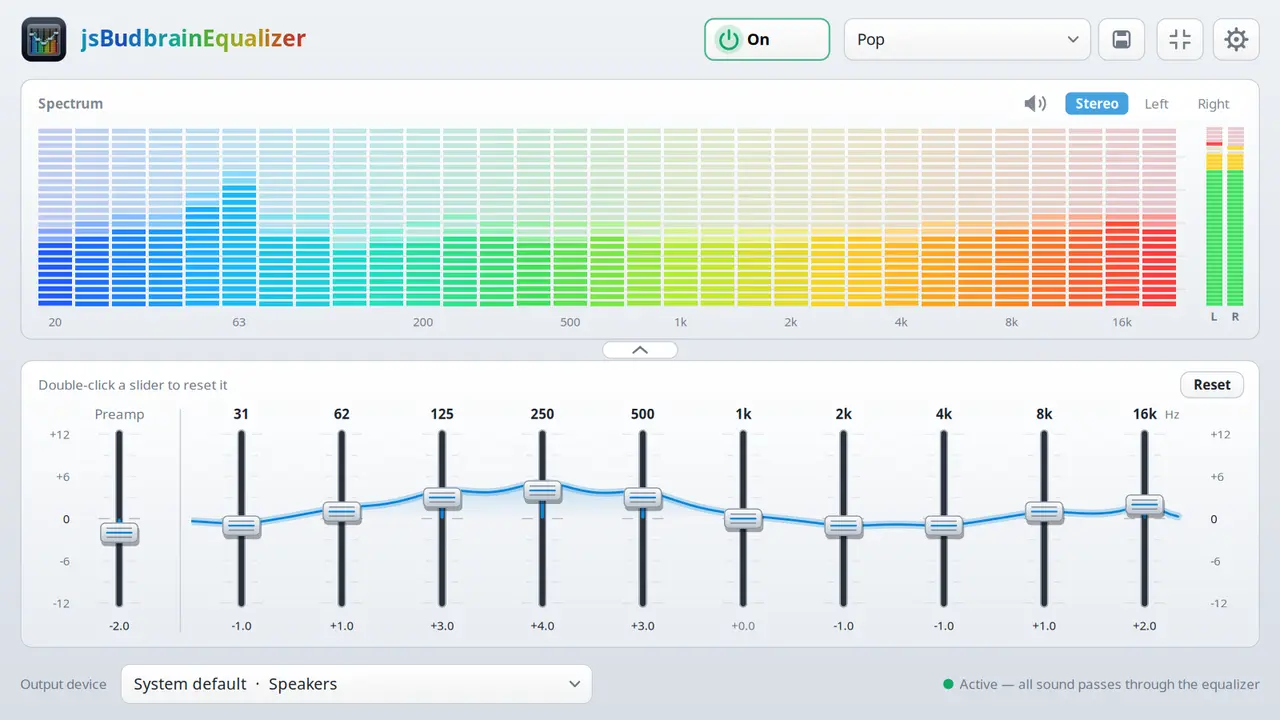
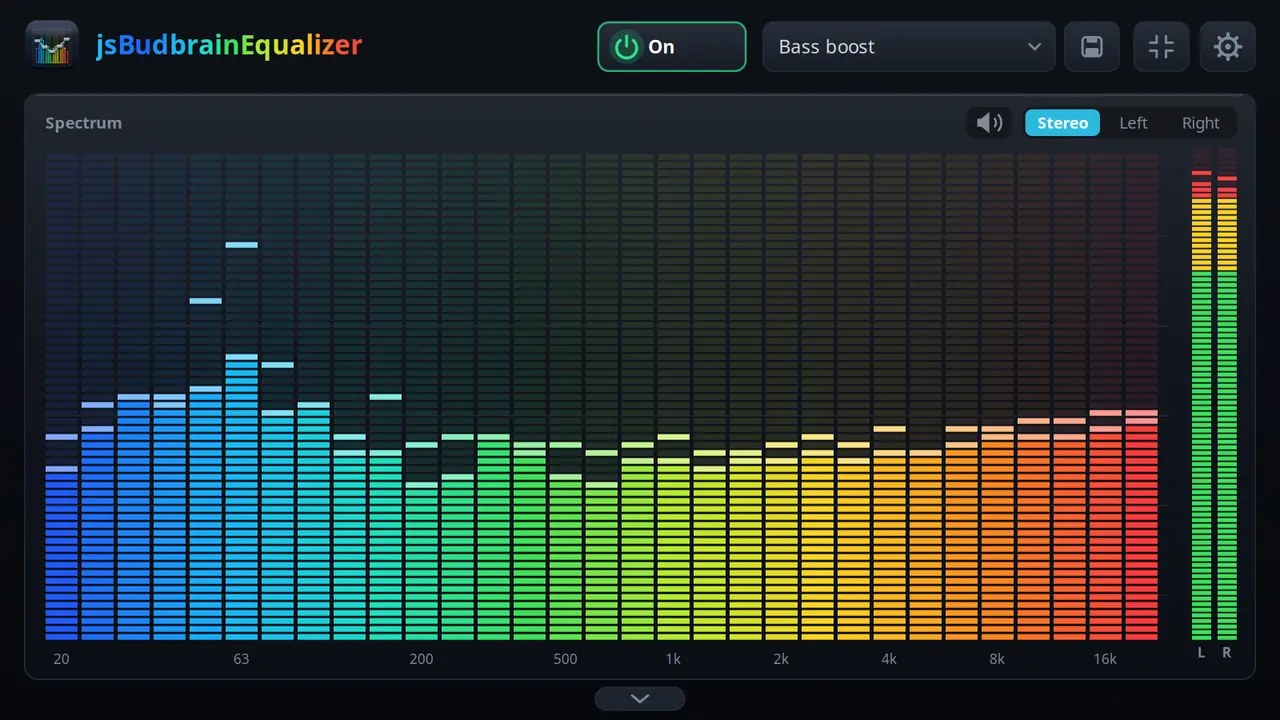
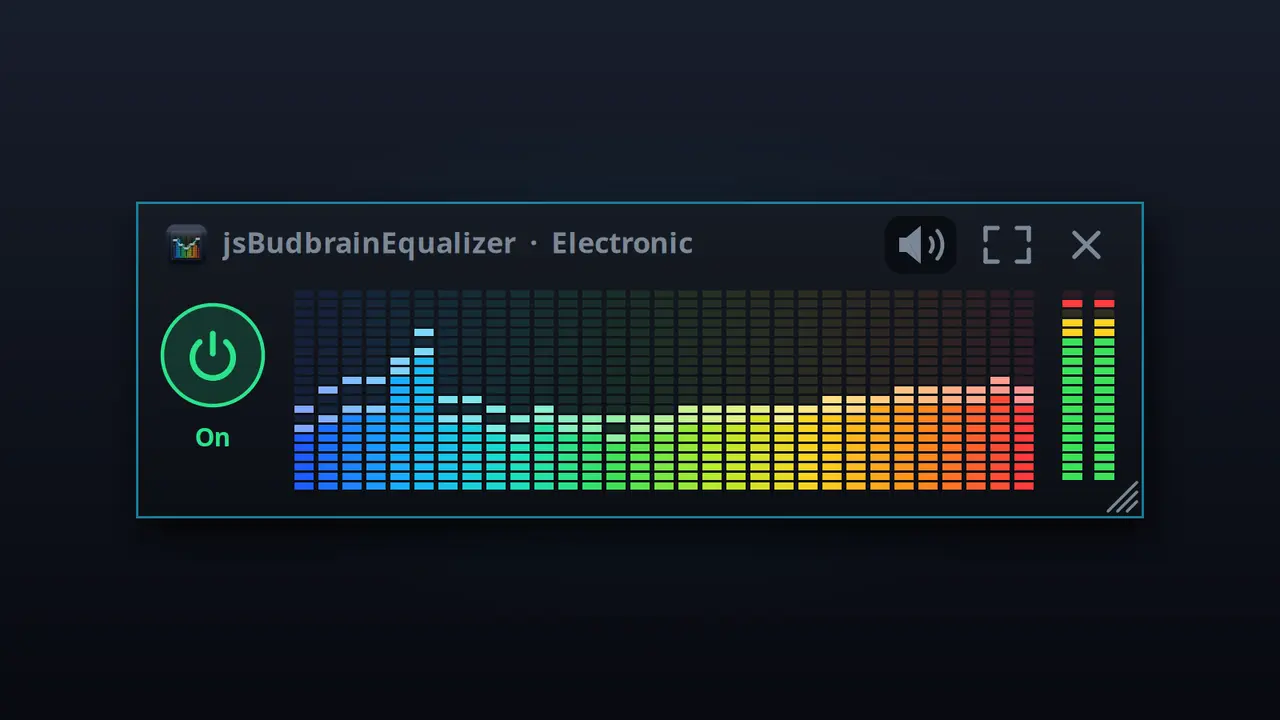
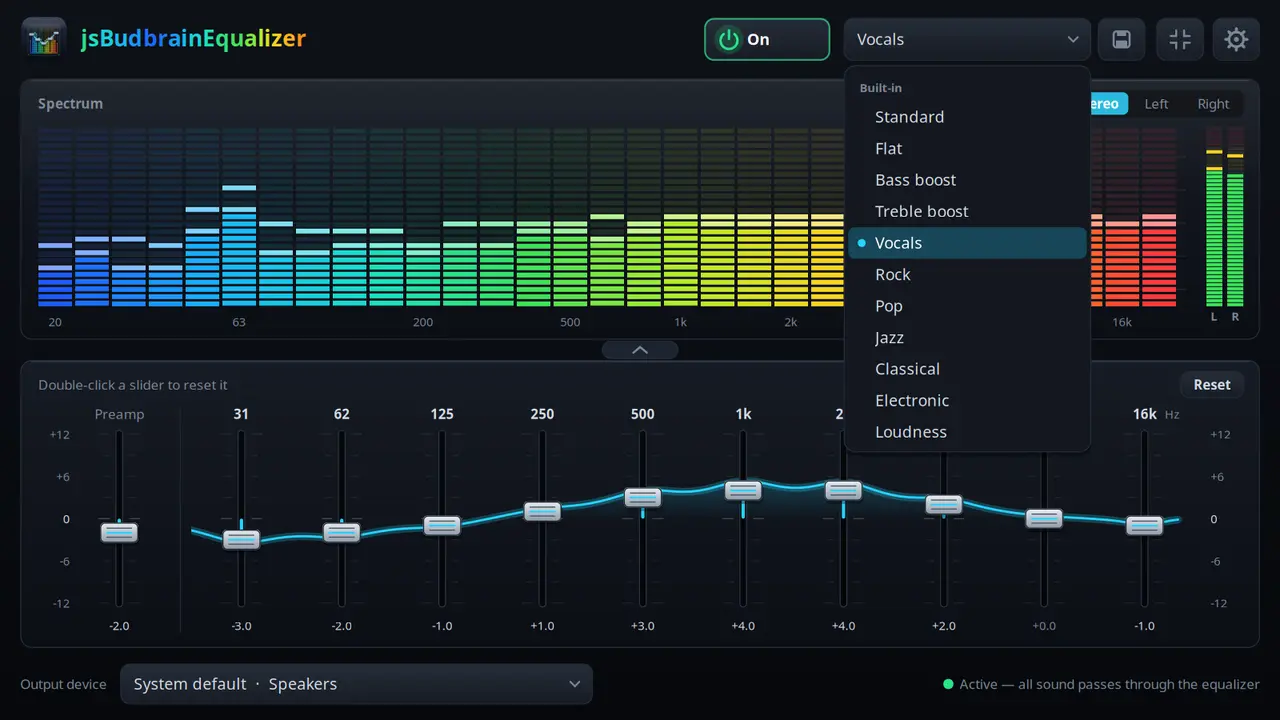
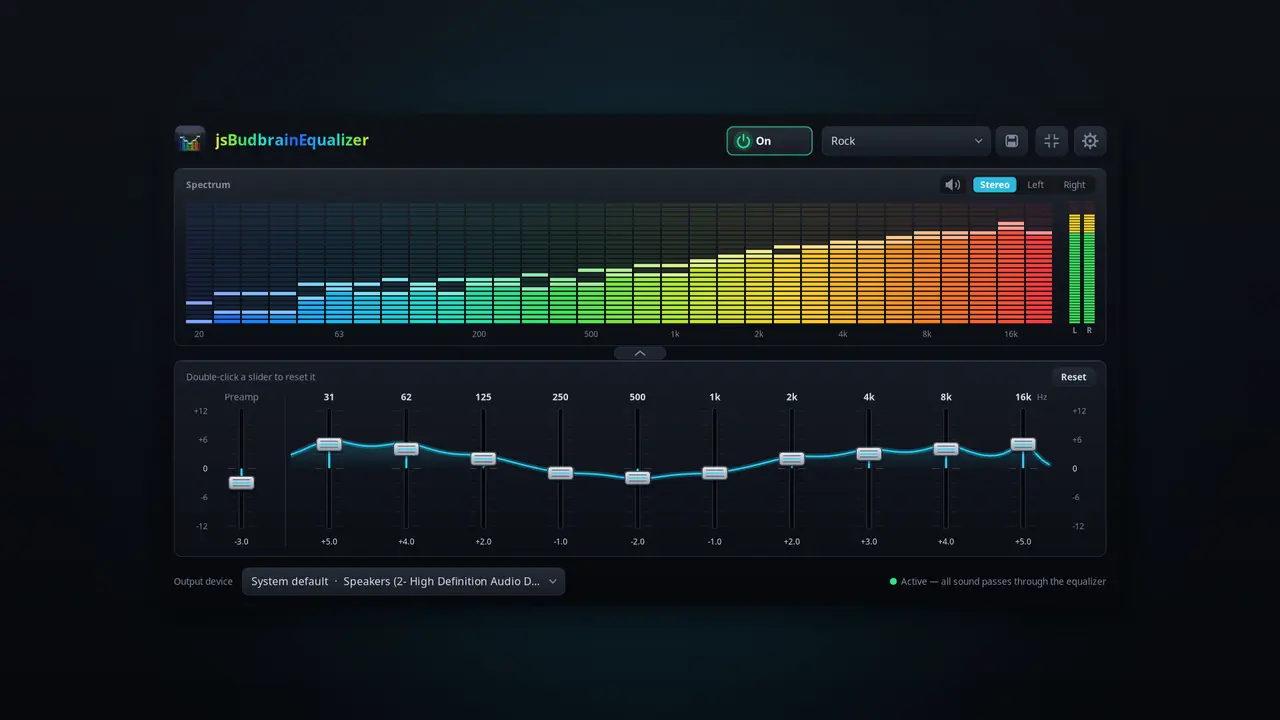
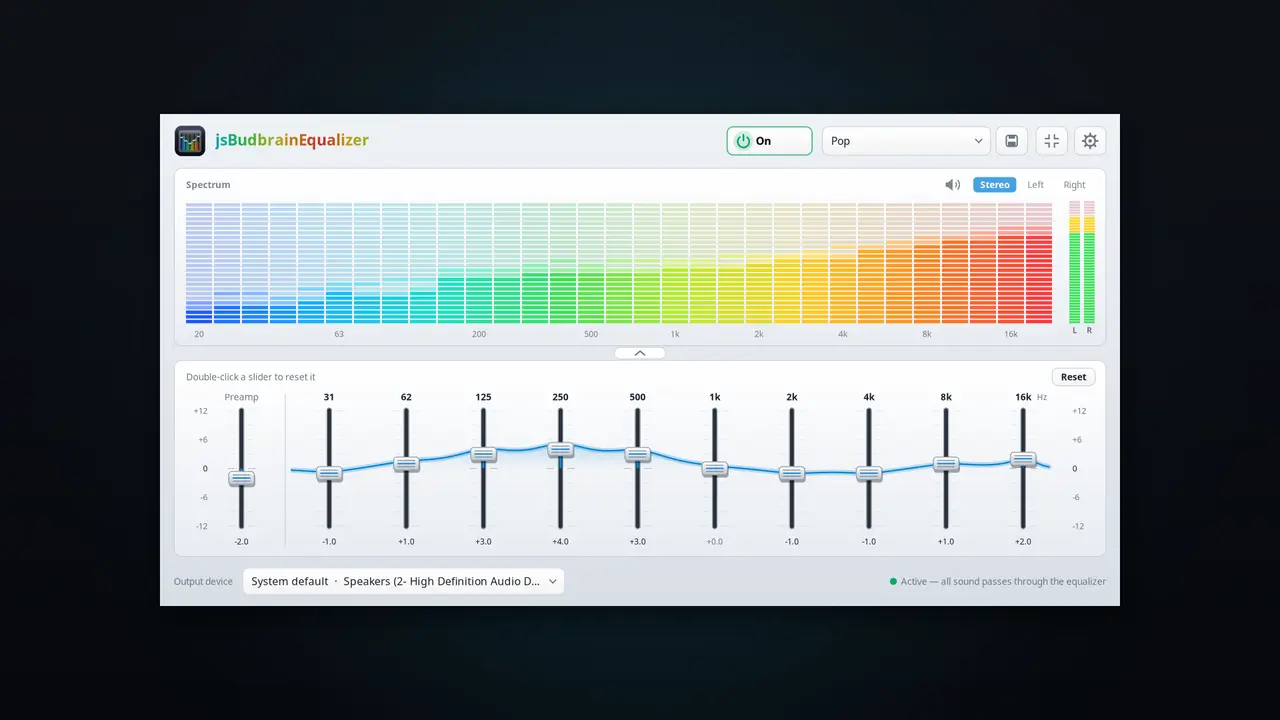
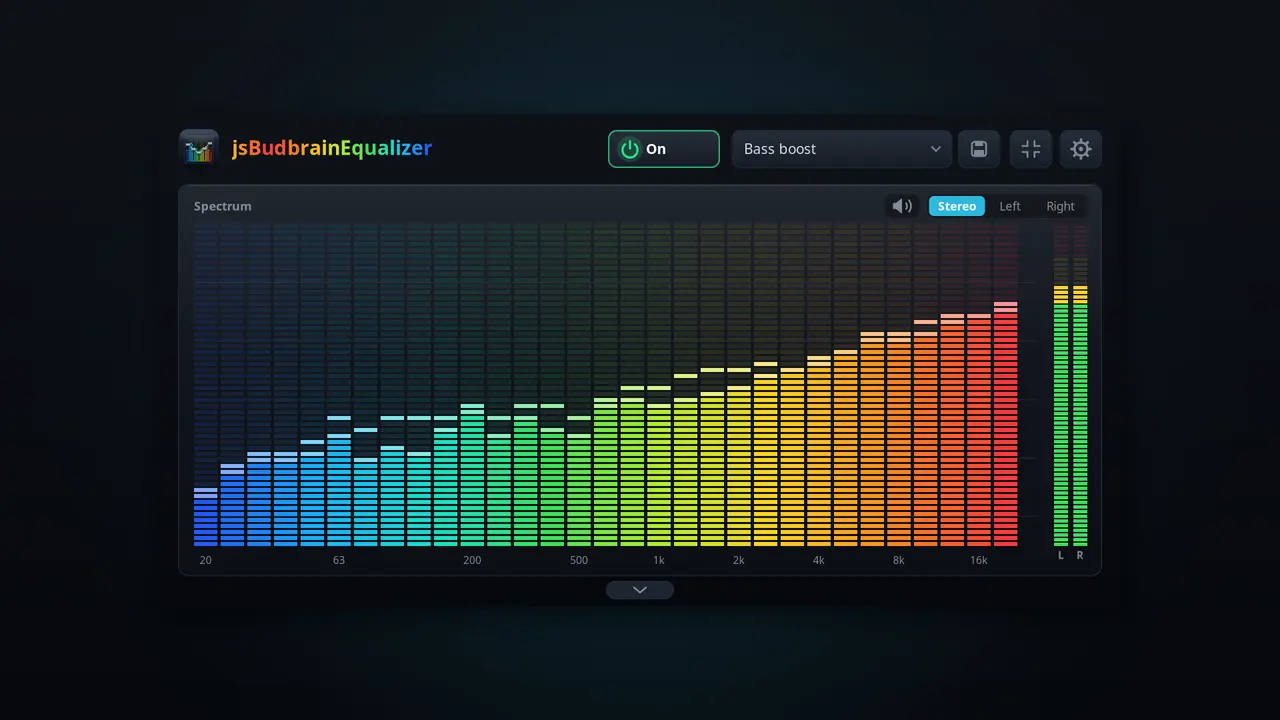
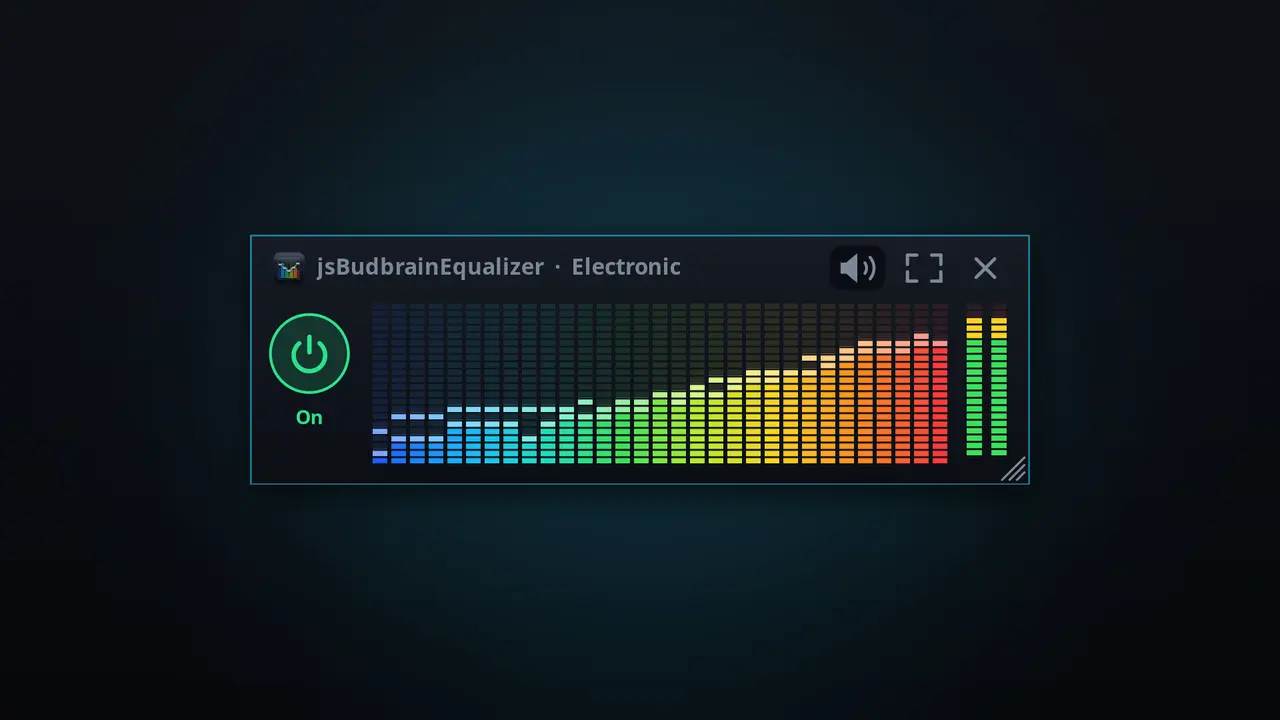
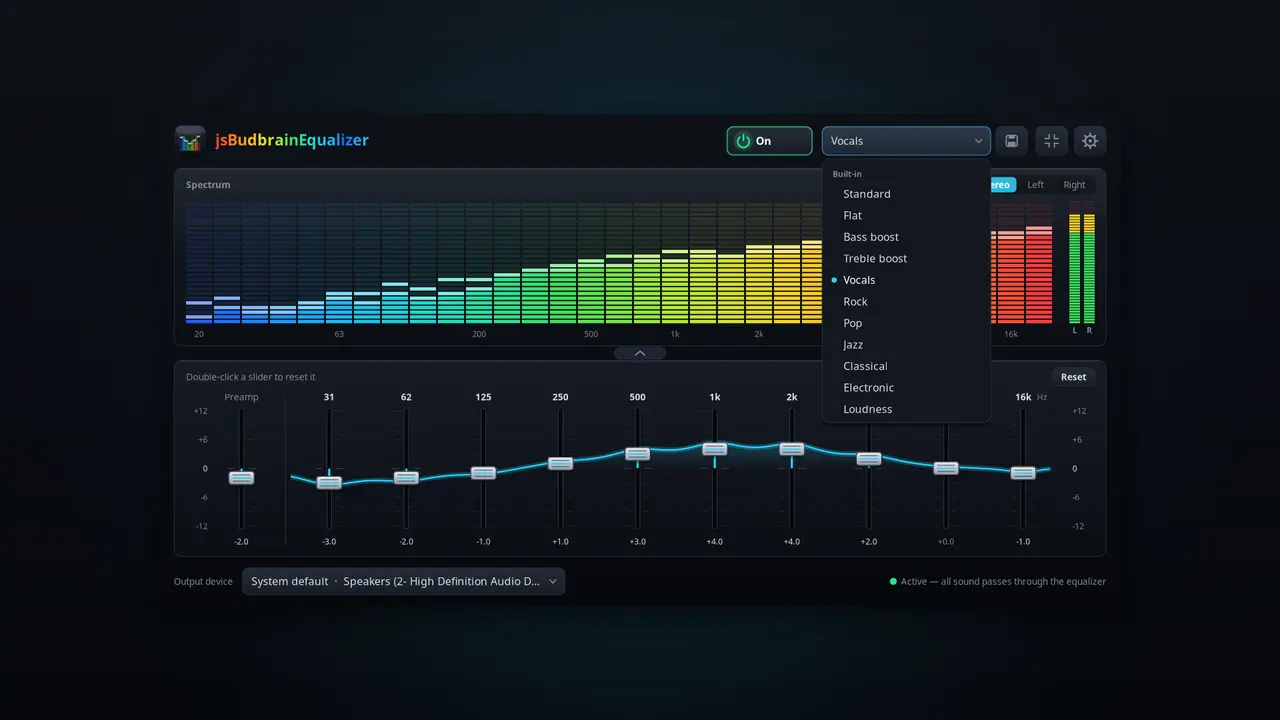
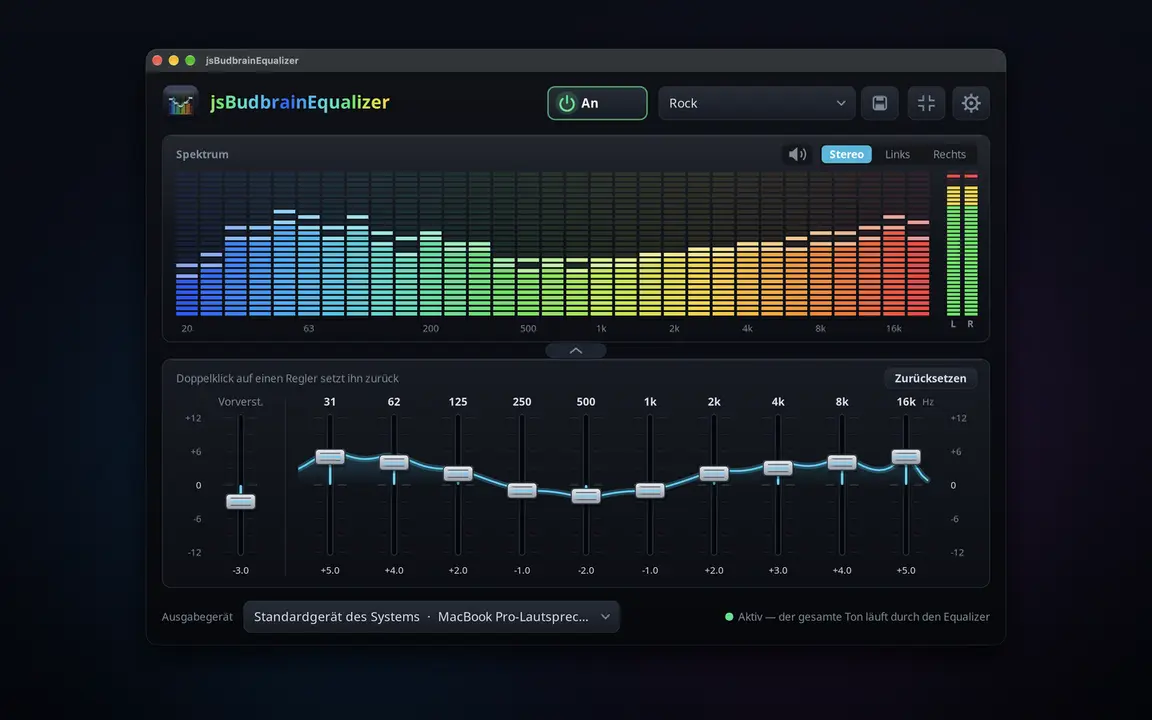
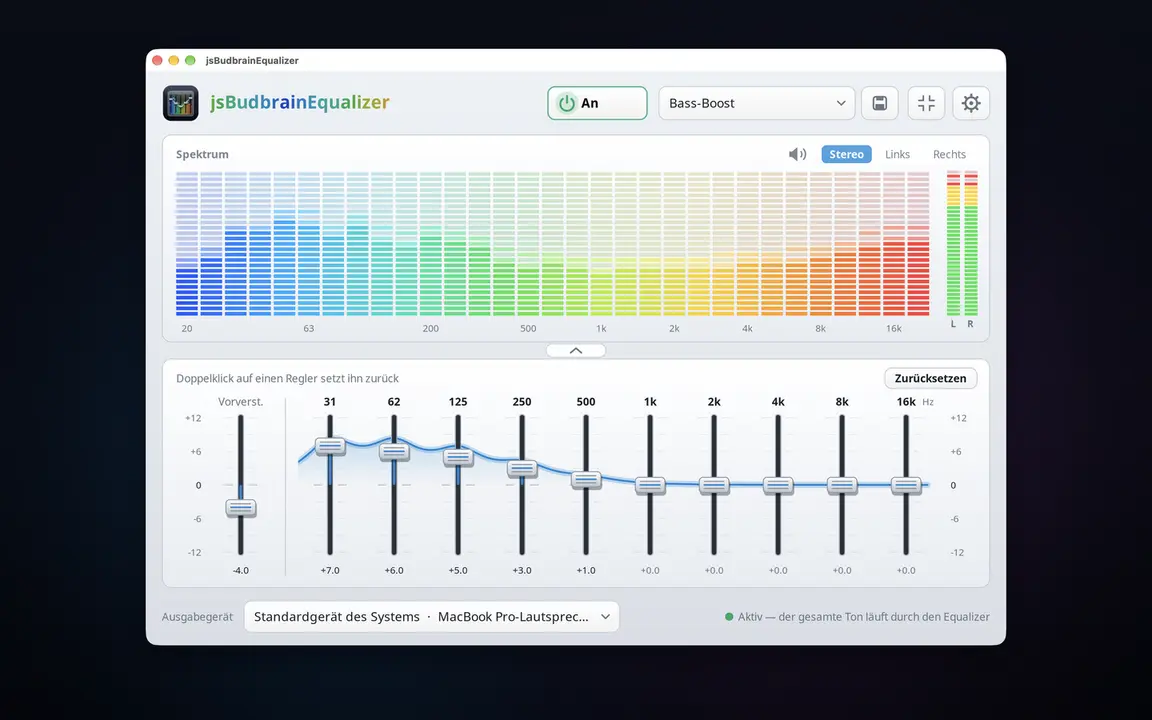
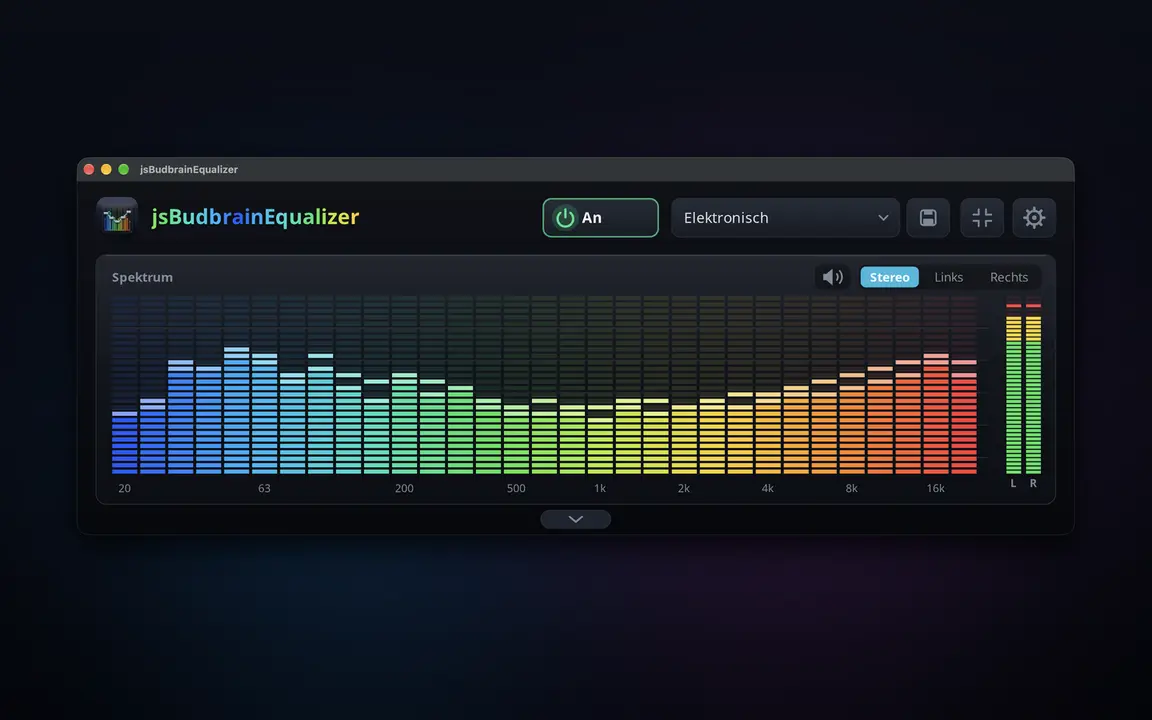
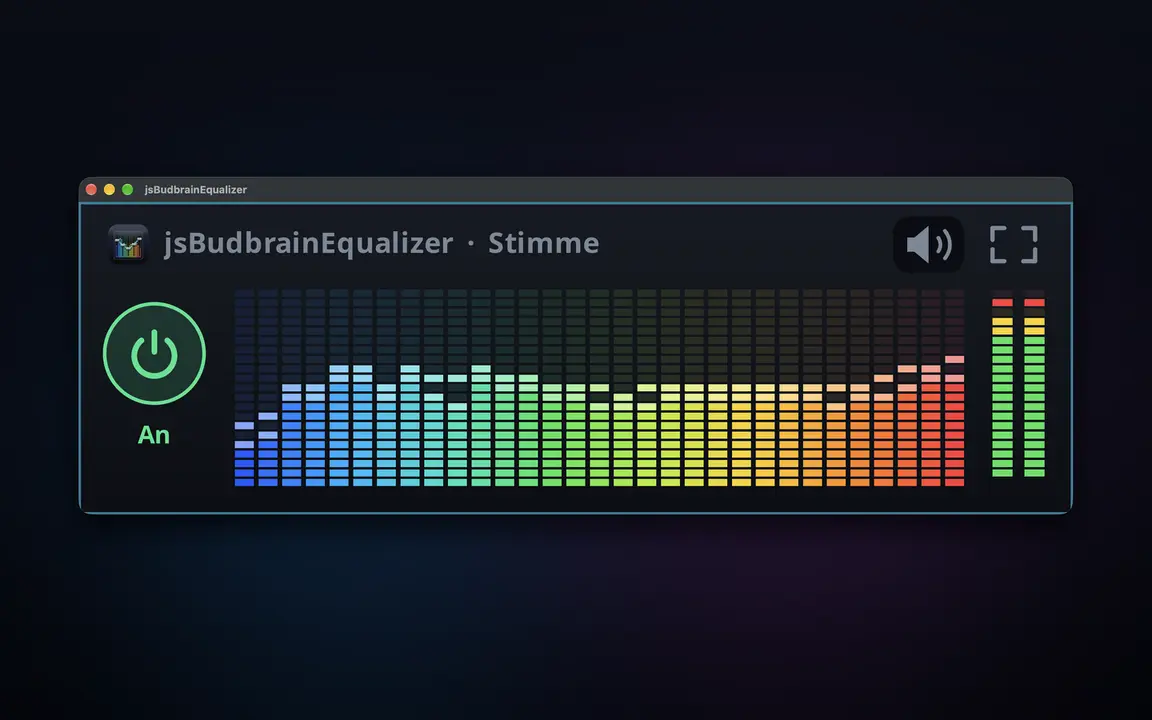
Un equalizzatore per tutto ciò che il vostro computer riproduce — con spettro in tempo reale.
Dieci cursori, dai bassi profondi agli acuti brillantiMostra in tempo reale ciò che suona — sinistra, destra o entrambiImpostazioni audio pronte e le vostre, salvate con un nomeTasto muto per quando squilla il telefonoScegliete altoparlanti o cuffieRichiudere i cursori e tenere solo il displayFinestra piccola sempre in primo pianoSi avvia all'accesso, se voleteChiaro e scuroSDL2 · CairoPipeWire · PulseAudio44 lingue
Riproduce registrazioni da una cartella — a caso o in ordine, negli orari che scegliete voi.
Riproduce registrazioni da una cartella, anche in reteA caso o in ordineSolo fra due orariSolo nei giorni della settimana che spuntateUniforma registrazioni di volume diversoSi avvia all'accesso e prosegue da soloMP3GTK3 · CairoPipeWire · PulseAudio44 lingue
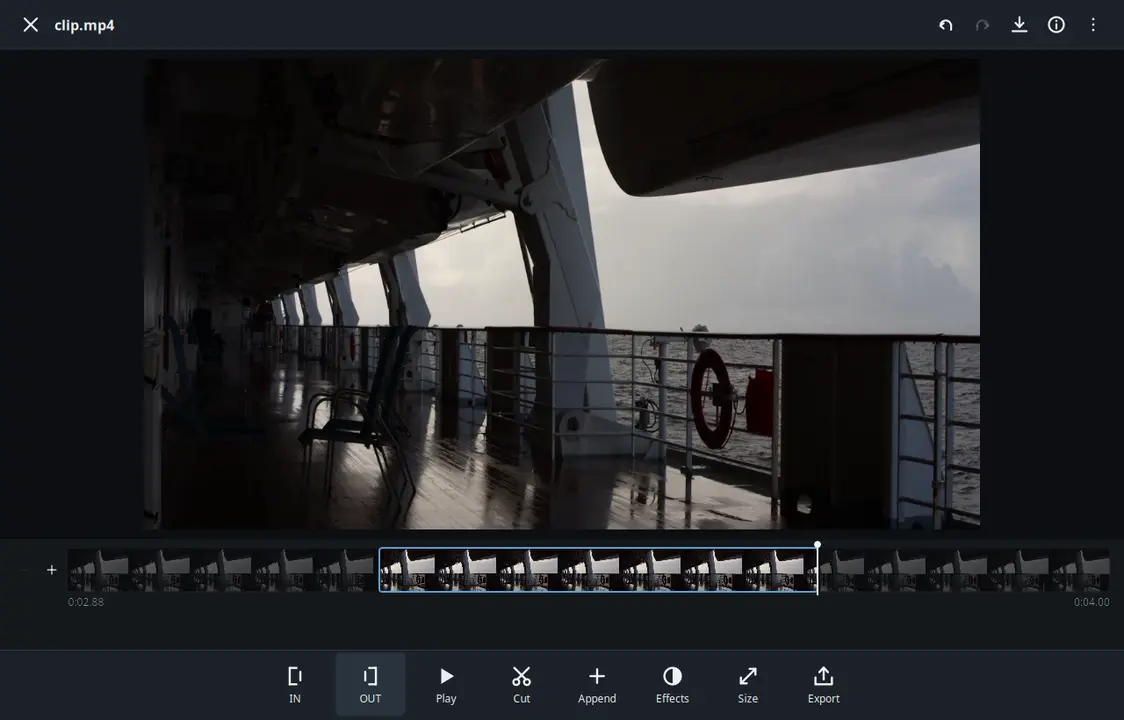
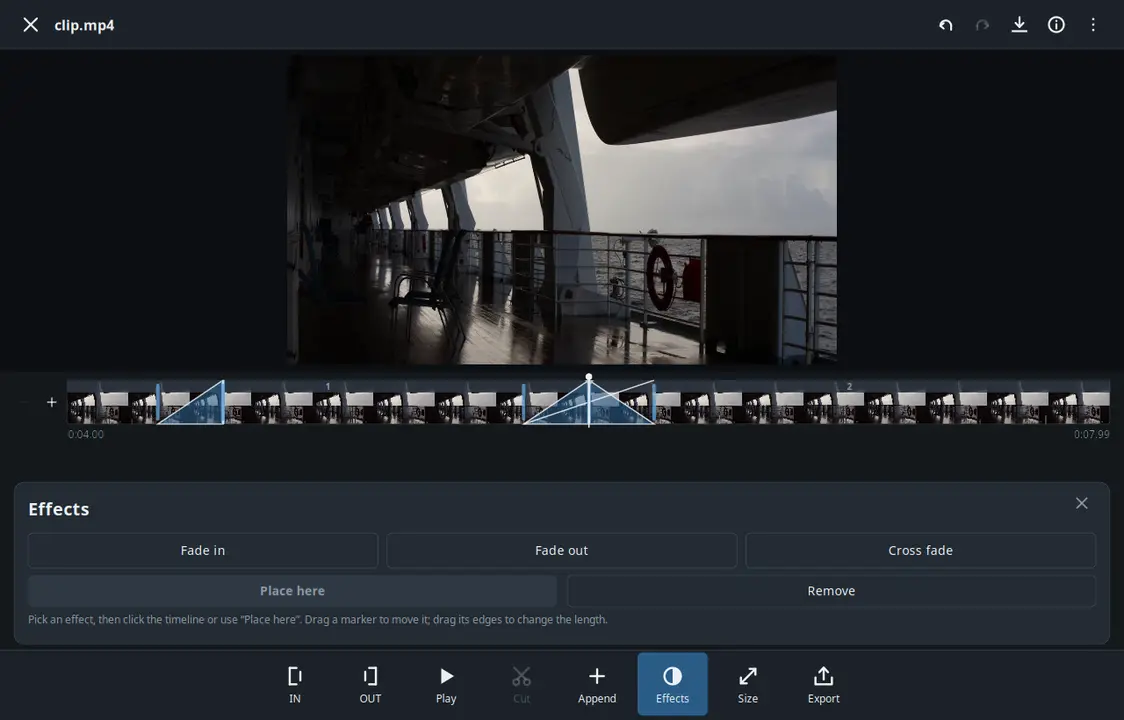
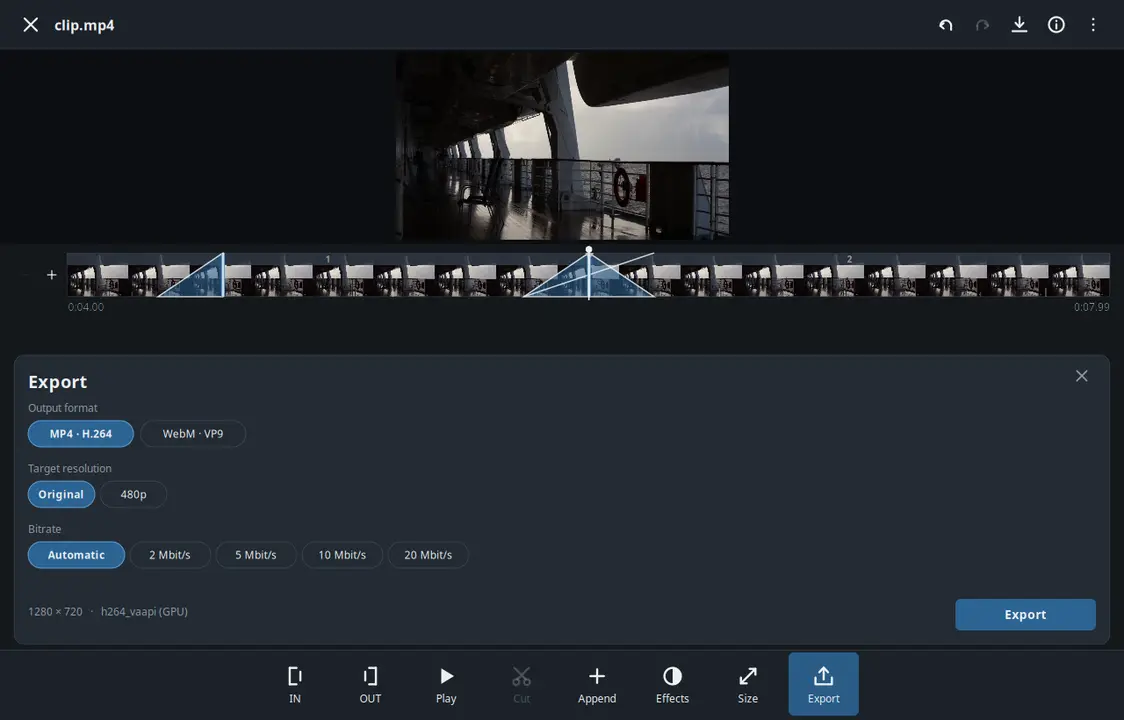
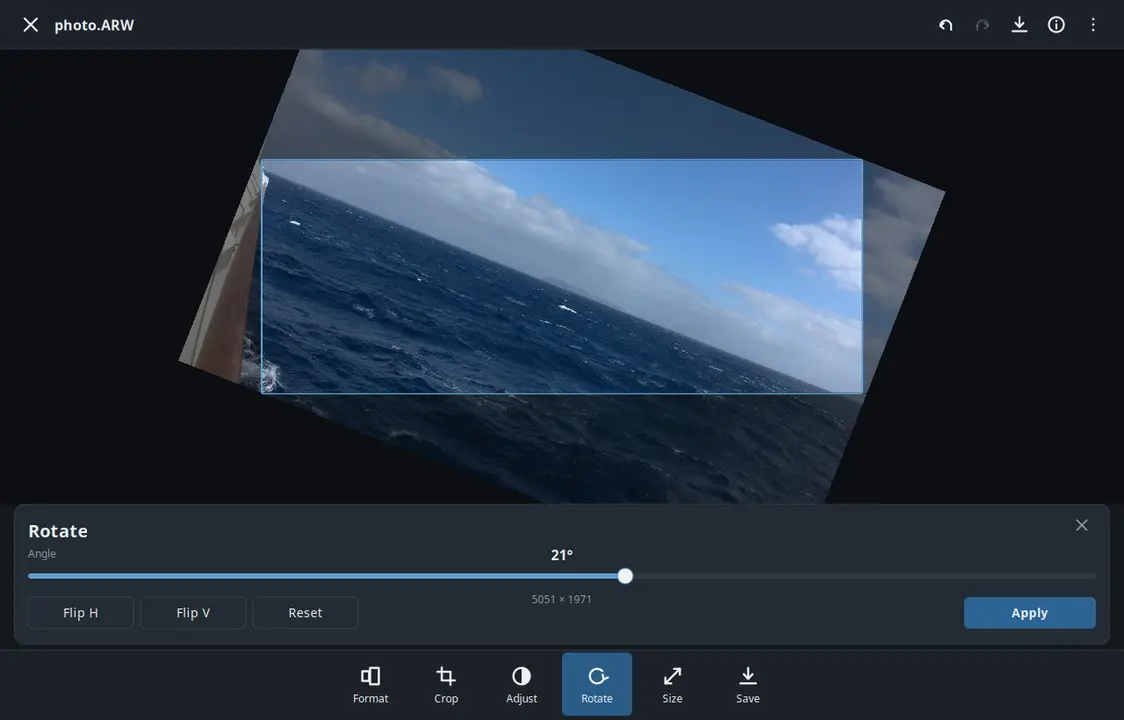
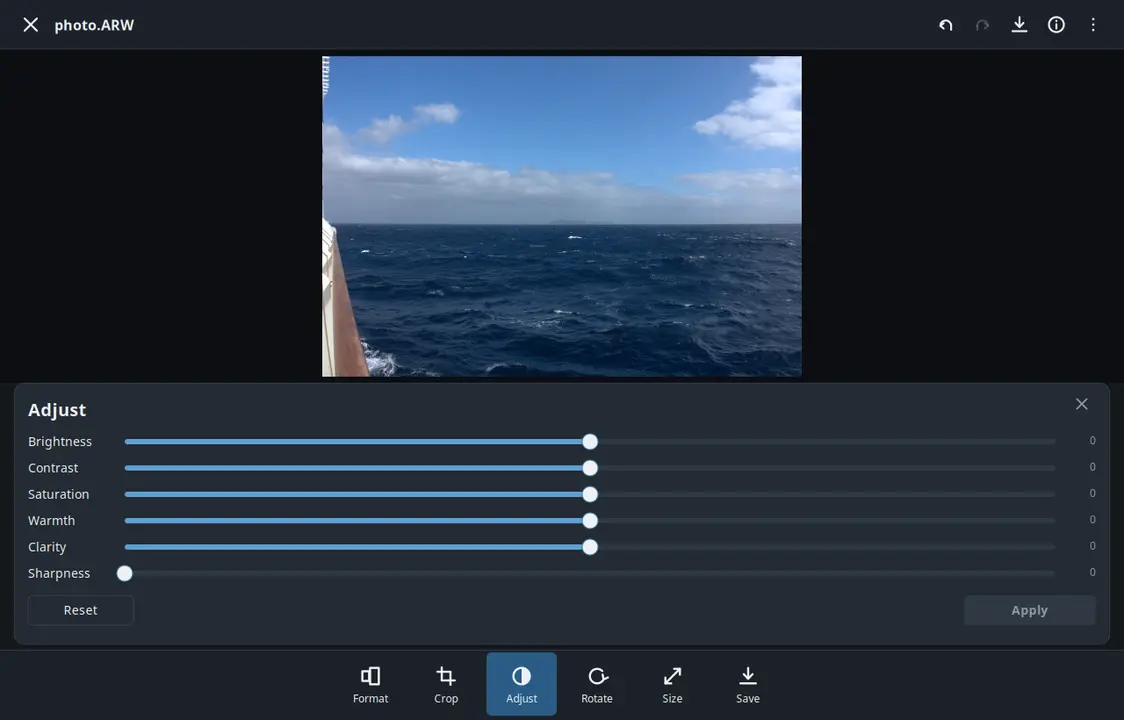
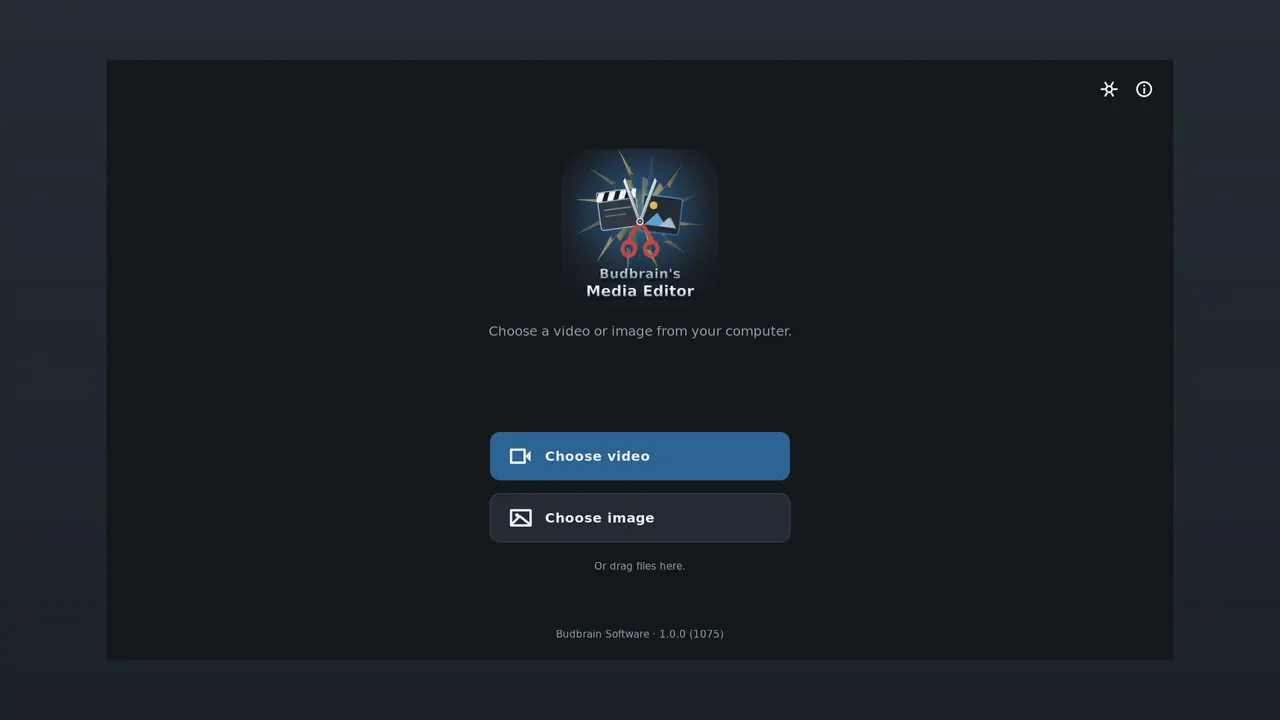
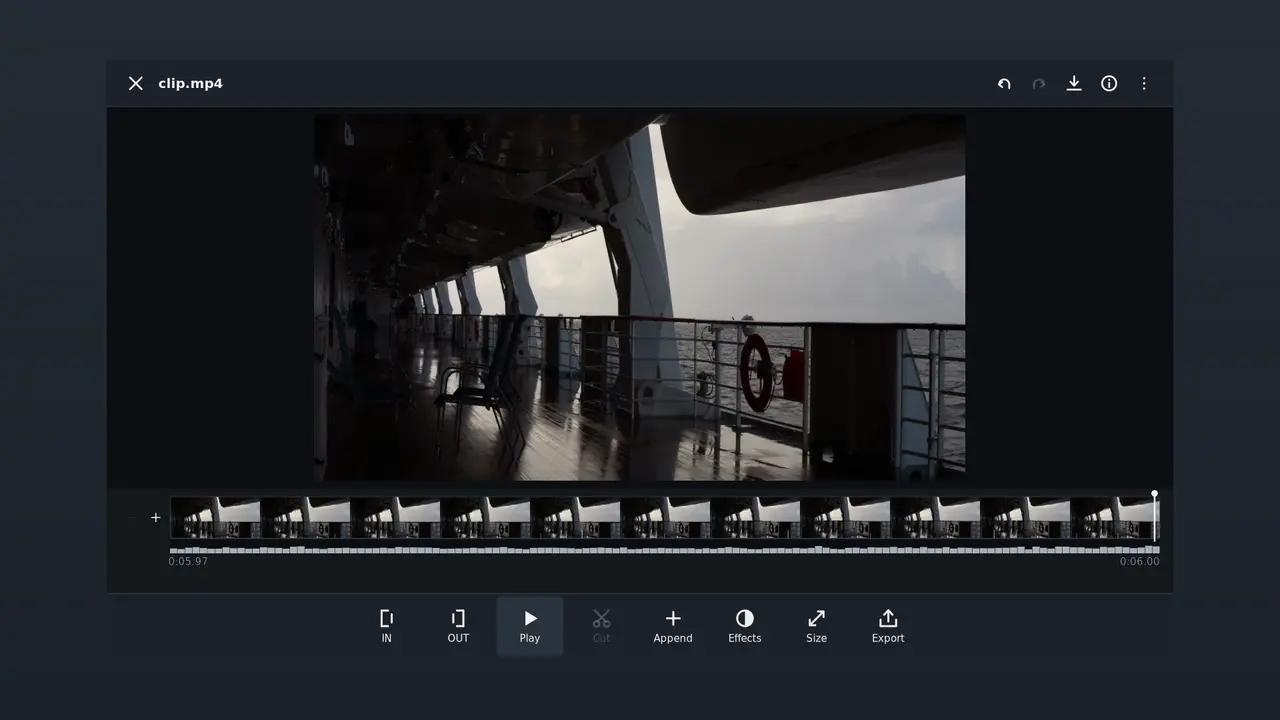
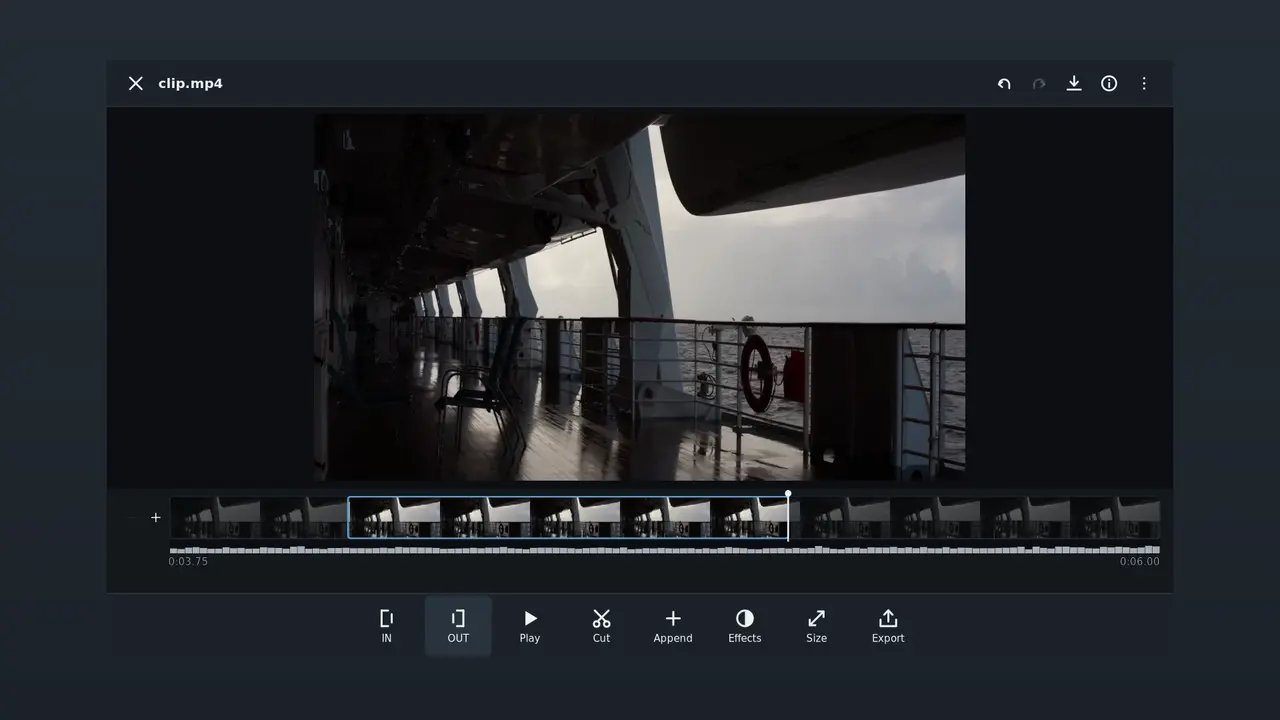
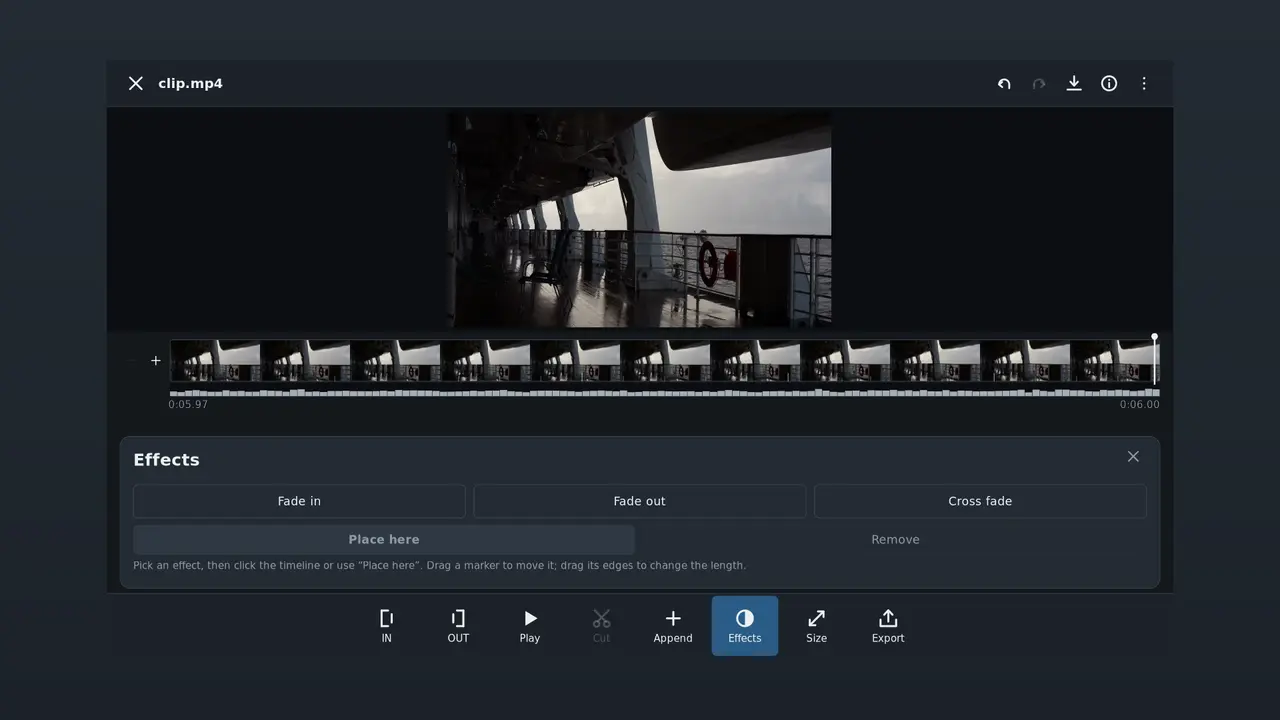
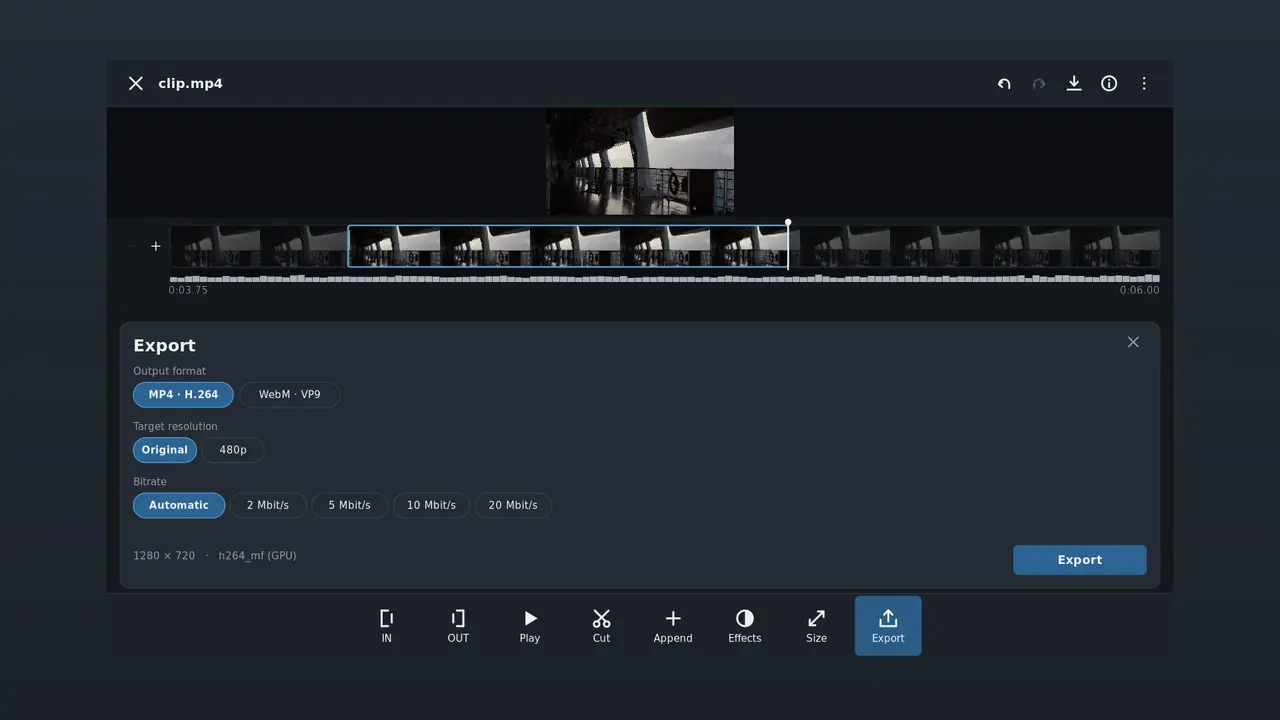
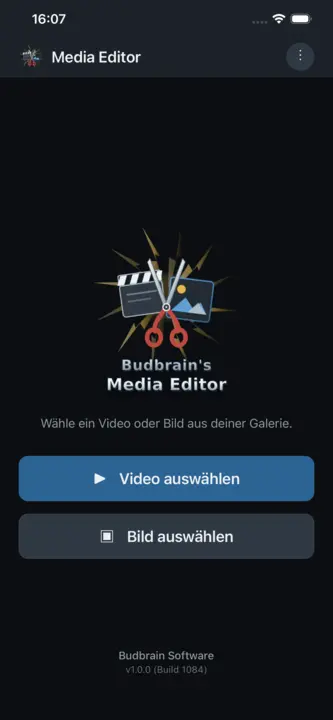
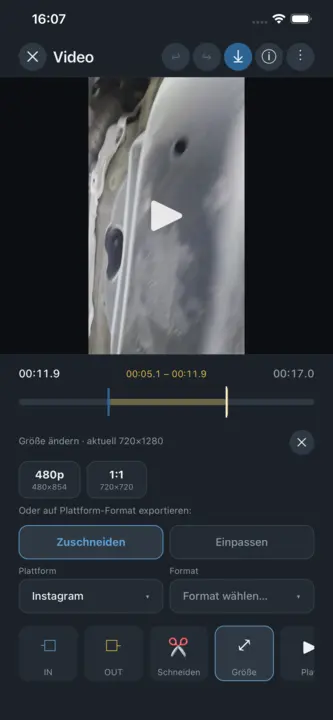
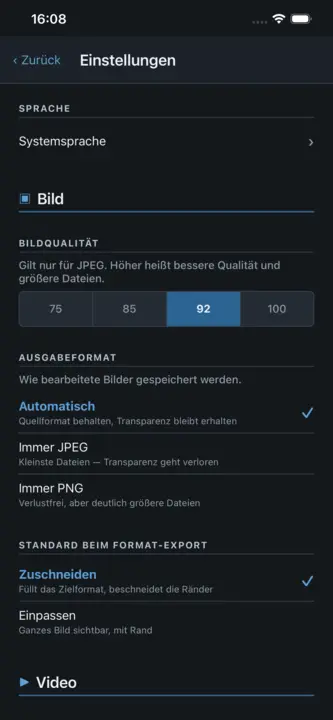
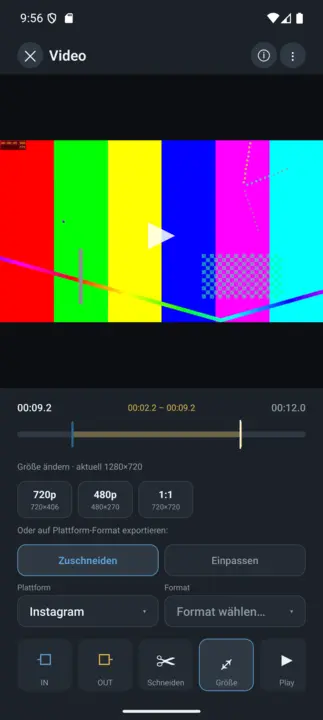
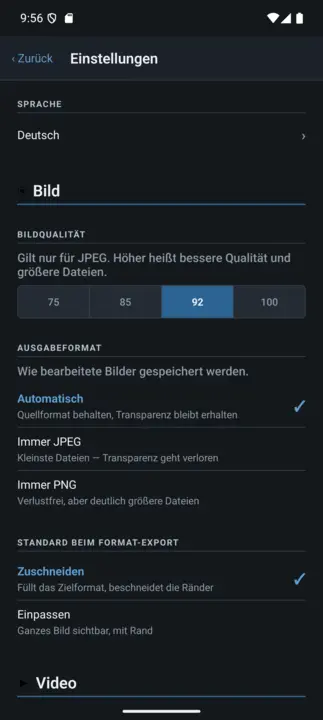
Modificare un video o una foto e salvarli. Accorciare un filmato o aggiungere clip, dissolvere fra di essi e poi salvare il video in una dimensione o in un formato preciso. Raddrizzare, ritagliare e regolare le foto, poi salvarle come JPEG, PNG o WebP.
Tagliare e unireDissolvenze e incrociRitagliare e regolare le fotoFormati di uscita per le piattaforme più diffuseFile raw della fotocameraFFmpeg (LGPL)VAAPI · NVENCSDL2 · CairoGNOME / KDE / XFCE44 lingue
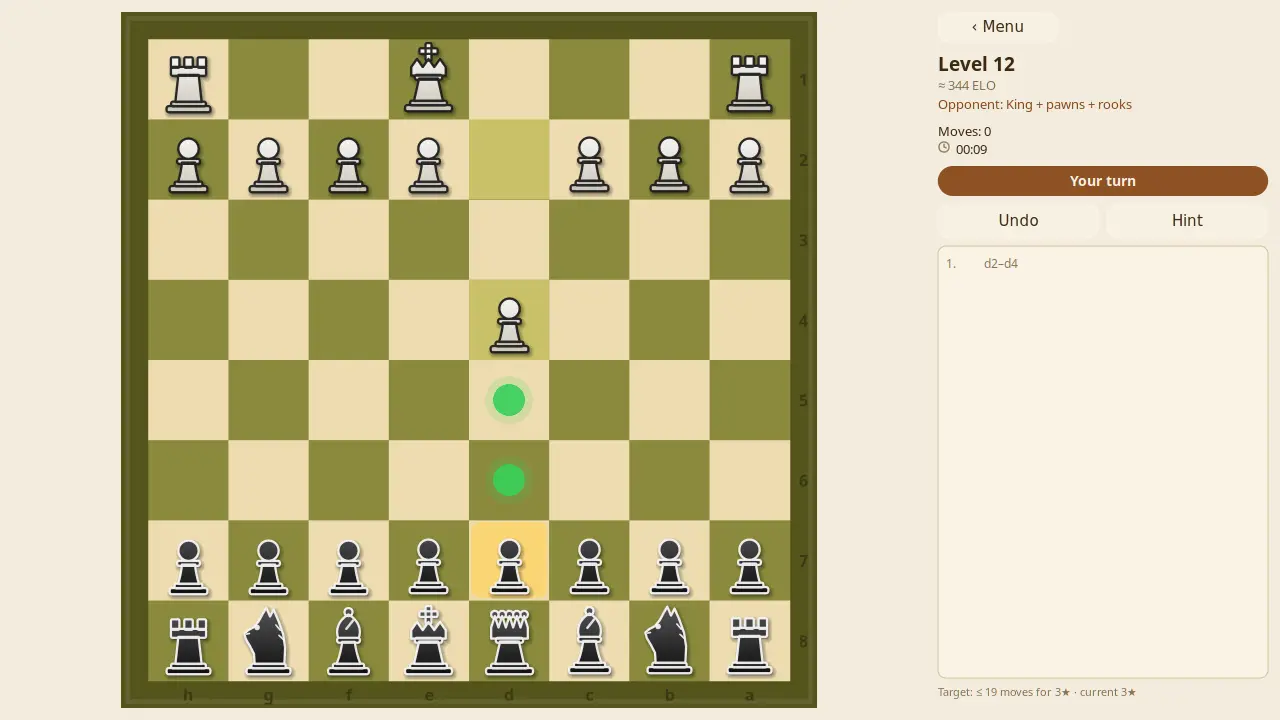
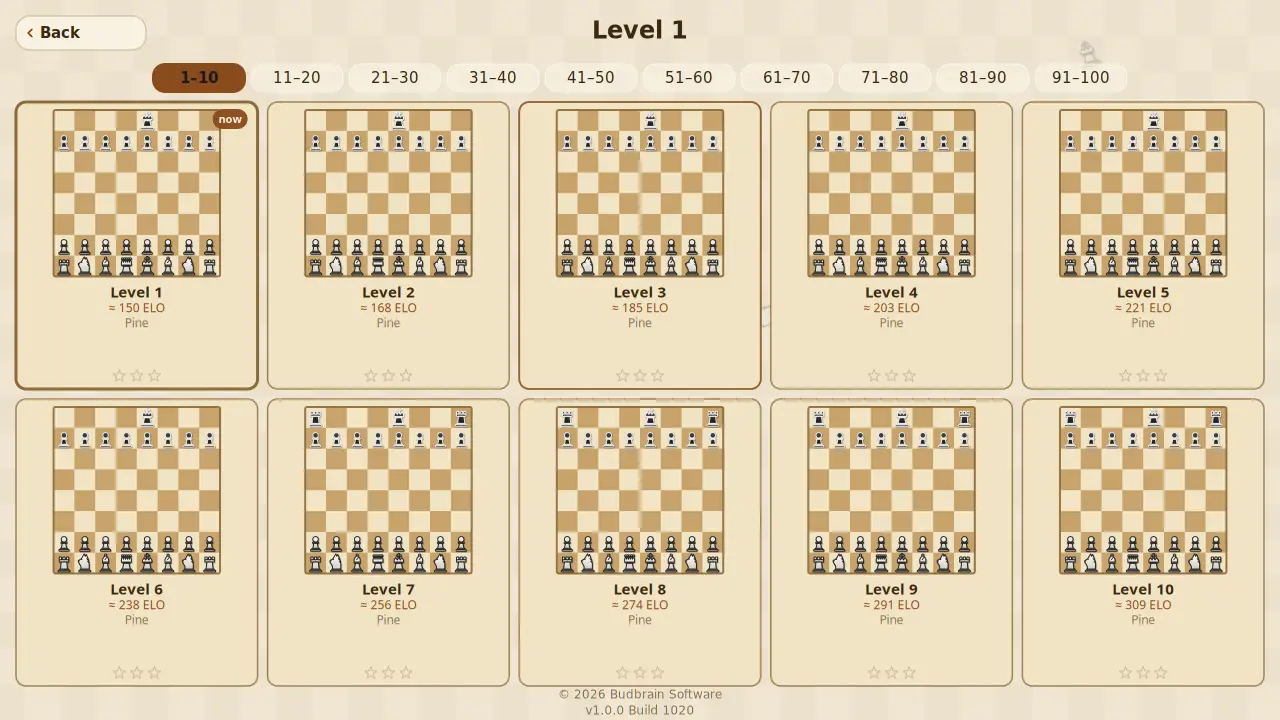
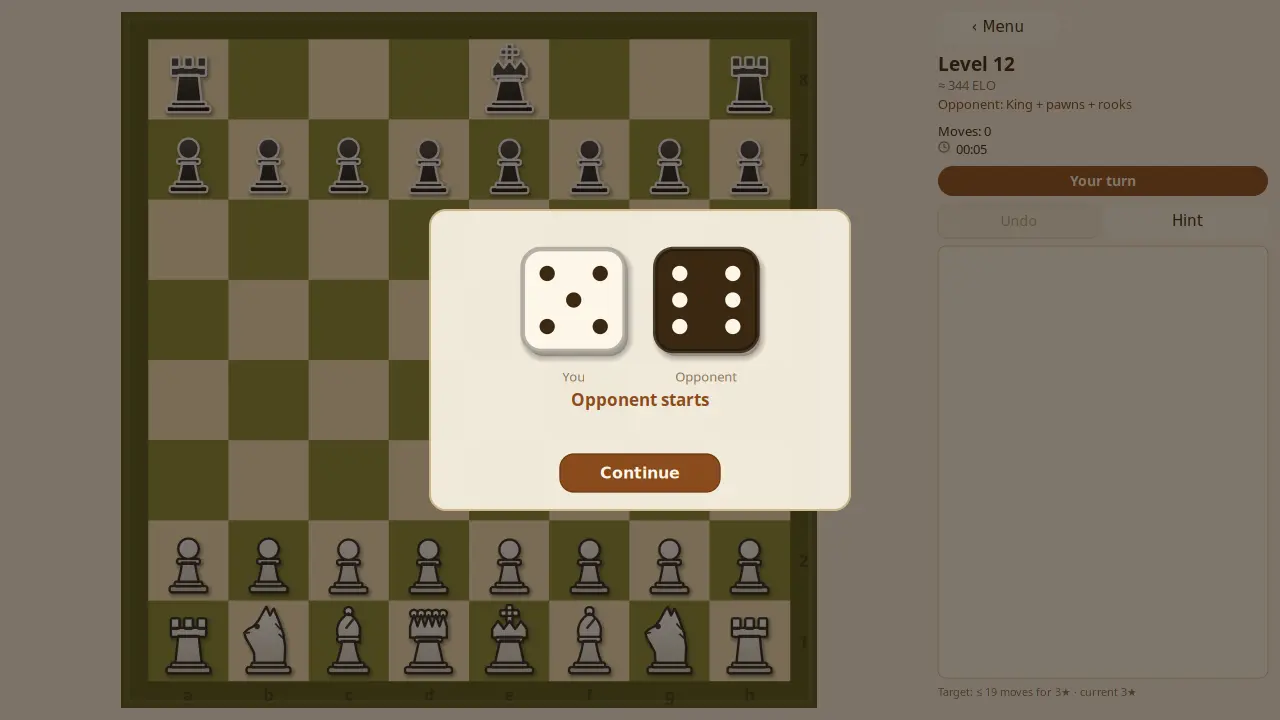
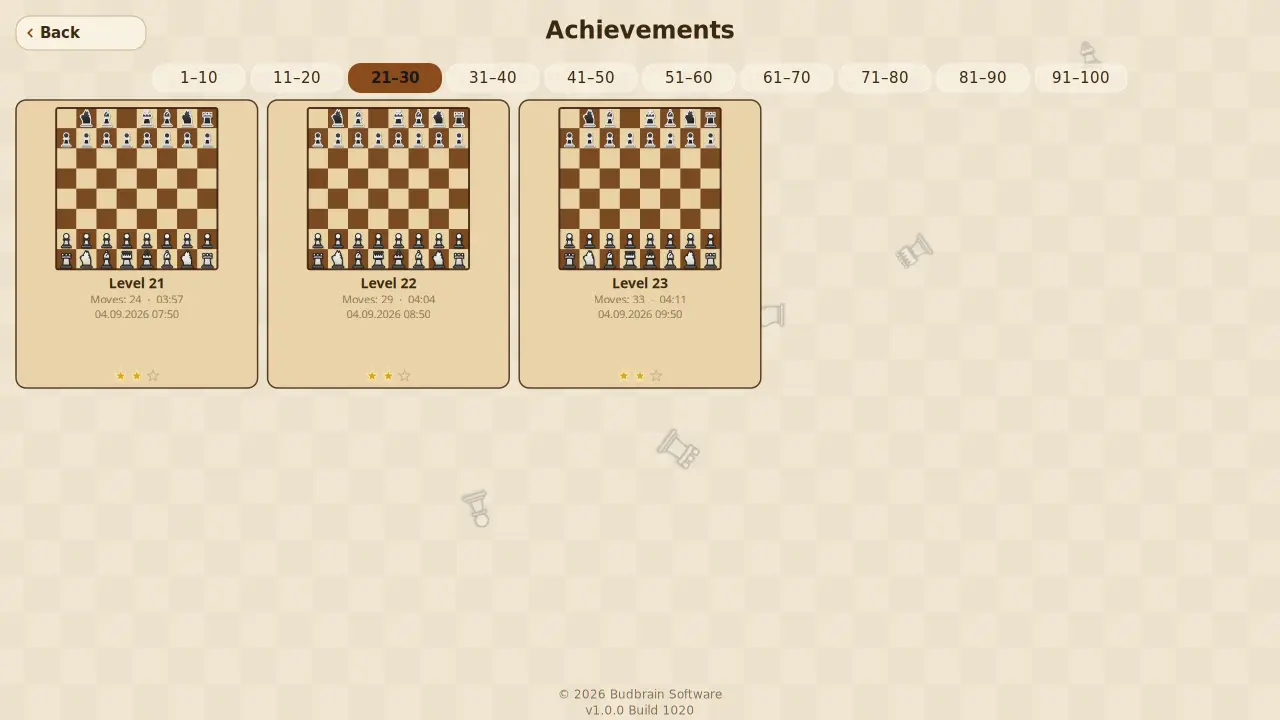
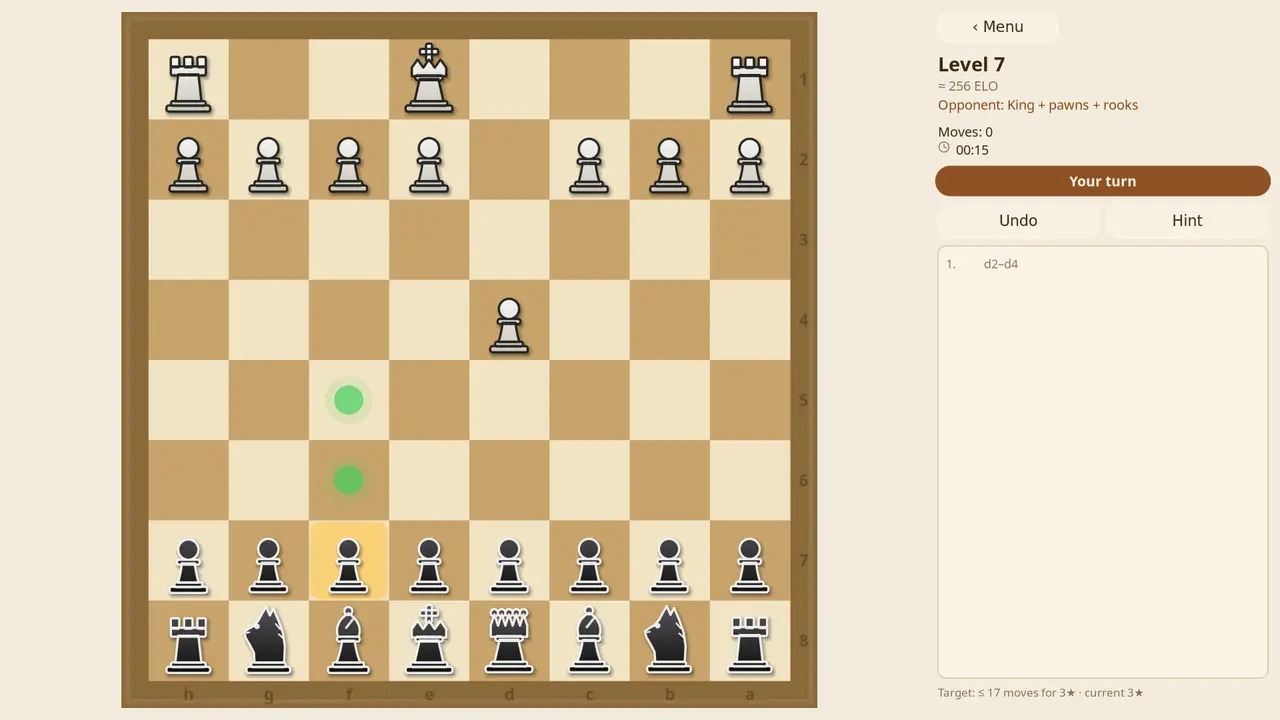
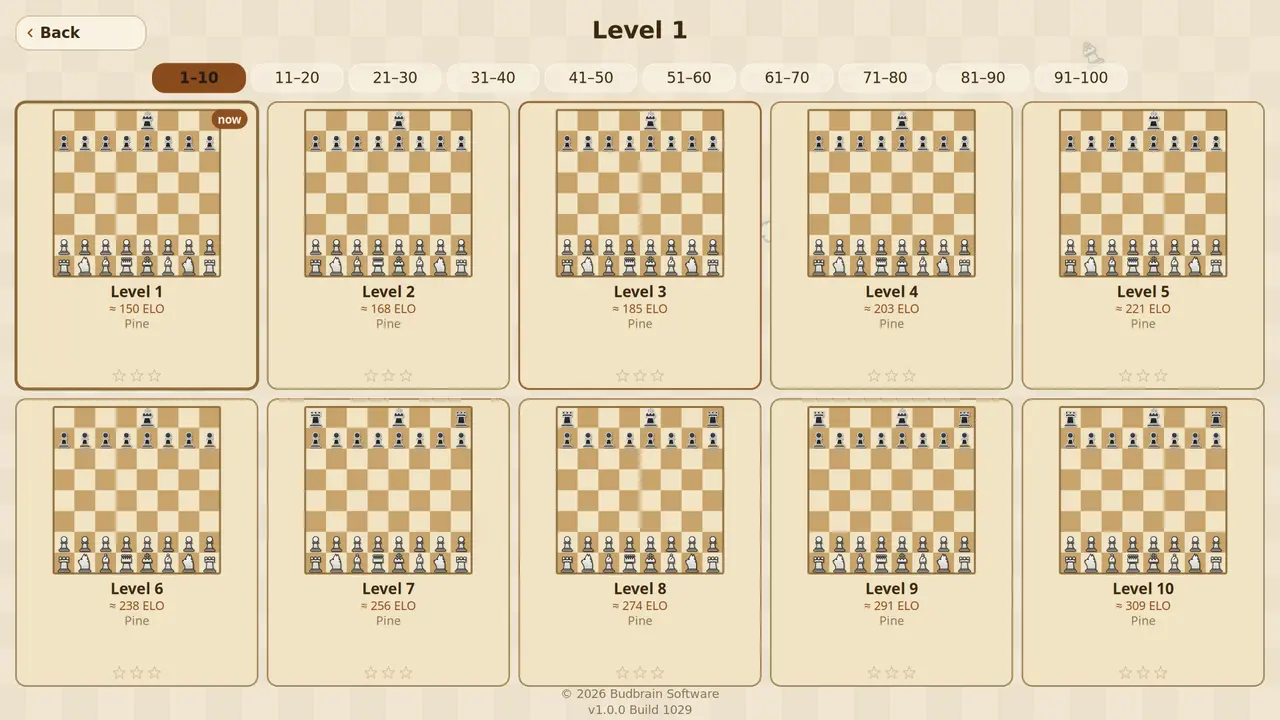
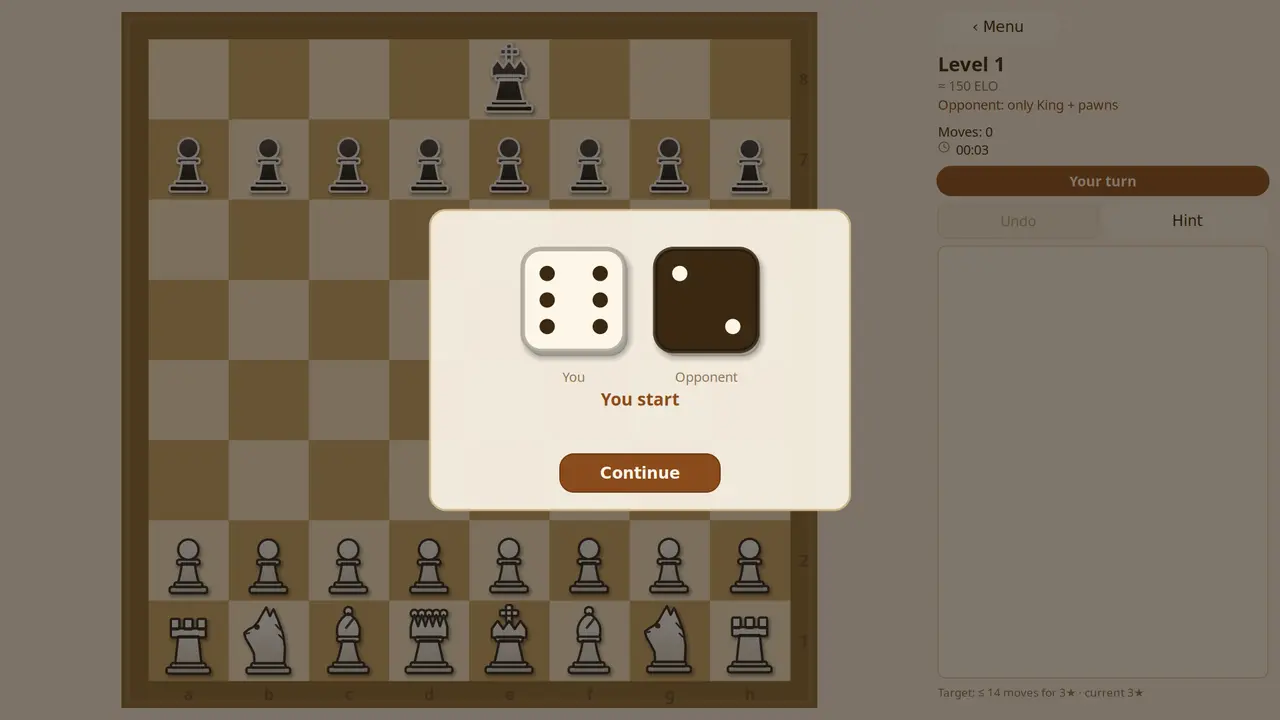
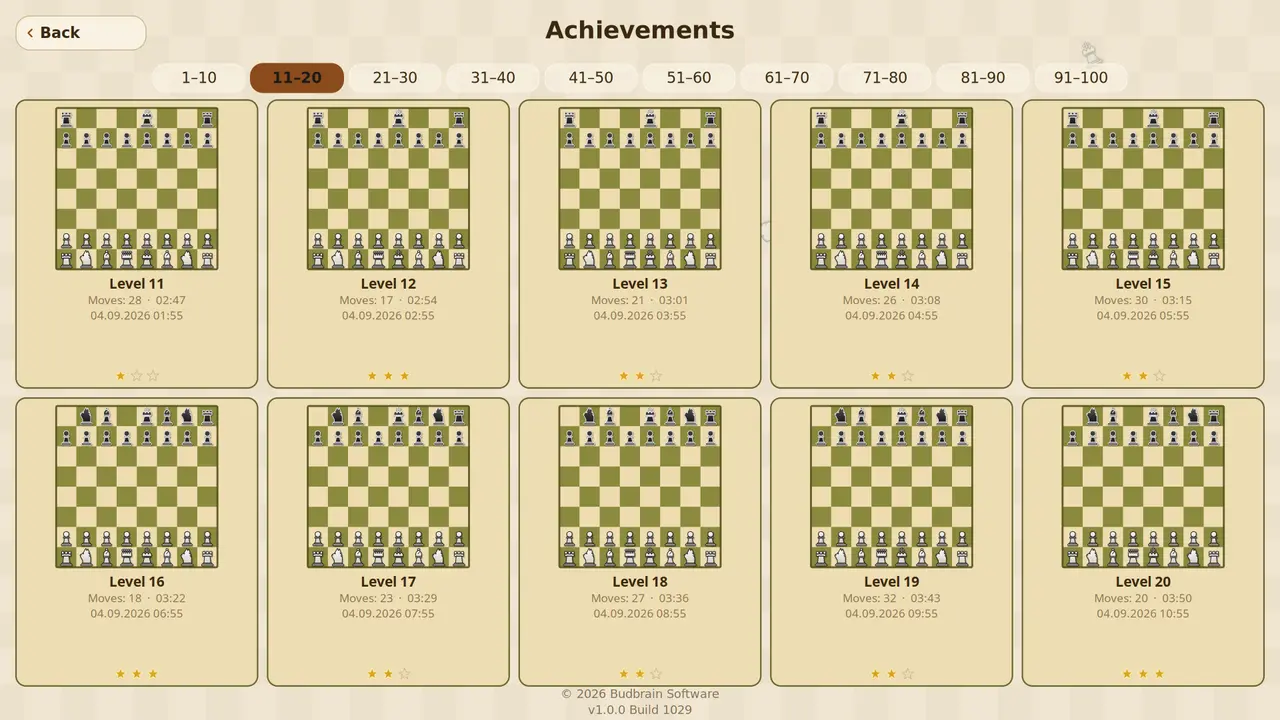
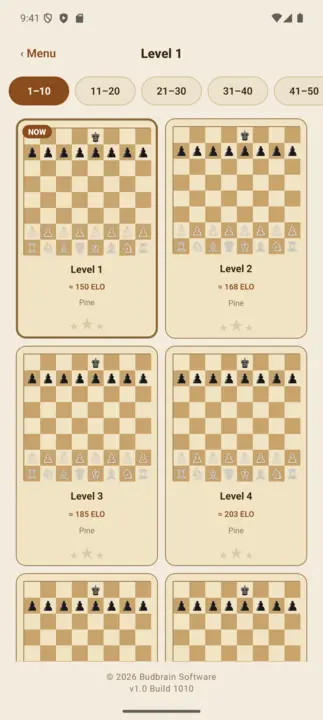
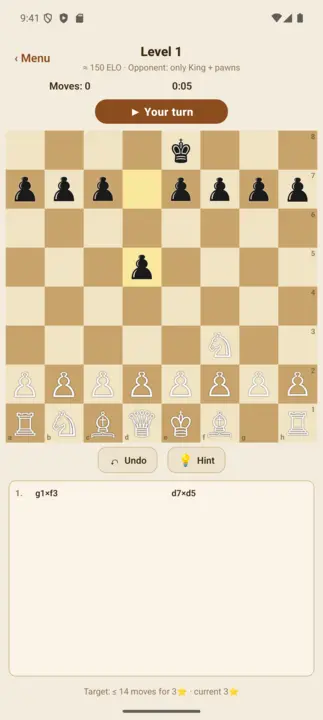
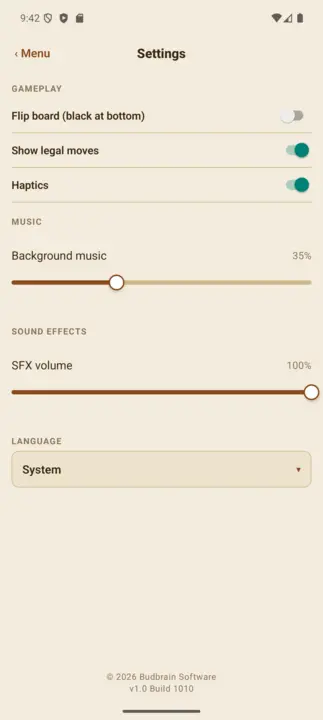
Cento livelli di scacchi contro il computer, da 150 a 1900 ELO. Nei primi livelli l’avversario gioca con un handicap, poi diventa più forte livello dopo livello. Un suggerimento ti aiuta, i pezzi minacciati lampeggiano, ogni mossa si può annullare — e ogni partita vinta resta nella galleria.
100 livelliDa 150 a 1900 ELOAvversario con handicapSuggerimento e annullaGalleria delle partite vinteOpenGLSDL2 · CairoGNOME / KDE / XFCE22 lingue
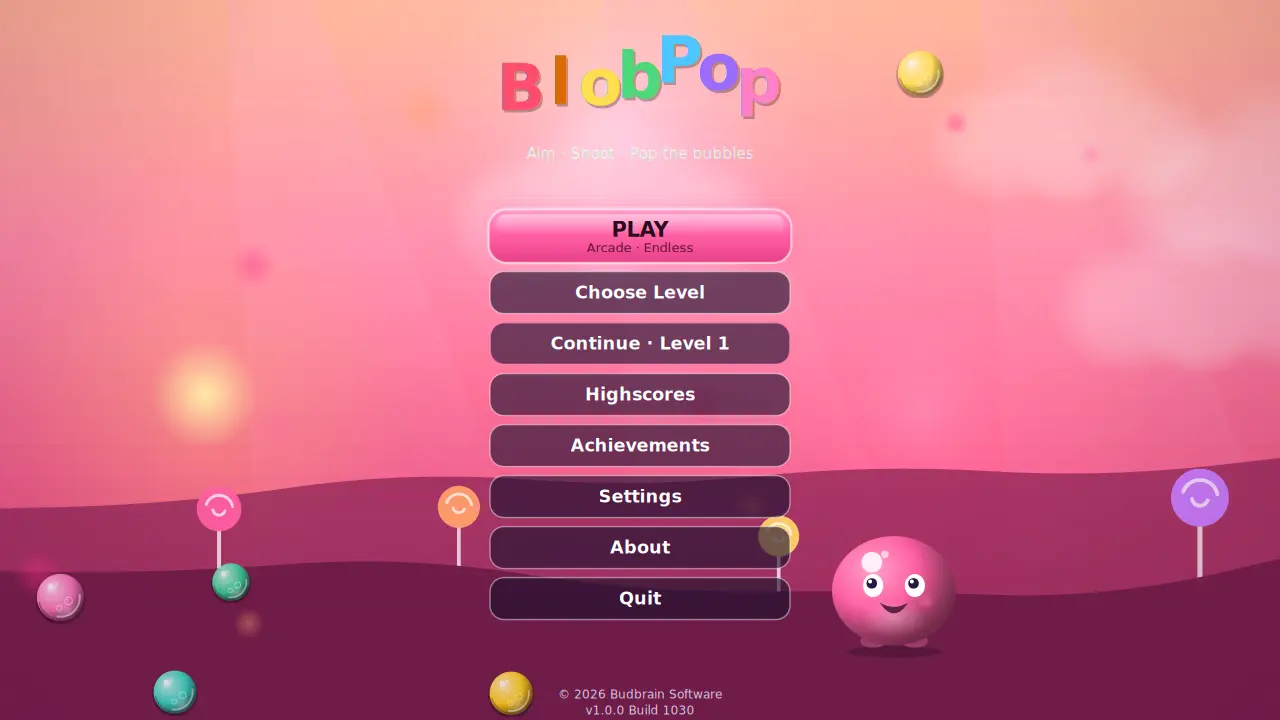
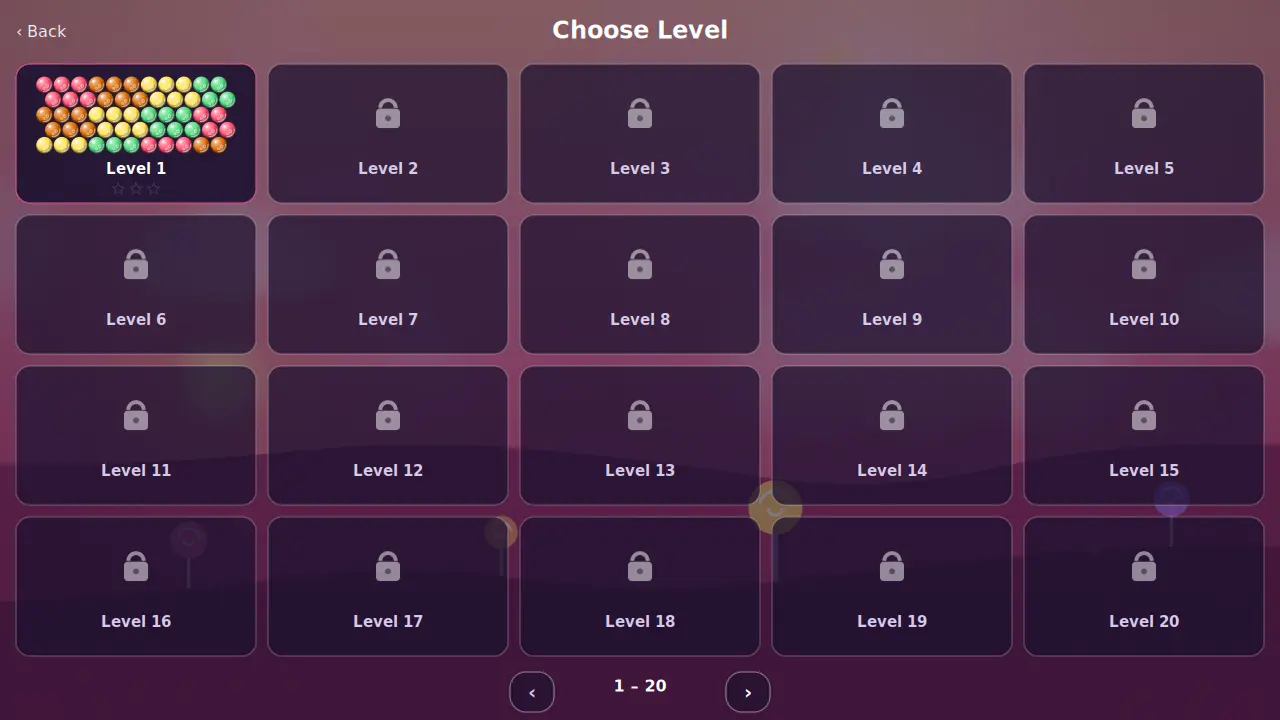
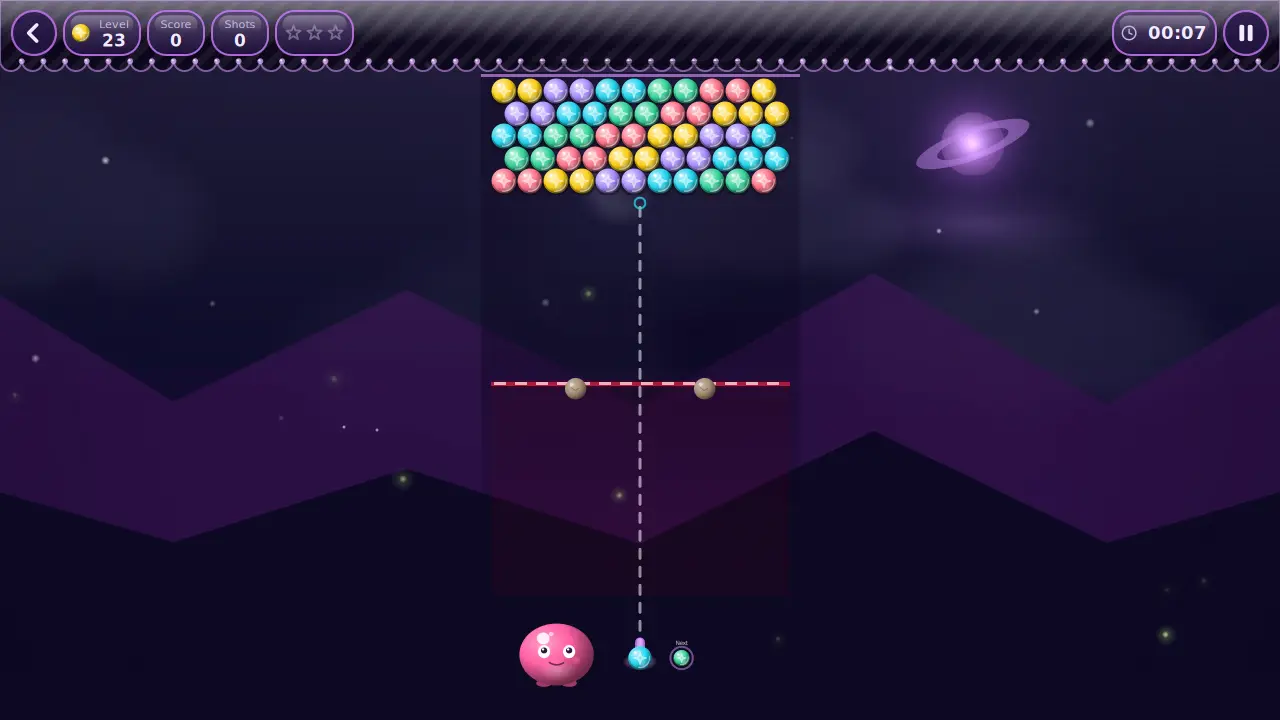
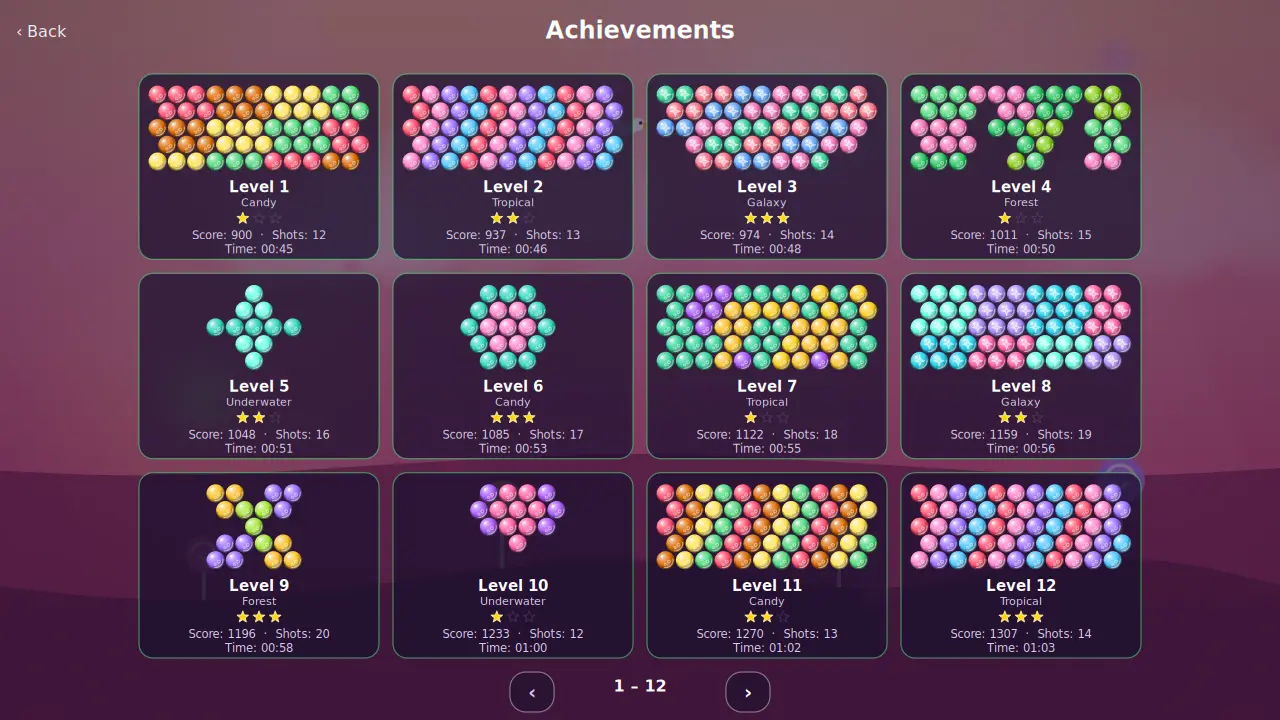
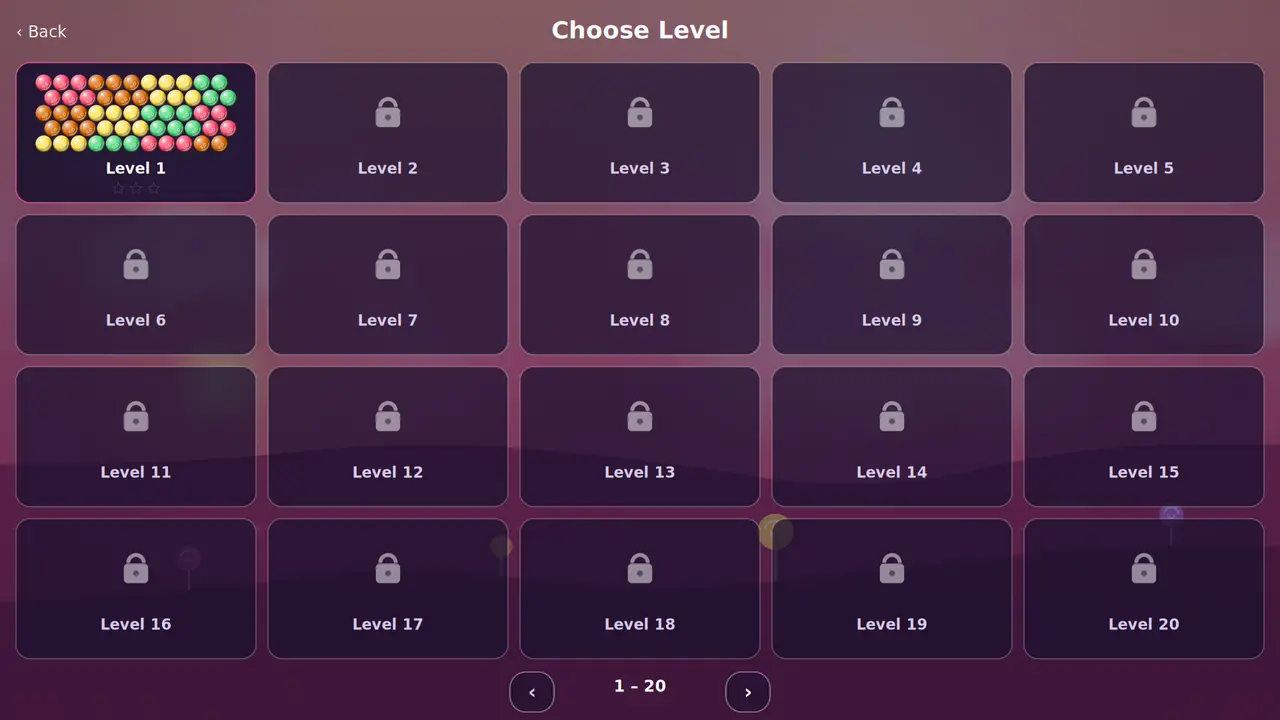
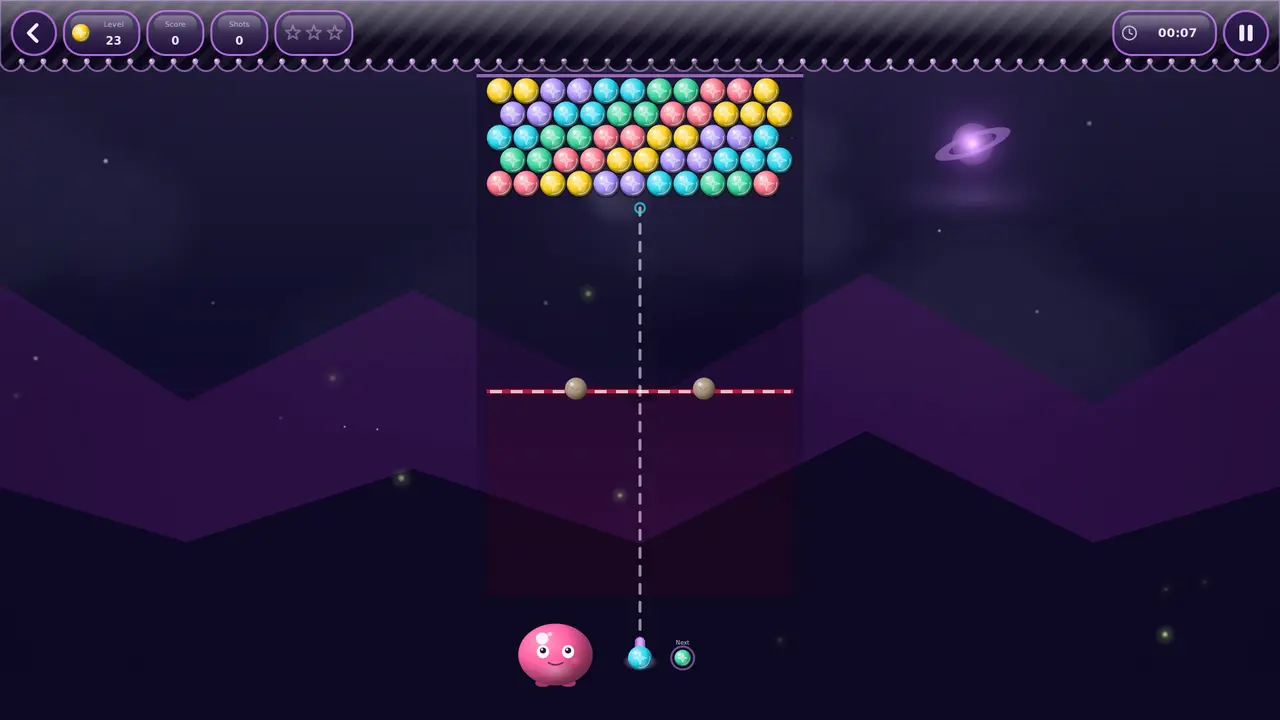
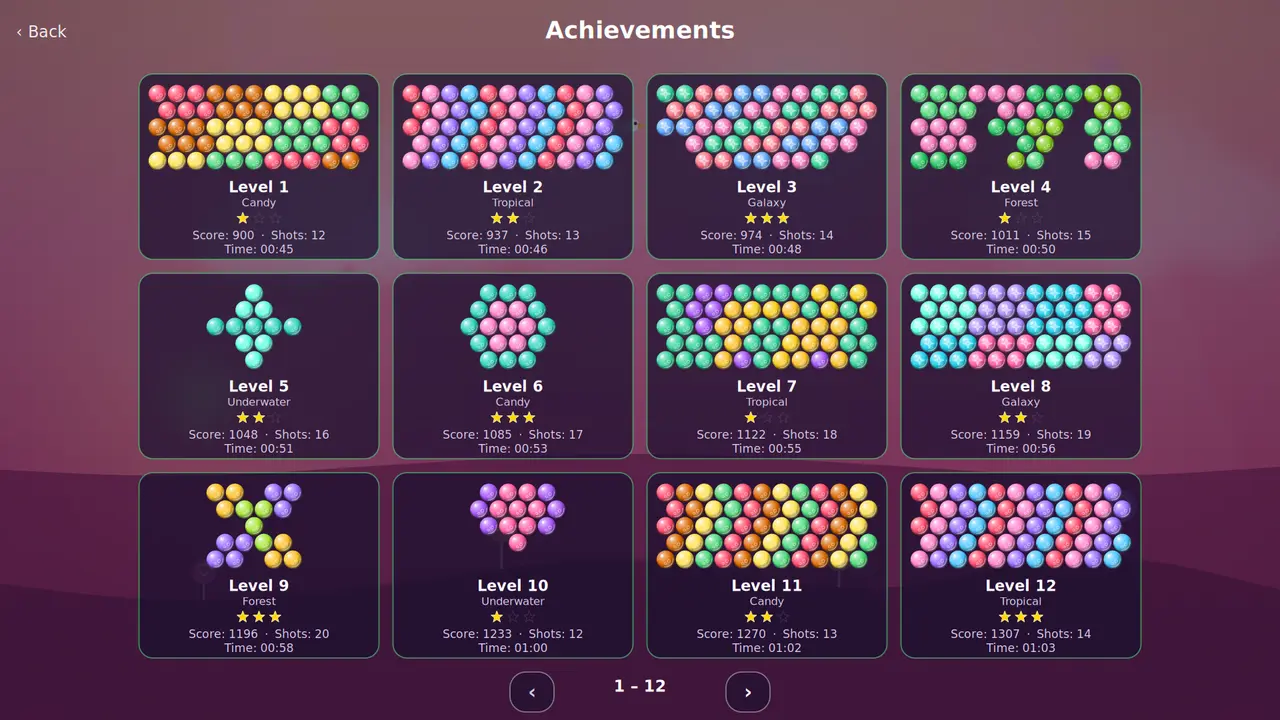
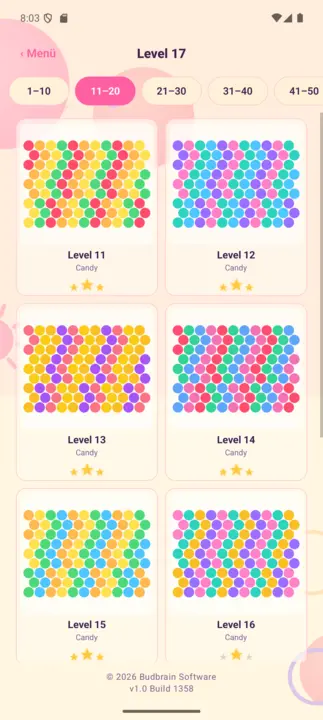
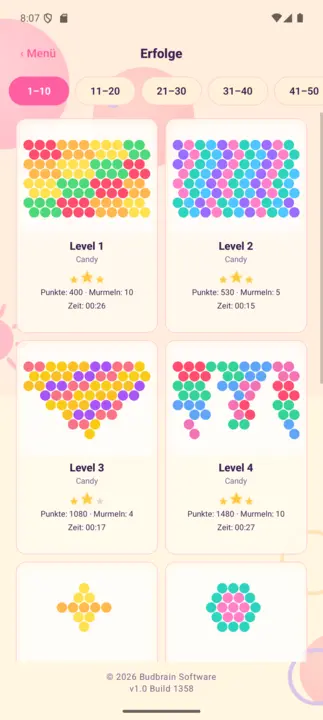
Cento livelli in cinque mondi: mira, clicca e unisci tre bolle dello stesso colore. Ogni pochi tiri il tabellone scende di una riga: svuotalo prima che arrivi in fondo e prendi tre stelle. In più una modalità infinita con classifica.
100 livelliCinque mondiModalità infinitaGiorno e notteClassificaOpenGLSDL2 · CairoGNOME / KDE / XFCE22 lingue
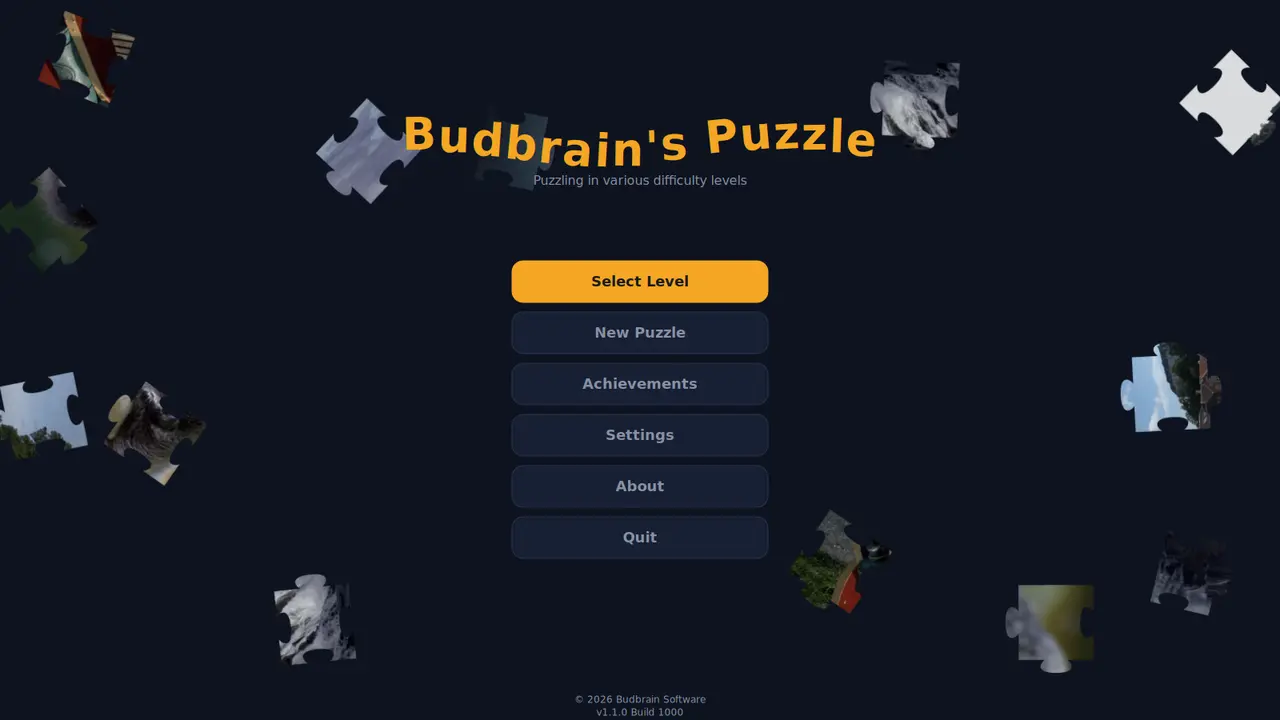
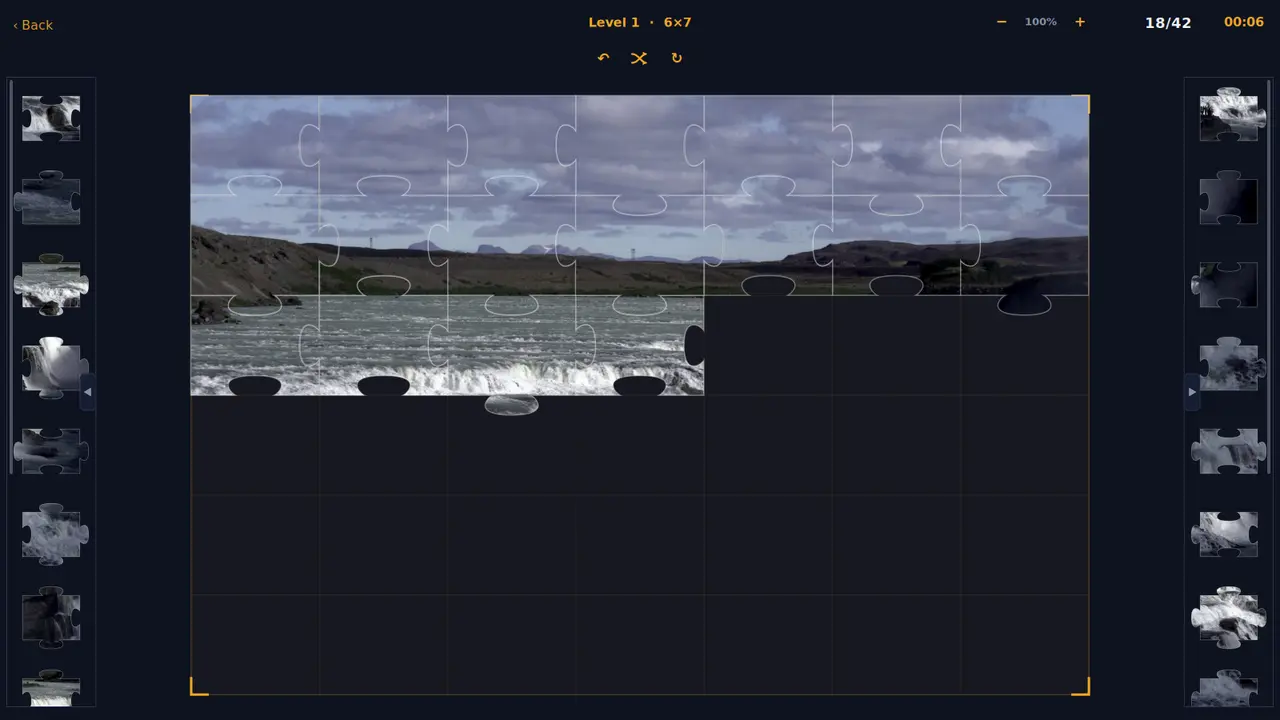
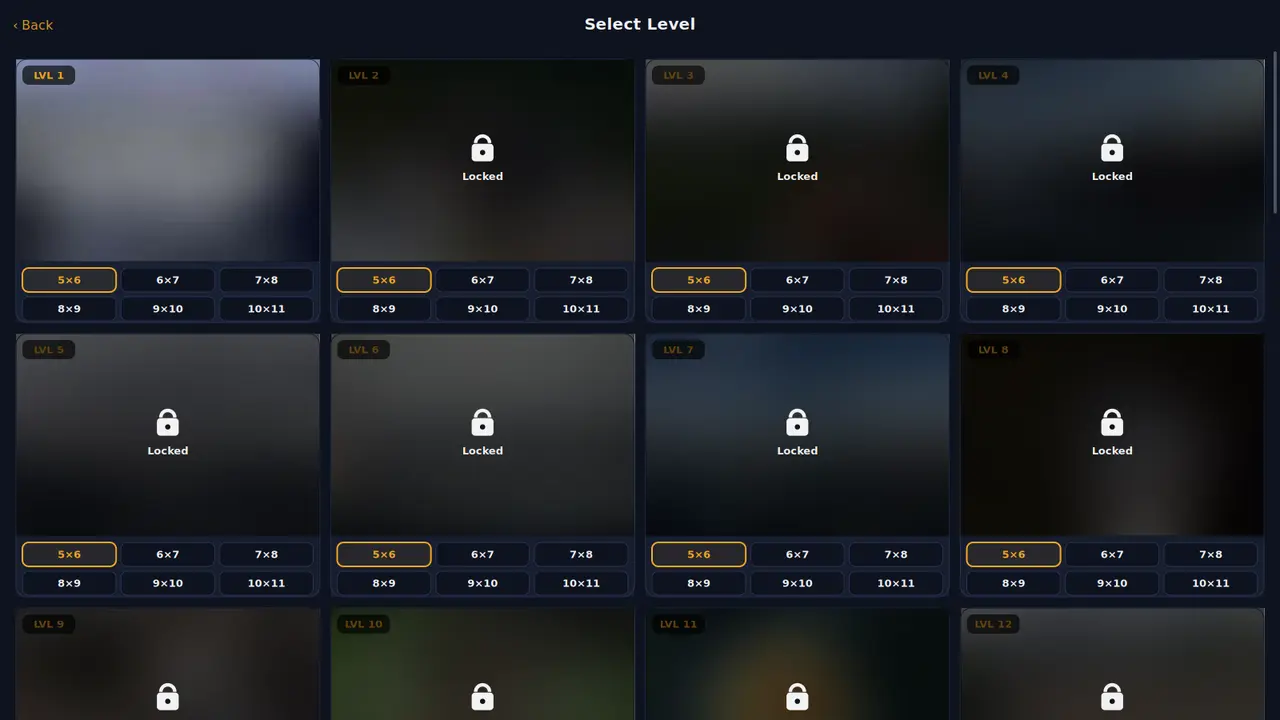
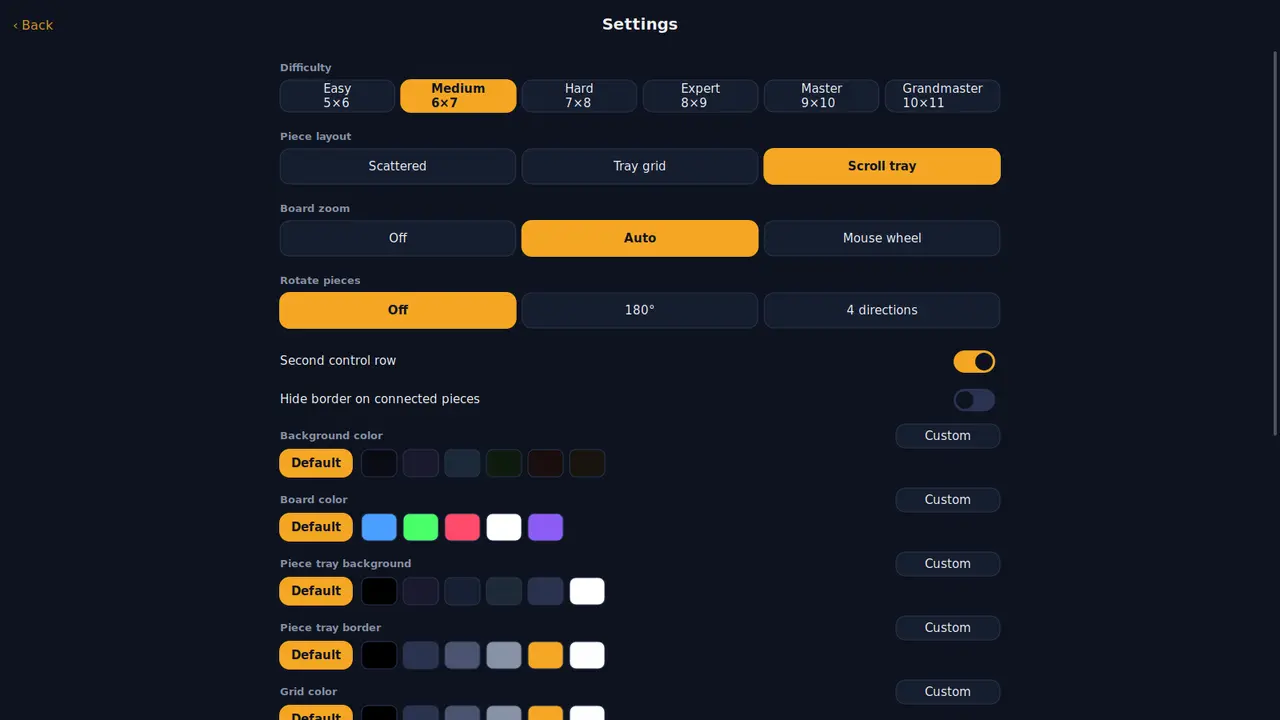
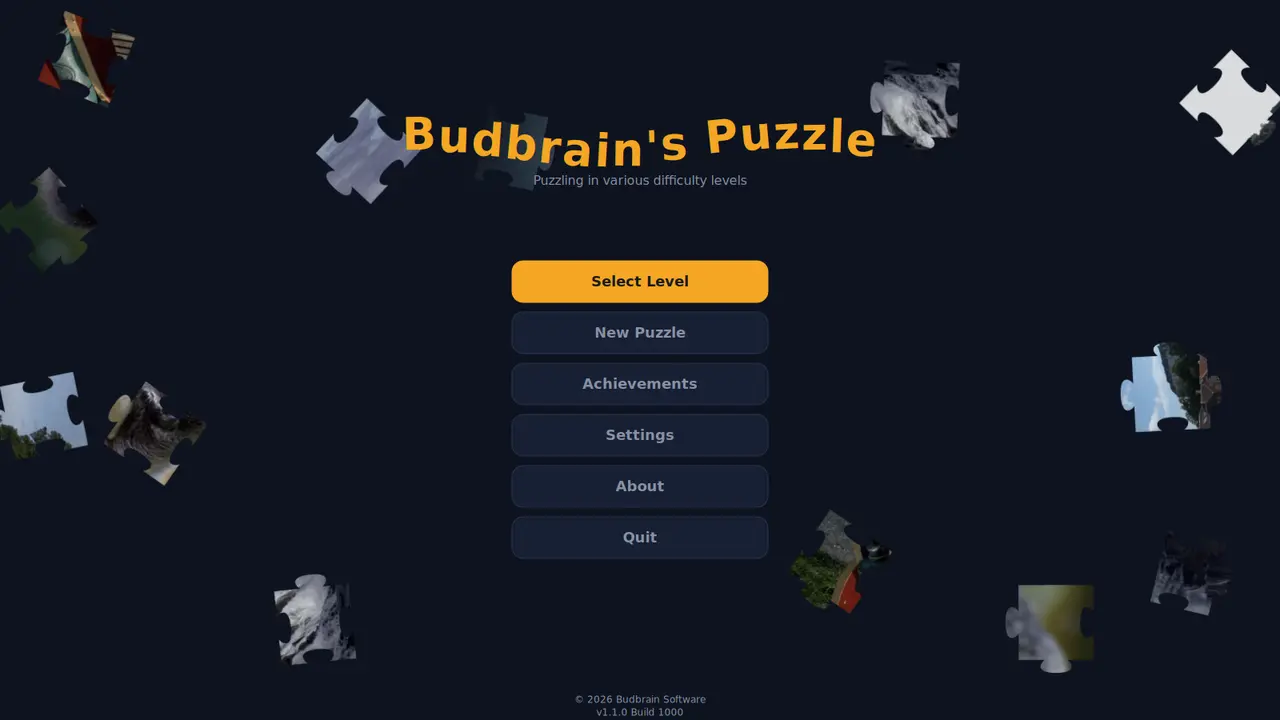
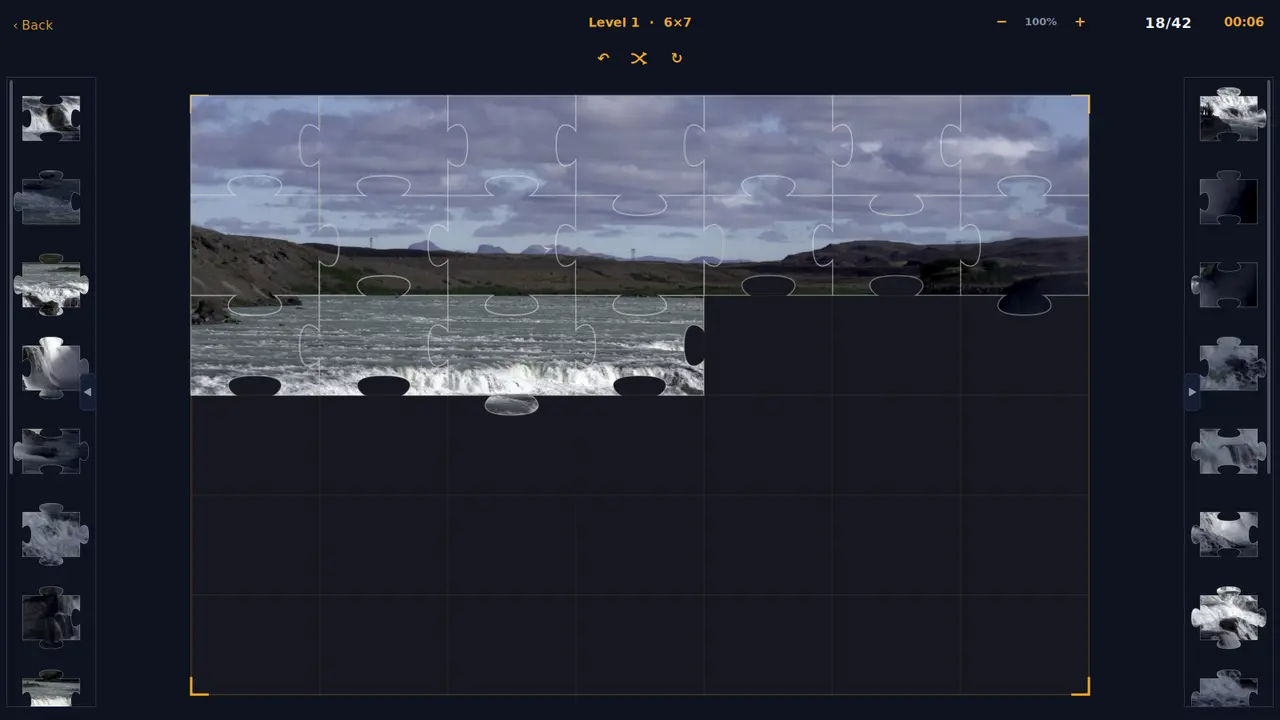
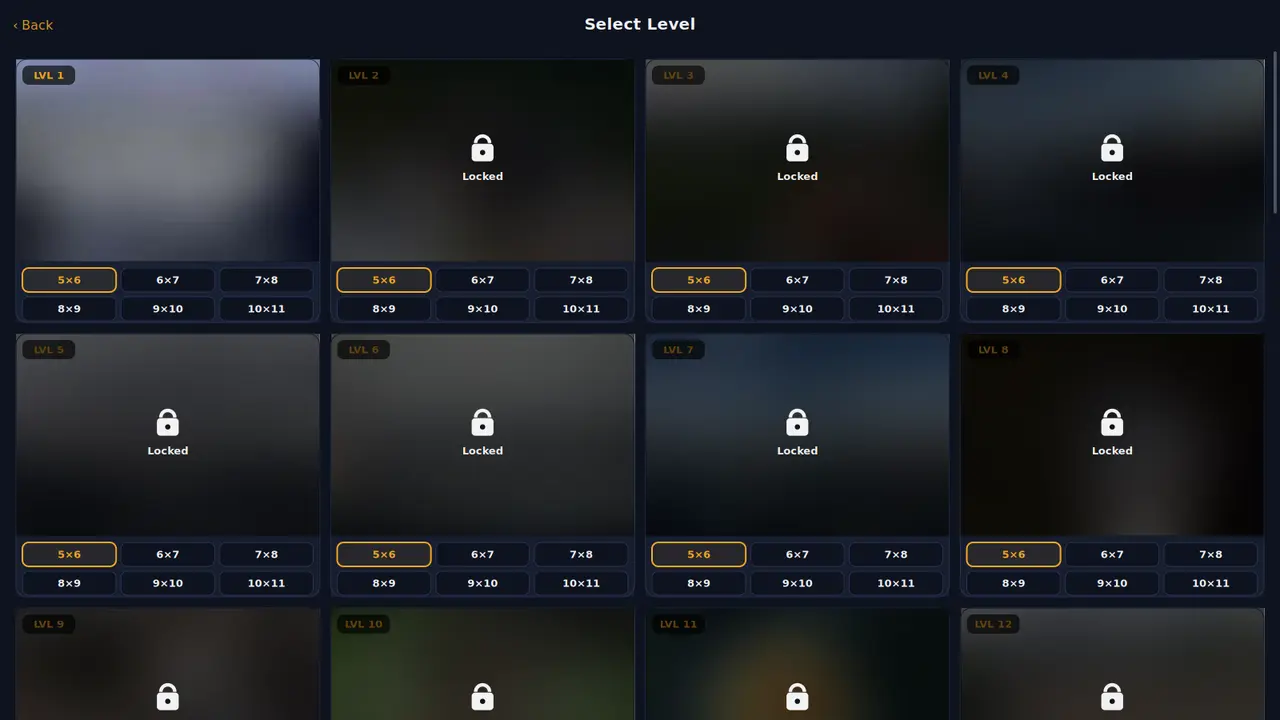
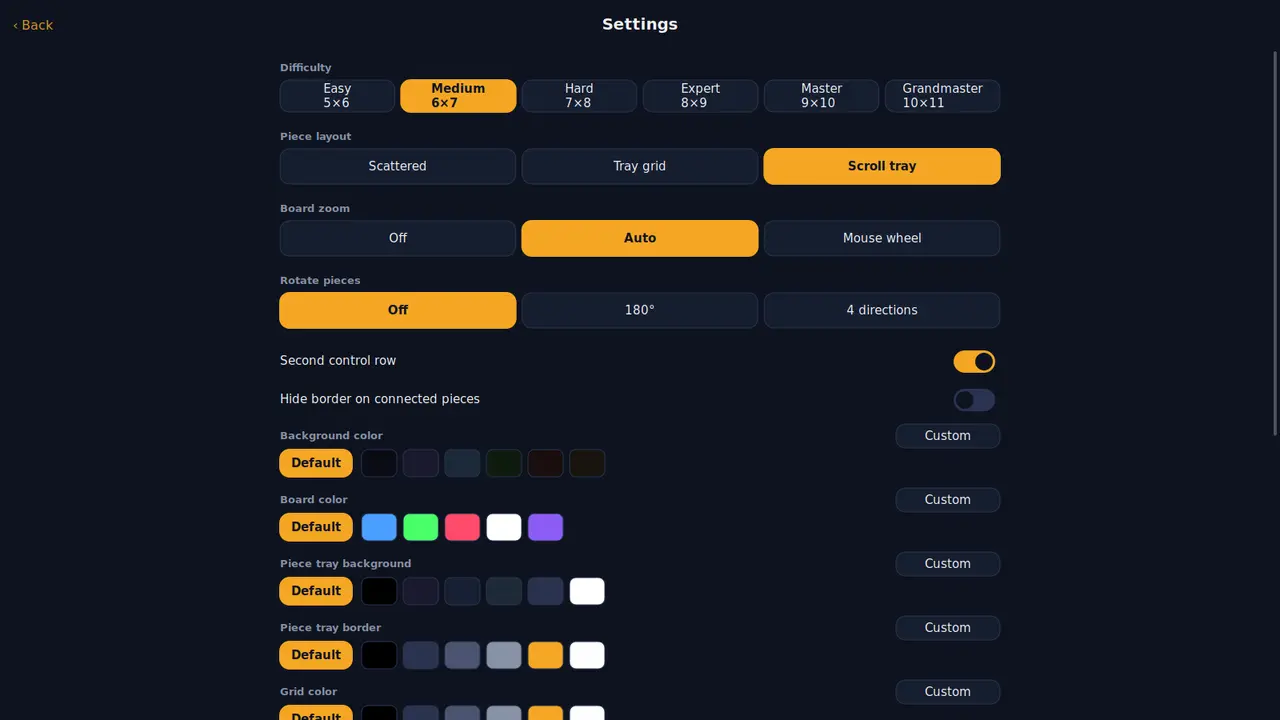
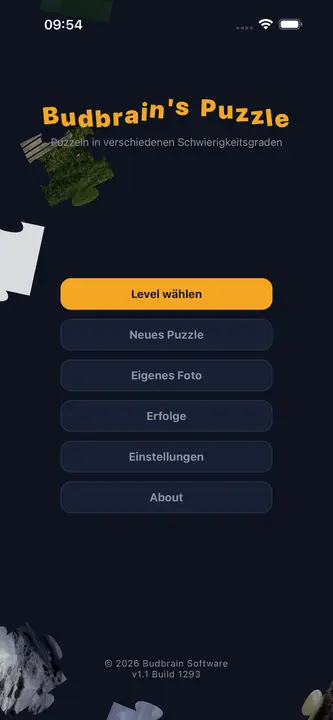
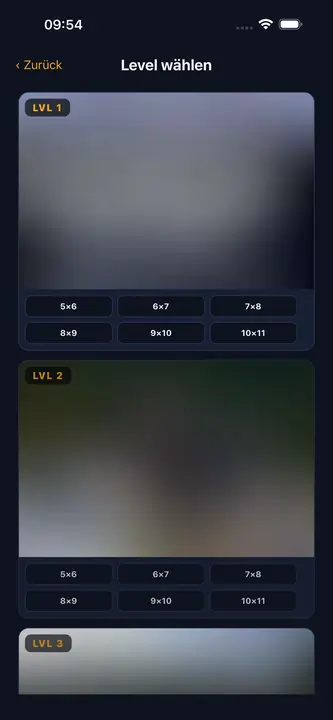
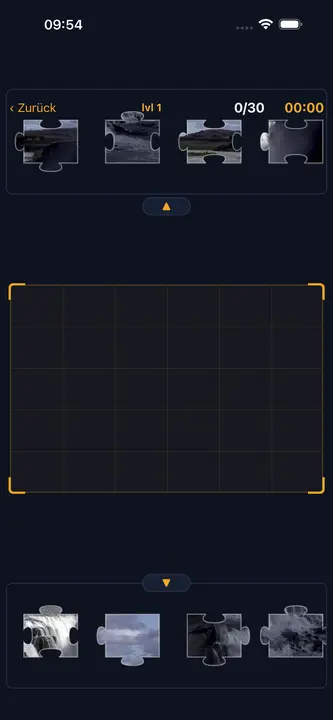
Quaranta fotografie come puzzle, ognuna in sei misure, da trenta a centodieci pezzi. Un pezzo vicino al suo posto si incastra da solo — attiva la rotazione se lo vuoi più difficile.
Quaranta fotoSei misureDa 30 a 110 pezziPezzi ruotabiliTraguardiColori a sceltaOpenGLSDL2 · CairoGNOME / KDE / XFCE22 lingue
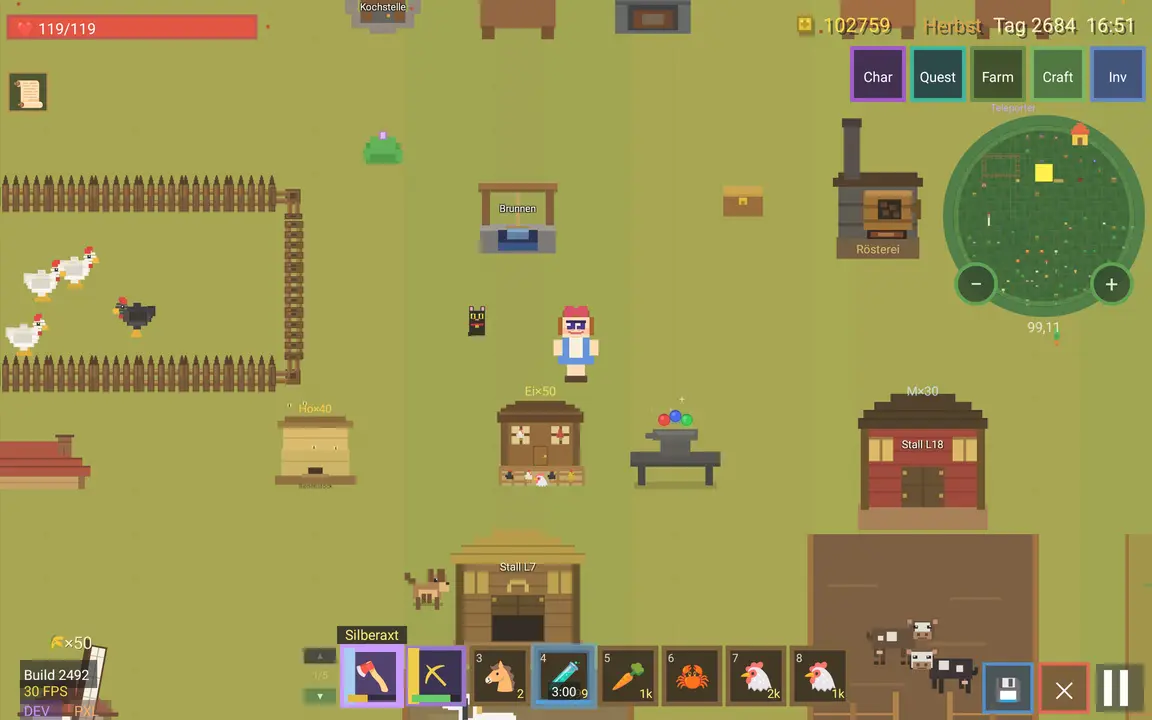
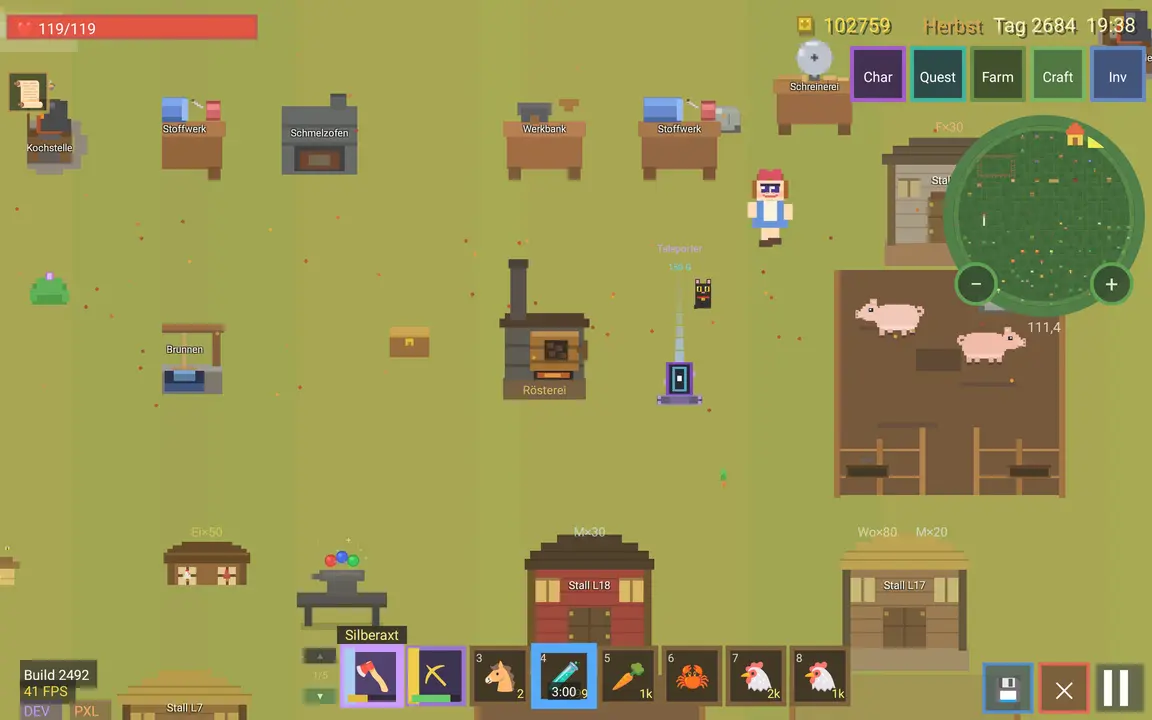
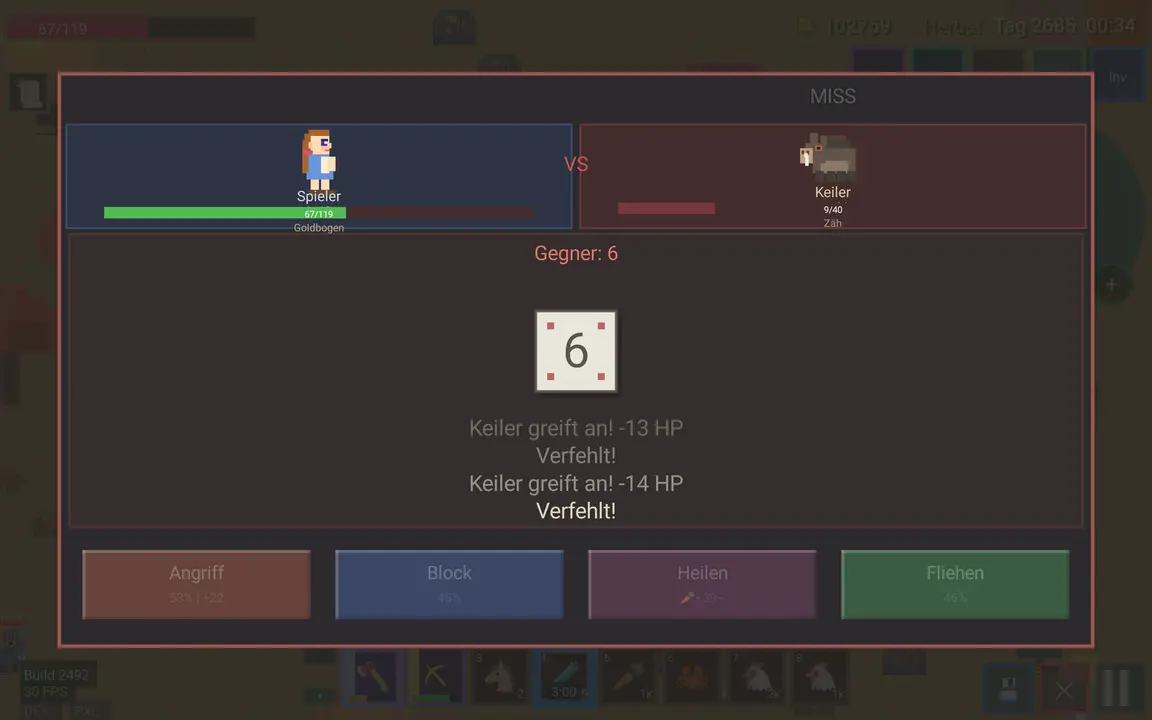
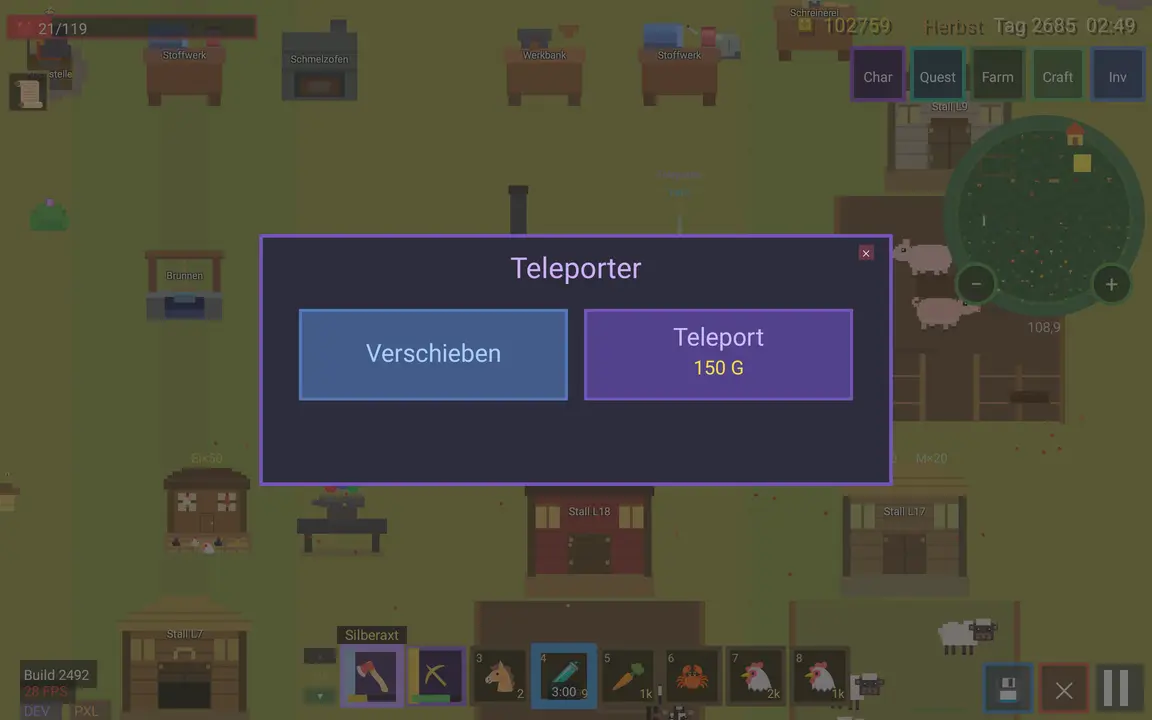
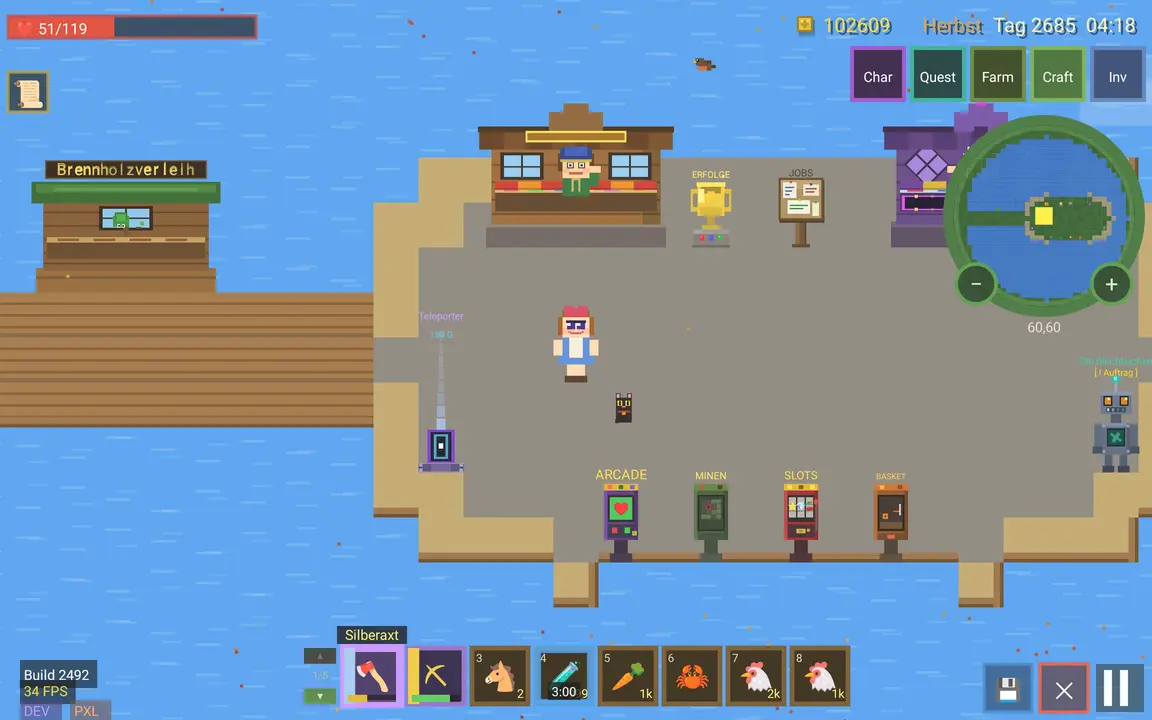
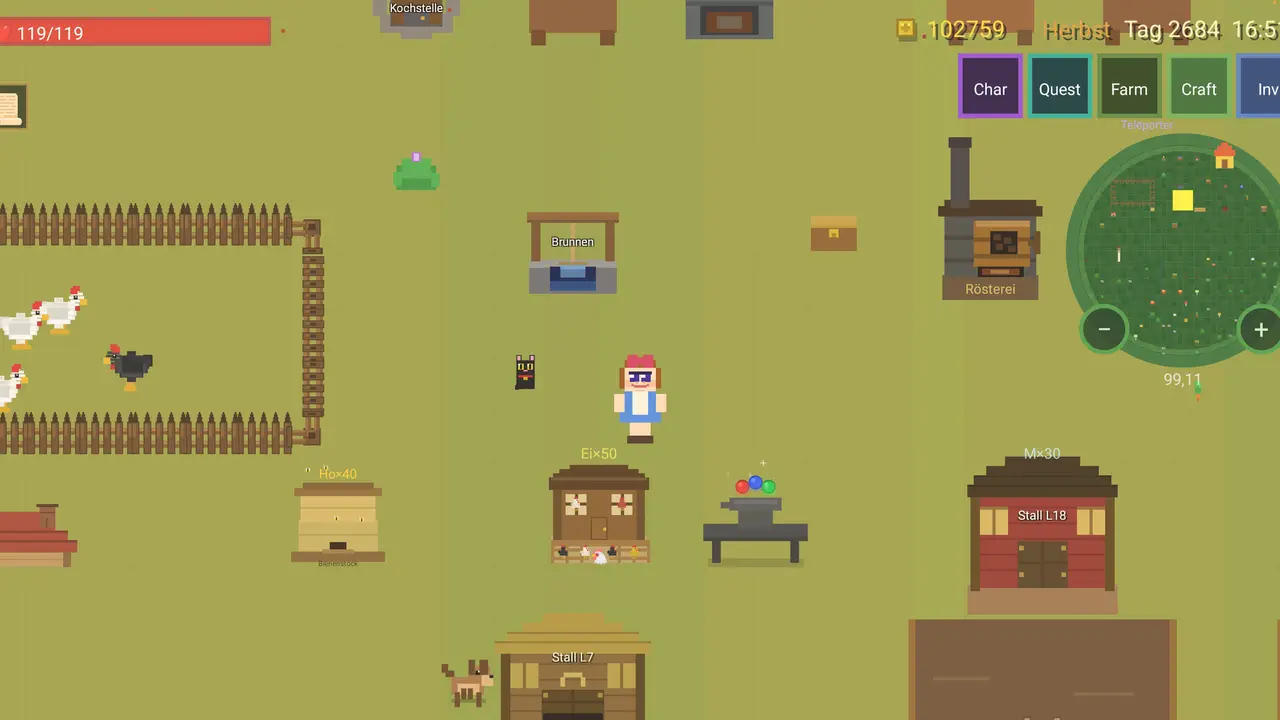
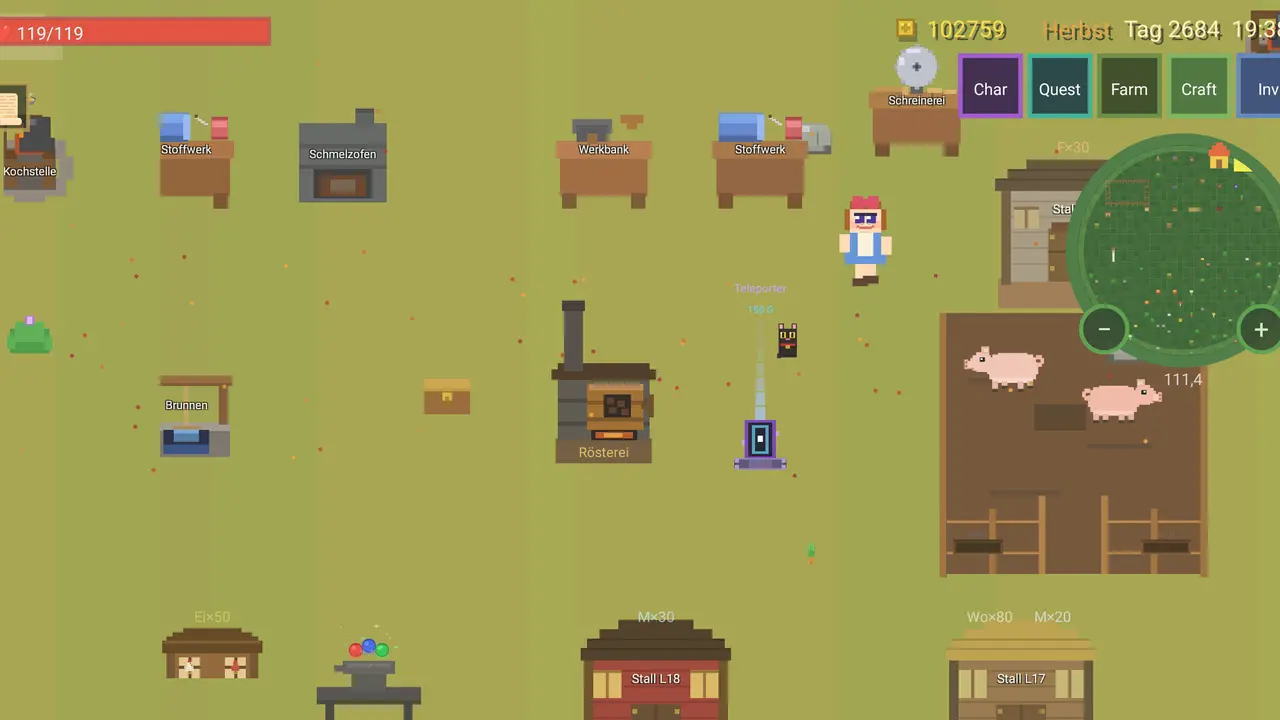
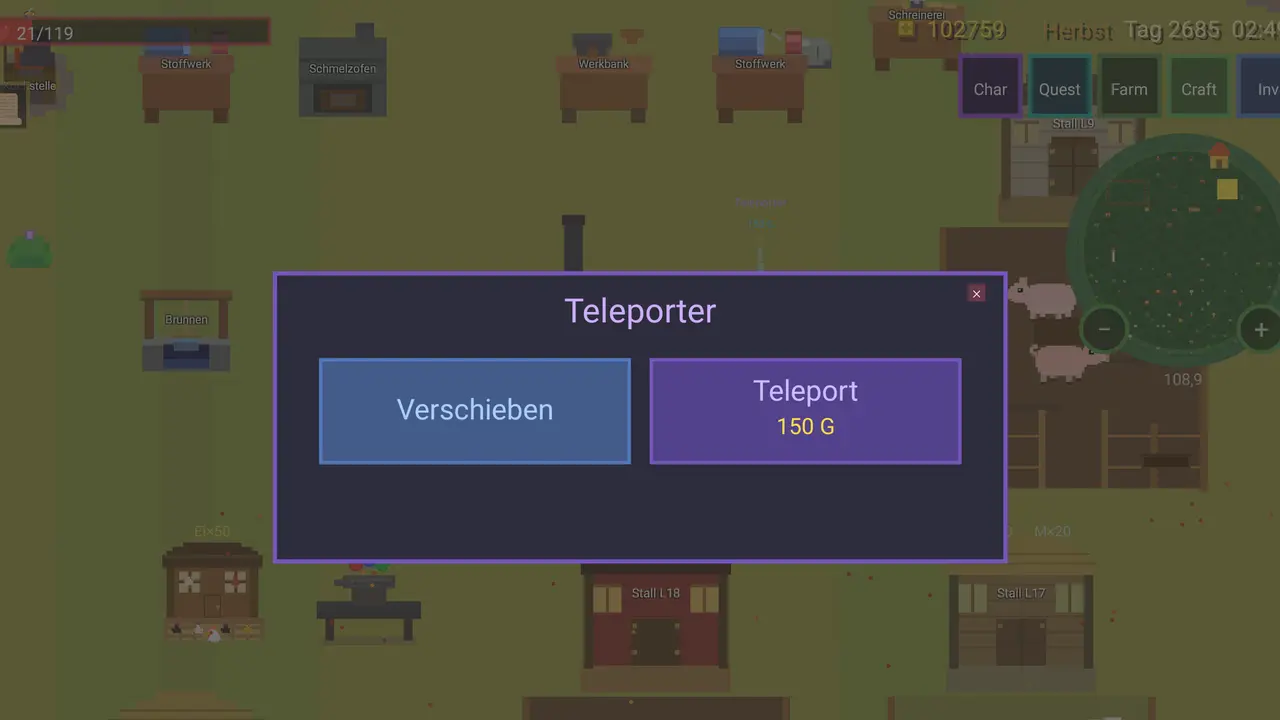
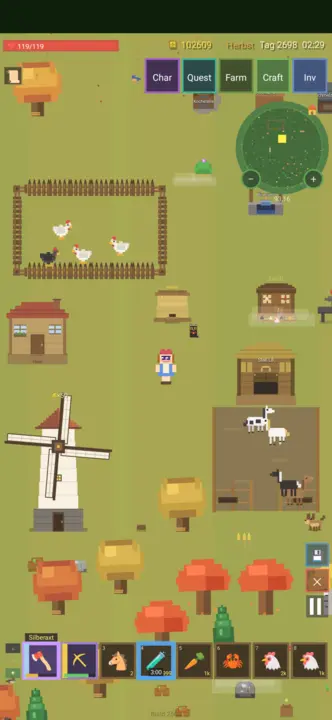
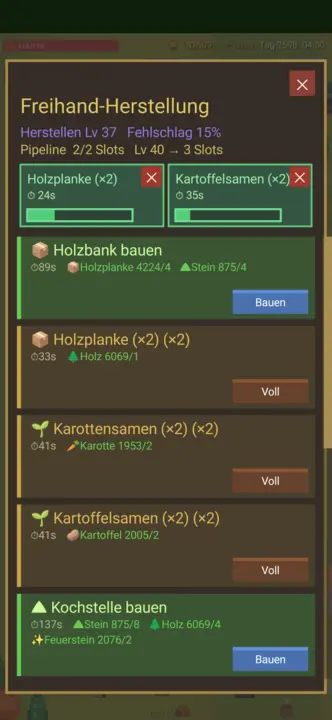
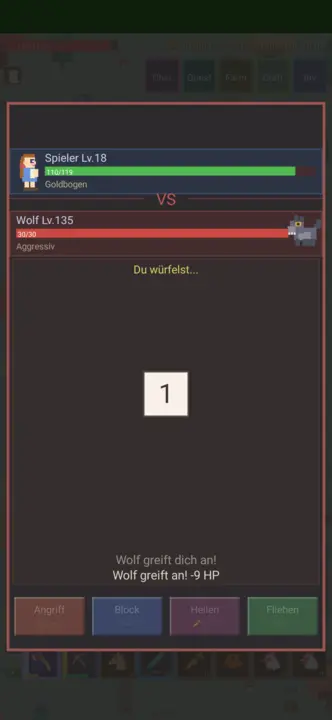
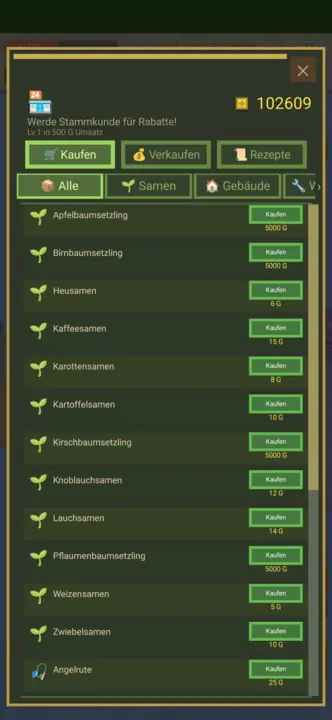
Costruisci una fattoria da un pezzo di terra spoglio: sgombrare, seminare, allevare animali, scavare in miniera. Oltre 300 oggetti, 231 ricette, quattro stagioni — e salva da sé.
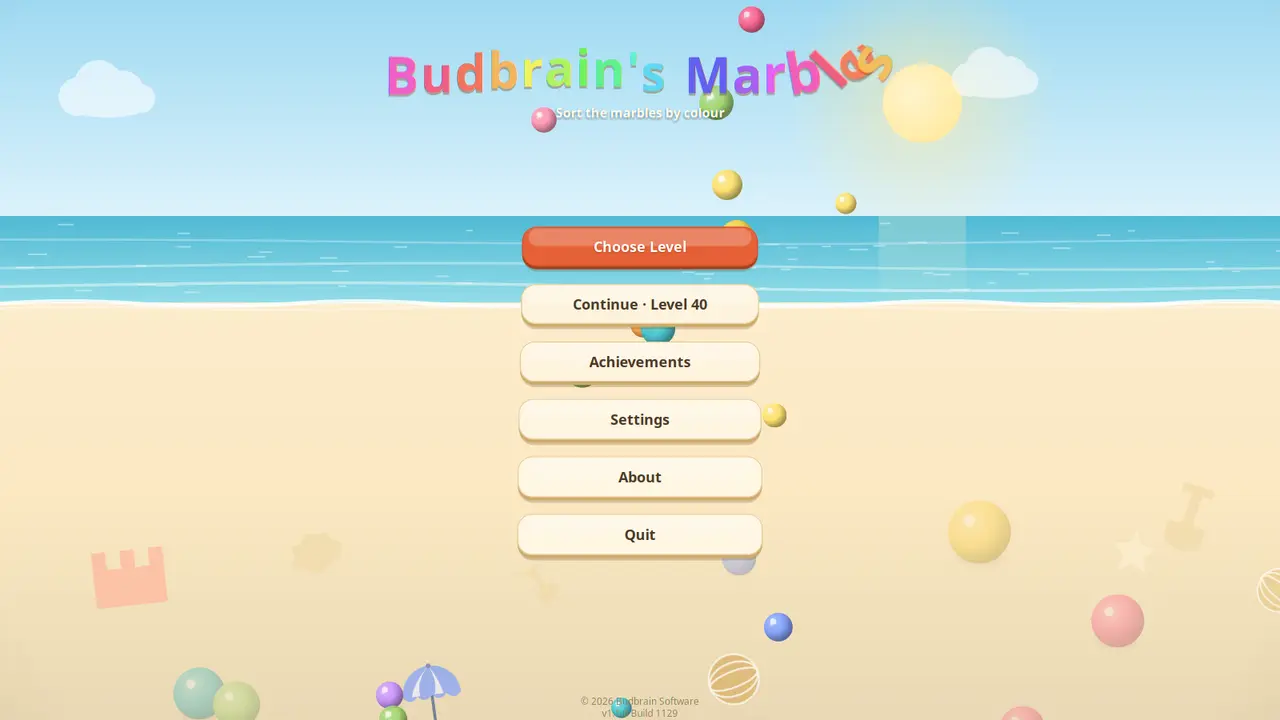
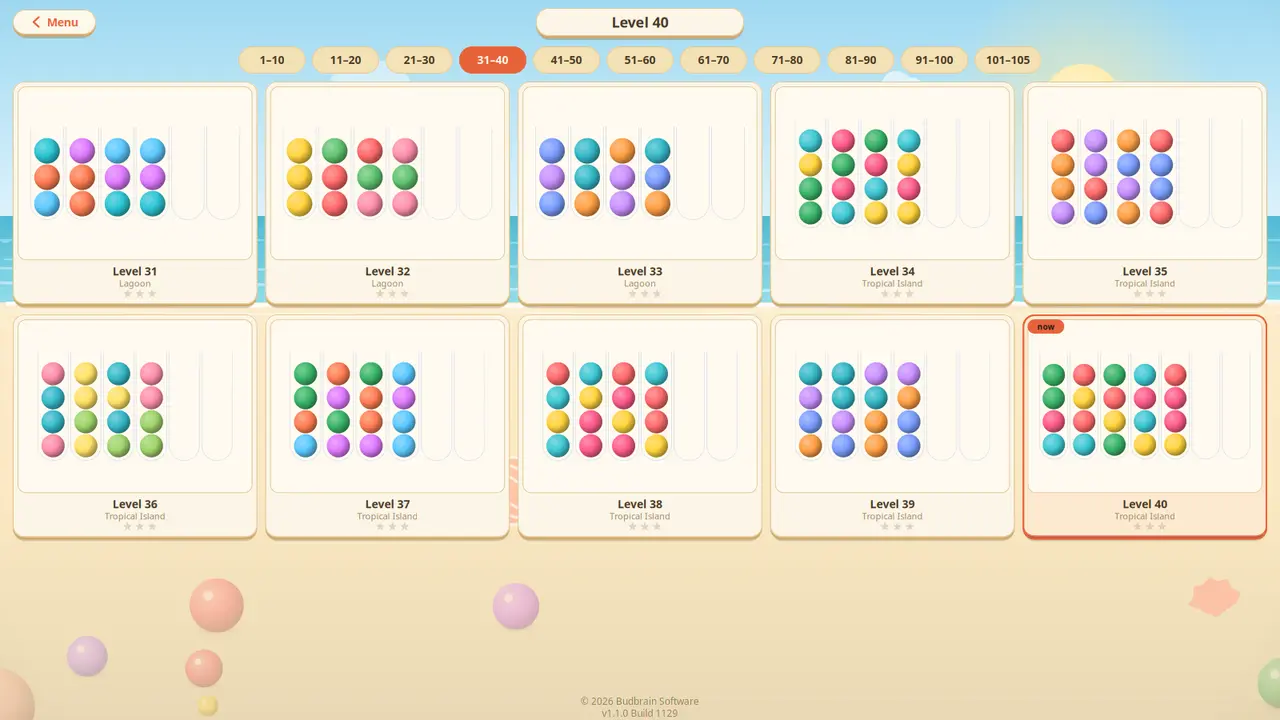
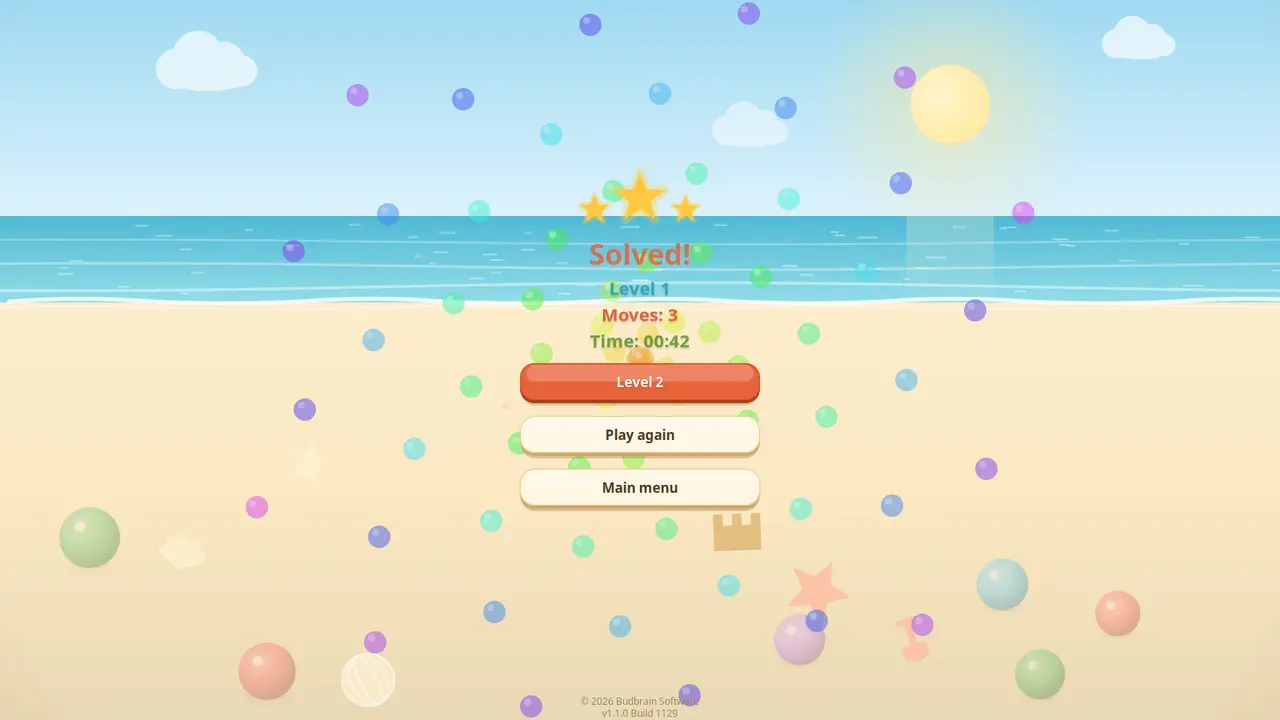
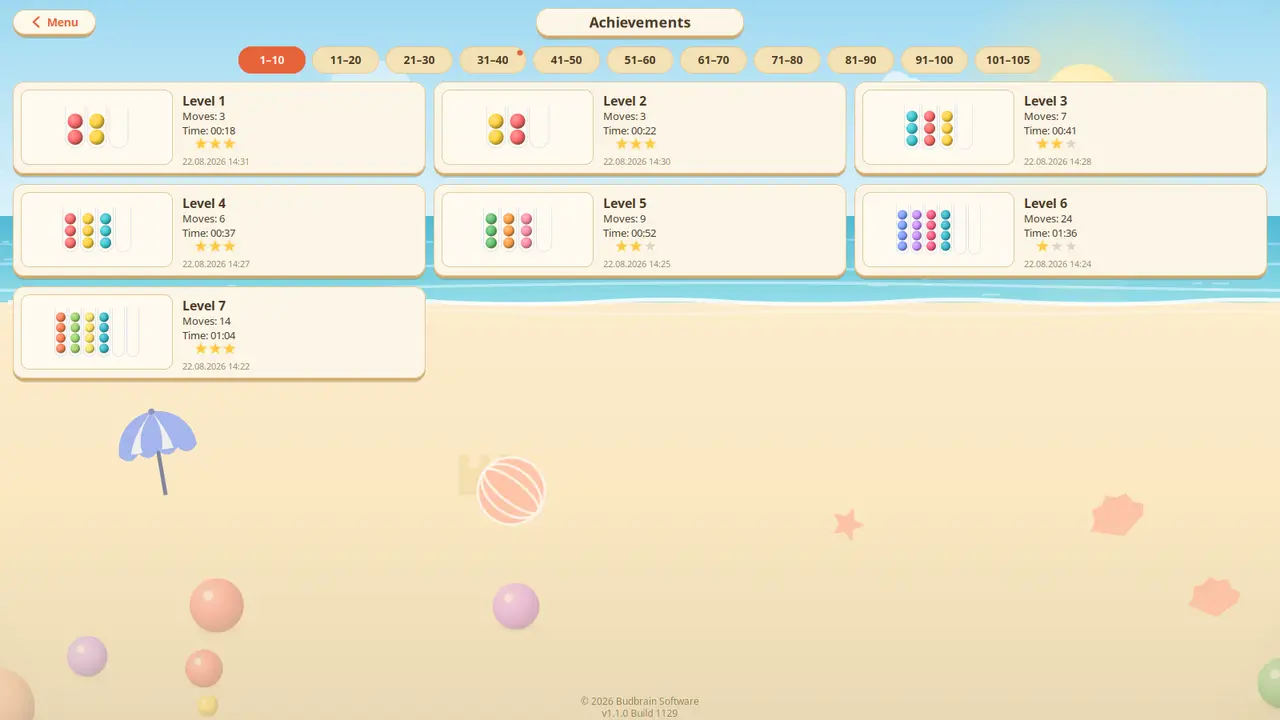
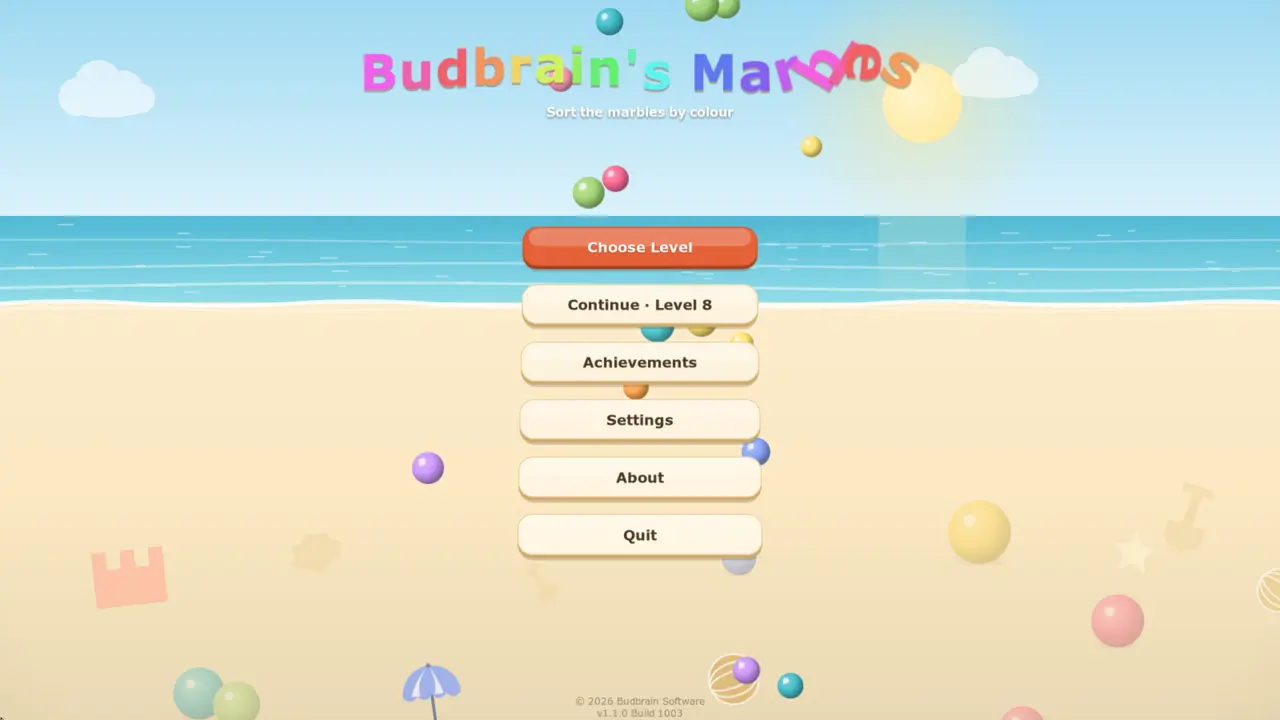
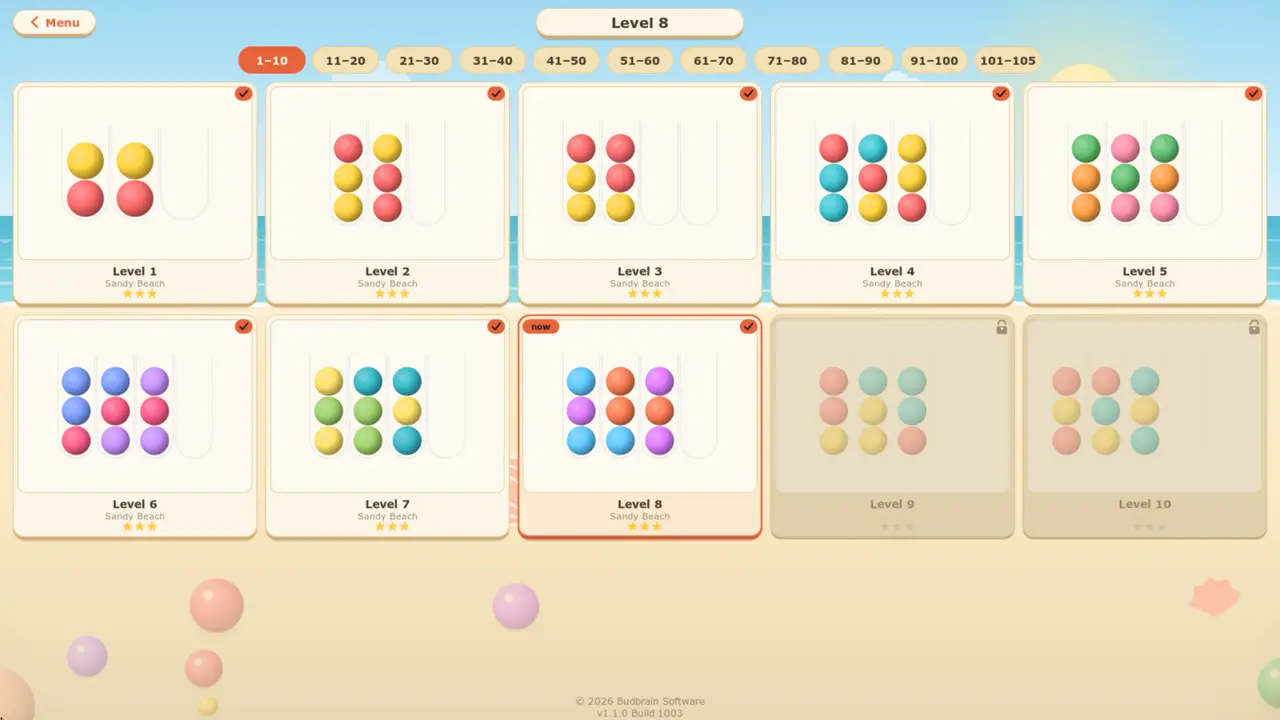
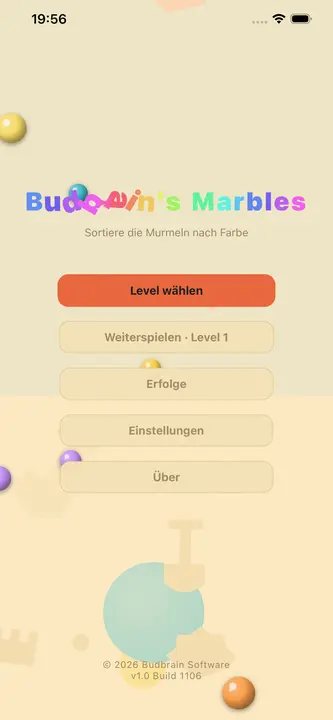
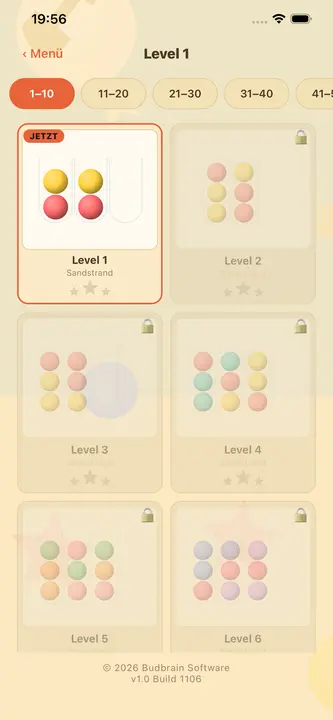
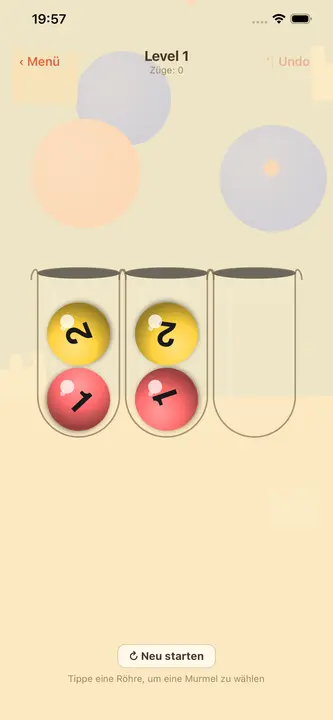
Ordina le biglie per colore: scegli una provetta, poi la destinazione — la biglia in cima vola in un arco. Centocinque rompicapi su cinque spiagge, e ognuno ha una soluzione.
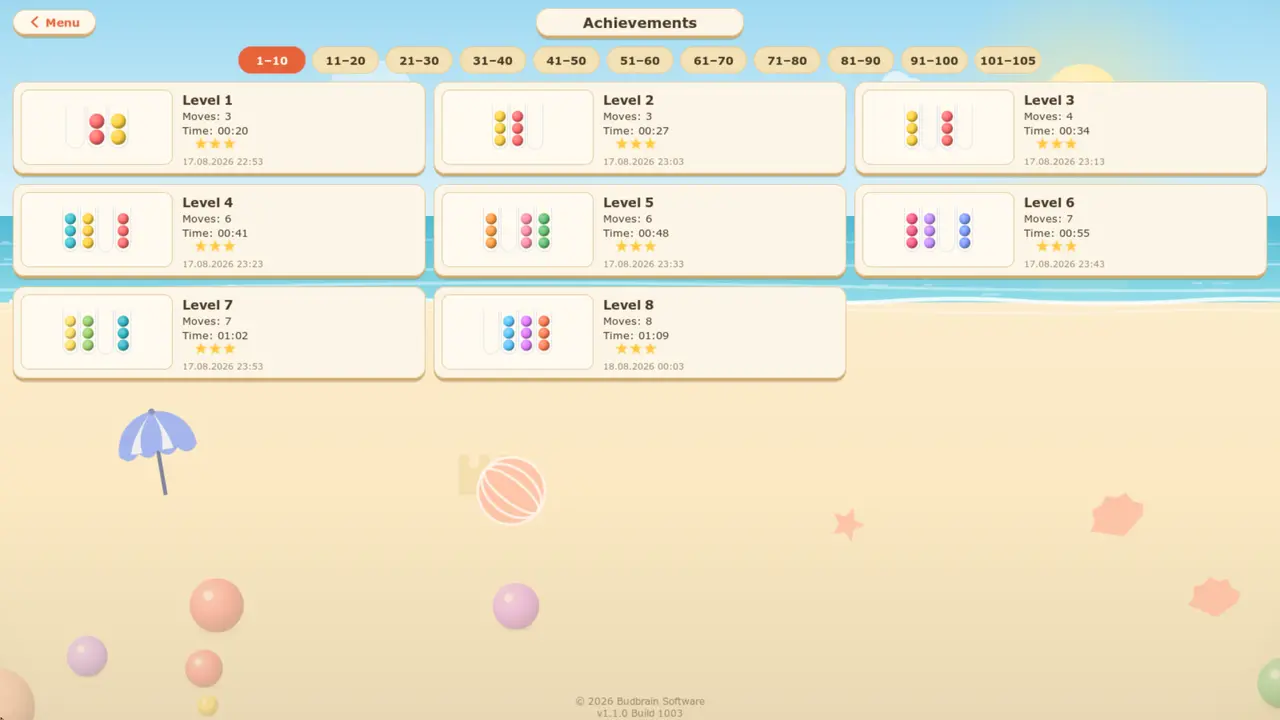
105 rompicapiCinque spiaggeTutti risolvibiliAnnulla · RicominciaParete dei successiOpenGLSDL2 · CairoGNOME / KDE / XFCE22 lingue
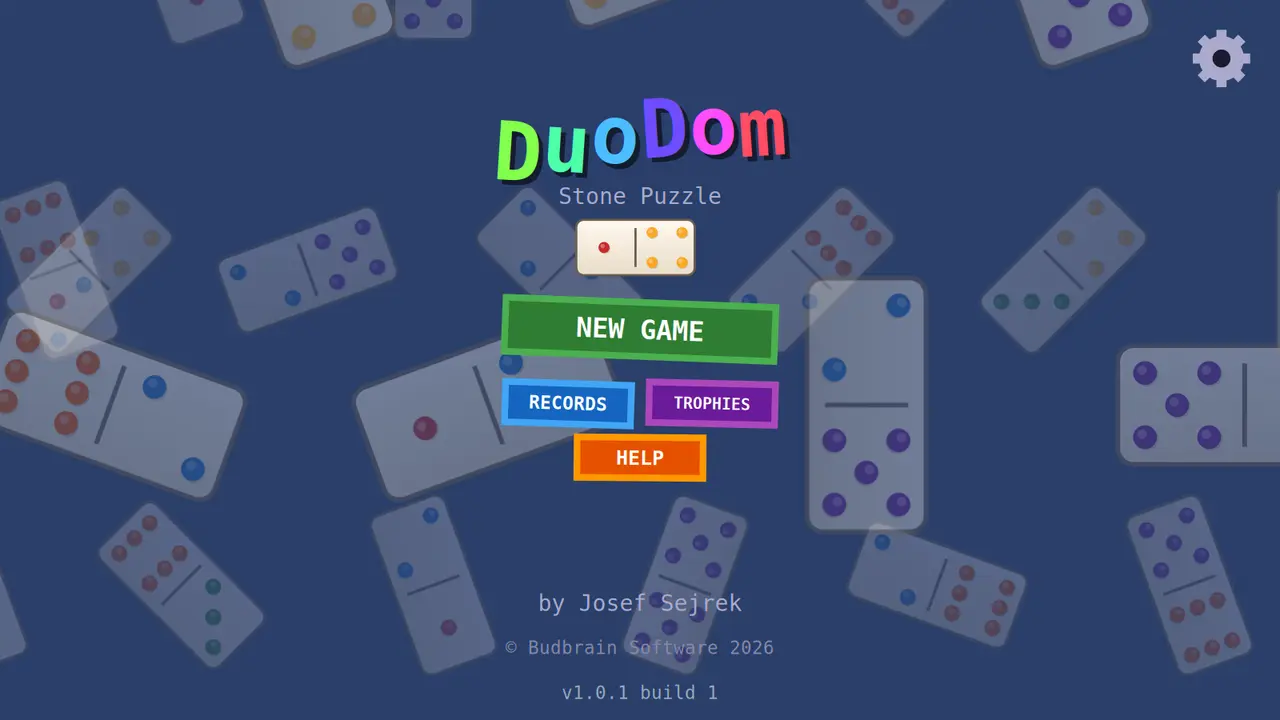
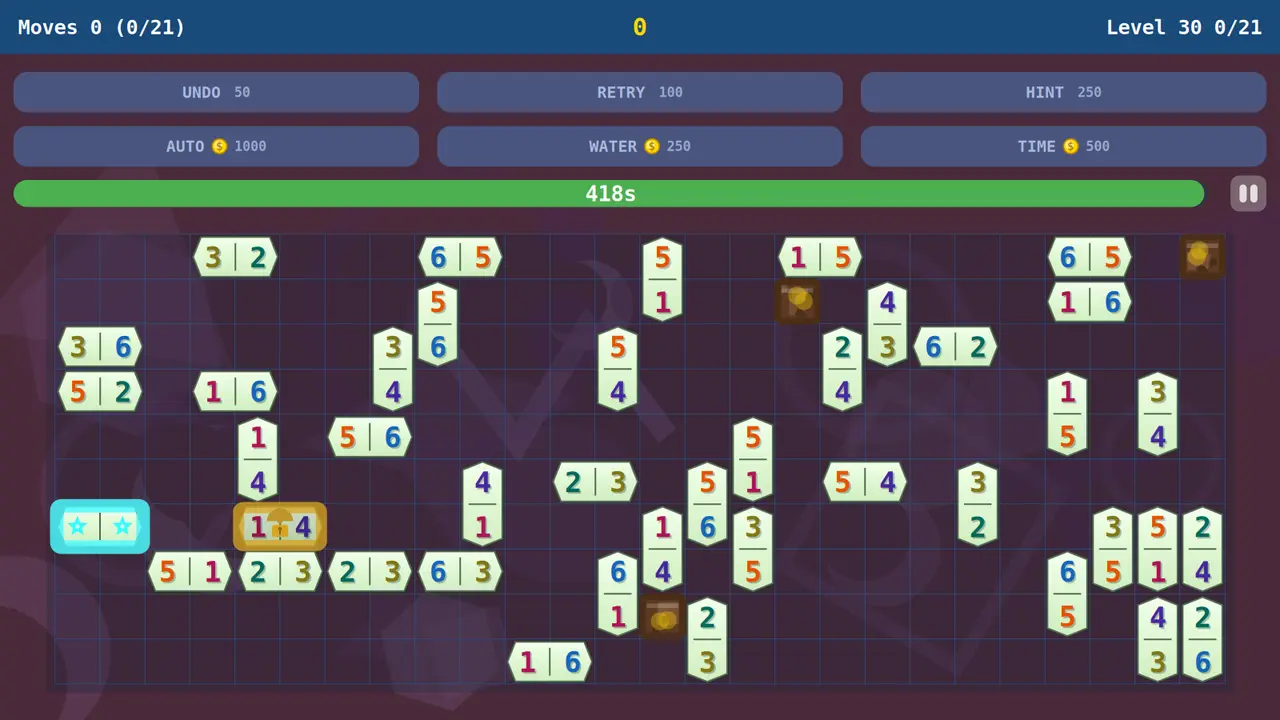
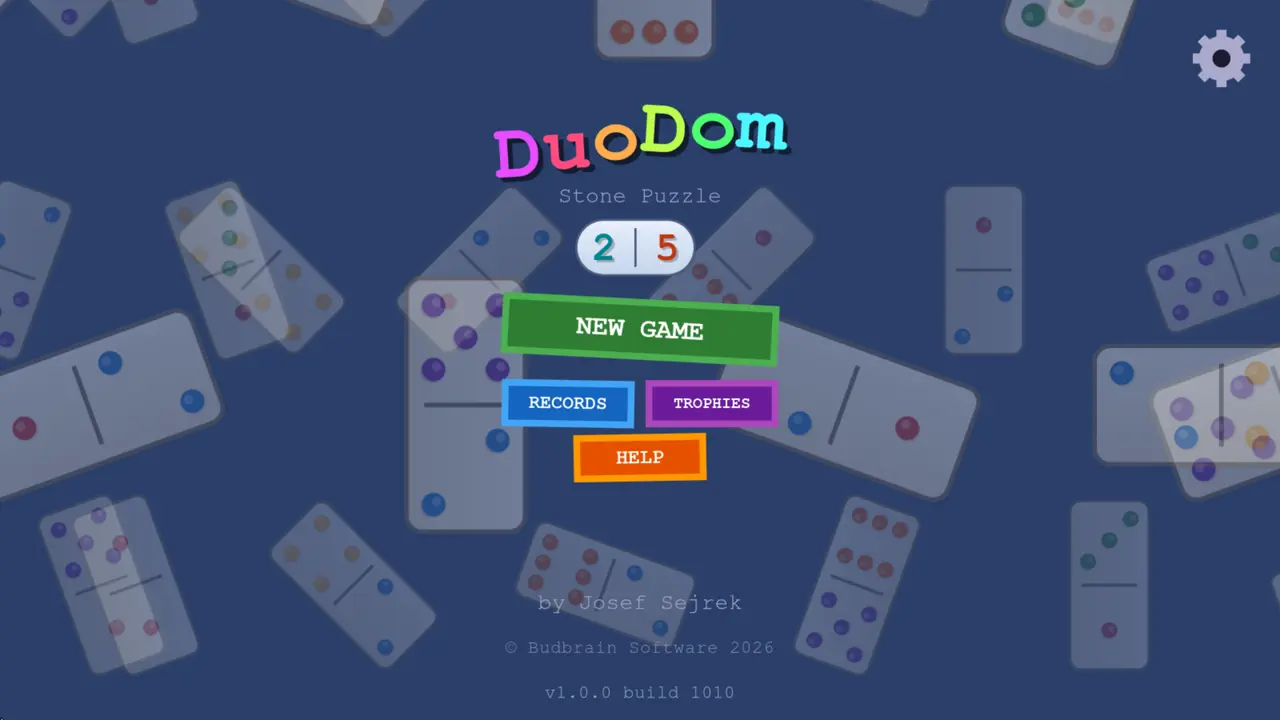
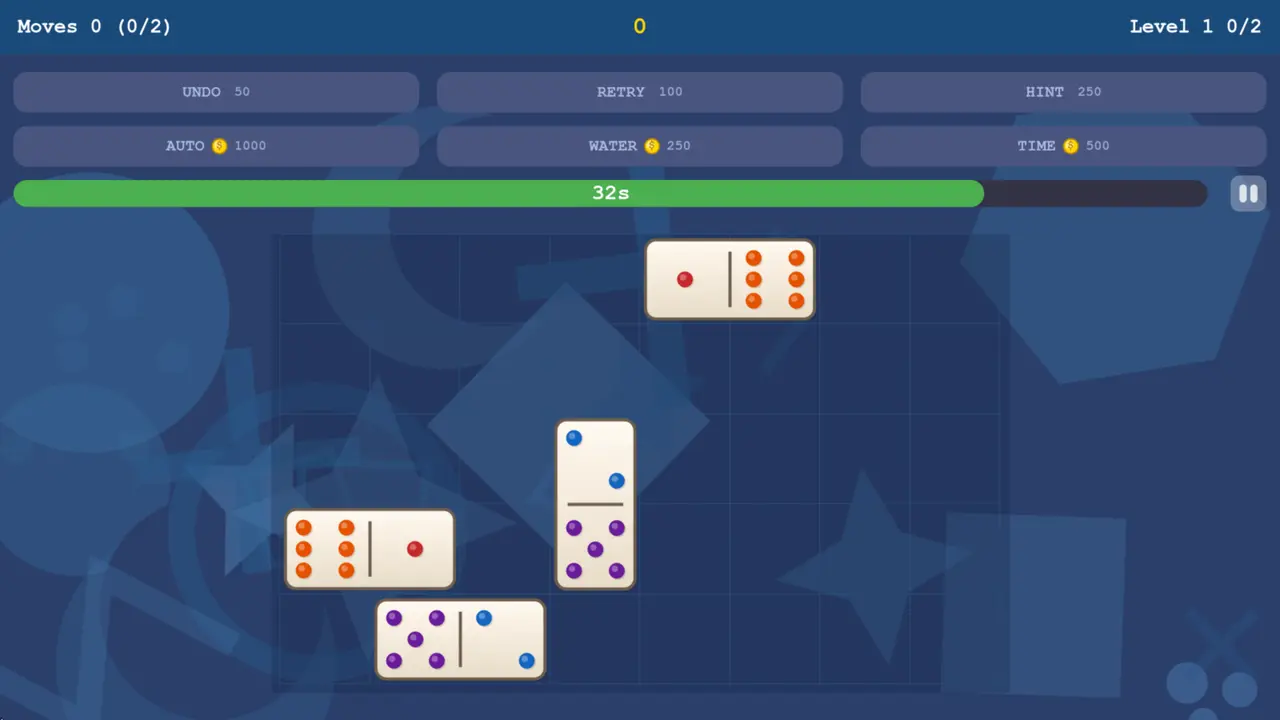
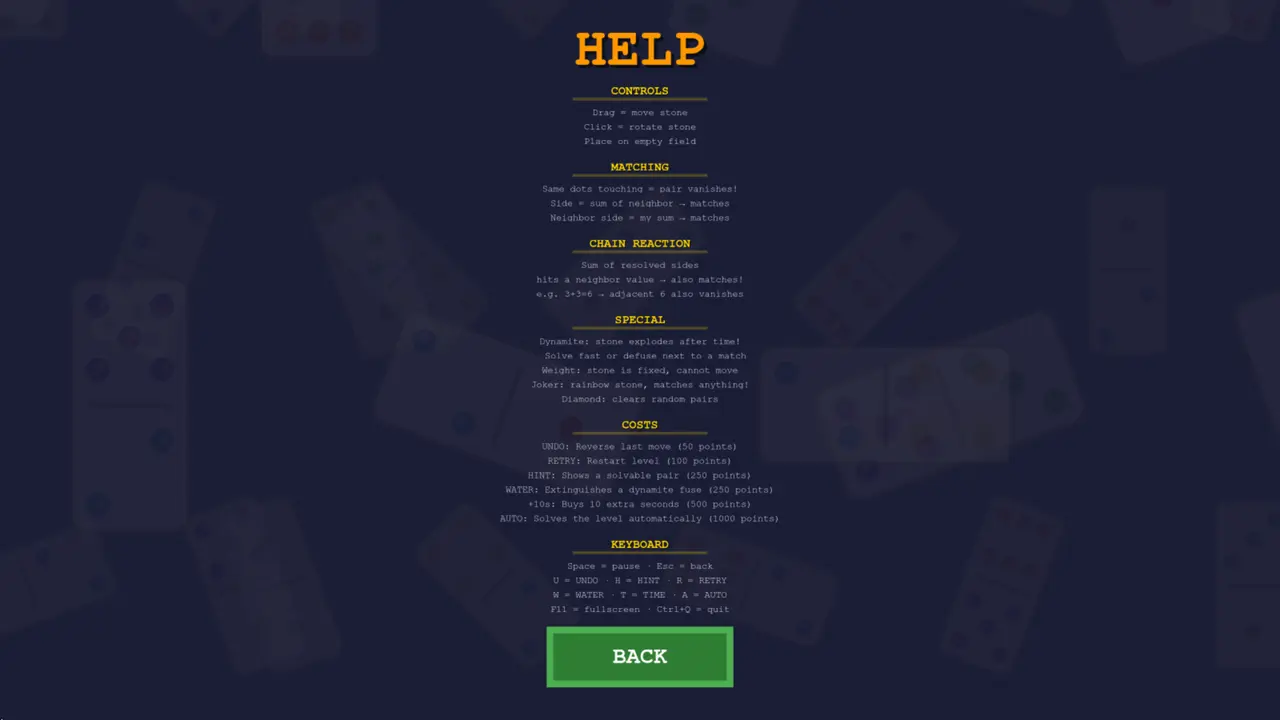
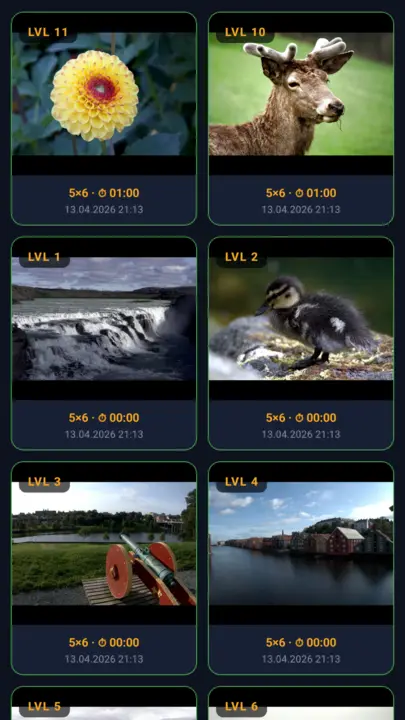
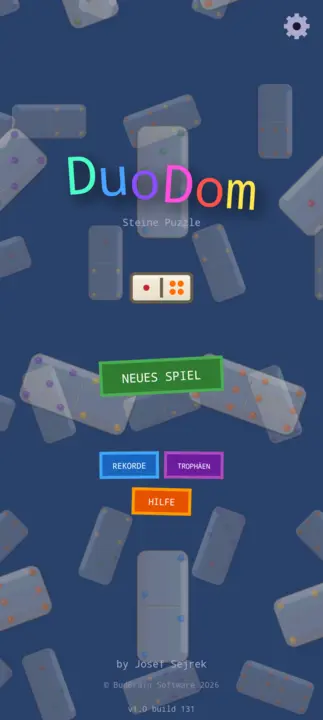
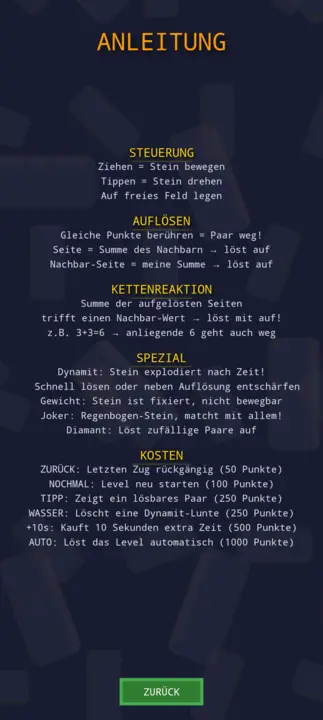
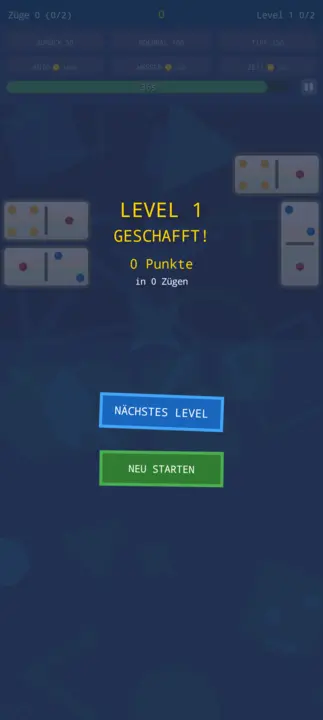
Avvicina le tessere del domino: stessi punti o la somma giusta fanno sparire una coppia. Livelli infiniti con dinamite, jolly e diamante, e ognuno è risolvibile.
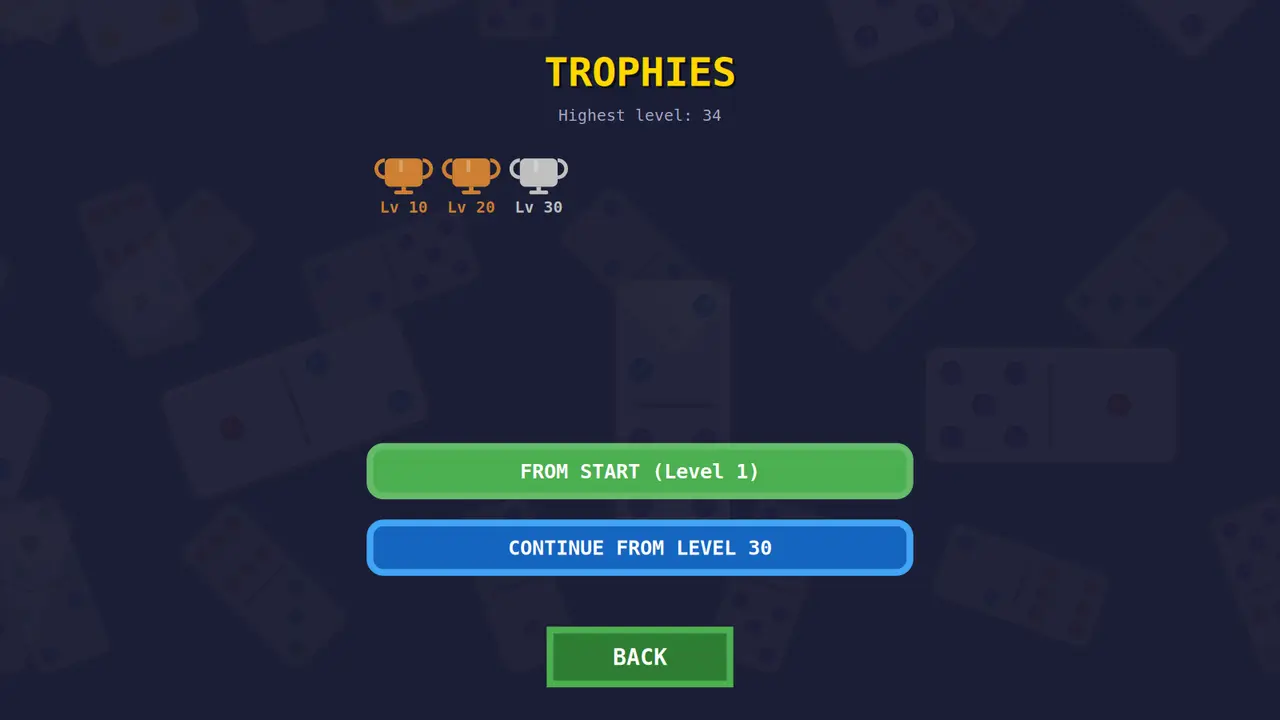
Livelli infiniti17 tipi di tessereDinamite · Jolly · DiamanteAnnulla · Suggerimento · AcquaTrofei e recordOpenGLSDL2 · CairoGNOME / KDE / XFCE20 lingue
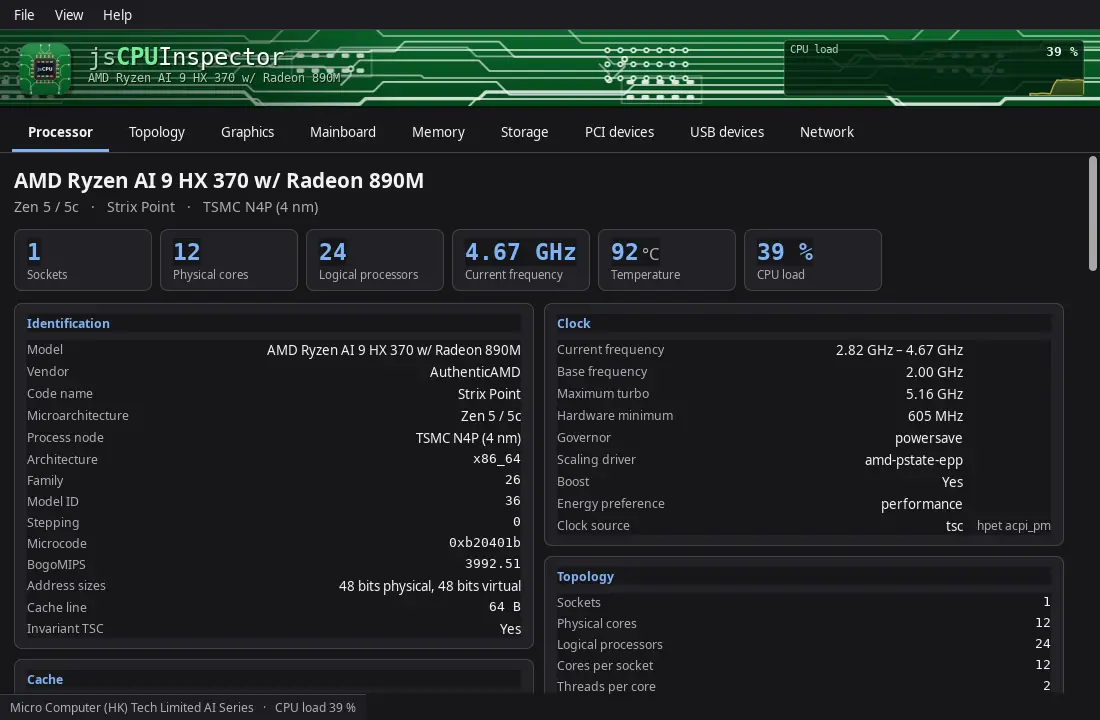
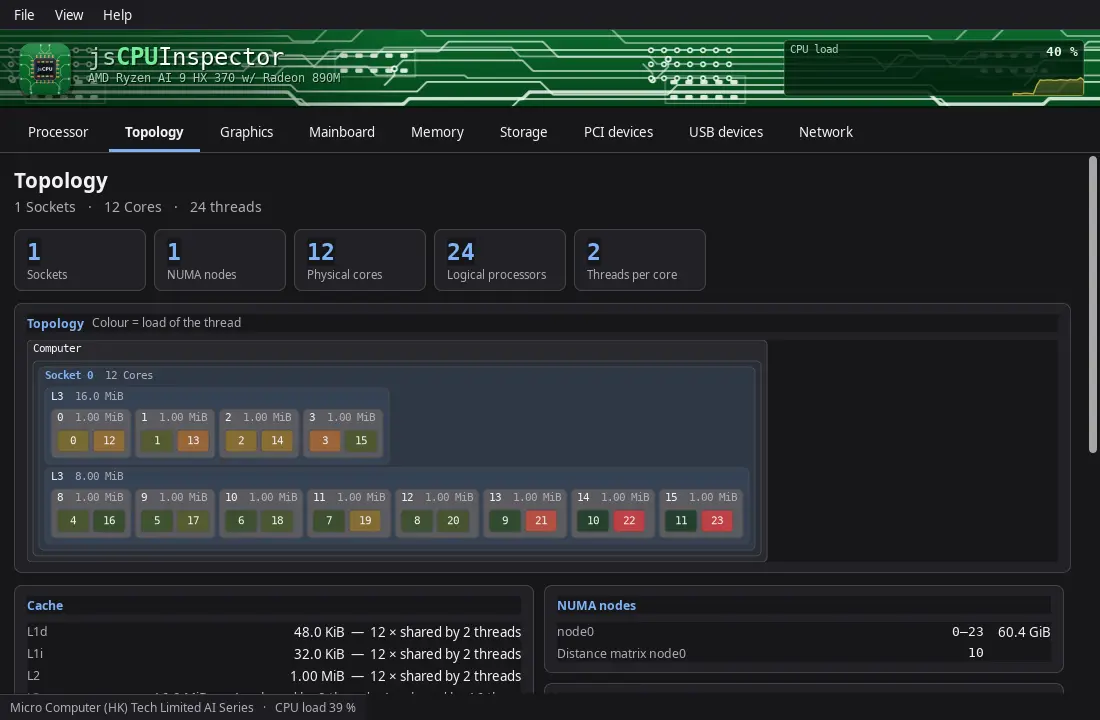
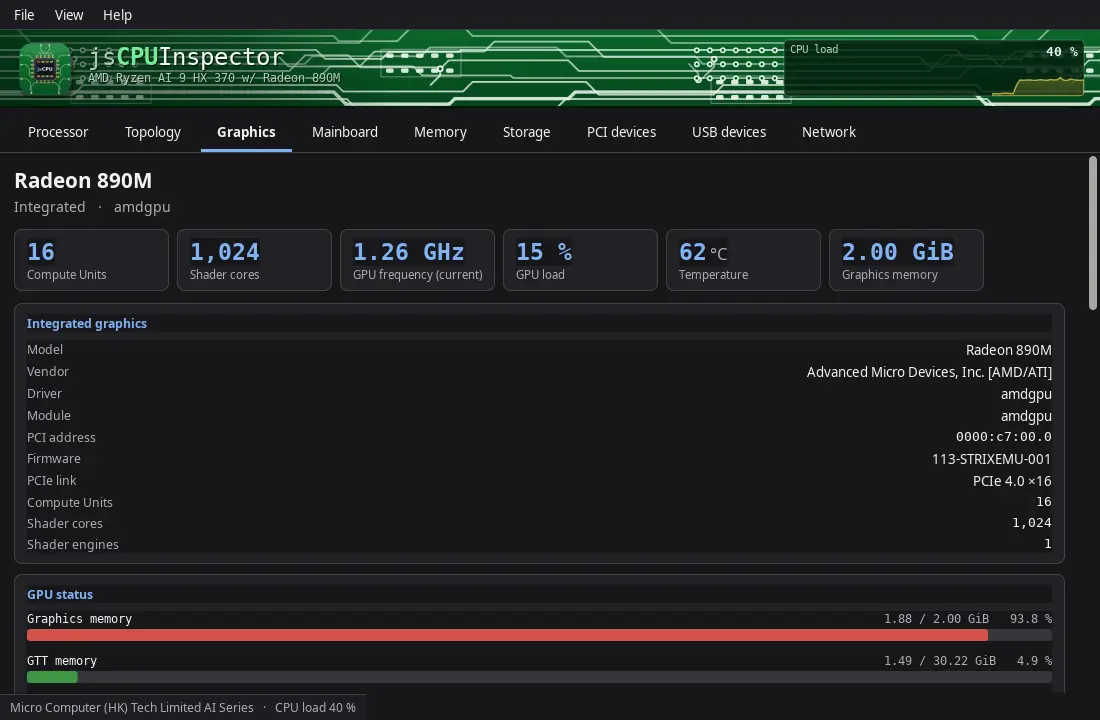
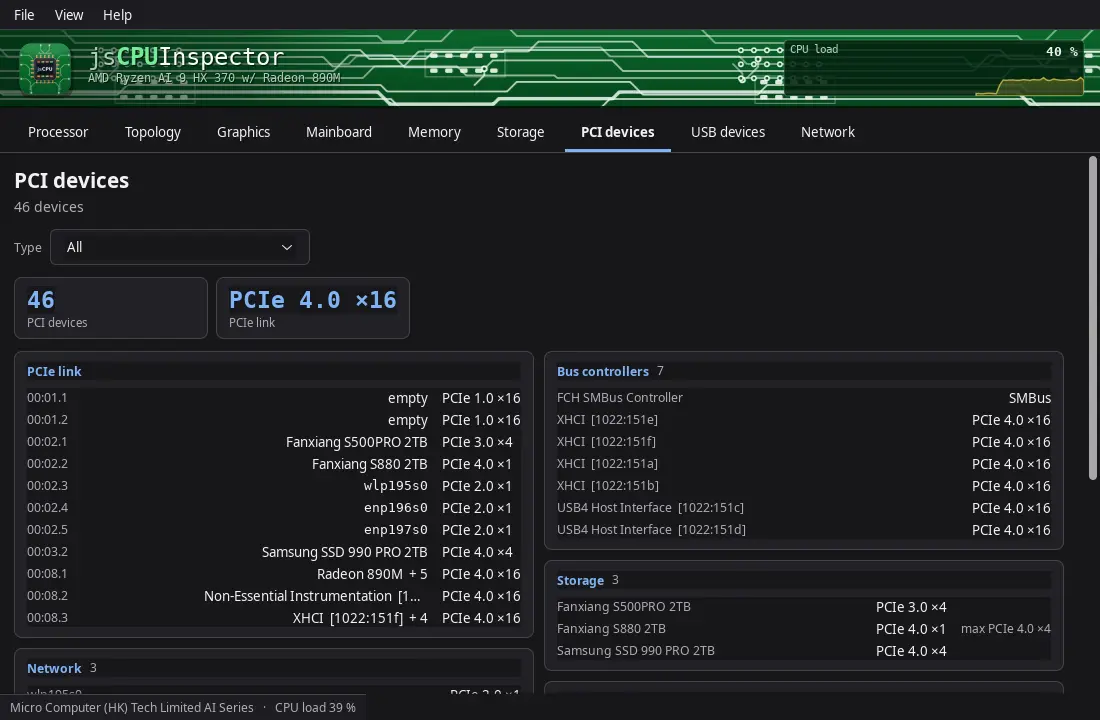
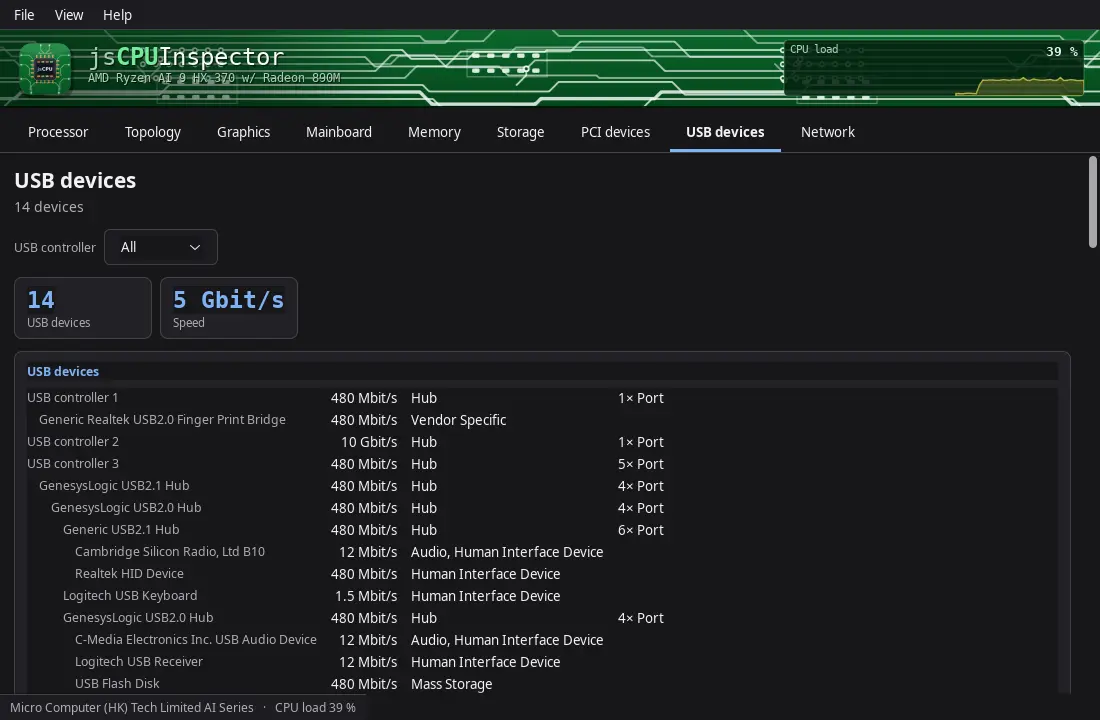
Mostra ogni dettaglio di processore, scheda madre e memoria: socket, core e thread, dimensioni della cache, nome in codice e processo produttivo, l’unità grafica, BIOS e chipset e ogni slot di memoria — oltre a dischi e dispositivi PCI, USB e di rete.
Frequenza e carico in tempo reale per coreLivelli di cache in scalaCPUIDSMBIOSPCI · USBSMARTGTK3GNOME / KDE / XFCE44 lingue
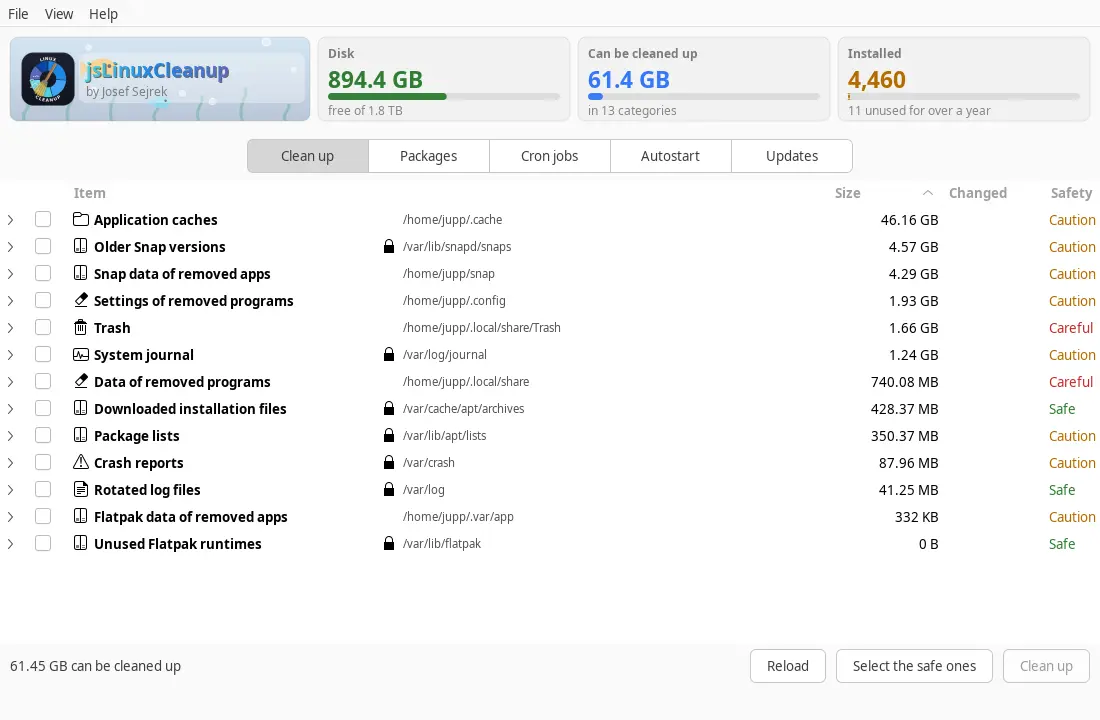
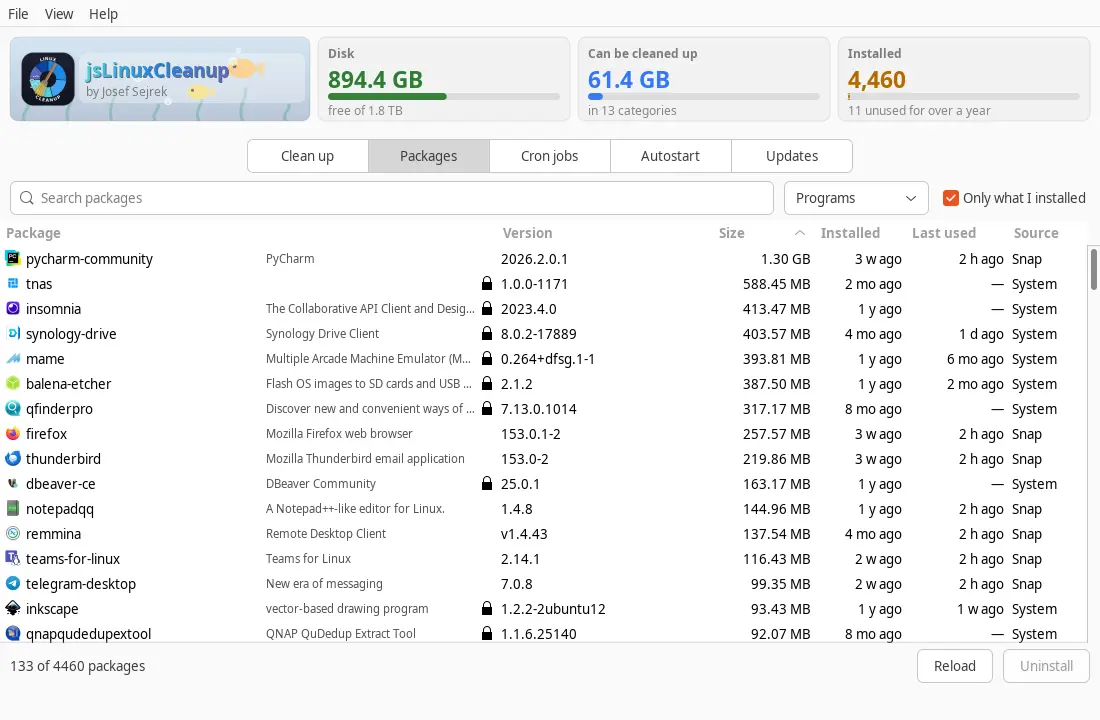
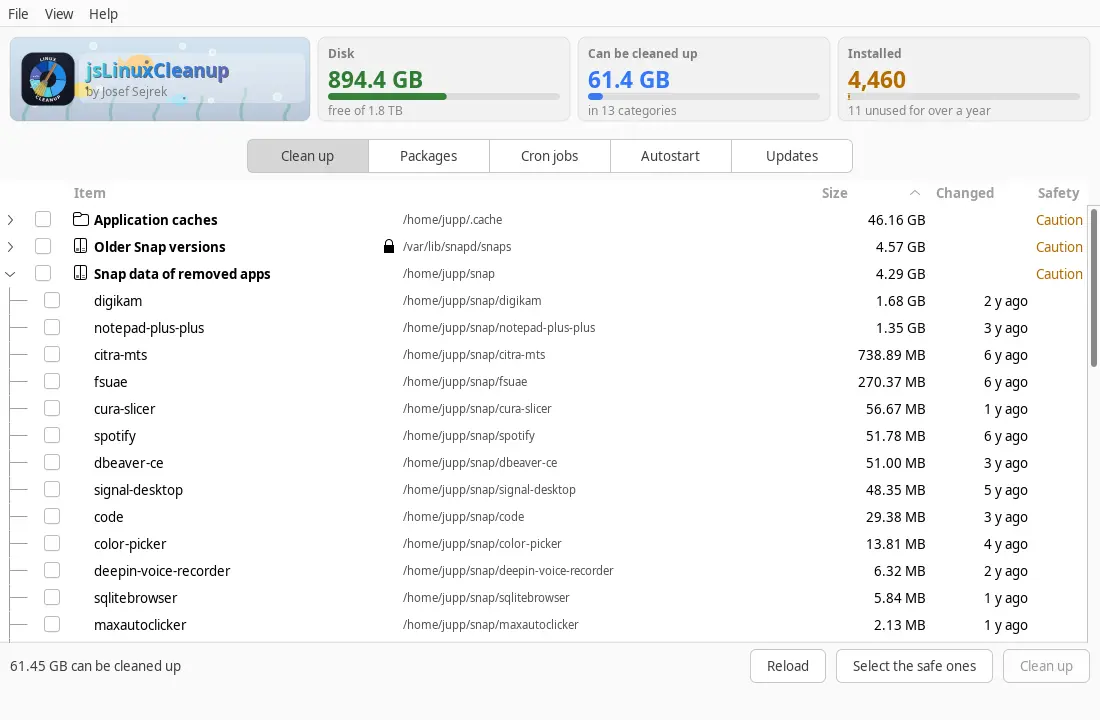
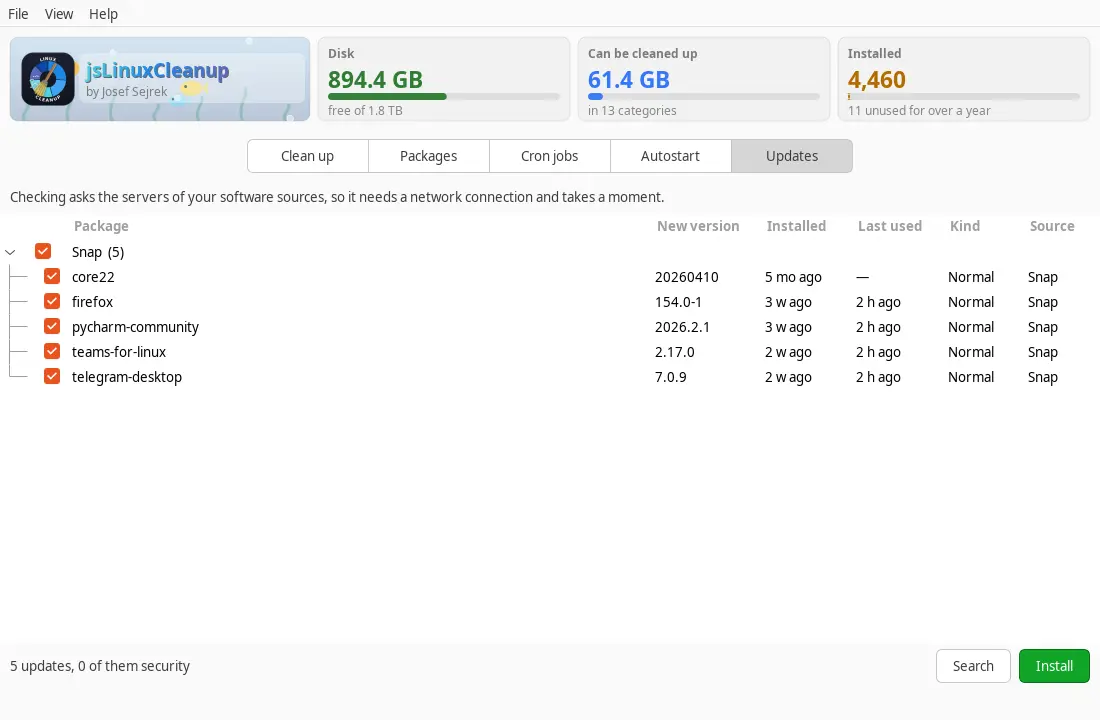
Mostra ciò che riempie il disco in silenzio e ciò che è installato: log, cache, cestino e versioni di pacchetti superate, oltre a ogni programma con dimensione, data di installazione e ultimo utilizzo — inclusi i residui dei programmi rimossi, avvio automatico, pianificazioni e aggiornamenti in sospeso.
apt · dnf · zypper · pacmanSnap & FlatpakjournaldUltimo utilizzoResidui di programmi rimossiPianificazioniAutostartGTK3GNOME / KDE / XFCE44 lingue
Le cache come ~/.gradle, ~/.npm o ~/.cache si trovano in cartelle nascoste che un'app isolata non può vedere da sola. Esegui il comando una volta e riavvia l'app.
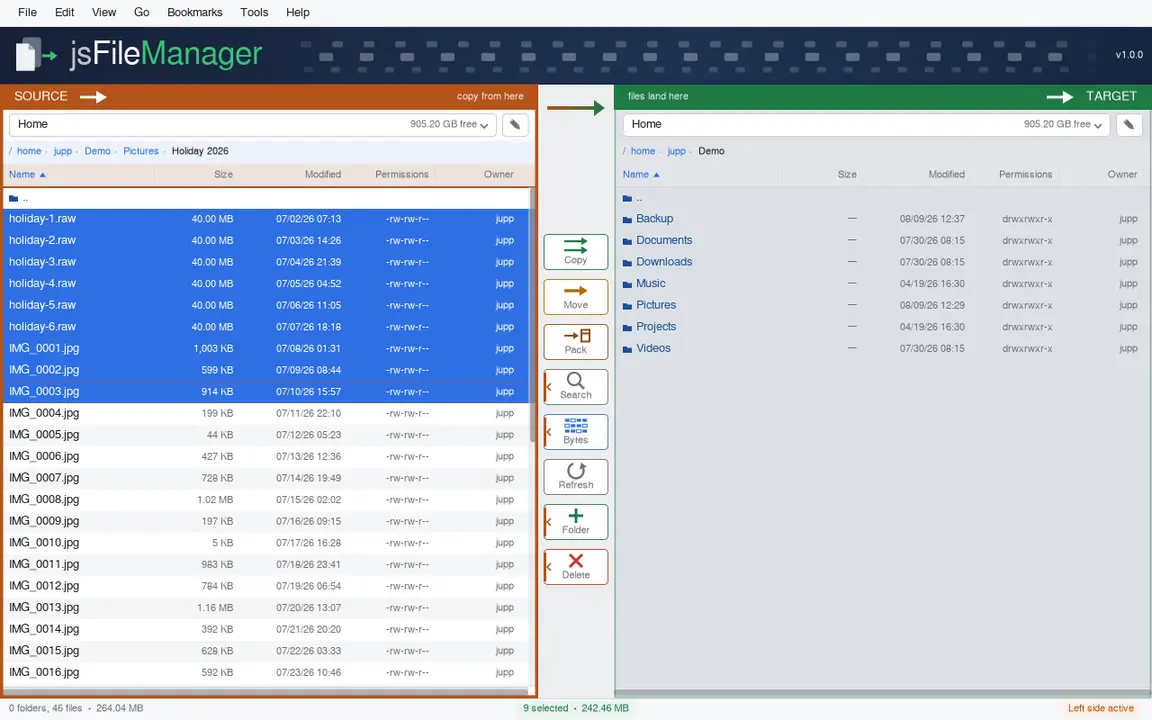
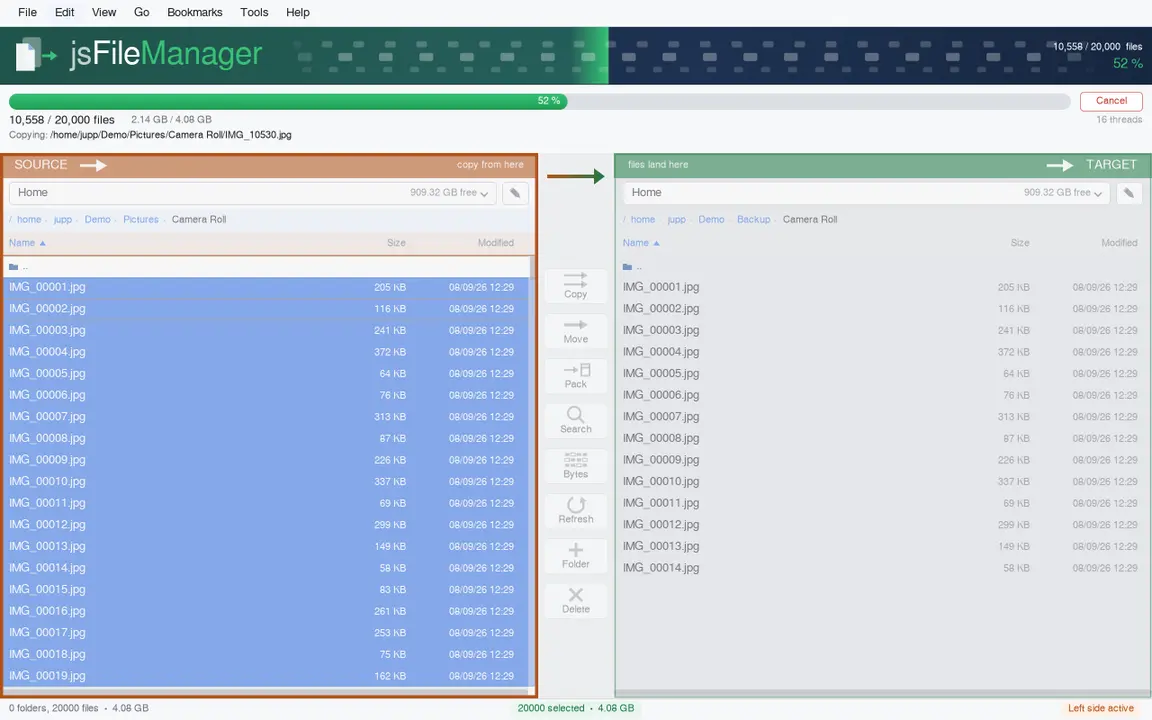
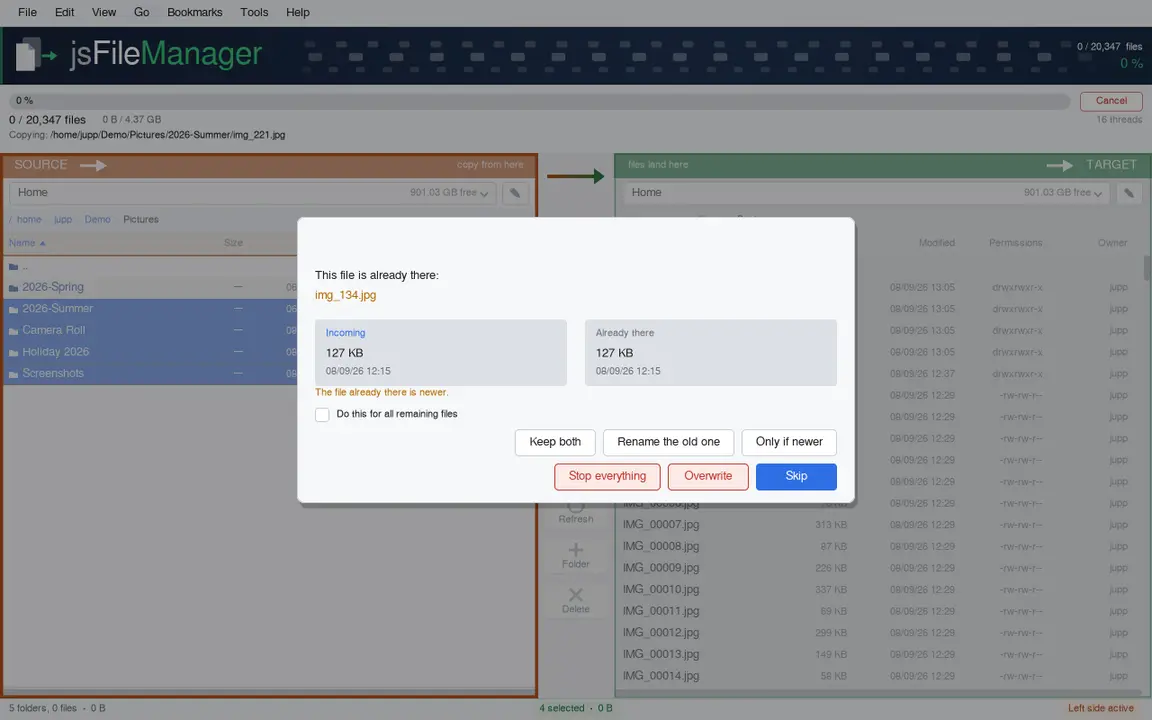
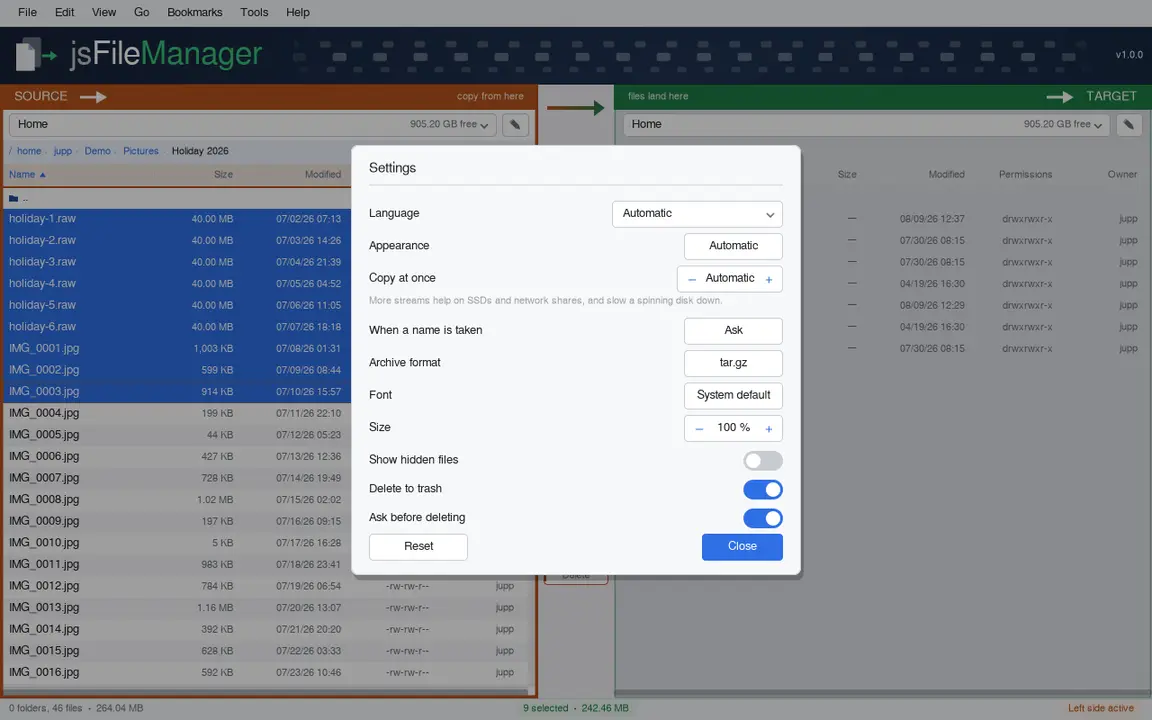
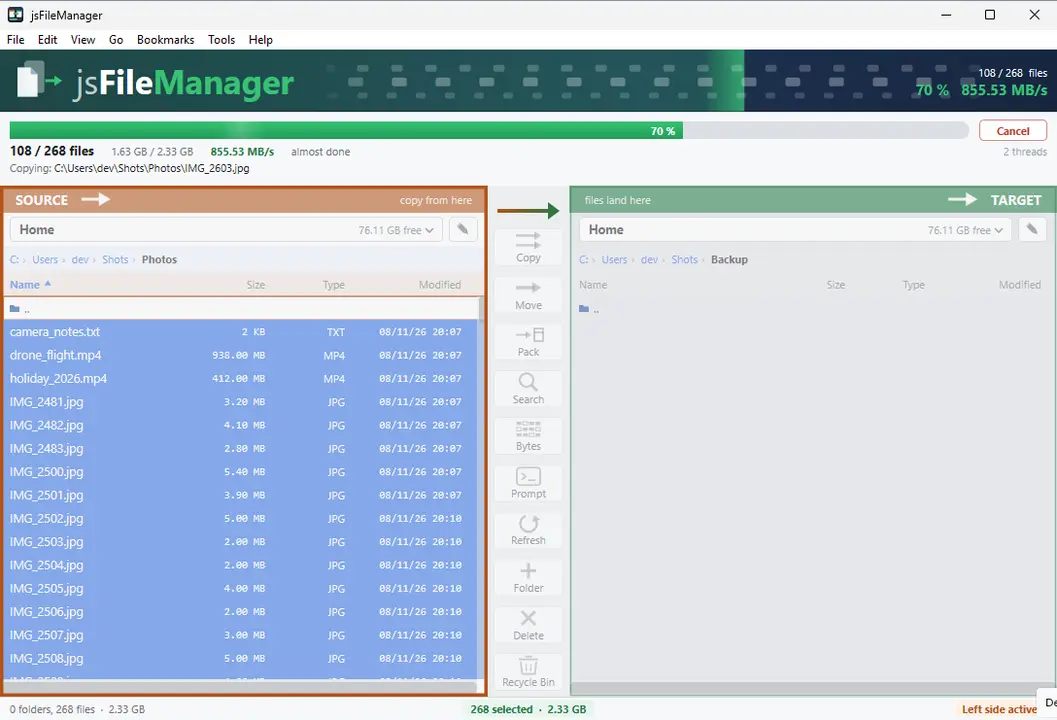
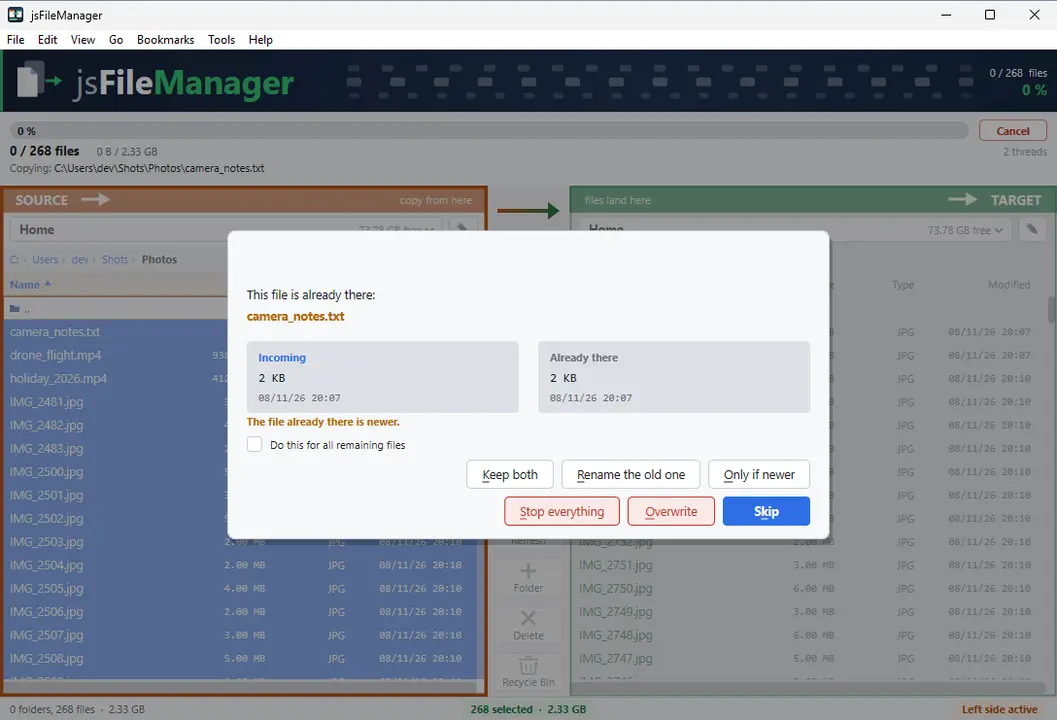
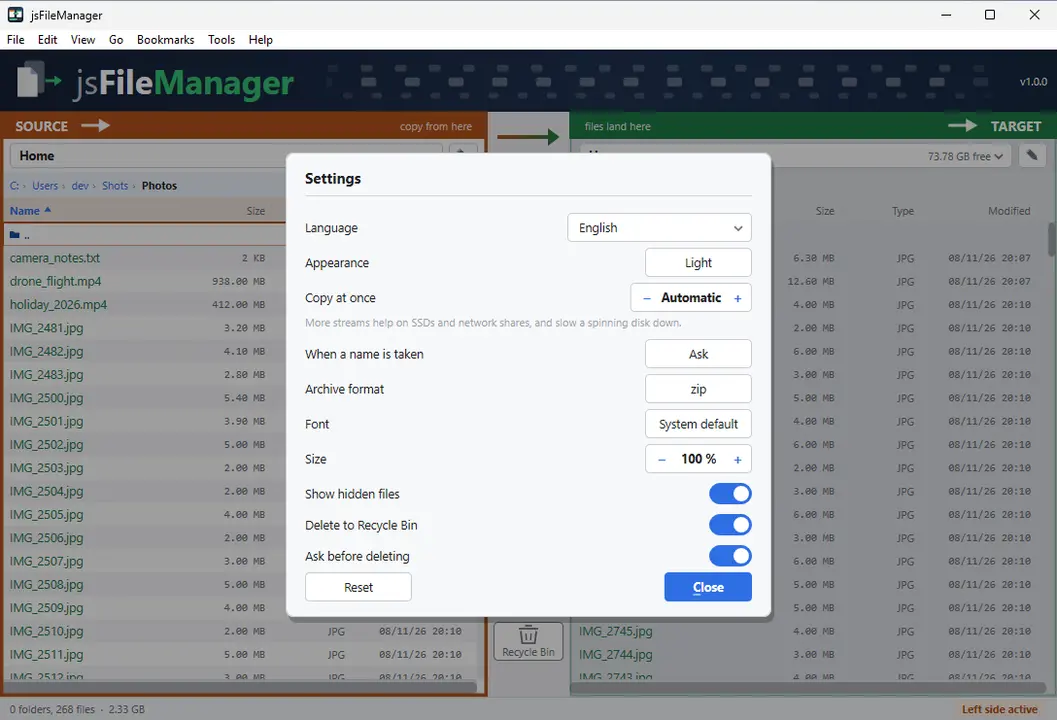
Due cartelle affiancate e, in mezzo, i pulsanti che spostano i file da una parte all’altra. Durante la copia vedi a che punto è, quanto va veloce e che cosa non è riuscito.
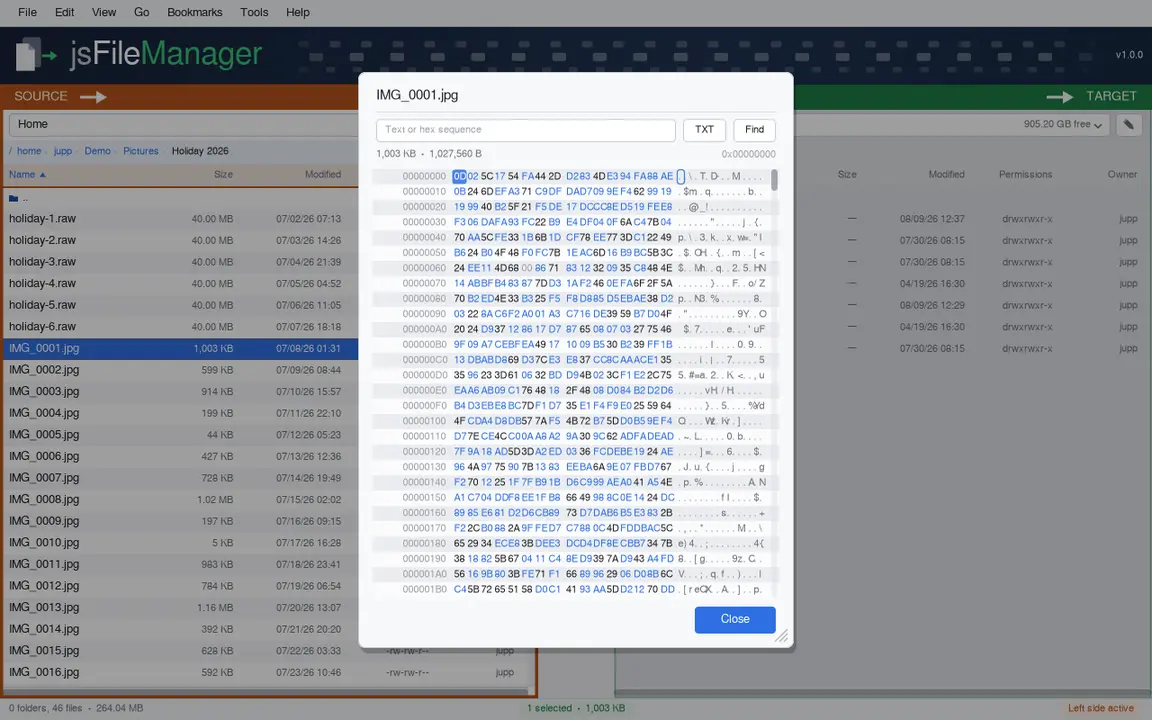
Due cartelle affiancateAvanzamento in tempo realeArchivi e vista bytePermessi e proprietarioGTK3GNOME / KDE / XFCE44 lingue
Consentire chiavette USB, unità di rete e altre cartelle (Snap)
sudo sh -c 'for i in removable-media system-backup mount-observe; do snap connect jsfilemanager:$i; done'
All’inizio uno snap raggiunge solo la sua cartella. Il comando consente in più chiavette USB e schede di memoria, unità di rete e cartelle fuori dalla propria. Da eseguire una volta, poi riavviare l’app — il permesso resta.
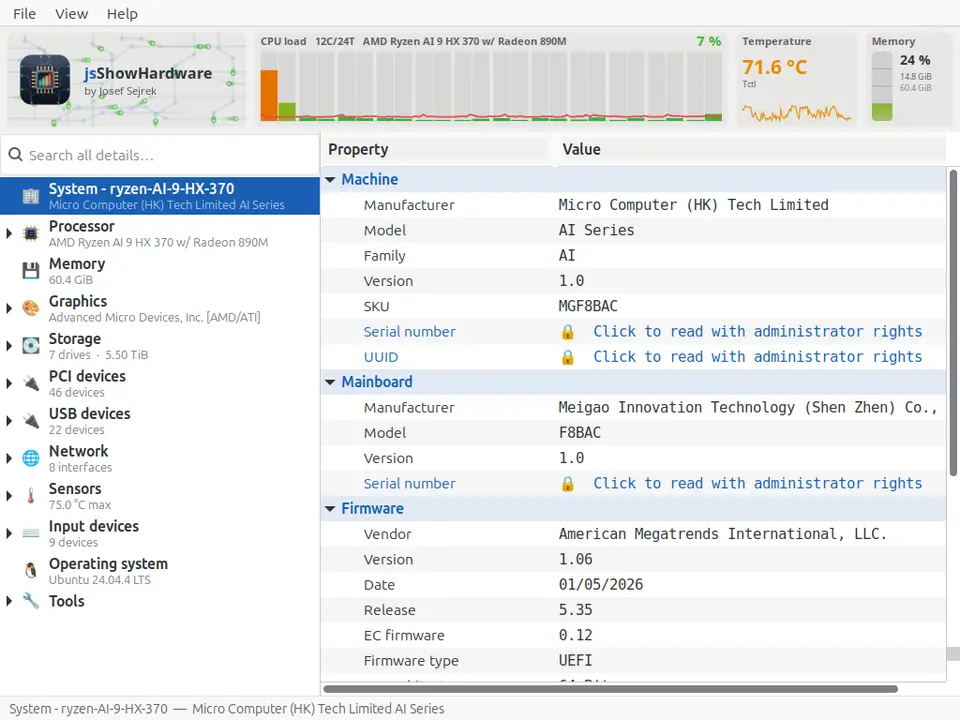
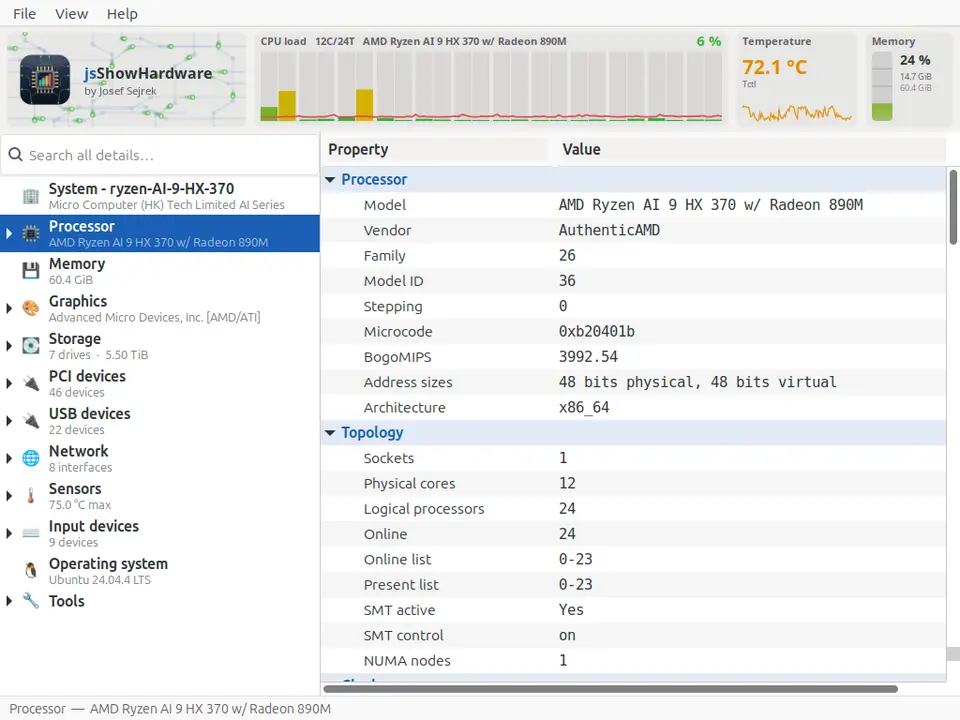
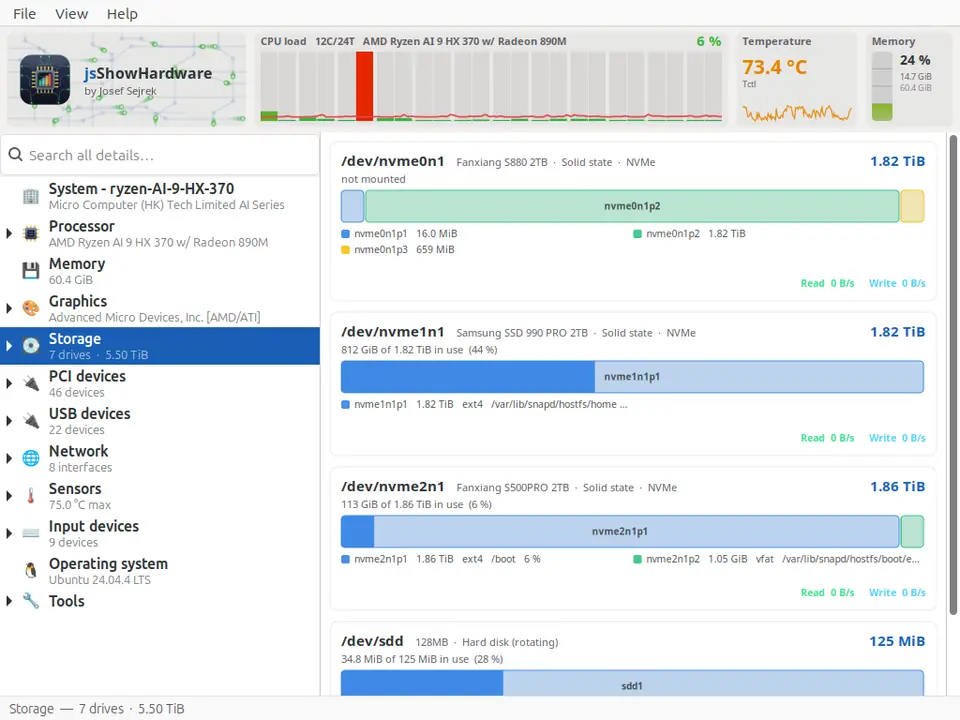
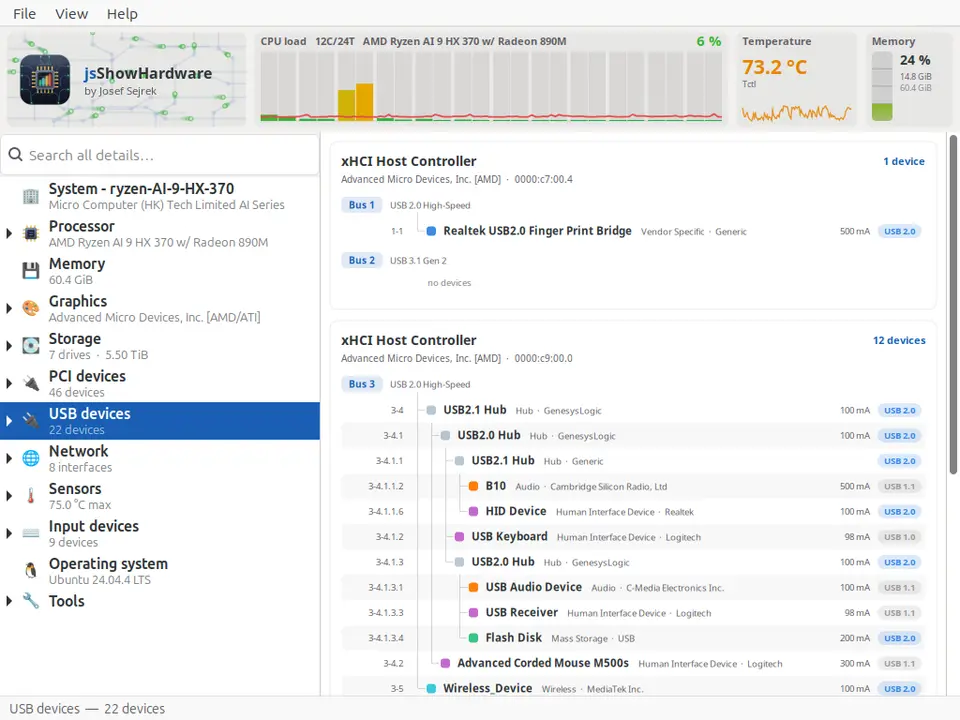
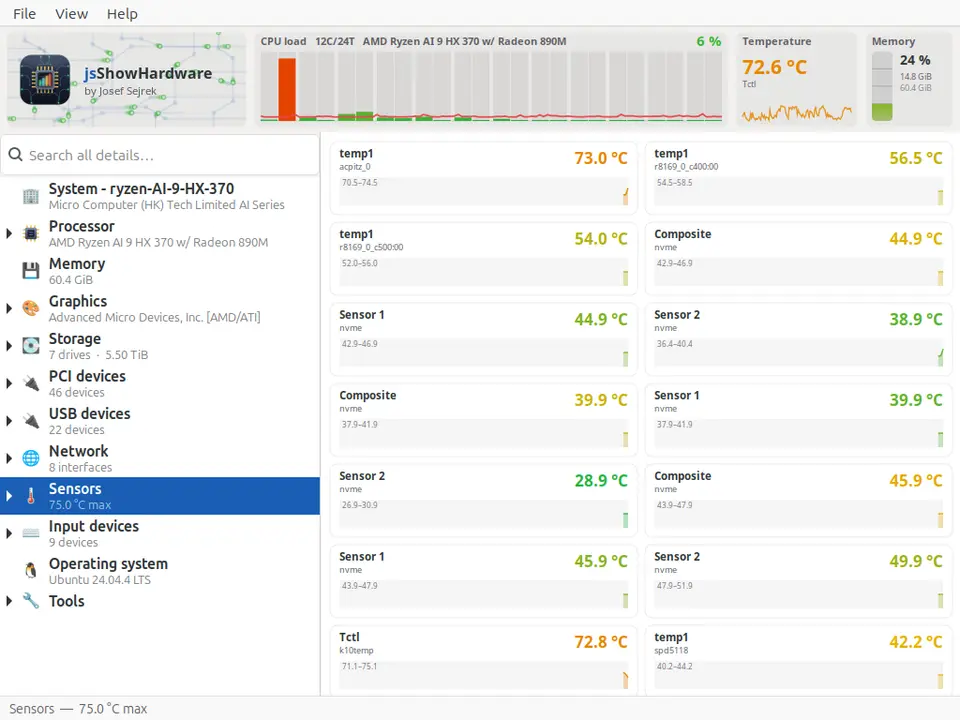
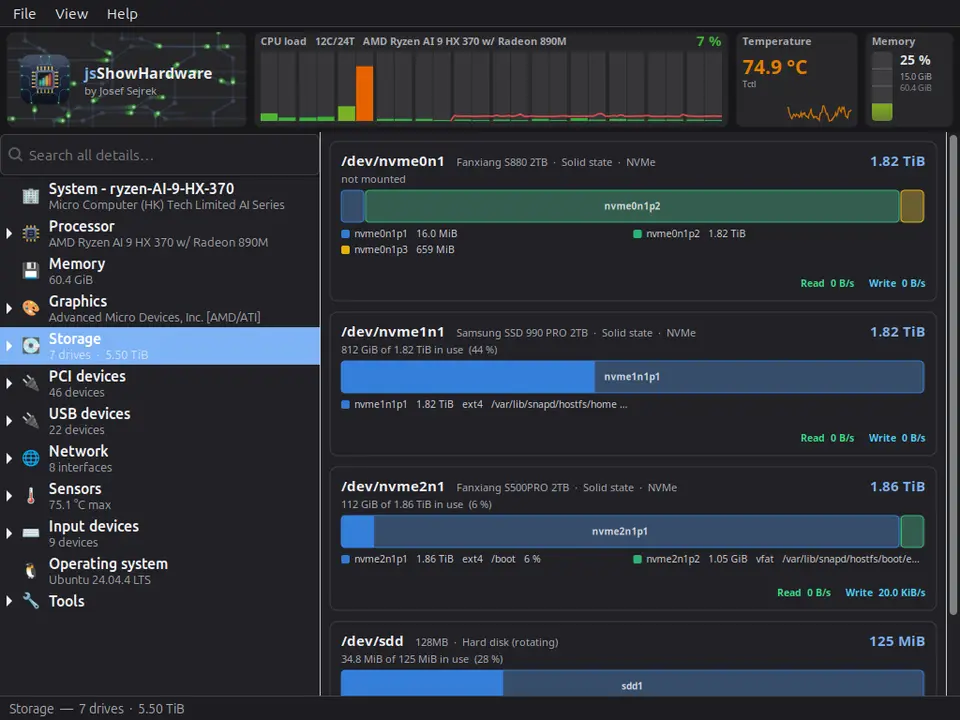
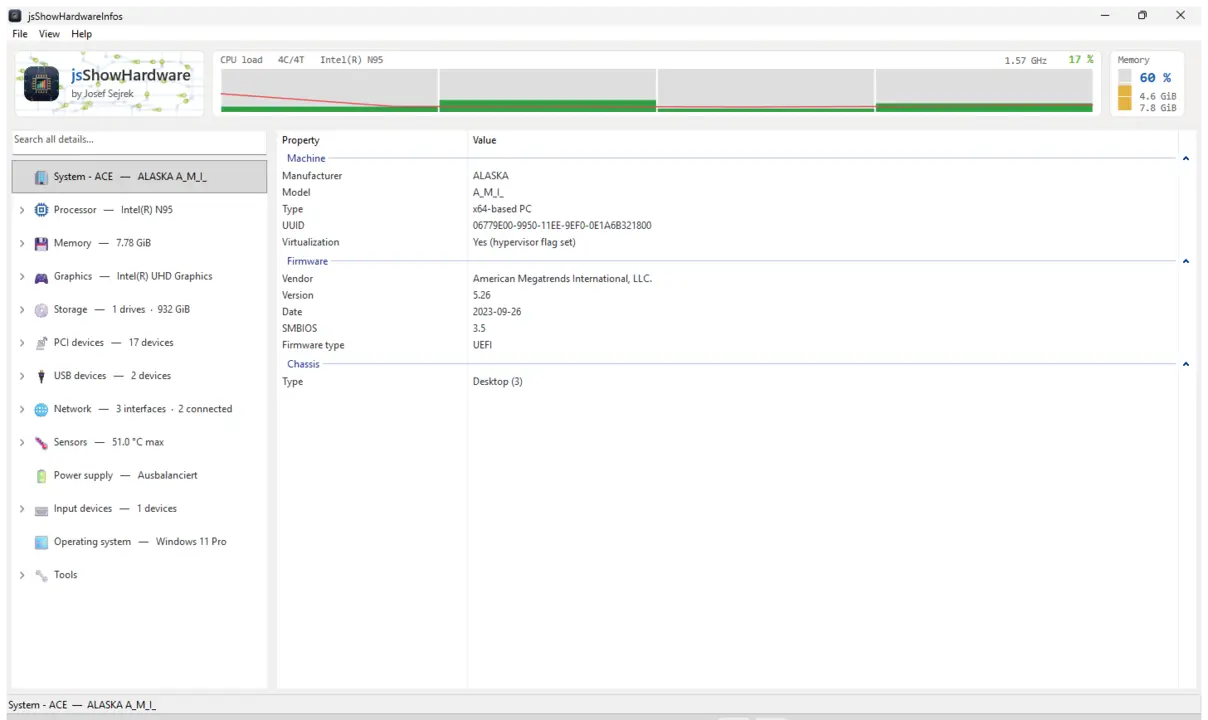
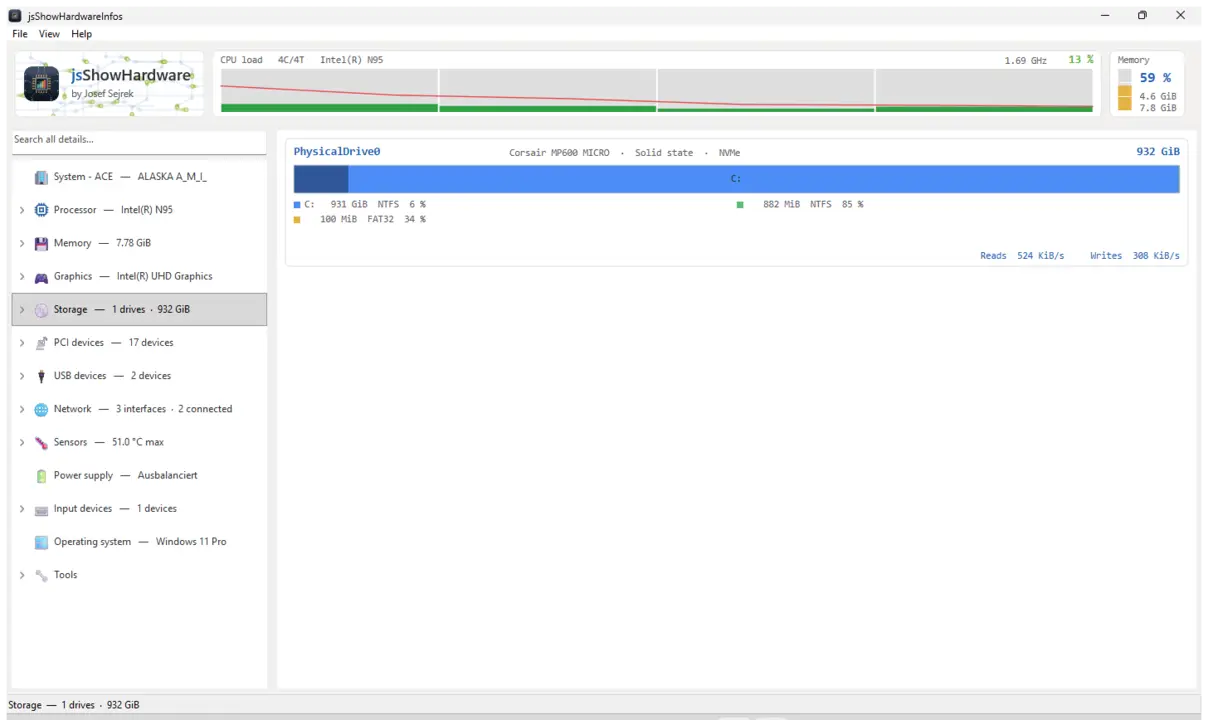
Mostra ogni dettaglio hardware che il computer riferisce su sé stesso: processore, memoria, grafica, unità, rete, sensori e tutto ciò che è collegato, ognuno sul proprio ramo. In più una barra dal vivo con carico e temperatura, una ricerca su tutti i valori e un rapporto da salvare come file di testo e inoltrare.
CPU / RAM / GPUUnità e USBSensori e temperatureElenco processiRicerca su tutti i valoriSalvare il rapportoGTK3GNOME / KDE / XFCE44 lingue
sudo sh -c 'for i in hardware-observe system-observe mount-observe; do snap connect jsshowhardwareinfos:$i; done'
Uno snap all’inizio vede molto poco del computer: temperatura, sensori, unità e spazio occupato restano quindi vuoti. Il comando concede soltanto la lettura. Poi basta un clic su Aggiorna, non serve riavviare.
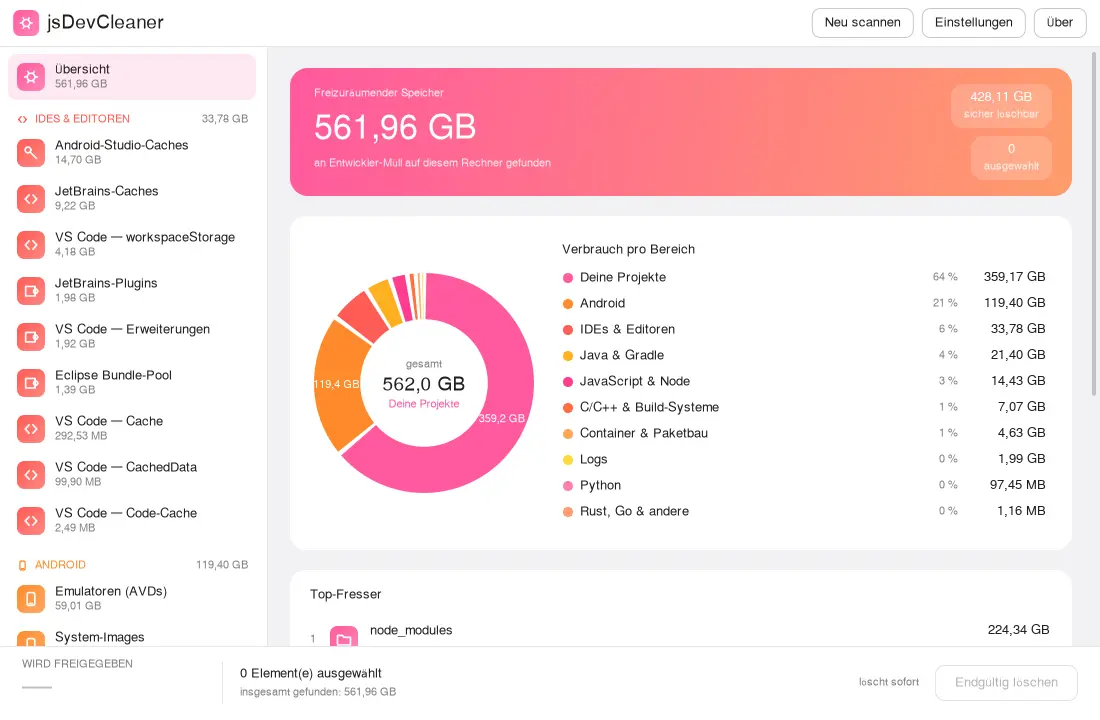
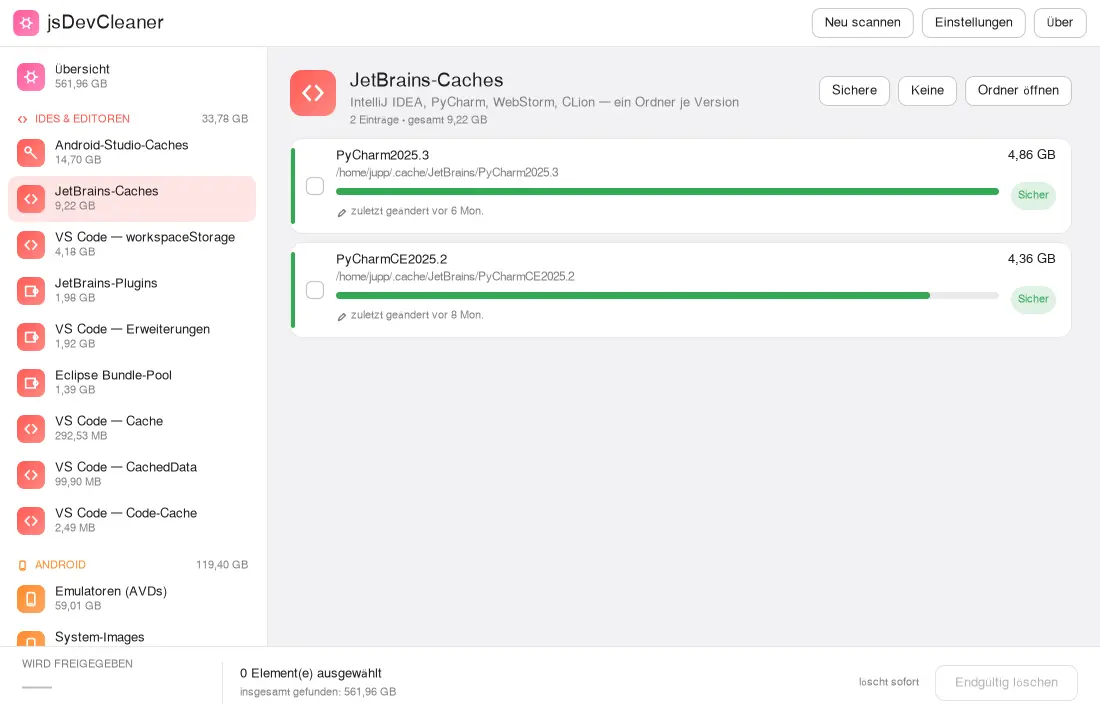
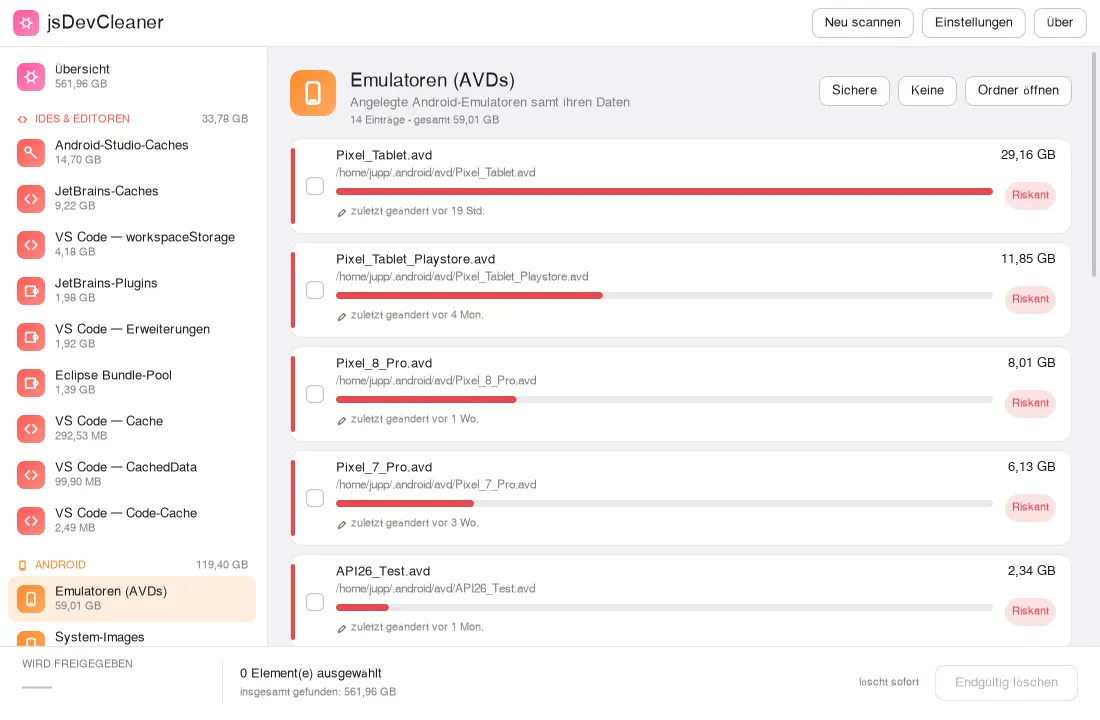
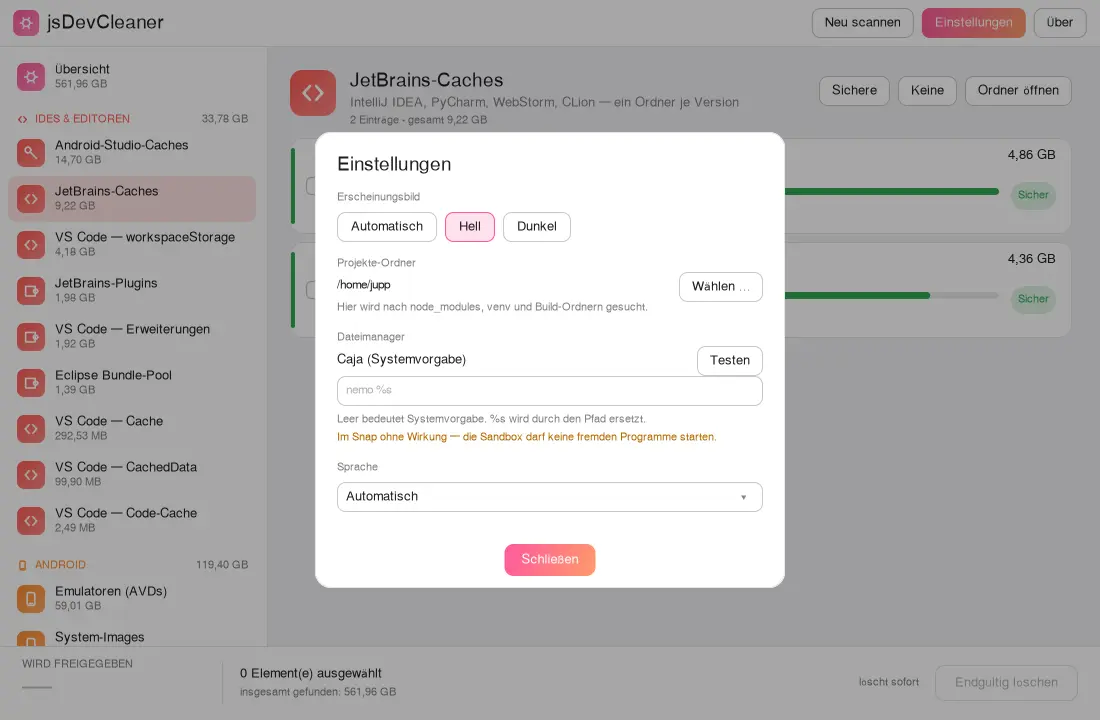
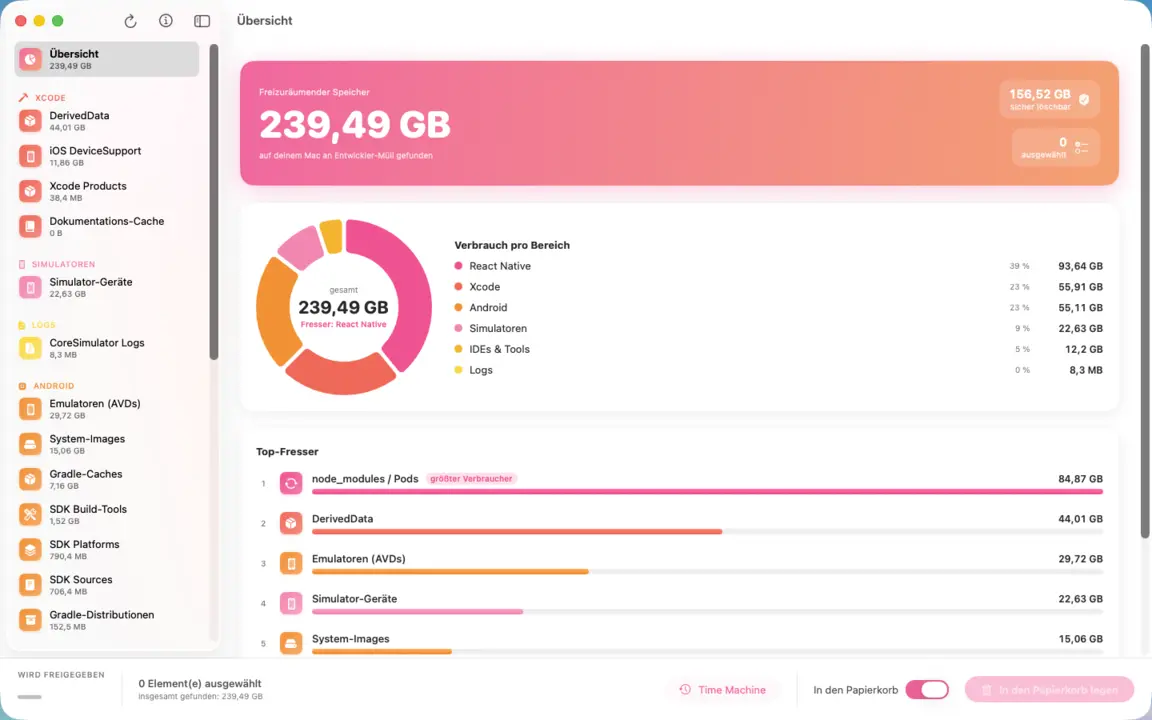
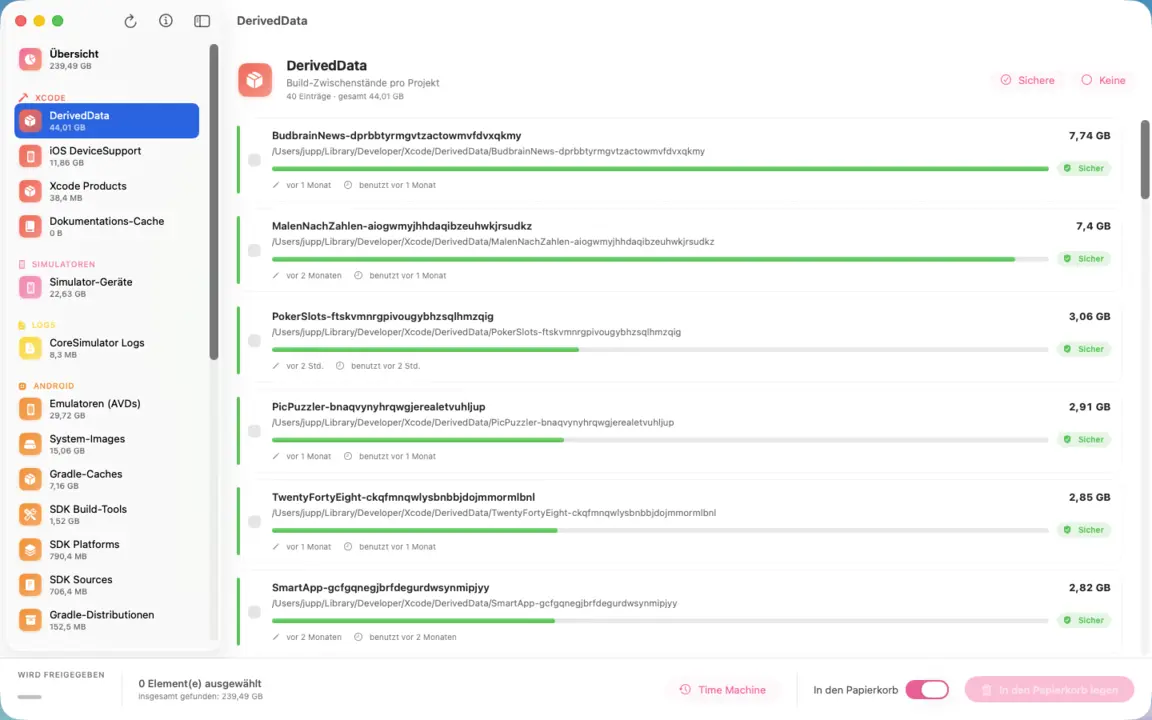
Mostra quanto spazio occupano i tuoi strumenti di sviluppo: SDK ed emulatori Android, cache degli editor, pacchetti scaricati e le cartelle delle dipendenze nei tuoi progetti. Ogni voce è valutata sicura, attenzione o rischiosa, e viene eliminato solo ciò che hai selezionato e confermato.
Android SDK & AVDsGradle & Mavennpm & YarnIDE-Cachesnode_modulesValutazione del rischioI tuoi progettiGTK3GNOME / KDE / XFCE44 lingue
Le cache come ~/.gradle, ~/.npm o ~/.cache si trovano in cartelle nascoste che un'app isolata non può vedere da sola. Esegui il comando una volta e riavvia l'app.
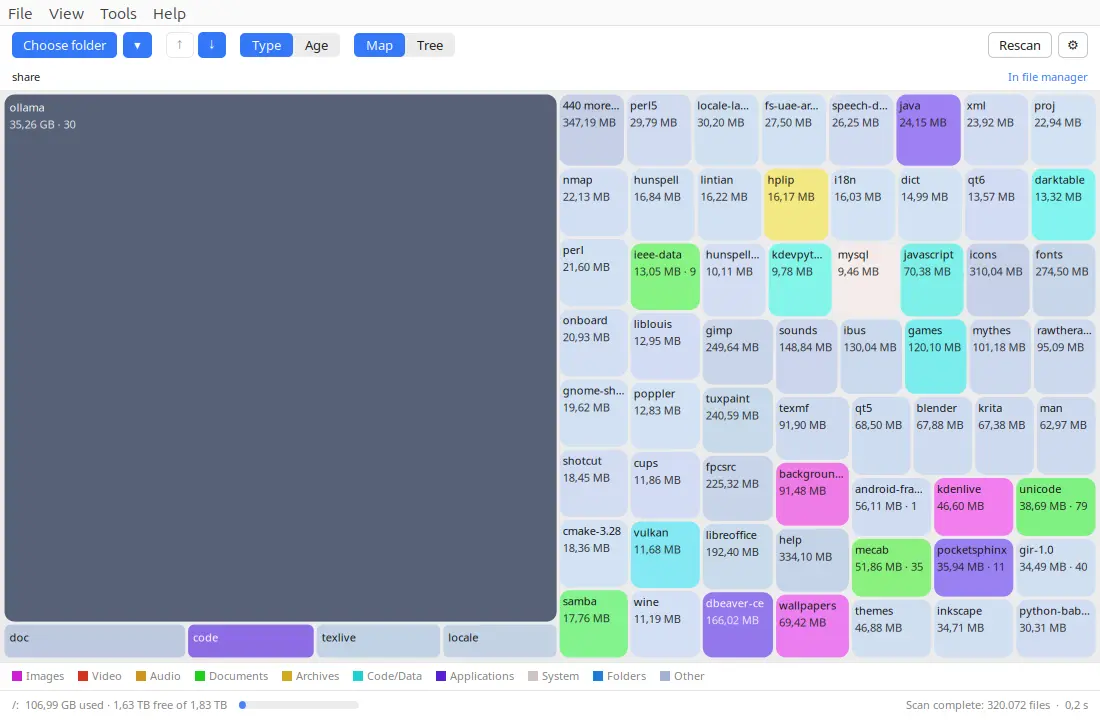
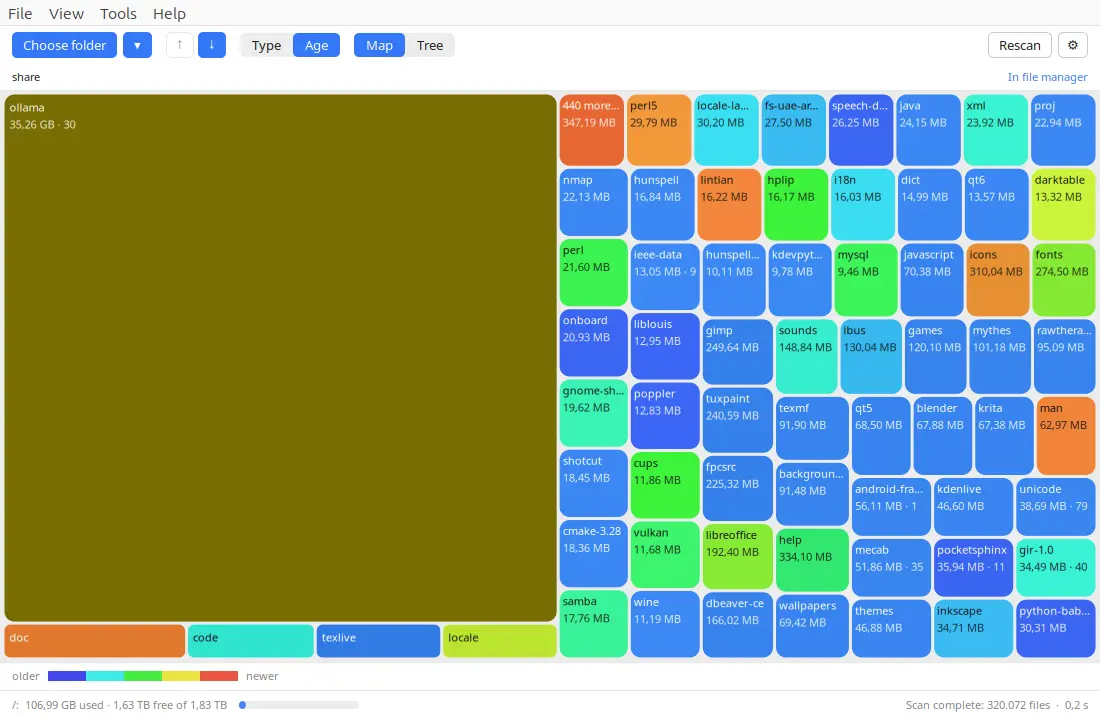
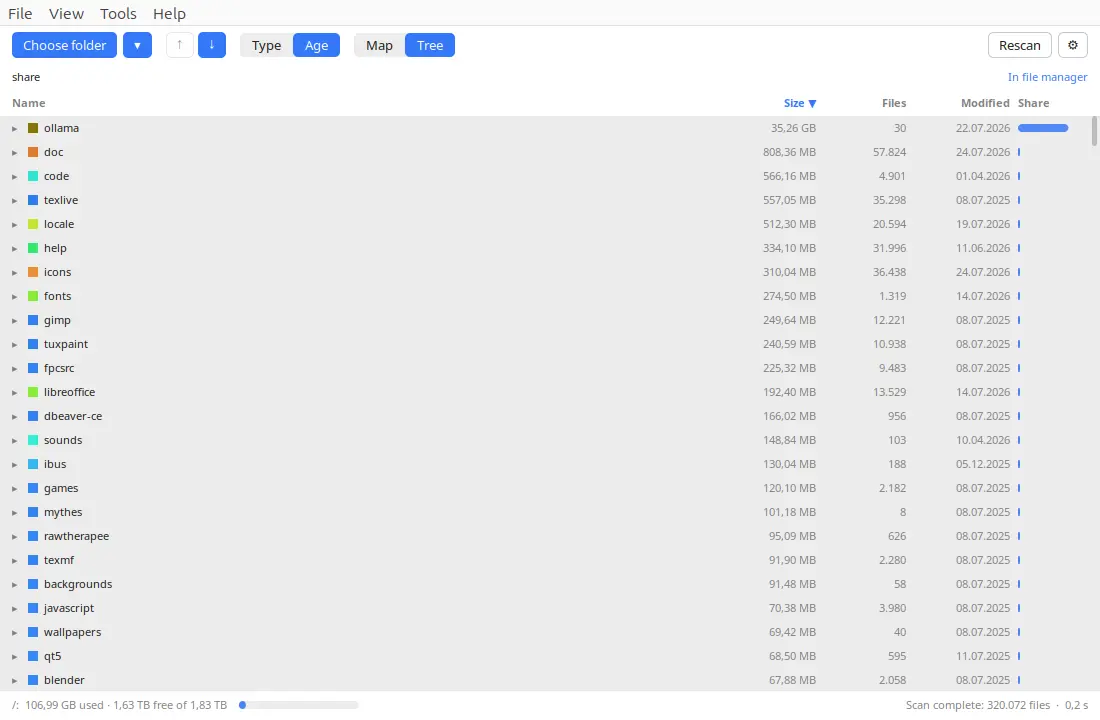
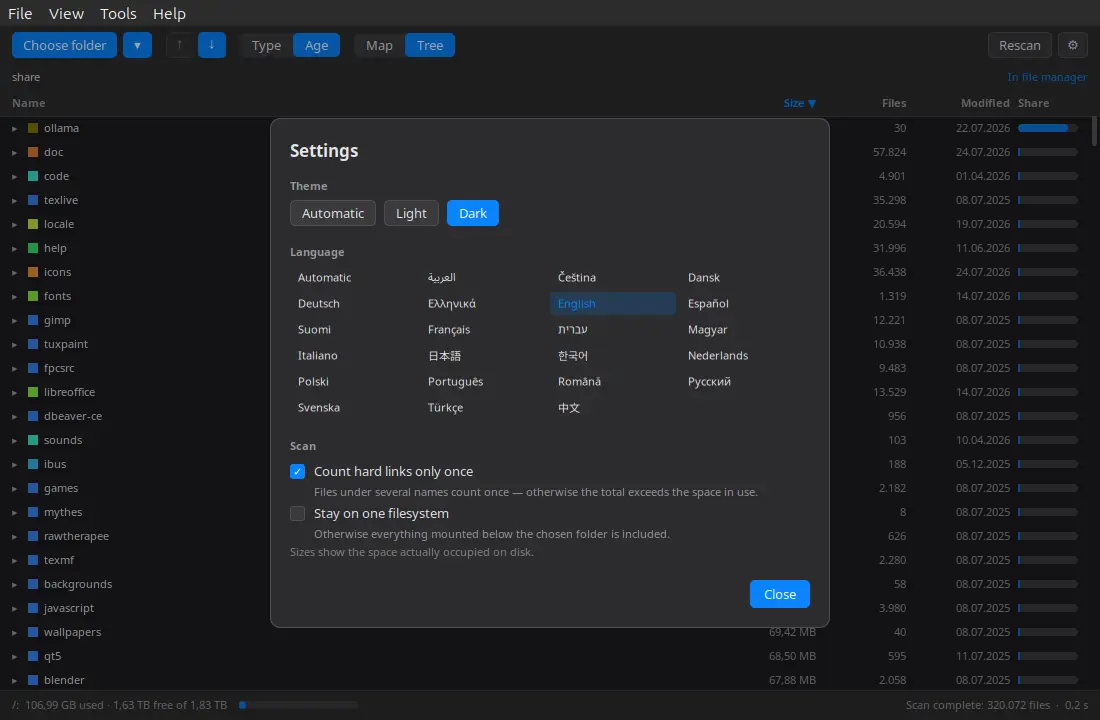
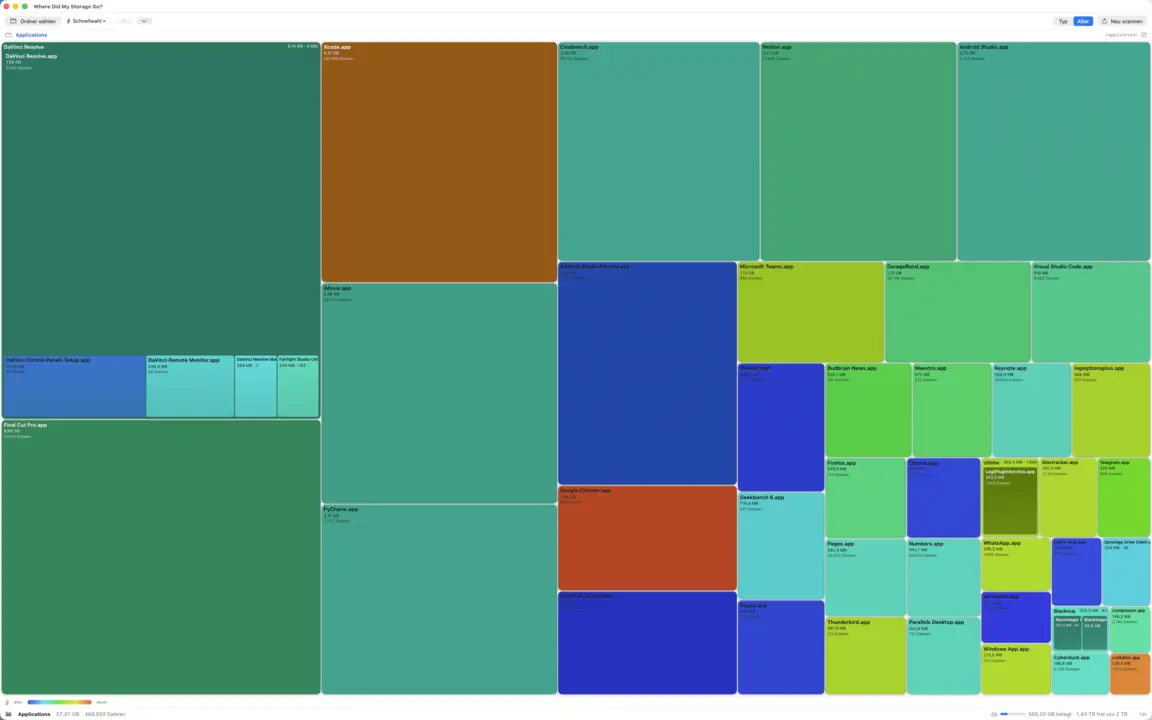
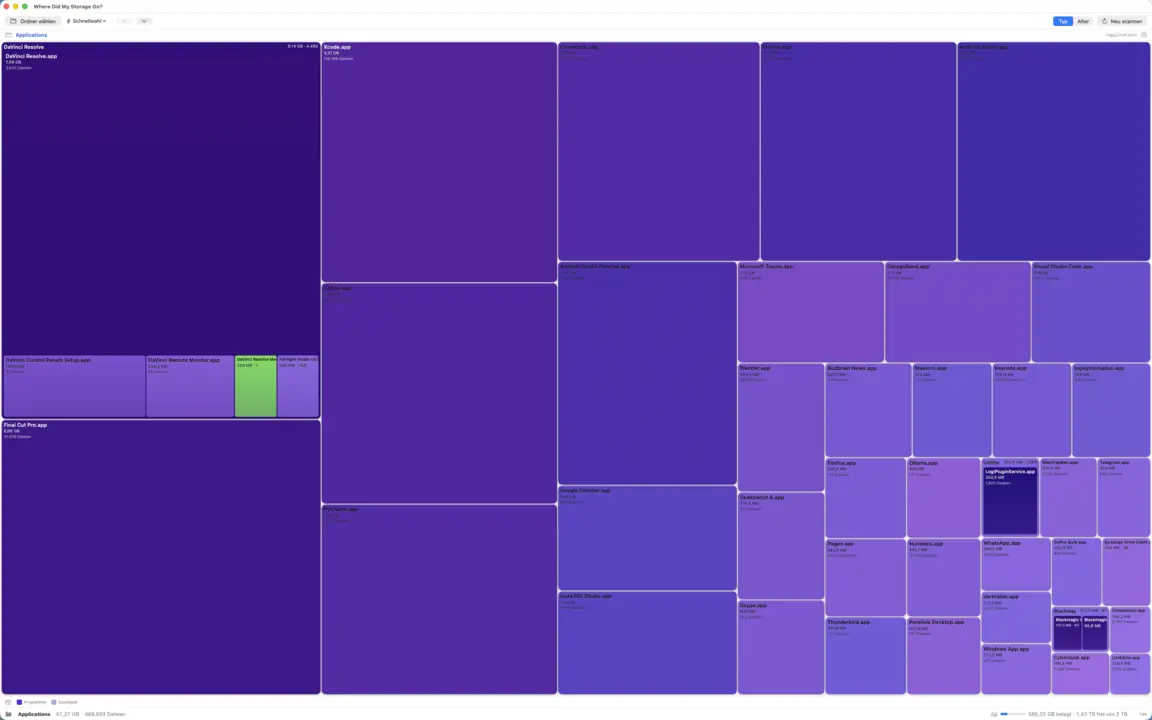
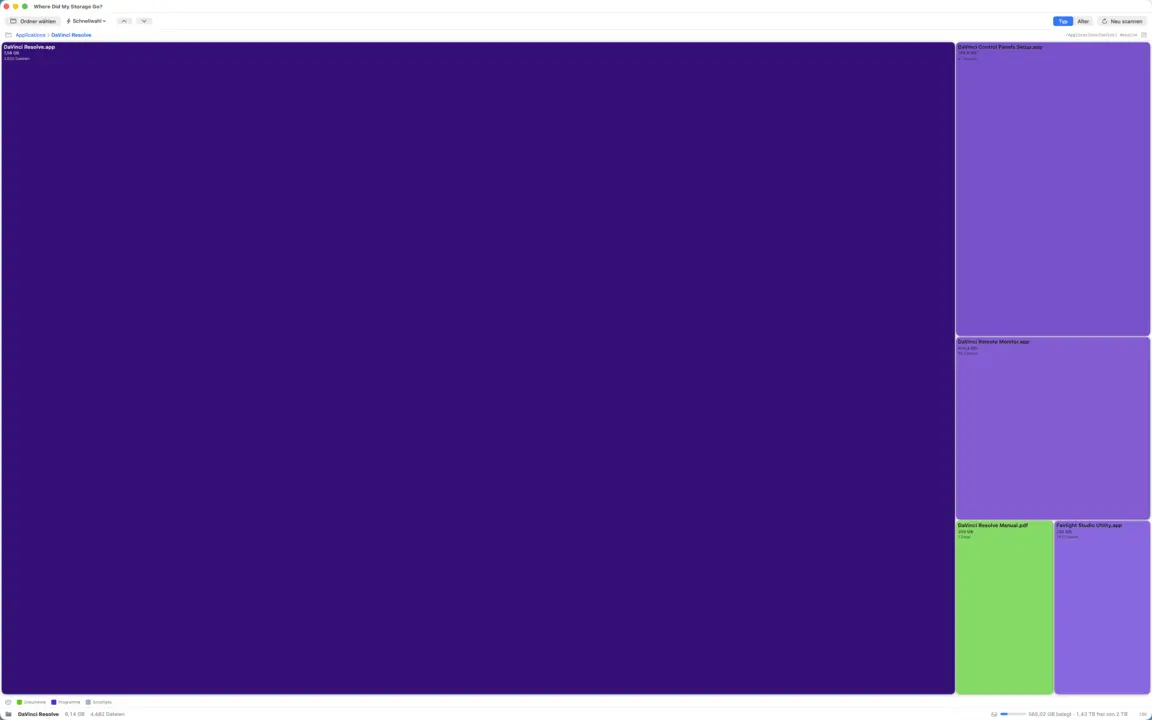
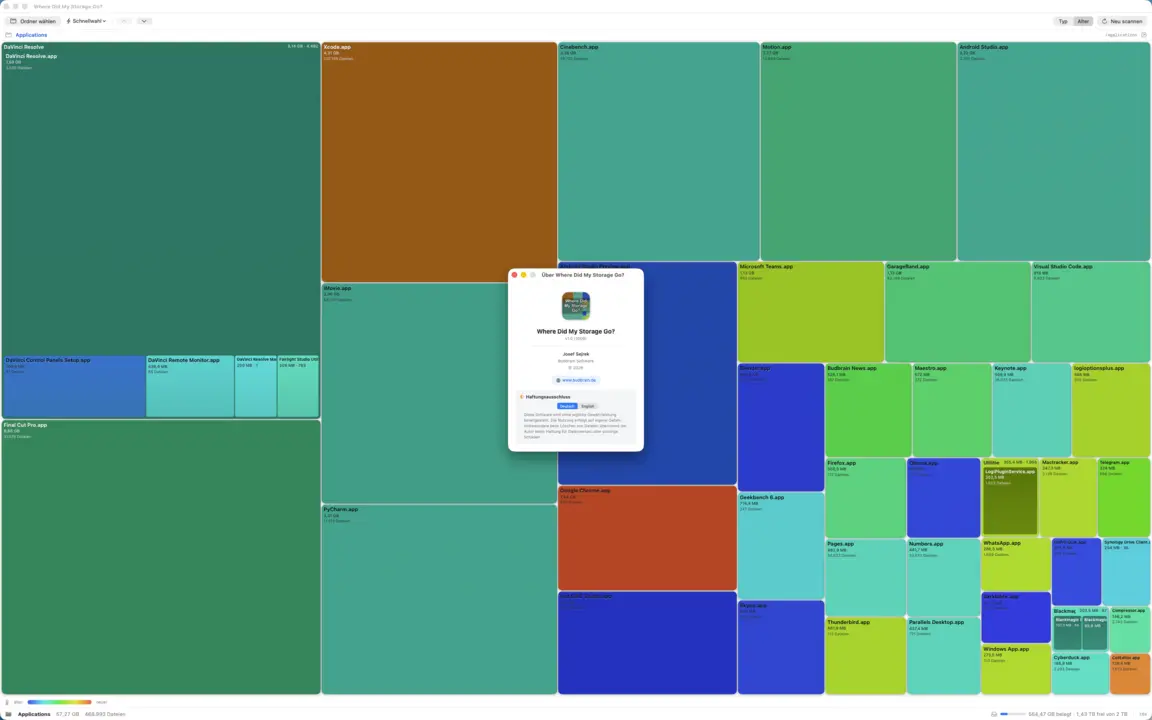
Mostra con una treemap colorata dove è finito il tuo spazio su disco: entra, trova le cartelle più grandi e sposta nel cestino in un colpo solo ciò che non serve più. Colora per tipo di file o per età, offre una vista ad albero ordinabile e somma quanto spazio libereresti.
TreemapHeat-MapDrill-downVista ad alberoJunk-RadarSolo cestinoGTK3GNOME / KDE / XFCE22 lingue
La cartella home e i supporti rimovibili funzionano subito. Per le cartelle di sistema come /usr e /var esegui il comando una volta e riavvia l'app.
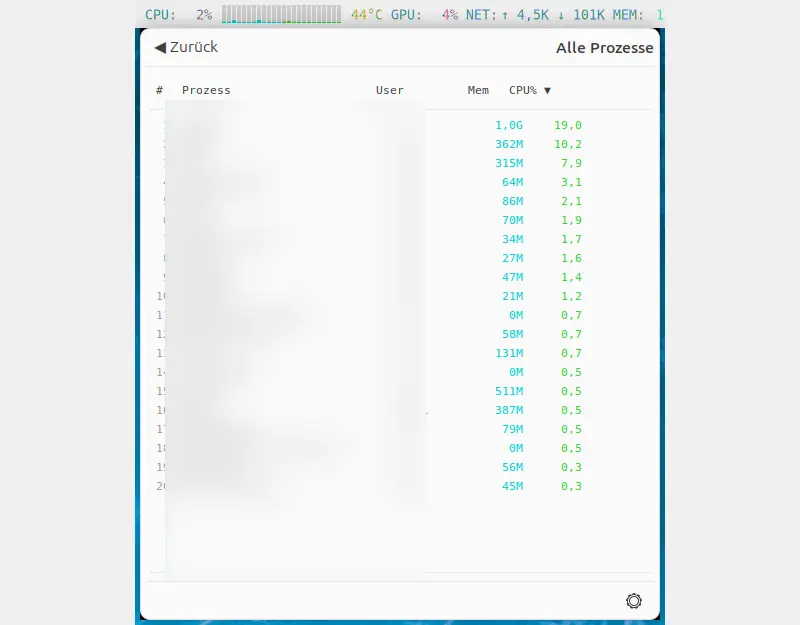
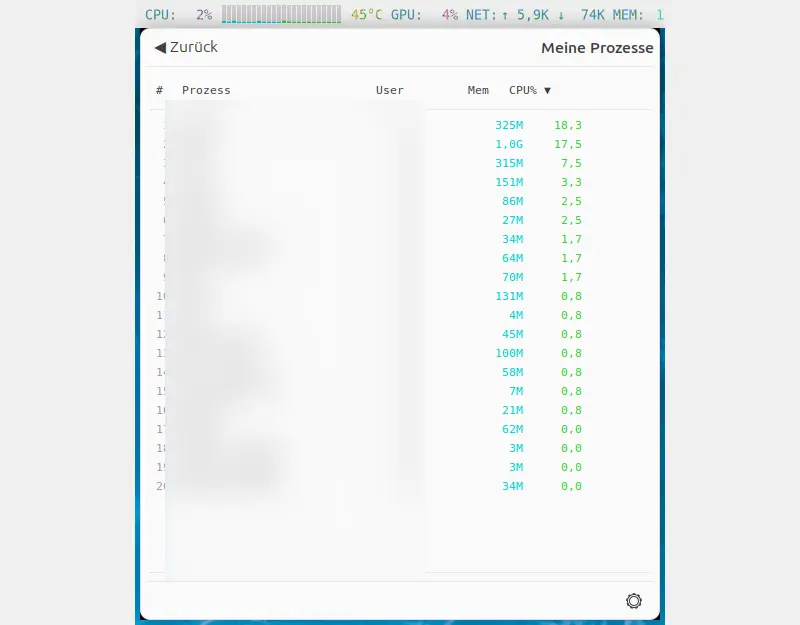
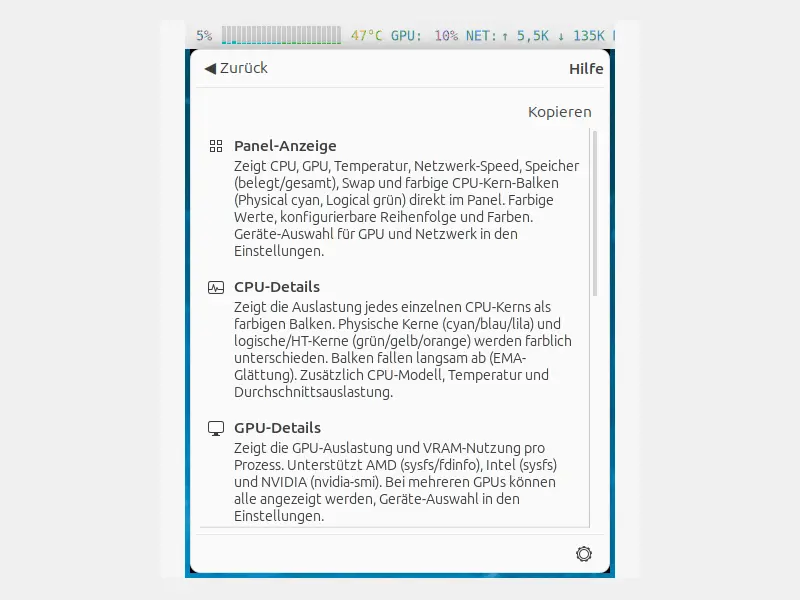
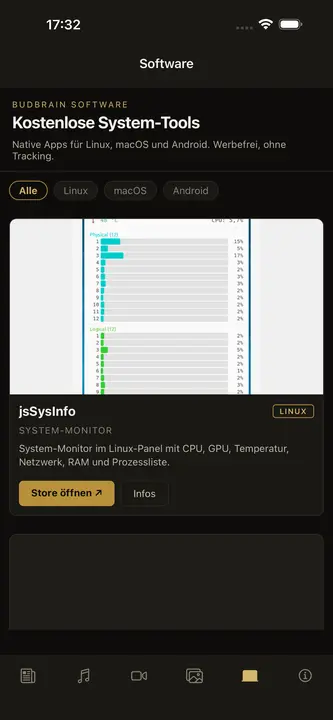
jsSysInfo
v1.14 · C++/GTK3
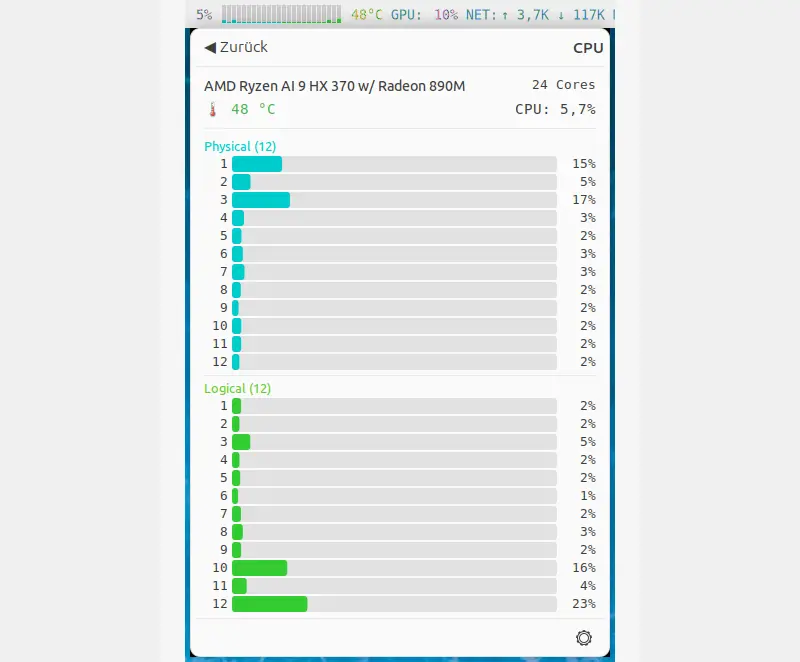
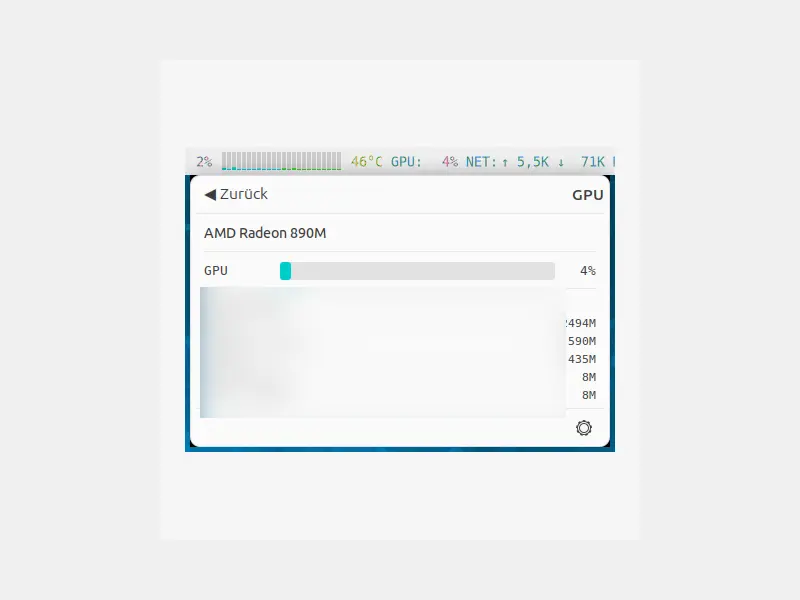
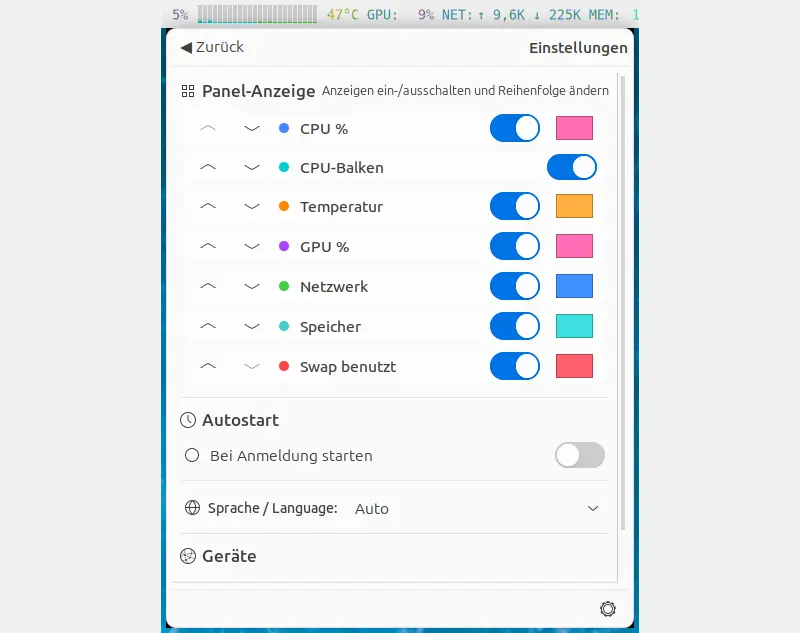
Monitor di sistema per il pannello Linux. Mostra l'utilizzo della CPU, GPU, temperatura, velocità di rete, memoria e swap a colori nel pannello GNOME/KDE/XFCE.
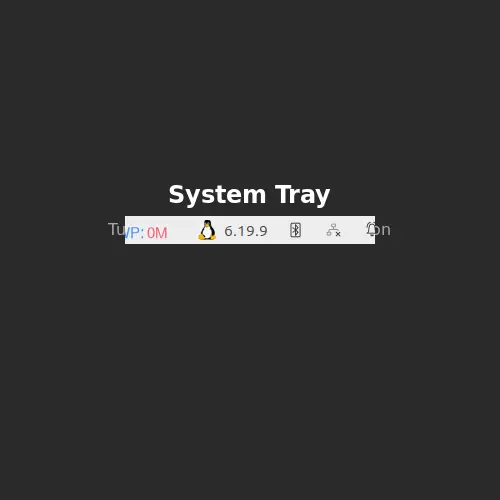
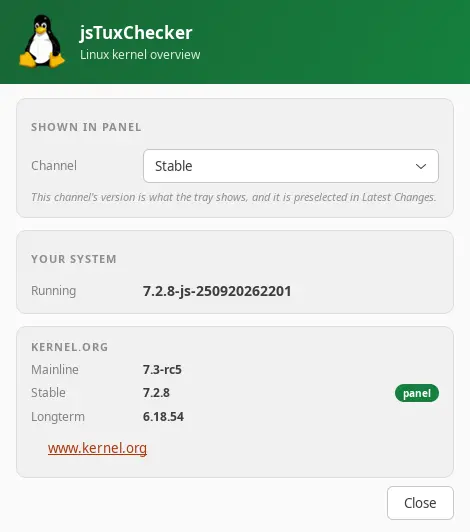
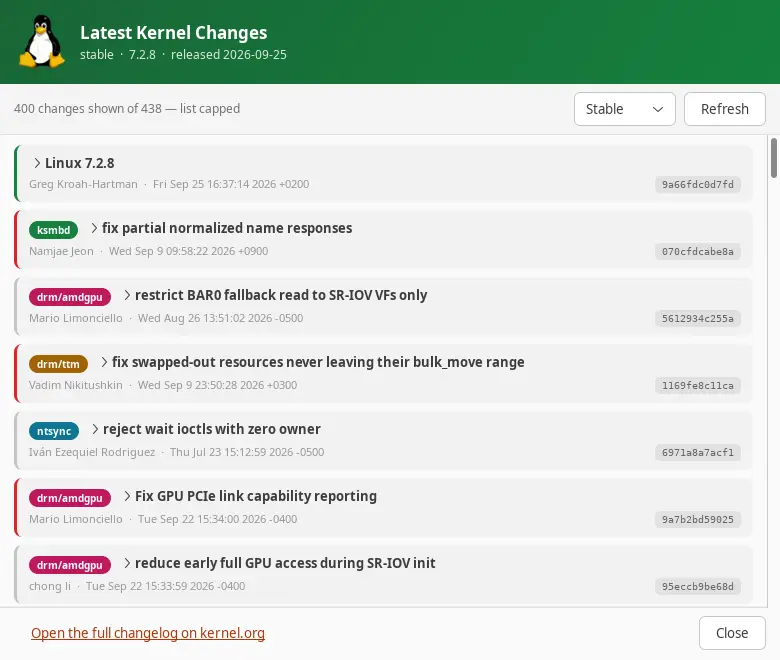
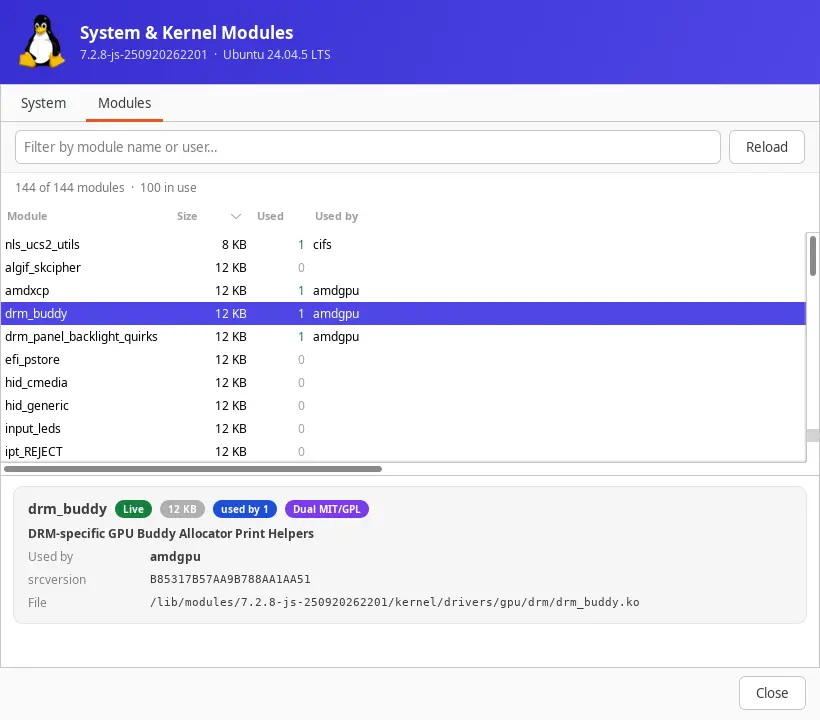
Verifica versione del kernel Linux per la barra di sistema. Controlla kernel.org per nuove versioni del kernel e mostra le versioni mainline, stable e longterm nel pannello.
Giochi, lettore audio, montaggio video e foto, gestore di file, panoramica dell’hardware e strumenti di sistema per Windows
Budbrain Quasarion
v1.0.1 · MSIX · Windows 10/11
Vola come una libellula tra mondi fantasy luminosi e affronta bestie giganti.
Una bestia gigante diversa alla fine di ogni livelloOtto tipi di luce per la tua libellula, ognuno in otto stadiLucciole che seguono la tua traiettoria di voloPotenziamenti nel nido e un grande albero delle abilità che cresce con teDopo ogni mondo un tunnel di diamanti a tempo di musicaSei livelli di difficoltà, da Facile a FolliaTastiera, gamepad o touchSDL2 · Cairo83 lingue
jsBudbrainFindDblsOrRenameIt
v1.0.0 · MSIX · Windows 10/11
Trova i file doppi e fa ordine – e rinomina molti file in una volta secondo le tue regole, con anteprima e annullamento.
Trova i veri doppioni dal contenuto, qualunque sia il nomeIl file più recente resta – decidi tuCestino, sposta, elimina o collegaRinomina con regole e anteprima dal vivoTrova file per nome, tipo, dimensione o dataRicerche salvate, più attività insiemeAnnulla spostamenti e rinomineChiaro e scuroSDL2 · Cairo47 lingue
jsBudbrainsFxStudio
v1.0.1 · MSIX · Windows 10/11
Effetti in tempo reale per tutto ciò che il vostro computer riproduce — riverbero, eco, intonazione e altro, miscelati nel suono con un cursore.
Otto effetti: intonazione, filtro, distorsione, chorus, flanger, phaser, eco, riverberoOgni effetto con le sue manopole e il suo cursore di mixUn solo cursore fonde tutti gli effetti nel suono complessivoForma d'onda in tempo reale e indicatori di livelloImpostazioni pronte come sala da concerto o eco nel canyon, più le vostre«Tutto spento» con un clic — e di nuovo attivo con il successivoIl limitatore protegge orecchie e altoparlantiFunziona insieme a jsBudbrainEqualizerTasto muto per quando squilla il telefonoScegliete altoparlanti o cuffieFinestra piccola sempre in primo pianoSi configura una volta – Windows chiede il tuo consensoChiaro e scuroSDL2 · Direct3D 1144 lingue
jsBudbrainLimiter
v1.0.0 · MSIX · Windows 10/11
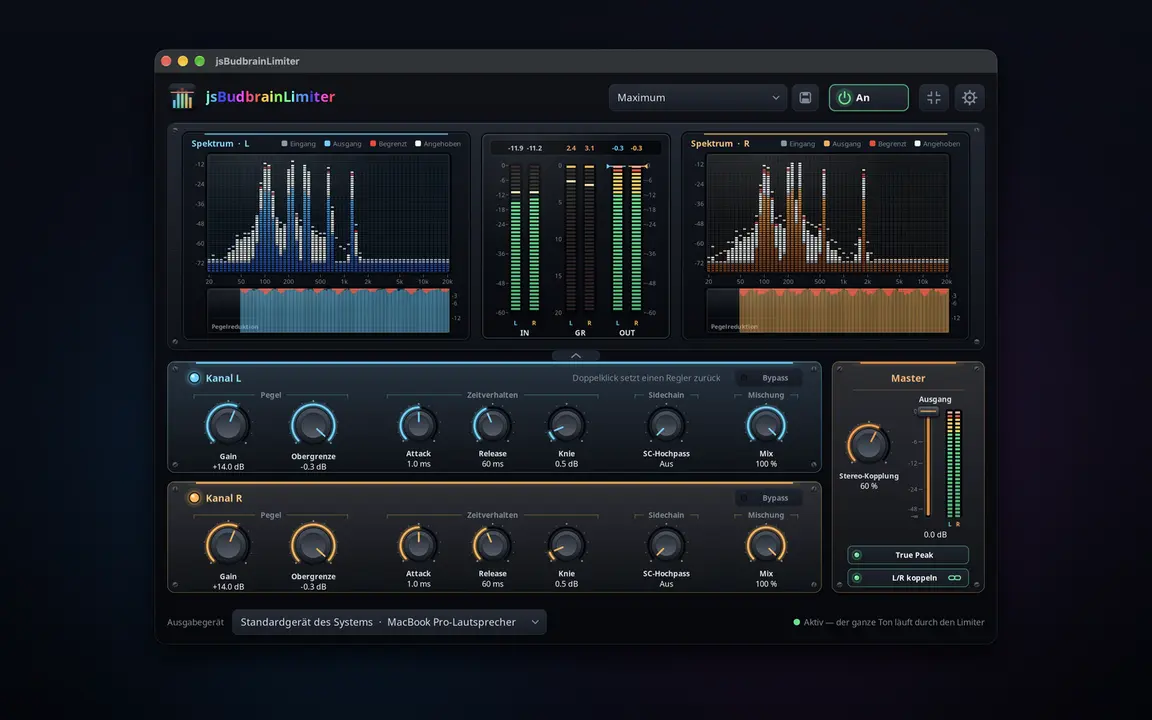
Un limitatore per tutto ciò che il vostro computer riproduce — più forte, senza mai saturare, con due spettri che mostrano cosa fa.
Controlli separati per il canale sinistro e il destroGuadagno, tetto, attacco, rilascio, ginocchio, passa-alto SC e mixTrue Peak intercetta anche i picchi più breviControllo di uscita con indicatori di livello per entrambi i canaliDue spettri mostrano cosa viene alzato e cosa limitatoAndamento della riduzione di guadagno e valori di piccoImpostazioni pronte, più le vostreFunziona insieme a jsBudbrainCompressor, jsBudbrainEqualizer e jsBudbrainsFxStudioTasto muto per quando squilla il telefonoScegliete altoparlanti o cuffieFinestra piccola sempre in primo pianoSi configura una volta – Windows chiede il tuo consensoChiaro e scuroSDL2 · Direct3D 1144 lingue
jsBudbrainCompressor
v1.0.1 · MSIX · Windows 10/11
Il calore delle valvole e un compressore da studio per tutto ciò che il vostro computer riproduce — con valvole incandescenti e VU meter.
Preamplificatore a valvole simulato con drive, bias e fatBassi, medi, alti e presenzaCompressore con soglia, rapporto, attacco, rilascio, ginocchio, make-up e mixDue VU meter con movimento reale dell’agoLe valvole brillano di più quanto più lavoranoImpostazioni pronte per valvole e compressore, più le vostreIl limitatore protegge orecchie e altoparlantiFunziona insieme a jsBudbrainEqualizer e jsBudbrainsFxStudioTasto muto per quando squilla il telefonoScegliete altoparlanti o cuffieFinestra piccola sempre in primo pianoSi configura una volta – Windows chiede il tuo consensoChiaro e scuroSDL2 · Direct3D 1144 lingue
jsBudbrainLaufwerksTest
v1.0.0 · MSIX · Windows 10/11
Misura la velocità di scrittura e lettura di un’unità, con due indicatori di livello in tempo reale, grafici e la verifica di ogni blocco.
Velocità di scrittura e lettura in tempo realePer dimensione (1–16 GB) o per durata (5 s – 16 min)Ogni blocco viene verificatoMostra quando un’unità veloce perde il fiatoChiavette USB, schede di memoria, unità di reteCronologia di tutti i test, salvabile come testoScala fino a 1.000.000 MB/s per RAID di serverChiaro e scuroSDL2 · Cairo47 lingue
Budbrain Cave Rescue
v1.0.0 · MSIX · Windows 10/11
Vola nelle profonde grotte lunari e riporta a casa sani e salvi gli astronauti dispersi.
100 livelli su dieci mondiGravità veraQuattro pulsanti, nient’altroPotenziate la nave con l’esperienzaQuattro livelli di difficoltàGalleria delle missioni con mappe di voloTastiera, mouse o gamepadSDL2 · Cairo44 lingue
jsBudbrainEqualizer
v1.0.1 · MSIX · Windows 10/11
Un equalizzatore per tutto ciò che il vostro computer riproduce — con spettro in tempo reale.
Dieci cursori, dai bassi profondi agli acuti brillantiMostra in tempo reale ciò che suona — sinistra, destra o entrambiImpostazioni audio pronte e le vostre, salvate con un nomeTasto muto per quando squilla il telefonoScegliete altoparlanti o cuffieRichiudere i cursori e tenere solo il displayFinestra piccola sempre in primo pianoSi avvia all'accesso, se voleteSi configura una volta – Windows chiede il tuo consensoChiaro e scuroSDL2 · Direct3D 1144 lingue
jsBudbrainPlayer
v1.0.0 · MSIX · Windows 10/11
Riproduce registrazioni da una cartella — a caso o in ordine, negli orari che scegliete voi.
Riproduce registrazioni da una cartella, anche in reteA caso o in ordineSolo fra due orariSolo nei giorni della settimana che spuntateUniforma registrazioni di volume diversoSi avvia con Windows e prosegue da soloMP3WASAPI · Direct2D44 lingue
Budbrain’s Media Editor
v1.0.0 · MSIX · Windows 10/11
Modificare un video o una foto e salvarli. Accorciare un filmato o aggiungere clip, dissolvere fra di essi e poi salvare il video in una dimensione o in un formato preciso. Raddrizzare, ritagliare e regolare le foto, poi salvarle come JPEG, PNG o WebP.
Tagliare e unireDissolvenze e incrociRitagliare e regolare le fotoFormati di uscita per le piattaforme più diffuseFile raw della fotocameraFFmpeg (LGPL)NVENC · AMF · Media FoundationSDL2 · Direct3D 1144 lingue
Astonischika
v1.0.0 · MSIX · Windows 10/11
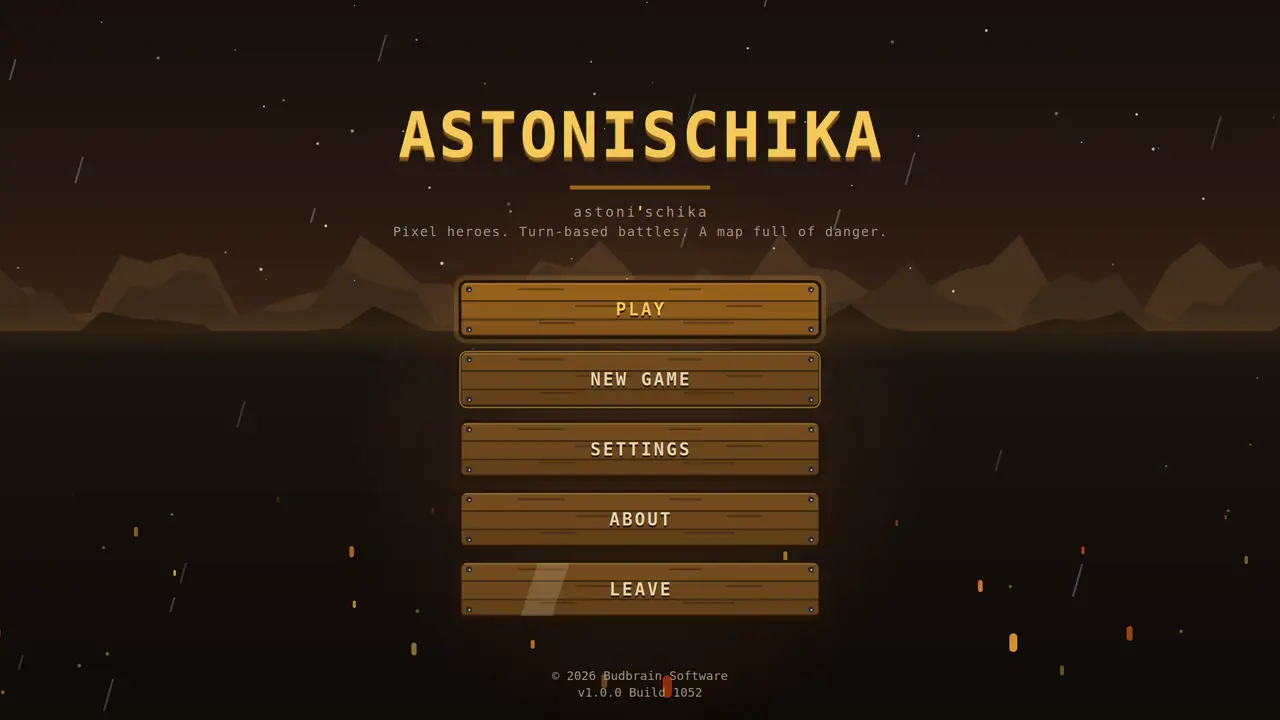
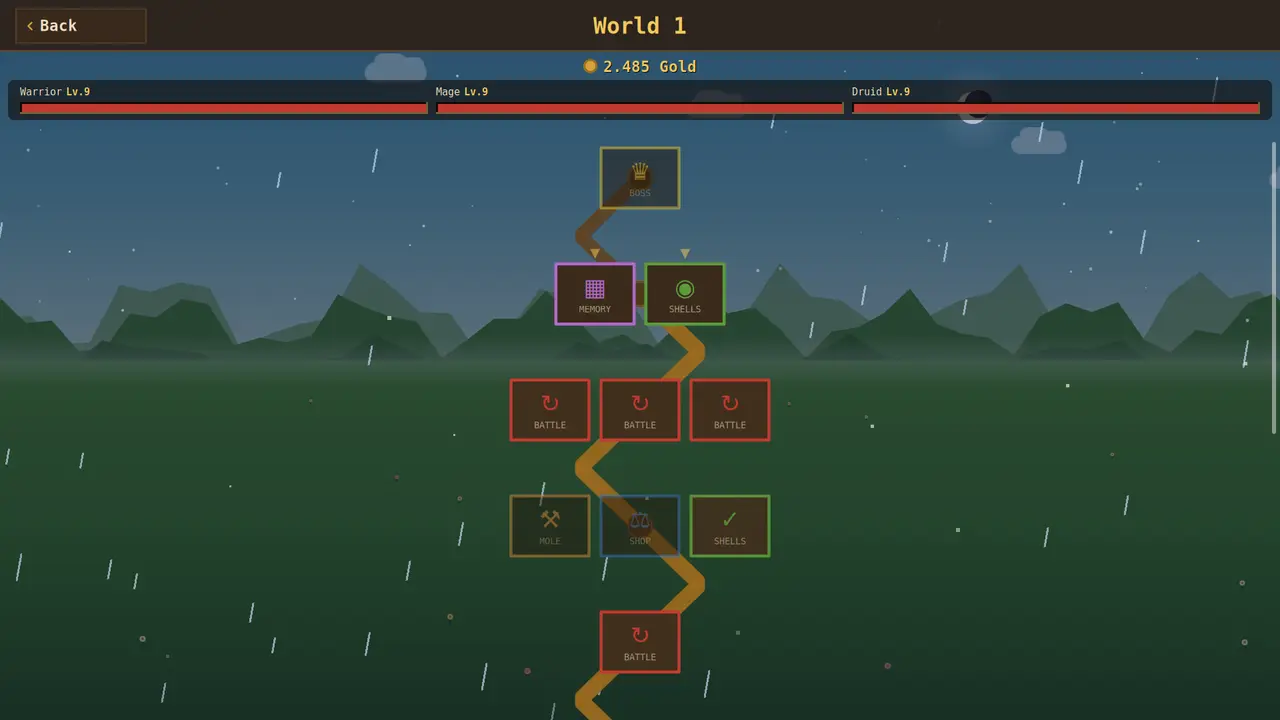
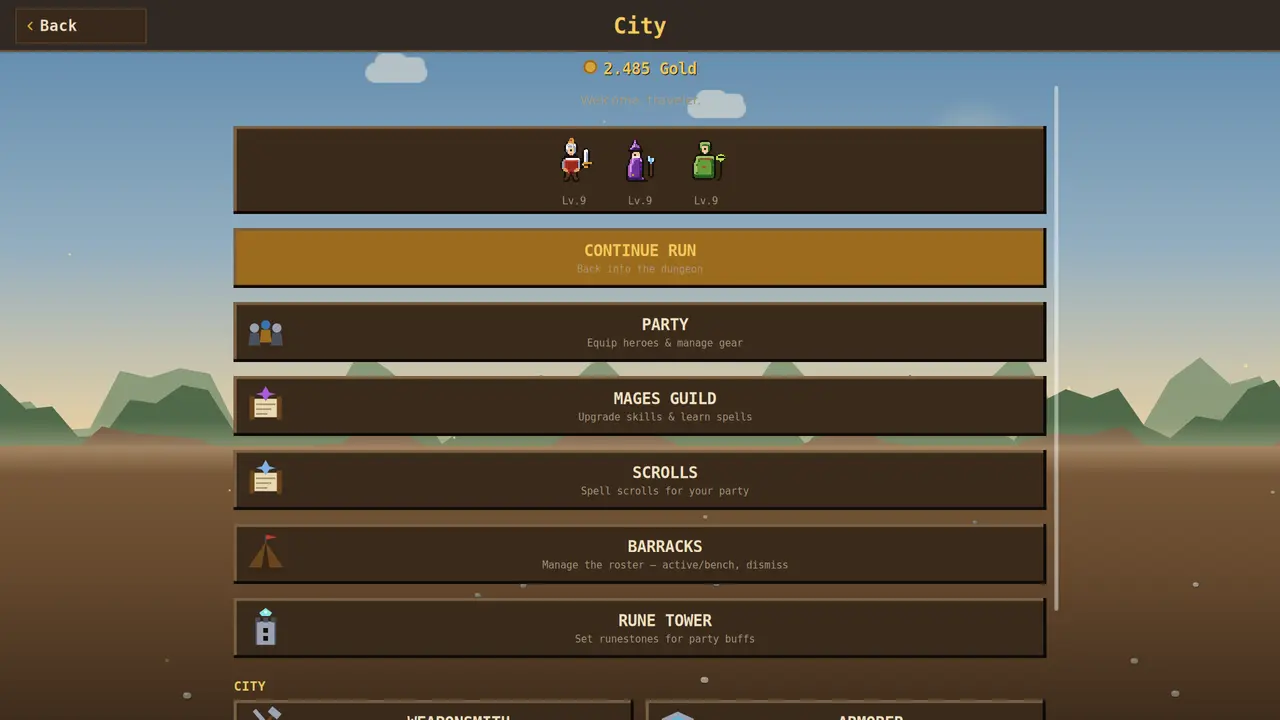
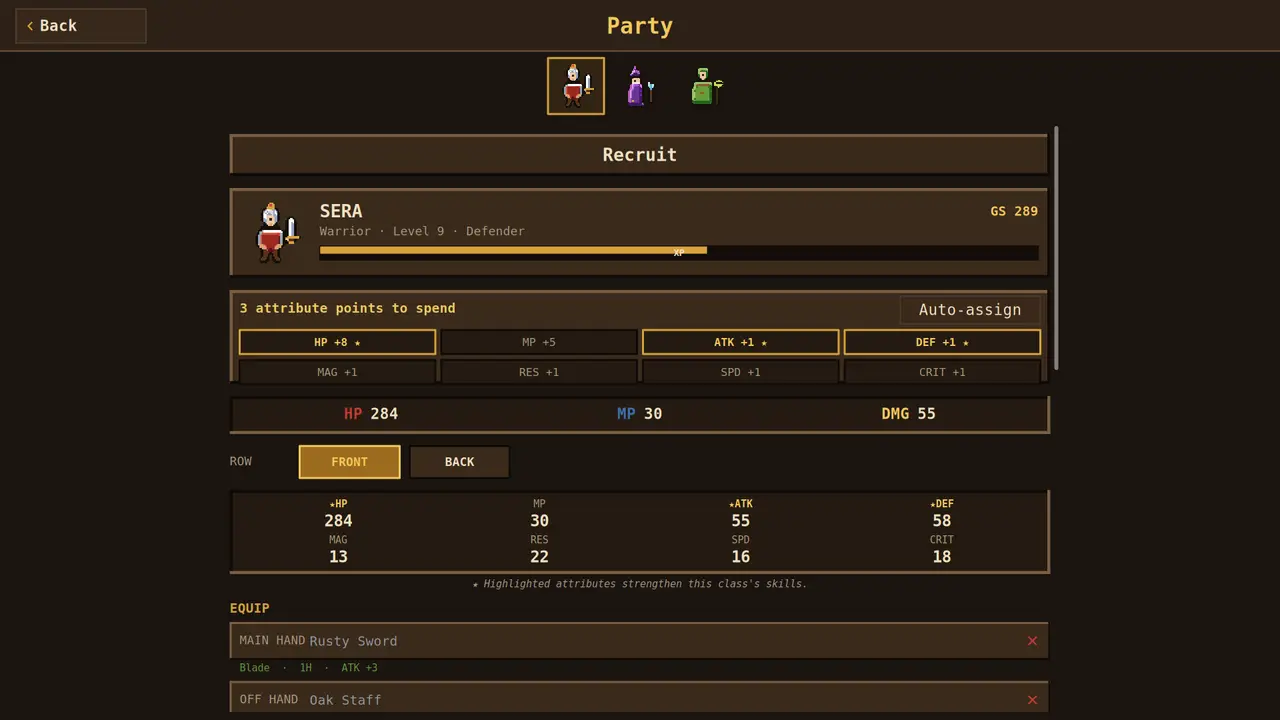
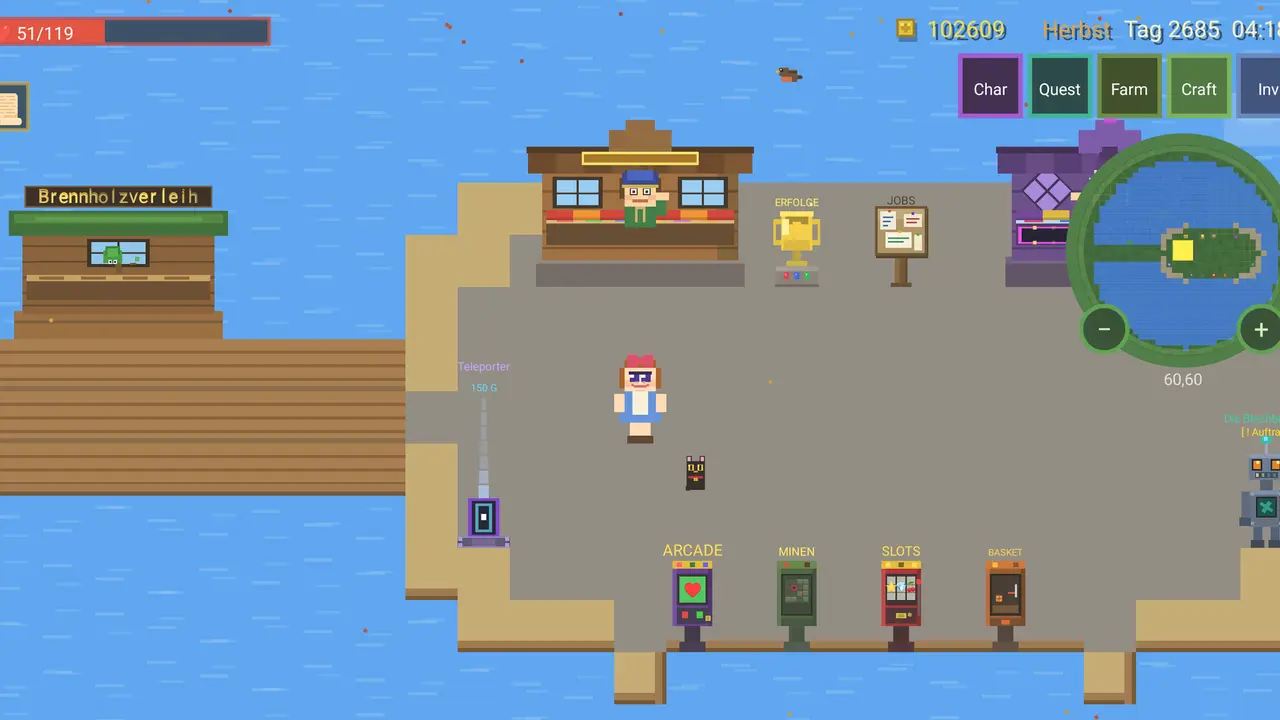
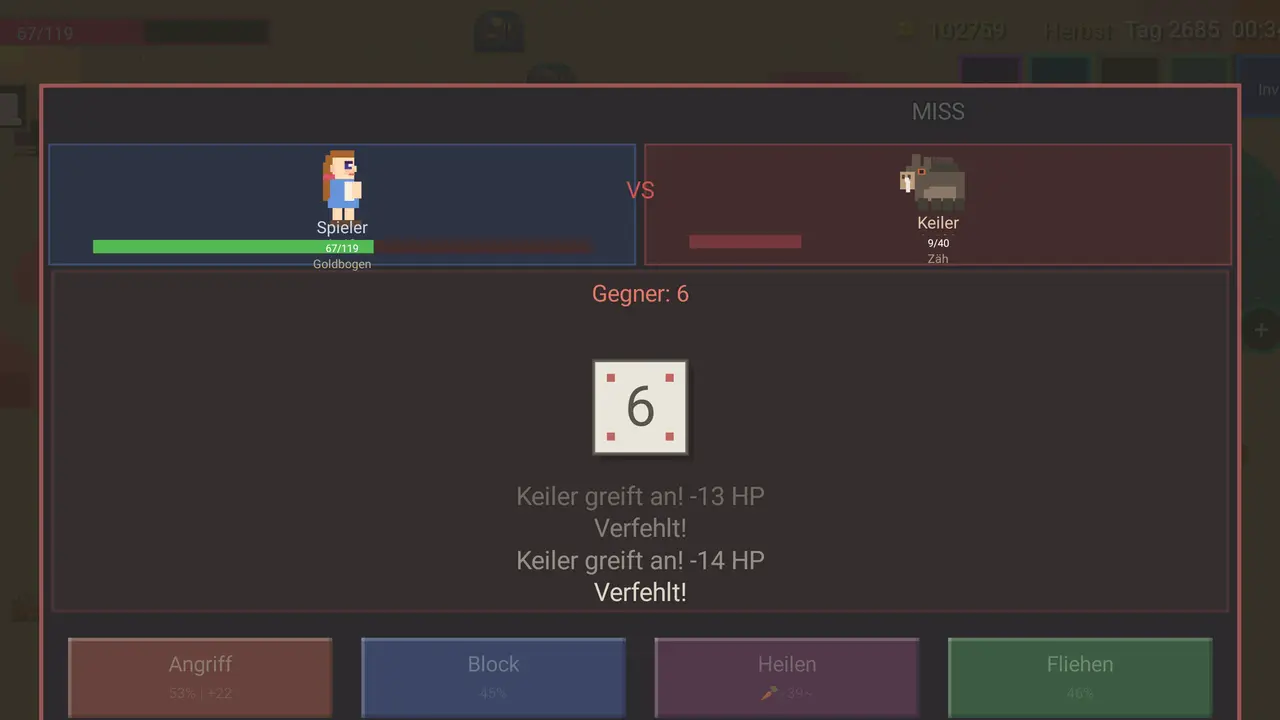
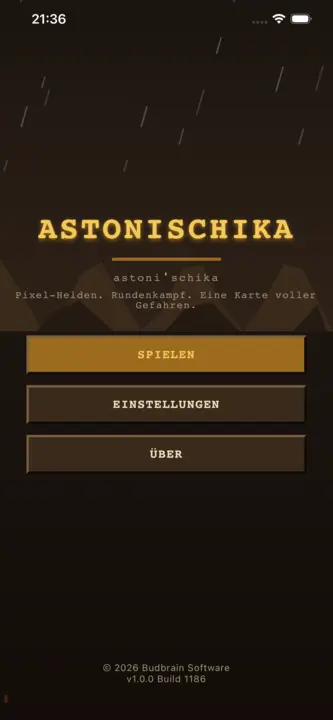
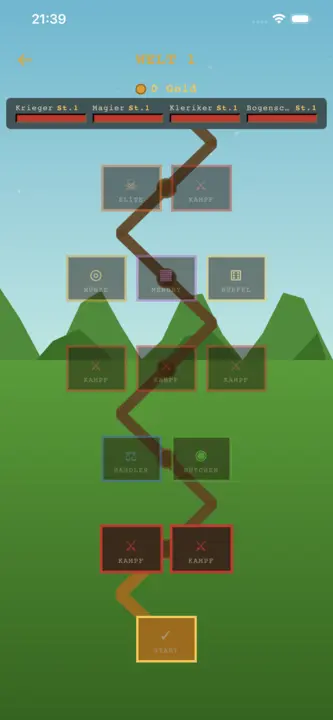
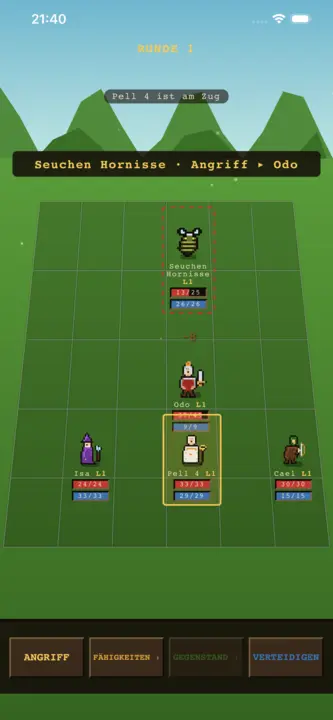
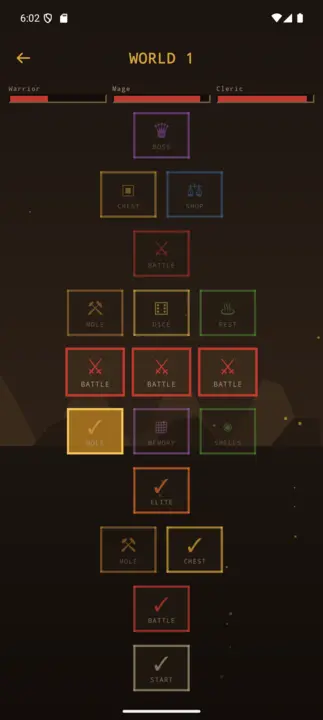
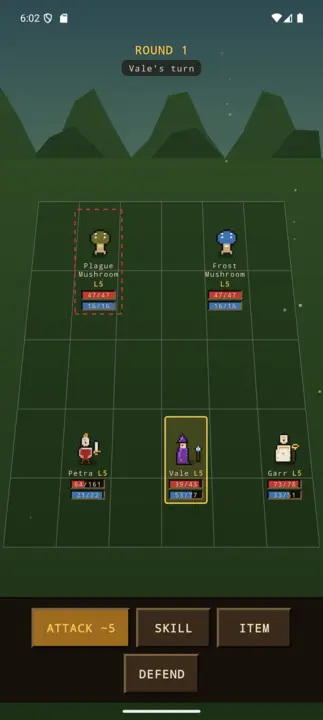
Gioco di ruolo pixel: tre eroi, combattimenti a turni, bottino e una mappa piena di pericoli.
Cento livelli di scacchi contro il computer, da 150 a 1900 ELO. Nei primi livelli l’avversario gioca con un handicap, poi diventa più forte livello dopo livello. Un suggerimento ti aiuta, i pezzi minacciati lampeggiano, ogni mossa si può annullare — e ogni partita vinta resta nella galleria.
100 livelliDa 150 a 1900 ELOAvversario con handicapSuggerimento e annullaGalleria delle partite vinteSDL2 · Cairo22 lingue
BlobPop
v1.0.0 · MSIX · Windows 10/11
Cento livelli in cinque mondi: mira, clicca e unisci tre bolle dello stesso colore. Ogni pochi tiri il tabellone scende di una riga: svuotalo prima che arrivi in fondo e prendi tre stelle. In più una modalità infinita con classifica.
100 livelliCinque mondiModalità infinitaGiorno e notteClassificaSDL2 · Cairo22 lingue
Budbrain’s Puzzle
v1.1.0 · MSIX · Windows 10/11
Quaranta fotografie come puzzle, ognuna in sei misure, da trenta a centodieci pezzi. Un pezzo vicino al suo posto si incastra da solo — attiva la rotazione se lo vuoi più difficile.
Quaranta fotoSei misureDa 30 a 110 pezziPezzi ruotabiliTraguardiColori a sceltaSDL2 · Cairo22 lingue
FarmIsFun
v1.0.1 · MSIX · Windows 10/11
Costruisci una fattoria da un pezzo di terra spoglio: sgombrare, seminare, allevare animali, scavare in miniera. Oltre 300 oggetti, 231 ricette, quattro stagioni — e salva da sé.
Ordina le biglie per colore: scegli una provetta, poi la destinazione — la biglia in cima vola in un arco. Centocinque rompicapi su cinque spiagge, e ognuno ha una soluzione.
Avvicina le tessere del domino: stessi punti o la somma giusta fanno sparire una coppia. Livelli infiniti con dinamite, jolly e diamante, e ognuno è risolvibile.
Livelli infiniti17 tipi di tessereDinamite · Jolly · DiamanteAnnulla · Suggerimento · AcquaTrofei e recordSDL2 · Cairo20 lingue
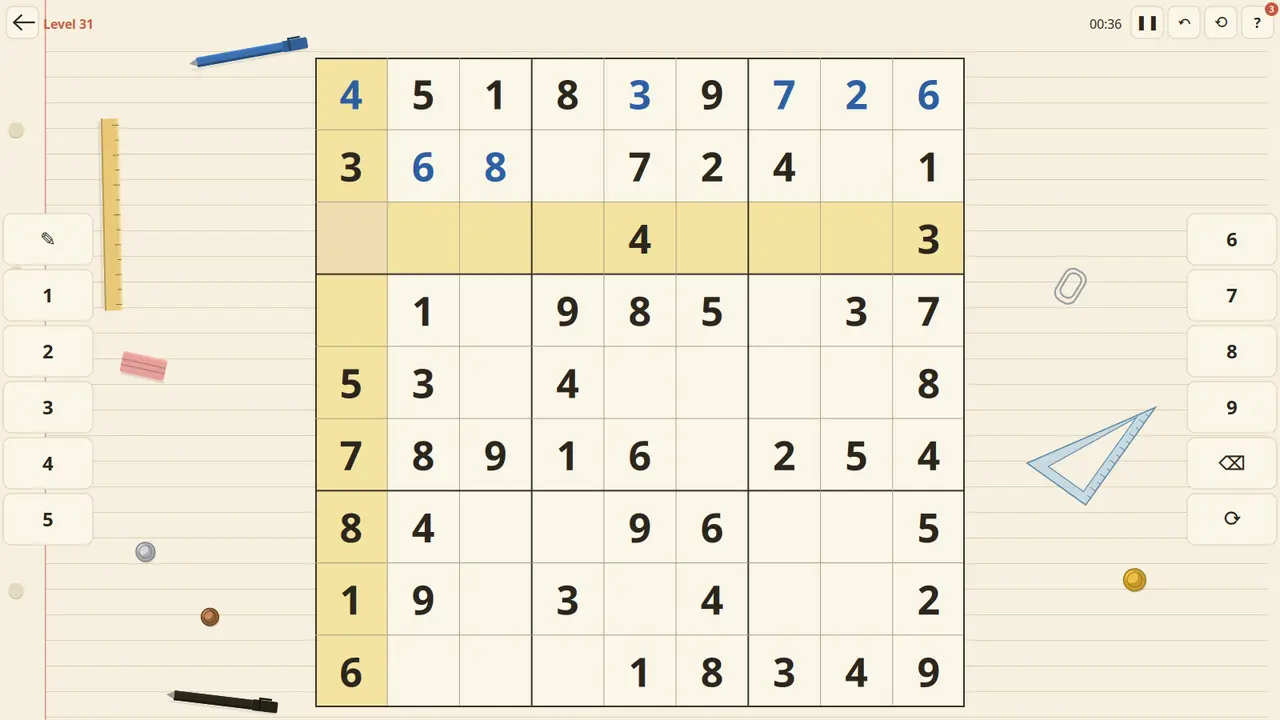
Budbrain’s Sudoku
v1.4.1 · MSIX · Windows 10/11
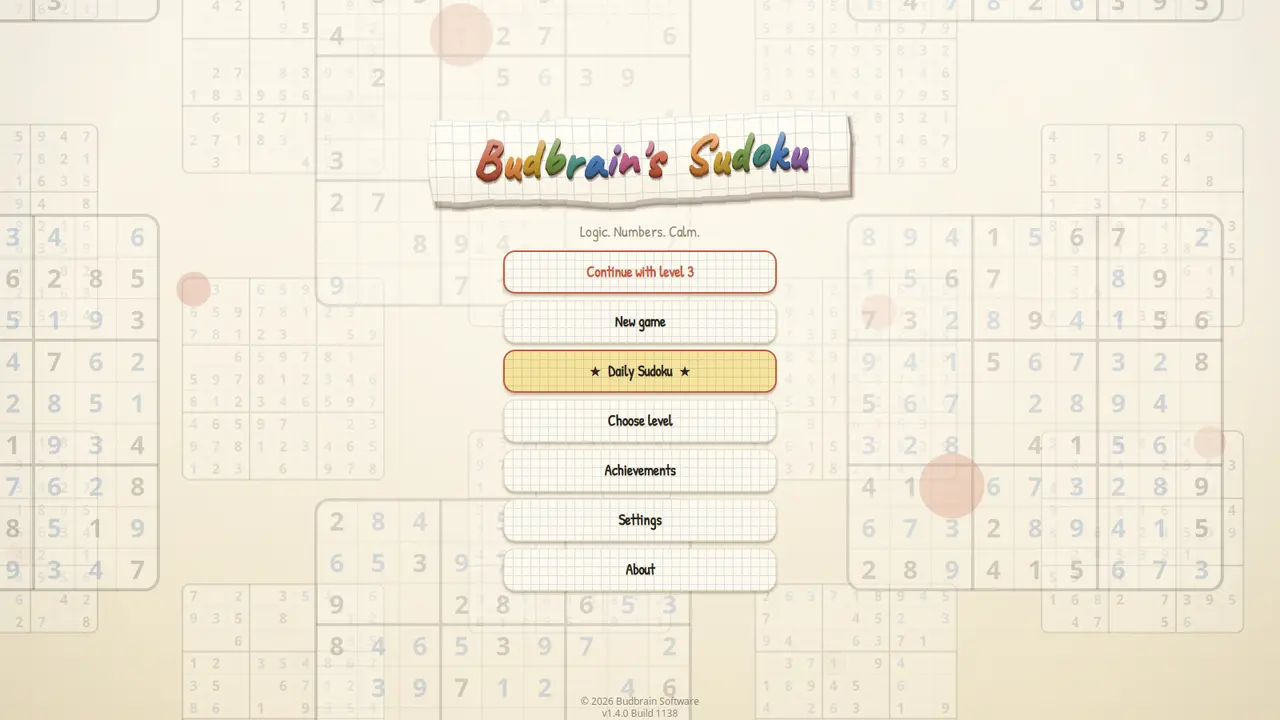
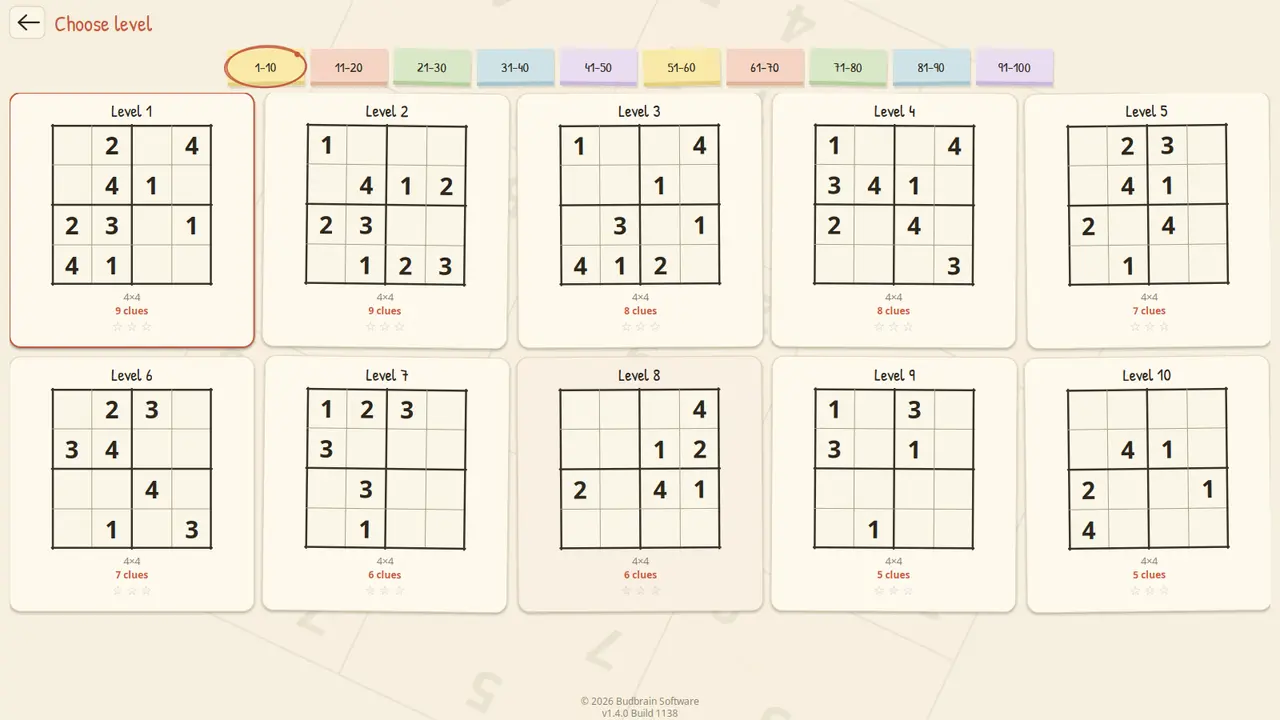
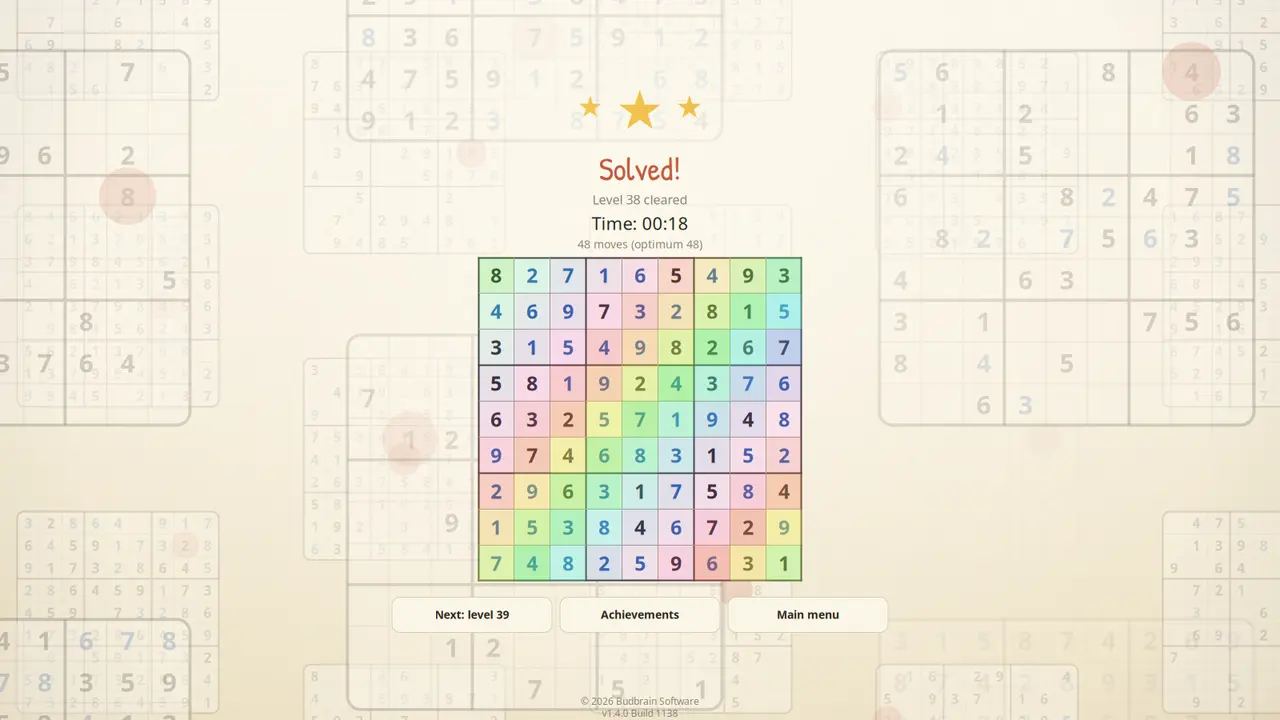
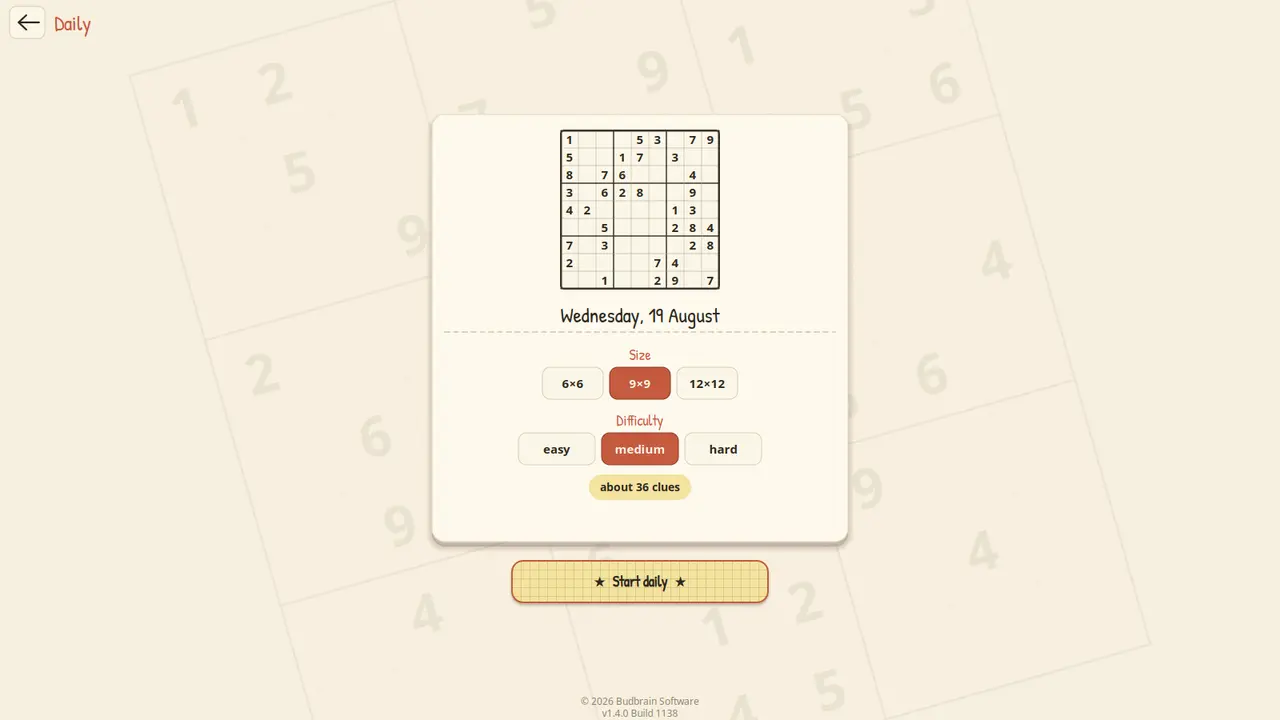
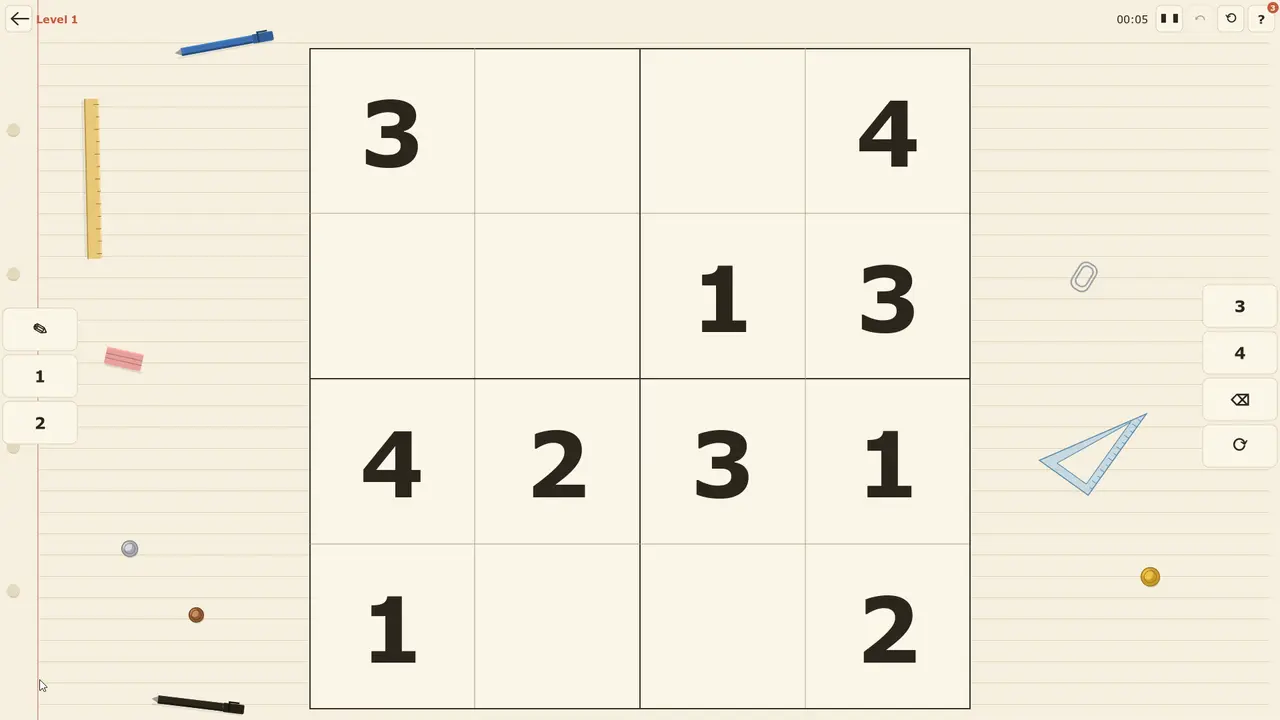
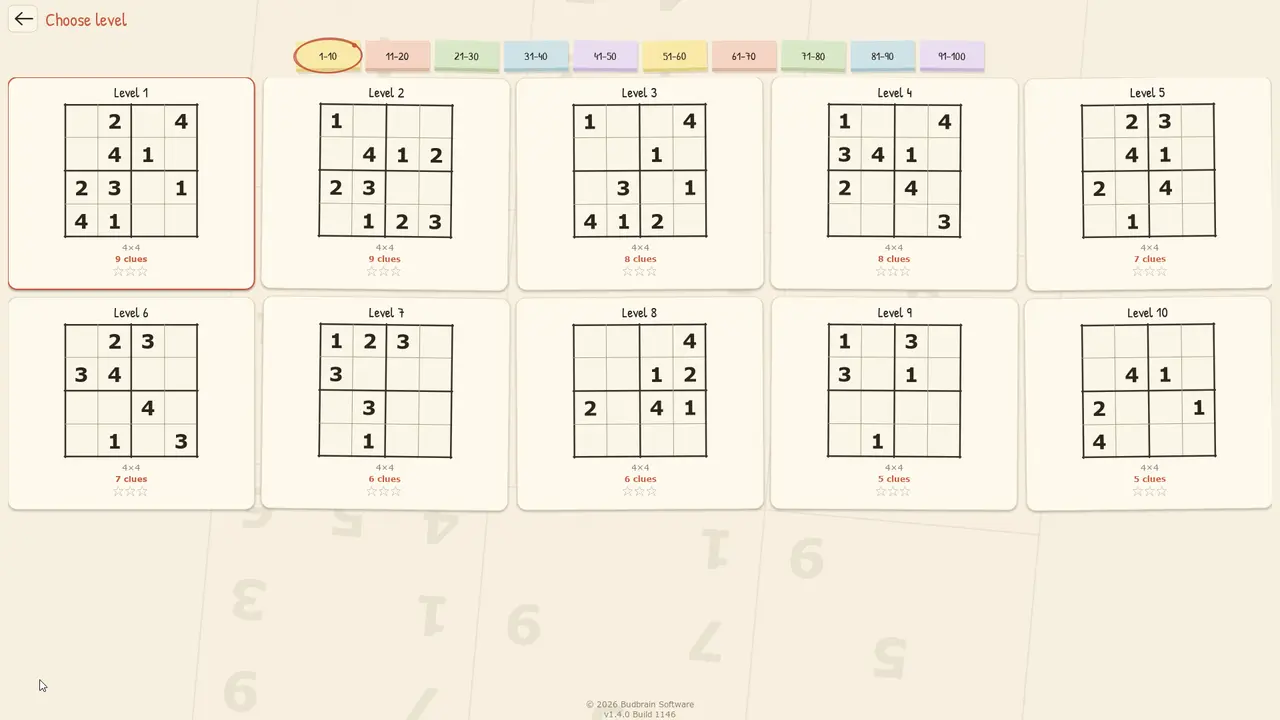
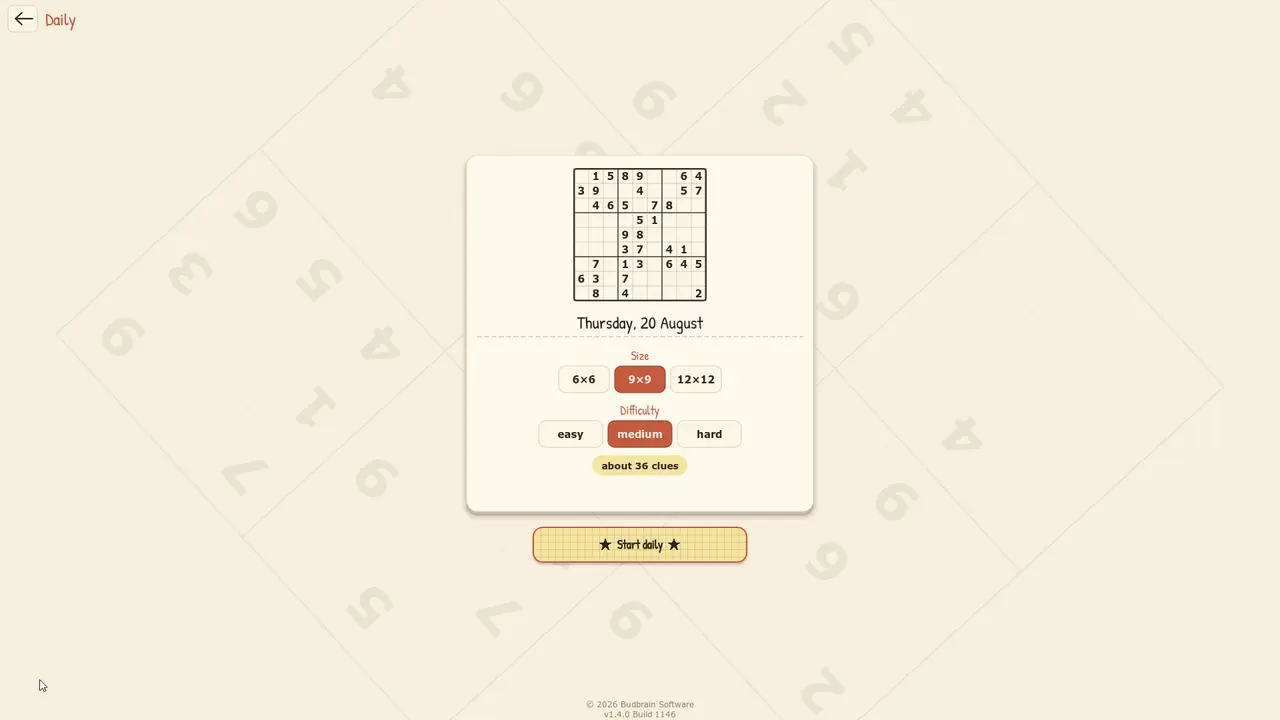
Sudoku dal 4×4 al 25×25: cento livelli su carta a quadretti, un enigma del giorno e una parete con ogni schema risolto.
4×4 – 25×25100 livelliEnigma del giornoNote · suggerimenti · annullaParete dei successiSDL2 · Cairo22 lingue
jsFileManager
v1.0.0 · Win32/Direct2D · Windows 10/11
Un gestore di file con due browser affiancati: a sinistra da dove arrivano i file, a destra dove devono andare e, in mezzo, i pulsanti — copia, sposta, comprimi, cerca, vista esadecimale, nuova cartella, elimina.
Due cartelle affiancateAvanzamento in tempo realeUnità e USBArchivi e vista byteDrag & DropChiaro e scuro44 lingue
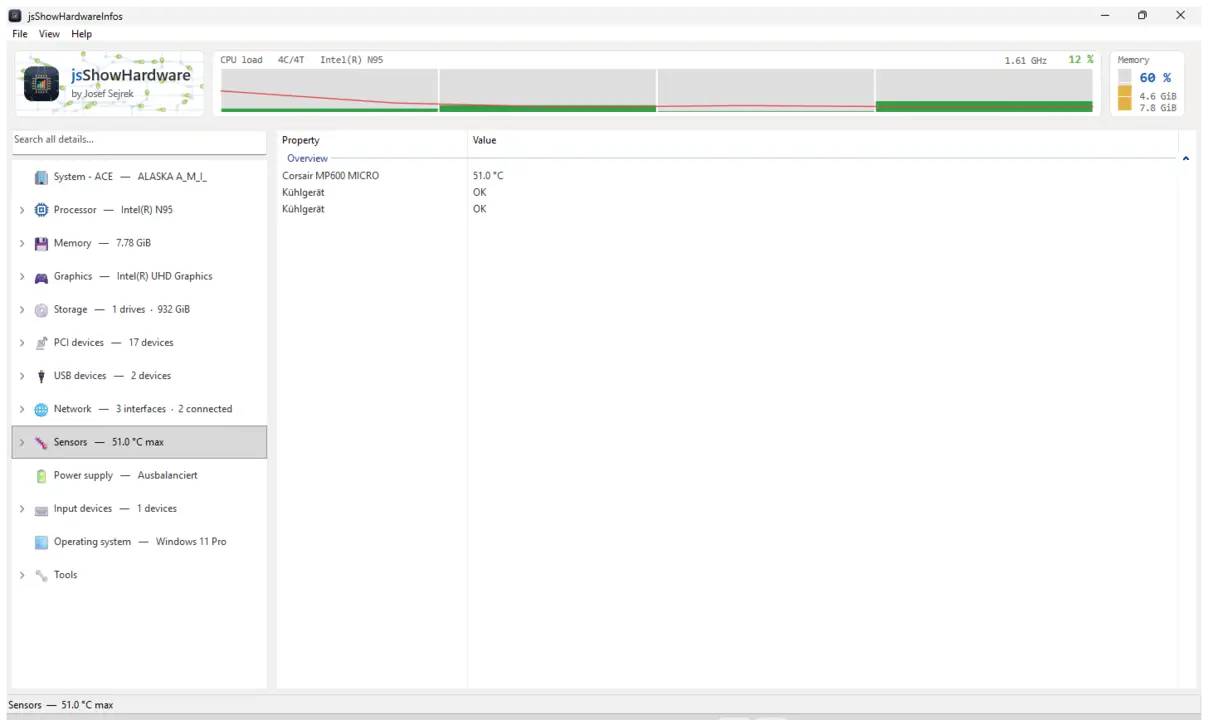
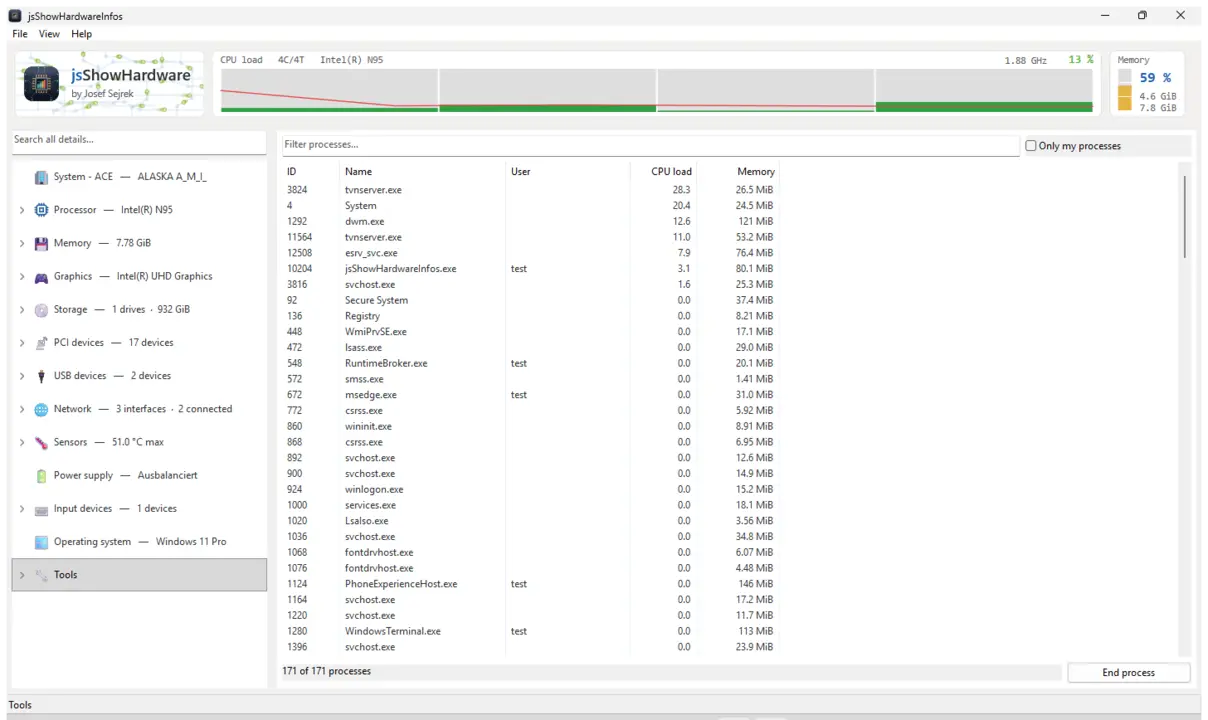
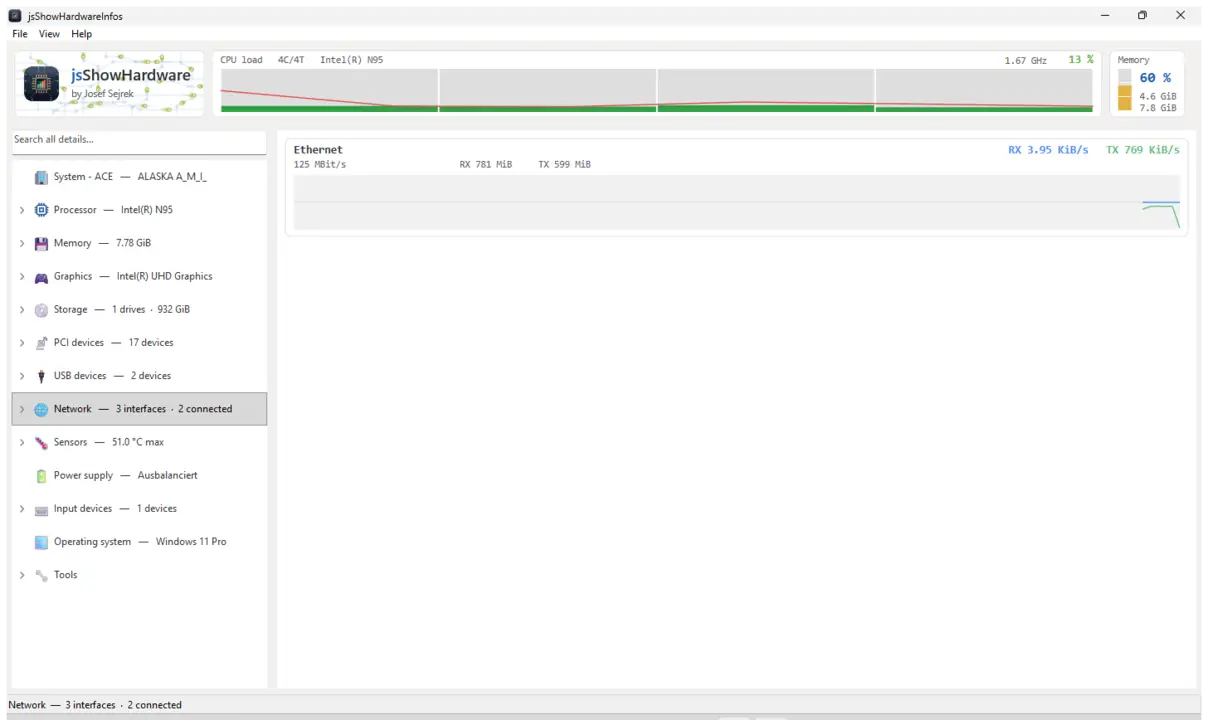
jsShowHardwareInfos
v1.0 · Win32/Direct2D · Windows 10/11
Mostra ogni dettaglio hardware che il PC riferisce su sé stesso: processore, memoria, grafica, unità, porte, rete e sensori, ognuno sul proprio ramo. In più una barra dal vivo con carico e temperatura, una ricerca su tutti i valori e un rapporto da salvare come file di testo o da copiare.
CPU / RAM / GPUUnità e USBSensori e temperatureElenco processiRicerca su tutti i valoriSalvare il rapportoChiaro e scuro44 lingue
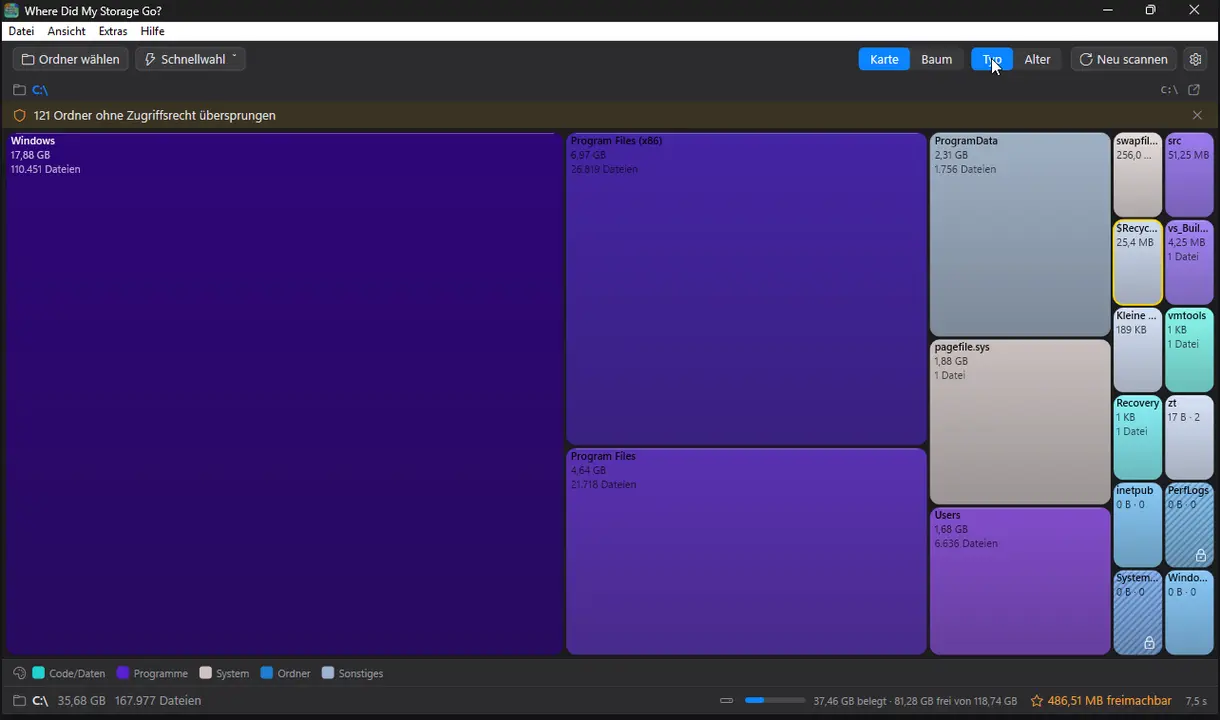
Where Did My Storage Go?
v1.0 · Win32/Direct2D · Windows 10/11
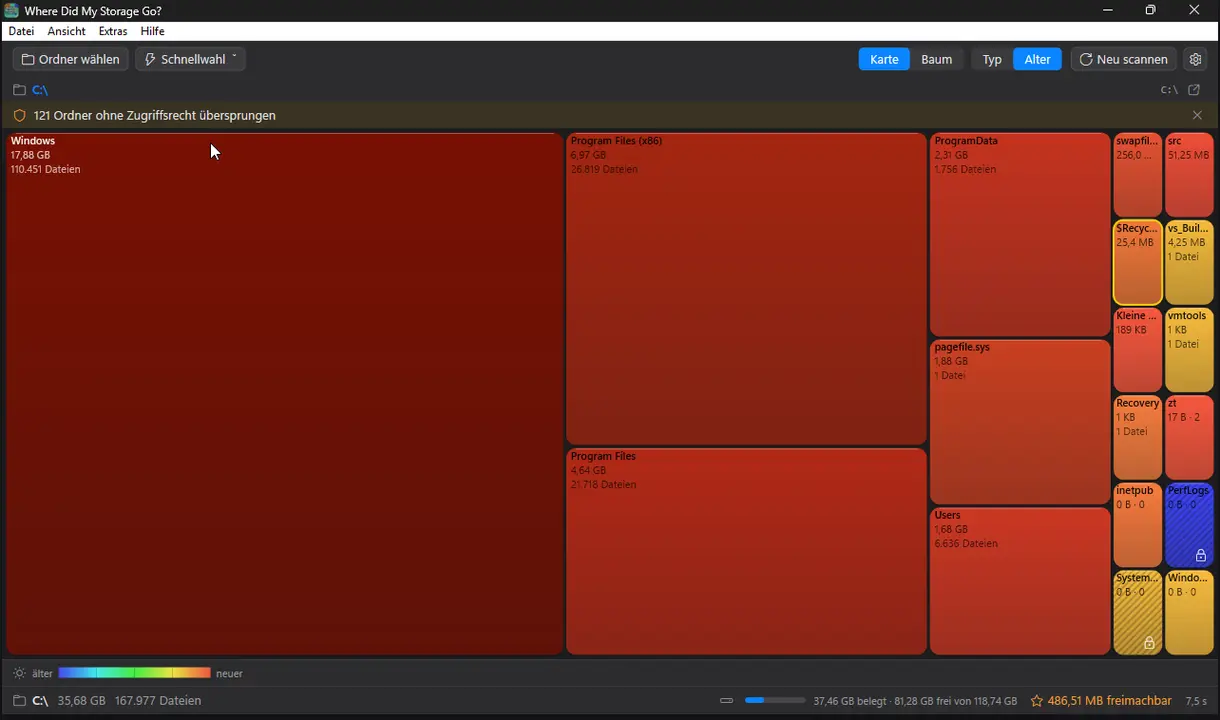
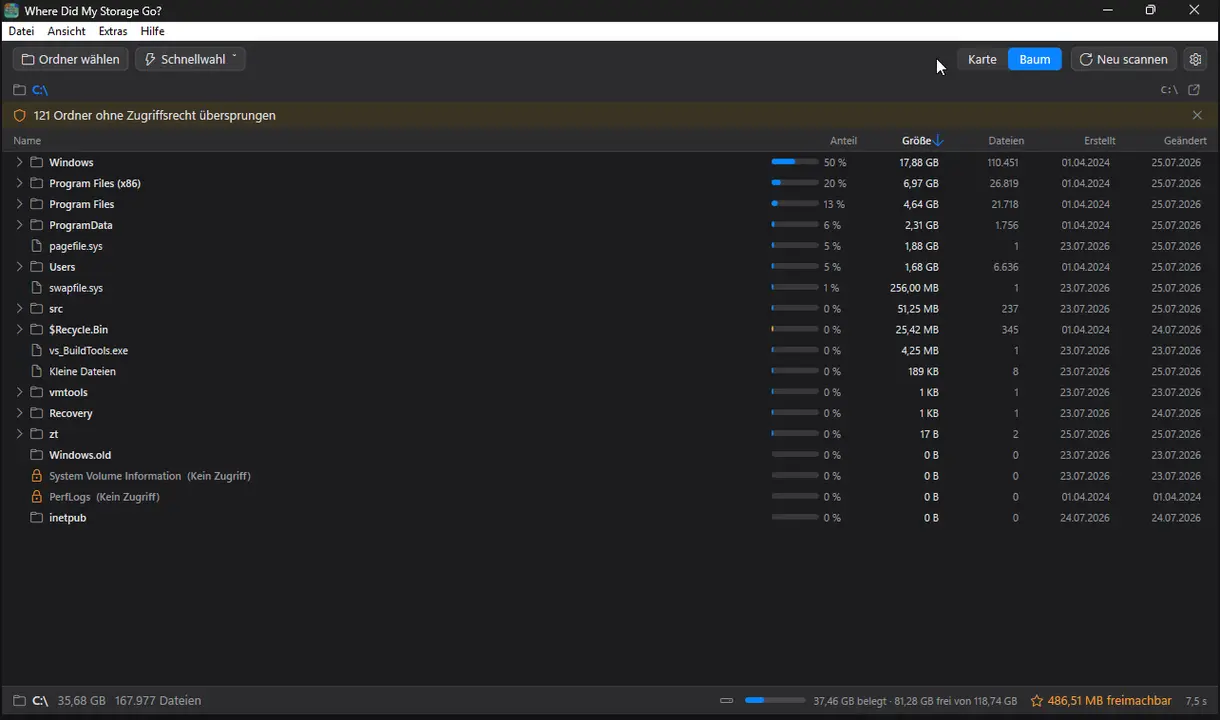
Scopri a colpo d'occhio cosa riempie il disco: cartelle come mappa a colori, dimensioni esatte, eliminazione solo nel cestino.
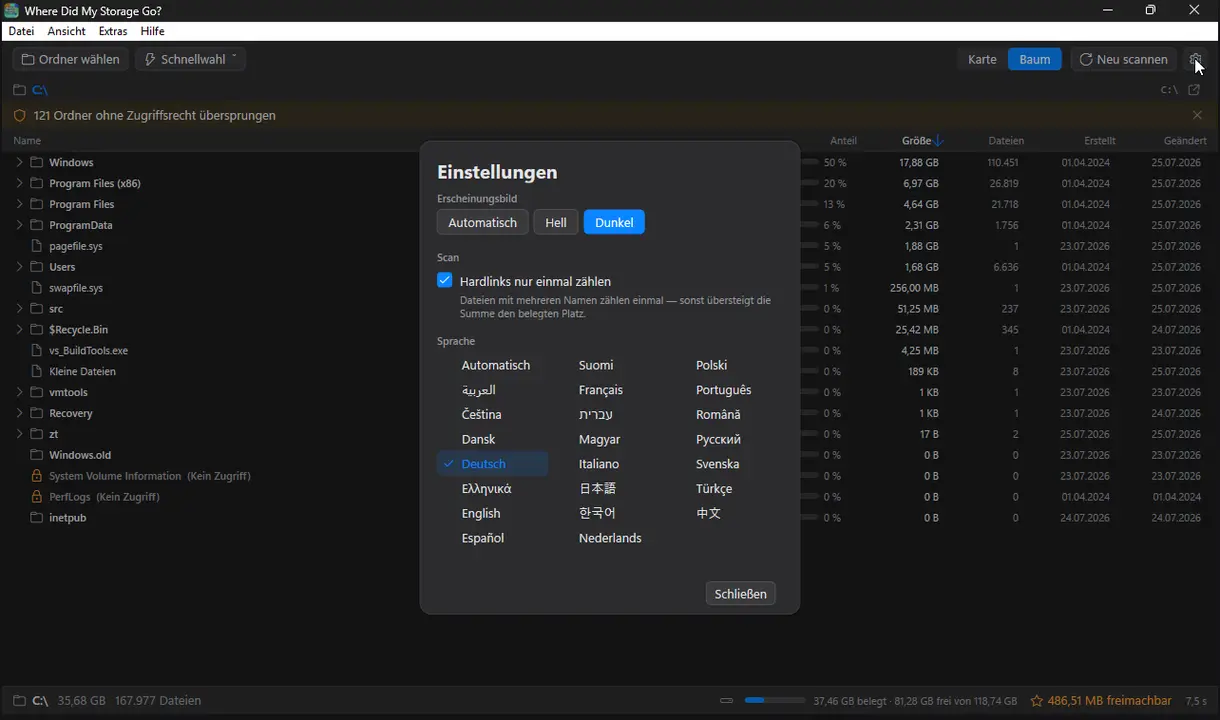
TreemapHeat-MapDrill-downVista ad alberoJunk-RadarSolo cestinoMulti-Core-ScanChiaro e scuro22 lingue
jsCPUMonitor
v1.0 · Win32/Direct2D · Windows 10/11
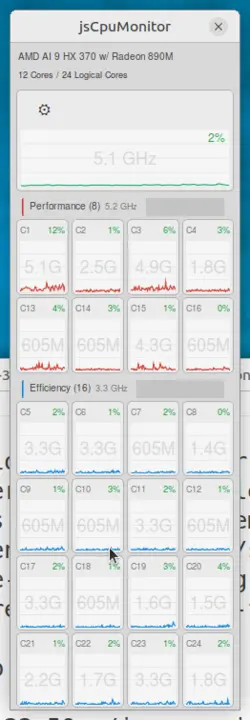
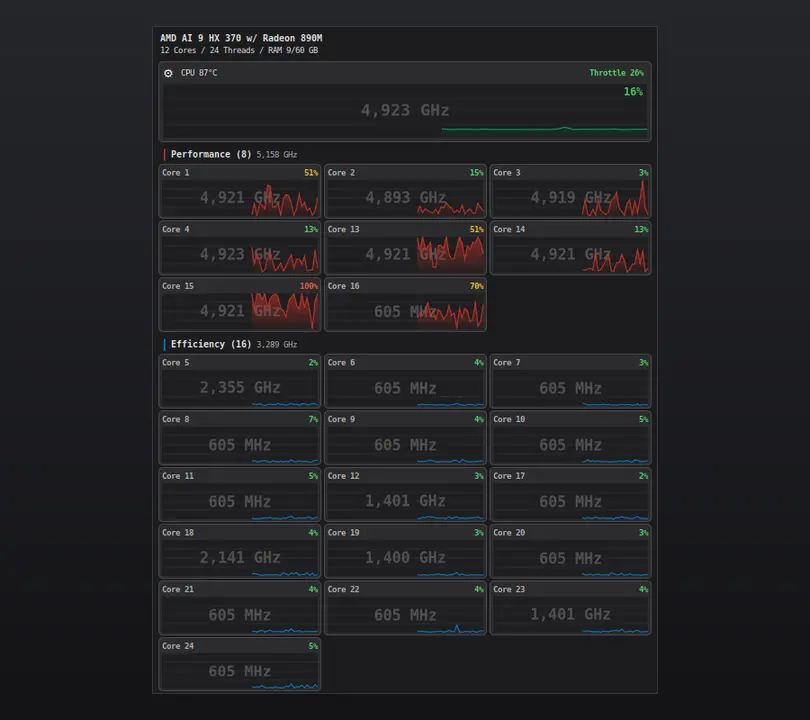
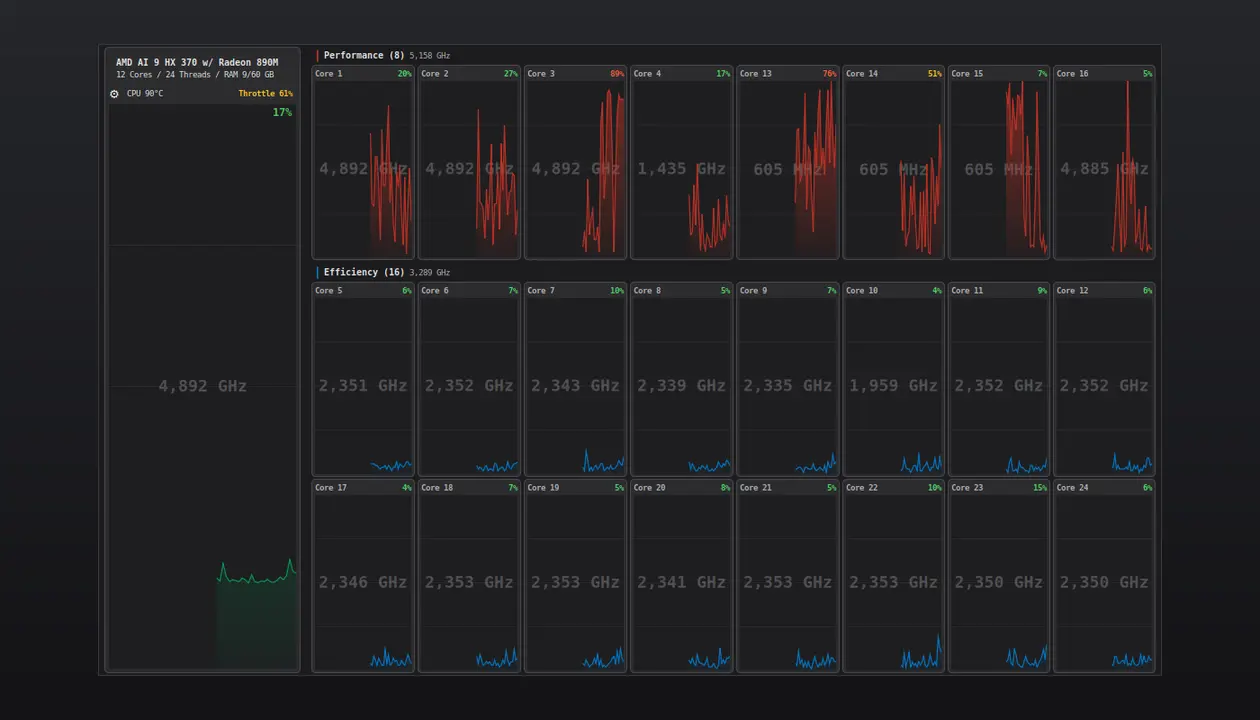
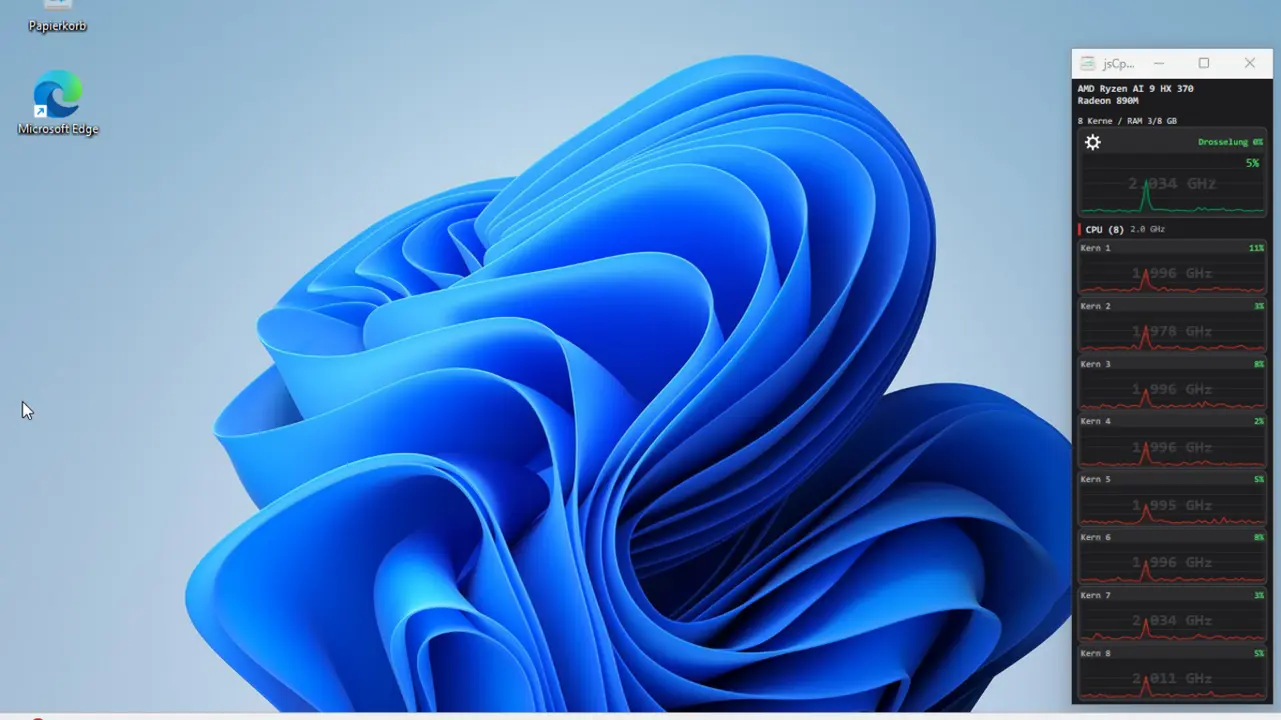
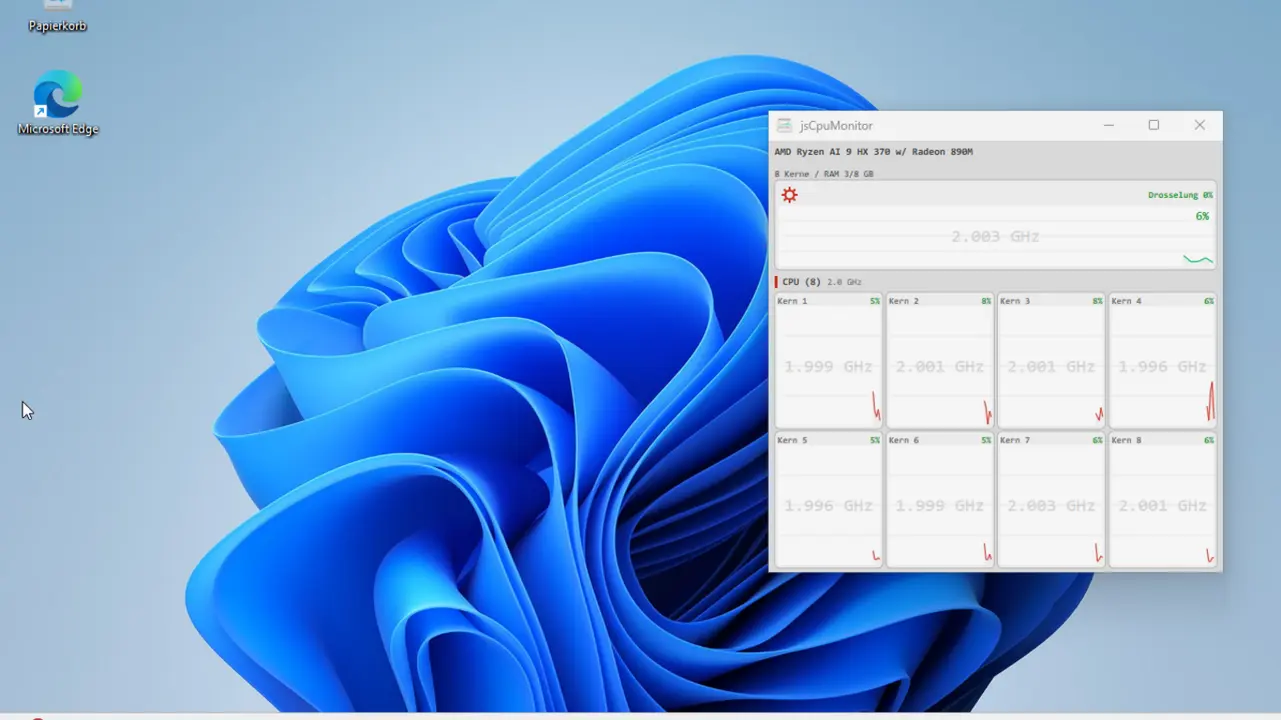
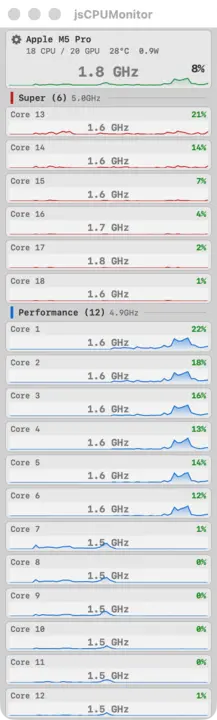
Monitor della CPU per Windows: una sottile striscia di finestra con un grafico storico in tempo reale per ogni core, frequenza di clock, gruppi di core performance/efficienza, memoria e temperatura. Sviluppato nativamente con Win32 e Direct2D.
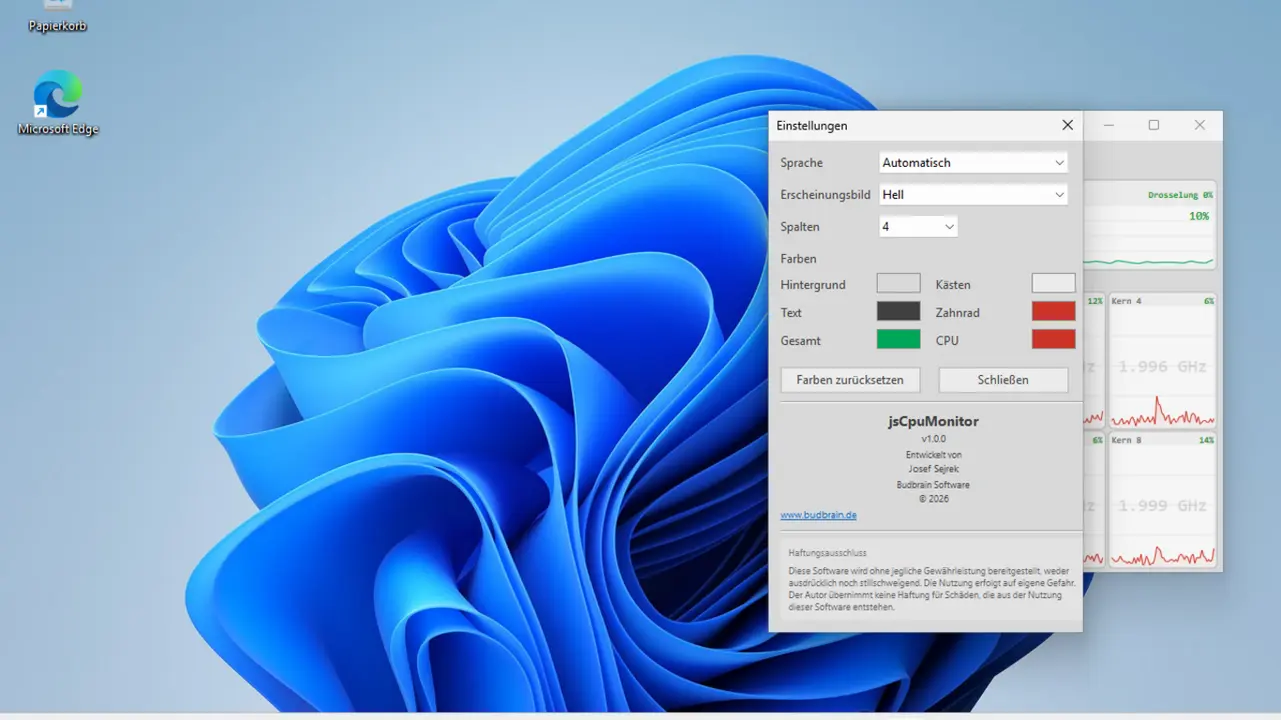
Per-Core ChartsFrequenza di clockRilevamento core P/ETemperaturaRAMSempre in primo pianoChiaro e scuroColori personalizzabili22 lingue
Giochi, strumenti audio, strumenti nella barra dei menu, pulizia delle cache e analisi dello spazio su disco per macOS
Installazione: Queste app non sono certificate da Apple (senza notarizzazione). Per questo macOS mostra un avviso al primo avvio. Ecco come installarle comunque:
Scaricare e decomprimere il file ZIP
Aprire il Terminale (Applicazioni → Utility → Terminale)
Andare nella cartella decompressa: cd ~/Downloads/AppName
Avviare lo script di installazione: bash install.sh
Lo script copia l'app in /Applications, rimuove il contrassegno di quarantena e avvia l'app.
Senza install.sh? Se lo ZIP non contiene alcuno script, spostare manualmente il .app in /Applications, poi nel Terminale: xattr -cr /Applications/AppName.app e fare doppio clic per avviare.
jsBudbrainLimiter
v1.0.0 · Mac App Store · macOS 14.2+
Un limitatore per tutto ciò che il vostro computer riproduce — più forte, senza mai saturare, con due spettri che mostrano cosa fa.
Controlli separati per il canale sinistro e il destroGuadagno, tetto, attacco, rilascio, ginocchio, passa-alto SC e mixTrue Peak intercetta anche i picchi più breviControllo di uscita con indicatori di livello per entrambi i canaliDue spettri mostrano cosa viene alzato e cosa limitatoAndamento della riduzione di guadagno e valori di piccoImpostazioni pronte, più le vostreFunziona insieme a jsBudbrainCompressor, jsBudbrainEqualizer e jsBudbrainsFxStudioTasto muto per quando squilla il telefonoScegliete altoparlanti o cuffieFinestra piccola sempre in primo pianoSi configura una volta – macOS chiede il tuo consensoChiaro e scuroApple Silicon44 lingue
jsBudbrainCompressor
v1.0.1 · Mac App Store · macOS 14.2+
Il calore delle valvole e un compressore da studio per tutto ciò che il vostro computer riproduce — con valvole incandescenti e VU meter.
Preamplificatore a valvole simulato con drive, bias e fatBassi, medi, alti e presenzaCompressore con soglia, rapporto, attacco, rilascio, ginocchio, make-up e mixDue VU meter con movimento reale dell’agoLe valvole brillano di più quanto più lavoranoImpostazioni pronte per valvole e compressore, più le vostreIl limitatore protegge orecchie e altoparlantiFunziona insieme a jsBudbrainEqualizer e jsBudbrainsFxStudioTasto muto per quando squilla il telefonoScegliete altoparlanti o cuffieFinestra piccola sempre in primo pianoSi configura una volta – macOS chiede il tuo consensoChiaro e scuroApple Silicon44 lingue
jsBudbrainsFxStudio
v1.0.1 · Mac App Store · macOS 14.2+
Effetti in tempo reale per tutto ciò che il vostro computer riproduce — riverbero, eco, intonazione e altro, miscelati nel suono con un cursore.
Otto effetti: intonazione, filtro, distorsione, chorus, flanger, phaser, eco, riverberoOgni effetto con le sue manopole e il suo cursore di mixUn solo cursore fonde tutti gli effetti nel suono complessivoForma d'onda in tempo reale e indicatori di livelloImpostazioni pronte come sala da concerto o eco nel canyon, più le vostre«Tutto spento» con un clic — e di nuovo attivo con il successivoIl limitatore protegge orecchie e altoparlantiFunziona insieme a jsBudbrainEqualizerTasto muto per quando squilla il telefonoScegliete altoparlanti o cuffieFinestra piccola sempre in primo pianoSi configura una volta – macOS chiede il tuo consensoChiaro e scuroApple Silicon44 lingue
jsBudbrainEqualizer
v1.0.2 · Mac App Store · macOS 14.2+
Un equalizzatore per tutto ciò che il vostro computer riproduce — con spettro in tempo reale.
Dieci cursori, dai bassi profondi agli acuti brillantiMostra in tempo reale ciò che suona — sinistra, destra o entrambiImpostazioni audio pronte e le vostre, salvate con un nomeTasto muto per quando squilla il telefonoScegliete altoparlanti o cuffieRichiudere i cursori e tenere solo il displayFinestra piccola sempre in primo pianoSi avvia all'accesso, se voleteSi configura una volta – macOS chiede il tuo consensoChiaro e scuroApple Silicon44 lingue
Budbrain Cave Rescue
v1.0.1 · Mac App Store · macOS 12+
Vola nelle profonde grotte lunari e riporta a casa sani e salvi gli astronauti dispersi.
100 livelli su dieci mondiGravità veraQuattro pulsanti, nient’altroPotenziate la nave con l’esperienzaQuattro livelli di difficoltàGalleria delle missioni con mappe di voloTastiera, mouse o gamepadApple Silicon44 lingue
jsCPUMonitor
v1.4 · Swift/SwiftUI · macOS
Monitoraggio CPU in tempo reale per macOS. Finestra fluttuante con grafici per core, temperatura, frequenza e consumo energetico per Apple Silicon.
Per-Core ChartsSuper/Performance/EfficiencyTemperatur solo ZIPCPU-Frequenz solo ZIPPowerFloating WindowApple SiliconLaunch at Login
Un'app dello store non può leggere i valori contrassegnati con «solo ZIP»: gira nella sandbox di Apple. Il download diretto ci riesce. In cambio non è notarizzato — al primo avvio segui le istruzioni qui sopra.
Fa pulizia dei residui di sviluppo sul Mac: archivi di Xcode, DerivedData e simulatori, SDK Android, cartelle npm e Pods, cache degli editor. Un grafico a torta mostra a colpo d'occhio cosa occupa di più; ogni voce indica percorso, dimensione e ultimo utilizzo. Viene eliminato solo ciò che selezioni, e tutto finisce nel cestino.
Mostra dove è finito il tuo spazio su disco con una treemap colorata: entra, trova i file più grandi e sposta il superfluo direttamente nel cestino. Scansione multi-core velocissima, mappa di calore e radar dei file inutili. Completamente offline.
TreemapHeat-MapDrill-downJunk-RadarMulti-Core-ScanReveal in FinderSolo cestinoApp Sandbox
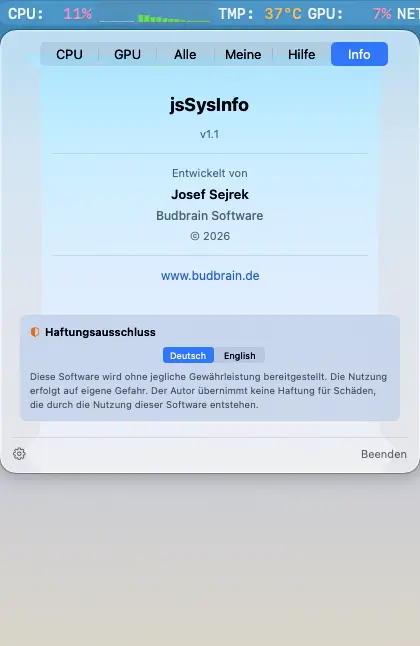
jsSysInfo
v1.2 · Swift/SwiftUI · macOS 14+
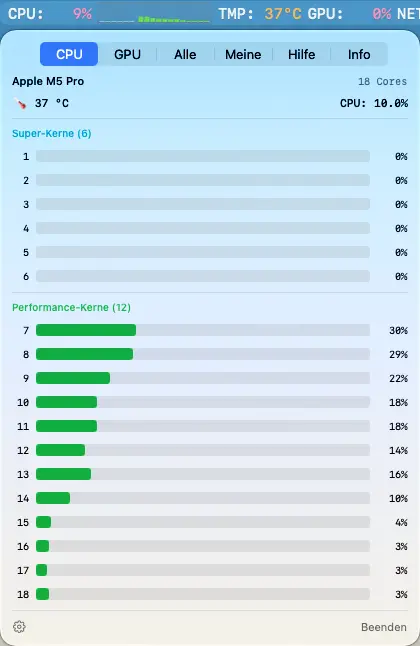
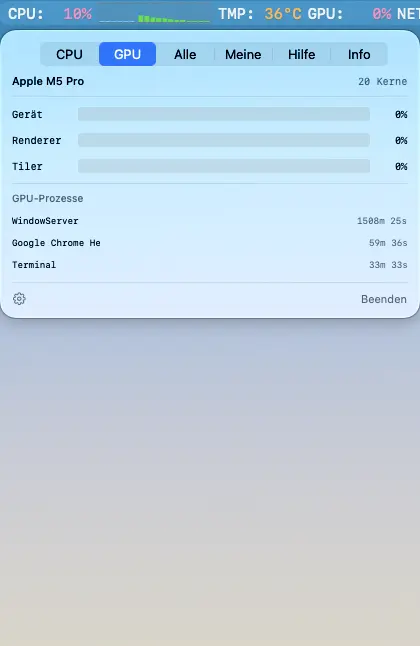
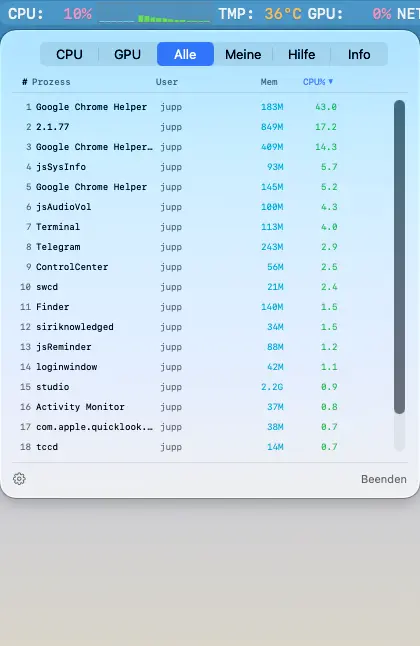
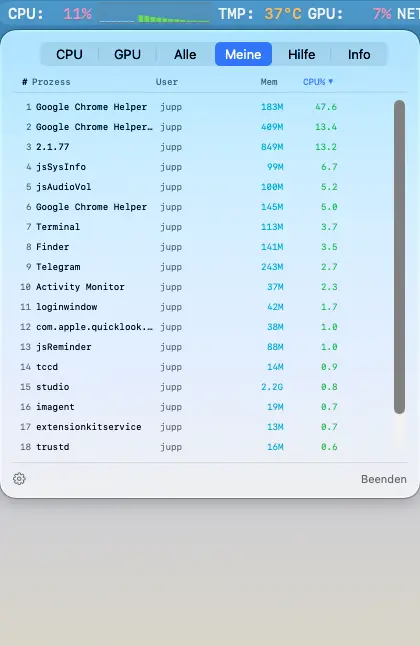
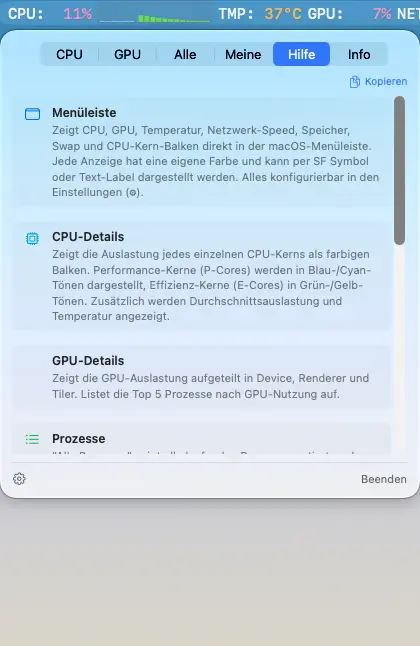
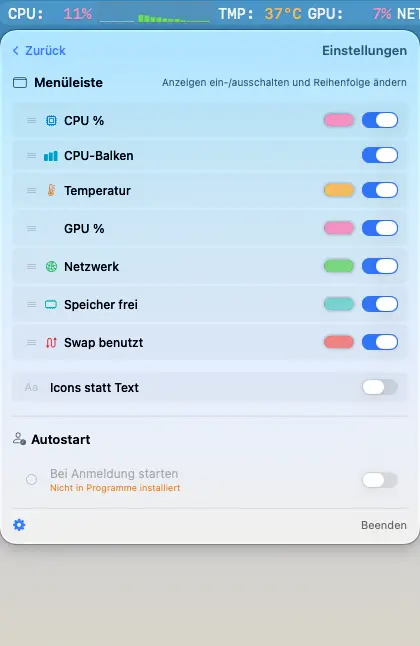
Monitor di sistema per la barra dei menu di macOS. Utilizzo della CPU, GPU, temperatura, velocità di rete e barre CPU per core direttamente nella barra dei menu. Portato su Linux (vedi sopra).
CPU %CPU-BalkenGPU %TemperaturNetzwerkRAM & SwapProzesslisteApple SiliconUniversal BinaryDE / EN
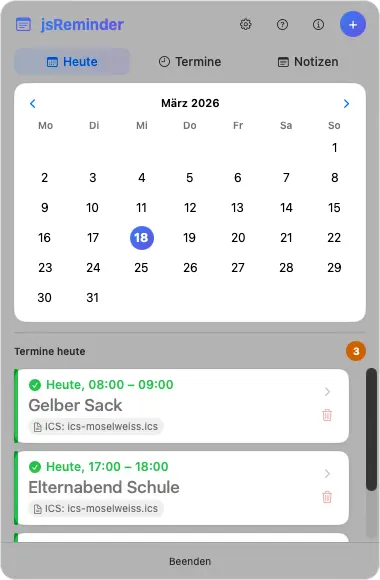
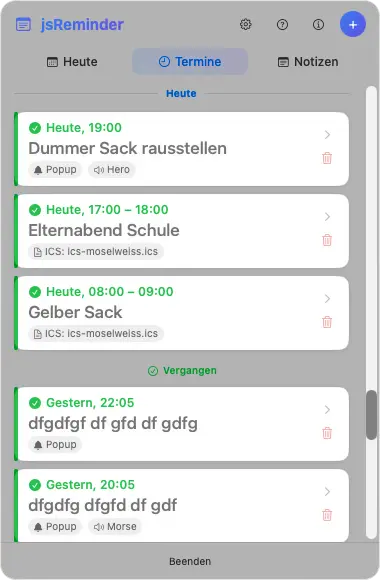
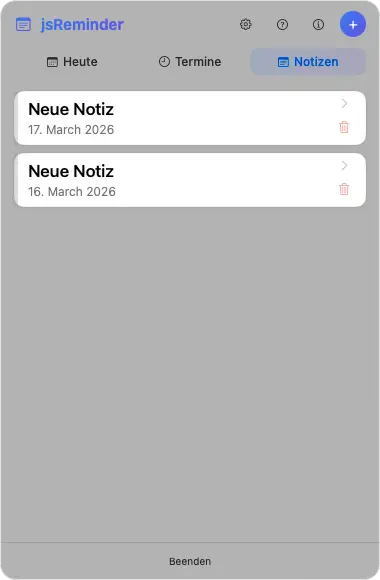
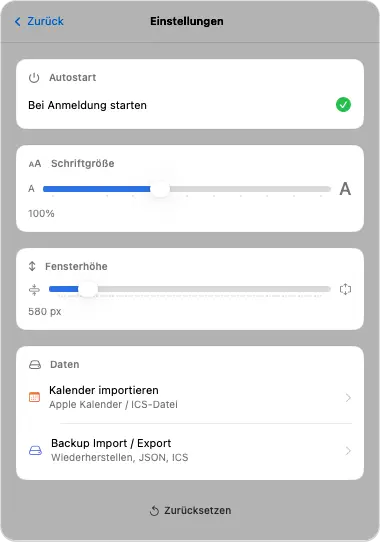
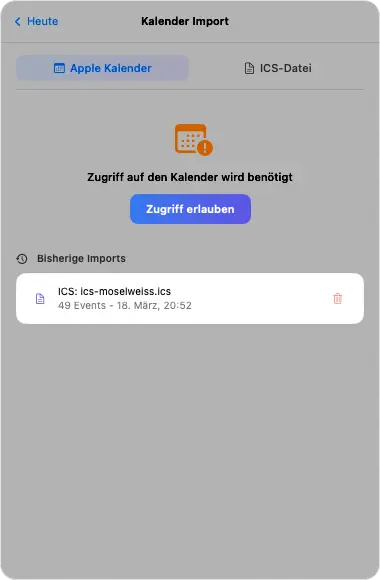
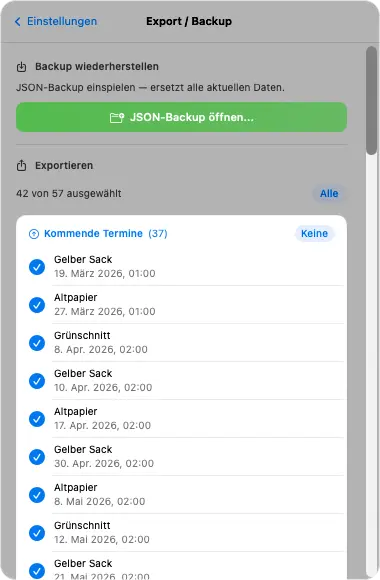
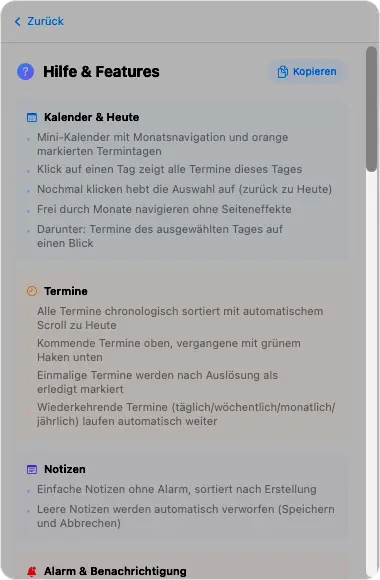
App per note e promemoria nella barra dei menu. Calendario con viste giorno, appuntamenti e note, eventi ricorrenti, importazione calendario (ICS), backup/esportazione.
CalendarioAppuntamentiNoteAlarm / SoundRicorrentiICS ImportBackup/ExportAutostartDE / EN
jsMenueGroups
Swift/SwiftUI · macOS 14+
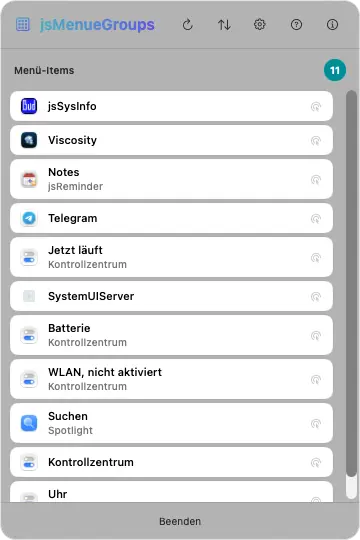
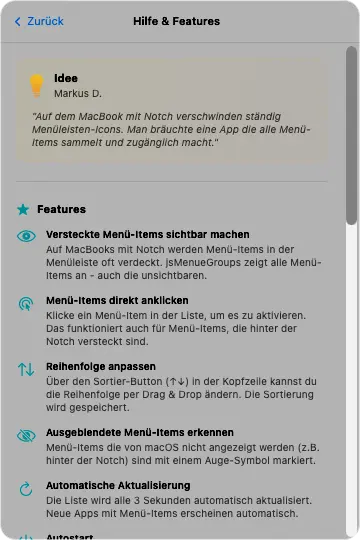
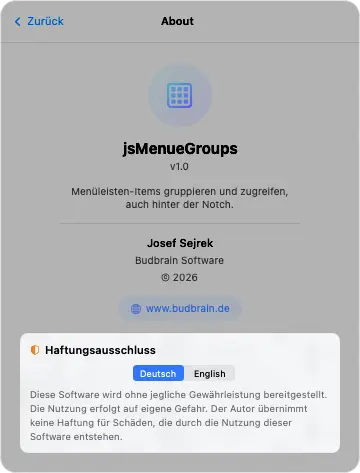
Organizzatore della barra dei menu. Raggruppa e mostra gli elementi della barra dei menu nascosti dietro il notch del MacBook. Accessibili direttamente con un clic.
Menu Bar ItemsNotch-WorkaroundInoltro del clicRilevamento icone
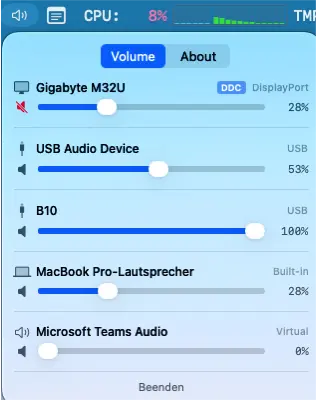
Controllo del volume per la barra dei menu. Controlla i dispositivi di uscita audio (HDMI, DisplayPort, USB, integrato) tramite un cursore direttamente dalla barra dei menu.
Vola nelle profonde grotte lunari e riporta a casa sani e salvi gli astronauti dispersi.
100 livelli su dieci mondiGravità veraQuattro pulsanti, nient’altroPotenziate la nave con l’esperienzaQuattro livelli di difficoltàGalleria delle missioni con mappe di volo44 lingue
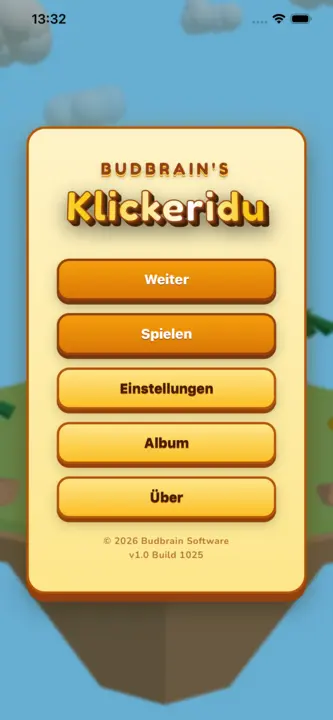
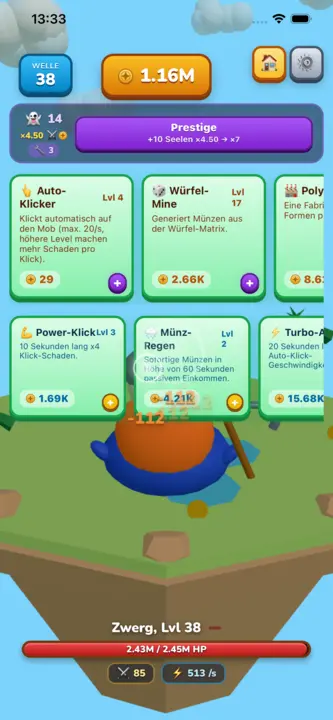
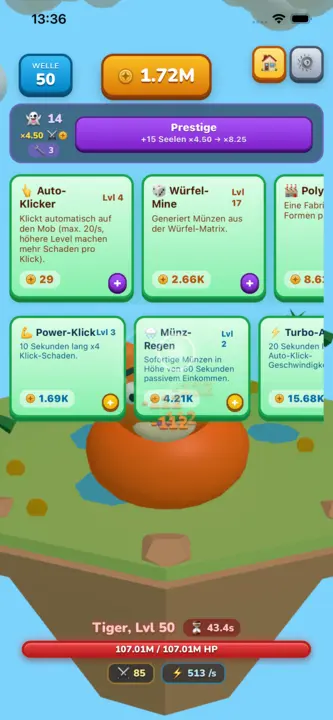
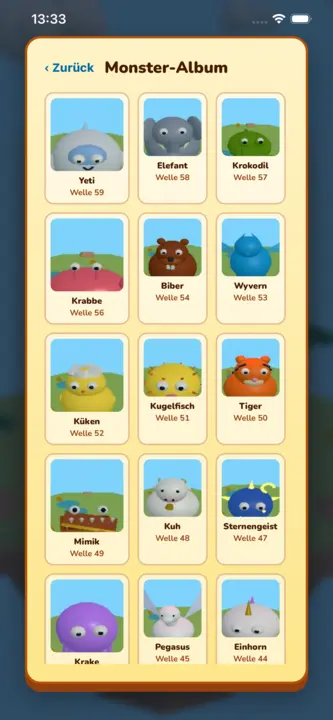
Budbrain’s Klickeridu
Capacitor · iOS 13+
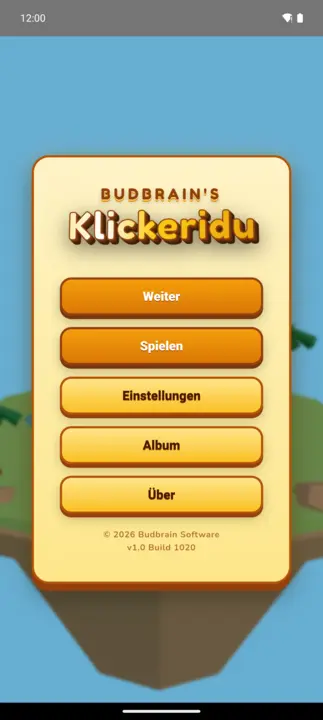
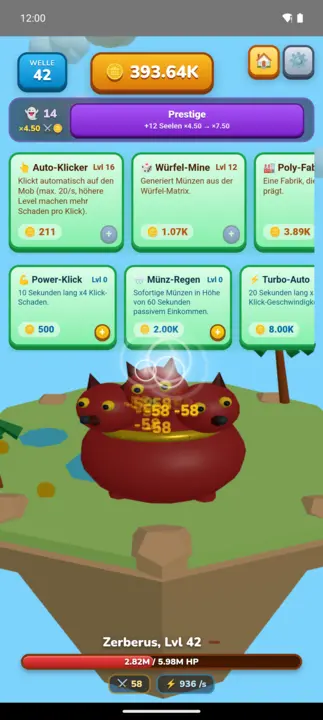
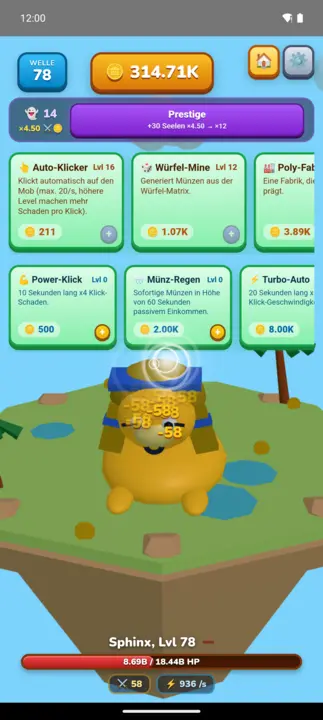
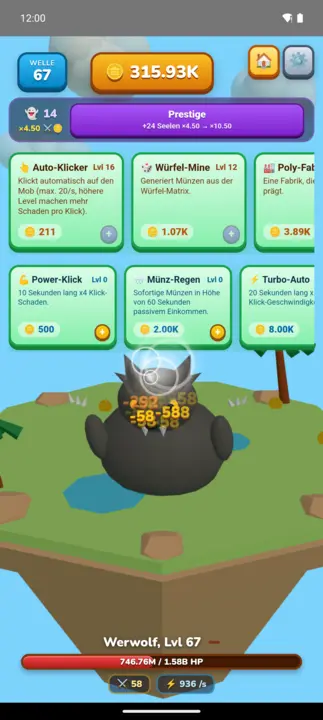
Simpatico clicker idle in 3D su un’isola fluttuante: tocca il personaggio, guadagna monete, compra potenziamenti e affronta ondata dopo ondata 100 mostri creati a mano. Ogni dieci ondate arriva un boss a tempo; il prestigio azzera tutto e rende ogni partita stabilmente più forte.
Idle-Clicker100 mostri 3D10 potenziamenti · 3 abilitàPrestigio e animeAlbum dei mostri22 lingueCompletamente offline
Budbrain’s Media Editor
React Native · iOS 15+
Budbrain Media Editor taglia i tuoi video e modifica le tue immagini — direttamente sul tuo dispositivo. Ogni modifica scrive un nuovo file. Ciò che si trova nella tua galleria non viene mai alterato né sovrascritto.
Tagliare i videoModificare le immaginiL'originale resta intatto4K · 1080p · 720pEXIF22 lingueCompletamente offline
Budbrain’s Poker Slots
React Native · iOS 15+
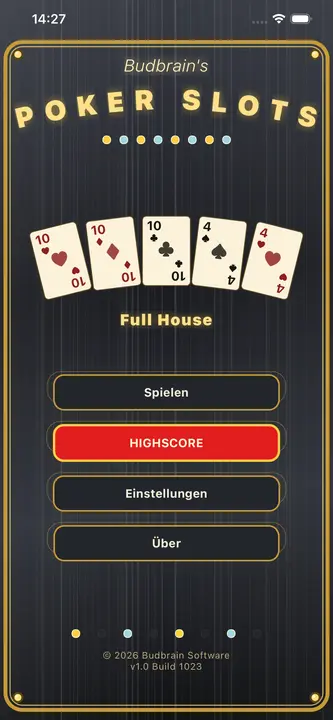
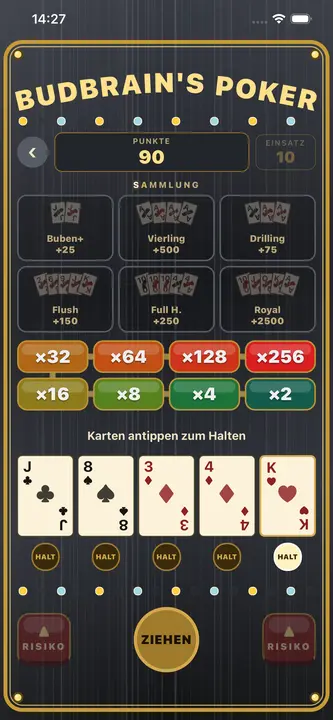
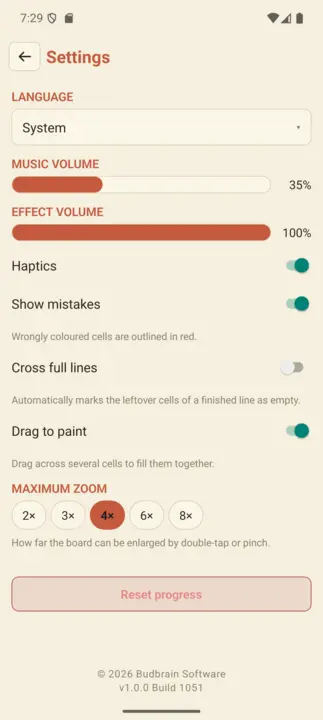
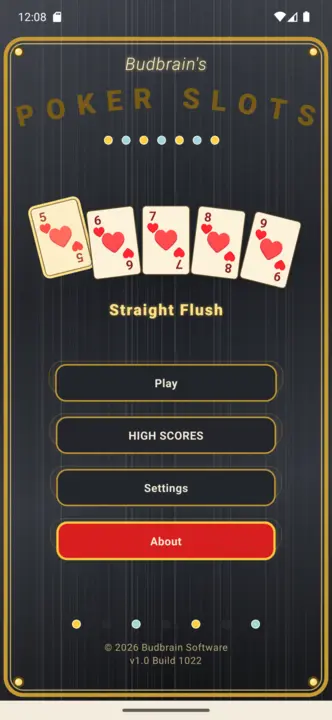
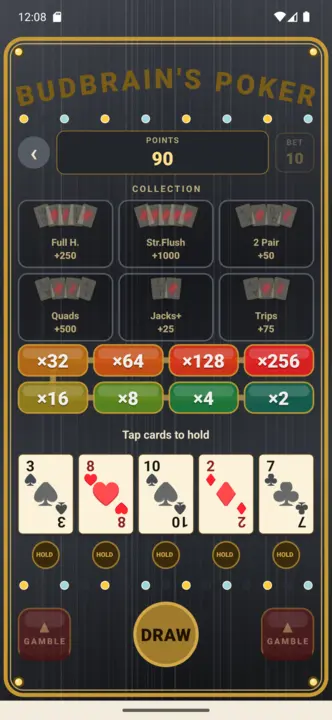
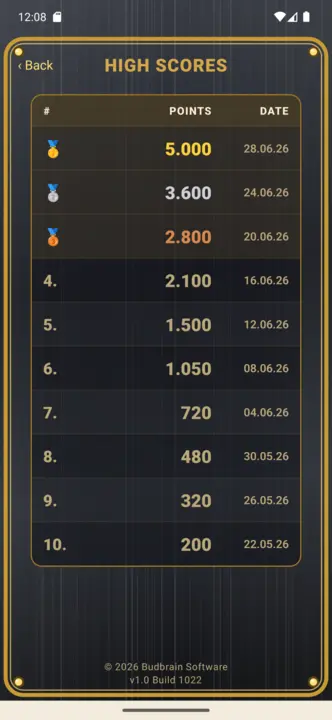
Budbrain Poker Slots è una slot di video poker in stile sala giochi classica. Si gioca solo con gettoni virtuali: niente denaro reale, niente acquisti, niente vincite prelevabili. Nota: gioco d'azzardo simulato. Questo gioco non offre gioco d'azzardo con denaro reale né la possibilità di vincere denaro o premi reali. Il successo in questo gioco non implica un futuro successo nel gioco d'azzardo con denaro reale.
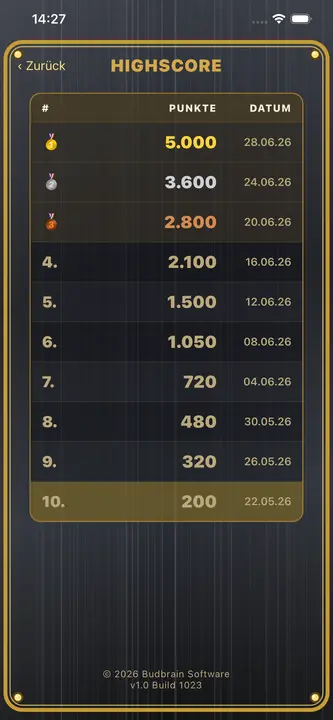
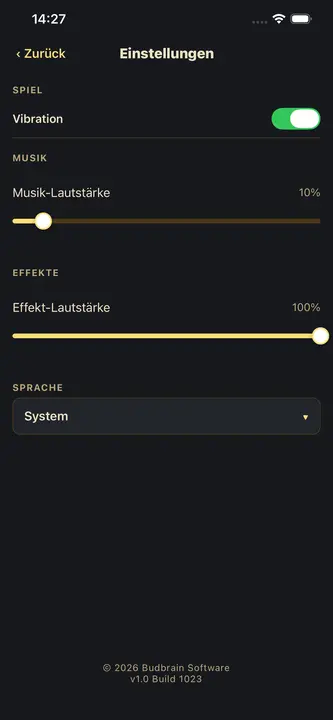
Video PokerTieni e pescaScala del rischioSolo gettoniGioco d'azzardo simulato22 lingueCompletamente offline
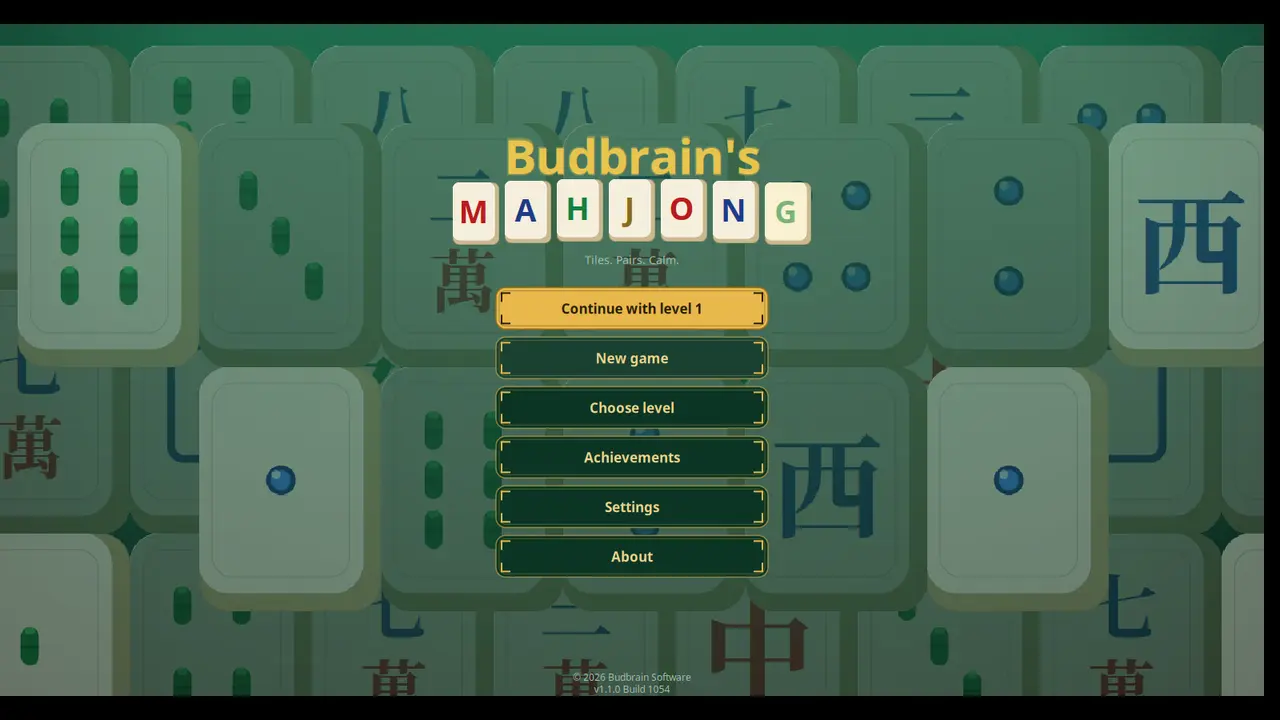
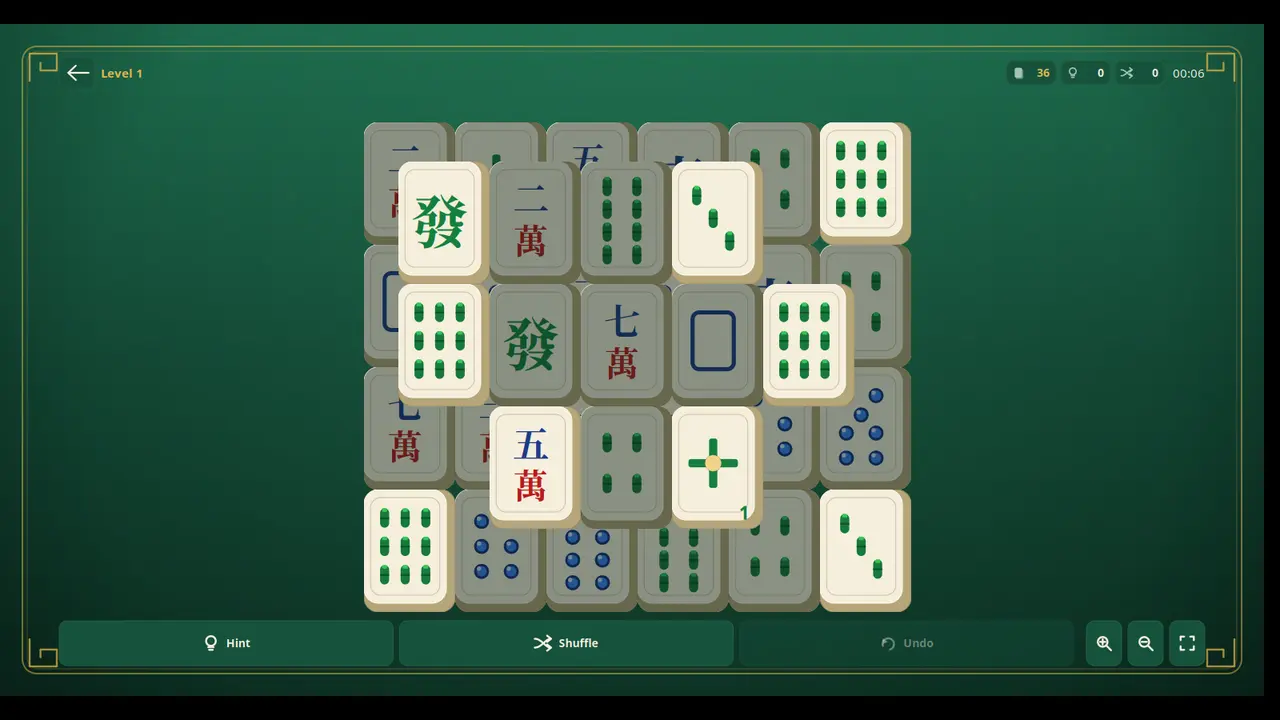
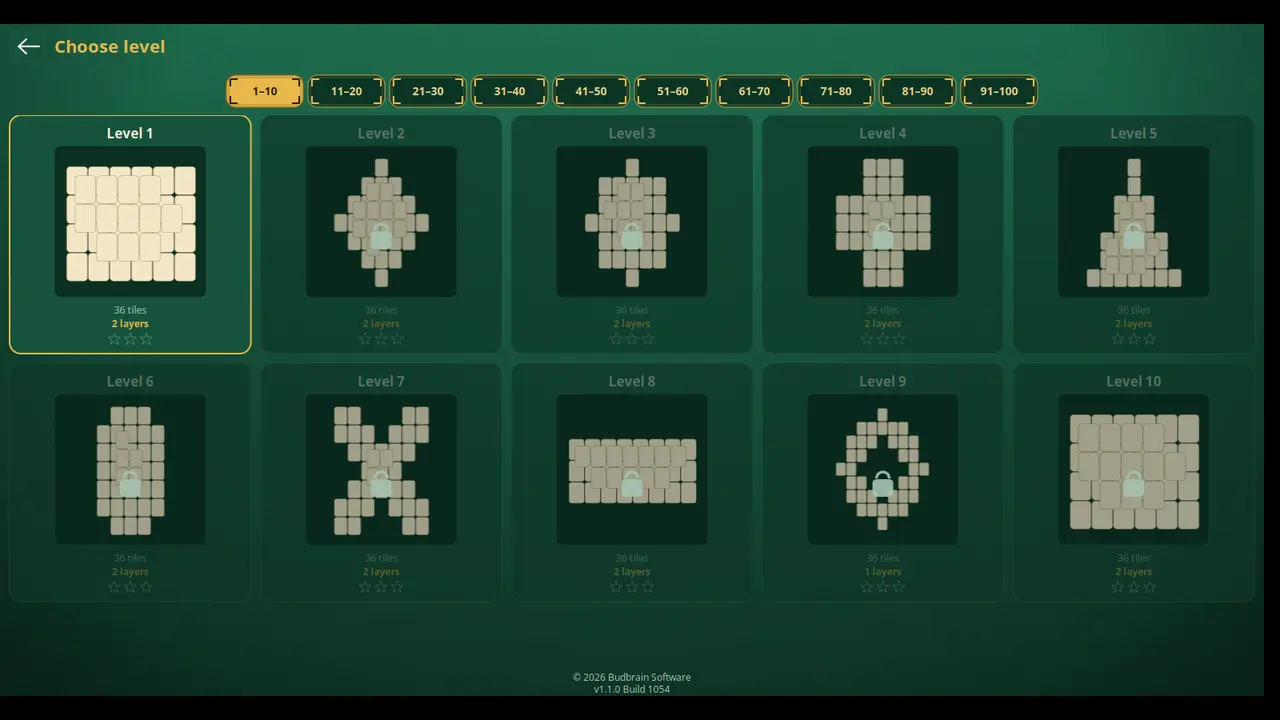
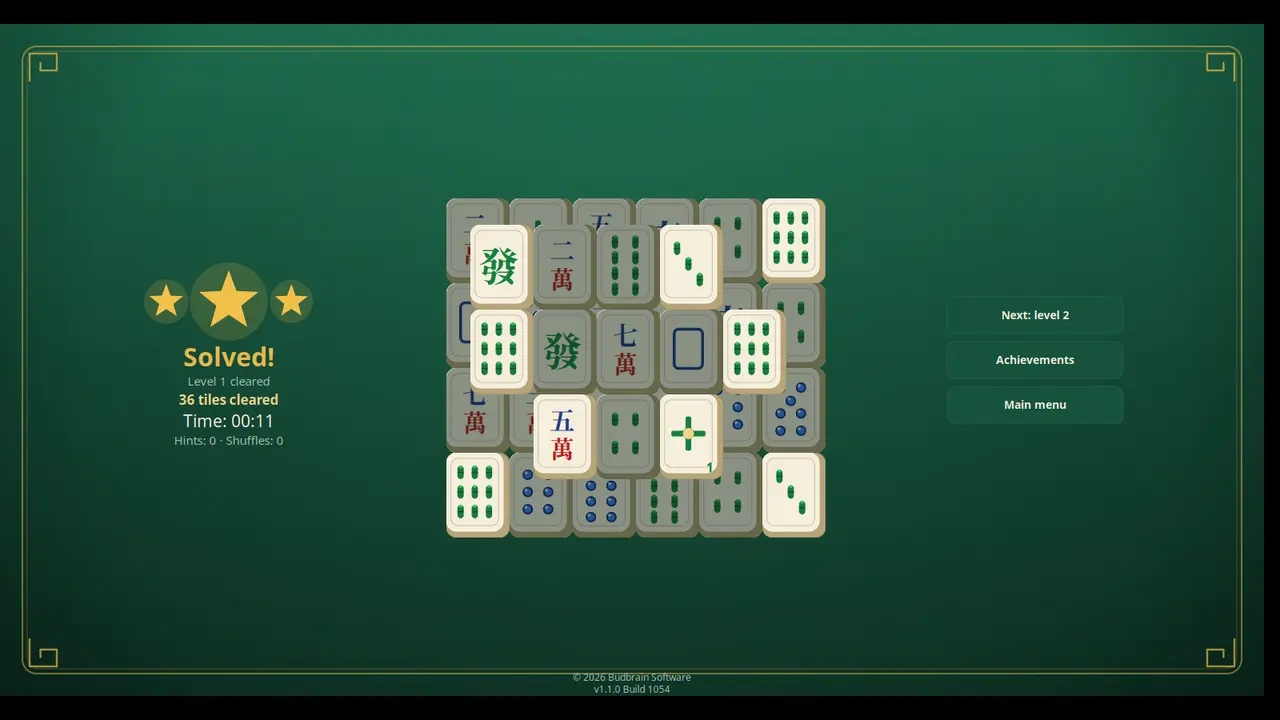
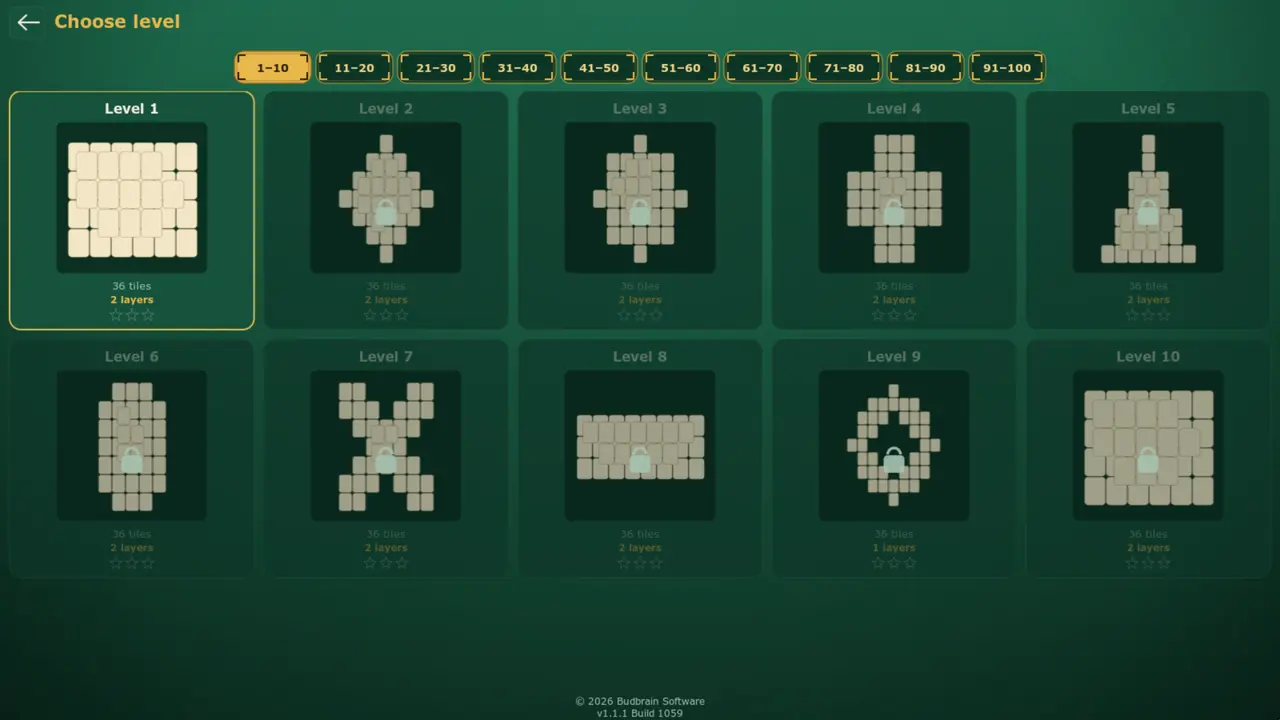
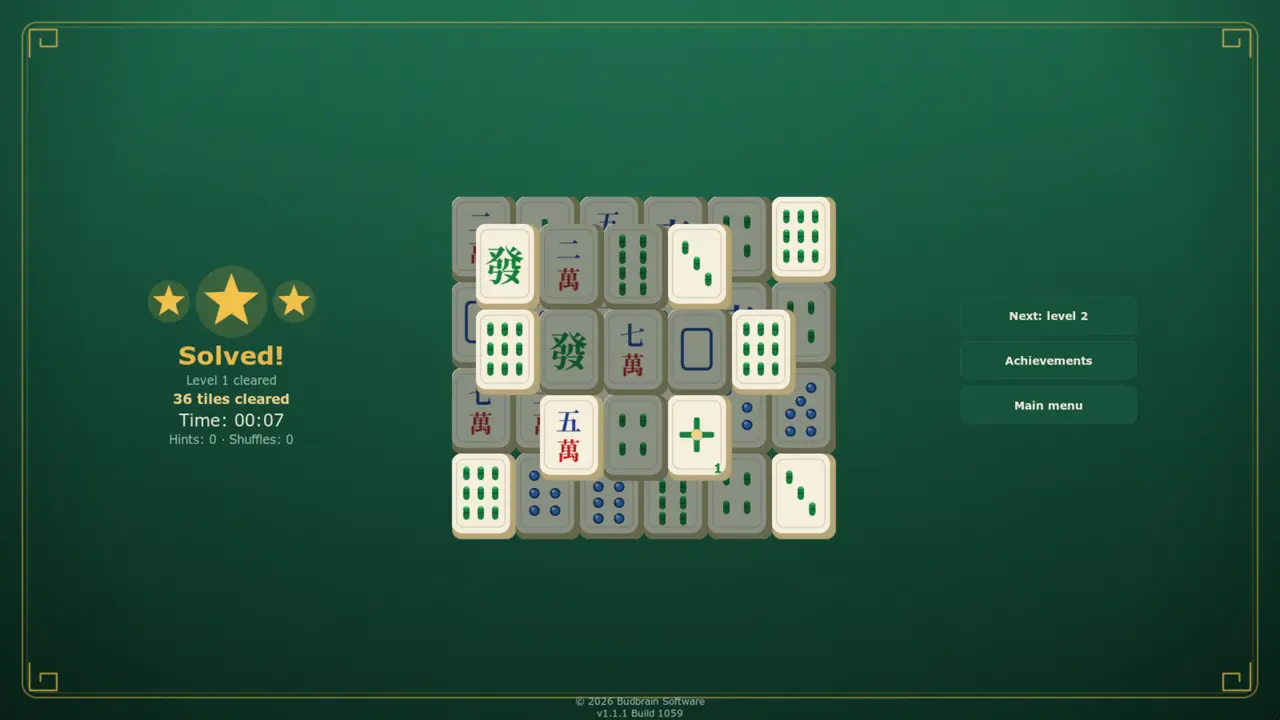
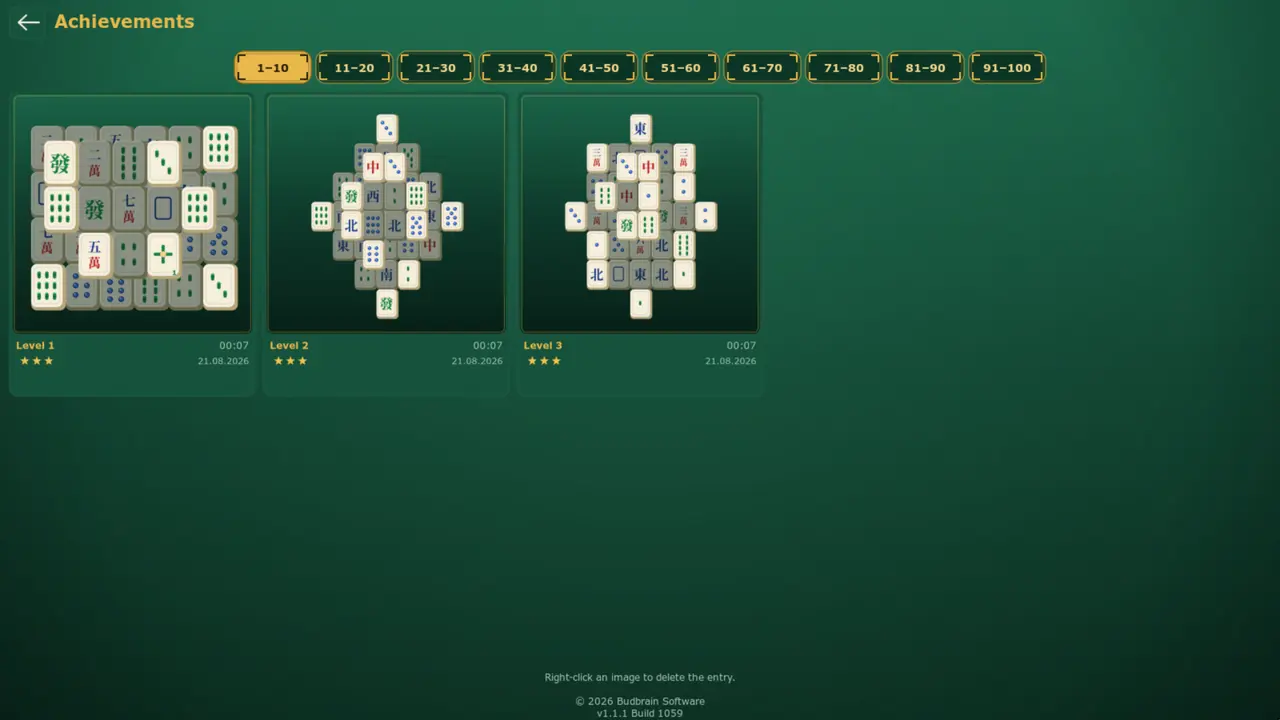
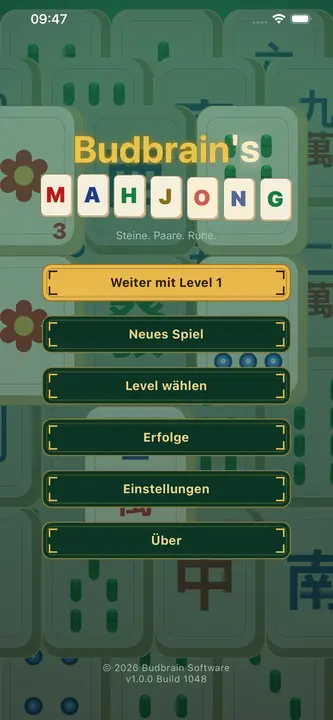
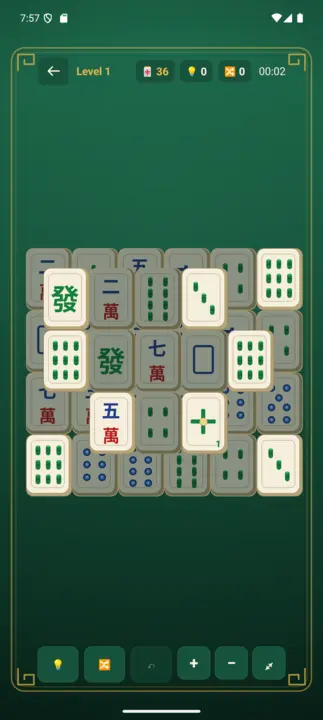
Budbrain’s Mahjong
React Native · iOS 15+
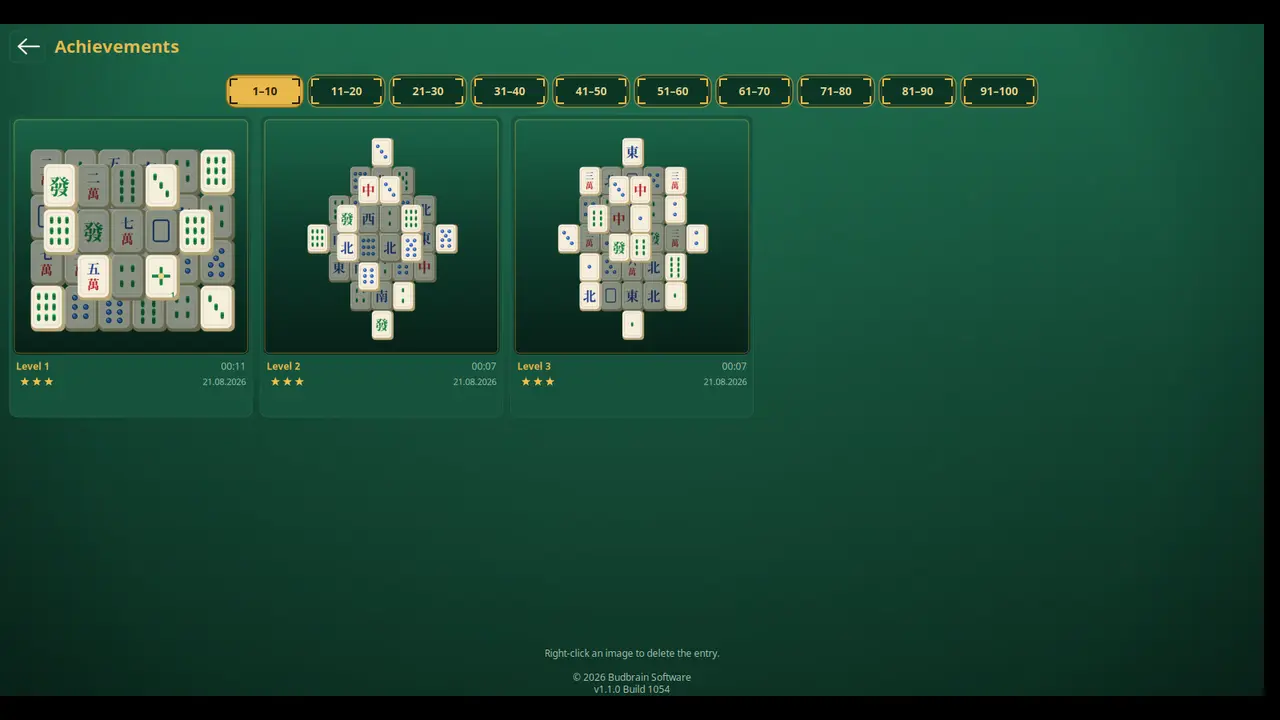
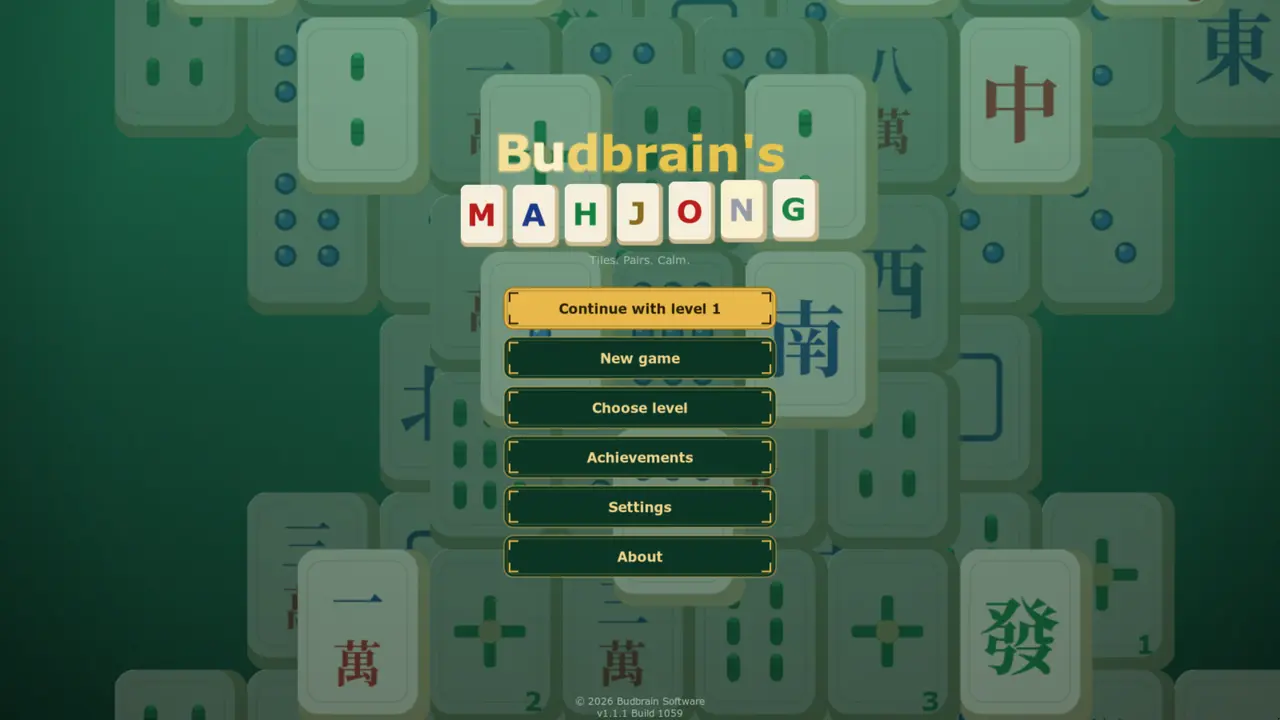
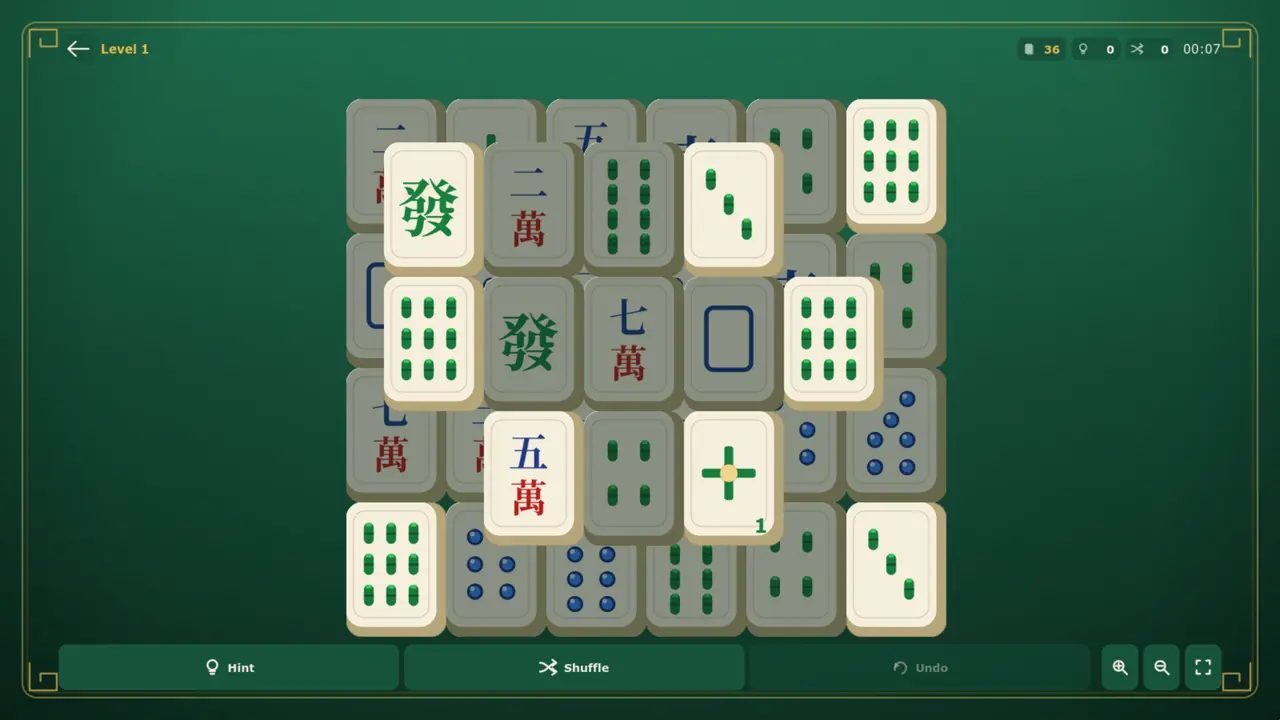
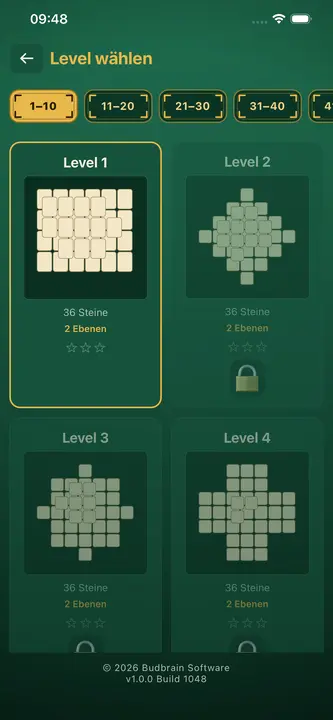
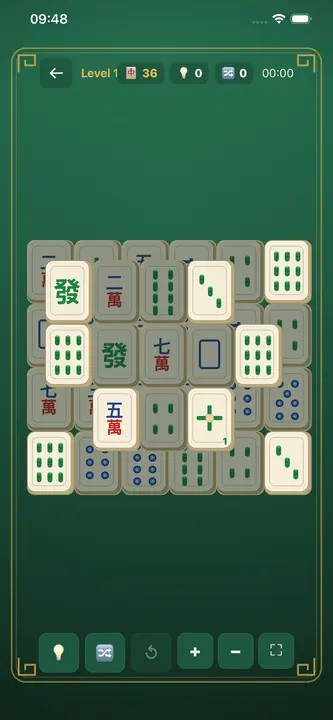
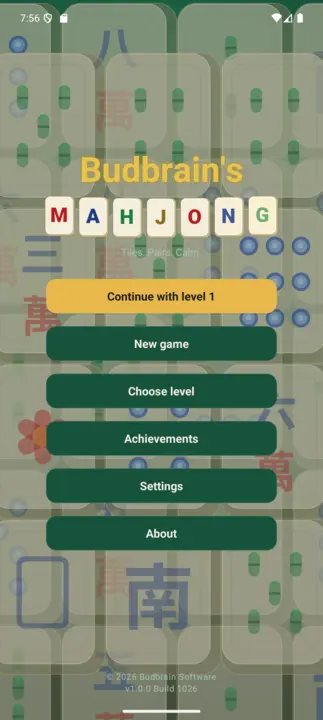
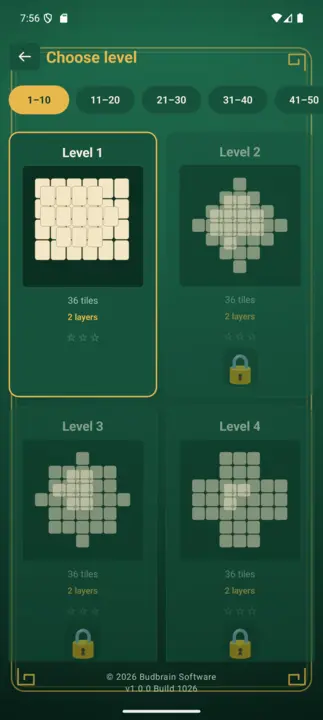
Un Mahjong Solitaire realizzato con cura, con tessere disegnate a mano: 100 livelli in 10 fasi, da un facile inizio con 36 tessere fino al set completo di 144 tessere. Tocca due tessere uguali e libere per ripulire l'intero tavolo. Smazzate garantite risolvibili, funzione mescola, 10 temi di tavolo da gioco cinese, valutazione a 3 stelle e galleria. 22 lingue. Completamente offline.
Mahjong Solitaire100 LevelsTessere disegnate a manoGarantito risolvibileValutazione a 3 stelle22 lingueCompletamente offline
Astonischika
React Native · iOS 15+
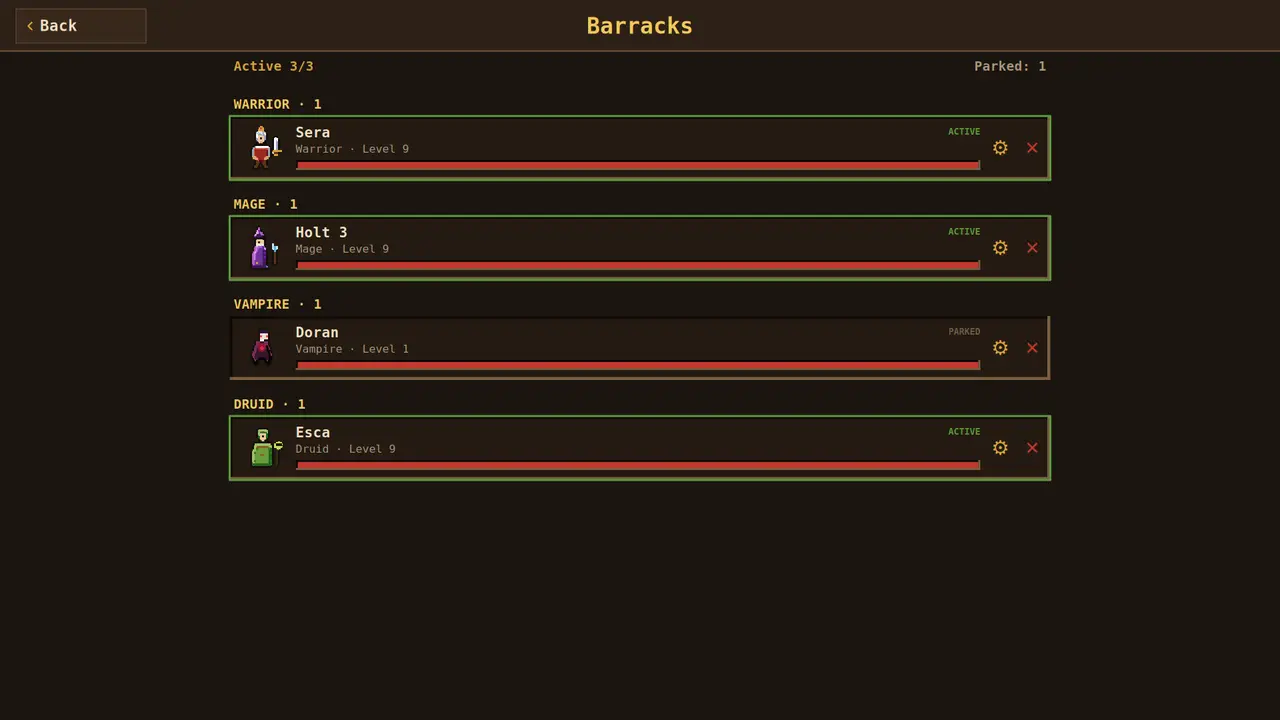
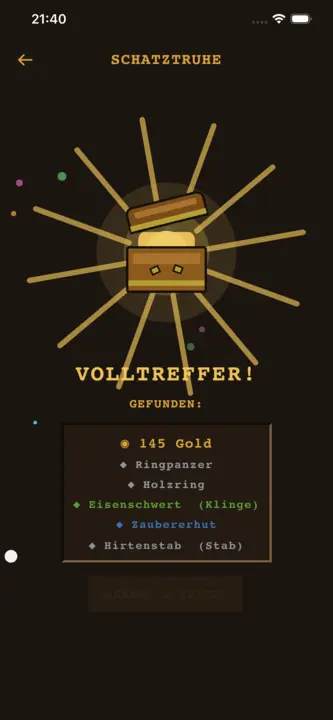
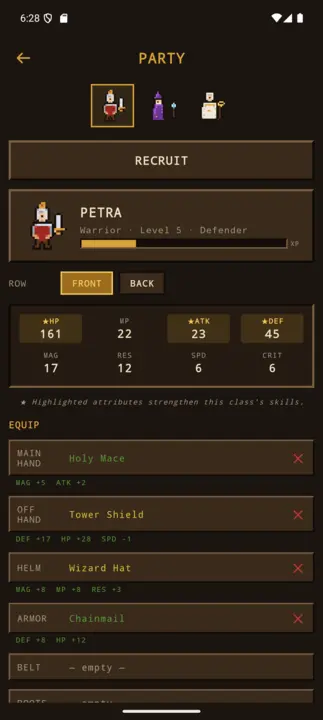
RPG di gruppo a turni in pixel art: forma una squadra di 3 tra 6 classi di eroe (Guerriero, Mago, Chierico, Ladro, Vampiro, Druido) e scala una mappa a nodi ramificata: combatti mostri, riposa al falò, saccheggia forzieri e visita mercanti fino al boss. Gli eroi salgono di livello, spendono punti attributo e si equipaggiano con bottino di sei rarità. La città è un hub permanente con mercanti e taverna; una run annientata mantiene i tuoi eroi (roguelite). 22 lingue. Completamente offline.
Party-RPGPixel-ArtA turni3 eroi su 6Bottino & equipaggiamentoHub cittadino22 lingueCompletamente offline
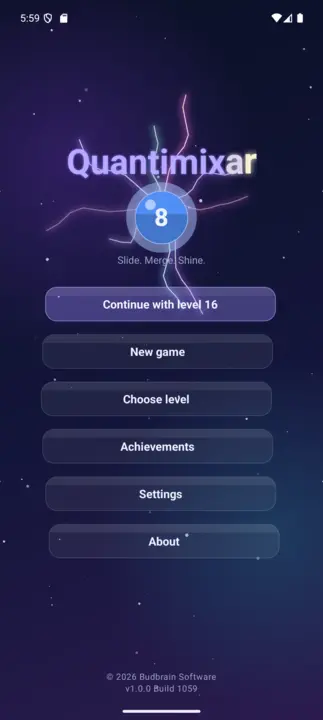
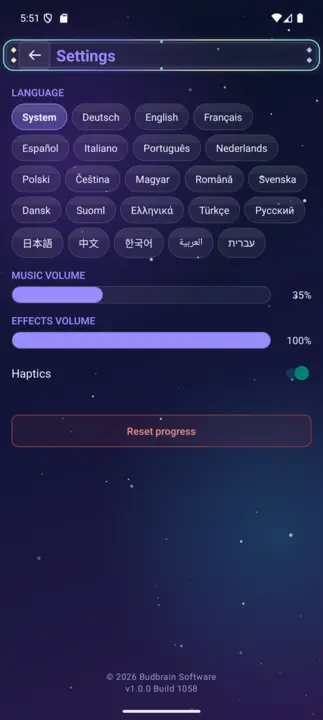
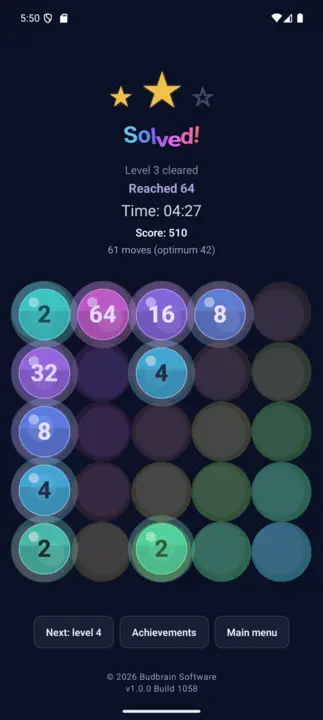
Quantimixar
React Native · iOS 15+
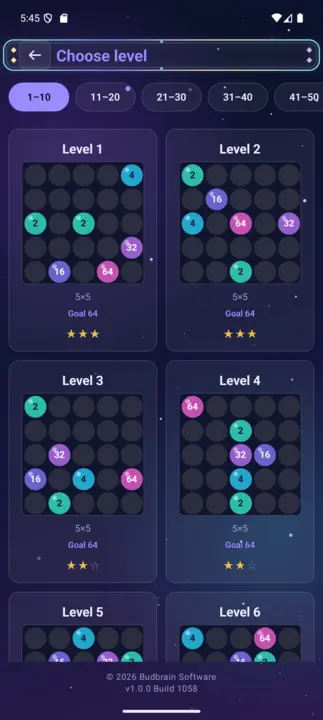
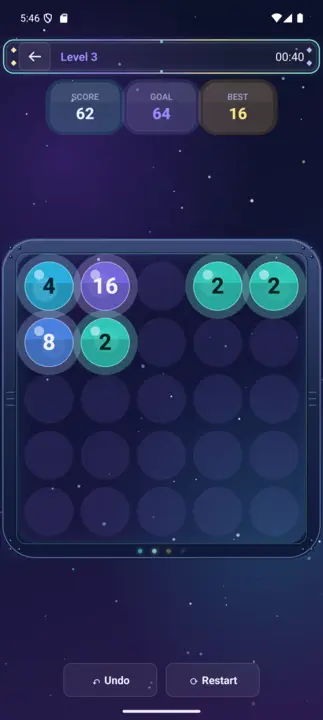
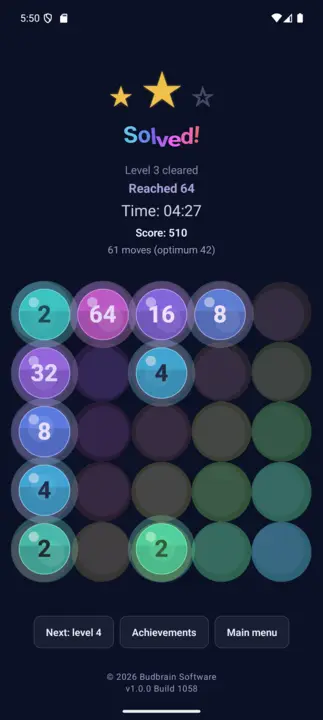
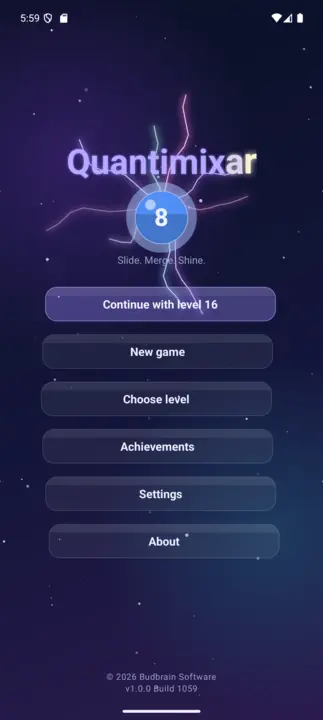
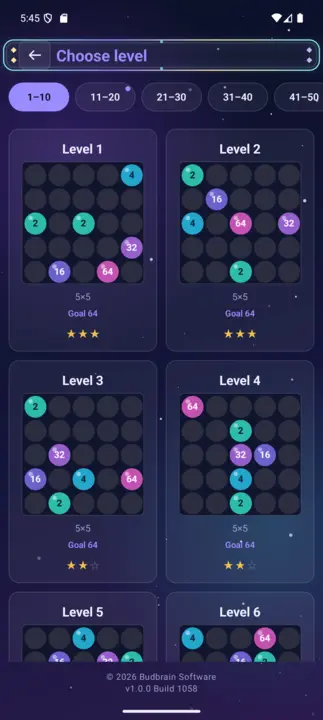
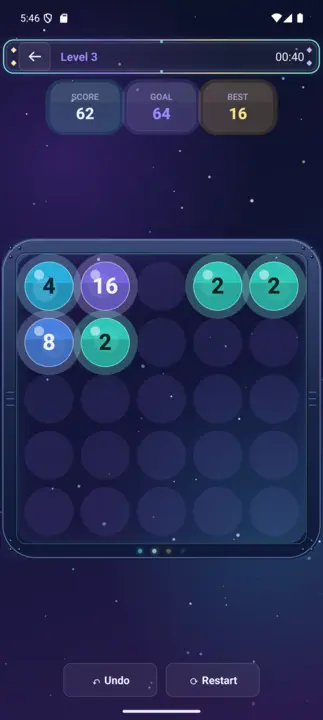
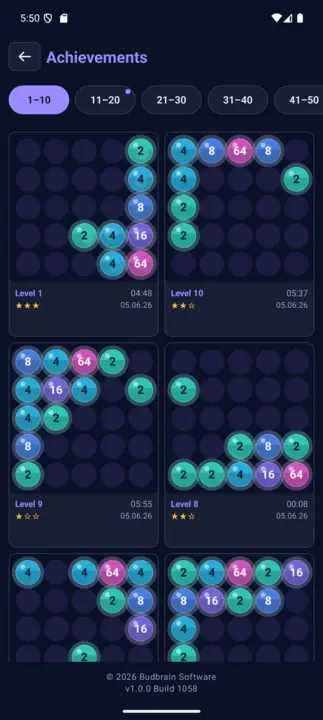
Puzzle di fusione di numeri in stile deep-space: trascina biglie di vetro luminose e unisci i valori uguali. Una campagna di 100 livelli da 64 a 8192 su tabelloni 4×4, 5×5 e 6×6, con caselle speciali (×2, ÷2, buco, bomba), valutazione a 3 stelle e galleria dei risultati. 22 lingue. Completamente offline.
Merge-Puzzle100 Levels4×4 – 6×6fino a 8192Caselle speciali e bombaValutazione a 3 stelle22 lingueCompletamente offline
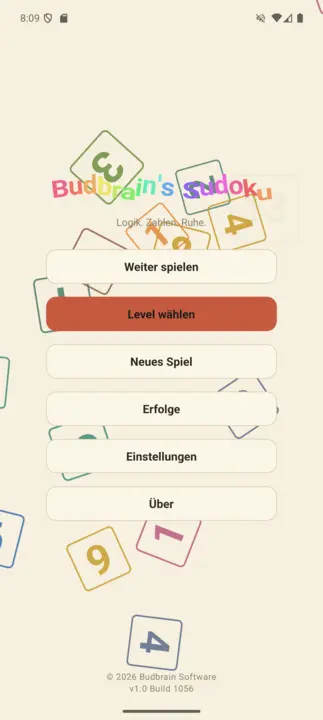
Budbrain's Sudoku
React Native · iOS 15+
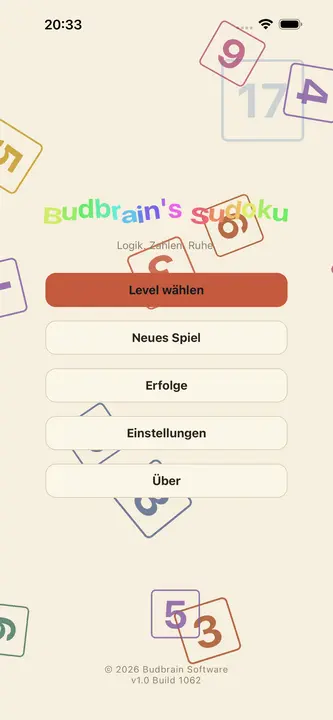
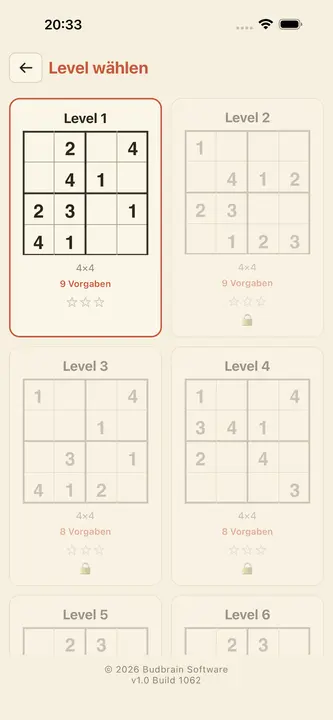
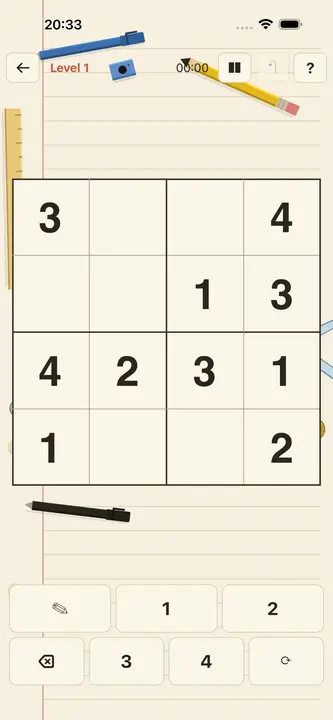
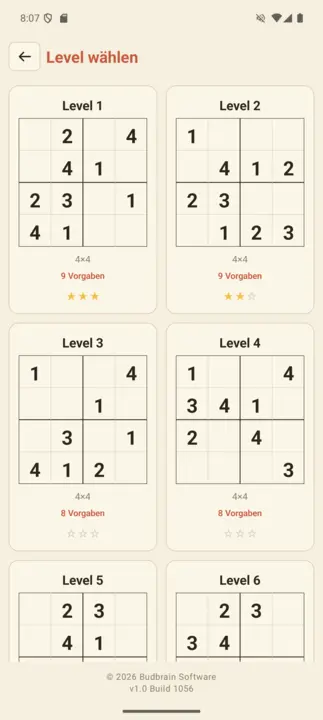
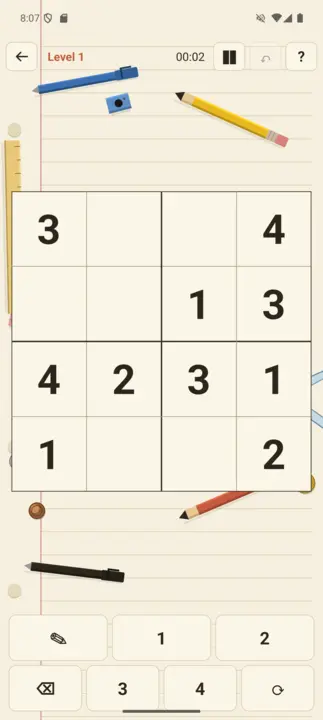
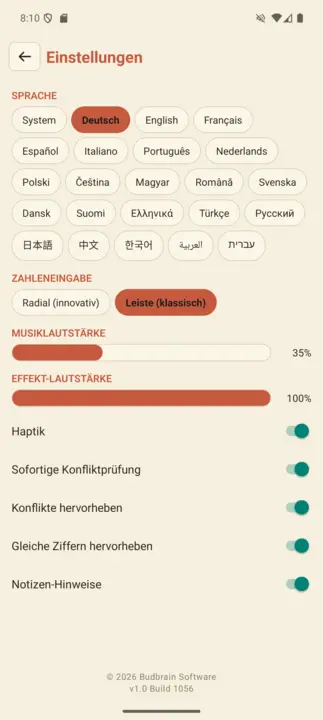
Un Sudoku realizzato con cura in un caldo design da quaderno: 100 livelli in 10 fasi, dal delicato 4×4 all'impegnativo 25×25 – anche con caselle rettangolari. Valutazione a 3 stelle per livello, galleria dei traguardi, pieno supporto VoiceOver e TalkBack. Completamente offline.
100 Levels4×4 – 25×25Valutazione a 3 stelleTraguardiVoiceOver22 lingueCompletamente offline
Budbrain's Puzzle
React Native · iOS 15+
Puzzle classico con foto originali fatte a mano da Josef Sejrek. 6 livelli di difficoltà da Facile (12 pezzi) a Gran Maestro (300 pezzi), forma di puzzle reale con linguette e incavi, pizzica per ingrandire e galleria dei traguardi. Completamente offline.
Jigsaw Puzzle6 livelli di difficoltà12–300 pezziFoto originaliPinch-to-ZoomTraguardiCompletamente offline
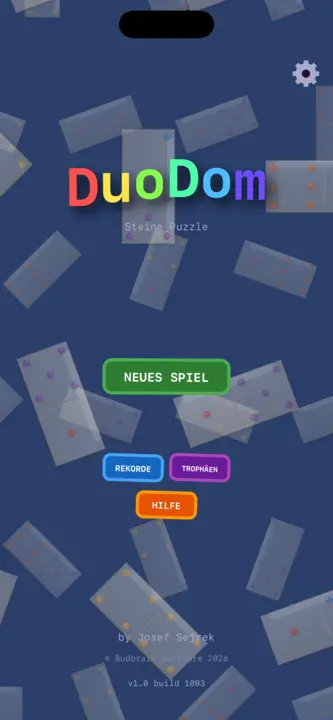
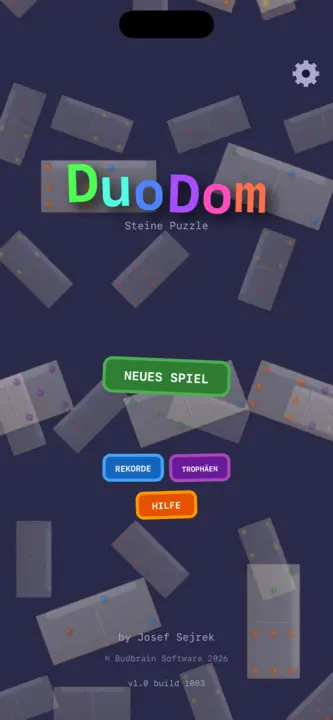
DuoDom
SwiftUI · iOS 17+
Rilassante puzzle scorrevole in stile retro pixel-art: fai scorrere le pietre sulle caselle libere finché due uguali si incontrano – allora scompaiono in coppia. Ogni livello è garantito risolvibile da un risolutore integrato. Punteggi, trofei, 20 lingue, 60 FPS.
Pixel ArtPuzzle scorrevoleVerificato dal risolutoreHighscoresTrofei20 lingue60 FPSCompletamente offline
jsKassenrechner
React Native · iOS 15+
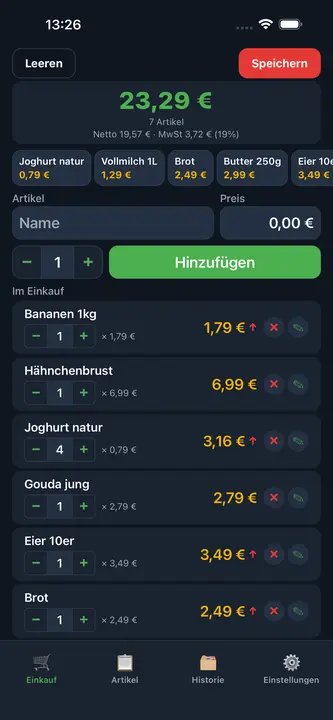
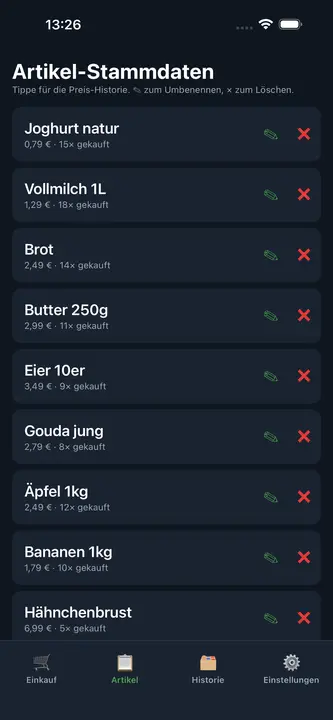
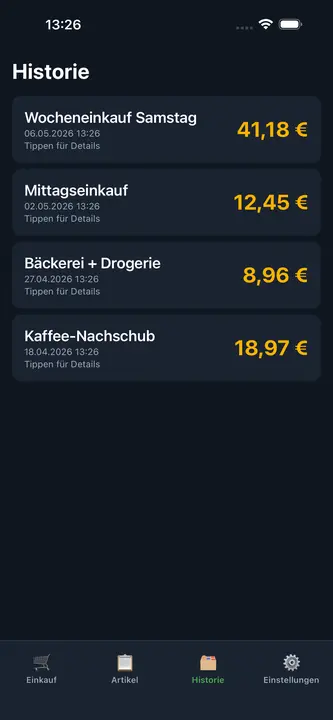
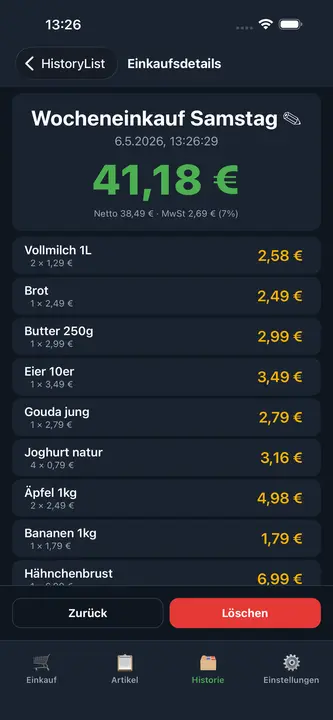
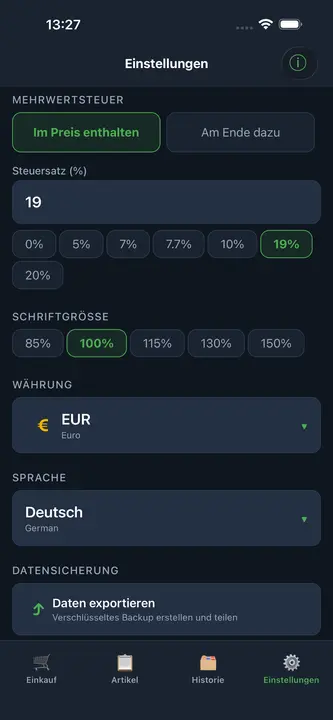
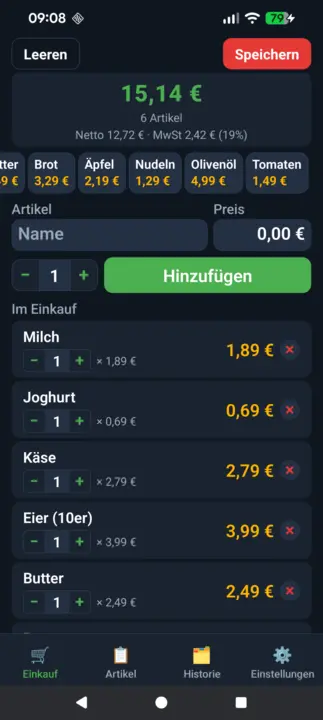
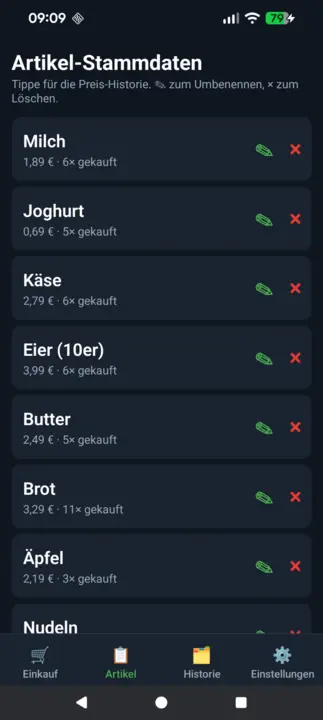
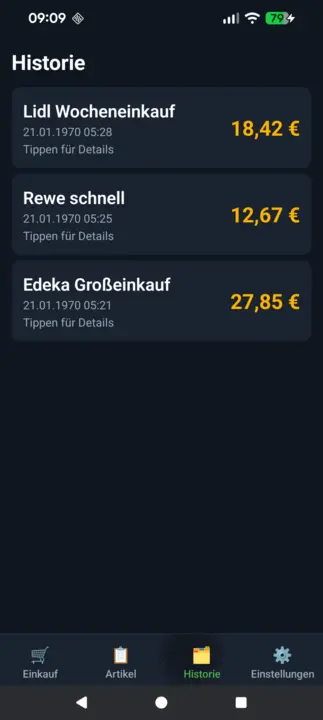
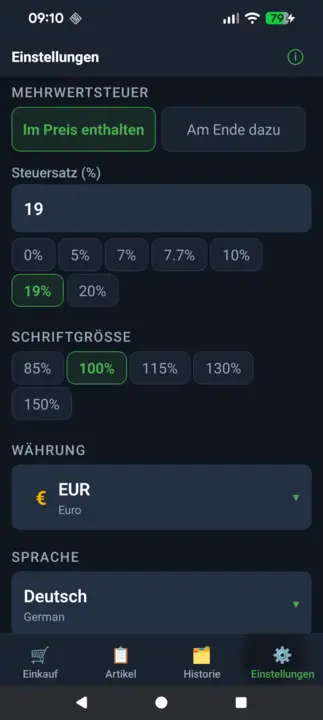
Calcolatrice della spesa veloce per iPhone e iPad: aggiungi articoli al carrello e vedi la somma in tempo reale direttamente nel negozio. Con calcolo IVA flessibile, articoli ad aggiunta rapida, cronologia prezzi, cronologia acquisti e backup crittografato. Completamente offline.
Somma in tempo realeCalcolo IVAQuick-AddCronologia prezziBackup crittografatoPiù valuteCompletamente offline
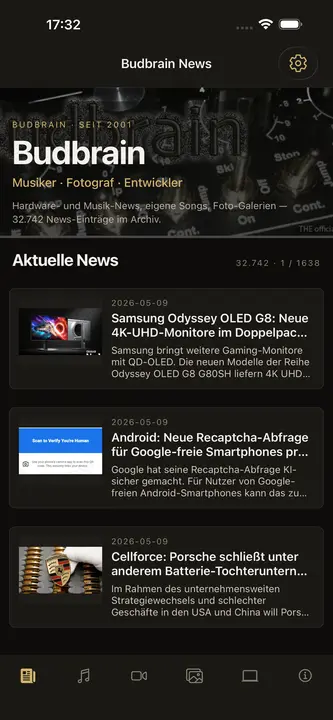
Budbrain News
React Native · iOS 15+
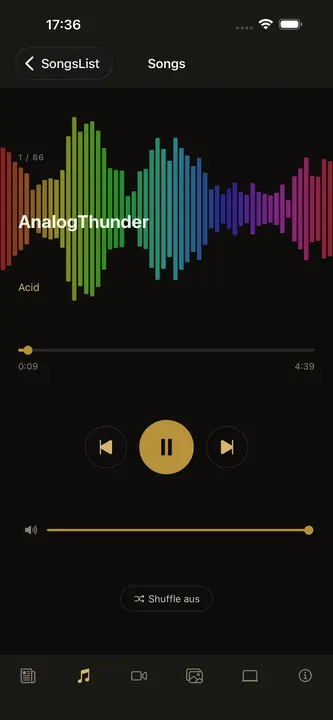
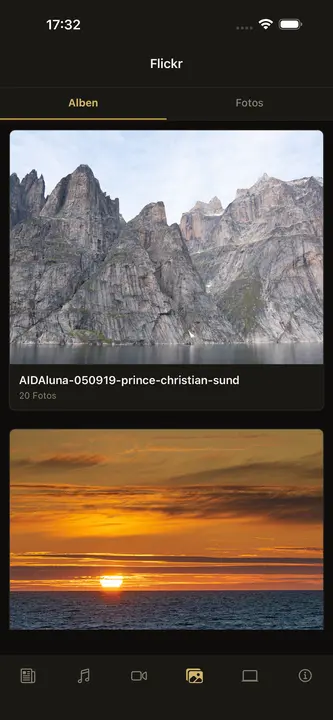
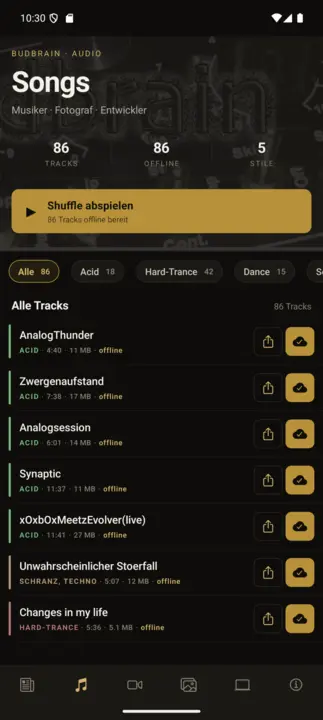
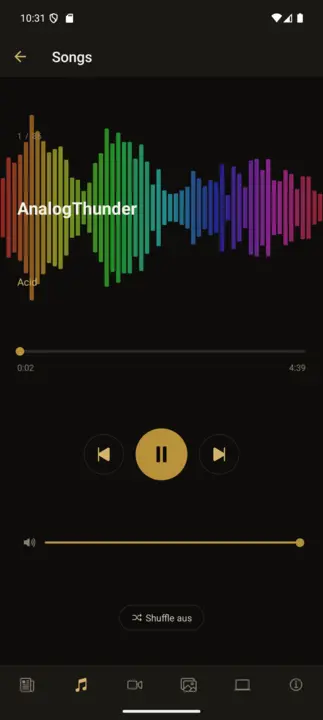
L'app compagna ufficiale di budbrain.de – la casa della musica e dei progetti di Josef Sejrek dal 2001. 86 brani originali inclusi completamente offline, lettore di brani con oscilloscopio in tempo reale, feed di notizie in diretta, video YouTube e gallerie fotografiche Flickr. Interfaccia in 22 lingue.
Accogliente puzzle di smistamento biglie: tocca un tubo per prendere la biglia in cima, tocca un altro tubo per posarla – ordina ogni tubo in un solo colore. 105 livelli verificati con BFS in 5 mondi da spiaggia, valutazione a 3 stelle, galleria dei traguardi, biglie 3D lucenti. 22 lingue. Completamente offline.
105 Levels5 mondi da spiaggiaValutazione a 3 stelleTraguardiBiglie 3D22 lingueCompletamente offline
Budbrain's Chess
React Native · iOS 15+
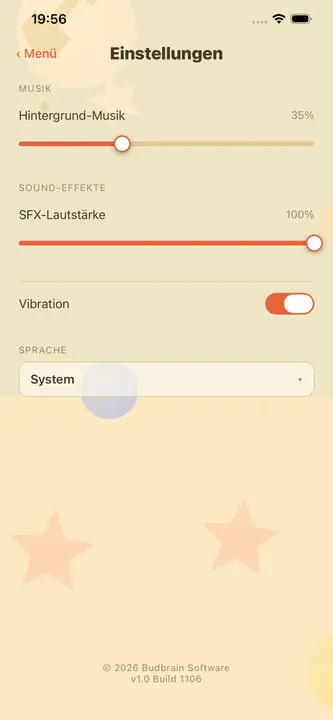
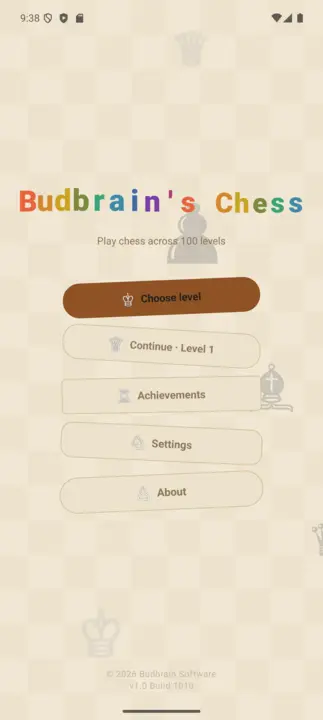
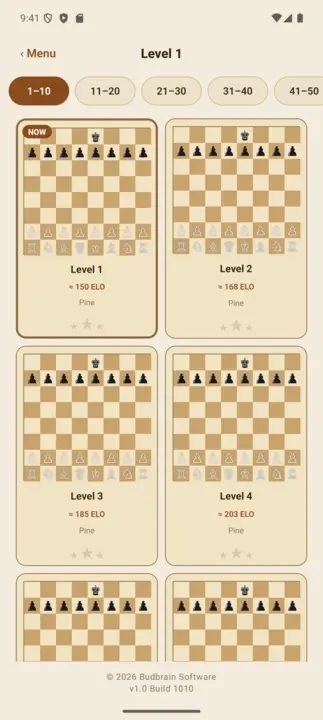
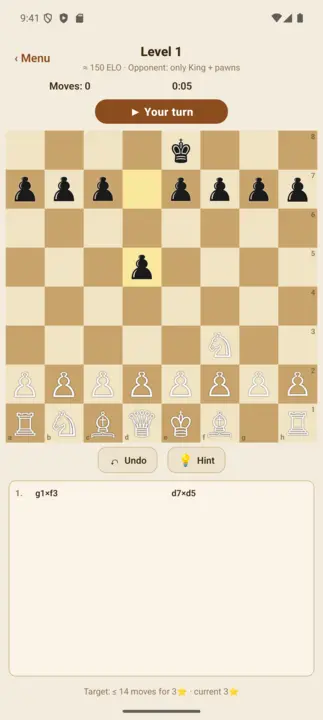
100 livelli di scacchi contro l'IA in un caldo aspetto pergamena – da ELO 150 per principianti fino a ELO 1900 per giocatori di club. Con funzione suggerimento, annulla, galleria dei traguardi e 22 lingue. Completamente offline.
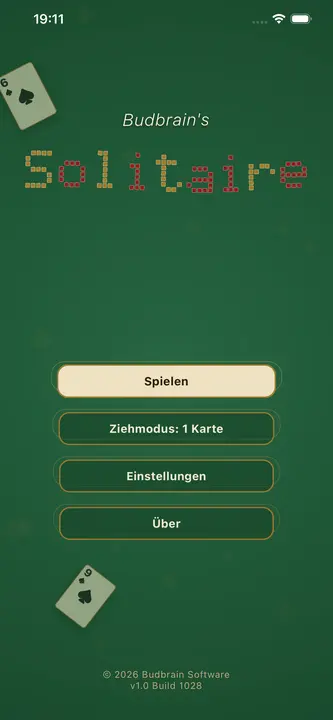
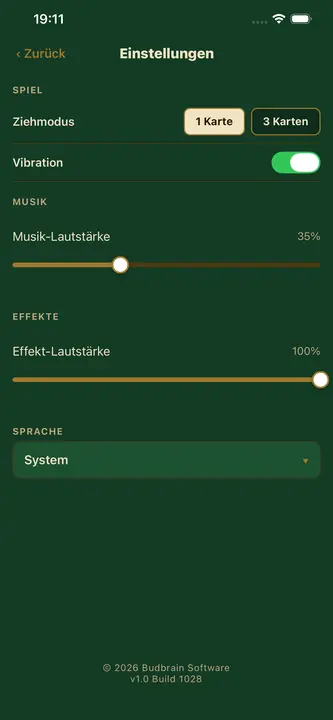
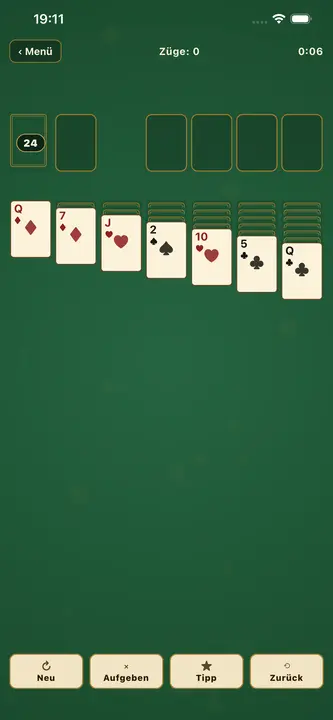
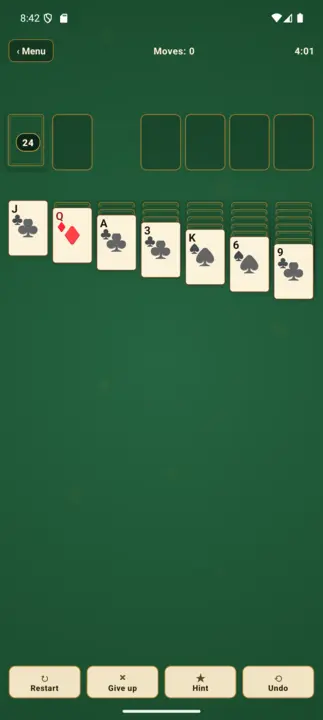
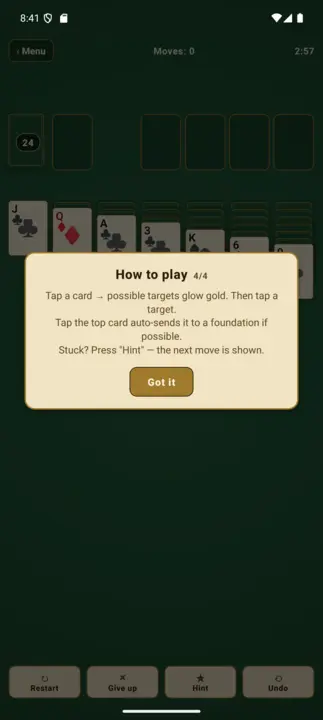
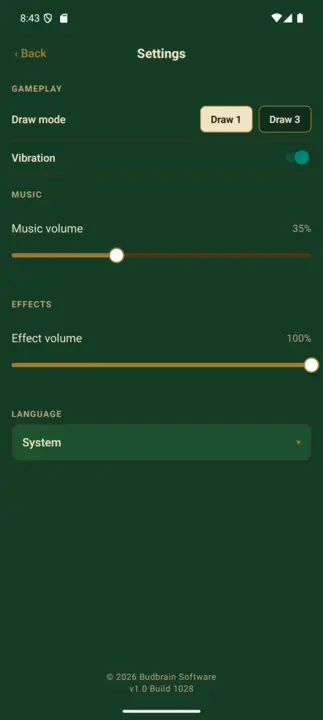
Solitario Klondike classico in un caldo aspetto pergamena verde – come una vecchia sala da gioco su un tavolo di feltro. Con modalità 1 e 3 carte, comando tocca-tocca (evidenziazioni dorate degli obiettivi), pulsante suggerimento, annulla, completamento automatico e overlay coach per principianti. 22 lingue, pieno supporto VoiceOver. Completamente offline.
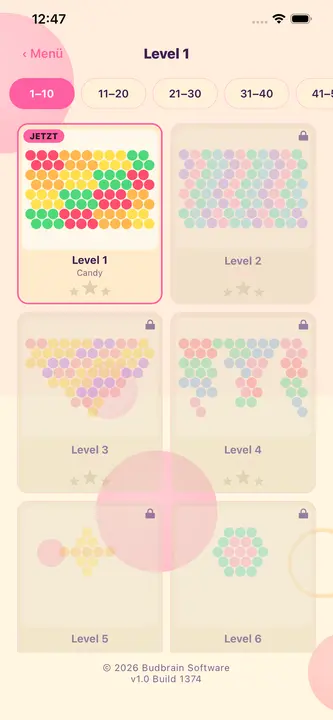
Bubble shooter arcade: mira, spara, fai scoppiare. Unisci tre bolle dello stesso colore per far scoppiare i gruppi e innescare cascate. 100 livelli in 5 mondi colorati con valutazione a 3 stelle, più una modalità arcade infinita. 22 lingue. Completamente offline.
Simpatico clicker idle in 3D su un’isola fluttuante: tocca il personaggio, guadagna monete, compra potenziamenti e affronta ondata dopo ondata 100 mostri creati a mano. Ogni dieci ondate arriva un boss a tempo; il prestigio azzera tutto e rende ogni partita stabilmente più forte.
Idle-Clicker100 mostri 3D10 potenziamenti · 3 abilitàPrestigio e animeAlbum dei mostri22 lingueCompletamente offline
Budbrain’s Sudoku
React Native · Android 7+
Un Sudoku realizzato con cura in un caldo design da quaderno: 100 livelli in 10 fasi, dal delicato 4×4 all'impegnativo 25×25 – anche con caselle rettangolari. Valutazione a 3 stelle per livello, galleria dei traguardi, pieno supporto VoiceOver e TalkBack. Completamente offline.
100 Levels4×4 – 25×25Valutazione a 3 stelleTraguardiTalkBack22 lingueCompletamente offline
Budbrain’s Marbles
React Native · Android 7+
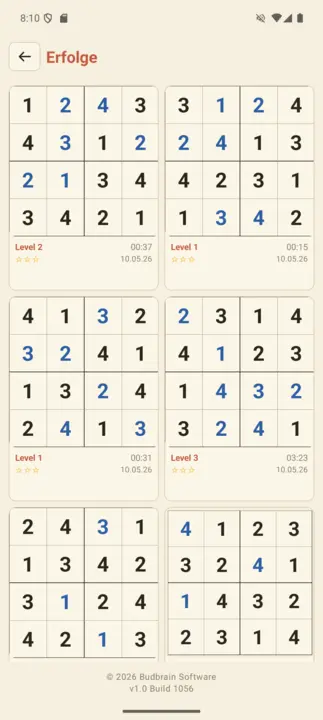
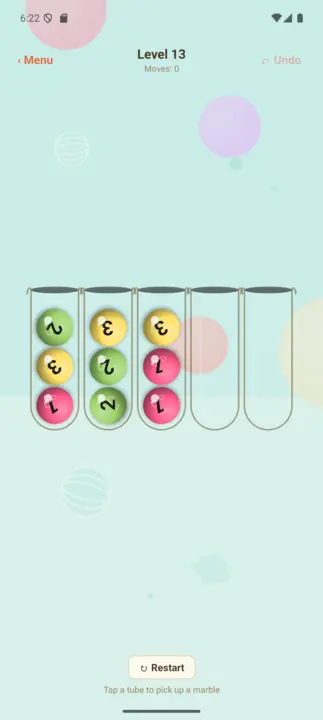
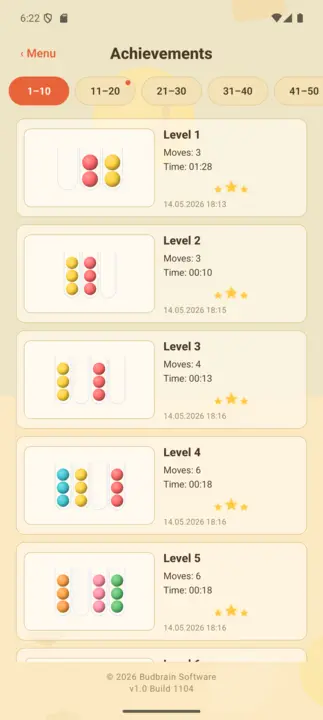
Accogliente puzzle di smistamento biglie: tocca un tubo per prendere la biglia in cima, tocca un altro tubo per posarla – ordina ogni tubo in un solo colore. 105 livelli verificati con BFS in 5 mondi da spiaggia, valutazione a 3 stelle, galleria dei traguardi, biglie 3D lucenti. 22 lingue. Completamente offline.
105 Levels5 mondi da spiaggiaValutazione a 3 stelleTraguardiBiglie 3D22 lingueCompletamente offline
FarmIsFun
Kotlin · Android 7+
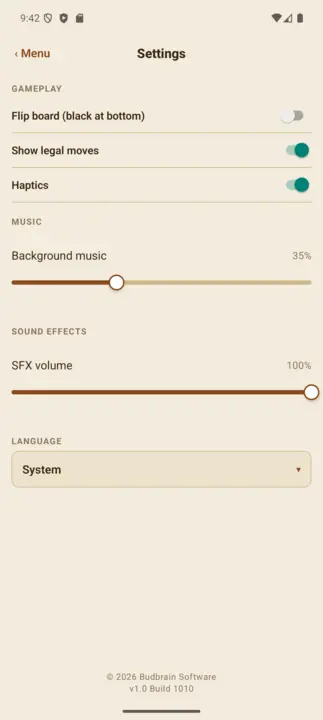
Gioco di fattoria in pixel art: inizi senza nulla, abbatti alberi, spacchi pietre e crei attrezzi, armi ed edifici. Coltiva i campi, alleva galline e mucche, respingi lupi e orsi, vendi al mercante, completa missioni e rilassati a tre macchine da gioco – attraverso tutte e quattro le stagioni.
Pixel-ArtRaccogliere e creareCostruire e coltivareCombattere e commerciareMissioni e minigiochiSalvataggio cloud opzionaleApp solo in tedesco
Budbrain’s Nonogram’s
React Native · Android 7+
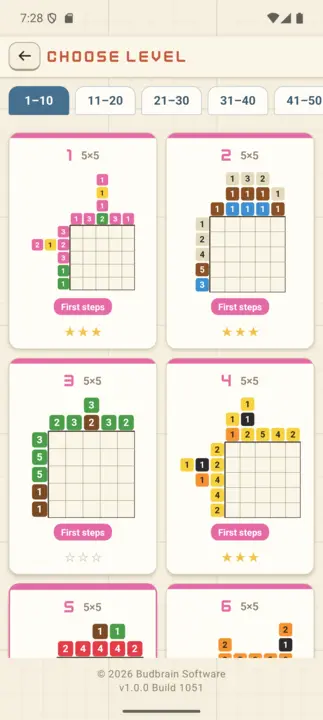
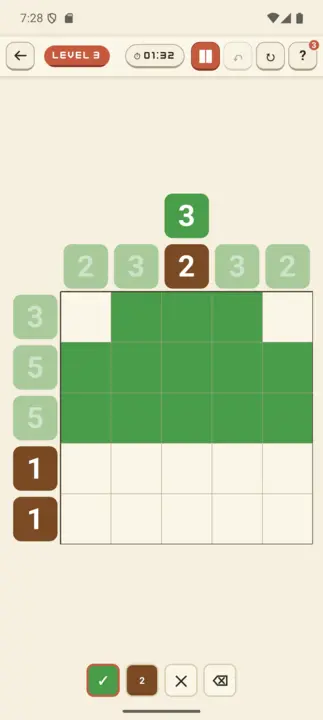
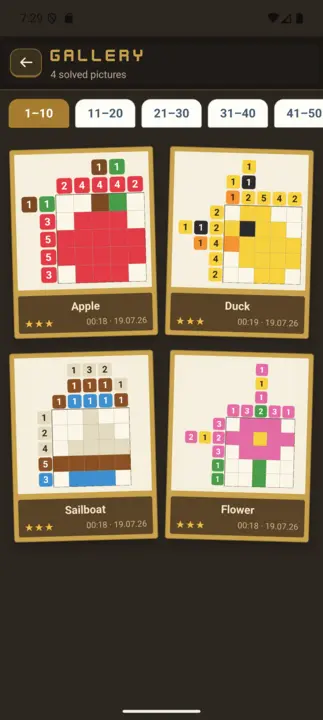
Budbrain's Nonogram's è un gioco di nonogrammi curato nei dettagli con 100 livelli illustrati: dai piccoli motivi 5×5 per iniziare alle grandi immagini 20×20 per esperti. Colora l'immagine nascosta seguendo i numeri colorati sui bordi. I blocchi dello stesso colore richiedono uno spazio fra loro, quelli di colori diversi possono toccarsi.
100 livelli in 10 fasiPicross multicoloreValutazione a 3 stelleGalleria22 lingueCompletamente offline
Budbrain’s Poker Slots
React Native · Android 7+
Budbrain Poker Slots è una slot di video poker in stile sala giochi classica. Si gioca solo con gettoni virtuali: niente denaro reale, niente acquisti, niente vincite prelevabili. Nota: gioco d'azzardo simulato. Questo gioco non offre gioco d'azzardo con denaro reale né la possibilità di vincere denaro o premi reali. Il successo in questo gioco non implica un futuro successo nel gioco d'azzardo con denaro reale.
Video PokerTieni e pescaScala del rischioSolo gettoniGioco d'azzardo simulato22 lingueCompletamente offline
Budbrain’s Media Editor
React Native · Android 7+
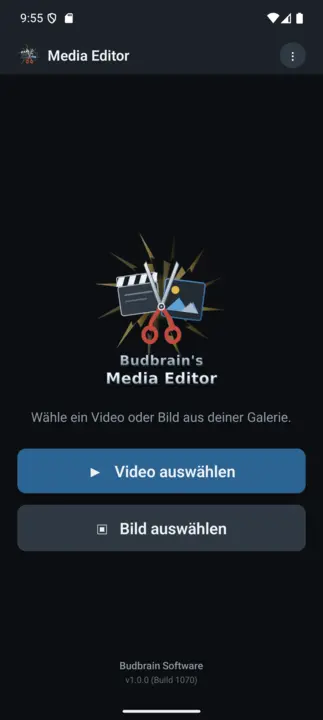
Budbrain Media Editor taglia i tuoi video e modifica le tue immagini — direttamente sul tuo dispositivo. Ogni modifica scrive un nuovo file. Ciò che si trova nella tua galleria non viene mai alterato né sovrascritto.
Tagliare i videoModificare le immaginiL'originale resta intatto4K · 1080p · 720pEXIF22 lingueCompletamente offline
Budbrain’s Mahjong
React Native · Android 7+
Un Mahjong Solitaire realizzato con cura, con tessere disegnate a mano: 100 livelli in 10 fasi, da un facile inizio con 36 tessere fino al set completo di 144 tessere. Tocca due tessere uguali e libere per ripulire l'intero tavolo. Smazzate garantite risolvibili, funzione mescola, 10 temi di tavolo da gioco cinese, valutazione a 3 stelle e galleria. 22 lingue. Completamente offline.
Mahjong Solitaire100 LevelsTessere disegnate a manoGarantito risolvibileValutazione a 3 stelle22 lingueCompletamente offline
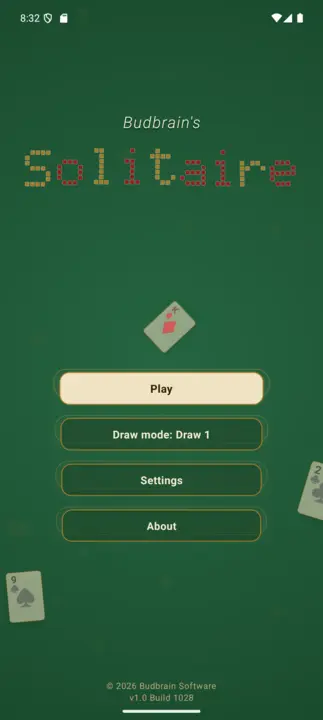
Budbrain's Solitaire
React Native · Android 7+
Solitario Klondike classico in un caldo aspetto pergamena verde – come una vecchia sala da gioco su un tavolo di feltro. Con modalità 1 e 3 carte, comando tocca-tocca (evidenziazioni dorate degli obiettivi), pulsante suggerimento, annulla, completamento automatico e overlay coach per principianti. 22 lingue, pieno supporto VoiceOver. Completamente offline.
RPG di gruppo a turni in pixel art: forma una squadra di 3 tra 6 classi di eroe (Guerriero, Mago, Chierico, Ladro, Vampiro, Druido) e scala una mappa a nodi ramificata: combatti mostri, riposa al falò, saccheggia forzieri e visita mercanti fino al boss. Gli eroi salgono di livello, spendono punti attributo e si equipaggiano con bottino di sei rarità. La città è un hub permanente con mercanti e taverna; una run annientata mantiene i tuoi eroi (roguelite). 22 lingue. Completamente offline.
Party-RPGPixel-ArtA turni3 eroi su 6Bottino & equipaggiamentoHub cittadino22 lingueCompletamente offline
Quantimixar
React Native · Android 7+
Puzzle di fusione di numeri in stile deep-space: trascina biglie di vetro luminose e unisci i valori uguali. Una campagna di 100 livelli da 64 a 8192 su tabelloni 4×4, 5×5 e 6×6, con caselle speciali (×2, ÷2, buco, bomba), valutazione a 3 stelle e galleria dei risultati. 22 lingue. Completamente offline.
Merge-Puzzle100 Levels4×4 – 6×6fino a 8192Caselle speciali e bombaValutazione a 3 stelle22 lingueCompletamente offline
BlobPop
React Native · Android 7+
Bubble shooter arcade: mira, spara, fai scoppiare. Unisci tre bolle dello stesso colore per far scoppiare i gruppi e innescare cascate. 100 livelli in 5 mondi colorati con valutazione a 3 stelle, più una modalità arcade infinita. 22 lingue. Completamente offline.
100 livelli di scacchi contro l'IA in un caldo aspetto pergamena – da ELO 150 per principianti fino a ELO 1900 per giocatori di club. Con funzione suggerimento, annulla, galleria dei traguardi e 22 lingue. Completamente offline.
L'app compagna ufficiale di budbrain.de – la casa della musica e dei progetti di Josef Sejrek dal 2001. 86 brani originali inclusi completamente offline, lettore di brani con oscilloscopio in tempo reale, feed di notizie in diretta, video YouTube e gallerie fotografiche Flickr. Interfaccia in 22 lingue.
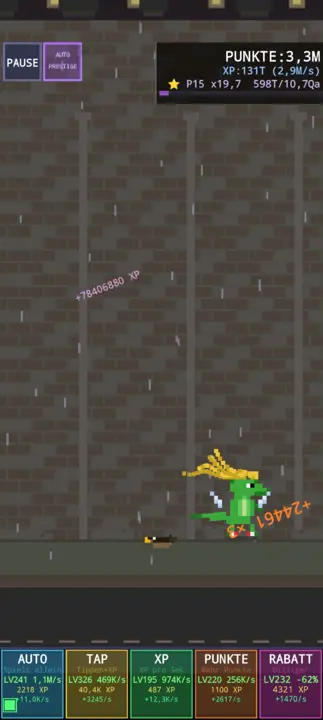
Endless runner in pixel art. Guida un dino oltre gli ostacoli, raccogli oggetti, acquista potenziamenti nel negozio. 5 biomi, combo di equipaggiamento, musica chiptune. Idea: Vera Sejrek.
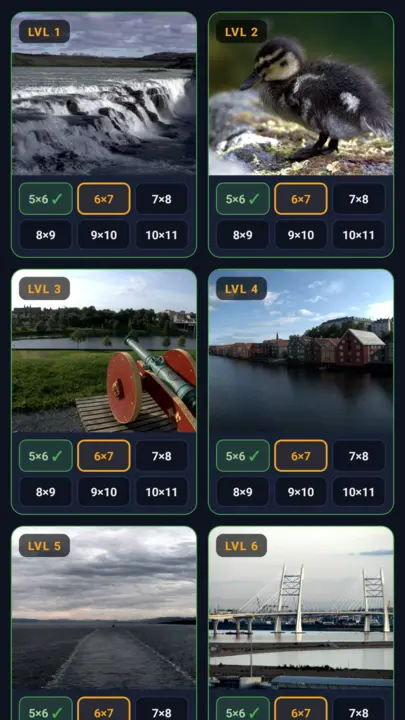
Puzzle classico con 40 foto selezionate a mano e immagini di galleria proprie. 6 livelli di difficoltà da Easy (5×6) a Grandmaster (10×11), veri pezzi di puzzle con curve di Bézier, 22 lingue, galleria dei traguardi. Offline.
Jigsaw Puzzle40 FotosImmagini proprie6 livelli di difficoltà22 lingueTraguardiCompletamente offline
DuoDom
Kotlin · Android 7+
Puzzle di pietre in pixel art: su una griglia 6×6 fai scorrere le pietre sulle caselle vicine vuote – quando due uguali si incontrano, la coppia scompare. Tutte le coppie risolte = vinto. Controllo di risolvibilità alla generazione, trofei, punteggi, 20 lingue, suoni sintetizzati.
Pixel Art6×6 GridControllo di risolvibilitàTrofeiHighscores20 lingue60 FPSCompletamente offline
jsKassenrechner
React Native · Android 7+
Calcolatrice della spesa veloce per Android: aggiungi articoli al carrello e vedi la somma in tempo reale direttamente nel negozio. Con tastierino numerico da cassa, dati anagrafici degli articoli con cronologia prezzi, completamento automatico, calcolo IVA flessibile, cronologia acquisti e backup crittografato. Completamente offline.
Somma in tempo realeKassen-NumpadCronologia prezziCalcolo IVABackup crittografato22 linguePiù valuteCompletamente offline
jsCPUInfo
Kotlin · Android 7.1+
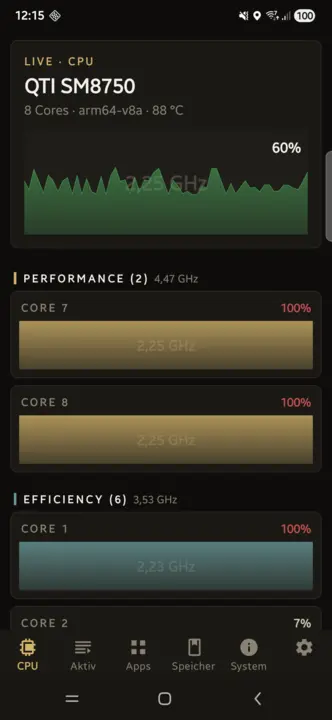
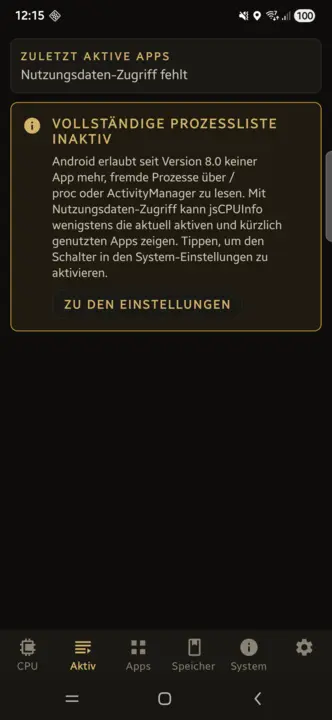
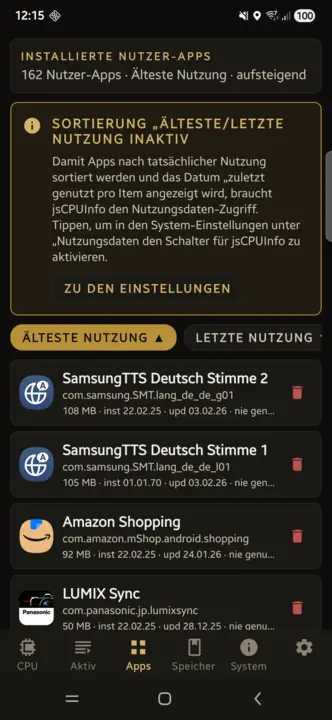
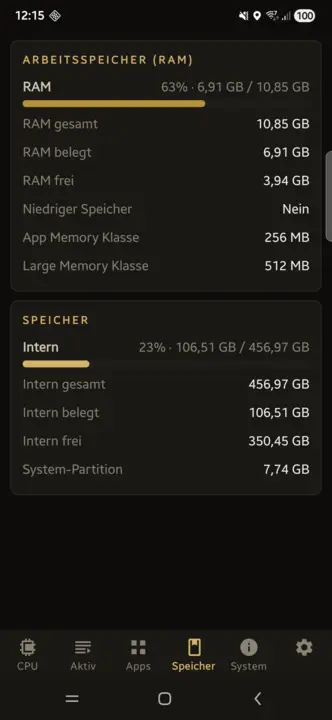
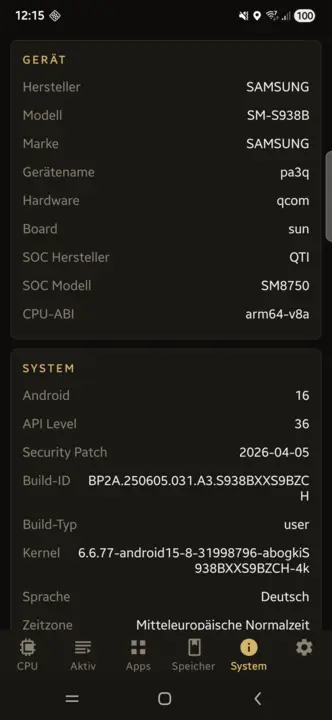
CPU in tempo reale per core con utilizzo, frequenza e temperatura. App attive e pacchetti installati con disinstallazione con un tocco, cicli di carica della batteria e stato di salute, RAM, archiviazione, display, standard Wi-Fi, fotocamere e tutti i sensori – offline.
CPU per core in tempo realeApp attiveDisinstallazione con un toccoCicli batteriaSensori22 lingueCompletamente offline
Come verifico l'hash SHA256 del mio file scaricato?
L'hash SHA256 è un'impronta digitale. Confronta l'hash del tuo file scaricato con quello mostrato in questa pagina. Se coincidono, il file è inalterato.
Linux
Apri un terminale e inserisci il seguente comando (adatta il nome del file):
sha256sum ~/Downloads/nomefile.zip
macOS
Apri il Terminale (Applicazioni → Utility → Terminale) e inserisci:
shasum -a 256 ~/Downloads/nomefile.zip
Windows
Apri PowerShell (tasto Windows, digita „PowerShell“, Invio) e inserisci:
Dieses Angebot ist ein privates, nicht-kommerzielles Projekt. Budbrain Software ist kein eingetragenes Unternehmen, sondern ein privates Softwareprojekt von Josef Sejrek. Es erfolgt keine gewerbliche Tatigkeit. Samtliche hier angebotene Software wird kostenlos und ohne Gewinnerzielungsabsicht bereitgestellt.
Umsatzsteuer
Es wird keine Umsatzsteuer-Identifikationsnummer gemass § 27a Umsatzsteuergesetz angegeben, da es sich um ein rein privates, nicht-kommerzielles Angebot handelt.
Verantwortlich fur den Inhalt gemass § 18 Abs. 2 MStV
Josef Sejrek
Koblenzer Strasse 95
56073 Koblenz
Streitschlichtung
Die Europaische Kommission stellt eine Plattform zur Online-Streitbeilegung (OS) bereit: ec.europa.eu/consumers/odr.
Wir sind nicht bereit oder verpflichtet, an Streitbeilegungsverfahren vor einer Verbraucherschlichtungsstelle teilzunehmen, da es sich um ein nicht-kommerzielles Angebot handelt.
This is a private, non-commercial project. Budbrain Software is not a registered company but a private software project by Josef Sejrek. No commercial activity takes place. All software offered here is provided free of charge and without intent to generate profit.
VAT
No VAT identification number is provided as this is a purely private, non-commercial offering.
Responsible for content according to § 18 para. 2 MStV
Josef Sejrek Koblenzer Strasse 95 56073 Koblenz
Dispute Resolution
The European Commission provides a platform for online dispute resolution (ODR): ec.europa.eu/consumers/odr.
We are neither willing nor obliged to participate in dispute resolution proceedings before a consumer arbitration board, as this is a non-commercial offering.
Die Inhalte dieser Seite wurden mit grosster Sorgfalt erstellt. Fur die Richtigkeit, Vollstandigkeit und Aktualitat der Inhalte kann jedoch keine Gewahr ubernommen werden. Als privater Anbieter bin ich gemass § 7 Abs. 1 DDG fur eigene Inhalte auf diesen Seiten nach den allgemeinen Gesetzen verantwortlich. Eine Verpflichtung zur Uberwachung ubermittelter oder gespeicherter fremder Informationen besteht jedoch nicht (§§ 8–10 DDG).
2. Haftung fur Links
Diese Seite enthalt Links zu externen Webseiten Dritter, auf deren Inhalte ich keinen Einfluss habe. Fur die Inhalte der verlinkten Seiten ist stets der jeweilige Anbieter oder Betreiber verantwortlich. Die verlinkten Seiten wurden zum Zeitpunkt der Verlinkung auf mogliche Rechtsverstossse uberpruft. Rechtswidrige Inhalte waren zum Zeitpunkt der Verlinkung nicht erkennbar. Eine permanente inhaltliche Kontrolle der verlinkten Seiten ist jedoch ohne konkrete Anhaltspunkte einer Rechtsverletzung nicht zumutbar. Bei Bekanntwerden von Rechtsverletzungen werden derartige Links umgehend entfernt.
3. Software-Haftungsausschluss
Die auf dieser Seite angebotene Software wird „as is“ (so wie sie ist) und ohne jegliche Gewahrleistung bereitgestellt — weder ausdruecklich noch stillschweigend, einschliesslich, aber nicht beschrankt auf die Gewahrleistung der Marktgangigkeit, der Eignung fur einen bestimmten Zweck und der Nichtverletzung von Rechten Dritter.
Die Nutzung der Software erfolgt vollstandig auf eigene Gefahr. Der Autor ubernimmt keinerlei Haftung fur:
Direkte, indirekte, zufallige, besondere oder Folgeschaden jeglicher Art
Datenverlust oder Beschadigung von Dateien, Betriebssystemen oder Hardware
Ausfallzeiten, entgangenen Gewinn oder Betriebsunterbrechungen
Sicherheitslucken oder Schaeden durch Dritte, die sich aus der Nutzung der Software ergeben
Inkompatibilitaten mit bestimmten Systemkonfigurationen oder Software-Versionen
Dies gilt auch dann, wenn auf die Moglichkeit solcher Schaden hingewiesen wurde.
4. Lizenz
Die angebotene Software wird als Freeware kostenlos zur Nutzung bereitgestellt. Der Quellcode wird nicht veroeffentlicht. Alle Rechte am Quellcode verbleiben beim Autor. Eine Dekompilierung, Reverse Engineering oder sonstige Rueckgewinnung des Quellcodes ist nicht gestattet.
5. Keine Gewahrleistung fur Verfugbarkeit
Es besteht kein Anspruch auf Verfugbarkeit dieser Webseite oder der angebotenen Downloads. Der Betrieb kann jederzeit ohne Vorankundigung eingestellt, verandert oder eingeschrankt werden.
6. Urheberrecht
Die durch den Seitenbetreiber erstellten Inhalte und Werke auf diesen Seiten unterliegen dem deutschen Urheberrecht. Die Vervielfaltigung, Bearbeitung, Verbreitung und jede Art der Verwertung ausserhalb der Grenzen des Urheberrechts bedurfen der schriftlichen Zustimmung des Autors. Downloads und Kopien dieser Seite sind nur fur den privaten, nicht kommerziellen Gebrauch gestattet, soweit die Software-Lizenz nichts anderes erlaubt.
The contents of this website have been created with the utmost care. However, no guarantee can be given for the accuracy, completeness and timeliness of the content.
2. Liability for Links
This site contains links to third-party websites over whose content we have no influence. The respective provider is always responsible for the content of the linked pages. The linked pages were checked for possible legal violations at the time of linking. Illegal content was not recognizable at the time of linking.
3. Software Disclaimer
The software offered on this site is provided "as is" and without any warranty — neither express nor implied, including but not limited to warranties of merchantability, fitness for a particular purpose, and non-infringement.
Use of the software is entirely at your own risk. The author assumes no liability for:
Direct, indirect, incidental, special or consequential damages of any kind
Data loss or damage to files, operating systems or hardware
Downtime, lost profits or business interruptions
Security vulnerabilities or damage by third parties resulting from use of the software
Incompatibilities with specific system configurations or software versions
4. License
The software is provided as freeware for free use. The source code is not published. All rights to the source code remain with the author. Decompilation, reverse engineering or any other recovery of the source code is not permitted.
5. No Guarantee of Availability
There is no entitlement to the availability of this website or the offered downloads. Operation may be discontinued, changed or restricted at any time without notice.
6. Copyright
The content and works created by the site operator are subject to German copyright law. Reproduction, editing, distribution and any kind of use beyond the limits of copyright law require the written consent of the author.
Josef Sejrek
Koblenzer Strasse 95
56073 Koblenz
E-Mail:
2. Allgemeines zur Datenverarbeitung
Diese Webseite wird als rein statische HTML-Seite betrieben. Es wird keinerlei serverseitige Datenverarbeitung durch den Seitenbetreiber durchgefuhrt. Insbesondere:
Es wird ausschliesslich ein technisch-funktionales Sprach-Cookie (bb_lang) gesetzt - nur durch Ihre aktive Sprachwahl ausgelost (siehe unten)
Es werden keine Tracking- oder Analysedienste eingesetzt (kein Google Analytics, kein Matomo, keine Pixel)
Es werden keine personenbezogenen Daten erhoben, gespeichert oder verarbeitet
Es gibt keine Kontaktformulare, Newsletter-Anmeldungen oder Benutzerkonten
Es werden keine externen Schriftarten, CDNs oder Social-Media-Plugins eingebunden
Sprach-Cookie (bb_lang): Wenn Sie uber den Sprachumschalter eine Sprache wahlen, wird ein einzelnes Cookie namens bb_lang gesetzt, das ausschliesslich Ihr Sprachkurzel (z.B. en) enthalt und fur die gesamte Domain budbrain.de gilt (Hauptseite sowie /budbrain-software/ und /testing/). Kein Tracking, keine Profilbildung, keine Weitergabe an Dritte. Das Cookie ist rein technisch-funktional, wird nur durch Ihre aktive Sprachwahl ausgelost und ist als unbedingt erforderlich nach § 25 Abs. 2 TDDDG einwilligungsfrei (Art. 6 Abs. 1 lit. f DSGVO). Es lauft nach einem Jahr ab und kann jederzeit im Browser geloscht werden.
3. Hosting / Server-Logfiles
Der Webserver-Hoster kann im Rahmen des technischen Betriebs automatisch Server-Logfiles erfassen (z.B. IP-Adresse, Browsertyp, Zugriffszeitpunkt). Diese Daten werden ausschliesslich vom Hoster verarbeitet und sind fur den Seitenbetreiber nicht einsehbar oder auswertbar. Rechtsgrundlage hierfur ist Art. 6 Abs. 1 lit. f DSGVO (berechtigtes Interesse an einem stabilen und sicheren Betrieb).
4. Downloads
Beim Herunterladen von Dateien (ZIP, DEB, RPM, APK) werden keine personenbezogenen Daten durch den Seitenbetreiber verarbeitet. Es kann jedoch sein, dass der Hoster den Download-Vorgang in Server-Logfiles protokolliert (siehe Punkt 3).
5. Externe Links
Diese Seite enthalt Links zu externen Diensten (z.B. Snap Store / snapcraft.io). Beim Anklicken dieser Links verlassen Sie diese Webseite. Fur die Datenverarbeitung auf den verlinkten Seiten gelten deren jeweilige Datenschutzerklarungen.
6. Datenverarbeitung durch die Apps
Die auf dieser Seite angebotenen Apps verarbeiten Daten ausschliesslich lokal auf dem Gerat des Nutzers. Im Einzelnen:
jsShowHardwareInfos (Linux): Liest die Hardware- und Systemdaten des Rechners (Prozessor, Speicher, Grafik, Laufwerke, Netzwerk, Sensoren, angeschlossene Geräte, laufende Prozesse) ausschliesslich lokal aus. Keine Netzwerkkommunikation. Ein Bericht wird nur dann als Textdatei auf dem Gerät gespeichert, wenn der Nutzer ihn ausdrücklich speichert; ansonsten werden nur Einstellungen auf dem Gerät abgelegt. Stürzt die App ab, wird ein Absturzbericht lokal geschrieben; das E-Mail-Programm mit diesem Bericht wird nur geöffnet, wenn der Nutzer im Dialog zustimmt – automatisch versendet wird nichts.
jsDevCleaner (macOS): Liest ausschliesslich Datei-Metadaten (Name, Groesse, Aenderungs- und Zugriffsdatum) im einmalig freigegebenen Benutzerordner – Dateiinhalte werden nicht gelesen. Die Freigabe erfolgt ueber den Standard-Dialog von macOS und wird als sicherheitsbezogenes Lesezeichen gespeichert; ein vollstaendiger Festplattenzugriff wird nicht verlangt. Die App stellt keine Internetverbindung her. Entfernte Objekte wandern ausschliesslich in den Papierkorb und behalten ihren Ursprungsort, sodass sie sich zurueckstellen lassen. Gespeichert werden nur die Freigabe und die Einstellungen auf dem Geraet.
jsDevCleaner (Linux): Ermittelt die Grössen von Entwickler-Caches und Projektordnern ausschliesslich lokal, keine Netzwerkkommunikation. Geloescht wird nur, was der Nutzer ausgewaehlt und in einem Dialog bestaetigt hat; die Loeschung erfolgt endgueltig, nicht in den Papierkorb. Gespeichert werden nur Einstellungen auf dem Gerat.
jsSysInfo (Linux/macOS): Liest Systemdaten (CPU, GPU, RAM, Netzwerk) ausschliesslich lokal aus. Keine Netzwerkkommunikation.
jsTuxChecker (Linux): Ruft die offentlich zugangliche Webseite kernel.org ab, um Kernel-Versionen zu prufen. Es werden keine personenbezogenen Daten an kernel.org ubermittelt.
jsReminder (macOS): Speichert Notizen und Termine ausschliesslich lokal auf dem Gerat.
jsShowHardwareInfos (Windows): Liest die Hardware- und Systemdaten des PCs (Prozessor, Arbeitsspeicher, Grafik, Datenträger, Anschlüsse, Netzwerk, Sensoren, laufende Prozesse) ausschliesslich lokal aus und zeigt sie nur an. Die App stellt von sich aus keine Internetverbindung her. Gespeichert werden nur Einstellungen sowie Fenstergrösse, Fensterposition und Spaltenbreite auf dem Gerat. Einzelne Angaben gibt Windows nur an Programme mit Administratorrechten heraus; dafuer startet sich die App erst neu, wenn der Nutzer die Nachfrage der Benutzerkontensteuerung bestatigt. Ein Bericht wird nur dann als Textdatei gespeichert oder in die Zwischenablage kopiert, wenn der Nutzer es auslöst. Stürzt die App ab, wird ein Absturzbericht lokal geschrieben; versendet wird er nur, wenn der Nutzer den E-Mail-Versand selbst auslöst.
jsCPUMonitor (Windows): Liest CPU-Auslastung, Taktfrequenz, Arbeitsspeicher und - sofern das Gerat sie bereitstellt - die CPU-Temperatur ausschliesslich lokal aus. Gespeichert werden nur Einstellungen und Fensterposition auf dem Gerat. Die App stellt von sich aus keine Internetverbindung her.
Where Did My Storage Go? (Windows): Analysiert Datei-Grossen ausschliesslich lokal, keine Netzwerkkommunikation. Dateiinhalte werden nicht gelesen. Loschen erfolgt nur in den Papierkorb. Gespeichert werden nur Einstellungen und Fensterposition auf dem Gerat.
Where Did My Storage Go? (macOS): Analysiert Datei-Grossen ausschliesslich lokal, keine Netzwerkkommunikation. Loschen erfolgt nur in den Papierkorb.
Where Did My Storage Go? (Linux): Analysiert Datei-Grossen ausschliesslich lokal, keine Netzwerkkommunikation. Loschen erfolgt nur in den Papierkorb. Gespeichert werden nur Einstellungen auf dem Gerat.
jsFileManager (Windows): Zeigt die Ordner an, die der Nutzer öffnet, und führt ausschliesslich die Vorgänge aus, die er auslöst (kopieren, verschieben, umbenennen, packen, entpacken, löschen). Gelesen werden Datei- und Ordnernamen, Grössen, Datumsangaben und Attribute; Dateiinhalte nur beim Kopieren, Verschieben und Packen sowie in der Byte-Ansicht – und nur für die vom Nutzer gewählten Dateien. Keine Netzwerkkommunikation, keine Telemetrie. Lokal gespeichert werden nur Einstellungen, Fenstergrösse und -position, Lesezeichen, zuletzt besuchte Ordner und ein Protokoll der Vorgänge dieser Sitzung; Dateiinhalte werden nicht gespeichert. Gelöschtes wandert standardmässig in den Papierkorb.
jsFileManager (Linux): Wie die Windows-Fassung – zeigt die vom Nutzer geöffneten Ordner an und führt nur die von ihm ausgelösten Vorgänge aus. Keine Netzwerkkommunikation. Lokal gespeichert werden nur Einstellungen, Lesezeichen, zuletzt besuchte Ordner und ein Protokoll der Vorgänge dieser Sitzung. Gelöschtes wandert standardmässig in den Papierkorb.
jsBudbrainPlayer (Linux): Spielt Audiodateien aus dem Ordner ab, den der Nutzer angibt, und liest dort nur Namen, Grösse und Zeitstempel der passenden Dateien – ausschliesslich lesend. Die App stellt von sich aus keine Internetverbindung her; ist der Ordner eine Netzwerkfreigabe, besteht die Verbindung nur zu diesem vom Nutzer angegebenen Gerät. Lokal gespeichert werden die Einstellungen (verschlüsselt), ein technisches Protokoll der laufenden Sitzung und bei einem Absturz ein Absturzbericht im Laufzeitordner der Sitzung; versendet wird nichts. Autostart-Eintrag und Verknüpfung auf dem Schreibtisch entstehen nur, wenn der Nutzer „Beim Anmelden starten“ einschaltet.
jsBudbrainEqualizer (Linux): Leitet den Ton, den der Rechner abspielt, über ein virtuelles Ausgabegerät im Tonserver des Desktops (PipeWire oder PulseAudio), verändert ihn nach den Reglern und gibt ihn an das gewählte Gerät weiter. Der Ton wird ausschliesslich im Arbeitsspeicher und nur für Sekundenbruchteile verarbeitet – weder aufgezeichnet noch gespeichert, ausgewertet oder versendet; ein Mikrofon benutzt die App nicht. Von sich aus stellt sie keine Internetverbindung her. Im Konfigurationsordner des Benutzerkontos liegen die verschlüsselten Einstellungen, ein bei jedem Start neu angelegtes Protokoll zur Fehlersuche und eine Sperrdatei gegen den doppelten Start. Nach einem Absturz fragt die App beim nächsten Start, ob der Bericht per E-Mail gesendet werden soll; von selbst wird nichts versendet. Eine Autostart-Datei entsteht nur, wenn der Nutzer „Beim Anmelden starten“ einschaltet.
jsBudbrainCompressor (Linux): Leitet den Ton, den der Rechner abspielt, über ein virtuelles Ausgabegerät im Tonserver des Desktops (PipeWire oder PulseAudio), bearbeitet ihn mit der simulierten Röhre und dem Kompressor nach den Reglern und gibt ihn an das gewählte Gerät weiter – laufen gleichzeitig jsBudbrainEqualizer oder jsBudbrainsFxStudio, geben diese ihren Ton an das virtuelle Gerät des Kompressors weiter. Der Ton wird ausschliesslich im Arbeitsspeicher und nur für Sekundenbruchteile verarbeitet – weder aufgezeichnet noch gespeichert, ausgewertet oder versendet; ein Mikrofon benutzt die App nicht. Von sich aus stellt sie keine Internetverbindung her. Im Konfigurationsordner des Benutzerkontos liegen die verschlüsselten Einstellungen samt einer verschlüsselten Sicherung der vorigen Fassung, ein bei jedem Start neu angelegtes Protokoll zur Fehlersuche und eine Sperrdatei gegen den doppelten Start. Nach einem Absturz fragt die App beim nächsten Start, ob der Bericht per E-Mail gesendet werden soll; von selbst wird nichts versendet. Eine Autostart-Datei entsteht nur, wenn der Nutzer „Beim Anmelden starten“ einschaltet.
jsBudbrainLimiter (Linux): Leitet den Ton, den der Rechner abspielt, über ein virtuelles Ausgabegerät im Tonserver des Desktops (PipeWire oder PulseAudio), begrenzt und hebt ihn nach den Reglern an und gibt ihn an das gewählte Gerät weiter – laufen gleichzeitig jsBudbrainCompressor, jsBudbrainEqualizer oder jsBudbrainsFxStudio, geben diese ihren Ton an das virtuelle Gerät des Limiters weiter. Der Ton wird ausschliesslich im Arbeitsspeicher und nur für Sekundenbruchteile verarbeitet – weder aufgezeichnet noch gespeichert, ausgewertet oder versendet; ein Mikrofon benutzt die App nicht. Von sich aus stellt sie keine Internetverbindung her. Im Konfigurationsordner des Benutzerkontos liegen die verschlüsselten Einstellungen samt einer verschlüsselten Sicherung der vorigen Fassung, ein bei jedem Start neu angelegtes Protokoll zur Fehlersuche und eine Sperrdatei gegen den doppelten Start. Nach einem Absturz fragt die App beim nächsten Start, ob der Bericht per E-Mail gesendet werden soll; von selbst wird nichts versendet. Eine Autostart-Datei entsteht nur, wenn der Nutzer „Beim Anmelden starten“ einschaltet.
jsBudbrainSoundEditor (Linux): Öffnet und speichert nur die Audiodateien, die der Nutzer auswählt, und bearbeitet sie im Arbeitsspeicher; abgespielt wird über den Tonserver des Desktops (PipeWire oder PulseAudio). Mikrofon oder ein anderer Eingang werden nur benutzt, wenn der Nutzer eine Aufnahme startet oder die Anzeige des Eingangspegels einschaltet (ab Werk aus). Weder Dateien noch Ton werden ausgewertet oder versendet; von sich aus stellt die App keine Internetverbindung her. Im Konfigurationsordner liegen die verschlüsselten Einstellungen (darunter die Pfade der zuletzt geöffneten Dateien und der beim Beenden offenen Tabs) samt verschlüsselter Sicherung und ein bei jedem Start neu angelegtes Protokoll; im Zwischenspeicher-Ordner vorübergehend ausgelagerte Rückgängig-Schritte und die laufende Aufnahme. Nach einem Absturz fragt die App beim nächsten Start, ob der Bericht per E-Mail gesendet werden soll; von selbst wird nichts versendet.
jsBudbrainLaufwerksTest (Windows): Misst die Geschwindigkeit eines Laufwerks mit einer Testdatei aus Zufallsdaten, die die App in den vom Nutzer gewählten Ordner schreibt, zurückliest und wieder löscht – auch beim Abbruch, beim Beenden und nach einem Absturz; eigene Dateien des Nutzers liest und verändert sie nicht. Für die Laufwerksliste fragt sie Windows, welche Laufwerke es gibt, wie viel Platz frei ist und, soweit gemeldet, Modell und Art des Laufwerks; diese Angaben werden nur angezeigt. Die App läuft mit den normalen Benutzerrechten und trägt selbst nichts in die Registrierung oder die Systemordner von Windows ein. Von sich aus stellt sie keine Internetverbindung her; Messergebnisse bleiben auf dem Gerät. Im Ordner des Benutzerkontos liegen die verschlüsselten Einstellungen (darunter der zuletzt gewählte Ordner und der Verlauf der Messungen) samt verschlüsselter Sicherung und ein bei jedem Start neu angelegtes Protokoll. Als Textdatei gespeichert wird der Verlauf nur, wenn der Nutzer es auslöst, an dem Ort, den er wählt. Nach einem Absturz fragt die App beim nächsten Start, ob der Bericht per E-Mail gesendet werden soll; von selbst wird nichts versendet.
jsBudbrainLaufwerksTest (Linux): Misst die Geschwindigkeit eines Laufwerks mit einer Testdatei aus Zufallsdaten, die die App in den vom Nutzer gewählten Ordner schreibt, zurückliest und wieder löscht – auch beim Abbruch, beim Beenden und nach einem Absturz; eigene Dateien des Nutzers liest und verändert sie nicht. Für die Laufwerksliste liest sie aus dem System, welche Laufwerke eingehängt sind, wie viel Platz frei ist und, soweit gemeldet, Modell und Art des Geräts; diese Angaben werden nur angezeigt. Von sich aus stellt die App keine Internetverbindung her; Messergebnisse bleiben auf dem Gerät. Im Konfigurationsordner liegen die verschlüsselten Einstellungen (darunter der zuletzt gewählte Ordner und der Verlauf der Messungen) samt verschlüsselter Sicherung und ein bei jedem Start neu angelegtes Protokoll. Als Textdatei gespeichert wird der Verlauf nur, wenn der Nutzer es auslöst, an dem Ort, den er wählt. Nach einem Absturz fragt die App beim nächsten Start, ob der Bericht per E-Mail gesendet werden soll; von selbst wird nichts versendet.
jsBudbrainFindDblsOrRenameIt (Windows): Durchsucht nur die Ordner, die der Nutzer auswählt. Gelesen werden Namen, Größe und Zeitstempel der Dateien und, um Doppelte zu erkennen, ihr Inhalt, aus dem Prüfsummen berechnet werden; diese Angaben werden nur angezeigt und nur im Arbeitsspeicher gehalten. In den Papierkorb gelegt, verschoben, gelöscht, umbenannt oder durch eine Verknüpfung ersetzt wird nur, was der Nutzer markiert und in der Rückfrage bestätigt hat. Dateien, die nur in der Cloud liegen, werden beim Vergleich nach Inhalt nicht gelesen und nicht heruntergeladen. Von sich aus stellt die App keine Internetverbindung her. Lokal gespeichert werden die verschlüsselten Einstellungen (darunter die gewählten Ordner, Regeln, gespeicherten Suchen und Aufträge), ein verschlüsselter Verlauf der letzten 30 Vorgänge zum Rückgängigmachen, je eine verschlüsselte Sicherung und ein bei jedem Start neu angelegtes Protokoll; einzelne Treffer werden nicht gespeichert. Nach einem Absturz fragt die App beim nächsten Start, ob der Bericht per E-Mail gesendet werden soll; von selbst wird nichts versendet.
jsBudbrainFindDblsOrRenameIt (Linux): Durchsucht nur die Ordner, die der Nutzer auswählt. Gelesen werden Namen, Größe und Zeitstempel der Dateien und, um Doppelte zu erkennen, ihr Inhalt, aus dem Prüfsummen berechnet werden; diese Angaben werden nur angezeigt und nur im Arbeitsspeicher gehalten. In den Papierkorb des Systems gelegt, verschoben, gelöscht, umbenannt oder durch eine Verknüpfung ersetzt wird nur, was der Nutzer markiert und in der Rückfrage bestätigt hat. Von sich aus stellt die App keine Internetverbindung her. Lokal gespeichert werden die verschlüsselten Einstellungen (darunter die gewählten Ordner, Regeln, gespeicherten Suchen und Aufträge), ein verschlüsselter Verlauf der letzten 30 Vorgänge zum Rückgängigmachen, je eine verschlüsselte Sicherung und ein bei jedem Start neu angelegtes Protokoll; einzelne Treffer werden nicht gespeichert. Nach einem Absturz fragt die App beim nächsten Start, ob der Bericht per E-Mail gesendet werden soll; von selbst wird nichts versendet.
jsBudbrainsFxStudio (Linux): Leitet den Ton, den der Rechner abspielt, über ein virtuelles Ausgabegerät im Tonserver des Desktops (PipeWire oder PulseAudio), mischt die eingestellten Effekte hinein und gibt ihn an das gewählte Gerät weiter – läuft gleichzeitig jsBudbrainEqualizer, an dessen virtuelles Gerät. Der Ton wird ausschliesslich im Arbeitsspeicher und nur für Sekundenbruchteile verarbeitet – weder aufgezeichnet noch gespeichert, ausgewertet oder versendet; ein Mikrofon benutzt die App nicht. Von sich aus stellt sie keine Internetverbindung her. Im Konfigurationsordner des Benutzerkontos liegen die verschlüsselten Einstellungen samt einer verschlüsselten Sicherung der vorigen Fassung, ein bei jedem Start neu angelegtes Protokoll zur Fehlersuche und eine Sperrdatei gegen den doppelten Start. Nach einem Absturz fragt die App beim nächsten Start, ob der Bericht per E-Mail gesendet werden soll; von selbst wird nichts versendet. Eine Autostart-Datei entsteht nur, wenn der Nutzer „Beim Anmelden starten“ einschaltet.
jsBudbrainEqualizer (Windows): Verändert den Ton, den Windows an Lautsprecher oder Kopfhörer gibt, als Klangeffekt im Audiodienst von Windows. Eingerichtet wird dieser Effekt nur, wenn der Nutzer darauf klickt und in der Abfrage von Windows zustimmt; „Aus Windows entfernen“ in den Einstellungen macht es rückgängig. Der Ton wird ausschliesslich im Arbeitsspeicher und nur für Sekundenbruchteile verarbeitet – weder aufgezeichnet noch gespeichert, ausgewertet oder versendet; ein Mikrofon benutzt die App nicht. Von sich aus stellt sie keine Internetverbindung her. Im eigenen Ordner des Windows-Benutzerkontos (%APPDATA%\jsBudbrainEqualizer) liegen die verschlüsselten Einstellungen und technische Protokolle zur Fehlersuche; solange der Effekt eingerichtet ist, schreibt er zusätzlich ein kleines Protokoll unter %ProgramData%\jsBudbrainEqualizer. Nach einem Absturz fragt die App beim nächsten Start, ob der Bericht per E-Mail gesendet werden soll; von selbst wird nichts versendet. Ein Starteintrag entsteht nur, wenn der Nutzer „Beim Anmelden starten“ einschaltet.
jsBudbrainsFxStudio (Windows): Verändert den Ton, den Windows an Lautsprecher oder Kopfhörer gibt, als Klangeffekt im Audiodienst von Windows und mischt die eingestellten Effekte hinein nach den Reglern – ist zugleich jsBudbrainEqualizer eingerichtet, bearbeiten die Effekte den Ton vor ihm. Eingerichtet wird dieser Effekt nur, wenn der Nutzer darauf klickt und in der Abfrage von Windows zustimmt; „Aus Windows entfernen“ in den Einstellungen macht es rückgängig. Der Ton wird ausschliesslich im Arbeitsspeicher und nur für Sekundenbruchteile verarbeitet – weder aufgezeichnet noch gespeichert, ausgewertet oder versendet; ein Mikrofon benutzt die App nicht. Von sich aus stellt sie keine Internetverbindung her. Im eigenen Ordner des Windows-Benutzerkontos (%APPDATA%\jsBudbrainsFxStudio) liegen die verschlüsselten Einstellungen samt einer verschlüsselten Sicherung der vorigen Fassung und technische Protokolle zur Fehlersuche; solange der Effekt eingerichtet ist, schreibt er zusätzlich ein kleines Protokoll unter %ProgramData%\jsBudbrainsFxStudio. Nach einem Absturz fragt die App beim nächsten Start, ob der Bericht per E-Mail gesendet werden soll; von selbst wird nichts versendet. Ein Starteintrag entsteht nur, wenn der Nutzer „Beim Anmelden starten“ einschaltet.
jsBudbrainCompressor (Windows): Verändert den Ton, den Windows an Lautsprecher oder Kopfhörer gibt, als Klangeffekt im Audiodienst von Windows und bearbeitet ihn mit der simulierten Röhre und dem Kompressor nach den Reglern – sind zugleich jsBudbrainEqualizer oder jsBudbrainsFxStudio eingerichtet, bearbeitet er den Ton vor ihnen. Eingerichtet wird dieser Effekt nur, wenn der Nutzer darauf klickt und in der Abfrage von Windows zustimmt; „Aus Windows entfernen“ in den Einstellungen macht es rückgängig. Der Ton wird ausschliesslich im Arbeitsspeicher und nur für Sekundenbruchteile verarbeitet – weder aufgezeichnet noch gespeichert, ausgewertet oder versendet; ein Mikrofon benutzt die App nicht. Von sich aus stellt sie keine Internetverbindung her. Im eigenen Ordner des Windows-Benutzerkontos (%APPDATA%\jsBudbrainCompressor) liegen die verschlüsselten Einstellungen samt einer verschlüsselten Sicherung der vorigen Fassung und technische Protokolle zur Fehlersuche; solange der Effekt eingerichtet ist, schreibt er zusätzlich ein kleines Protokoll unter %ProgramData%\jsBudbrainCompressor. Nach einem Absturz fragt die App beim nächsten Start, ob der Bericht per E-Mail gesendet werden soll; von selbst wird nichts versendet. Ein Starteintrag entsteht nur, wenn der Nutzer „Beim Anmelden starten“ einschaltet.
jsBudbrainLimiter (Windows): Verändert den Ton, den Windows an Lautsprecher oder Kopfhörer gibt, als Klangeffekt im Audiodienst von Windows und begrenzt ihn mit dem Limiter nach den Reglern – sind zugleich jsBudbrainCompressor, jsBudbrainEqualizer oder jsBudbrainsFxStudio eingerichtet, bearbeitet er den Ton vor ihnen. Eingerichtet wird dieser Effekt nur, wenn der Nutzer darauf klickt und in der Abfrage von Windows zustimmt; „Aus Windows entfernen“ in den Einstellungen macht es rückgängig. Der Ton wird ausschliesslich im Arbeitsspeicher und nur für Sekundenbruchteile verarbeitet – weder aufgezeichnet noch gespeichert, ausgewertet oder versendet; ein Mikrofon benutzt die App nicht. Von sich aus stellt sie keine Internetverbindung her. Im eigenen Ordner des Windows-Benutzerkontos (%APPDATA%\jsBudbrainLimiter) liegen die verschlüsselten Einstellungen samt einer verschlüsselten Sicherung der vorigen Fassung und technische Protokolle zur Fehlersuche; solange der Effekt eingerichtet ist, schreibt er zusätzlich ein kleines Protokoll unter %ProgramData%\jsBudbrainLimiter. Nach einem Absturz fragt die App beim nächsten Start, ob der Bericht per E-Mail gesendet werden soll; von selbst wird nichts versendet. Ein Starteintrag entsteht nur, wenn der Nutzer „Beim Anmelden starten“ einschaltet.
jsBudbrainEqualizer (macOS): Nimmt den Ton der anderen Programme über die dafür vorgesehene Schnittstelle von macOS (Core Audio) entgegen, bearbeitet ihn den Klang mit den zehn Reglern nach den Reglern und gibt ihn an das gewählte Gerät weiter – laufen gleichzeitig jsBudbrainsFxStudio, jsBudbrainCompressor oder jsBudbrainLimiter, nimmt sie den Ton von FxStudio entgegen bzw. gibt ihn an die App hinter ihr weiter, statt ihn doppelt erklingen zu lassen. macOS fragt beim ersten Start, ob die App auf den Systemton zugreifen darf; die Freigabe lässt sich in den Systemeinstellungen unter „Datenschutz & Sicherheit“ jederzeit zurücknehmen. Den Bildschirm liest die App nicht. Der Ton wird ausschliesslich im Arbeitsspeicher und nur für Sekundenbruchteile verarbeitet – weder aufgezeichnet noch gespeichert, ausgewertet oder versendet; ein Mikrofon benutzt die App nicht. Von sich aus stellt sie keine Internetverbindung her. Sie läuft in der Sandbox von macOS und schreibt nur in ihren eigenen Container (~/Library/Containers/com.budbrain.jsbudbrainequalizer): die verschlüsselten Einstellungen, ein bei jedem Start neu angelegtes Protokoll zur Fehlersuche, eine Sperrdatei gegen den doppelten Start und einen Zwischenspeicher der Systemschriften. Nach einem Absturz fragt die App beim nächsten Start, ob der Bericht per E-Mail gesendet werden soll; von selbst wird nichts versendet. Ein Anmeldeobjekt entsteht nur, wenn der Nutzer „Beim Anmelden starten“ einschaltet.
jsBudbrainsFxStudio (macOS): Nimmt den Ton der anderen Programme über die dafür vorgesehene Schnittstelle von macOS (Core Audio) entgegen, bearbeitet ihn mit den eingestellten Effekten nach den Reglern und gibt ihn an das gewählte Gerät weiter – laufen gleichzeitig jsBudbrainEqualizer, jsBudbrainCompressor oder jsBudbrainLimiter, gibt sie ihren Ton an die App hinter ihr weiter, statt ihn doppelt erklingen zu lassen. macOS fragt beim ersten Start, ob die App auf den Systemton zugreifen darf; die Freigabe lässt sich in den Systemeinstellungen unter „Datenschutz & Sicherheit“ jederzeit zurücknehmen. Den Bildschirm liest die App nicht. Der Ton wird ausschliesslich im Arbeitsspeicher und nur für Sekundenbruchteile verarbeitet – weder aufgezeichnet noch gespeichert, ausgewertet oder versendet; ein Mikrofon benutzt die App nicht. Von sich aus stellt sie keine Internetverbindung her. Sie läuft in der Sandbox von macOS und schreibt nur in ihren eigenen Container (~/Library/Containers/com.budbrain.jsbudbrainsfxstudio): die verschlüsselten Einstellungen samt einer verschlüsselten Sicherung des vorigen Stands, ein bei jedem Start neu angelegtes Protokoll zur Fehlersuche, eine Sperrdatei gegen den doppelten Start und einen Zwischenspeicher der Systemschriften. Nach einem Absturz fragt die App beim nächsten Start, ob der Bericht per E-Mail gesendet werden soll; von selbst wird nichts versendet. Ein Anmeldeobjekt entsteht nur, wenn der Nutzer „Beim Anmelden starten“ einschaltet.
jsBudbrainCompressor (macOS): Nimmt den Ton der anderen Programme über die dafür vorgesehene Schnittstelle von macOS (Core Audio) entgegen, bearbeitet ihn mit der simulierten Röhre und dem Kompressor nach den Reglern und gibt ihn an das gewählte Gerät weiter – laufen gleichzeitig jsBudbrainsFxStudio, jsBudbrainEqualizer oder jsBudbrainLimiter, nimmt sie den Ton von der App vor ihr entgegen bzw. gibt ihn an jsBudbrainLimiter weiter, statt ihn doppelt erklingen zu lassen. macOS fragt beim ersten Start, ob die App auf den Systemton zugreifen darf; die Freigabe lässt sich in den Systemeinstellungen unter „Datenschutz & Sicherheit“ jederzeit zurücknehmen. Den Bildschirm liest die App nicht. Der Ton wird ausschliesslich im Arbeitsspeicher und nur für Sekundenbruchteile verarbeitet – weder aufgezeichnet noch gespeichert, ausgewertet oder versendet; ein Mikrofon benutzt die App nicht. Von sich aus stellt sie keine Internetverbindung her. Sie läuft in der Sandbox von macOS und schreibt nur in ihren eigenen Container (~/Library/Containers/com.budbrain.jsbudbraincompressor): die verschlüsselten Einstellungen samt einer verschlüsselten Sicherung des vorigen Stands, ein bei jedem Start neu angelegtes Protokoll zur Fehlersuche, eine Sperrdatei gegen den doppelten Start und einen Zwischenspeicher der Systemschriften. Nach einem Absturz fragt die App beim nächsten Start, ob der Bericht per E-Mail gesendet werden soll; von selbst wird nichts versendet. Ein Anmeldeobjekt entsteht nur, wenn der Nutzer „Beim Anmelden starten“ einschaltet.
jsBudbrainLimiter (macOS): Nimmt den Ton der anderen Programme über die dafür vorgesehene Schnittstelle von macOS (Core Audio) entgegen, bearbeitet ihn mit dem Limiter nach den Reglern und gibt ihn an das gewählte Gerät weiter – laufen gleichzeitig jsBudbrainsFxStudio, jsBudbrainEqualizer oder jsBudbrainCompressor, nimmt sie den Ton von der App vor ihr entgegen, statt ihn doppelt erklingen zu lassen. macOS fragt beim ersten Start, ob die App auf den Systemton zugreifen darf; die Freigabe lässt sich in den Systemeinstellungen unter „Datenschutz & Sicherheit“ jederzeit zurücknehmen. Den Bildschirm liest die App nicht. Der Ton wird ausschliesslich im Arbeitsspeicher und nur für Sekundenbruchteile verarbeitet – weder aufgezeichnet noch gespeichert, ausgewertet oder versendet; ein Mikrofon benutzt die App nicht. Von sich aus stellt sie keine Internetverbindung her. Sie läuft in der Sandbox von macOS und schreibt nur in ihren eigenen Container (~/Library/Containers/com.budbrain.jsbudbrainlimiter): die verschlüsselten Einstellungen samt einer verschlüsselten Sicherung des vorigen Stands, ein bei jedem Start neu angelegtes Protokoll zur Fehlersuche, eine Sperrdatei gegen den doppelten Start und einen Zwischenspeicher der Systemschriften. Nach einem Absturz fragt die App beim nächsten Start, ob der Bericht per E-Mail gesendet werden soll; von selbst wird nichts versendet. Ein Anmeldeobjekt entsteht nur, wenn der Nutzer „Beim Anmelden starten“ einschaltet.
Dino Warrior (Android): Speichert Spielstand und Highscore ausschliesslich lokal auf dem Gerat (SharedPreferences). Keine Netzwerkkommunikation.
PicPuzzler (Android): Speichert Spielfortschritt, Erfolge und Einstellungen ausschliesslich lokal auf dem Gerat. Optional koennen eigene Bilder aus der Geraetegalerie als Puzzle verwendet werden - diese werden ausschliesslich lokal verarbeitet. Keine Netzwerkkommunikation.
Budbrain’s Sudoku (Windows, Linux, iOS, Android): Ein Spiel ohne Konto und ohne Anmeldung. Es liest und schreibt ausschliesslich seinen eigenen Ordner; auf sonstige Dateien greift es nicht zu. Keine Netzwerkkommunikation, keine Telemetrie, keine Bestenliste – auch das tägliche Rätsel wird im Spiel selbst aus dem Datum berechnet und nicht abgerufen. Lokal gespeichert werden nur Einstellungen, Fenstergrösse und -position, der Spielstand, der Fortschritt und zu jedem gelösten Rätsel ein Bild des Bretts für die Erfolgs-Wand. Diese Daten enthalten nichts über die Person, die spielt.
Budbrain's Poker Slots (iOS, Android): Reines Unterhaltungsspiel mit virtuellen Fun-Coins - keine Echtgeld-Einsatze, keine In-App-Kaufe, keine Auszahlungen. Alle Spieldaten (Coin-Stand, Bestenliste, Sammlung, Einstellungen) werden ausschliesslich lokal auf dem Gerat gespeichert und verlassen es nicht. Die App benotigt keine Internetverbindung und stellt auch keine her. Angefordert wird nur die Berechtigung Vibration. Beim Deinstallieren werden alle lokal gespeicherten Daten geloscht.
Budbrain's Media Editor (iOS, Android): Verarbeitet Videos und Bilder ausschliesslich lokal auf dem Gerat. Die Auswahl erfolgt uber die System-Medienauswahl des Betriebssystems, die App erhalt dadurch nur Zugriff auf die konkret ausgewahlte Datei. Originaldateien werden nie verandert oder uberschrieben - jede Bearbeitung erzeugt eine neue Datei. Gespeichert werden nur Einstellungen auf dem Gerat. In exportierte Dateien schreibt die App eine Signatur in die Metadaten (Programmname, Version und Bearbeitungsdatum). Die im Store veroffentlichte Version stellt keine Netzwerkverbindung her.
Budbrain’s Nonogram’s (Android): Ein Spiel ohne Konto und ohne Anmeldung. Alle Spieldaten (das laufende Rätsel, der Fortschritt und die Sterne je Level, die Bilder der gelösten Rätsel für die Galerie sowie die Einstellungen) werden ausschliesslich lokal auf dem Gerät in einer Datenbank im App-Verzeichnis gespeichert und verlassen es nicht. Die App benötigt keine Internetverbindung und stellt auch keine her; sie besitzt nicht einmal die Internet-Berechtigung. Angefordert wird nur die Berechtigung Vibration für das optionale haptische Feedback. Beim Deinstallieren werden alle lokal gespeicherten Daten gelöscht.
FarmIsFun (Android): Spielfortschritt, Inventar, Farm-Zustand, Aufträge, Crafting-Warteschlangen und Einstellungen werden ausschliesslich lokal auf dem Gerät gespeichert. Optional lässt sich in den Spieleinstellungen eine Cloud-Speicherung über Google Drive einschalten; der Spielstand liegt dann im app-eigenen Bereich des Google-Kontos des Nutzers, auf den nur diese App zugreift, und übertragen werden ausschliesslich Spieldaten – keine Namen, E-Mail-Adressen oder Standortdaten. Die Internet-Berechtigung wird nur für diese Cloud-Speicherung benötigt; ist sie ausgeschaltet, stellt die App keine Netzwerkverbindung her. Keine Analyse- oder Tracking-Werkzeuge, kein eigener Server.
FarmIsFun (Windows): Speichert Spielstände, deren rollende Sicherungen und die Einstellungen (Sprache, Lautstärke, Fenstergrösse) ausschliesslich lokal im eigenen Ordner des Windows-Benutzerkontos unter %APPDATA%\jsFarmIsFun. Auf sonstige Dateien des Geräts greift das Spiel nicht zu. Es stellt keine Internetverbindung her – es enthält dafür keine Funktion – und schreibt auch keinen Absturzbericht. Ein Bildschirmfoto entsteht nur, wenn der Nutzer es mit F12 selbst auslöst.
Budbrain’s Klickeridu (iOS): Spielfortschritt (Münzen, Welle, Upgrades, Skills, Seelen), das Monster-Album und die Einstellungen werden ausschliesslich lokal im App-Verzeichnis gespeichert. Kein Konto, keine Anmeldung, kein Nutzerprofil. Die App stellt von sich aus keine Netzwerkverbindung her: keine Cloud, keine Online-Gegner, keine Schriften von fremden Servern – alle Schriften sind in die App eingebettet.
Budbrain’s Mahjong (iOS, Android, Linux): Speichert das laufende Spiel, die gelösten Level samt der dabei erzeugten Bilder für die Erfolgs-Galerie sowie die Einstellungen ausschliesslich lokal auf dem Gerät. Keine Netzwerkkommunikation, keine besonderen Berechtigungen.
Budbrain’s Solitaire (iOS, Android): Reines Offline-Kartenspiel. Laufende Partie, Tutorial-Stand und Einstellungen werden ausschliesslich lokal auf dem Gerät gespeichert. Keine Netzwerkkommunikation, keine besonderen Berechtigungen.
Budbrain’s Chess (iOS, Android): Gespielt wird offline gegen eine Schach-Engine auf dem Gerät. Laufende Partie, Level-Fortschritt, Bewertung, die Bilder gewonnener Partien und die Einstellungen bleiben ausschliesslich lokal. Kein Konto, keine Anmeldung, keine Online-Gegner, keine Netzwerkkommunikation.
Budbrain’s Marbles (iOS, Android, Linux): Speichert Spielzustand, gelöste Level und Einstellungen ausschliesslich lokal auf dem Gerät. Keine Netzwerkkommunikation, keine besonderen Berechtigungen.
Budbrain’s Puzzle (iOS): Speichert den Puzzle-Zustand, die gelösten Puzzles und die Einstellungen ausschliesslich lokal auf dem Gerät. Keine Netzwerkkommunikation, keine besonderen Berechtigungen.
Budbrain’s Puzzle (Linux): Legt genau zwei Dateien im eigenen Datenverzeichnis an ($XDG_DATA_HOME/jsPicPuzzler, in der Snap-Fassung im Datenverzeichnis des Snaps): die Einstellungen und den Spielstand samt der Liste der gelösten Puzzles. Beide sind verschlüsselt abgelegt – nicht wegen personenbezogener Daten, die enthalten sie nicht, sondern damit ein Spielstand nicht nebenbei verändert wird. Auf sonstige Dateien greift das Spiel nicht zu. Es stellt von sich aus keine Internetverbindung her; die Verweise im Bildschirm „About“ öffnen auf Klick den Browser oder das Mailprogramm. Stürzt das Spiel ab, entsteht lokal ein Bericht mit Version, Absturzart und zuletzt gezeigtem Bildschirm – er wird nicht verschickt.
Budbrain’s Puzzle (Windows): Legt genau zwei Dateien im eigenen Ordner des Windows-Benutzerkontos an (%APPDATA%\jsPicPuzzler): die Einstellungen und den Spielstand samt der Liste der gelösten Puzzles. Beide sind verschlüsselt abgelegt – nicht wegen personenbezogener Daten, die enthalten sie nicht, sondern damit ein Spielstand nicht nebenbei verändert wird. Auf sonstige Dateien greift das Spiel nicht zu. Es stellt von sich aus keine Internetverbindung her; die Verweise im Bildschirm „About“ öffnen auf Klick den Browser oder das Mailprogramm. Stürzt das Spiel ab, entsteht im selben Ordner ein Bericht mit Version, Absturzart und zuletzt gezeigtem Bildschirm – er wird nicht verschickt.
Astonischika (iOS, Android): Speichert die Helden-Truppe, den Fortschritt, den laufenden Durchgang und die Einstellungen ausschliesslich lokal auf dem Gerät. Keine Netzwerkkommunikation, keine besonderen Berechtigungen.
Astonischika (Windows): Legt drei Dateien im eigenen Ordner des Windows-Benutzerkontos an (%APPDATA%\Astonischika, auch in der Fassung aus dem Microsoft Store): die Einstellungen, den dauerhaften Fortschritt mit Helden, Gold und Lager sowie den laufenden Zug. Alle drei sind verschlüsselt und versiegelt abgelegt – nicht wegen personenbezogener Daten, die enthalten sie nicht, sondern damit ein Spielstand nicht nebenbei verändert wird. Dazu kommen eine bei jedem Start neu angelegte Protokolldatei zur Fehlersuche und, nach einem Absturz, ein Absturzbericht – beide werden nicht verschickt. Auf sonstige Dateien greift das Spiel nicht zu. Es stellt von sich aus keine Internetverbindung her; die Verweise im Bildschirm „Über“ und in der Lizenzübersicht öffnen auf Klick den Browser oder das Mailprogramm.
Astonischika (Linux): Legt drei verschlüsselte und versiegelte Dateien im eigenen Datenordner an (~/.local/share/Astonischika, in Snap und Flatpak im Datenordner der jeweiligen Sandbox): die Einstellungen, den dauerhaften Fortschritt und den laufenden Zug. Nach einem Absturz entsteht ein Absturzbericht, der nicht verschickt wird. Keine eigene Internetverbindung; die Verweise im Bildschirm „Über“ öffnen auf Klick den Browser oder das Mailprogramm.
jsBudbrainPlayer (Windows): Liest ausschliesslich den Ordner, den der Nutzer selbst angibt (auf Wunsch samt Unterordnern), und darin nur die Dateien, die auf das eingestellte Muster passen, dazu deren Namen, Grösse und Zeitstempel – nur lesend; im Ordner wird nichts verändert, verschoben oder gelöscht. Liegt der Ordner auf einer Netzwerkfreigabe, besteht die Verbindung ausschliesslich zu diesem vom Nutzer angegebenen Gerät. Von sich aus stellt die App keine Internetverbindung her. Im eigenen Ordner des Windows-Benutzerkontos (%APPDATA%\jsBudbrainPlayer) liegen die verschlüsselten Einstellungen und ein bei jedem Start neu angelegtes Protokoll zur Fehlersuche, das die Namen und Pfade der abgespielten Dateien enthält; beide verlassen das Gerät nicht. Ein Absturzbericht wird nicht erzeugt. Nur wenn der Nutzer „Mit Windows starten“ einschaltet, legt die App einen Autostart-Eintrag unter HKEY_CURRENT_USER, eine geplante Aufgabe bei Anmeldung und eine Verknüpfung auf dem Desktop an; sie enthalten nur den Programmpfad und den gewählten Ordner und werden beim Ausschalten wieder entfernt.
Quantimixar (iOS, Android): Speichert das laufende Spiel, die gemeisterten Level samt ihrer Bilder und die Einstellungen ausschliesslich lokal auf dem Gerät. Keine Netzwerkkommunikation, keine besonderen Berechtigungen.
BlobPop (iOS, Android): Speichert Spielfortschritt, Sterne und Bestwerte je Level sowie die Einstellungen ausschliesslich lokal auf dem Gerät. Keine Netzwerkkommunikation, keine besonderen Berechtigungen.
BlobPop (Linux): Legt genau zwei Dateien im eigenen Datenverzeichnis an ($XDG_DATA_HOME/jsBlobPop, in der Snap-Fassung im Datenverzeichnis des Snaps): die Einstellungen und den Spielstand samt bester Runde je Level und der Arcade-Bestenliste. Beide sind verschlüsselt abgelegt – nicht wegen personenbezogener Daten, die enthalten sie nicht, sondern damit ein Spielstand nicht nebenbei verändert wird. Auf sonstige Dateien greift das Spiel nicht zu. Es stellt von sich aus keine Internetverbindung her; die Verweise im Bildschirm „About“ und in der Lizenzübersicht öffnen auf Klick den Browser oder das Mailprogramm. Stürzt das Spiel ab, entsteht lokal ein Absturzbericht – er wird nicht verschickt.
BlobPop (Windows): Legt genau zwei Dateien im eigenen Ordner des Windows-Benutzerkontos an (%APPDATA%\jsBlobPop, aus dem Microsoft Store bezogen im dorthin umgeleiteten Anwendungsverzeichnis): die Einstellungen und den Spielstand samt bester Runde je Level und der Arcade-Bestenliste. Beide sind verschlüsselt abgelegt – nicht wegen personenbezogener Daten, die enthalten sie nicht, sondern damit ein Spielstand nicht nebenbei verändert wird. Auf sonstige Dateien greift das Spiel nicht zu. Es stellt von sich aus keine Internetverbindung her; die Verweise im Bildschirm „About“ und in der Lizenzübersicht öffnen auf Klick den Browser oder das Mailprogramm. Stürzt das Spiel ab, entsteht im selben Ordner ein Absturzbericht – er wird nicht verschickt.
Budbrain Cave Rescue (Linux): Ein Spiel ohne eigene Internetverbindung. Im Datenverzeichnis des Benutzerkontos liegen der verschlüsselte Spielstand, die verschlüsselten Einstellungen und eine Sperrdatei gegen den doppelten Start. Nach einem Absturz entsteht eine Textdatei mit Version und Fehlerstelle auf dem eigenen Rechner; von selbst wird nichts versendet. Verweise auf der Info-Seite öffnen Browser oder Mailprogramm nur auf Klick.
Budbrain Cave Rescue (Windows): Ein Spiel ohne eigene Internetverbindung. Im eigenen Ordner des Windows-Benutzerkontos unter %APPDATA%\jsBudbrainCaveRescue liegen der verschlüsselte Spielstand, die verschlüsselten Einstellungen, eine Sperrdatei gegen den doppelten Start und ein technisches Protokoll des letzten Starts ohne persönliche Daten. Nach einem Absturz entsteht dort eine Textdatei mit Version und Art des Absturzes; sie wird nicht verschickt. Verweise auf der Info-Seite öffnen Browser oder Mailprogramm nur auf Klick. Beim Bezug über den Microsoft Store verarbeitet Microsoft eigene Daten in eigener Verantwortung.
DuoDom (iOS, Android): Speichert Bestwerte, Trophäen, Sprache und Lautstärke ausschliesslich lokal auf dem Gerät. Die App funktioniert vollständig offline und fordert auch keine Internet-Berechtigung an.
jsKassenrechner (iOS, Android): Artikelnamen und Preise, die Einkaufshistorie sowie die Sprach-, Währungs- und Mehrwertsteuer-Einstellungen werden ausschliesslich lokal auf dem Gerät gespeichert und verlassen es nicht. Keine Netzwerkkommunikation, keine besonderen Geräteberechtigungen.
jsCPUInfo (Android): Liest die angezeigten Prozessor- und Hardware-Werte zur Laufzeit aus dem Betriebssystem und zeigt sie nur an – sie werden weder zwischengespeichert noch übertragen. Lokal gespeichert wird ausschliesslich die gewählte Anzeigesprache. Keine Netzwerkkommunikation.
Budbrain News (iOS, Android): Diese App holt ihre Inhalte aus dem Netz. Sie fragt dazu www.budbrain.de ab; die Bilder in den News-Artikeln kommen direkt von den Servern der jeweiligen Herausgeber, Videos werden als YouTube-Einbettung geladen und Fotos aus den öffentlichen Flickr-Alben von Flickr. Beim Anzeigen wird dabei die IP-Adresse an diese Server übertragen – wie bei jedem Aufruf einer Website. Ein Konto gibt es nicht; auf dem Gerät bleiben nur der Inhalts-Zwischenspeicher, heruntergeladene Musikstücke und die Einstellungen, die beim Deinstallieren verschwinden.
jsCPUMonitor (Linux): Liest CPU-Auslastung, Taktfrequenz und Arbeitsspeicher ausschliesslich lokal aus und zeigt sie an. Gespeichert werden nur Einstellungen sowie Fenstergrösse und -position im eigenen Konfigurationsordner. Keine Netzwerkkommunikation.
jsCPUInspector (Linux): Liest die Angaben zu Prozessor, Hauptplatine, Arbeitsspeicher, Datenträgern sowie PCI- und USB-Geräten ausschliesslich lokal aus und zeigt sie nur an. Gespeichert werden nur Einstellungen wie Sprache und Erscheinungsbild. Keine Netzwerkkommunikation, keine Telemetrie.
jsLinuxCleanup (Linux): Durchsucht das System nach aufräumbaren Bereichen (Paket-Zwischenspeicher, Protokolle, Papierkorb, Reste entfernter Programme) und löscht ausschliesslich das, was der Nutzer auswählt und bestätigt. Lokal gespeichert werden nur Einstellungen, Fenstergrösse und -position sowie ein Protokoll der eigenen Vorgänge. Auf Wunsch legt die App einen Zeitplan in der persönlichen Aufgabenliste (crontab) des Nutzers an – nicht systemweit. Von sich aus stellt sie keine Internetverbindung her; sucht der Nutzer über die Schaltfläche nach Aktualisierungen, fragt die Paketverwaltung des Systems die Server der jeweiligen Distribution ab.
Keine der Apps sendet automatisch Daten an Server des Entwicklers oder an Dritte.
Jede App hat zusätzlich ihre eigene, ausführliche Datenschutzerklärung.
Alle zusammen stehen unter www.budbrain.de/apps/ —
die Liste wird vom Server erzeugt, neue kommen dort automatisch dazu.
7. Ihre Rechte
Da durch diese Webseite und die angebotenen Apps keine personenbezogenen Daten durch den Betreiber erhoben oder verarbeitet werden, bestehen in der Regel keine Betroffenenrechte gegenuber dem Seitenbetreiber. Sollten Sie dennoch Fragen zum Datenschutz haben, wenden Sie sich bitte per E-Mail an:
8. Anderungen
Diese Datenschutzerklarung kann gelegentlich aktualisiert werden. Die aktuelle Version ist stets auf dieser Seite abrufbar.
Josef Sejrek Koblenzer Strasse 95 56073 Koblenz Email:
2. General Information
This website is operated as a purely static HTML page. No server-side data processing is performed by the site operator. Specifically:
Only a single technically functional language cookie (bb_lang) is set - triggered solely by your active language choice (see below)
No tracking or analytics services are used
No personal data is collected, stored or processed
There are no contact forms, newsletter subscriptions or user accounts
No external fonts, CDNs or social media plugins are embedded
Language cookie (bb_lang): When you choose a language via the language switcher, a single cookie named bb_lang is set that contains only your language code (e.g. en) and applies to the entire budbrain.de domain (main site as well as /budbrain-software/ and /testing/). No tracking, no profiling, no sharing with third parties. It is purely technically functional, set solely by your active language choice, and exempt from consent as strictly necessary under § 25(2) TDDDG (Art. 6(1)(f) GDPR). It expires after one year and can be deleted in your browser at any time.
3. Hosting / Server Log Files
The web host may automatically collect server log files (e.g. IP address, browser type, access time). This data is processed exclusively by the host and is not accessible to the site operator. Legal basis: Art. 6(1)(f) GDPR.
4. Downloads
When downloading files (ZIP, DEB, RPM), no personal data is processed by the site operator. The host may log the download in server log files (see section 3).
5. External Links
This site contains links to external services (e.g. Snap Store / snapcraft.io). When clicking these links, you leave this website. The respective privacy policies of the linked sites apply.
6. Data Processing by the Apps
The apps offered on this site process data exclusively locally on the user's device:
jsShowHardwareInfos (Linux): Reads the hardware and system data of the computer (processor, memory, graphics, drives, network, sensors, connected devices, running processes) exclusively locally. No network communication. A report is only stored as a text file on the device when the user explicitly saves it; otherwise only settings are stored on the device. If the app crashes, a crash report is written locally; the mail program with that report is only opened if the user agrees in the dialog – nothing is sent automatically.
jsDevCleaner (macOS): Reads only file metadata (name, size, modification and access dates) inside the folder you granted access to once — file contents are never read. Access is granted through the standard macOS dialog and stored as a security-scoped bookmark; full disk access is not requested. The app establishes no internet connection. Removed items go to the Trash only and keep their original location so they can be put back. Only the access grant and the settings are stored on the device.
jsDevCleaner (Linux): Determines the sizes of developer caches and project folders exclusively locally, no network communication. Only what the user selected and confirmed in a dialog is deleted; deletion is permanent and does not use the Trash. Only settings are stored on the device.
jsSysInfo (Linux/macOS): Reads system data (CPU, GPU, RAM, network) locally only. No network communication.
jsTuxChecker (Linux): Fetches the publicly accessible website kernel.org to check kernel versions. No personal data is sent.
jsReminder (macOS): Stores notes and appointments exclusively locally on the device.
jsMenueGroups, jsAudioVol, jsLastOpened, jsCPUMonitor (macOS): Process data exclusively locally. No network communication.
jsShowHardwareInfos (Windows): Reads the hardware and system data of the PC (processor, memory, graphics, drives, ports, network, sensors, running processes) exclusively locally and only displays it. The app does not establish an internet connection on its own. Only settings plus window size, window position and column width are stored on the device. Windows discloses a few values only to programs with administrator rights; for those the app restarts itself only after the user confirms the User Account Control prompt. A report is saved as a text file or copied to the clipboard only when the user triggers it. If the app crashes, a crash report is written locally; it is only sent if the user triggers the e-mail themselves.
jsCPUMonitor (Windows): Reads CPU load, clock speed, memory and — where the device provides it — the CPU temperature exclusively locally. Only settings and the window position are stored on the device. The app does not establish an internet connection on its own.
Where Did My Storage Go? (Windows): Analyzes file sizes exclusively locally, no network communication. File contents are not read. Deletion only moves items to the Recycle Bin. Only settings and the window position are stored on the device.
Where Did My Storage Go? (macOS): Analyzes file sizes exclusively locally, no network communication. Deletion only moves items to the Trash.
Where Did My Storage Go? (Linux): Analyzes file sizes exclusively locally, no network communication. Deletion only moves items to the Trash. Only settings are stored on the device.
jsFileManager (Windows): Displays the folders the user opens and carries out only the operations the user triggers (copy, move, rename, pack, unpack, delete). It reads file and folder names, sizes, dates and attributes; file contents only while copying, moving and packing and in the byte view — and only for the files the user selected. No network communication, no telemetry. Stored locally are only the settings, window size and position, bookmarks, recently visited folders and a log of this session’s operations; file contents are not stored. Deleted items go to the Recycle Bin by default.
jsFileManager (Linux): Same as the Windows edition — displays the folders the user opens and carries out only the operations the user triggers. No network communication. Stored locally are only the settings, bookmarks, recently visited folders and a log of this session’s operations. Deleted items go to the trash by default.
jsBudbrainPlayer (Linux): Plays audio files from the folder the user specifies and reads only the names, sizes and timestamps of the matching files there – read-only. The app does not connect to the internet on its own; if the folder is a network share, the connection goes only to that device, chosen by the user. Stored locally are the settings (encrypted), a technical log of the running session and, after a crash, a crash report in the session’s runtime folder; nothing is sent. An autostart entry and a desktop shortcut are created only when the user turns on “Start at login”.
jsBudbrainEqualizer (Linux): Routes the sound the computer plays through a virtual output device in the desktop’s sound server (PipeWire or PulseAudio), changes it according to the sliders and passes it on to the selected device. The sound is processed exclusively in memory and only for fractions of a second — it is not recorded, stored, analysed or sent; the app does not use a microphone. It does not connect to the internet on its own. The user’s configuration folder holds the encrypted settings, a troubleshooting log that is recreated at every start and a lock file that prevents a second instance. After a crash the app asks at the next start whether the report should be sent by e-mail; nothing is sent on its own. An autostart file is created only if the user turns on “Start at login”.
jsBudbrainCompressor (Linux): Routes the sound the computer plays through a virtual output device in the desktop’s sound server (PipeWire or PulseAudio), processes it with the simulated tube and the compressor according to the controls and passes it on to the selected device — if jsBudbrainEqualizer or jsBudbrainsFxStudio is running at the same time, they pass their sound on to the compressor’s virtual device. The sound is processed exclusively in memory and only for fractions of a second — it is not recorded, stored, analysed or sent; the app does not use a microphone. It does not connect to the internet on its own. The user’s configuration folder holds the encrypted settings together with an encrypted backup of the previous version, a troubleshooting log that is recreated at every start and a lock file that prevents a second instance. After a crash the app asks at the next start whether the report should be sent by e-mail; nothing is sent on its own. An autostart file is created only if the user turns on “Start at login”.
jsBudbrainLimiter (Linux): Routes the sound the computer plays through a virtual output device in the desktop’s sound server (PipeWire or PulseAudio), limits and raises it according to the controls and passes it on to the selected device — if jsBudbrainCompressor, jsBudbrainEqualizer or jsBudbrainsFxStudio is running at the same time, they pass their sound on to the limiter’s virtual device. The sound is processed exclusively in memory and only for fractions of a second — it is not recorded, stored, analysed or sent; the app does not use a microphone. It does not connect to the internet on its own. The user’s configuration folder holds the encrypted settings together with an encrypted backup of the previous version, a troubleshooting log that is recreated at every start and a lock file that prevents a second instance. After a crash the app asks at the next start whether the report should be sent by e-mail; nothing is sent on its own. An autostart file is created only if the user turns on “Start at login”.
jsBudbrainSoundEditor (Linux): Opens and saves only the audio files the user selects and edits them in memory; playback goes through the desktop’s sound server (PipeWire or PulseAudio). The microphone or another input is used only when the user starts a recording or turns on the input level display (off by default). Neither files nor sound are analysed or sent; the app does not connect to the internet on its own. The configuration folder holds the encrypted settings (including the paths of recently opened files and of the tabs open at exit) together with an encrypted backup, and a log that is recreated at every start; the cache folder temporarily holds undo steps moved out of memory and the recording in progress. After a crash the app asks at the next start whether the report should be sent by e-mail; nothing is sent on its own.
jsBudbrainLaufwerksTest (Windows): Measures the speed of a drive with a test file of random data that the app writes to the folder the user chooses, reads back and deletes again – also on cancel, on exit and after a crash; it neither reads nor changes the user’s own files. For the drive list it asks Windows which drives exist, how much space is free and, where reported, the model and type of the drive; this information is only displayed. The app runs with normal user rights and itself writes nothing to the Windows registry or system folders. It does not connect to the internet on its own; measurement results stay on the device. A folder in the user account holds the encrypted settings (including the last chosen folder and the history of measurements) together with an encrypted backup, and a log that is recreated at every start. The history is saved as a text file only when the user triggers it, at the location the user chooses. After a crash the app asks at the next start whether the report should be sent by e-mail; nothing is sent on its own.
jsBudbrainLaufwerksTest (Linux): Measures the speed of a drive with a test file of random data that the app writes to the folder the user chooses, reads back and deletes again – also on cancel, on exit and after a crash; it neither reads nor changes the user’s own files. For the drive list it reads from the system which drives are mounted, how much space is free and, where reported, the model and type of the device; this information is only displayed. The app does not connect to the internet on its own; measurement results stay on the device. The configuration folder holds the encrypted settings (including the last chosen folder and the history of measurements) together with an encrypted backup, and a log that is recreated at every start. The history is saved as a text file only when the user triggers it, at the location the user chooses. After a crash the app asks at the next start whether the report should be sent by e-mail; nothing is sent on its own.
jsBudbrainFindDblsOrRenameIt (Windows): Searches only the folders the user selects. It reads the names, sizes and timestamps of the files and, to detect duplicates, their contents, from which it computes checksums; this information is only displayed and only held in memory. Files are moved to the Recycle Bin, moved, deleted, renamed or replaced by a link only when the user has marked them and confirmed the action when asked. Files that exist only in the cloud are not read when comparing contents and are not downloaded. The app does not connect to the internet on its own. Stored locally are the encrypted settings (including the selected folders, rules, saved searches and jobs), an encrypted history of the last 30 operations for undo, an encrypted backup of each, and a log that is created anew at every start; individual results are not stored. After a crash the app asks at the next start whether the report should be sent by e-mail; nothing is sent on its own.
jsBudbrainFindDblsOrRenameIt (Linux): Searches only the folders the user selects. It reads the names, sizes and timestamps of the files and, to detect duplicates, their contents, from which it computes checksums; this information is only displayed and only held in memory. Files are moved to the system trash, moved, deleted, renamed or replaced by a link only when the user has marked them and confirmed the action when asked. The app does not connect to the internet on its own. Stored locally are the encrypted settings (including the selected folders, rules, saved searches and jobs), an encrypted history of the last 30 operations for undo, an encrypted backup of each, and a log that is created anew at every start; individual results are not stored. After a crash the app asks at the next start whether the report should be sent by e-mail; nothing is sent on its own.
jsBudbrainsFxStudio (Linux): Routes the sound the computer plays through a virtual output device in the desktop’s sound server (PipeWire or PulseAudio), mixes in the selected effects and passes it on to the selected device — or, if jsBudbrainEqualizer is running at the same time, to its virtual device. The sound is processed exclusively in memory and only for fractions of a second — it is not recorded, stored, analysed or sent; the app does not use a microphone. It does not connect to the internet on its own. The user’s configuration folder holds the encrypted settings together with an encrypted backup of the previous version, a troubleshooting log that is recreated at every start and a lock file that prevents a second instance. After a crash the app asks at the next start whether the report should be sent by e-mail; nothing is sent on its own. An autostart file is created only if the user turns on “Start at login”.
jsBudbrainEqualizer (Windows): Changes the sound Windows sends to speakers or headphones as a sound effect in the Windows audio service. This effect is set up only if the user clicks on it and agrees in the Windows prompt; “Remove from Windows” in the settings undoes it. The sound is processed exclusively in memory and only for fractions of a second — it is not recorded, stored, analysed or sent; the app does not use a microphone. It does not connect to the internet on its own. The app’s own folder in the Windows user account (%APPDATA%\jsBudbrainEqualizer) holds the encrypted settings and technical troubleshooting logs; while the effect is set up, it also writes a small log under %ProgramData%\jsBudbrainEqualizer. After a crash the app asks at the next start whether the report should be sent by e-mail; nothing is sent on its own. A startup entry is created only if the user turns on “Start at login”.
jsBudbrainsFxStudio (Windows): Changes the sound Windows sends to speakers or headphones as a sound effect in the Windows audio service and mixes in the selected effects according to the controls — if jsBudbrainEqualizer is set up as well, the effects process the sound before it. This effect is set up only if the user clicks on it and agrees in the Windows prompt; “Remove from Windows” in the settings undoes it. The sound is processed exclusively in memory and only for fractions of a second — it is not recorded, stored, analysed or sent; the app does not use a microphone. It does not connect to the internet on its own. The app’s own folder in the Windows user account (%APPDATA%\jsBudbrainsFxStudio) holds the encrypted settings together with an encrypted backup of the previous version and technical troubleshooting logs; while the effect is set up, it also writes a small log under %ProgramData%\jsBudbrainsFxStudio. After a crash the app asks at the next start whether the report should be sent by e-mail; nothing is sent on its own. A startup entry is created only if the user turns on “Start at login”.
jsBudbrainCompressor (Windows): Changes the sound Windows sends to speakers or headphones as a sound effect in the Windows audio service and processes it with the simulated tube and the compressor according to the controls — if jsBudbrainEqualizer or jsBudbrainsFxStudio are set up as well, it processes the sound before them. This effect is set up only if the user clicks on it and agrees in the Windows prompt; “Remove from Windows” in the settings undoes it. The sound is processed exclusively in memory and only for fractions of a second — it is not recorded, stored, analysed or sent; the app does not use a microphone. It does not connect to the internet on its own. The app’s own folder in the Windows user account (%APPDATA%\jsBudbrainCompressor) holds the encrypted settings together with an encrypted backup of the previous version and technical troubleshooting logs; while the effect is set up, it also writes a small log under %ProgramData%\jsBudbrainCompressor. After a crash the app asks at the next start whether the report should be sent by e-mail; nothing is sent on its own. A startup entry is created only if the user turns on “Start at login”.
jsBudbrainLimiter (Windows): Changes the sound Windows sends to speakers or headphones as a sound effect in the Windows audio service and limits it with the limiter according to the controls — if jsBudbrainCompressor, jsBudbrainEqualizer or jsBudbrainsFxStudio are set up as well, it processes the sound before them. This effect is set up only if the user clicks on it and agrees in the Windows prompt; “Remove from Windows” in the settings undoes it. The sound is processed exclusively in memory and only for fractions of a second — it is not recorded, stored, analysed or sent; the app does not use a microphone. It does not connect to the internet on its own. The app’s own folder in the Windows user account (%APPDATA%\jsBudbrainLimiter) holds the encrypted settings together with an encrypted backup of the previous version and technical troubleshooting logs; while the effect is set up, it also writes a small log under %ProgramData%\jsBudbrainLimiter. After a crash the app asks at the next start whether the report should be sent by e-mail; nothing is sent on its own. A startup entry is created only if the user turns on “Start at login”.
jsBudbrainEqualizer (macOS): Takes the sound of the other programs through the interface macOS provides for this (Core Audio), processes it the sound with the ten sliders according to the controls and passes it on to the selected device — if jsBudbrainsFxStudio, jsBudbrainCompressor or jsBudbrainLimiter are running at the same time, it takes the sound from FxStudio or passes it on to the app after it instead of playing it twice. At the first start macOS asks whether the app may access the system audio; this permission can be withdrawn at any time in System Settings under “Privacy & Security”. The app does not read the screen. The sound is processed exclusively in memory and only for fractions of a second — it is not recorded, stored, analysed or sent; the app does not use a microphone. It does not connect to the internet on its own. It runs in the macOS sandbox and writes only to its own container (~/Library/Containers/com.budbrain.jsbudbrainequalizer): the encrypted settings, a troubleshooting log that is recreated at every start, a lock file that prevents a second instance and a cache of the system fonts. After a crash the app asks at the next start whether the report should be sent by e-mail; nothing is sent on its own. A login item is created only if the user turns on “Start at login”.
jsBudbrainsFxStudio (macOS): Takes the sound of the other programs through the interface macOS provides for this (Core Audio), processes it with the selected effects according to the controls and passes it on to the selected device — if jsBudbrainEqualizer, jsBudbrainCompressor or jsBudbrainLimiter are running at the same time, it passes its sound on to the app after it instead of playing it twice. At the first start macOS asks whether the app may access the system audio; this permission can be withdrawn at any time in System Settings under “Privacy & Security”. The app does not read the screen. The sound is processed exclusively in memory and only for fractions of a second — it is not recorded, stored, analysed or sent; the app does not use a microphone. It does not connect to the internet on its own. It runs in the macOS sandbox and writes only to its own container (~/Library/Containers/com.budbrain.jsbudbrainsfxstudio): the encrypted settings together with an encrypted backup of the previous state, a troubleshooting log that is recreated at every start, a lock file that prevents a second instance and a cache of the system fonts. After a crash the app asks at the next start whether the report should be sent by e-mail; nothing is sent on its own. A login item is created only if the user turns on “Start at login”.
jsBudbrainCompressor (macOS): Takes the sound of the other programs through the interface macOS provides for this (Core Audio), processes it with the simulated tube and the compressor according to the controls and passes it on to the selected device — if jsBudbrainsFxStudio, jsBudbrainEqualizer or jsBudbrainLimiter are running at the same time, it takes the sound from the app before it or passes it on to jsBudbrainLimiter instead of playing it twice. At the first start macOS asks whether the app may access the system audio; this permission can be withdrawn at any time in System Settings under “Privacy & Security”. The app does not read the screen. The sound is processed exclusively in memory and only for fractions of a second — it is not recorded, stored, analysed or sent; the app does not use a microphone. It does not connect to the internet on its own. It runs in the macOS sandbox and writes only to its own container (~/Library/Containers/com.budbrain.jsbudbraincompressor): the encrypted settings together with an encrypted backup of the previous state, a troubleshooting log that is recreated at every start, a lock file that prevents a second instance and a cache of the system fonts. After a crash the app asks at the next start whether the report should be sent by e-mail; nothing is sent on its own. A login item is created only if the user turns on “Start at login”.
jsBudbrainLimiter (macOS): Takes the sound of the other programs through the interface macOS provides for this (Core Audio), processes it with the limiter according to the controls and passes it on to the selected device — if jsBudbrainsFxStudio, jsBudbrainEqualizer or jsBudbrainCompressor are running at the same time, it takes the sound from the app before it instead of playing it twice. At the first start macOS asks whether the app may access the system audio; this permission can be withdrawn at any time in System Settings under “Privacy & Security”. The app does not read the screen. The sound is processed exclusively in memory and only for fractions of a second — it is not recorded, stored, analysed or sent; the app does not use a microphone. It does not connect to the internet on its own. It runs in the macOS sandbox and writes only to its own container (~/Library/Containers/com.budbrain.jsbudbrainlimiter): the encrypted settings together with an encrypted backup of the previous state, a troubleshooting log that is recreated at every start, a lock file that prevents a second instance and a cache of the system fonts. After a crash the app asks at the next start whether the report should be sent by e-mail; nothing is sent on its own. A login item is created only if the user turns on “Start at login”.
Dino Warrior (Android): Stores game progress and high scores exclusively locally on the device (SharedPreferences). No network communication.
PicPuzzler (Android): Stores game progress, achievements and settings exclusively locally on the device. Optionally, photos from the device gallery can be used as puzzles — these are processed exclusively locally. No network communication.
Budbrain’s Sudoku (Windows, Linux, iOS, Android): A game with no account and no sign-in. It reads and writes only its own folder and never touches other files. No network communication, no telemetry, no leaderboard — even the daily puzzle is derived from the date inside the game rather than fetched. Stored locally are only the settings, window size and position, the saved game, the progress and, for every solved puzzle, a picture of the board for the wall of achievements. None of this says anything about the person playing.
Budbrain's Poker Slots (iOS, Android): A pure entertainment game played with virtual fun coins — no real-money stakes, no in-app purchases, no payouts. All game data (coin balance, leaderboard, collection, settings) is stored exclusively locally on the device and never leaves it. The app needs no internet connection and establishes none. The only permission requested is vibration. Uninstalling the app deletes all locally stored data.
Budbrain's Media Editor (iOS, Android): Processes videos and images exclusively locally on the device. Files are selected through the operating system's media picker, so the app only gains access to the file you specifically choose. Original files are never modified or overwritten — every edit writes a new file. Only settings are stored on the device. Into exported files the app writes a signature in the metadata (program name, version and editing date). The version published in the store establishes no network connection.
Budbrain’s Nonogram’s (Android): A game without an account and without sign-in. All game data (the current puzzle, progress and stars per level, the pictures of solved puzzles for the gallery and the settings) is stored exclusively locally on the device in a database inside the app directory and never leaves it. The app needs no internet connection and establishes none; it does not even hold the internet permission. The only permission requested is vibration, for the optional haptic feedback. Uninstalling the app deletes all locally stored data.
FarmIsFun (Android): Game progress, inventory, farm state, quests, crafting queues and settings are stored exclusively locally on the device. An optional cloud save via Google Drive can be switched on in the game settings; the saved game is then kept in the app-private area of the user’s own Google account, which only this app can access, and only game data is transferred – no names, e-mail addresses or location data. The internet permission is needed only for this cloud save; while it is switched off the app establishes no network connection. No analytics or tracking tools, no server of its own.
FarmIsFun (Windows): Stores saved games, their rolling backups and the settings (language, volume, window size) exclusively in its own folder inside the Windows user account, under %APPDATA%\jsFarmIsFun. It does not touch any other files on the device. It establishes no internet connection – it contains no function for one – and writes no crash report either. A screenshot is created only when the user presses F12.
Budbrain’s Klickeridu (iOS): Game progress (coins, wave, upgrades, skills, souls), the monster album and the settings are stored exclusively locally in the app directory. No account, no sign-in, no user profile. The app establishes no network connection of its own: no cloud, no online opponents, no fonts from third-party servers – every font is embedded in the app.
Budbrain’s Mahjong (iOS, Android, Linux): Stores the current game, the solved levels together with the pictures generated for the achievements gallery, and the settings exclusively locally on the device. No network communication, no special permissions.
Budbrain’s Solitaire (iOS, Android): A purely offline card game. The current game, tutorial state and settings are stored exclusively locally on the device. No network communication, no special permissions.
Budbrain’s Chess (iOS, Android): Played offline against a chess engine on the device. The current game, level progress, rating, the pictures of won games and the settings stay exclusively local. No account, no sign-in, no online opponents, no network communication.
Budbrain’s Marbles (iOS, Android, Linux): Stores game state, solved levels and settings exclusively locally on the device. No network communication, no special permissions.
Budbrain’s Puzzle (iOS): Stores the puzzle state, the solved puzzles and the settings exclusively locally on the device. No network communication, no special permissions.
Budbrain’s Puzzle (Linux): Creates exactly two files in its own data directory ($XDG_DATA_HOME/jsPicPuzzler, in the Snap edition inside the snap's data directory): the settings, and the saved game together with the list of solved puzzles. Both are stored encrypted – not because of personal data, which they do not contain, but so that a saved game cannot be altered on the side. The game does not access any other files. It does not establish an internet connection by itself; the links on the “About” screen open the browser or mail program when clicked. If the game crashes, a report with version, type of crash and the last screen shown is written locally – it is not sent anywhere.
Budbrain’s Puzzle (Windows): Creates exactly two files in its own folder inside the Windows user account (%APPDATA%\jsPicPuzzler): the settings, and the saved game together with the list of solved puzzles. Both are stored encrypted – not because of personal data, which they do not contain, but so that a saved game cannot be altered on the side. The game does not access any other files. It does not establish an internet connection by itself; the links on the “About” screen open the browser or mail program when clicked. If the game crashes, a report with version, type of crash and the last screen shown is written into the same folder – it is not sent anywhere.
Astonischika (iOS, Android): Stores the hero party, progress, the current run and the settings exclusively locally on the device. No network communication, no special permissions.
Astonischika (Windows): Creates three files in its own folder inside the Windows user account (%APPDATA%\Astonischika, including the version from the Microsoft Store): the settings, the permanent progress with heroes, gold and stash, and the current run. All three are stored encrypted and sealed – not because of personal data, which they do not contain, but so that a saved game cannot be altered on the side. In addition, a short log file for troubleshooting is written on every start and, after a crash, a crash report – neither is sent anywhere. The game does not access any other files. It does not establish an internet connection by itself; the links on the “About” screen and in the licence overview open the browser or mail program when clicked.
Astonischika (Linux): Creates three encrypted and sealed files in its own data folder (~/.local/share/Astonischika, in Snap and Flatpak in the data folder of the respective sandbox): the settings, the permanent progress and the current run. After a crash, a crash report is written, which is not sent anywhere. No internet connection of its own; the links on the “About” screen open the browser or mail program when clicked.
jsBudbrainPlayer (Windows): Reads exclusively the folder the user specifies (including its subfolders if desired), and within it only the files that match the configured pattern, together with their names, sizes and timestamps – read-only; nothing in that folder is changed, moved or deleted. If the folder is on a network share, the connection is made exclusively to that device specified by the user. The app does not establish an internet connection by itself. Its own folder inside the Windows user account (%APPDATA%\jsBudbrainPlayer) holds the encrypted settings and a troubleshooting log that is recreated on every start and contains the names and paths of the files played; neither leaves the device. No crash report is created. Only if the user switches on starting with Windows does the app create an autostart entry under HKEY_CURRENT_USER, a scheduled task at logon and a shortcut on the desktop; they contain only the program path and the chosen folder and are removed again when the option is switched off.
Quantimixar (iOS, Android): Stores the current game, the mastered levels together with their pictures, and the settings exclusively locally on the device. No network communication, no special permissions.
BlobPop (iOS, Android): Stores progress, stars and best results per level as well as the settings exclusively locally on the device. No network communication, no special permissions.
BlobPop (Linux): Creates exactly two files in its own data directory ($XDG_DATA_HOME/jsBlobPop, in the Snap edition inside the snap's data directory): the settings, and the saved game together with the best round per level and the arcade high score table. Both are stored encrypted – not because of personal data, which they do not contain, but so that a saved game cannot be altered on the side. The game does not access any other files. It does not establish an internet connection by itself; the links on the “About” screen and in the licence overview open the browser or mail program when clicked. If the game crashes, a crash report is written locally – it is not sent anywhere.
BlobPop (Windows): Creates exactly two files in its own folder inside the Windows user account (%APPDATA%\jsBlobPop, when obtained from the Microsoft Store inside the redirected application directory): the settings, and the saved game together with the best round per level and the arcade high score table. Both are stored encrypted – not because of personal data, which they do not contain, but so that a saved game cannot be altered on the side. The game does not access any other files. It does not establish an internet connection by itself; the links on the “About” screen and in the licence overview open the browser or mail program when clicked. If the game crashes, a crash report is written into the same folder – it is not sent anywhere.
Budbrain Cave Rescue (Linux): A game that makes no internet connection of its own. The user account’s data folder holds the encrypted saves, the encrypted settings and a lock file that prevents a second instance. After a crash, a text file with the version and the point of failure is written on the user’s own computer; nothing is sent on its own. Links on the About page open the browser or mail program only when clicked.
Budbrain Cave Rescue (Windows): A game that makes no internet connection of its own. Its own folder inside the Windows user account, under %APPDATA%\jsBudbrainCaveRescue, holds the encrypted saves, the encrypted settings, a lock file that prevents a second instance and a technical log of the last start without personal data. After a crash, a text file with the version and the type of crash is written there; it is not sent anywhere. Links on the About page open the browser or mail program only when clicked. When the game is obtained from the Microsoft Store, Microsoft processes its own data under its own responsibility.
DuoDom (iOS, Android): Stores best results, trophies, language and volume exclusively locally on the device. The app works fully offline and does not even request the internet permission.
jsKassenrechner (iOS, Android): Item names and prices, the purchase history and the language, currency and VAT settings are stored exclusively locally on the device and never leave it. No network communication, no special device permissions.
jsCPUInfo (Android): Reads the processor and hardware values it displays from the operating system at runtime and only shows them — they are neither cached nor transmitted. The only thing stored locally is the chosen display language. No network communication.
Budbrain News (iOS, Android): This app fetches its content from the internet. It queries www.budbrain.de; the images inside news articles come directly from the respective publishers' servers, videos are loaded as YouTube embeds and photos from the public Flickr albums via Flickr. Viewing them transmits your IP address to those servers — as with any website visit. There is no account; the device only keeps the content cache, downloaded music tracks and the settings, all of which are removed on uninstall.
jsCPUMonitor (Linux): Reads CPU load, clock frequency and memory exclusively locally and only displays them. Only settings plus window size and position are stored in the app's own configuration folder. No network communication.
jsCPUInspector (Linux): Reads the details of processor, mainboard, memory, drives and PCI and USB devices exclusively locally and only displays them. Only settings such as language and appearance are stored. No network communication, no telemetry.
jsLinuxCleanup (Linux): Scans the system for reclaimable areas (package caches, logs, trash, leftovers of removed programs) and deletes exclusively what the user selects and confirms. Stored locally are only settings, window size and position, and a log of its own operations. On request the app adds a schedule to the user's personal task list (crontab) — not system-wide. It establishes no internet connection by itself; when the user checks for updates via the button, the system's package management queries the servers of the respective distribution.
None of the apps automatically sends data to the developer's servers or to third parties.
Every app additionally has its own detailed privacy policy. All of them are
collected at www.budbrain.de/apps/ — the list is
generated by the server, so new ones appear there automatically.
7. Your Rights
Since no personal data is collected or processed by the operator, there are generally no data subject rights. If you have questions, please contact:
8. Changes
This privacy policy may be updated occasionally. The current version is always available on this page.